• We are STAs
    • Asha Rountree
    • Haley Ma
    • Isabella Melendez Gonzalez
    • Julie Brandt
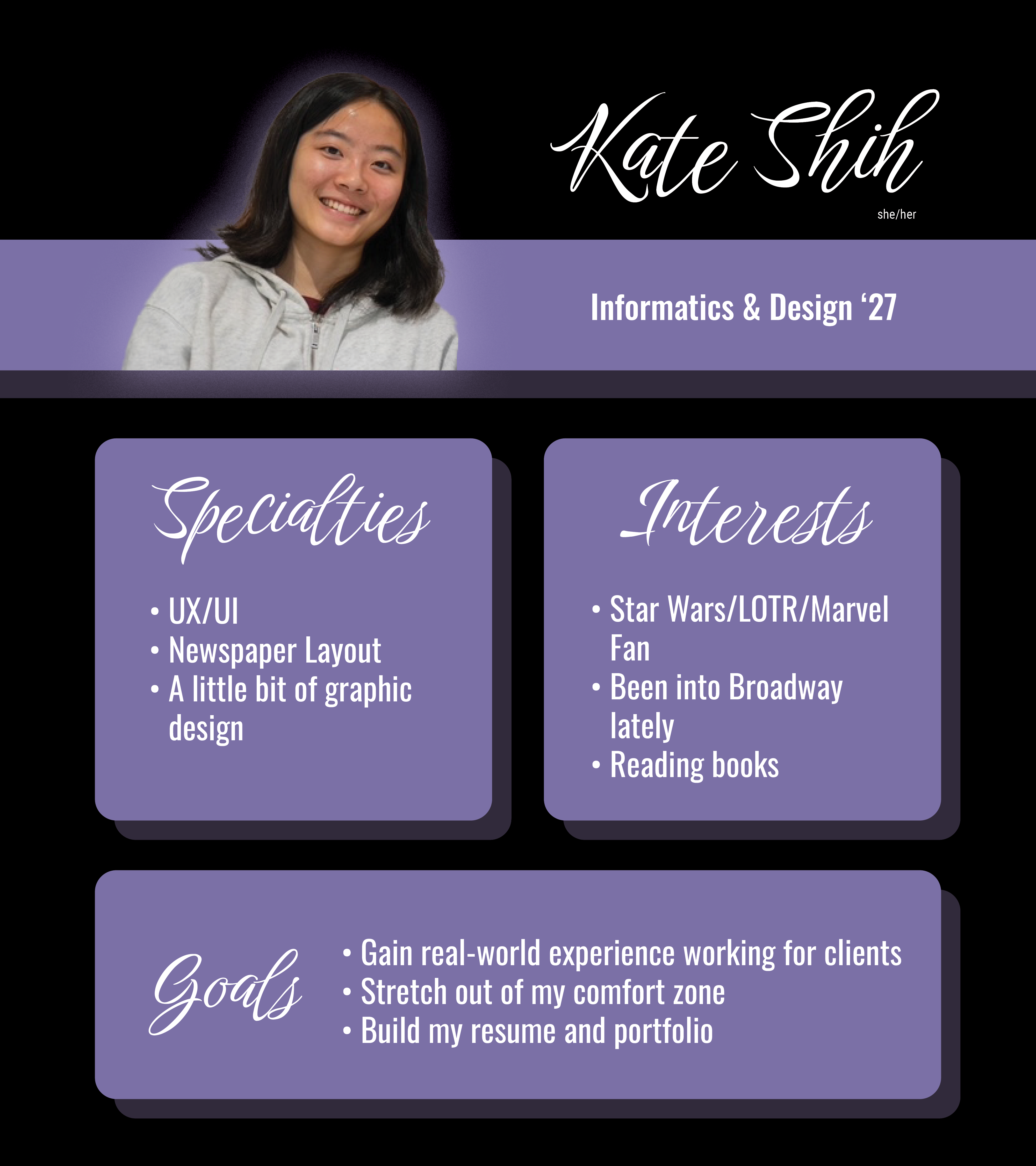
    • Kate Shih
    • Kyra Lee
    • Nicholas Peasley
    • Sasha Kenney
    • Shanda Horm
    • Shriya Atreya
    • Tomas Marulanda-Mesa
    • Trisha Darure
  • We were STAs
  • STA Presentation
    • STA Presentation 2017
    • STA Presentation 2016
  • Testimonials
  • Resources
  • Home

STA Blog

Current Sta

October

October 29, 2024 By Shanda Horm

October

After being out for the first week of October due to being sick, I was left with one less week to work on the Early Voting animations and the rest of the animations. While I was able to get the Early Voting animations in on time, I feel the animations could be better if I had more time for a couple more rounds of feedback.

It was then time to move on to the last two animations: “Tomorrow is Election Day” and “Today is Election Day.” I was able to complete these rather quickly because I was able to use assets and animations from the previous animations. A few adjustments later- I officially completed all of the Voting PSA animations!

Here are the final icons used (Credits to De’sha for the vote early icon!):

And here are the final two animations:

Overall, I felt like this project allowed me to really get comfortable in After Effects! I had fun experimenting with different animations and learning the best workflow for me.

Filed Under: Fall 2024 - Spring 2025, We are STAs

October!

October 29, 2024 By Raaga Srimadh

My October!

Over the last couple of weeks, I’ve been working on web development projects for the UT Lifespan Lab and our Alumni network site.

UT Lifespan Lab

I was tasked with redesigning the website shown down below, to be more user-friendly and visual dynamic while keeping a lot of the same elements (like the header).

I was coming back to WordPress after a very long time, so there was an initial learning curve, but I was able to come up with the layout below after some trial and error:

The header was the most difficult to work on– being able to preserve the original design while somehow finding a way to avoid a clash with the newer layout was a challenge.

I went through multiple iterations before deciding that a gradient could help preserve what the client still wanted to showcase while allowing for a softer approach.

This was the final header:


Other Pages

About Page

Original
New

People Page

Original
New

Directions Page

Original
New

STA Alumni Network Site

The most recent project I’m currently working on is the new STA Alumni Network site. The site houses resources for alumni, chances to connect, and recent news regarding STA alumni. SInce this project started very recently, my current progress is limited to the Home page.

I was tasked with adding the following elements to the layout:

  1. Header
  2. Hero Section
  3. Highlight/Mission Section
  4. Carousel Section
  5. Featured Alumni Section
  6. Check Us Out/Latest News

Next Steps

  • About
  • Alumni Showcase
  • Events
  • Job Board
  • Register as an Alum/Log In

Filed Under: Fall 2024 - Spring 2025, We are STAs

Quick Photoshop Training

October 23, 2024 By Kyra Lee

Photoshop Training – Photo Sourcing and Color Grading

In-between the projects I’ve been working on so far this semester, I had time to do a quick training in Photoshop to enhance my understanding of color and blending modes in Photoshop.

Activity 1

For this first activity I was told to choose a scene from a movie that had an interesting color palette. I chose this screenshot from Into the Spiderverse:

Next, I used Image > Mode > Indexed Color to choose reduce the image down to its 8 most prominent colors. Then, Image > Mode > Color Table… > Save and Import Swatches to turn these colors into a usable color palette.

I then found a random stock photo (left) to apply the color scheme to (right). To do this, I added a gradient map to the image using the colors from above. I then played around with blending modes and opacity until the colors weren’t too overpowering.

Activity 2

For this next technique, you find a source image that you want to pull colors from to apply to another photo. I chose this as my color source image:

And this as the photo I wanted to edit / Then, using Image > Adjustment > Match color and playing around with color luminance, intensity, and fade, I was left with this:

Notes: Recently, I’ve been interested in how color and light works, so I figured this training would be insightful. I think it’s interesting how much color affects the mood of a picture. Applying the bright color scheme from the Spiderverse screenshot gave the stock portrait more intensity and volume. In the second exercise, the edited photo feels colder than the original. It looks like the first photo was taken in the spring and the second in the winter.

Filed Under: Fall 2024 - Spring 2025, We are STAs

September and October

October 22, 2024 By Lila Mali

Been a while since I updated my blog so there’s a lot to go through! I’ll start with my first assignment.

ARH Custom Stinger Animation

This assignment was pretty fun as I was requested to make an animated stinger intro for a TA. The class’s style uses animated images which I don’t work with frequently but I think the style is very charming. Here’s the finished stinger. I really like how it turned out!

STA Posters!!

Our team was requested to make new STA team posters and to make it a special surprise, they were going to be inspired from real movie posters! This was an especially fun project as emulating movie posters is always very charming and I was given the task to make posters after The Breakfast Club and Clue.

The Breakfast Club was surprisingly challenging as the students in the poster were wearing very similar colors.

We eventually decided to change to a different poster type and change the colors of the students clothing.

My supervisors helped a lot with the coloring and changing the STA shirt colors but eventually it was good to send. Next was the Computer Support poster. Here are some of the iterations.

These were fun to do and I love the computer motif

GOV Intro

This was a pretty basic animation assignment. All I had to do was to reboot an existing intro with new assets. I ran into some issues but it came out well. Here’s how it looks.

CSMS Logo Animation

New CS Logo animation! These assignments are always pretty intimidating at first since the topics are hard to visualize, but I was given helpful reference images and a good dirstcion to go off of. Here are some of my initial concept sketches.

The client really liked the look of the graph logo and I got started on the animated intro. Here’s how it turned out.

I really like the graph animation and the client did as well!

Filed Under: Fall 2024 - Spring 2025, Uncategorized, We are STAs

September

October 18, 2024 By Marissa Devivar

Fall 2024 STA Posters

Project: 2024 STA Roster Posters
Client /Prof: LAITS
Staff guidance: De’sha
Description/plans: The overall theme for the posters is Movie Productions!!
For the Fall semester, we are creating an overall roster poster and individual team posters based on movies.

For the Audio Team Poster, the design will be based on “The Royal Tenenbaums” movie poster.

For the Classroom Support Team Poster, the design will be based on the “Glass Onion” movie poster.

Challenges: The Classroom Support poster was challenging because I had to recreate the outdoor settings of the original poster and create a composition for 14 STAs as opposed to the 9-person cast of Glass Onion. An additional challenge was the variety of poses; some STAs had a wide range, while others had limited options. De’sha and I worked together to establish poses for the 14 STAs to avoid a “crowded” look and to create different levels of visual hierarchy. We also edited some of their clothing, as many wore black, to help them feel more integrated into the scene.

Overall Experience: This was a very fun project to undertake and I loved seeing everyone work on their designated posters! I can’t wait to see them printed out and see the reactions from the other STA teams.

Filed Under: Fall 2023 - Spring 2024, We are STAs

9/9/24 – 9/27/24

October 11, 2024 By Kyra Lee

Fall STA Roster Posters

Video Team

Project Overview: Design a poster based on the “Love Actually” movie poster that showcases the video STAs.

What I Learned: For this project I got to practice my photo editing skills by adjusting the lighting on some of the STAs to make them look uniform with everyone else. I also practiced my layout design skills when creating the spaces to place each of their headshots.

Notes: One of my favorite parts was deciding which headshot to use for each STA. I tried to create a balance of looking at the camera vs. not and looking to the left vs. the right to make the final product look cohesive and as playful as the original poster. Overall, I really like how this turned out!

Tech Integration Team

Project Overview: Design a poster based on the “Men in Black” movie poster that showcases the Tech Integration STAs.

Process/What I Learned: This poster presented some new challenges. First, I focused on creating the title. After I found a font that looked like the original, I added a gradient to make the edges of the words darker than the center. Then, I created the light rays to go behind. To do this I used the Radial Blur effect in Photoshop on a brush stroke of blue/white. After adding the stars and submitting for feedback, I was given the suggestion to add the suits, watches, and sunglasses. To do this, I cut out the suits, sleeves, and watches from the original poster. I then used the warp tool to fit the suits to the STAs as accurately as I could without distorting the photos. I also cut out Drew’s hair and each of their hands to layer on top of the suits. Here’s them without the suits for reference:

Notes: I’m glad we decided to go with the full Men in Black outfits. I think it’s fun and makes the whole poster come together. It also allowed me to practice cutting out objects in Photoshop.

Filed Under: Fall 2024 - Spring 2025, We are STAs

  • « Previous Page
  • 1
  • …
  • 20
  • 21
  • 22
  • 23
  • 24
  • …
  • 132
  • Next Page »

link to LAITS home page

Video STA Home

© 2026 Liberal Arts Instructional Technology Services | Production Credits