• We are STAs
    • Asha Rountree
    • Haley Ma
    • Isabella Melendez Gonzalez
    • Julie Brandt
    • Kate Shih
    • Kyra Lee
    • Nicholas Peasley
    • Sasha Kenney
    • Shanda Horm
    • Shriya Atreya
    • Tomas Marulanda-Mesa
    • Trisha Darure
  • We were STAs
  • STA Presentation
    • STA Presentation 2017
    • STA Presentation 2016
  • Testimonials
  • Resources
  • Home

STA Blog

Current Sta

Course Graphics Training

November 13, 2024 By Kate Shih

Course Graphics Training

I began Course Graphics Training, starting with designing Style A/Style B graphics. For my course graphics, I chose to use the course “Intro to Design Thinking,” which was a class I took last semester.

For each style, I created:

Canvas dashboard/homepage graphics

Canvas buttons

Powerpoint resources

Stinger slides


Style A

First Drafts

For my Style A graphics, I decided on the green background because I felt it complimented the picture of the professor well. I created these graphics with the templates provided to me in the dropbox.

Canvas Graphics

Powerpoint Graphics/Templates

Canvas Buttons

After this, I received feedback to:

  • Change the bottom bottom bar of the Canvas graphics to an accent color that compliments the course and primary color

Incorporating Feedback

After receiving feedback, I decided to change the bottom bar to a darker blue to compliment the course and primary green.


Style B

First Drafts

Here were my first drafts for Style B. I decided on having a photo with a wall of sticky notes as the background photo because when I took the class last semester, our whiteboards often looked like that when we brainstorming/ideating our ideas.

Canvas Graphics

Powerpoint Graphics/Templates

Canvas Buttons

After this, I received feedback to:

  • Put “Intro to Design” in the first line of the Canvas Homepage graphic and “Thinking” on the bottom. Also, to shrink the green background box to match the length of the text.
  • I forgot to change the background of one of my Powerpoint slide templates, so to add the sticky note wall to Slide 2.

Incorporating Feedback

After receiving feedback, I shrunk the background box and changed the text formatting on the Canvas Homepage graphic. I also added the correct background to my Powerpoint slide template.


Stinger Animations

I also made Stinger Animations for this training—which I had never done before—so I was very excited to use Adobe After Effects for the first time! It wasn’t too challenging to use, and I look forward to using it more in the future.


Final Menus + Final Thoughts

Here are the final menus for my two sets of course graphics:

Style A

Style B

Overall, this training taught me how how to navigate the LAITS server and how to use the course graphics templates. It taught me how to pick appropriate colors for the graphics I’m creating and was my introduction to Adobe After Effects!

Filed Under: Fall 2024 - Spring 2025, Uncategorized, We are STAs

Orientation ✧.*

November 11, 2024 By Nicholas Peasely

° Hellooo, I’m Nicholas Peasley : ̗̀➛ a new Design STA. I’m currently a 2nd year Advertising major from Fort Worth, TX. I’m very interested in UX and hope to be a product designer in the future ✧˖°

Some of my interests include ⇢

✧ taekwondo

✧ cooking

✧ point and shoot photography ˚⋆。˚


° Today was my first day in the design studio! It was really cool seeing all the different tools and applications the STAs use on a regular basis. I’m very excited to start this new part of my design journeyᵎᵎ I’m hoping to learn a lot, and hopefully make a few friends along the way! ₊˚⊹♡

– Nicholas Peasley ฅ^._.^ฅ

Filed Under: Fall 2024 - Spring 2025, We are STAs

October

November 11, 2024 By Kyra Lee

Texas Politics Project – Internship Flyer and Digital Display Ads

Project Overview: Re-design/update the 2016 TxP Internship flyer to reflect the updated Texas Politics Project Website.

2016 Flyer / Draft 1 / Revision from client feedback / Revision from art director feedback:

Client Feedback on Draft 1: Preference for the banner look to the chevron look. Incorporate more clean lines to reflect the re-designed website. Replace header text.

Art Director Feedback: Change the fill of the icons and add a drop shadow to make them stand out.

Notes: This project has been a good exercise in layout design and incorporating feedback. I like the changes made from “Draft 1” to “Revision from art director feedback”. I think for the first draft I stuck too closely to the original flyer. The latest draft feels a bit more modern.

Final Product

Filed Under: Fall 2024 - Spring 2025, We are STAs

Orientation

November 6, 2024 By Kate Shih

Orientation

This was my first week as a Design STA! I went over the handbook, customized my blog, and got to meet my fellow STAs.

Using Dropbox

The first thing I did was find a meme and upload it to Dropbox.

STA Bio

Next, I made my STA bio. I used Photoshop and InDesign. I decided to keep it relatively simple, keeping it at two fonts and two colors.

STA Handbook

After that, I made a slideshow recapping the STA Handbook using Google Slides. This was an interesting process for me because usually when I use Google Slides, I use a premade template. It was fun to get to test my design skills somewhere where I don’t usually utilize them.

STA Caricature

Lastly, I made my STA caricature using Illustrator. Graphic design/character design is not my strongest skill, so I was a little daunted by this, but I’m happy with the way it turned out! I think in the future, I’d like to work on making faces slightly more realistic, but for the most part, I’m happy with the style and turnout of this caricature.

Filed Under: Fall 2024 - Spring 2025, We are STAs

October Updates

October 30, 2024 By Lila Mali

Animation Training!

Recently, Shanda and I were told about an upcoming animation project that has an emphasis on character animation, my main speciality! I haven’t been able to get a lot done on this project, but I made a practice rig in Adobe Illustrator to get prepared. It’s pretty simple, but here’s how it looks.

Next, I’ll be working on a female rig with more characteristics such as facial expressions and maybe accessories.

New Logo Design

I was assigned to make a new CSMS logo for their class Distributed Systems.

This was a bit tricky to figure out since there weren’t too many references provided to base a logo off of so I made a few draft designs.

They emphasized distribution amongst computers but we decided that two computers made the logo feel too busy. My supervisor provided me with some better icon references and I started to go off of those.

This project is still in the works, but these new designs worked well with the clients so now we can decide and start animating.

Filed Under: Fall 2024 - Spring 2025, We are STAs

October

October 30, 2024 By Marissa Devivar

10/1 – 10/18

Fall Postcard (Brainstorming)

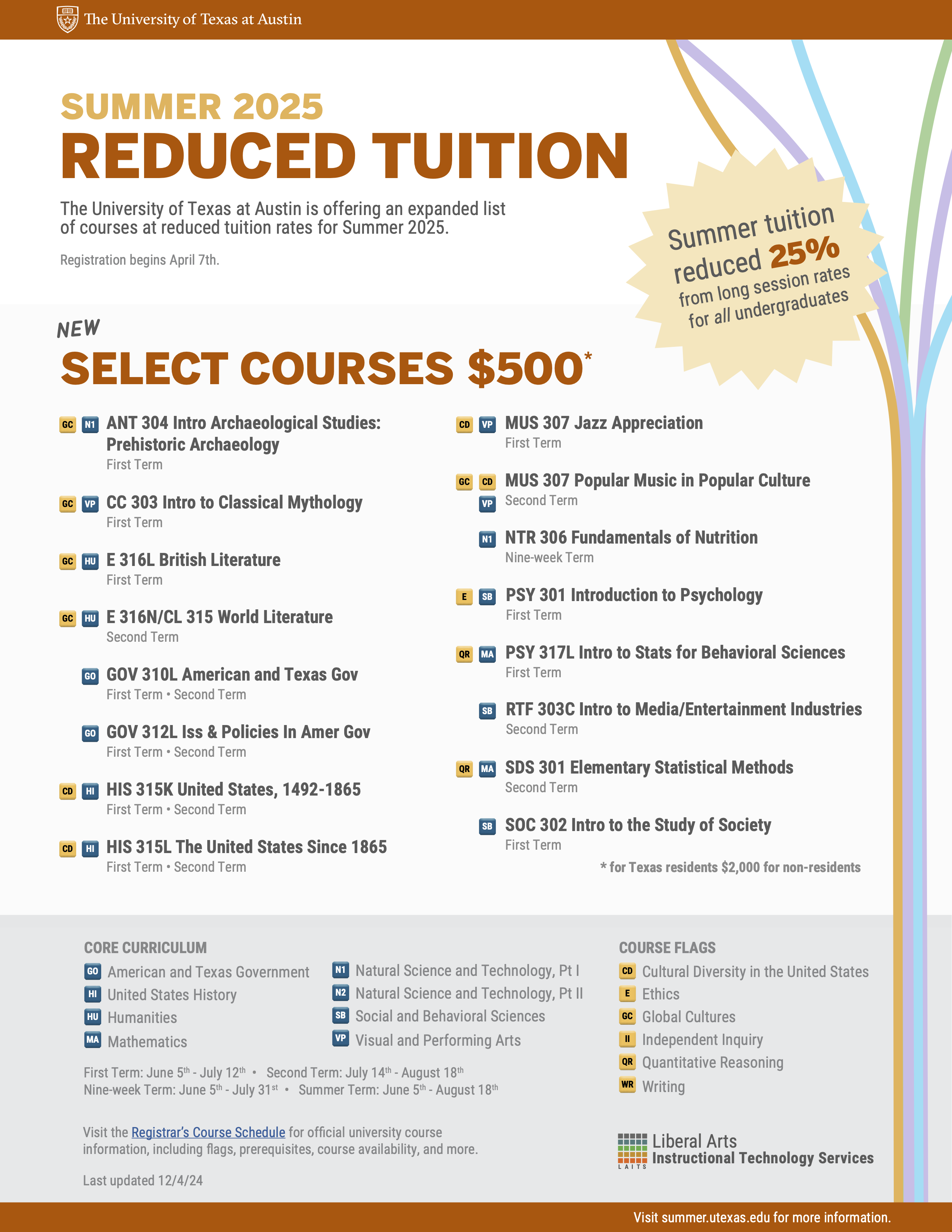
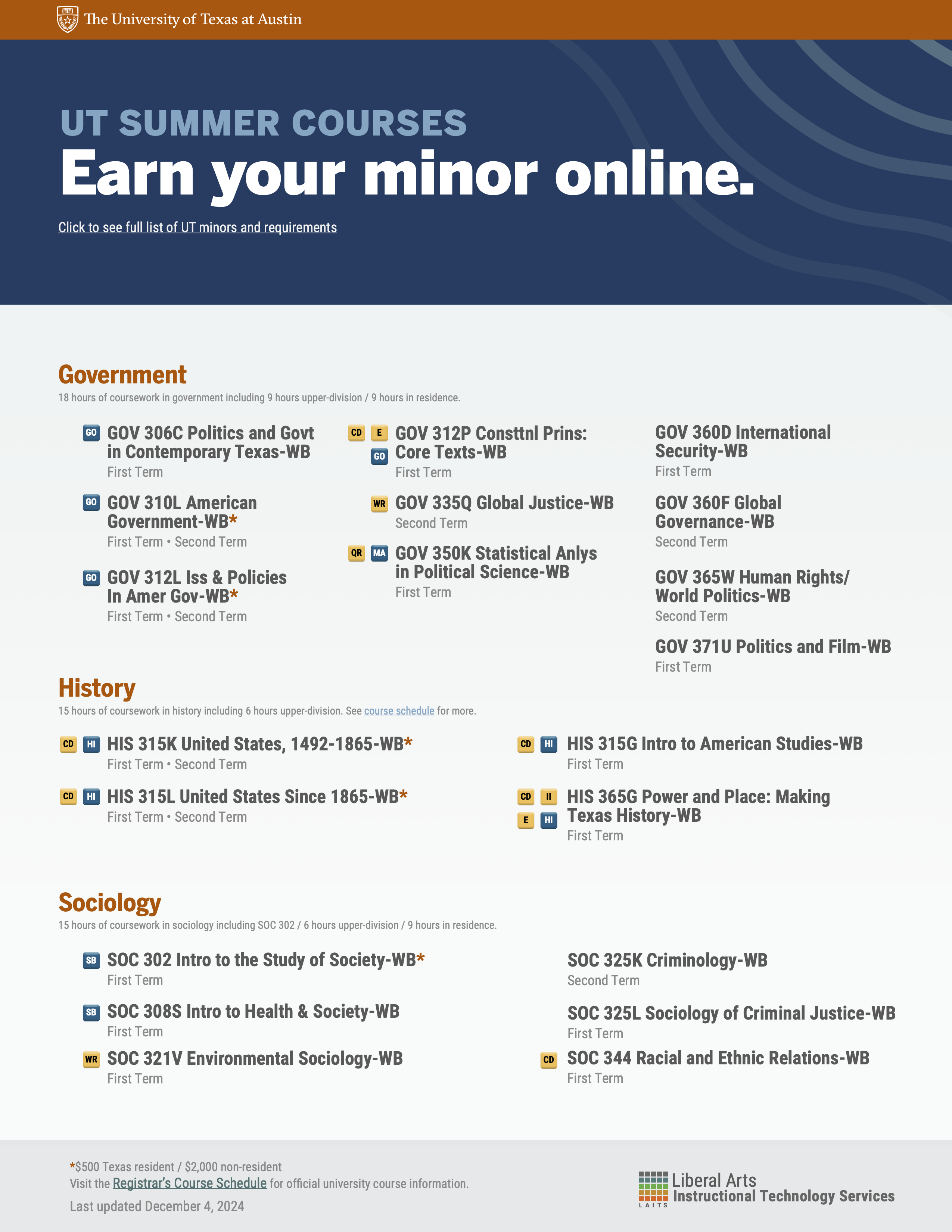
Initial brainstorming: We wanted to offer the team a first-person and third-person perspective option for the postcard. We took last year’s Alcalde ad and put it on the postcard, as well as stock images of people studying/on a laptop in various locations to illustrate how these classes can be taken *ANYWHERE*

Feedback: The team wanted to continue exploring both options. They liked how the diagonal line draws attention to the $500 sticker, but they also liked how the orange’s curved movement implies a wav– every summer. However, while the image had beautiful colors, the team wasn’t sure how to feel about the trendy clothing (it seemed fashion-ad-like) and how unrealistic it was to bring a laptop on the beach. They wanted something a little more realistic– maybe a student traveling in the city (but not Austin).

The team did appreciate all of the options still feeling very UT in their appearance (burnt orange and institutional).

first drafts:

drafts after feedback and meetings:

  • The font was tweaked to be more legible
  • gradient was utilized in the third person pov’s because it opened up more space for imagery
  • a sticky note holding the QR code to our website
  • still finding ways to incorporate the ” select $500 courses” into the scene
  • there was a suggestion to see if we could put an image of UT in the laptop, so an image of t he tower can be faintly seen. This prompted a change in the background since the blue skies in the background and foreground were blending together.
    • shifted to more greenery in the background
  • Changes (first person POV):
    • Cleaned up the font for legibility
    • Moved all the main text to the laptop screen (central)
    • Option with and without a $500 sticker ($500 is also mentioned on the back of the postcard)
    • QR code on a sticky note
    • Moved up laptop to reduce negative space

Filed Under: Fall 2024 - Spring 2025, We are STAs

  • « Previous Page
  • 1
  • …
  • 19
  • 20
  • 21
  • 22
  • 23
  • …
  • 132
  • Next Page »

link to LAITS home page

Video STA Home

© 2026 Liberal Arts Instructional Technology Services | Production Credits