• We are STAs
    • Asha Rountree
    • Haley Ma
    • Isabella Melendez Gonzalez
    • Julie Brandt
    • Kate Shih
    • Kyra Lee
    • Nicholas Peasley
    • Sasha Kenney
    • Shanda Horm
    • Shriya Atreya
    • Tomas Marulanda-Mesa
    • Trisha Darure
  • We were STAs
  • STA Presentation
    • STA Presentation 2017
    • STA Presentation 2016
  • Testimonials
  • Resources
  • Home

STA Blog

Current Sta

History of Football Course Poster

April 10, 2026 By Asha Rountree

2026 Summer Marketing | History of Football Course Poster


My first summer marketing assignment was to create a promotional poster for the History of Football course. I was instructed to make sure the poster is eye-catching with a strong cover image, so that students walking by will take notice.

★ Design Iterations: Because the project was operating on such a short timeline (the poster needed to be distributed quickly, as it is marketing for the summer), I immediately started creating a polished draft for the poster.

To follow existing visual design guidelines for the course, I used the color gradient and photo assets that were in the course box folder. I was also inspired by the online course promotions for this year and wanted to make the poster look consistent, so I added in some dynamic, rounded lines. I additionally included stars to break up the text and evoke imagery of Texas. 

After creating this draft, I received feedback that the design needed to be a bit more punchy to fully capture the eye-catching effect needed to advertise the course and the bold spirit of football. I was advised to take a look at newspaper headlines for football. Taking these considerations into account, I refocused my design approach to align with a newspaper theme, and created the following designs:

These designs were much more effective at capturing the energetic, bold spirit of football with the typeface and focus on a central image. The client decided to go with the right design, and the design was slightly edited to better emphasize that the “summer and online” aspect of the course.

★ Final Design:

★ Project Status: Completed (04/02/26)

★ Project Reflection: This is the first project I have worked on with such a tight deadline. My first iterations were created on one shift, and the next shift I was asked to finalize the poster. I learned a lot about managing my time and prioritizing both good design and functionality of a product; with such a short working time, I made sure to prioritize including all necessary text and information on the poster, even if the design was not yet perfect. Additionally, I was able to alter the poster to better communicate the exciting, bold nature of the course, making it a more engaging and effective promotional material.

Filed Under: Fall 2025 – Spring 2026, Uncategorized

✧⋆ Week 4 – Isa ⋆✧

April 9, 2026 By Isa Melendez


🍓 Week 4: Training Progress 🍓

✧⋆ Helpdesk Place Card Redesign ⋆✧

✧⋆ After showing the last designs to the client, they loved it! 
✧⋆ This card will be placed in over 1,000 classrooms this Summer to help UT faculty and staff. I'm so honored to be contributing in a way that will help UT faculty and staff get the information they need!

✧⋆ Passion Project ⋆✧

✧⋆ Last week's STA meeting we covered how to present properly. I learned that a vital part of presenting is storytelling, to be able to walk the audience through an entire project from start to finish assuming they knew nothing about it is key.
✧⋆ My passion project involves the work I've done with the Texas Cultural Trust! I won't get into too many details, but this project has taught me a lot about how to communicate more effectively with stakeholders.

✧⋆ We learned that the project was out of our scope. We needed to tell our client a more realistic goal, but this only happened deep into the project. Our team had already expressed these concerns way before, but we never talked with the client about these concerns. I took away that I needed to not be so afraid to speak up and not waste anybody's time.

✧⋆ I have presented to my organization who are already aware of many of the details, so having to present this project in front of people who had no context was both a challenge and very helpful.

✧⋆ Tier 3 Course Studio Graphics ⋆✧

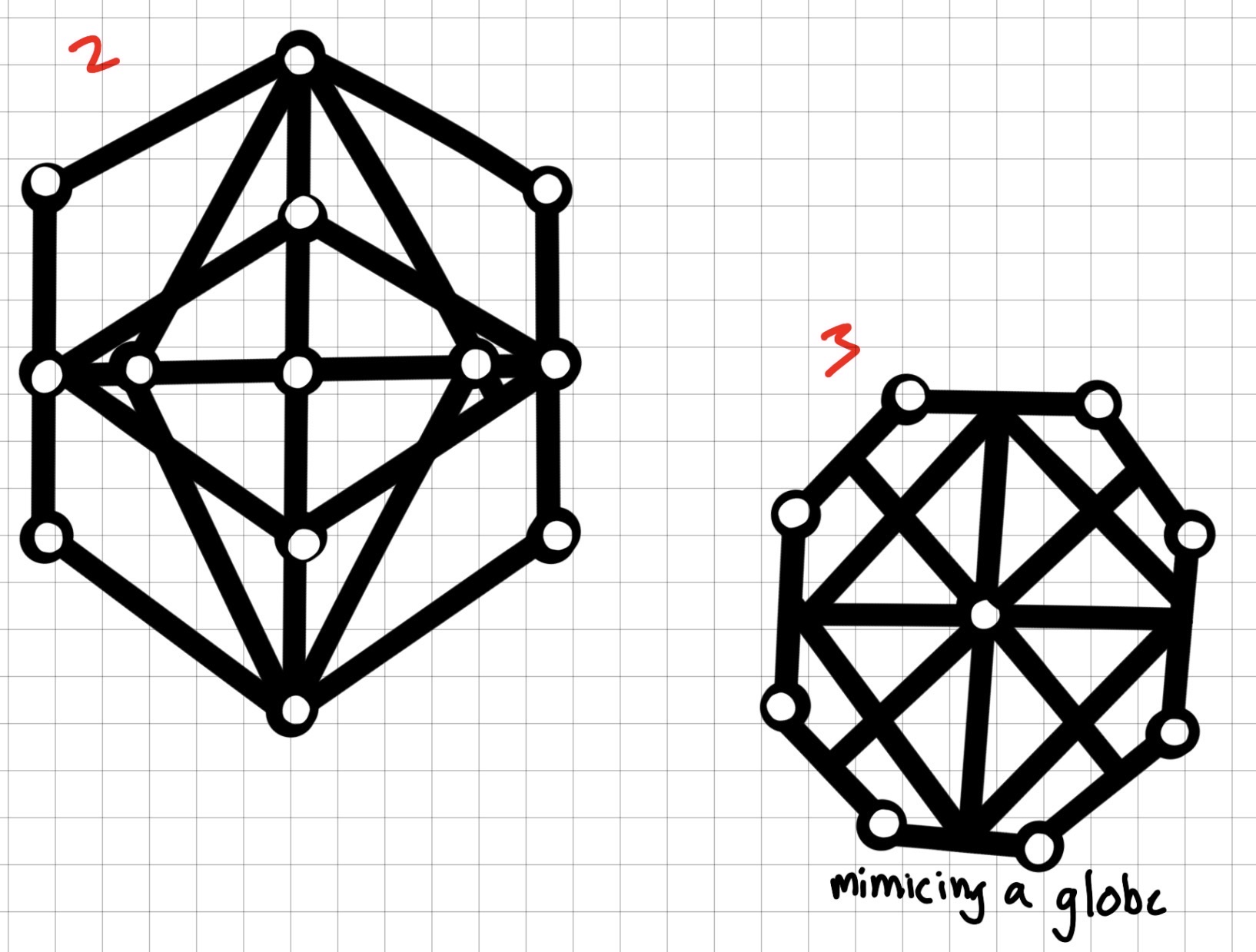
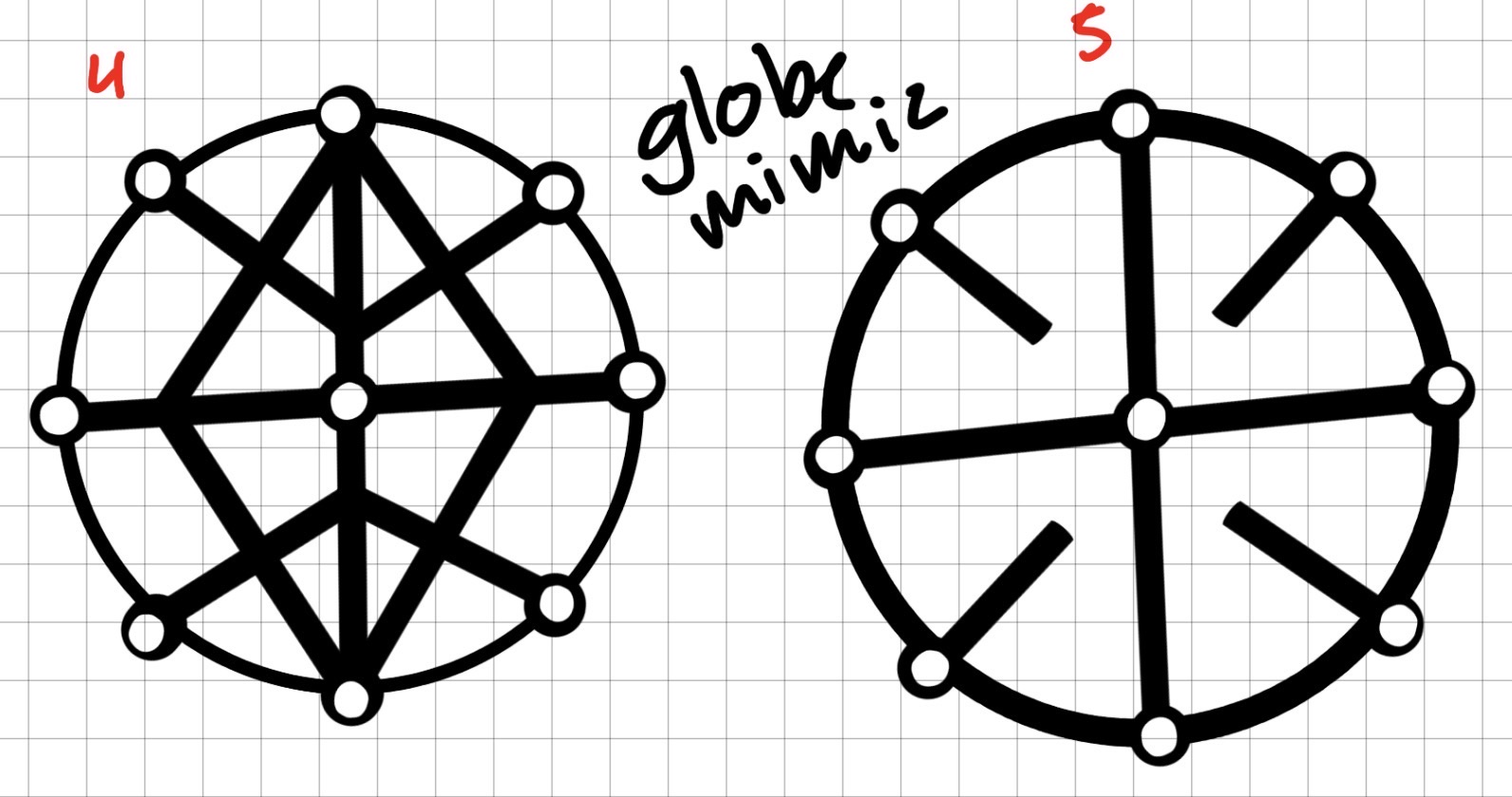
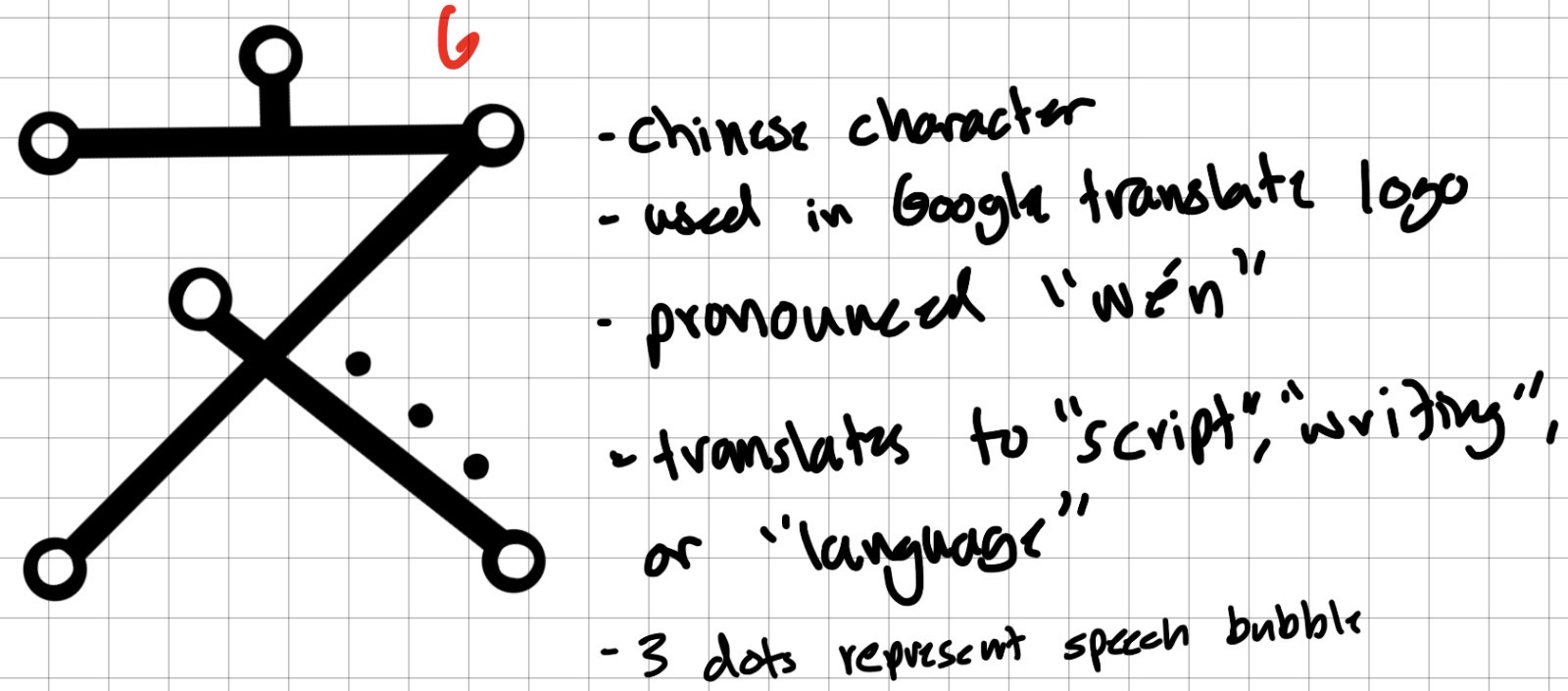
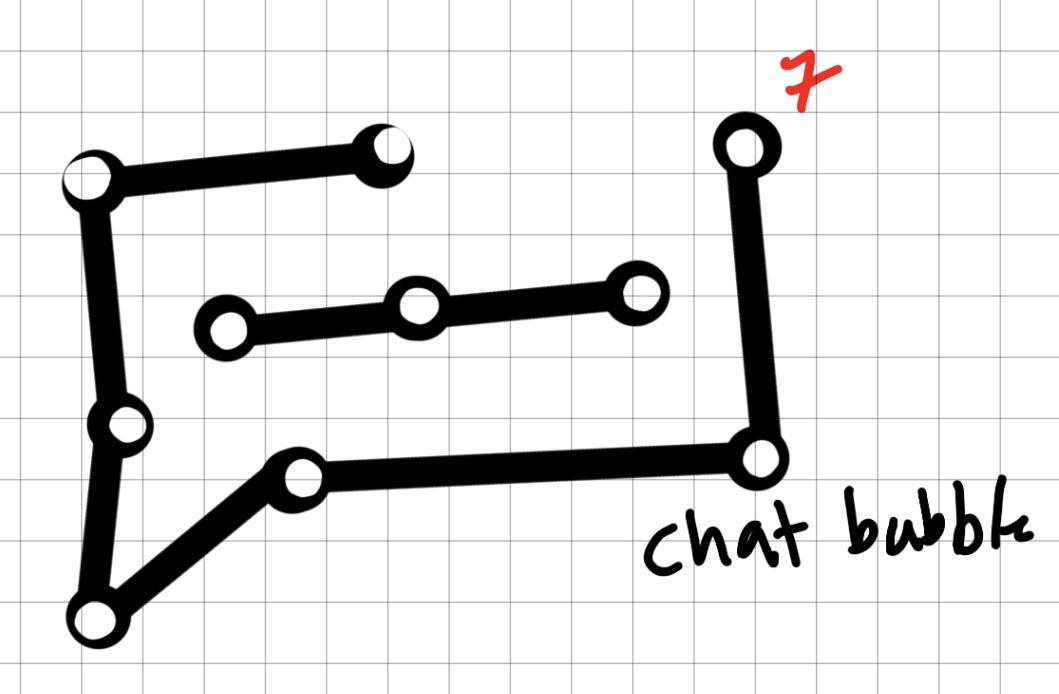
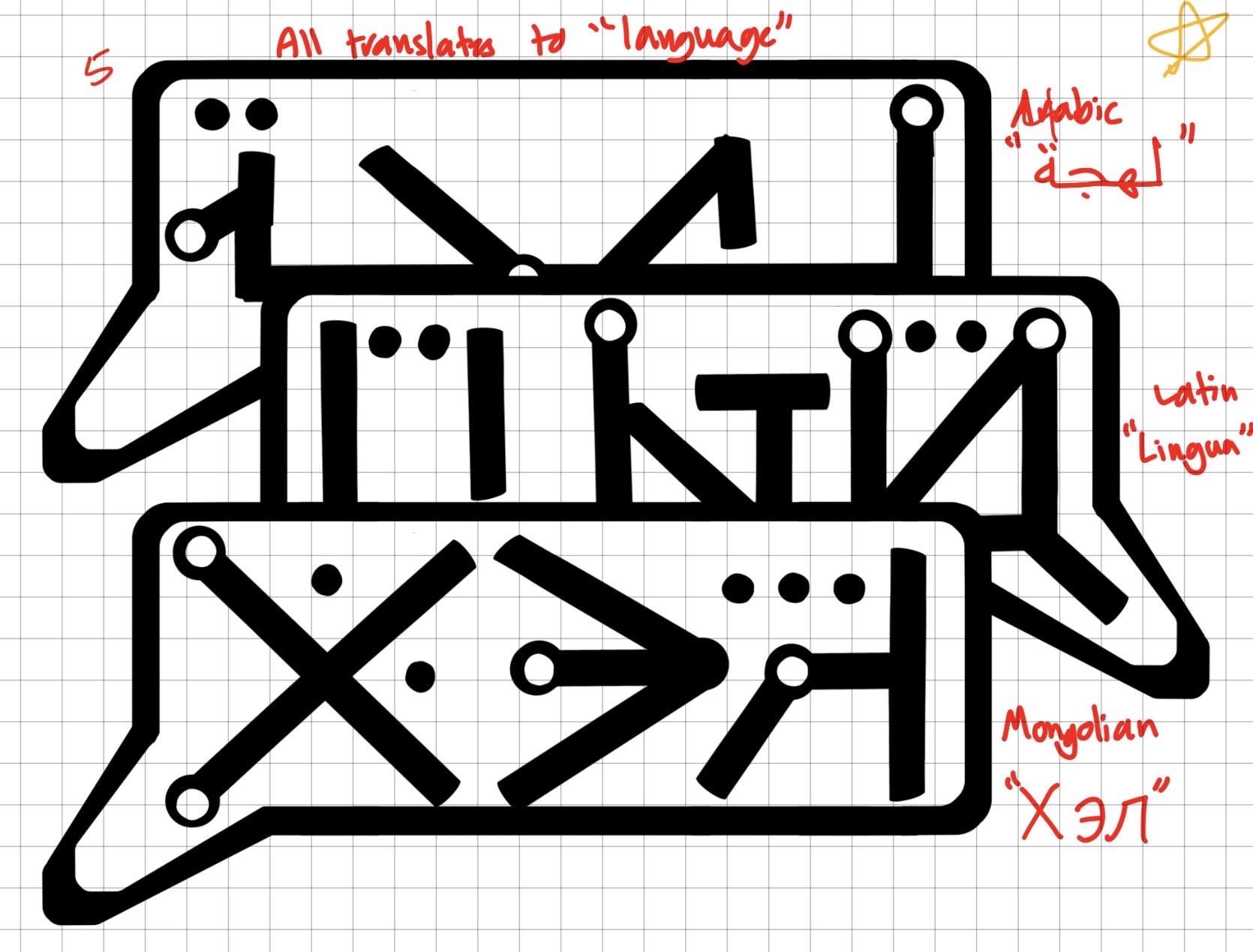
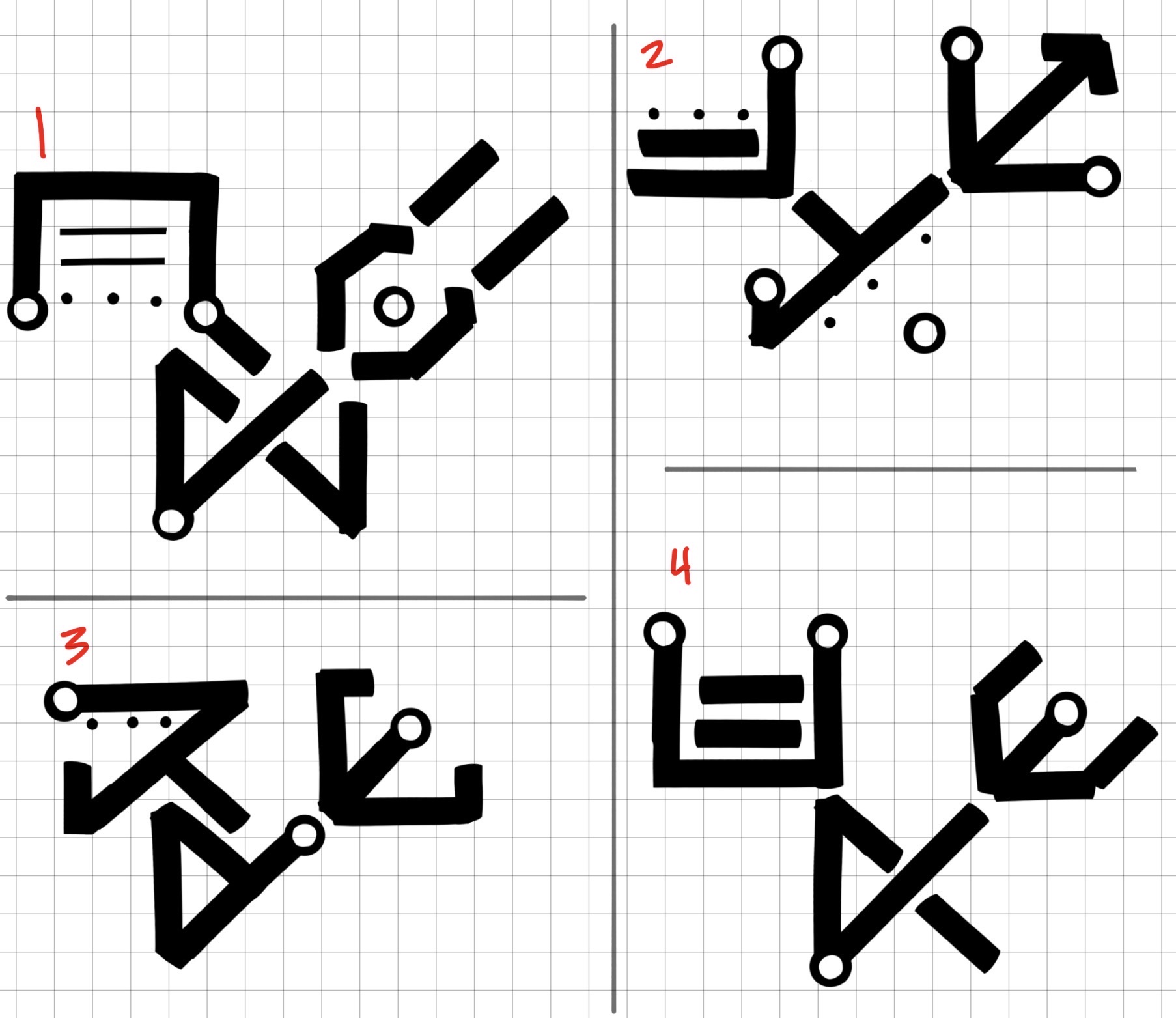
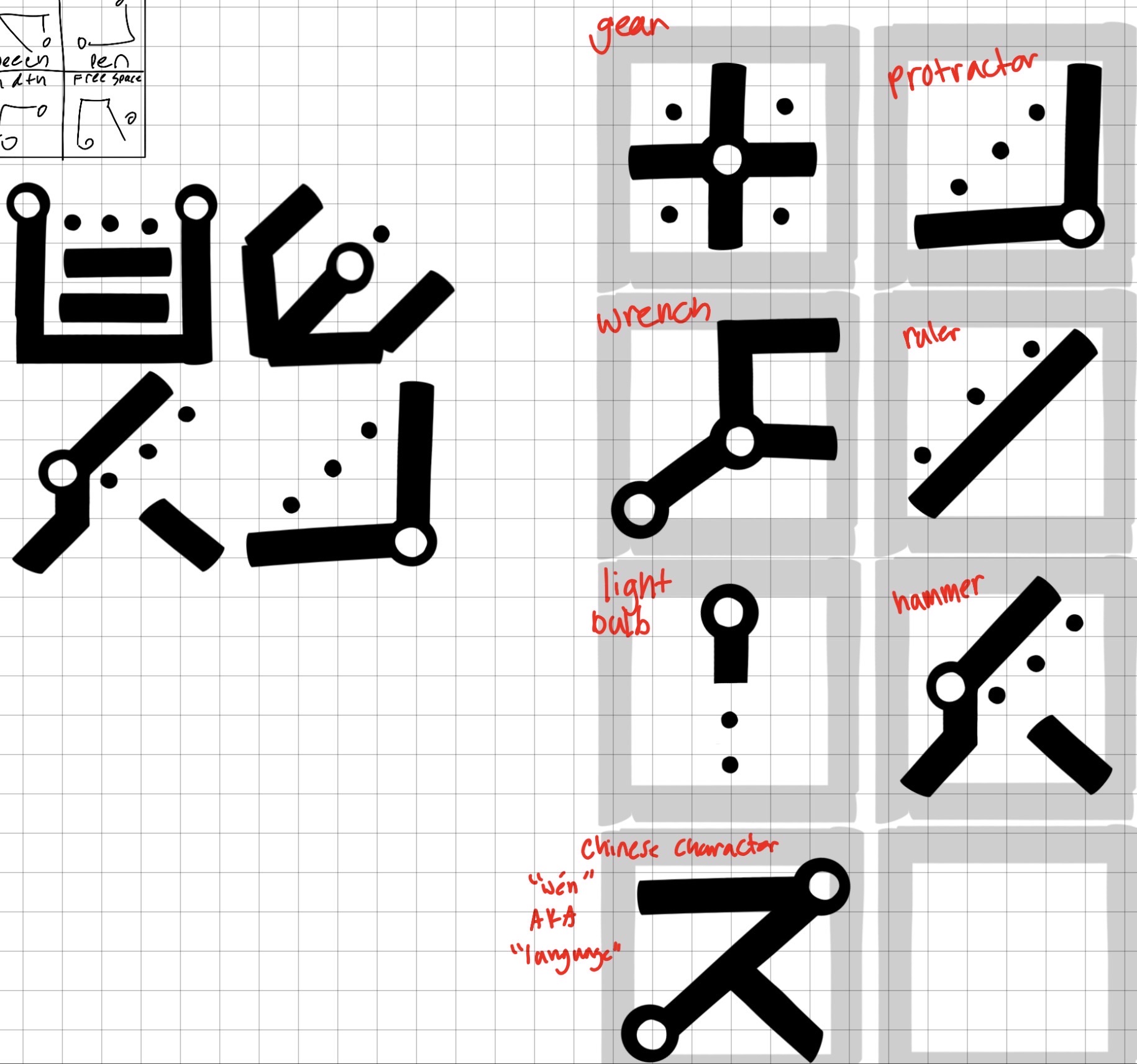
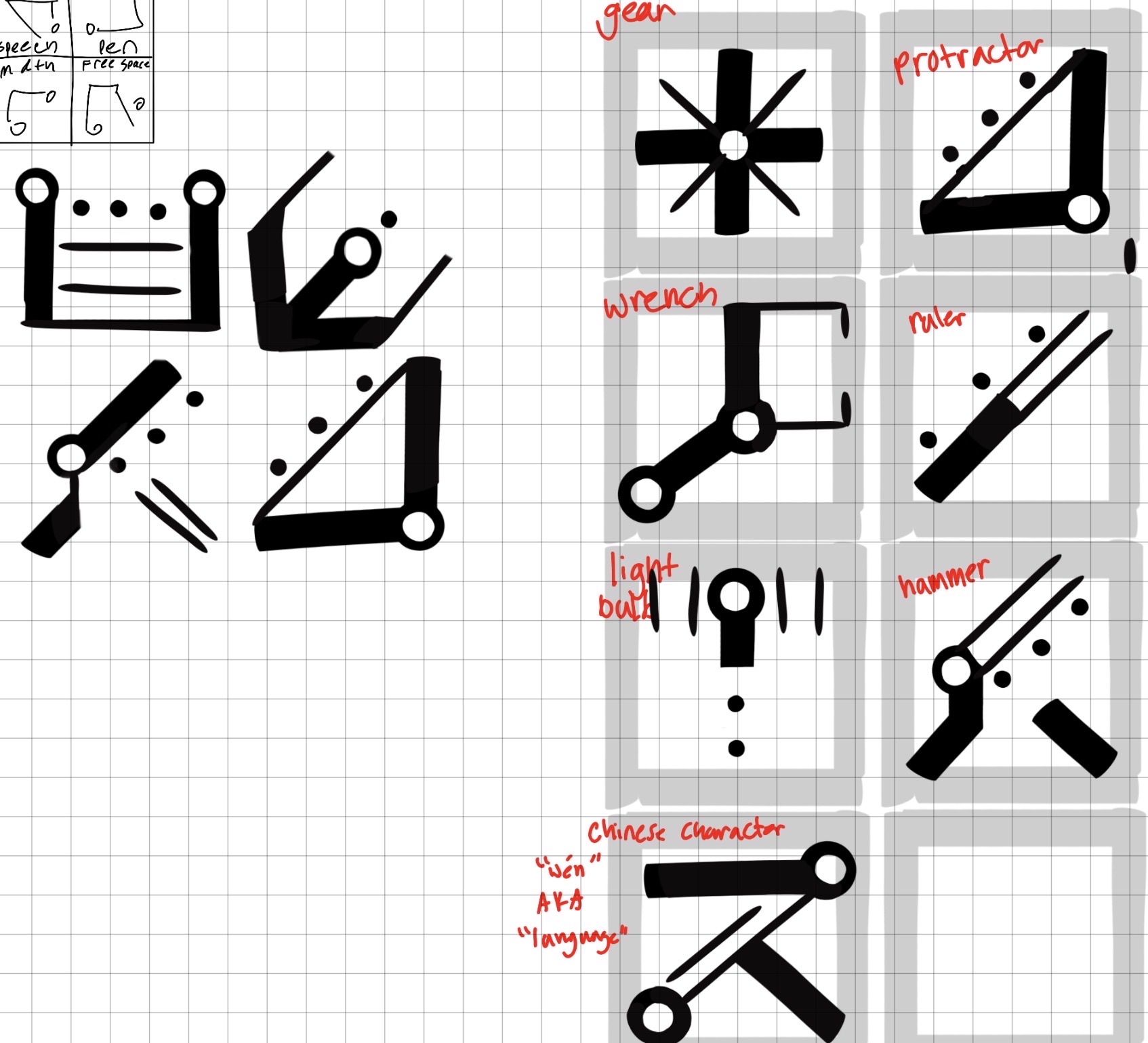
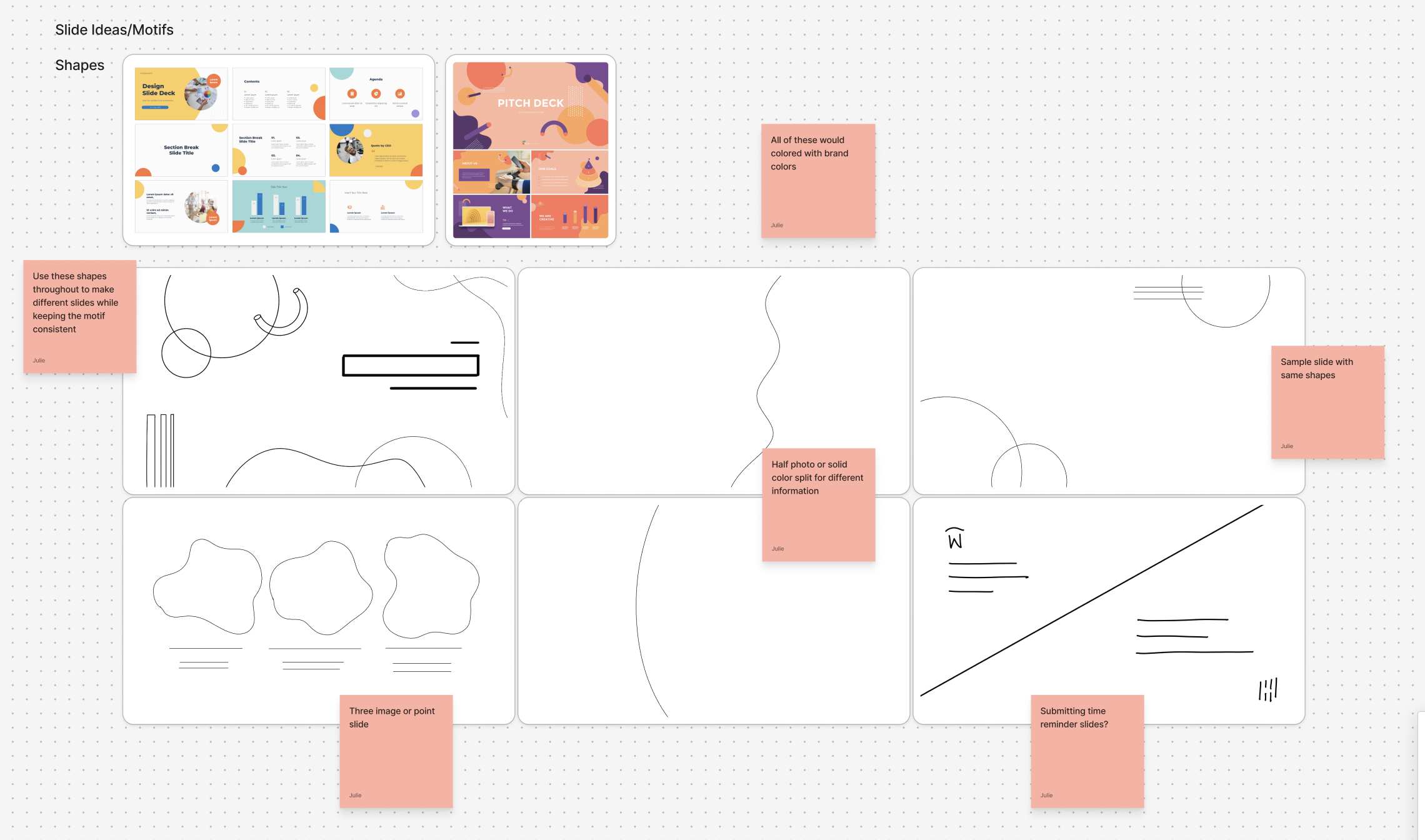
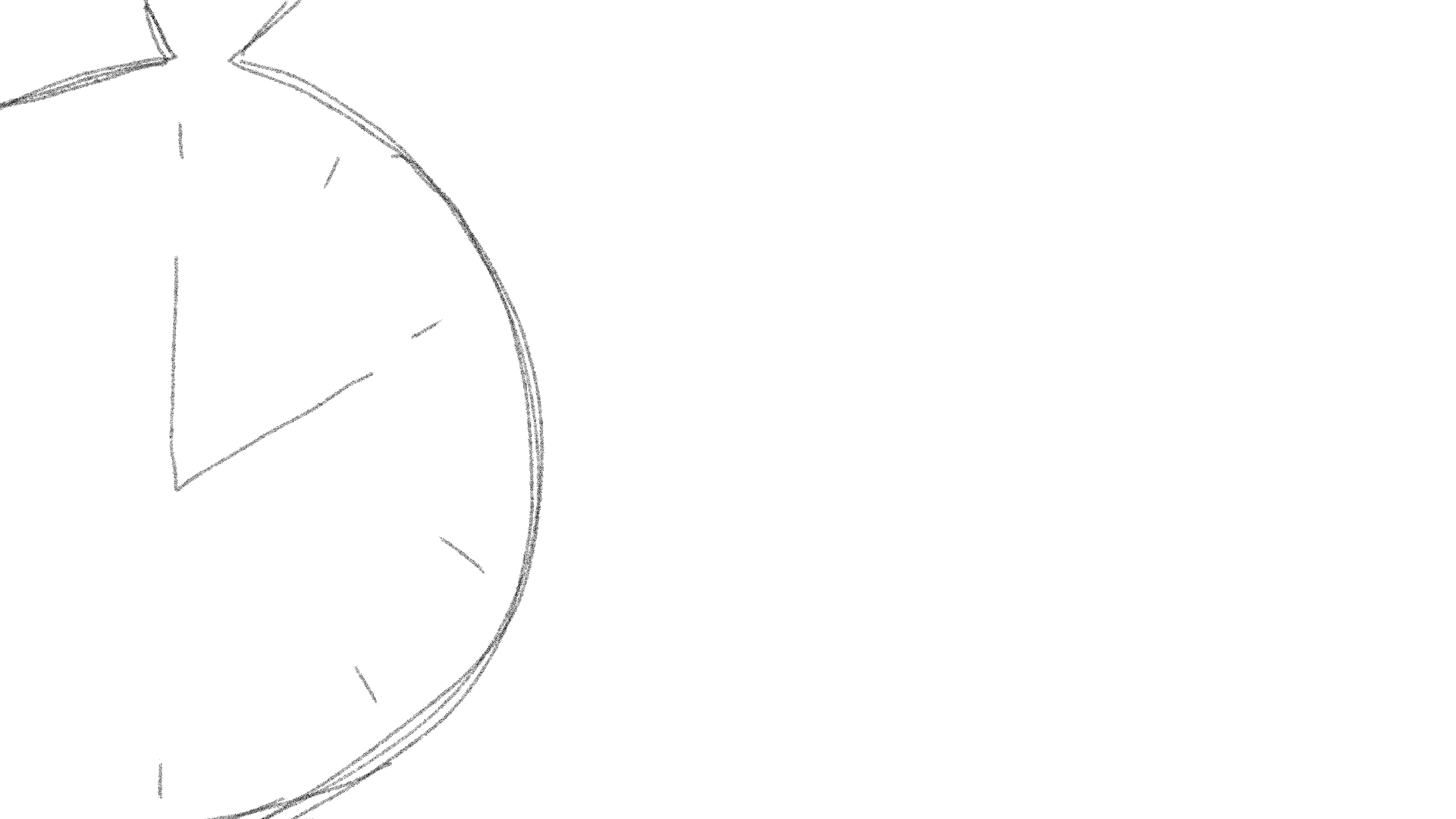
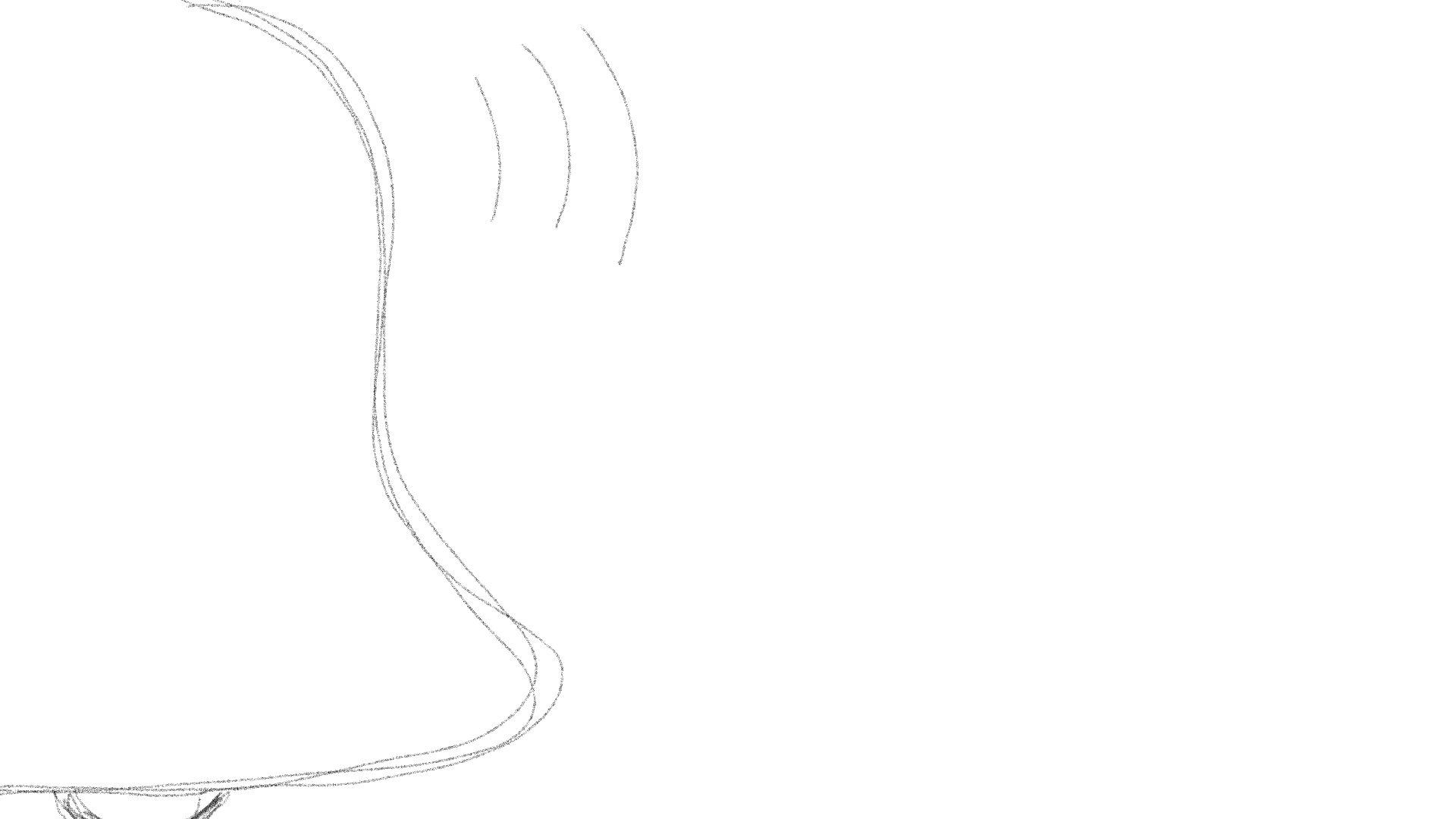
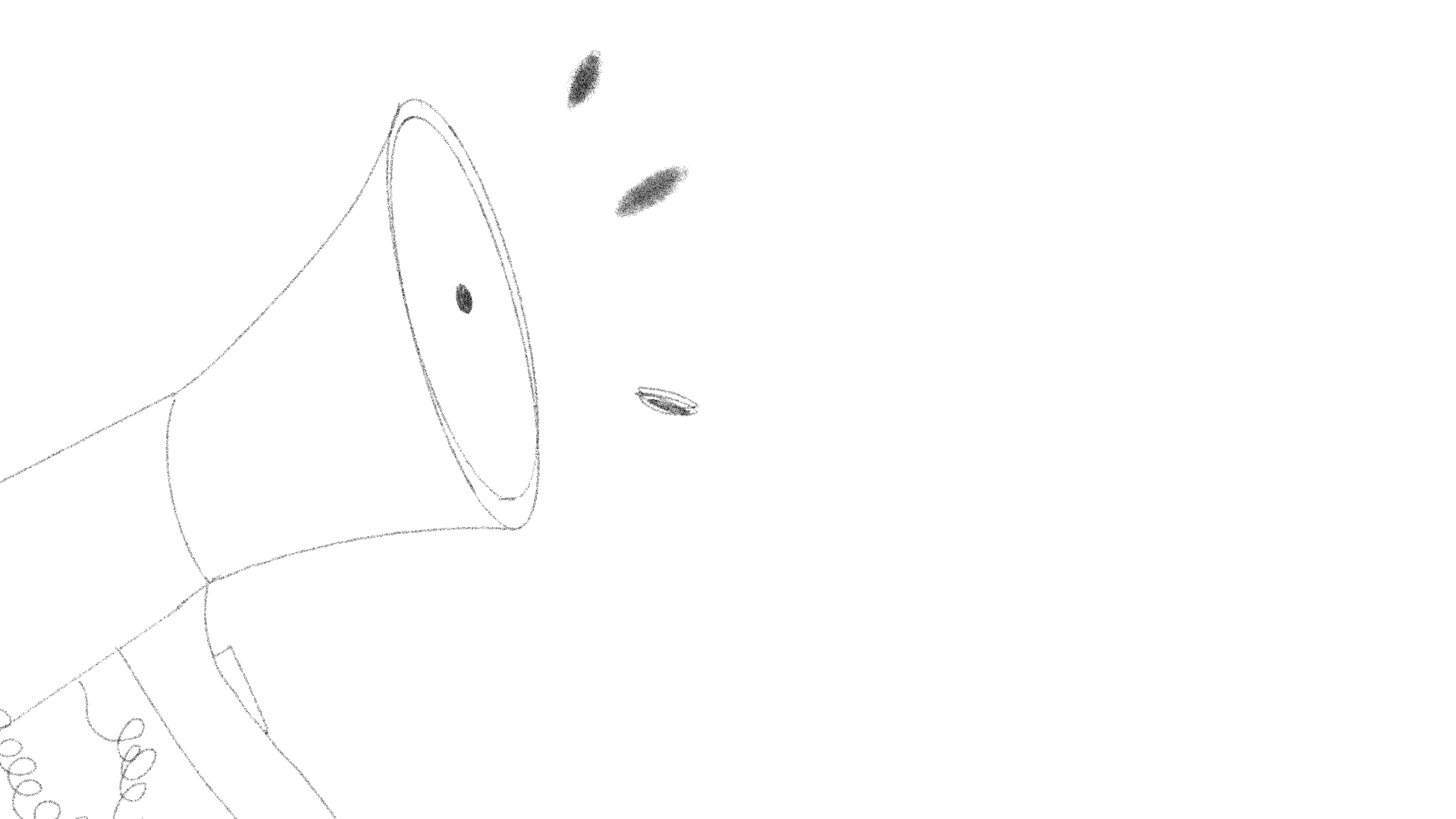
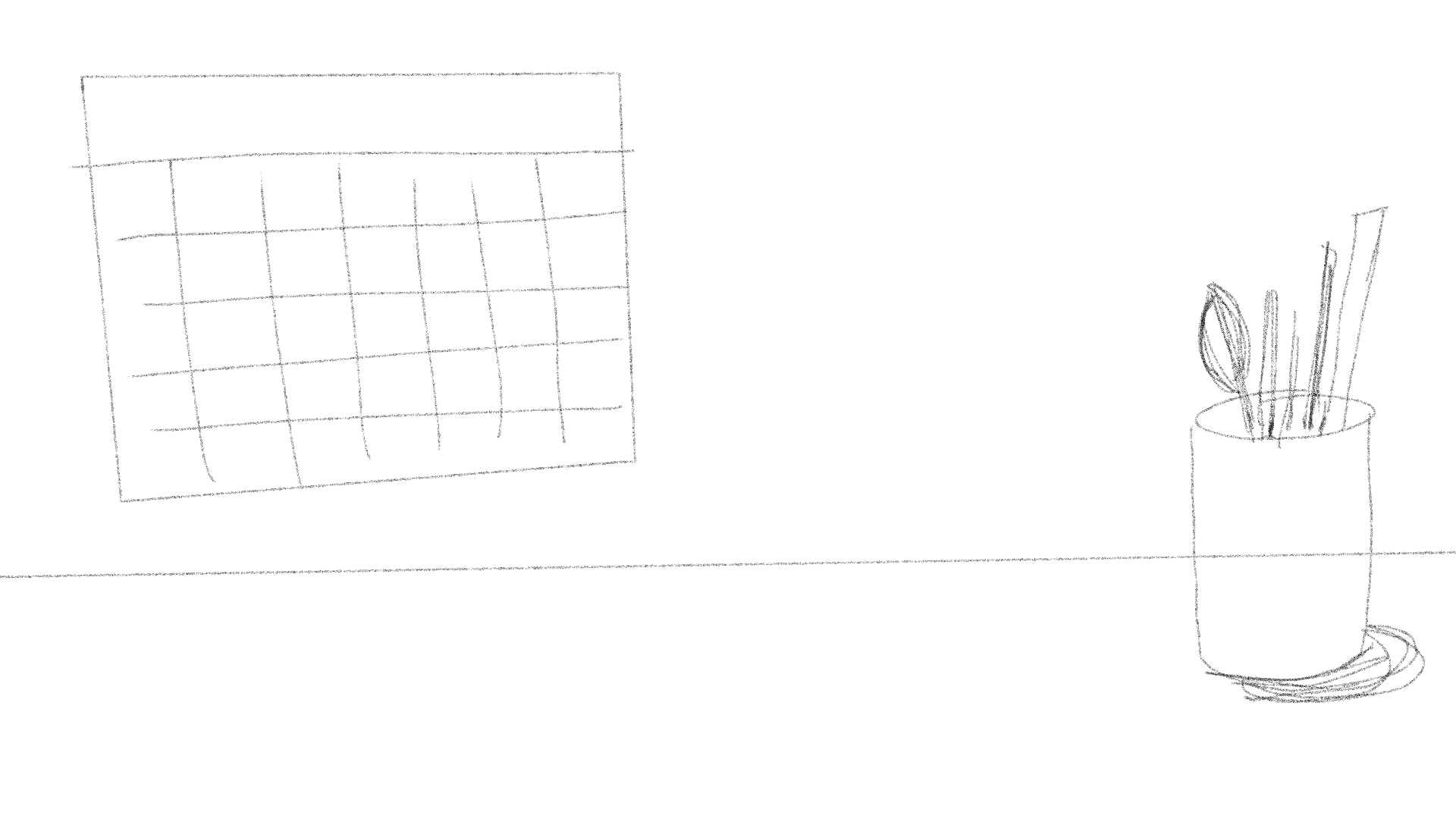
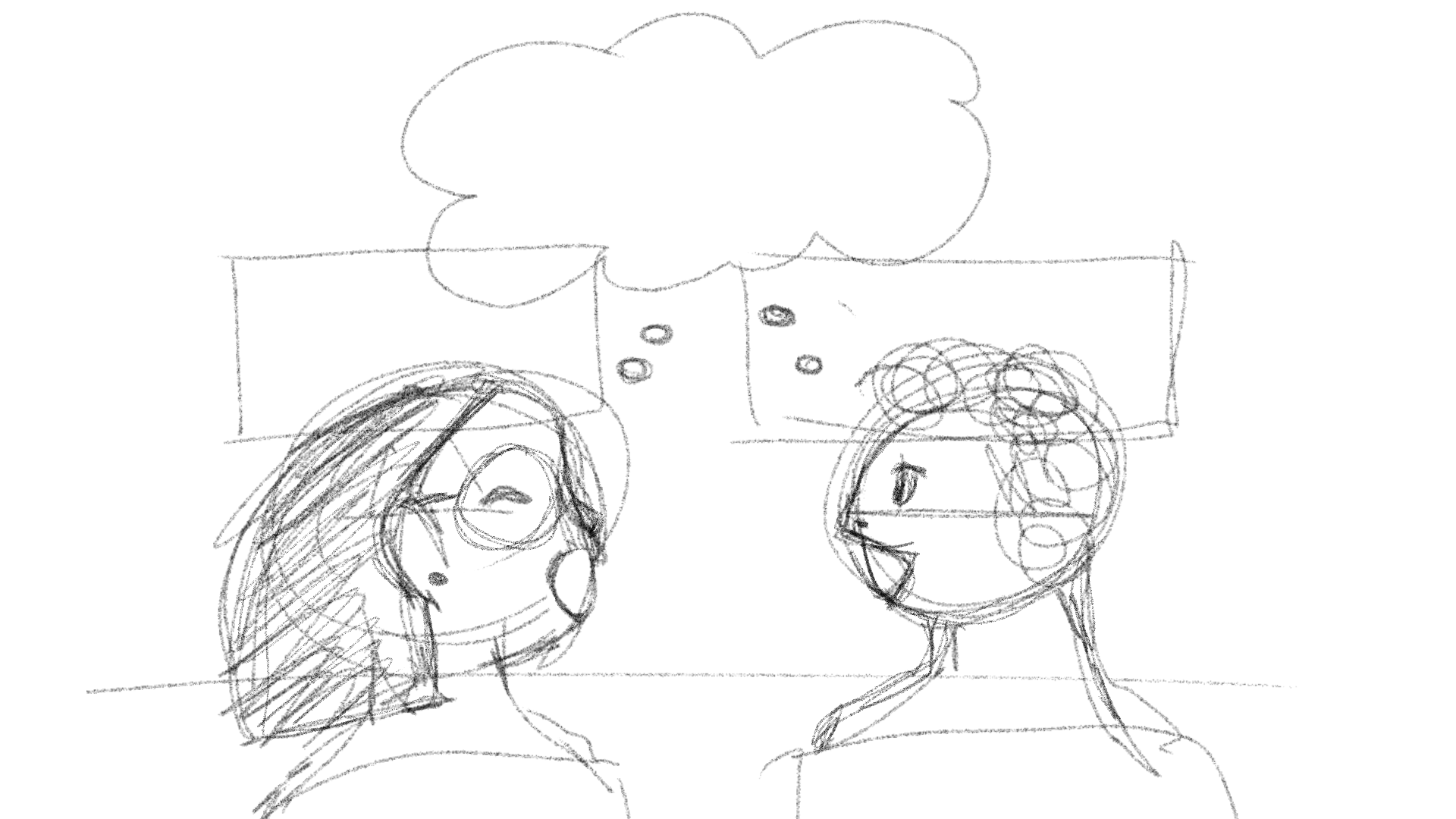
✧⋆ I was tasked with making an animated intro for a class of my choice. I decided to go with an informatics course called Online Communities. I started ideating with my iPad, sketching out general placement and icons I was thinking of including.

✧⋆ Storyboard: I wanted to have each icon rotate back and forth in the animation
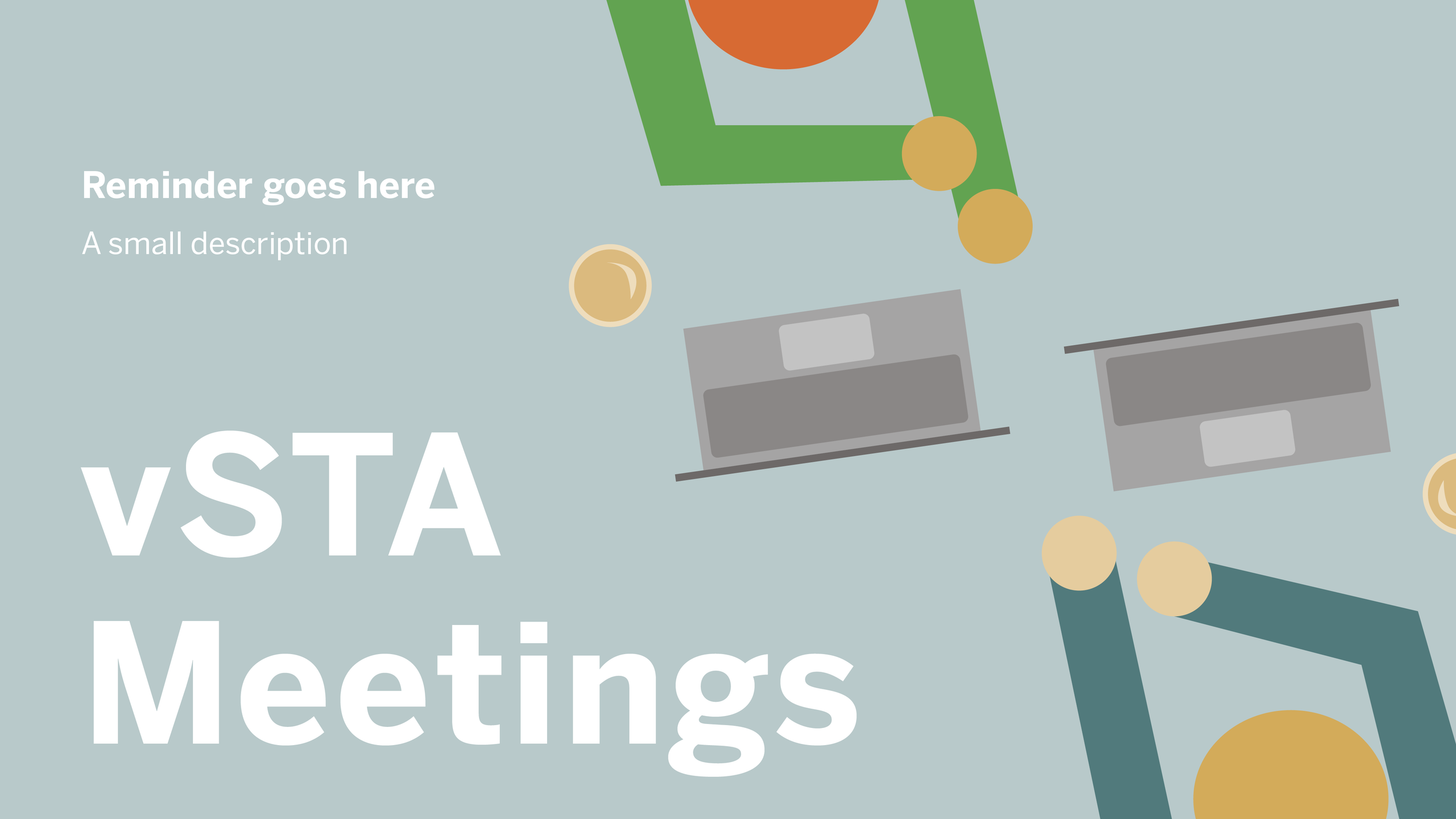
✧⋆ Final: I decided to make the course name and number look as if it were a message and I animated it like one! I made it so that only the white icons rotated back and forth as I found it too much with every graphic. I went to Illustrator first to make all the graphics, made each layer separate and named it properly, and brought that into After Effects to animate.

✧⋆ Overall ⋆✧

✧⋆ Having to present was really useful! I need to improve on my storytelling and rehearsing beforehand would help me with my stuttering issue and confidence.

✧⋆ I haven't used After Effects too much, so having to animate studio graphics was out of my comfort zone. It was really interesting to learn and I am a lot more comfortable with making keyframes now!

Filed Under: Fall 2025 – Spring 2026, Uncategorized

April 7, 2026 By Tomas Marulanda-Mesa

– Spring 2026 STA Presentation –


Lower Thirds

In March and April, I worked on the lower thirds for the Spring 2026 STA Presentation, and since the theme is museum related, my first iteration went in the direction of museum tickets.

However, we noticed that this design was quite similar to a previous lower third design which had a movie theater theme, with the lower thirds being the tickets, so we decided to change directions. We ended up on a paint brush design, where the brush is painting a stroke with the STA names and roles in it:

Final iterations and template creation:

– Tier 3 Course Graphics –


Course Intro

In early April I worked on some leftover Tier 3 trainings. In After Effects, I created a short looping intro for one of the previous Arabic courses I had taken.

https://sta.laits.utexas.edu/blog/2026/04/07/56384/

Filed Under: Fall 2025 – Spring 2026, We are STAs

Week 2

April 6, 2026 By Julie Brandt

Tier 2 Course Graphics: For this training, I have explored creating Studio Graphics and have experimented with creating unique course graphics based off my past experience taking this course.

Status: Complete


Inspiration

I started by creating a mood board with images associated with the content of the class, the professor’s website, color scheme, and other supporting visuals.


Creating Studio Graphics

I found sources from Adobe Stock to include in the graphics and altered them to fit templates, create backgrounds, and support my theme.


Feedback

After creating all the studio graphics, I got feedback that the background for the wall monitor was a bit too dark. I tried different color overlays and images, so the professor wouldn’t blend into the screen, but wasn’t happy with any. So, I got more feedback from Lila and finally added a bluish overlay to brighten and balance the bright neon green.

Revision 1
Revision 2
Revision 3
Final Wall Monitor Mock Up

Final Sheet

After adjusting all the studio graphics, I put them into the template file.


Reflection

This was a good experience for me to explore creating a visual identity for a course. Although it was very structured and had many pre-existing templates, I think the iterating process was helpful and could be applied to future projects.

Filed Under: Fall 2025 – Spring 2026, We are STAs

Week 3 – Isa

April 2, 2026 By Isa Melendez

✨🍓 Week 3: Training Progress 🍓✨

✧⋆ Tier 2 Studio Graphics ⋆✧

Last week I spent a lot of time making the Digital Wall monitor for this tier, once I had that set in stone, the rest of the graphics came quickly!

I was a lot more focused on simplicity this time around. I made sure to stick to a single primary color, that being the red, and made sure that was consistently shown throughout all the graphics. It was interesting to have to think about the wardrobe the professor would have to keep in mind. I never thought about it before, but it’s true that they could clash with the background with certain colors. For example, wearing red for this studio set would surely clash, but a green or blue would help the professor stand out.

Helpdesk Place Card Redesign

This is my first project where I’m working with real clients! I was tasked with redesigning the current Helpdesk Place Card. This is the current design:

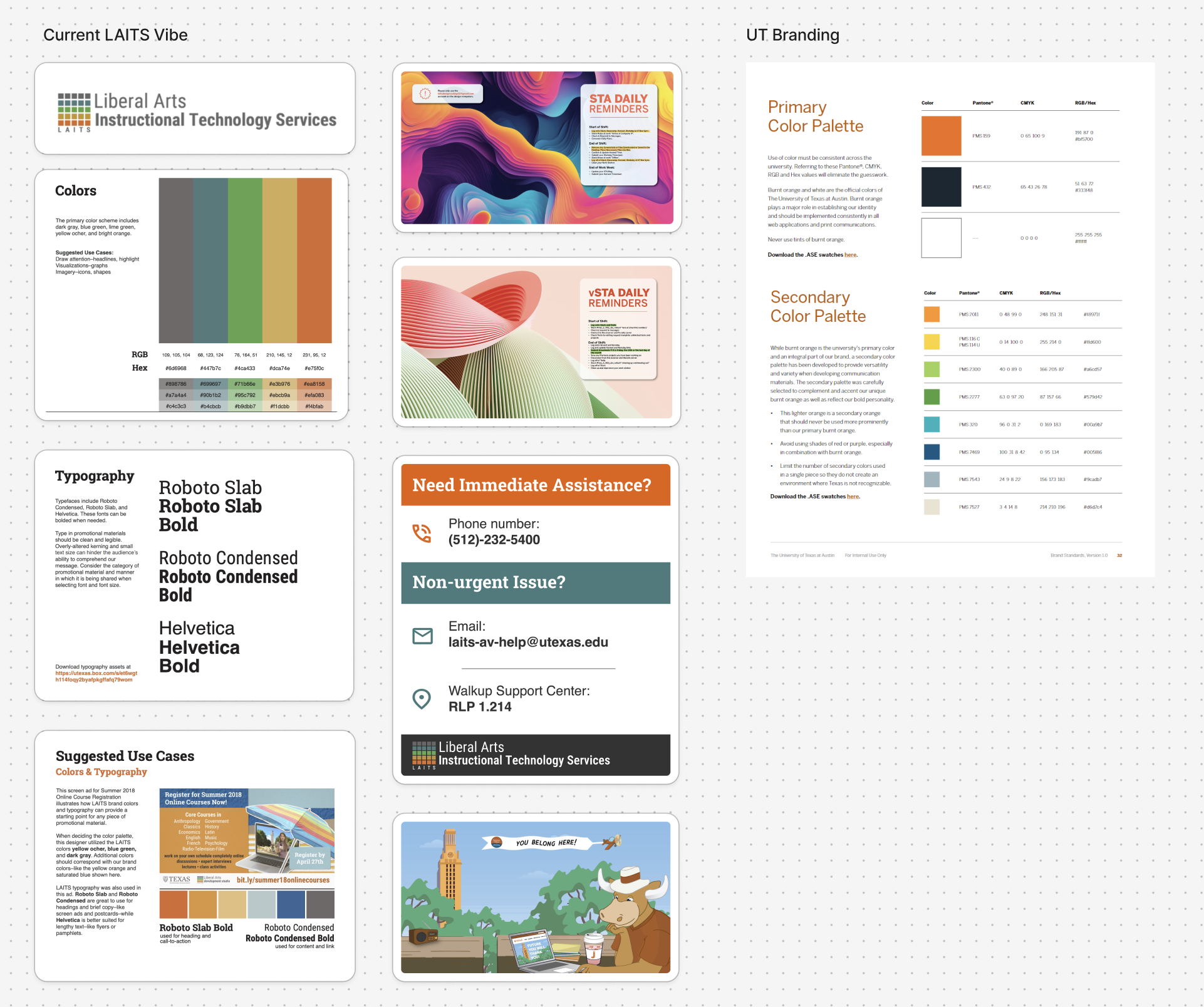
They are usually on grey desks, and the current design makes them blend in, so I needed to make them stand out whilst still adhering to the LAITS Style Guide. This would mean sticking to their color palette, using the right fonts, and the right logo.

My first iteration:

This was a nice direction and I was told to make a mockup of them, so I put them on a gray desk much like how it would be in real life. Here are the initial mockups:

I received the following feedback:

  • Align LAITS logo with the icons
  • Try capitalizing titles and increasing the size
  • Change the light orange and light blue to white
  • Make gray lighter in QR area

The alignment of the text/icons and whether the titles should be all caps or not were the main question. Keeping all this in mind, these were my next few iterations:

Centered
Left aligned
All caps, centered
All caps, left aligned

The favorite of all the iterations was this one:

I’m still waiting for more feedback, but I’m pretty sure this may be the final version we end up going with!

Overall

It’s so interesting to see how many iterations you have to go through before you end up landing on the one that everyone is happy with. Design is an iterative process and rarely is ever linear, so it’s been a really cool journey to see how a design can develop!

Filed Under: Fall 2025 – Spring 2026

First STA Blog Post

April 1, 2026 By Julie Brandt

This is my first week at LAITS and I have gotten more familiar with the workflow and workspace. I’m still getting used to the login process, but I’ve had a good experience overall!

Overview of this week:

  • Completed STA orientation tasks such as creating a slide deck recap, banner, bio, and avatar
  • Had my first weekly meeting and talked about apples!
  • Tier 1: Course Graphics Training

Orientation Tasks

My Avatar

About Me

Slide Deck Recap

Tier 1: Course Graphics Training

For this training, I chose a past course I’ve taken and got the hang of using specific Illustrator and PPTX templates for course graphics.

Canvas dashboard with image
Powerpoint slide with image

Reflection

Overall, I’ve had a good first week and I’m excited to continue learning through trainings and projects 🙂

Filed Under: Fall 2025 – Spring 2026, We are STAs

  • 1
  • 2
  • 3
  • …
  • 132
  • Next Page »

link to LAITS home page

Video STA Home

© 2026 Liberal Arts Instructional Technology Services | Production Credits