• We are STAs
    • Asha Rountree
    • Cindy Truong
    • Haley Ma
    • Isabella Melendez Gonzalez
    • Julie Brandt
    • Kate Shih
    • Kodi Khiraoui
    • Kyra Lee
    • Nicholas Peasley
    • Sasha Kenney
    • Shanda Horm
    • Shriya Atreya
    • Tomas Marulanda-Mesa
    • Trisha Darure
  • We were STAs
  • STA Presentation
    • STA Presentation 2017
    • STA Presentation 2016
  • Testimonials
  • Resources
  • Home

STA Blog

Current Sta

Welcome to the STA Blog!

June 29, 2026 By Cindy Truong

Hi Cindy! Welcome to the STA Blog! This the page where your blog posts will published.

Toward the end of your STA Orientation, you’ll design and upload a banner to go at the top of this page.

Upload a Blog Banner


Step One: Design Your Banner in Photoshop

Use these Photoshop specs when you’re making your banner:

    • Your banner should be 780 pixels wide (the height doesn’t matter)
    • Must include your name, your major, and your expected graduation year
    • Your banner should reflect who you are (your personality, interests or major)
    • Make sure to save your banner for the web (i.e. File > Export > Save for Web (Legacy))
    • If you save your banner as a JPG, make sure sure the quality is high (i.e. at least 60)

Step Two: Save Your Banner

  • There are two places you can save your completed projects: UT Box and the LAITS server. You’ll be given a personal folder in both locations. For now, you only have to save your banner to UT Box, but you may have to access the server at some point in the future.

Accessing UT Box

    • If you haven’t already registered with Duo, follow the instructions here to set up an account.
    • Then log in to UT Box with your EID and password: http://utexas.box.com/
    • Go to the folder called Design-Coding-STAs, then the subfolder STA-folders
    • Find the folder with your name on it
    • Save your banner both as an image and an unmerged PSD

Accessing the LAITS server

    • Accessing the LAITS server from off-campus is slightly more complicated.
    • You’ll need to be registered with Duo if you aren’t already (you can register here).
    • Then you’ll need to connect to the UT VPN and the LAITS server. The videos below will walk you through how to do that:
      • Connect to the Server – PC
      • Connect to the Server – Mac
    • Then navigate to your STA volume folder and save
      • smb://file.laits.utexas.edu/sta/Cindy Truong
    • Save your banner both as an image and an unmerged PSD

Step Three: Upload Your Banner to the STA Blog

  • Log in the the STA Blog here. You should’ve received an email confirming your new WordPress account with your username and assigned password. If didn’t get it or you can’t log in, ask De’sha or another STA.
  • You’ll be able to change your password anytime by going to Users > Your Profile > Account Management > New Password.

Uploading media and banners in WP

  • Read these links before you upload your banner.
  • They will walk you through how to upload media to your blog.

How to Upload a Homepage Banner

Adding New Posts and Media

Make Your First Blog post


  • Reflect on the day. You blog posts will be a documented experience of your time as an STA with LAITS. They can include anything you want to share about the projects you’re working on, and the more media (screenshots, images, links, videos, gifs) you can use, the better.
  • For today, write a bit about about yourself and what you did during orientation.
  • If you haven’t already, upload your banner.

Things to Remember


Image Specs

  • You should never copy and paste images into to your blog. Always upload images into the media section of blog first (Click on the add media button), then insert the image from the media folder to display on your blog.
  • Don’t use the thumbnail version of your images.
  • Use images that are 72 dpi
  • Screenshots are fine
  • Images that are 780 pix wide format nicely above or below text blocks

Always Categorize Your Posts

  • Always check the category “Fall 2025 – Spring 2026” on the blog posts you make this summer. This is the only category you need to check.
  • Make sure your posts are categorized correctly so that all of your work is documented in the correct semesters.

Commenting on Basecamp

Notification comments: etiquette, files, questions, feedback

Let us know when you’ve completed this task by adding a link to your blog to a comment in Basecamp.

Notes for all comments in Basecamp:

  • *Always address the person/people you are writing to by their names.
  • *Always use complete sentences.
  • *Always add links or paths to your design file in your STA folder.
  • *Make it easier for your collaborators and mentors to give you feedback on a design by adding screenshots to your comment.

Notify people in Basecamp by adding the @ symbol before their names (no spaces), otherwise they may not see your comment.

@ your STA mentor in your comments when you want to:

  • ask us questions about the mechanics of using the STA blog,
  • about the mechanics of photoshop,
  • to let us know that you have completed this task,
  • or that you would like a little feedback on on your banner design

Thank you & have fun!

Filed Under: Fall 2025 – Spring 2026

✧⋆ Week 8 – Isa ⋆✧

May 7, 2026 By Isa Melendez


🍓 Week 8 🍓

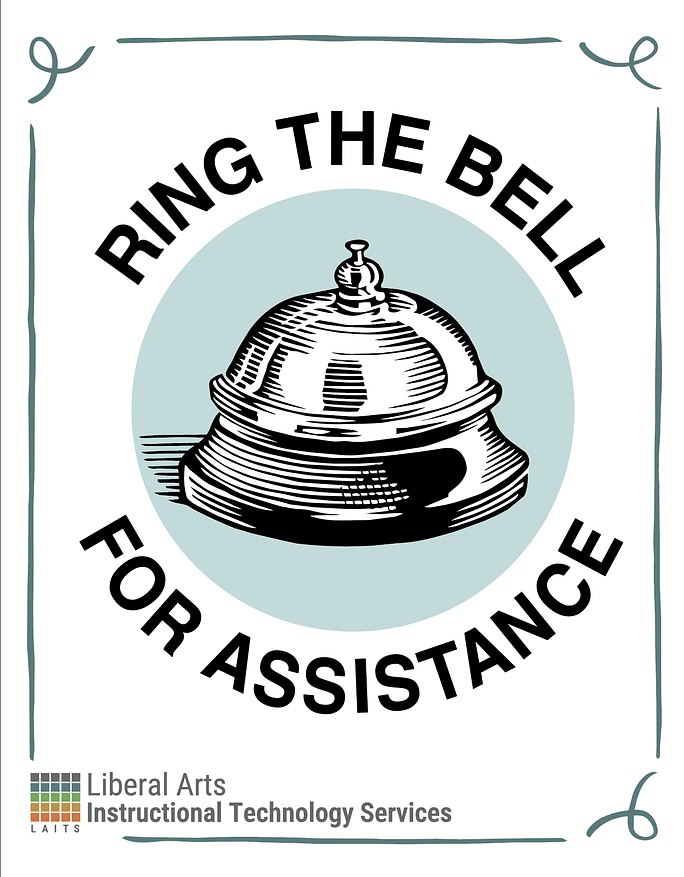
✧⋆ Ring Bell for Assistance Flyer ⋆✧

My previous version of this was a little too busy, so I got the following feedback:
- Maybe too much illustration
- Needs more professionalism
- Shift to a more minimalist design
- Tone down color palette to 2 colors or 3 colors

I was given this poster as an inspo (left), so I set off in this new direction (right):
I have also been working on another poster which I will get into, and I needed to make these seem like they were part of the same brand, so I did these two variations:

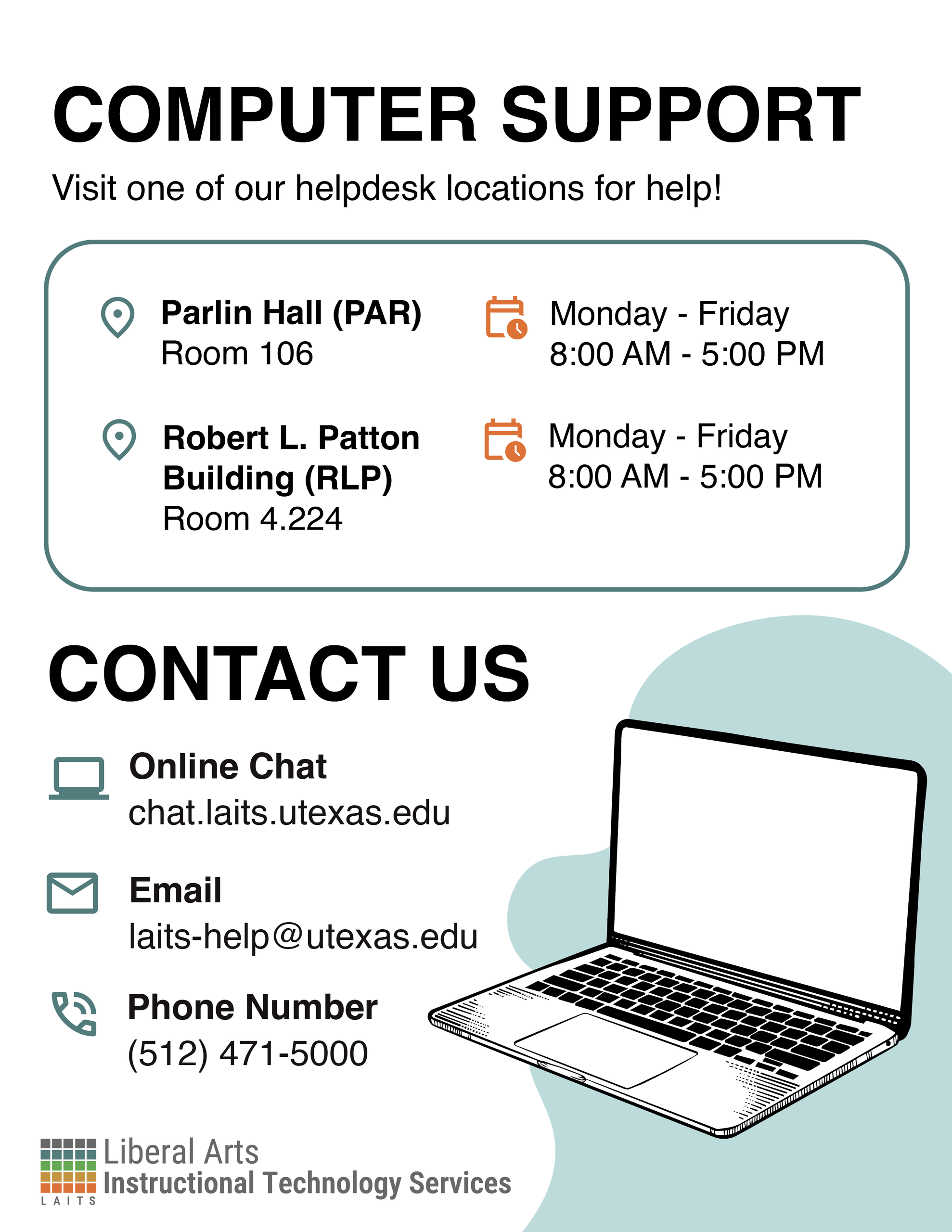
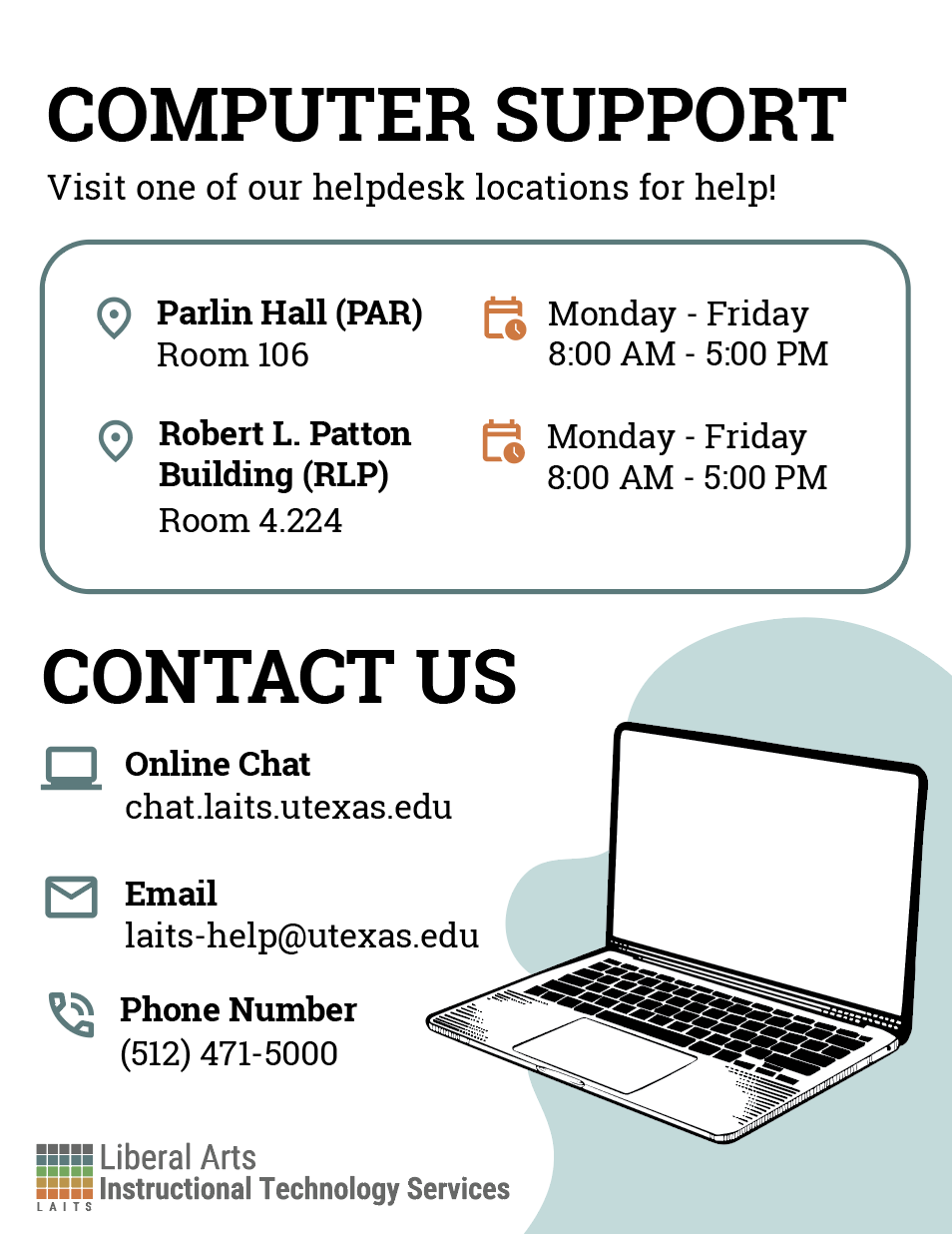
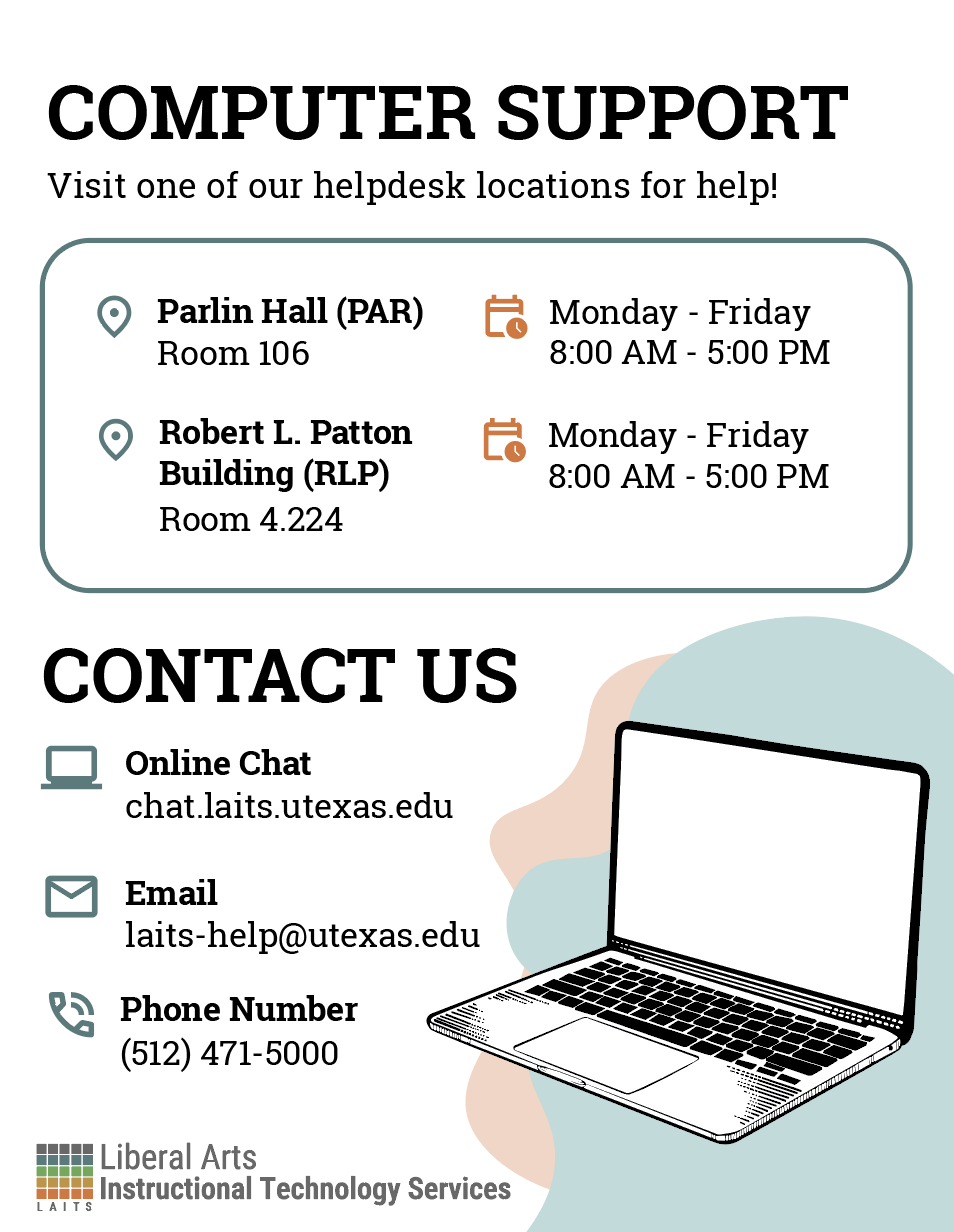
✧⋆ Admin Office Computer Support Flyer ⋆✧

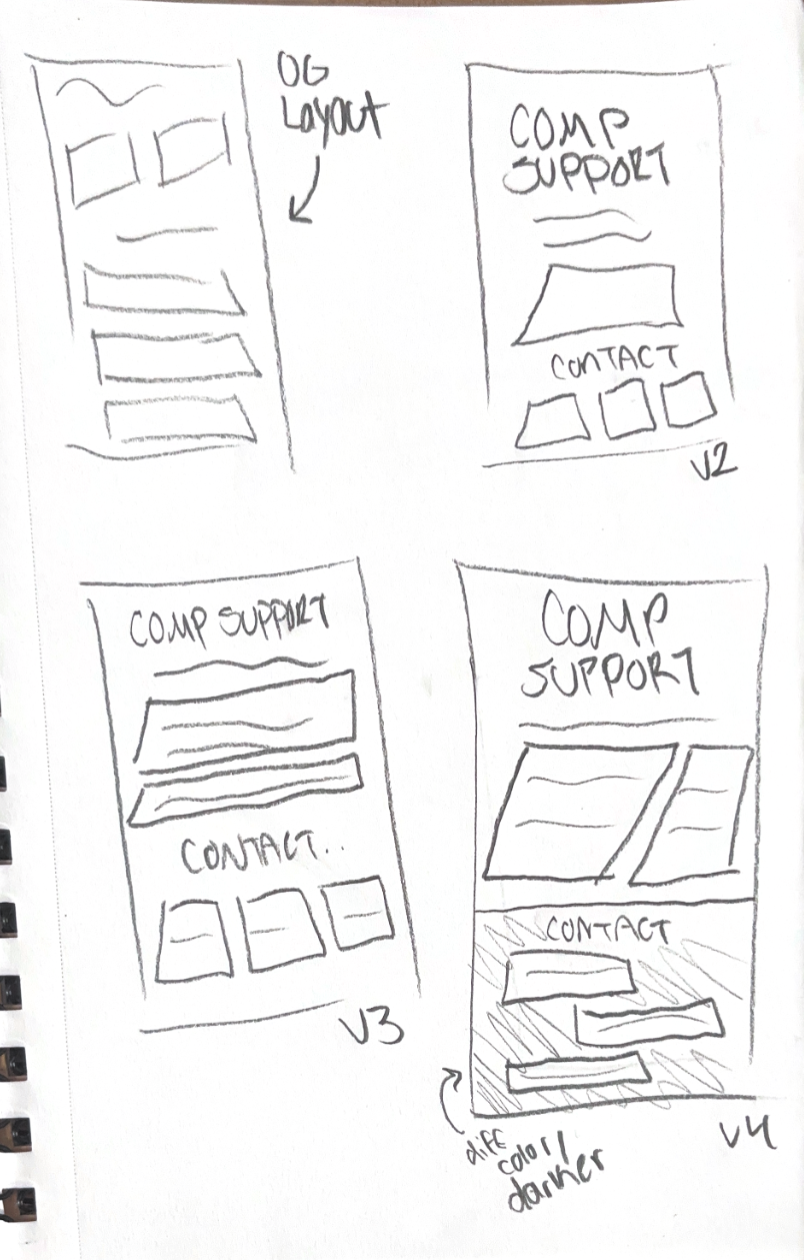
I was tasked with revamping this poster, making sure it's:
- Easily digestible
- A representation of the LAITS brand
- Clear in it's visual hierarchy
- Keeps all information present in the flyer

Original flyer:
To start with, I kept the horizontal format:
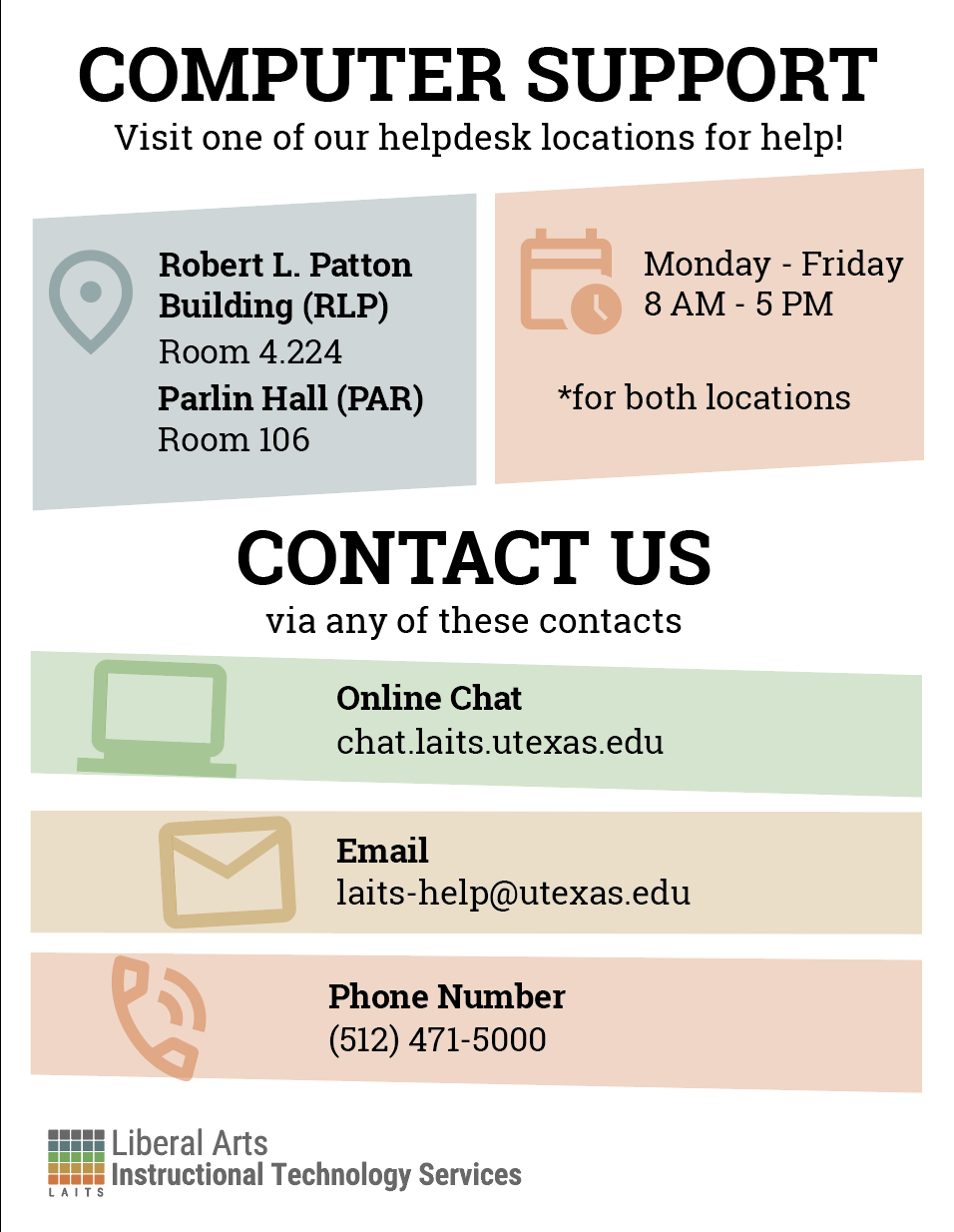
I then got feedback to make it vertical and fous more on the visual hierarchy. So I got to these versions:
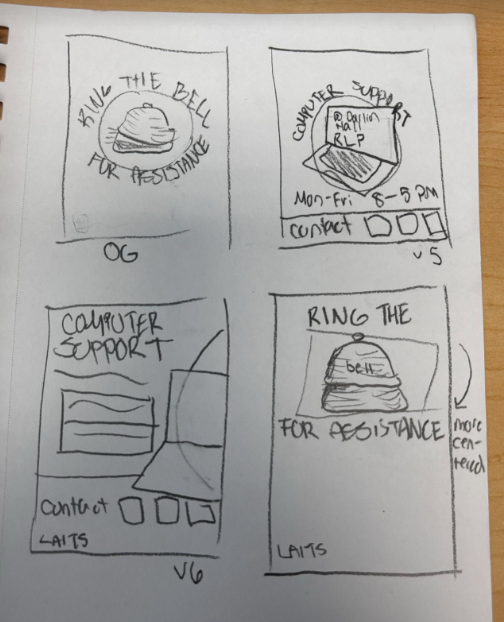
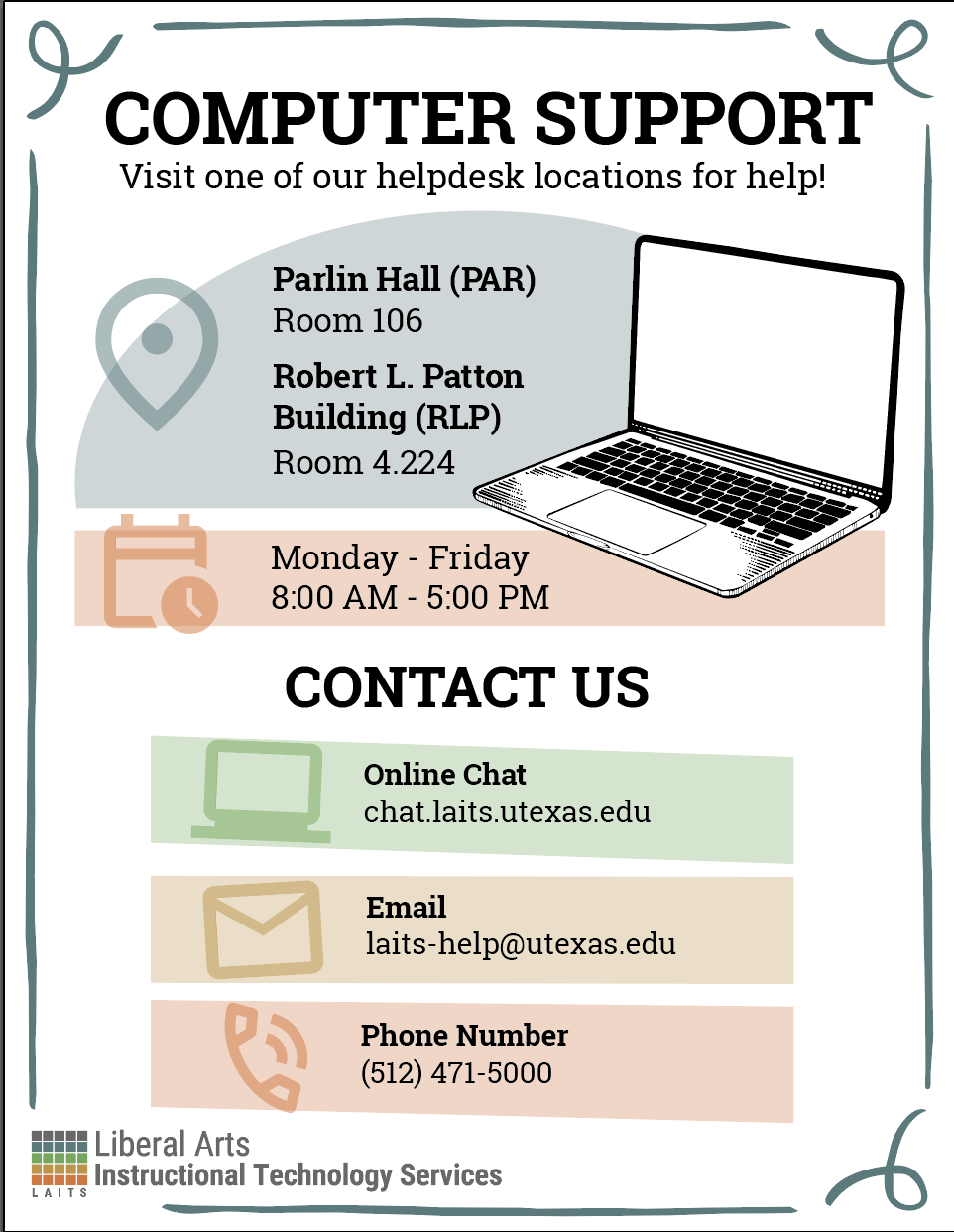
I then came up with more versions, trying to better match the previous poster rather than treating them as separate. One of them is an image whereas the other I drew the laptop in the same sort of style the bell flyer had: 

Filed Under: Fall 2025 – Spring 2026

Seats Still Available – Summer Marketing

May 1, 2026 By Asha Rountree

Seats Available Course-Specific Post | Summer Marketing ’26


I was tasked with creating a post for summer marketing to showcase that seats are still available for the class: Intro to Classical Mythology.

★ Moodboard: I started out by creating a mood board to gather visual imagery that reflected classical mythology. I focused on collecting images and design elements that would stand out in a post, making the “seats still available message” more engaging. For instance, I found classical mosaics and paintings that had a strong, central figure, and I also looked for Greek-inspired patterns I could use.

★ Iterations: Next, I did some really rough sketching on Adobe Illustrator to decide how I wanted to play around with some of the elements on the mood board. I took inspiration from the arch shapes and leaf motifs I was seeing on many of the Greek inspired posters. I also really loved the shape of the Elektra mosaic and and thought a cutout of the girl on the hippocampus would make for a strong cover image. Here is the earliest sketch I made alongside a more refined sketch:

A moment for Elektra because I cut her out by hand on photoshop (background remover would not work on the mosaic):

I also created a few more iterations inspired by the silhouettes that are often painted on ancient Greek ceramics:

I got feedback that the Summer Marketing team liked the former mosaic design the most (yay!) because it stood out more than a traditional silhouette. I also got feedback to make a few edits to the text content, and to use a more Greek inspired font for the course name to match the aesthetic of the rest of the post. Here are a few more iterations while I was experimenting with serif, classical texts:

★ Final Design: The Summer Marketing team ended up going with this version!

★ Project Status: Completed

★ Reflection: In this post, I focused on having a strong sense of visual direction before I started designing (hence the initial research and mood board). I realized this research was really important, because it gave me both focused direction and freedom when making rough drafts, as I had so many assets and pieces of inspiration to pull from. For posters/posts like this in the future, I will definitely prioritize initial research more.

Filed Under: Fall 2025 – Spring 2026

✧⋆ Week 7 – Isa ⋆✧

April 30, 2026 By Isa Melendez


🍓 Week 7: Training Progress 🍓

✧⋆ Ring Bell for Assistance Flyer ⋆✧

LAITS has been doing a revamp on some of the flyers around the office. So I was tasked with redesigning this flyer at the front desk:
I went to the LAITS style guide to keep their colors and apply the correct logo! For the graphics I knew I wanted a hand pressing down on the bell, so I got to sketching out a few iterations.
I was going for more of a clean aesthetic, so I needed to clean up the outer stroke through Illustrator.

These are the two iterations I have currently, these are still subject to change!

✧⋆ Basic Training: Shape and Pattern ⋆✧

This training explains how shapes can be tied with certain emotions. Here are some shapes I made for certain emotions, rendered both in 2d and 3d!
These are some more somber emotions, where I went for rounder shapes.

Filed Under: Fall 2025 – Spring 2026

Final Blog Post

April 30, 2026 By Shanda Horm

FINAL BLOG POST

──────────────────────────────────────────────

I can’t believe this is my last blog post 🙁

This job has allowed me the opportunity to grow in so many ways and I’m extremely grateful for it. I find myself becoming a better designer overall thanks to all the projects I’ve worked on. Furthermore, there have been many instances where I’ve taken the feedback given to me and applied it to outside of the workplace. Outside of growing as a designer, I believe I’ve become a better leader. Through having the opportunity of leading projects, I’ve begun to learn my leadership style and how to best communicate to my peers when giving feedback or overall direction. All in all, I feel extremely lucky for the growth I’ve experienced during my time here as a Design STA at LAITS!!!

Of course, this job wouldn’t have been so great without the people I work with! I truly enjoyed chatting and getting to know everyone. There is so much skill and talent in the room- I wish I got the opportunity to work with every person on a project at least once! Being able to see everyone’s work was amazing and I feel so lucky to be able to come to work and be so inspired by the people I work with. I’ll miss everyone and I hope to be able to work in another place in the future with a similar atmosphere!!!!

Regarding post-grad, there are a lot of fears there, but I feel so much excitement as well. I can’t wait to see where life takes me. I just hope to remain in the creative space to build my skills further!

Thank you to everyone who made my time here so wonderful. I’ll miss chatting and laughing with all of you. For our newer STAs, I’m sad I didn’t get the chance to know you guys for longer, but I hope you get the same experience as I and more from your time here! Thank you to Lila for being a great friend and manager (I look forward to potentially working with you again!!). And thank you to De’sha for being an amazing mentor. I don’t know anyone who has influenced and encouraged my growth as a professional and as a creative as much as you. Thank you for all you’ve done!! Thank you everyone and goodbye! 🙂

Filed Under: Fall 2025 – Spring 2026, We are STAs

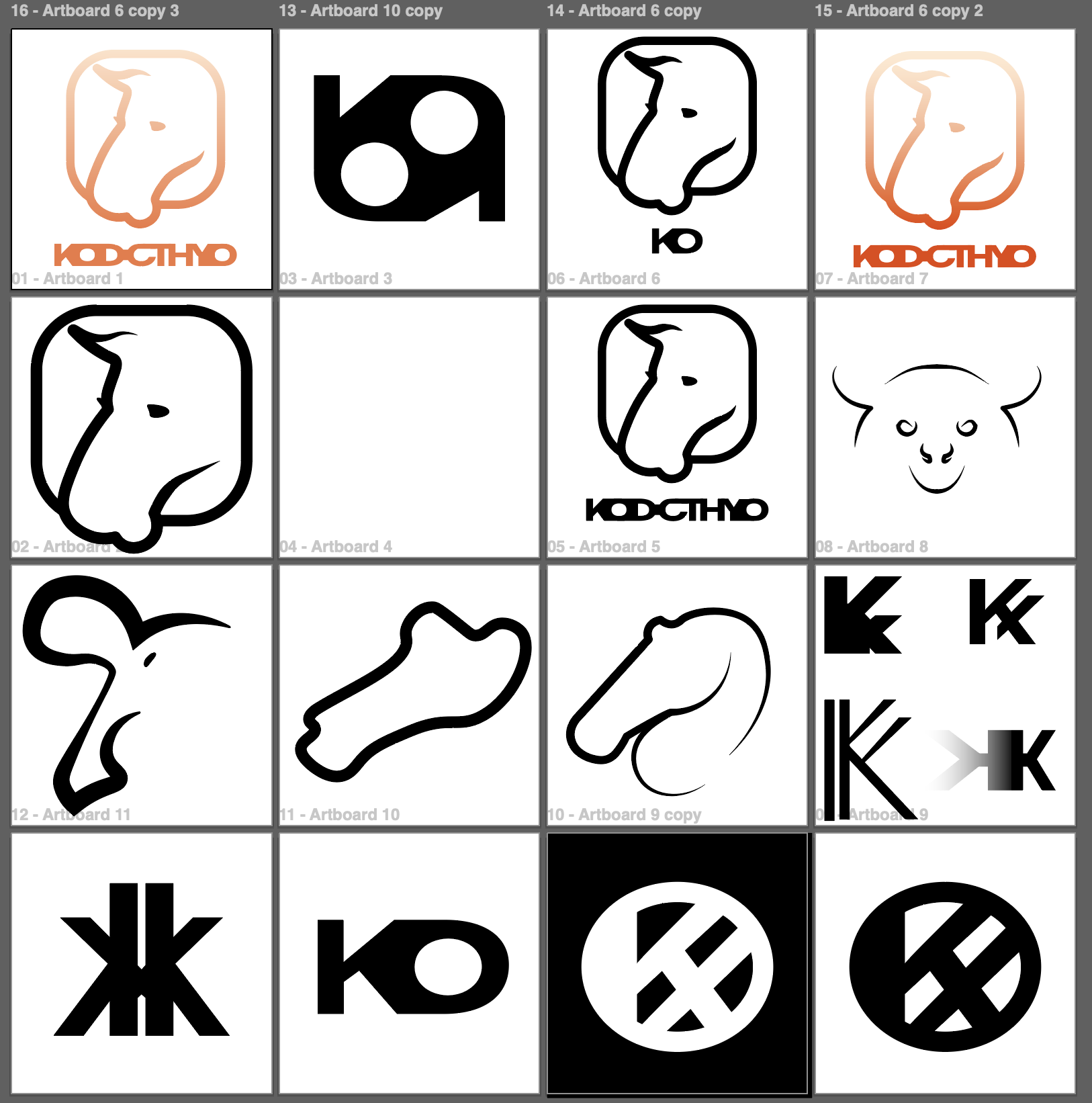
Logo Design

April 27, 2026 By Julie Brandt

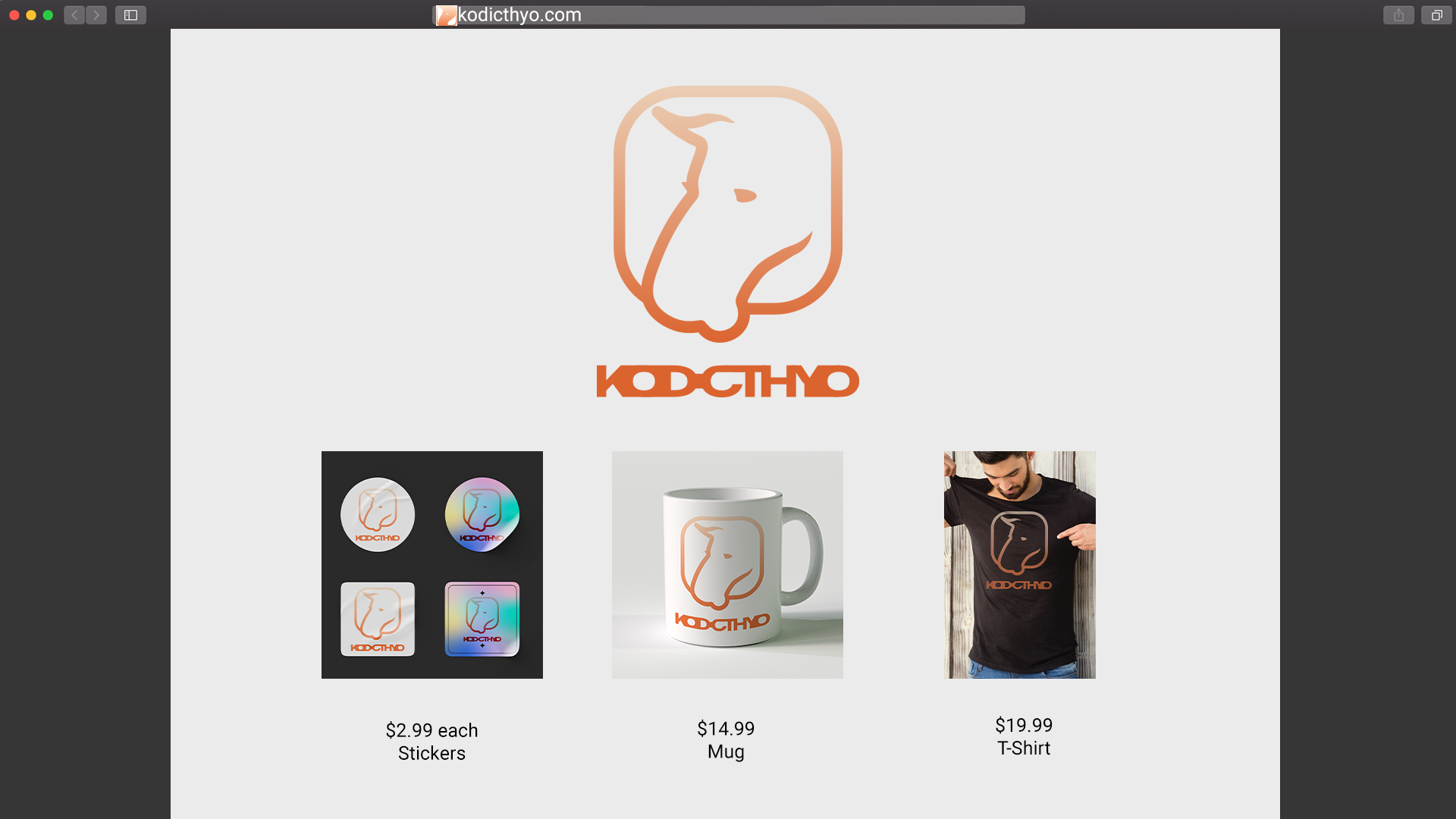
Personal Logo Design

Timeline: 2 Days

Task: Create a logo for yourself

Status: Complete


Final Logo Design

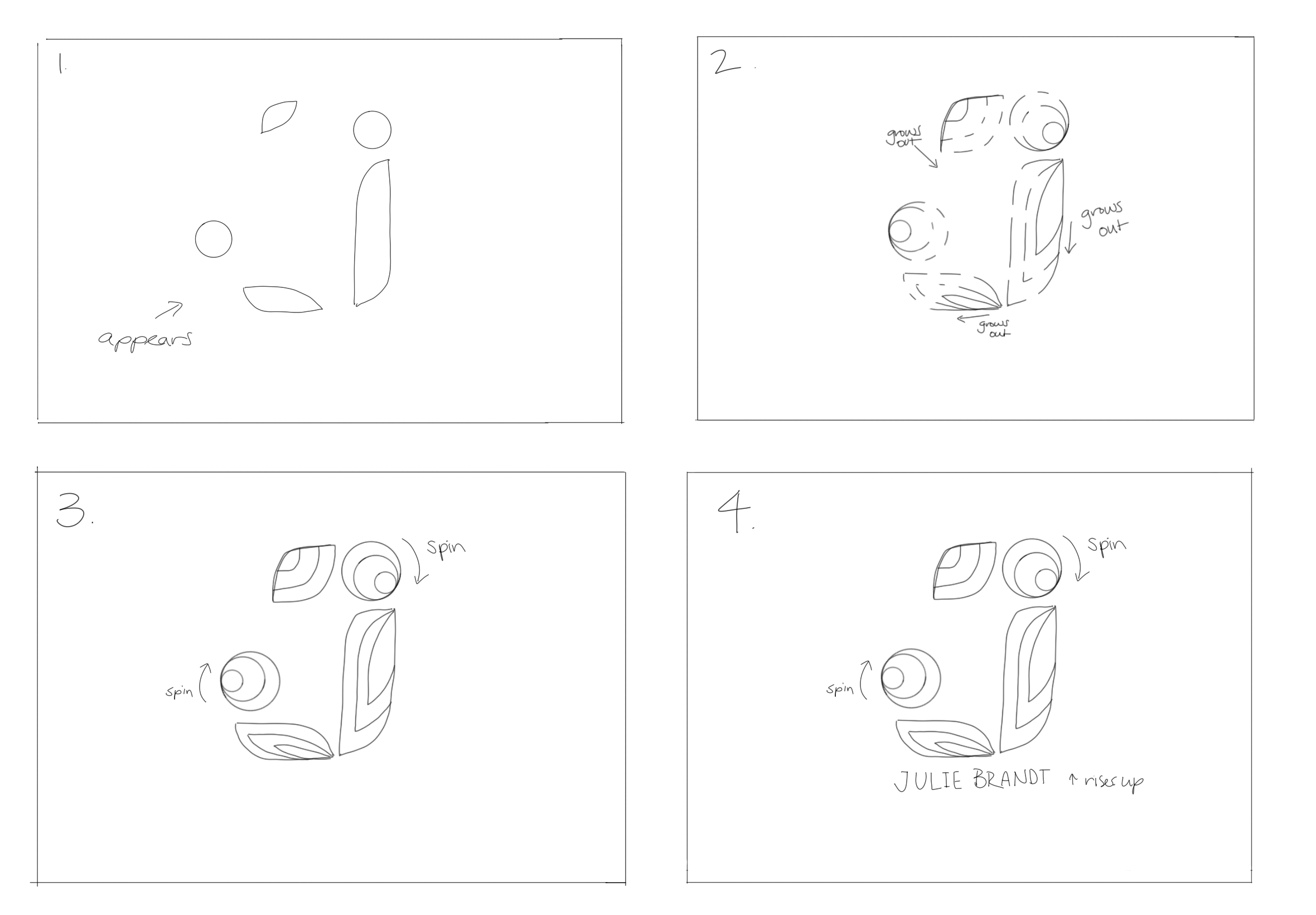
I wanted to create a logo was simple and carried my minimal style of design.


Process

First, I started by sketching different ideas. I was stuck on this for a while, but then decided to just make some of them in Illustrator and see what happened.


Feedback

Along the way I got lots of feedback of how I could improve my logo. I tried to mess around with different colors, but ended up really liking the outlined design.


Final Design and Reflection

After picking my final logo, I added secondary text and make a few mockups of where my design could be used. In the future I might change the colors, but right now that’s my favorite. I hope this logo represents my desire for simple design, with a polished finish and quality.

Filed Under: Fall 2025 – Spring 2026, We are STAs

  • « Previous Page
  • 1
  • 2
  • 3
  • 4
  • …
  • 135
  • Next Page »

link to LAITS home page

Video STA Home

© 2026 Liberal Arts Instructional Technology Services | Production Credits