• We are STAs
    • Asha Rountree
    • Haley Ma
    • Isabella Melendez Gonzalez
    • Julie Brandt
    • Kate Shih
    • Kyra Lee
    • Nicholas Peasley
    • Sasha Kenney
    • Shanda Horm
    • Shriya Atreya
    • Tomas Marulanda-Mesa
    • Trisha Darure
  • We were STAs
  • STA Presentation
    • STA Presentation 2017
    • STA Presentation 2016
  • Testimonials
  • Resources
  • Home

STA Blog

Dell Med x COFA Coffee Table Book Styling

April 22, 2026 By Julie Brandt

Dell Med x COFA Coffee Table Book Styling

Clients: Dell Med x COFA Students

Team Members: Kate Shih and Julie Brandt

Timeline: 2 Weeks

Status: In progress


Original Task

The clients requested assistance on their capstone project that is a “coffee table” style book that represents the future focused direction of AI in the medical field. Kate and I created several layouts for different spreads requested: Framework/diagram, section opener, front & back cover, copy-heavy body (with pull quotes/graphic) spread. I created several iterations of the section openers and the framework/diagram designs.


Inspiration

Before we got started, we had a rough idea of what the clients wanted and synthesized their ideas with our own to create a moodboard. We wanted clean, versatile typography, so we chose to use Avenir for the body and Lexend for the display font.


Alterations

After reviewing our designs, they decided to pivot in terms of how we could assist them in completing the book due to their tight deadlines. We moved from designing layouts to sourcing assets that they could use in their book design.


Reflection

This project was unique in it’s timeline and request. Although I didn’t get to explore layout design as in depth as I would like, I was still able to learn how it feels to work with and for a client.

Filed Under: Fall 2025 – Spring 2026, We are STAs

WCAG

April 21, 2026 By Kate Shih

WCAG

Task: Make sure all utexas websites are Web Content Accessibility Guidelines (WCAG) compliant

Status: In Progress


1. Run an Accessibility Scan


2. Review Issues


3. Understand Issues


4. Find False Positives


5. Get Compliance to 90%+


6. Update Spreadsheet

Filed Under: Fall 2025 – Spring 2026, Uncategorized, We are STAs

✧⋆ Week 5 – Isa ⋆✧

April 20, 2026 By Isa Melendez


🍓 Week 5: Training Progress 🍓

✧⋆ Portfolio Review ⋆✧

This week's STA meeting revolved around reviewing our portfolios! I didn't have one, so I worked on making a slide deck detailing one case study of mine.
Through this, I've learned the style I want to go for whenever it's time for me to make my portfolio! The little doodles are something I will want to keep. I was also advised by peers that the website Framer would work best for what I want to do given that it has to most customization.

My takeaways:
- A portfolio is the one place a creative gets to express themselves, so this is a great opportunity top be able to stand out!
- You have to tell a story with a portfolio, walk the user through your thinking process
- The hardest part for me is starting, there is perfection paralysis, but it's important to get over so you can start applying to internships and jobs


Filed Under: Fall 2025 – Spring 2026

Week 3

April 14, 2026 By Julie Brandt

Tier 3 Course Graphics: For this training, I explored creating Motion Graphics and animating using After Effects. I continued working on the interaction design course and found other ways of visualizing the class.


Re-working my portfolio: I have made many different portfolios in the last year. I’m still grappling with how I want it to look and flow, but for this week’s meeting, I focused on transferring my most recent portfolio to a new template on Framer. I wanted my case studies information and process to be simple and easy to digest, but I don’t want to strip down too much of my hard work. Right now, it doesn’t look too different, but I’m working on changing the hierarchy and clarity of my case studies.

Filed Under: Fall 2025 – Spring 2026, We are STAs

History of Football Course Poster

April 10, 2026 By Asha Rountree

2026 Summer Marketing | History of Football Course Poster


My first summer marketing assignment was to create a promotional poster for the History of Football course. I was instructed to make sure the poster is eye-catching with a strong cover image, so that students walking by will take notice.

★ Design Iterations: Because the project was operating on such a short timeline (the poster needed to be distributed quickly, as it is marketing for the summer), I immediately started creating a polished draft for the poster.

To follow existing visual design guidelines for the course, I used the color gradient and photo assets that were in the course box folder. I was also inspired by the online course promotions for this year and wanted to make the poster look consistent, so I added in some dynamic, rounded lines. I additionally included stars to break up the text and evoke imagery of Texas. 

After creating this draft, I received feedback that the design needed to be a bit more punchy to fully capture the eye-catching effect needed to advertise the course and the bold spirit of football. I was advised to take a look at newspaper headlines for football. Taking these considerations into account, I refocused my design approach to align with a newspaper theme, and created the following designs:

These designs were much more effective at capturing the energetic, bold spirit of football with the typeface and focus on a central image. The client decided to go with the right design, and the design was slightly edited to better emphasize that the “summer and online” aspect of the course.

★ Final Design:

★ Project Status: Completed (04/02/26)

★ Project Reflection: This is the first project I have worked on with such a tight deadline. My first iterations were created on one shift, and the next shift I was asked to finalize the poster. I learned a lot about managing my time and prioritizing both good design and functionality of a product; with such a short working time, I made sure to prioritize including all necessary text and information on the poster, even if the design was not yet perfect. Additionally, I was able to alter the poster to better communicate the exciting, bold nature of the course, making it a more engaging and effective promotional material.

Filed Under: Fall 2025 – Spring 2026, Uncategorized

✧⋆ Week 4 – Isa ⋆✧

April 9, 2026 By Isa Melendez


🍓 Week 4: Training Progress 🍓

✧⋆ Helpdesk Place Card Redesign ⋆✧

✧⋆ After showing the last designs to the client, they loved it! 
✧⋆ This card will be placed in over 1,000 classrooms this Summer to help UT faculty and staff. I'm so honored to be contributing in a way that will help UT faculty and staff get the information they need!

✧⋆ Passion Project ⋆✧

✧⋆ Last week's STA meeting we covered how to present properly. I learned that a vital part of presenting is storytelling, to be able to walk the audience through an entire project from start to finish assuming they knew nothing about it is key.
✧⋆ My passion project involves the work I've done with the Texas Cultural Trust! I won't get into too many details, but this project has taught me a lot about how to communicate more effectively with stakeholders.

✧⋆ We learned that the project was out of our scope. We needed to tell our client a more realistic goal, but this only happened deep into the project. Our team had already expressed these concerns way before, but we never talked with the client about these concerns. I took away that I needed to not be so afraid to speak up and not waste anybody's time.

✧⋆ I have presented to my organization who are already aware of many of the details, so having to present this project in front of people who had no context was both a challenge and very helpful.

✧⋆ Tier 3 Course Studio Graphics ⋆✧

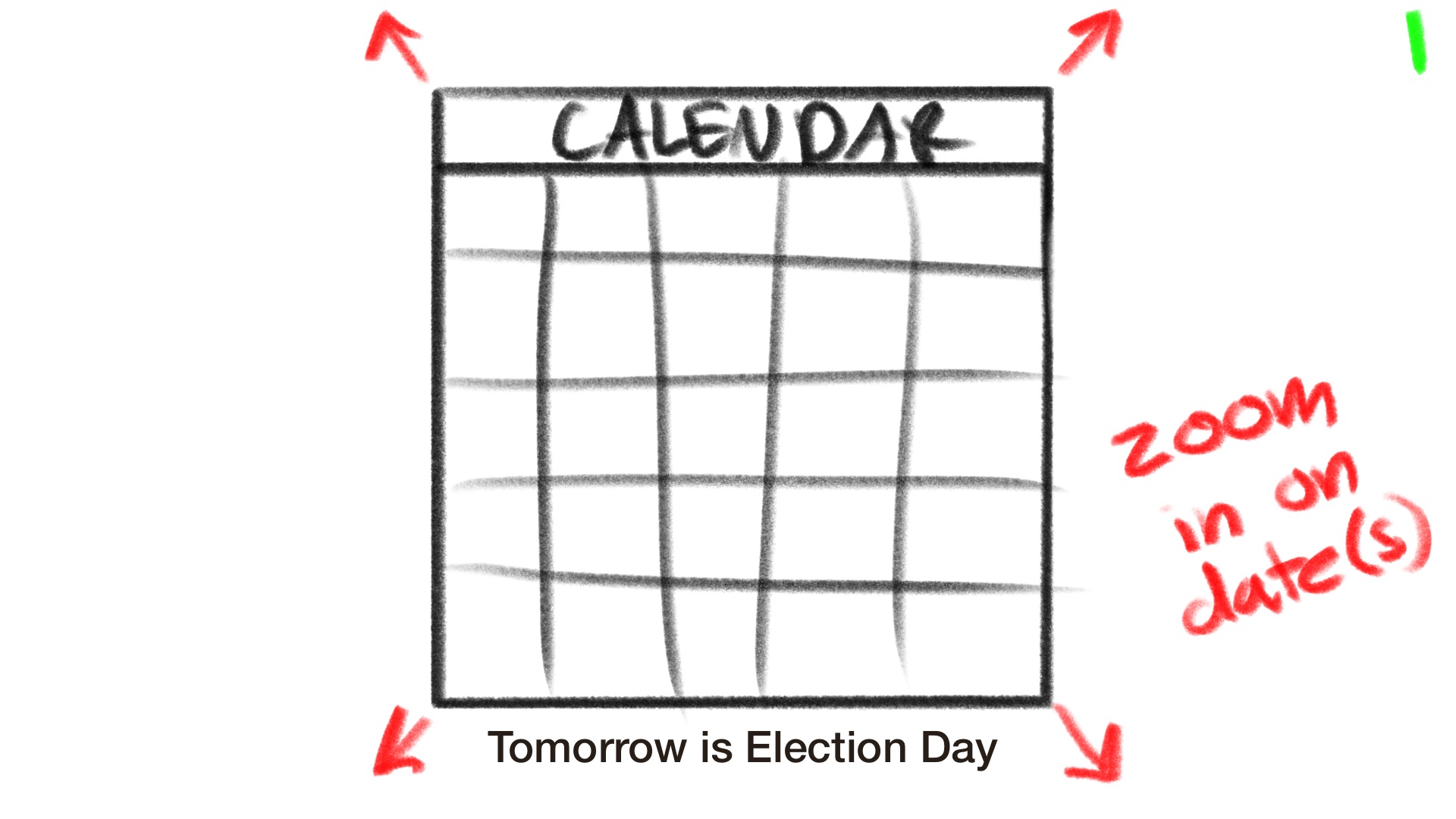
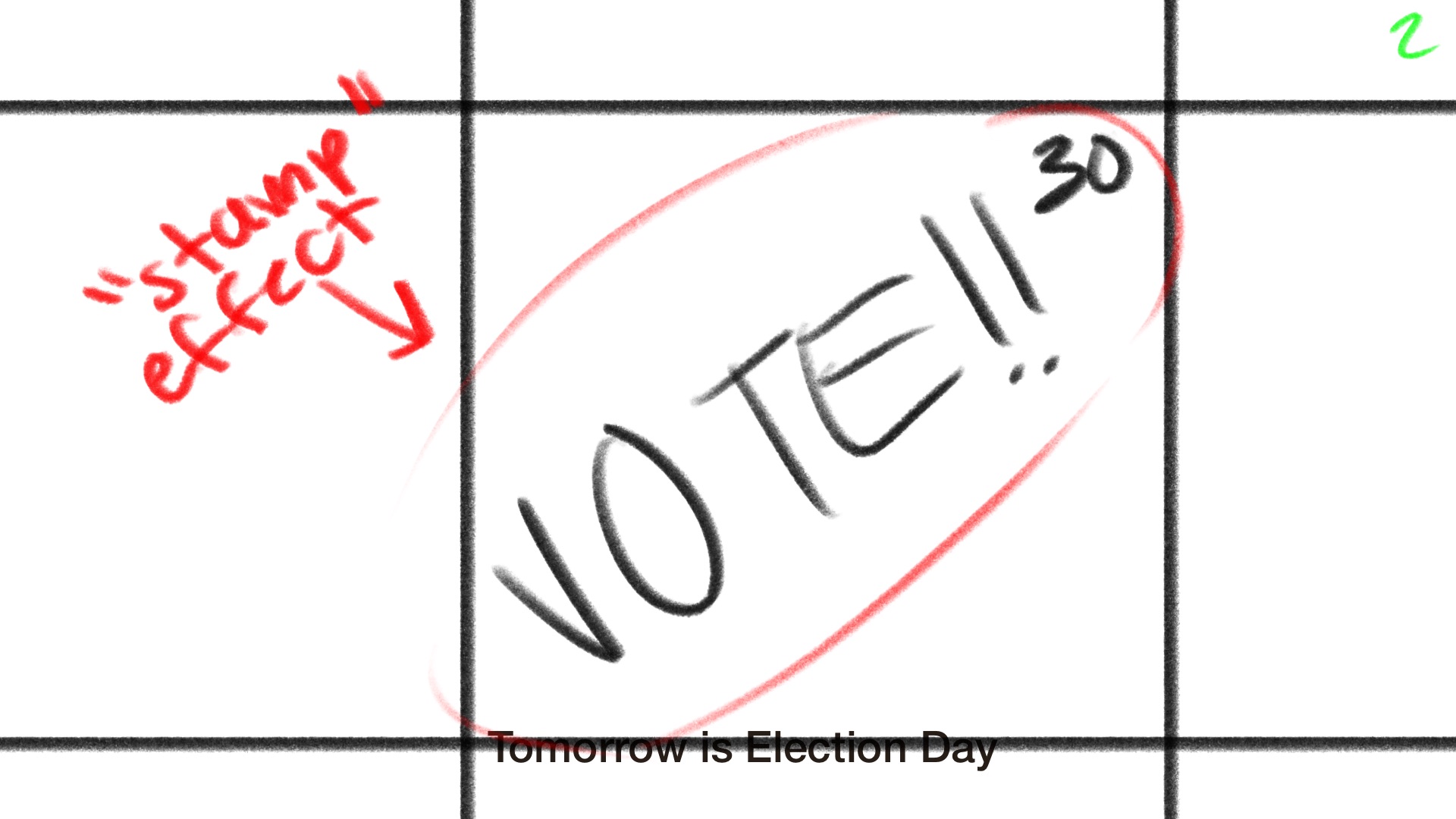
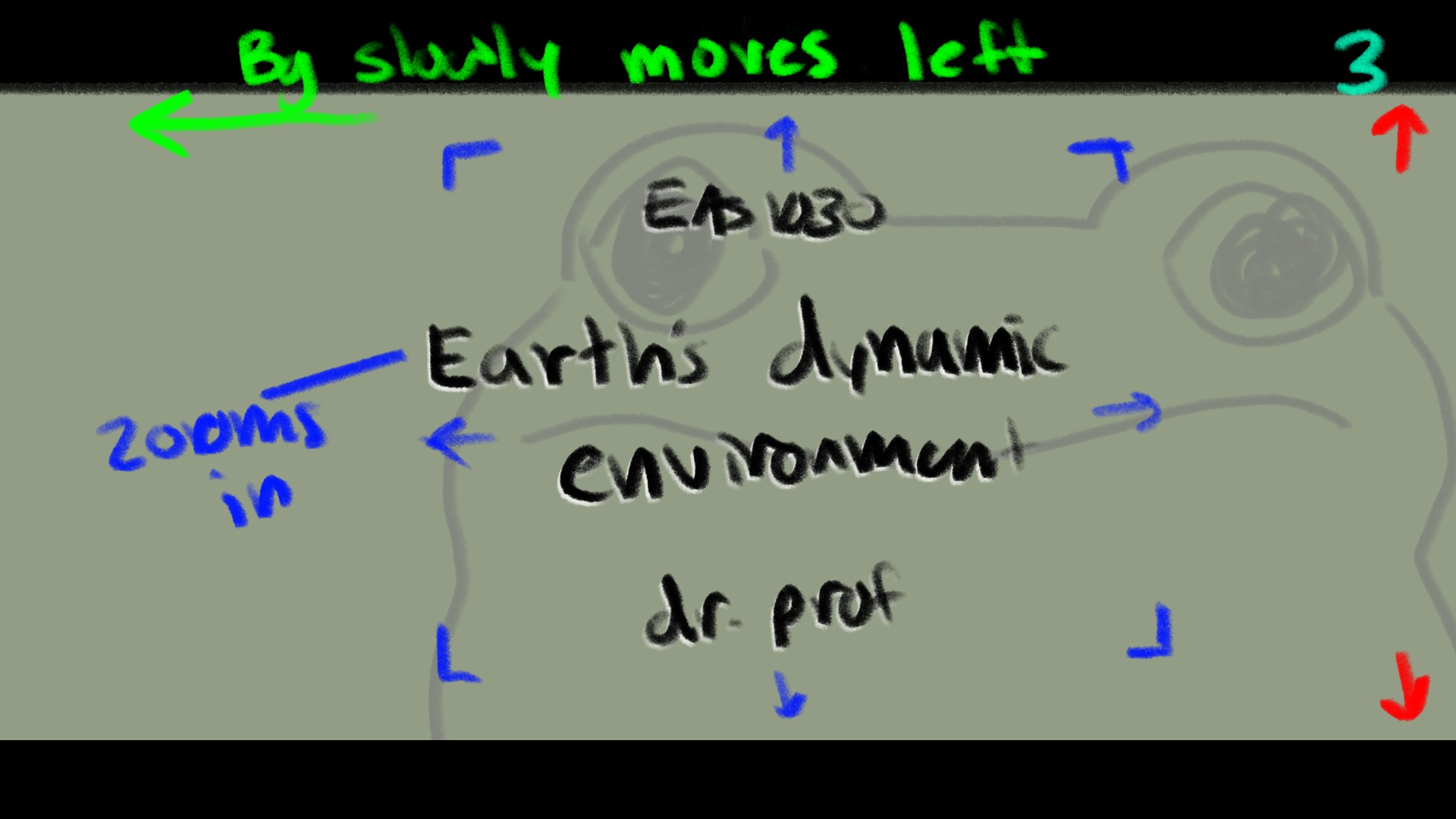
✧⋆ I was tasked with making an animated intro for a class of my choice. I decided to go with an informatics course called Online Communities. I started ideating with my iPad, sketching out general placement and icons I was thinking of including.

✧⋆ Storyboard: I wanted to have each icon rotate back and forth in the animation
✧⋆ Final: I decided to make the course name and number look as if it were a message and I animated it like one! I made it so that only the white icons rotated back and forth as I found it too much with every graphic. I went to Illustrator first to make all the graphics, made each layer separate and named it properly, and brought that into After Effects to animate.

✧⋆ Overall ⋆✧

✧⋆ Having to present was really useful! I need to improve on my storytelling and rehearsing beforehand would help me with my stuttering issue and confidence.

✧⋆ I haven't used After Effects too much, so having to animate studio graphics was out of my comfort zone. It was really interesting to learn and I am a lot more comfortable with making keyframes now!

Filed Under: Fall 2025 – Spring 2026, Uncategorized

  • 1
  • 2
  • 3
  • …
  • 12
  • Next Page »

link to LAITS home page

Video STA Home

© 2026 Liberal Arts Instructional Technology Services | Production Credits