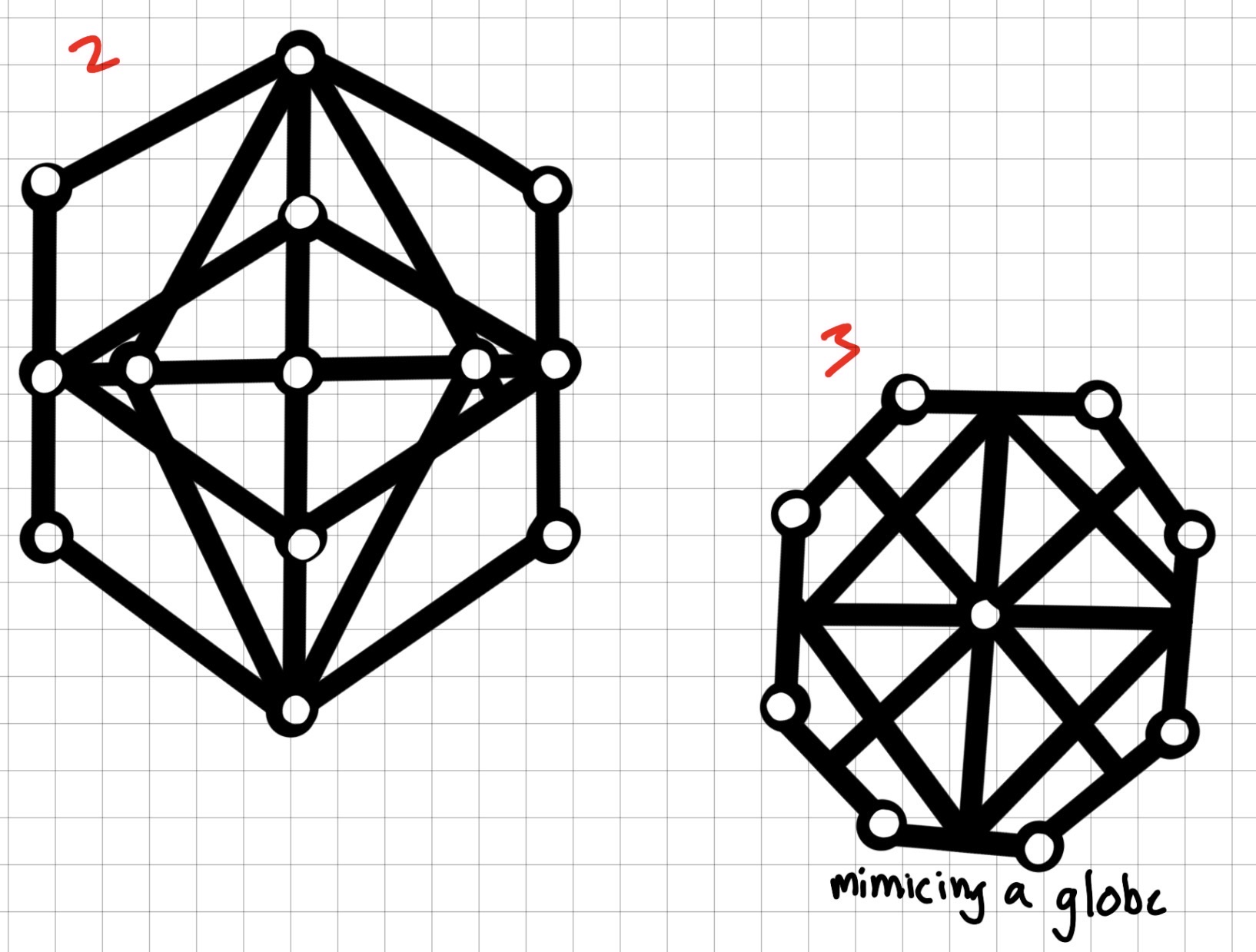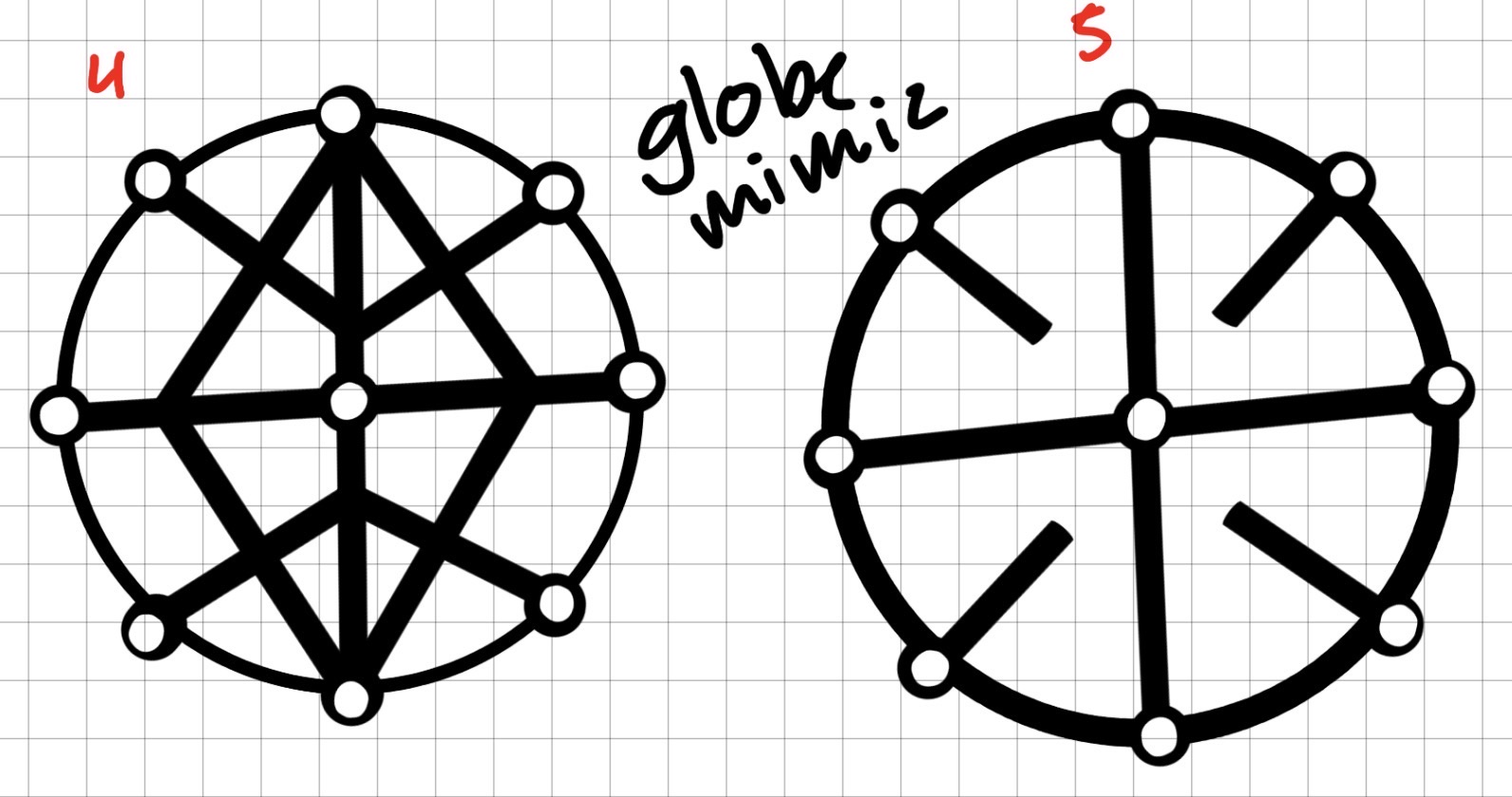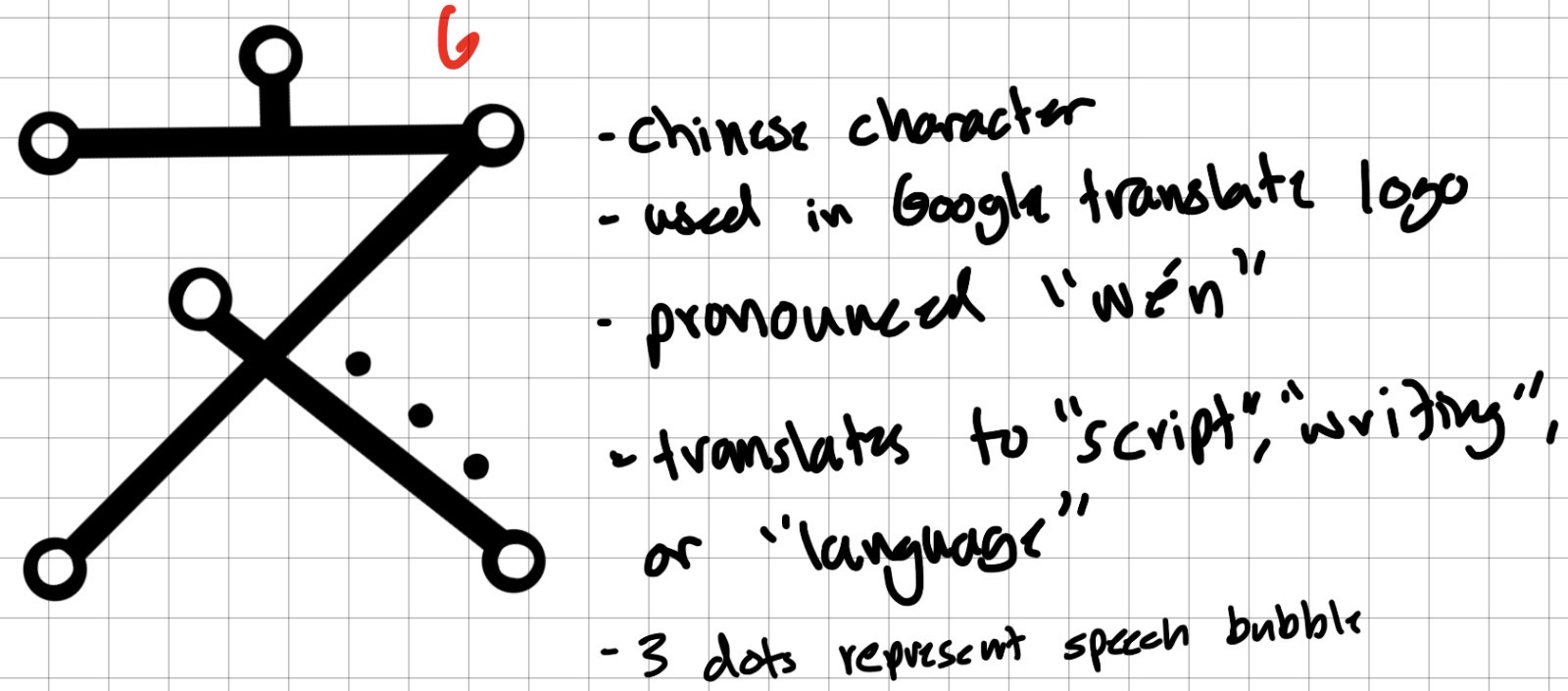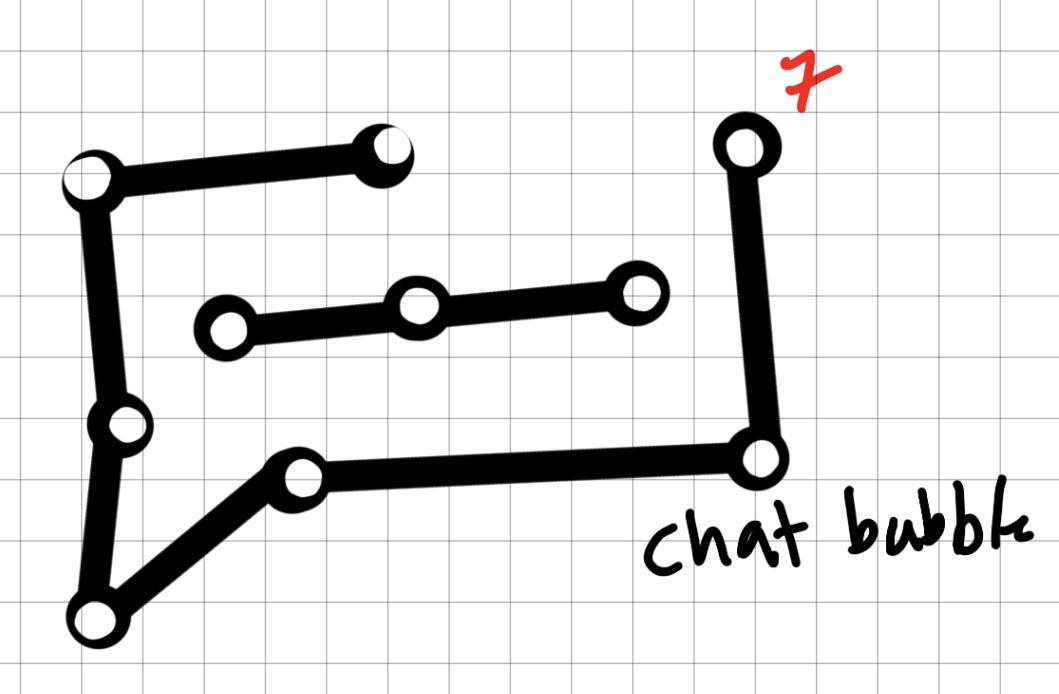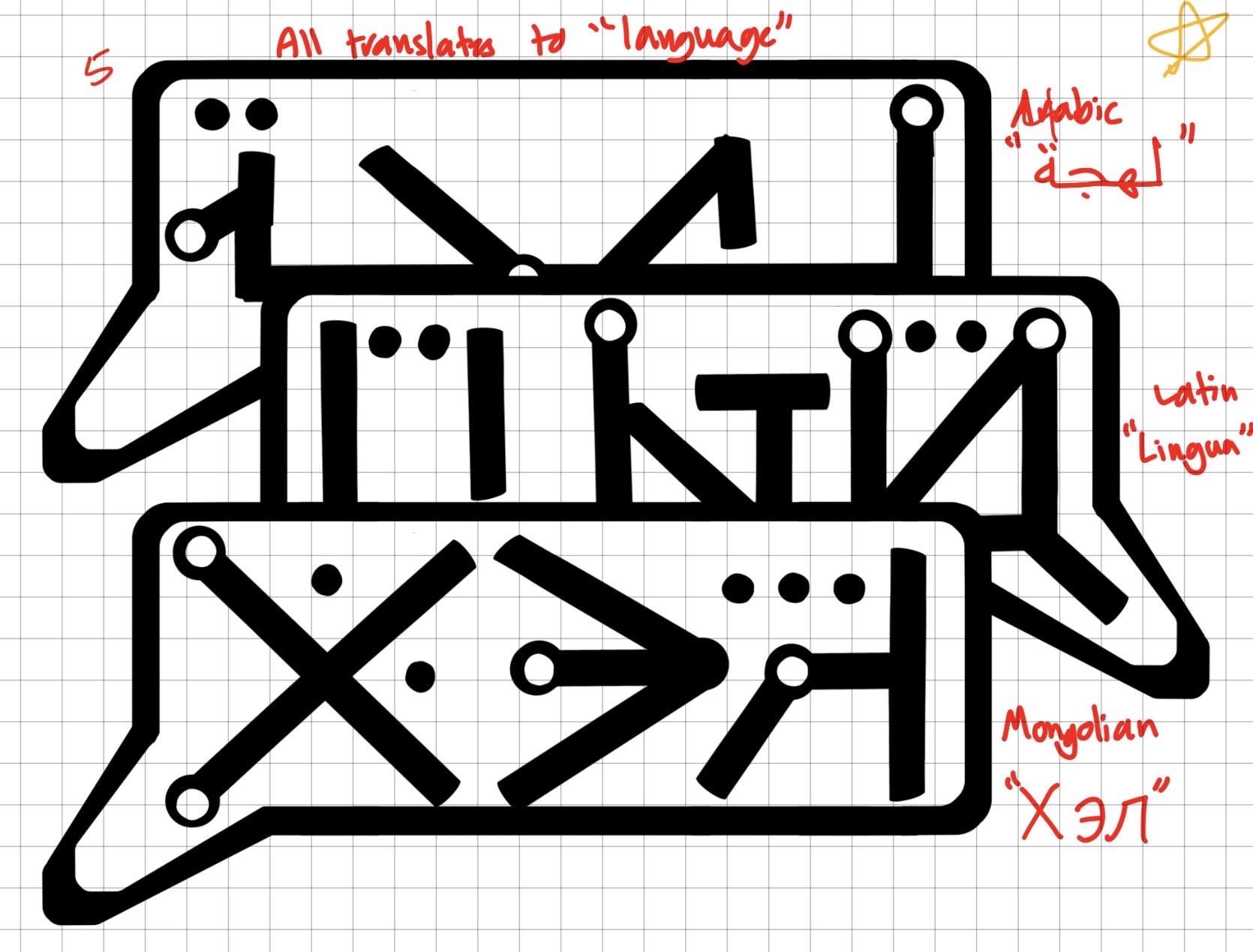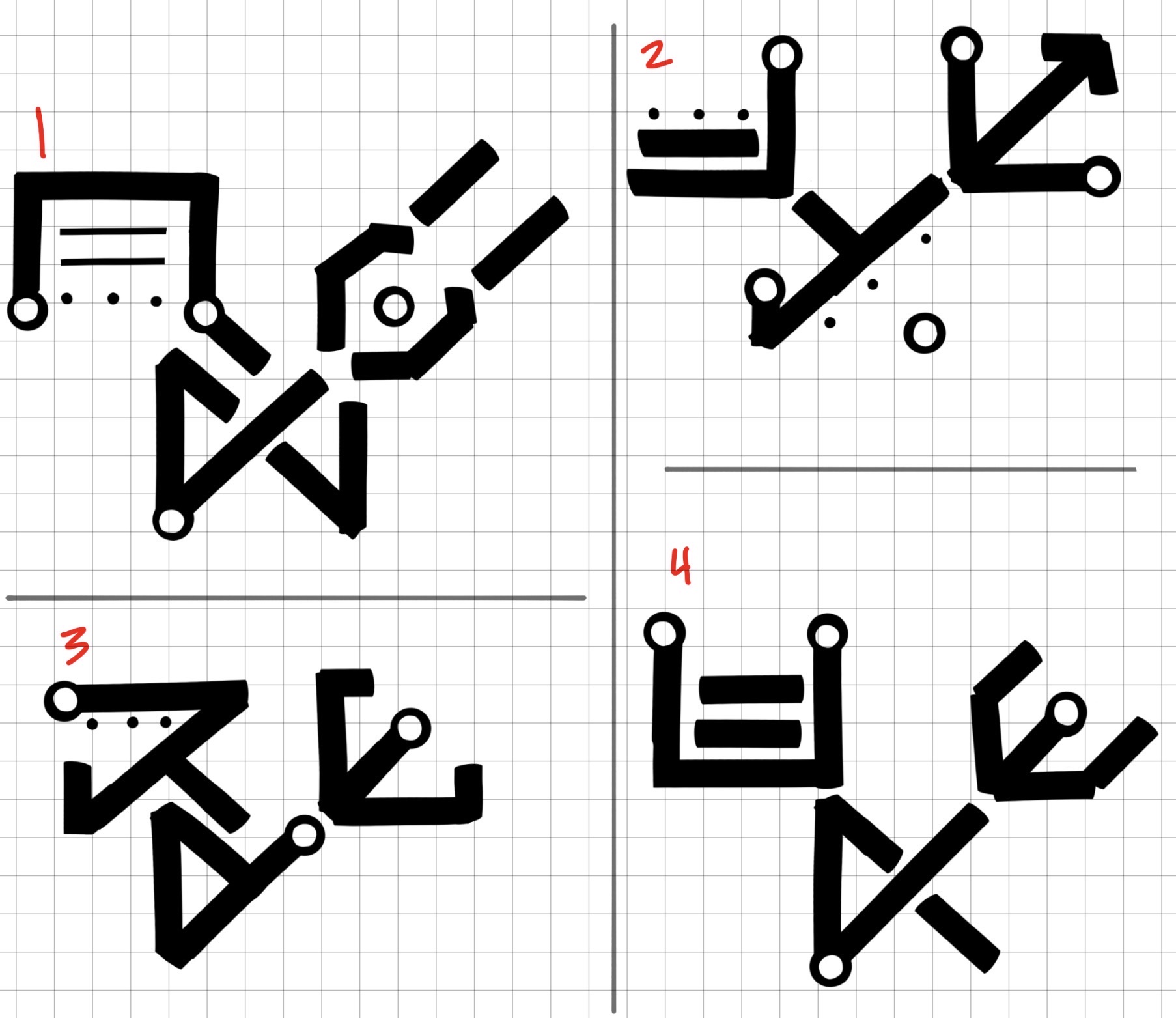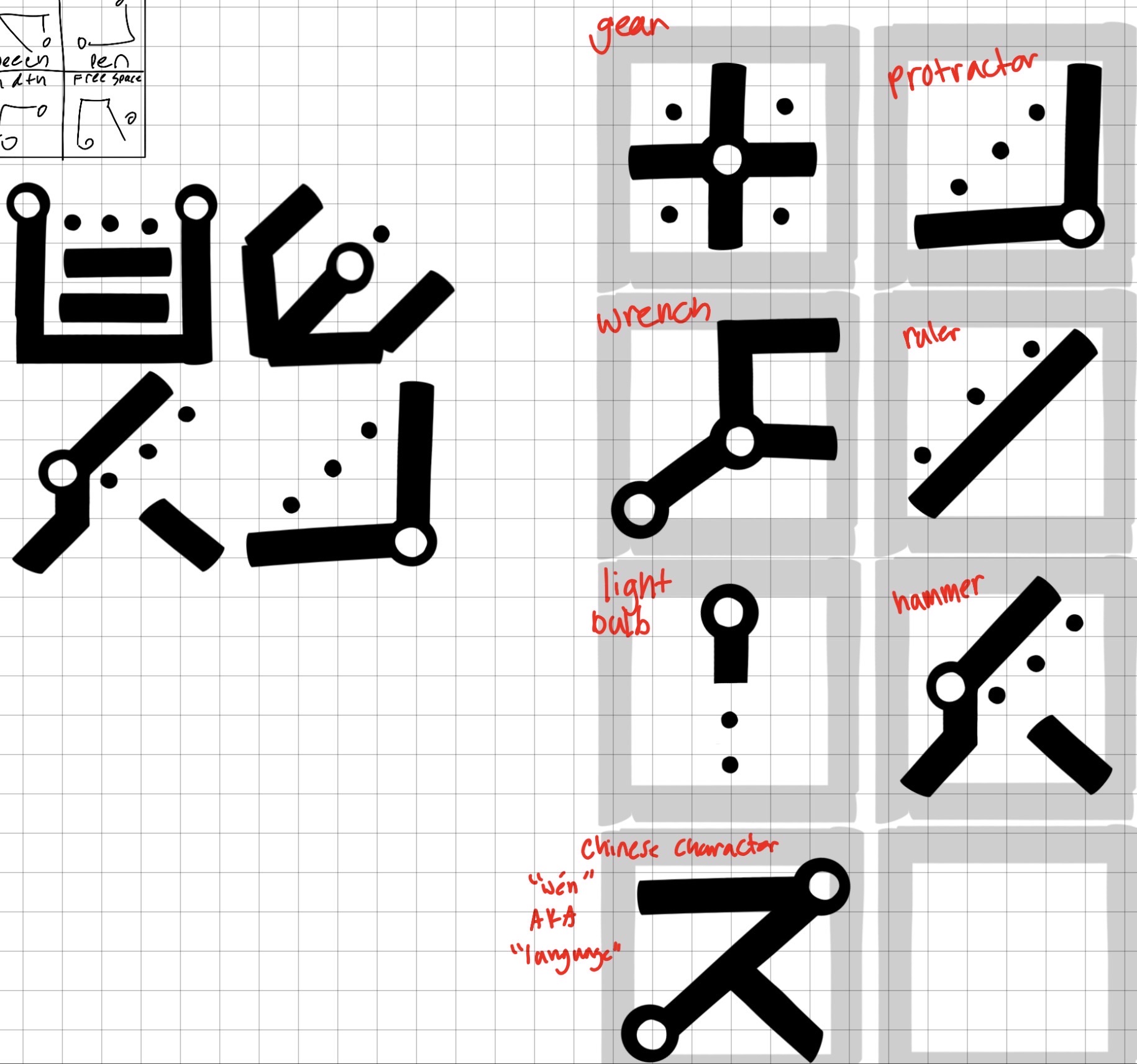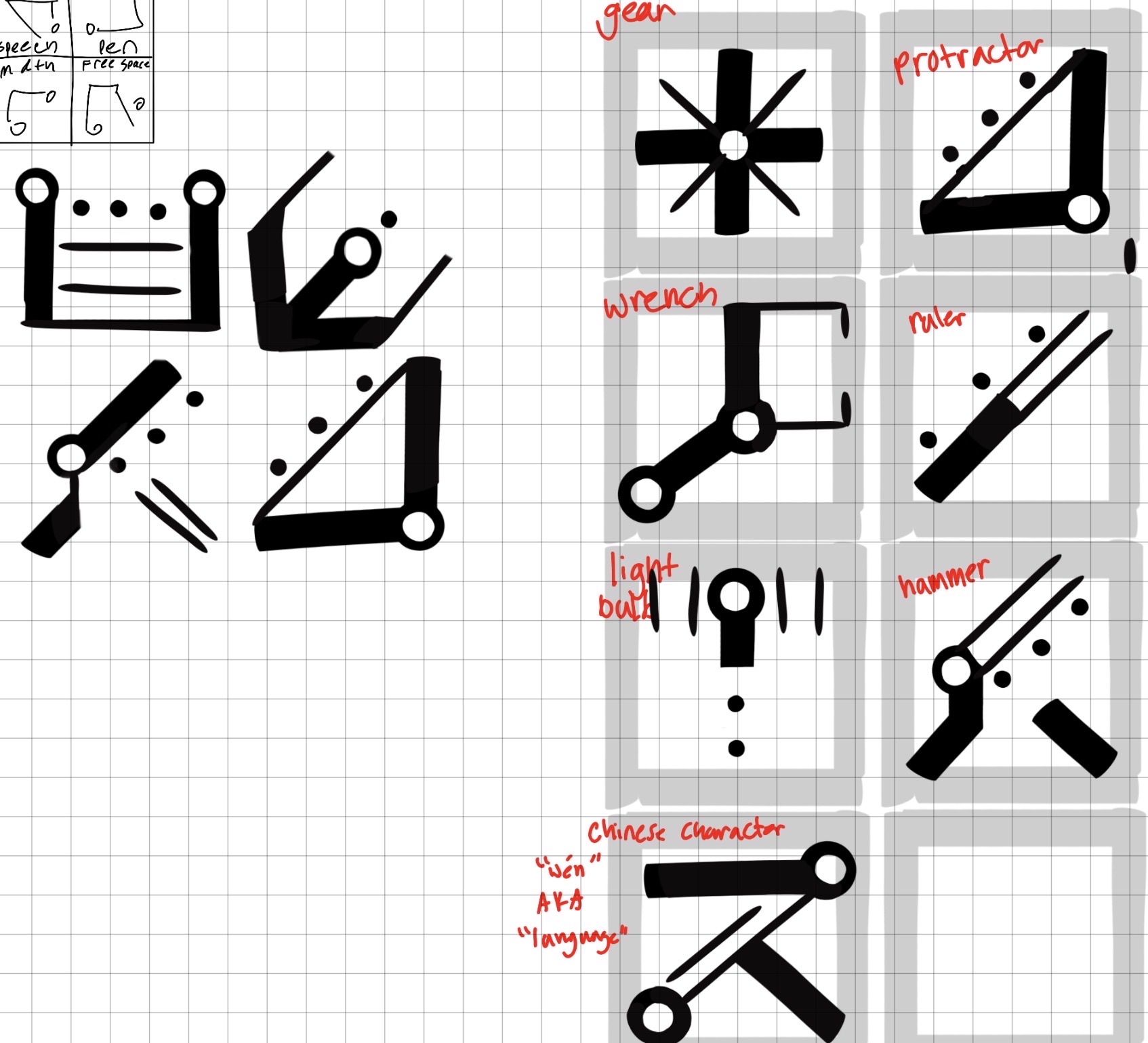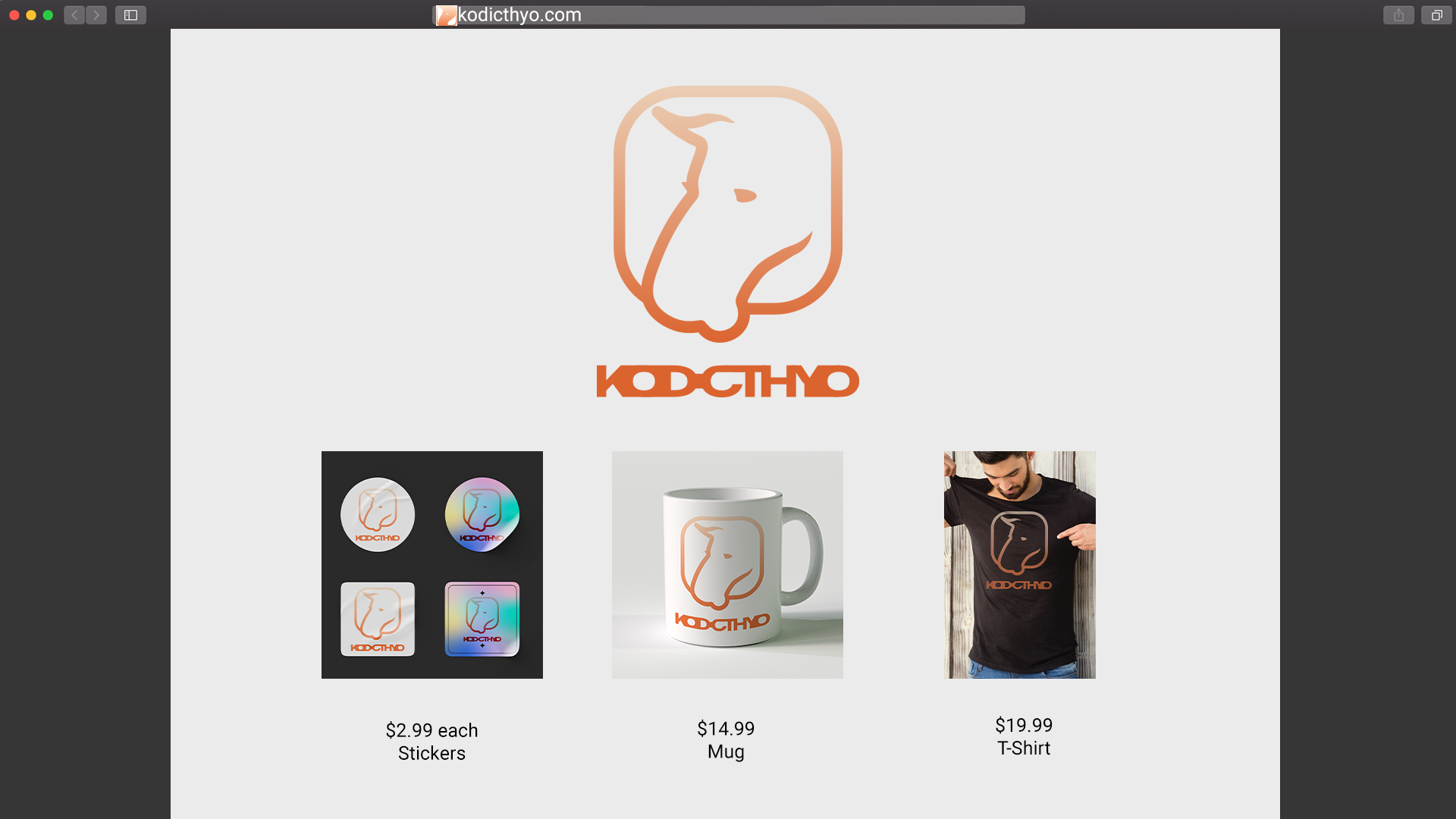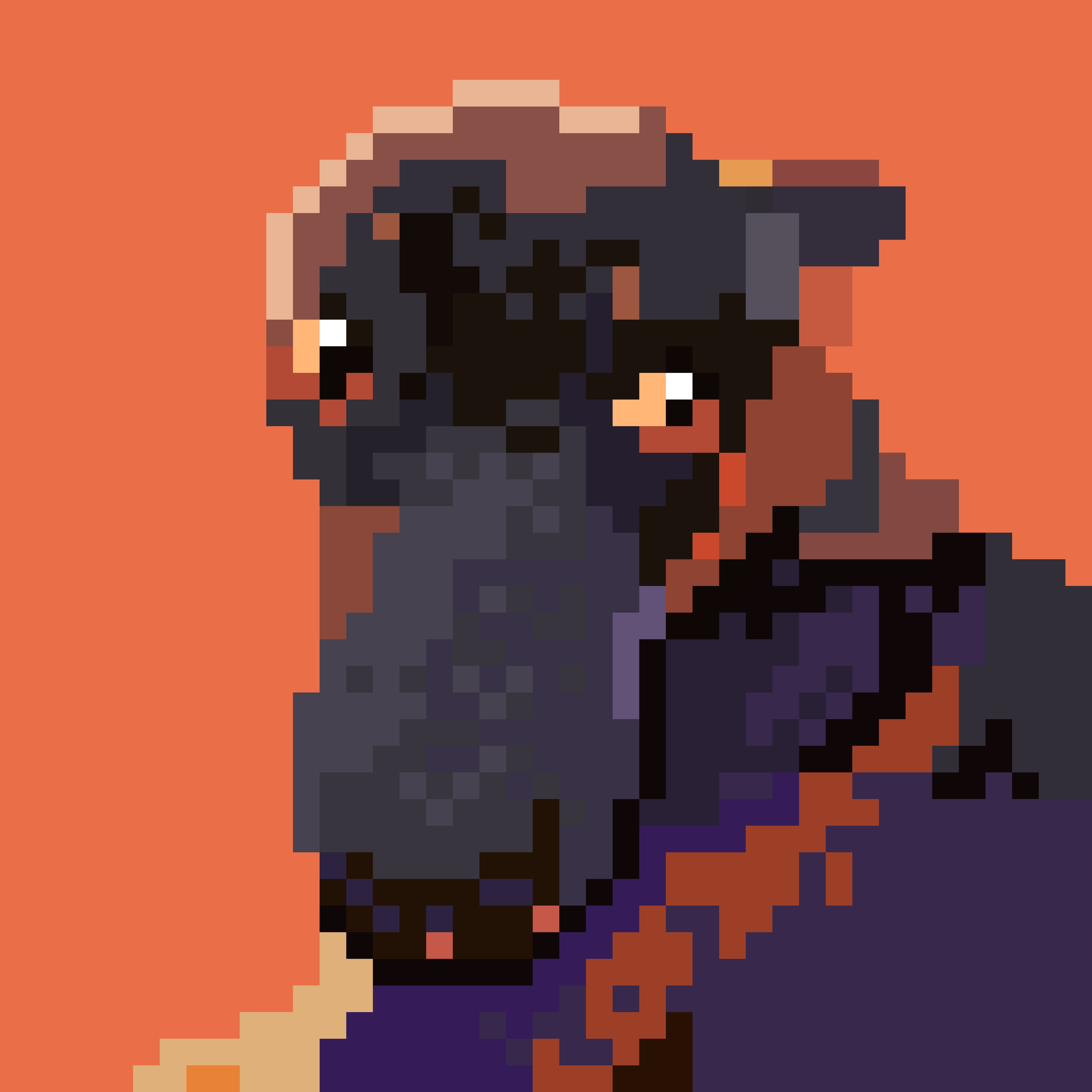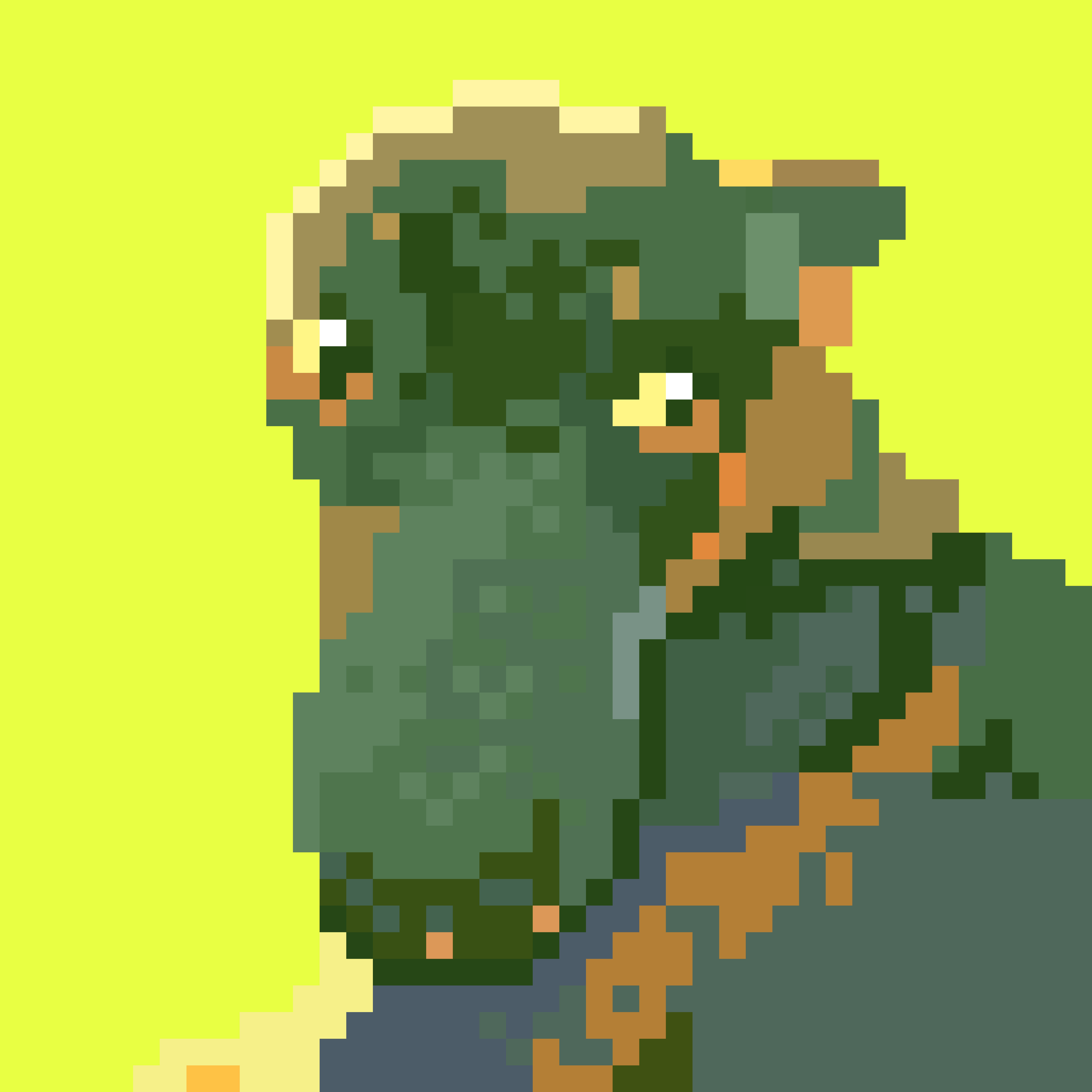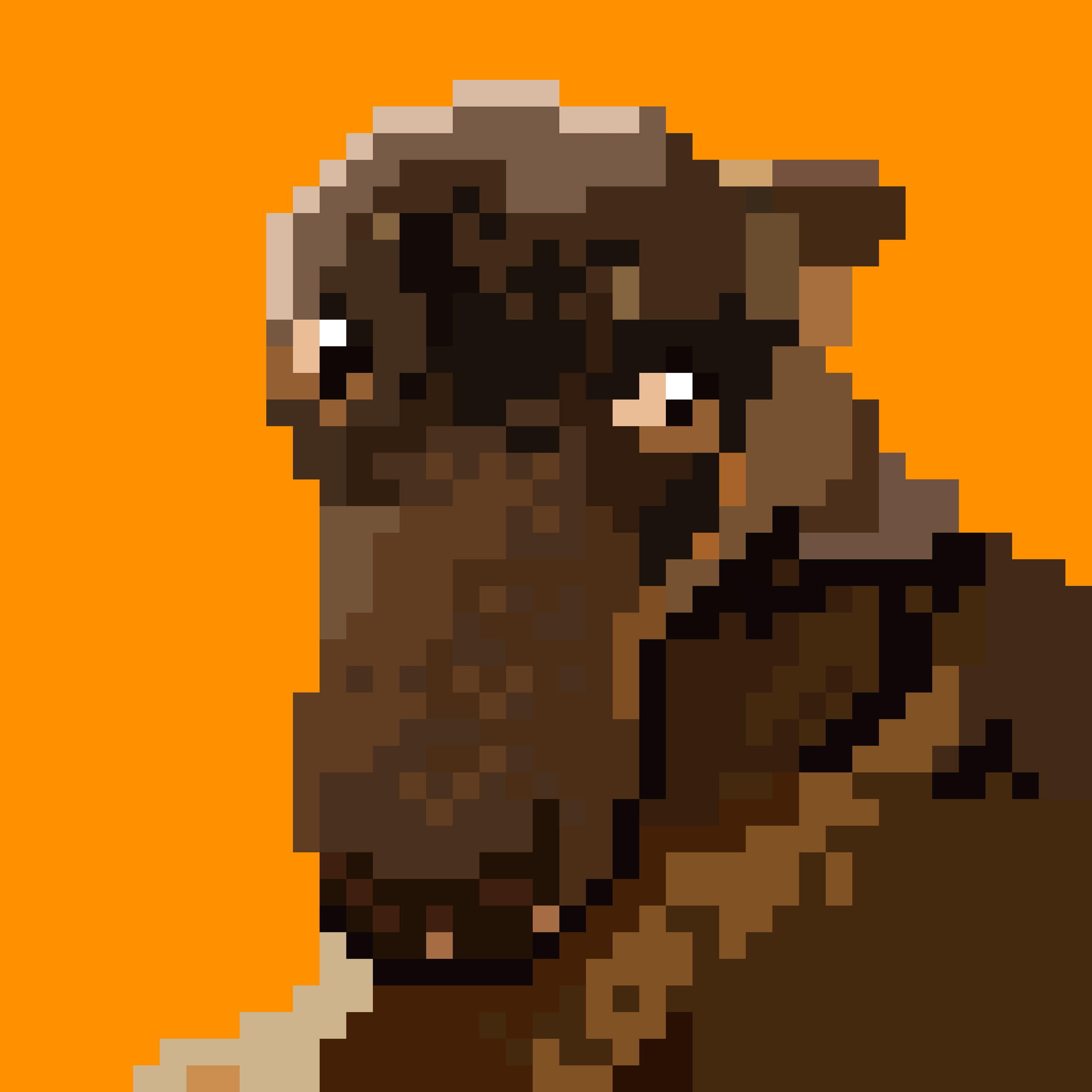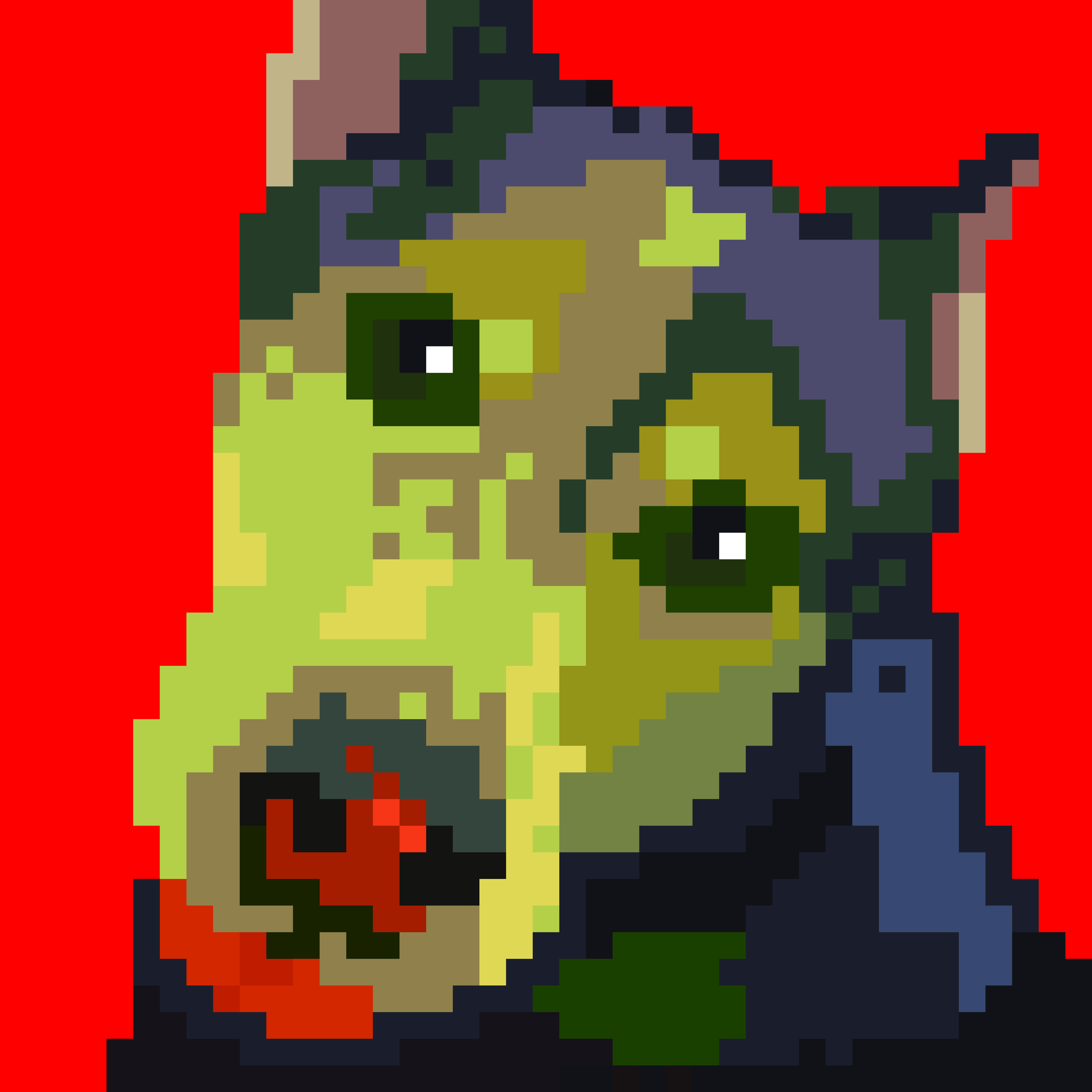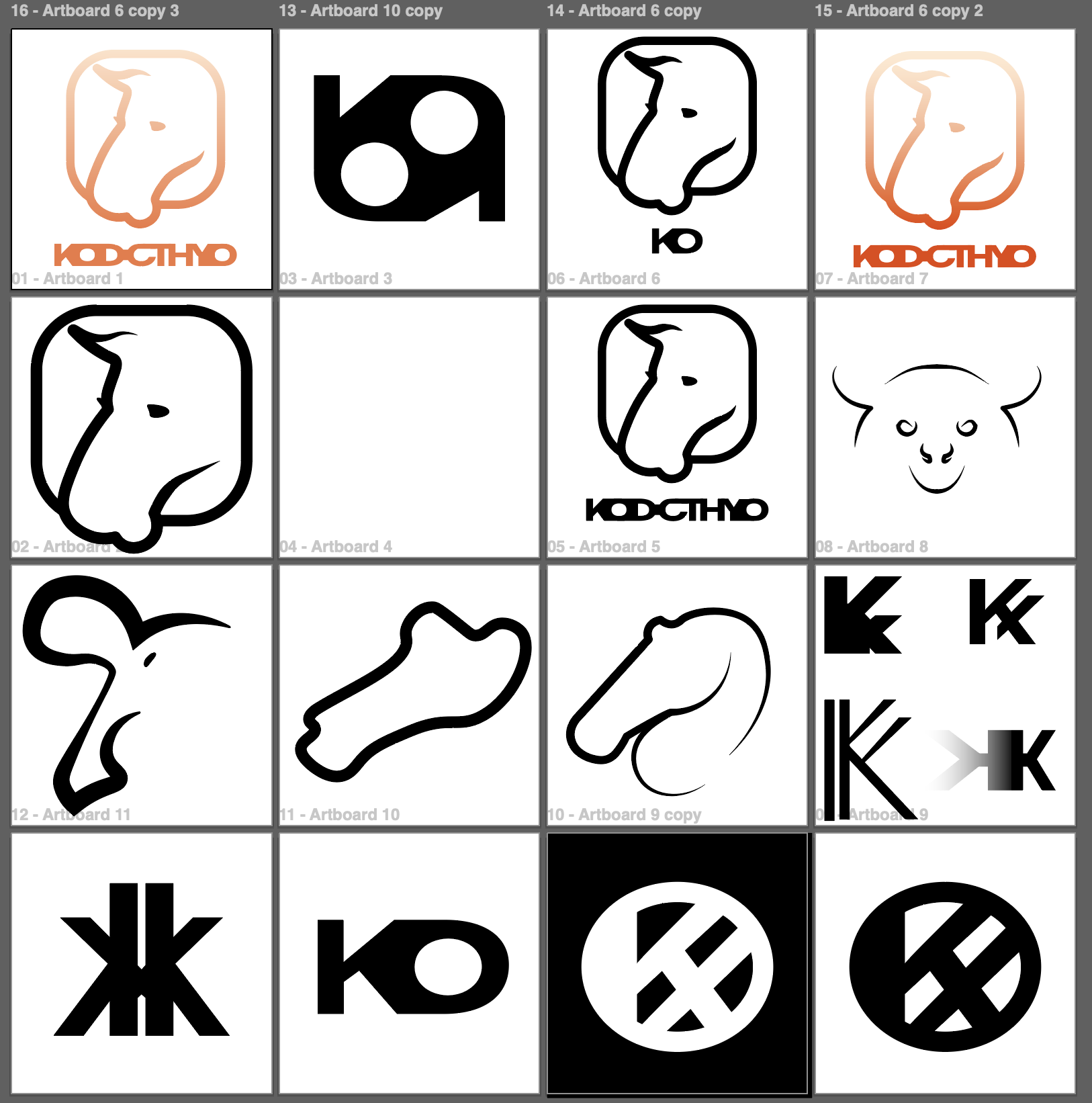
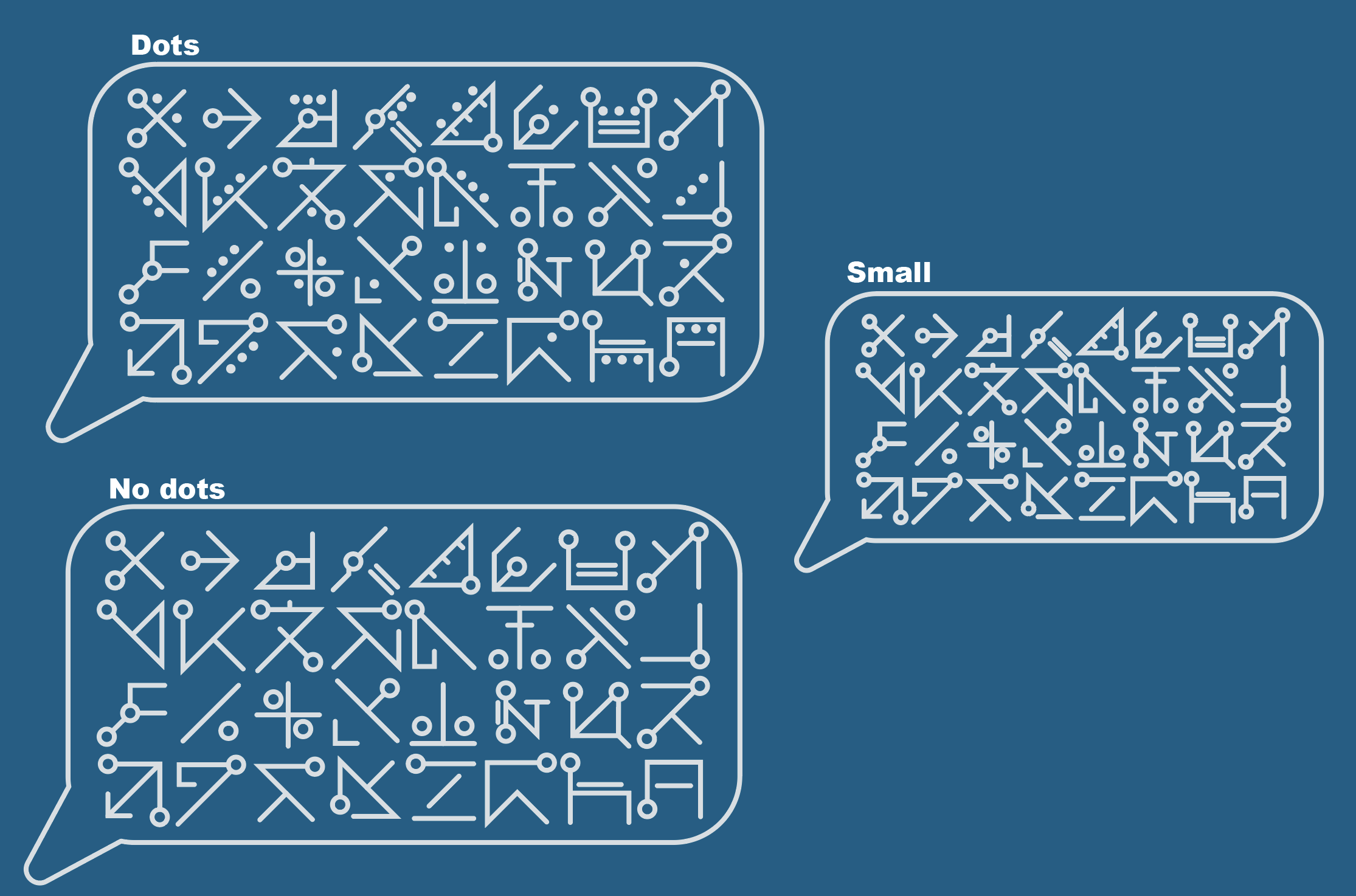
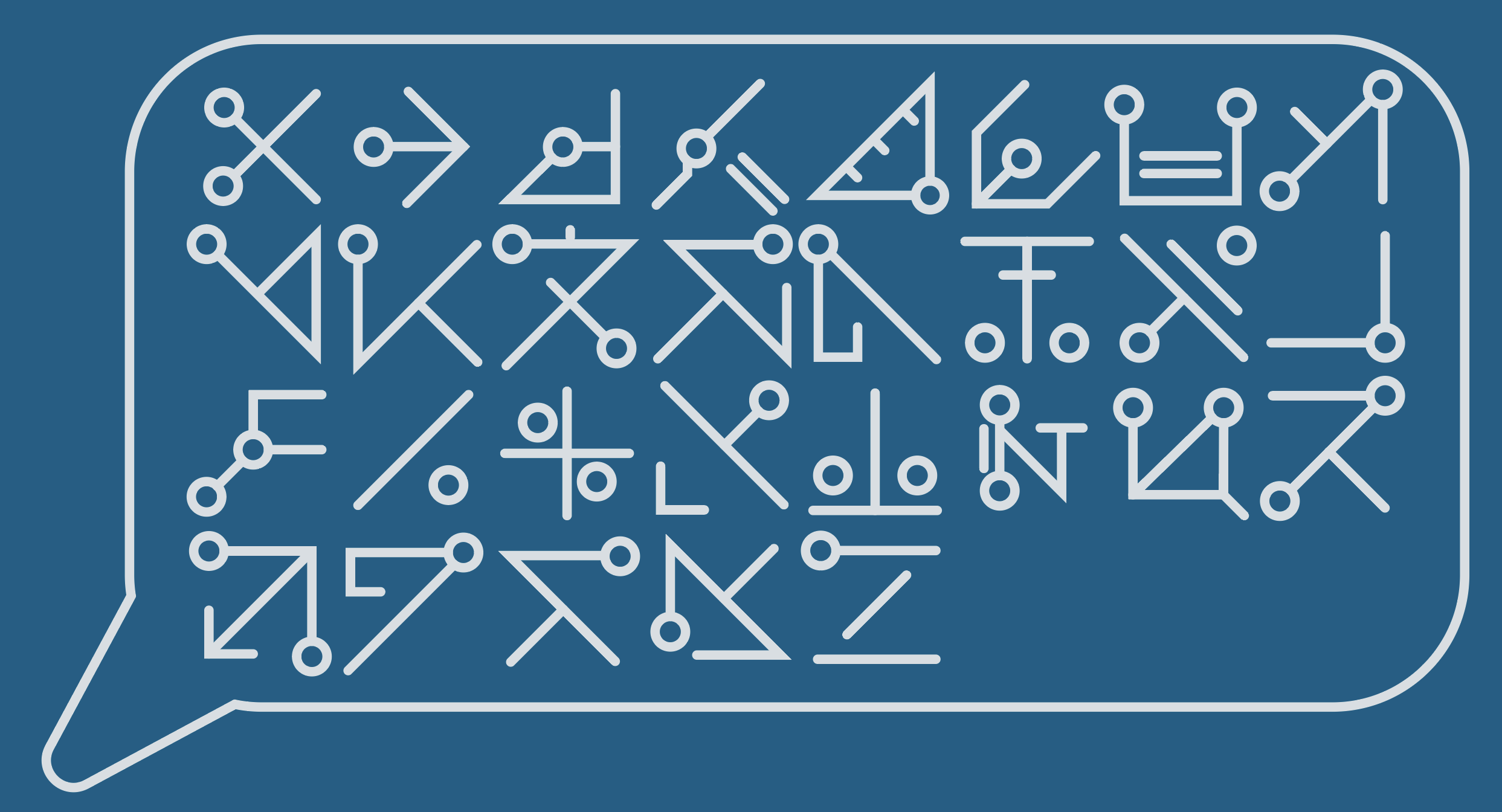
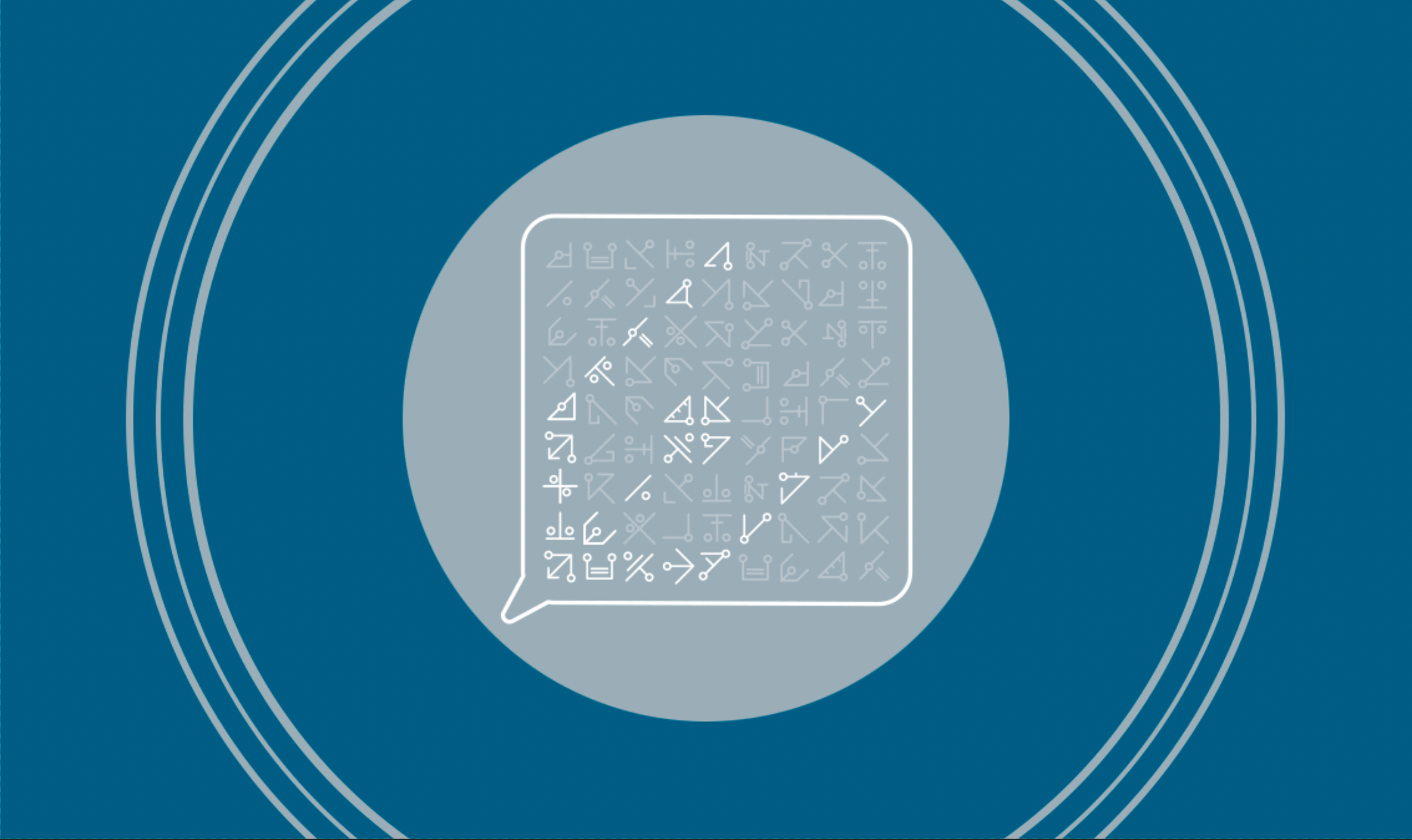
This and last week, I continued designing the logo and course graphics for the spring class Agentic Software Engineering. We’re coming up on the deadline, so I’ve been working on finishing up finalizing the design. I’ve been working on developing several different designs to give the client as many options as possible. Right now, we’re still decided which logo to move forward with, but we should have it finalized by today or Monday.
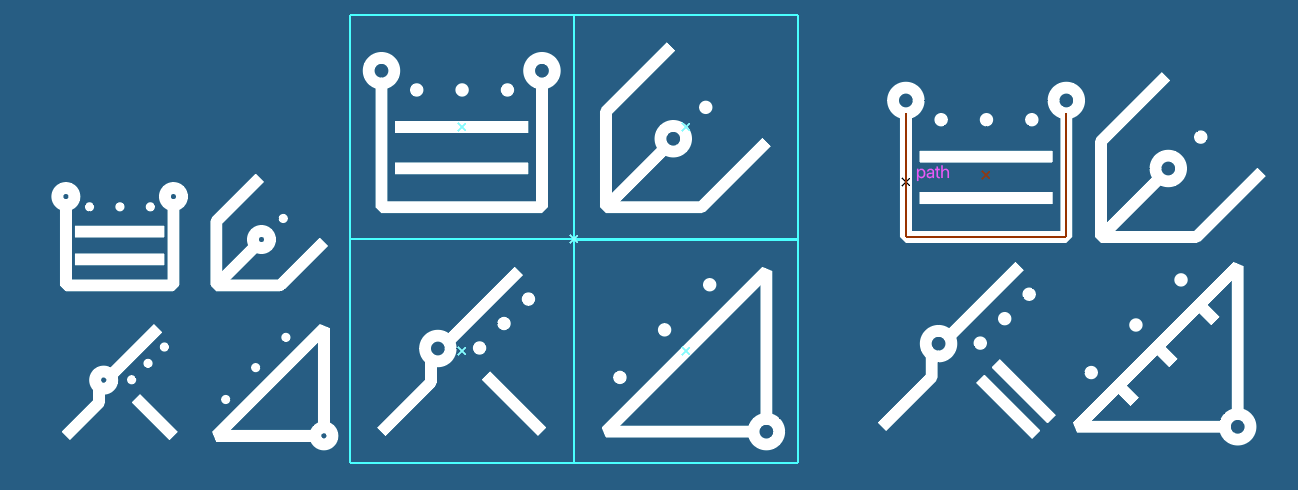

Initial Concepts
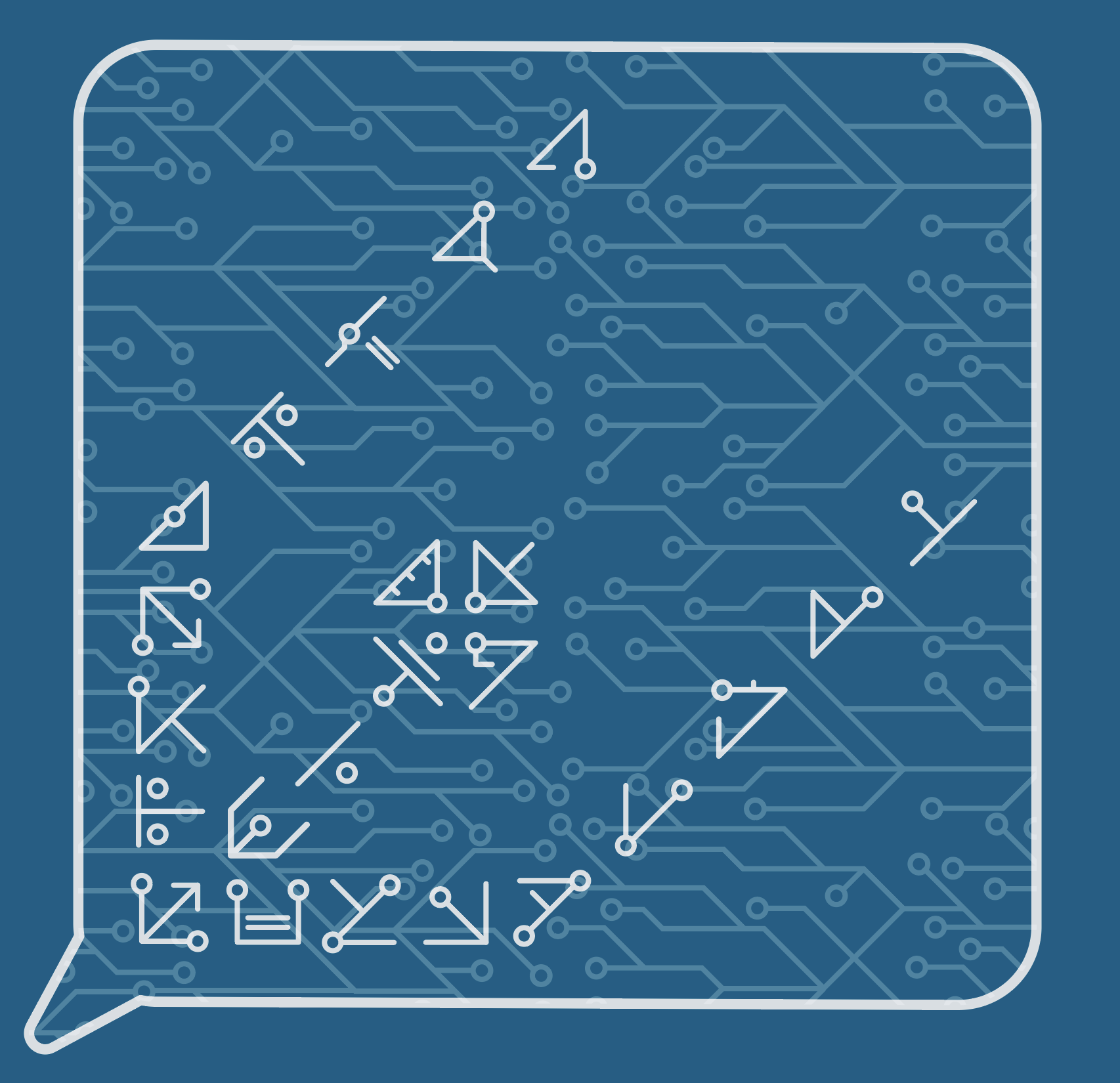
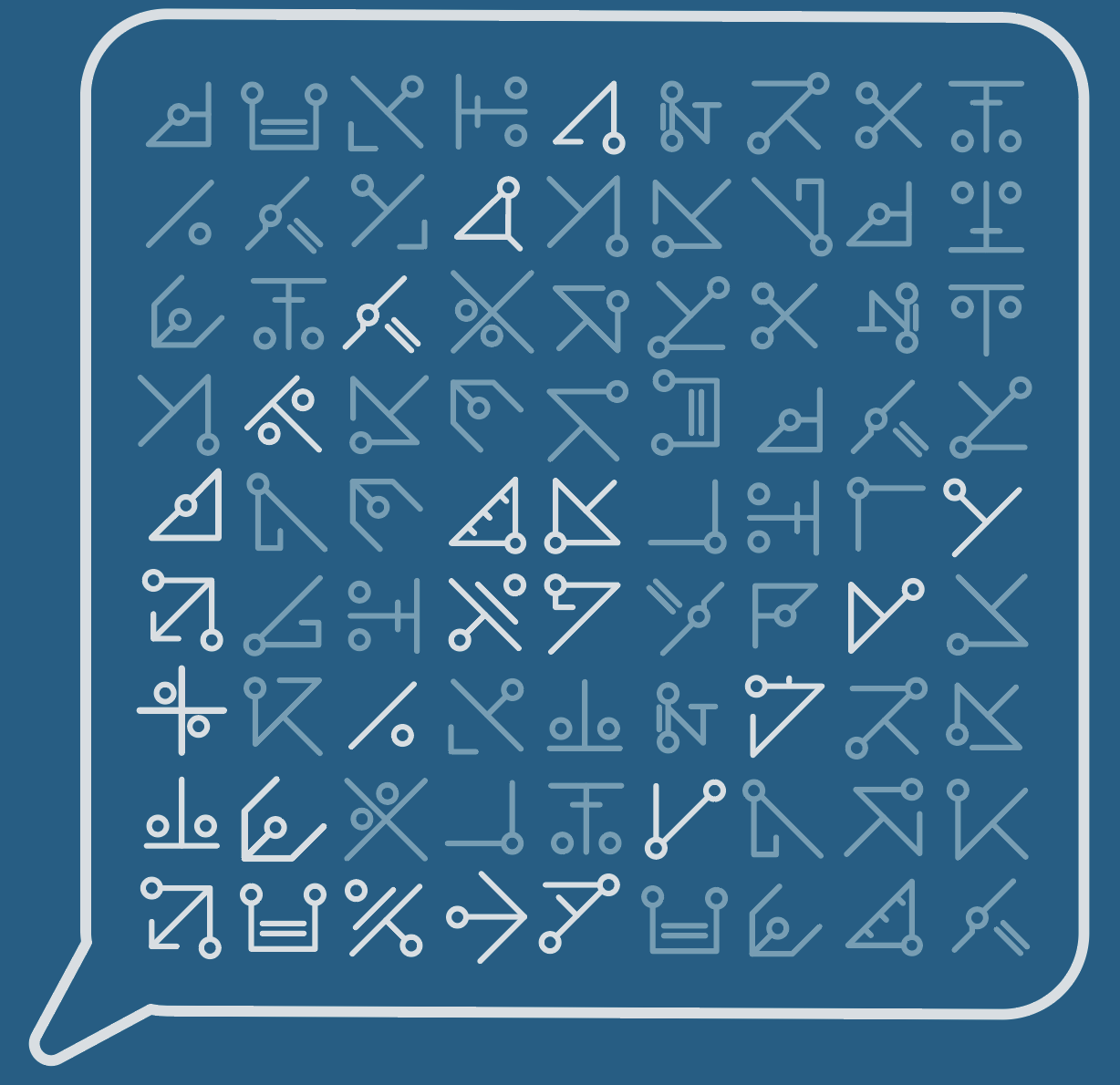
Final concepts


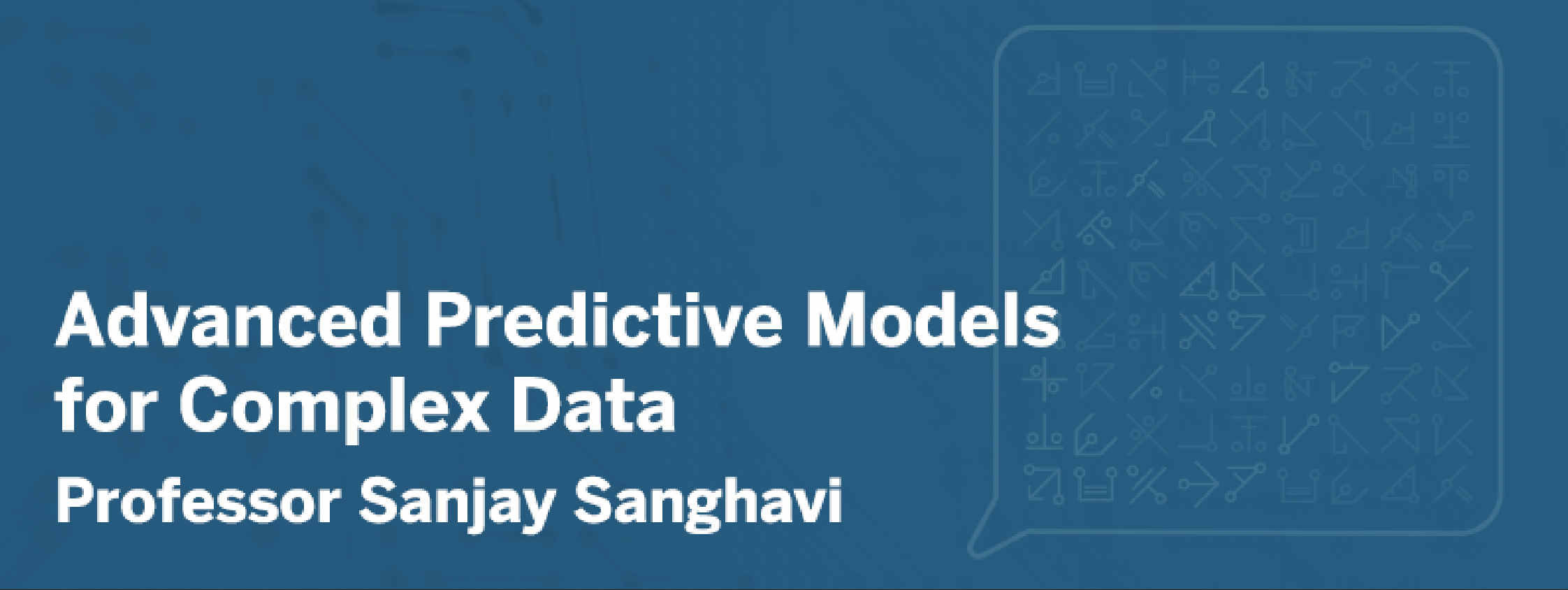
Course Graphics Concepts
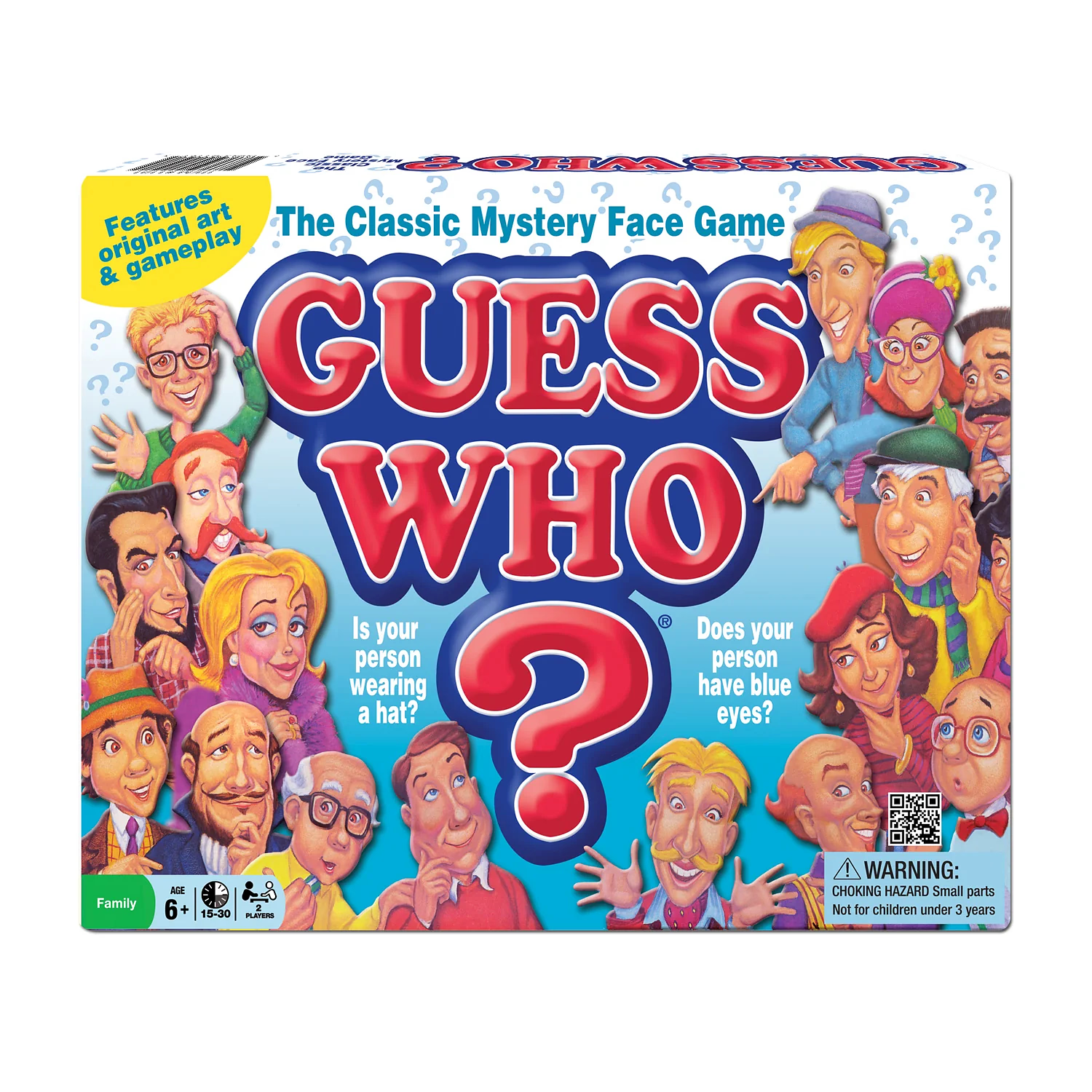
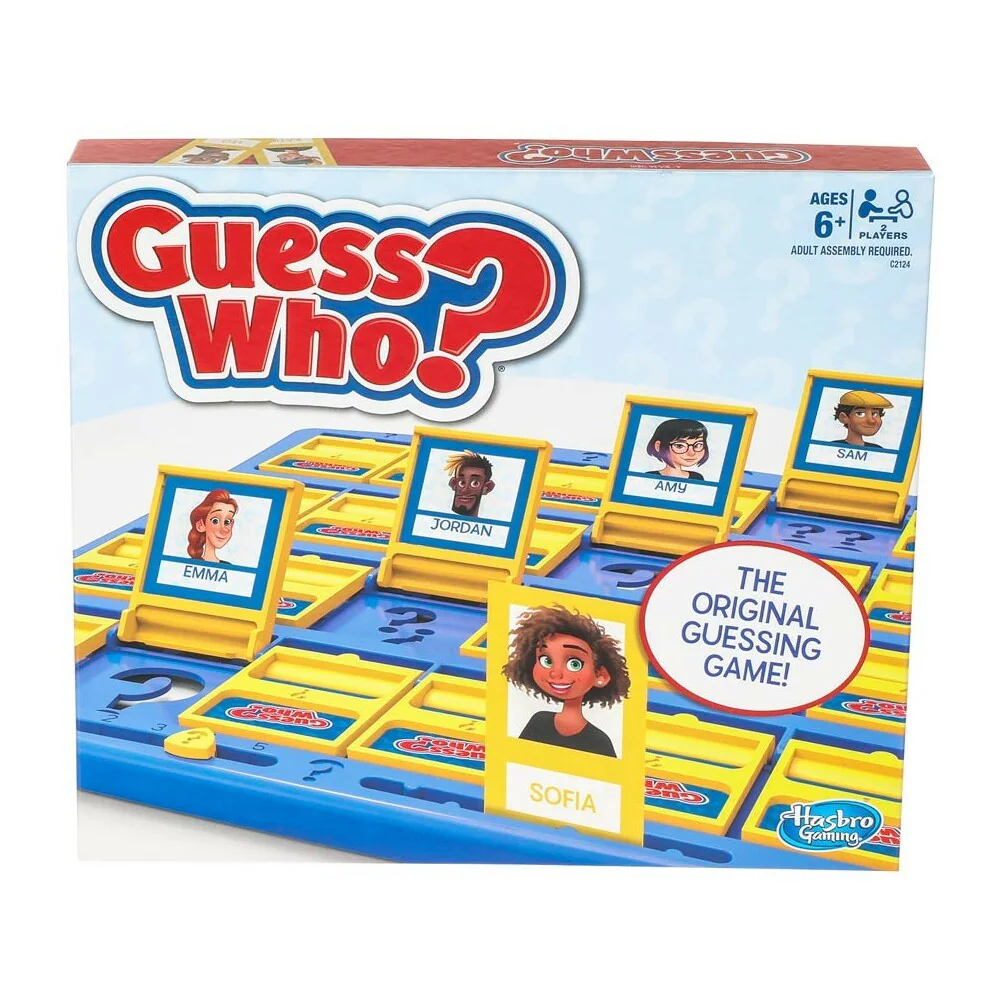
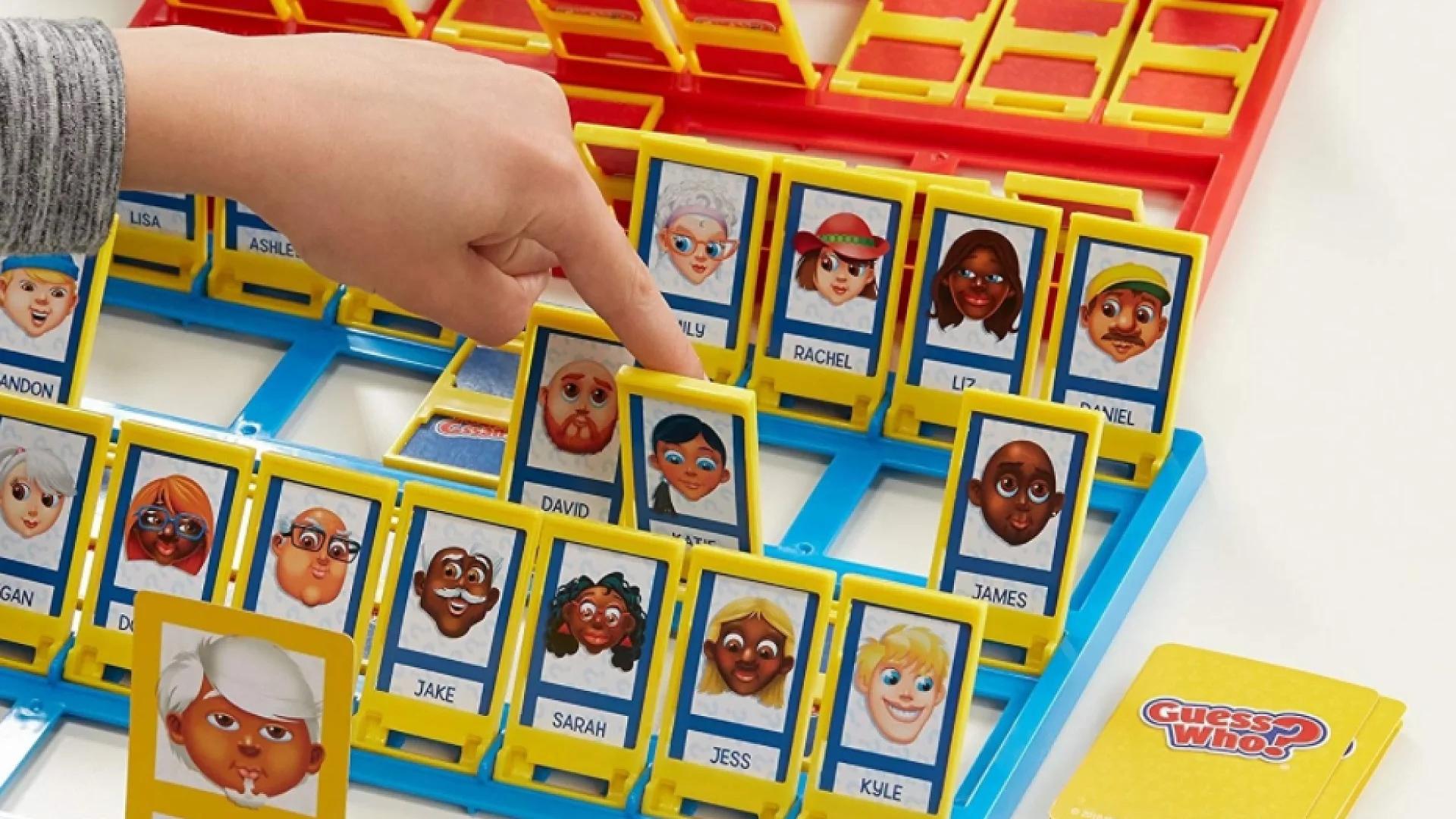
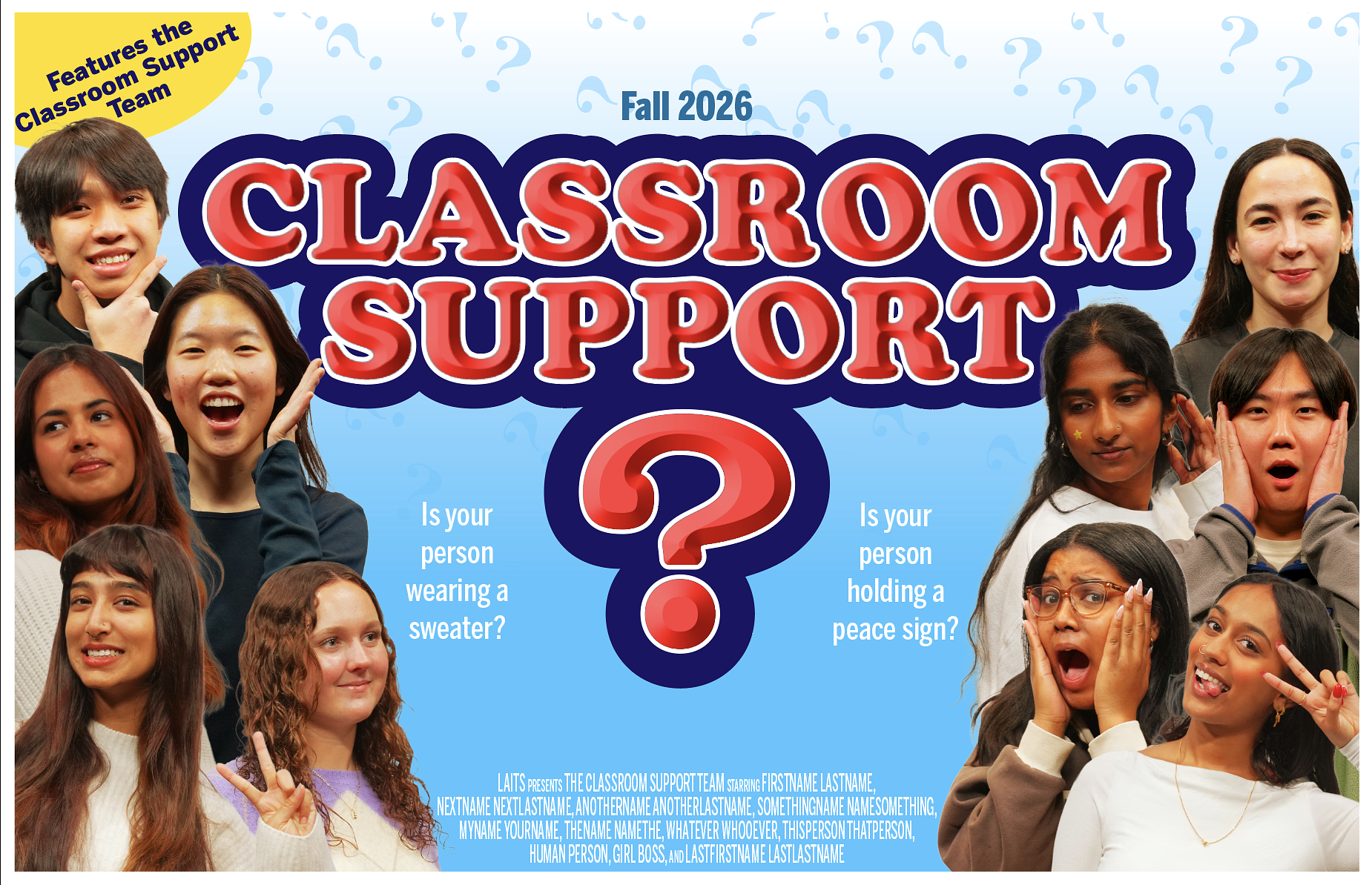
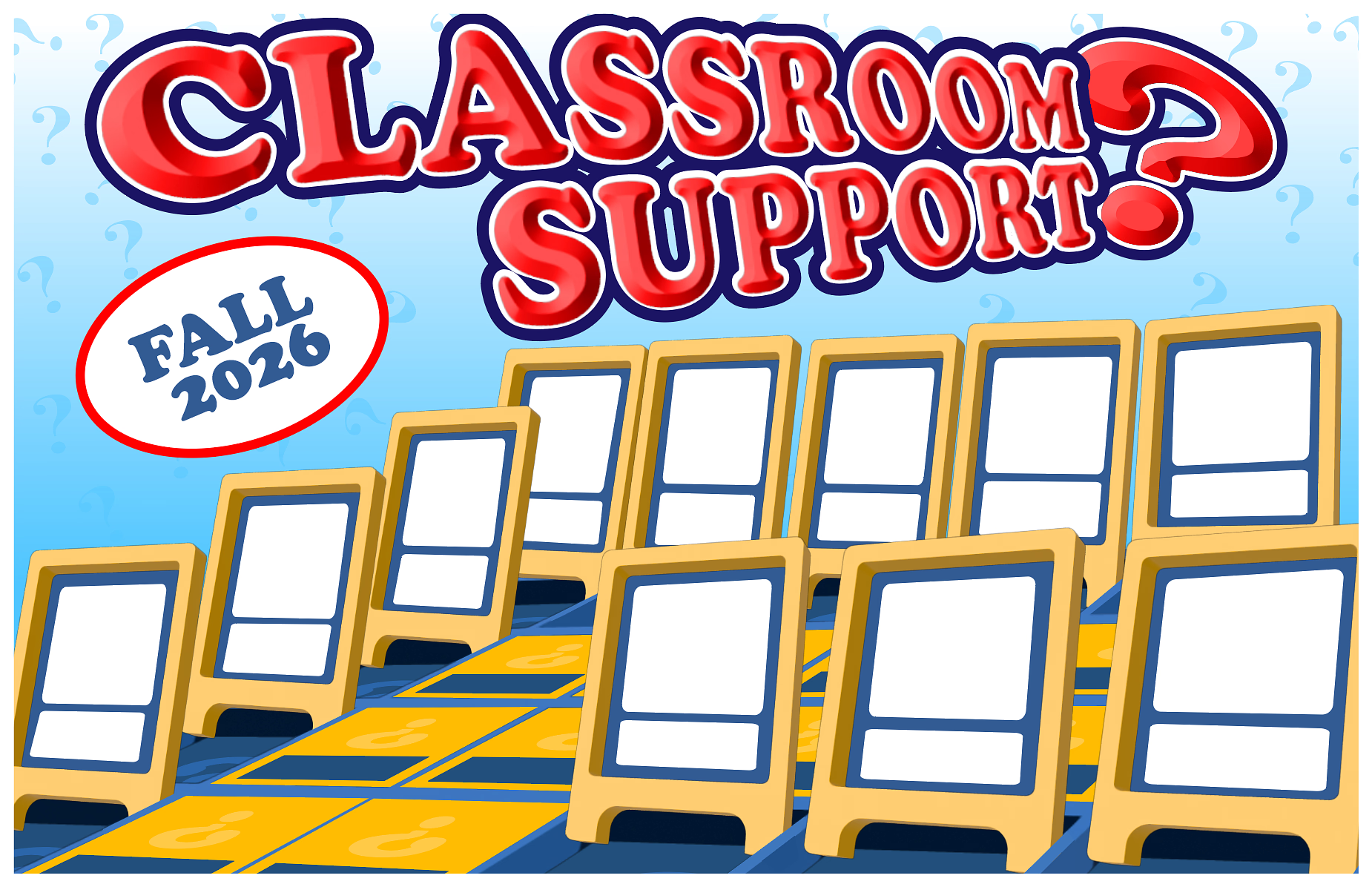
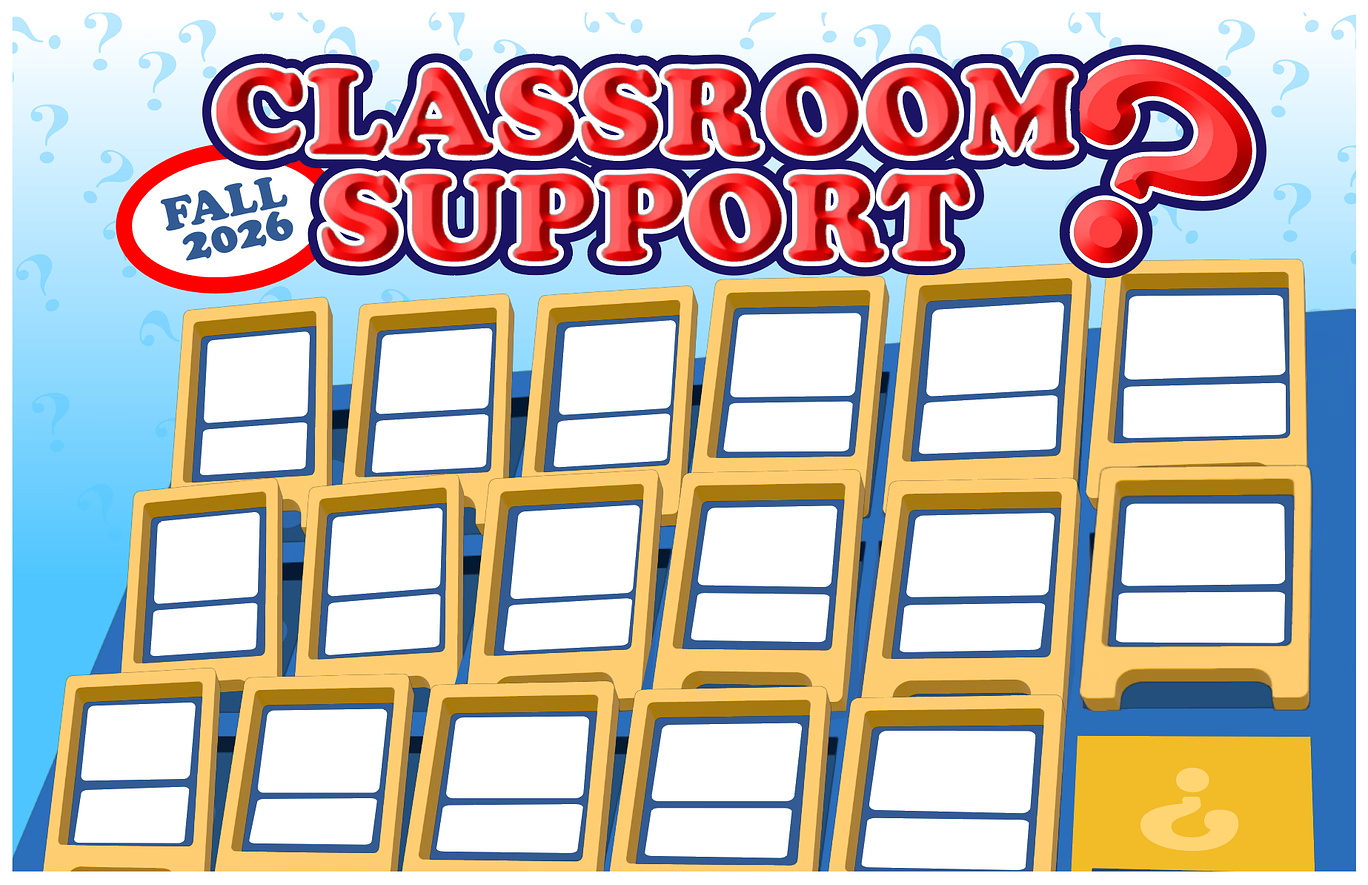
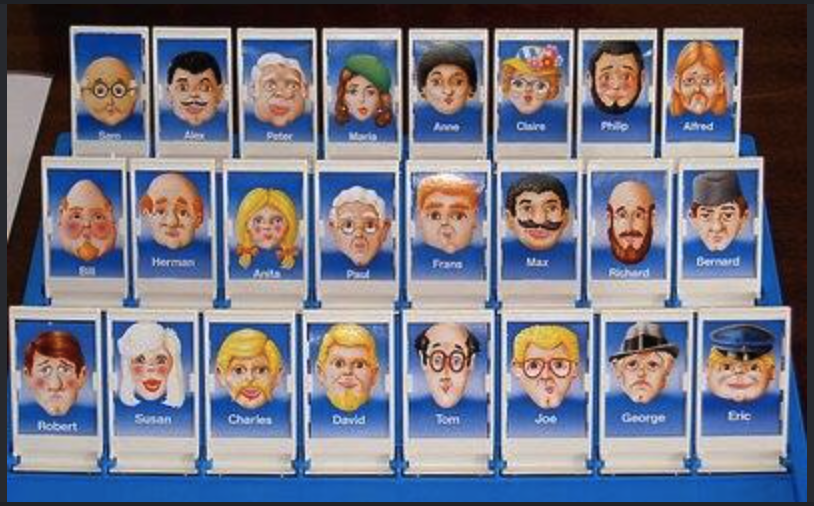
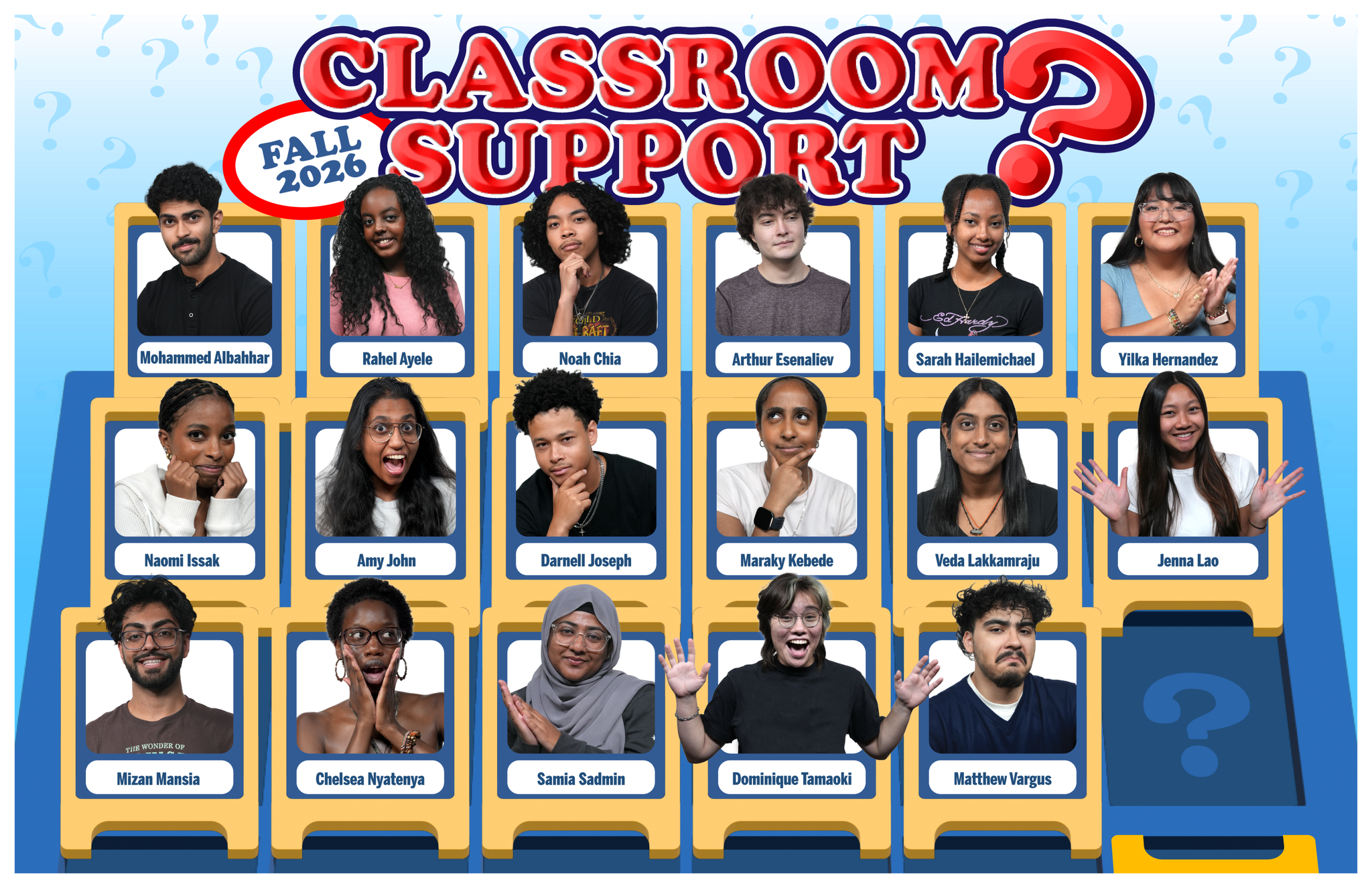
While I waited on feedback from these course graphics, I’d work on designing the 2027 STA presentation poster. We scrapped the original design since we felt it was too similar to a previous design and switched to another idea. I was tasked to portray an environment that was like a “behind-the-scenes” area (or technical room) for game shows, with the shows playing on the screens with our STA’s inside them. After confirmation of the concept, I began working inside illustrator to design all of the assets and designs I will need when I begin inserting the cut-out photos.
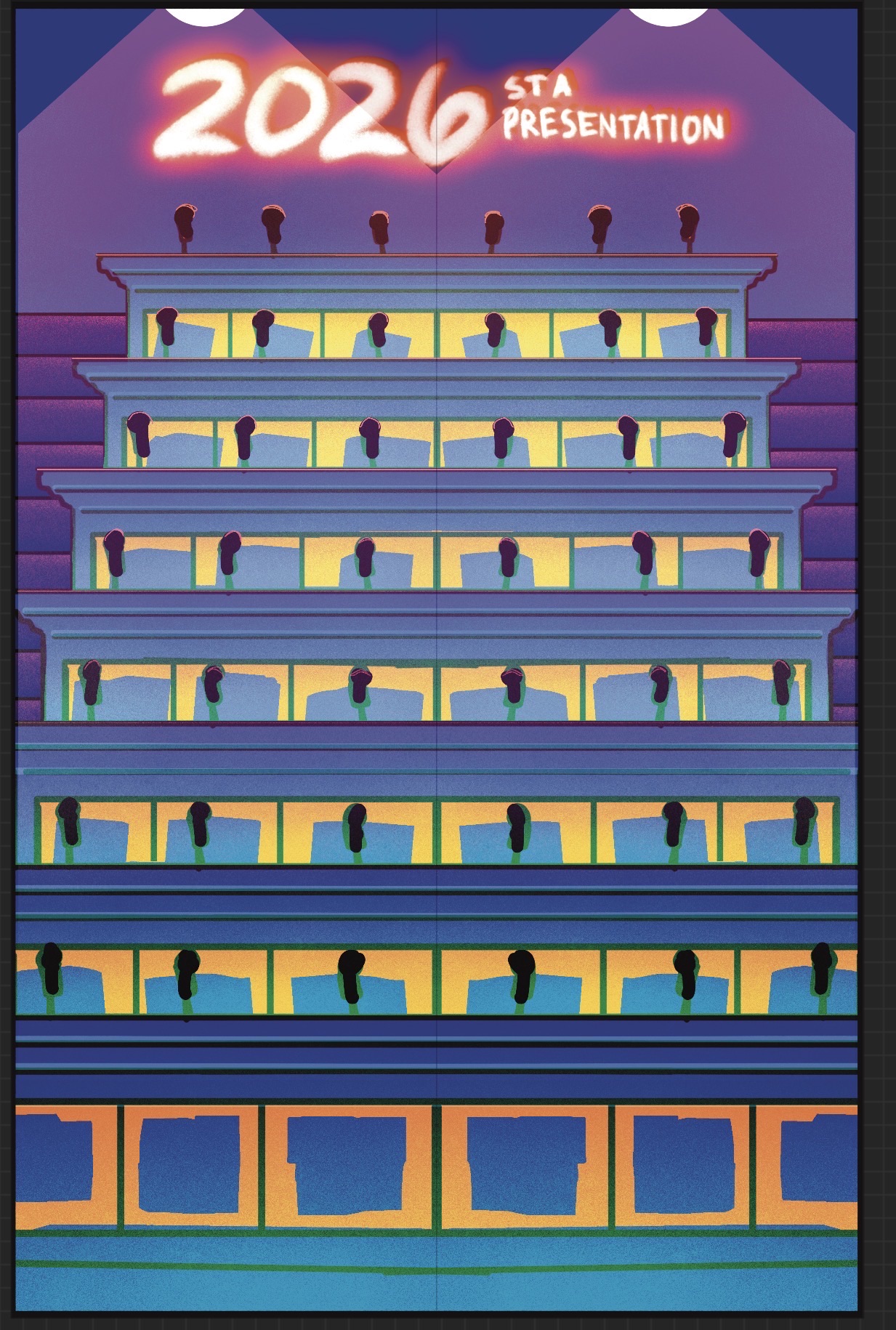
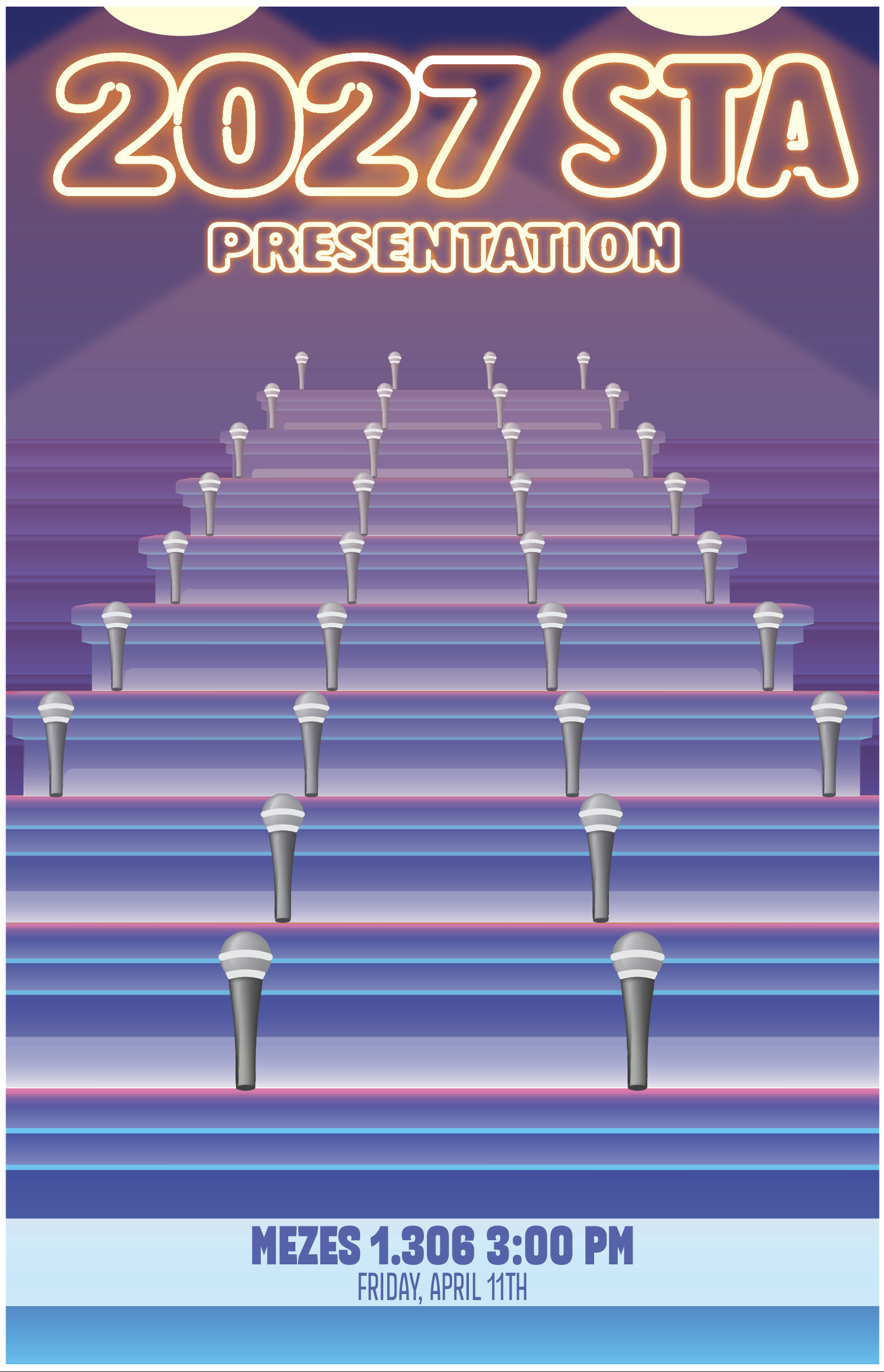
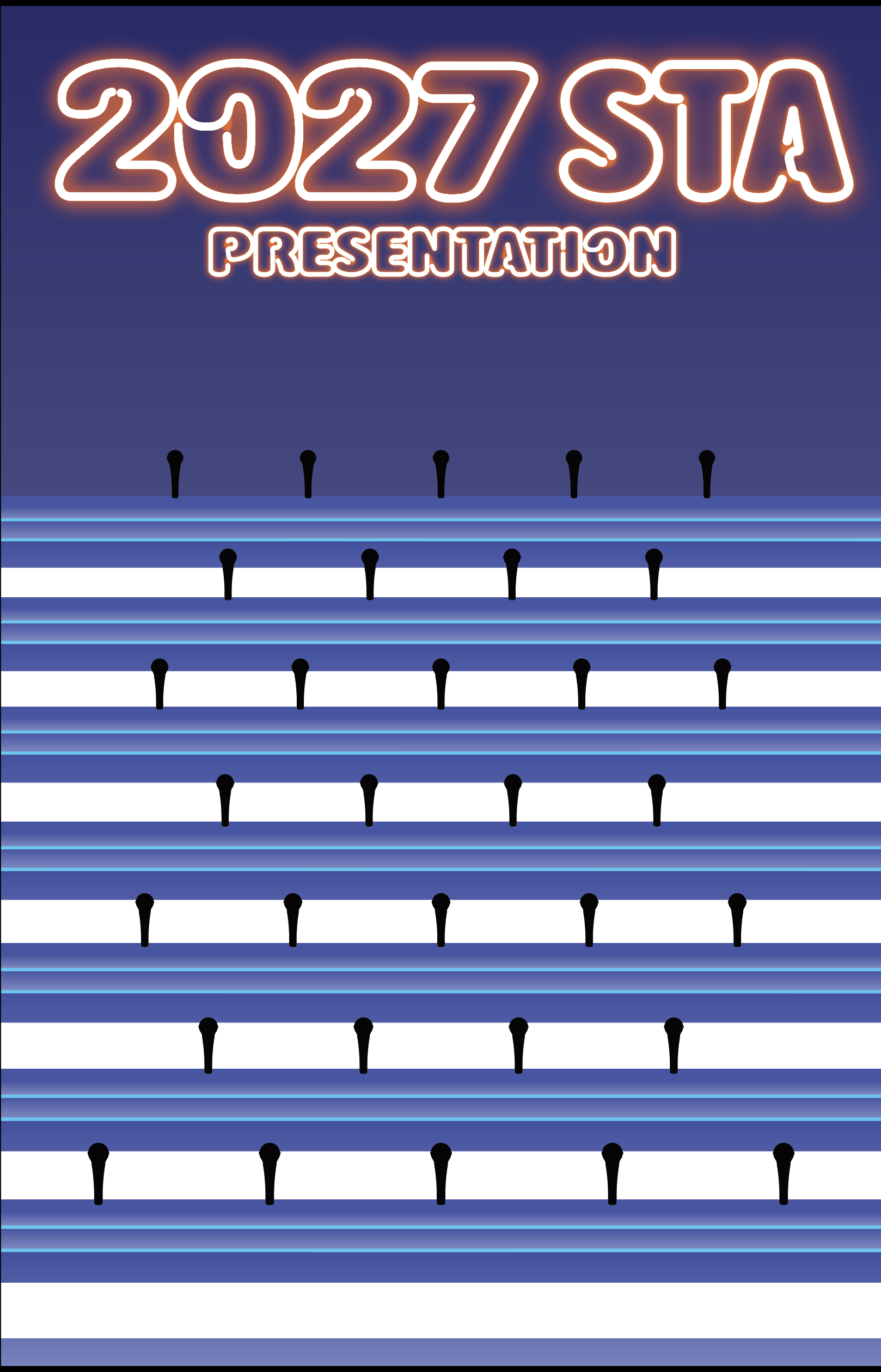
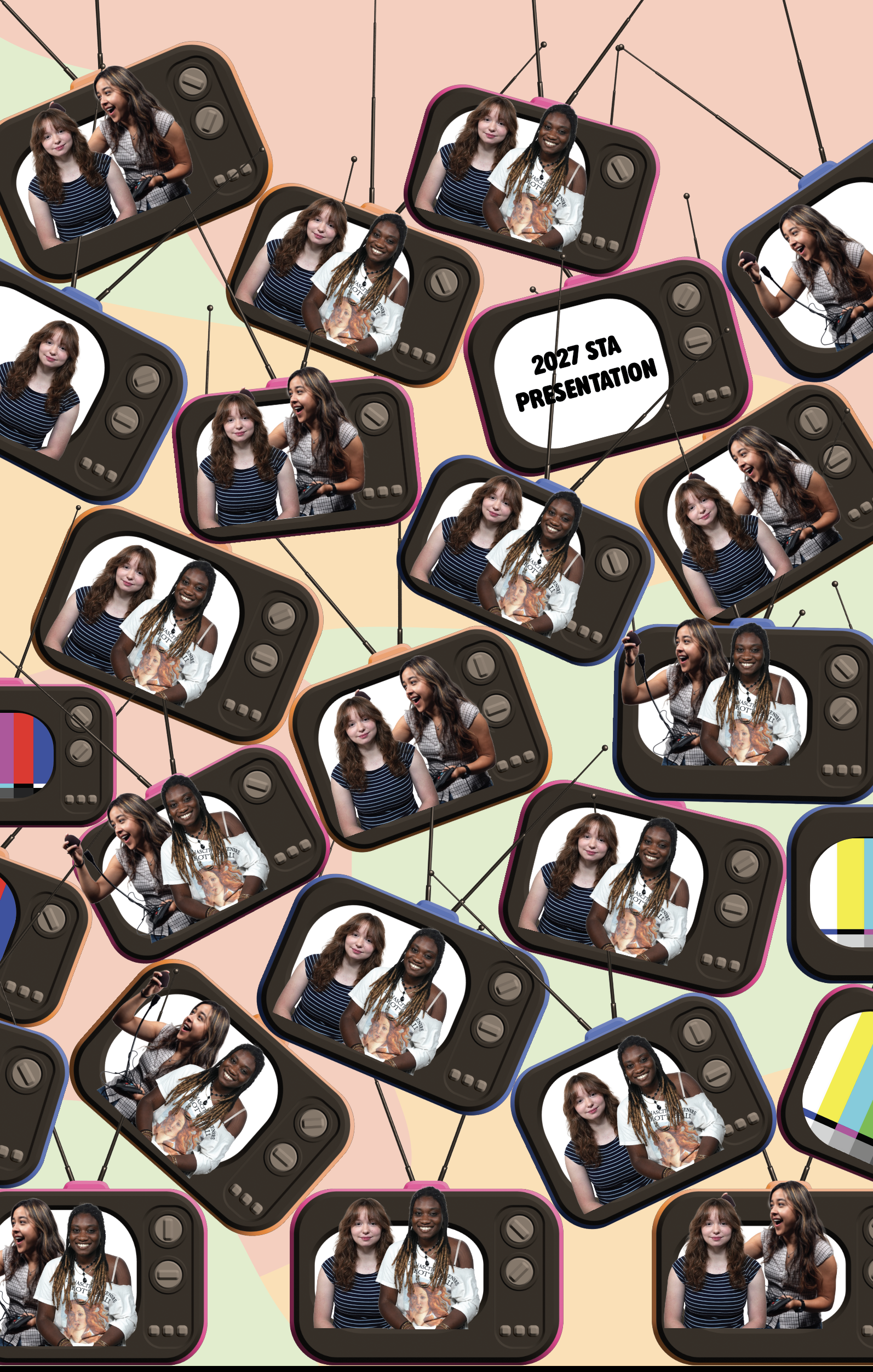
Original design. From left to right; Concept, initial Illustrator implementation, edited from constructive feedback
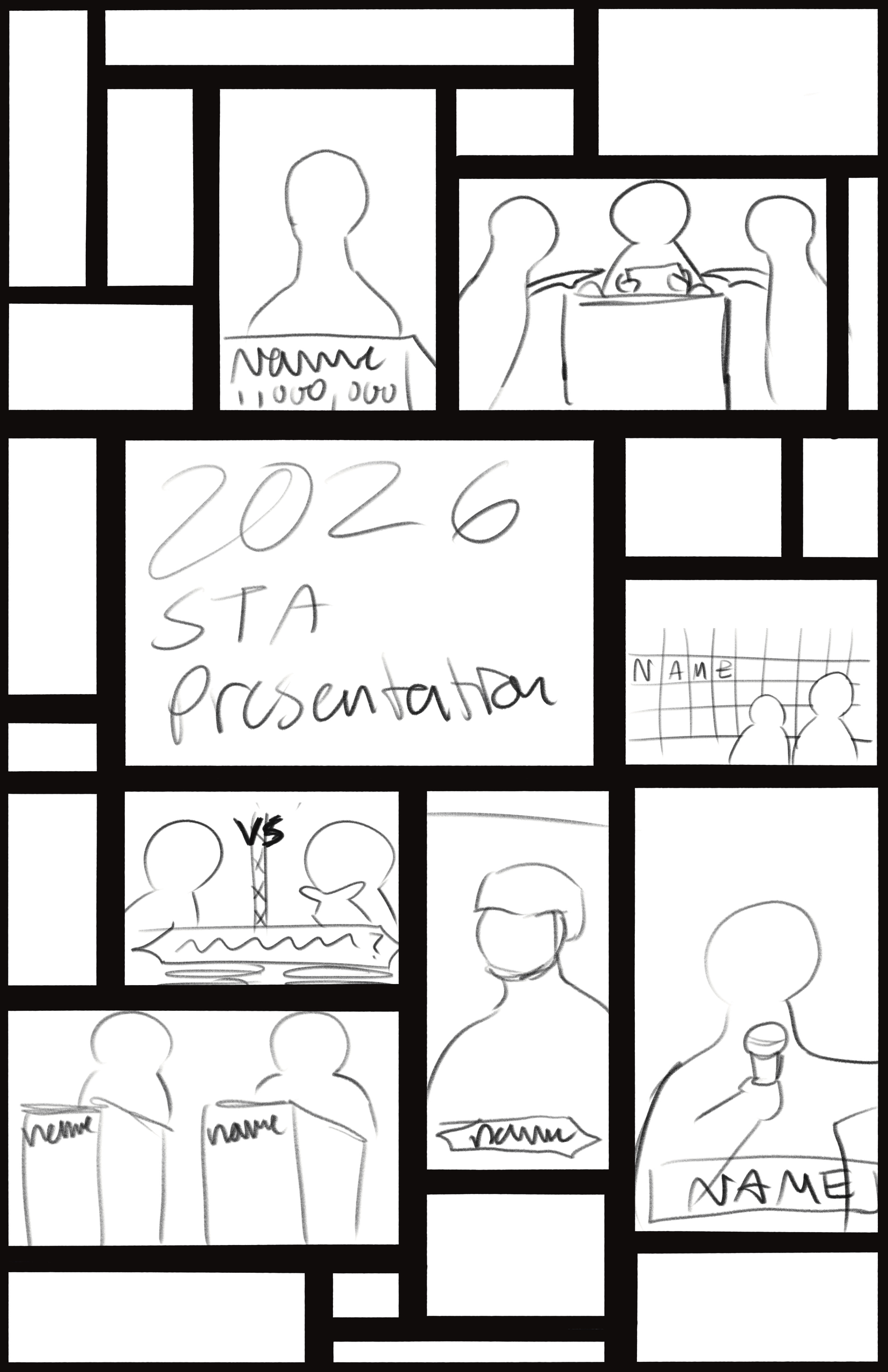
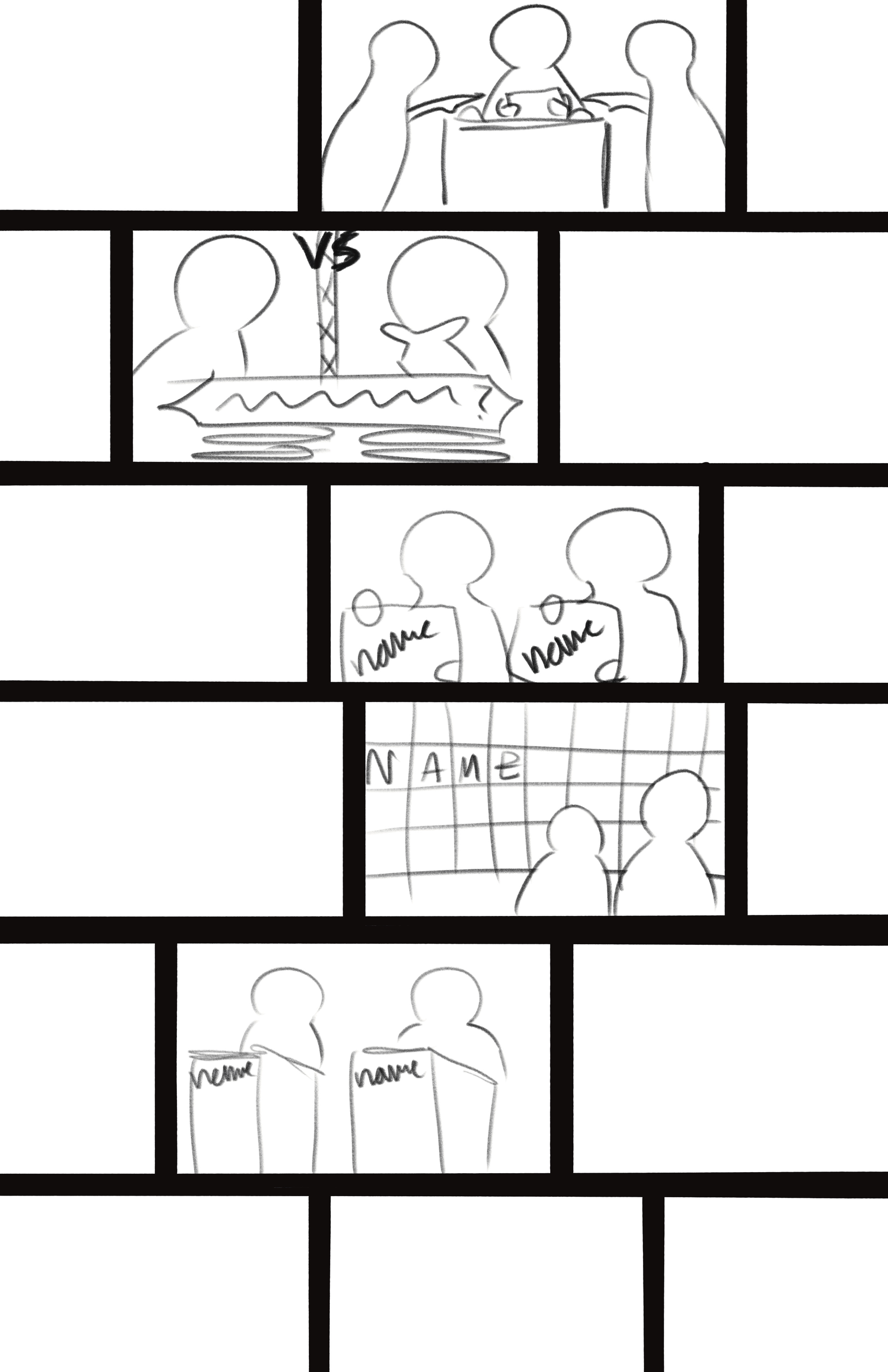
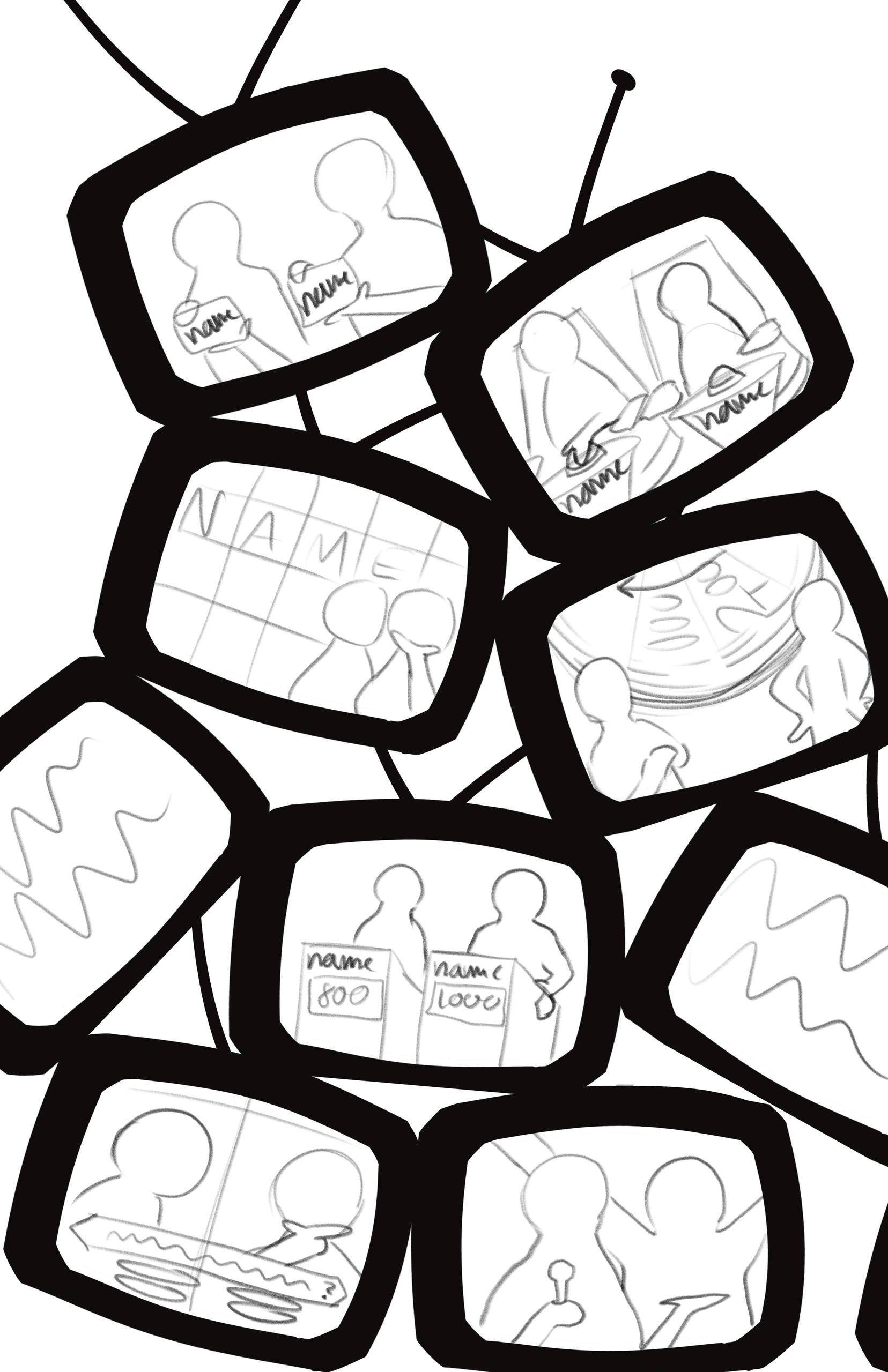
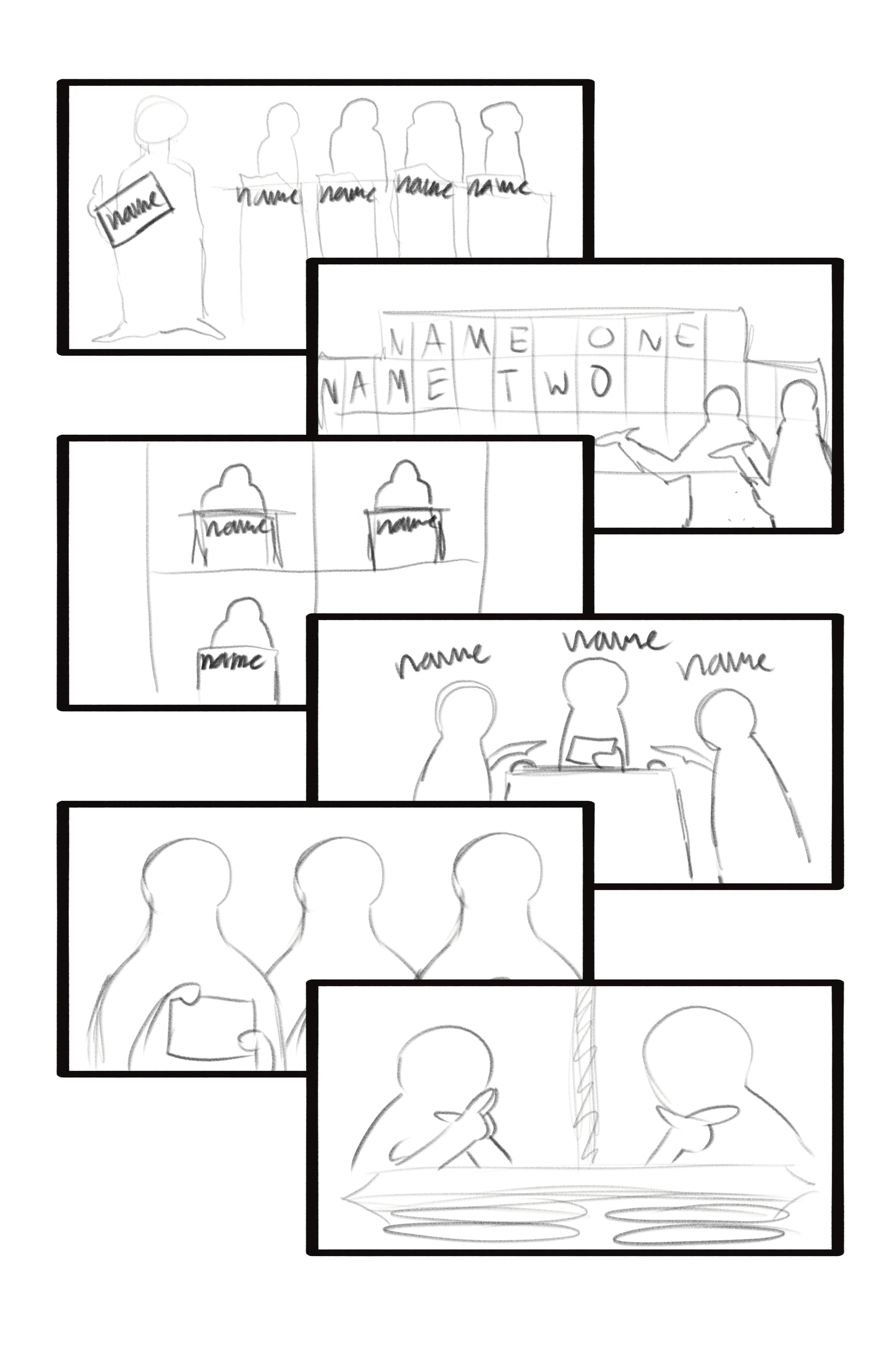
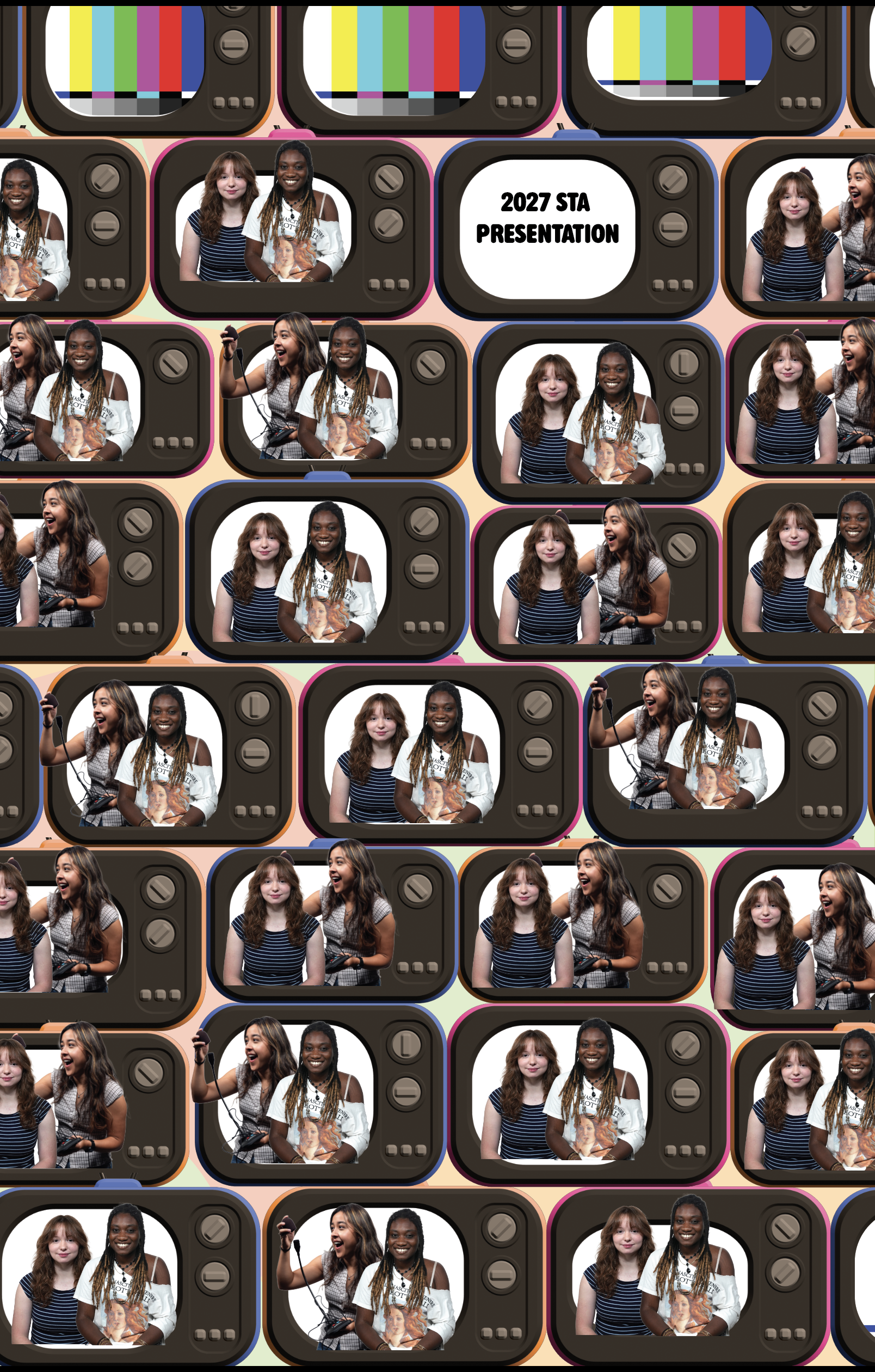
Design version 2. From left to right; 4 versions of concept sketches, 2 versions of Illustrator implementation
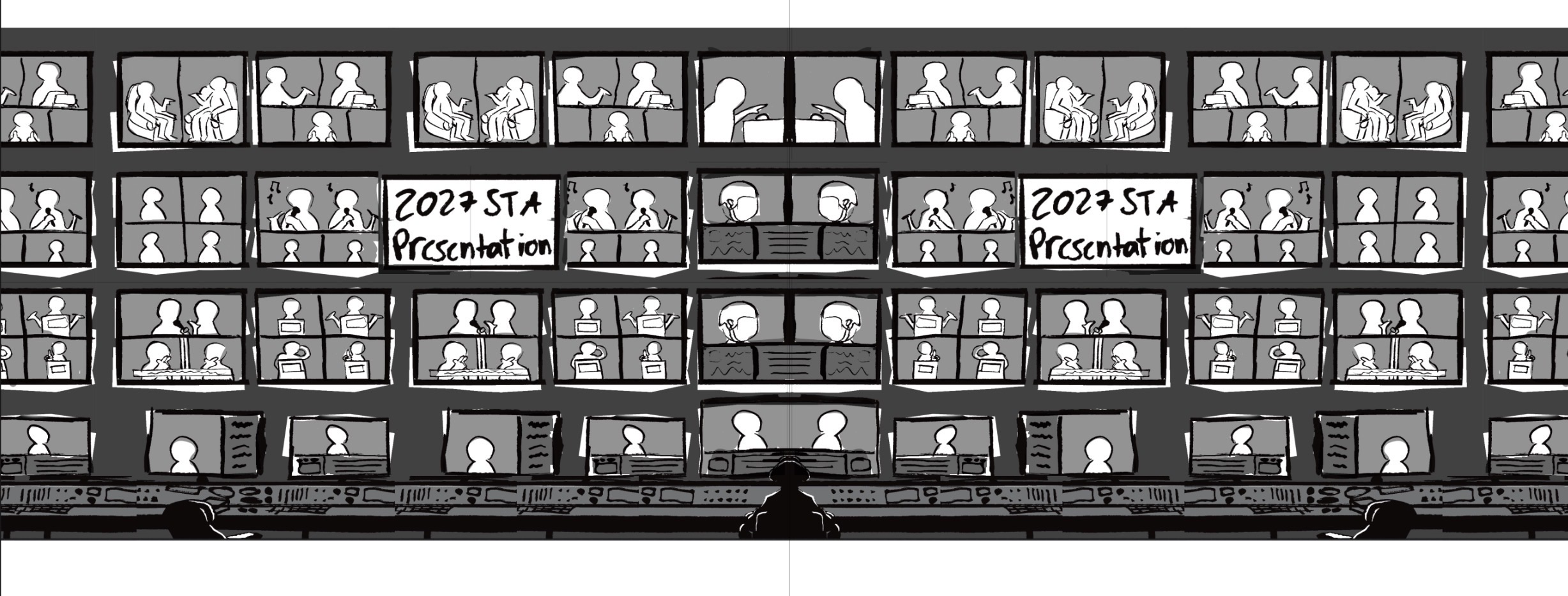
Design version 3 (current version), concept sketch
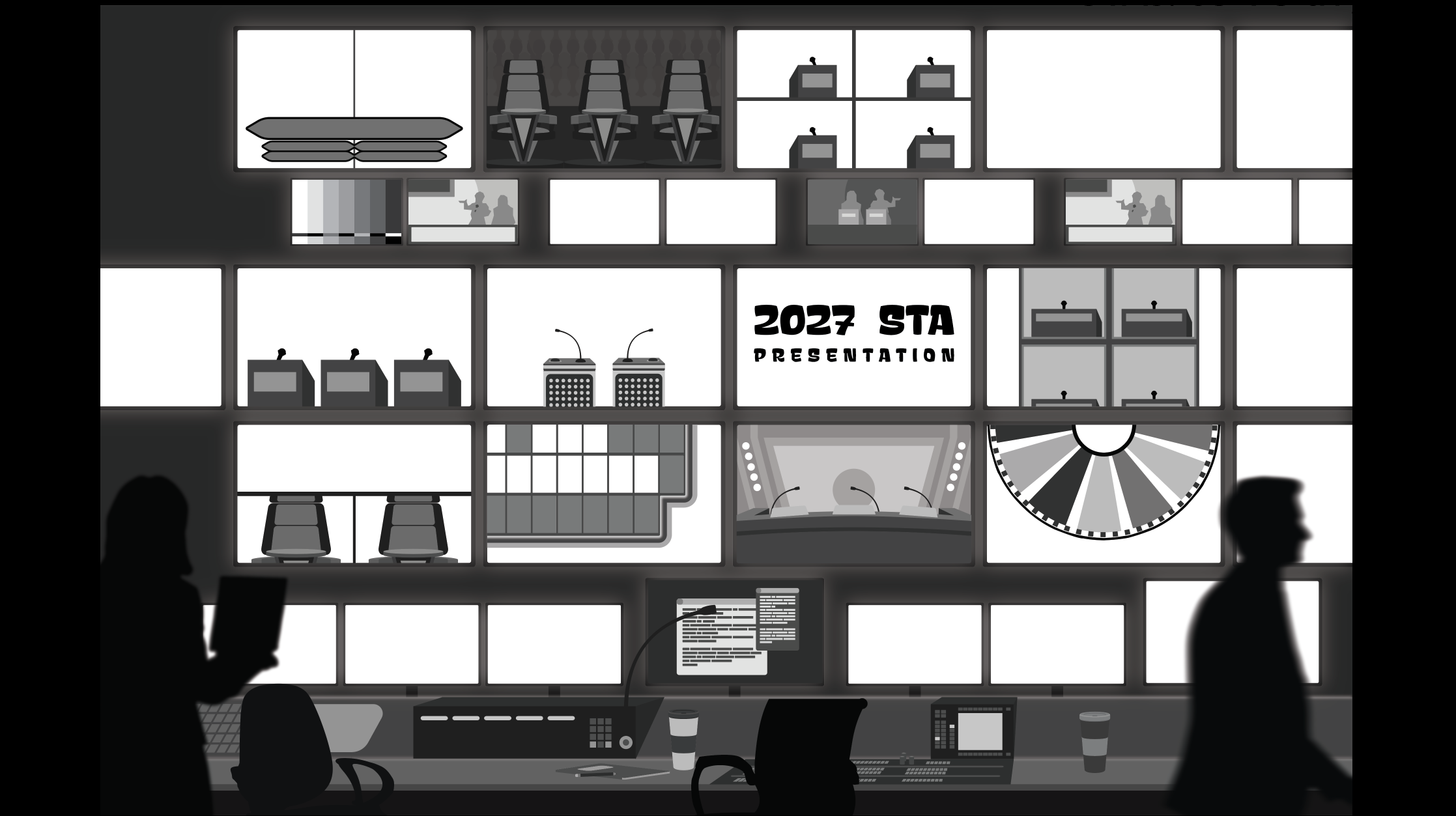
Illustrator implementation, work in progress
I’m glad to be working on these projects and gaining the experience from them. I’ve been enjoying learning many new artistic skills and being able to express my creativity. I look forward to continue working on these and future projects.