• We are STAs
    • Abdurrahmaan Baghdadi
    • Asha Rountree
    • Cindy Truong
    • Haley Ma
    • Isabella Melendez Gonzalez
    • Julie Brandt
    • Kate Shih
    • Kodi Khiraoui
    • Kyra Lee
    • Nicholas Peasley
    • Sasha Kenney
    • Shanda Horm
    • Shriya Atreya
    • Tomas Marulanda-Mesa
    • Trisha Darure
  • We were STAs
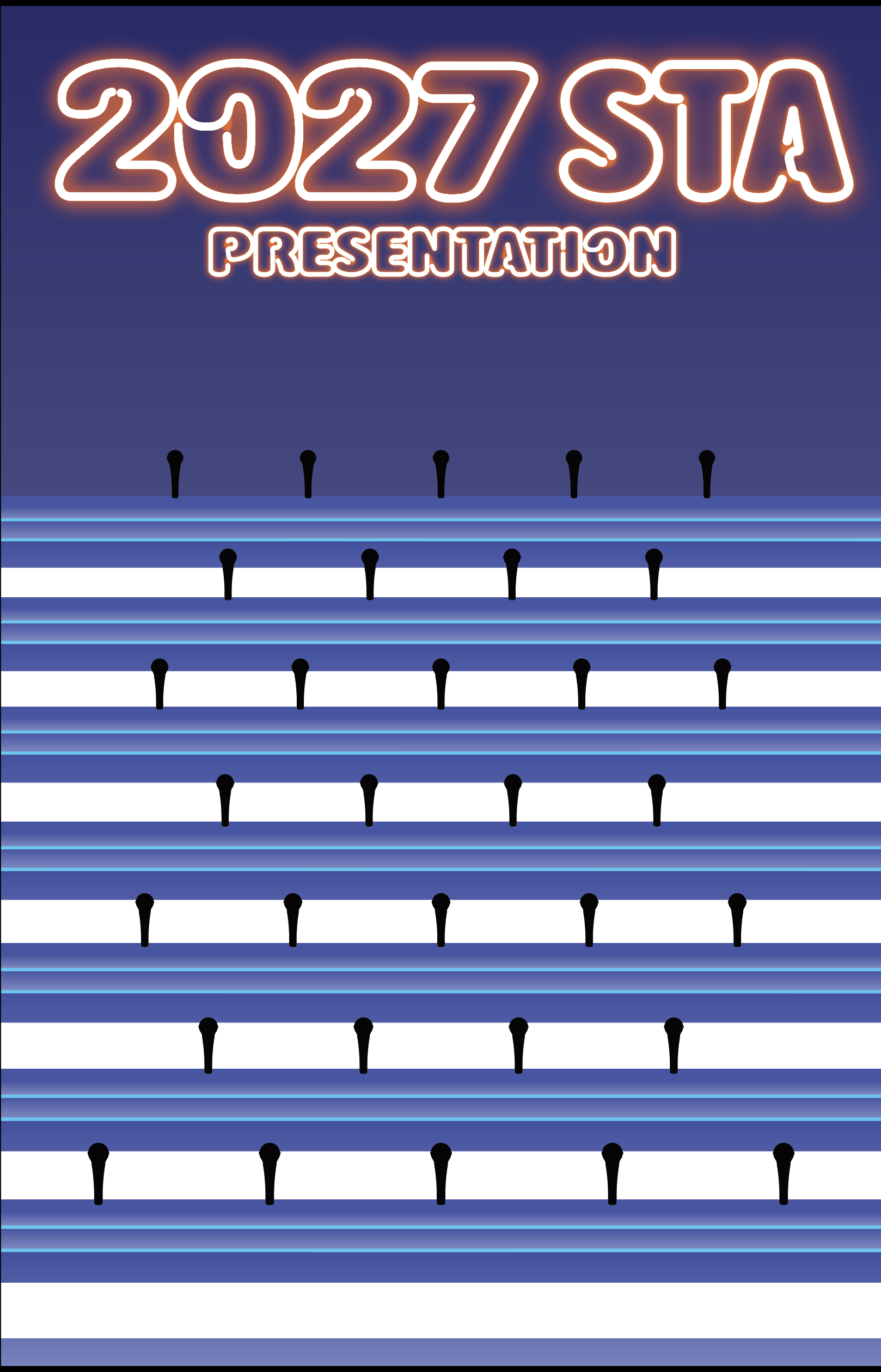
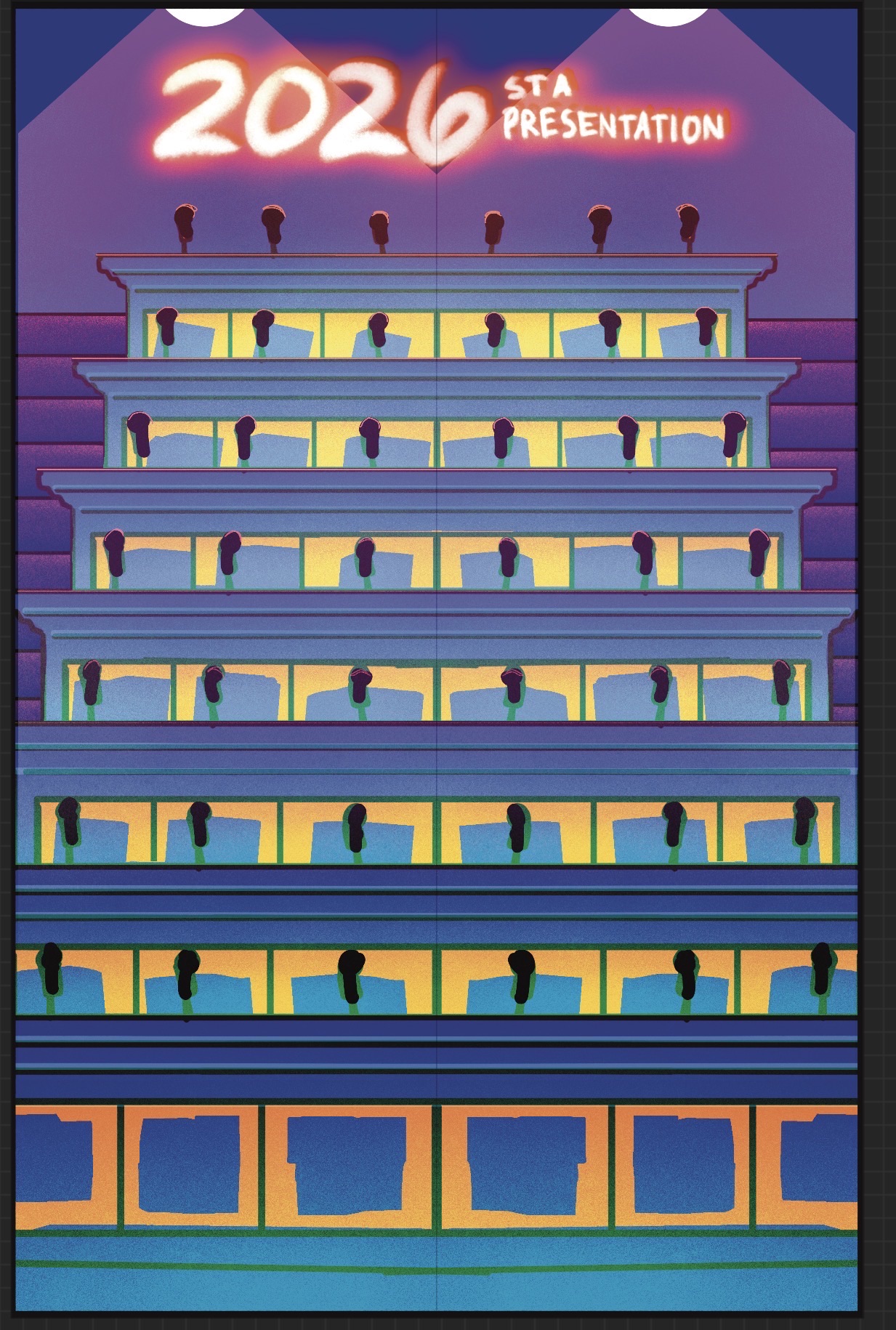
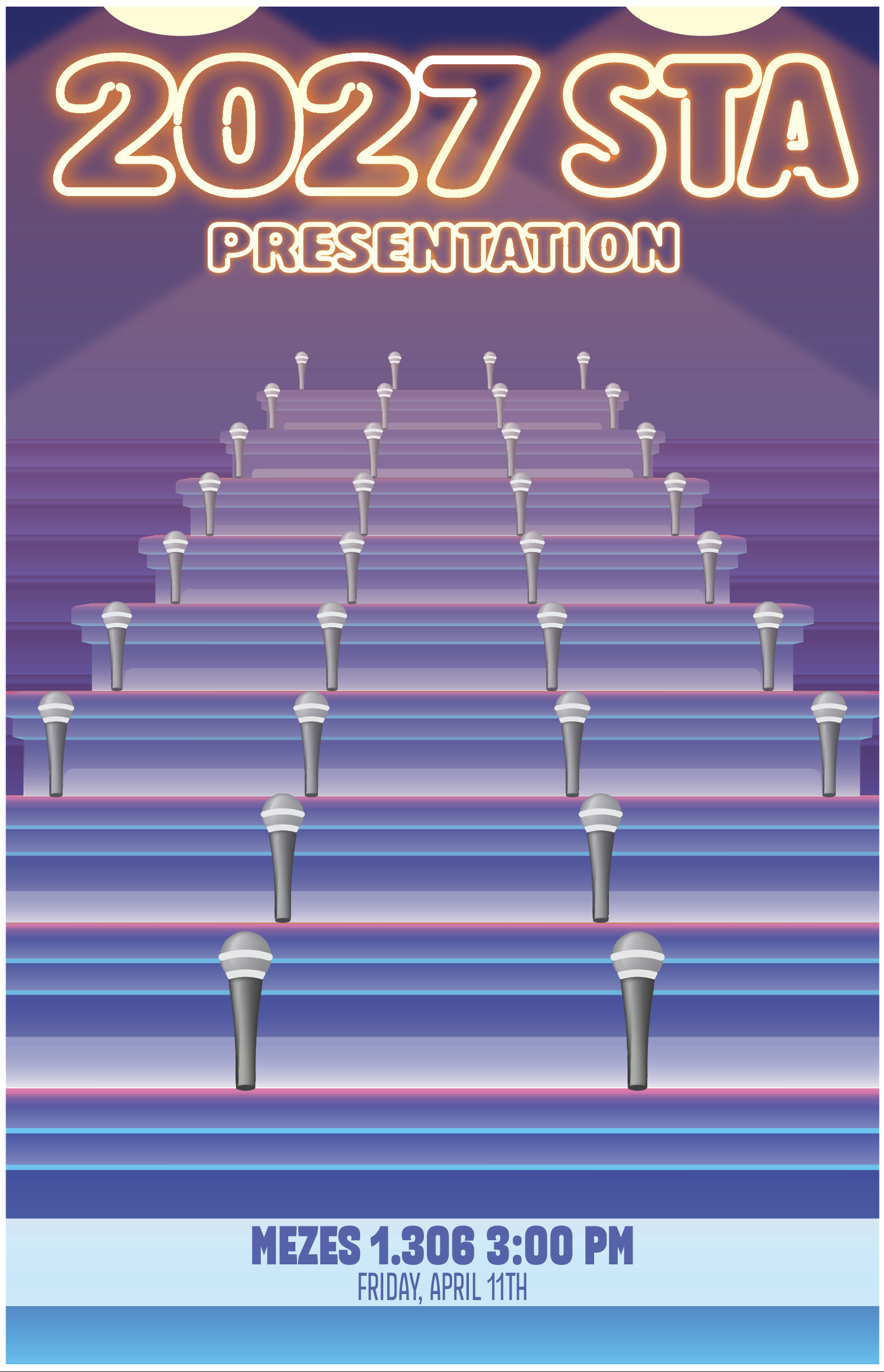
  • STA Presentation
    • STA Presentation 2017
    • STA Presentation 2016
  • Testimonials
  • Resources
  • Home

STA Blog

Welcome to the STA Blog!

September 1, 2026 By Abdurrahmaan

Hi Abdurrahmaan! Welcome to the STA Blog! This the page where your blog posts will published.

Toward the end of your STA Orientation, you’ll design and upload a banner to go at the top of this page.

Upload a Blog Banner


Step One: Design Your Banner in Photoshop

Use these Photoshop specs when you’re making your banner:

    • Your banner should be 780 pixels wide (the height doesn’t matter)
    • Must include your name, your major, and your expected graduation year
    • Your banner should reflect who you are (your personality, interests or major)
    • Make sure to save your banner for the web (i.e. File > Export > Save for Web (Legacy))
    • If you save your banner as a JPG, make sure sure the quality is high (i.e. at least 60)

Step Two: Save Your Banner

  • There are two places you can save your completed projects: UT Box and the LAITS server. You’ll be given a personal folder in both locations. For now, you only have to save your banner to UT Box, but you may have to access the server at some point in the future.

Accessing UT Box

    • If you haven’t already registered with Duo, follow the instructions here to set up an account.
    • Then log in to UT Box with your EID and password: http://utexas.box.com/
    • Go to the folder called Design-Coding-STAs, then the subfolder STA-folders
    • Find the folder with your name on it
    • Save your banner both as an image and an unmerged PSD

Step Three: Upload Your Banner to the STA Blog

  • Log in the the STA Blog here. You should’ve received an email confirming your new WordPress account with your username and assigned password. If didn’t get it or you can’t log in, ask De’sha or another STA.
  • You’ll be able to change your password anytime by going to Users > Your Profile > Account Management > New Password.

Uploading media and banners in WP

  • Read these links before you upload your banner.
  • They will walk you through how to upload media to your blog.

How to Upload a Homepage Banner

Adding New Posts and Media

Make Your First Blog post


  • Reflect on the day. You blog posts will be a documented experience of your time as an STA with LAITS. They can include anything you want to share about the projects you’re working on, and the more media (screenshots, images, links, videos, gifs) you can use, the better.
  • For today, write a bit about about yourself and what you did during orientation.
  • If you haven’t already, upload your banner.
Things to Remember


Image Specs

  • You should never copy and paste images into to your blog. Always upload images into the media section of blog first (Click on the add media button), then insert the image from the media folder to display on your blog.
  • Don’t use the thumbnail version of your images.
  • Use images that are 72 dpi
  • Screenshots are fine
  • Images that are 780 pix wide format nicely above or below text blocks

Always Categorize Your Posts

  • Always check the category “Fall 2026 – Spring 2027” on the blog posts you make this summer. This is the only category you need to check.
  • Make sure your posts are categorized correctly so that all of your work is documented in the correct semesters.

Commenting on Basecamp

Notification comments: etiquette, files, questions, feedback

Let us know when you’ve completed this task by adding a link to your blog to a comment in Basecamp.

Notes for all comments in Basecamp:

  • *Always address the person/people you are writing to by their names.
  • *Always use complete sentences.
  • *Always add links or paths to your design file in your STA folder.
  • *Make it easier for your collaborators and mentors to give you feedback on a design by adding screenshots to your comment.

Notify people in Basecamp by adding the @ symbol before their names (no spaces), otherwise they may not see your comment.

@ your STA mentor in your comments when you want to:

  • ask us questions about the mechanics of using the STA blog,
  • about the mechanics of photoshop,
  • to let us know that you have completed this task,
  • or that you would like a little feedback on on your banner design

Thank you & have fun!

Filed Under: Fall 2026 – Spring 2027

Roster Poster

September 1, 2026 By Julie Brandt

Roster Poster Design

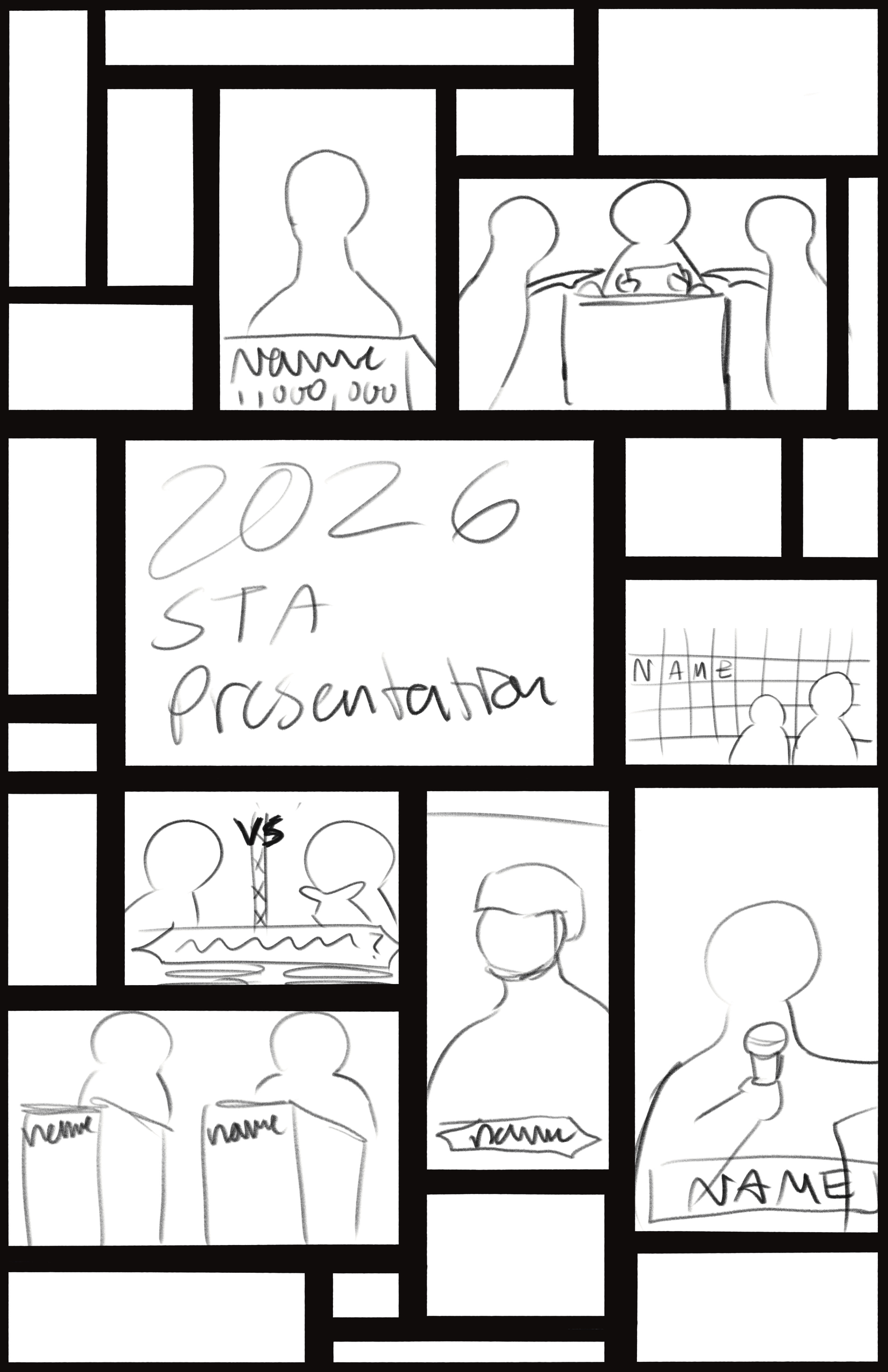
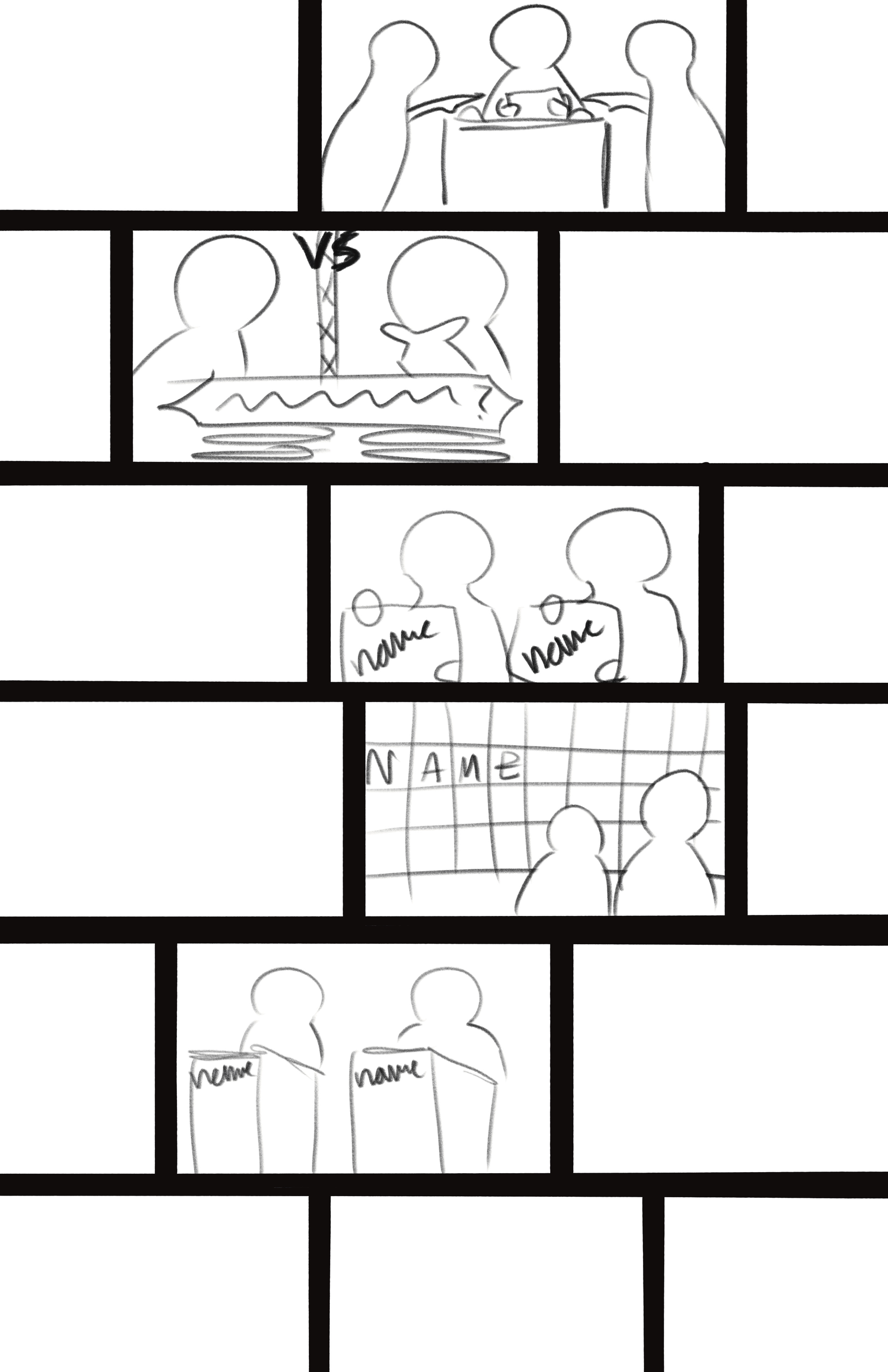
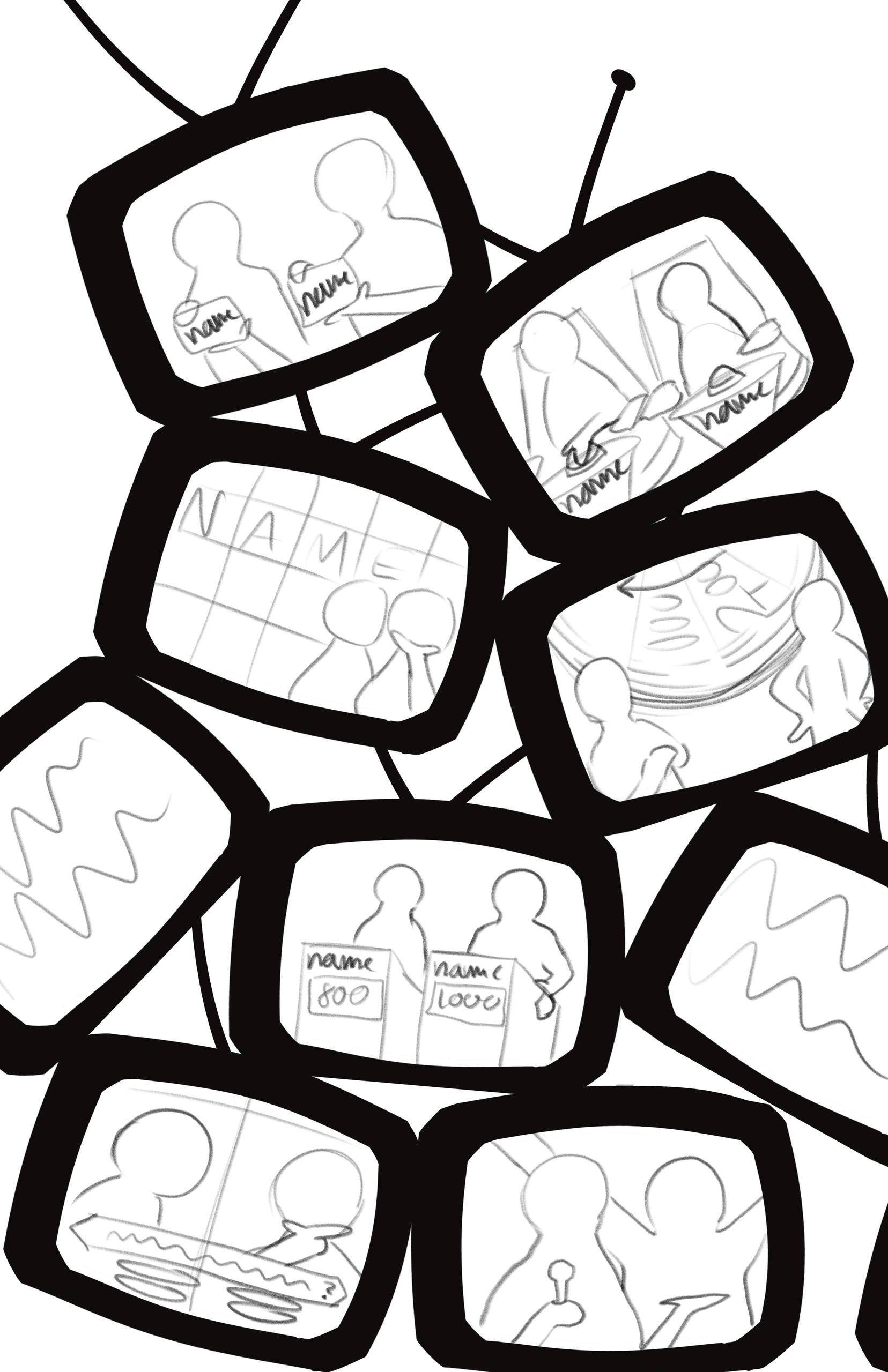
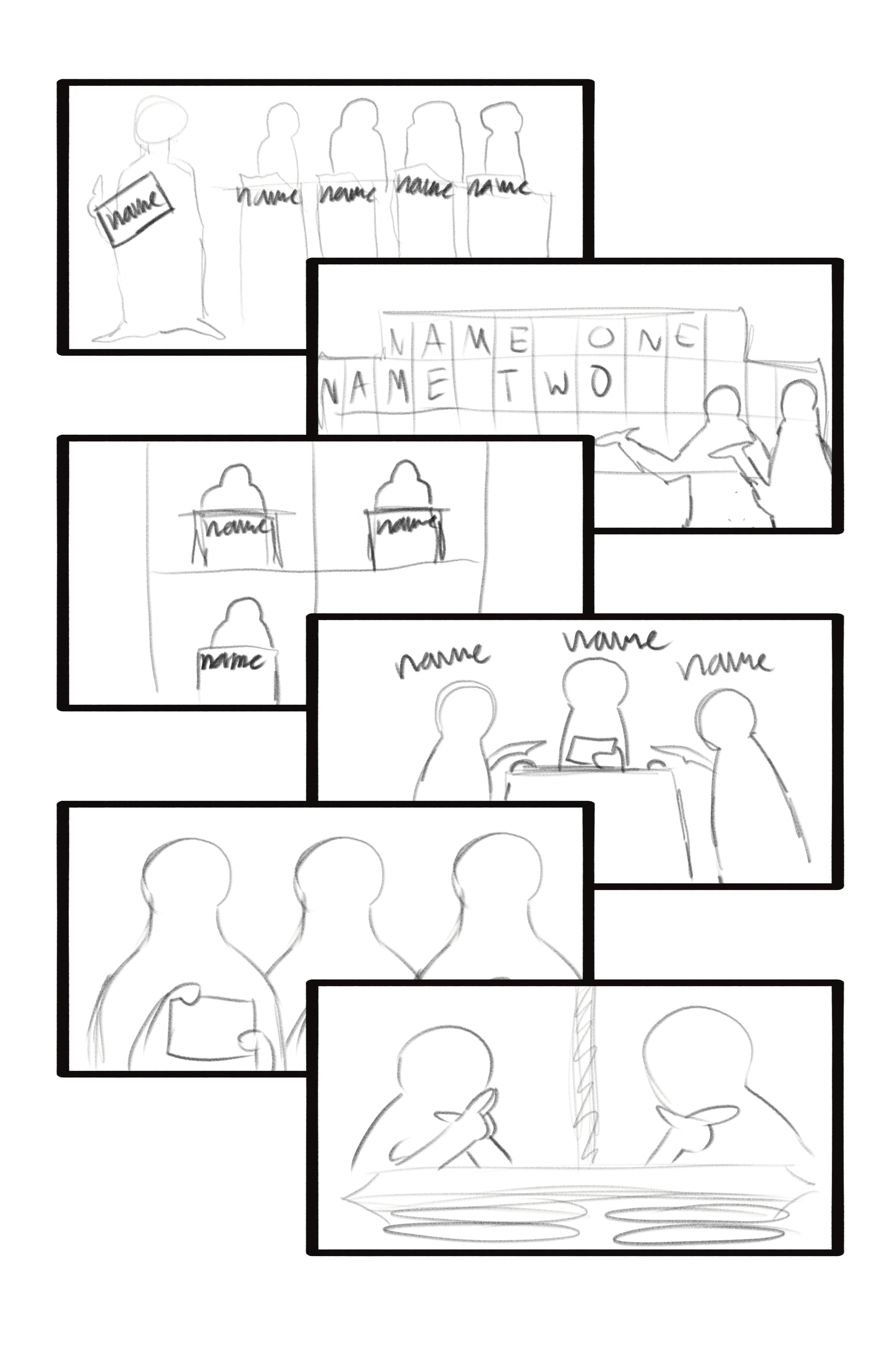
Task: Create a team poster for the design department at LAITS referencing the board game Pictionary

Status: In progress


Reference

The goal was to create a poster that visually resembled the board game box


Sketches

First, I started by sketching ideas out. I had a huge board of all the STA’s in different Pictionary-based poses


Feedback + Digitizing

Before creating the design in Illustrator, I got suggestions to create individual boards for each of the STA’s and have a place for their names. So, when I started illustrating, I explored this route and ended up keeping this suggestion


Further iterations

I still wanted to add smaller details to push the design forward and get the design as close to the reference as possible. I added small doodles, coloring to the each board, and other information in place of the players and company.


Final Design

Coming Soon


Reflection

Coming Soon

Filed Under: Fall 2026 – Spring 2027

Summer 2026

September 1, 2026 By Julie Brandt

My Break

This summer I was able to go to Spain through a program called Absolute Internships. For 6 weeks, I studied at an self publishing editorial firm called Yerro Books. I worked on a few different projects including filming and editing a portfolio showcase, designing a book cover for a client, and researching methods to ethically work with AI in book cover designs. Communicating with my supervisor at times was challenging because of the language barrier, but through translator apps and visuals, we were able to stay on the same page. Something I learned outside of my workplace was how prominent design conventions and methods are used across the world. I thought there would be a greater difference in visual communication due to differences in culture, societal norms, politics, etc., but I noticed that graphic design in spain followed conventions used in the US.


Projects + Images

My supervisor Ester Carrasco
Thought Piece created for DES 260I
Book cover created for a client
Working with AI to generate book cover ideas

Filed Under: Fall 2026 – Spring 2027, We are STAs

Summer 2026

August 31, 2026 By Kate Shih

Summer 2026

This summer, I got the opportunity to intern at Epic Systems as a UX Design intern! While I wouldn’t recommend living in Wisconsin, I had a great experience with the UX team there and learned a bunch of cool new things (totally an expert in genomics now). It was really interesting to see how design played a role in the company and compare it to how I’ve been approaching it in school/orgs!

Campus was crazy!
Barn (one of the office buildings)
Final showcase
Flyer I made

Filed Under: Fall 2026 – Spring 2027, We are STAs

8/24-8/28

August 28, 2026 By Haley Ma

✿˖° ⋆ KB Home Page (8/28) ⋆˚✿˖°

────────────────────⊹ ࣪ ˖♡˖ ࣪ ⊹ ────────────────────

.

.

My first week back I revisited my past home/landing page redesigns and finalized my hi-fi frames especially with the page’s layout and content! It was fun to apply my internship experience when it came to researching and ideating as well. I’m looking forward to getting these designs implemented soon!

.

✿˖° ⋆ French Textbook (8/28) ⋆˚✿˖°

────────────────────⊹ ࣪ ˖♡˖ ࣪ ⊹ ────────────────────

.

.

I was onboarded on a new project called “Planning & Organization – French Textbook” where I get to gain more project managment experience and leading a project! My first task was to create our Replacement Image Sourcing Spreadsheet which is where we would document alternative images to replaces the images we have on file now!

Filed Under: Fall 2026 – Spring 2027, We are STAs

Week 1 – Isa

August 28, 2026 By Isa Melendez

🫐 First week back! 🫐

Transitioning Back

Summer break was really fun! I spent a majority with my family, it was super nice to be able to spend time with them. We watched the World Cup together, it was really memorable this year.

Now that I’m back, I’ve been getting used to walking around on campus again and working out my schedule with my job. As everyone is settling into their classes and deciding whether to add/drop, my work as a Design STA has been very manageable!

All week I have been working on the STA cutouts. All it involves in cutting out the background of each photo of the STAs’ and cleaning it up. Photoshop has been the platform I’ve used for it and it’s very simple work!

Usually the flow for me in doing this project is:

  • Identify the student I’m going to mask the background of
  • Open one file in Photoshop
  • Drag the rest of the files of that same student into the same Photoshop file
  • Use the object selection tool to select the subject
  • Apply a layer mask
  • Clean up anything the selection tool missed
  • Repeat until all photos are properly masked
  • Export all layers into separate PNGs
  • Place the files into the right folder

It’s pretty simple once you finish the first STA! It’s a lot of files, but I do have ample time to get it done. Getting back into properly naming files is a good habit I need to keep building, too.

Overall, my first week back has been really good!

Filed Under: Fall 2025 – Spring 2026, Fall 2026 – Spring 2027

  • 1
  • 2
  • Next Page »

link to LAITS home page

Video STA Home

© 2026 Liberal Arts Instructional Technology Services | Production Credits