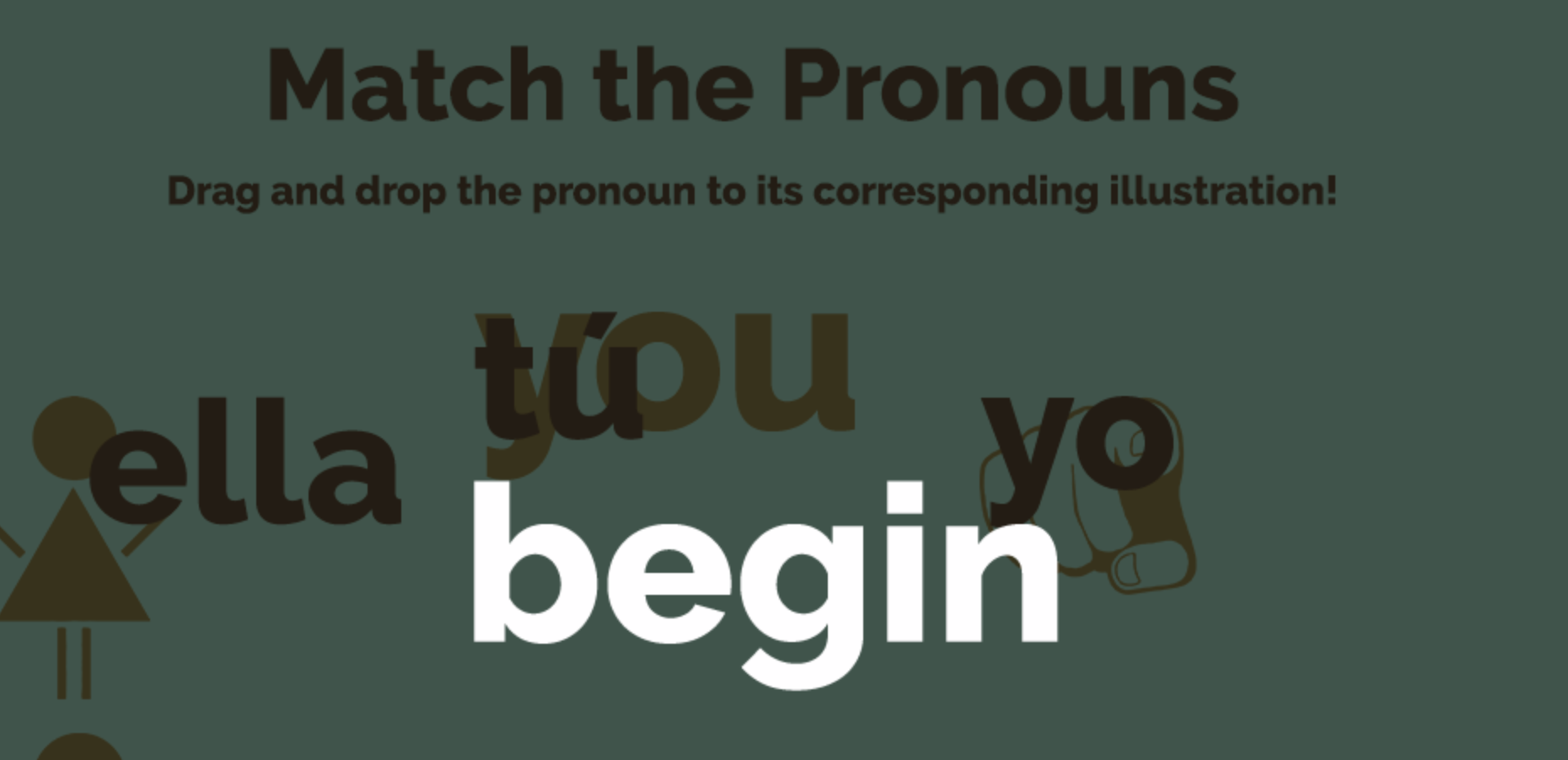
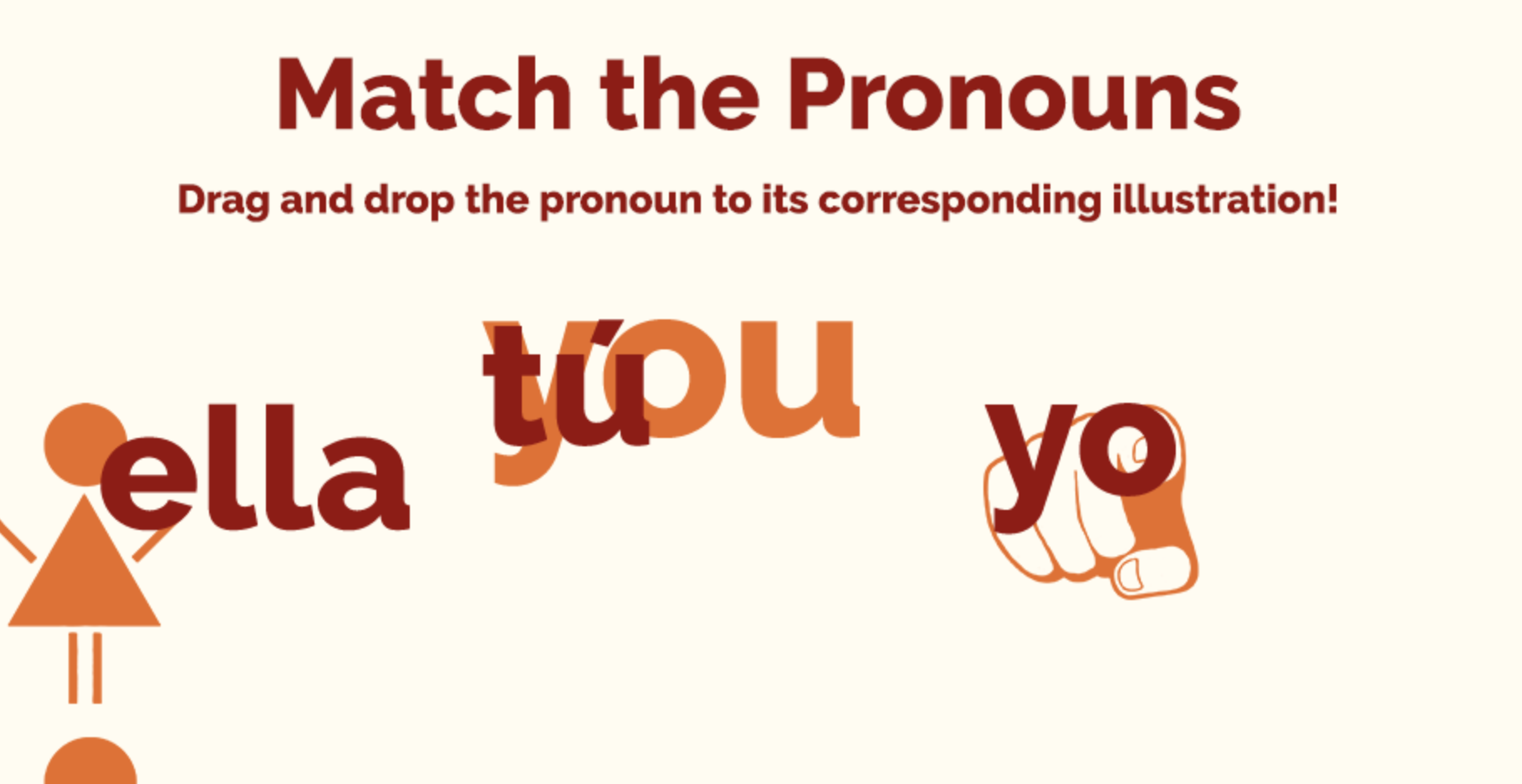
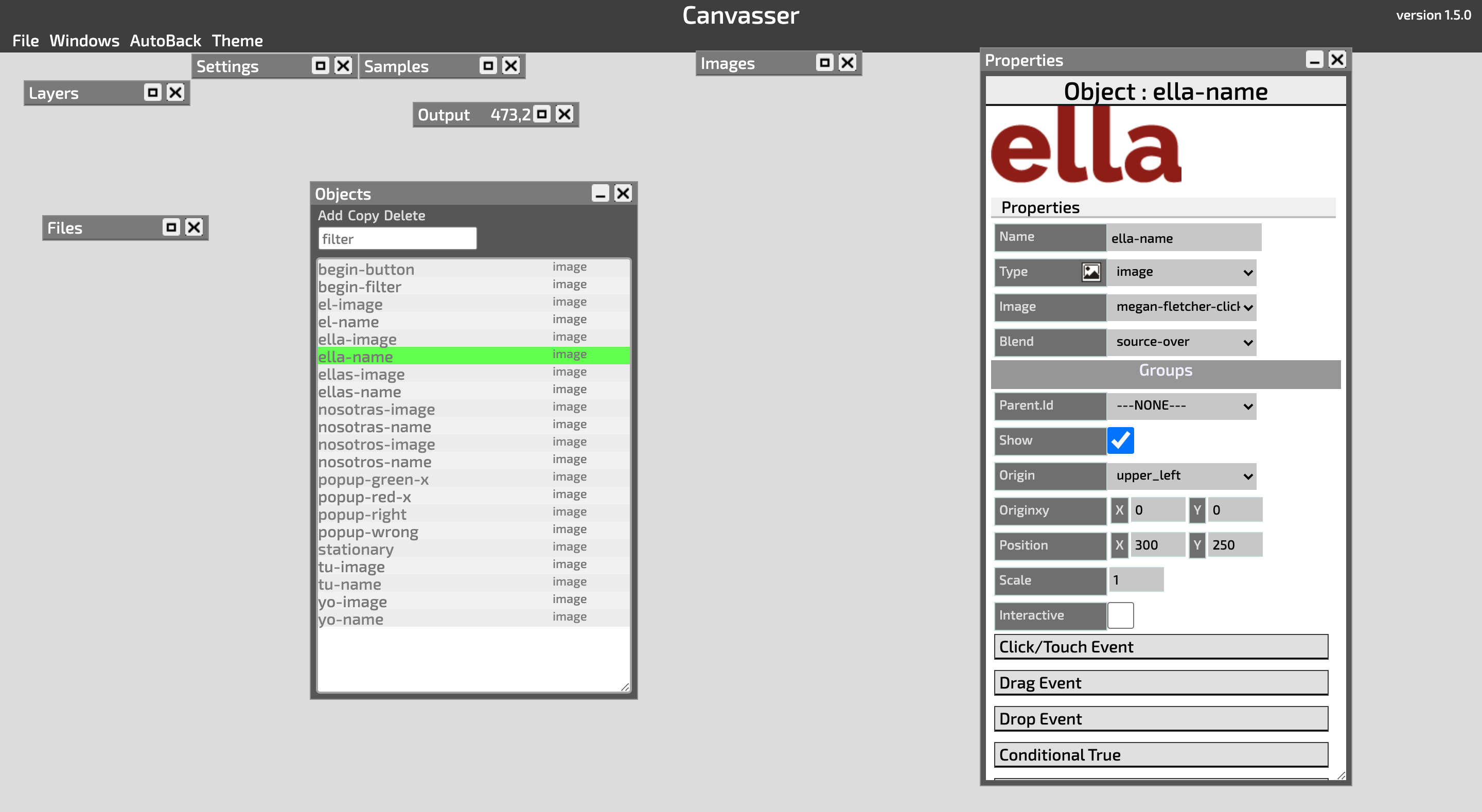
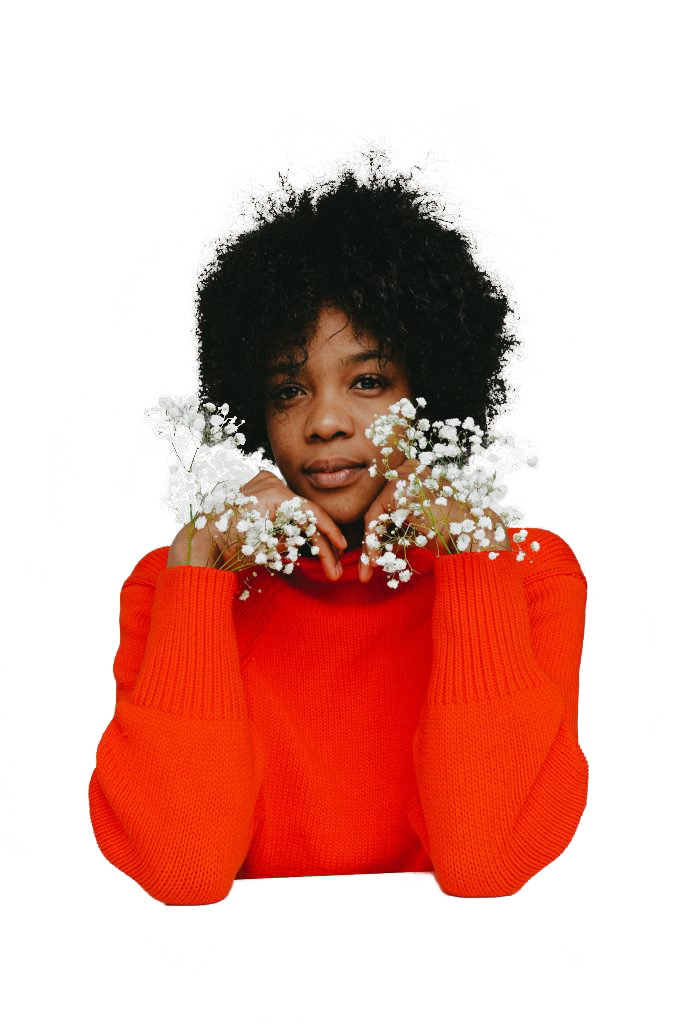
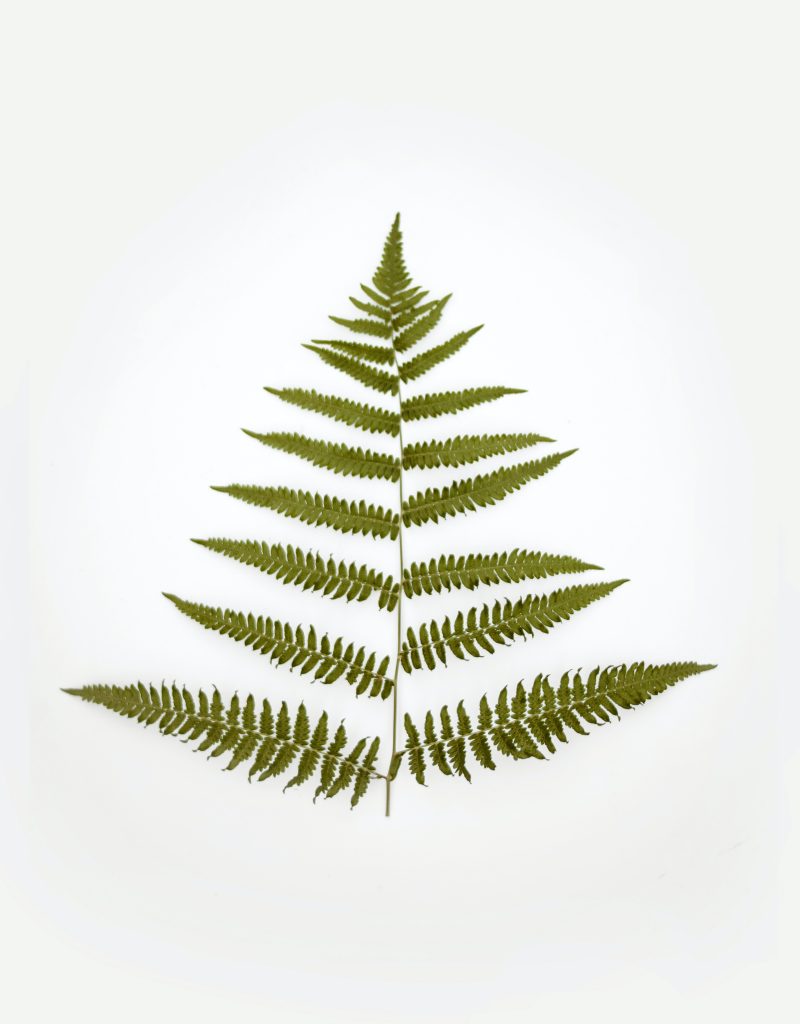
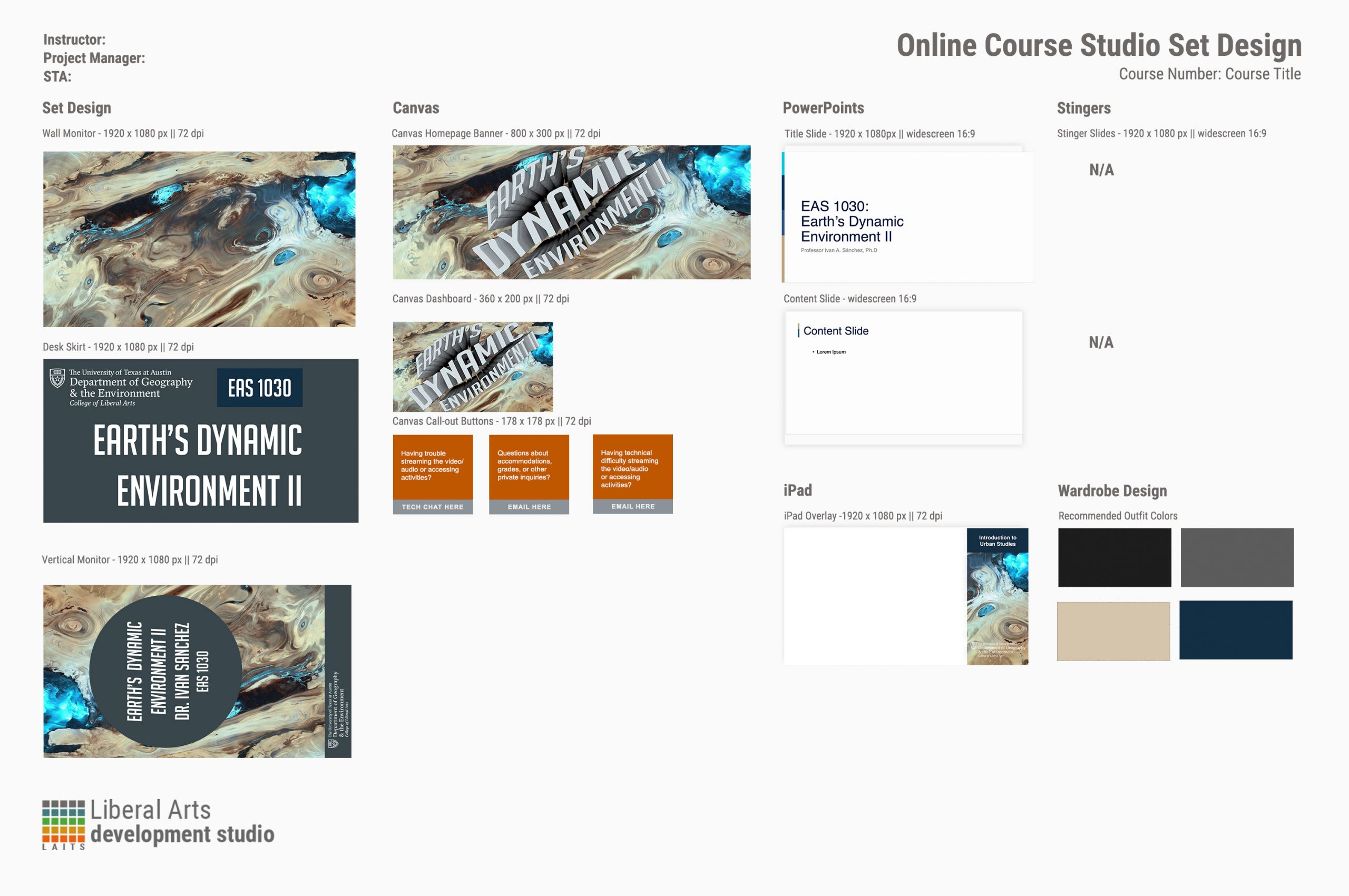
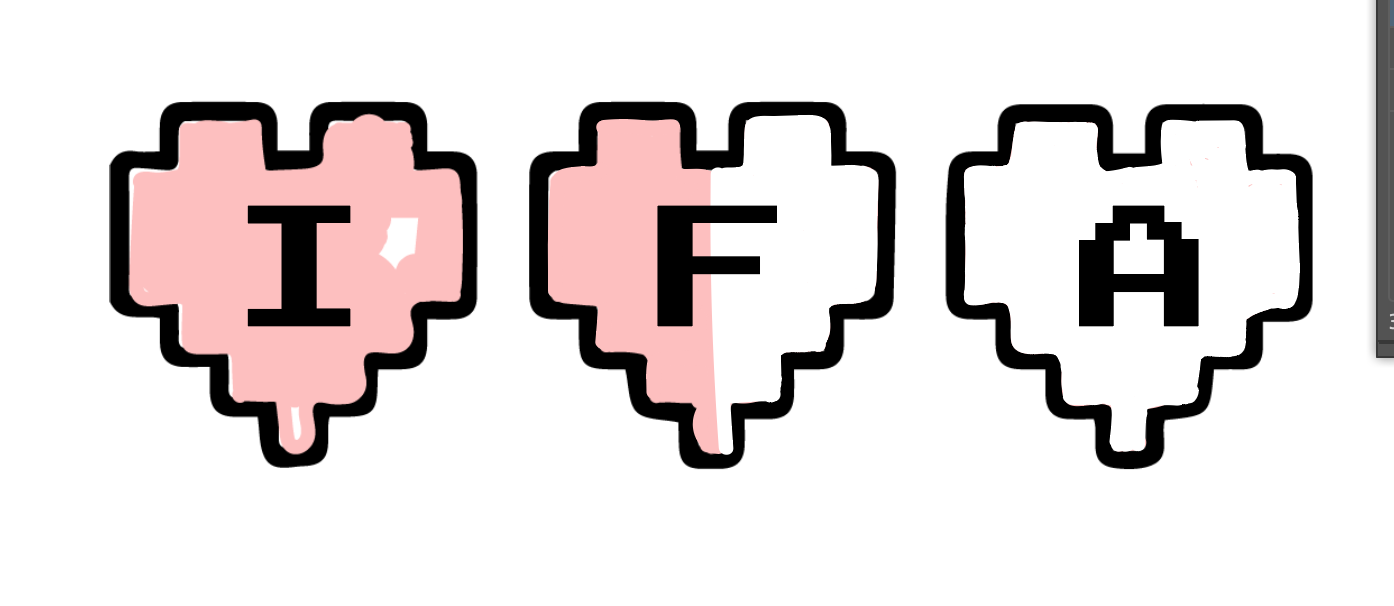
This week has been a lot of things! I worked on the spreadsheet for the COLA Staff Photo ID Initiative and made significant progress on the studio graphics and Canvasser trainings. Here’s a sample of my work.
Current Sta
Starting Infographic Training
*Some exciting news* Angie and I are collaborating on training STAs on infographic design and layout integration! Woo hoo! Infographics and data viz is my whole ~thing~, so I’m pumped. We’ll be teaching STAs how to make basic graphs and charts in Illustrator, then how to conceptualize information visually, and finally, how to put a lot of graphics together on a page or a magazine spread to look cohesive. If I had it my way they would also learn how to make cloropleth maps in Google Sheets or Flourish, but that might be a little too numbers-heavy.
InDesign Part II and PSD Cutout Trainings
This week I’ve been continuing studio graphic training, working on IDs, and starting COLA Guides edits. I met with Abriella, Thuy, Bridget, and Sheryl to talk about these edits. Today (Friday) I’ve spent most of my shift working on captioning for the E316M class. It was my first time doing real captioning edits (I did a bit for the Texas Politics podcasts, but that just involved copying and pasting the auto captions from the UT Libraries’ software). This was a bit more intensive than I expected, just because it involved a lot of rewinding and some guesswork to get each and every word as close to as what was really said as possible.
Canvasser Activity
Canvasser Activity
I started off my Canvasser activity planning to create an interactive map of penguins in the southern hemisphere in which you would click a point in the map and a pop-up would show the type of penguin that lived in that specific location. Here’s some previews I made:
Unfortunately, the activity wasn’t related to my CLIO website topic, so I came up with another idea. The player would be looking at a house located in Austin. They would be able to see the patterns of sunlight and shadows throughout the day, and make an assessment of which walls get the most sunlight.
This would be the interface that prompts the start of the activity:
The orange buttons indicate a pop-up that shows each wall of the house:
Here is how each of the walls of the house look:
With a moveable measuring tape, the player will be able to measure windows and wall elements:
Photo IDs
Here are some of the photo IDs I edited this week:
Starting cutout training
- « Previous Page
- 1
- …
- 104
- 105
- 106
- 107
- 108
- …
- 132
- Next Page »