• We are STAs
    • Asha Rountree
    • Cindy Truong
    • Haley Ma
    • Isabella Melendez Gonzalez
    • Julie Brandt
    • Kate Shih
    • Kodi Khiraoui
    • Kyra Lee
    • Nicholas Peasley
    • Sasha Kenney
    • Shanda Horm
    • Shriya Atreya
    • Tomas Marulanda-Mesa
    • Trisha Darure
  • We were STAs
  • STA Presentation
    • STA Presentation 2017
    • STA Presentation 2016
  • Testimonials
  • Resources
  • Home

STA Blog

Current Sta

MKT320 & AFR303

August 23, 2022 By De'sha Bass-McClellan

MKT320 & AFR303

For MKT320, I was tasked with flipping the images on the vertical monitor to be the correct way. This was the original monitor:

This is the edit:

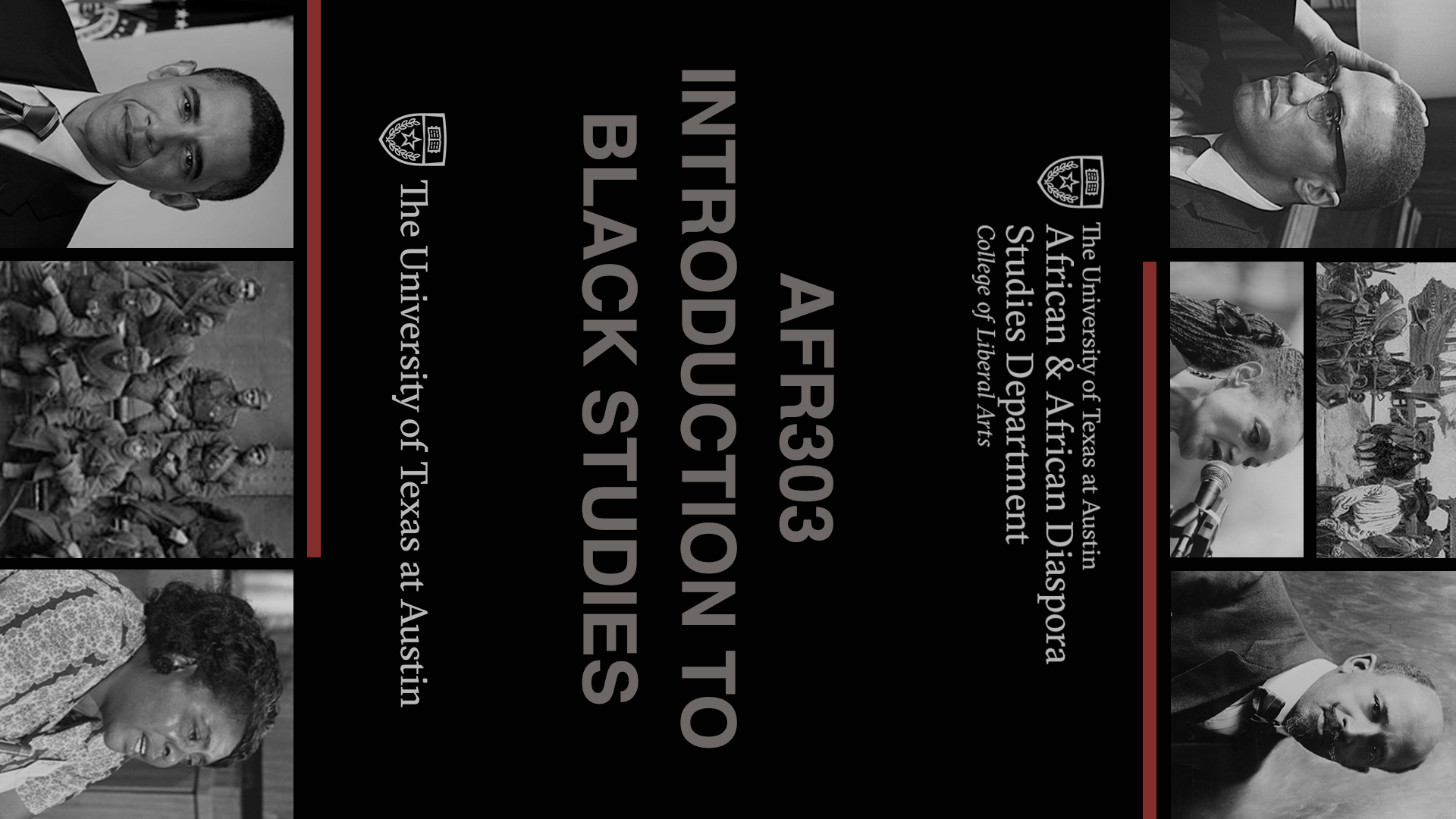
For AFR303, I had to create a vertical monitor for this course. I wanted to create something that would match the original course graphic backdrop.

This was the original design I came up with, but it was still missing elements to draw it into the asset family.
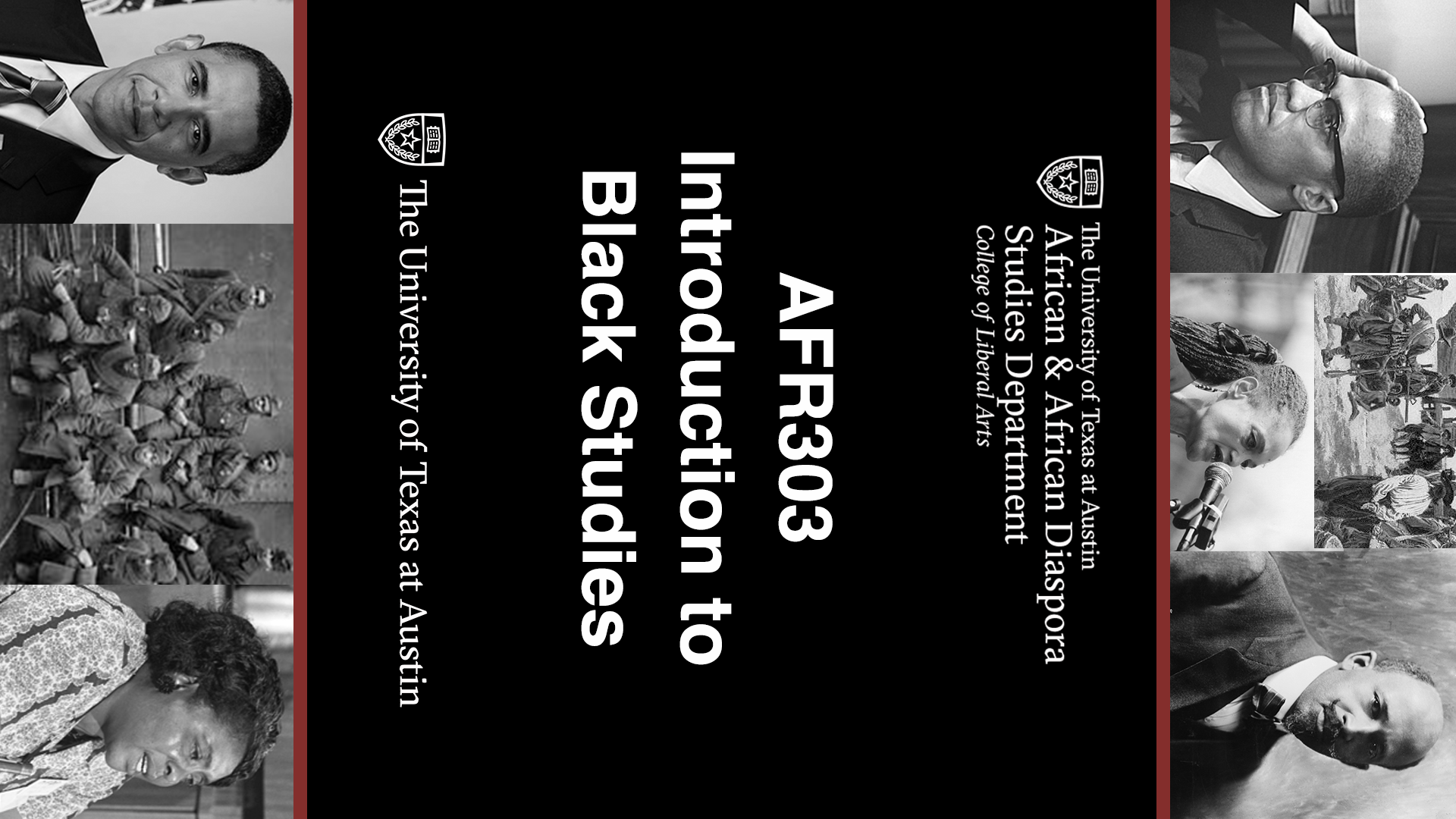
 

To adjust the changes, I decided to provide spaces between the images and lower their opacity. In addition, I broke up the red bar to match the backdrop. We decided to also go with the all caps version to create a cohesive design.
Filed Under: Fall 2022 - Spring 2023, We are STAs

A Closer Look Segment

August 23, 2022 By De'sha Bass-McClellan

A Closer Look

project: “A Closer Look” Animation
Client /Prof: Dr. Yeager
completion status: Started July 18th
staff guidance: Maddy
STA team members: N/A
description/plans: Based on Seth Meyer’s Closer Look animated intro, replicate the design with design elements for the course.
To be completed: August 3rd

For this project I thought it was best to start off with an animation proposal to showcase how I was going to uses the courses assets to make the new animation.

 

A Closer Look

After creating the proposal, I just needed to create all the new assets and finish the animation:

http://sta.laits.utexas.edu/wp-content/uploads/2022/08/A-Closer-Look.mp4

Filed Under: Fall 2022 - Spring 2023, We are STAs

NTR Animations

August 23, 2022 By De'sha Bass-McClellan

NTR Animations

This is the animations for the NTR course. I kept with the design of the original assets and just added in the animation. The stinger is based on the original chat stinger animation but the intro in a design thought up by Luisa
Stinger:

http://sta.laits.utexas.edu/wp-content/uploads/2022/08/NTR306_Chat_Stinger.mp4


Intro:

There was a few problems with the final animation draft. I now know you can import PSD files into After Effects to create better video quality.

http://sta.laits.utexas.edu/wp-content/uploads/2022/08/NTR306_Intro.mp4

Filed Under: Fall 2022 - Spring 2023, We are STAs

UTFC Module 5 Banners

July 7, 2022 By De'sha Bass-McClellan

UTFC Module 5 Banners


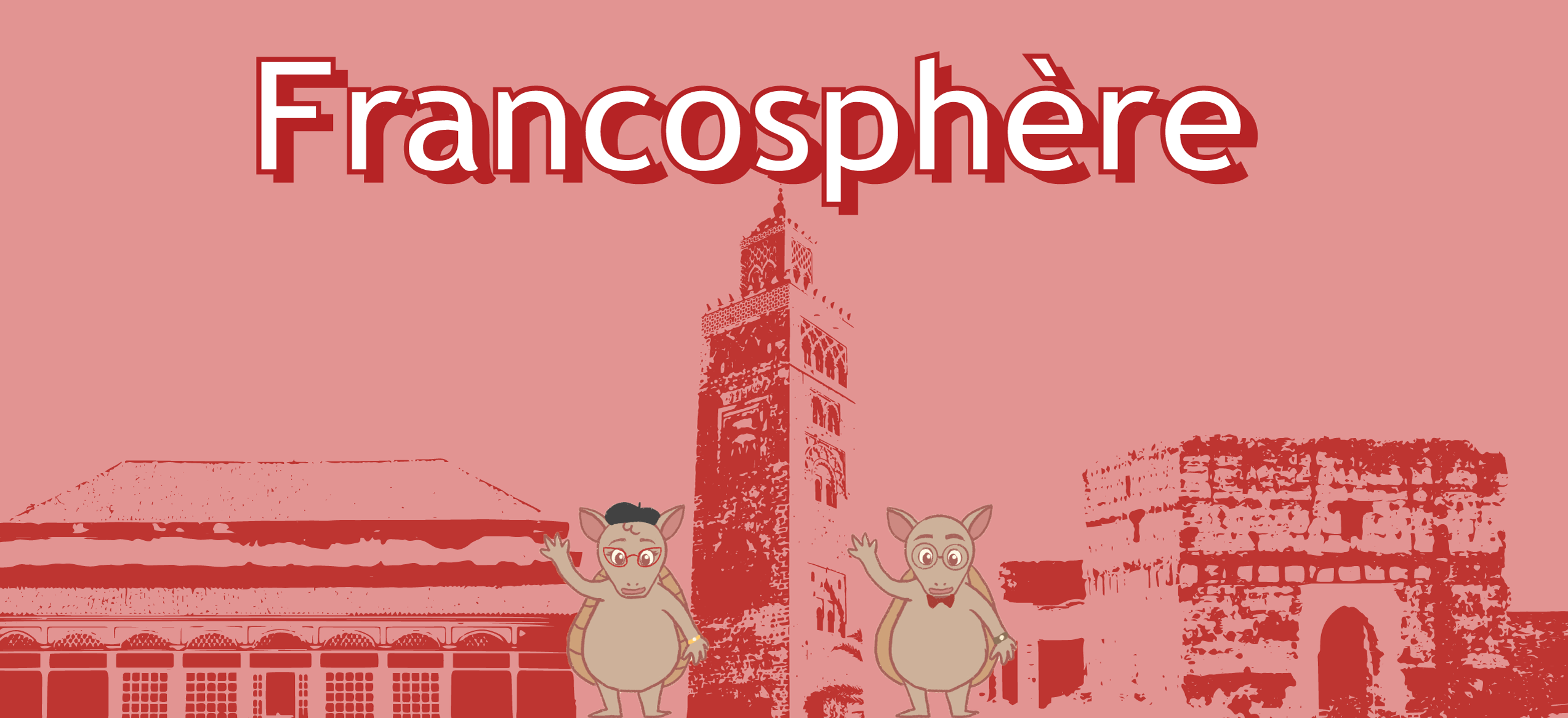
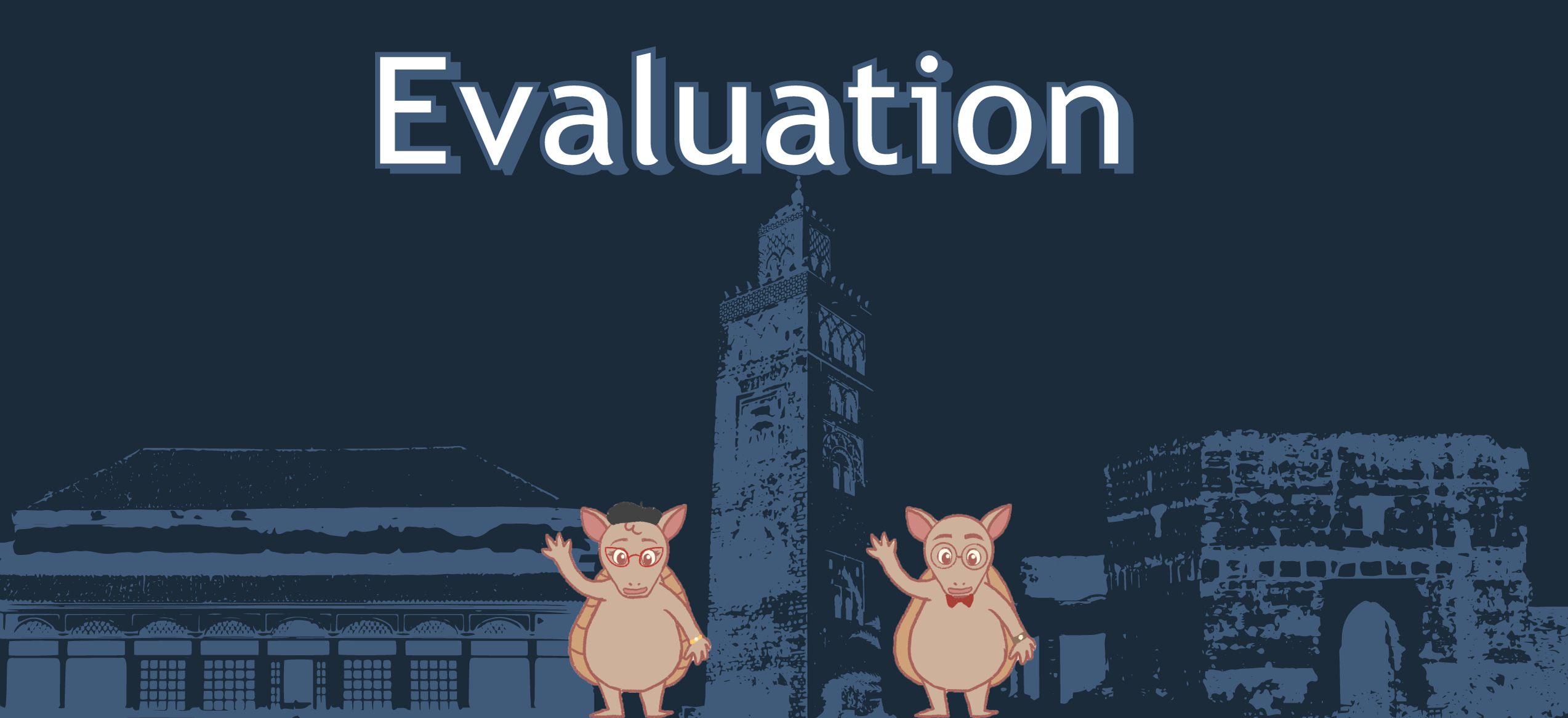
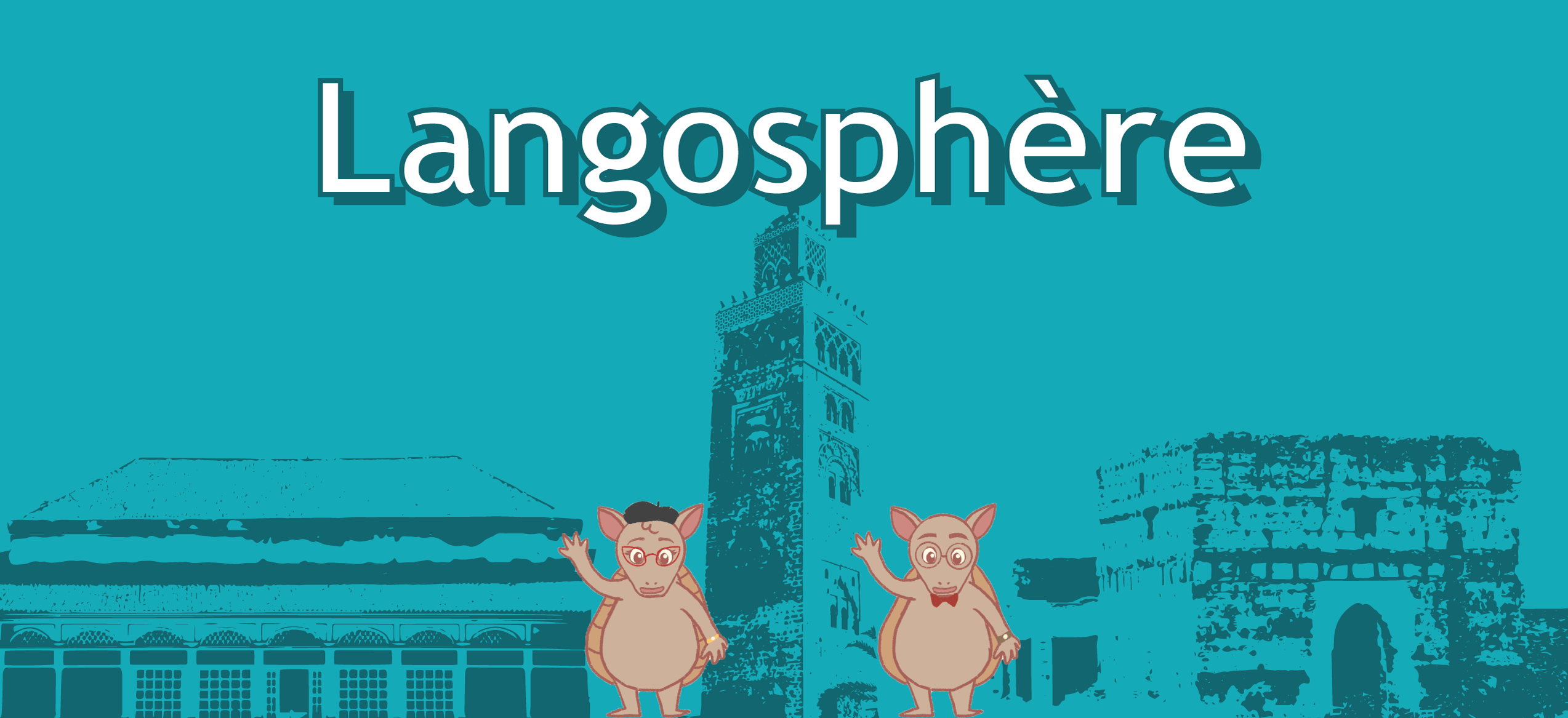
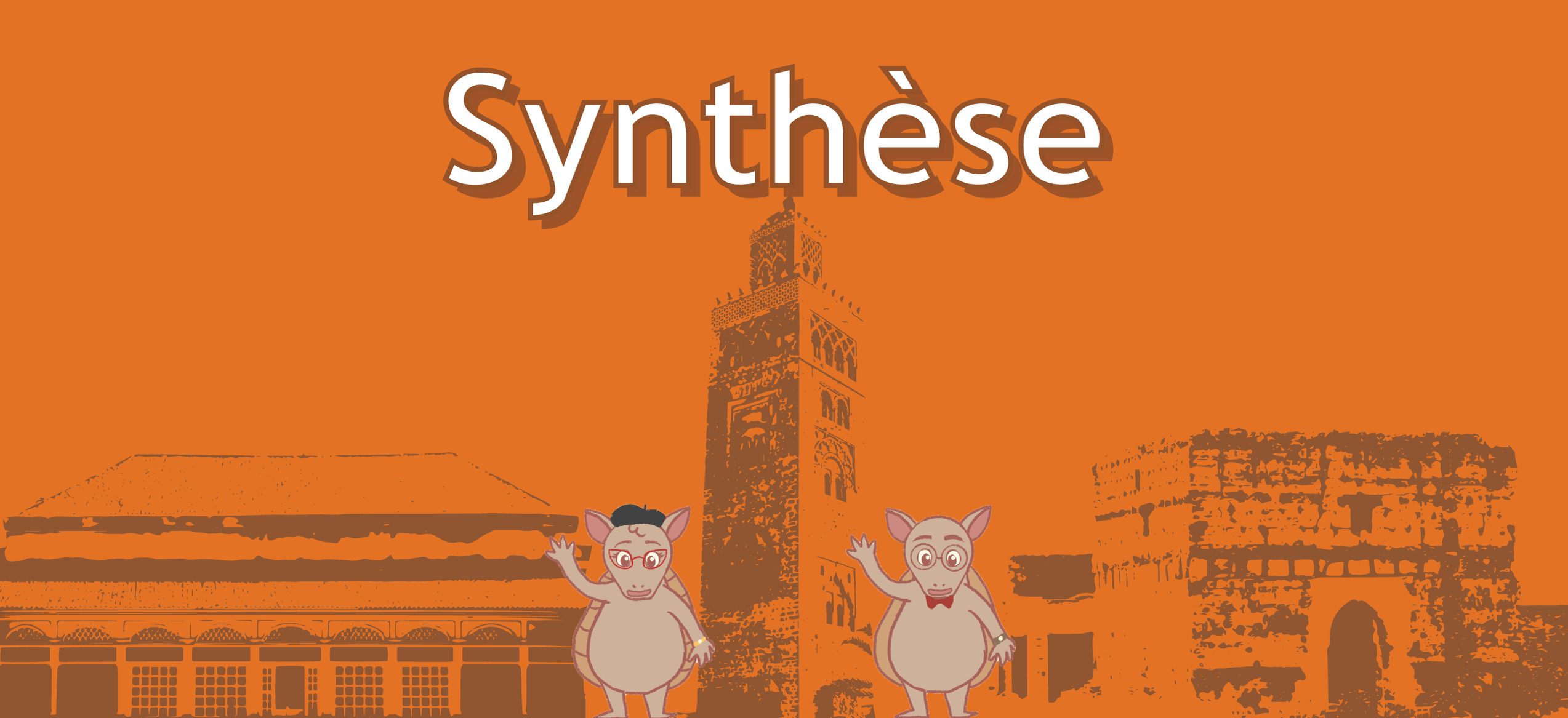
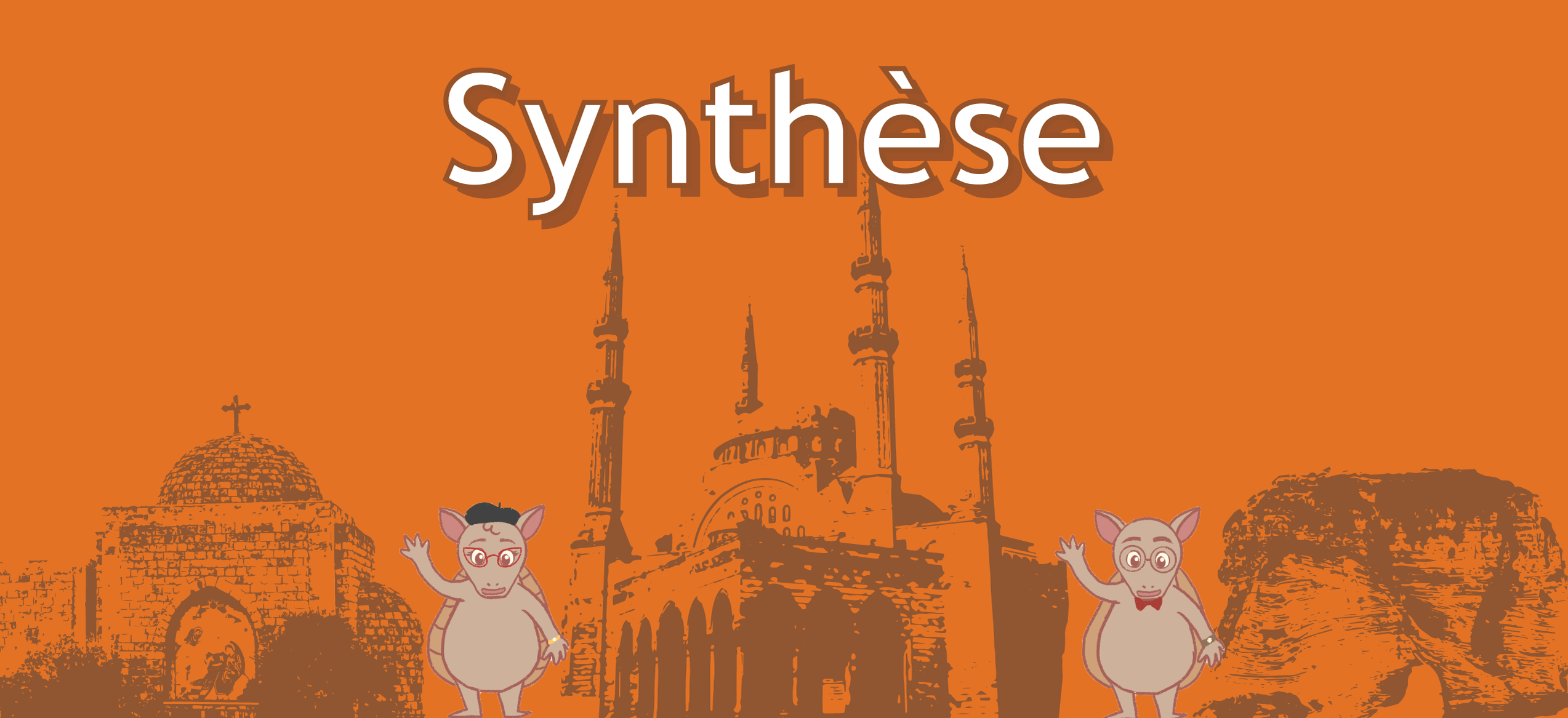
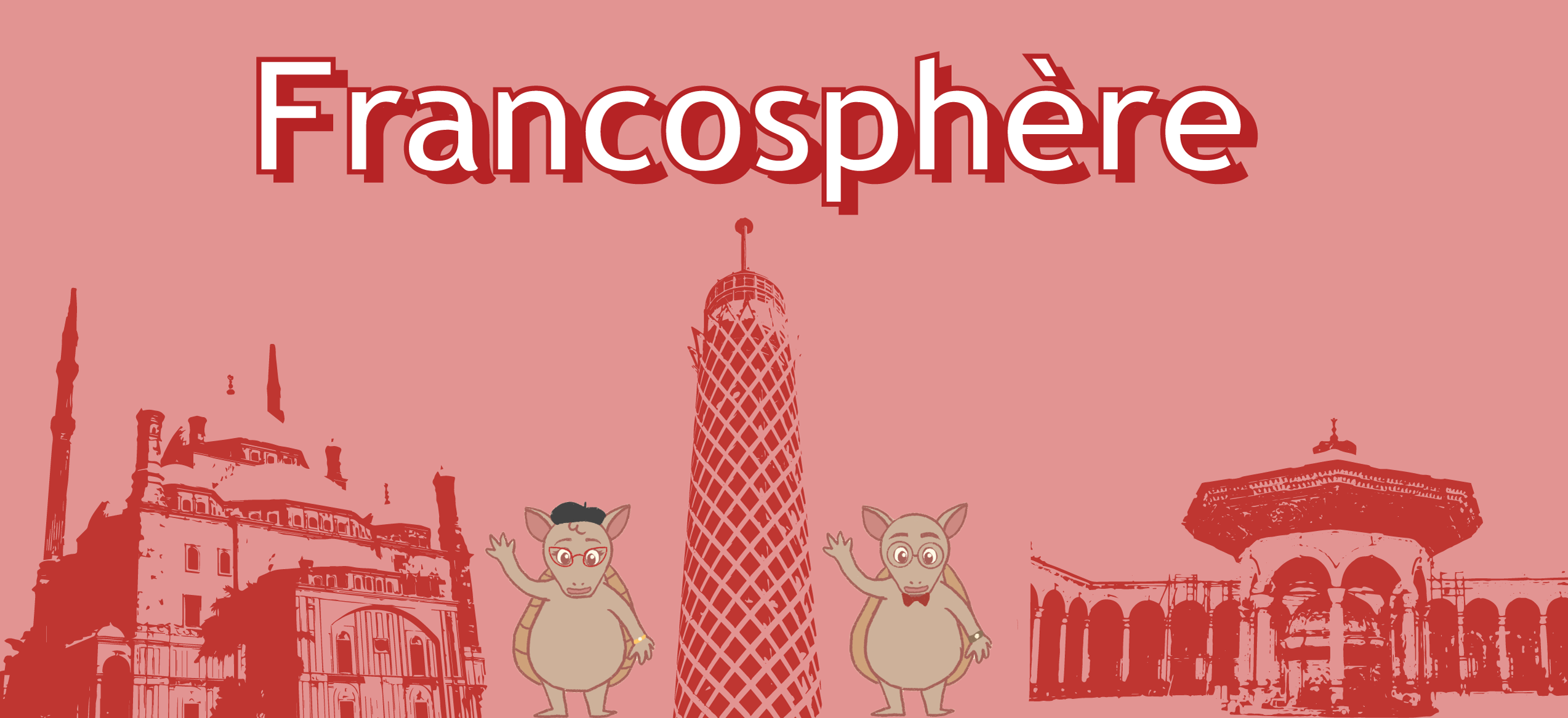
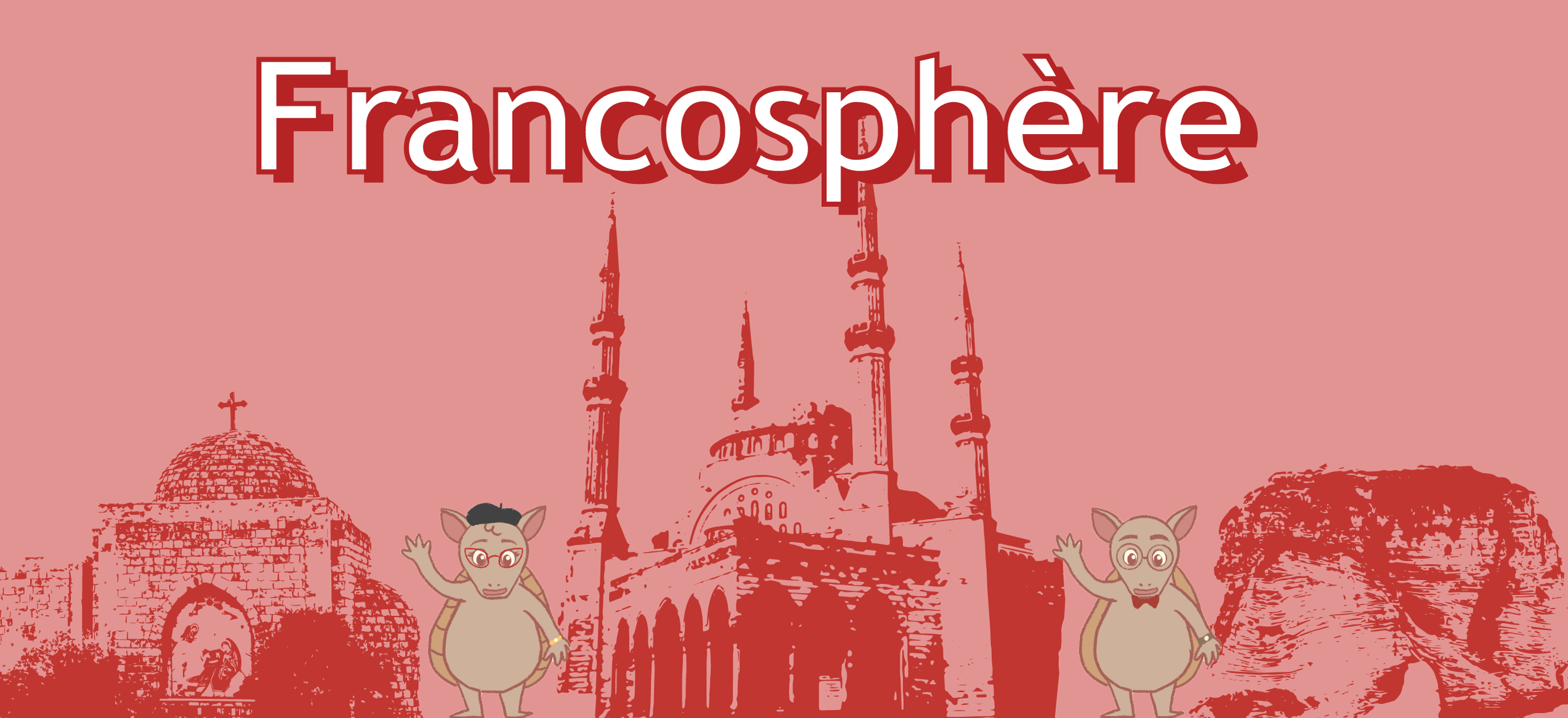
This week, my main focus was on creating the UTFC module 5 banners. There were a total of 6 to complete for this module. In addition, I was assigned to complete some plain banners of all the color variation for the UTFC project too.


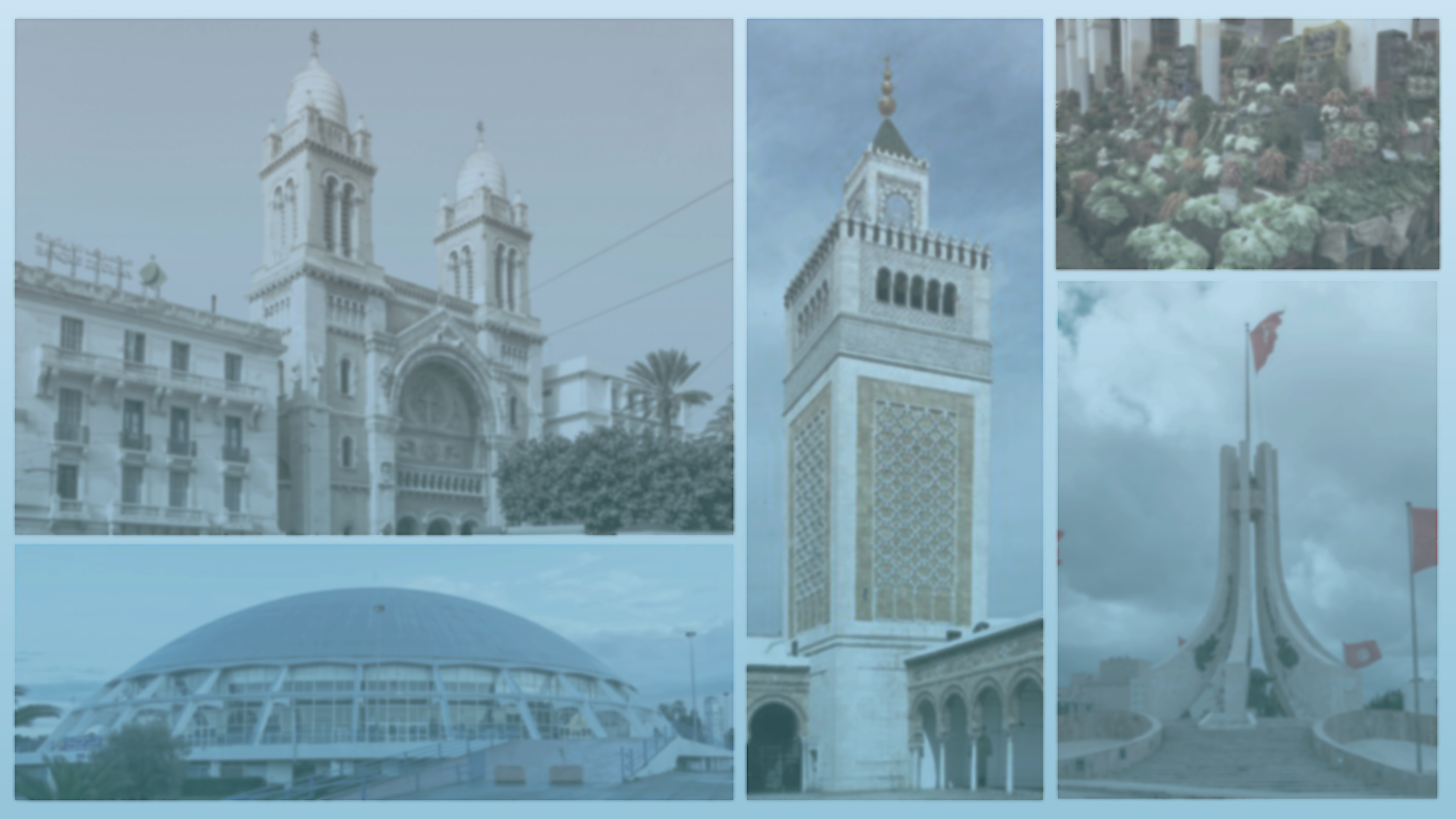
5.1 Casablanca

5.2 Marrakech

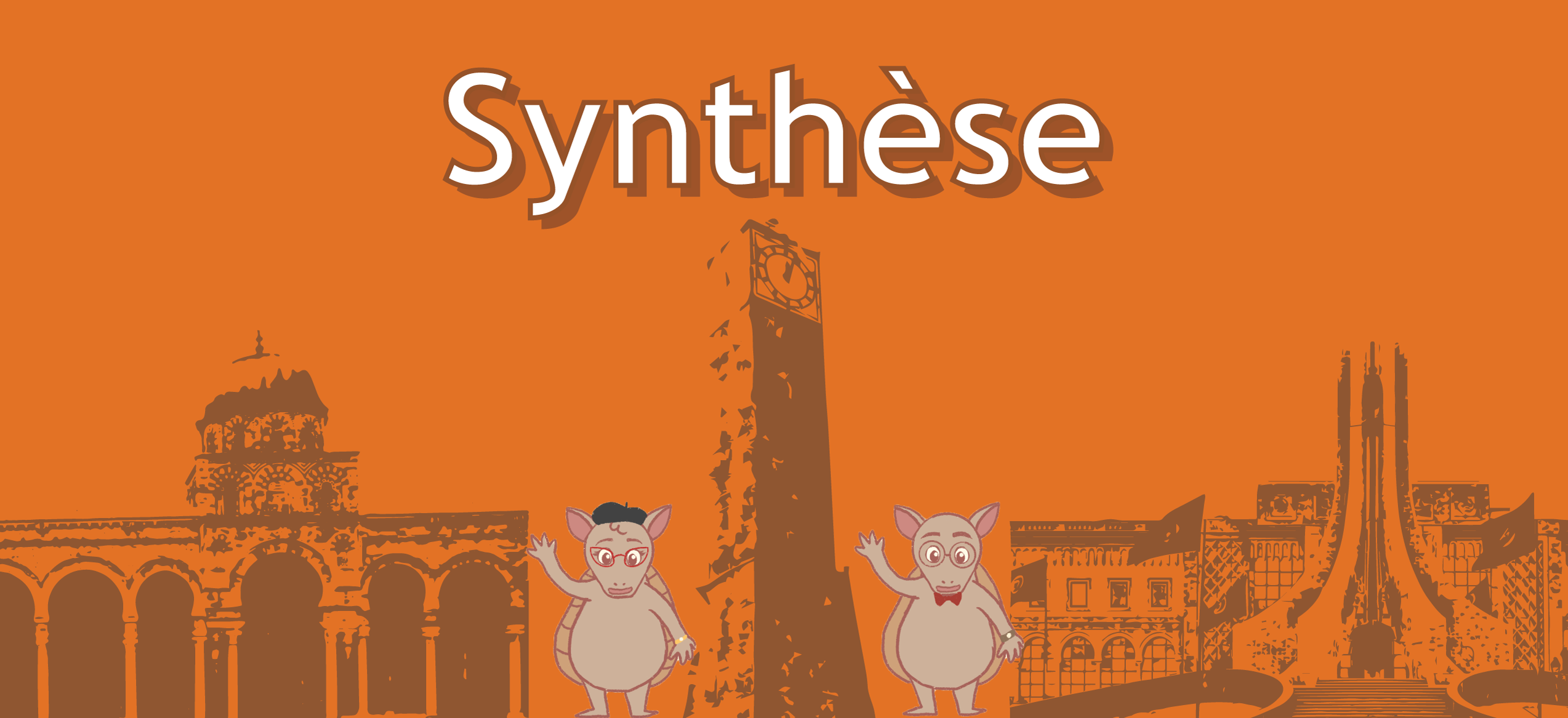
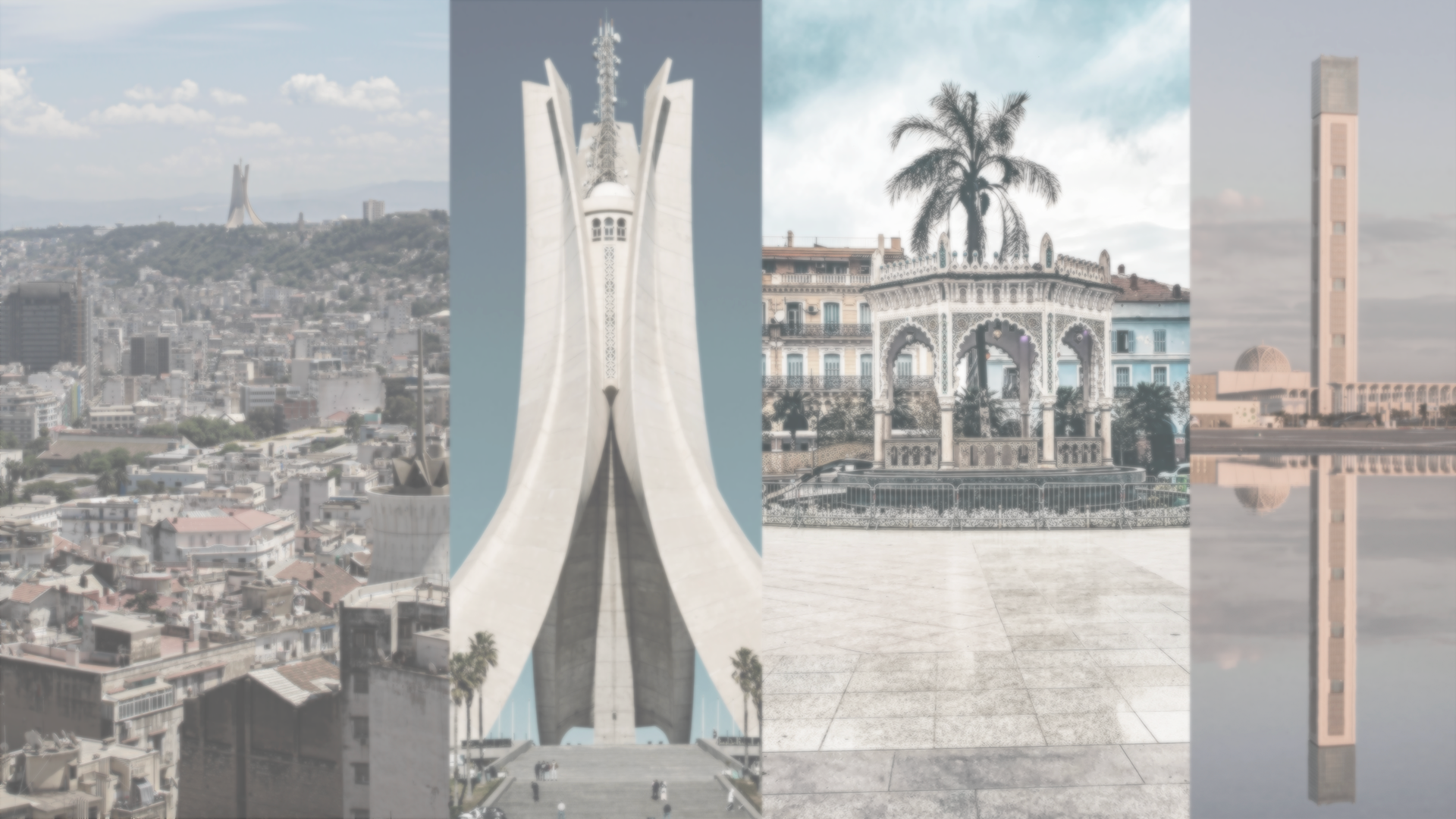
5.3 Alger

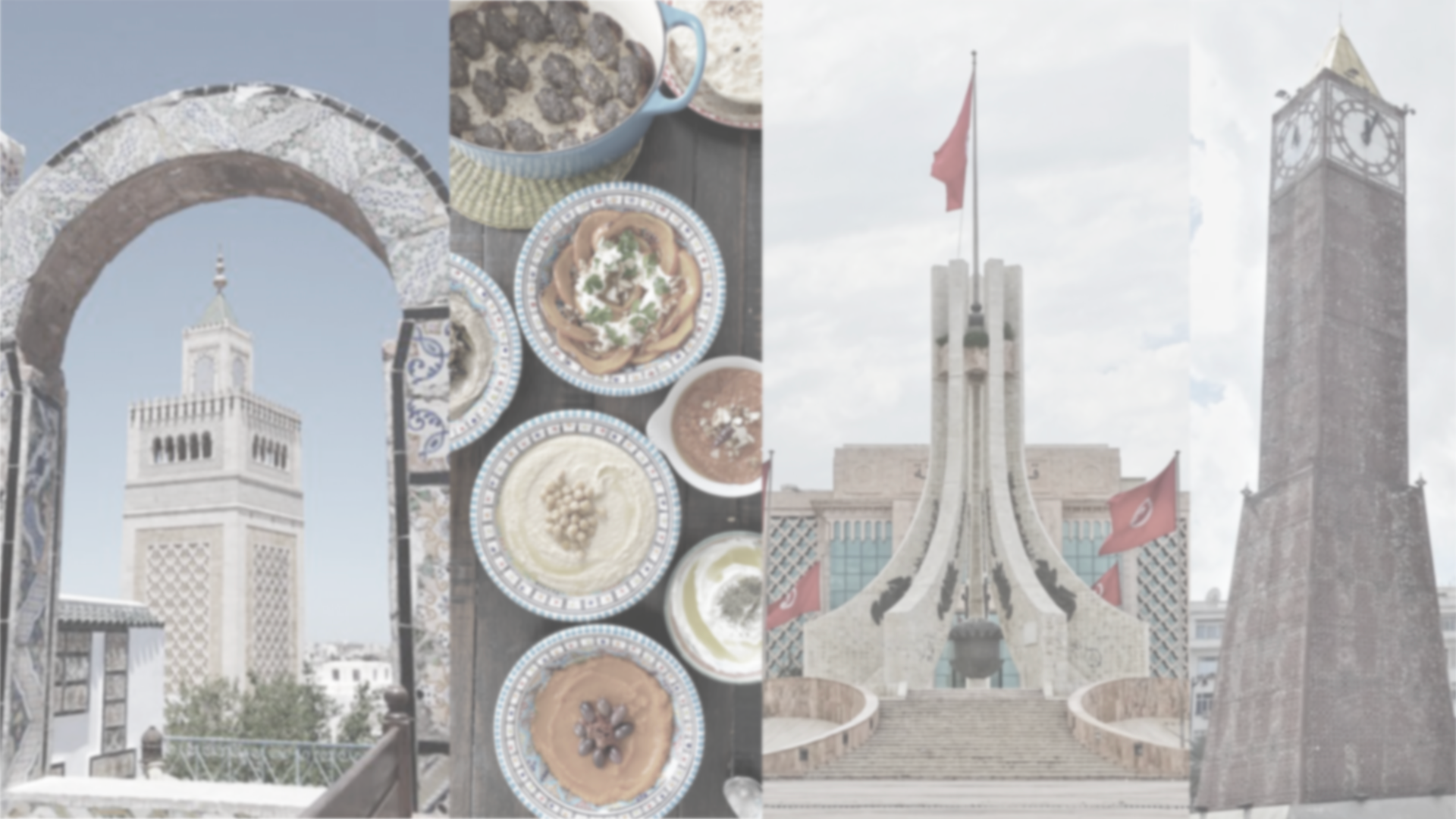
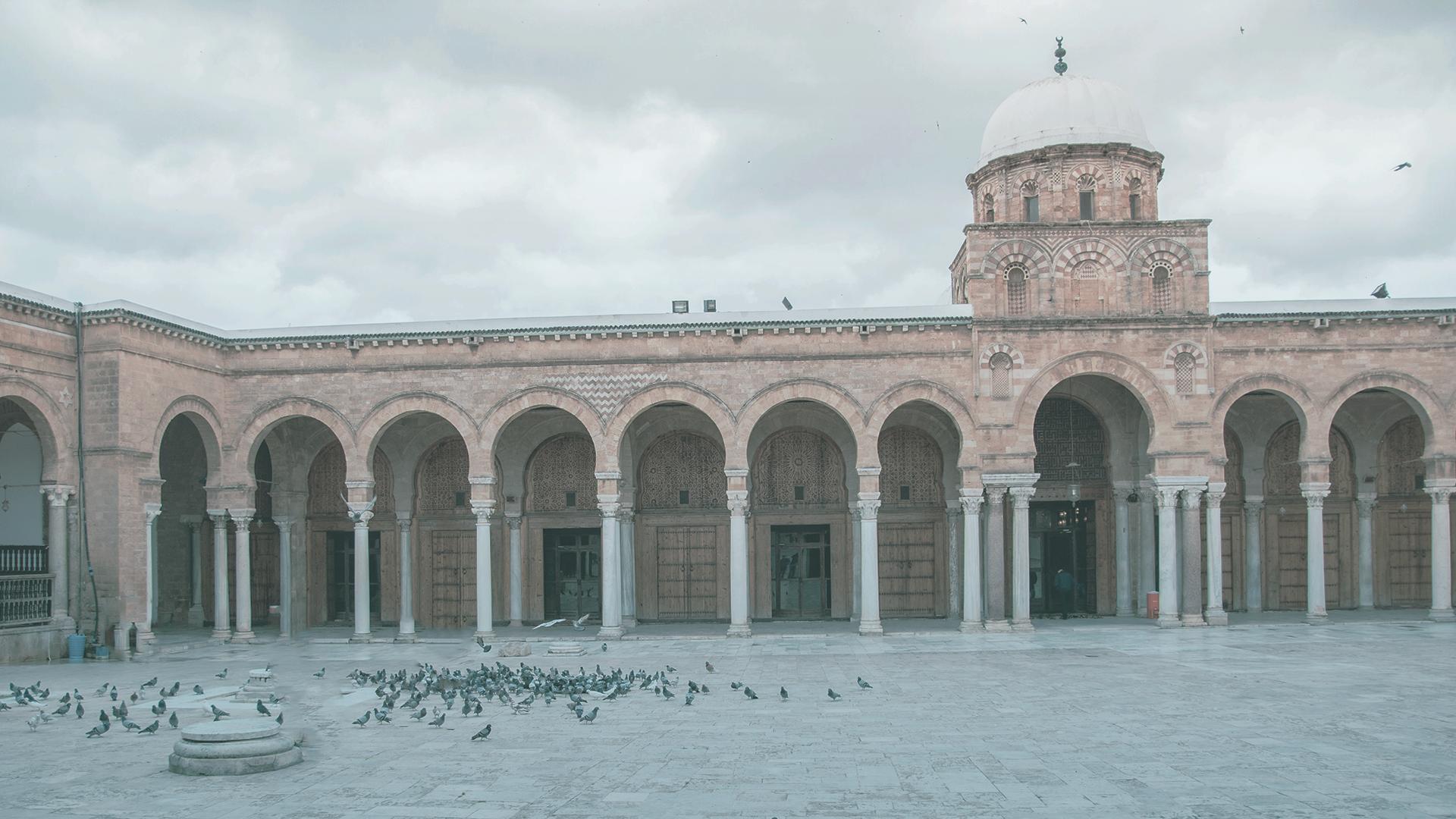
5.4 Tunis

5.5 Beyrouth

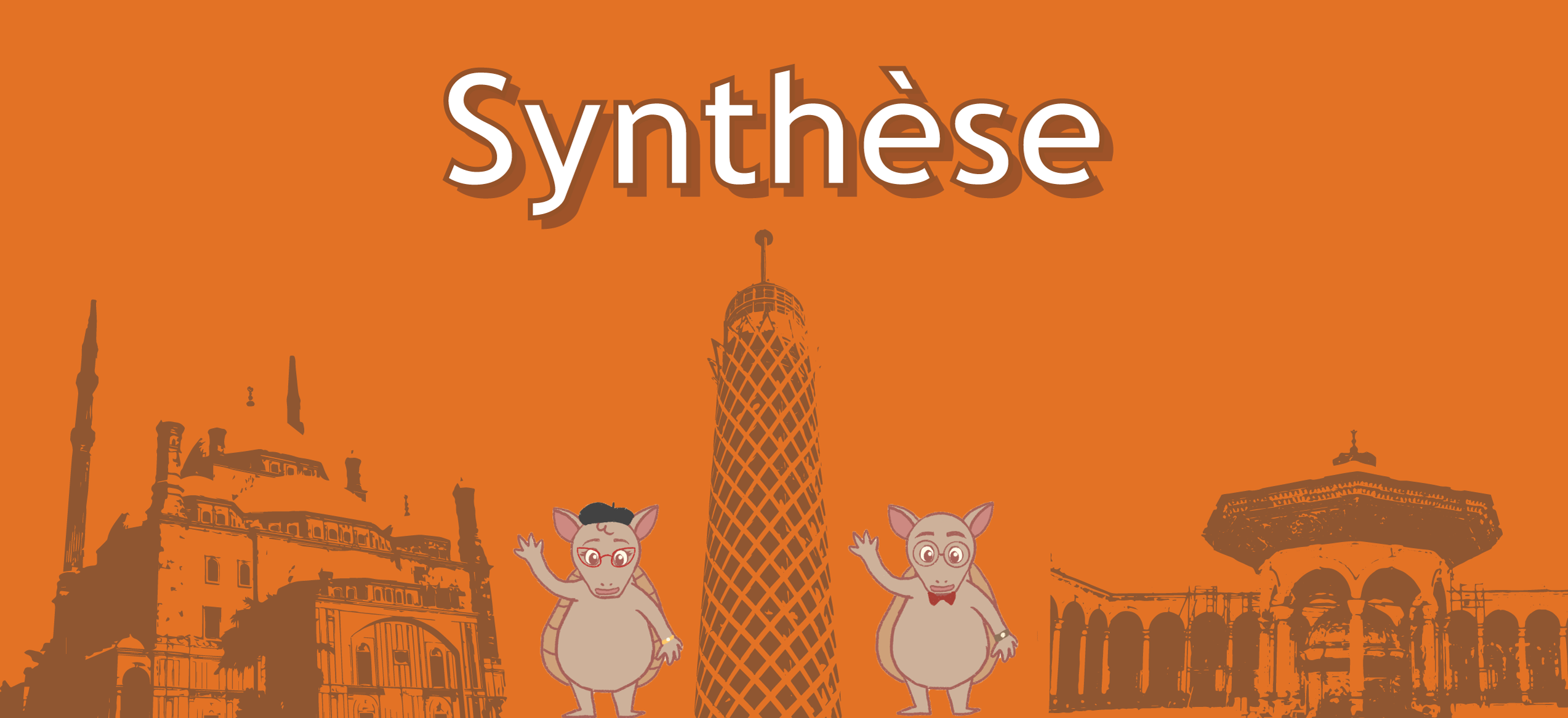
5.6 Caire

Plain Banners

Filed Under: Fall 2022 - Spring 2023, We are STAs

UTFC 5.3 & 5.4 Backdrops

June 28, 2022 By De'sha Bass-McClellan

UTFC 5.3 & 5.4 Backdrops

For the past couple of weeks, I have been working on completing the backdrops for UTFC 5.3 & 5.4. The other backdrops for this module, I assigned to Adrian to complete.

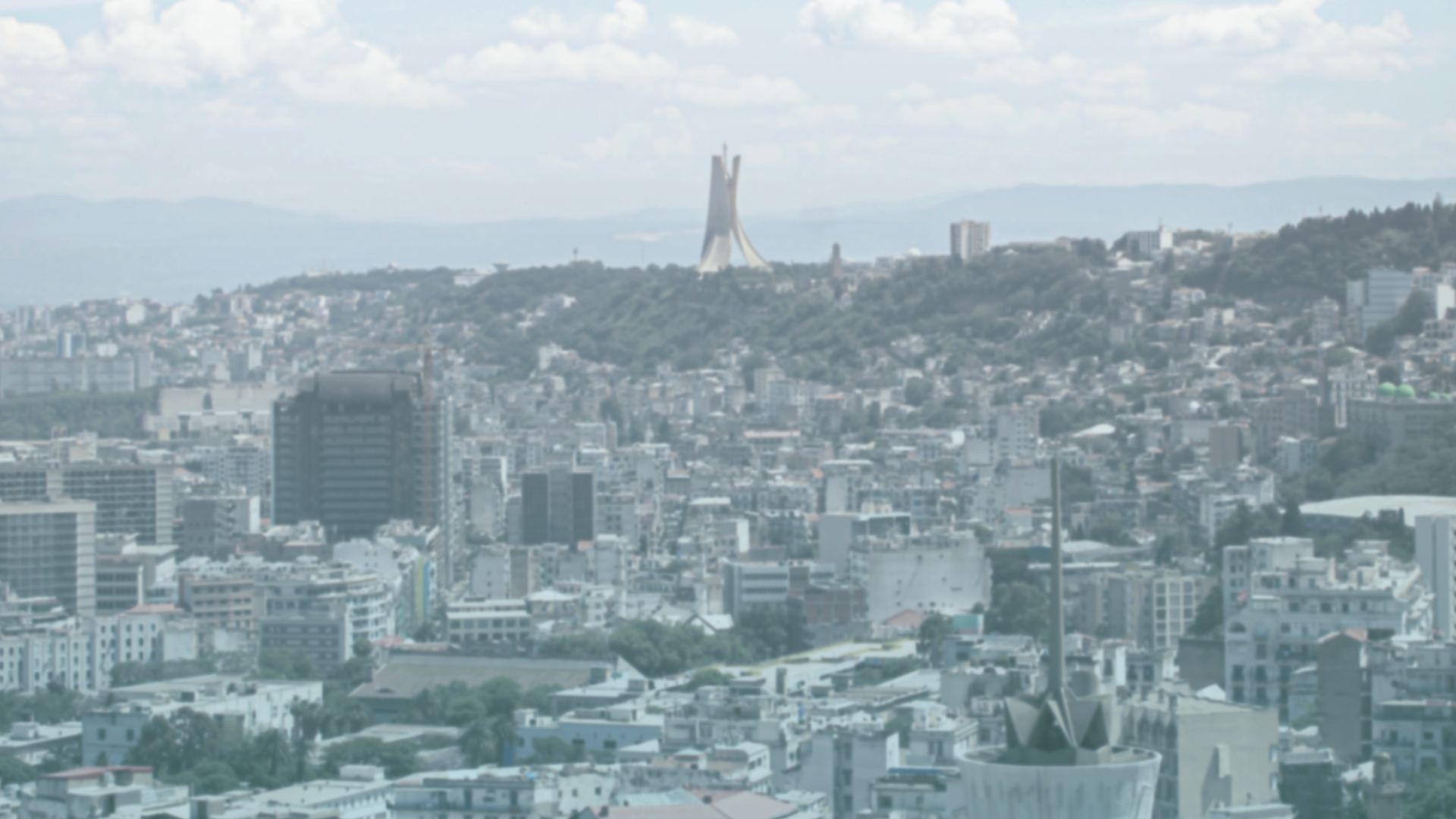
Alger 5.3

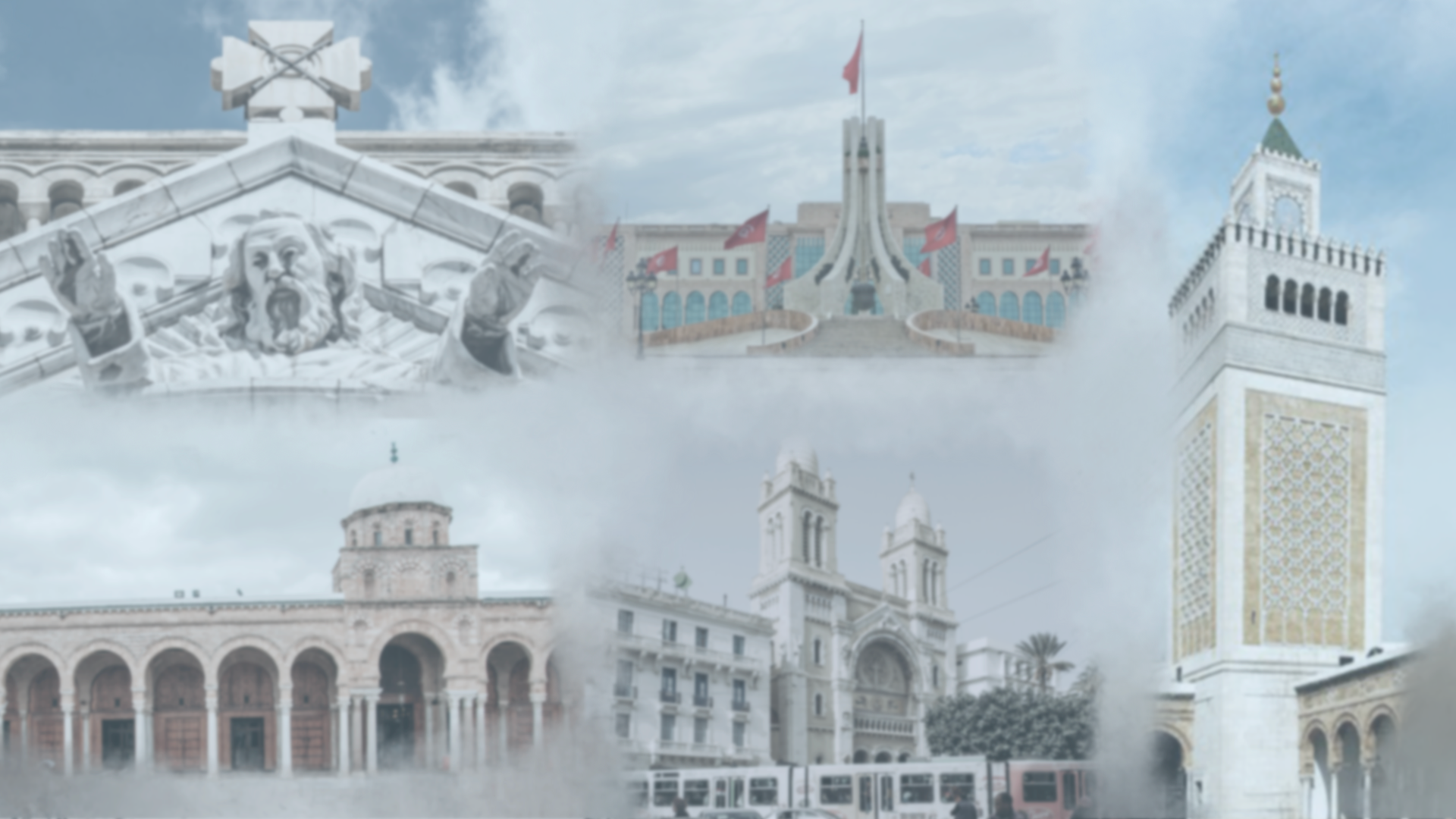
Tunis 5.4

I believe I am doing really well so far managing the French Textbook course. I am ahead so far on the backdrops and beginning to work on the banners for module 5.

Filed Under: Fall 2022 - Spring 2023, We are STAs

Welcome to the STA Blog!

June 21, 2022 By Luisa Matzner

Hi Louisa! 🙂 Welcome to the STA Blog! This the page where your blog posts will published.
Toward the end of your STA Orientation, you’ll design and upload a banner to go at the top of this page.

Upload a Blog Banner


Step One: Design Your Banner in Photoshop

Use these Photoshop specs when you’re making your banner:

  • Your banner should be 780 pixels wide (the height doesn’t matter)
    • Must include your name, your major, and your expected graduation year
    • Your banner should reflect who you are (your personality, interests or major)
    • Make sure to save your banner for the web (i.e. File > Export > Save for Web (Legacy))
    • If you save your banner as a JPG, make sure sure the quality is high (i.e. at least 60)

Step Two: Save Your Banner

  • There are two places you can save your completed projects: UT Box and the LAITS server. You’ll be given a personal folder in both locations. For now, you only have to save your banner to UT Box, but you may have to access the server at some point in the future.

Accessing UT Box

  • If you haven’t already registered with Duo,  follow the instructions here to set up an account.
    • Then log in to UT Box with your EID and password: http://utexas.box.com/
    • Go to the folder called Design-Coding-STAs, then the subfolder STA-folders
    • Find the folder with your name on it
    • Save your banner both as an image and an unmerged PSD

Accessing the LAITS server

  • Accessing the LAITS server from off-campus is slightly more complicated.
    • You’ll need to be registered with Duo if you aren’t already (you can register here).
    • Then you’ll need to connect to the UT VPN and the LAITS server. The videos below will walk you through how to do that:
      • Connect to the Server – PC
      • Connect to the Server – Mac
    •  Then navigate to your STA volume folder and save
      • smb://file.laits.utexas.edu/sta/Luisa Matzner
    • Save your banner both as an image and an unmerged PSD

Step Three: Upload Your Banner to the STA Blog

  • Log in the the STA Blog here.  You should’ve received an email confirming your new WordPress account with your username and assigned password. If didn’t get it or you can’t log in, ask Suloni or another STA.
  • You’ll be able to change your password anytime by going to Users > Your Profile > Account Management > New Password.

Uploading media and banners in WP

  • Read these links before you upload your banner.
  • They will walk you through how to upload media to your blog.

How to Upload a Homepage Banner

Adding New Posts and Media

Make Your First Blog post


  • Reflect on the day. You blog posts will be a documented experience of your time as an STA with LAITS. They can include anything you want to share about the projects you’re working on, and the more media (screenshots, images, links, videos, gifs) you can use, the better.
  • For today, write a bit about about yourself and what you did during orientation.
  • If you haven’t already, upload your banner.

Things to Remember


Image Specs

  • You should never copy and paste images intoto your blog. Always upload images into the media section of blog first (Click on the add media button), then insert the image from the media folder to display on your blog.
  • Don’t use the thumbnail version of your images.
  • Use images that are 72 dpi
  • Screenshots are fine
  • Images that are 780 pix wide format nicely above or below text blocks

Always Categorize Your Posts

  • Always check the category “2019 Fall-Winter | Spring-Summer 2020” on the blog posts you make this summer. This is the only category you need to check.
  • Make sure your posts are categorized correctly so that all of your work is documented in the correct semesters.

Commenting on Basecamp

Notification comments: etiquette, files, questions, feedback

Let us know when you’ve completed this task by adding a link to your blog to a comment in Basecamp.
Notes for all comments in Basecamp:
  • *Always address the person/people you are writing to by their names.
  • *Always use complete sentences.
  • *Always add links or paths to your design file in your STA folder.
  • *Make it easier for your collaborators and mentors to give you feedback on a design by adding screenshots to your comment.


Notify people in Basecamp by adding the @ symbol before their names (no spaces), otherwise they may not see your comment.

@ your STA mentor and Suloni in your comments when you want to:

  • ask us questions about the mechanics of using the STA blog,
  • about the mechanics of photoshop,
  • to let us know that you have completed this task,
  • or that you would like a little feedback on on your banner design 🙂

Thank you & have fun!

Filed Under: Fall 2022 - Spring 2023, We are STAs

  • « Previous Page
  • 1
  • …
  • 67
  • 68
  • 69
  • 70
  • 71
  • …
  • 136
  • Next Page »

link to LAITS home page

Video STA Home

© 2026 Liberal Arts Instructional Technology Services | Production Credits