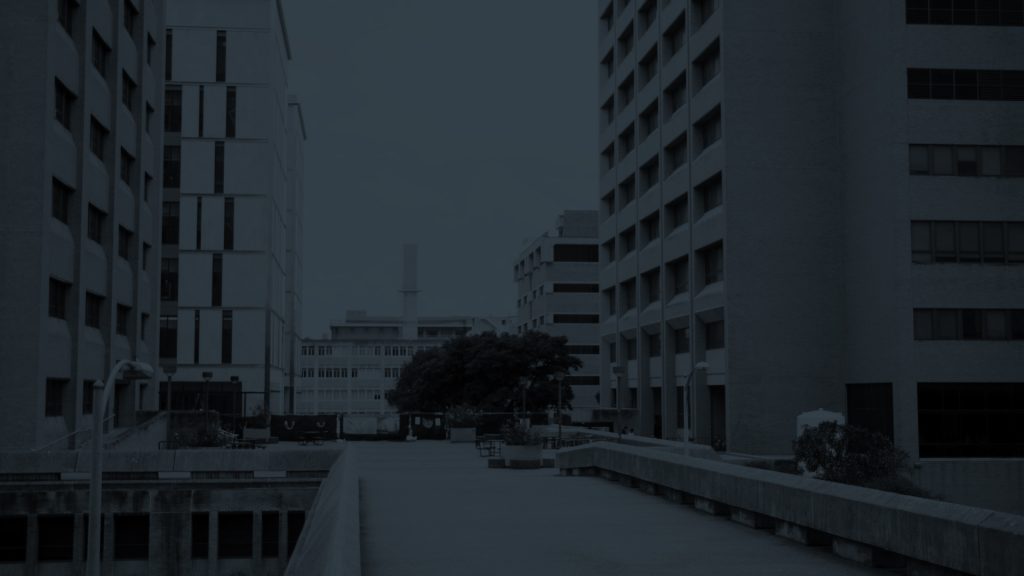
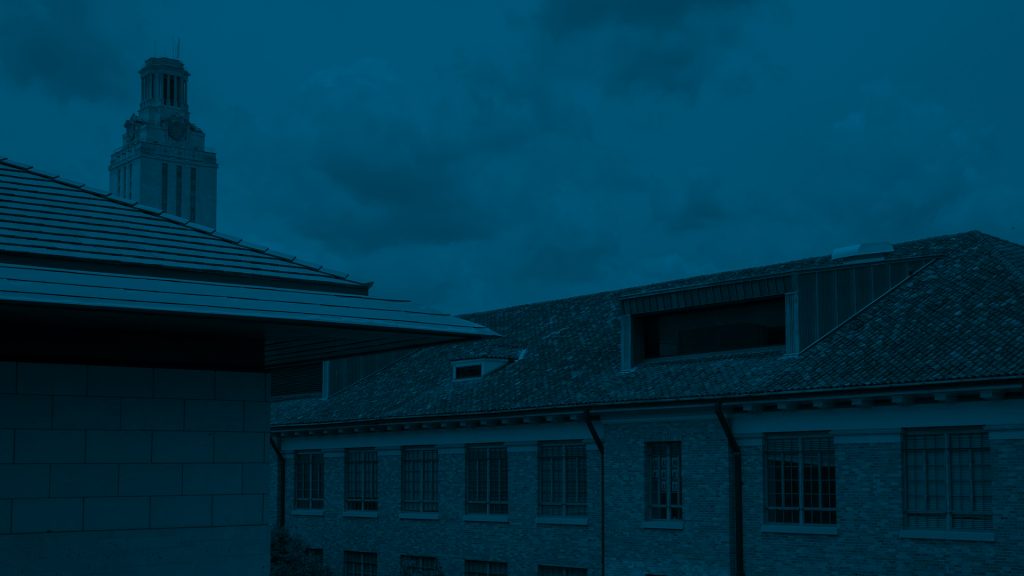
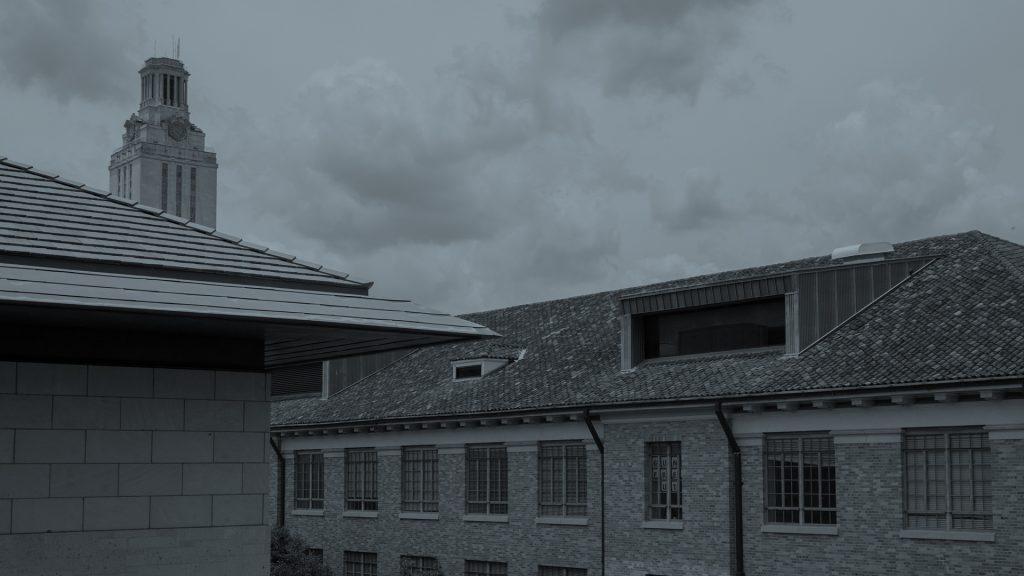
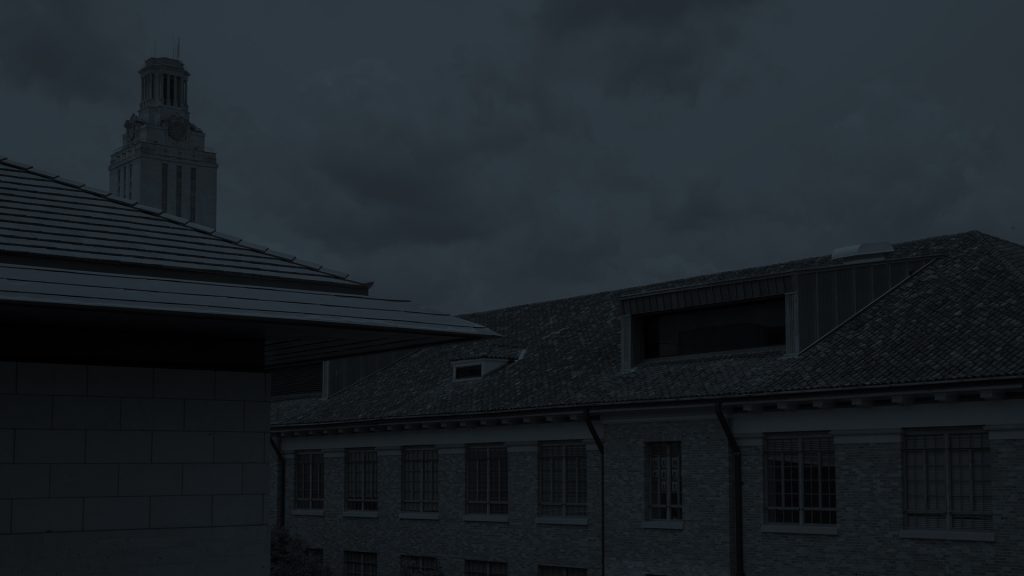
I also got an assignment for studio lecture backgrounds today. It was super cool to go through all the UT photos — I really miss campus. Here are some of my mockups:
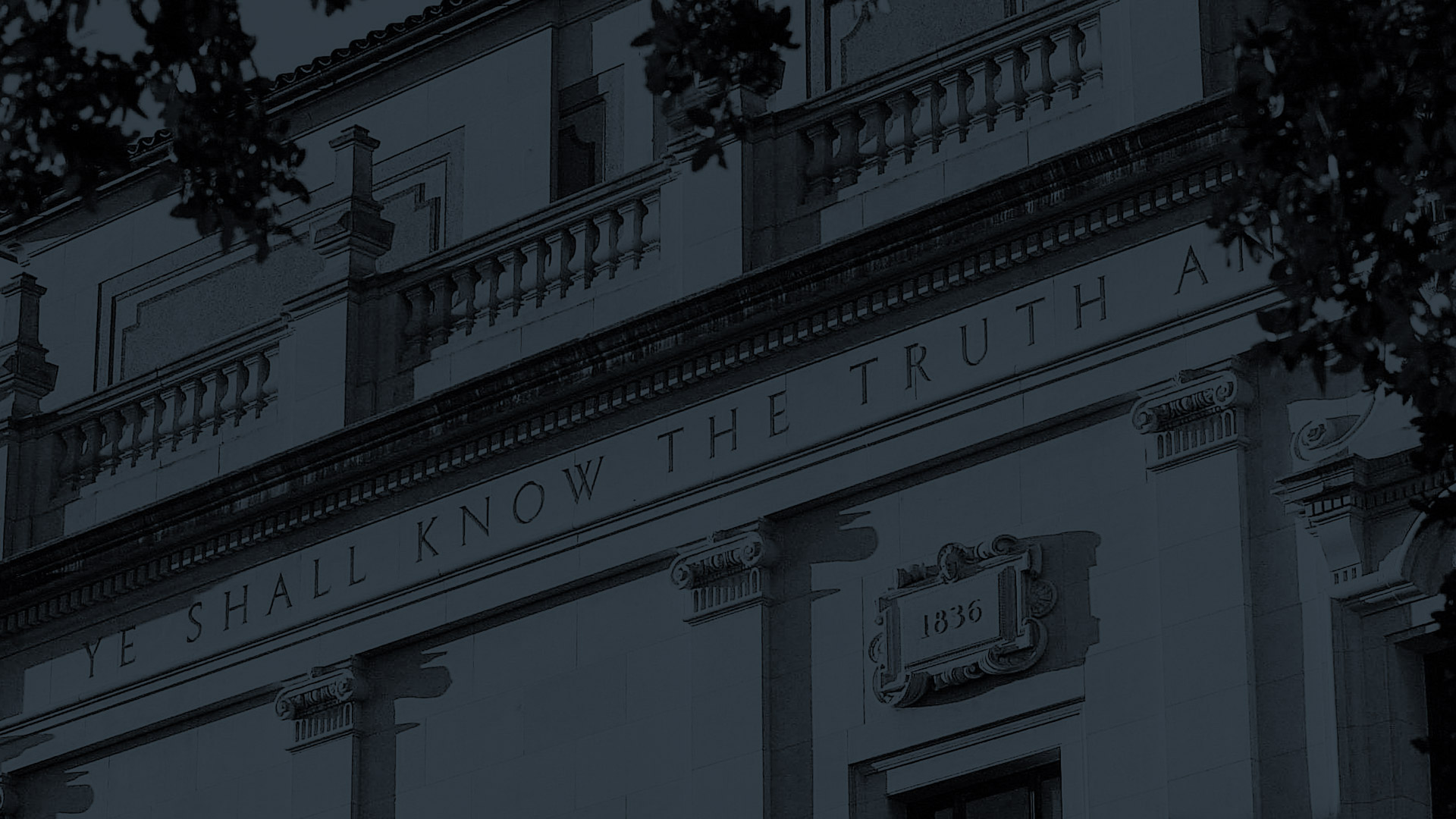


I also got an assignment for studio lecture backgrounds today. It was super cool to go through all the UT photos — I really miss campus. Here are some of my mockups:
Lately I’ve been working on COLA photo ID training, and I’m pretty satisfied with the results! I also began drafts for the studio backgrounds, but I don’t think I’m ready to show them yet :~)







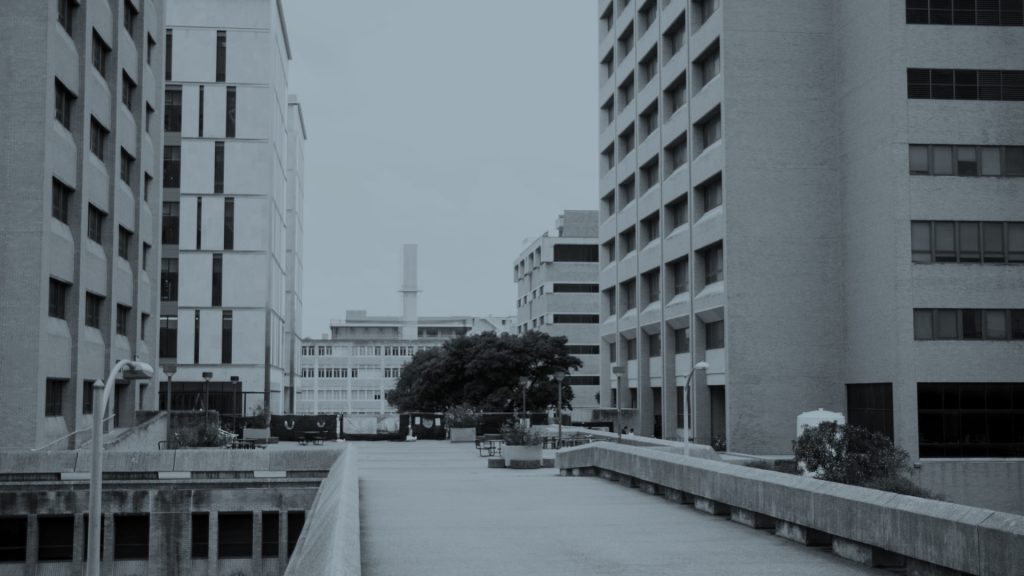
I started working on the Studio digital monitor backdrops for online lectures. I started editing and messing with saturation, and color overlays for my first couple of pictures, so this is just a start:

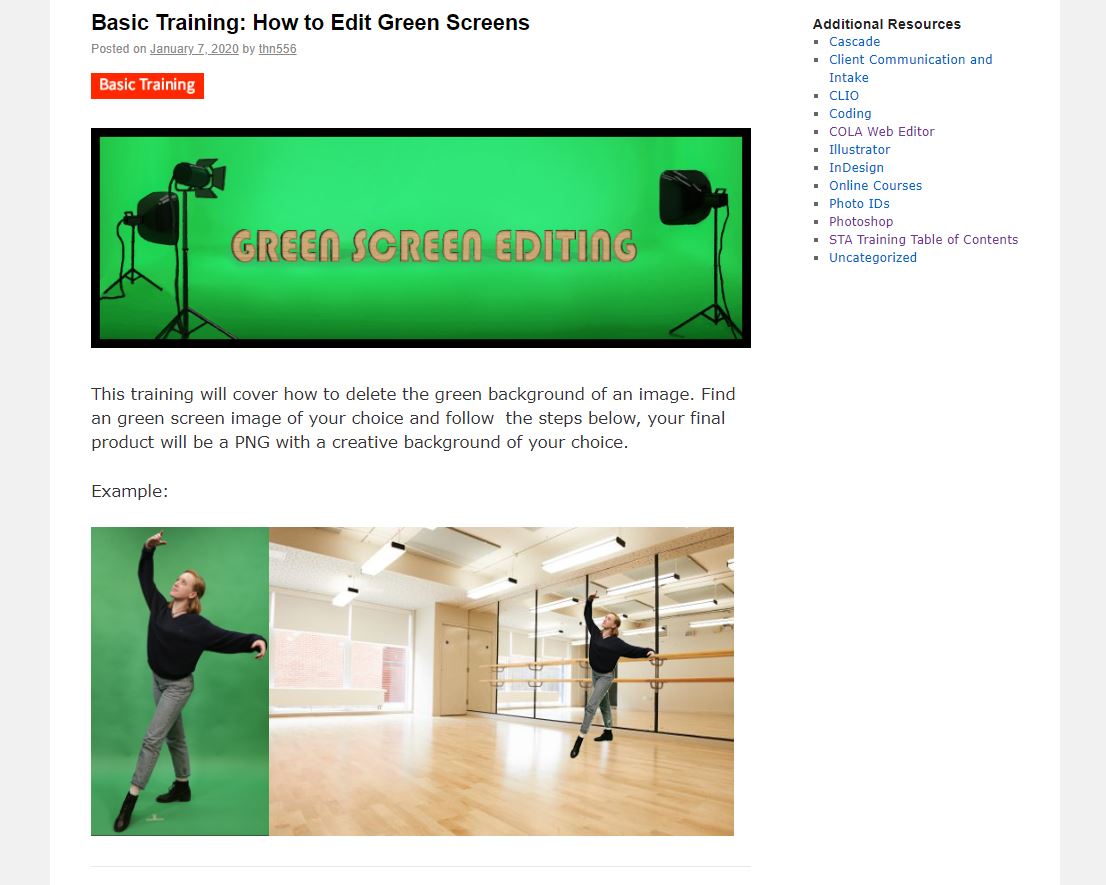
I updated the green screen basic training and made a banner for it.
I updated the brochure tutorial to make its style more consistent with our new KB posts.
This is the banner I made for this post: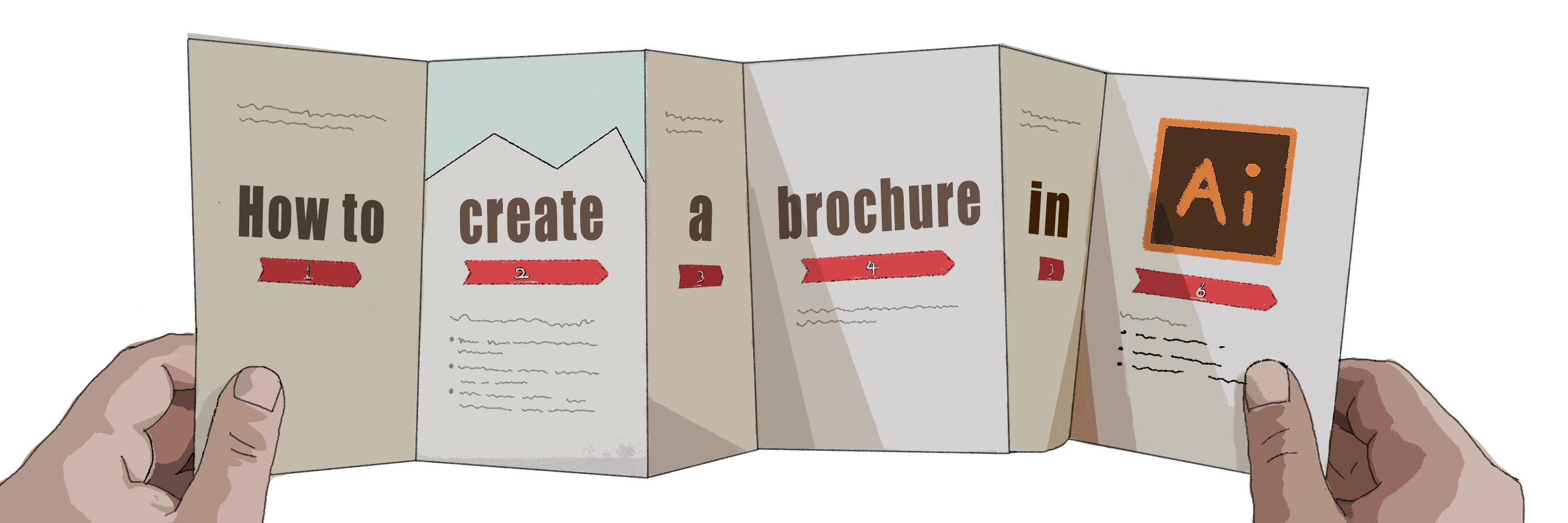
Here’s a link to this tutorial:
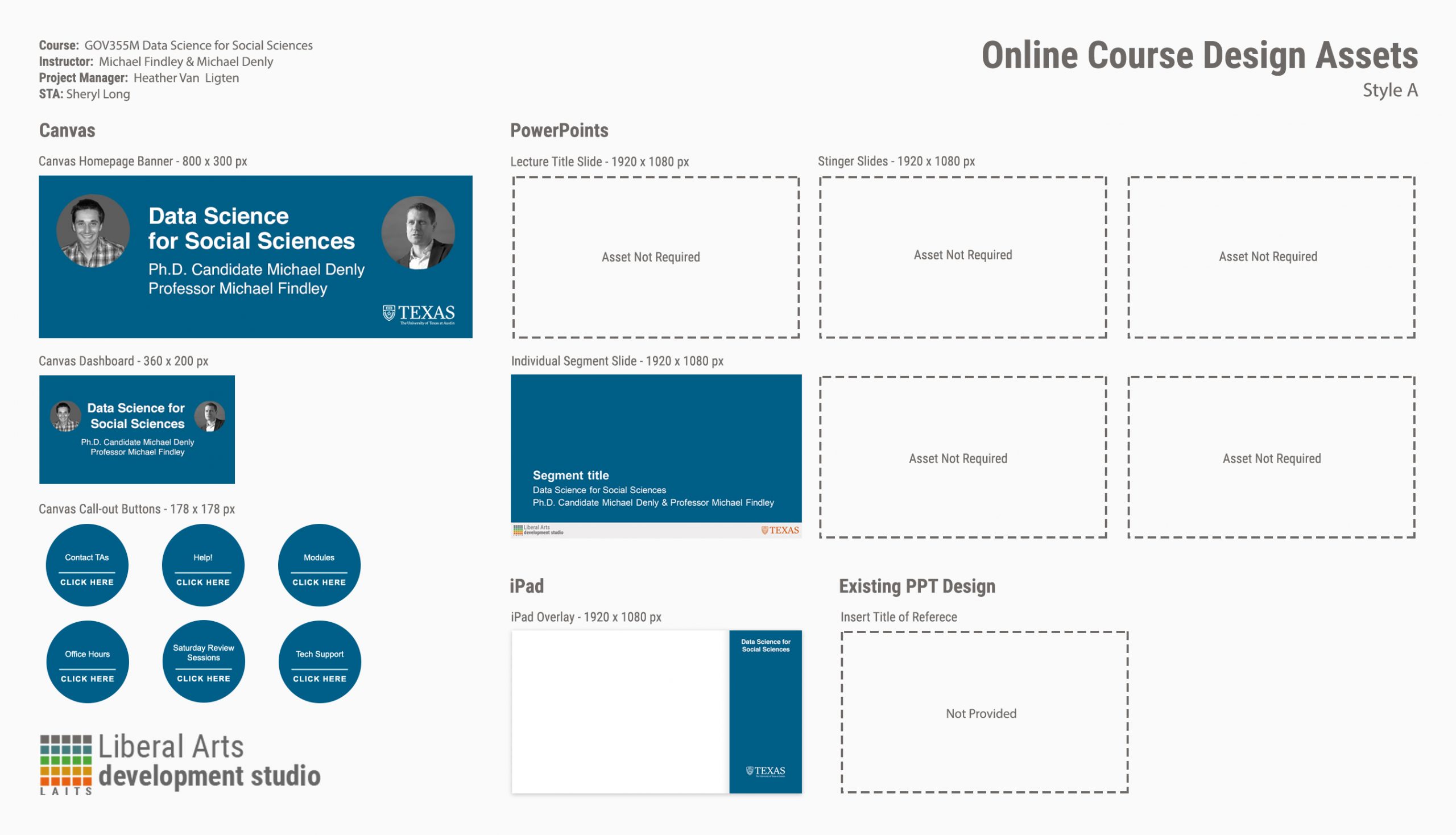
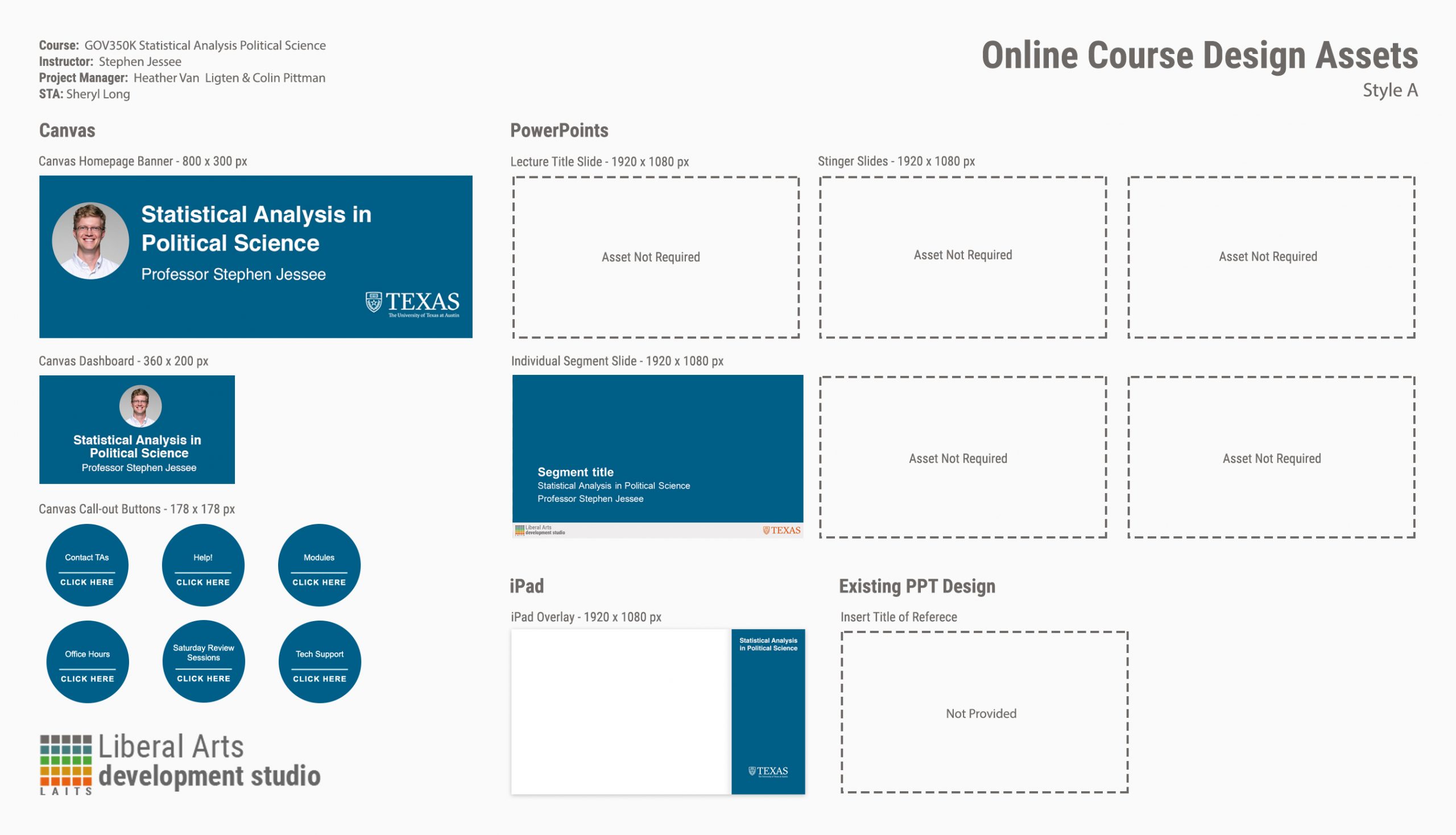
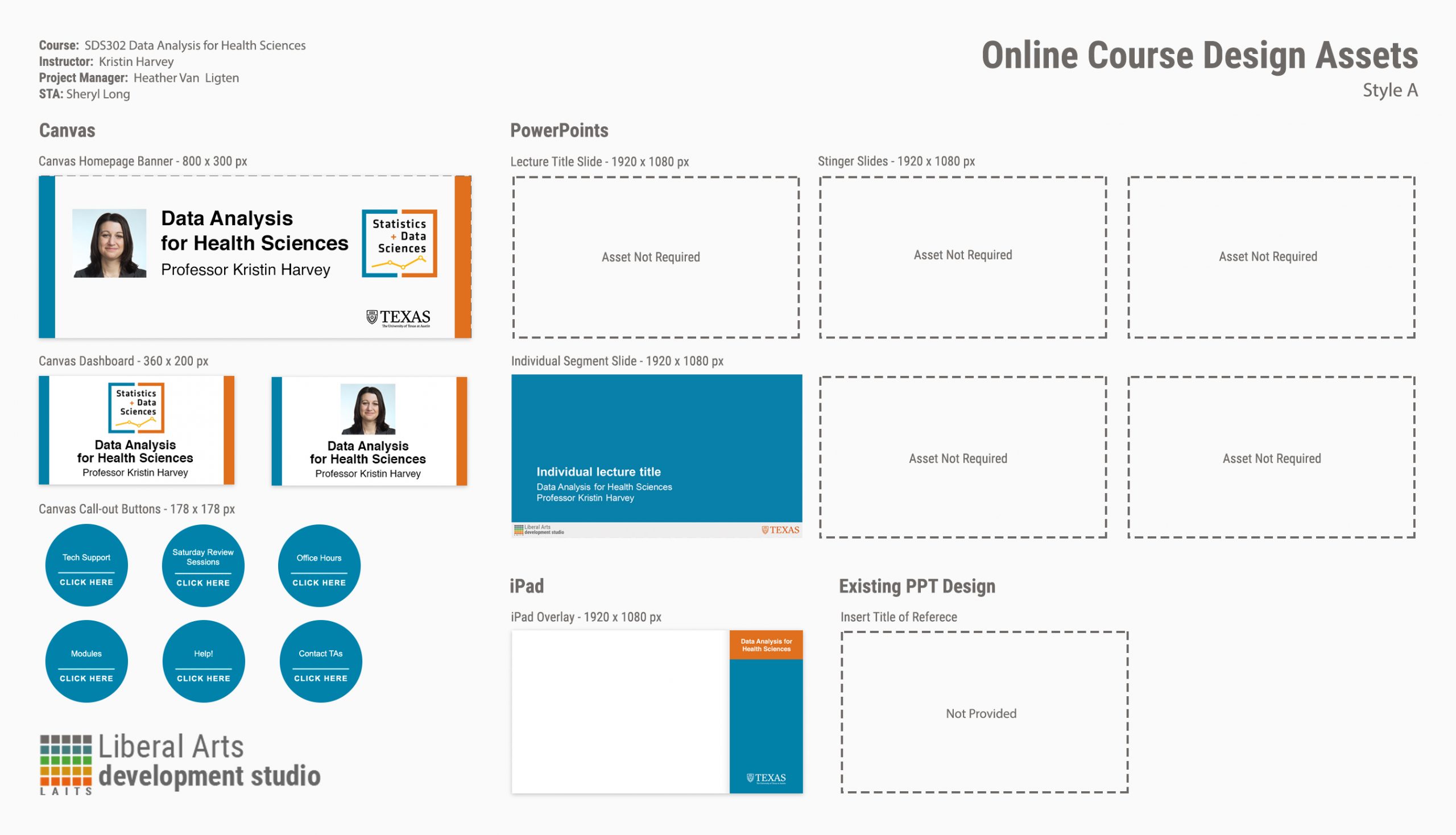
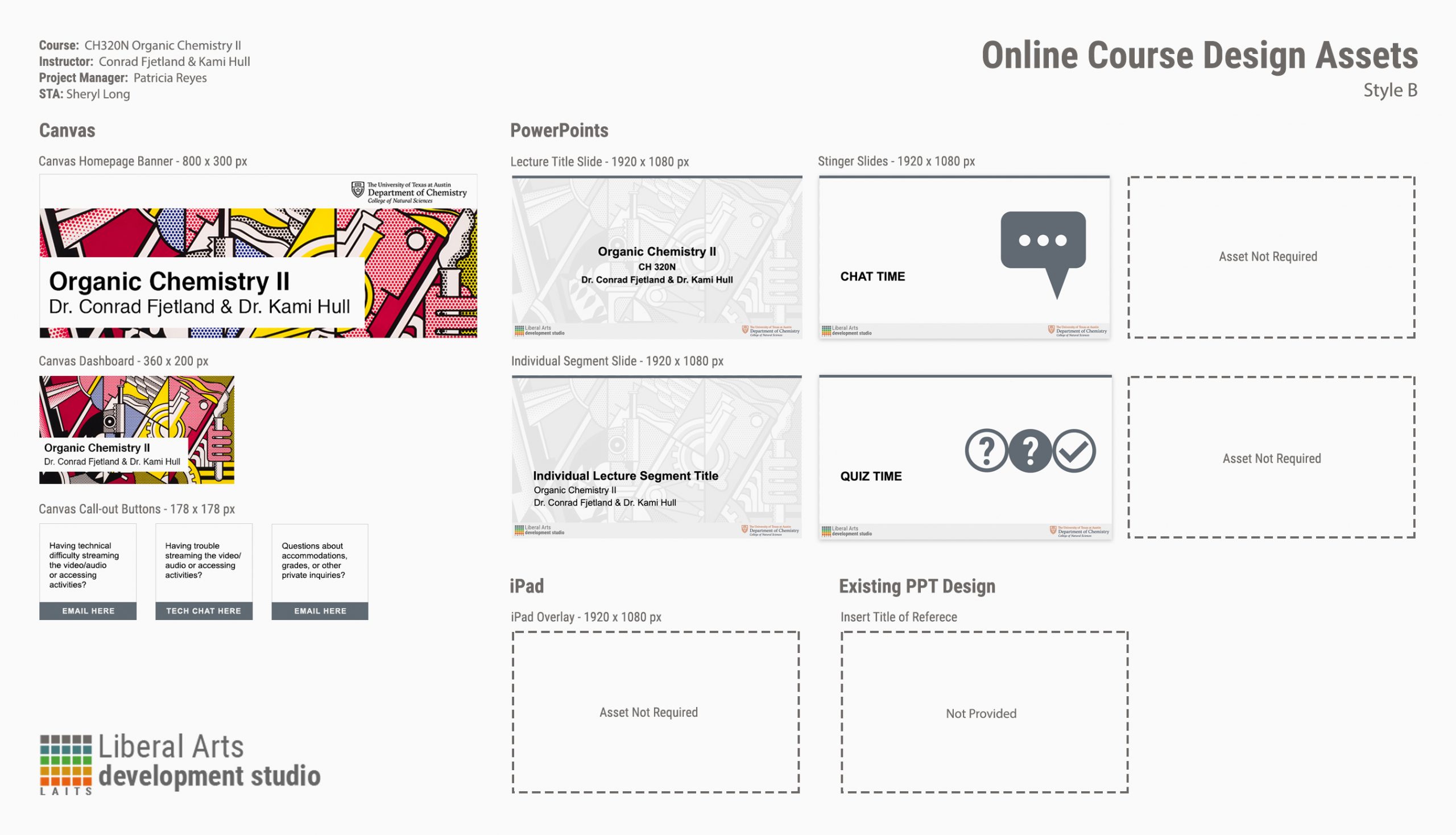
STAs has been working on many summer course graphic requests, so to keep track of all the projects, Thuy designed a menu template to show all requested assets for each project. At the end we will have a master PDF file with all completed projects that can be presented to project managers or future clients.
These are some of the menus I worked on: