RSC Title Slides
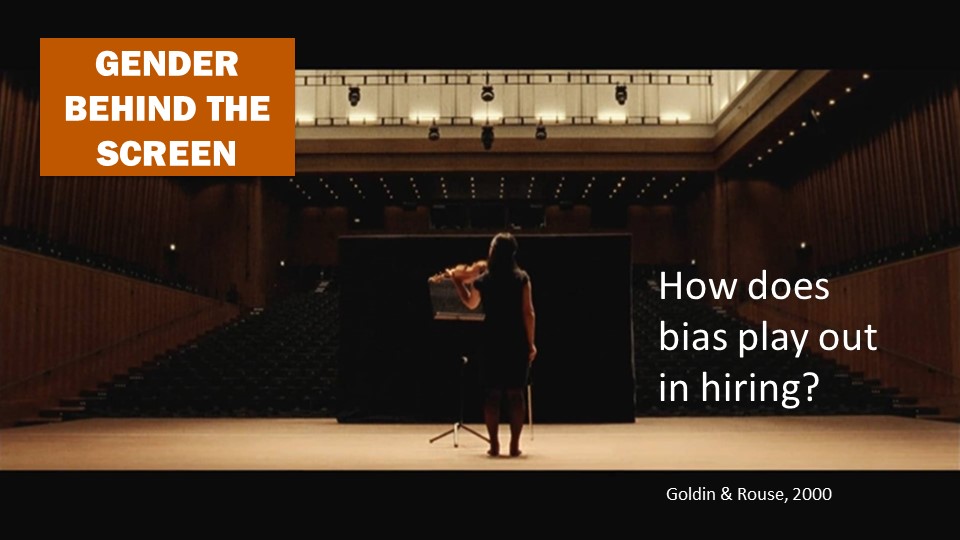
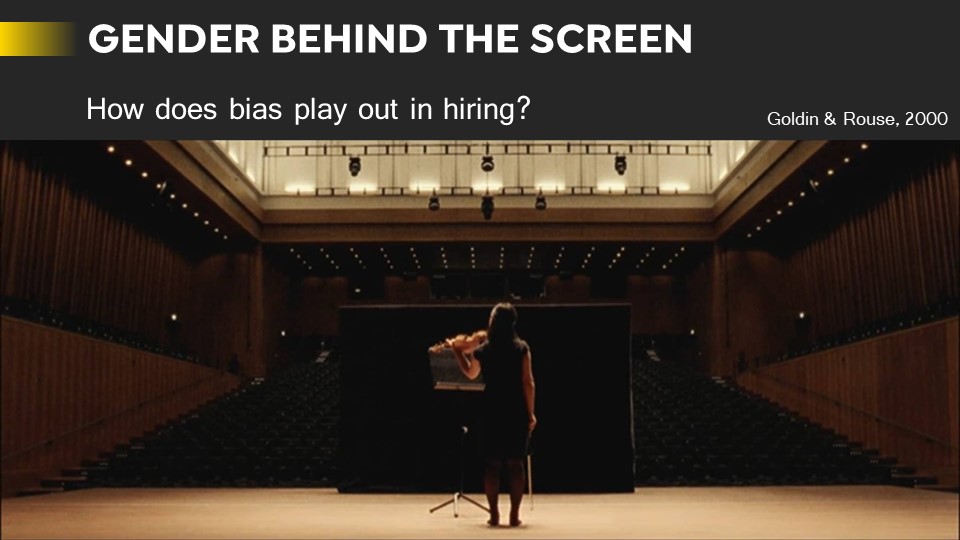
I created 3 template course title cards for Powerpoint presentations. These title cards will be used for the RSC (Large Course Project) recordings.
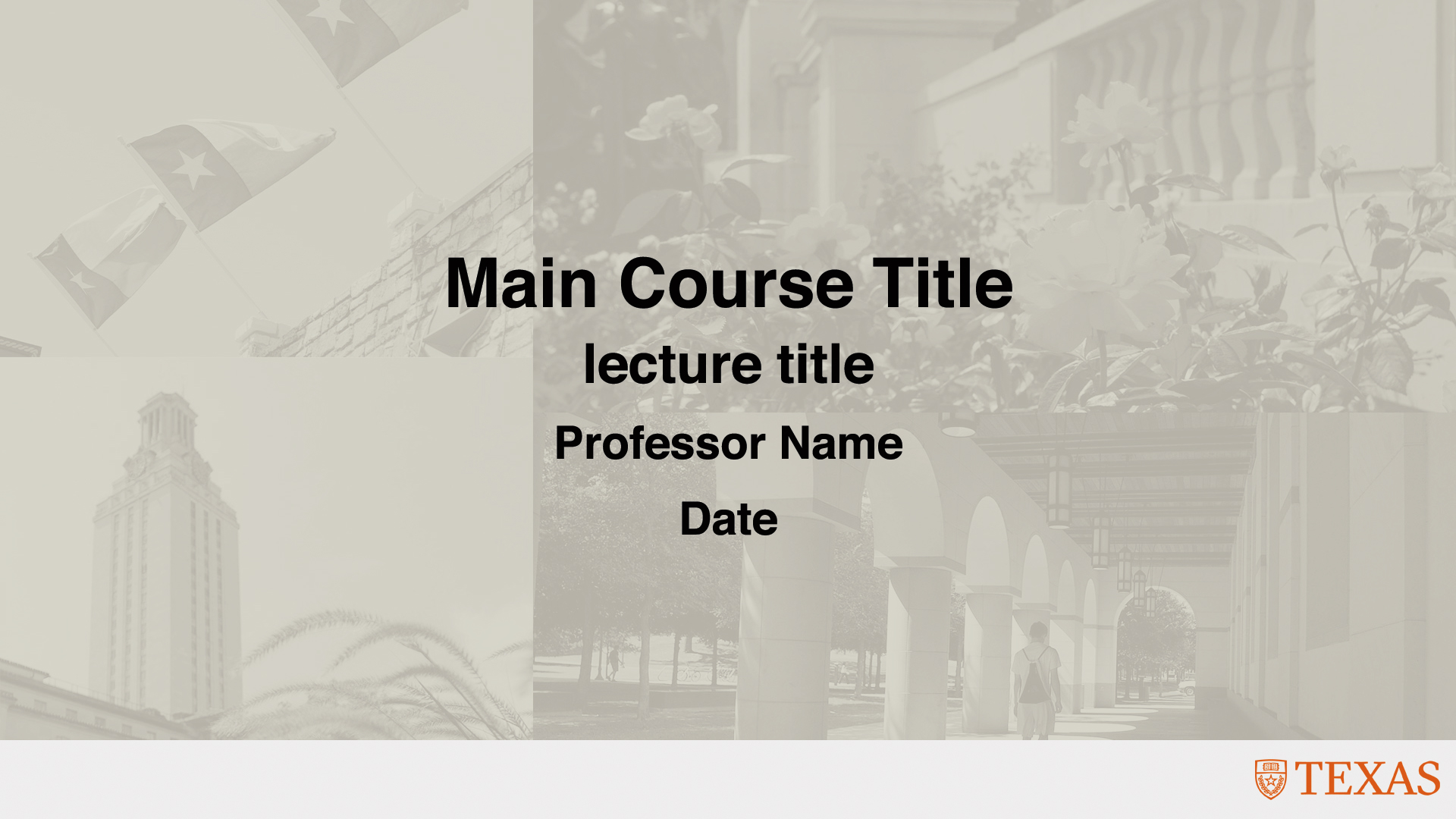
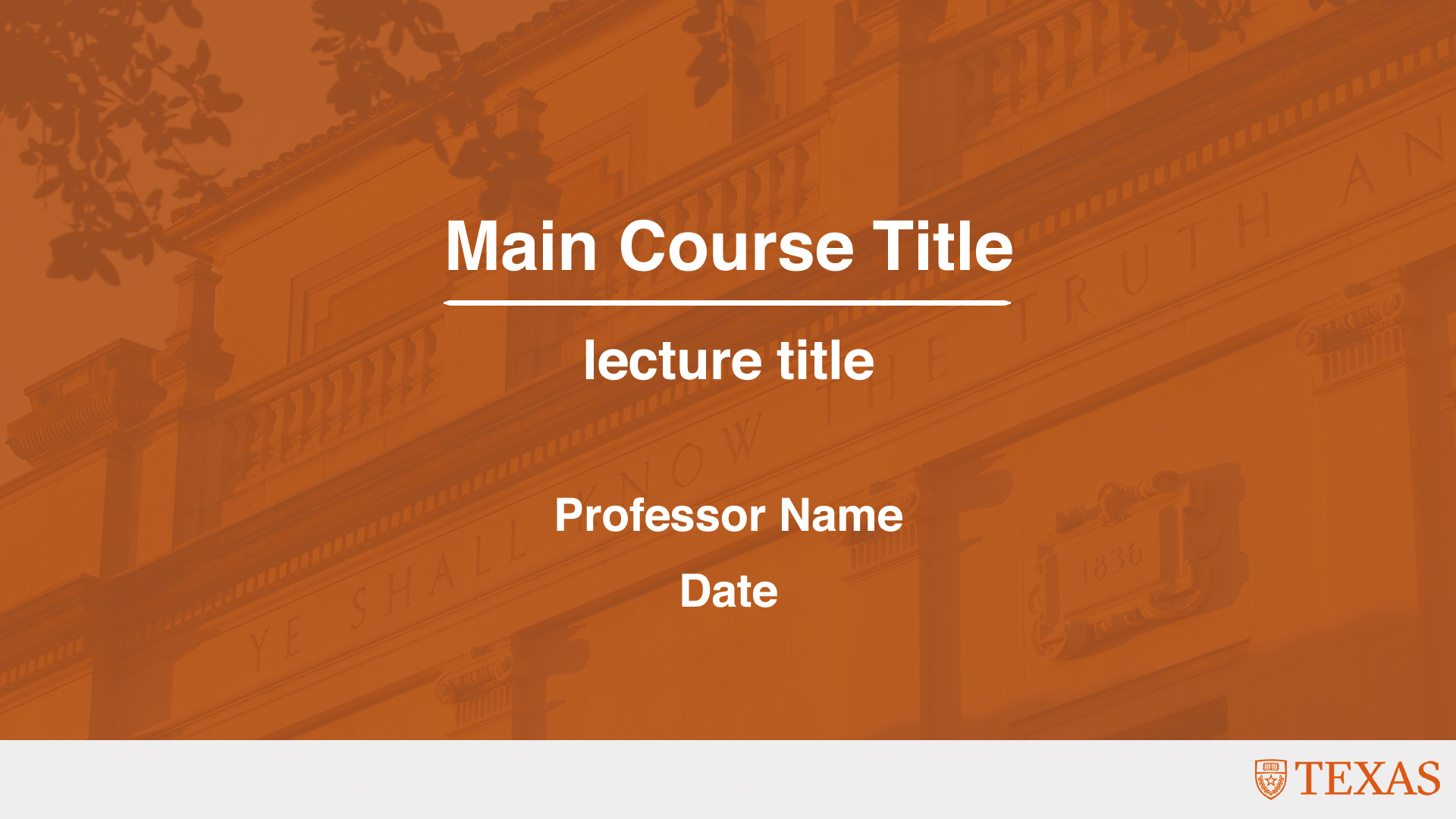

I created 3 template course title cards for Powerpoint presentations. These title cards will be used for the RSC (Large Course Project) recordings.
I added some details on how to access/edit primary information in staff view.
https://liberalarts.utexas.edu/web-admin-help/how-to-use-the-web-editor/how-to-edit-a-profile.php

Today, I did more of the intermediate Cascade training. I had fun making the AI icons!
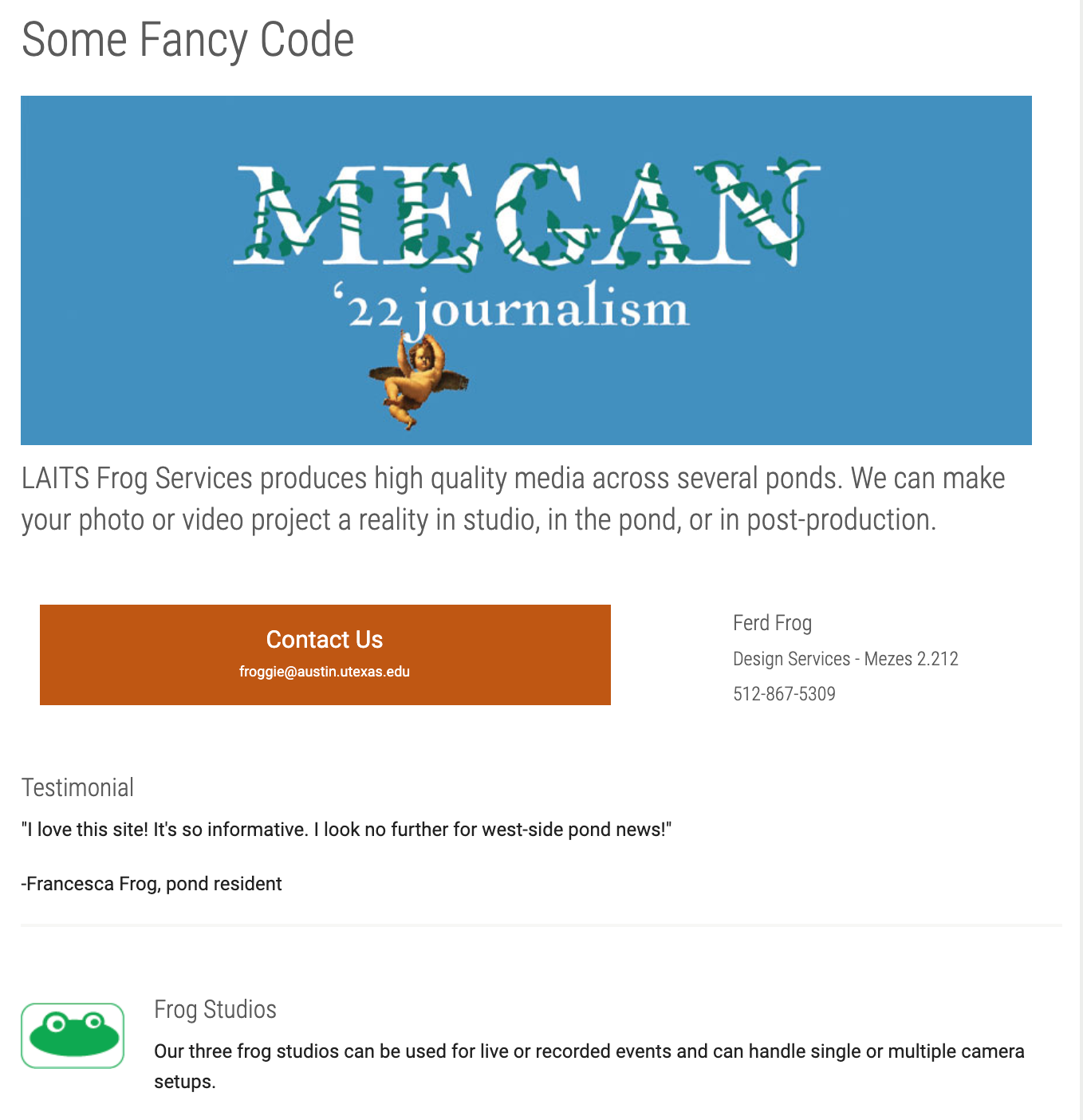
I’ve been working mostly on my Cascade site this past week, and here’s some progress. It’s been fun talking about Berlin (perhaps ad nauseam, but oh well). I’ve added some more advanced features, such as html/css tables, and in the “more info” page have made some custom buttons. I hope you enjoy perusing!

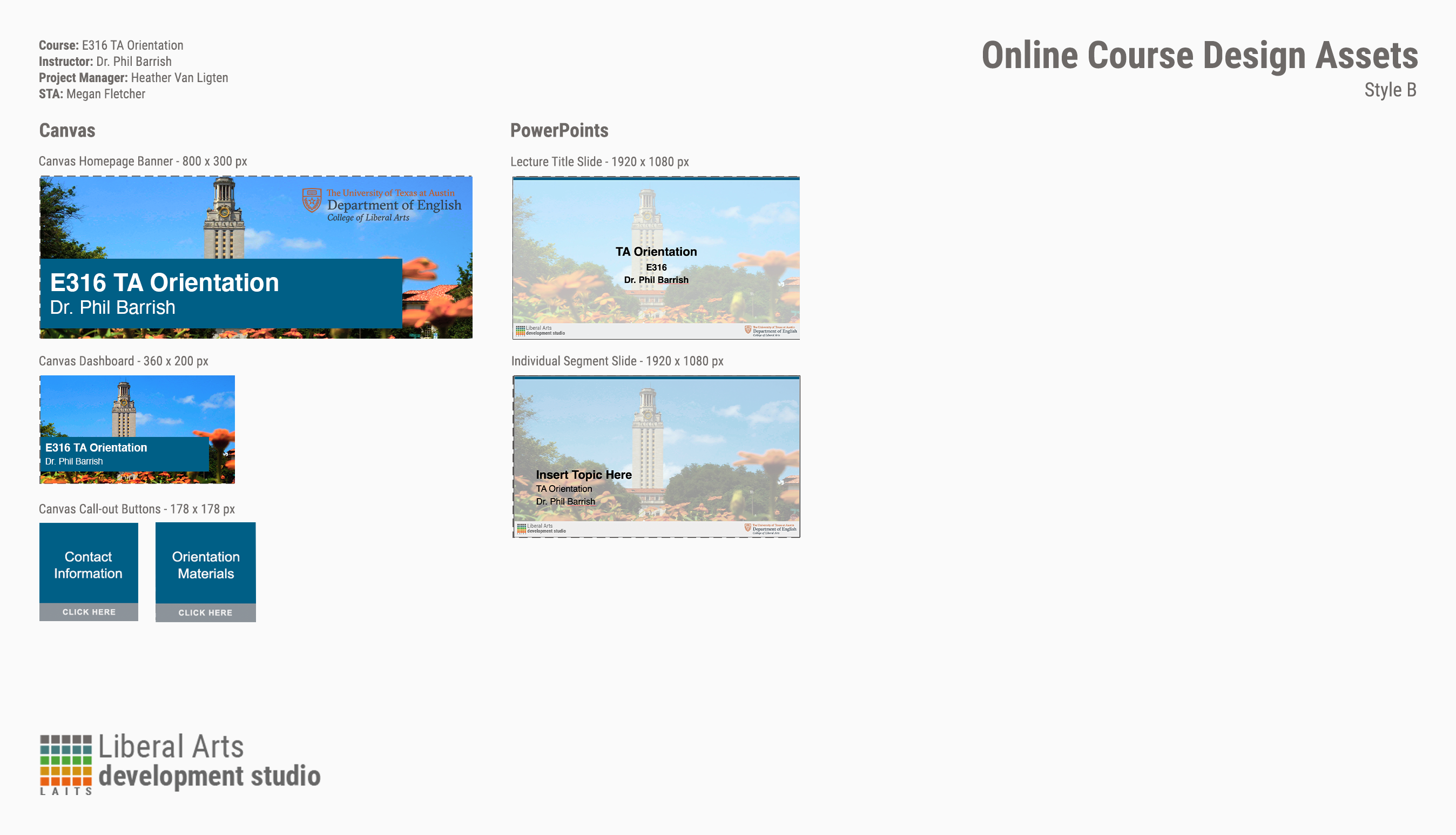
I know what you’re thinking: “E316 isn’t a course, Megan! There’s E316M, L, and N!” I hear you. You’re right. There is no E316. But! I’m still making graphics for it. Why? All the TAs for M, L, and N do orientation together.
That out of the way, these weren’t too bad and the client didn’t want the full menu of Canvas assets (why would they? It’s only a two-day orientation.) I picked a generic photo of the UT tower for the backgrounds with a nice, dark shade of blue from the brand color palette. The only issues I ran into were color-correcting the PPT title slide because my nice, dark shade of blue wasn’t being very… nice to the photo I picked.
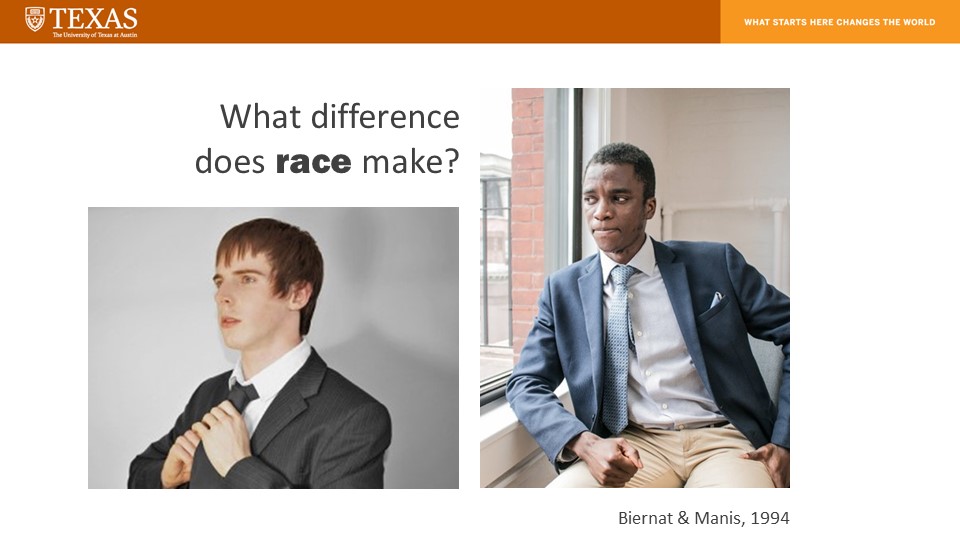
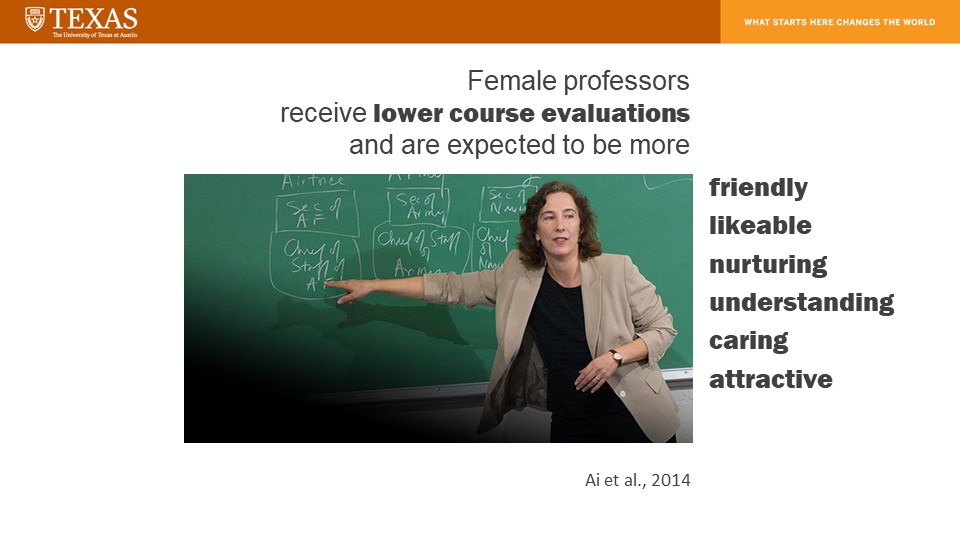
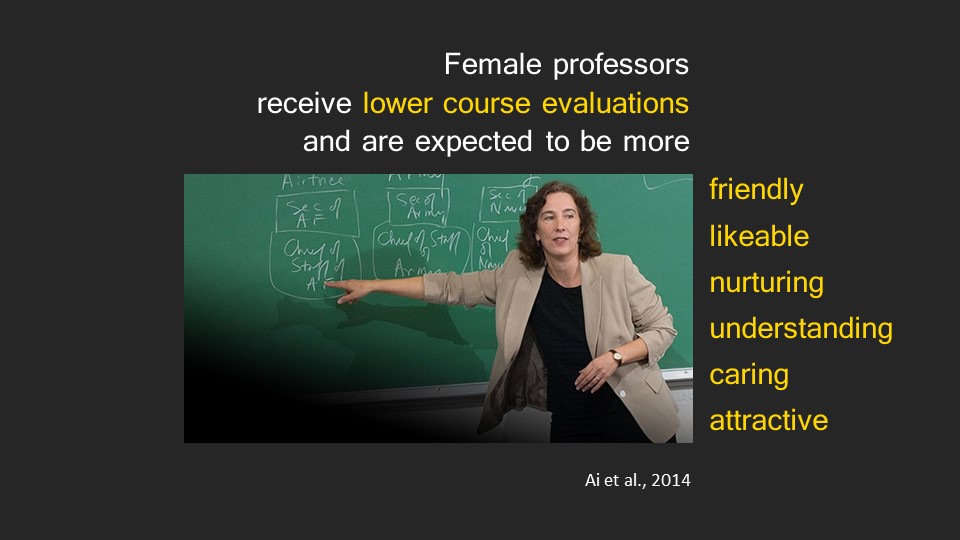
Today I made the final edits to my PPT redesign assignments and submitted two drafts for the client, in which one includes all original images and the other contains new images that I thought better communicated the content in the slides.
Here are the slides compared to the originals.