UTFC 5.1B Pronominal Verbs List
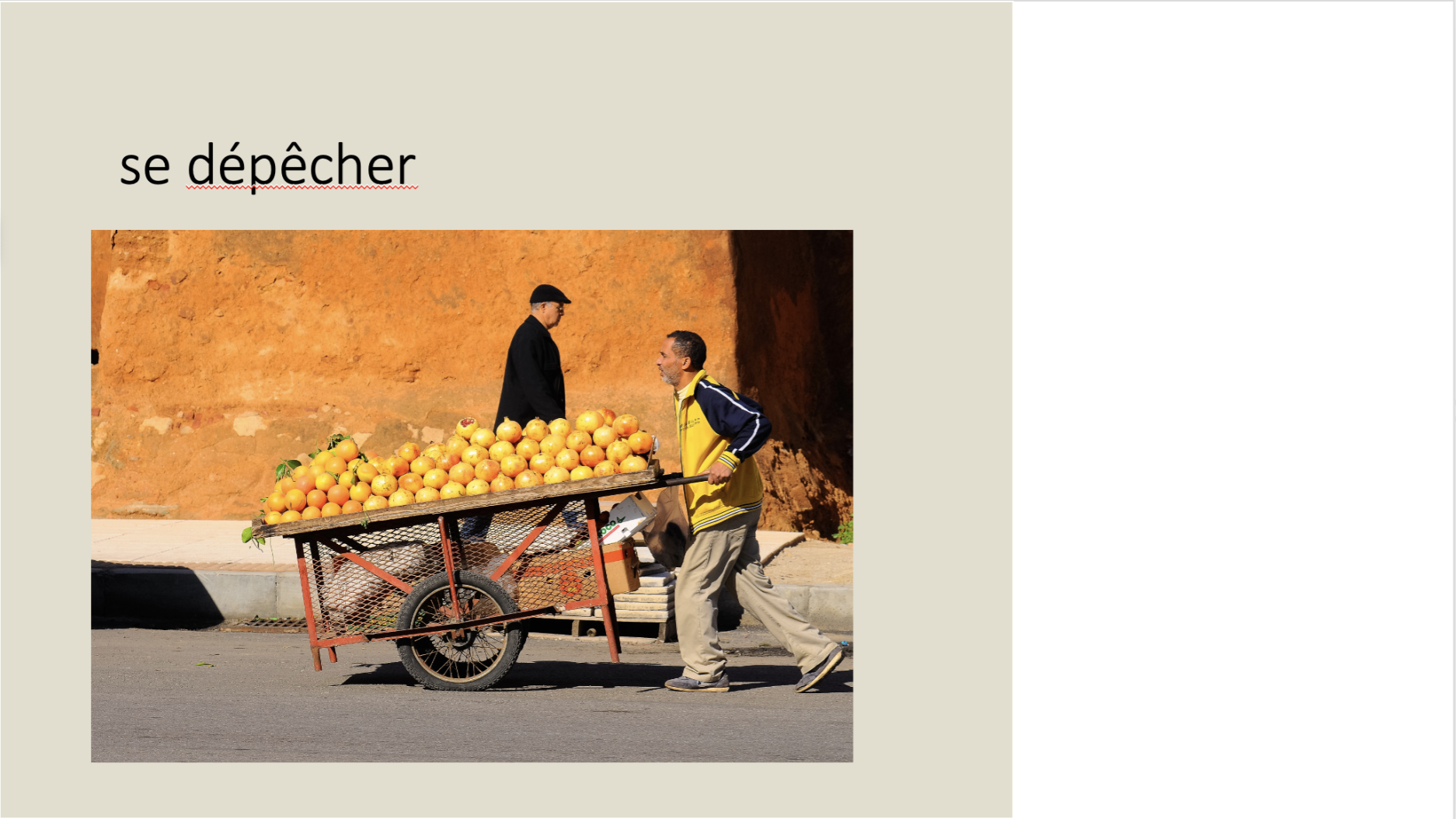
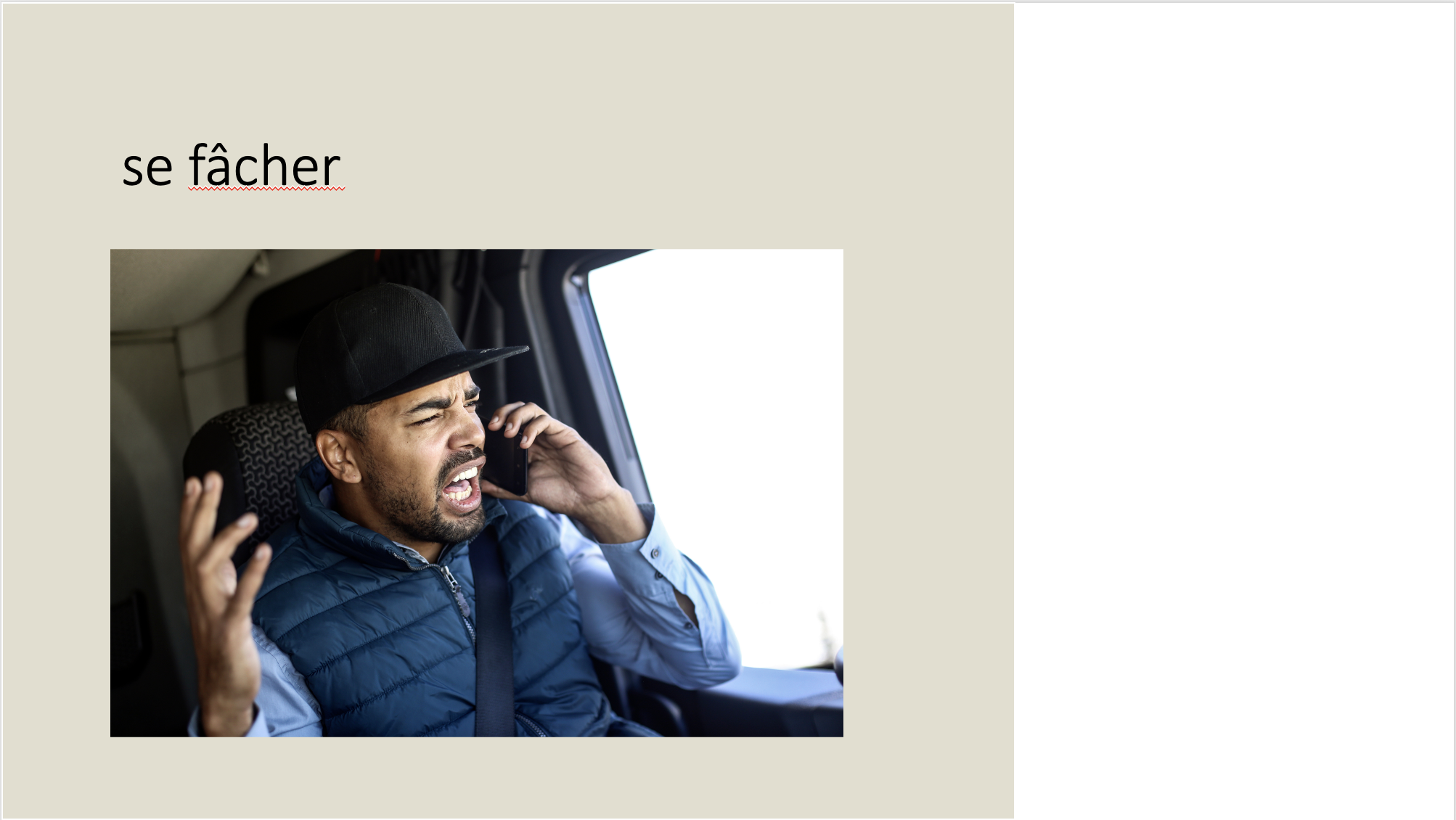
This week I assisted in some edits on a PPT slide deck for the UTFC project. I just had to locate replacement images for certain slides:
Current Sta
This week I assisted in some edits on a PPT slide deck for the UTFC project. I just had to locate replacement images for certain slides:
project: Planning, Search, and Reasoning Under Uncertainty
Client /Prof: Joydeep Biswas
completion status: Started September 28th
staff guidance: Maddy
STA team members: N/A
description/plans:
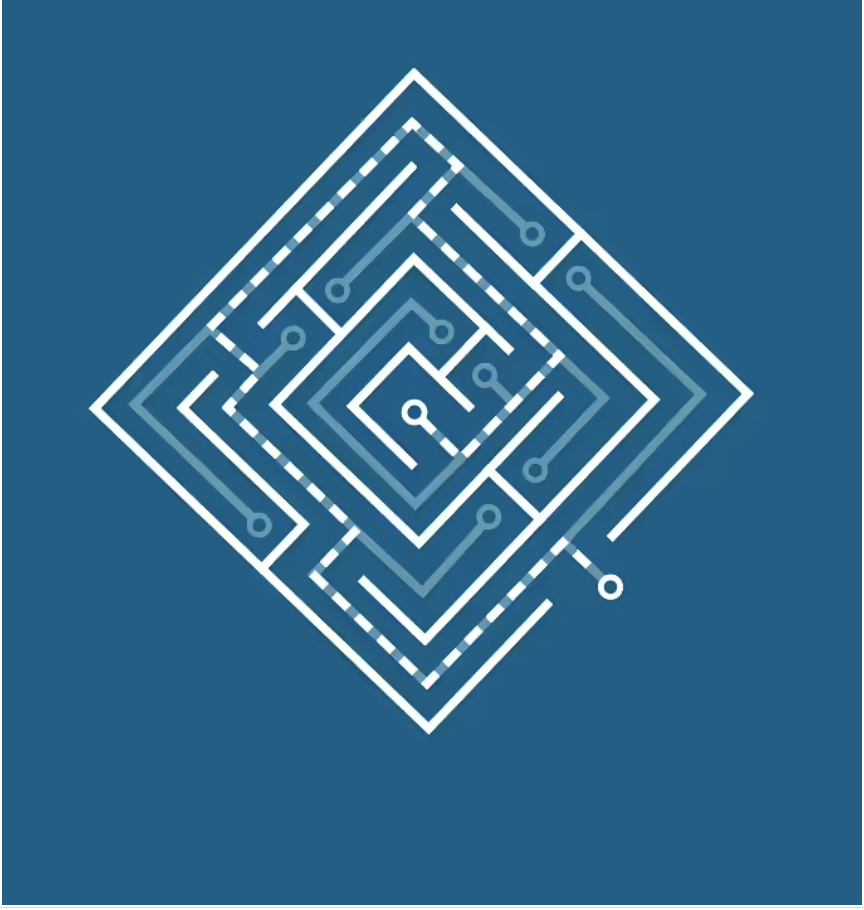
For this part of the project, I was instructed to create the logo for the course that will later be animated.
To be completed: October 21st
Initial Draft:

Next Draft:
Final Feedback:
Next Tasks:
Week 4
AUDIO TEAM CREST
(9/27 – 10/3)
These past few weeks have mostly been filled with working on the Audio team’s STA poster and crest. In the beginning, I felt a bit lost (and overwhelmed) since there was a lot of creative freedom left up to me. However, after each feedback comment, my designs improved, especially after seeing some of the other STA’s work.
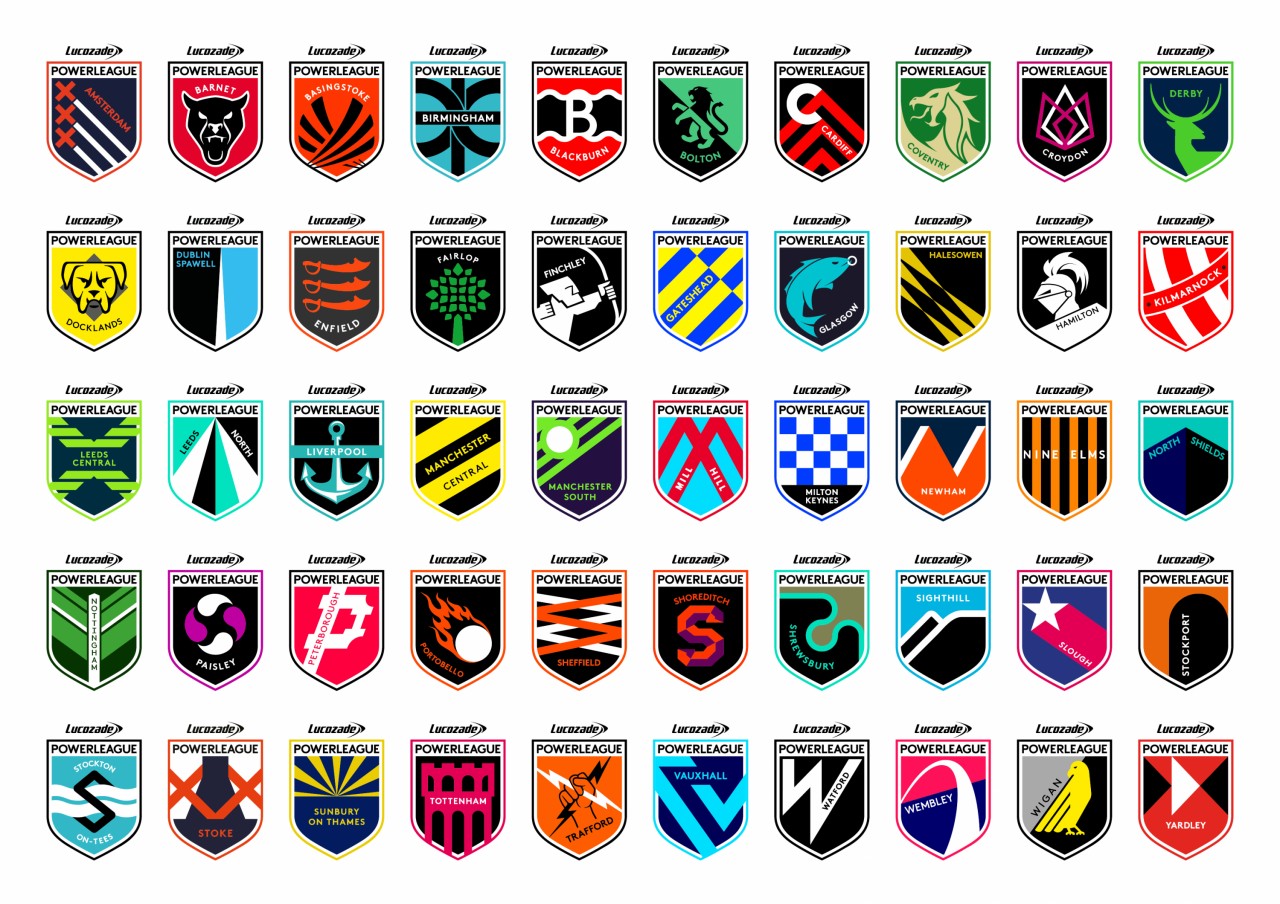
At first, I was more focused on creating a crest that vaguely alluded to the idea of audio but I soon realized the design needed to be more explicit. After we received more information about the color palette, template, font, etc. I made another crest that included feedback from De’sha and more clearly displayed “audio”. After receiving feedback again (VERY HELPFUL) I made a crest that spoke more to the job of an Audio STA (audio engineer).
Now looking back on my first attempt, I am very thankful for the critiques/feedback that I received. Each time I redesigned the crest, it improved very much. I still have to finalize the crest, but hopefully, this design is good to go:)




AUDIO STA POSTER
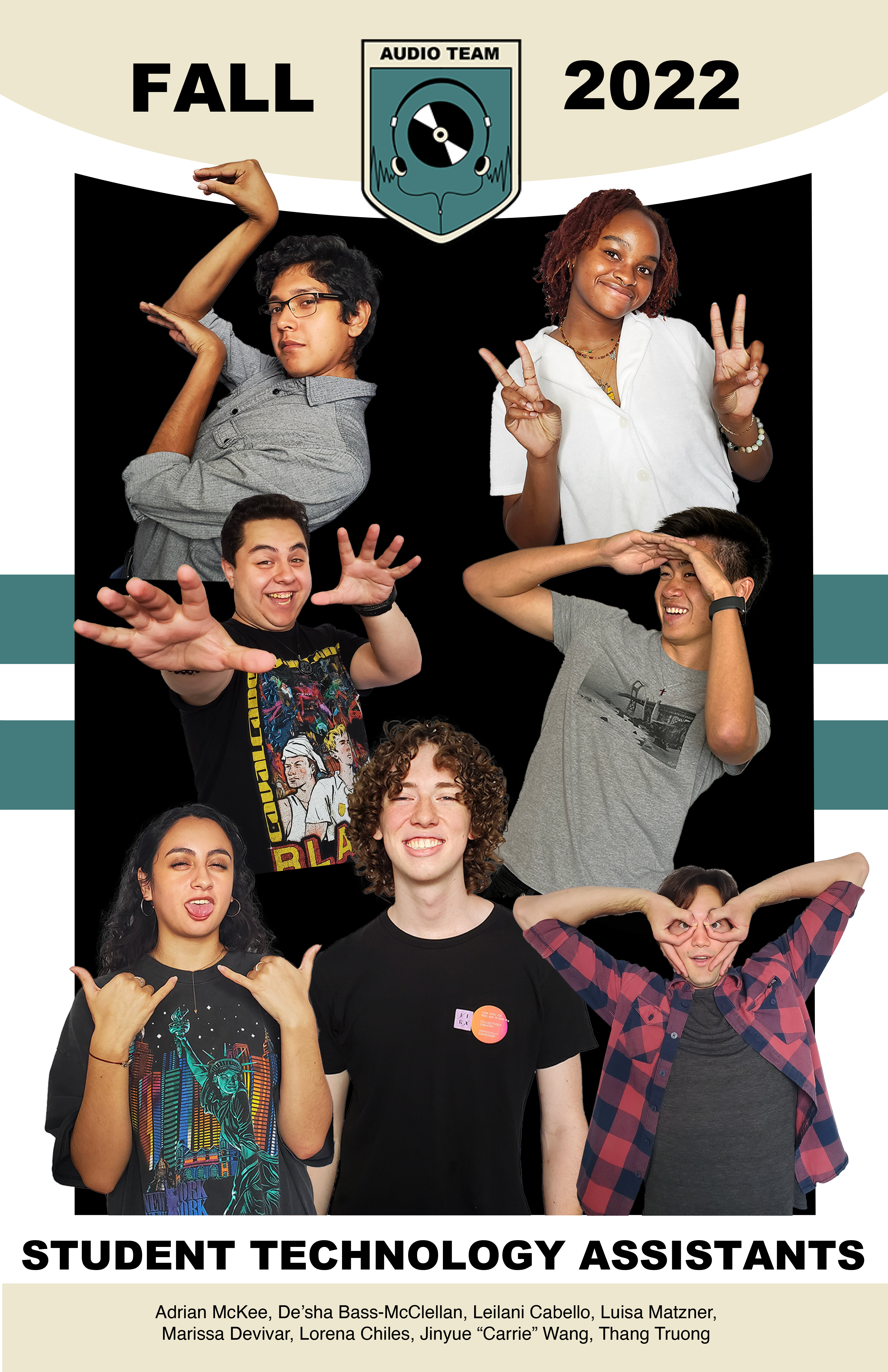
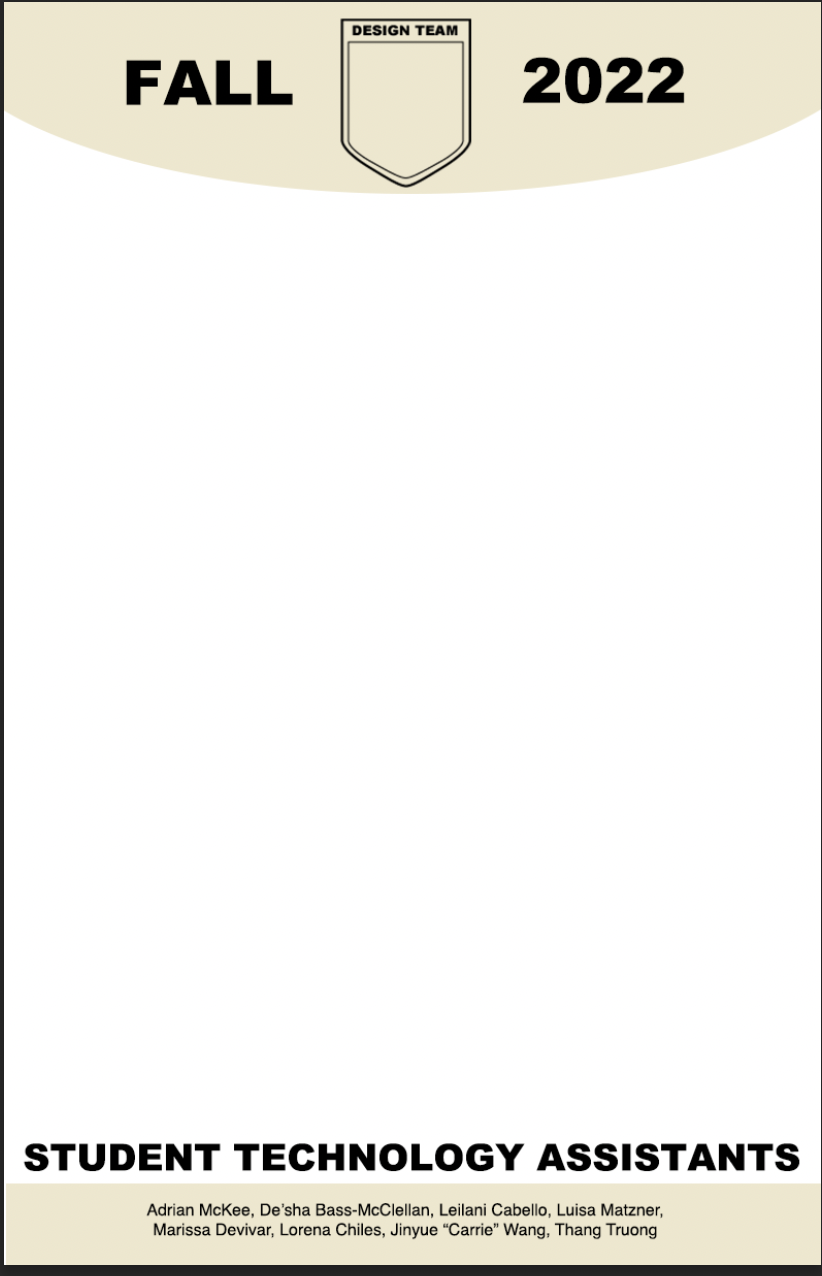
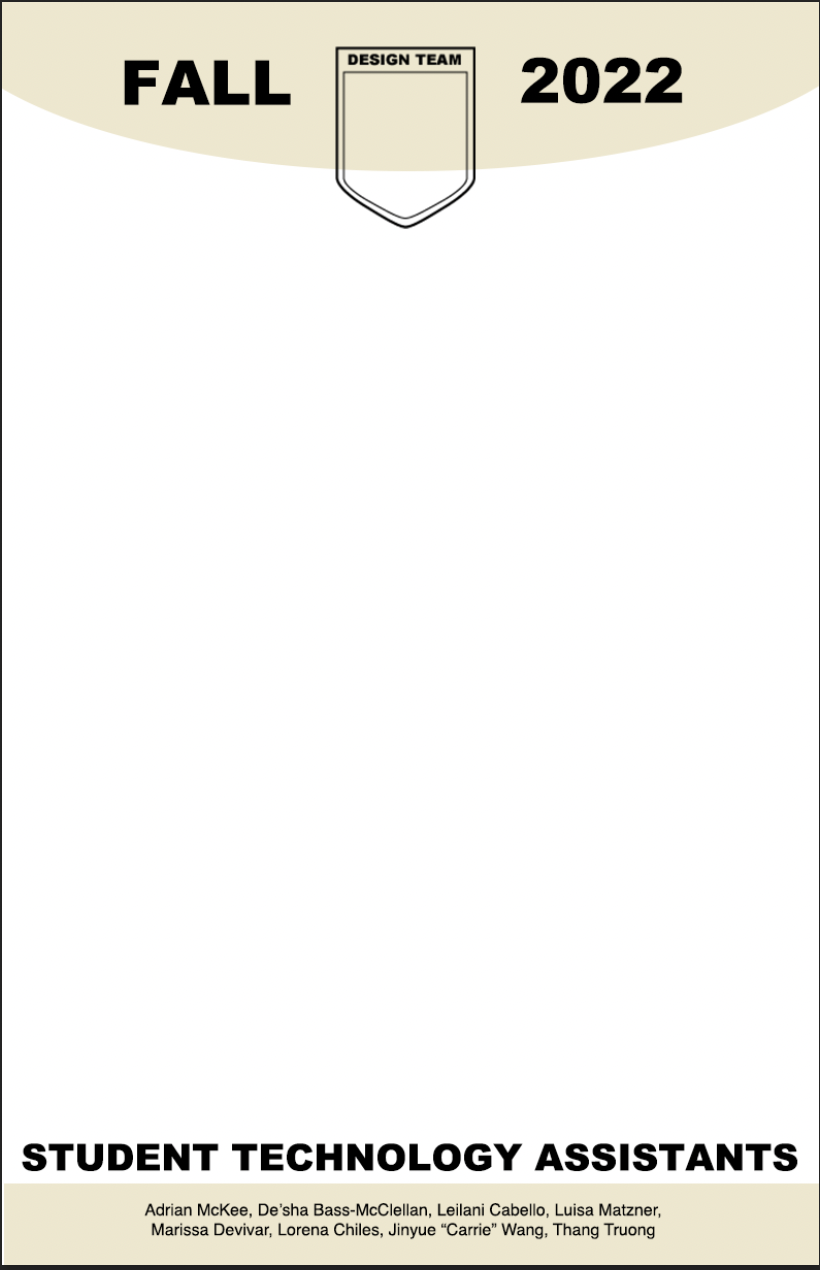
Although the Audio team doesn’t have a ton of STAs, the fun poses that I wanted to include made the poster seem “crowded”. De’sha gave me some help by suggesting to mirror similar poses and create an overall shape with the pictures. I still need to implement the feedback, but this is the draft I had before receiving it.
Draft:
Inspo (for feedback):
Powerpoint Guide:
STA Crest Template:

Poster Template:
For this task, I was instructed to change out the old AMS logo with the new AMS logo.
https://utexas.box.com/s/gyrxw9vxjd6g1244qoj44lw9f9nxhqh2
Week 3
(9/21)
Boat Recolor
I was asked to recolor a boat.ai and boat.gif for Maddie and Marianne. There were three suggested colors, so I just made 3 versions of the boat (options!).
Recoloring them was pretty simple, and I also learned a bit more about Adobe After Effects in the process. Recoloring in AI was simple, but AE required some more digging, but in the end it came out very clean!



(9/13 – 9/20)
Design Fundamentals: History and Styles
This past couple of weeks I’ve been working on a basic training assignment in my spare time. I learned more about different historical art movements and was tasked with designing a graphic in my preferred movement. I chose Bauhaus because I liked the geometric shapes, and I recognize it from my past Art History courses. I first followed the Youtube tutorial link so that I would know how to create Bauhaus-like shapes and text. Then, I created my own graphic based on what I learned. I made it about the upcoming album release of one of my favorite artists, 5 Seconds of Summer. Although alongside the tutorial-based poster, mine appears more minimal, I think it contains just enough elements to be identifiable as derived from Bauhaus.