• We are STAs
    • Asha Rountree
    • Haley Ma
    • Isabella Melendez Gonzalez
    • Julie Brandt
    • Kate Shih
    • Kyra Lee
    • Nicholas Peasley
    • Sasha Kenney
    • Shanda Horm
    • Shriya Atreya
    • Tomas Marulanda-Mesa
    • Trisha Darure
  • We were STAs
  • STA Presentation
    • STA Presentation 2017
    • STA Presentation 2016
  • Testimonials
  • Resources
  • Home

STA Blog

May Updates

May 29, 2026 By Haley Ma

Swedish Studies Promotional Sticker

────────────────────⊹ ࣪ ˖♡˖ ࣪ ⊹ ────────────────────

.
.

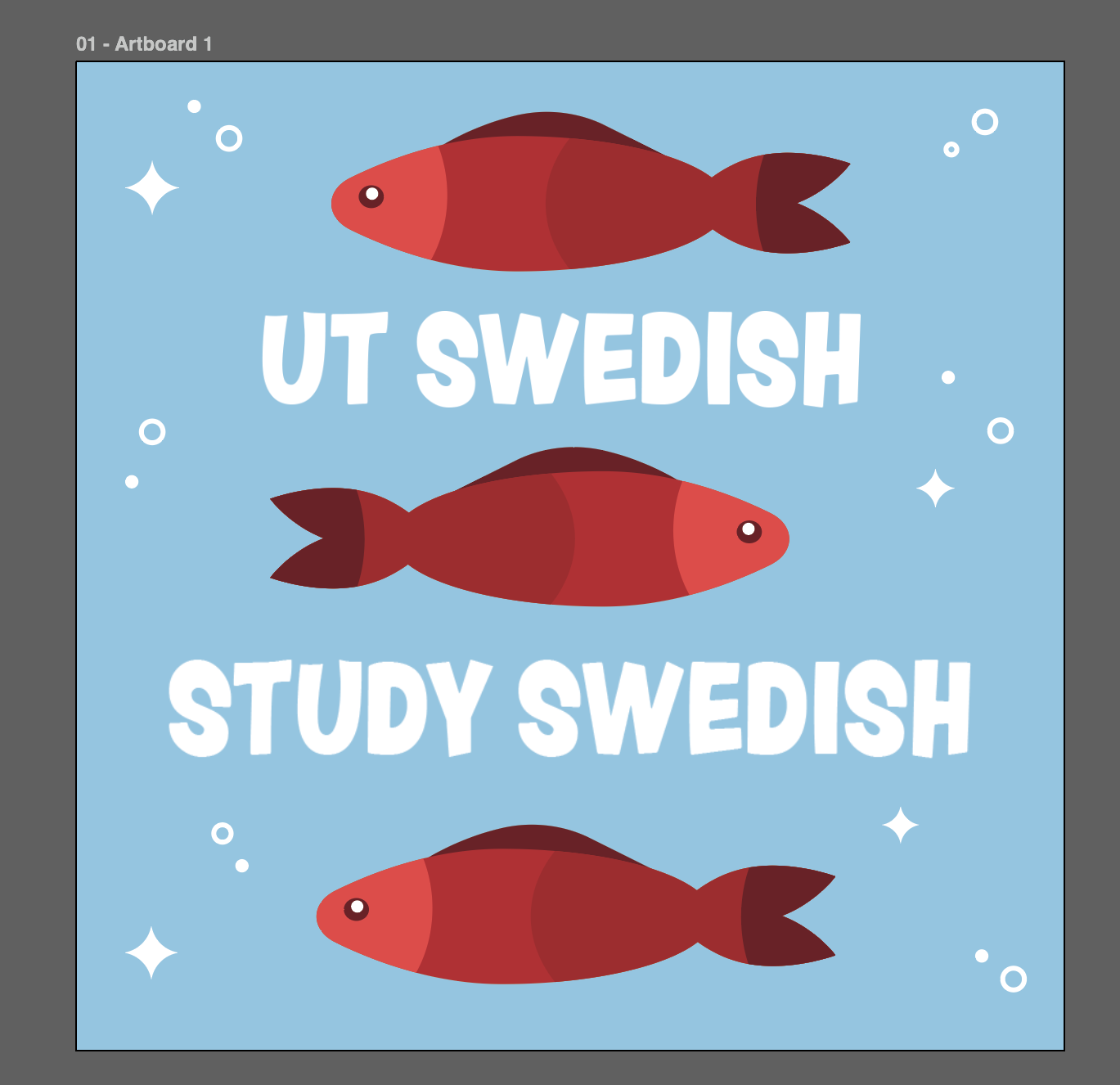
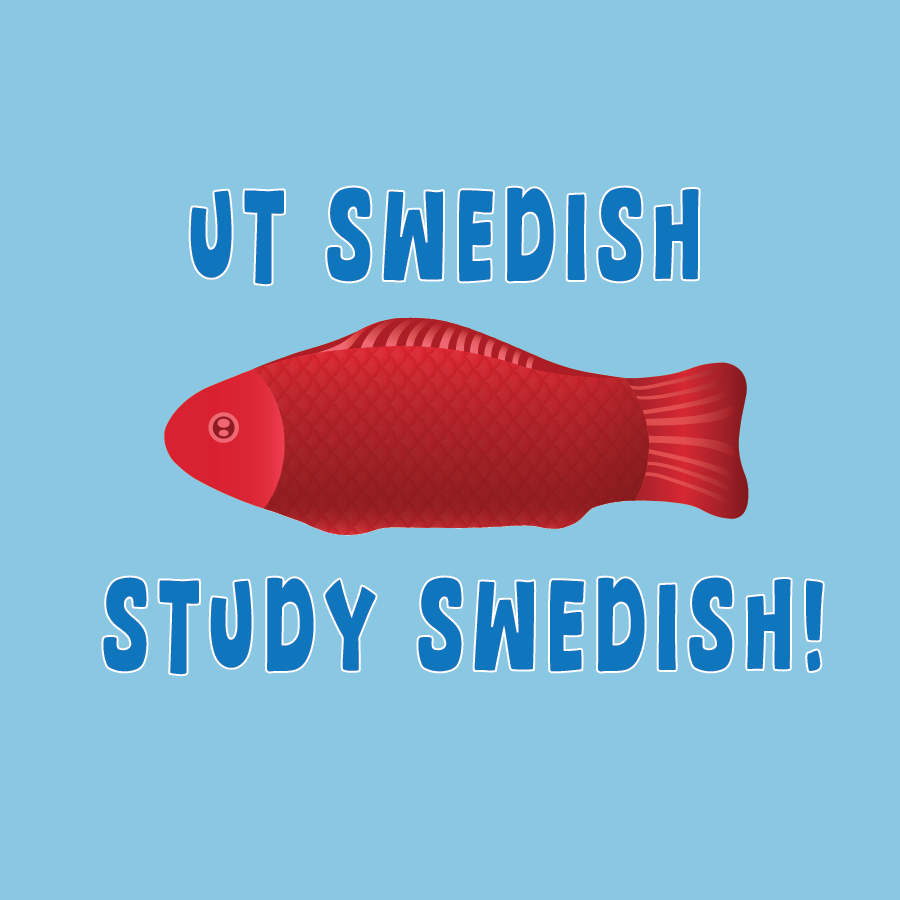
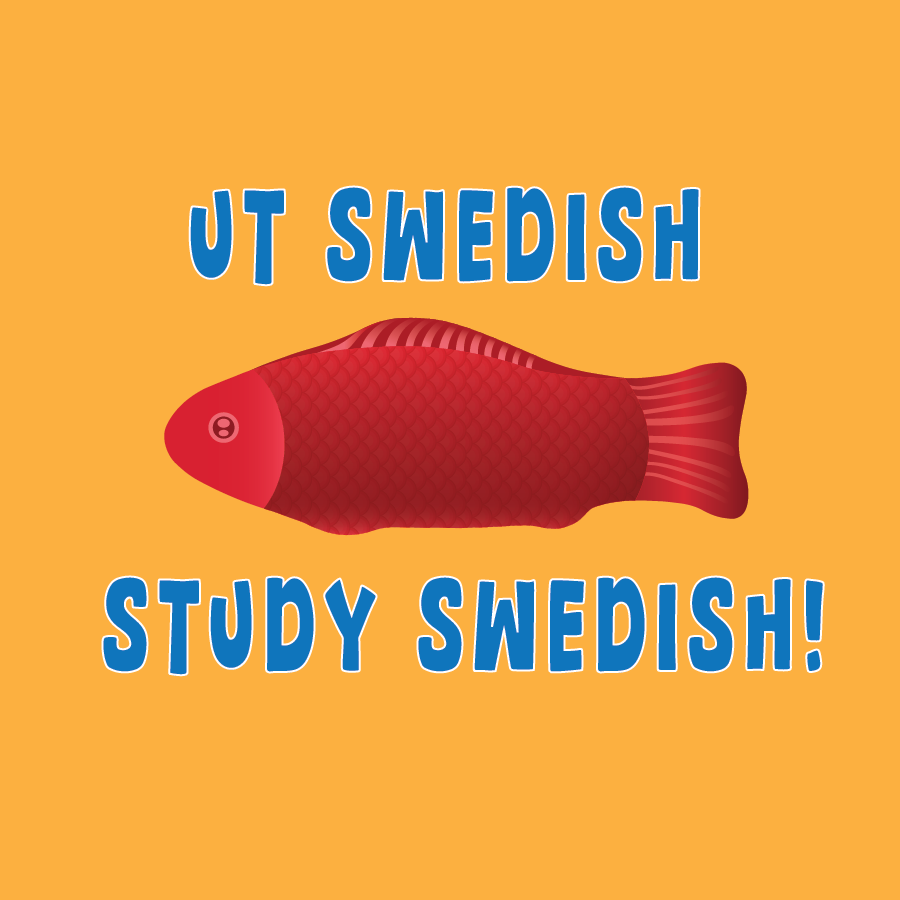
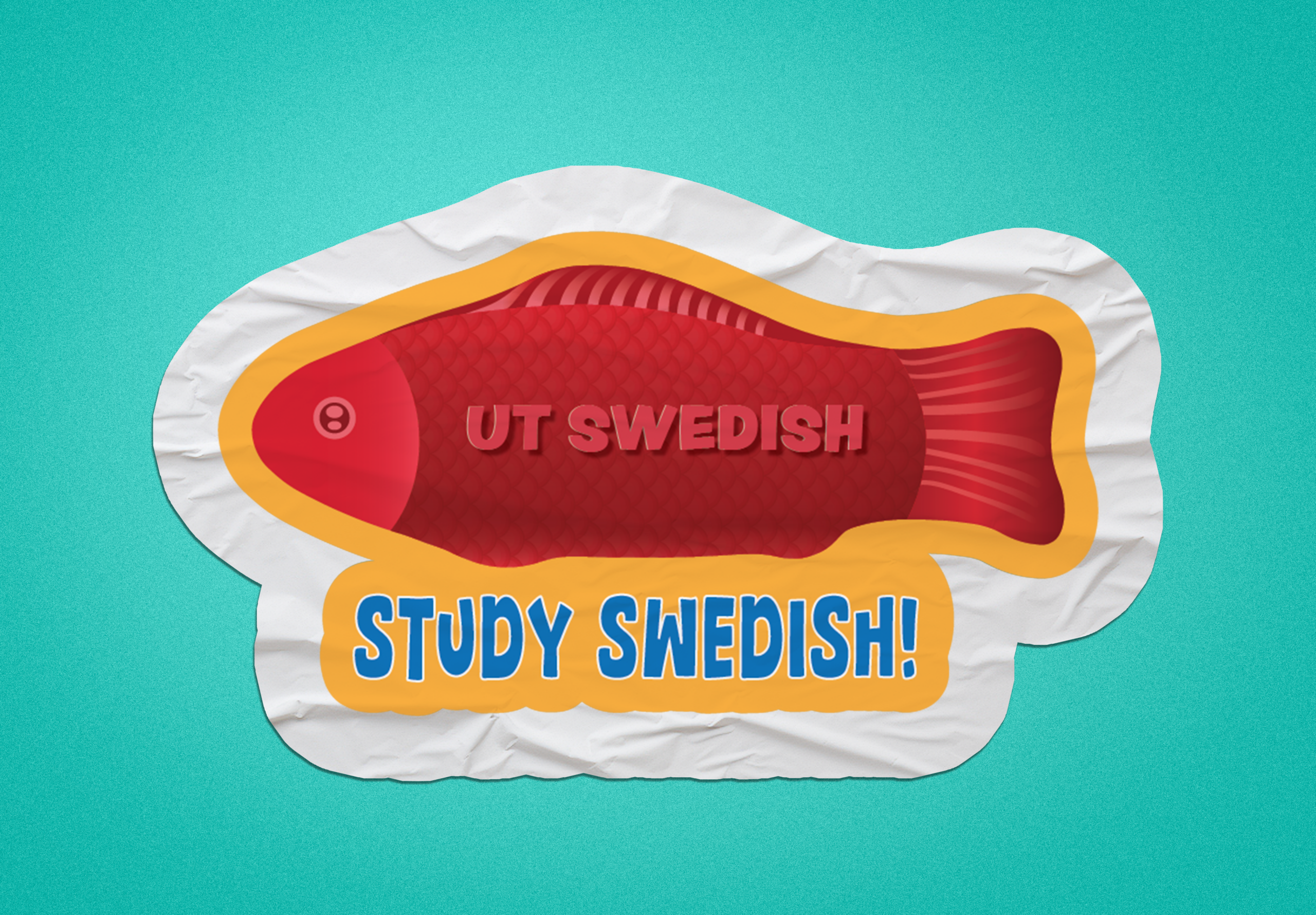
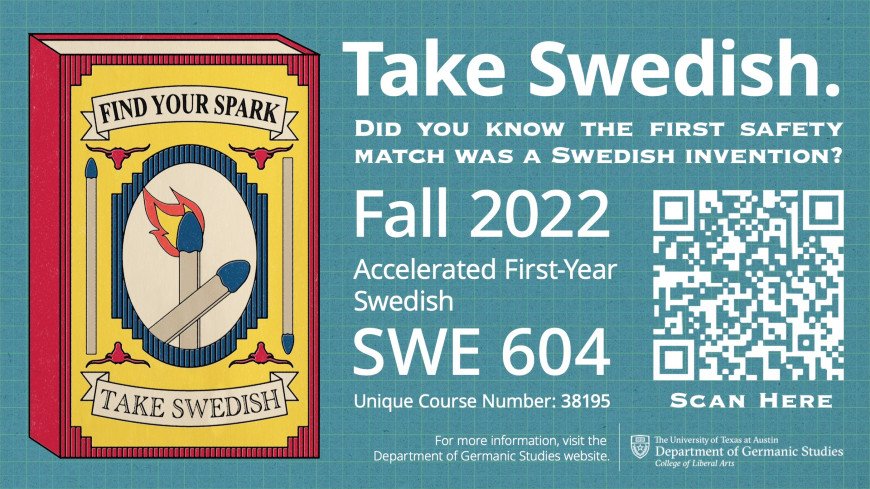
The Swedish Studies program was searching for a sticker design and I was given the opportunity to make the vision come to life! The client had some requirements being:

  • Swedish Fish Candy Representation
  • Generic Name: “UT Swedish”, “Swedish Studies”
  • Tagline: “Study Swedish”, “Take Swedish”

.
.

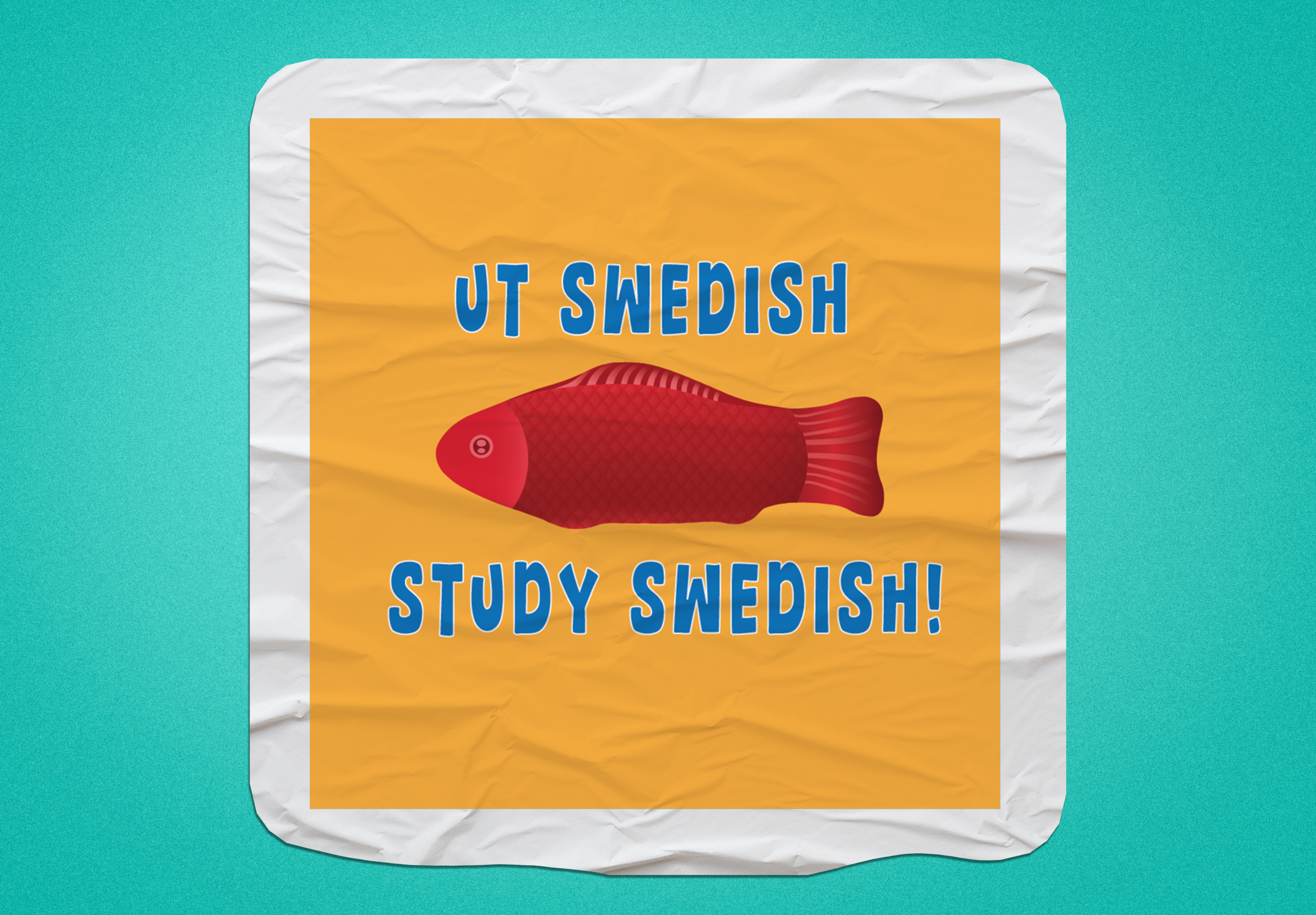
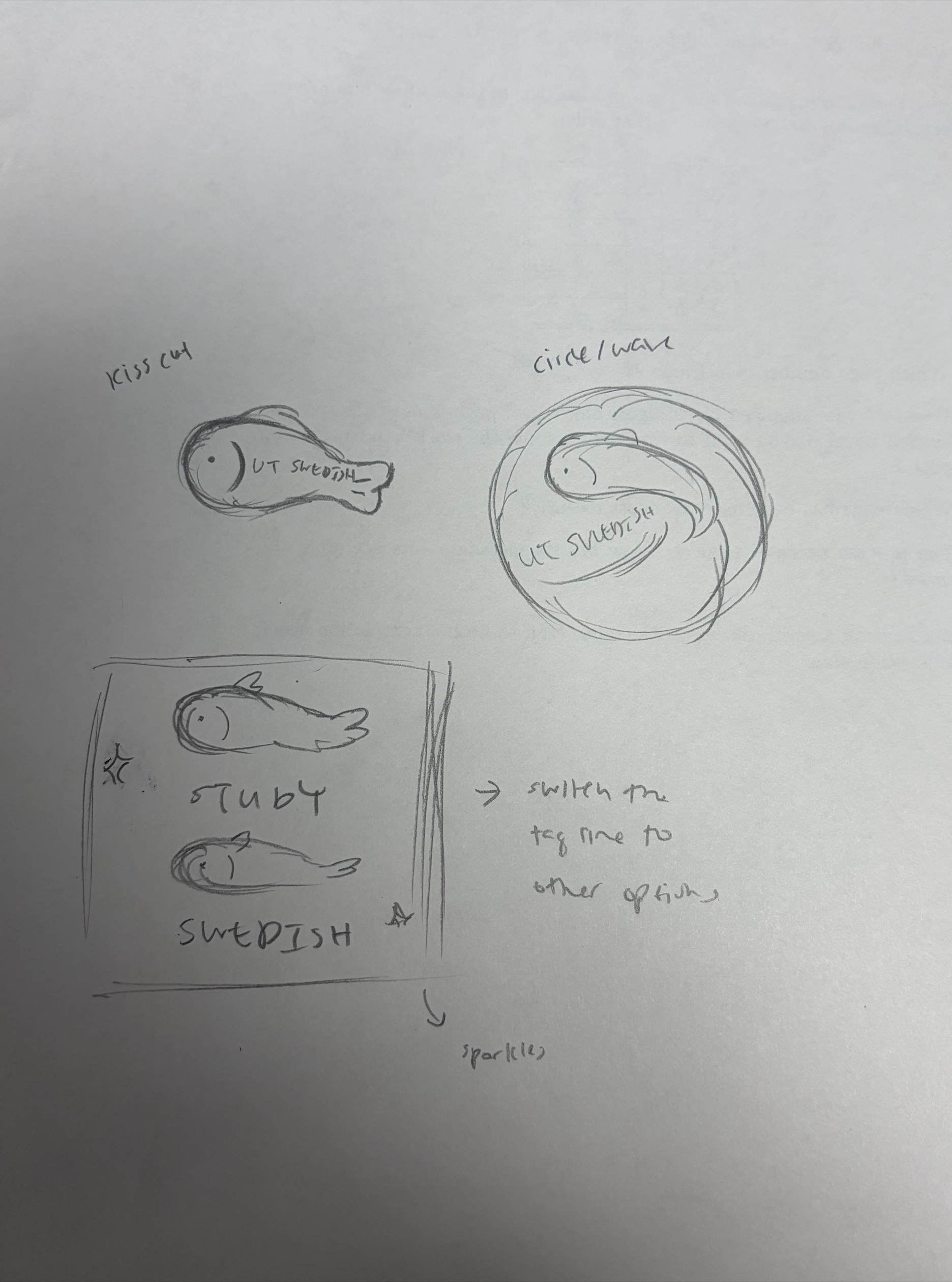
I first started by sketching some potential designs focusing on a kiss cut, circle, and square shape. I wanted to see how much I can explore when it came to the layout of the sticker since the fish will be the main focal point.

.
.

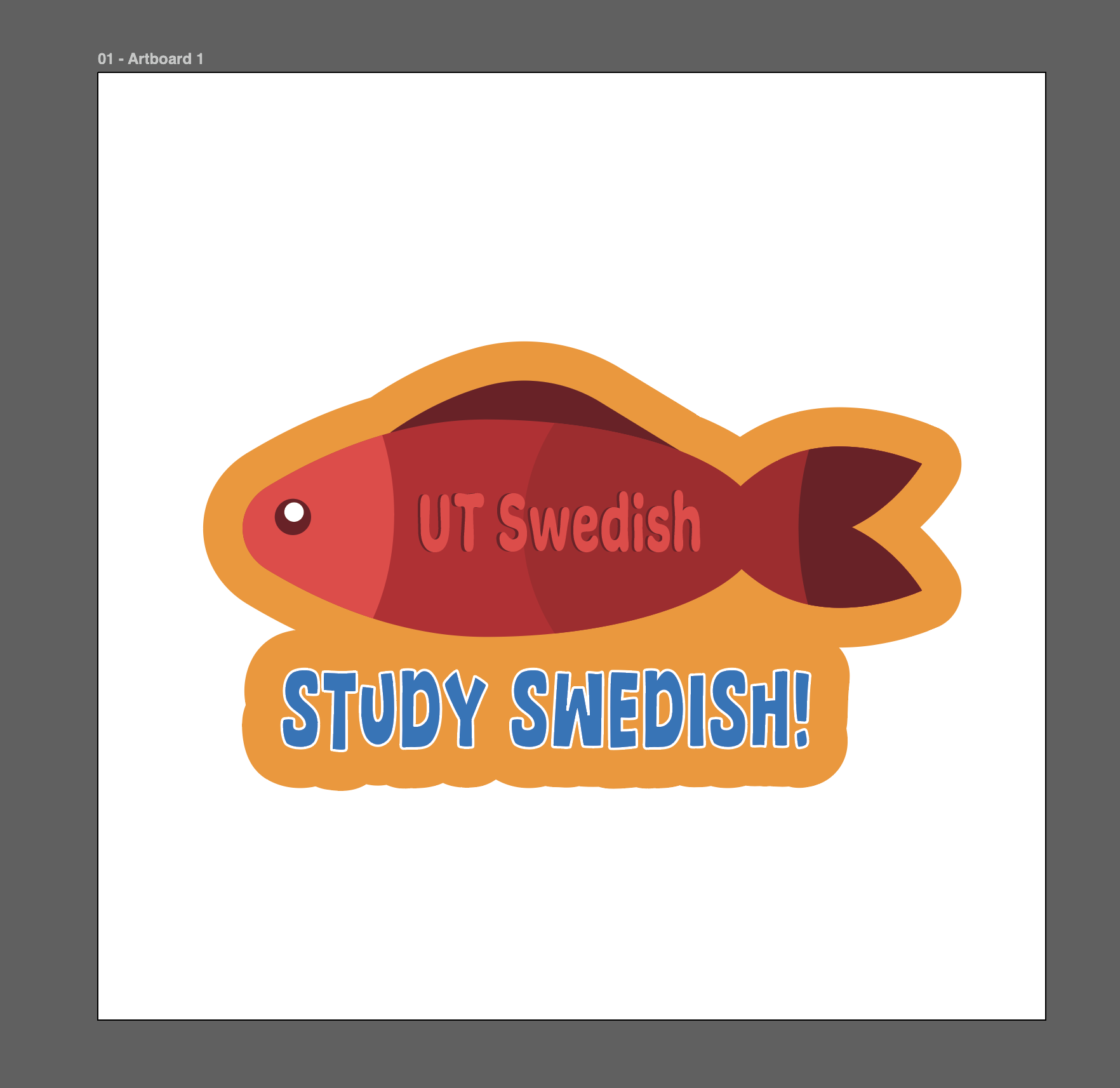
Transforming my sketches to vector images was quite fun! It’s always great to get some more experience in Illustrator and learn more about the platform. Plus I think the initial fish design turned out really cute.

.
.

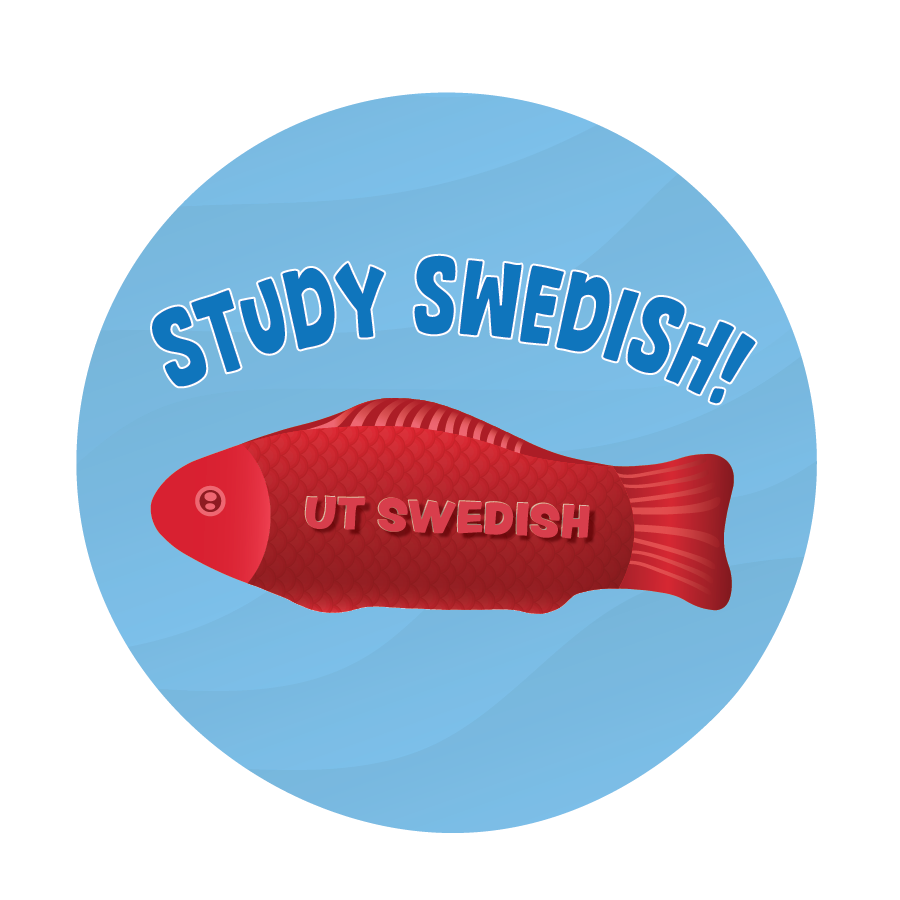
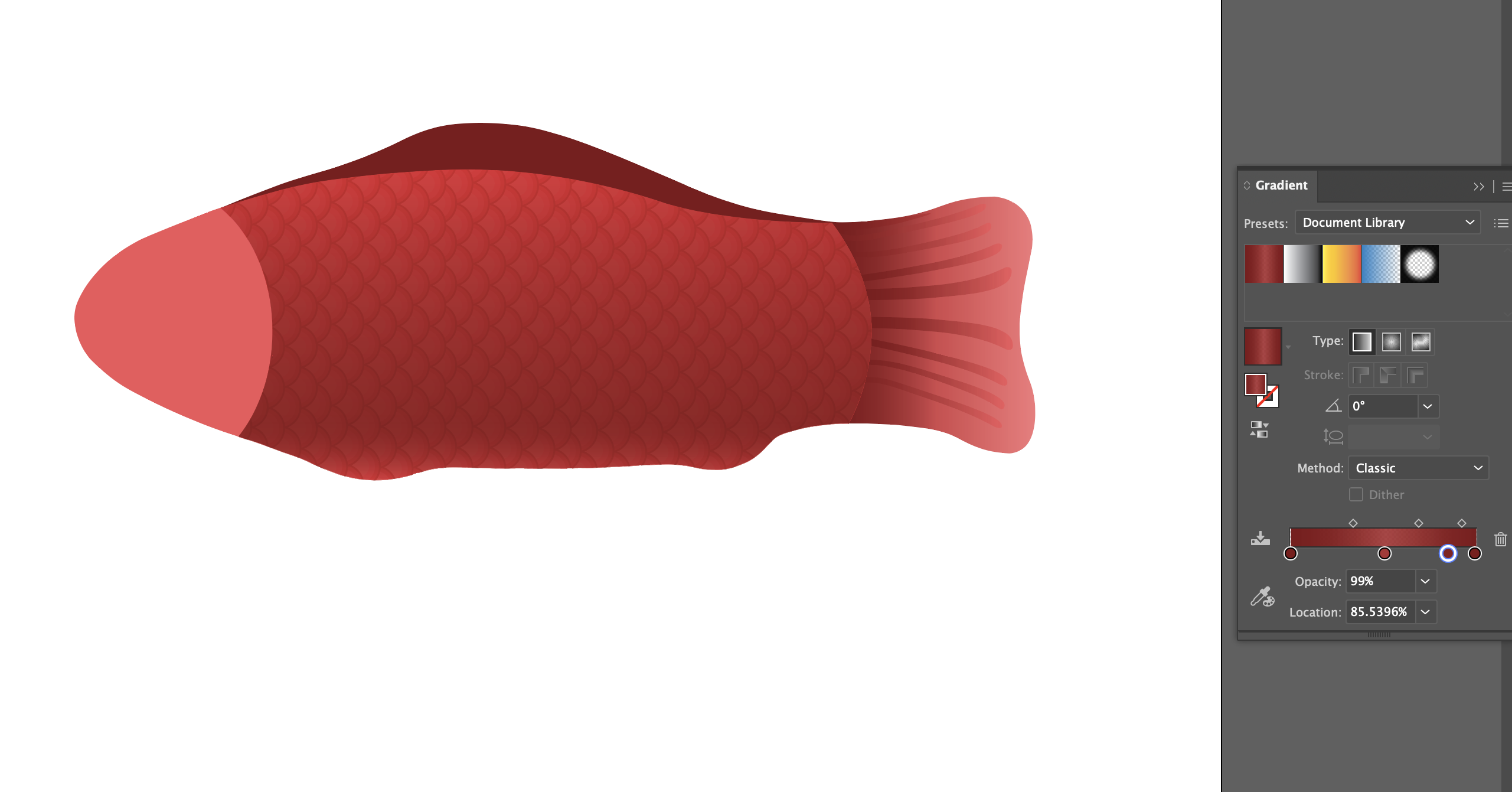
After I created the initial designs I got feedback from De’sha to try to hone in on realism rather than an illustrative design to be sure the fish is recognizable as the candy. From there, I replicated the shape of the candy and delved more into detail for the fish’s fins and scales!

.
.

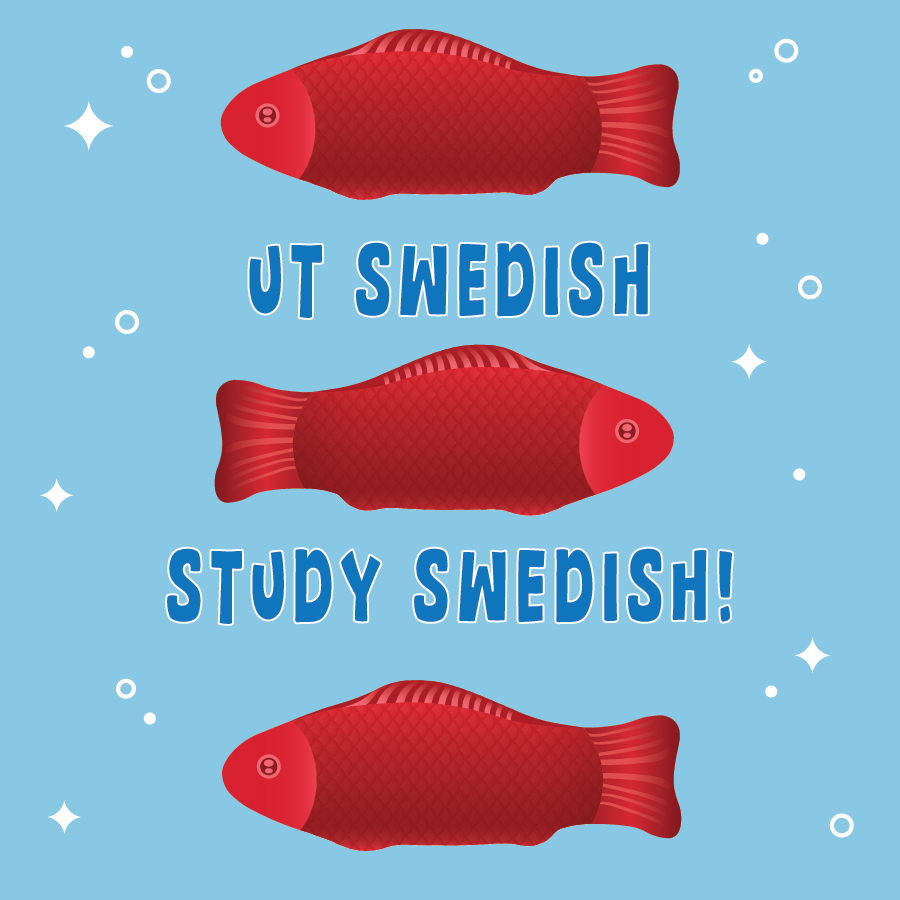
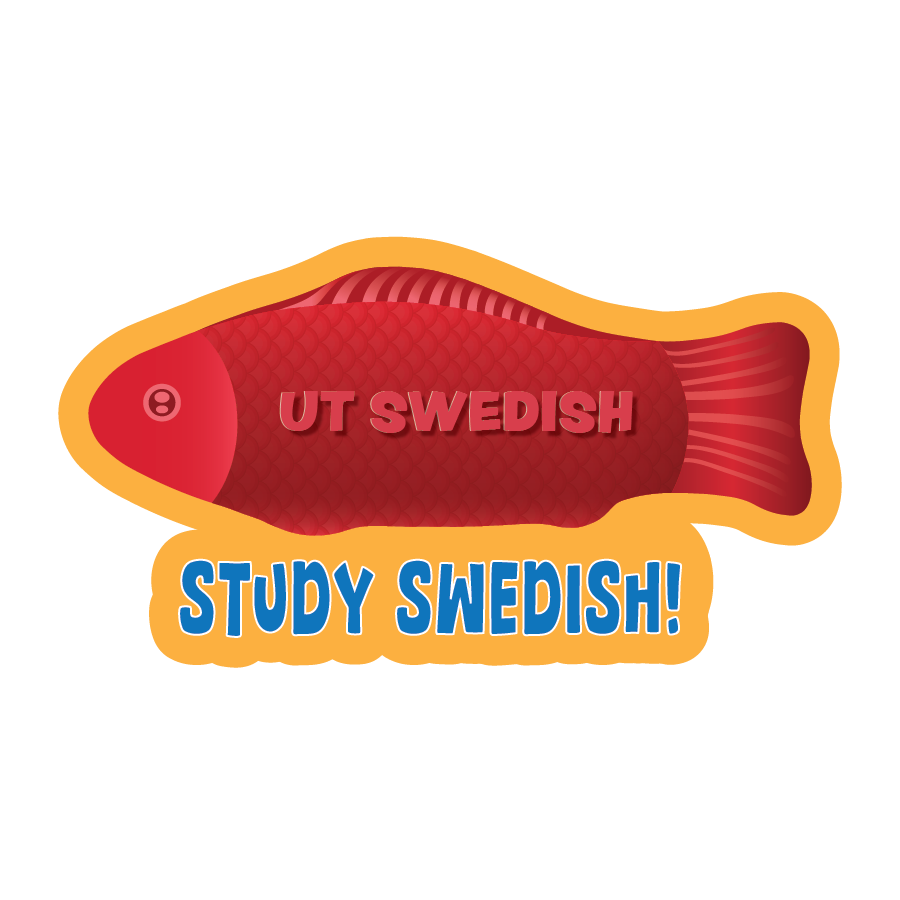
After finalizing the candy fish, I created five designs that explored different sticker shapes and colors! Seeing the difference between the first iteration and the final iteration was so cool to see! I think the realistic approach was the route to go!

.
.

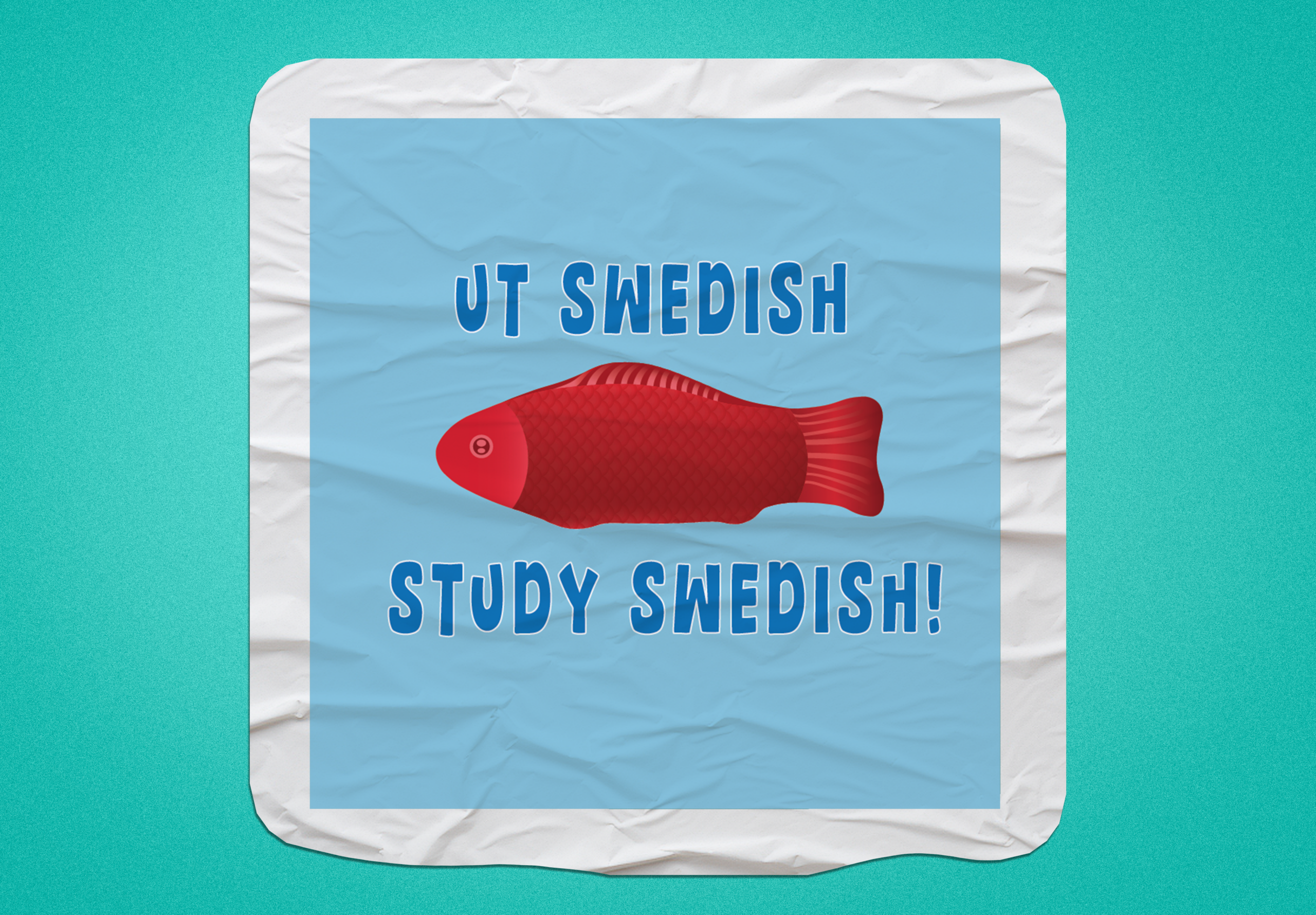
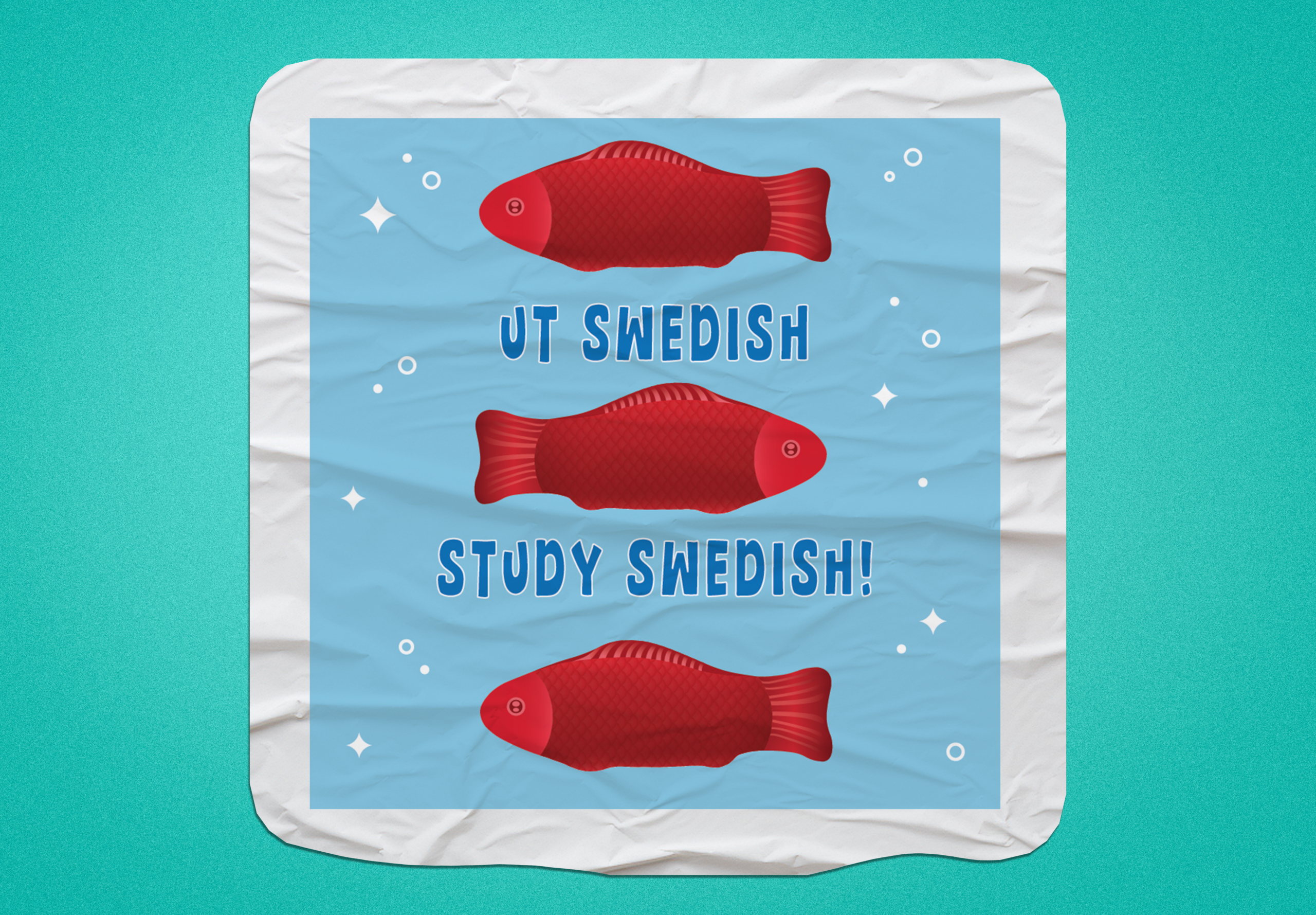
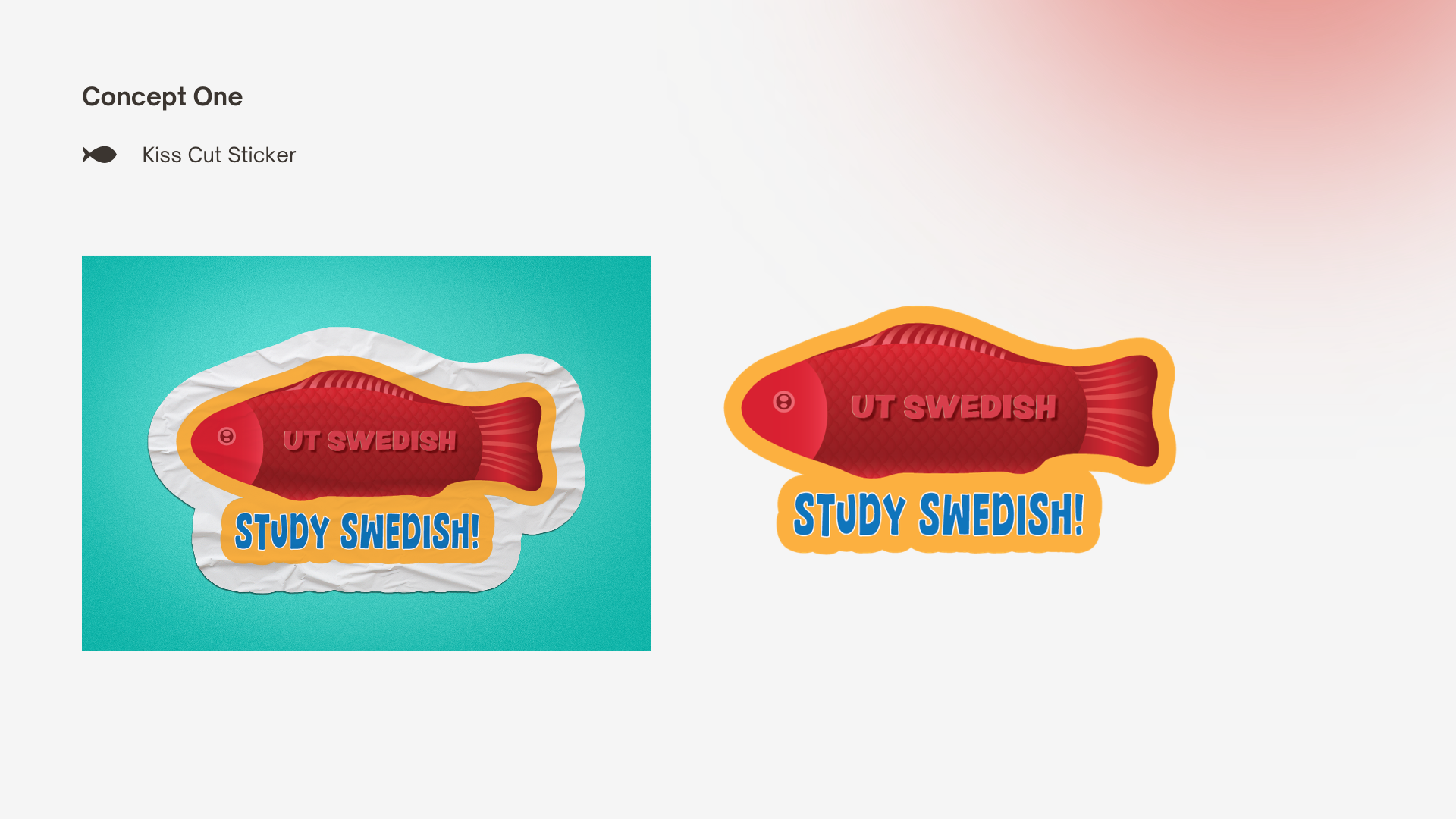
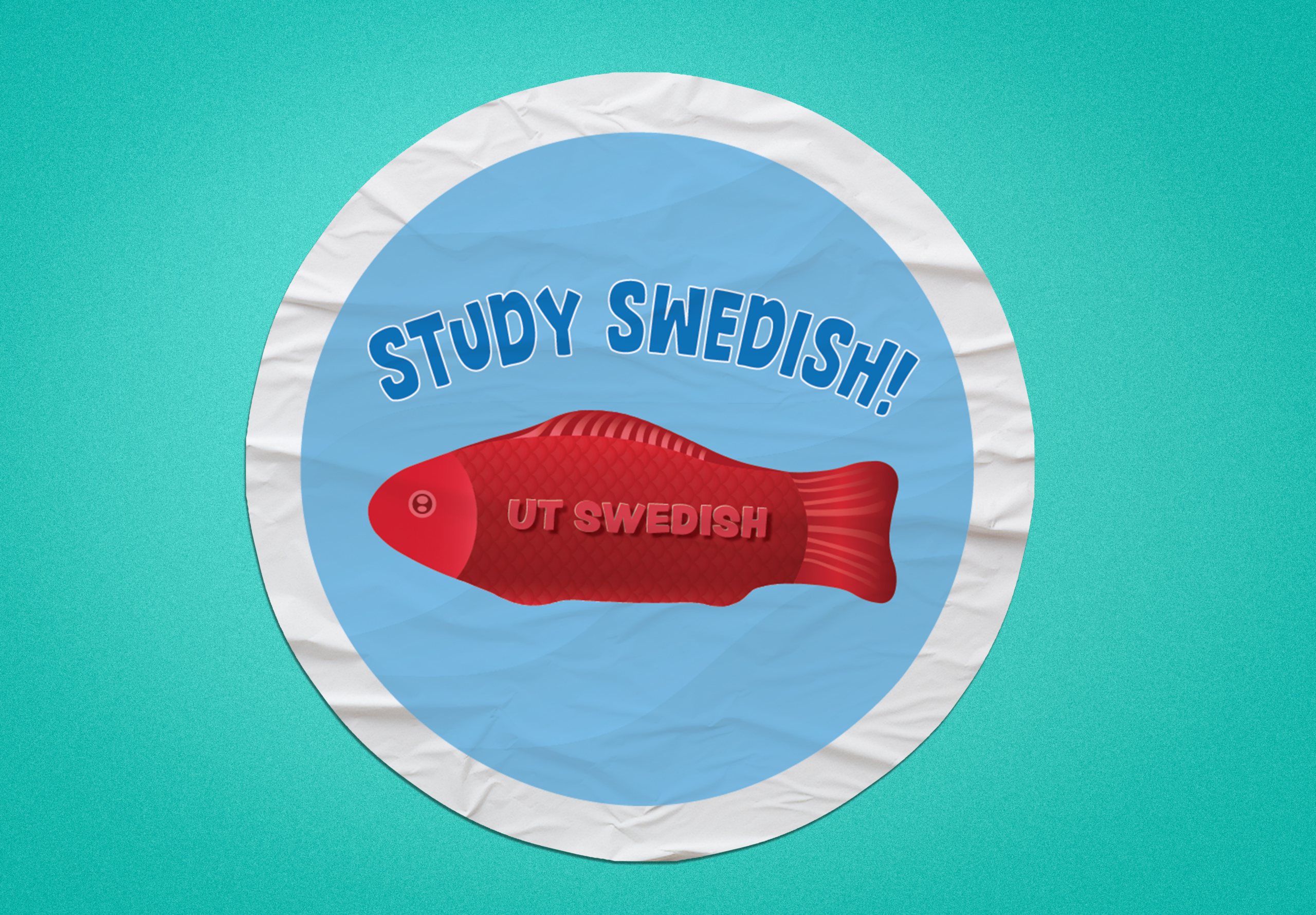
Next, I created some design mockups of the stickers and it was time to create the design proposal to send off to the client!

.
.

Now it was off to send to the client and await for her feedback! I’m so happy I was able to join this project and get more experience in logo design! It’s so fun to work with vectors and see the finished product!

.

KB Website Update

────────────────────⊹ ࣪ ˖♡˖ ࣪ ⊹ ────────────────────

.
.

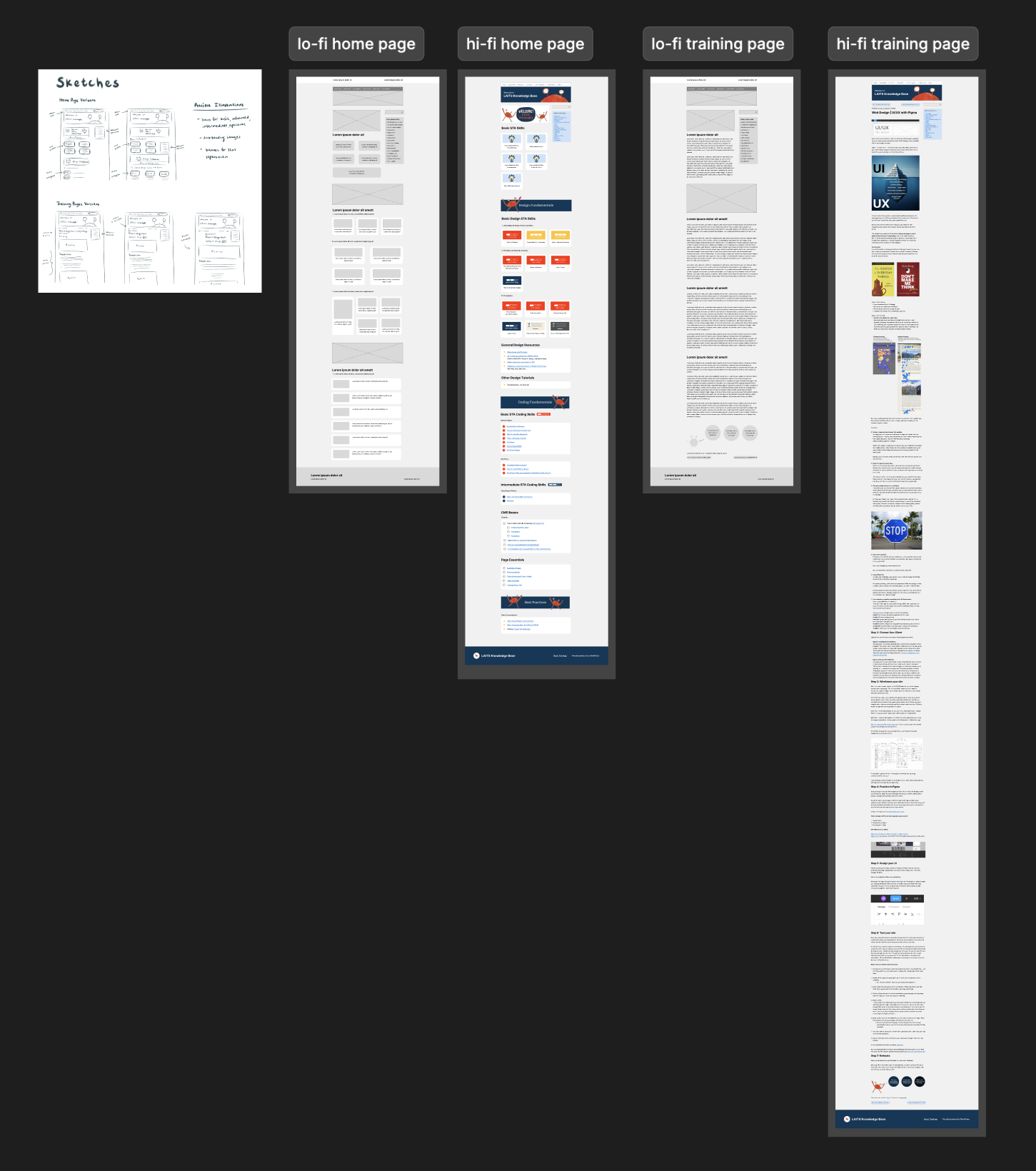
I revisited the KB website wireframes I did and iterated on them to produce the hi-fi frames! What was challenging was figuring how to build consistency amongst the training pages since different authors made different trainings. On the other hand, creating the icons and layouts was fun and brings a lot of visual variety to the hi-fi home page!
Filed Under: Uncategorized

Recent Updates – Trisha

April 24, 2026 By Trisha Darure

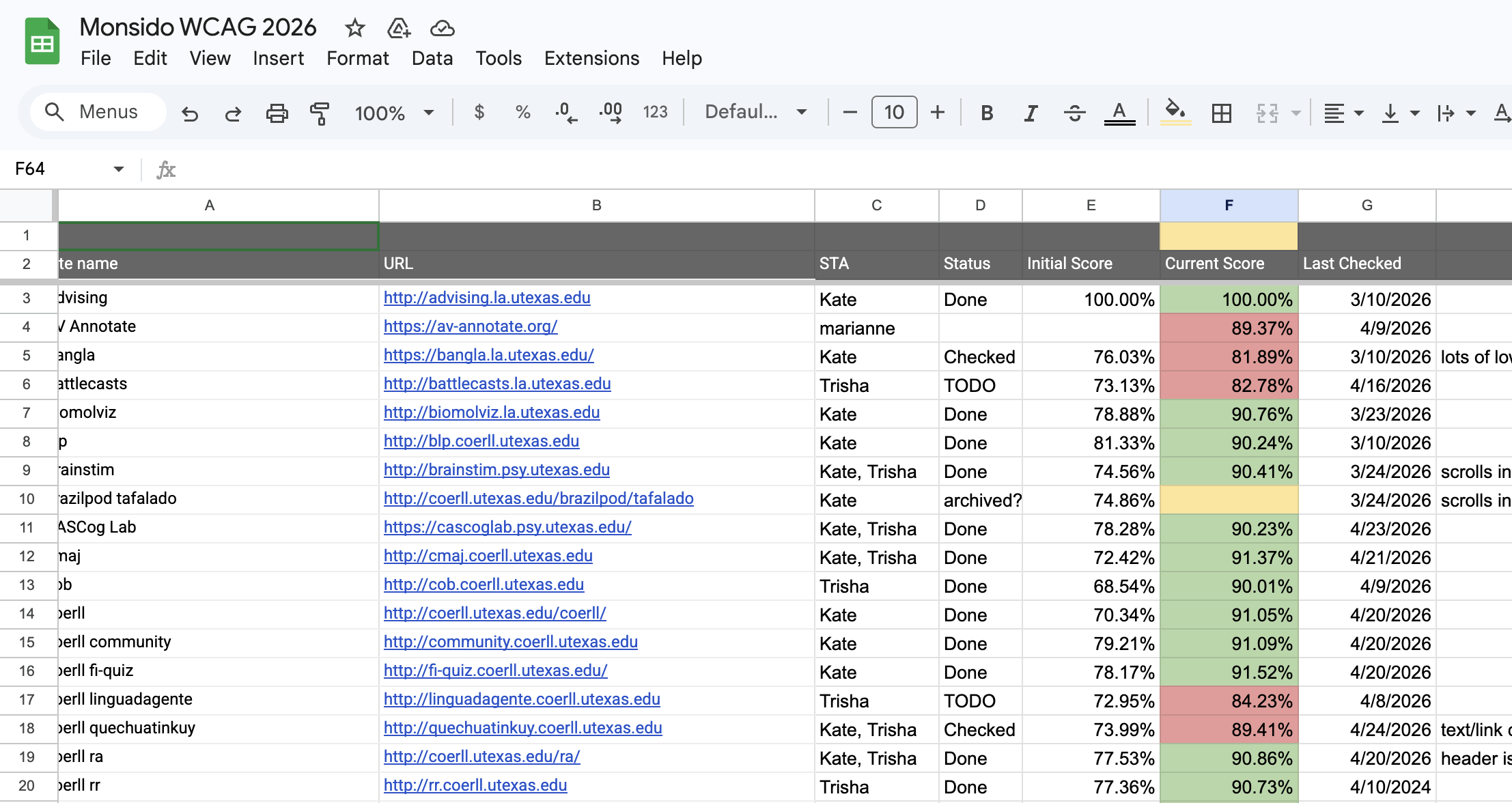
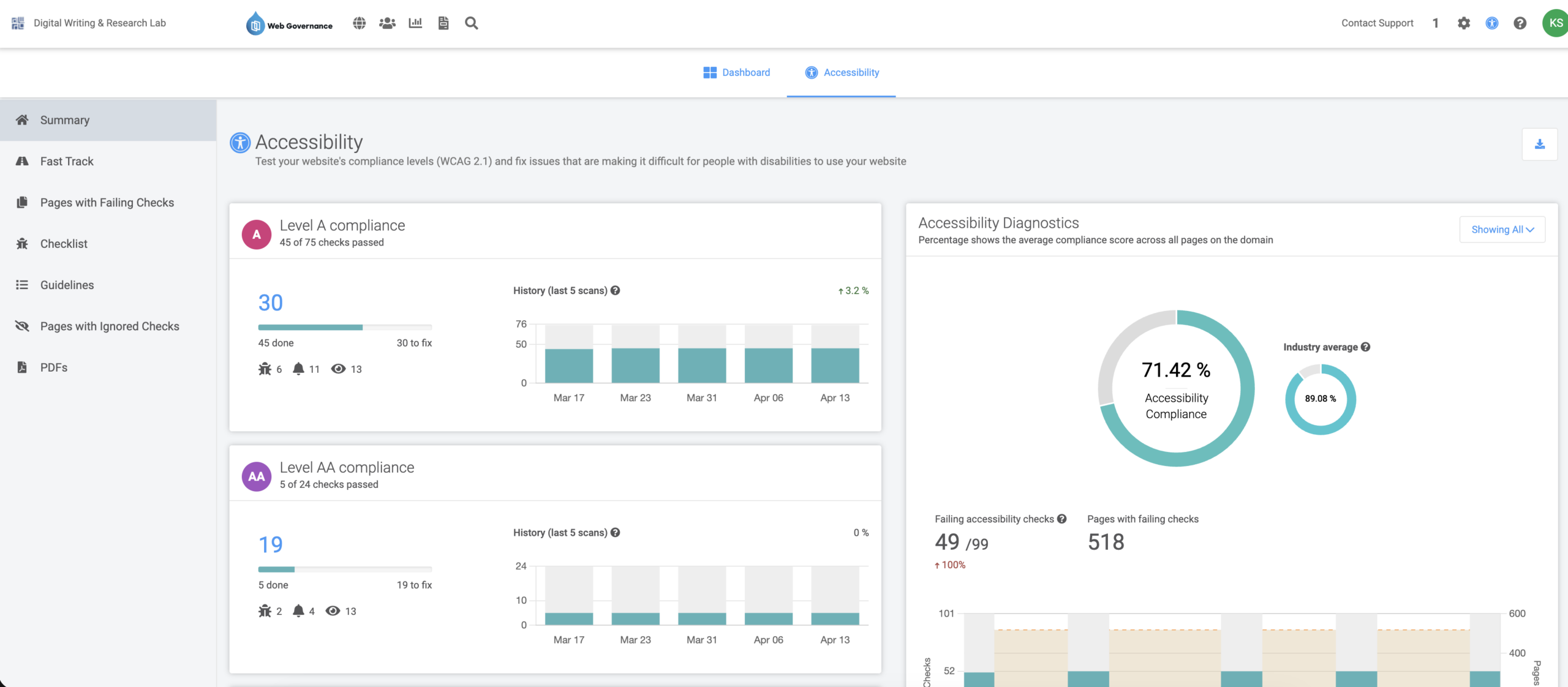
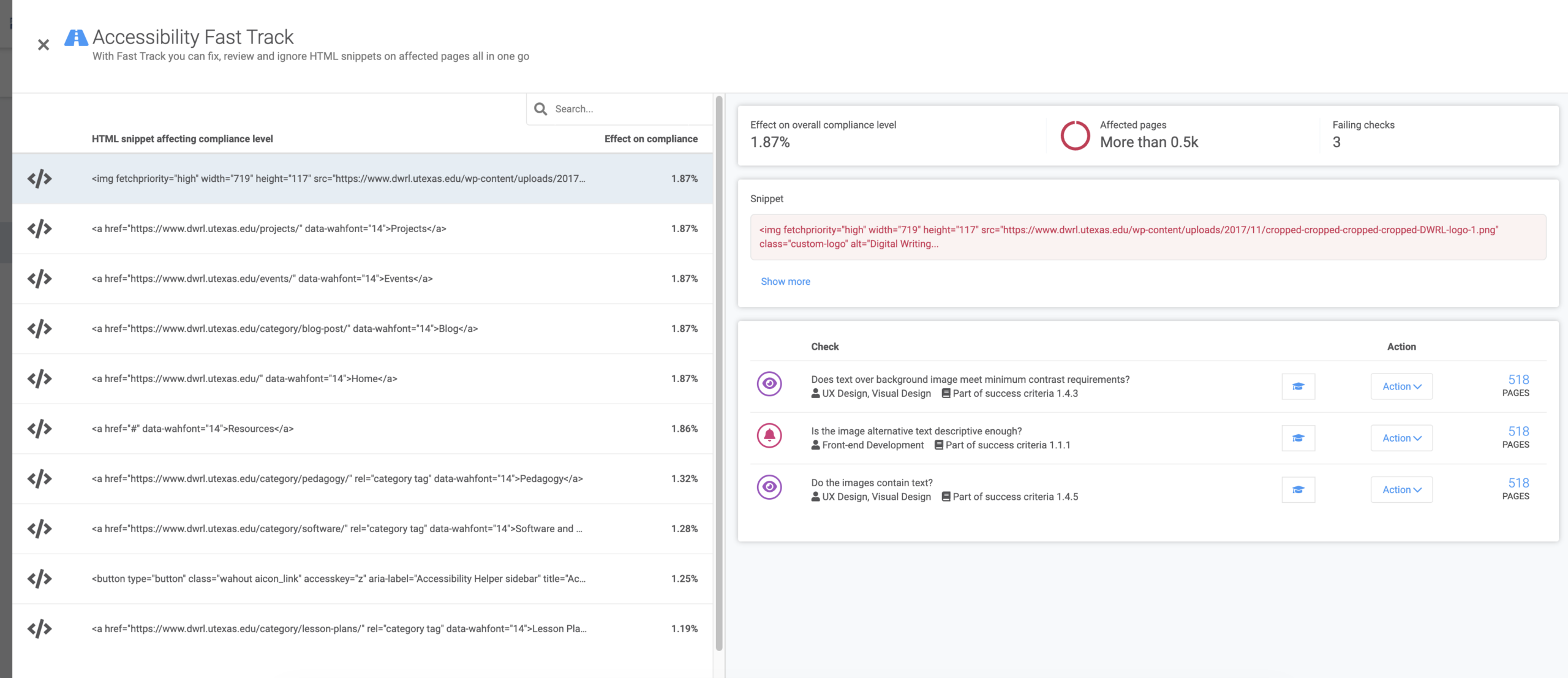
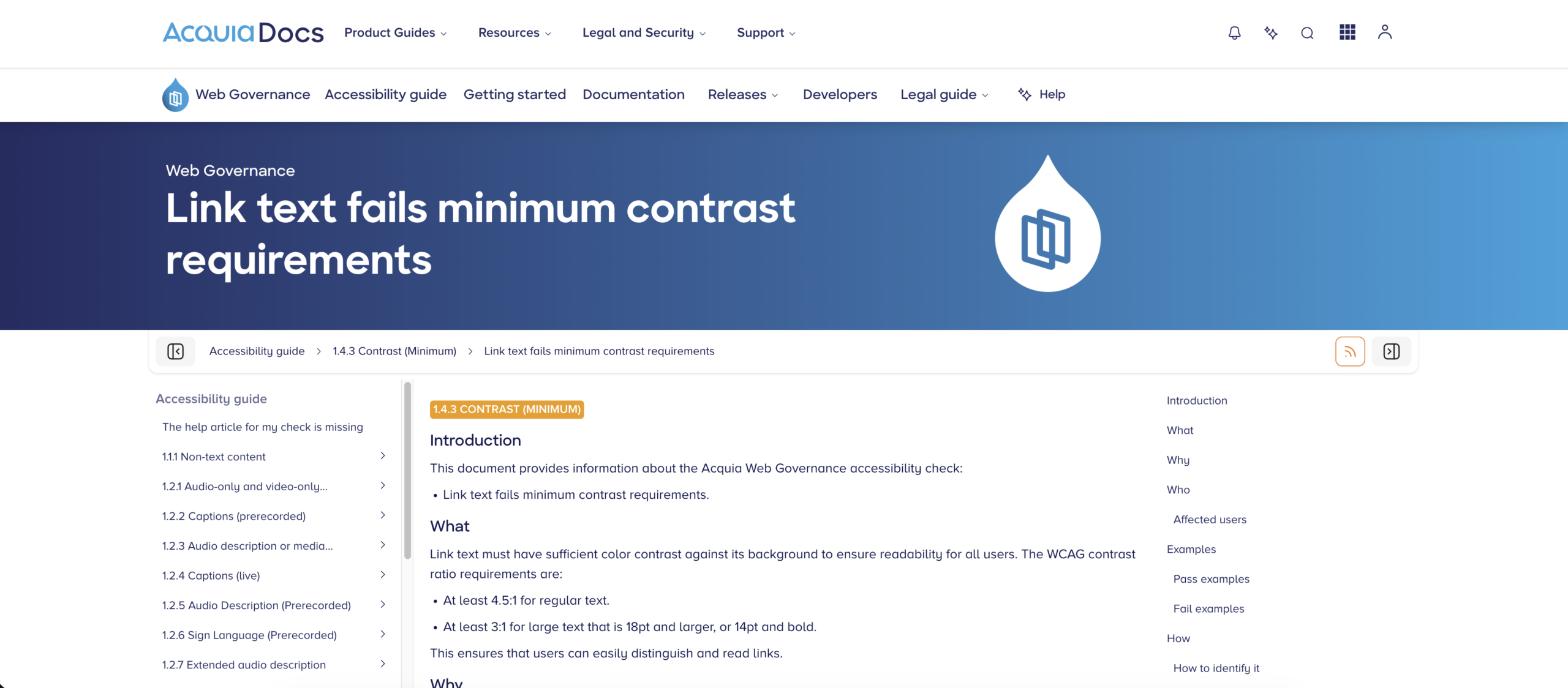
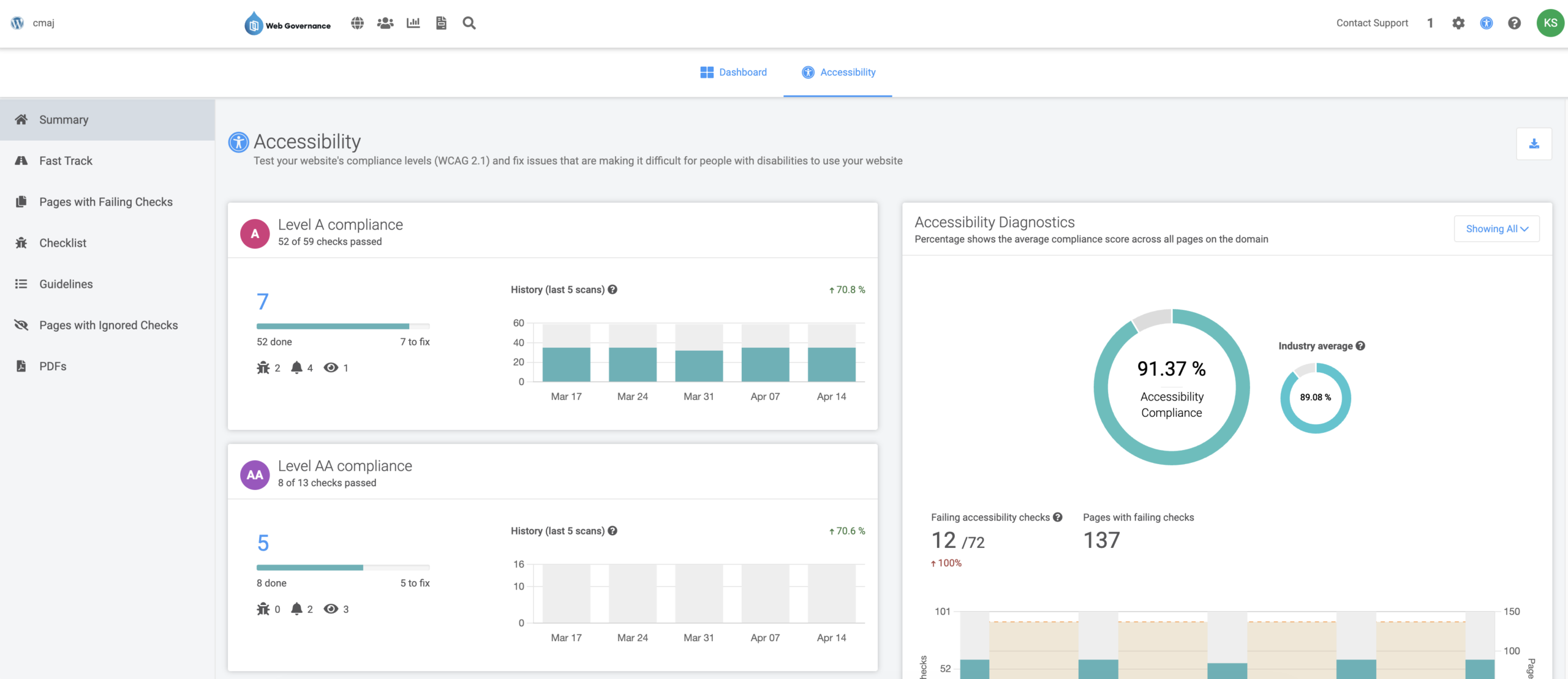
1. WCAG: Web Content Accessibility Guidelines

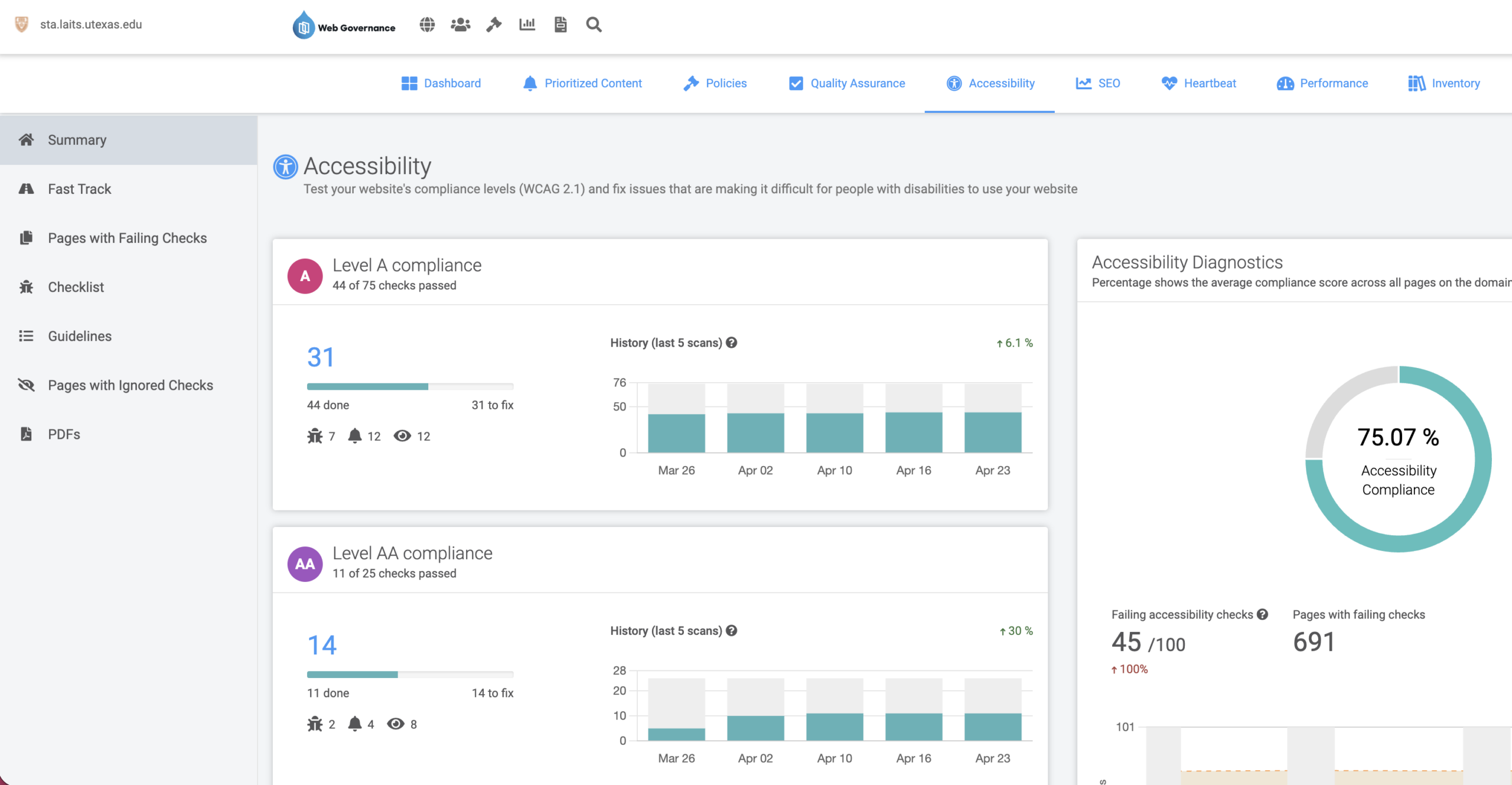
Web Content Accessibility Guidelines (WCAG) are rules for making websites easy for everyone to use, including people with disabilities, so no one is left out online.

  • Scan website for accessibility score on Monsido.
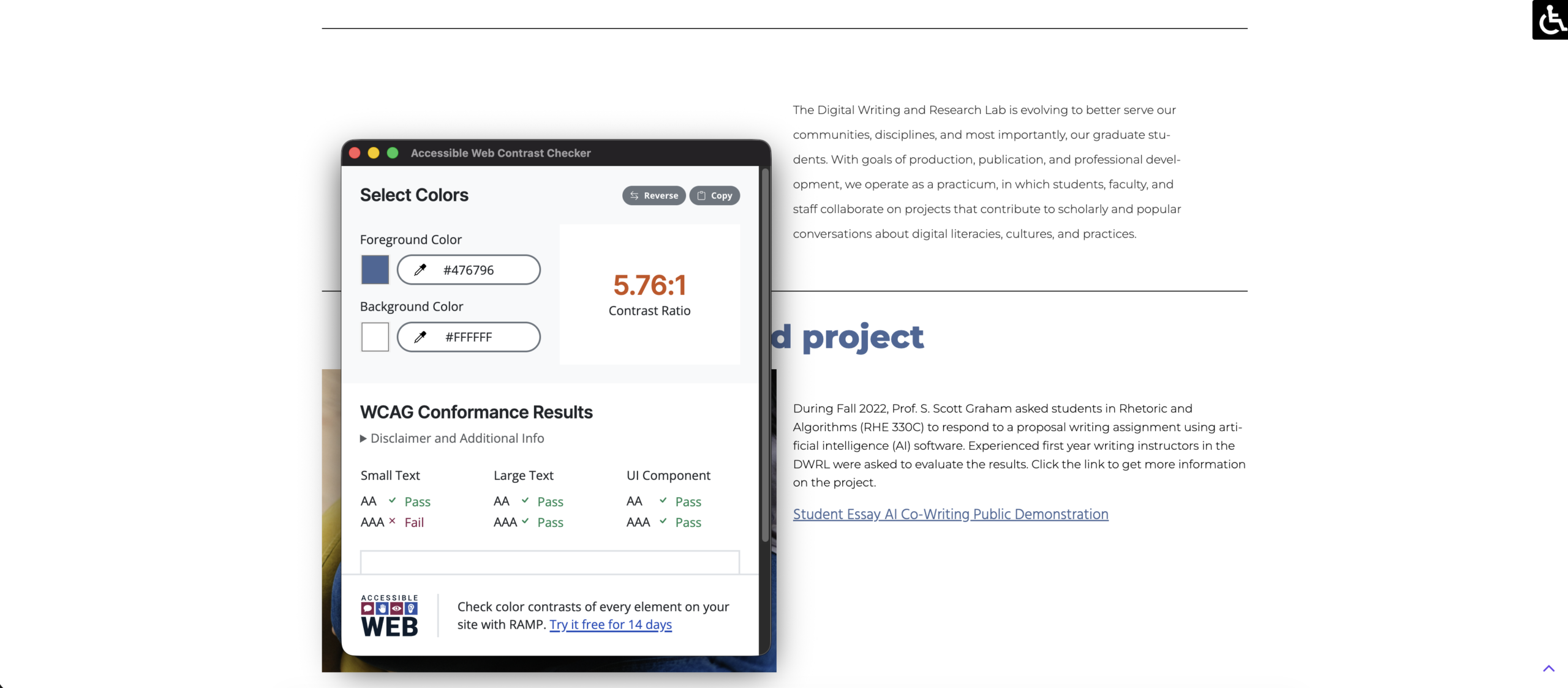
  • Look for false positives.
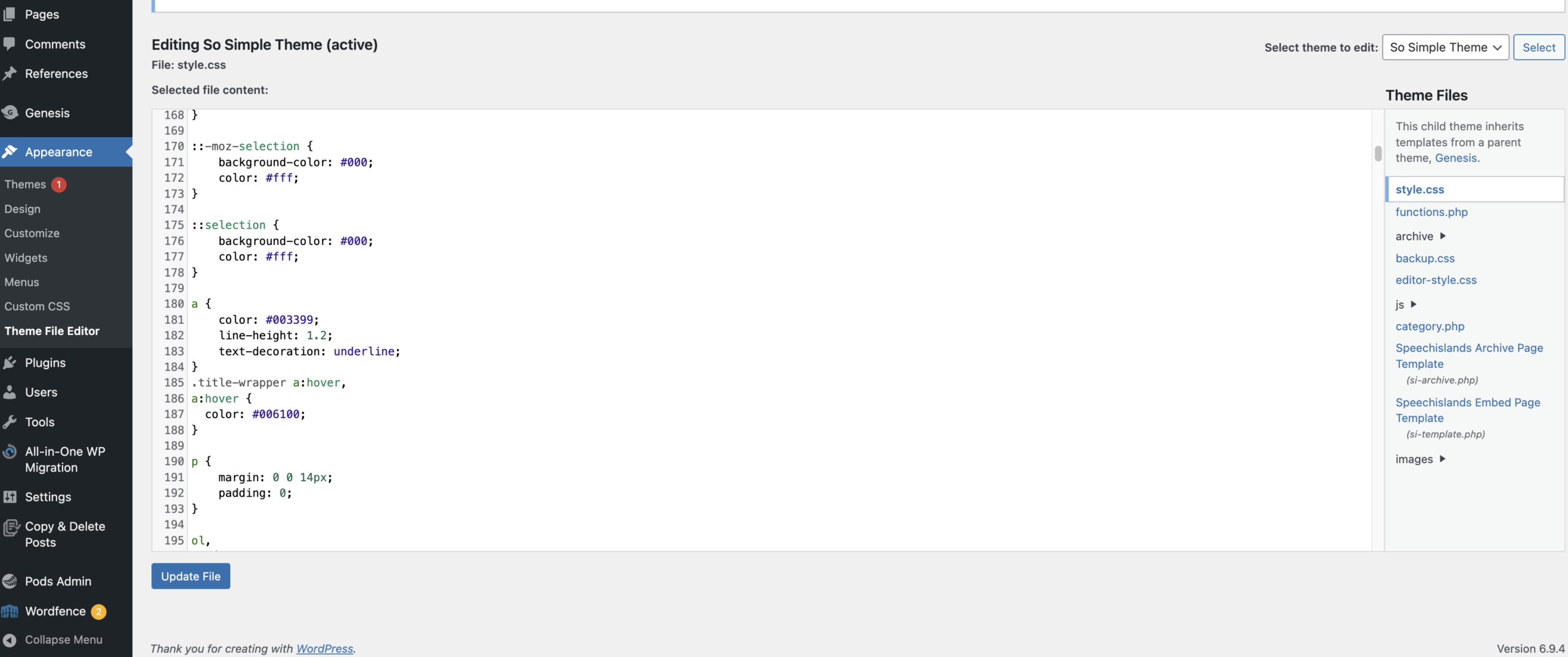
  • Edit CSS or PHP in WordPress Theme File Editor to fix issues.
  • Repeat until accessibility score is at least 90%.
  • Update spreadsheet.

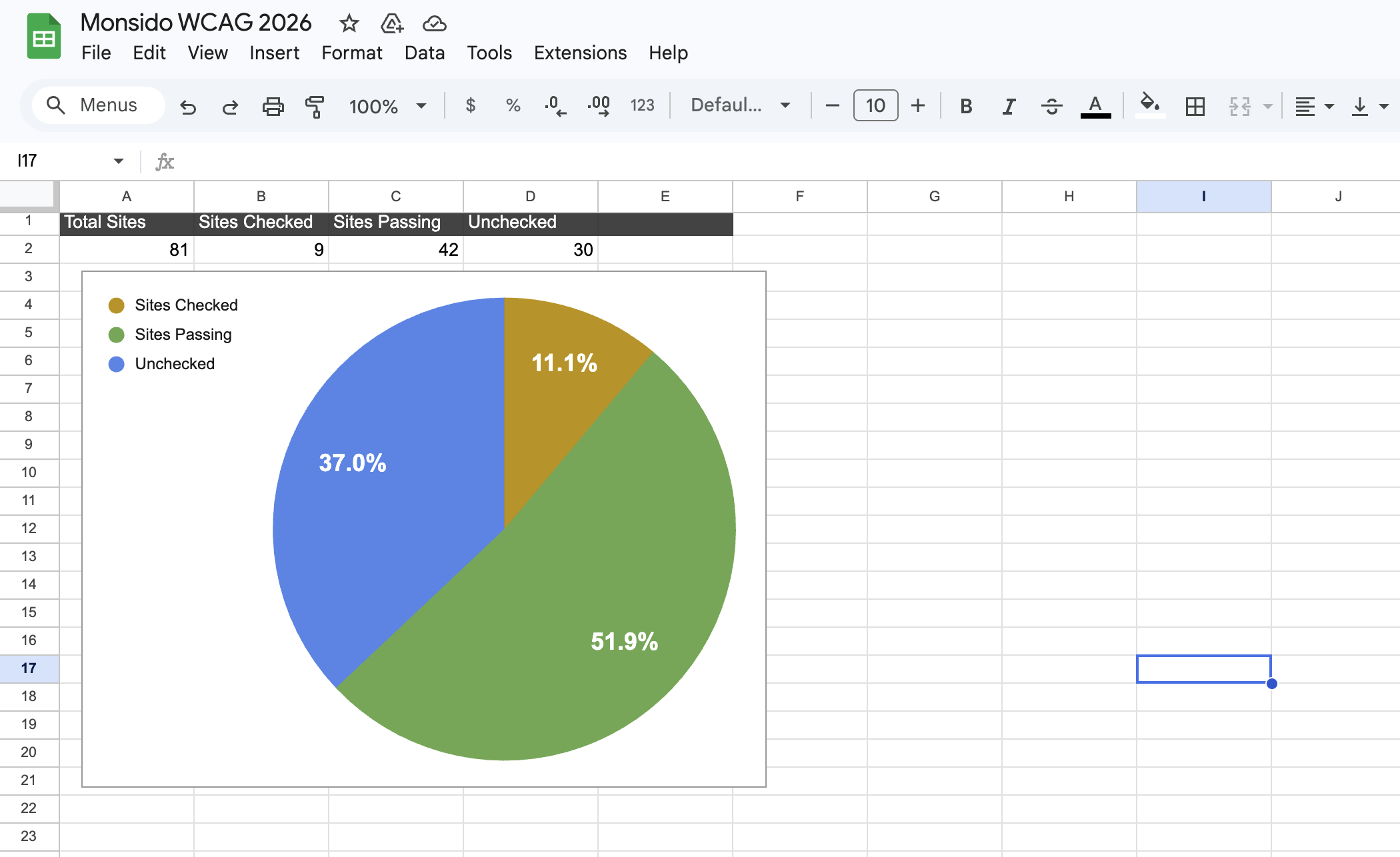
Group Progress: 42 Sites Passing

My Progress: 33 Sites Passing

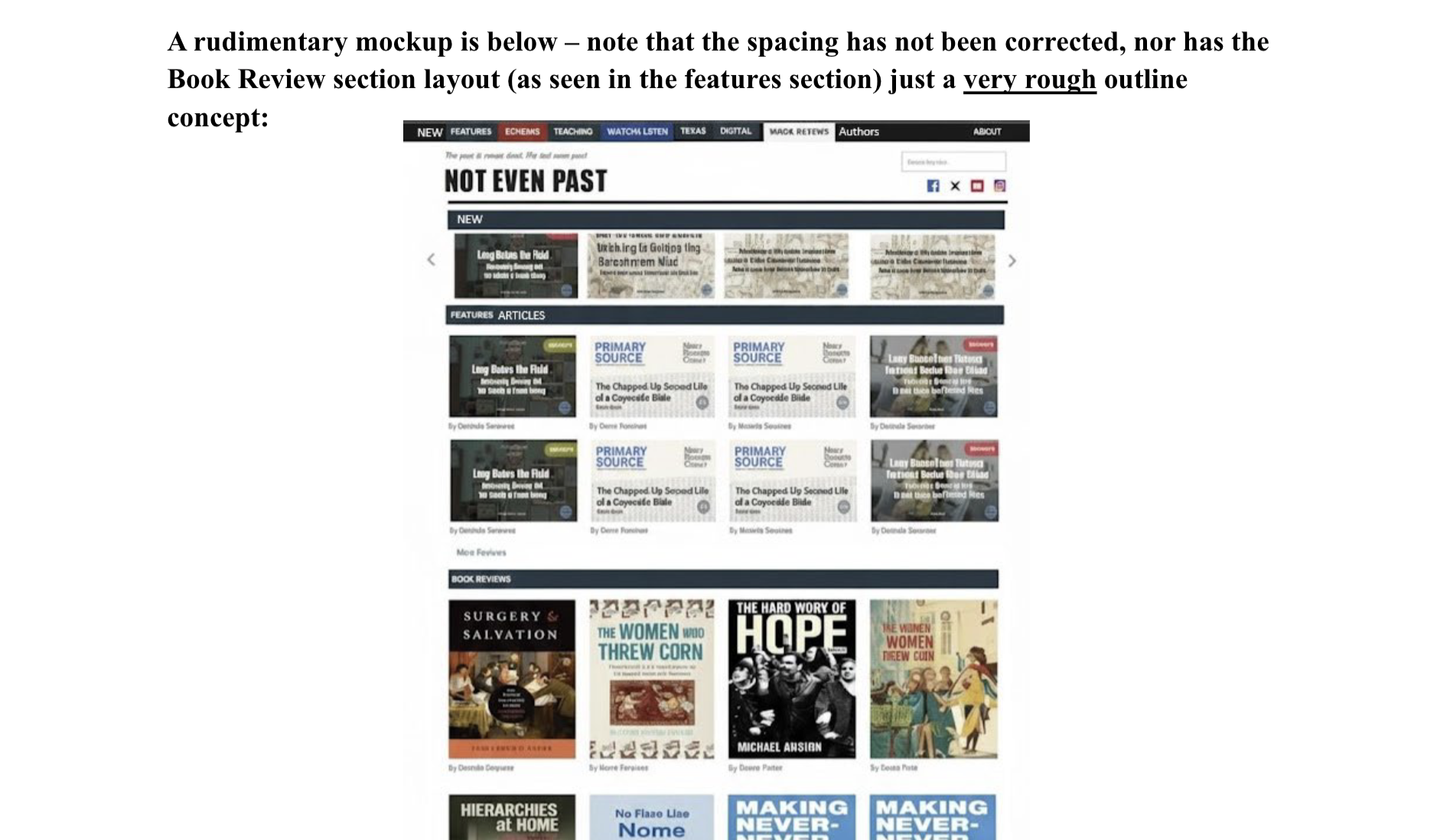
2. Not Even Past Website Refurbish

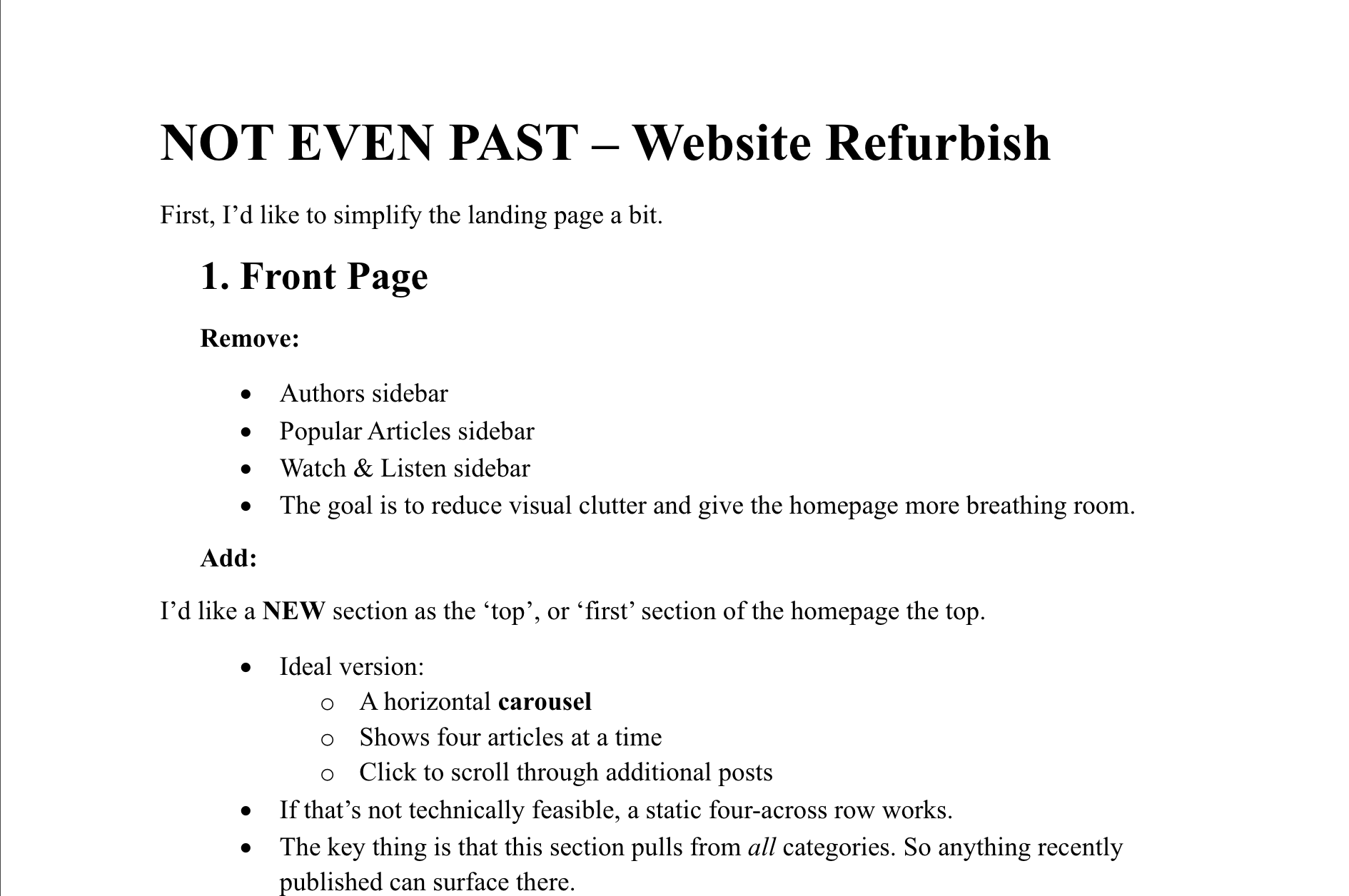
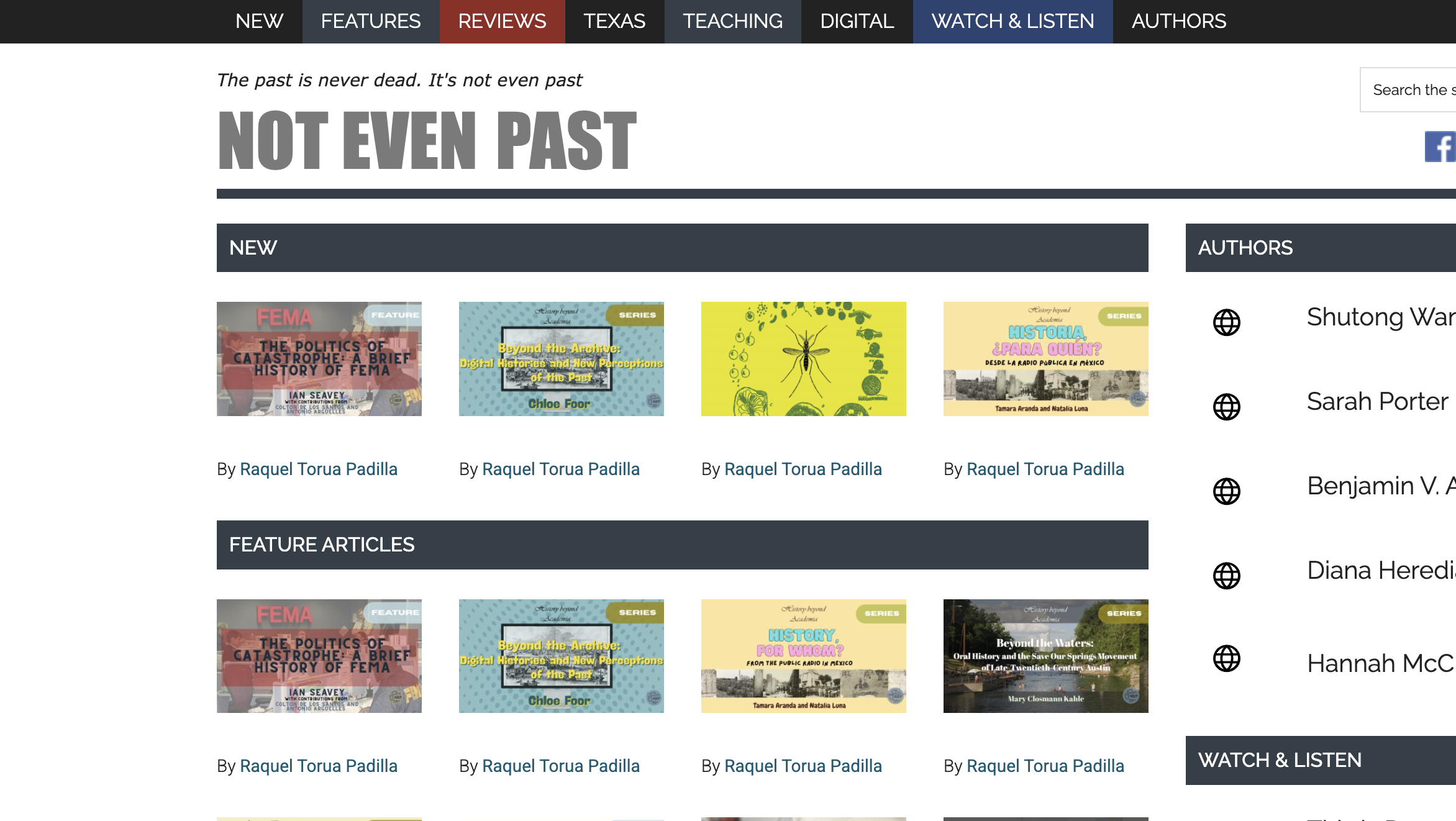
I refurbished a website called Not Even Past to meet the client’s wishes.

  • Read website refurbish outline.
  • Look over current website.
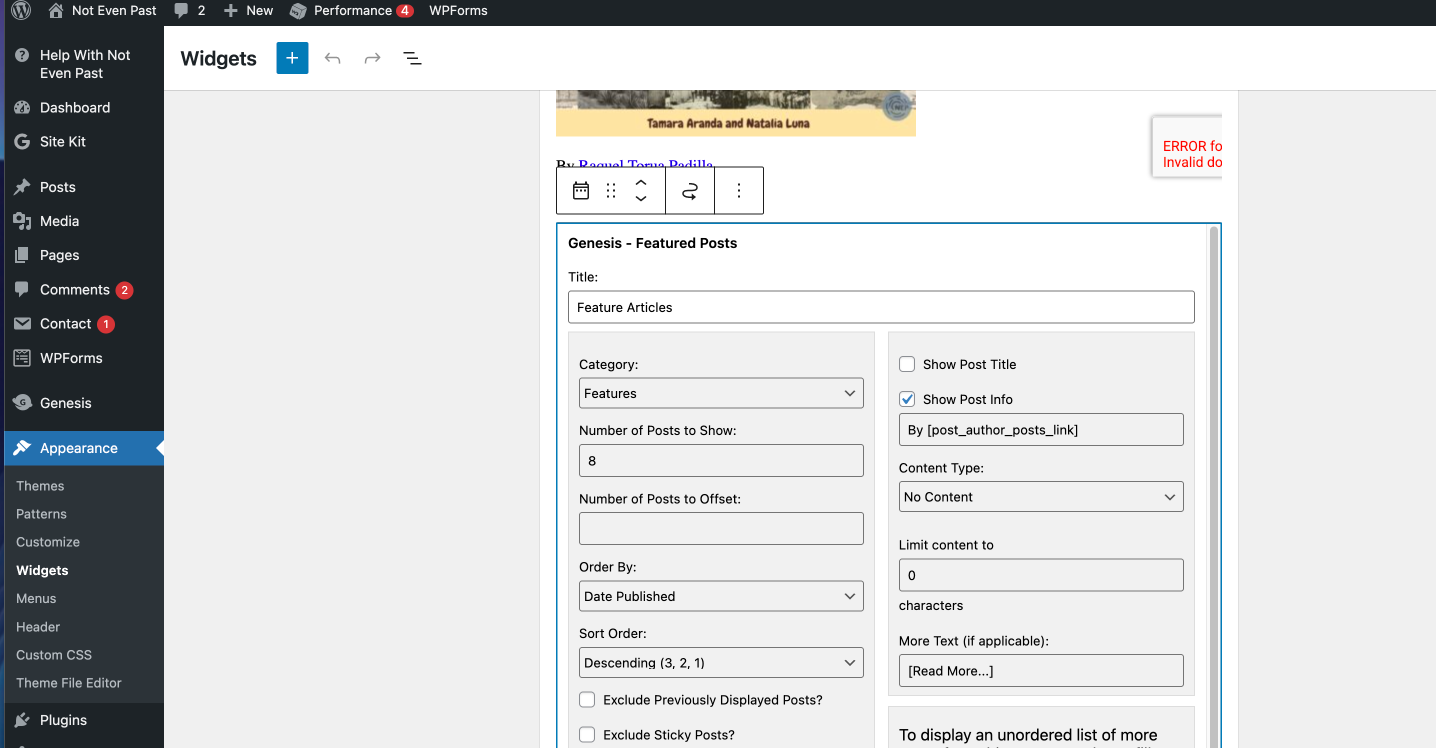
  • Make changes in WordPress Widgets, Menus, and CSS.
  • Compare with provided mockup.
  • Send to client for feedback.

Filed Under: Uncategorized

✧⋆ Week 6 – Isa ⋆✧

April 23, 2026 By Isa Melendez


🍓 Week 6: Training Progress 🍓

✧⋆ Basic Training: History of Design ⋆✧

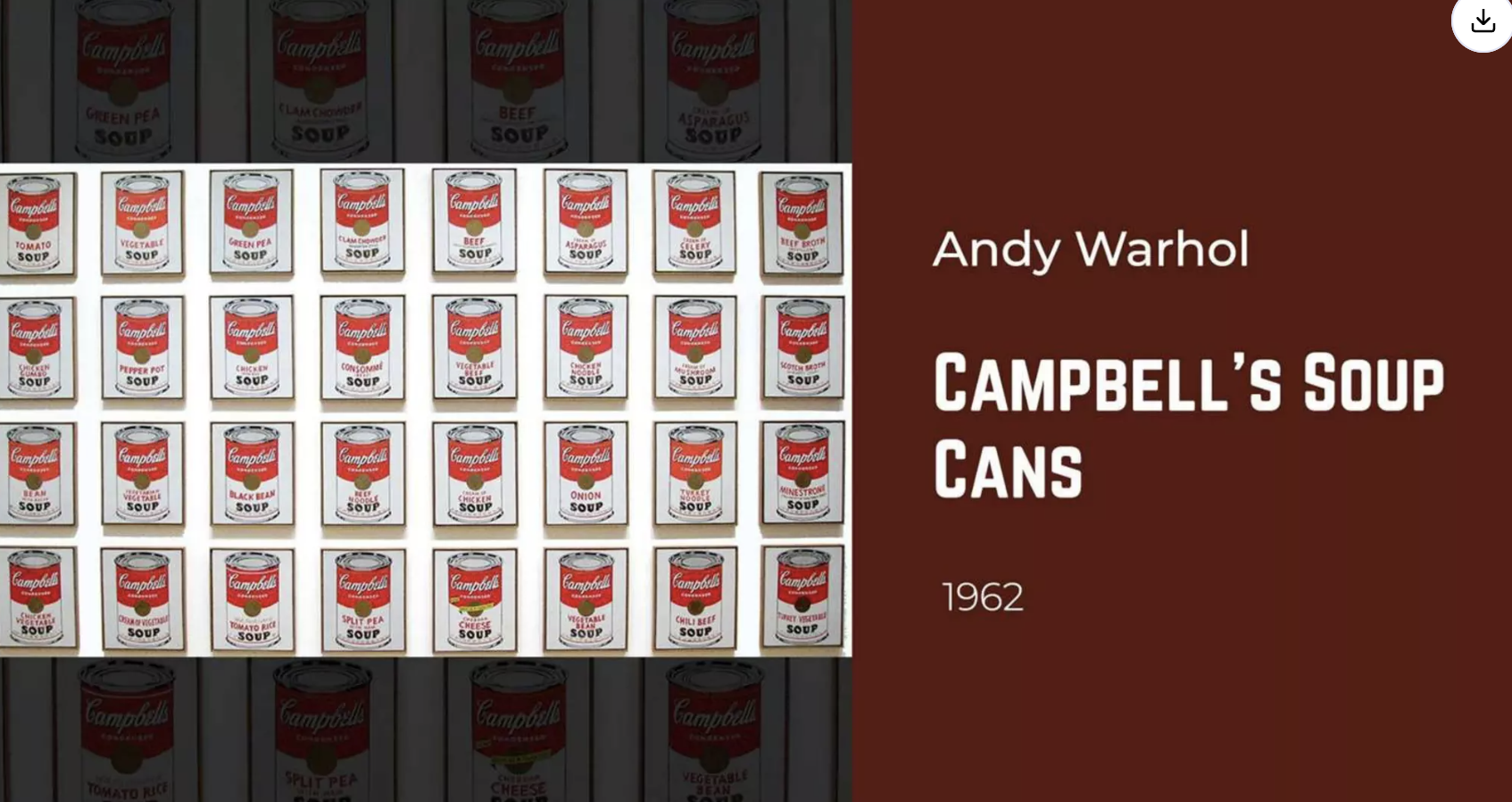
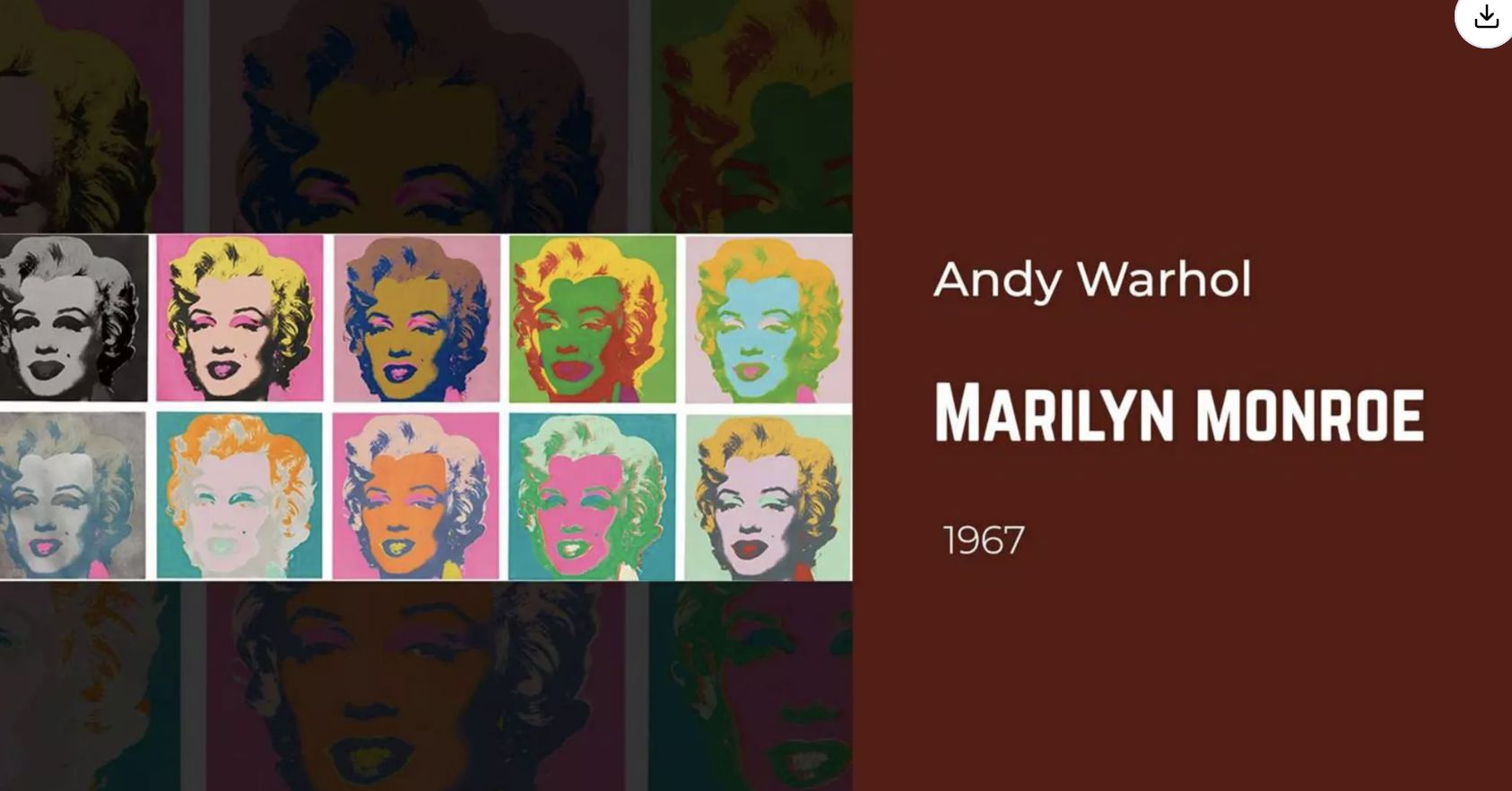
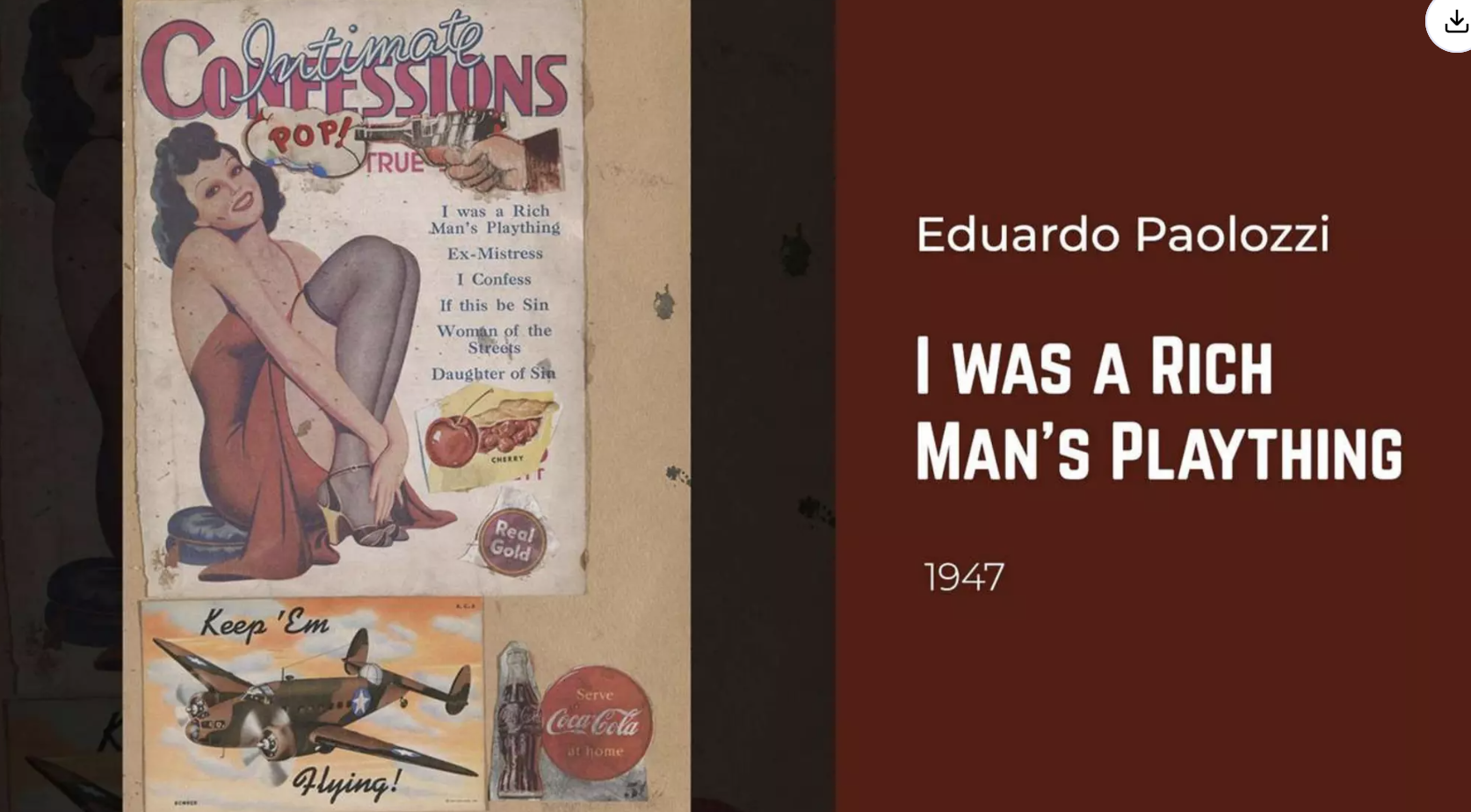
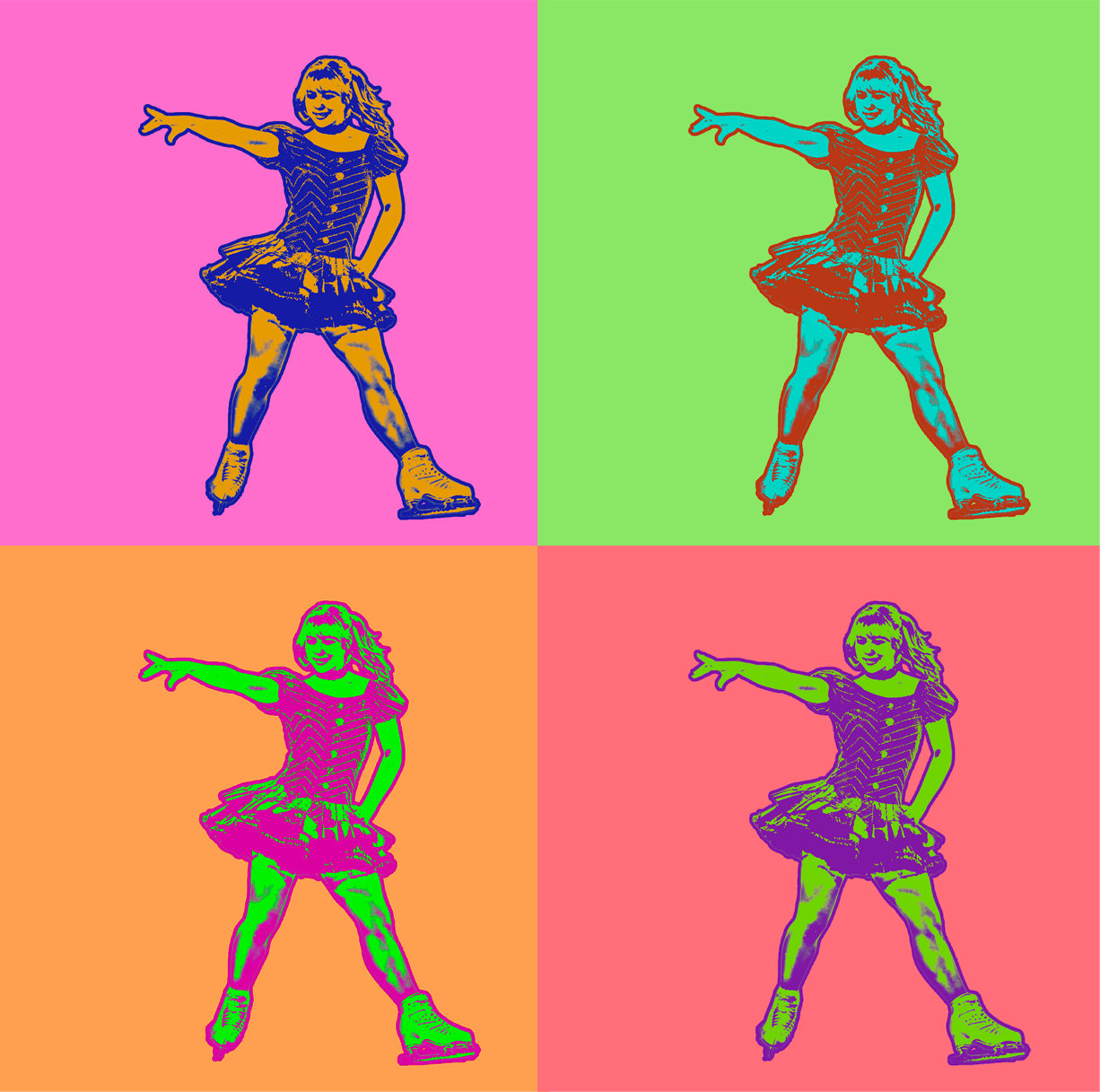
One of the trainings I've done this week had to do with learning all the different art styles there have been throughout the decade! I decided to go with the 1950s – 1970s: Pop Art era!
I really wanted to use Photoshop since I have less confidence in that application, and thankfully there was a tutorial for Photoshop!

https://www.youtube.com/watch?v=axSaoVbOZNk

Using this tutorial, I made my own design inspired by the Pop Art Era. I noted that a lot of the subjects used in Pop Art were iconic as they have "recognizable imagery." I wanted to make Pop Art for this current era, and I needed the perfect subject to represent that. The first person that came to mind for me was Alysa Liu!
It was very fun being able to use Photoshop again and seeing the kind of effects I can apply to an image! I used to prefer Photoshop over Illustrator back when I was first learning the two, and though I wouldn't say that's the case anymore, it's really cool to see what Photoshop is capable of!

✧⋆ Overall ⋆✧

It's really cool to see the kind of trainings available to Design STA's! Things have been calking down with the end of the semester, so being able to focus on improving my own skills in Adobe programs has been really nice.

Filed Under: Uncategorized

March & April Updates

April 21, 2026 By Haley Ma

2026 STA Presentation

────────────────────⊹ ࣪ ˖♡˖ ࣪ ⊹ ────────────────────

.

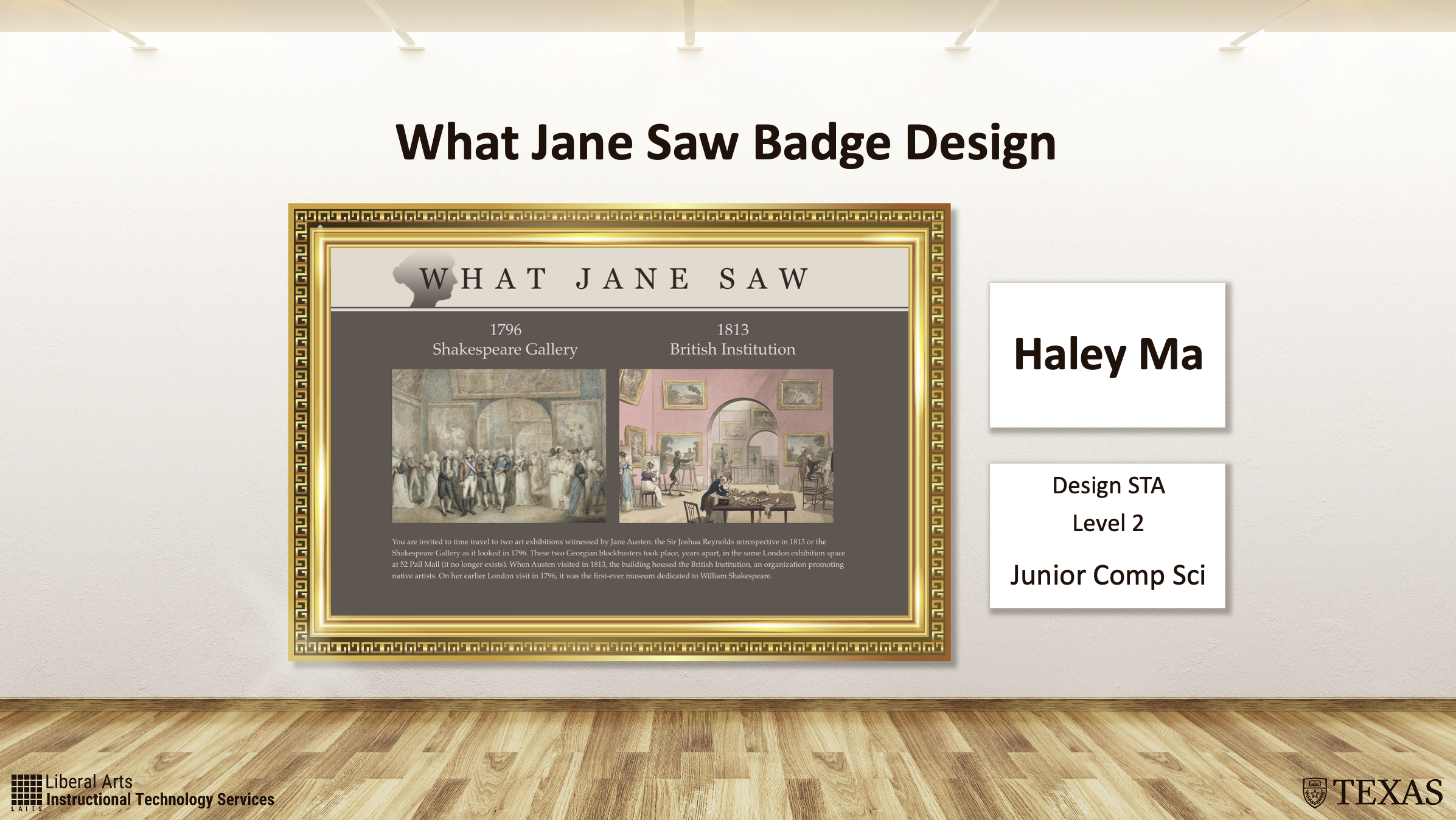
This semester I had the opportunity to present at LAITS’s annual STA presentation! I was so excited to talk about one of my favorite projects being my work on the What Jane Saw badge design. Although it was a bit nerve-wracking standing and talking in front of so many people, I’m grateful to be in this position surrounded by such lovely people who listened to my presentation!

.

2026 STA Presentation Virtual HTML

────────────────────⊹ ࣪ ˖♡˖ ࣪ ⊹ ────────────────────

.

.

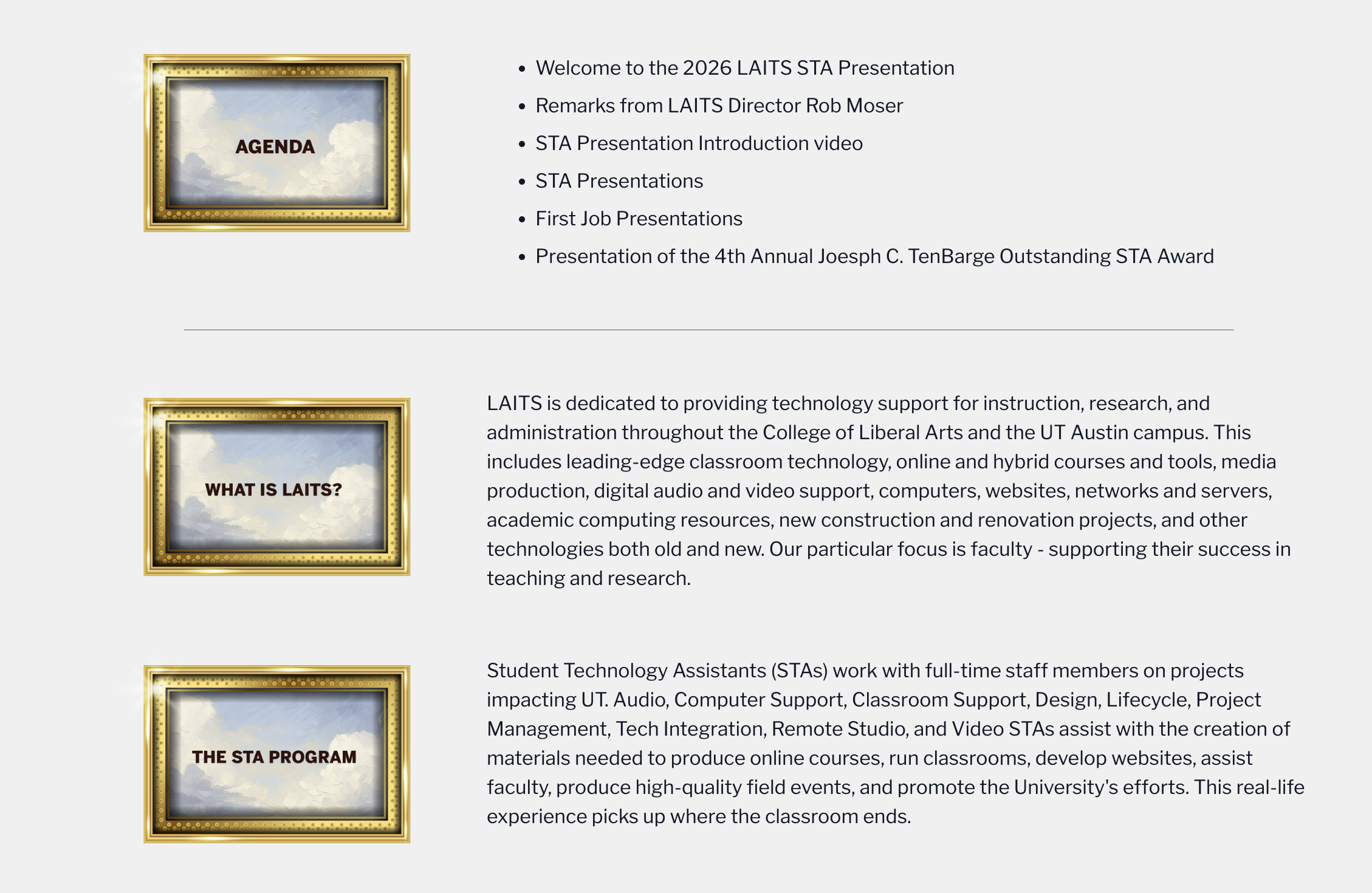
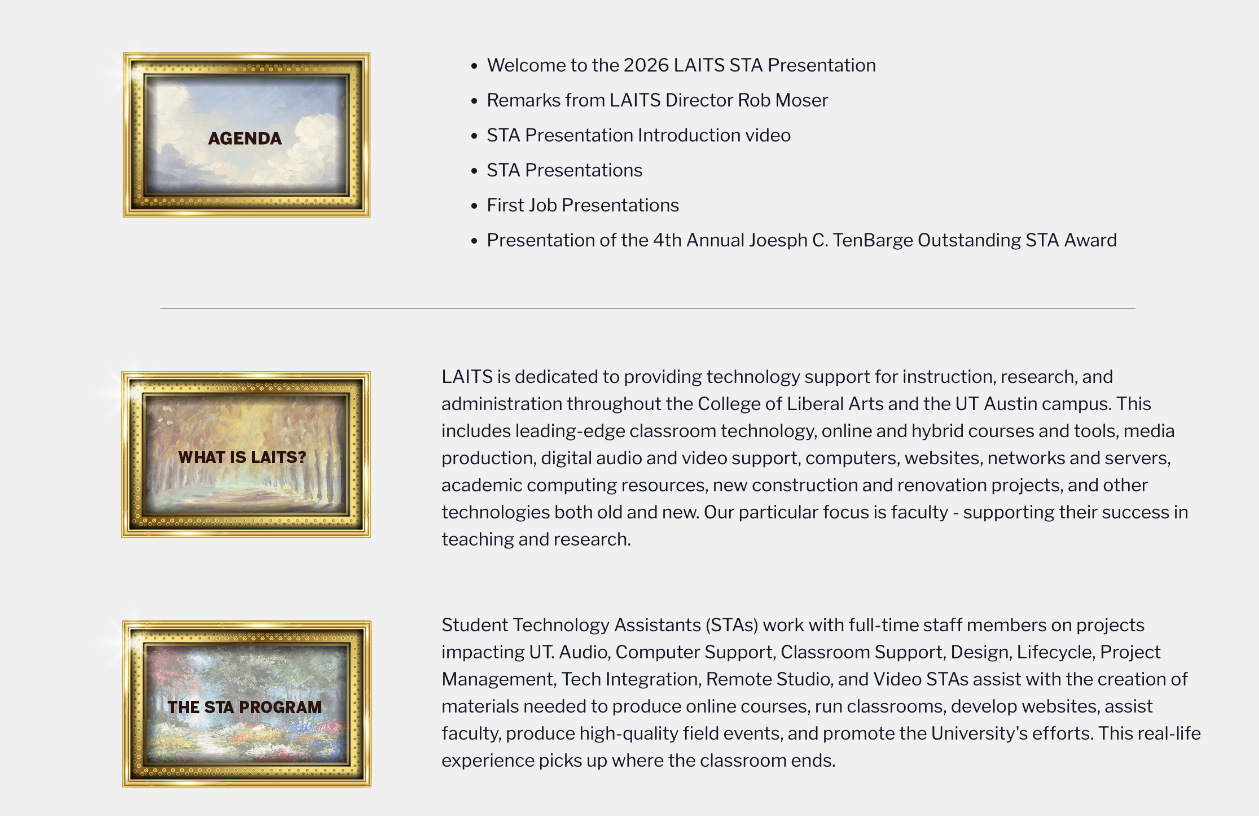
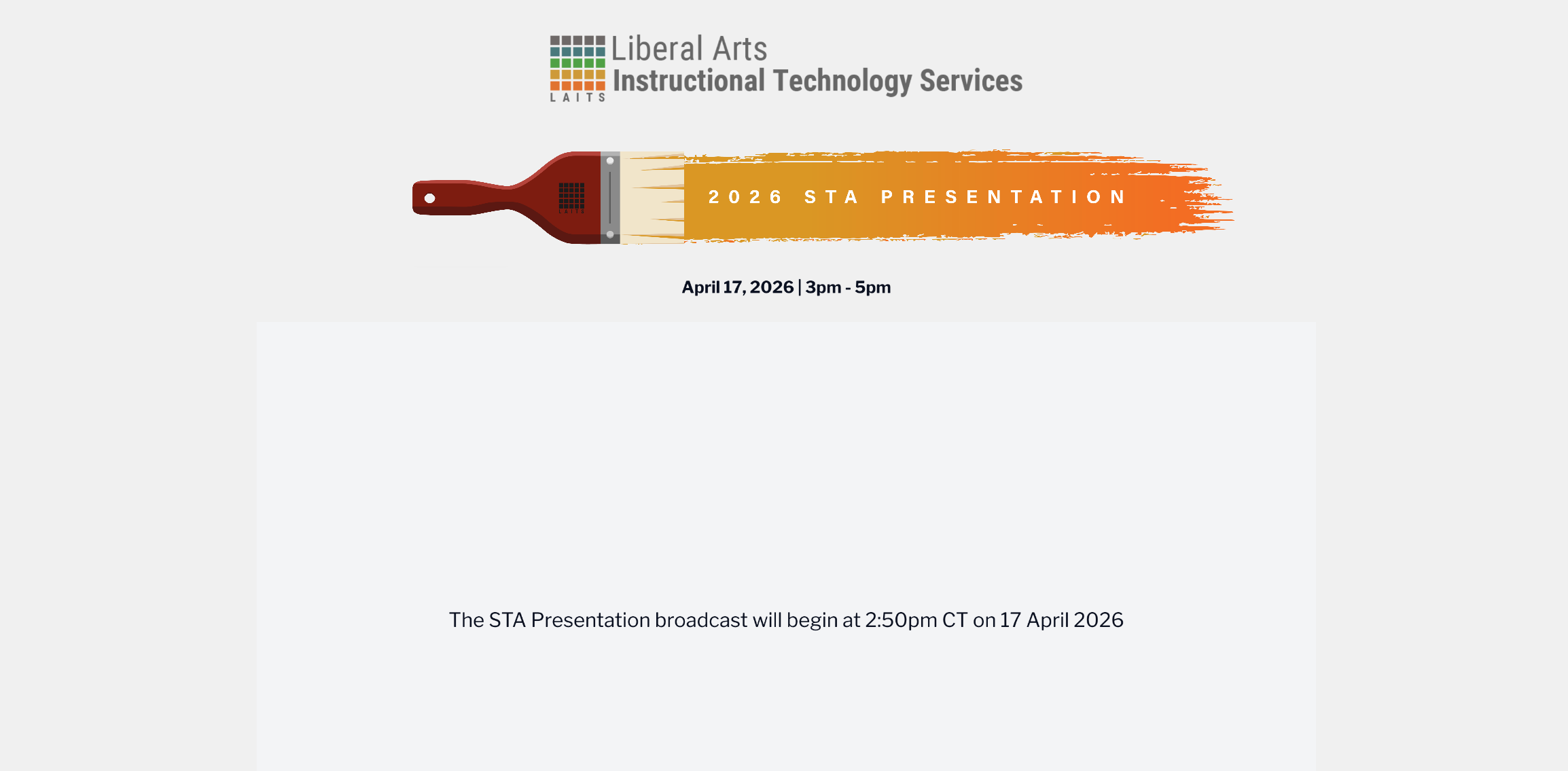
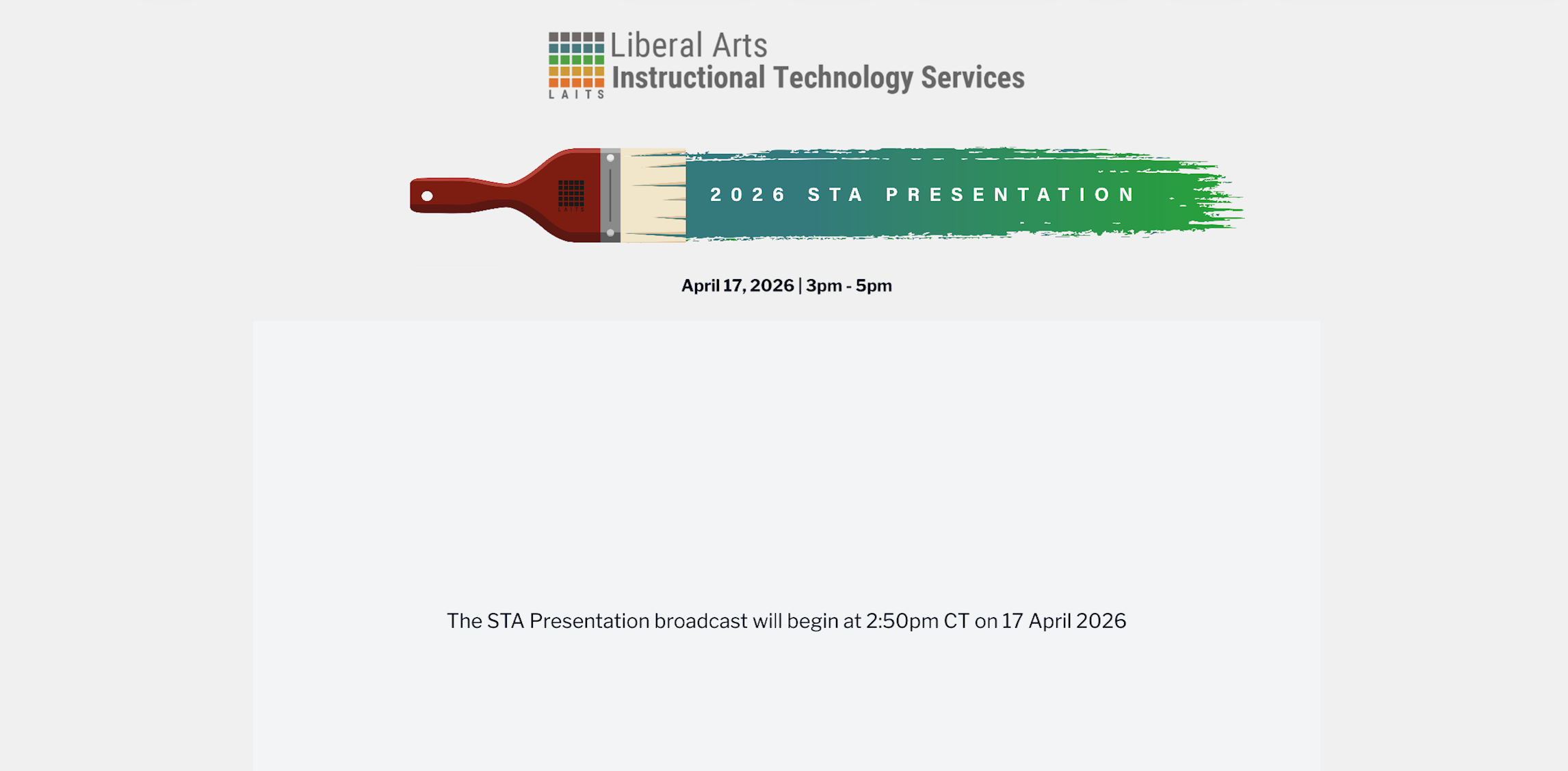
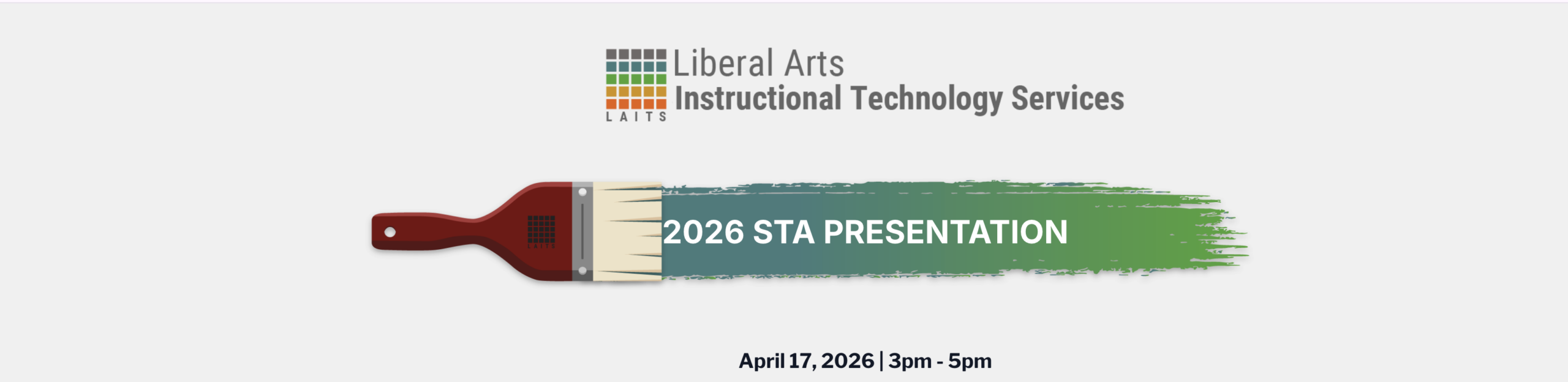
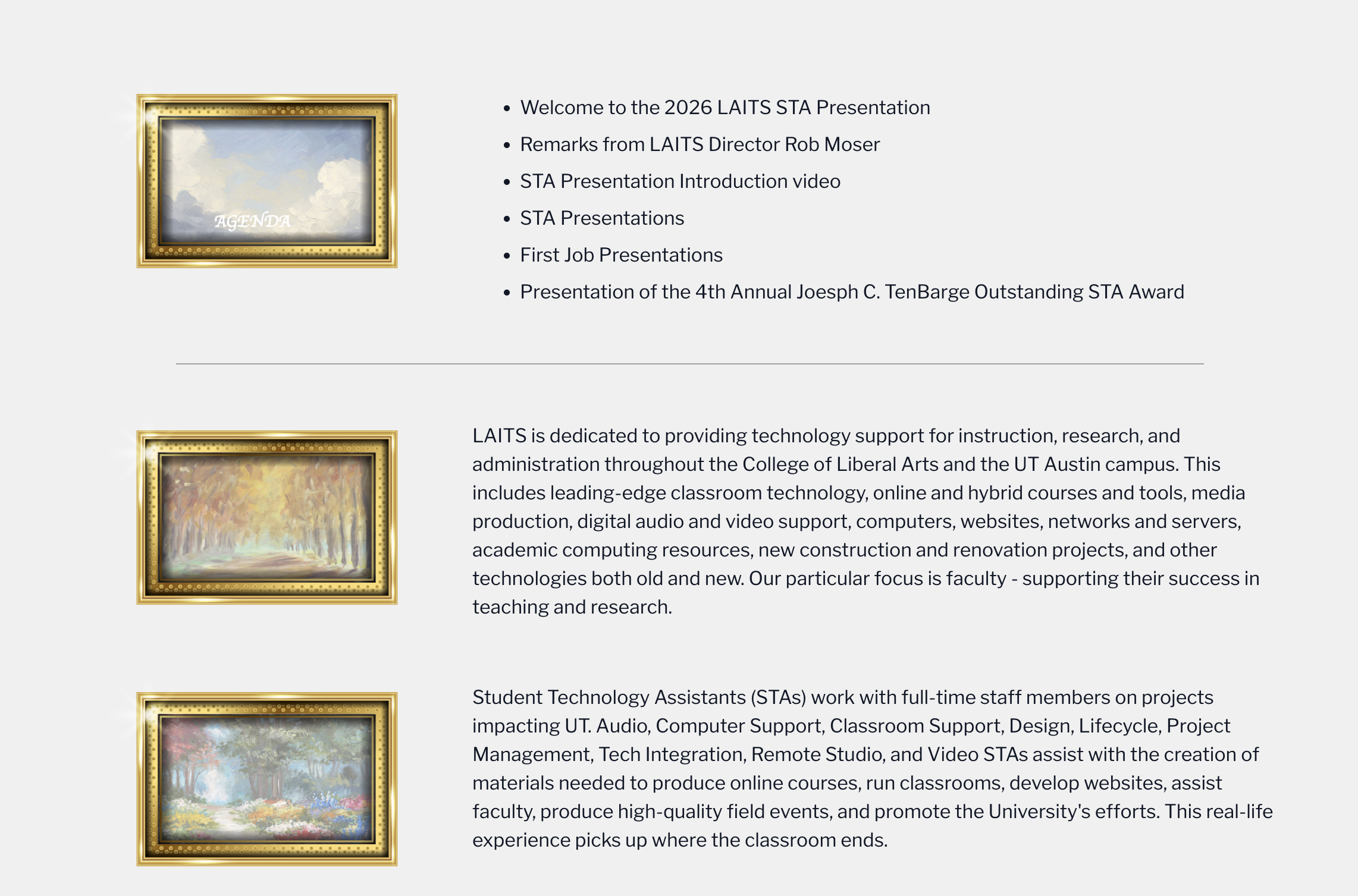
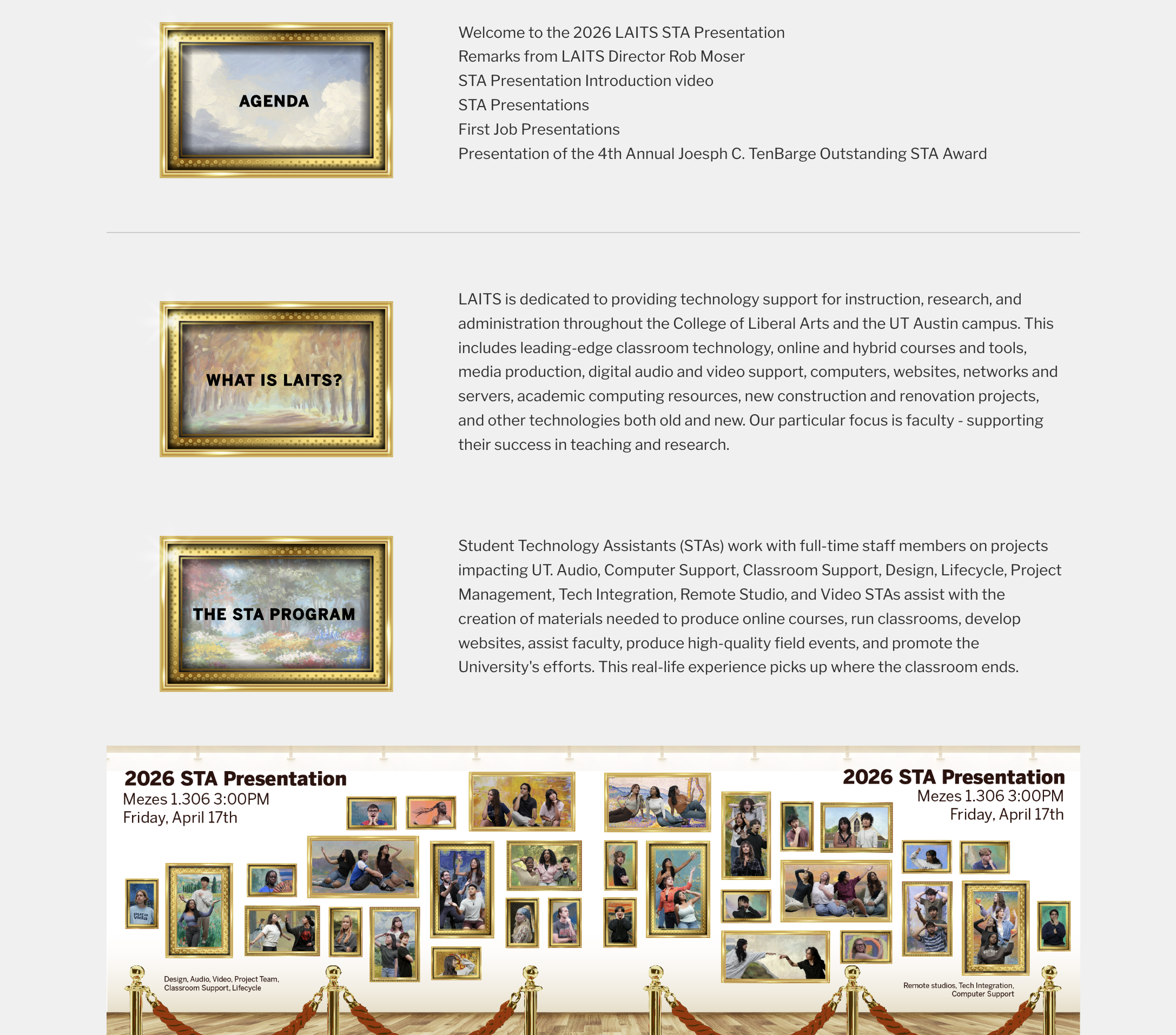
I also assisted in updating the Virtual HTML for the 2026 STA Presentation! Shanda had communicated to me that I would need to update the banner, graphics, and poster to reflect this year’s theme!

.

.

Luckily, my fellow STAs had already made such beautiful graphics and templates so I adjusted the frames to reflect the subtitles. First, I decided to use a sky background for all the frames but Shanda recommended to add some variation and we decided it was the better choice!

.

.

Next I worked on the banner created by Tomas! Thanks to his helpful template, I created two versions of the banner, one being an orange theme and the other a blue theme!

.

.

What I have been showing so far were just mockups, so the real challenge came which was working in HTML. I hadn’t had much experience working with HTML so there was definitely some learning I had to do. Some challenges I ran upon included:

  • mobile layout not matching desktop layout
  • text not being centered
  • finding accurate fonts

.

However, I did get the website to look like my mockups as closely as possible! I added any new assets and sent over the finished website to De’sha and Shanda for approval!

.

.

.

I’m so glad I had the opportunity to work on this project as it brushed up some of my HTML and it was rewarding to be able to send the link to my family and friends knowing that I helped create the graphics and adjusted the layout for the website!

.

check the website here: https://virtualmeeting.la.utexas.edu/meet/2026-laits-sta-presentation

.

WCAG Compliance Project

────────────────────⊹ ࣪ ˖♡˖ ࣪ ⊹ ────────────────────

.

I have also been working on the WCAG Compliance project alongside Kate and Trisha! So far, I have going over the website that LAITS oversees and checking if it is compliant with WCAG’s standards!

.

This project has really shed some light in how accessibility in websites needs more awareness and as a designer and a programmer, I hope to advocate for it more through my own projects and through adjusting the websites as well!

Filed Under: Uncategorized

WCAG

April 21, 2026 By Kate Shih

WCAG

Task: Make sure all utexas websites are Web Content Accessibility Guidelines (WCAG) compliant

Status: In Progress


1. Run an Accessibility Scan


2. Review Issues


3. Understand Issues


4. Find False Positives


5. Get Compliance to 90%+


6. Update Spreadsheet

Filed Under: Fall 2025 – Spring 2026, Uncategorized, We are STAs

Tower Tools

April 21, 2026 By Shriya Atreya

Reimagining the Video Stream Experience for Tower Tools

Link to Design: https://www.figma.com/design/ki1XLGNEbBCAsqPdebSkKD/TOWER-UX-UI-Revamp?node-id=0-1&t=JWHK67f26uFuscOd-1

The initial request for this project centered on enhancing the Tower Tools experience to better support student clarity, confidence, and engagement. This presented an opportunity to modernize the interface so it aligns with current accessibility expectations, evolving 2026 academic standards, and LAITS branding. By redesigning the UI/UX of the video stream layout, this project aims to deliver a more polished, accessible, and confidence‑building experience, one that strengthens existing workflows while elevating the overall perception and usability of the platform.

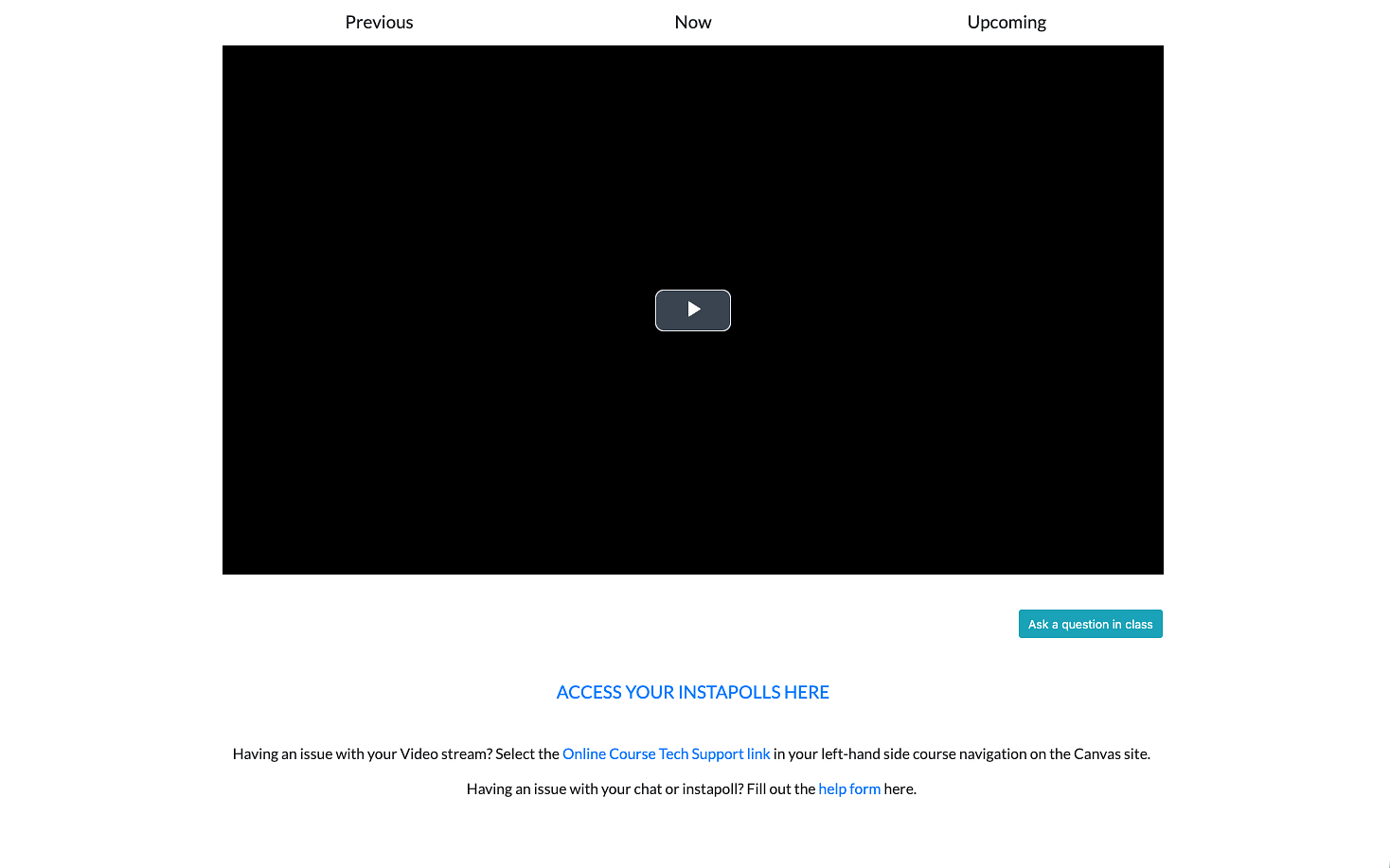
The Current State

The current platform is highly minimal. While it works, it lacks the visual structure and feedback that help students feel grounded and confident in a digital classroom.

Where It Falls Short

The current experience works but it lacks presence.


The goals for this project were to change that through creating designs that:

  • Feel modern and aligned with a 2026 design standard
  • Support student workflows without disruption
  • Build trust and clarity through thoughtful interface design
  • Meet updated accessibility guidelines (WCAG)
  • Integrate LAITS branding in a cohesive way

Framing the Problem

How might we redesign the current tower tools interface to increase student engagement & understanding?

In a physical classroom, students receive constant feedback:

  • They can see peers reacting
  • They can gauge pacing and engagement
  • They know where they are in the lecture

In a virtual environment, much of that disappears.

From this, I identified three core design focus areas:

Filed Under: Uncategorized

  • 1
  • 2
  • 3
  • …
  • 92
  • Next Page »

link to LAITS home page

Video STA Home

© 2026 Liberal Arts Instructional Technology Services | Production Credits