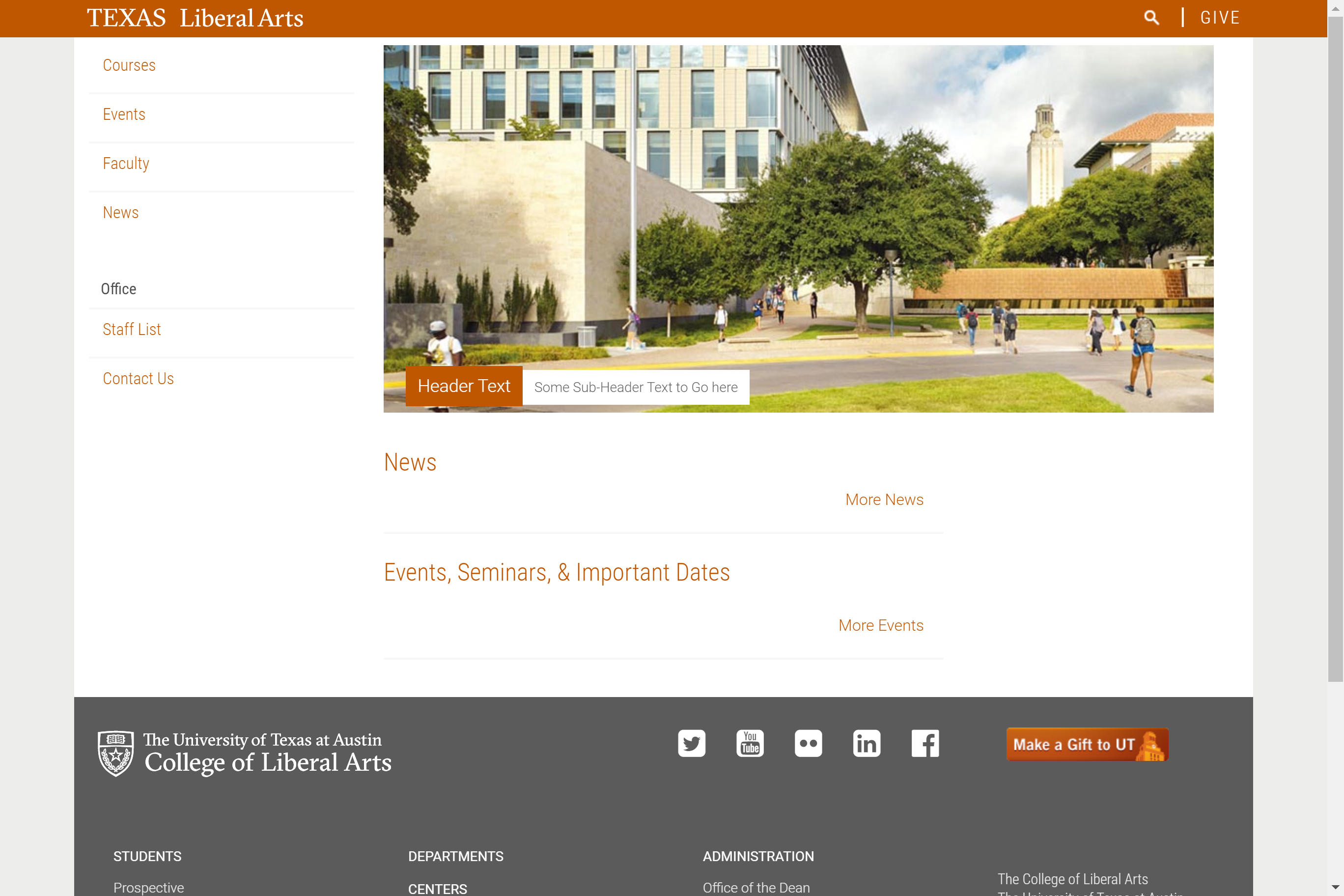
I worked on setting up a new Cascade Site for Race, Indigeneity, & Migration (RIM). The lock-up and logo for this site are yet to be finalized so I will be uploading them to the site once they are ready.
Current Sta
I worked on setting up a new Cascade Site for Race, Indigeneity, & Migration (RIM). The lock-up and logo for this site are yet to be finalized so I will be uploading them to the site once they are ready.
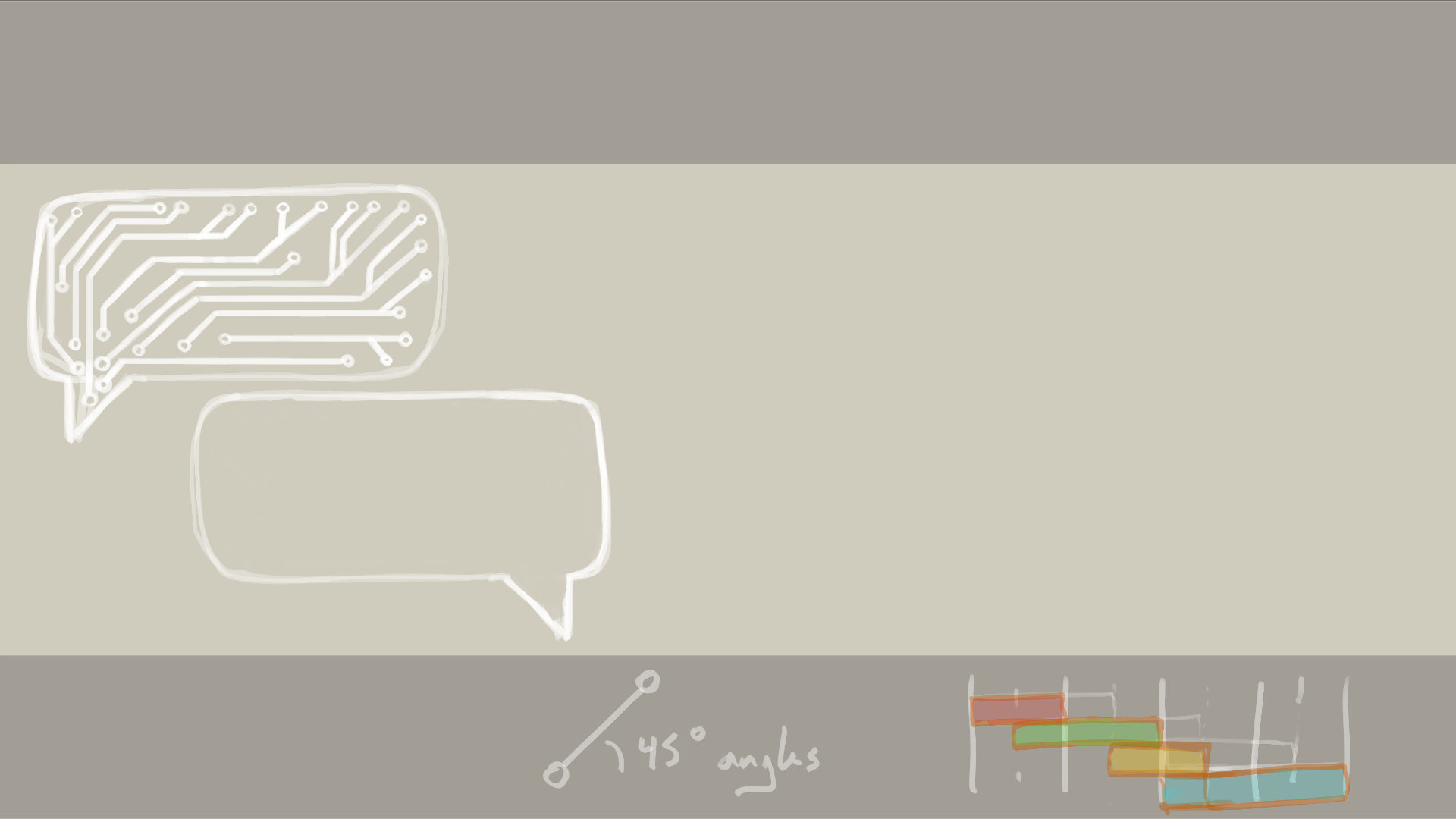
This week started with a quick pivot to some Illustrator work on some circuit boards/paths and text bubbles that are going to be included as an online course graphic. Below are comparisons of two of the slides that have the illustrations:
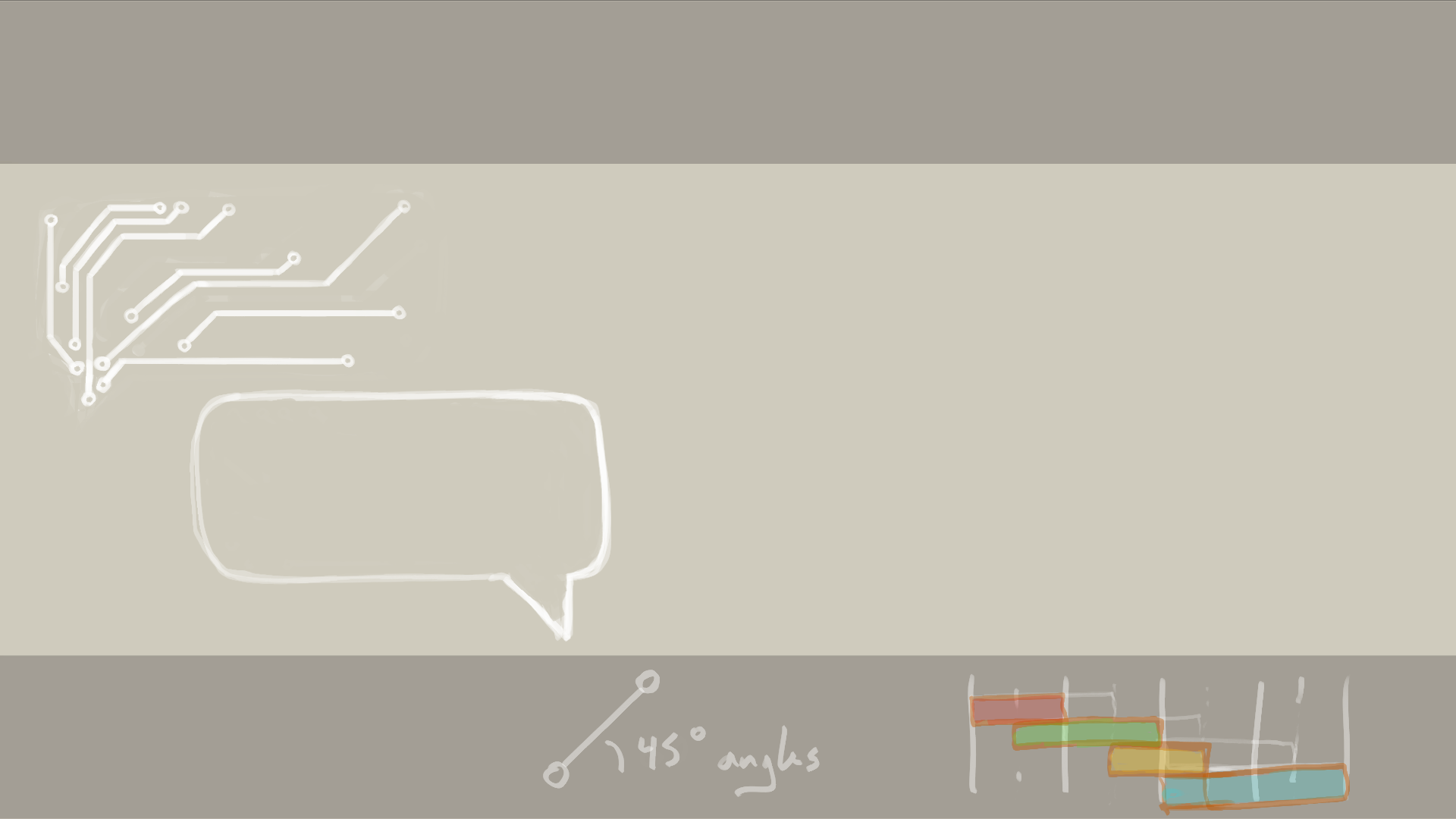


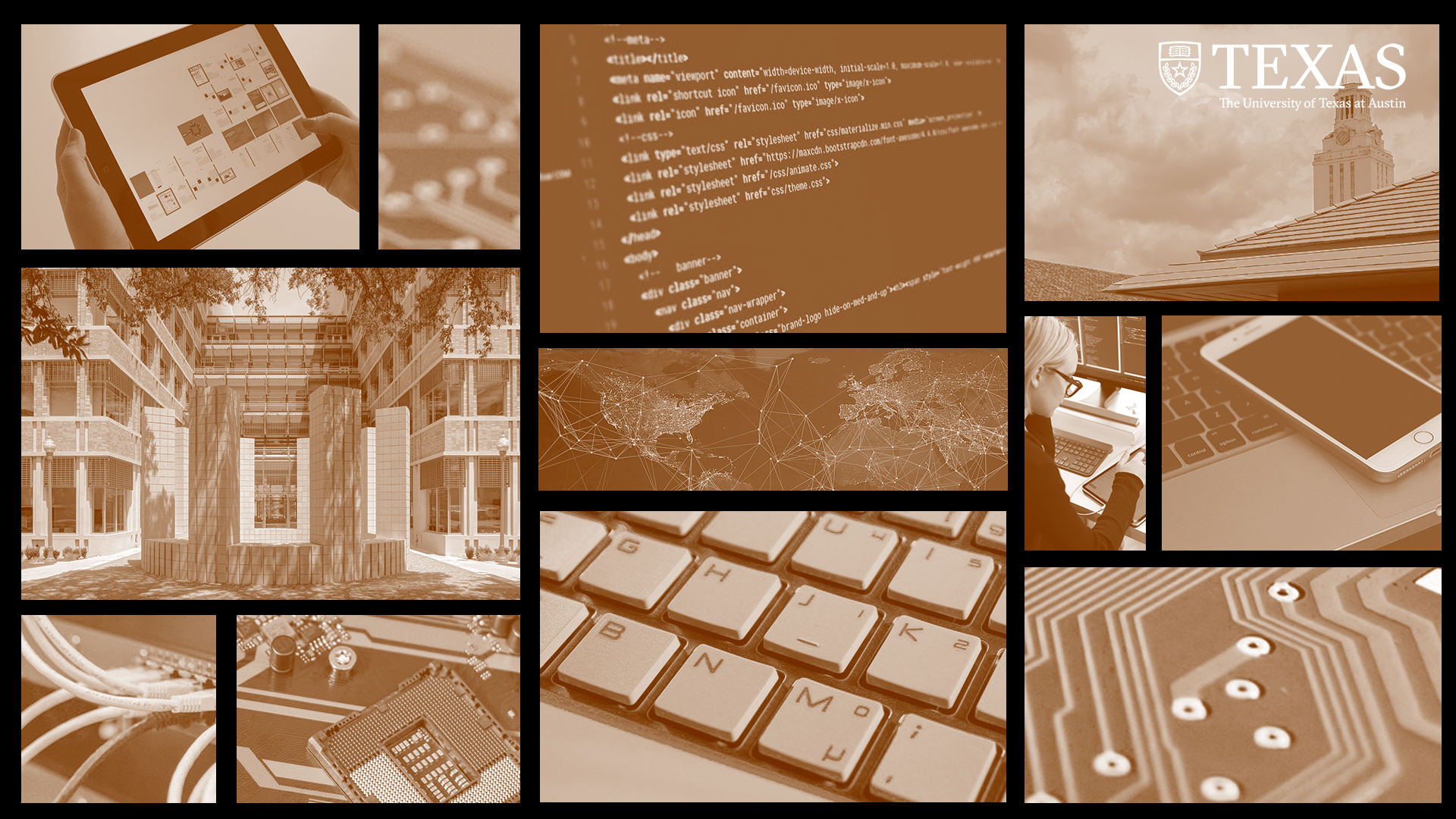
Next I focused on the digital backdrop for the course. The client wants to go away from the burnt orange overlay and instead use a cream colored overlay. There are also new raw images that the client wanted to use. Below is a comparison:

I did the Style A portion of the Canvas graphics training on Wednesday! I used a journalism course I plan on taking in the spring. Here’s a sample of what I did:



I updated my Cascade site with pull quotes! I made them green to match my frog theme. 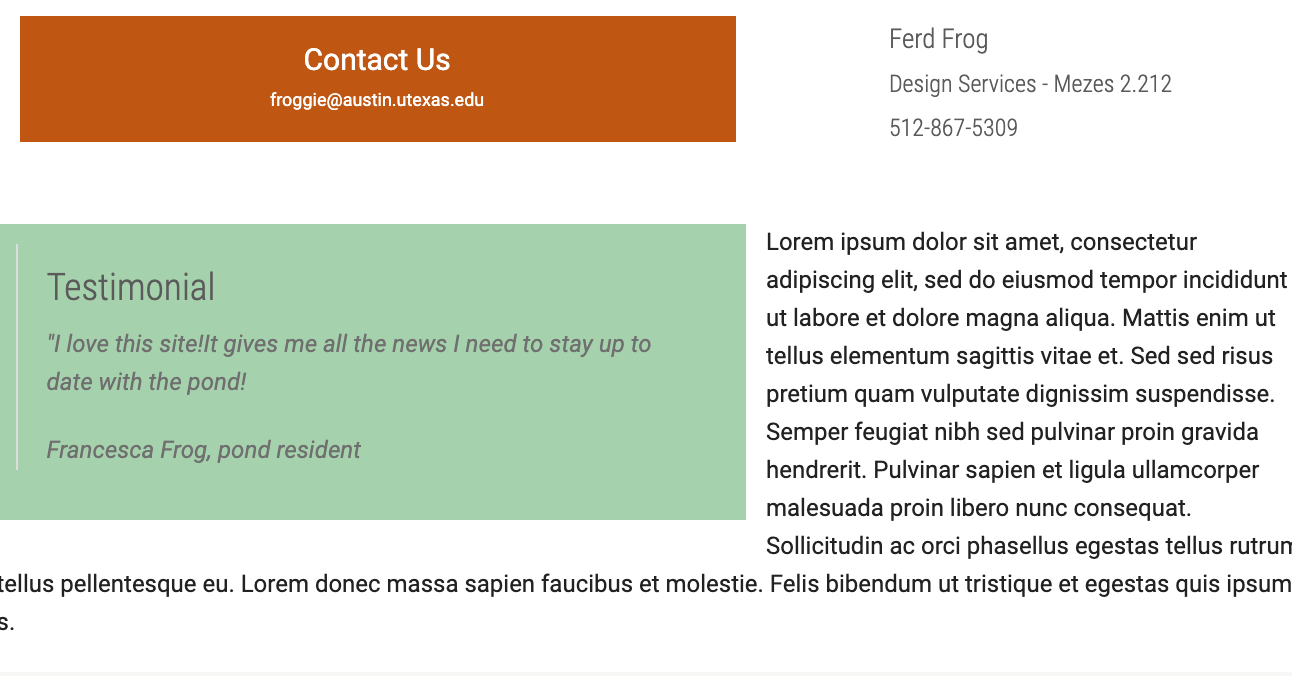
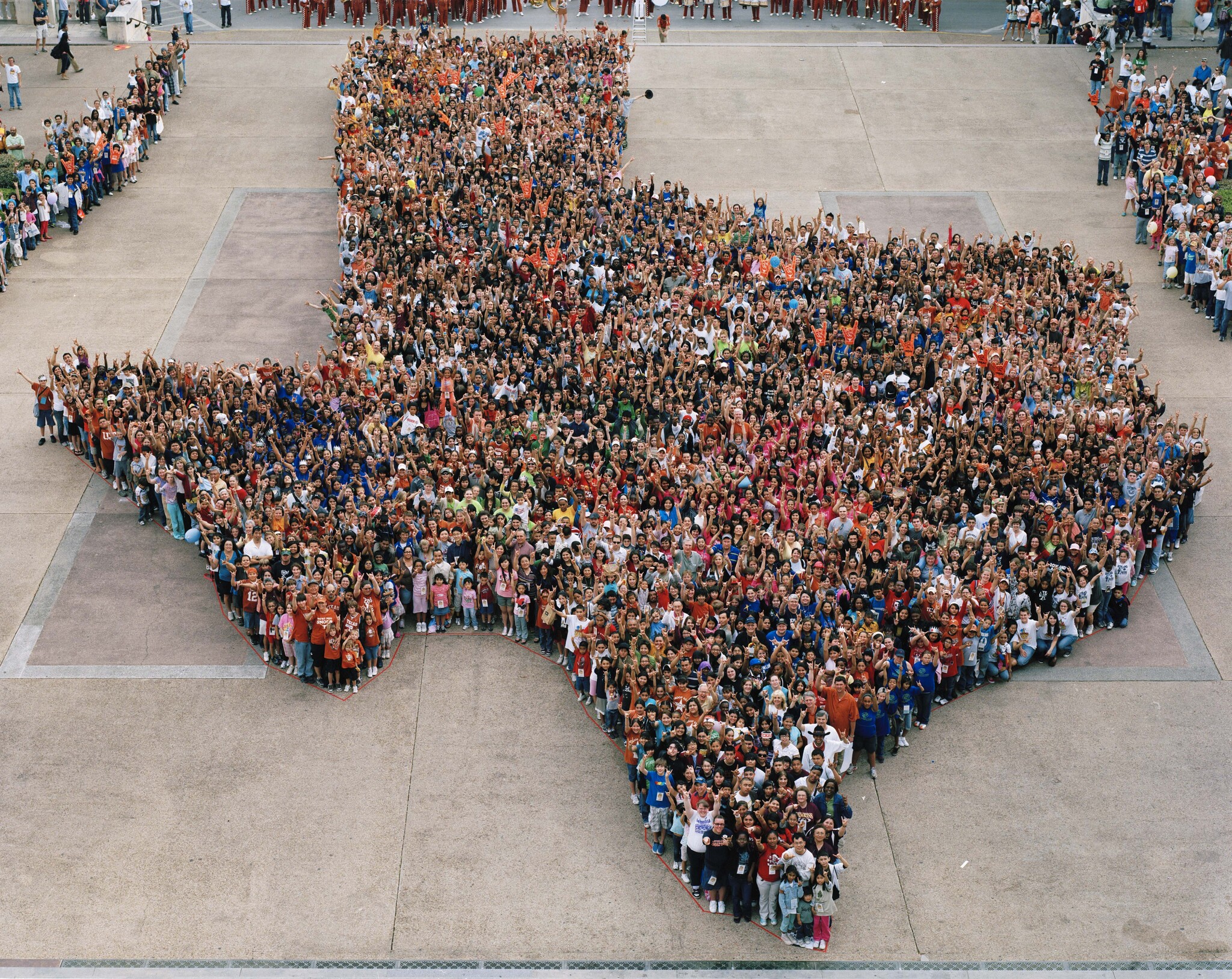
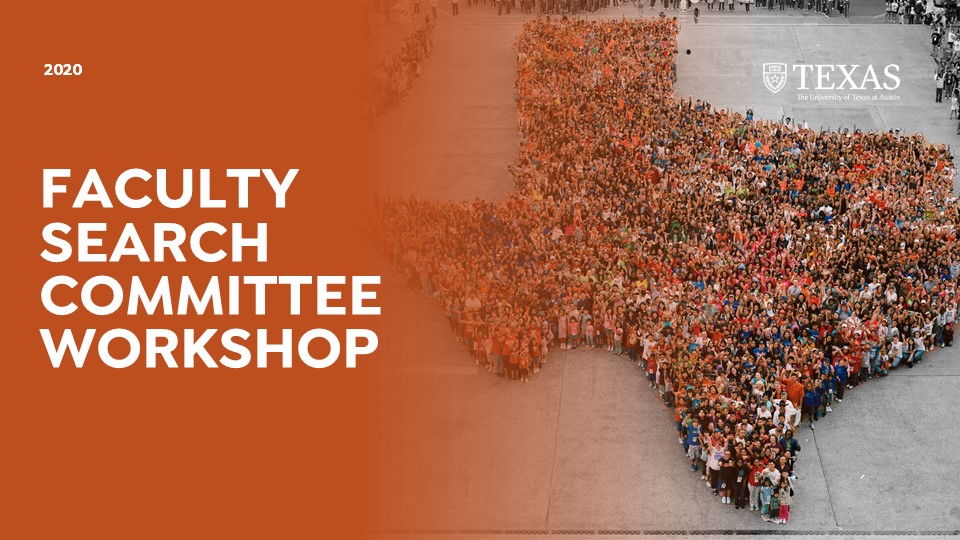
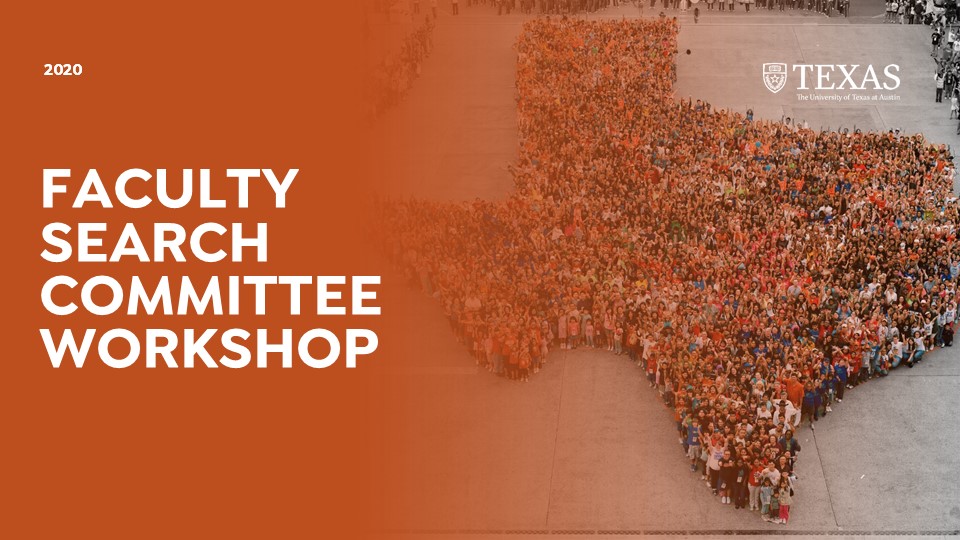
Today I worked on some new options for the Intro slide of the PowerPoint using some of the pictures that the client provided:
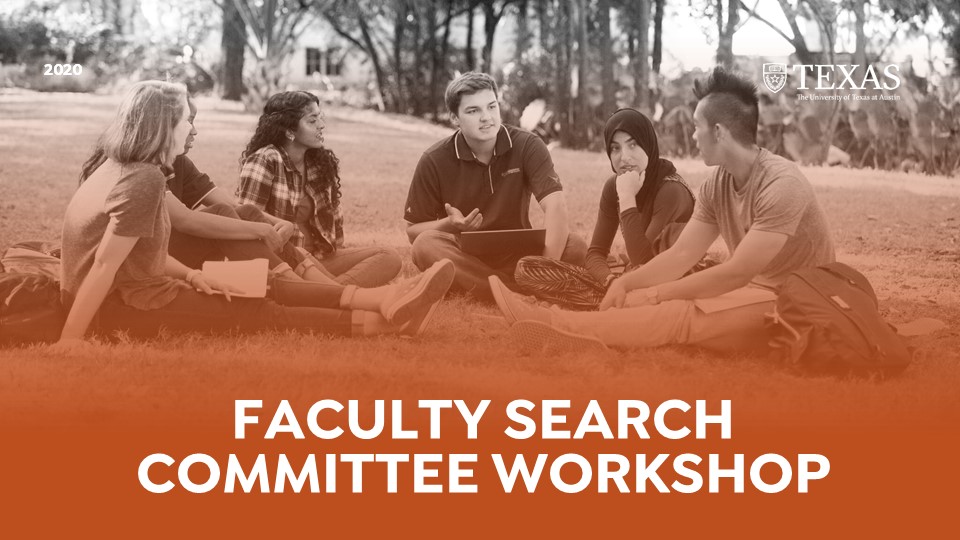
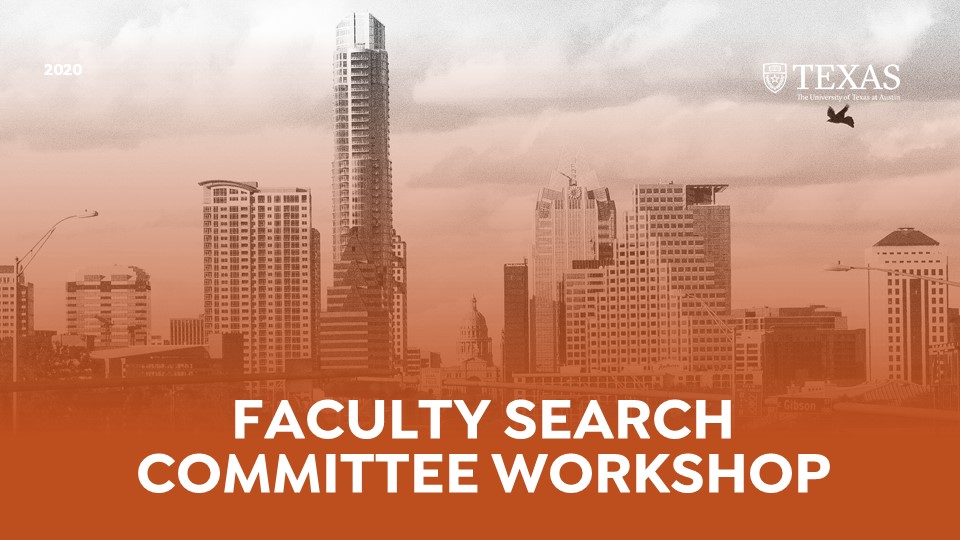

I also worked on formatting the rest of the content slides that have pictures on them to match the moodboard provided by the client as well. These are some of the slides in the moodboard:
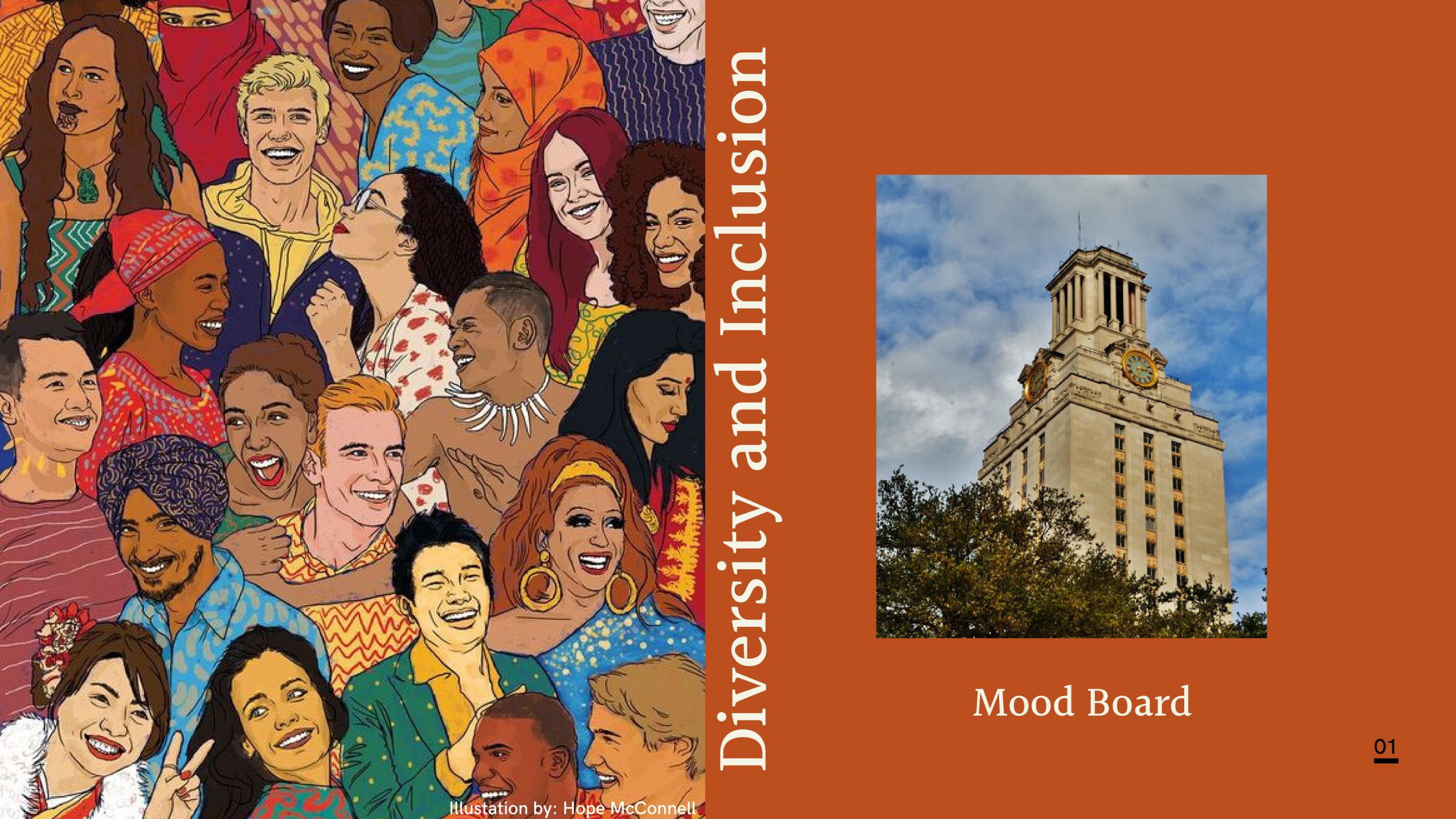
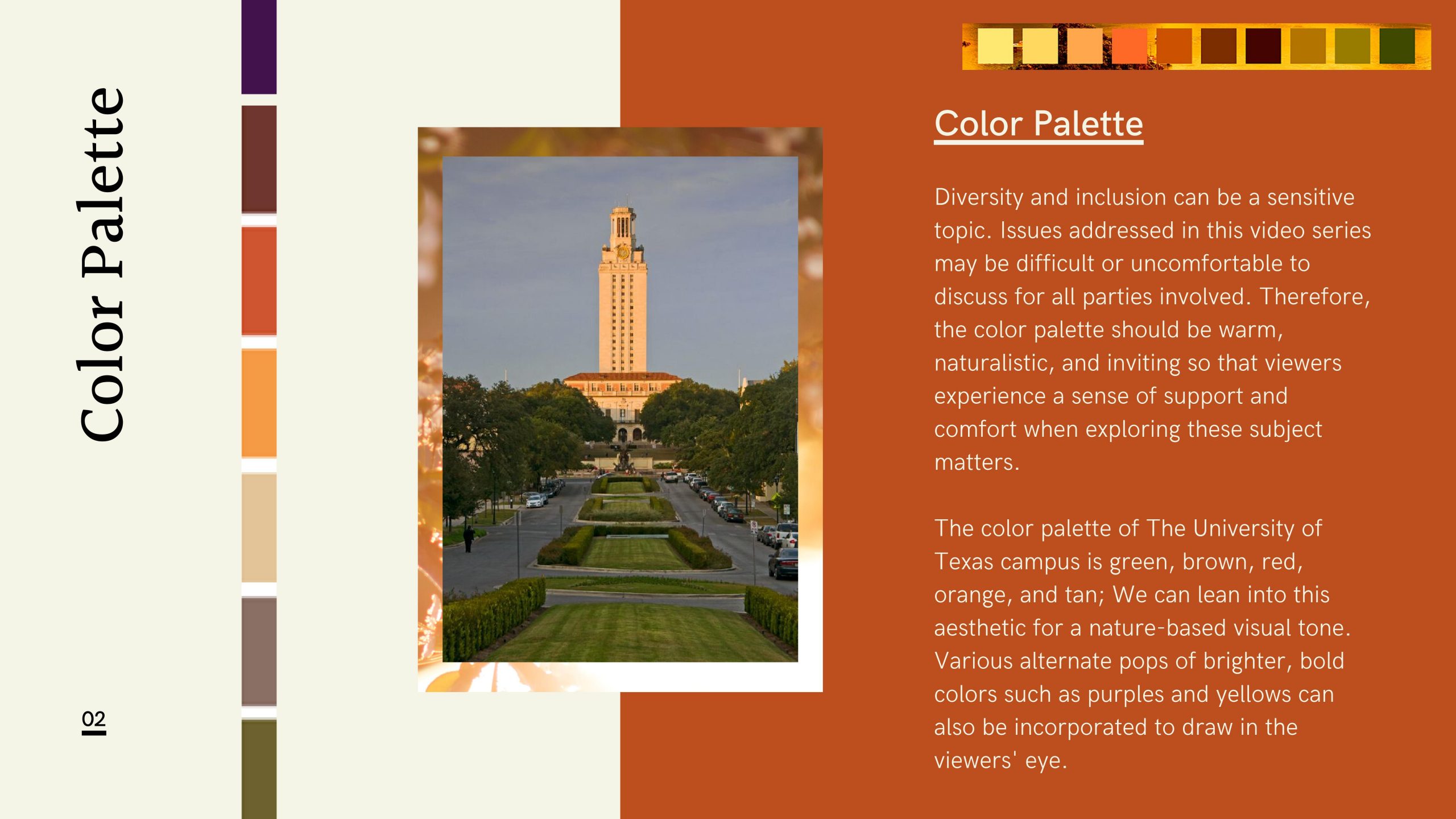

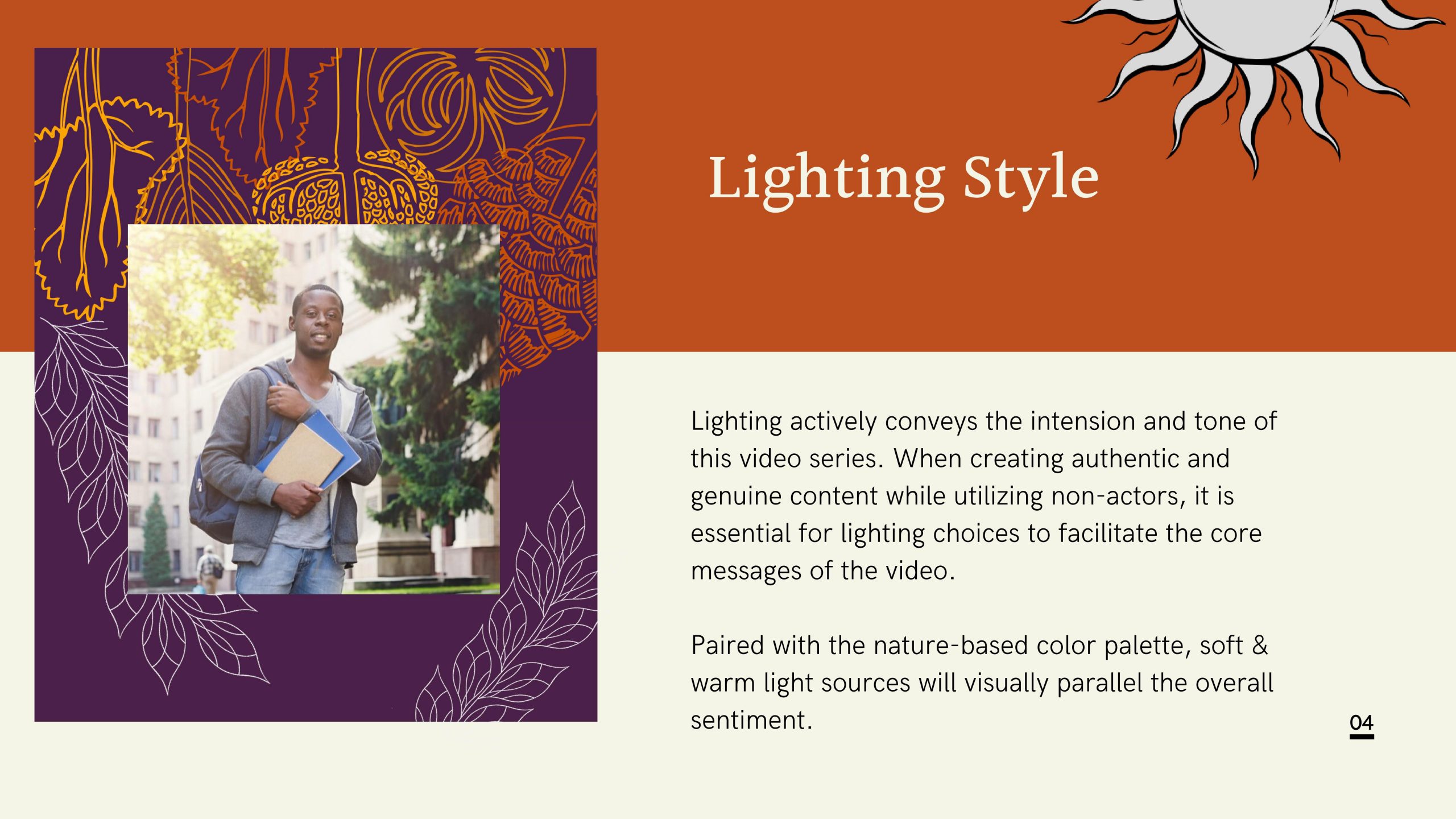
And these are the slides I’ve worked on:

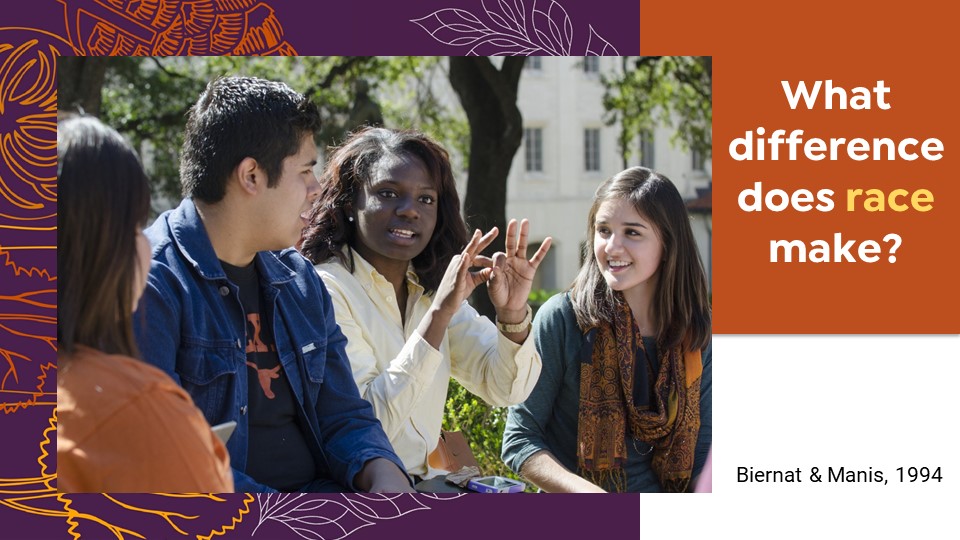


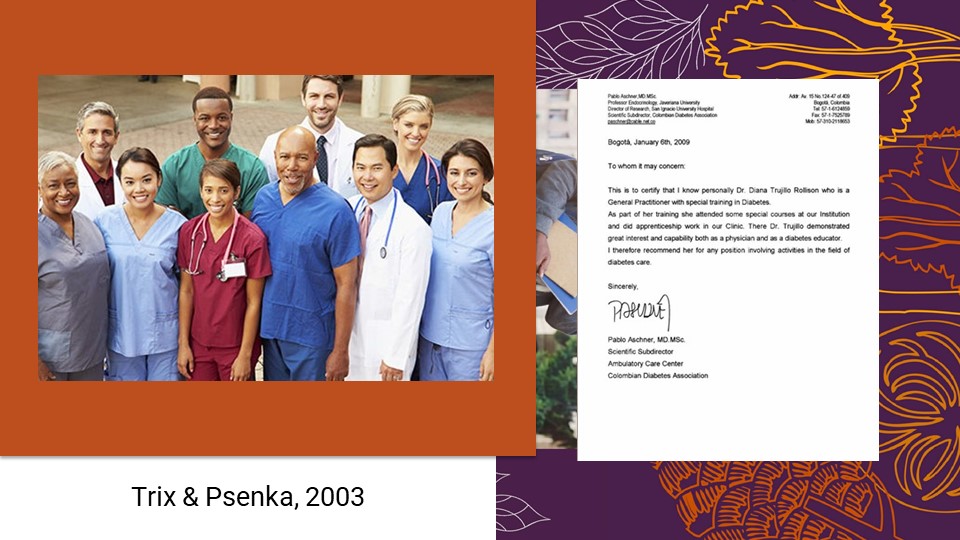
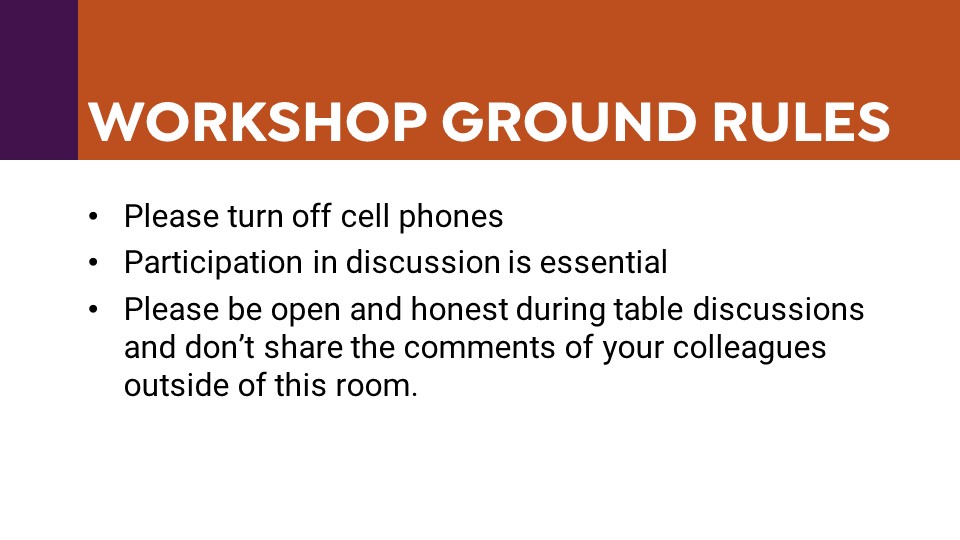
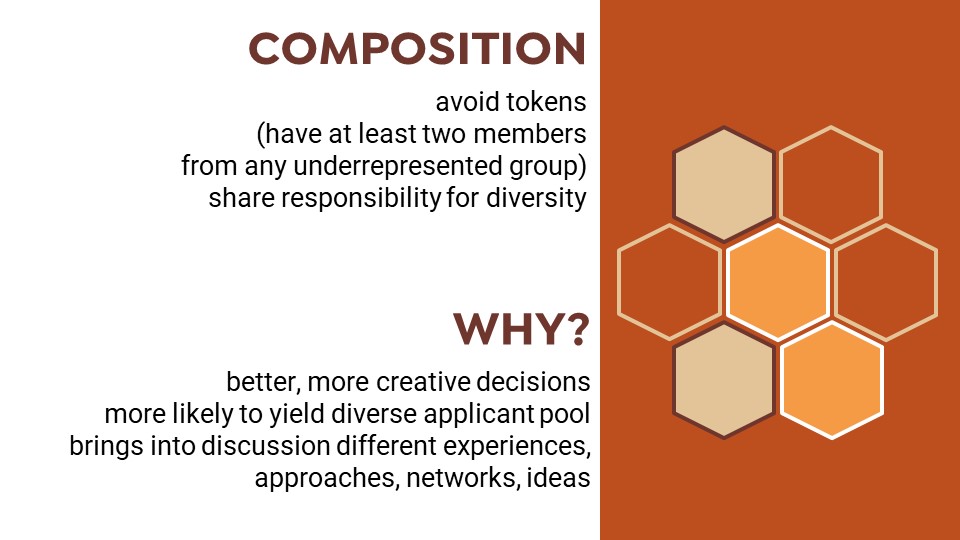
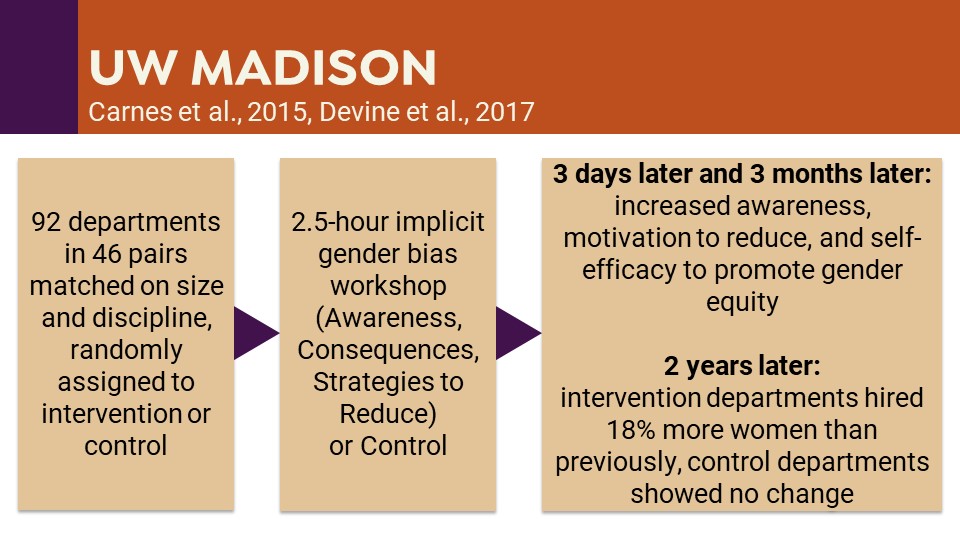
More redesigns for the Diversity Worskshop PPT! Including more contrast on text, white background color and more!
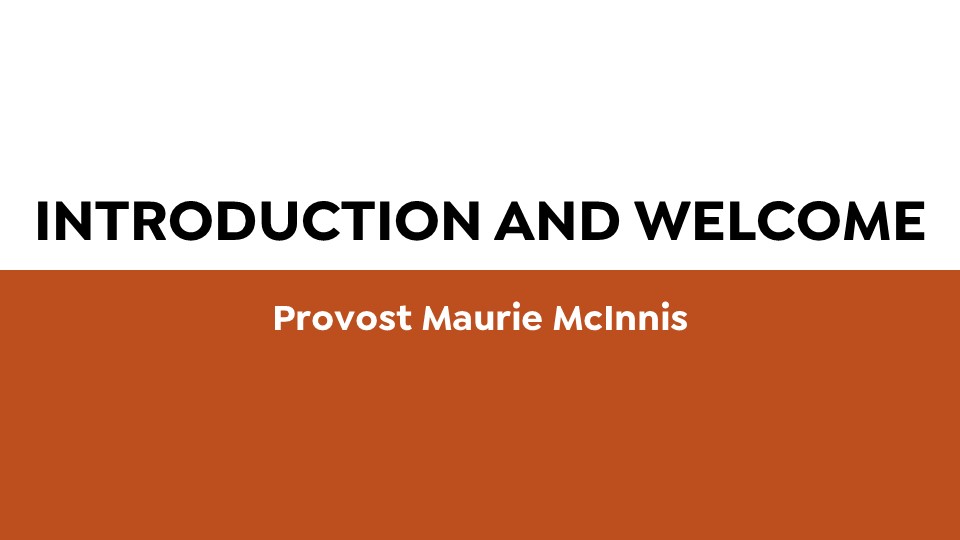


And some ideas I have for the intro slide: