• We are STAs
    • Asha Rountree
    • Haley Ma
    • Isabella Melendez Gonzalez
    • Julie Brandt
    • Kate Shih
    • Kyra Lee
    • Nicholas Peasley
    • Sasha Kenney
    • Shanda Horm
    • Shriya Atreya
    • Tomas Marulanda-Mesa
    • Trisha Darure
  • We were STAs
  • STA Presentation
    • STA Presentation 2017
    • STA Presentation 2016
  • Testimonials
  • Resources
  • Home

STA Blog

Creating the Cafe (кафе) Set for RUS407 Animations

February 21, 2018 By Tate Gibson

Creating the Cafe (кафе) Set for RUS407 Animations

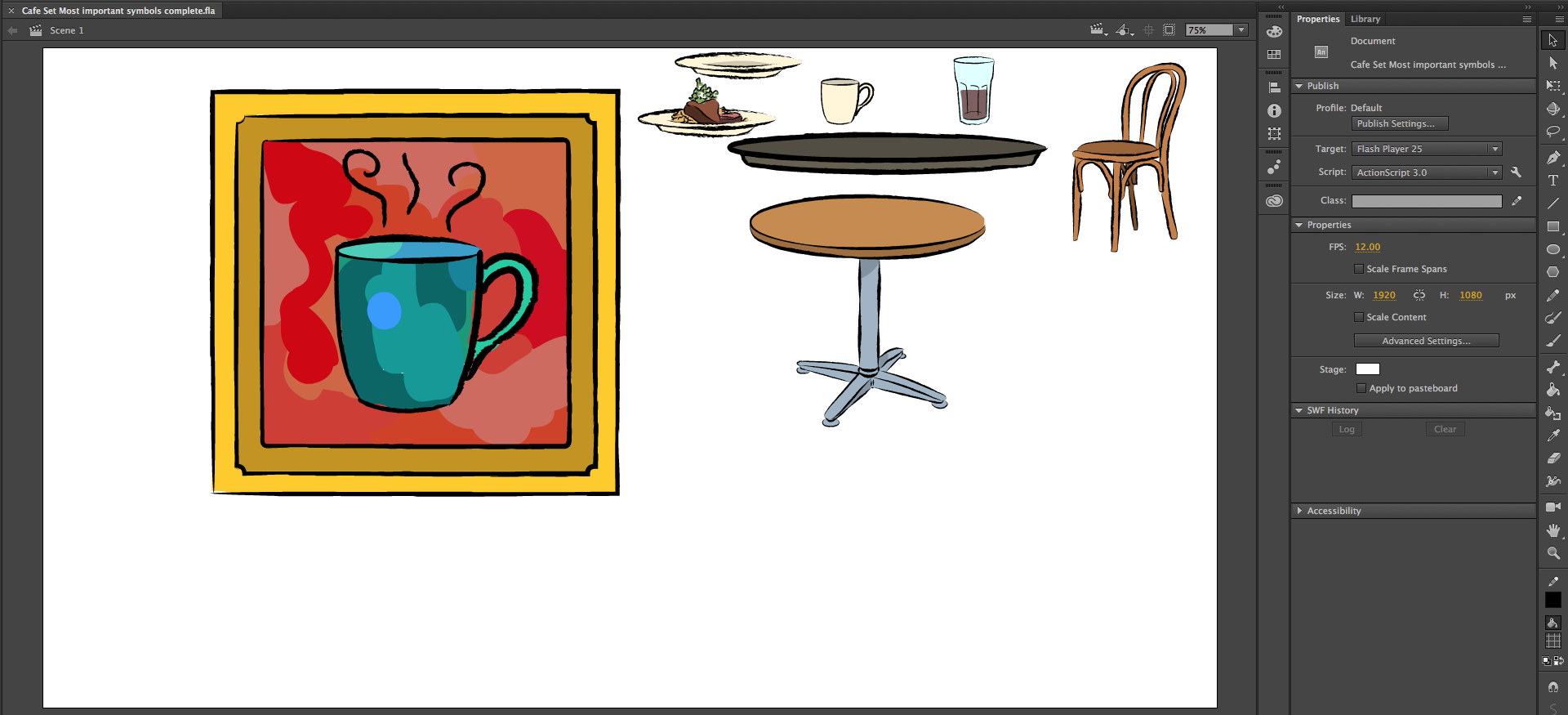
The Cafe set was the first set I created for the RUS407 animations. Since my previous set building with Adobe Animate was pretty limited, I wanted to keep things pretty simple, focusing on important icons to make up a Cafe. First, I made a list of the most important items I knew I’d need for the cafe set and drew those: 

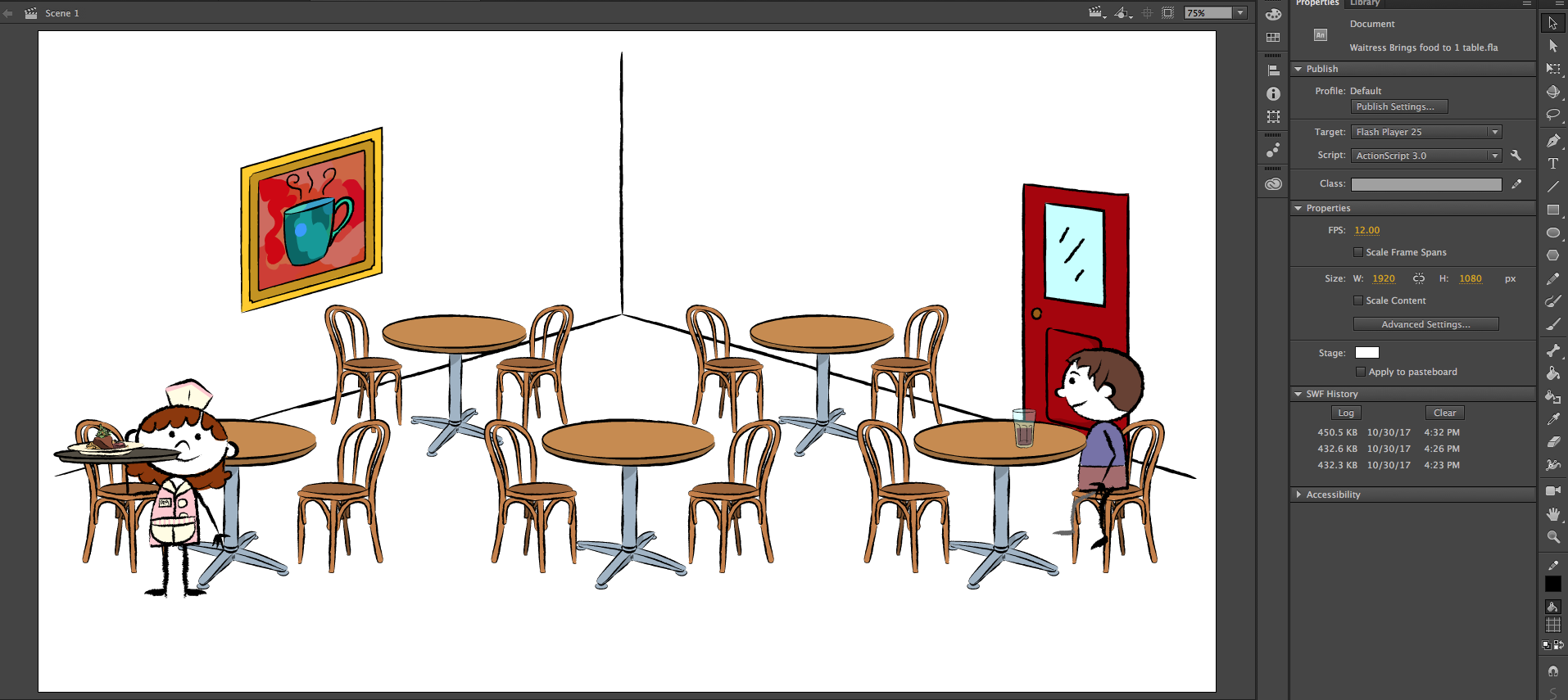
I then took these symbols and pieced together a simple “Cafe” set:


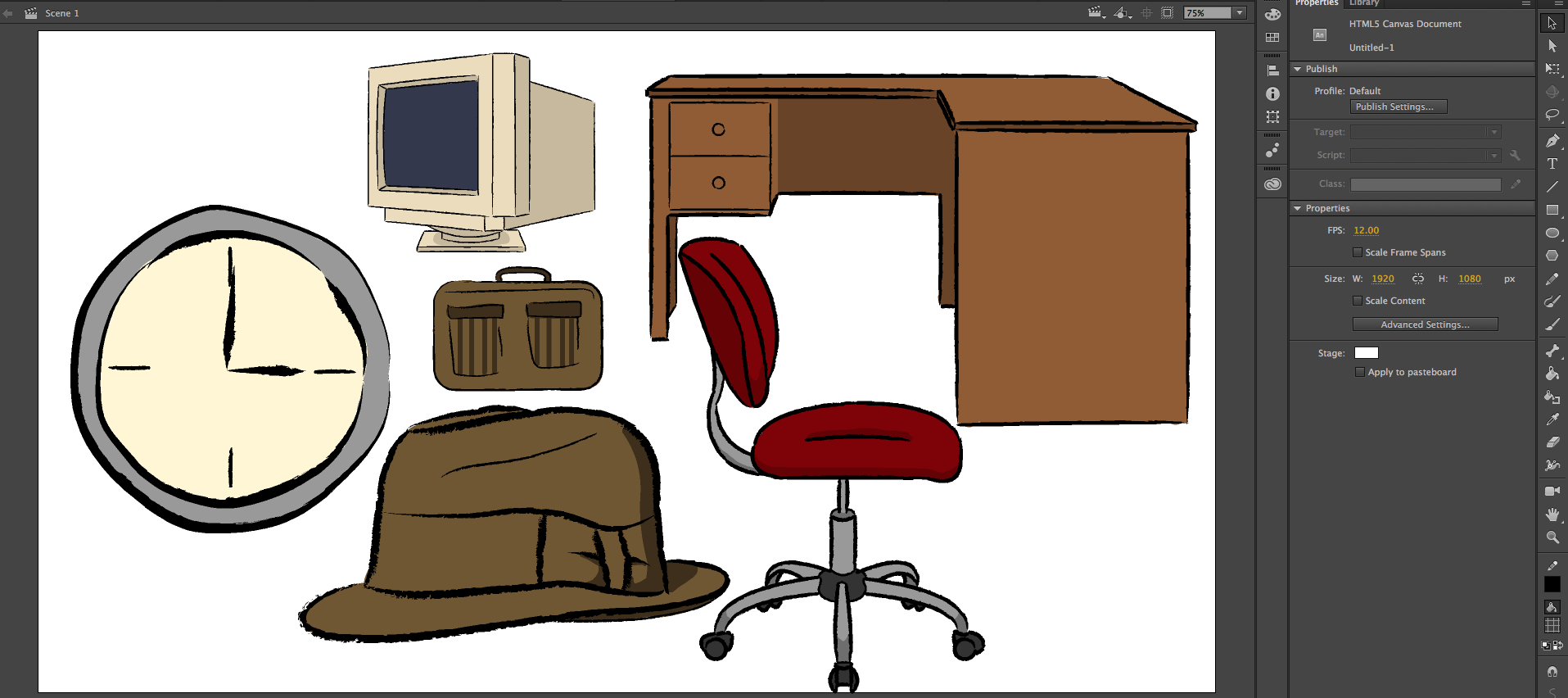
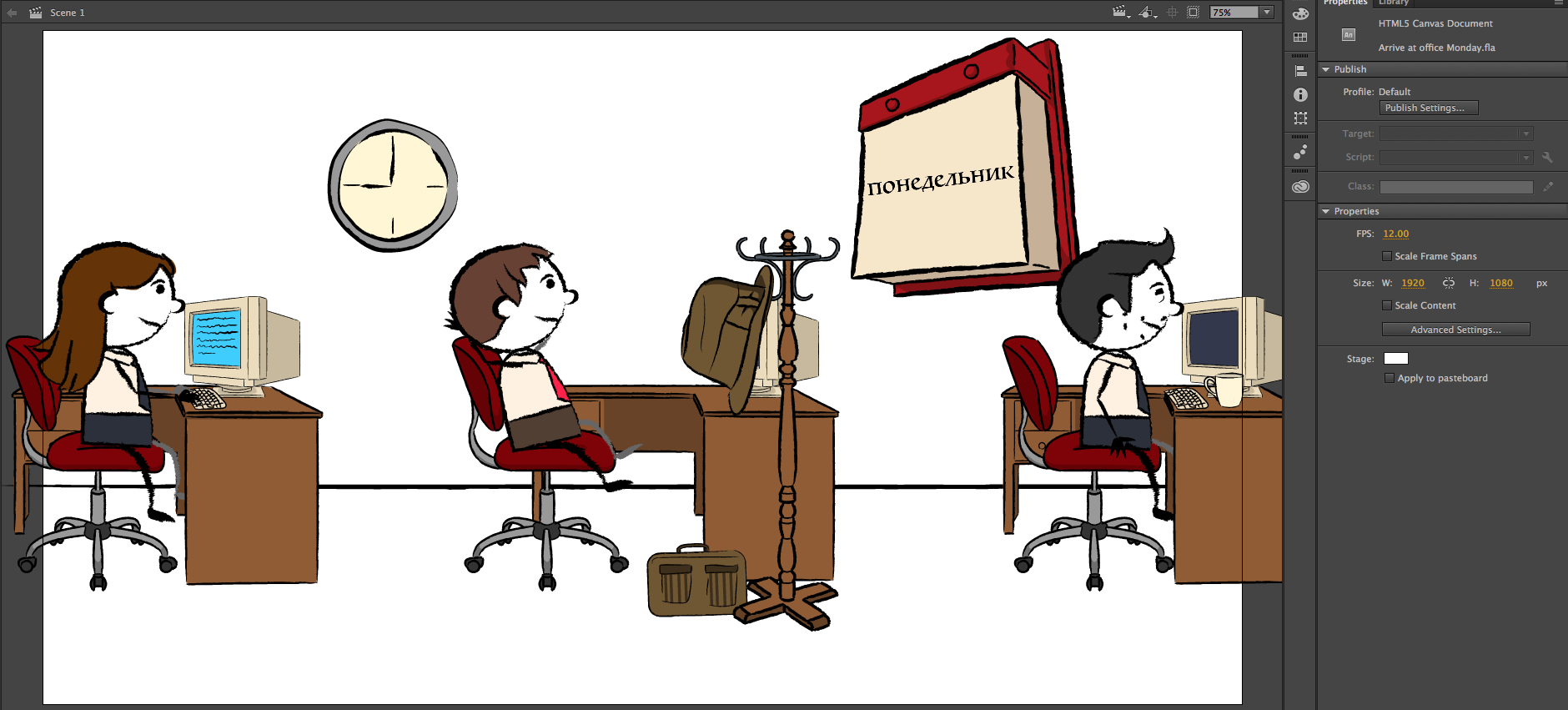
I also followed a similar process for the creation of the “Office” set, seen below:

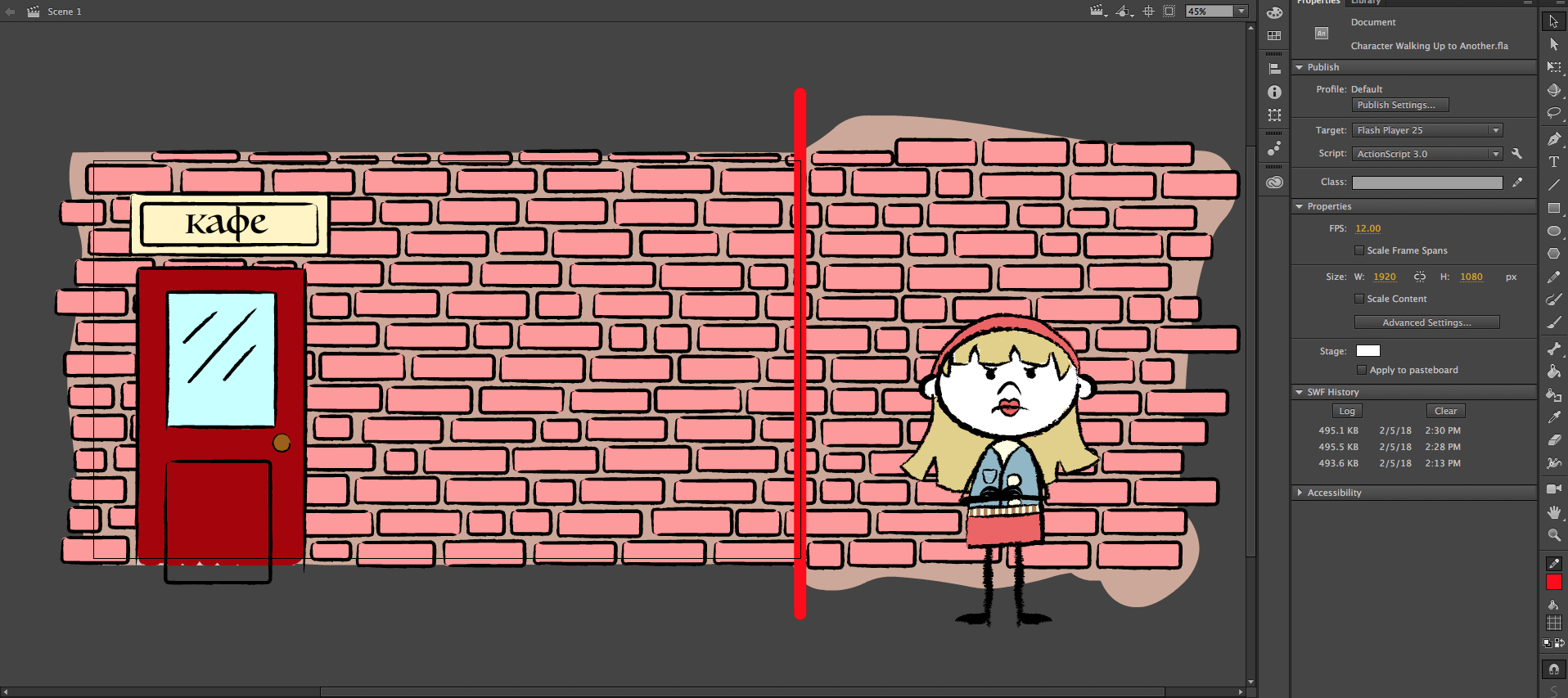
Later, I was able to expand the “Cafe” set to outside the front door for an animation in Unit 11. I started with creating a brick wall, the front door and a sign above it. As you can see, I made the brick wall longer than the 1080×1920 frame (seen by the red line), so that the “camera” can pan over to the girl standing angrily:

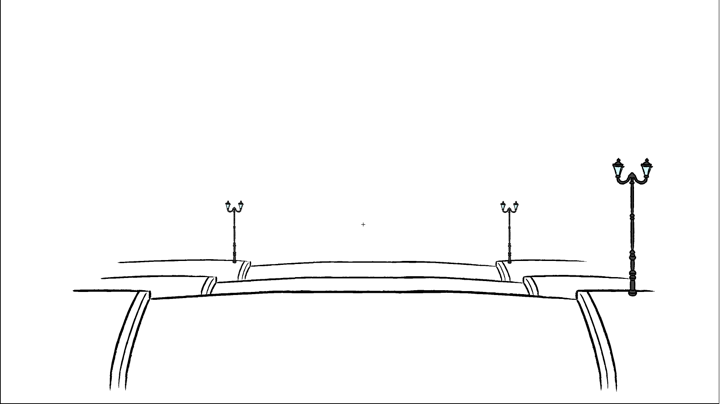
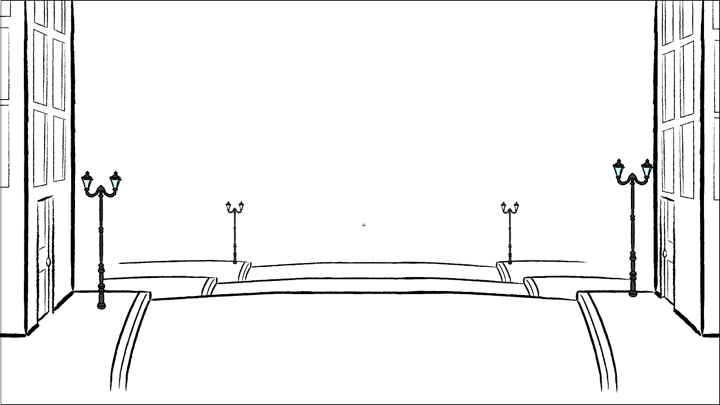
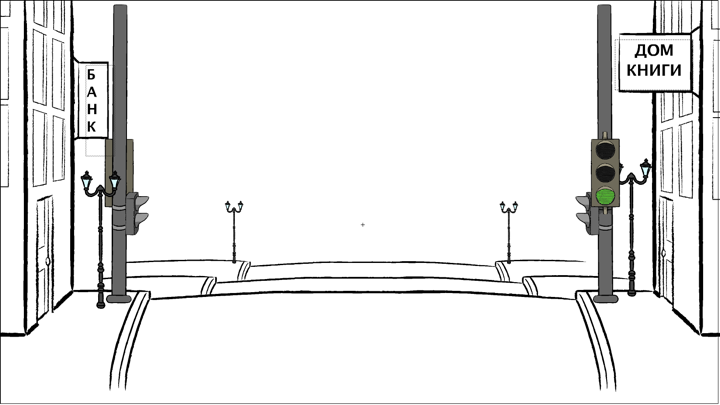
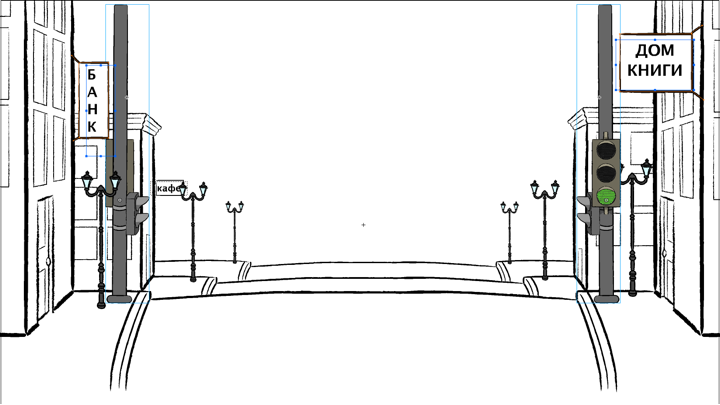
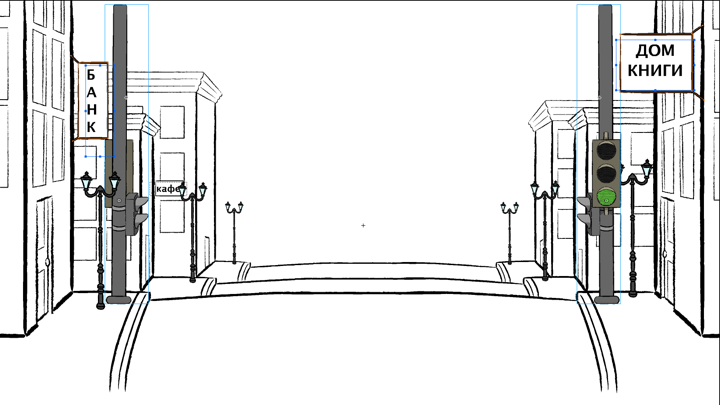
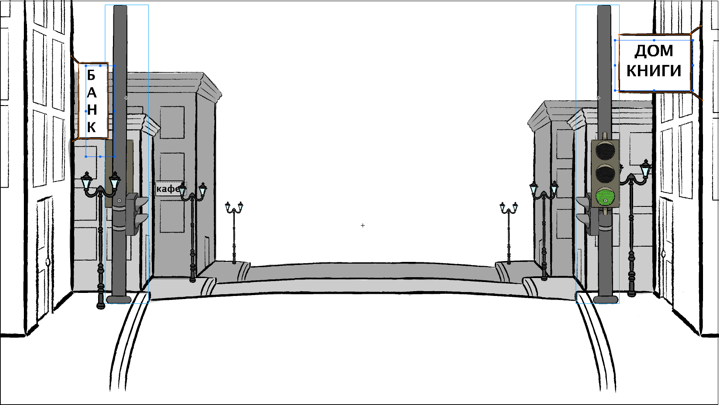
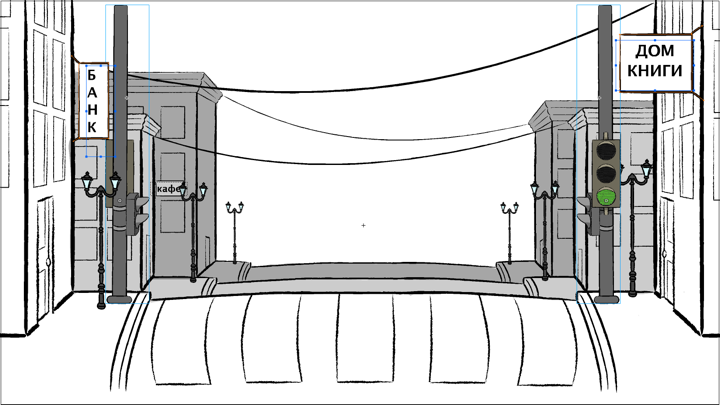
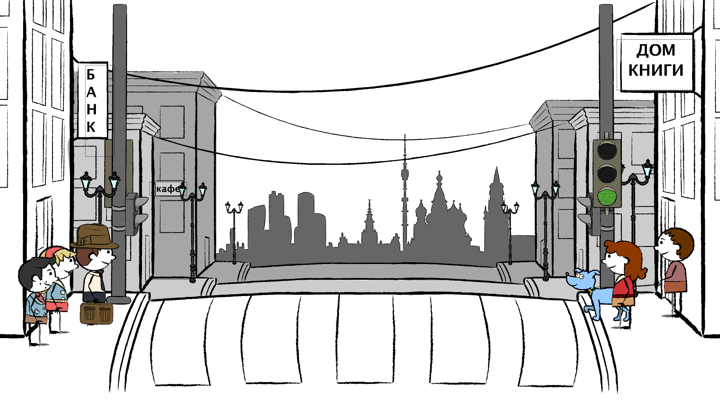
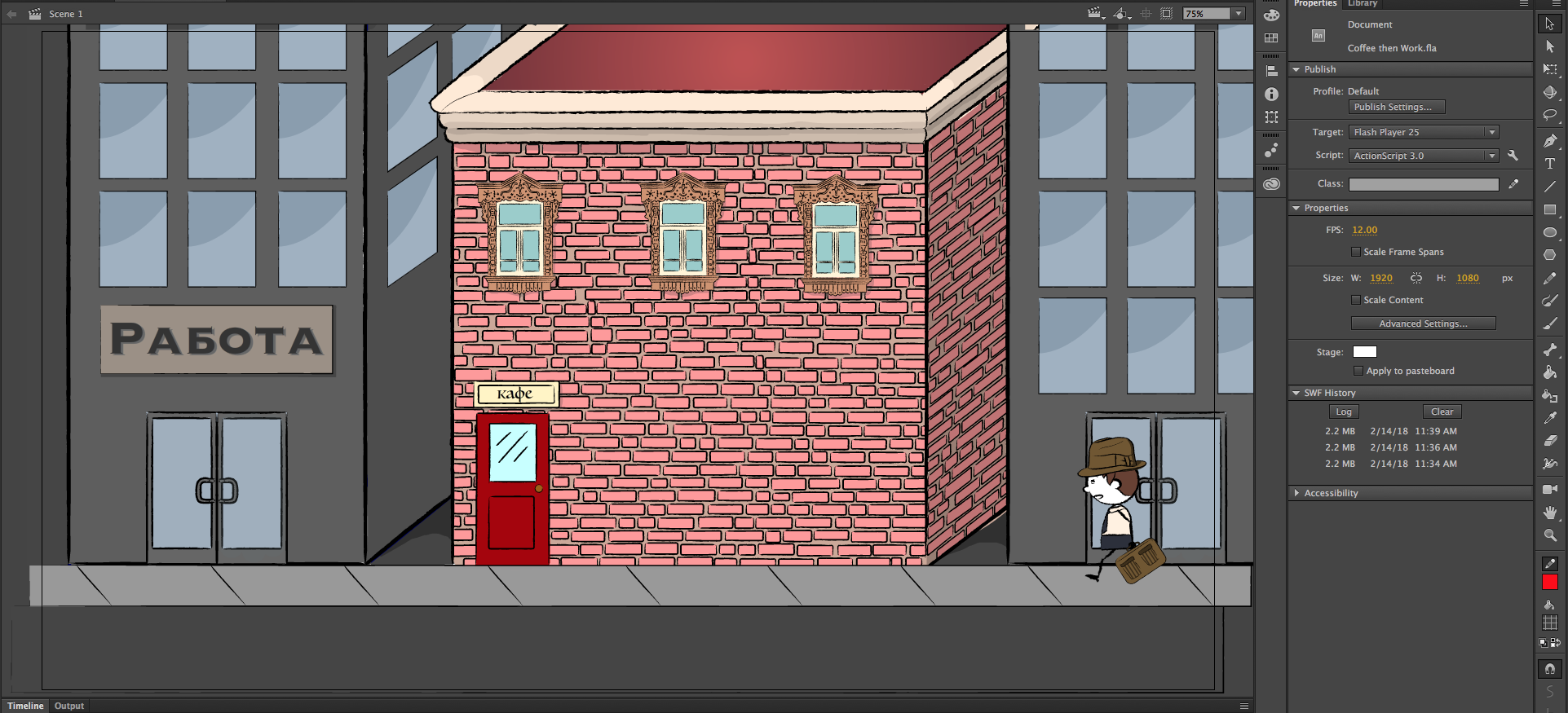
Finally, for an another animation after that, I expanded the “Cafe” set to include the buildings next to it and some of the street, adding more brick and some ornate Russian window frames that I had already drawn:

The “Cafe” set proved to be very conducive to me gradually adding more complexity to the RUS407 animations as I became more comfortable with the program and the workflow!
Filed Under: Uncategorized

A Quick Note on RUS407 PPT Workflow

February 20, 2018 By Tate Gibson

A Quick Note on RUS407 PPT Workflow

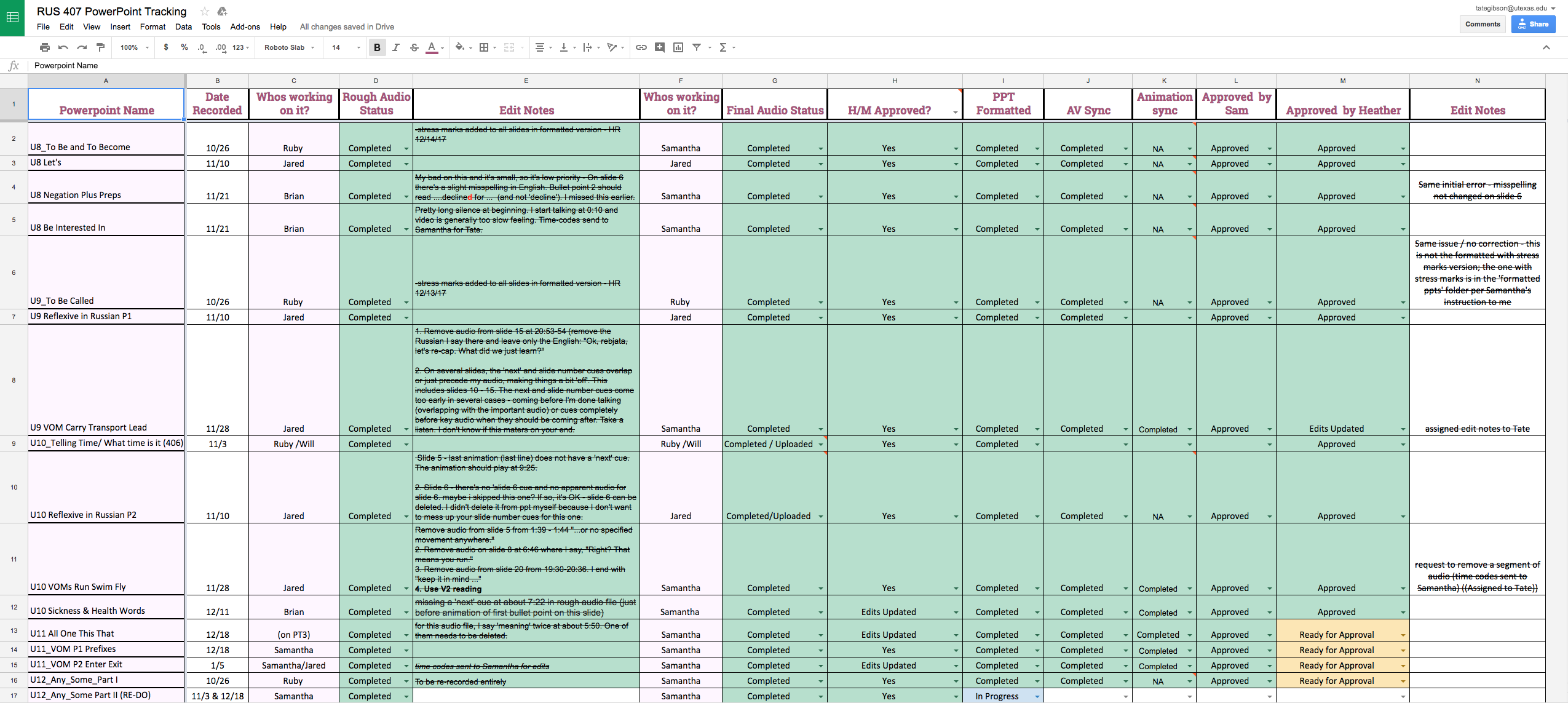
Since multiple people take on different aspects of the RUS407 Online Powerpoint Video Project, it is vital to be as organized as possible when sharing information and holding accountability for different tasks. One of the ways of ensuring success in this project is the use of Google Sheets. After all of the powerpoints are planned out they are uploaded to this sheet: 

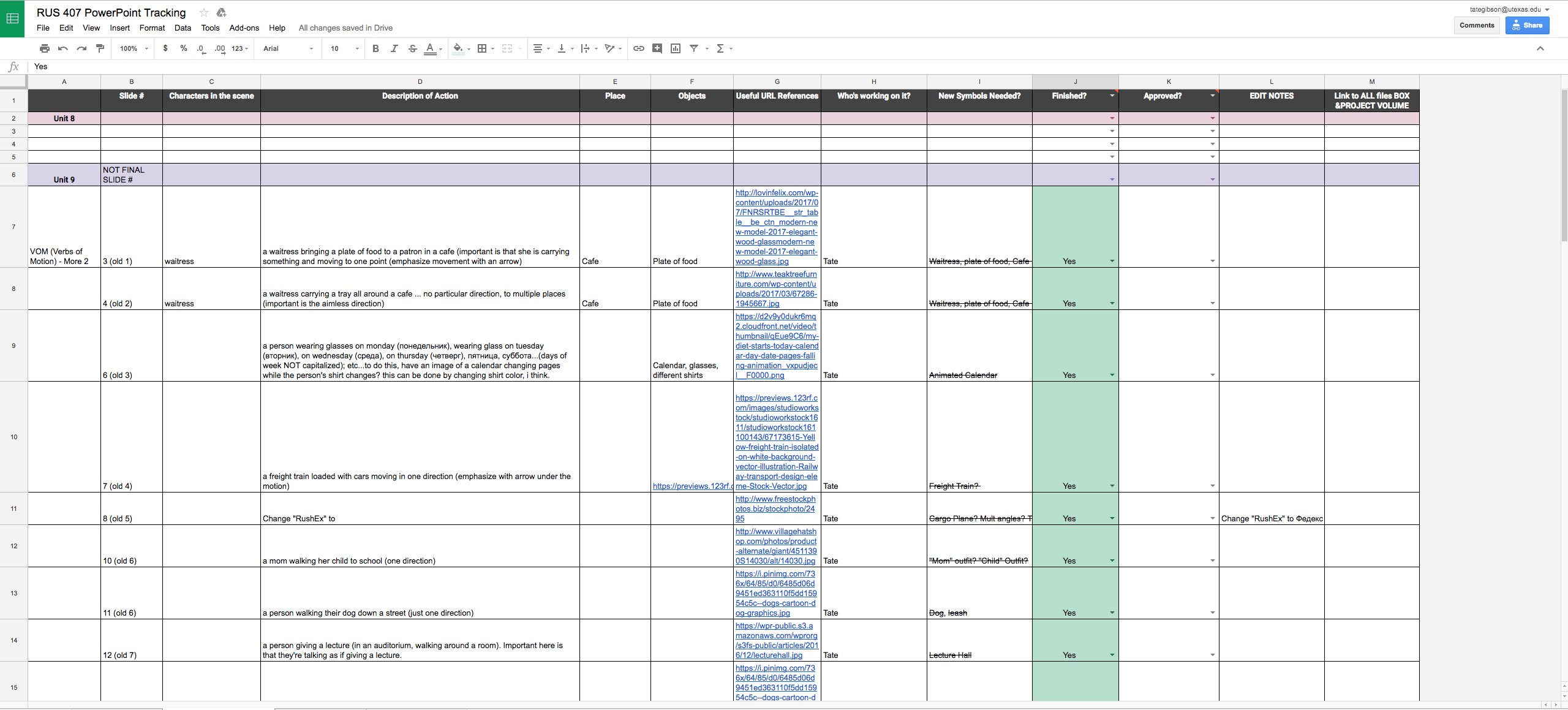
Then the powerpoint goes through its various stages to completion; getting marked green along the way. If the powerpoint video in question needs animations, Dr. Rice includes those animation descriptions in this sheet:

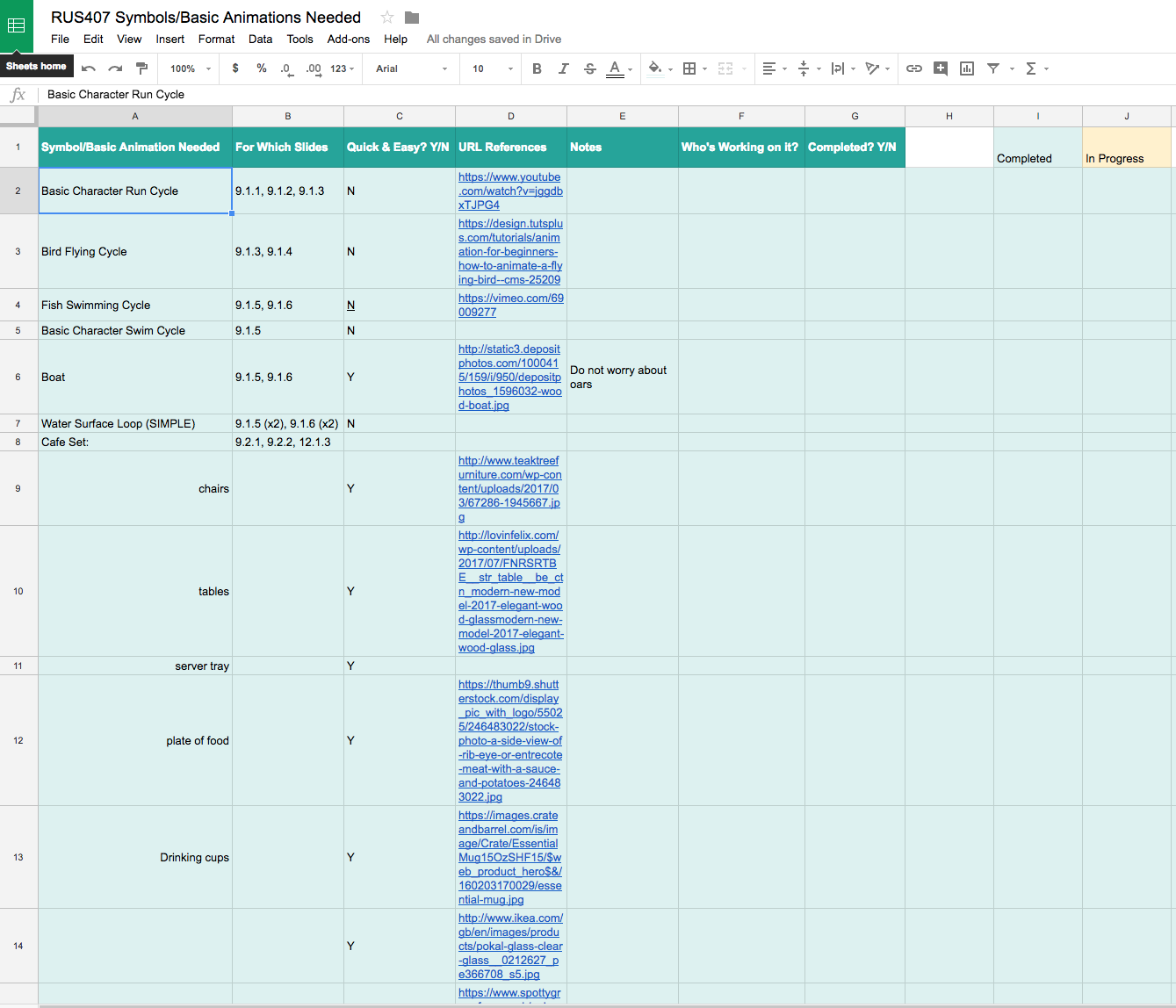
After I look over these animations descriptions, I make a short list of the various new items that will be needed as well as any clarification I may need from Dr. Rice. Once that is completed, I created my own Google sheet for the animation workflow, outlining every single new object, set piece and symbol I can think of that may be needed for these new animations. I then also find as many URL references as I can to simplify this new symbol creation process: 

After these are completed I can then more quickly put together the final animations, often just piecing together the various objects and symbols created with the help of the Google sheet above, and then I can go back and notify Samantha Skinner or Dr. Rice of this completion, and move forward with the finalization of these videos.

Filed Under: Uncategorized

AET Online Course Backdrop

February 20, 2018 By Tate Gibson

AET Online Course Backdrop

Another project I’ve worked on a bit the last couple of months is the backdrop for the AET304 live broadcast class. Over the winter break I created an animated Austin landscape for the backdrop:

https://sta.laits.utexas.edu/wp-content/uploads/2018/02/Original-Animated-Skyline-Clip.mp4

After a couple of weeks, the professor opted for a simpler design to which I added the UT branding that fades in and out:

https://sta.laits.utexas.edu/wp-content/uploads/2018/02/New-Skyline-Clip.mp4

Filed Under: Uncategorized

RUS407 Unit 11 Part 2 Animations

February 20, 2018 By Tate Gibson

RUS407 Unit 11 Part 2 Animations

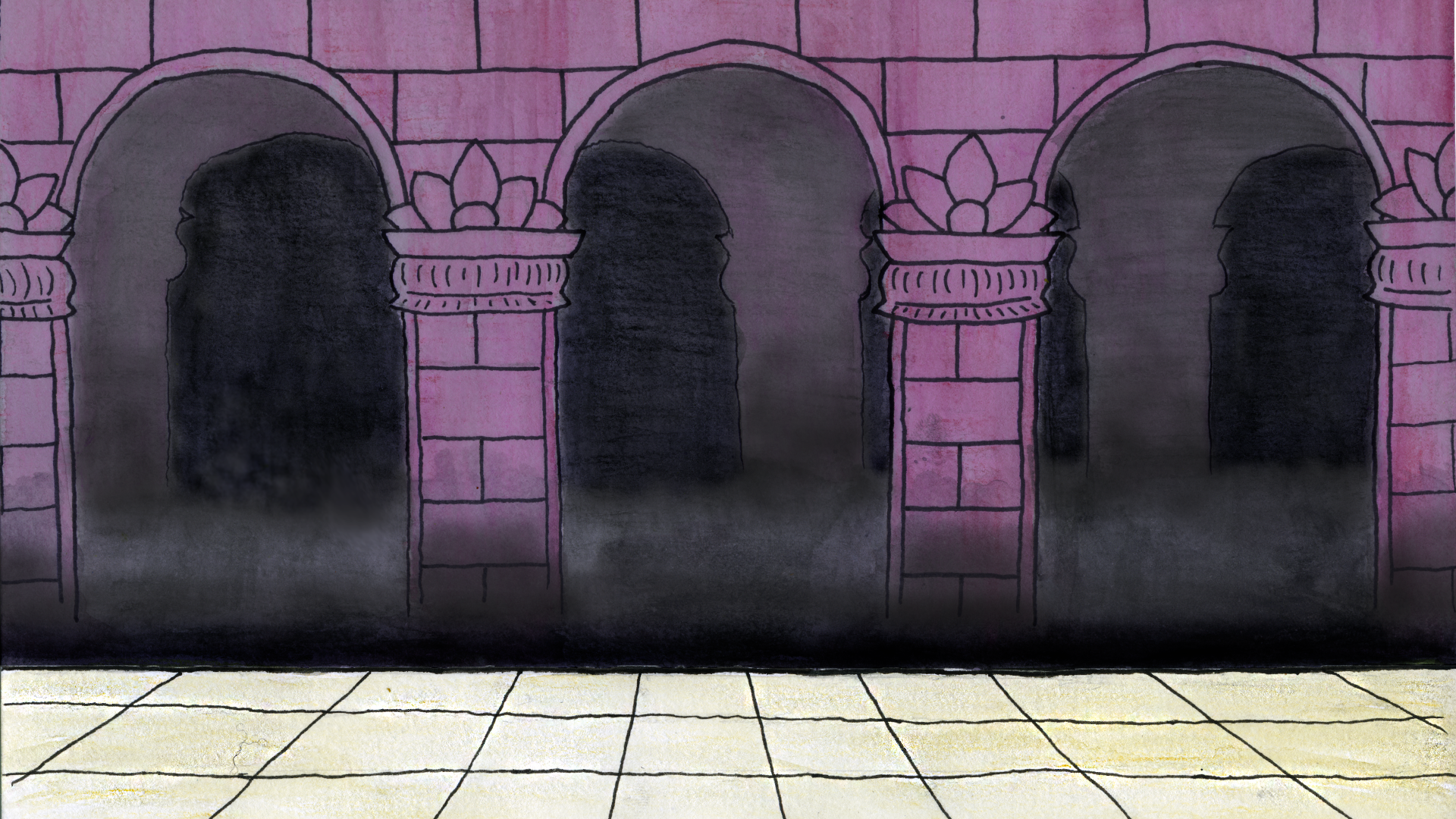
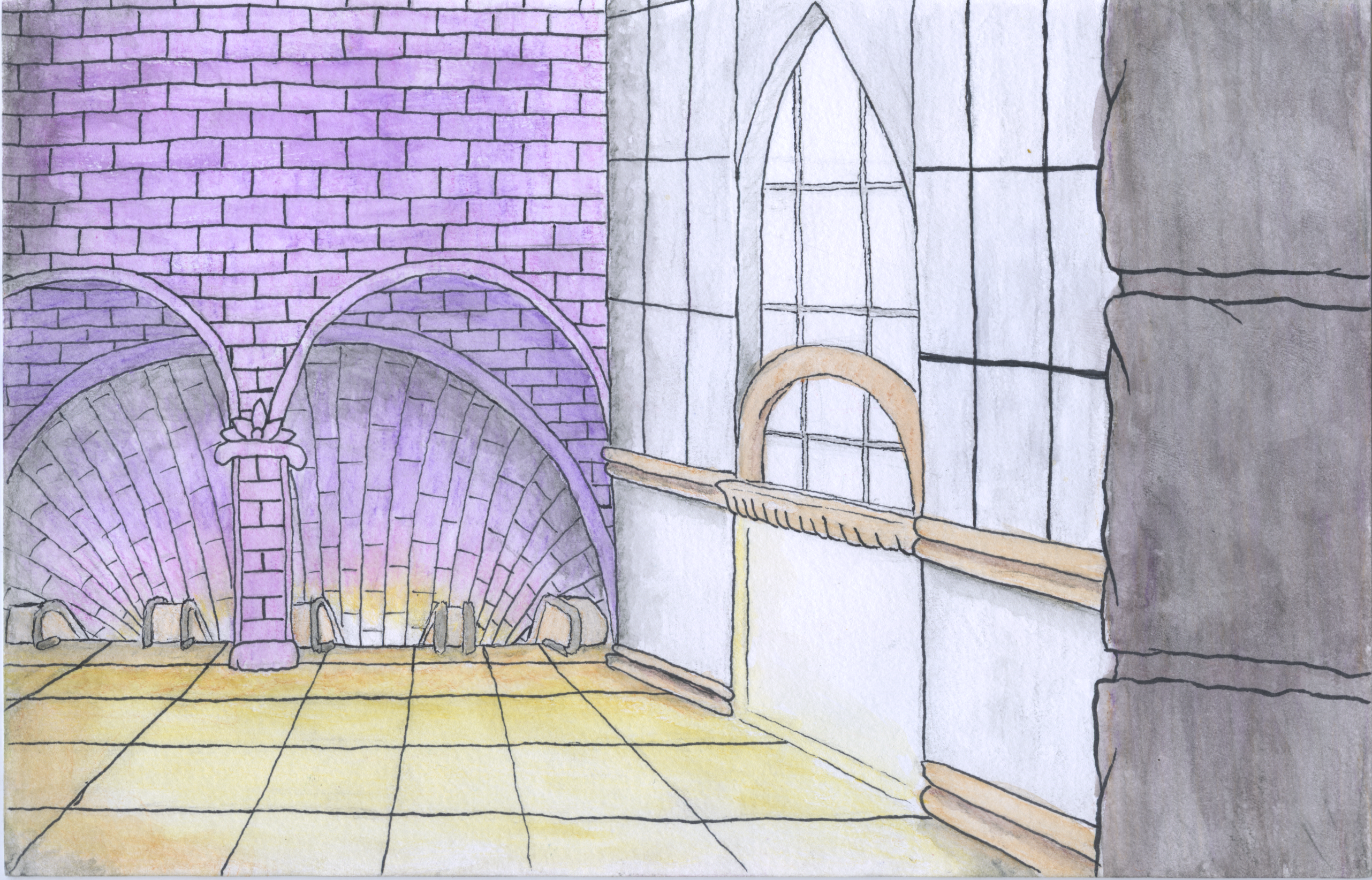
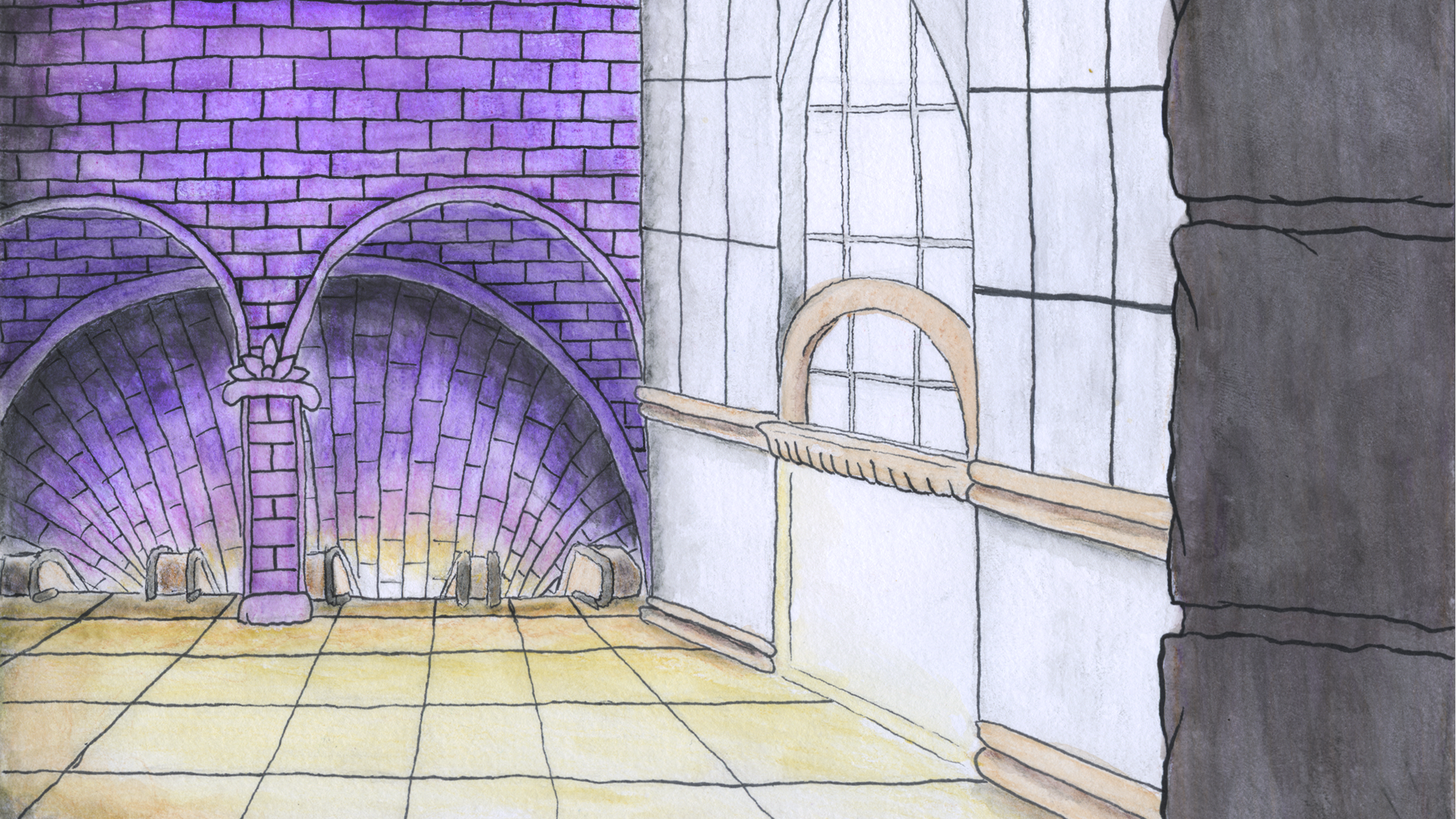
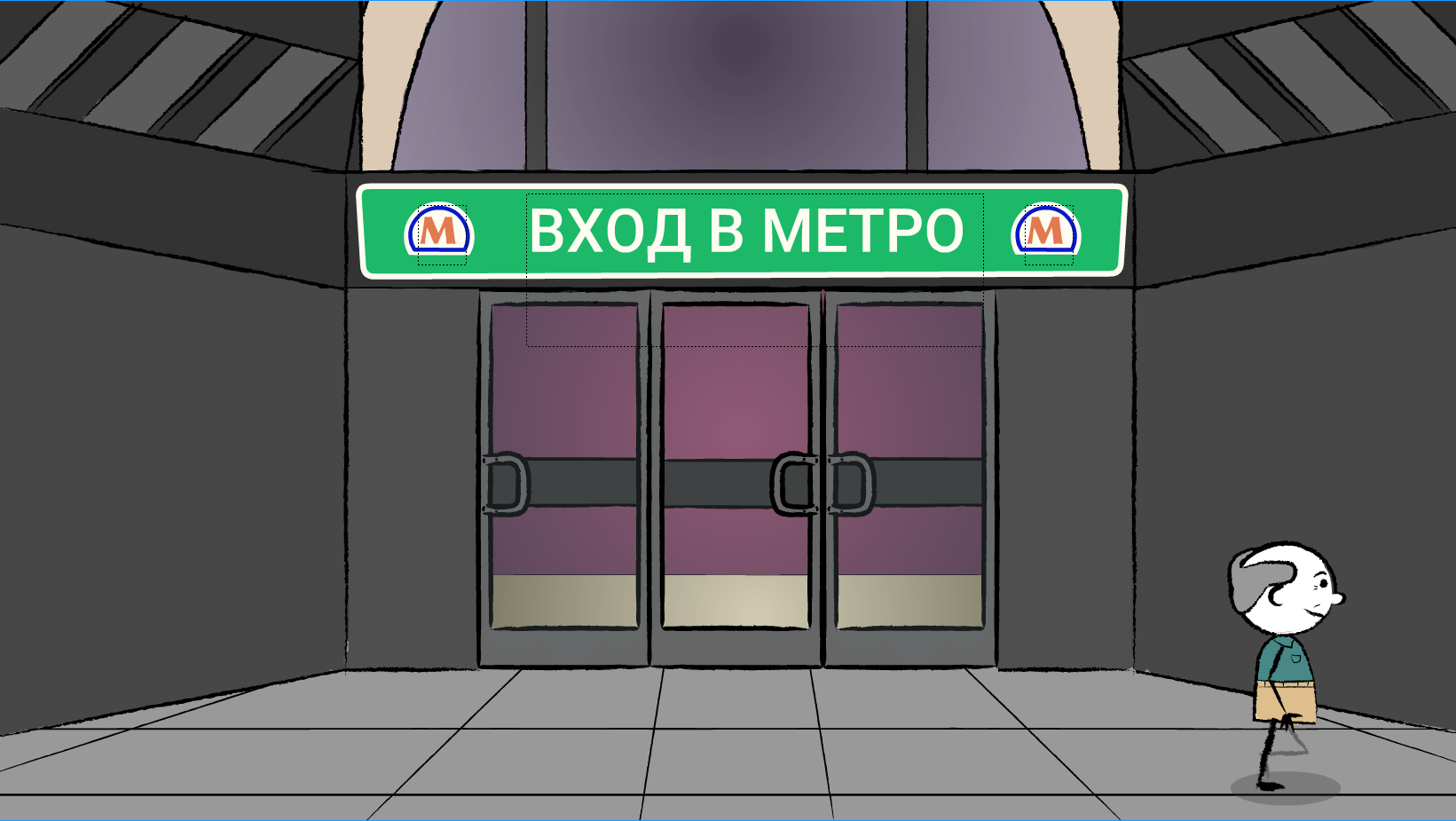
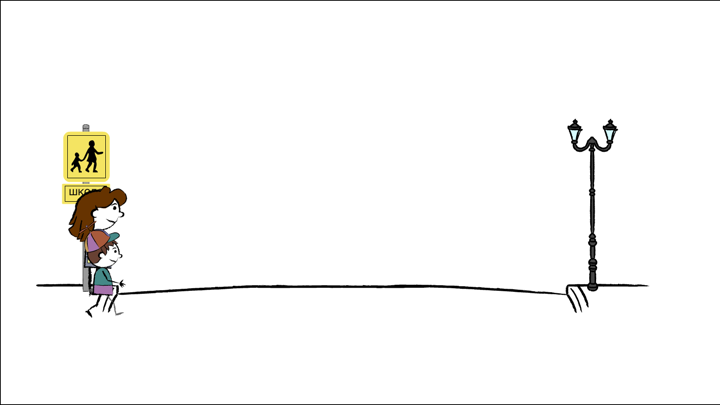
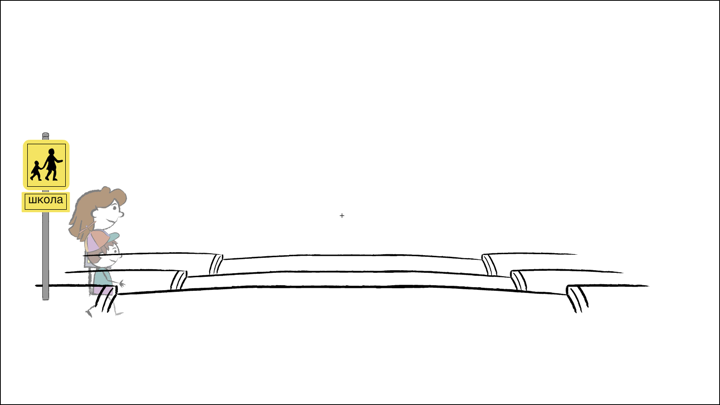
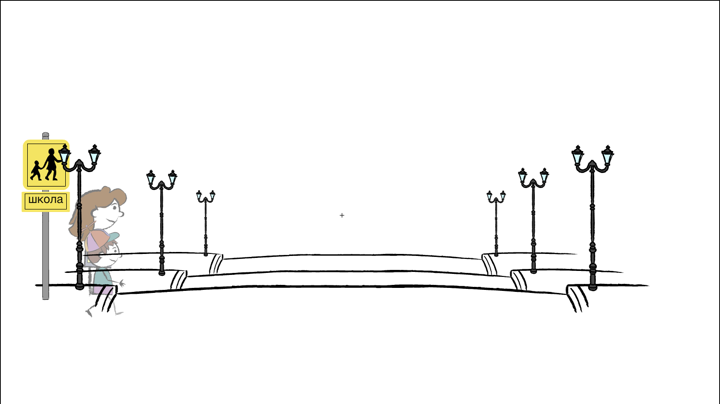
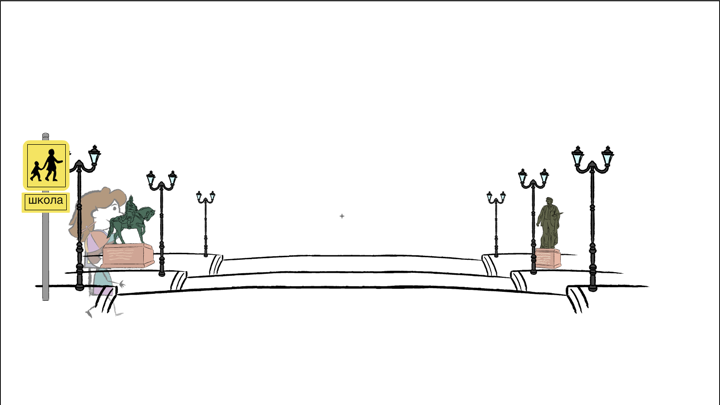
These animations are hot off the press, being finalized just last week! They were assigned much later than the first 3 sets of animations, and while there were only 6 animations for this set, I only had about 2 weeks to get them finished, much less time than I spent on the previous animations. Thankfully, since I had already completed so man walk cycles and set designs from the previous animations, I was able to build upon previously created sets, adding more detail and color and even experiment with incorporating hand drawn set design into digital animation, which I am very pleased with the results of. Here is the video of all 6 of these animations:

https://sta.laits.utexas.edu/wp-content/uploads/2018/02/U11-P2-VOM-Entire-Cartoon-Sequence.mp4

Filed Under: Uncategorized

RUS407 Unit 11 Part 1 Animations

February 20, 2018 By Tate Gibson

RUS407 Unit 11 Part 1 Animations

The animations in the first part of Unit 11 again called for more complex action, set building and linking together multiple “clips” of animations. For these animations, I was able to expand my experience with the workflow of creating animations in Adobe Animate then linking them together in Adobe After Effects. Here is a video of all of the animations for this section:

https://sta.laits.utexas.edu/wp-content/uploads/2018/02/U11-P1-VOM-Entire-Cartoon-Sequence.mp4

Filed Under: Uncategorized

RUS407 Unit 9 Animations

February 20, 2018 By Tate Gibson

RUS407 Unit 9 Animations

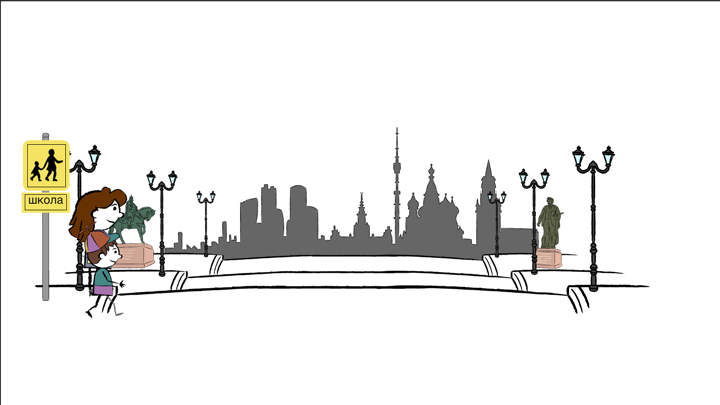
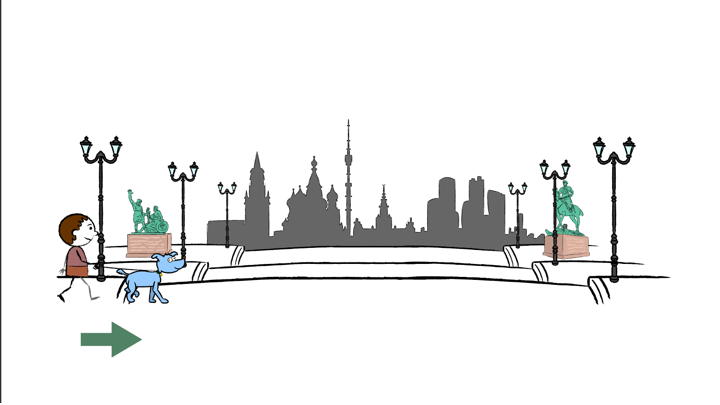
In this post, I included a video of all of the Unit 9 animations, most of which I completed after working on the Unit 10 animations. These animations were slightly more complex than the previous set of animations, calling for my first attempts at set design and more nuanced movement of characters.

https://sta.laits.utexas.edu/wp-content/uploads/2018/02/U9-VOM-Entire-Cartoon-Sequence.mp4

Filed Under: Uncategorized

  • « Previous Page
  • 1
  • …
  • 54
  • 55
  • 56
  • 57
  • 58
  • …
  • 92
  • Next Page »

link to LAITS home page

Video STA Home

© 2026 Liberal Arts Instructional Technology Services | Production Credits