• We are STAs
    • Asha Rountree
    • Haley Ma
    • Isabella Melendez Gonzalez
    • Julie Brandt
    • Kate Shih
    • Kyra Lee
    • Nicholas Peasley
    • Sasha Kenney
    • Shanda Horm
    • Shriya Atreya
    • Tomas Marulanda-Mesa
    • Trisha Darure
  • We were STAs
  • STA Presentation
    • STA Presentation 2017
    • STA Presentation 2016
  • Testimonials
  • Resources
  • Home

STA Blog

Creating the “Russian Subway” Set for RUS407 animations

February 21, 2018 By Tate Gibson

Creating the “Russian Subway” Set for RUS407 animations

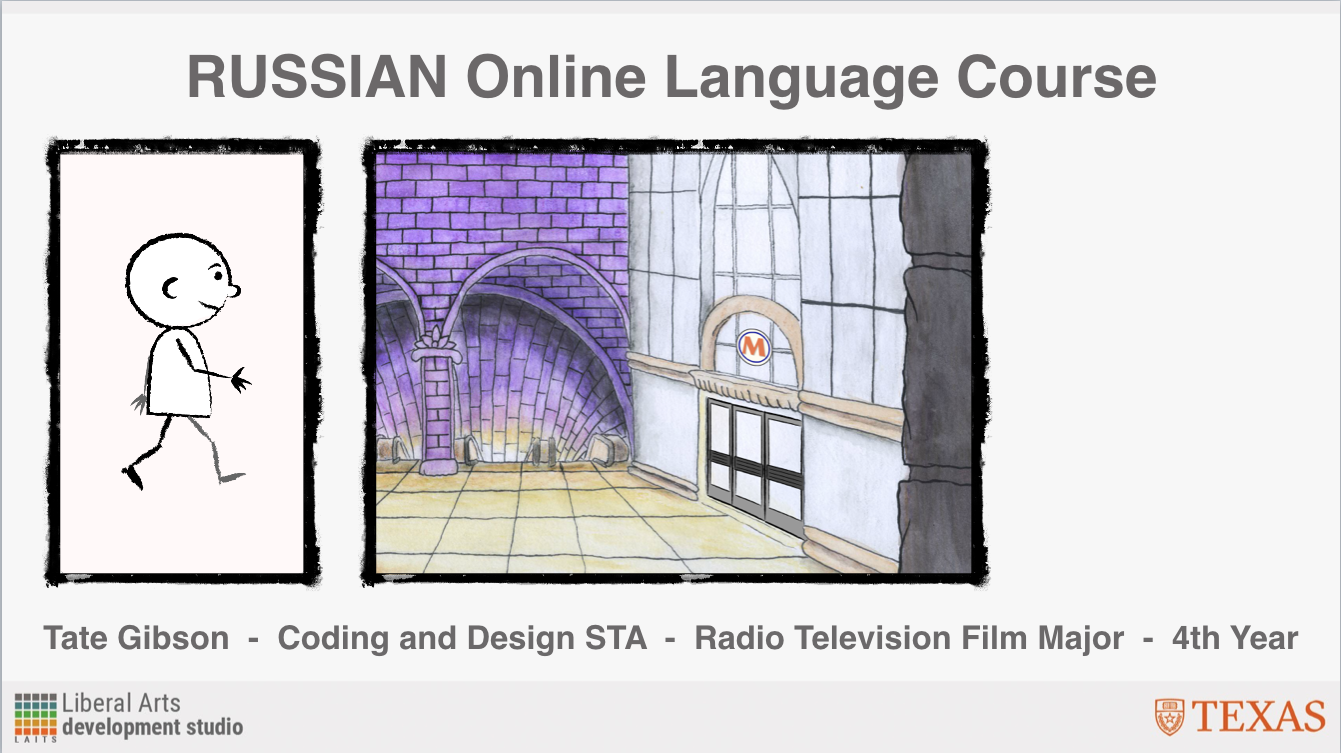
The creation of the “Russian Subway” set definitely yielded my favorite outcome for backgrounds in RUS407 animations. After getting comfortable with set building within Adobe Animate, I wanted to experiment with incorporating hand drawn illustrations with pen, watercolor, and paper into the program as the set design. First I drew the tunnel itself. From my research I saw that many Russian subway tunnels have large archways with ornate designs and big, expansive entrances, which I tried to incorporate in my drawings. After completing the hand drawn picture, I scanned the image into the computer and touched it up in Photoshop, adding shading and contrast to create more depth. Here is a before and after comparison of the original untouched image scan and after I finished touching it up in Photoshop:

After completing this, I exported the image (with the walkway and the back arches on two separate layer) and imported into Adobe Animate and was able to easily add a subway train and some characters:

I then followed a very similar process for creating the Interior of the Subway station entrance. With this illustration, I wanted it to have the same feel as the “Tunnel” illustration, but I also wanted the space to feel more expansive and to play with depth more. Here is the before and after of touching up the image in Photoshop:

And after I uploaded the image into Adobe Animate, added details and my character:

Finally, since I wasn’t entirely sure if these hand drawn backgrounds would match the rest of the backgrounds, I decided for the exterior of the “Subway Entrance”, that I would create this digitally in the animation program, just matching the hand drawn illustration as best as I could:

I ultimately LOVE the feel the hand drawn backgrounds provide, and would be very interested in continuing this style in future animations.

Filed Under: Uncategorized

Creating the “Street” Set for RUS407 animations

February 21, 2018 By Tate Gibson

Creating the “Street” Set for RUS407 animations

The “Street Set” went through many iterations as I progressed in the RUS407 animations. With many animations for this project, I would complete the bare minimum for the animation to be “finished”, and then come back, sometimes as much as a month or two later, and add more details. The slideshow below outlines this process:

  • I started with the bare minimum I felt was needed to portray the action described: "a mom walking her child to school (one direction)"
  • I decided I wanted more depth, so I added two more "hills" of road behind the first.
  • With that depth I added a little more detail, having rows of street lights getting smaller in the distance.
  • After talking with Dr. Rice about some of the animations, we agreed that it would be nice to have some icons to make the street more "Russian" and I started with some statues that are in Moscow.
  • I then added a final layer of the Moscow skyline for these animations.
  • I applied this same tactic with this animation as well, flipping the skyline image and adding different statues.

For the “Crosswalk” animation that came in Unit 11, I wanted to match the street a little more to what a city street might look like in Moscow. I used some images that Dr. Rice provided to as inspiration:

I added buildings, shading and detail to the animation, I think to successful effects. This slideshow breaks down this process:

Filed Under: Uncategorized

Creating the Cafe (кафе) Set for RUS407 Animations

February 21, 2018 By Tate Gibson

Creating the Cafe (кафе) Set for RUS407 Animations

The Cafe set was the first set I created for the RUS407 animations. Since my previous set building with Adobe Animate was pretty limited, I wanted to keep things pretty simple, focusing on important icons to make up a Cafe. First, I made a list of the most important items I knew I’d need for the cafe set and drew those: 

I then took these symbols and pieced together a simple “Cafe” set:


I also followed a similar process for the creation of the “Office” set, seen below:

Later, I was able to expand the “Cafe” set to outside the front door for an animation in Unit 11. I started with creating a brick wall, the front door and a sign above it. As you can see, I made the brick wall longer than the 1080×1920 frame (seen by the red line), so that the “camera” can pan over to the girl standing angrily:

Finally, for an another animation after that, I expanded the “Cafe” set to include the buildings next to it and some of the street, adding more brick and some ornate Russian window frames that I had already drawn:

The “Cafe” set proved to be very conducive to me gradually adding more complexity to the RUS407 animations as I became more comfortable with the program and the workflow!

Filed Under: Uncategorized

A Quick Note on RUS407 PPT Workflow

February 20, 2018 By Tate Gibson

A Quick Note on RUS407 PPT Workflow

Since multiple people take on different aspects of the RUS407 Online Powerpoint Video Project, it is vital to be as organized as possible when sharing information and holding accountability for different tasks. One of the ways of ensuring success in this project is the use of Google Sheets. After all of the powerpoints are planned out they are uploaded to this sheet: 

Then the powerpoint goes through its various stages to completion; getting marked green along the way. If the powerpoint video in question needs animations, Dr. Rice includes those animation descriptions in this sheet:

After I look over these animations descriptions, I make a short list of the various new items that will be needed as well as any clarification I may need from Dr. Rice. Once that is completed, I created my own Google sheet for the animation workflow, outlining every single new object, set piece and symbol I can think of that may be needed for these new animations. I then also find as many URL references as I can to simplify this new symbol creation process: 

After these are completed I can then more quickly put together the final animations, often just piecing together the various objects and symbols created with the help of the Google sheet above, and then I can go back and notify Samantha Skinner or Dr. Rice of this completion, and move forward with the finalization of these videos.

Filed Under: Uncategorized

AET Online Course Backdrop

February 20, 2018 By Tate Gibson

AET Online Course Backdrop

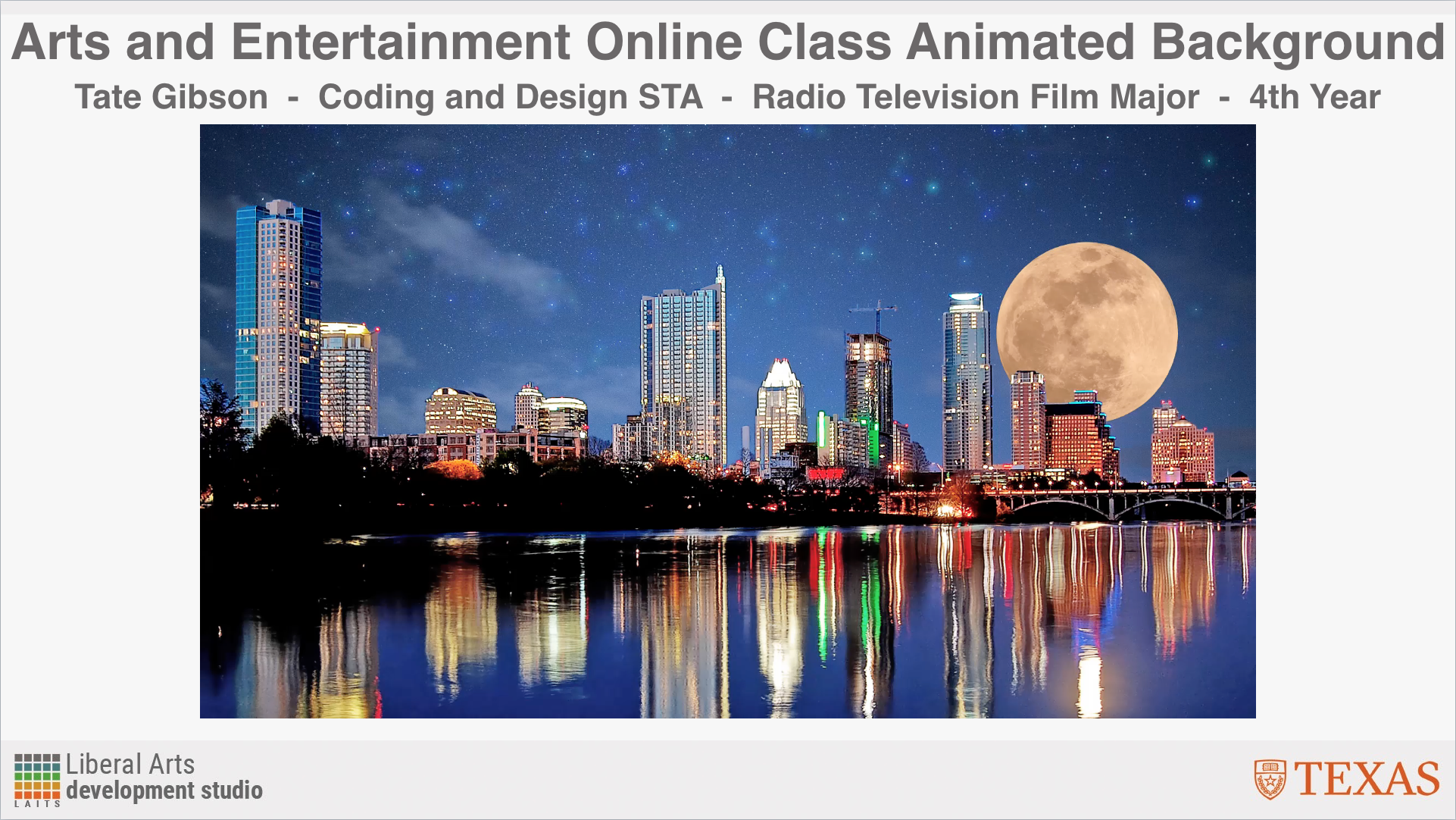
Another project I’ve worked on a bit the last couple of months is the backdrop for the AET304 live broadcast class. Over the winter break I created an animated Austin landscape for the backdrop:

https://sta.laits.utexas.edu/wp-content/uploads/2018/02/Original-Animated-Skyline-Clip.mp4

After a couple of weeks, the professor opted for a simpler design to which I added the UT branding that fades in and out:

https://sta.laits.utexas.edu/wp-content/uploads/2018/02/New-Skyline-Clip.mp4

Filed Under: Uncategorized

RUS407 Unit 11 Part 2 Animations

February 20, 2018 By Tate Gibson

RUS407 Unit 11 Part 2 Animations

These animations are hot off the press, being finalized just last week! They were assigned much later than the first 3 sets of animations, and while there were only 6 animations for this set, I only had about 2 weeks to get them finished, much less time than I spent on the previous animations. Thankfully, since I had already completed so man walk cycles and set designs from the previous animations, I was able to build upon previously created sets, adding more detail and color and even experiment with incorporating hand drawn set design into digital animation, which I am very pleased with the results of. Here is the video of all 6 of these animations:

https://sta.laits.utexas.edu/wp-content/uploads/2018/02/U11-P2-VOM-Entire-Cartoon-Sequence.mp4

Filed Under: Uncategorized

  • « Previous Page
  • 1
  • …
  • 53
  • 54
  • 55
  • 56
  • 57
  • …
  • 91
  • Next Page »

link to LAITS home page

Video STA Home

© 2026 Liberal Arts Instructional Technology Services | Production Credits