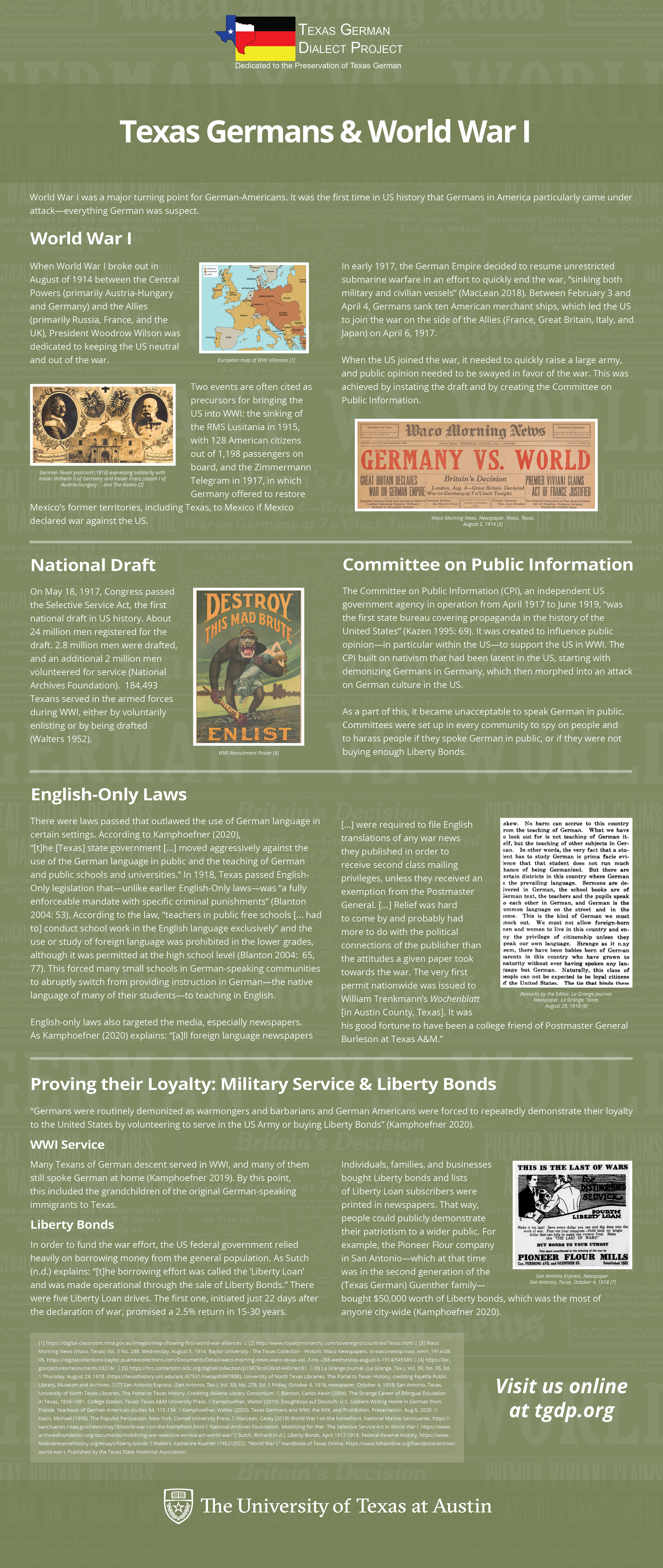
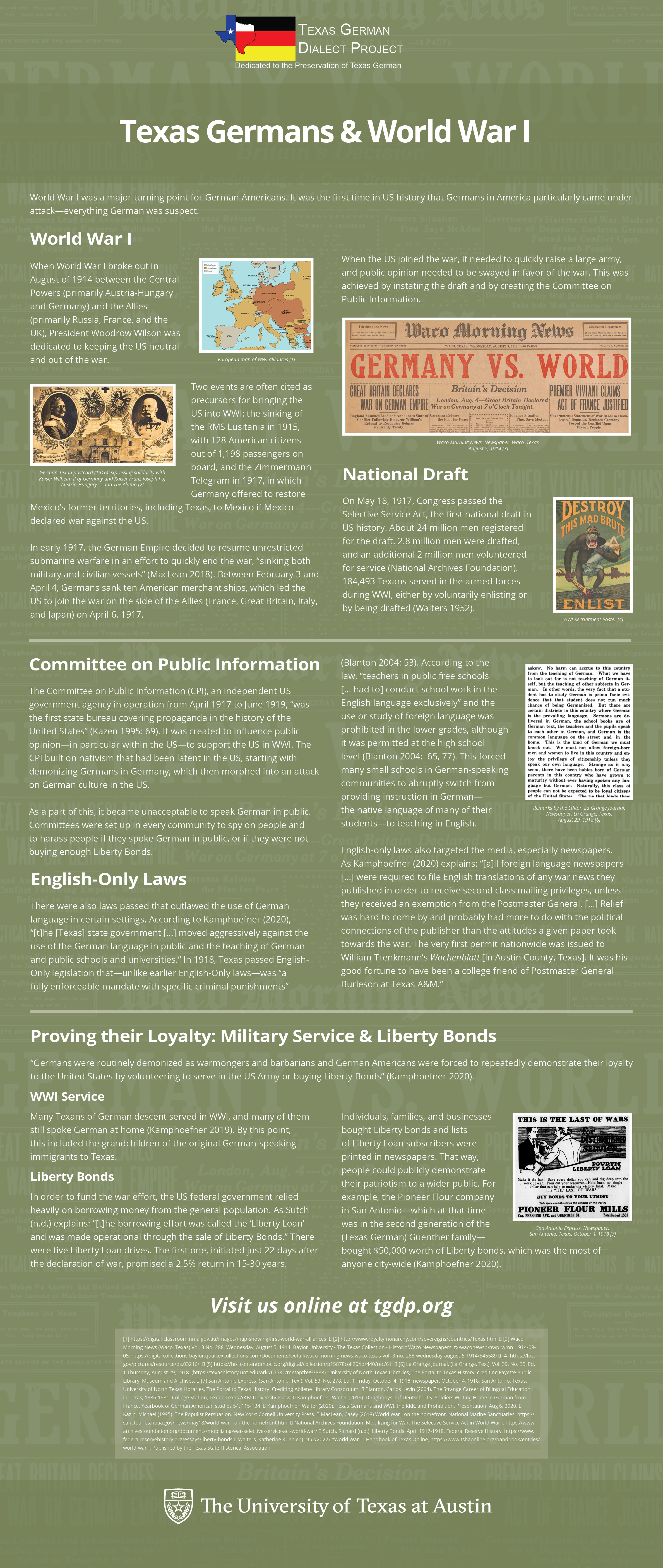
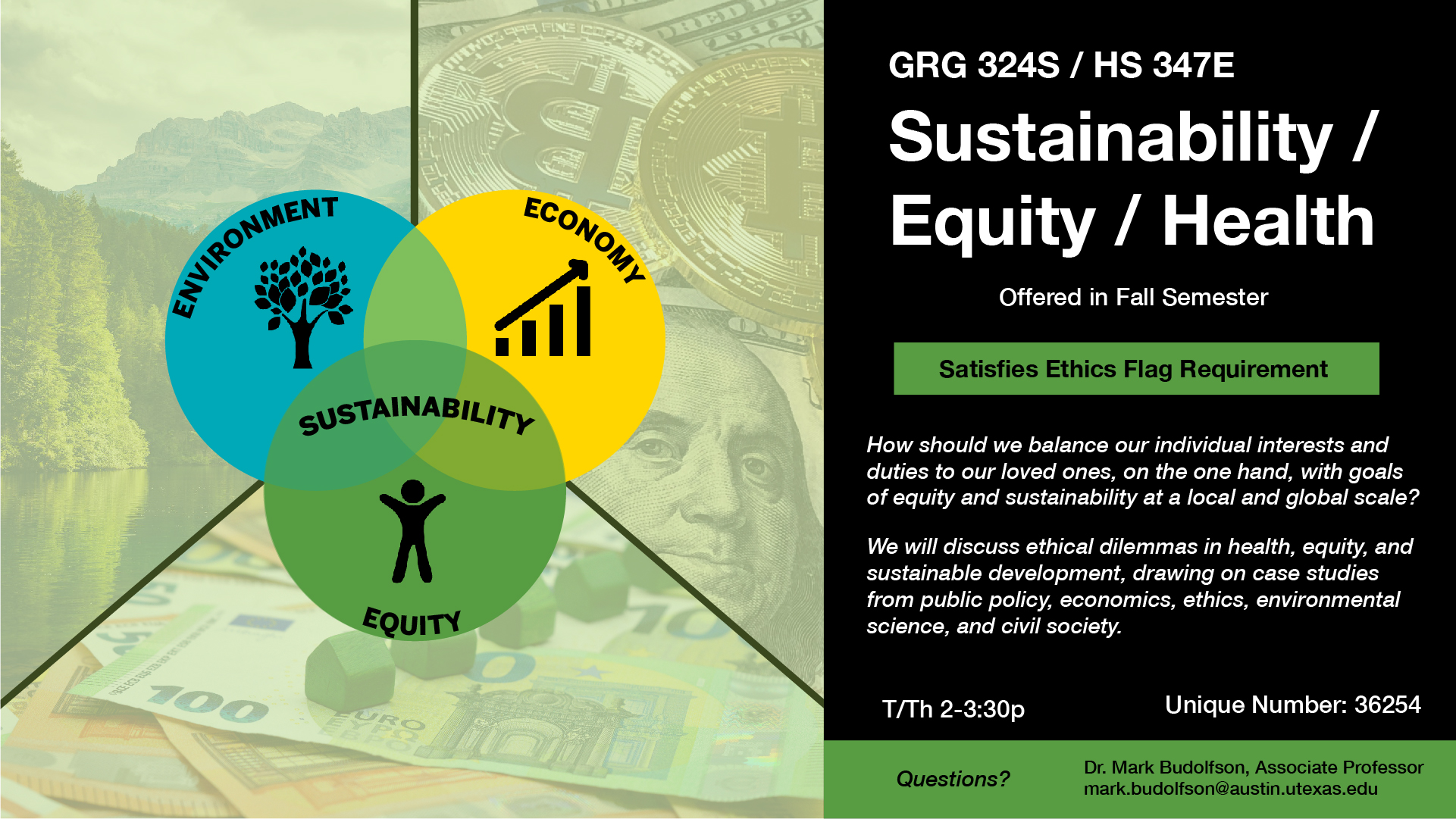
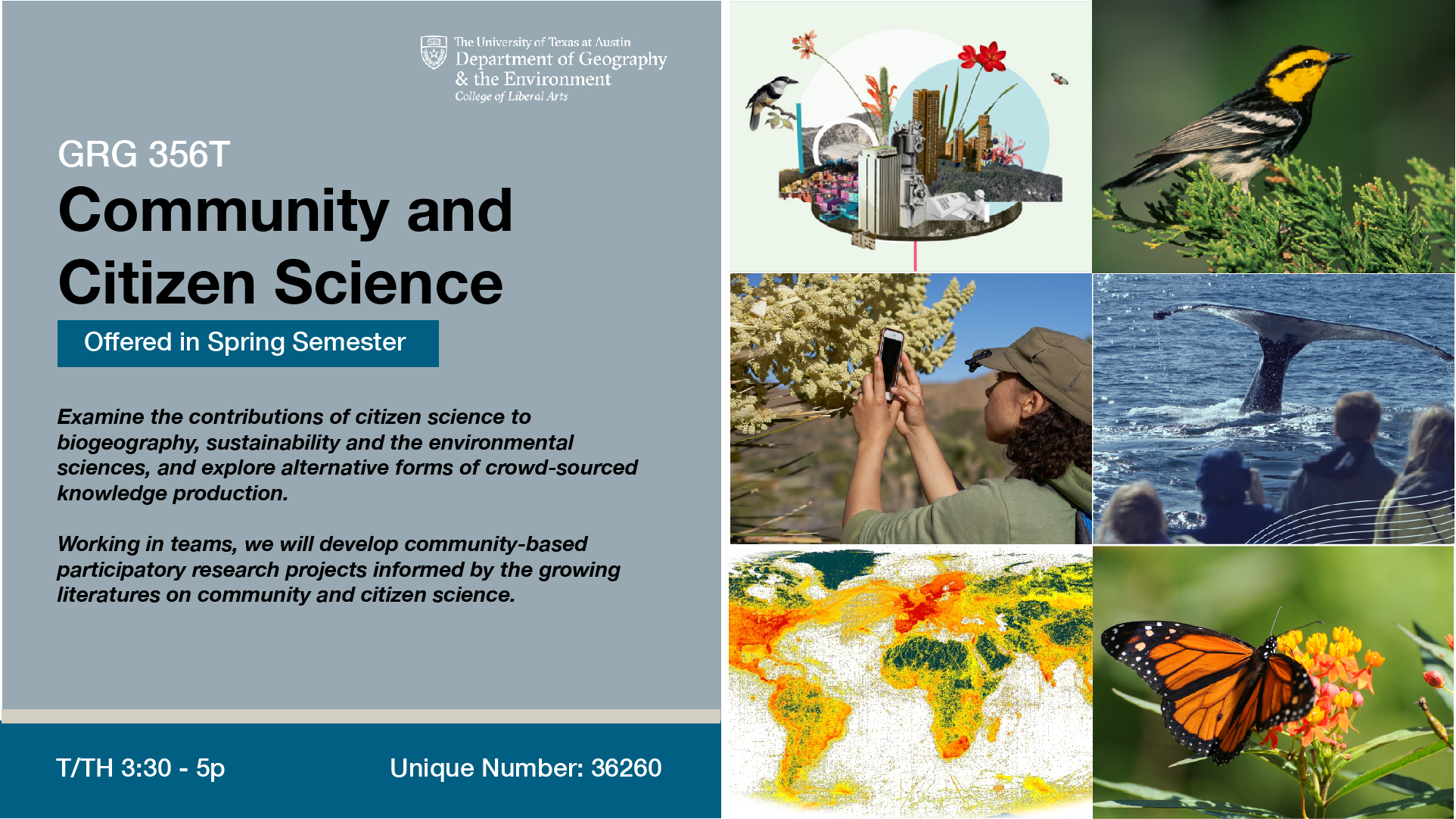
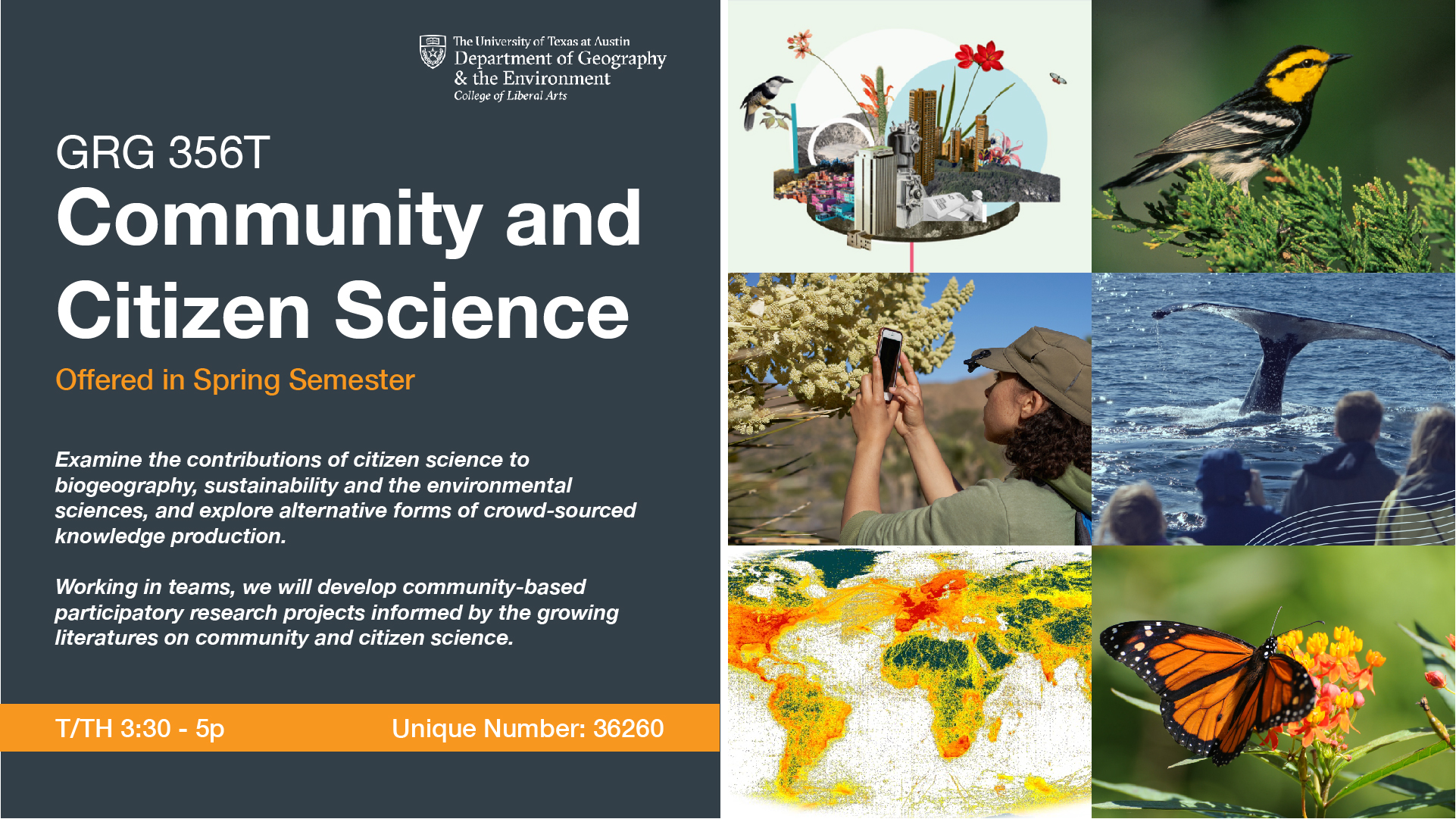
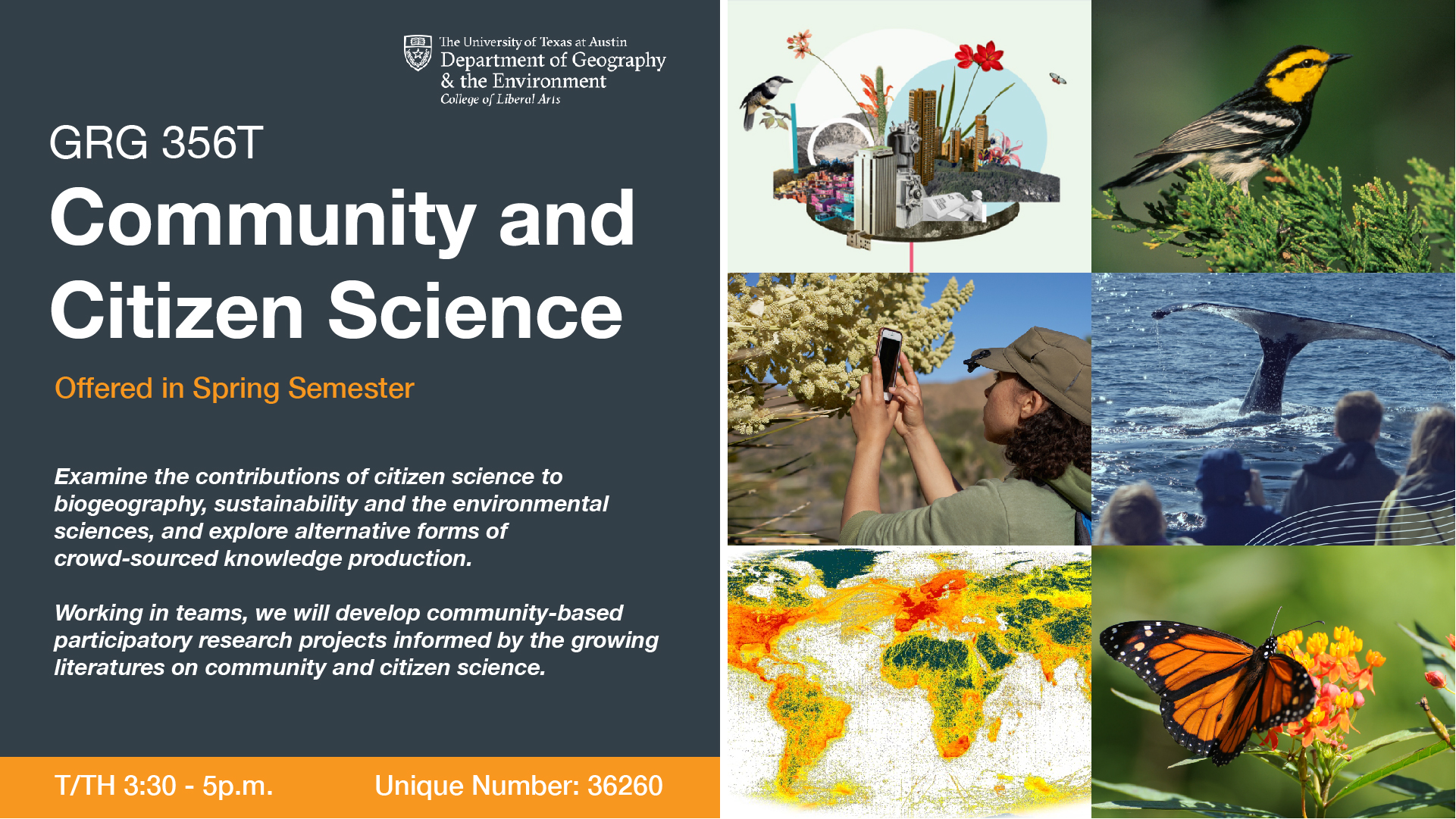
Texas German Retractable Banner #10
Client/Prof: Margaret Blevins
Completion Status: Started on Sept 21
Staff Guidance: De’sha
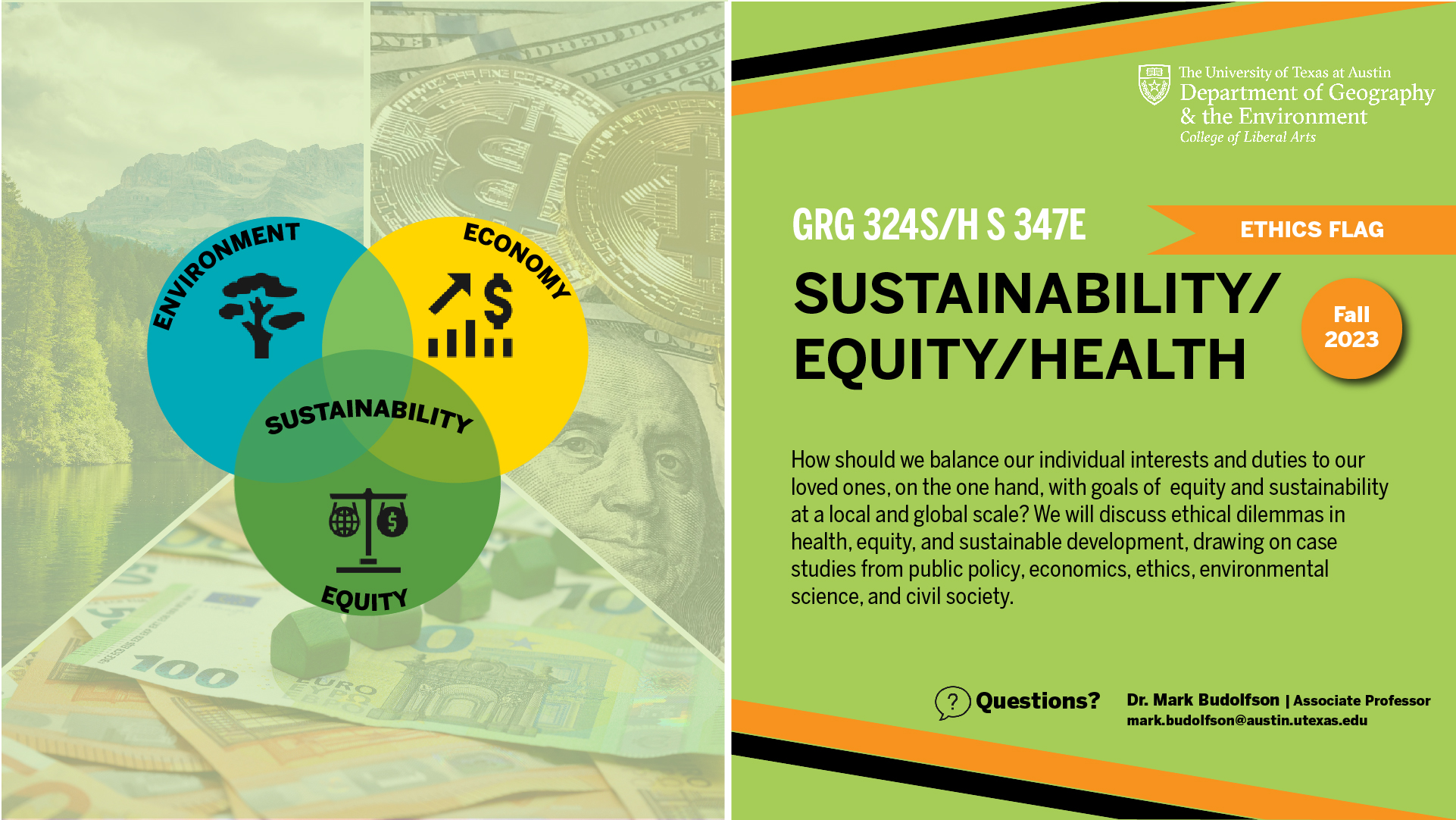
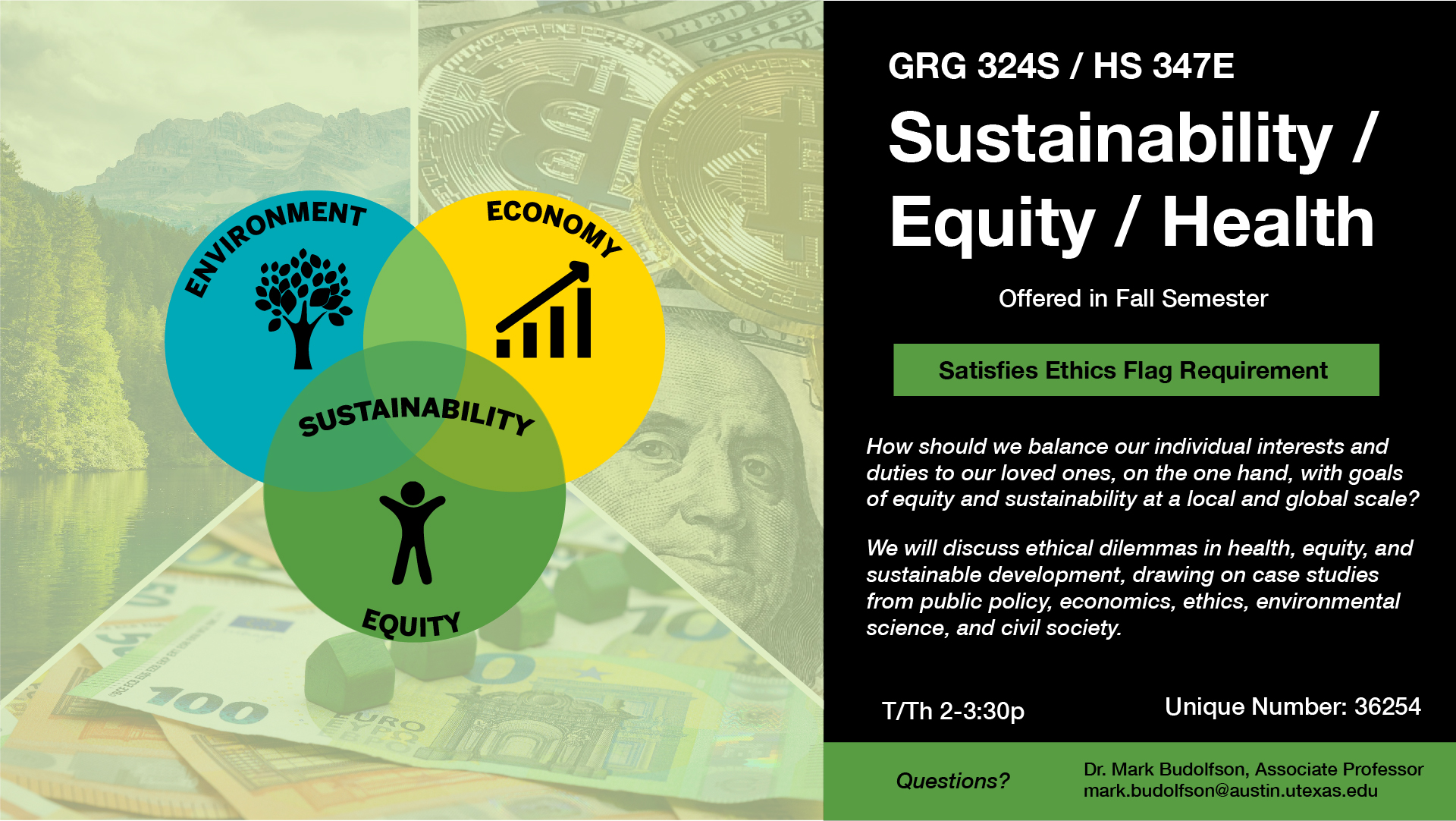
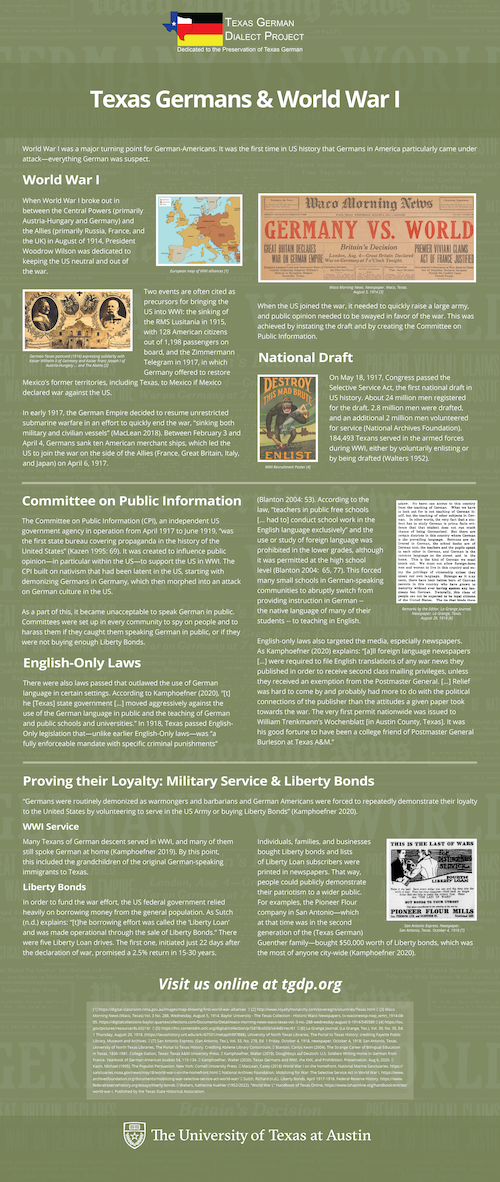
I’ve been making a lot of edits to the banner, here is a new draft:
Client/Prof: Margaret Blevins
Completion Status: Started on Sept 21
Staff Guidance: De’sha
Started on a new banner! Here is what I have so far:
Client/Prof: Margaret Blevins
Completion Status: Started on Sept 21
Staff Guidance: De’sha
This week I also worked on exporting past banners as JPGs and PNGs so that the files would able to be displayed on websites. It was at first a challenge because the folders were challenging to navigate and some asset files were missing which made it impossible to link things in InDesign and make the quality go up. Luckily De’Sha found a way to export as JPGs and PNGs from the PDF files, so I started working with that workflow after a certain point.
Completion Status: Started on Sept 20
Staff Guidance: De’sha
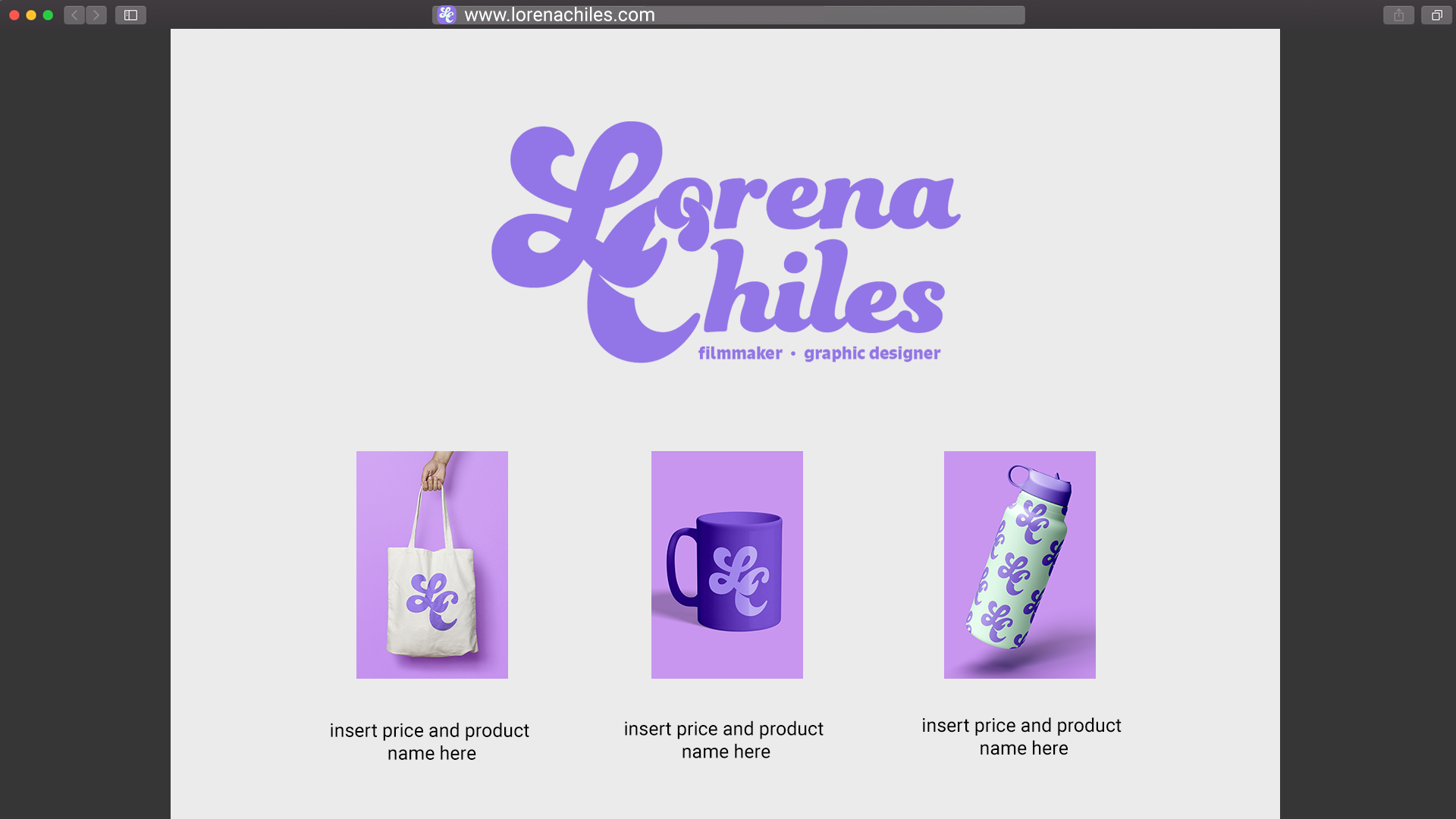
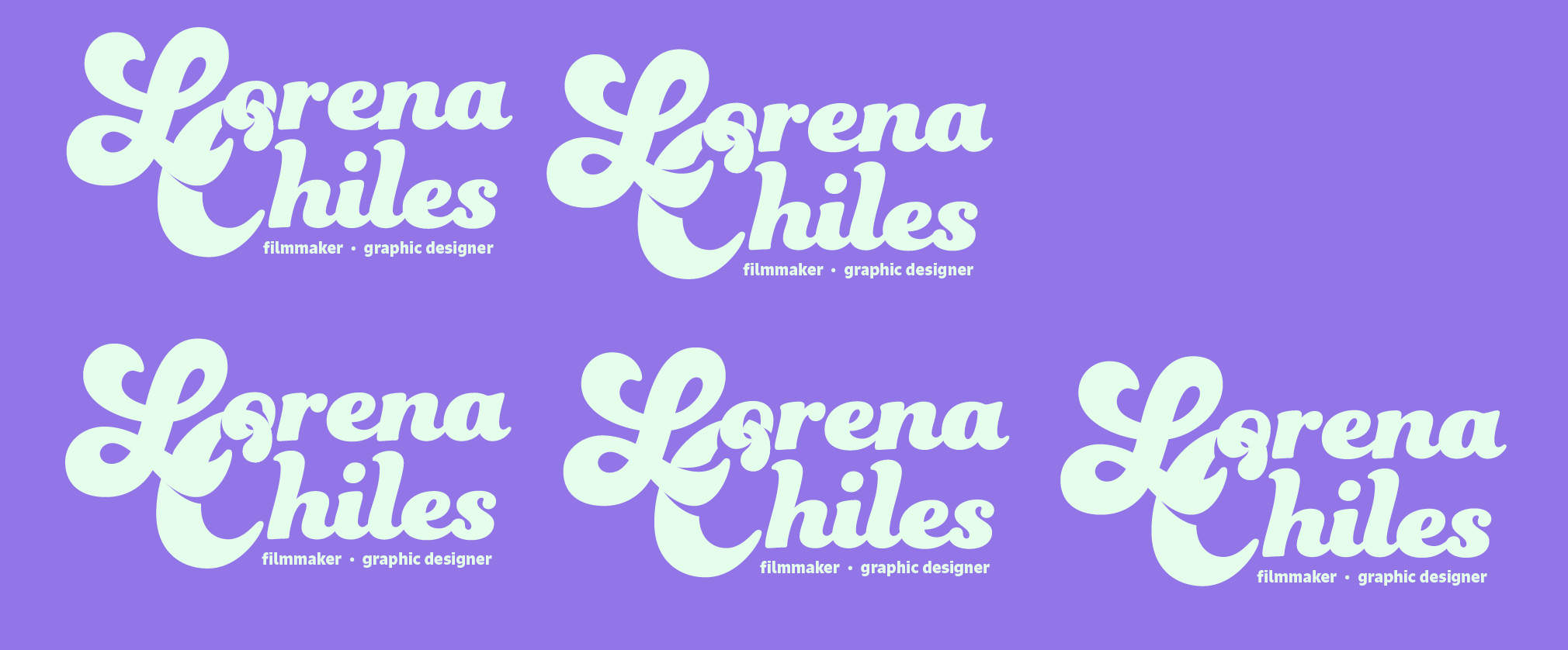
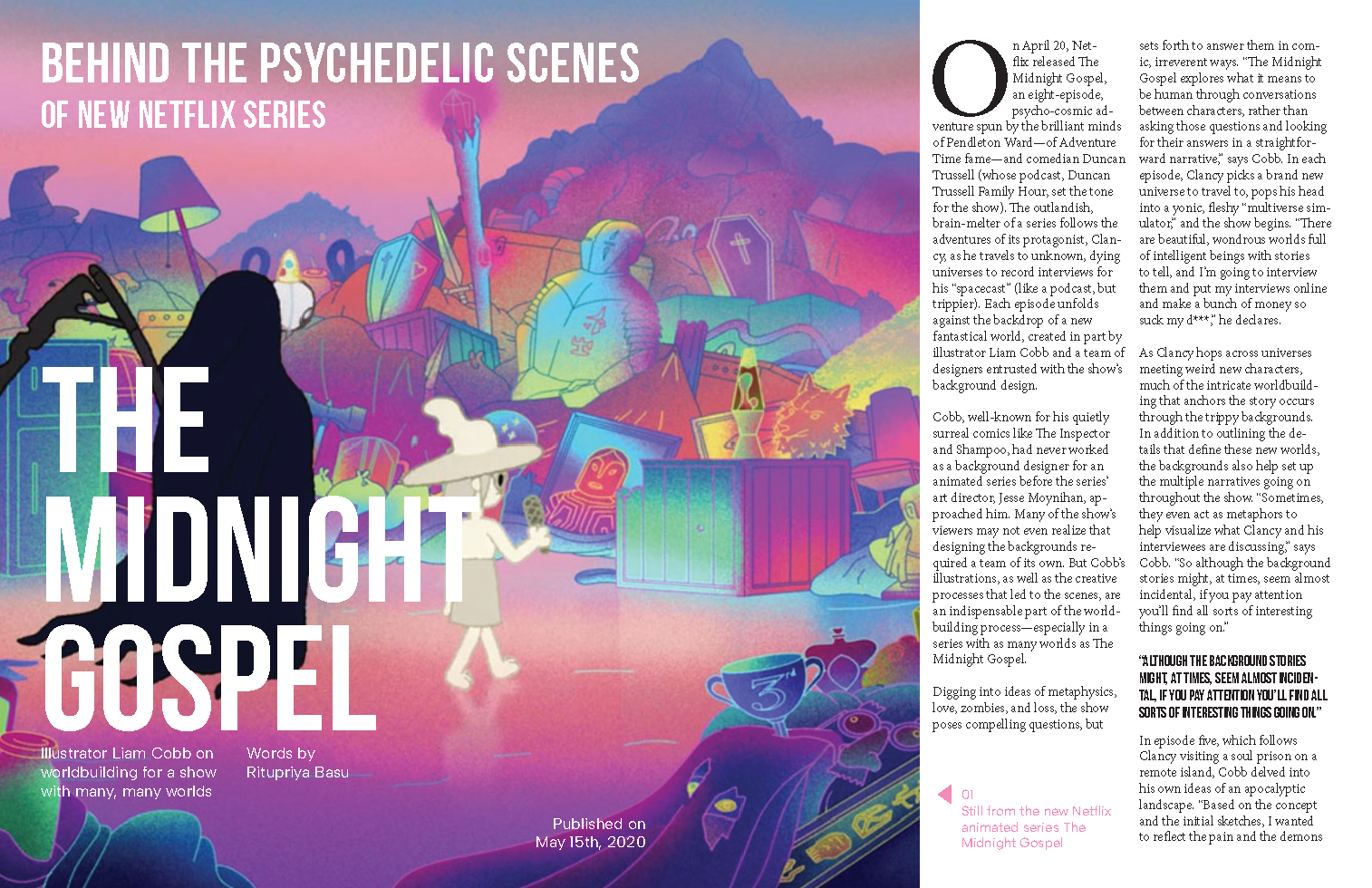
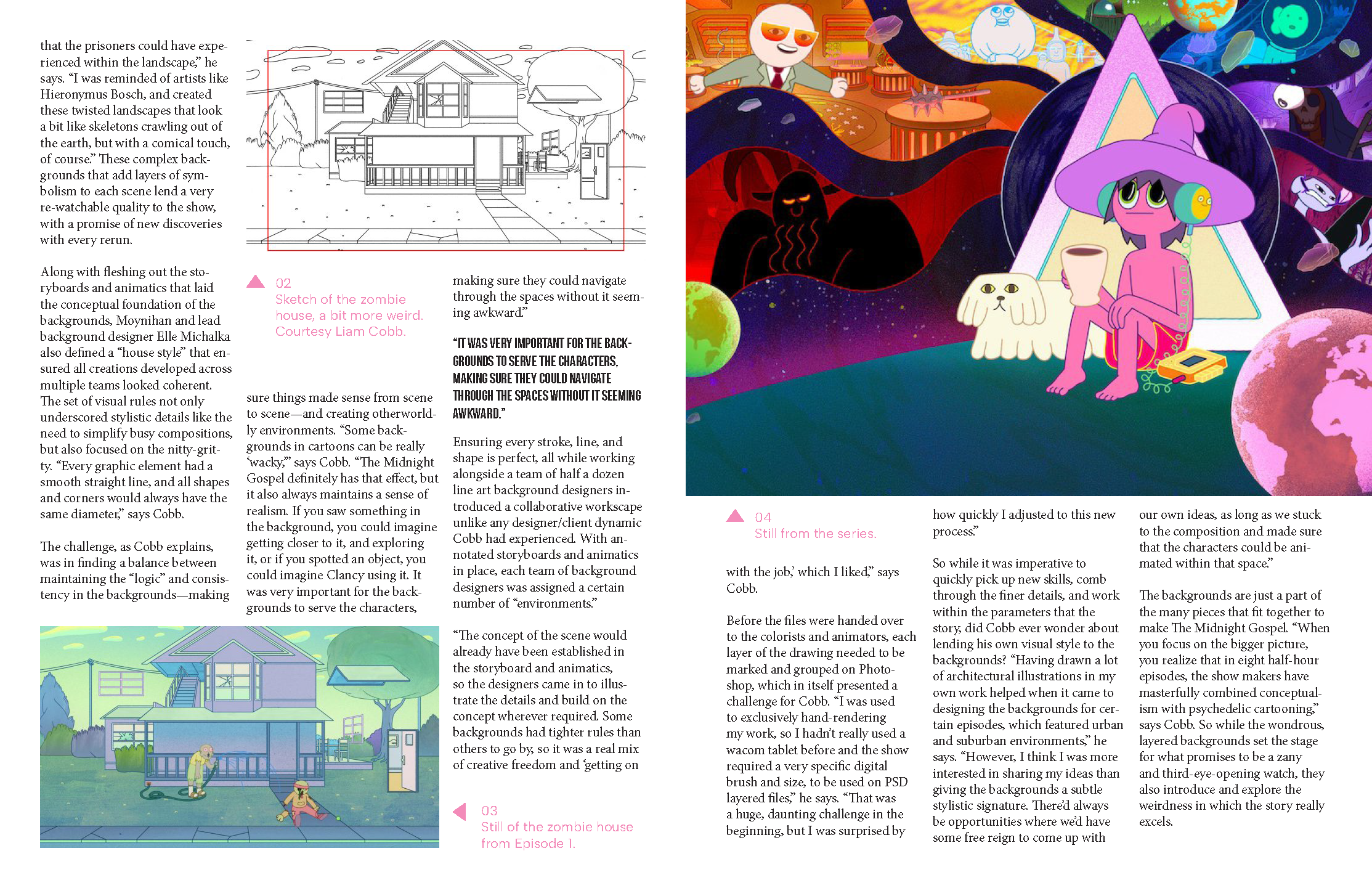
Started working on the logo design training! The goal is to make a personal logo, ideally one for me that matches my website. I’m not sure I like the way it’s going, but here’s some different versions of what I have so far:
Client: Training
Project Type: Graphic Design, Layout Design
Tools: Adobe Illustrator
Role: Graphic Designer
Duration: 5 hours
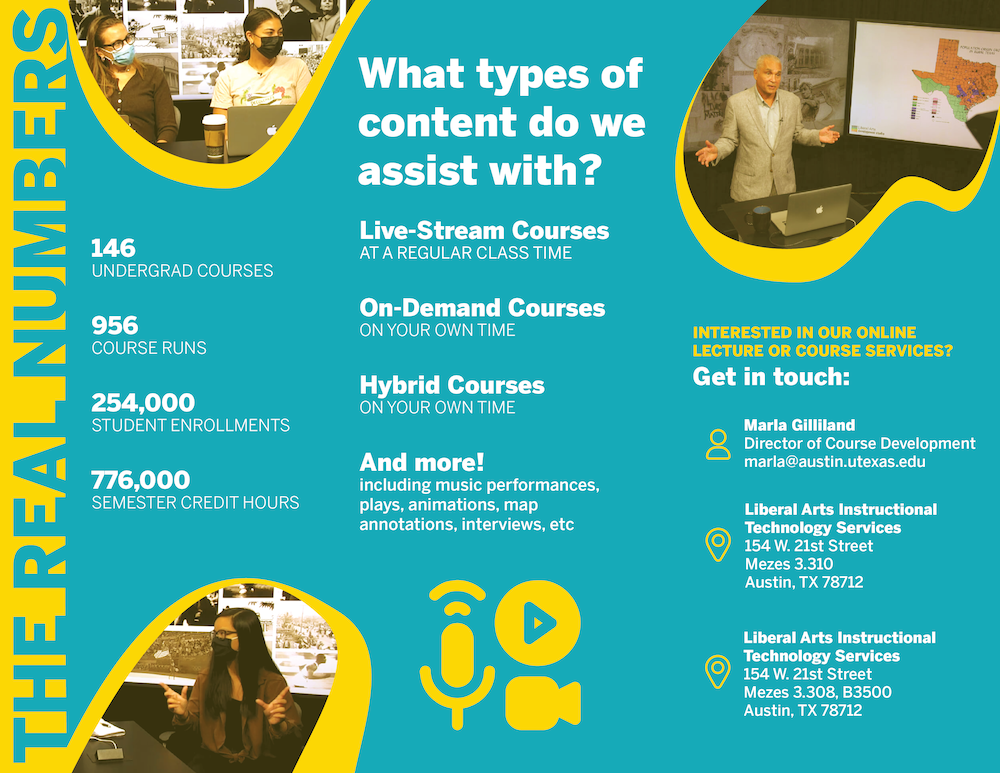
Last week, I worked on creating a brochure with the goal of making a piece of eye-catching print media. My first design was clean and minimal, but not very dynamic. This week, with some feedback from De’sha, I was able to push the movement in my brochure and tweak the user experience so that the flow of information was better. The end result is a more logical brochure with greater visual appeal and flair without sacrificing usability. Finally, I made some edits to incorporate the collage into the rest of the brochure instead of as a separate page and tweaked the color scheme to better match LAITS branding sensibilities.
Client: Training
Project Type: Graphic Design
Tools and Skills: Adobe Illustrator, Hierarchy
Role: Graphic Designer
Duration: 2 hours
In this training, I reviewed the principles of shape and how to create patterns in illustrator. As a final exercise, I practiced creating hierarchy through the use of shape, relying minimally on typography and color.