• We are STAs
    • Asha Rountree
    • Cindy Truong
    • Haley Ma
    • Isabella Melendez Gonzalez
    • Julie Brandt
    • Kate Shih
    • Kodi Khiraoui
    • Kyra Lee
    • Nicholas Peasley
    • Sasha Kenney
    • Shanda Horm
    • Shriya Atreya
    • Tomas Marulanda-Mesa
    • Trisha Darure
  • We were STAs
  • STA Presentation
    • STA Presentation 2017
    • STA Presentation 2016
  • Testimonials
  • Resources
  • Home

STA Blog

Current Sta

GOV 312L US National Security

November 15, 2022 By De'sha Bass-McClellan

GOV 312L US National Security

project: GOV312L animated Intro
Client /Prof: Jason Brownlee
completion status: Started Nov 8th
staff guidance: Maddy, Suloni
STA team members: N/A
description/plans:

Create an animated intro for this course that is a cohesive design with the other digital assets that are created for the course.

Steps:

Motion Array Template

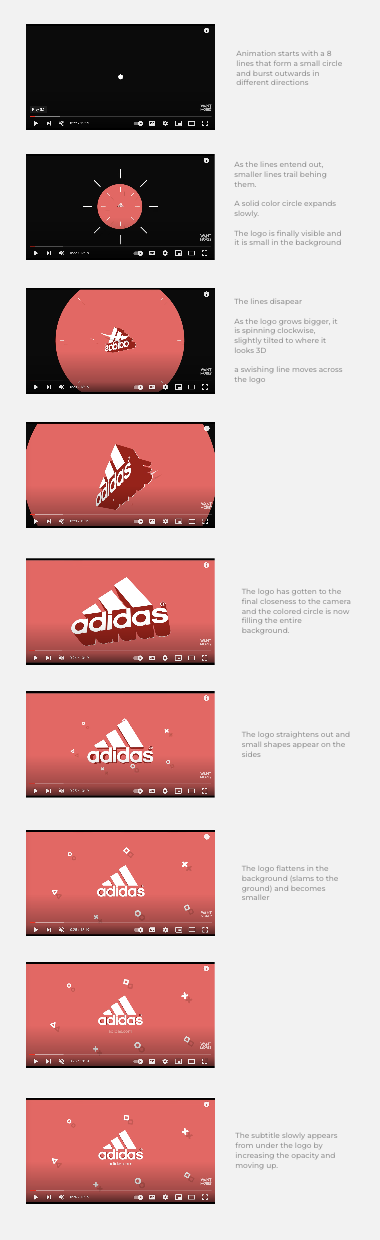
Animation Proposal

Animate

Edit

To be completed: December 5th

Template:

To simplify the process for creating this project, I took out the time to locate an After Effects template to use for the intro instead of creating one from scratch. I came across the sight “Motion Array” that has a wide arrange of animated templates.

This is the current template we will use for this project:

https://motionarray.com/after-effects-templates/free-adobe-after-effects-templates-932/?listing_position=40&subcategories=free&page=2


Everything is broken down into their own compositions. From the individual images used, to the text and the different scenes. This keeps everything organized and easy to navigate.

All the different scenes are put together to create the final composition with the correct timing.
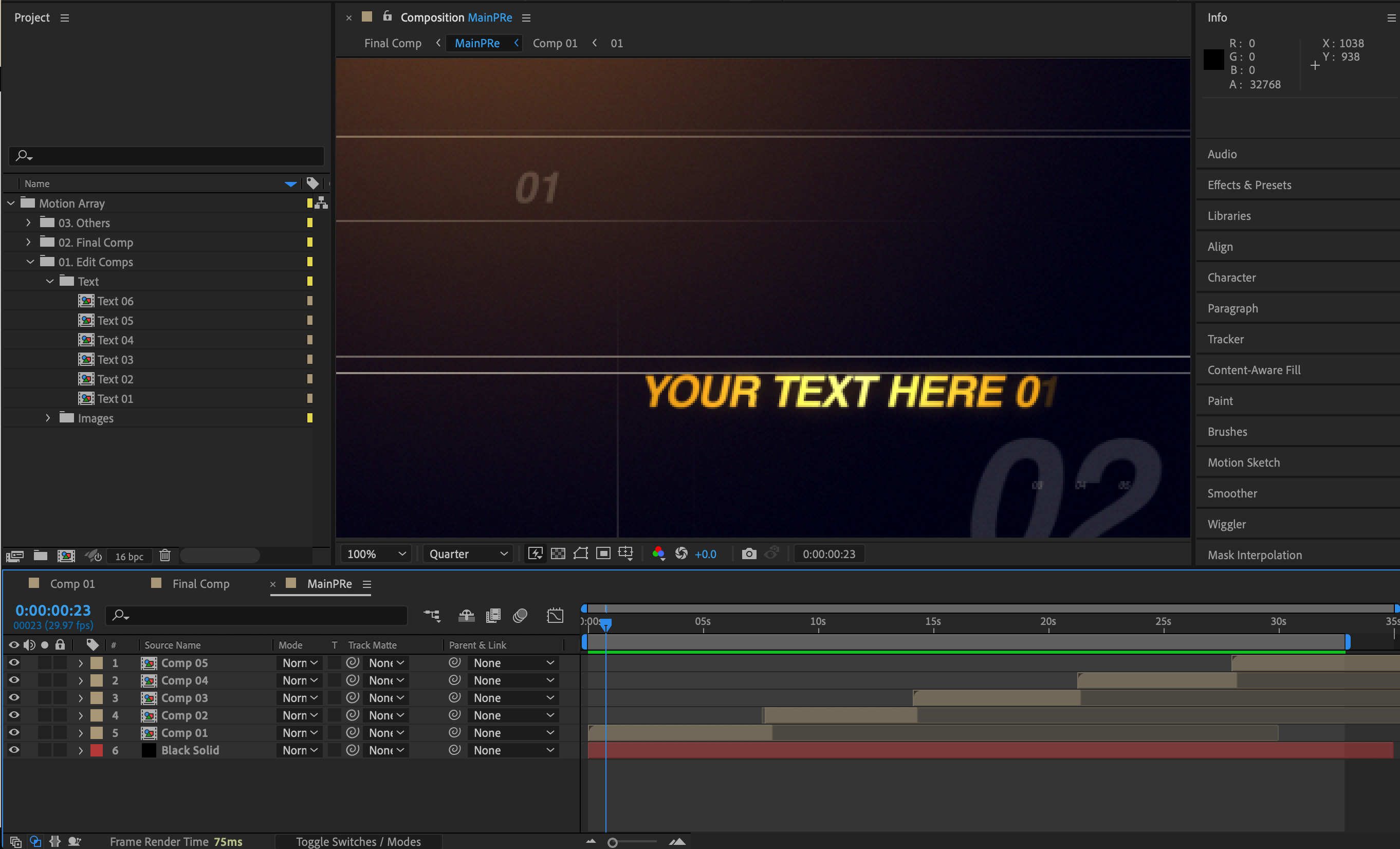
In each scene, it contains all the elements that make the animated intro. Everything is editable so that you can make adjustments if needed.
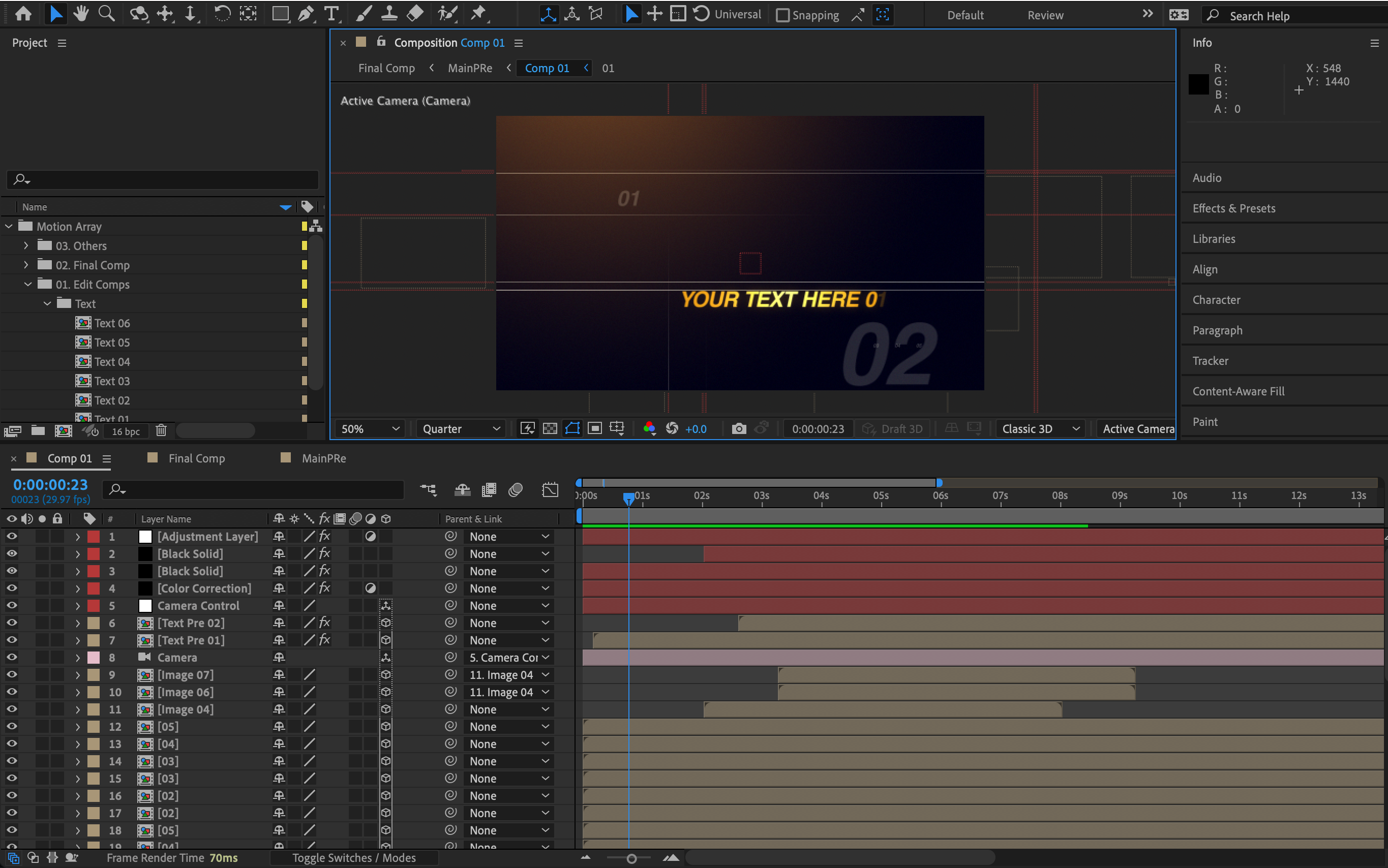
What is really good about Motion Array is that the template gives you a strong foundation that you can grow upon or keep as is. There are endless possibilities.

Animation Proposal:

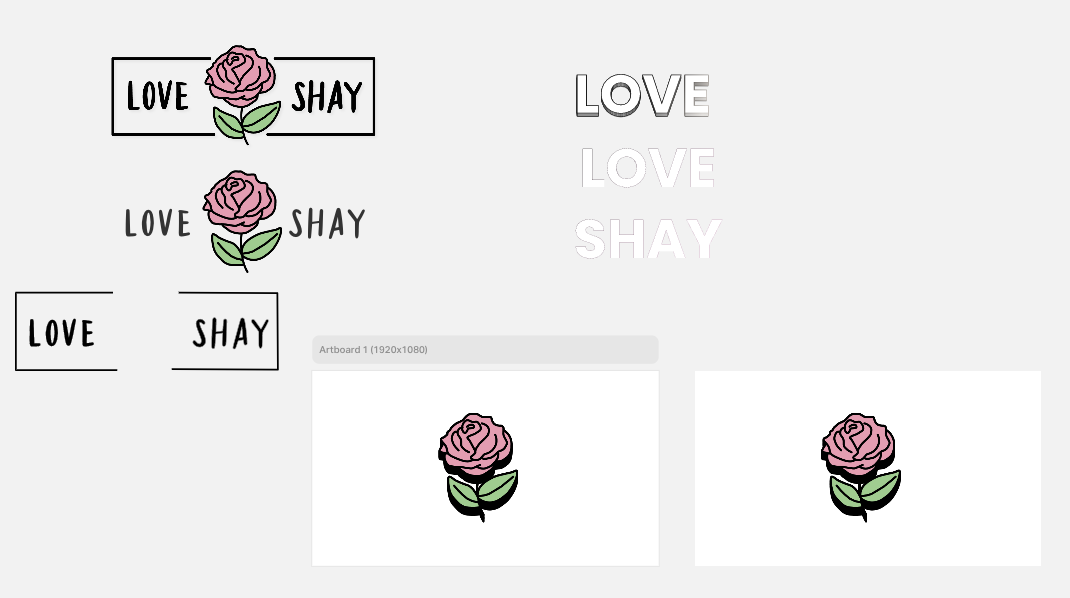
Next, I have been working on creating the animation proposal for the different images we will use, the words that should be included, and the color alterations:
Filed Under: Fall 2022 - Spring 2023, We are STAs

Beyond Sweatt & Painter Presentation

November 15, 2022 By De'sha Bass-McClellan

Beyond Sweatt & Painter Presentation

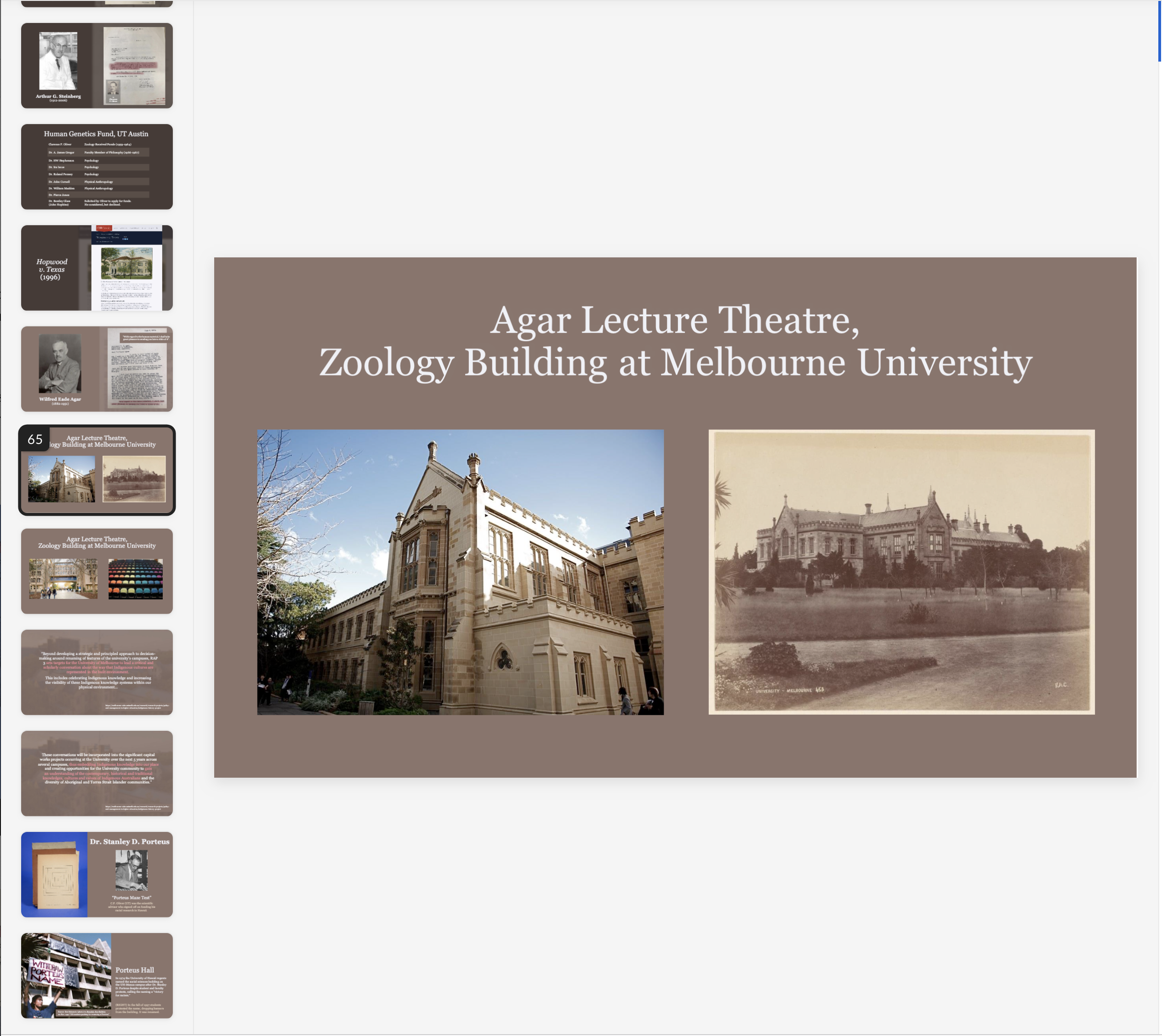
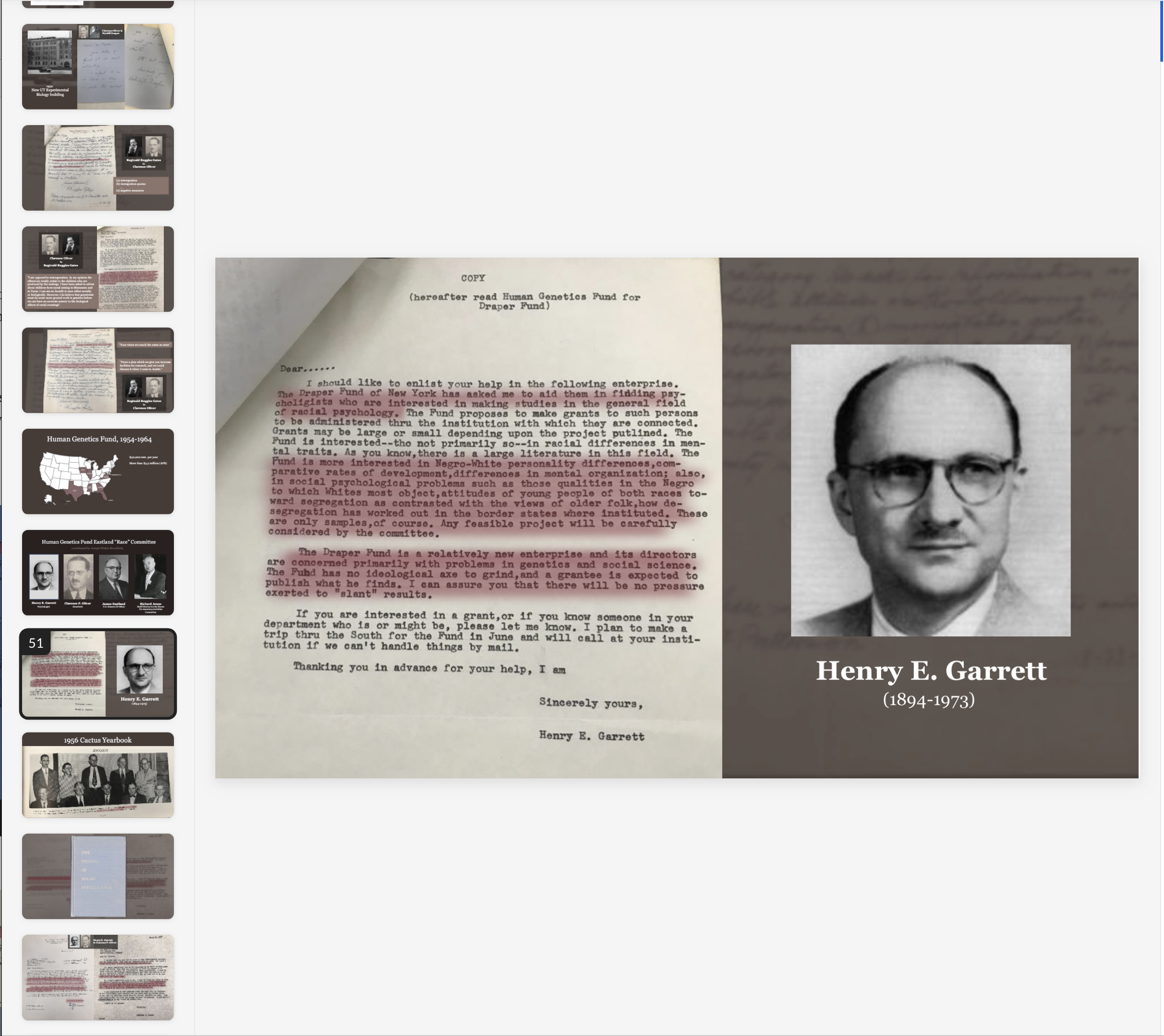
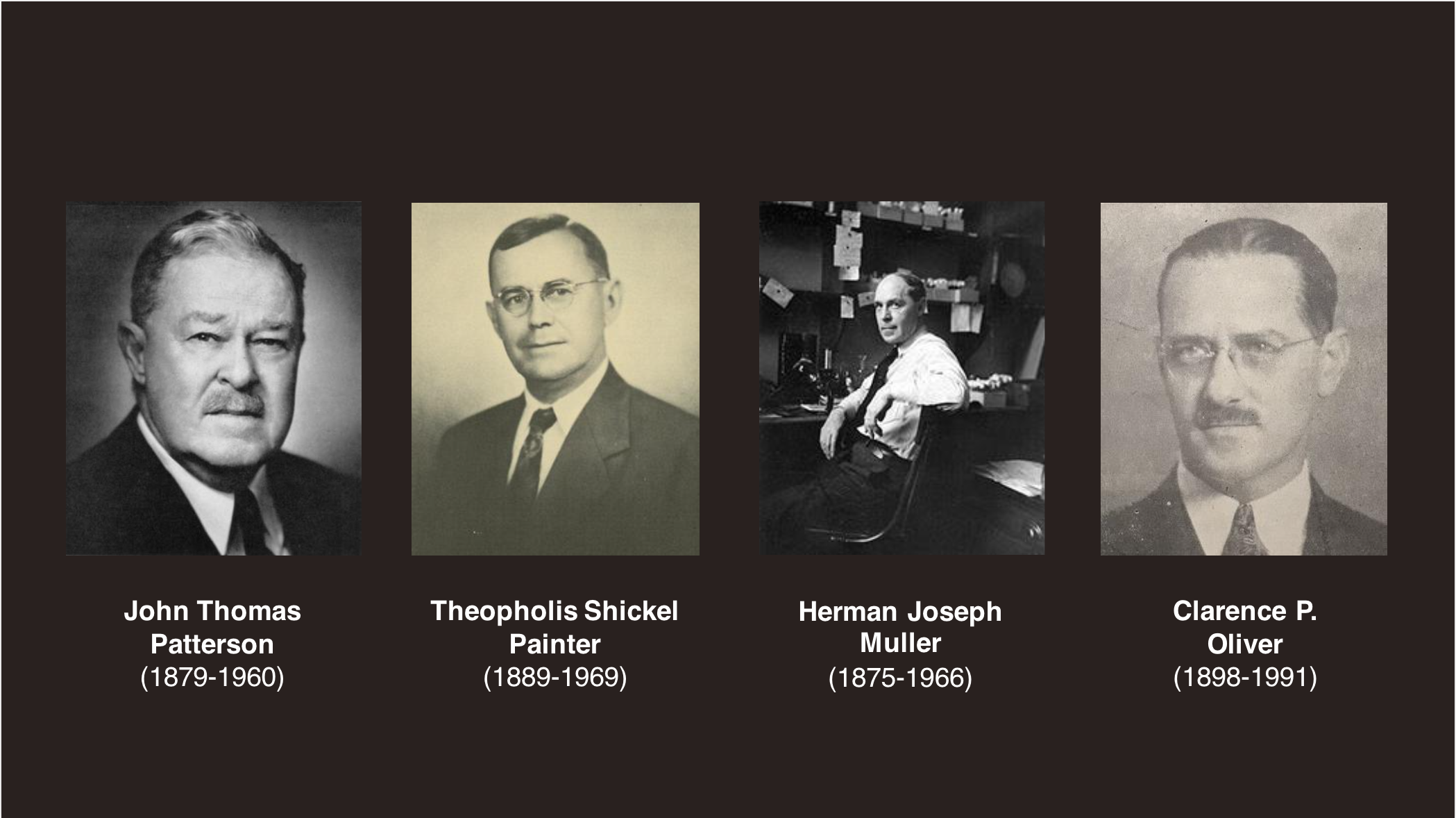
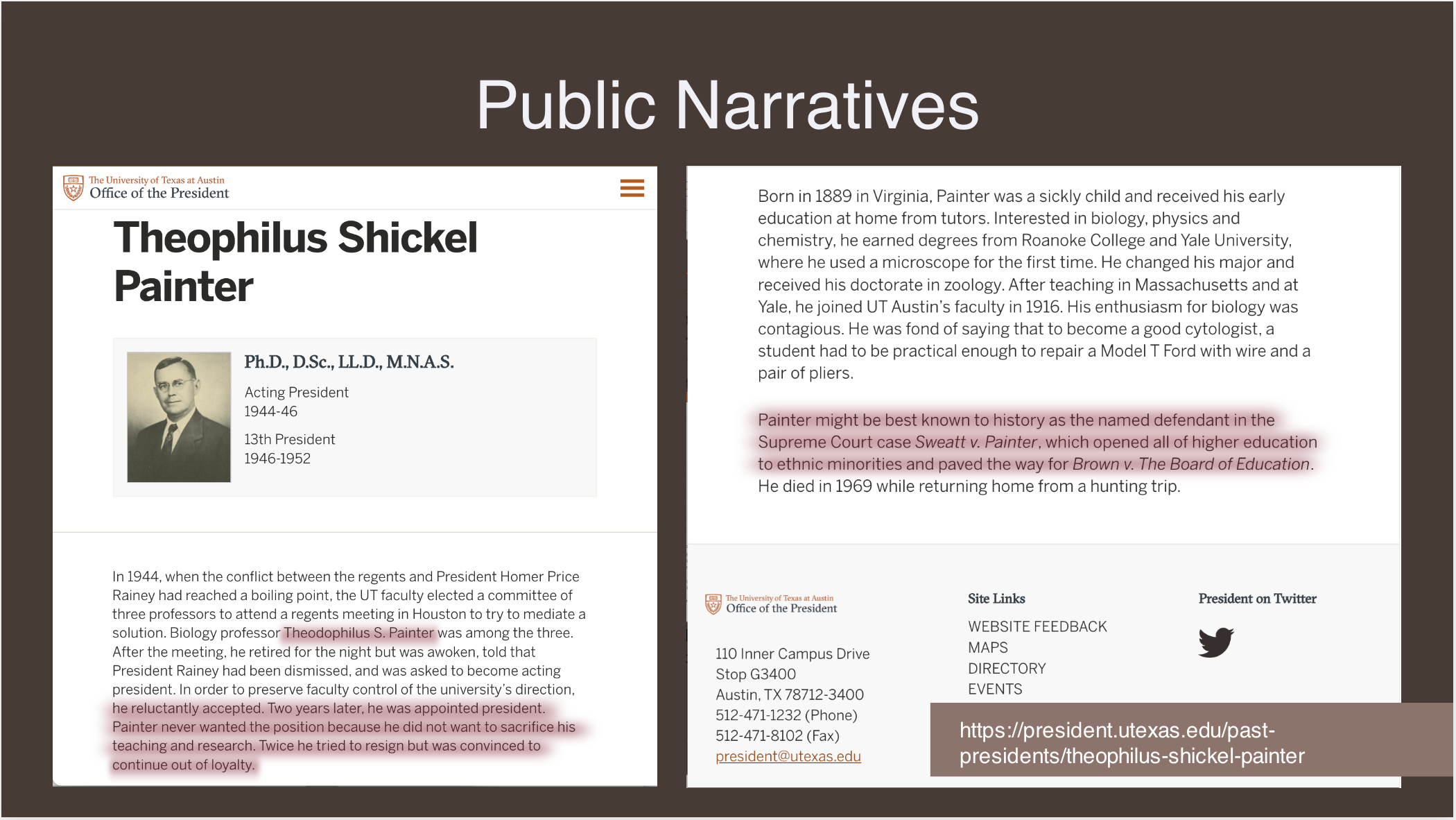
For this project, I assisted in re-formatting a slide presentation about the History of Race, Science, and Segregation at The University of Texas. We had the original slide deck and needed to add some visual aesthetics to the project. Here are a few slides I worked on:


Filed Under: Fall 2022 - Spring 2023, We are STAs

Week 10

November 10, 2022 By Marissa Devivar

Week 10

Project:  BEYOND SWEATT V. PAINTER
Client: Olivia Mena
Started: Nov 7, 2022
Staff guidance: Maddy
STA team members: Leilani, Carrie, and De’sha

Description/plans: Researcher, Olivia Mena, needed our help with data visualization/ presentation design for a PPT: History of Race, Science, and Segregation at the University of Texas
Completed: Nov 11, 2022


This firstly involved choosing an overall color palette/scheme. Then we reorganized/composed pictures with their respective paired bodies of text in a more visually pleasing manner. Most of the pictures were provided by Oliva in the draft PPT, but some pictures had to be sourced or edited to match the aesthetics/dimensions of the presentation. There was a combination of historical documents, photographs, and text that needed to be cropped and blocked on each slide into a cohesive narrative for Olivia to present.


From what I was told about the presentation from Maddy, (I wasn’t able to attend the meeting with Olivia herself) it sounded very interesting! I always like to hear more about the history of UT, especially if it is clearing up misinformation about the history of our school:)


Election Videos

Not much was going on this week besides working on the Olivia Mena PPT, but Mike sent out these finalized videos for the Election Day PSAs Maddy and I worked on. So cool to see how our work crosses over with the Audio team!


http://sta.laits.utexas.edu/wp-content/uploads/2022/11/2022_fall_election_day_today-nov-8-a.mp4


http://sta.laits.utexas.edu/wp-content/uploads/2022/11/2022_fall_election_day_today-nov-8-b.mp4

Filed Under: Fall 2022 - Spring 2023, We are STAs

Week 9

November 7, 2022 By Carrie Wang

Week 9

Project: French Connexion

Start: Oct 21th 2022

To be Completed: N/A

Staff Guidance: Maddy

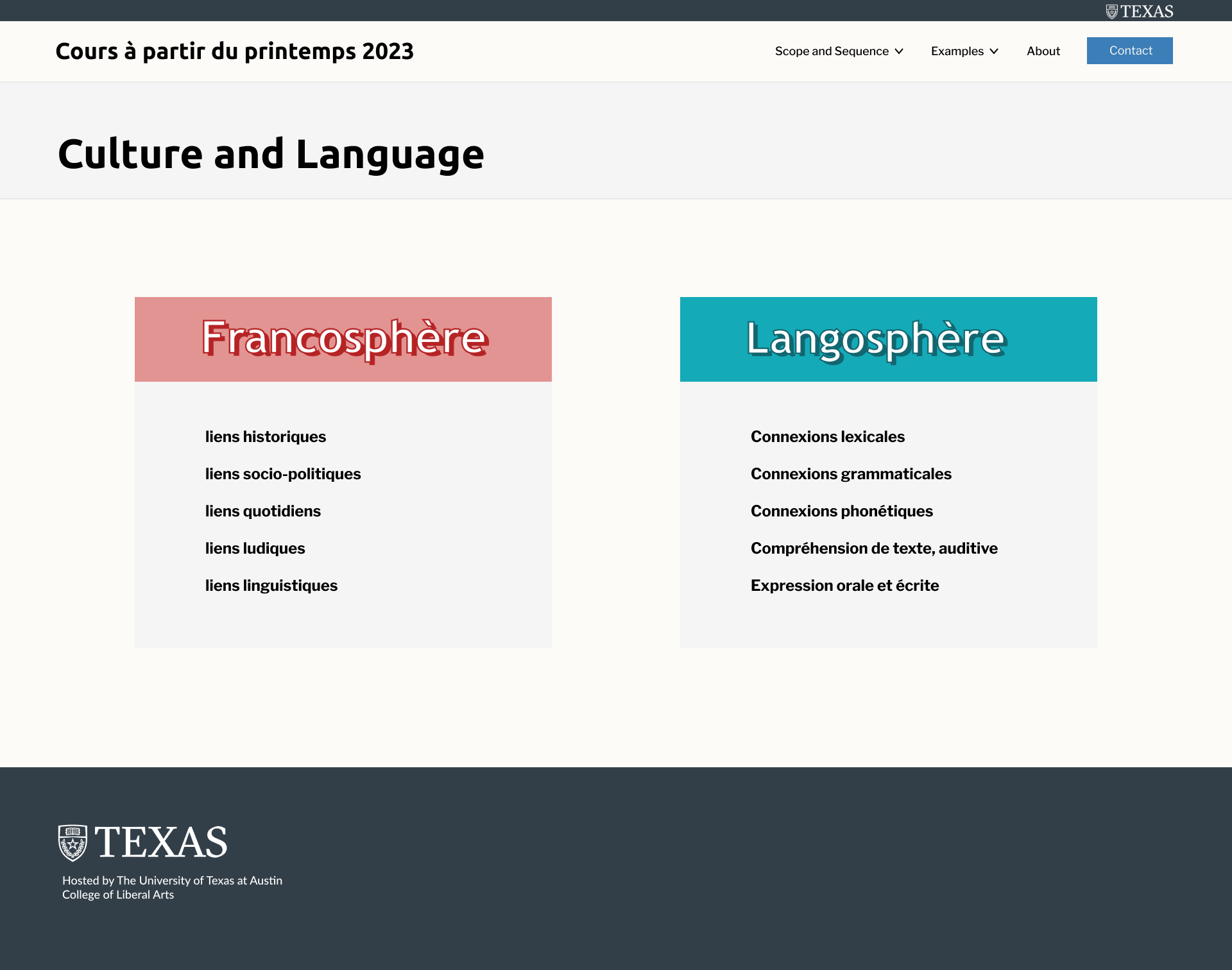
This week I was mainly working with Marianne, our developer for this new site, about how to implement the design into the real site.

Here is what it looks like right now: https://frenchconnexions.net/

I also designed another page for a new added-section:  Culture and Language.

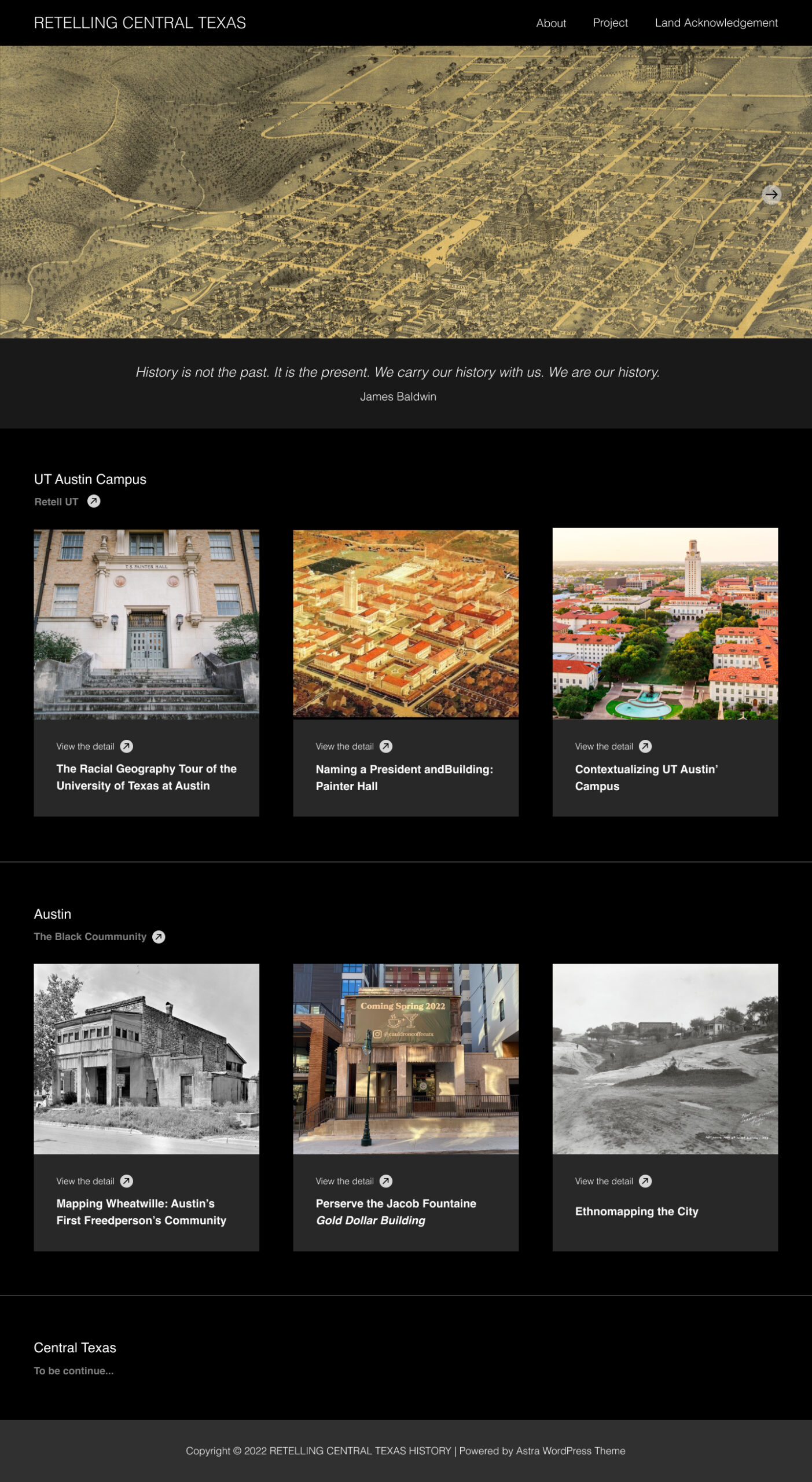
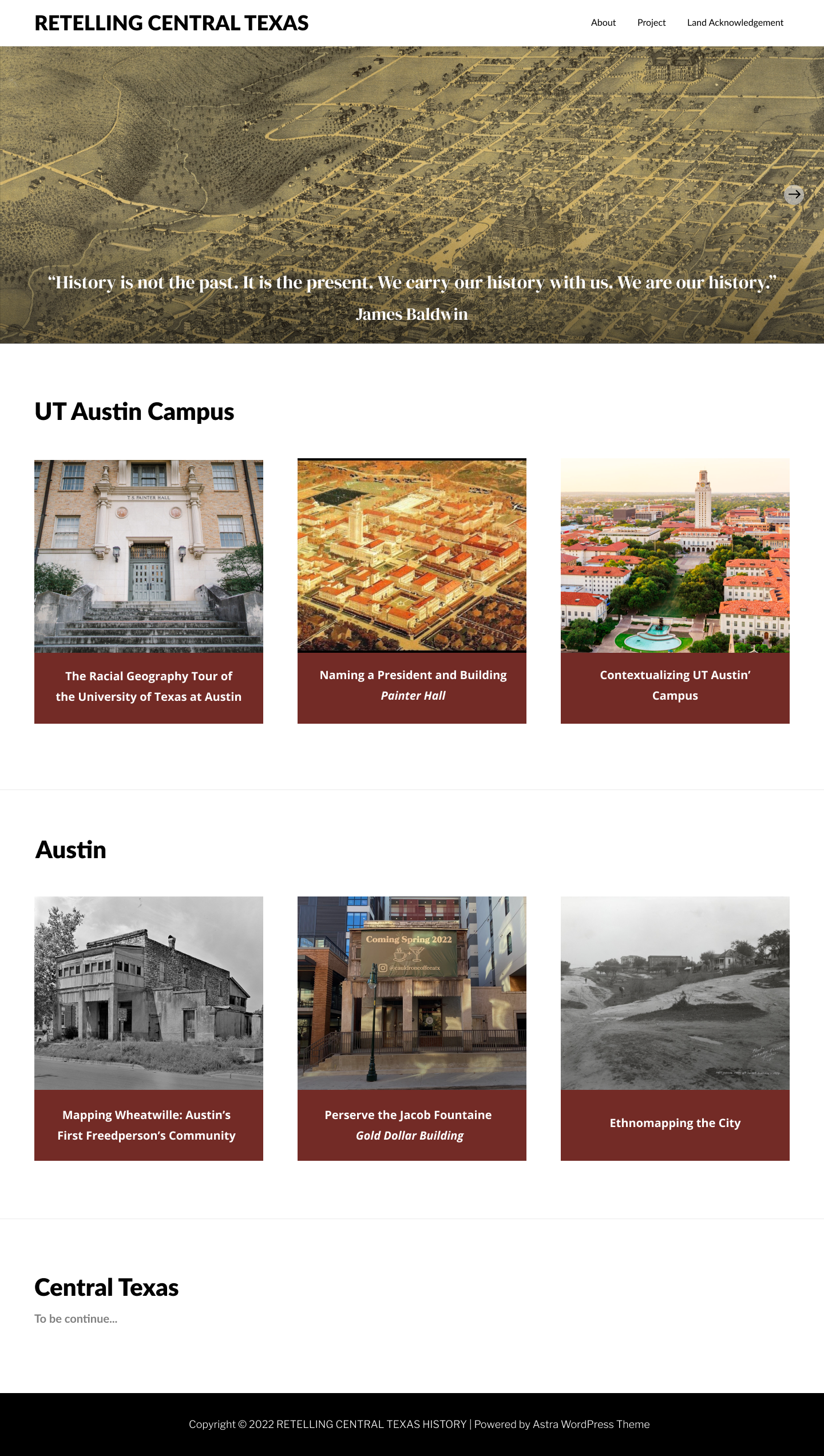
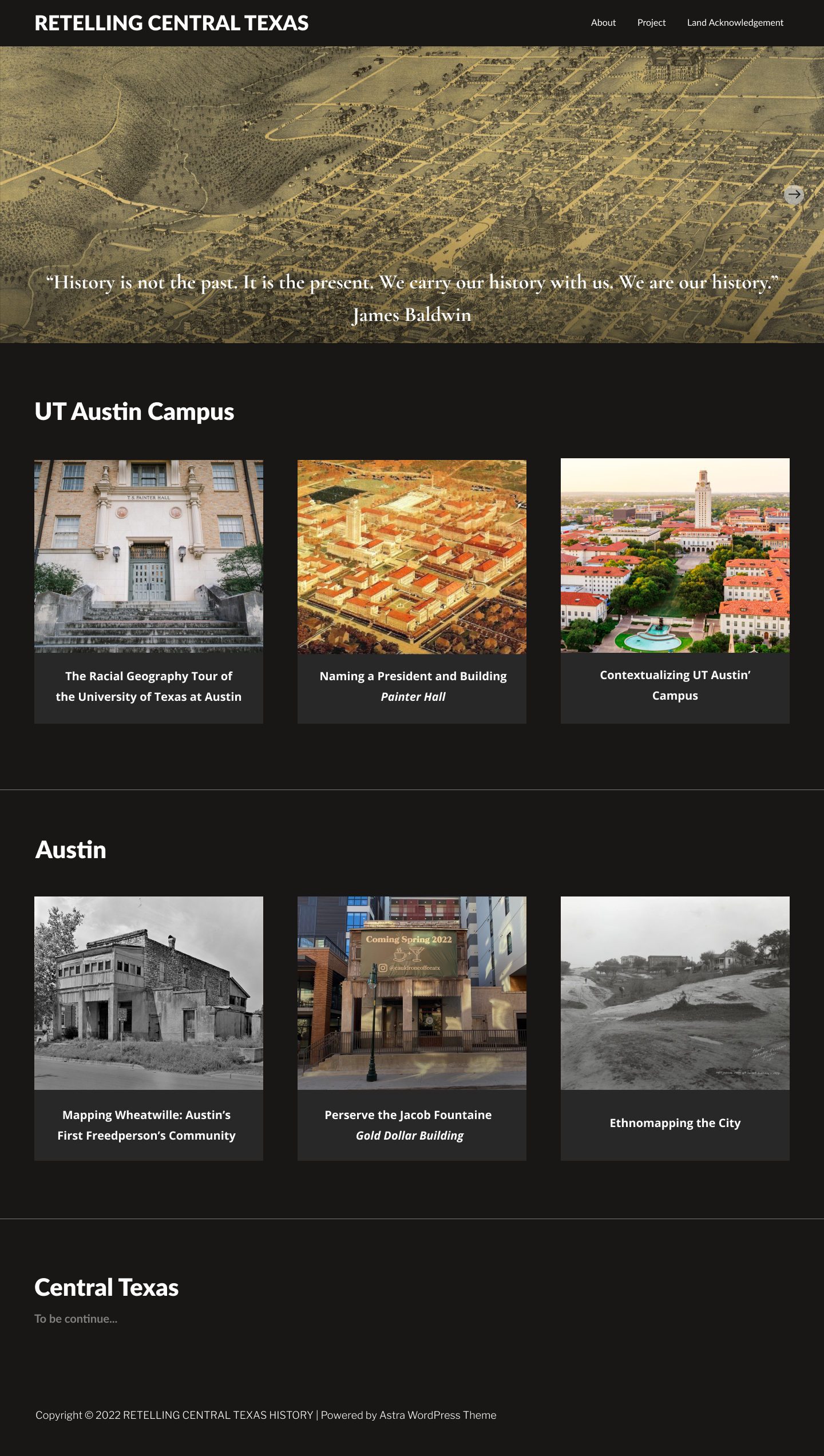
Project: CTX Retold

Start: September 21th 2022

To be Completed: N/A

Staff Guidance: Maddy

Changes:

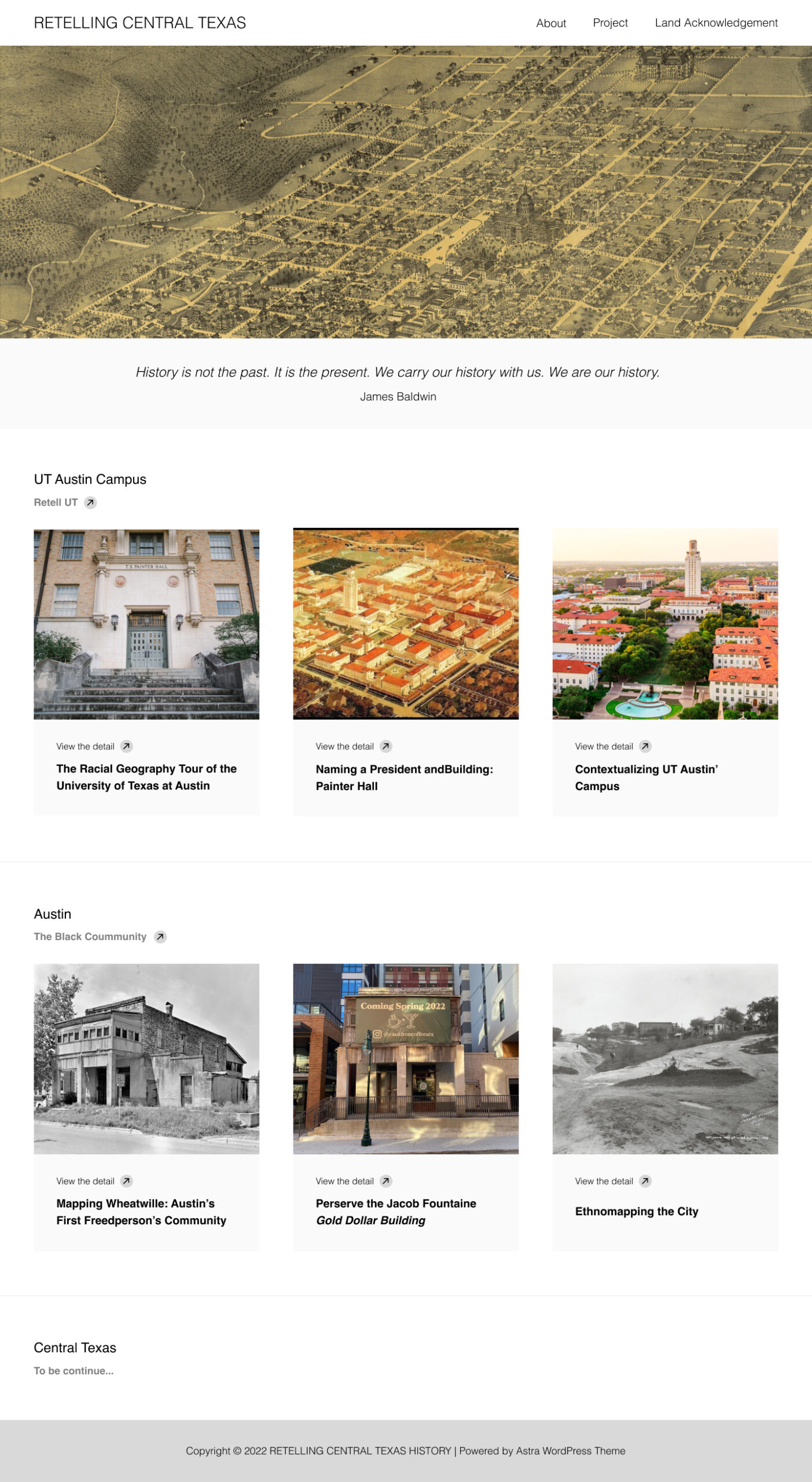
  • Fonts: Dr. Gordon likes the CTX title in bigger title and the subtitles.
  • The quote placement: No darken color on top of the image but try to find a way to ensure the readability
  • Site color: The black background instead provide enough contrast or energy.

Previous Version:

New Version:


Link for prototype


Project: UTFC Green Screen

Start: Oct 31th 2022

To be Completed: Nov 2nd 2022

Staff Guidance: De’sha and Yazz

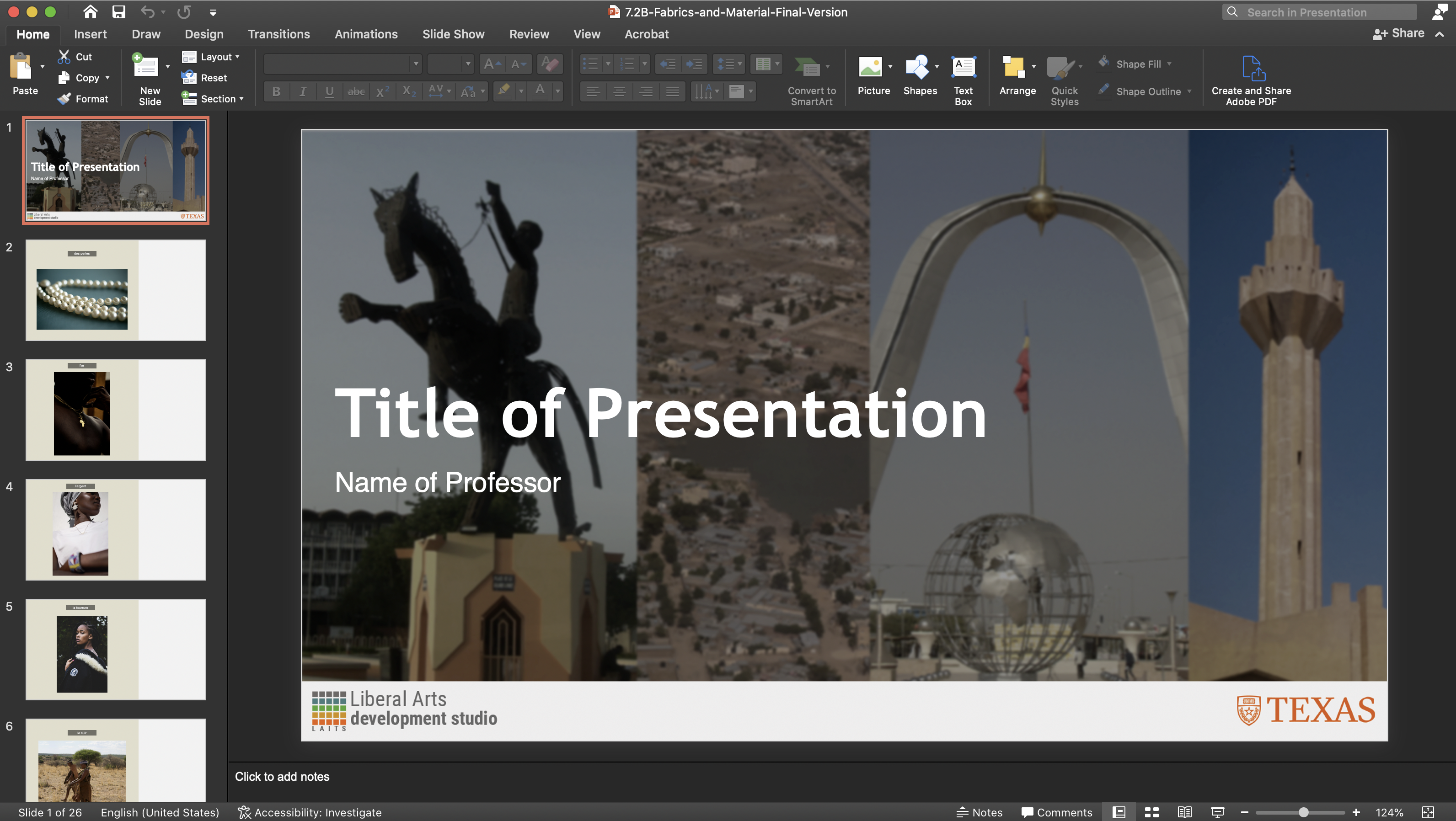
For this project, I was assigned to find pictures of fabrics and materials images from from N’Djamena, Chad or Central Africa.

7.2B Fabrics and Material-Final Version


Filed Under: Fall 2022 - Spring 2023, We are STAs

Week 9

November 3, 2022 By Marissa Devivar

Week 9

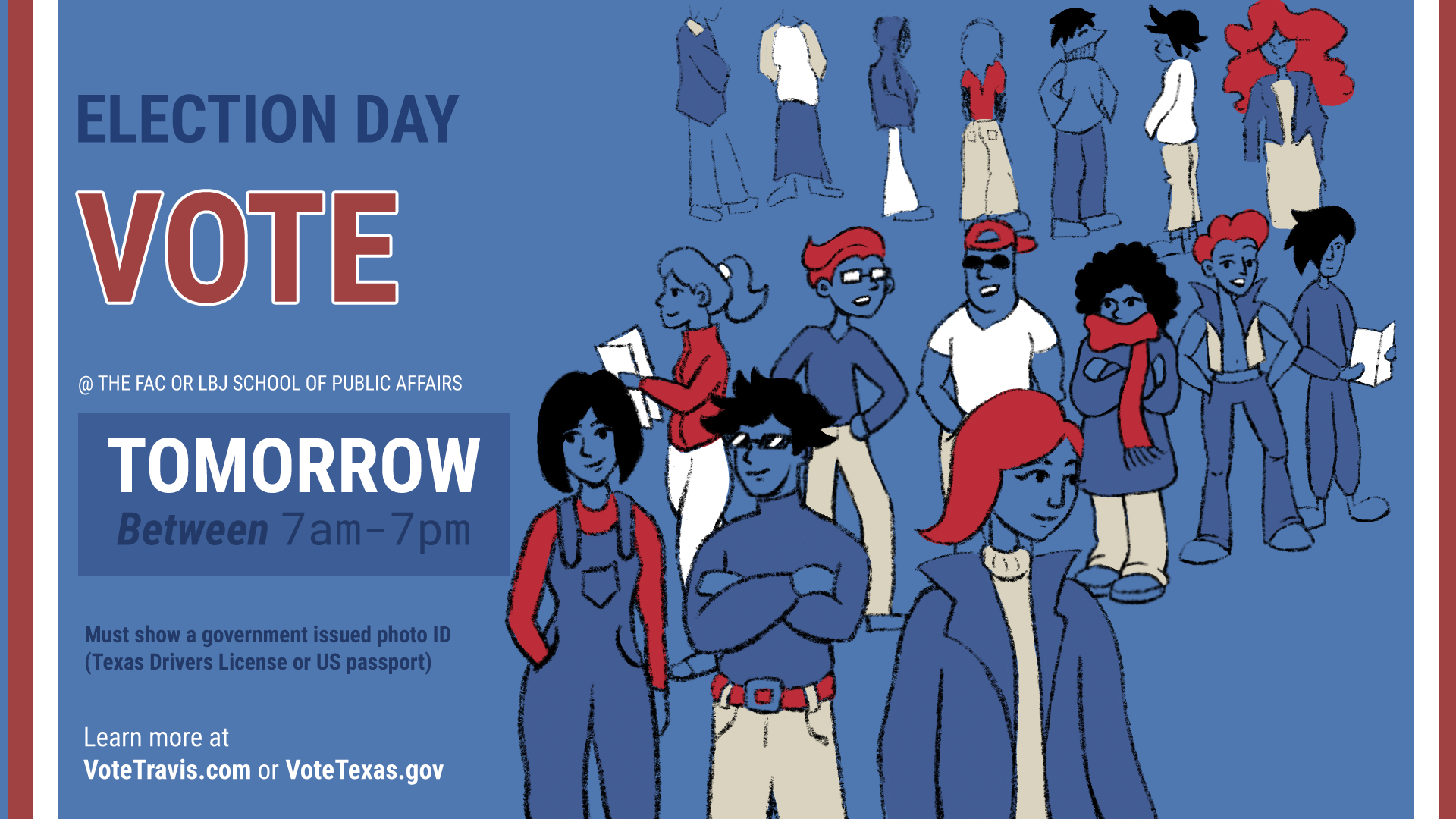
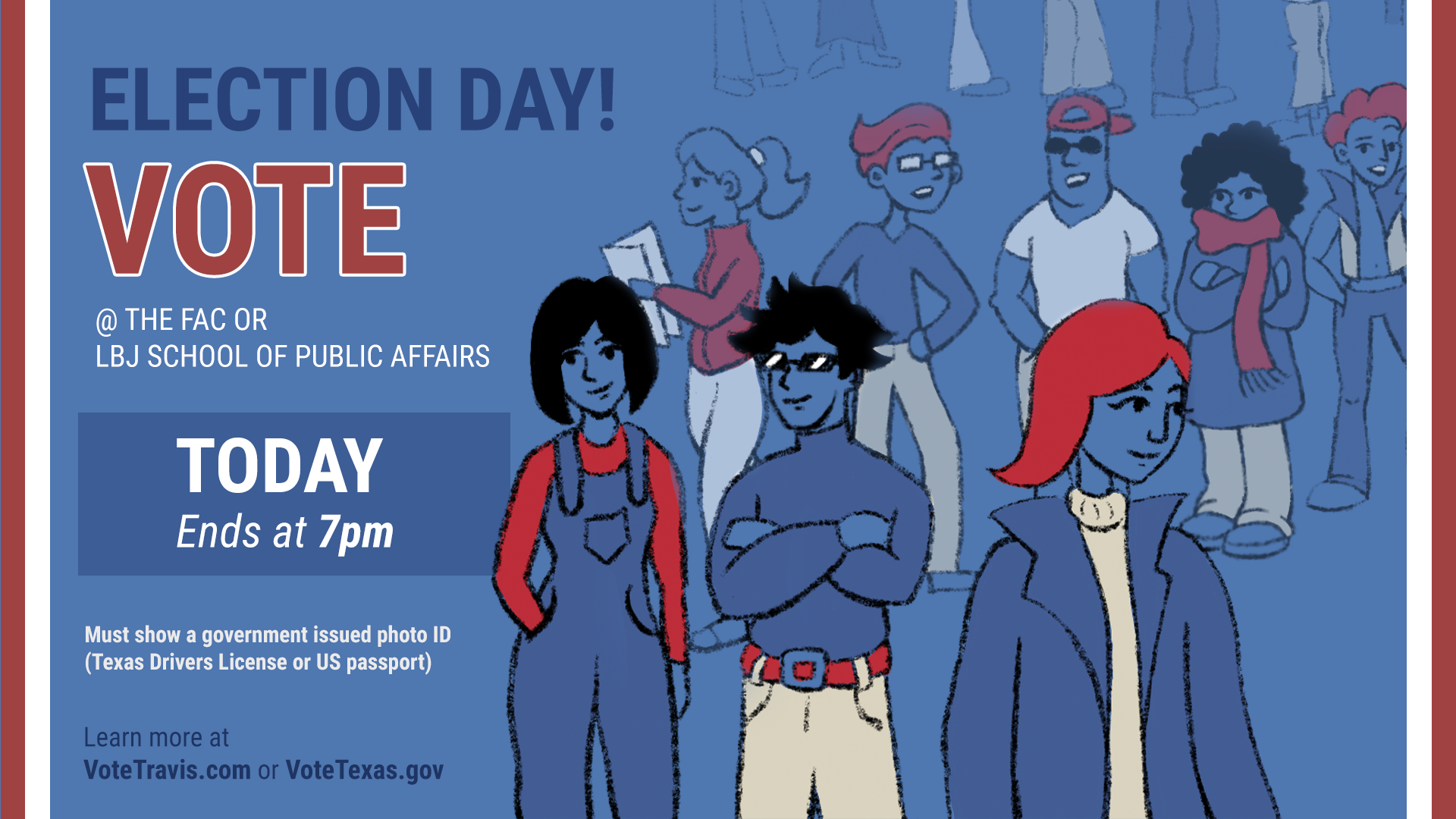
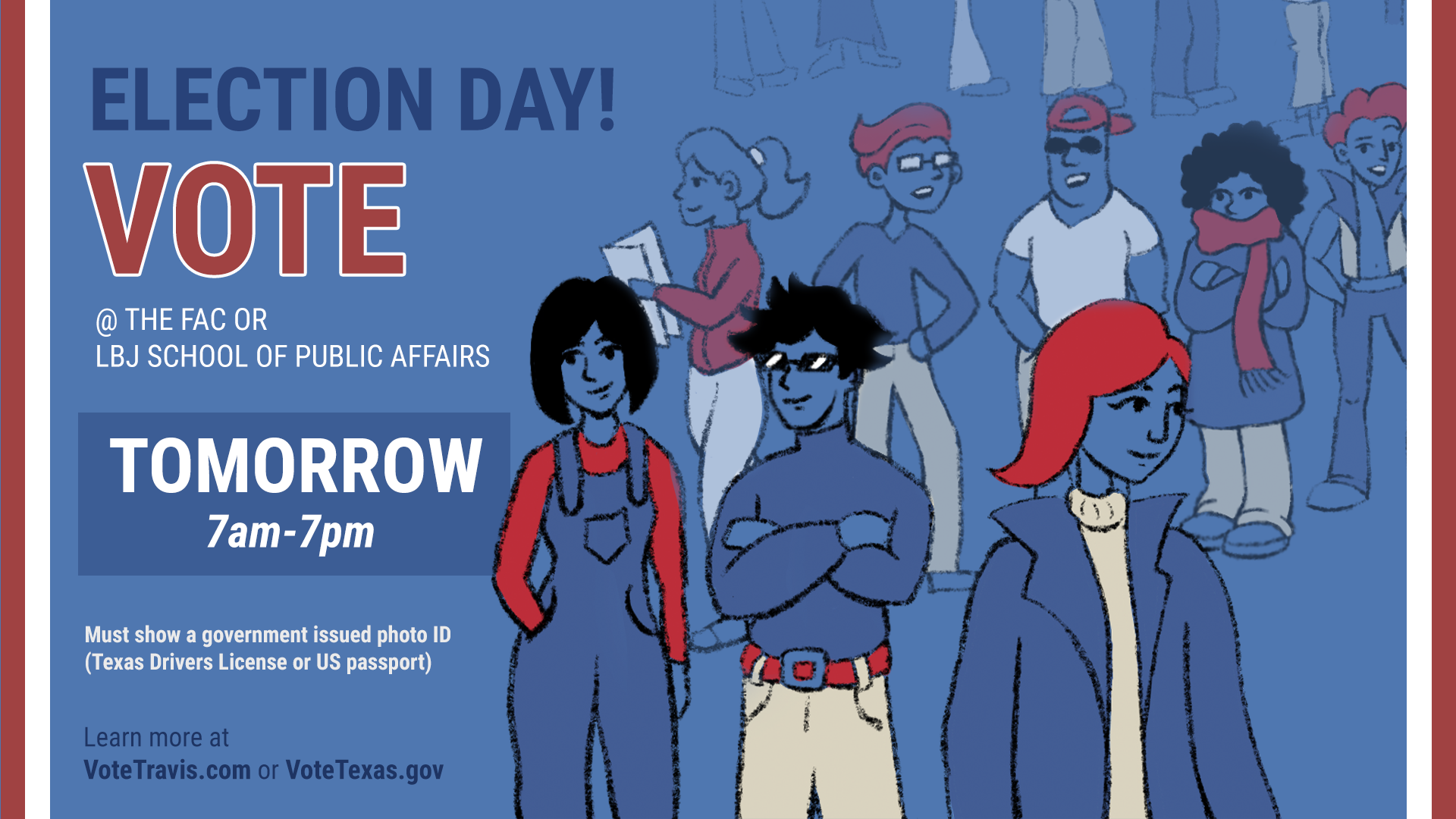
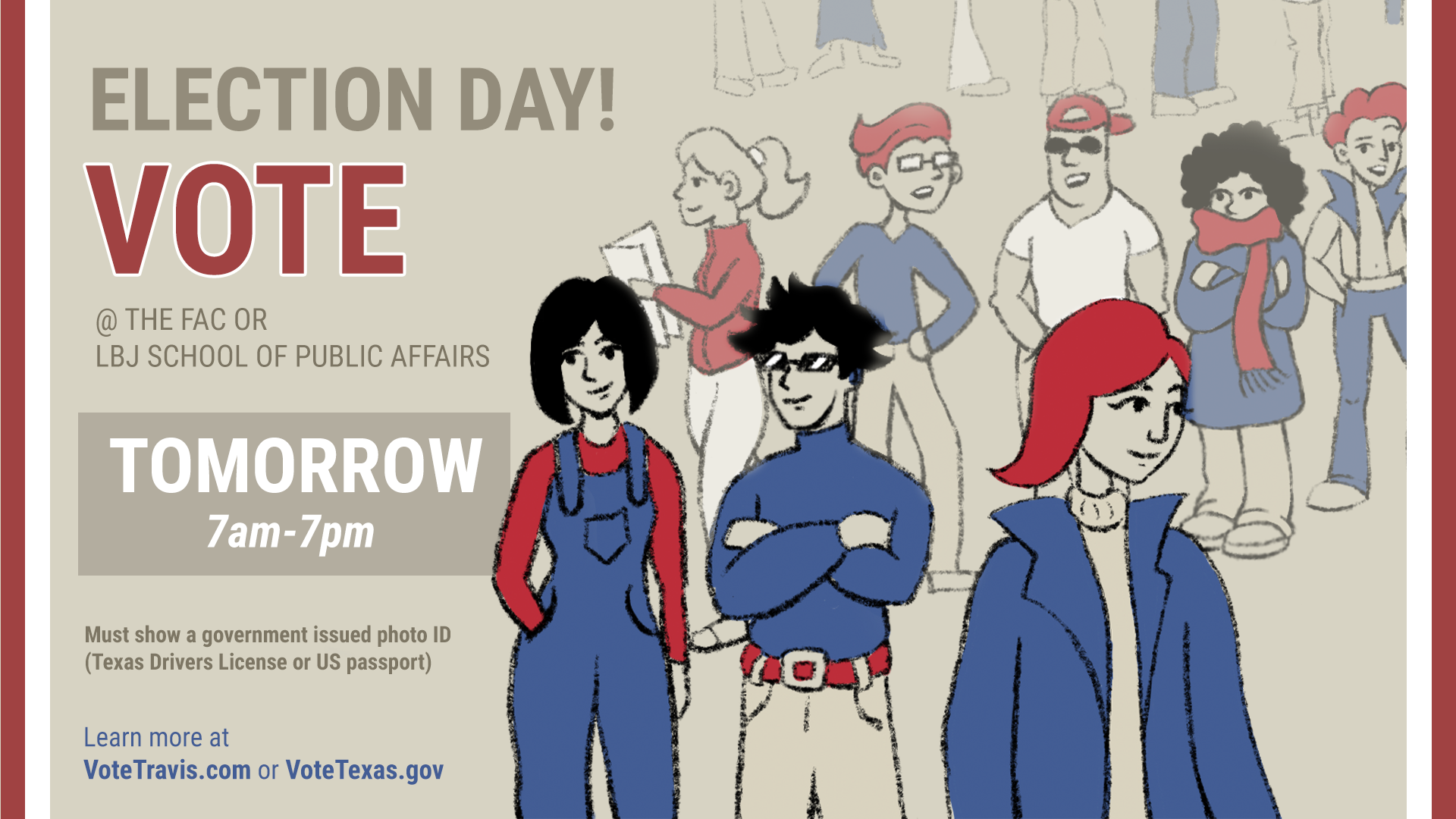
Project: Election Voting PSA Graphic
staff guidance: Maddy
description/plans:  I was asked to revisit the Election Voting PSA by creating a new illustration, or even adding a new color variant, to help catch the students’ attention, considering they have seen the same PSAs in the weeks leading up to early voting.

Graphic 1:

Final Graphics completed by Maddy:

Filed Under: Fall 2022 - Spring 2023, We are STAs

ArtBoard Studio

November 1, 2022 By De'sha Bass-McClellan

Artboard Studio

This week I have been testing out a new animation software that can help STAs create complex animations without using After Effects. Artboard studio can be seen as a combination of 3 applications:

  • Illustrator: creating vector shapes, pen tool, shapes, artboards, Layers
  • Figma: Open workspace
  • After Effects: Key frame Animation functionality

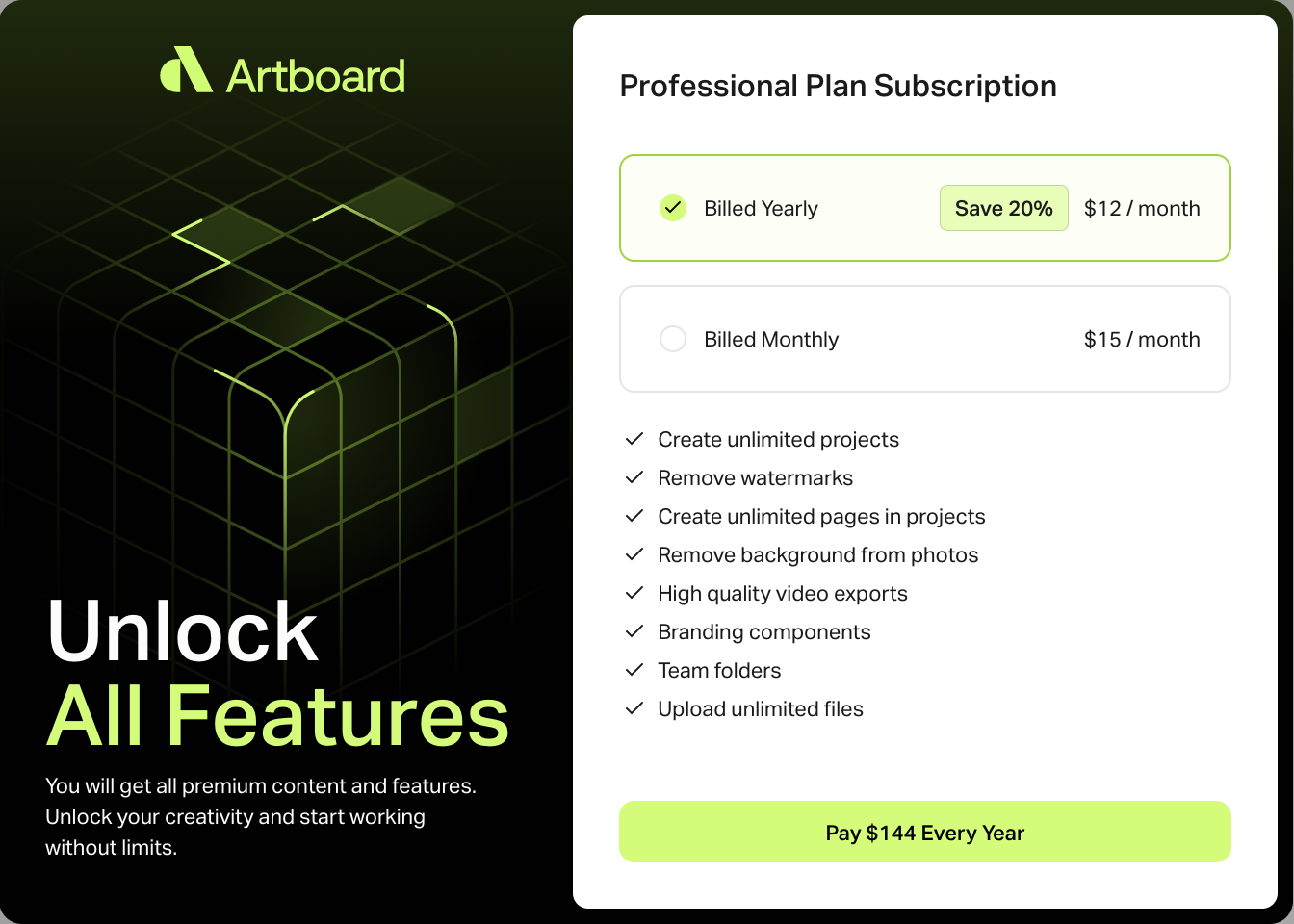
This is a free application that is web-based. It can be upgraded for more features.

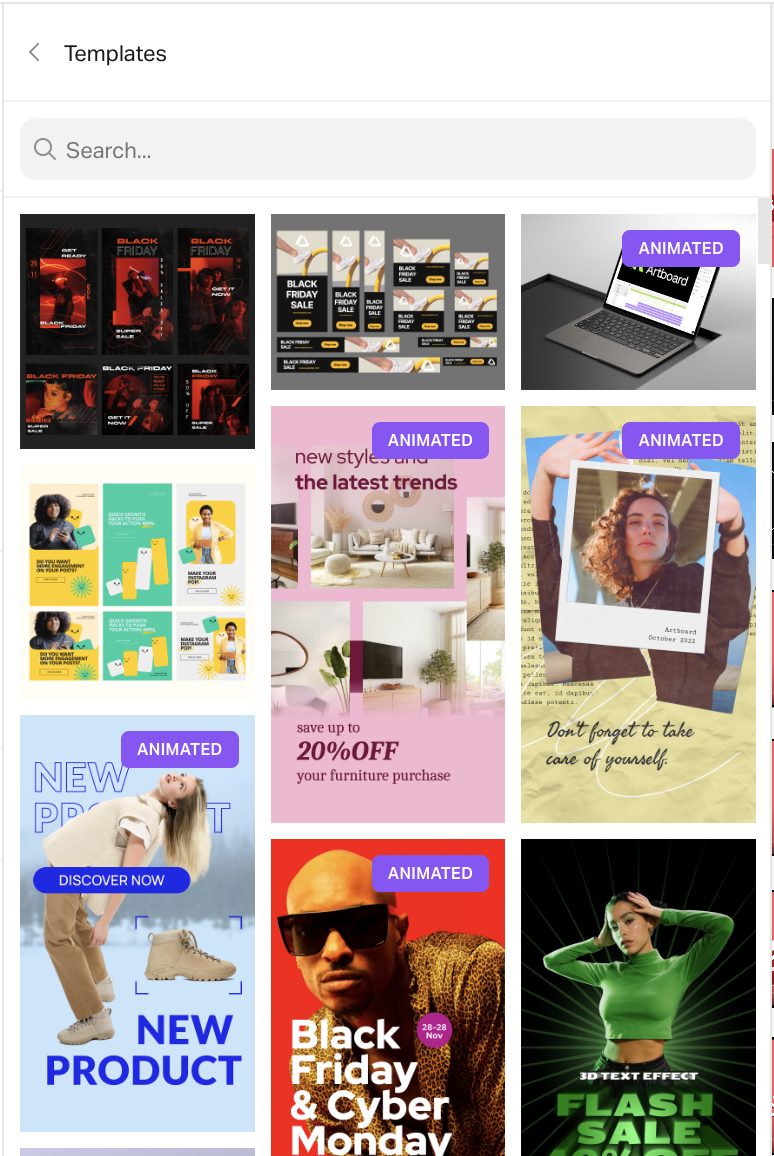
Templates & Assets

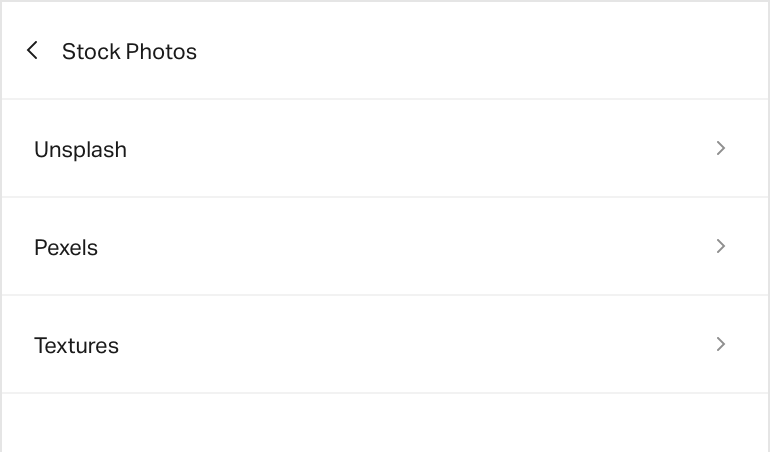
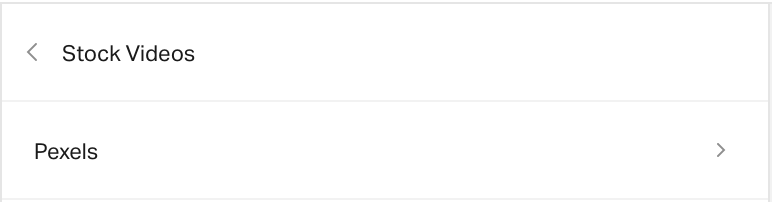
This software also provides stock free assets that can be incorporated in your designs and countless templates that can be used.


Imports

In this application, you can also import different personal assets to the site:

  • Videos
  • Youtube videos
  • Graphics (PNGs, JPGs)
  • Images
  • Custom Fonts

Sharing

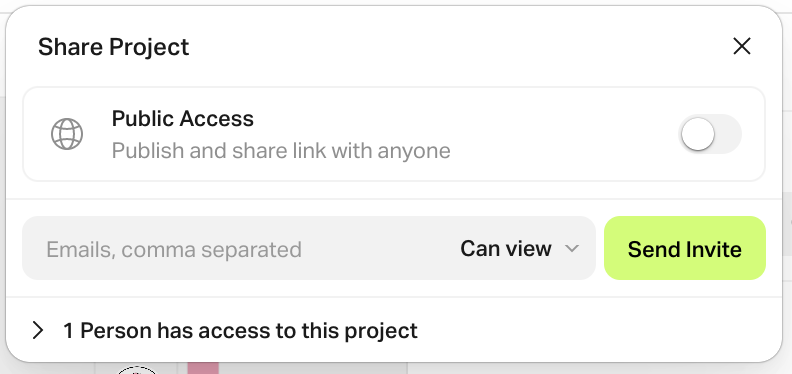
You can also share your project. This is mainly for someone to view the project or there is an option for it to be cloned.


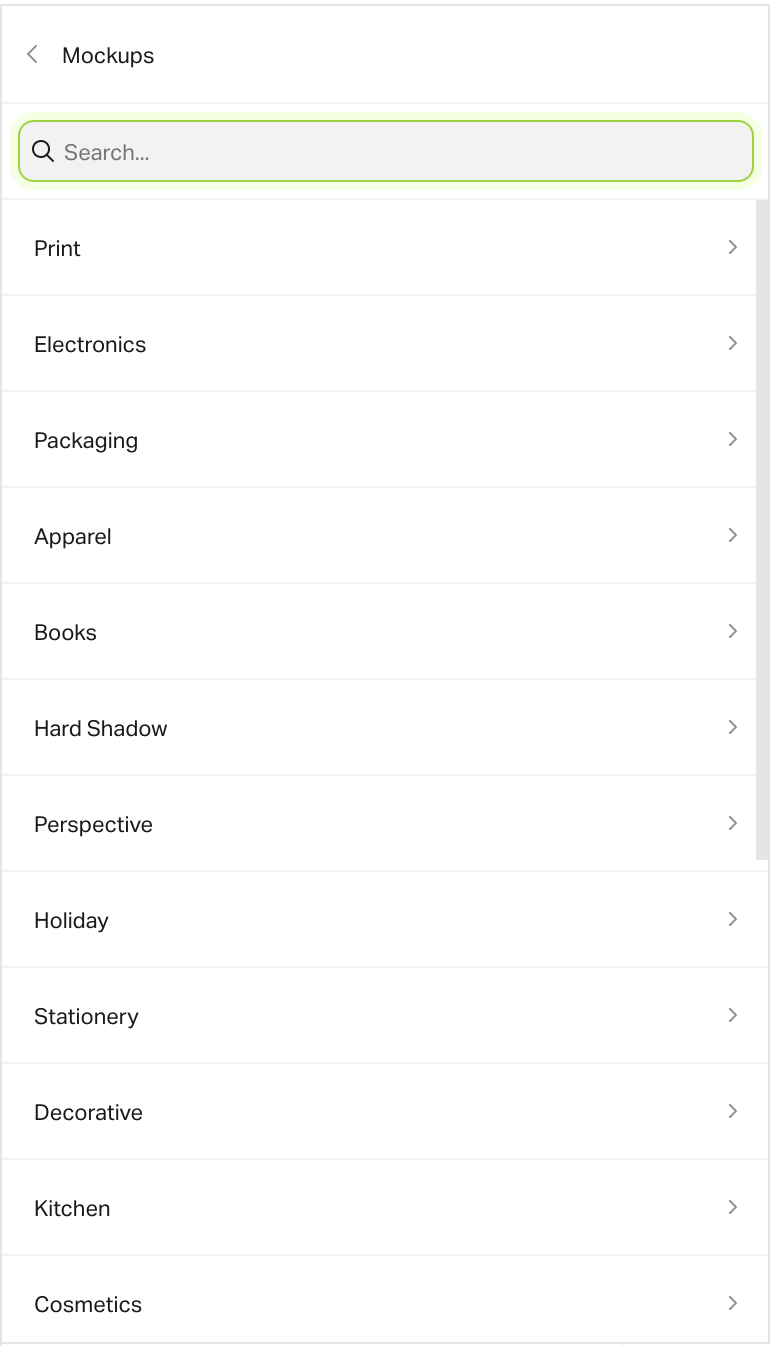
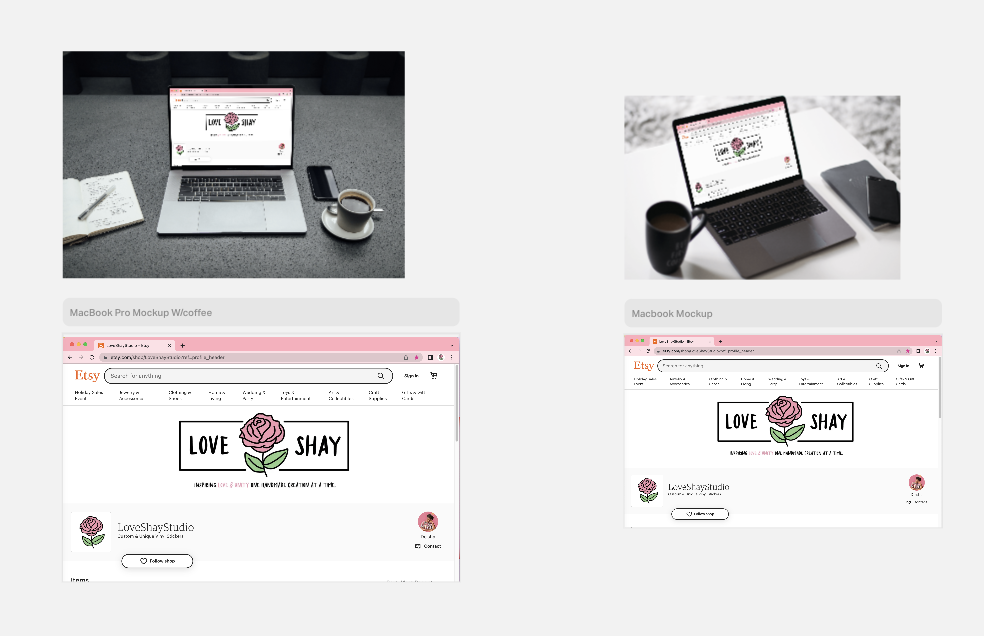
Mockup Examples

Here are some examples of the mockups that can be created using this application. This allows a smart object that you can edit that will be changed on the main graphic.


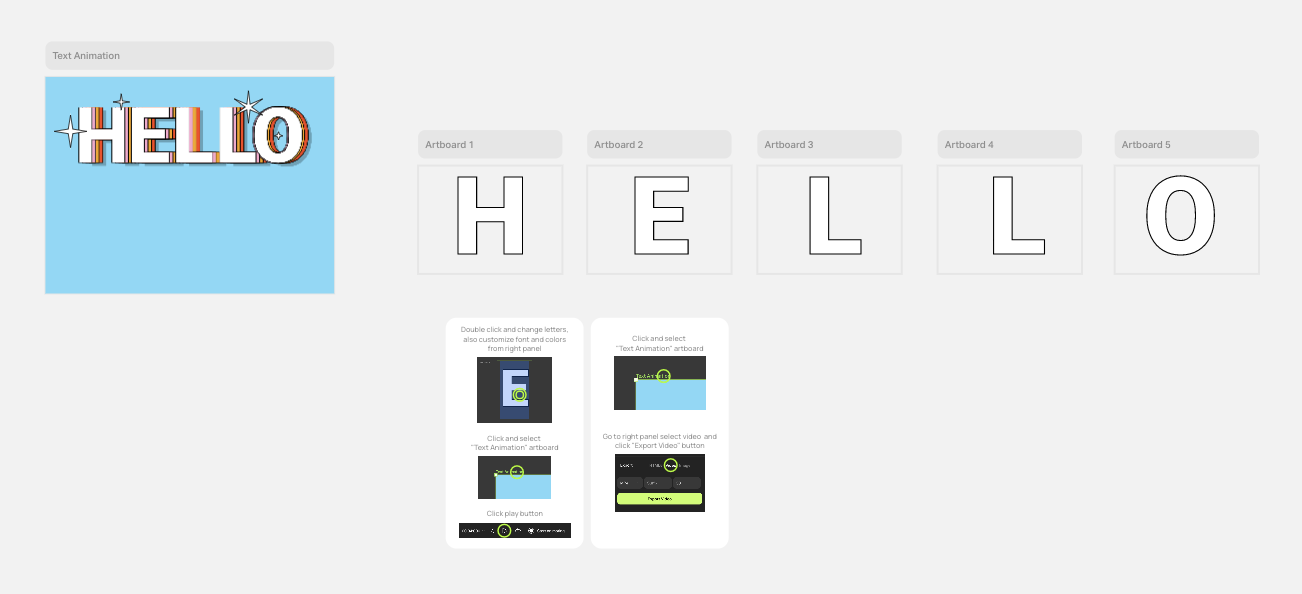
Main Work Station

Artboard studio allows for a huge workspace where you can create different artboards and import different assets that you can organize.

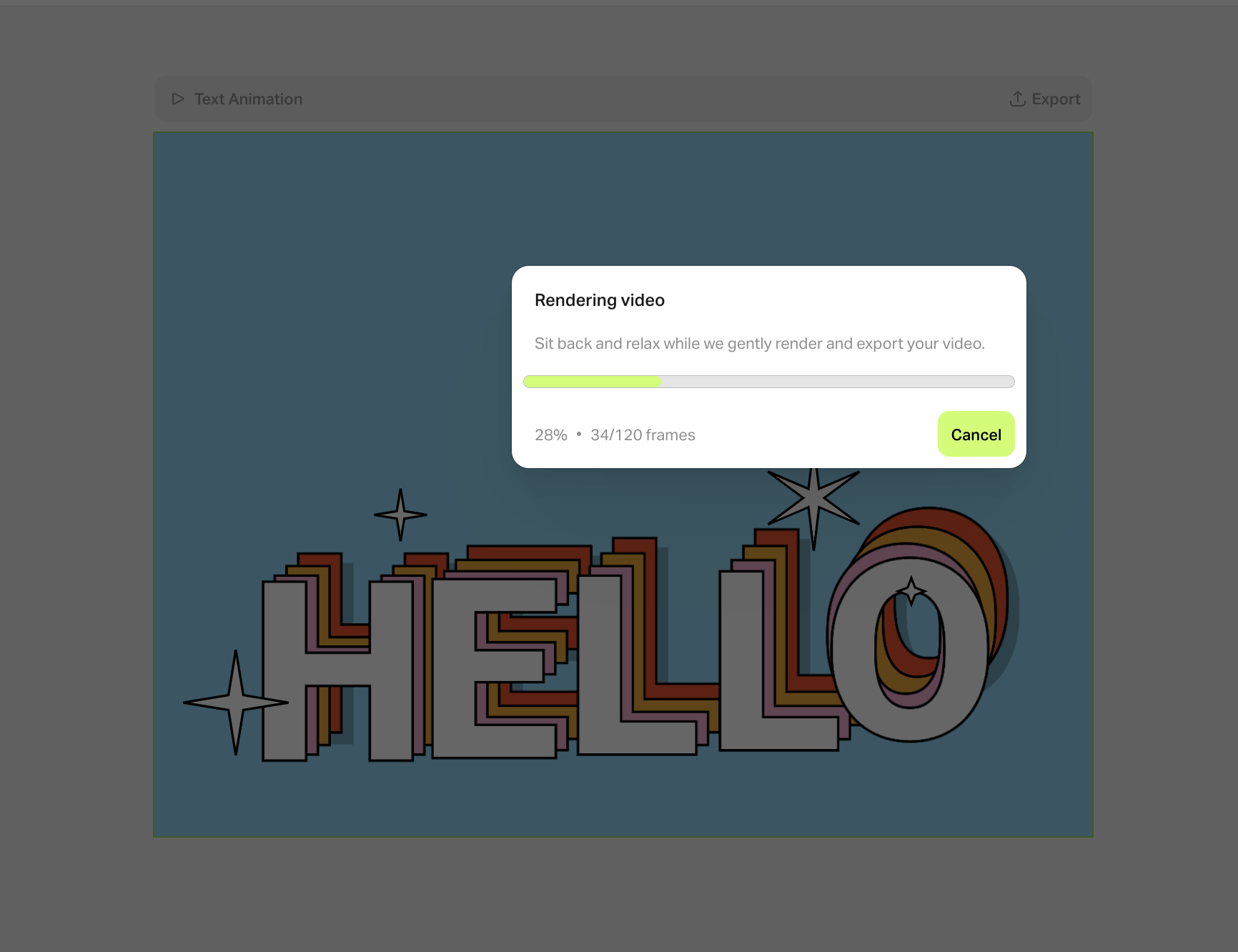
Animation Test

Currently, I am working to see if it is possible to create an After Effects quality animation in this application. This is what I enjoy about the application so far:

  • Can import Youtube videos of the animations on the artboard to reduce tabs.
  • I can create my animation process screenshots and notes on the side of the work space.
  • I can organize the assets I want in the workspace and create smart object for easy edits. You can also import custom fonts for a design.


Animation Example

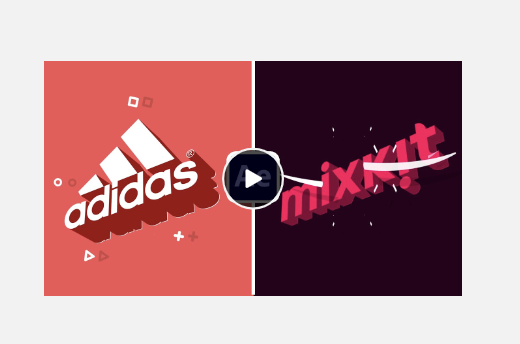
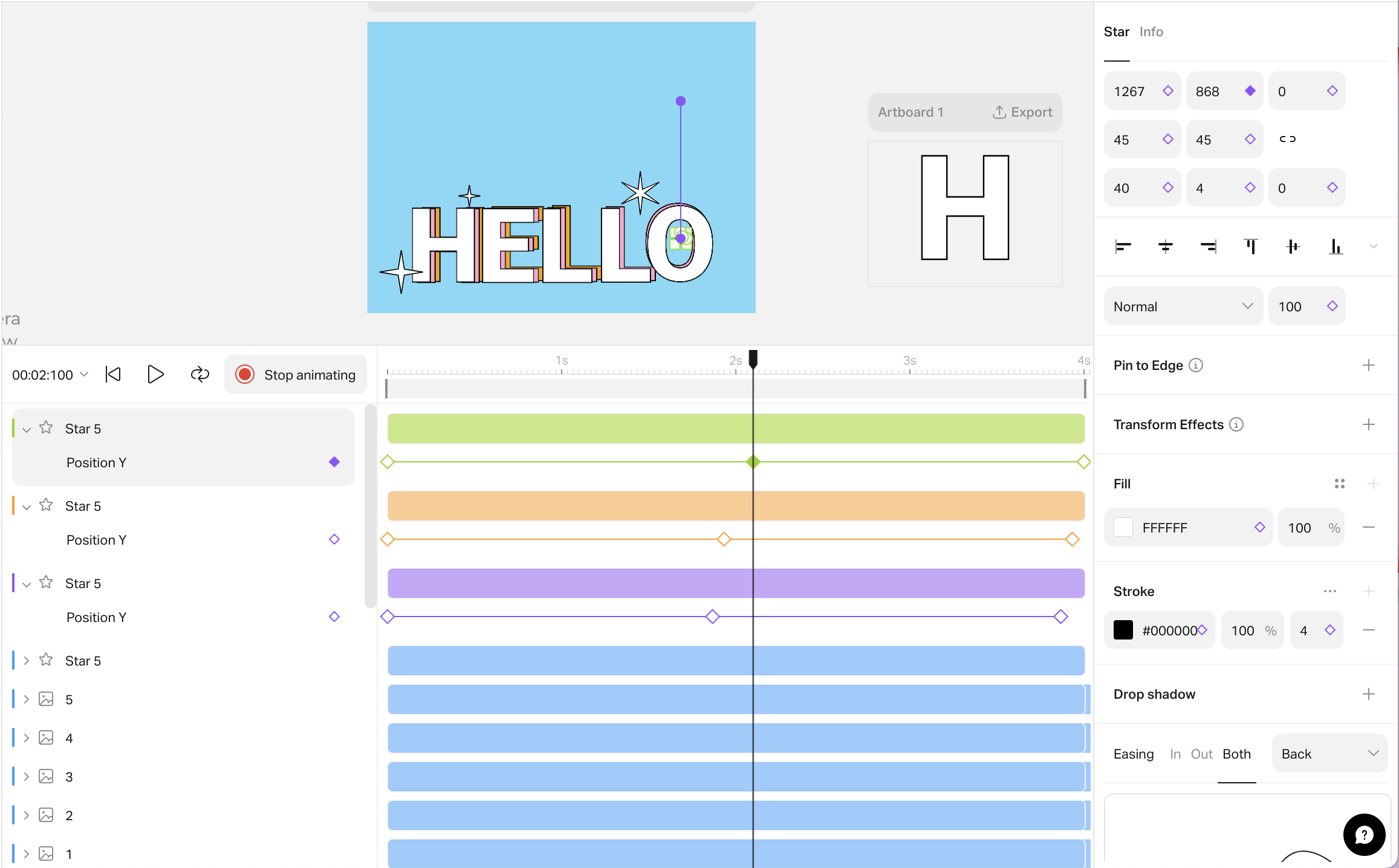
Here is a current animation template to showcase the type of animations that can be created.

To start animating, you have to hit the “start animation button” and you can add key frames for different parts of the objects. Such as position, scale, rotation, etc.

http://sta.laits.utexas.edu/wp-content/uploads/2022/11/text-animation.mp4


Downfalls:

  • Since it is a web-based application, the rendering of the videos takes awhile. It is strongly based on your internet connection.
  • The pen tool is nice, but it isn’t as smooth and concise as in illustrator.
  • There aren’t a lot of tutorial out on creating different animation styles in this application.

Filed Under: Fall 2022 - Spring 2023, We are STAs

  • « Previous Page
  • 1
  • …
  • 61
  • 62
  • 63
  • 64
  • 65
  • …
  • 136
  • Next Page »

link to LAITS home page

Video STA Home

© 2026 Liberal Arts Instructional Technology Services | Production Credits