Basic Training: PSD Cutouts
Megan wrote up a detailed documentation on how to do image cutouts in Photoshop so I followed it and created these cutouts:
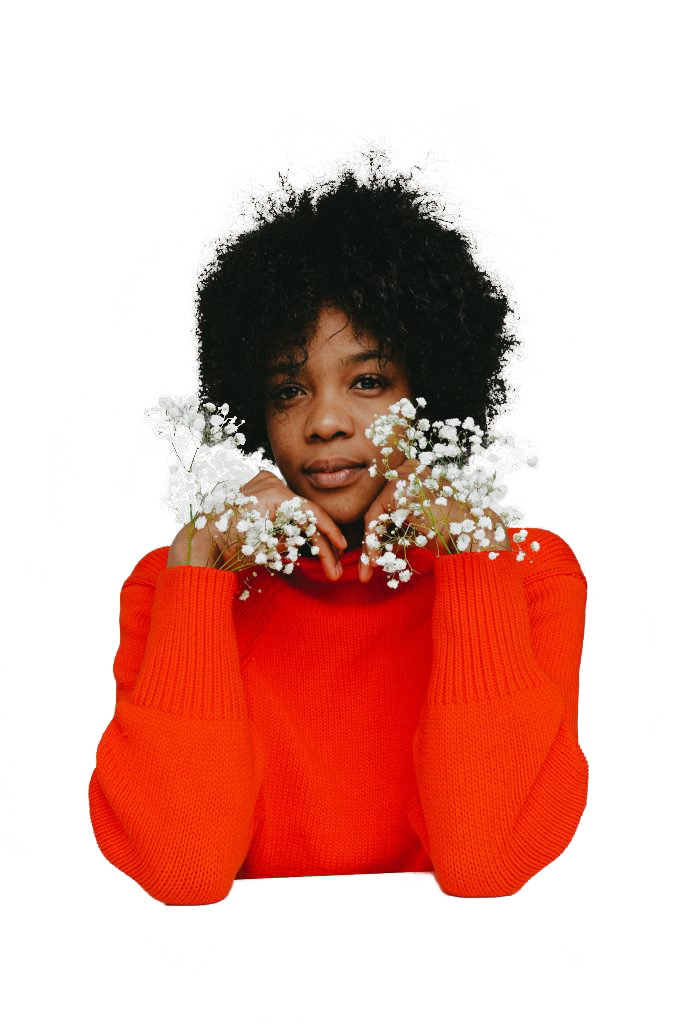
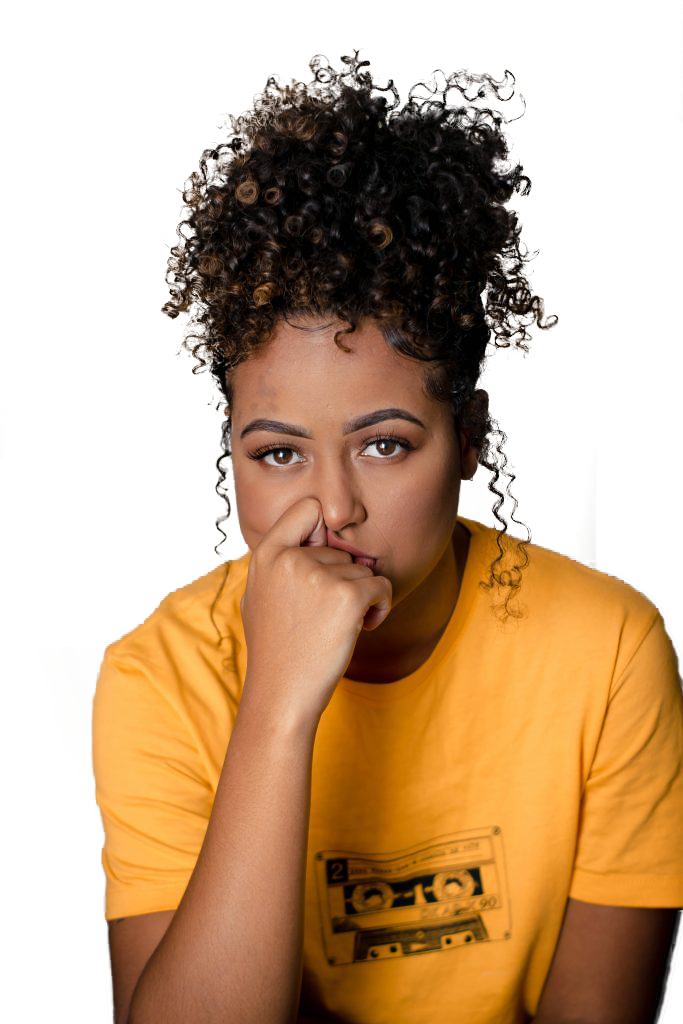
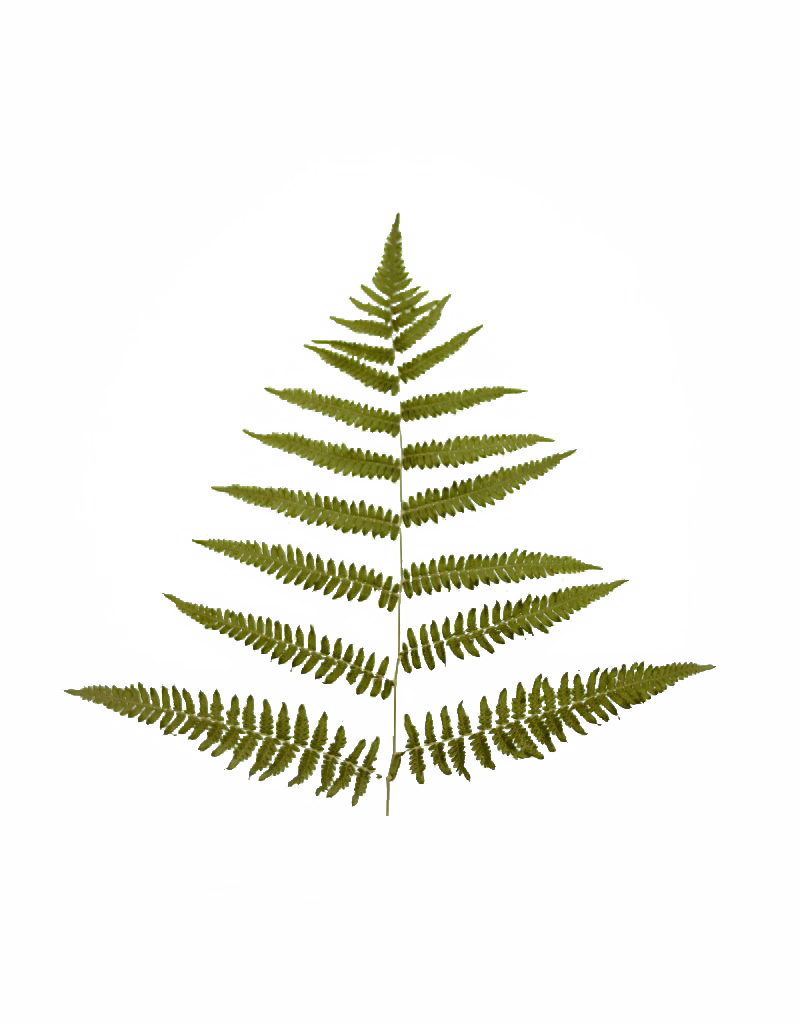

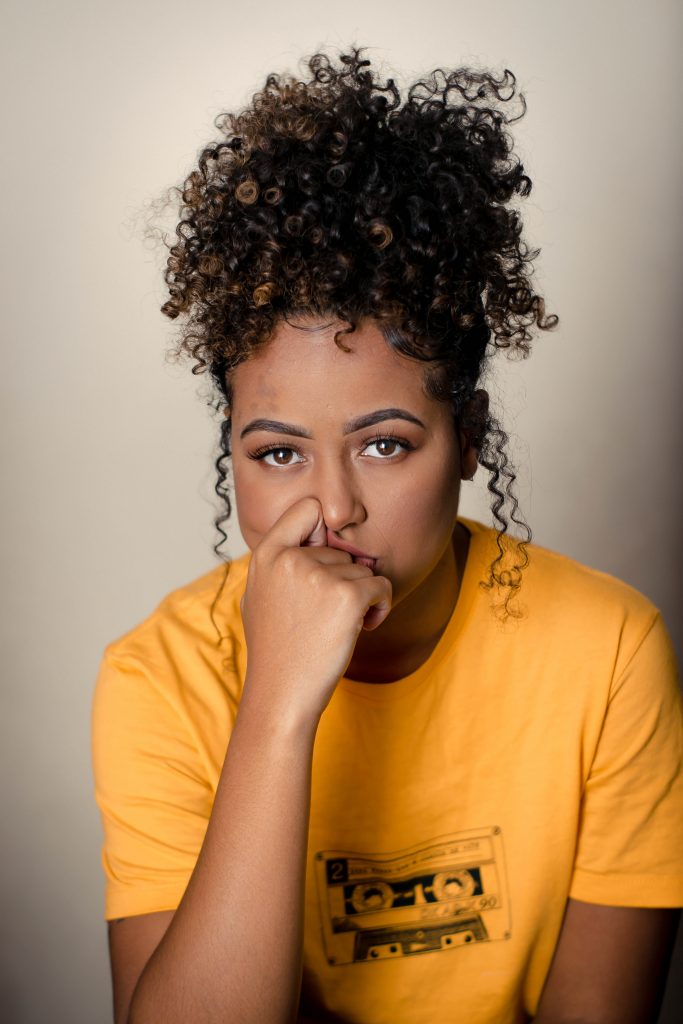
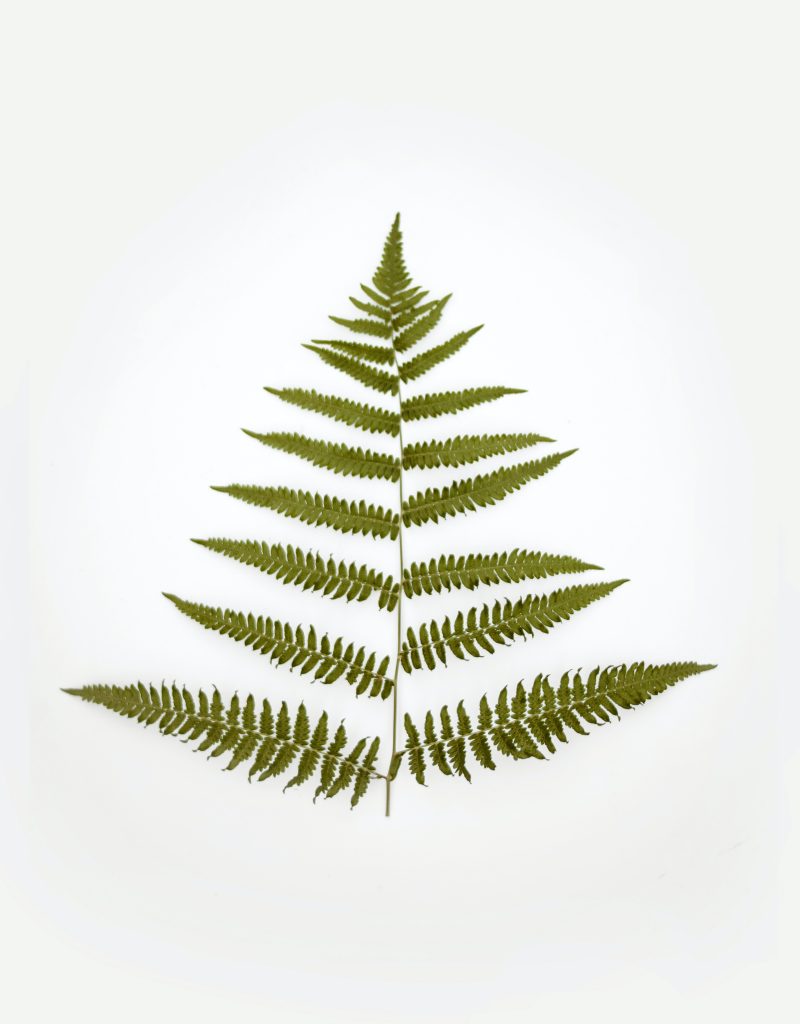
It was a fun, s
Current Sta
Megan wrote up a detailed documentation on how to do image cutouts in Photoshop so I followed it and created these cutouts:
It was a fun, s
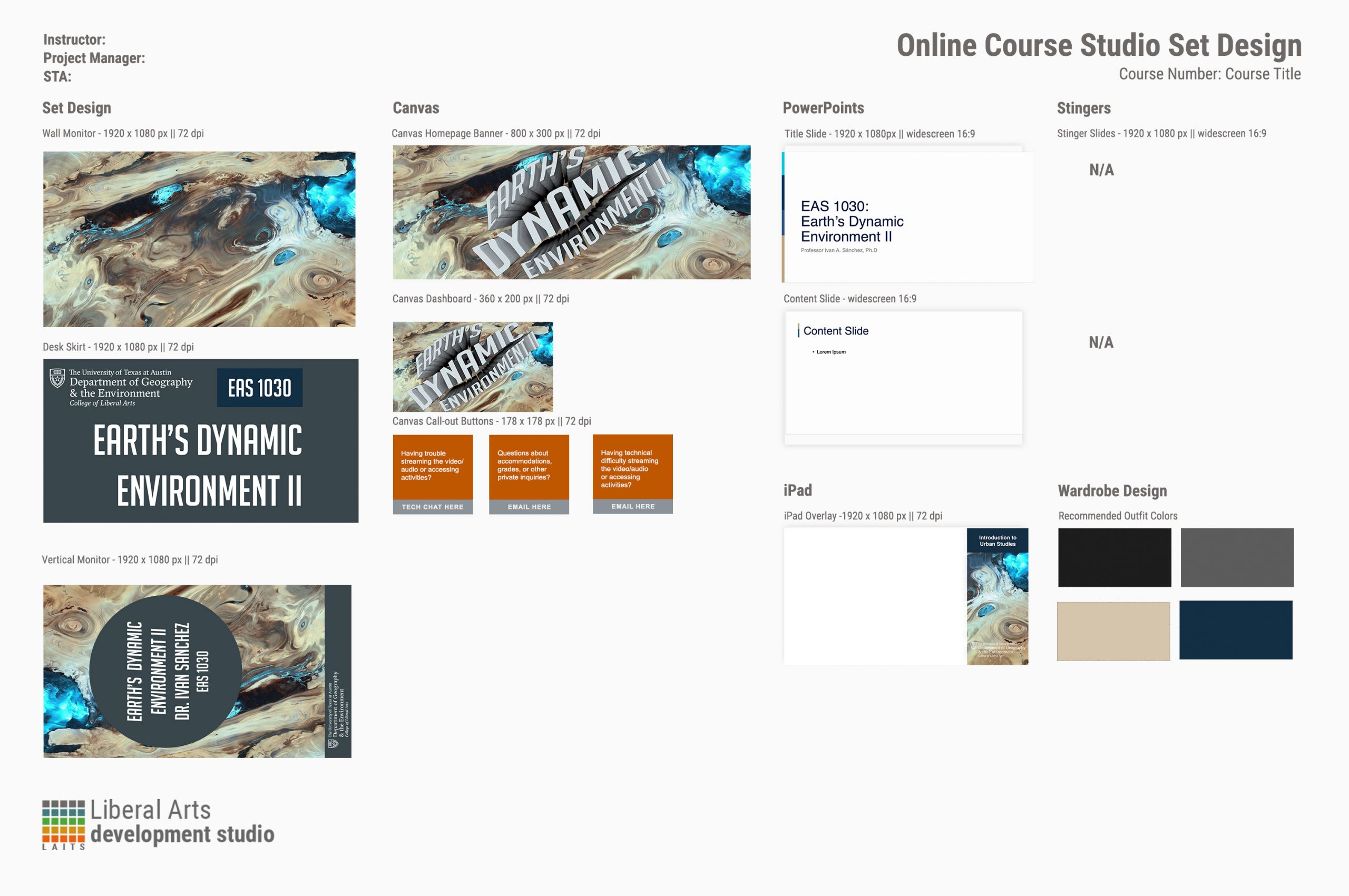
This week I’ve definitely done a variety of things! I wrapped up the studio graphic training, so here’s the design menu for it.
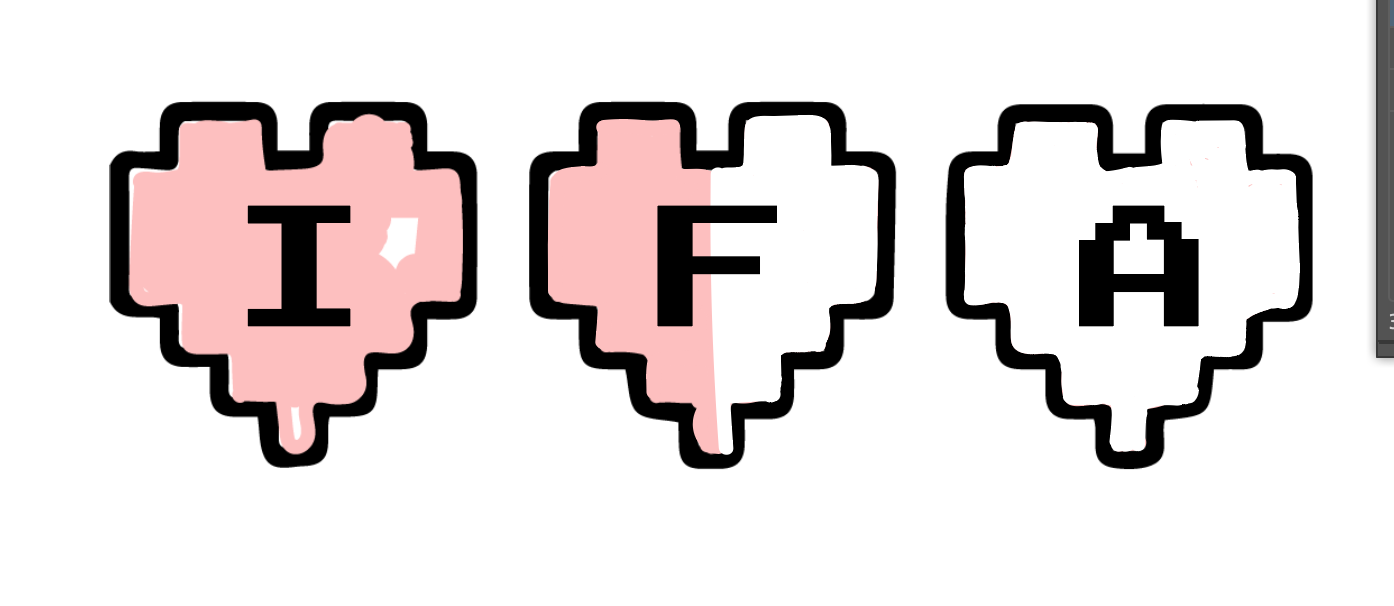
Next, I started and made significant progress on the AI logo training. I chose a very retro pixelated heart theme with my initials.
Lastly, I finished making my Canvasser game assets and starting exporting and subsequently uploading them to Canvasser.
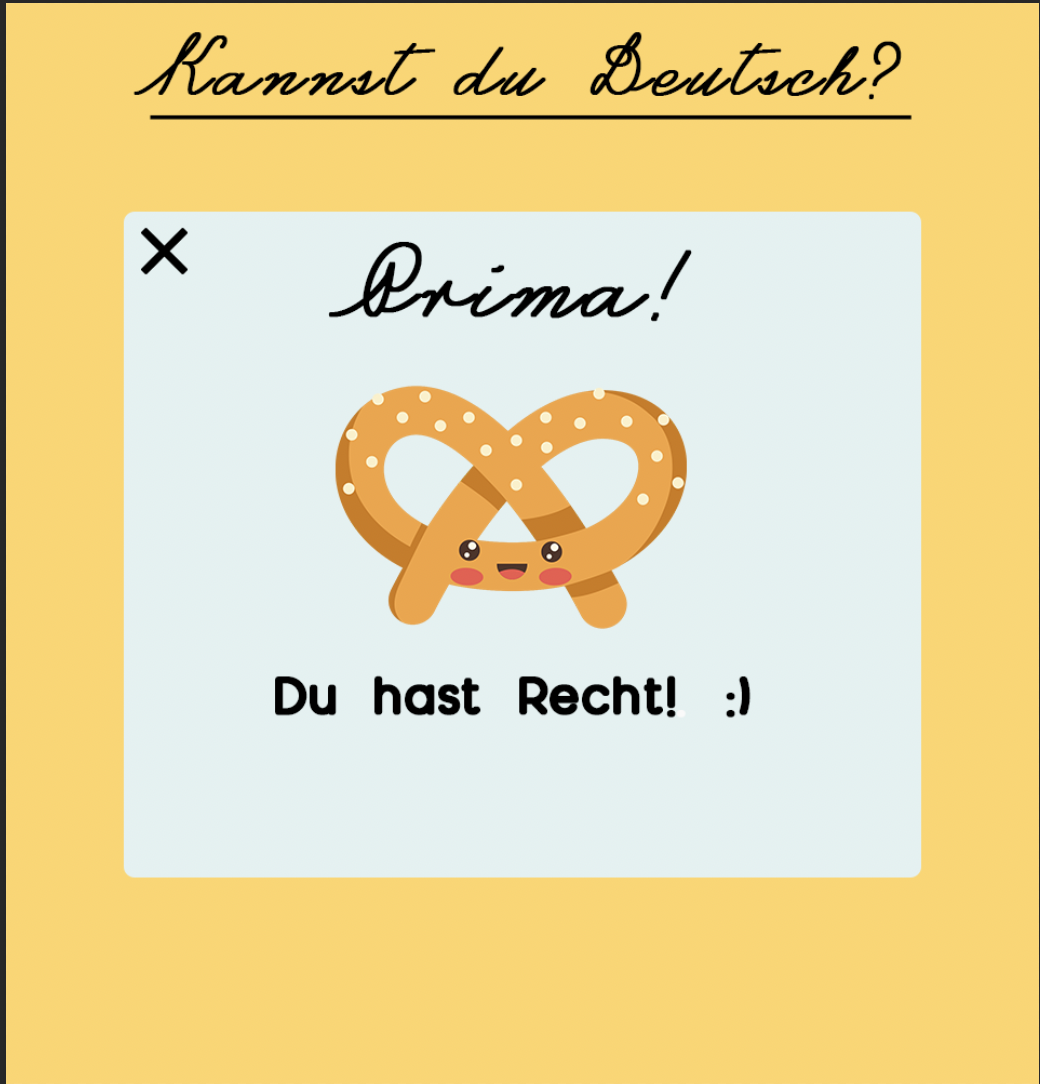
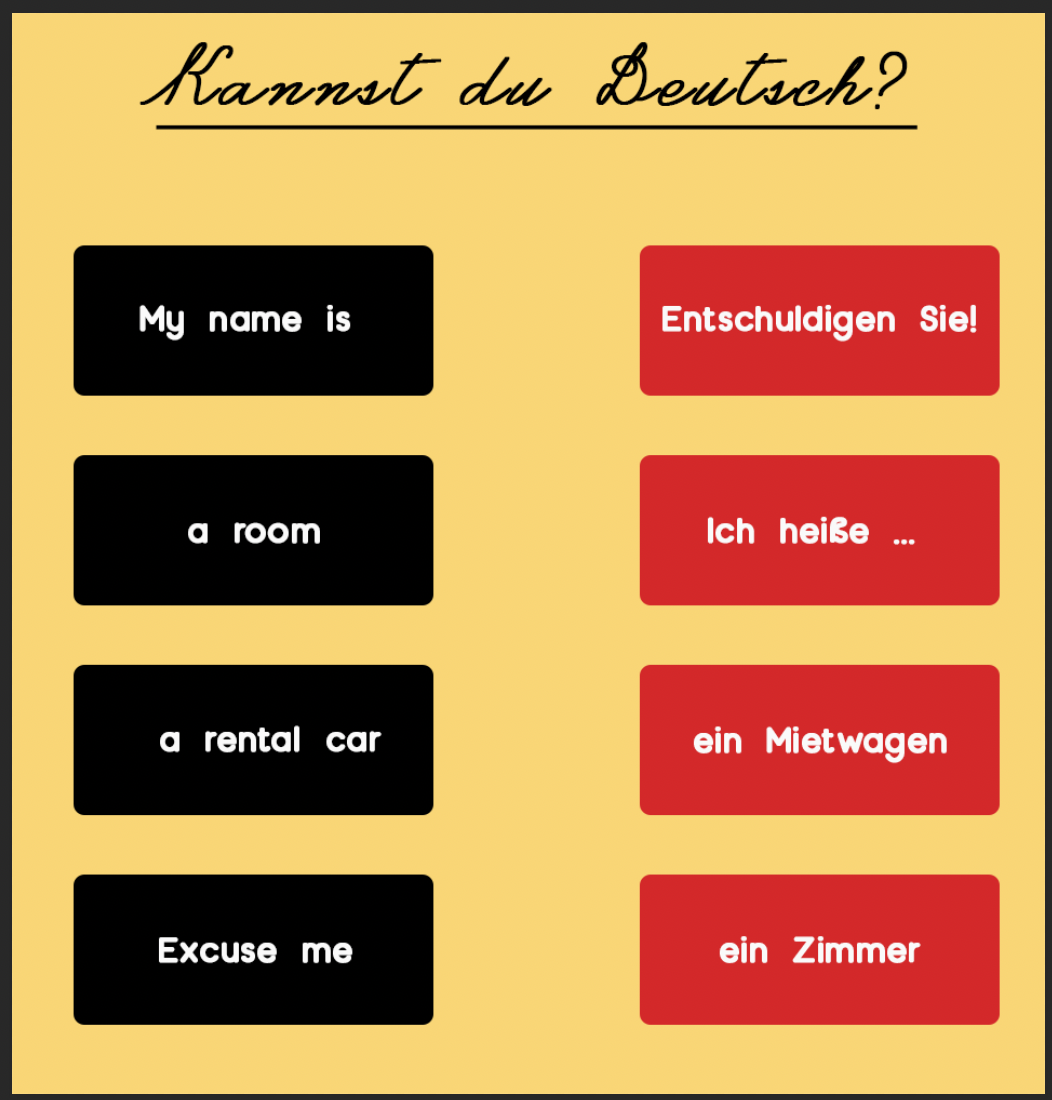
Phew! The week caught up with me. This week, I assigned out Poonum and I’s InDesign Part II training, got started with Angie on the new infographic training, uploaded a bunch of photo IDs, gave feedback on the new After Effects training, and (finally) got started on my Canvasser game. I’m making a matching game to learn Spanish personal pronouns with a cute crayon aesthetic.
The infographic training is shaping up to be great! We’re teaching basic graphs and vector graphics in Illustrator, then how to lay out information that’s not necessarily built for a graph, and then how to create a spread of multiple infographics that work together in harmony. Can’t wait to take it!

This week has been a lot of things! I worked on the spreadsheet for the COLA Staff Photo ID Initiative and made significant progress on the studio graphics and Canvasser trainings. Here’s a sample of my work.
*Some exciting news* Angie and I are collaborating on training STAs on infographic design and layout integration! Woo hoo! Infographics and data viz is my whole ~thing~, so I’m pumped. We’ll be teaching STAs how to make basic graphs and charts in Illustrator, then how to conceptualize information visually, and finally, how to put a lot of graphics together on a page or a magazine spread to look cohesive. If I had it my way they would also learn how to make cloropleth maps in Google Sheets or Flourish, but that might be a little too numbers-heavy.
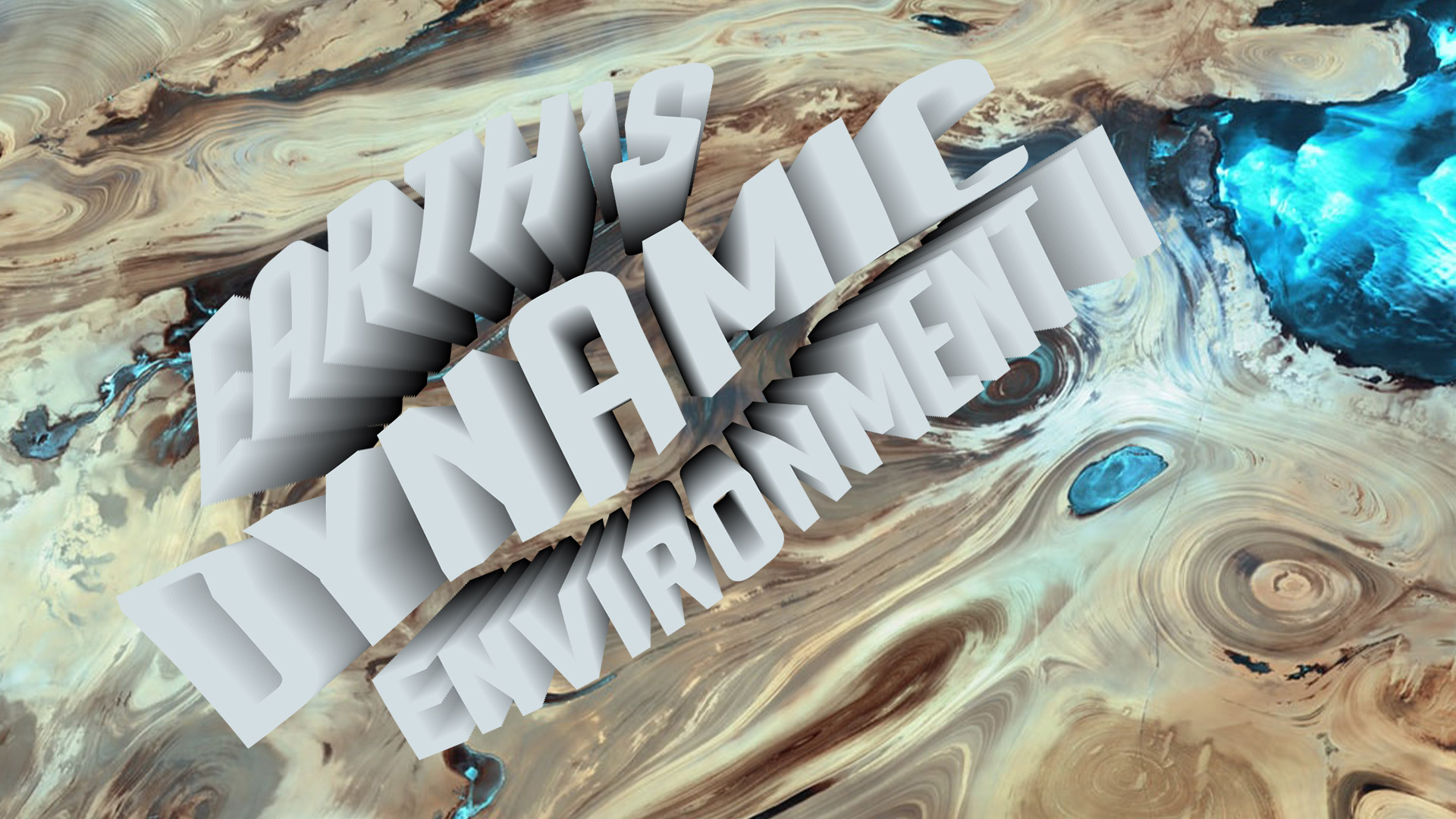
Poonum and I have been hard at work making the InDesign Part II: Flyer Design training! I made the banner for the KB today. I’ve also been working on a training for cutting out objects in Photoshop that went on the KB on Wednesday!