• We are STAs
    • Asha Rountree
    • Haley Ma
    • Isabella Melendez Gonzalez
    • Julie Brandt
    • Kate Shih
    • Kyra Lee
    • Nicholas Peasley
    • Sasha Kenney
    • Shanda Horm
    • Shriya Atreya
    • Tomas Marulanda-Mesa
    • Trisha Darure
  • We were STAs
  • STA Presentation
    • STA Presentation 2017
    • STA Presentation 2016
  • Testimonials
  • Resources
  • Home

STA Blog

Current Sta

Signage

July 18, 2019 By Maddy Kaniewski

Making Signs

I had some free time yesterday to make this guy in Photoshop with the Timeline tool.  🙂


I got the chance to design signage for LAITS Computer Support. Here’s my draft + final based off what was requested. The final sign will be 34″ x 10″ and be placed on their door in Parlin Hall. The font I used, Roboto Condensed, is so geometric. See the way the uppercase S lines up with the top of the lowercase u? Roboto isn’t a bad font but Open Sans will always have my heart for sans-serif body typefaces.


First draft:

Final draft, with larger text to fill up the white space:


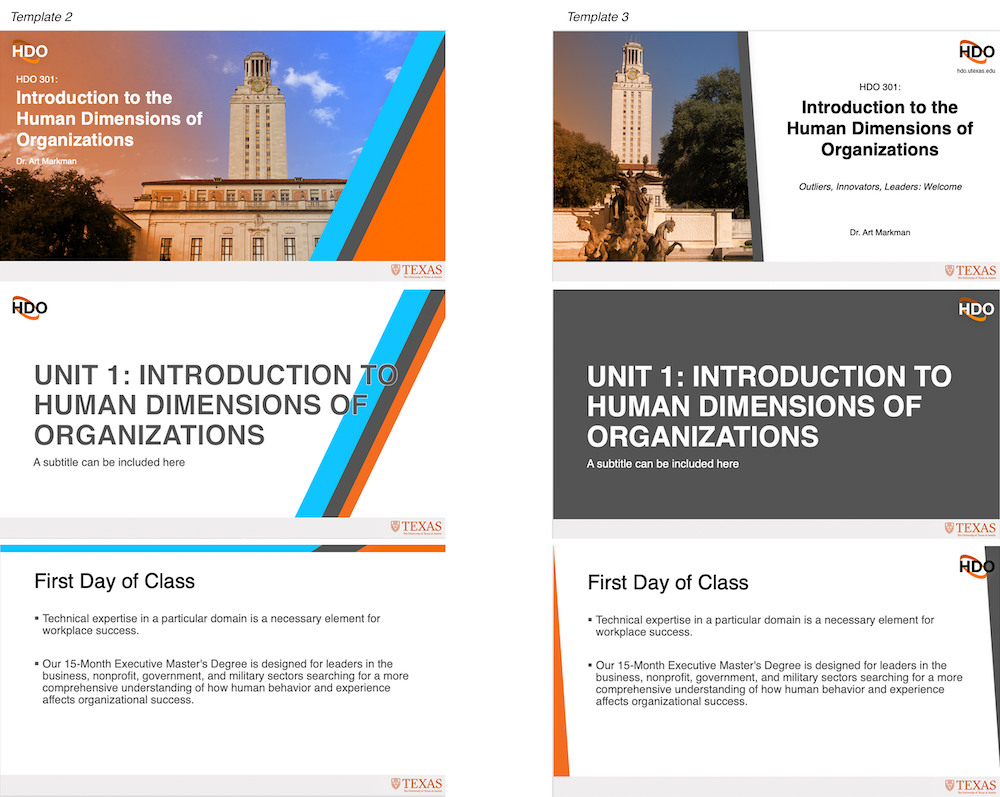
Suloni asked if I could make a simple style guide for future signage. This is a rough draft of it. The Computer Support signage is pretty simple so there was no need to make it long. I did want to include examples because I’m a visual learner and I’m sure most design STAs looking at it in the future will be too.


Filed Under: 2018 Fall - 2019 Spring, We are STAs

VLabs Updates

July 15, 2019 By Maddy Kaniewski

VLabs Updates

I spent most of last week working on a looot of PSDs for VLabs.


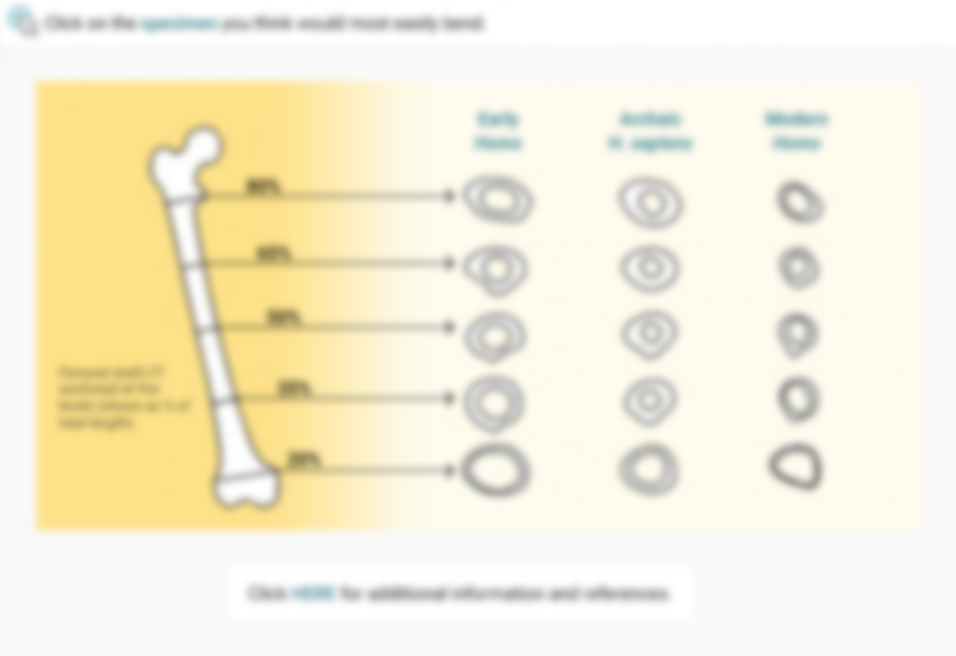
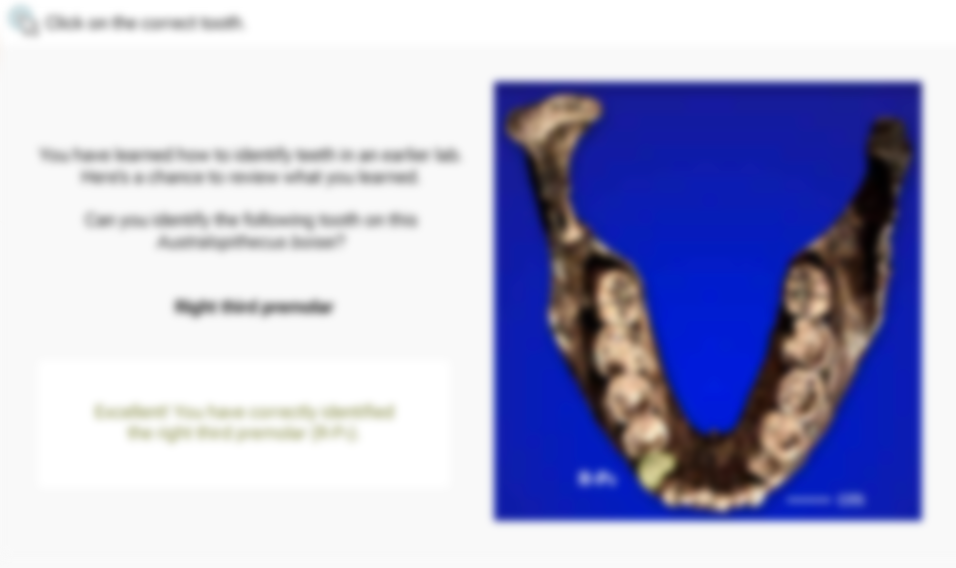
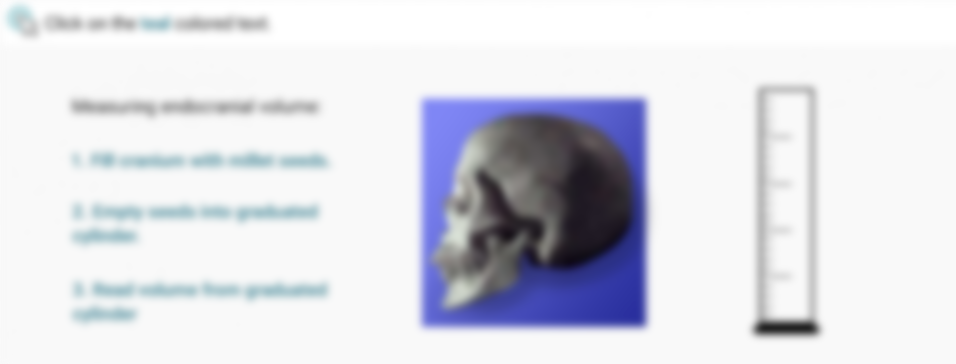
I’ve noticed the lab activity interactives at the end of each lab are more complicated than other sections, so I’m looking forward to getting feedback since they’re each unique. A lot of them include graphs, calculations, and measuring so I did what I could to stick to style guide. On many graphs a dot must be placed in the correct location for the user to pass, so I’d like to see how assembling interactives like these work in Canvasser (below).


Speaking of Canvasser, it can sometimes be a challenge, but I feel like this interactive below came out well in terms of toggling between “shared with humans” and “unique features.” Originally the user would have to double click the links for the popup to show because the on/off toggle was getting confused up behind the scenes. We were able to finesse the property options under Click/Touch Event ID to work.


Next up is adding videos into the HTML on the Grav site.


I’m about to start my Cascade test site, and I’m not sure what to expect since at first glance it seems different from WordPress or any other CMS I’ve used before. Other than that I’ve been learning to edit Photo IDs and completed lots of orientation work.

Filed Under: 2018 Fall - 2019 Spring, We are STAs

Starting out!

July 8, 2019 By Maddy Kaniewski

Starting out

Hello world! I’m Maddy, and I’m in my fourth year of studying advertising. A little about me, I’m from DFW, I think all cats are queens, and I like to DJ for fun. I also have a good amount of experience in design (not to brag but I was commissioned for my first logo design in 6th grade… yes it was for my dad), which is what drew me to LAITS and being a design + coding STA in the first place.


This is about to be my third full week as an STA and I’m really enjoying it. Everyone has been so helpful and kind throughout my whole onboarding process and the work is enjoyable too.


The major project this summer is creating all 12 units of Vlabs interactives for the physical anthropology course. While I’m sure it’ll start getting tedious coloring in monkey bones all day, it’s been nice finding a good workflow and getting comfy with the Vlabs style guide.


Here’s a screenshot of one interactive:


This was another I made, which ended up being a couple hundred layers after creating the graph and all the interactive elements. It’s definitely like a puzzle remaking an interactive. I recreate each piece of the original, while thinking of small ways to improve its layout, as well as staying thoughtful of how the next person will have to animate it in Canvasser.


So far so good at LAITS! I’ll check in again soon.


Project: Virtual Labs
Client /Prof: UT Anthropology
Completion status: Started spring 2019
Staff guidance: Suloni Robertson
STA team members: Jaclyn Alford, Valerie Tran, Emily Park, Bridget, Chloe Kim, Olivia Wilczek, Abriella Corker
Description/plans: Move + update the Virtual Laboratory for Physical Anthropology from Flash to HTML
To be completed: End of summer 2019

Filed Under: 2018 Fall - 2019 Spring, We are STAs

STA Orientation

July 5, 2019 By Abriella Corker

Dear Abriella!
During the later part of your STA Orientation Tuesday July 9, 2019,
you’ll design and upload your STA Blog banner to the STA blog.


FIRST STEP
Photoshop
Design and make your banner

a. Use the photoshop specs for your blog banner that i placed in your STA volume folder

b. Save your unmerged files back to your STA volume folder


SECOND STEP
WP

Log-in

  •  https://sta.laits.utexas.edu/wp-admin
Publishing Help Documentation/Instructions
Read this WP sites “Publishing Help” before you upload your banner.
STA publishing help:
  • https://sta.laits.utexas.edu/wp-admin/admin.php?page=wp-help-documents&document=115
  • https://sta.laits.utexas.edu/wp-admin/admin.php?page=wp-help-documents&document=18881
* the publishing help is out of date, please take a moment and make suggestions for reformatting & re-writing the instructions, on a comment in bascamp
https://3.basecamp.com/4001554/buckets/7892081/todos/1906338625
Blog post
Reflect on the day. You blog posts will be a written experience with images, of your time as an STA with LAITS.
Write a bit about your about your-self, & what you did during orientation & upload your banner.

ABOUT IMAGES
Do not merely copy paste images in to your blog. Always upload images into the “Media” section of blog first, and then set the image from the media folder to display on your blog.
Don’t use the thumbnail version of your images.
Use images that are 72 dpi
Screen shots are fine
Images that are 780 pix wide format nicely above or below text blocks

ABOUT CATEGORIES
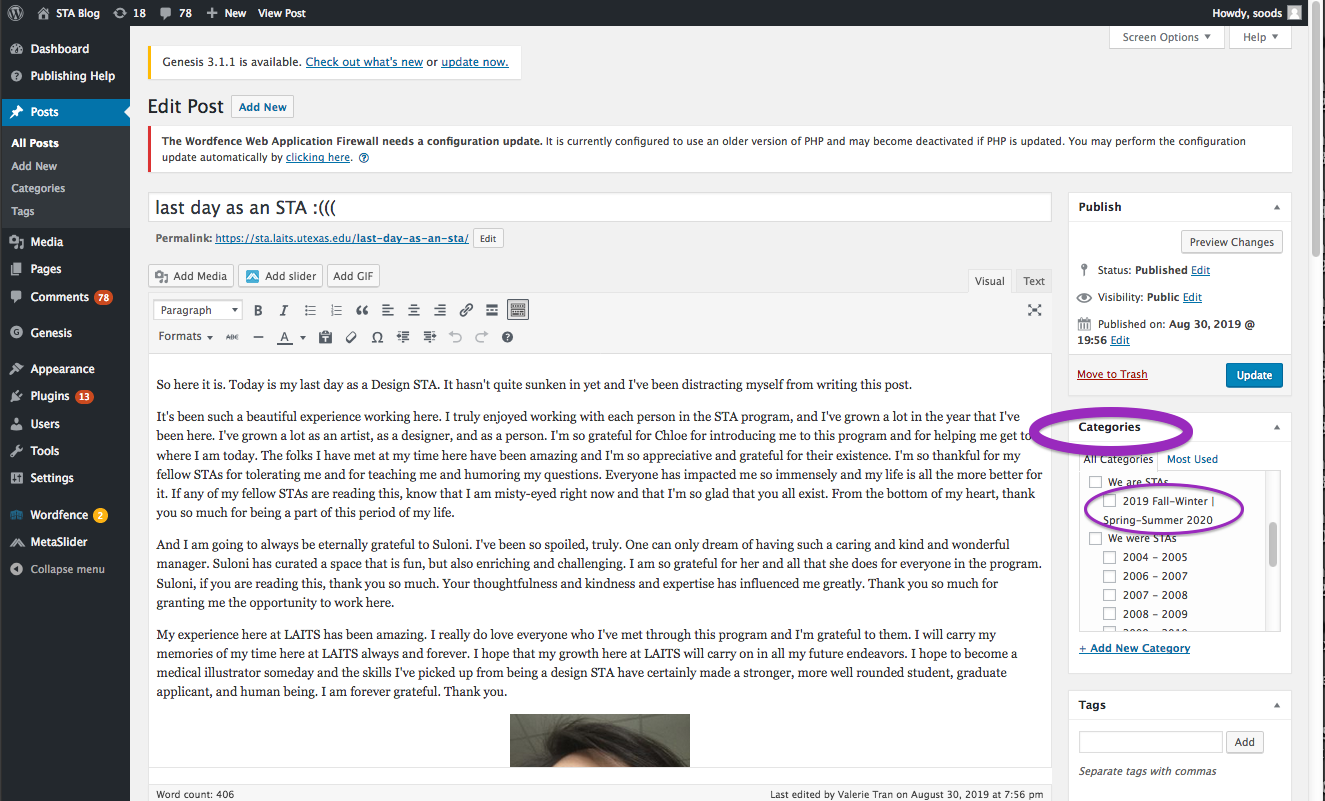
Check the “2018 Fall – 2019 Spring” Category box for all the blog posts you make this semester and next semester so that all of your work is documented in the correct semesters.

Zoom Category.jpg
Category.jpg 72.9 KB View full-size Download
LASTLY
Comment on Basecamp
Notification comments: etiquette, files, questions, feedback
https://3.basecamp.com/4001554/buckets/7892081/todos/1906338625
Let Chloe and Valerie know you’ve completed this task.
Do this by uploading a link from your blog, to a comment on basecamp, and for your basecamp comments in general:
  • *Always address the person(s) you are writing to by their names.
  • *Always use complete sentences.
  • *Always add links or paths to your design file residing in your STA folder
  • *and a courtesy to your collaborators and mentors, add a screen shot to your comment, of the file you are asking for feedback on.
For this activity, use “@” Valerie and “@”Chloe on your bascamp comment, to let them know any questions you may have about the mechanics of using the STA blog, about the mechanics of photoshop, and to let them know that you have completed this task and that you would like a little feedback on on your banner design 🙂

Thank you & have fun!

Filed Under: 2018 Fall - 2019 Spring, We are STAs

Hi Maddy! :-) ready to blog??

July 5, 2019 By Maddy Kaniewski

Dear Maddy 🙂 i*** finally*** have your blog space ready.

Before you start work on VLabs, please upload the STA banner that you designed for your STA Blog here & and write for us a brief note of your experience as an STA so far.


WP

Log-in

https://sta.laits.utexas.edu/wp-admin

Read Publishing Help Documentation/Instructions 

Read our “Publishing Help” before you upload your banner. Click on each of these links and read the STA publishing help. The help is out of date! i would appreciate your feedback on updating the instructions. Please let me know when you are ready to talk to me about it.

  • https://sta.laits.utexas.edu/wp-admin/admin.php?page=wp-help-documents&document=115


  • https://sta.laits.utexas.edu/wp-admin/admin.php?page=wp-help-documents&document=18881

ABOUT IMAGES

Do not merely copy paste images in to your blog. Always upload images into the “Media” section of blog first, and then set the image from the media folder to display on your blog.

Don’t use the thumbnail version of your images.

Use images that are 72 dpi

screen shots are fine

images that are 780 pix wide format nicely above or below text blocks

ABOUT CATEGORIES

Check the “2018 Fall – 2019 Spring” Category box for all the blog posts you make this summer so that all of your work is documented in the correct semesters.


LASTLY Comment on Basecamp

Let us know you’ve completed this task, on basecamp.

Upload a link to this blog, on your base camp to-do:

https://3.basecamp.com/4001554/buckets/7892081/todos/1547763221


Thank you Maddy:-)

Filed Under: 2018 Fall - 2019 Spring, We are STAs

Duo Last Day post

May 18, 2019 By Duo

Last day post ✧⁺⸜(●˙▾˙●)⸝⁺✧

Hellwowow guys~ It has truly been a wonderful experience working as an STA, and I have really enjoyed my time here. Suloni has been such a great supervisor and a friend to me; thank you so much for helping me throughout my time here! I looked forward to work every day because of the great people and the friendly work environment I found here. Because of you all, VLabs has been a great experience for me. I will miss everyone here dearly, and I hope we can see each other again soon!

Moving forward, I will continue pursuing my career in design with Hypergiant this summer in Austin! Let me know if you guys want to hang out this summer because I will still be around~

Thank you guys for everything.


Cheers,

Duo

Filed Under: 2018 Fall - 2019 Spring, We are STAs

  • « Previous Page
  • 1
  • …
  • 124
  • 125
  • 126
  • 127
  • 128
  • …
  • 132
  • Next Page »

link to LAITS home page

Video STA Home

© 2026 Liberal Arts Instructional Technology Services | Production Credits