I’ve been working mostly on my Cascade site this past week, and here’s some progress. It’s been fun talking about Berlin (perhaps ad nauseam, but oh well). I’ve added some more advanced features, such as html/css tables, and in the “more info” page have made some custom buttons. I hope you enjoy perusing!
Current Sta
TA Orientation Assets
Making Assets for E316 TA Orientation
I know what you’re thinking: “E316 isn’t a course, Megan! There’s E316M, L, and N!” I hear you. You’re right. There is no E316. But! I’m still making graphics for it. Why? All the TAs for M, L, and N do orientation together.
That out of the way, these weren’t too bad and the client didn’t want the full menu of Canvas assets (why would they? It’s only a two-day orientation.) I picked a generic photo of the UT tower for the backgrounds with a nice, dark shade of blue from the brand color palette. The only issues I ran into were color-correcting the PPT title slide because my nice, dark shade of blue wasn’t being very… nice to the photo I picked.
Cascade Training Part 2
Custom Tables from Source Code
Today I started Cascade Training Part 2 and learned about creating and editing three different types of tables. This is some of the code for the first one:
This created Table 1, which has two rows of three columns. The cells have text only:
The next table I created had videos embedded in the cells, with two rows and two columns each:
The last table contained images embedded in cells and containing URL links to other pages:
Last PPT Edits
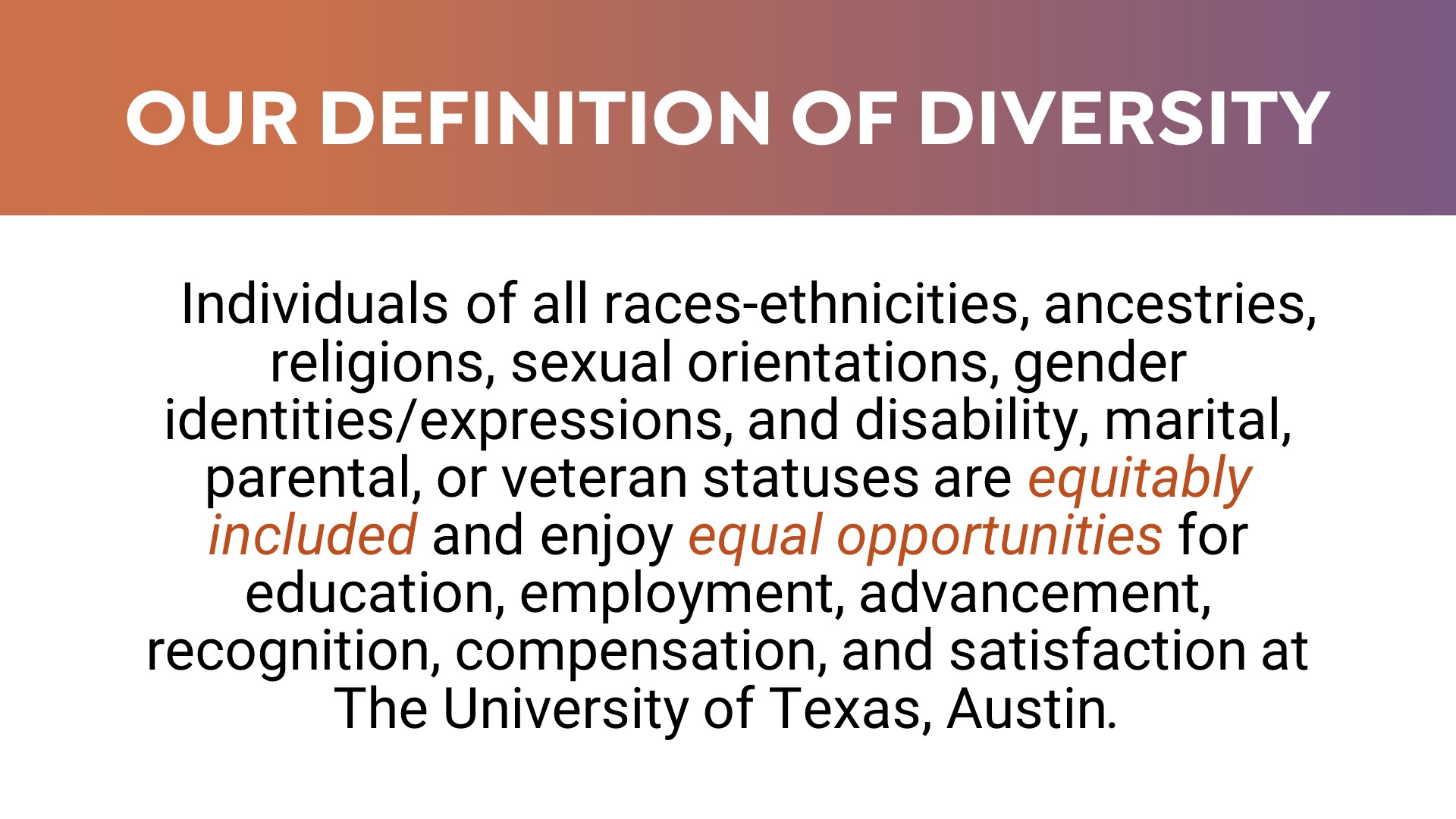
Today I made the final edits to my PPT redesign assignments and submitted two drafts for the client, in which one includes all original images and the other contains new images that I thought better communicated the content in the slides.
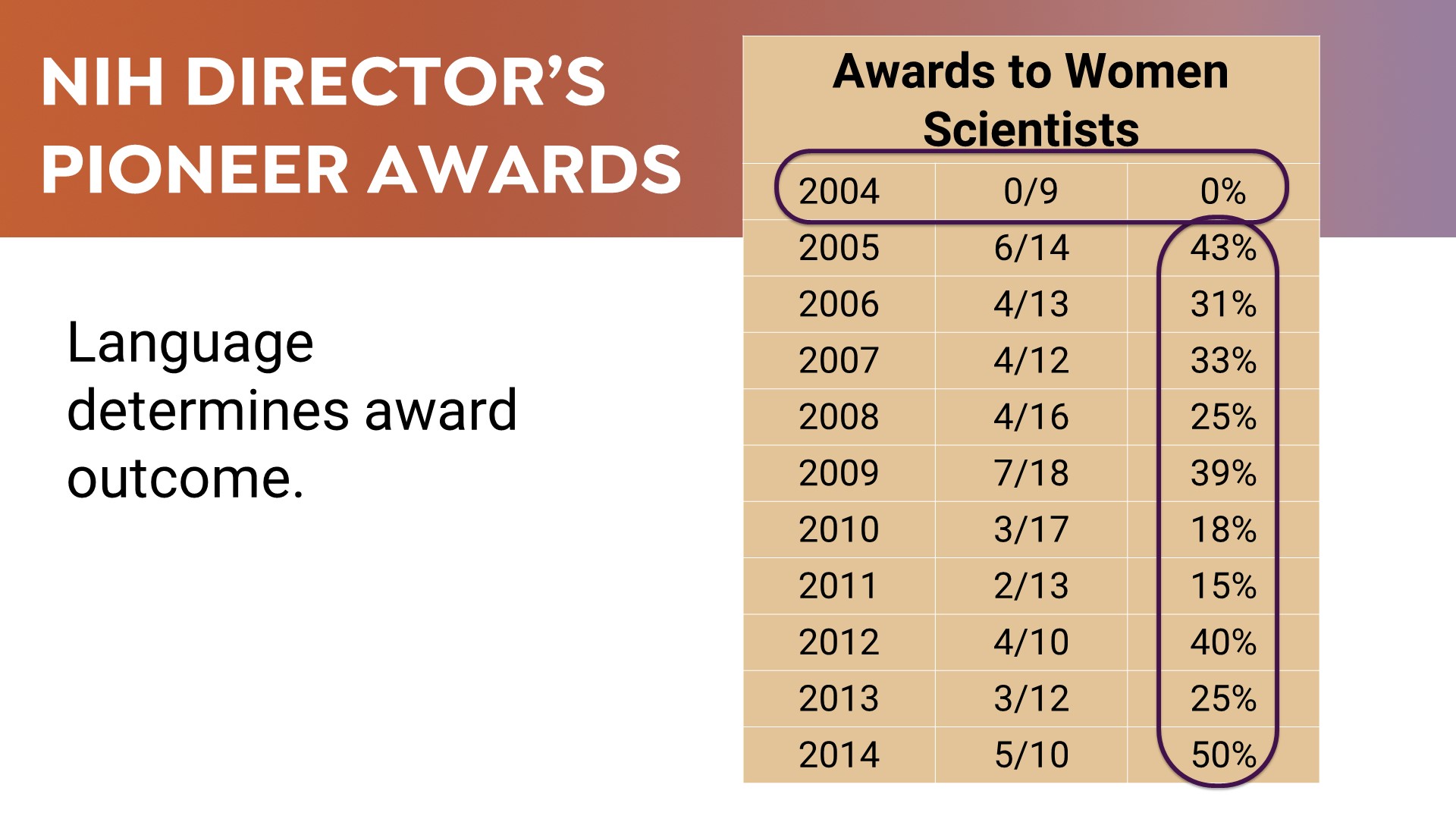
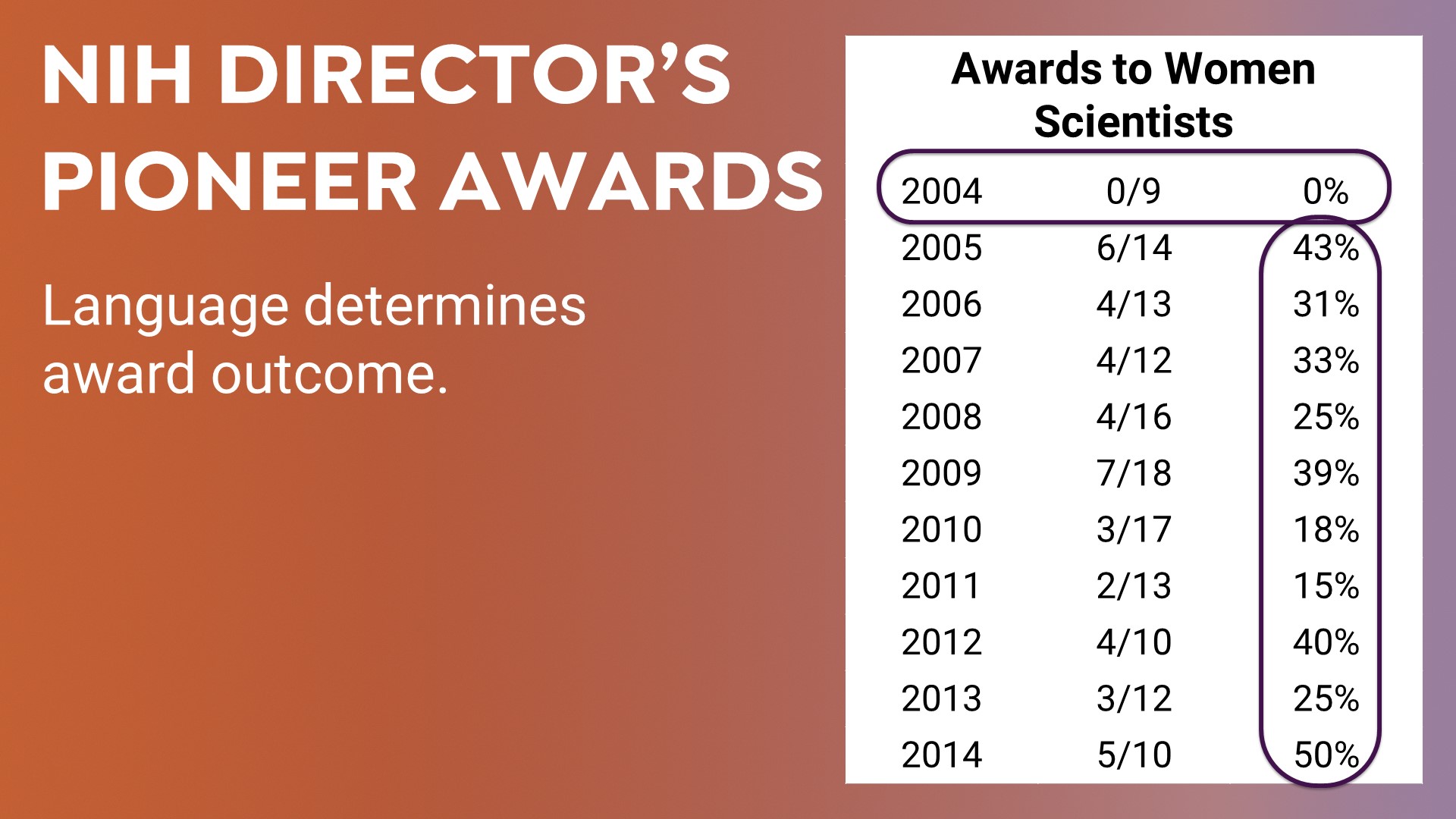
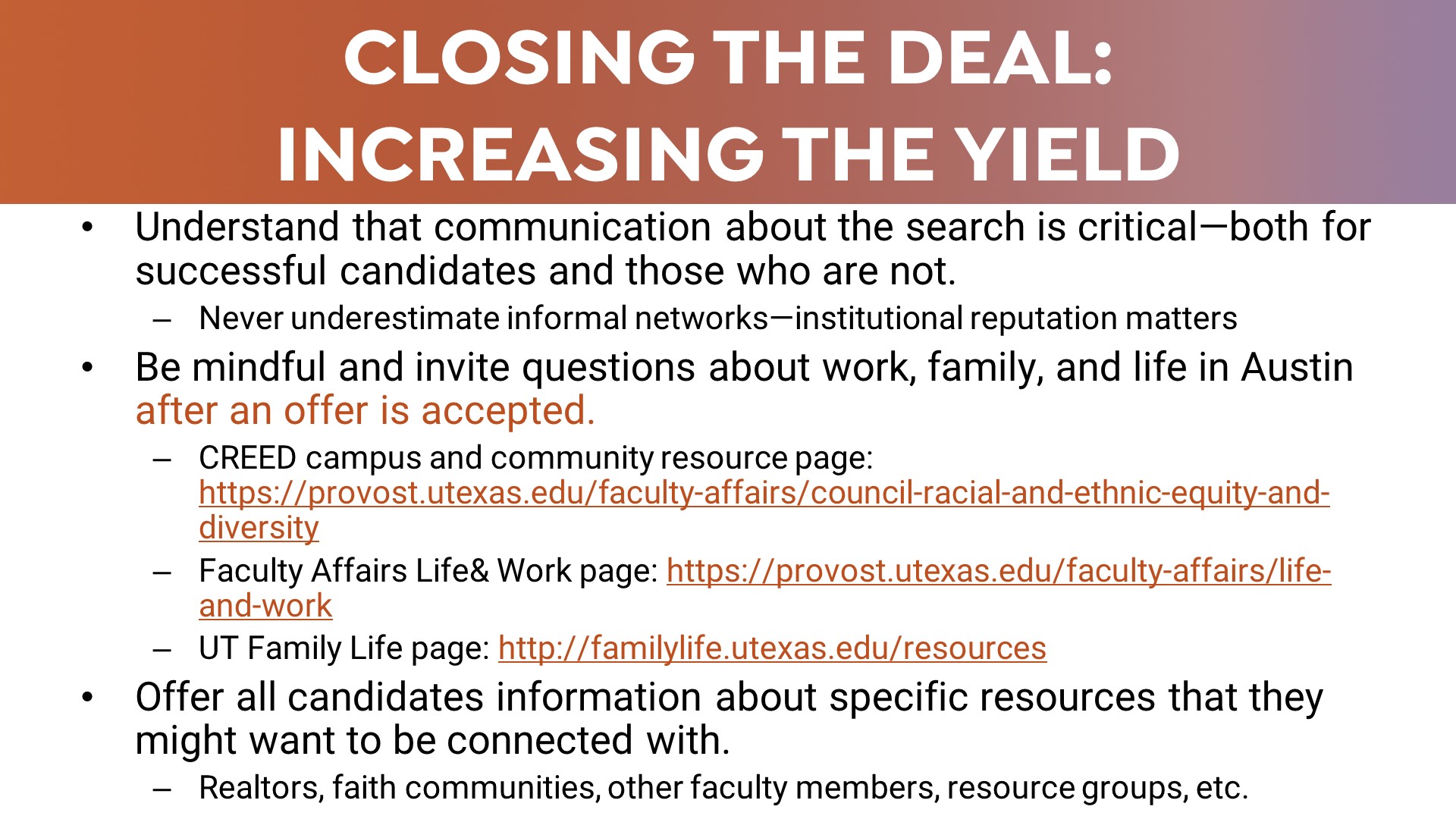
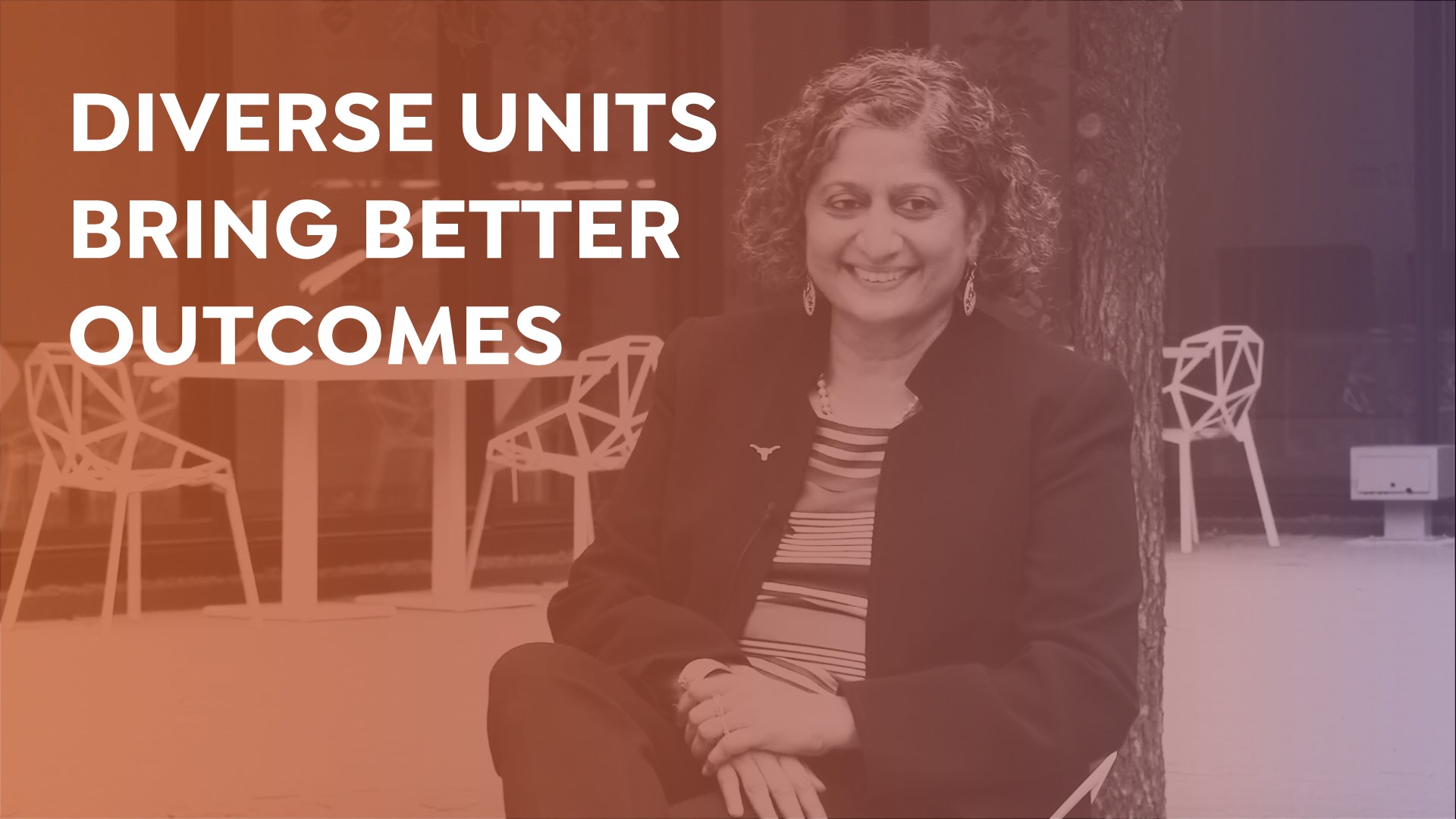
Here are the slides compared to the originals.
Custom Slides
Today I focused on applying the established design language to the rest of the content slides and trying to redesign slides that have figures and images so that they look more cohesive with the overall format I’ve chosen:
KB PSD Flashcard Training
Bird Logo:
Andrey Vasiliev from the Noun Project
Valeriy from the Noun Project
Ayub Irawan from the Noun Project
Cat Logo:
sandra from the Noun Project
Matt Hawdon from the Noun Project
Marco Hernandez from the Noun Project
Dog Logo:
Focus Lab from the Noun Project
Anastasia Latysheva from the Noun Project
Vectors Market from the Noun Project
Fish Logo:
Beatrix Rubio from the Noun Project
adinda from the Noun Project
Patrick Morrison from the Noun Project
Turtle Logo:
Cédric Villain from the Noun Project
Andrejs Kirma from the Noun Project
Ecem Acafan from the Noun Project
- « Previous Page
- 1
- …
- 105
- 106
- 107
- 108
- 109
- …
- 126
- Next Page »