• We are STAs
    • Asha Rountree
    • Haley Ma
    • Kate Shih
    • Kyra Lee
    • Nicholas Peasley
    • Sasha Kenney
    • Shanda Horm
    • Shriya Atreya
    • Tomas Marulanda-Mesa
  • We were STAs
  • STA Presentation
    • STA Presentation 2017
    • STA Presentation 2016
  • Testimonials
  • Resources
  • Home

STA Blog

Save the Date

March 25, 2025 By Kate Shih

Save the Date

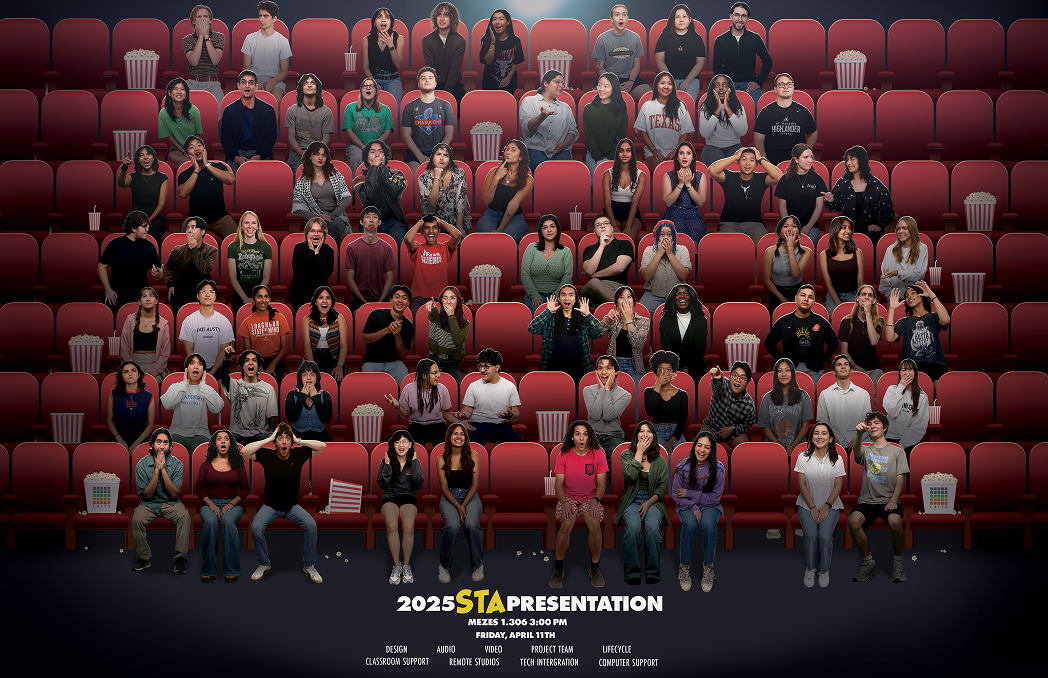
The theme for STA Presentations this year was movie productions! The presentation poster was themed around “The Peanuts Movie” film poster, so Save the Date was to be similarly themed.
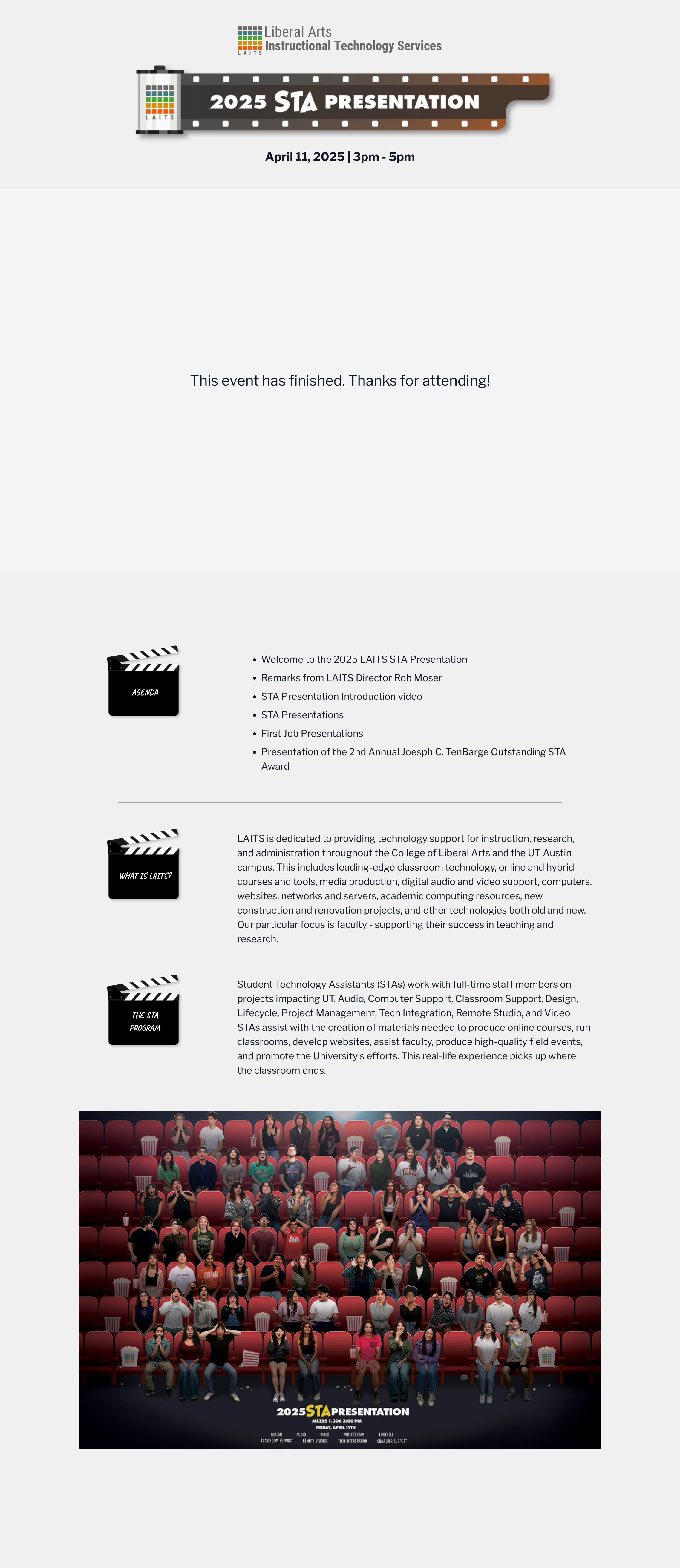

First Drafts

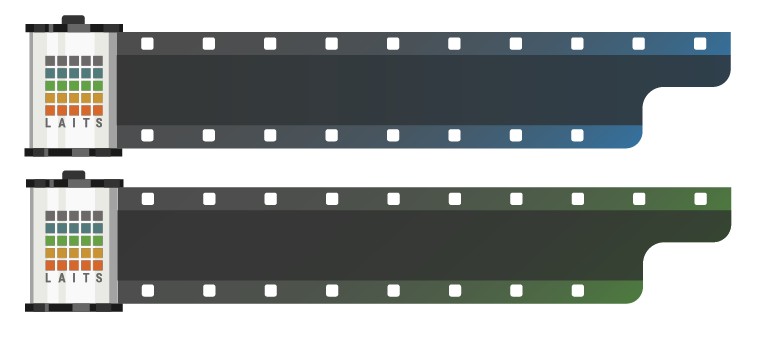
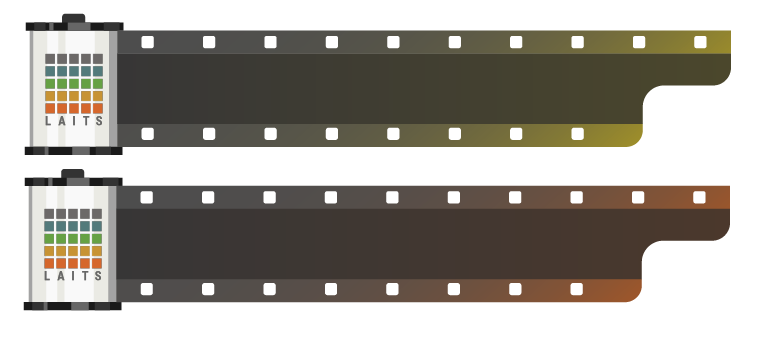
I decided to display the important information on a clapper board to keep with the movie theme. However, after doing that, the background looked really empty, so I added film strips behind it. I used the LAITS logo colors as the accent colors for my design.

Additionally, I came up with a secondary design because I felt that the colors on the clapper board may be unnecessary, and the black letters for the less important information (“Save the Date”, “College of Liberal Arts”) might be too bold. I also switched the order of the colored film strips in the background (and brightened them) to match the order they are in in the LAITS logo.

Lastly, I created an option with a different accent font choice. This is a font that matches the one on “The Peanuts Movie” poster, so I thought we may want to see what that looked like too.

This is an alternate design that I thought could work as well. I was also able to get the STA roles information in using this layout.

For style one, I received feedback to:

  • Add STA photos to the film strips with a color overlay
  • Replace “College of Liberal Arts” with the LAITS logo

For style two, I received feedback to:

  • Try and add more personality, as the black was a little overwhelming, and it wasn’t very dynamic
  • Rework the hierarchy/arrangement so that the date is more prominent
  • Add the LAITS logo

Second Drafts

For the first version, I added the STA cutouts to all the film strip rectangles because it looked a little odd to have some empty, even if they were covered with something in front. I also moved “Save the Date” to the slate because it became hard to read in the top left corner when I added the STA photos.

For the second version, I tried to add some movement by creating a new, curved film strip and tilting the film slate. I also added the date/time/location to the film strip because it was more prominent there and put the STA roles under the slate.

We decided to go with style 1, and I received feedback to:

  • reposition the STA photos so that they weren’t being blocked by the film slate
  • make the LAITS logo grayscale

Third draft

After adjusting the graphic according to the feedback I received, it ended up looking like this:

We then decided that there was too much white space in certain places, so we decided to use the more dynamic photos of STAs that were also used on the presentation poster. After deciding this, the graphic looked like this.


Final Thoughts

Overall, this assignment was a fun way for me to practice both my layout and graphic design skills. I don’t have as much practice with Illustrator, so making graphics for this assignment was a new and fun challenge. I’m also happy that we decided on adding the STAs inside the filmstrips—I think it’s a lot more visually interesting and unique. Here is the final design!
Filed Under: Fall 2024 - Spring 2025, Uncategorized, We are STAs

Texas Political Project

March 11, 2025 By Shriya Atreya

Texas Political Project

Original Site: https://texaspolitics.utexas.edu/

Slide Deck: https://www.canva.com/design/DAGhV-rgWn0/n8V2NM_zaL5Pdti0sdSH4Q/edit?utm_content=DAGhV-rgWn0&utm_campaign=designshare&utm_medium=link2&utm_source=sharebutton

Updated Figma: https://www.figma.com/design/sAZbUgqWs6FWOHyneXm7HB/Texas-Politics-Project?node-id=14-612&t=HtHnhDJ8vY6wF3KT-1

Filed Under: Uncategorized Tagged With: Shriya Atreya, STA

March (Thang Truong)

March 11, 2025 By Thang Truong

Feb – March Update

Project: UT Instapoll

Started on: Feb 20, 2024

Staff Guidance: Chris Pittman

Description: In this project, I redesigned and implemented the look of the application. It looks much better now on the website, but I still need to work on getting this look onto the pdf. Currently, the pdf does not have the logo and every question appears on different page.

Before

After

PDF:

Project: Web Editor Help

Started on: Feb 24, 2024

Staff Guidance: Geoff Boyd

Description: This project involves designing a better retrieval system for the web editor of COLA website. The website serves staff member to search for information easily with the documentation in the database. There are a lot of steps involved with redesigning the retrieval step, starting with implementing the pgvector database, implementing sentence-transformers for converting text to embedding, storing these embeddings into the database and then using cosine similarity to match.

Currently, I have done the first step of establishing the pgvector database and input some fake data into it. The first stage takes me a lot of time to set up and transition into pgvector from sql. But it has been good for now. The next stage I am doing is how to make sentence embedding to convert text to vectors for me.

Filed Under: Uncategorized

Feb 10 – 16

February 18, 2025 By Thang Truong

Project: UT Instapoll

Started on: Jan 27th, 2024

Staff Guidance: Chris Pittman

Description: The aim of this project is to incorporate the PDF integration into UT Instapoll. This features help student to download all of the poll responses as a study guide for a test. The PDF study guide comprises all of the questions, answers and the correct answer choices.

This is the continuation of part 1. In part 2, I implemented the library to generate PDF, customize the PDF, let user download the PDF to their machines, design the PDF and implement it.

  • Implemented the library to generate PDF
  • Design Figma
  • Implement the design

Filed Under: Uncategorized

(27-31) Thang Truong

January 30, 2025 By Thang Truong

Project 1: Polls

Started on: Jan 27th, 2024

Staff Guidance: Chris Pittman

Description: The aim of this project is to incorporate the PDF integration into UT Instapoll. This features help student to download all of the poll responses as a study guide for a test. The PDF study guide comprises all of the questions, answers and the correct answer choices.

Documenting my thought process for this project. There will be two parts:

  1. Creating the route, the controller, the blade template.
  2. Transform the Blade Template into PDF

1. Create the route, the controller and the blade template:

Route: This step establishes the URL end point to let the user access to get the PDF. For this, I chose teacher/course/1/poll_pdf.

Controller: The controller part controls the logic of back-end behind this operation. It will get the polls from the database so that I can access the question, response and the correct answer choices.

Blade Template: The blade template displays the HTML with all of the poll responses and correct responses. The template for the PDF is still in consideration.

HTML Result: The result looks something like this.

2. Part 2 is still in progress

This part, I still need to integrate the library to get PDF integration working.

Project 2: Qualtrics-LTI

Started on: Jan 20th, 2024

Finished on: Jan 27th, 2024

Staff Guidance: Chris Pittman

Description: Adding key and value to facilitate the process of adding these values onto the page.

Filed Under: Uncategorized

Woolley Labs Site Redesign

January 28, 2025 By Shriya Atreya

Woolley Labs Site Redesign

Project: UT Psychology Labs: Imagination and Cognitio Lab

Client: Woolley Labs

Staff Guidance: Stacy Vlasits

Tools Used: WordPress

Started: Jan 14, 2024

Completed: Jan 16, 2024

The Task

This week I was asked to redesign Dr. Jacqueline D. Woolley’s Lab Website. The outdated structure of it was not built on WordPress and was very hard to navigate and old. With many of the links broken and interested student/participants not able to find what they need this site was definitely due for a redesign.

Old Website:

Starting Out

The ask was pretty simple with some small requirements that did increase the difficulty.

  • Finish the redesign in the span of 2 shifts (6 hours)
  • Incorporate the current header image

The lack of direction and the short amount of time definitely gave me a interesting type of challemge which required me to think in a quick efficient way creatively.

To start this process I very quickly, setting a timer for 10 minutes, reimagined how the key pages could look experimenting with different layouts of the nav and how the content was organized.

Moving to WordPress

After having this rough idea, I went to WordPress to bring my idea to life. This run of using WordPress was very interesting because they actually updated their editor interface. Luckily after a quick tutorial from Stacy I was able to learn the Template to Page structure

Using my own “Imagination & Cognition”

One of the key parts of this site I wanted to come through is taking the colors and themes from the header into the rest of the design. By sampling these colors as my pallete and using rounded croners on most things I was able to keep a clean theme throughout the site

The Final Design + Reflection

View the final site here: https://labs.la.utexas.edu/woolleylab/

Overall this quick sprint of a redesign taught me a lot. In this project I learned:

  1. How to utilize WordPress’s new Editor interface effectively
  2. Designing in a quick timeframe
  3. Learning how think creatively efficiently without much guidance or restriction

Filed Under: Fall 2024 - Spring 2025, Uncategorized

  • « Previous Page
  • 1
  • 2
  • 3
  • 4
  • 5
  • 6
  • …
  • 90
  • Next Page »

link to LAITS home page

Video STA Home

© 2025 Liberal Arts Instructional Technology Services | Production Credits