• We are STAs
    • Asha Rountree
    • Haley Ma
    • Isabella Melendez Gonzalez
    • Julie Brandt
    • Kate Shih
    • Kyra Lee
    • Nicholas Peasley
    • Sasha Kenney
    • Shanda Horm
    • Shriya Atreya
    • Tomas Marulanda-Mesa
    • Trisha Darure
  • We were STAs
  • STA Presentation
    • STA Presentation 2017
    • STA Presentation 2016
  • Testimonials
  • Resources
  • Home

STA Blog

✧⋆ Week 4 – Isa ⋆✧

April 9, 2026 By Isa Melendez


🍓 Week 4: Training Progress 🍓

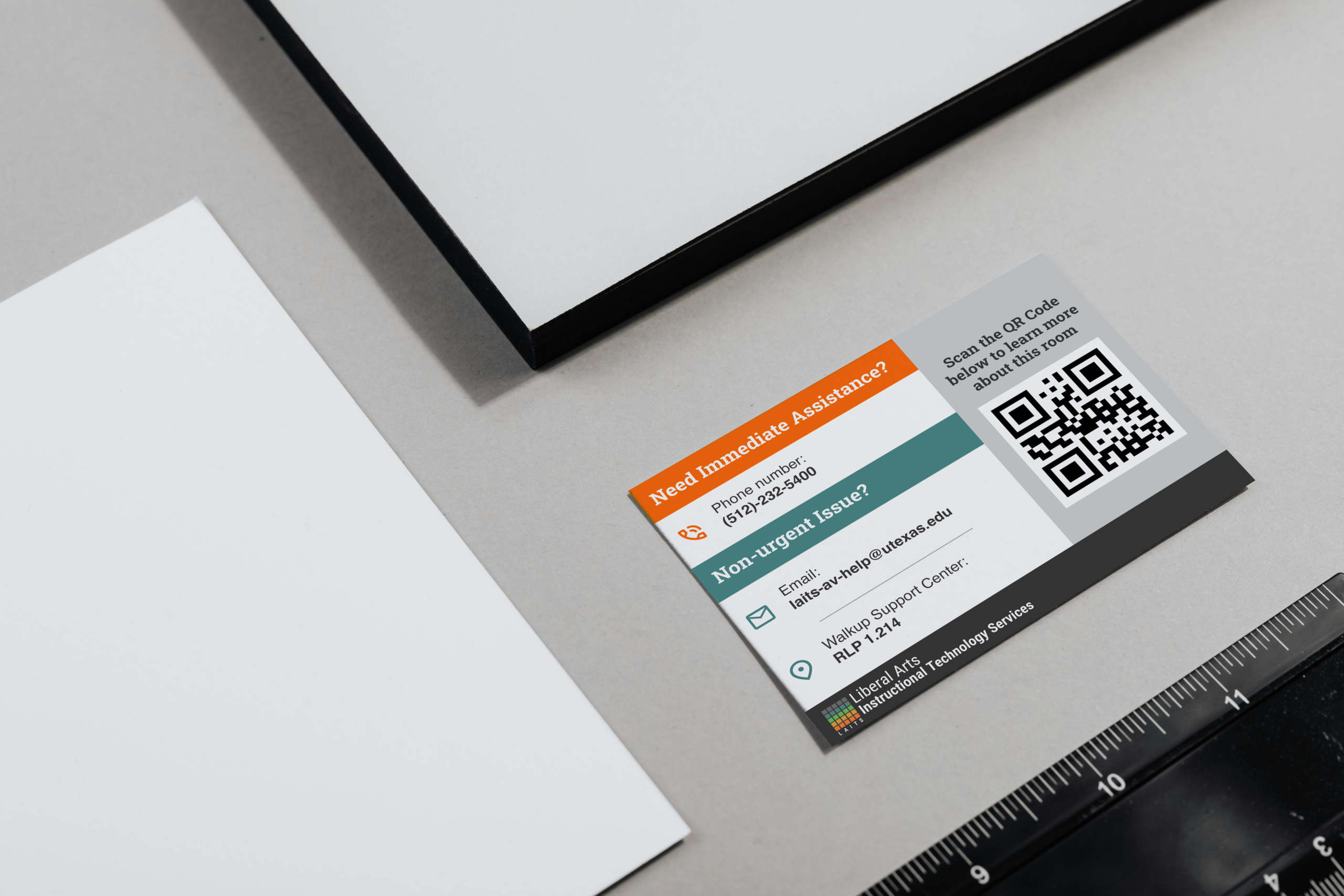
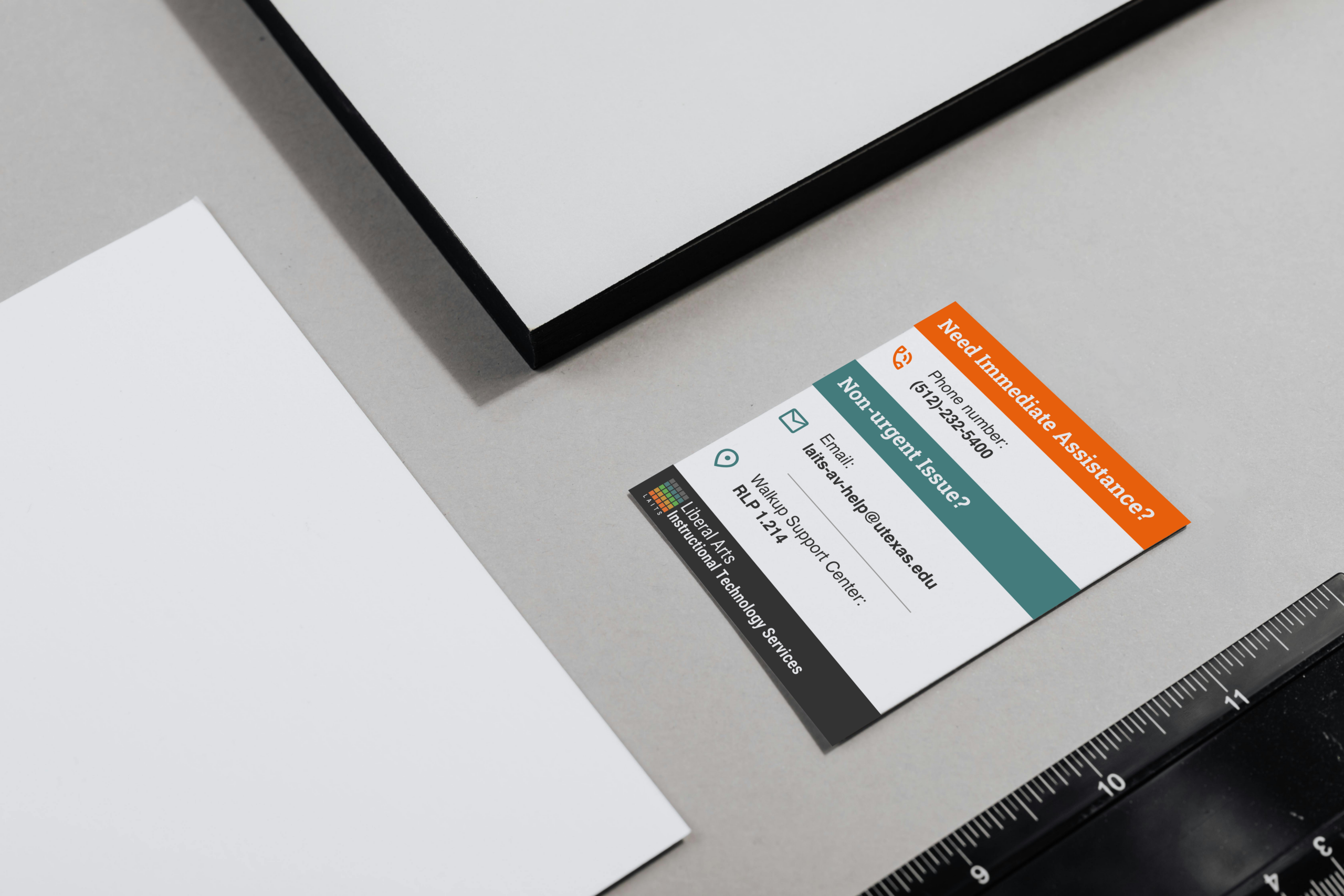
✧⋆ Helpdesk Place Card Redesign ⋆✧

✧⋆ After showing the last designs to the client, they loved it! 
✧⋆ This card will be placed in over 1,000 classrooms this Summer to help UT faculty and staff. I'm so honored to be contributing in a way that will help UT faculty and staff get the information they need!

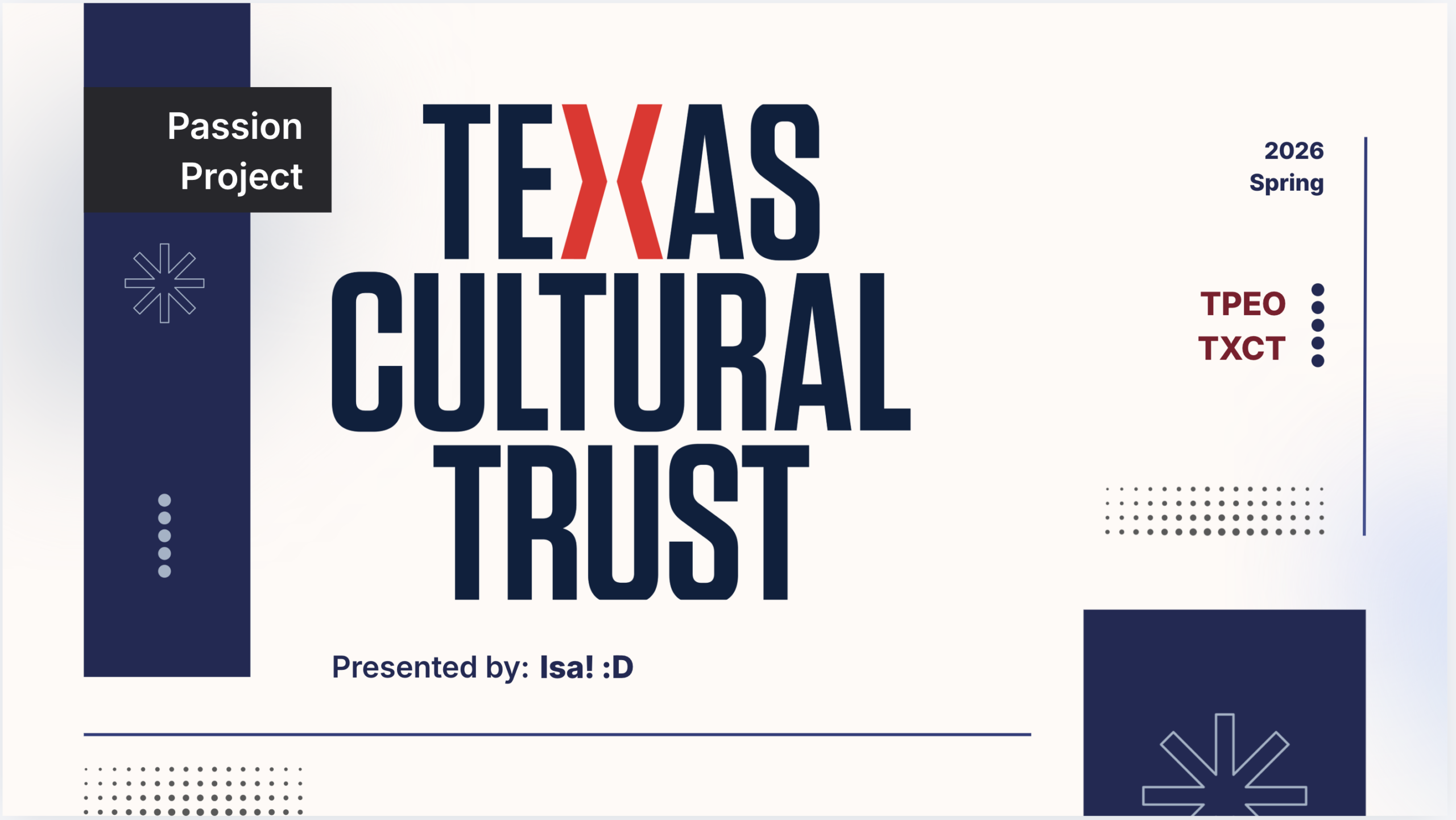
✧⋆ Passion Project ⋆✧

✧⋆ Last week's STA meeting we covered how to present properly. I learned that a vital part of presenting is storytelling, to be able to walk the audience through an entire project from start to finish assuming they knew nothing about it is key.
✧⋆ My passion project involves the work I've done with the Texas Cultural Trust! I won't get into too many details, but this project has taught me a lot about how to communicate more effectively with stakeholders.

✧⋆ We learned that the project was out of our scope. We needed to tell our client a more realistic goal, but this only happened deep into the project. Our team had already expressed these concerns way before, but we never talked with the client about these concerns. I took away that I needed to not be so afraid to speak up and not waste anybody's time.

✧⋆ I have presented to my organization who are already aware of many of the details, so having to present this project in front of people who had no context was both a challenge and very helpful.

✧⋆ Tier 3 Course Studio Graphics ⋆✧

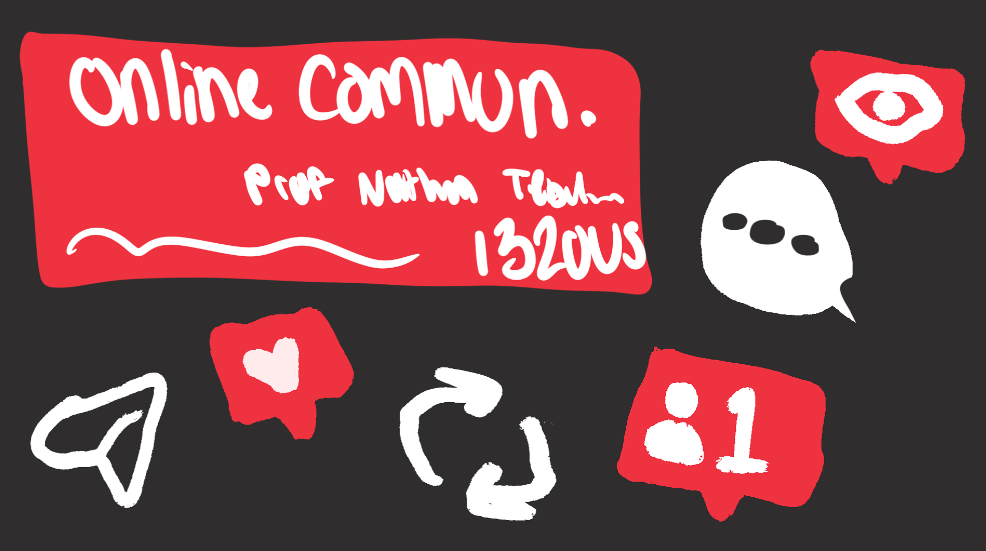
✧⋆ I was tasked with making an animated intro for a class of my choice. I decided to go with an informatics course called Online Communities. I started ideating with my iPad, sketching out general placement and icons I was thinking of including.

✧⋆ Storyboard: I wanted to have each icon rotate back and forth in the animation
✧⋆ Final: I decided to make the course name and number look as if it were a message and I animated it like one! I made it so that only the white icons rotated back and forth as I found it too much with every graphic. I went to Illustrator first to make all the graphics, made each layer separate and named it properly, and brought that into After Effects to animate.

✧⋆ Overall ⋆✧

✧⋆ Having to present was really useful! I need to improve on my storytelling and rehearsing beforehand would help me with my stuttering issue and confidence.

✧⋆ I haven't used After Effects too much, so having to animate studio graphics was out of my comfort zone. It was really interesting to learn and I am a lot more comfortable with making keyframes now!

Filed Under: Fall 2025 – Spring 2026, Uncategorized

Week 2 – Isa

March 26, 2026 By Isa Melendez

Training Progress

This week I have been focused on making studio graphics. It’s been a bit of a journey, I ended up with a lot of iterations of the Digital Wall Monitor.


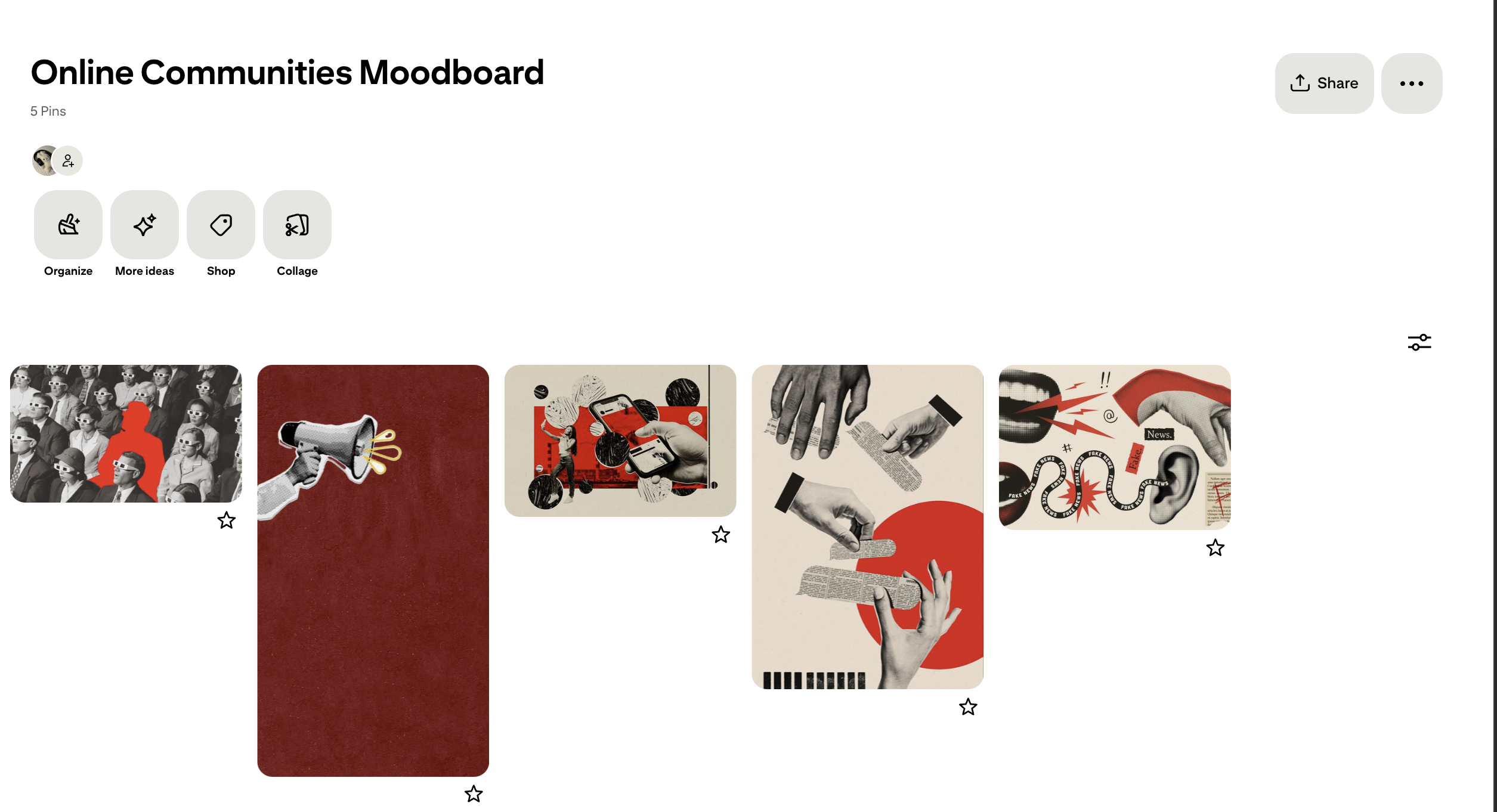
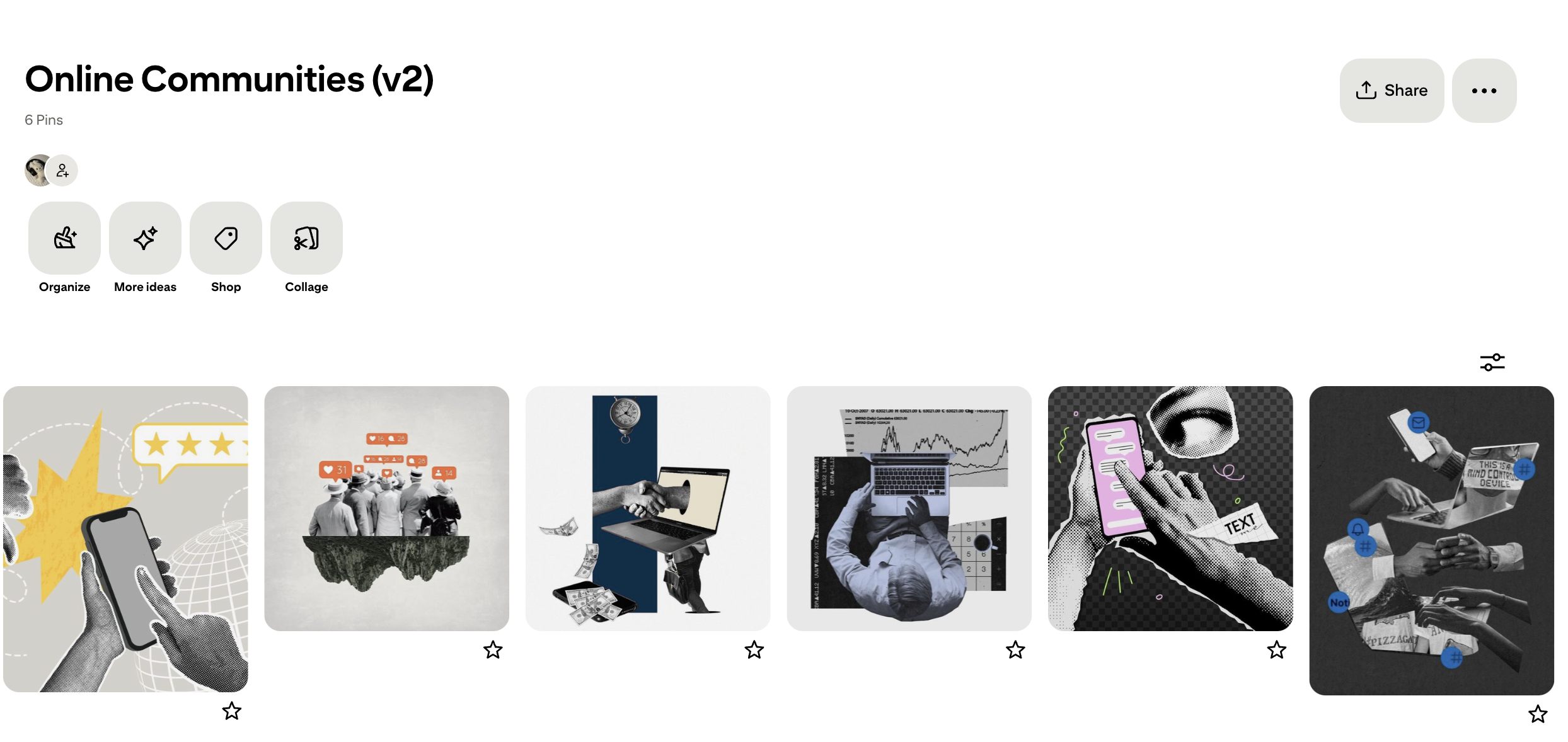
Moodboarding

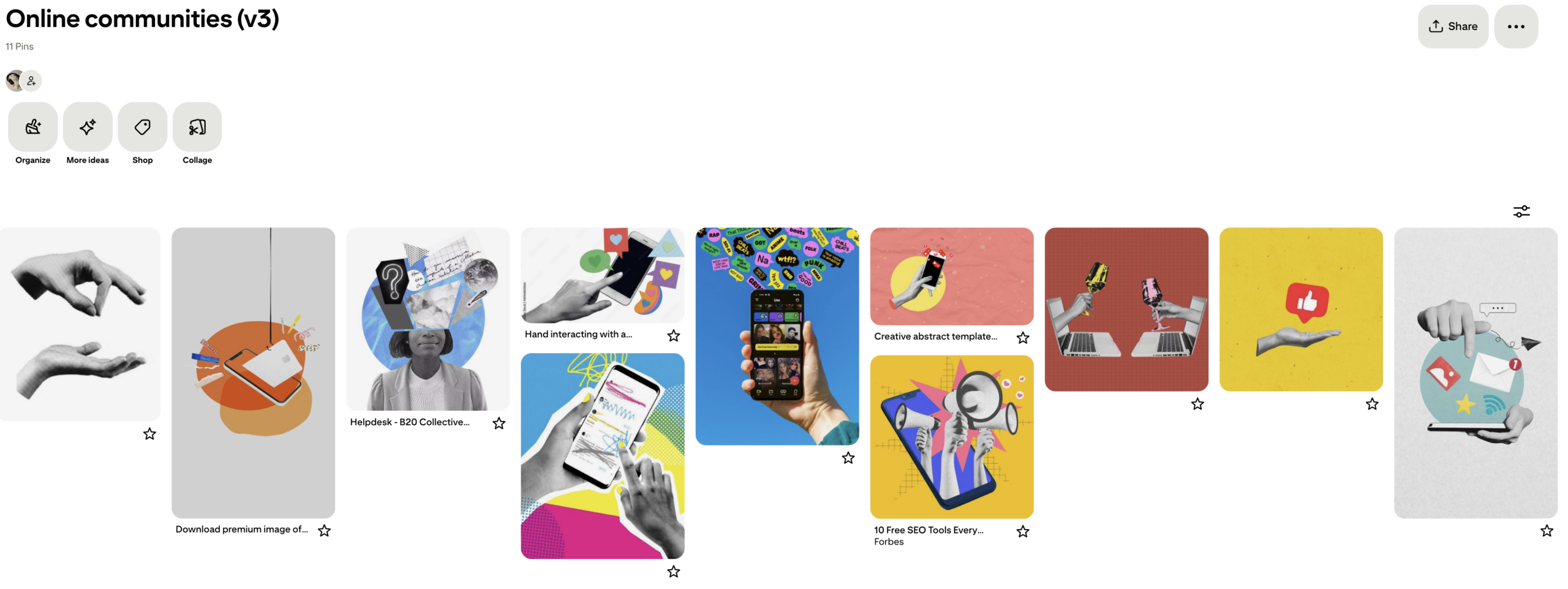
I started out trying to figure out a direction for the class I selected (I320 U/S: Online Communities)

The direction that was approved was the first one. So thats what I went with going into making the other graphics.


Digital Wall Monitor

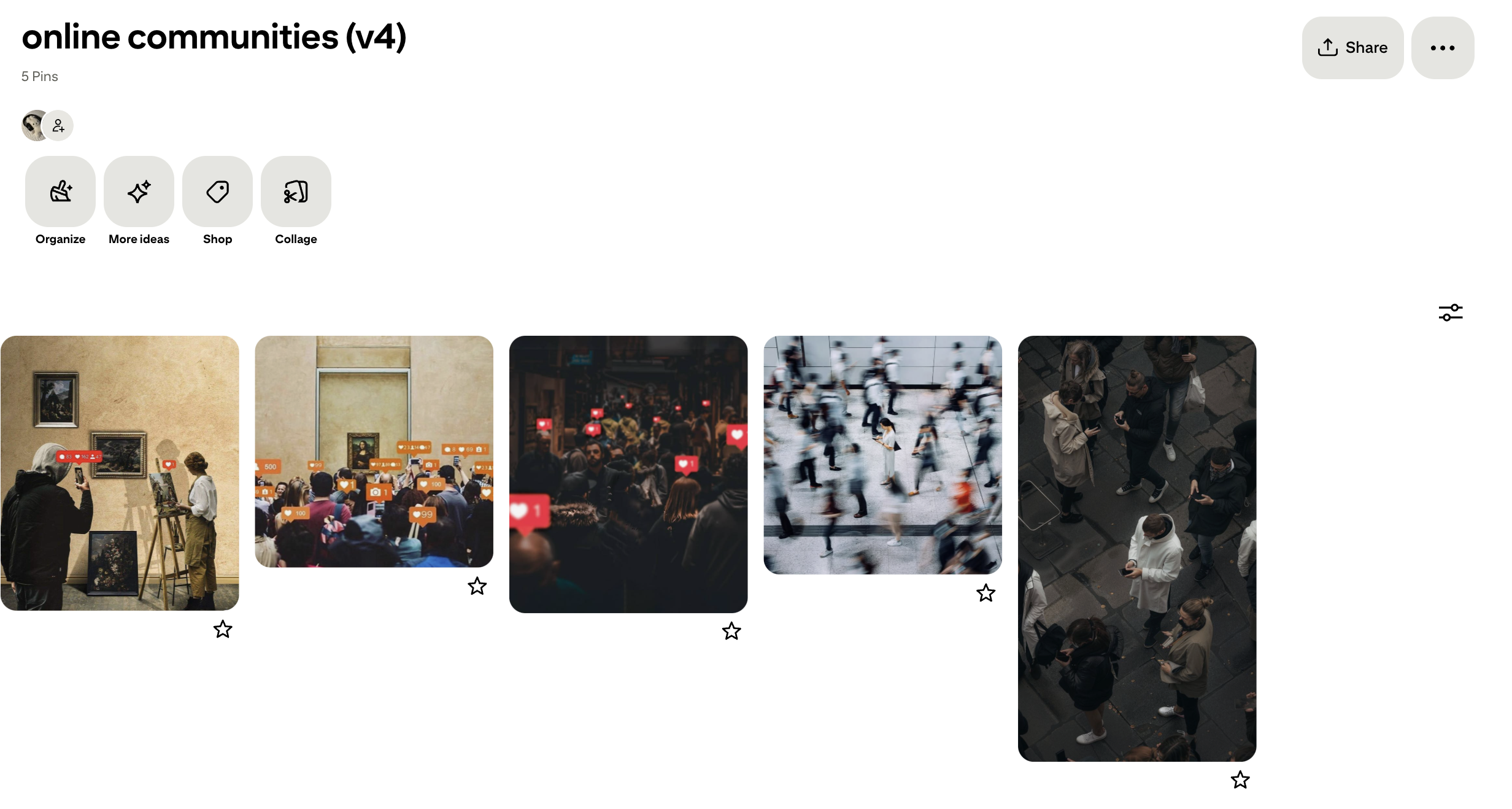
I had some trouble trying to keep things simple… given the inspiration I wanted to be maximalist, but a background is meant to be a background! Not the main visual. Especially whenever it comes to an online class, you wouldn’t want the background to be distracting. Here are some of my iterations:

This was my first iteration. I was advised that the bottom left was too attention-grabbing and that I should get rid of the numbers, since your eye darts to read it.

I blurred the numbers out of curiosity with how that could look instead of just getting rid of them entirely, but I eventually ended getting rid of the numbers.


This iteration I really tried making the attention go to the center rather than the bottom left… but it became way too distracting. I needed to tone this down a fair bit.


This iteration was one of my stronger ones and closets to what the final ended up being. It still felt like a little too much was going on… but I focused on adding more dimension by making the center pop out more as if it were stamped atop of everything else.


Final Digital Wall Monitor


Mockup

She shines bright like a diamond


Overall Reflection

Understanding that the background is meant to support the subject was my most important takeaway. Of course designing very intricate details is fun, but it can adversely work against you. I’ll keep this is mind whenever it is time for me to take on a real class. Simple is better!

Filed Under: Fall 2025 – Spring 2026, Uncategorized

Week 2 – Training

March 25, 2026 By Trisha Darure

Progress

  • Completed Tier 2 Studio Graphics

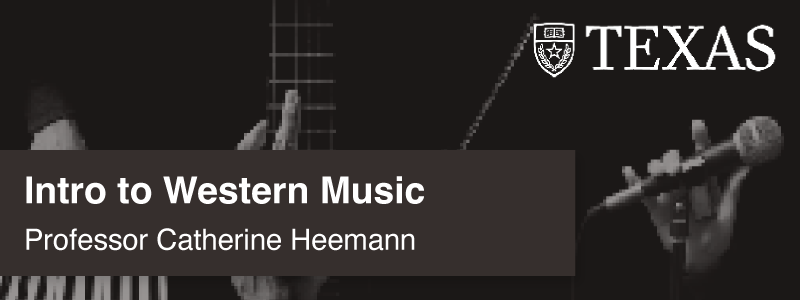
Graphics I made for Tier 2 Studio Graphics

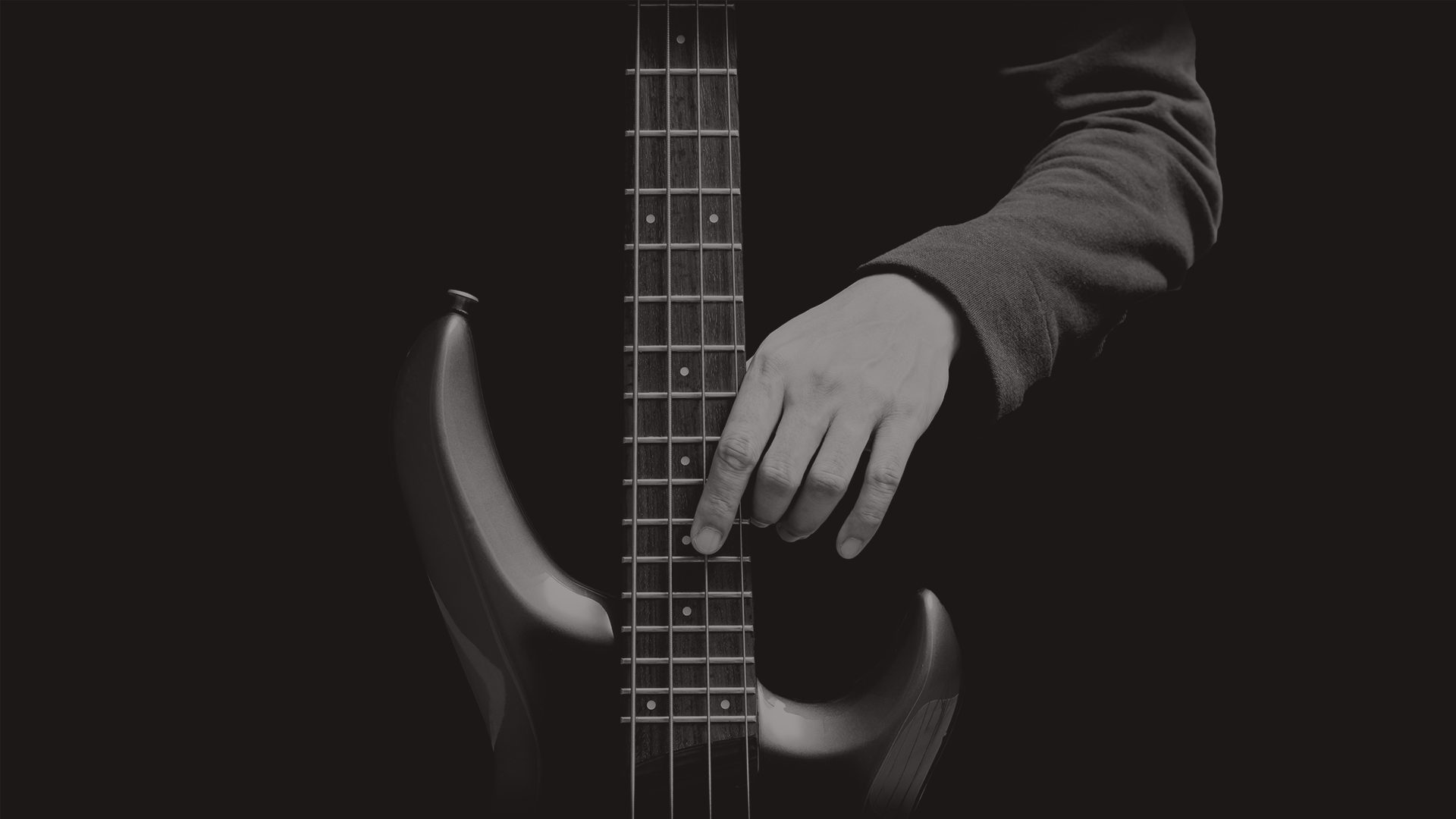
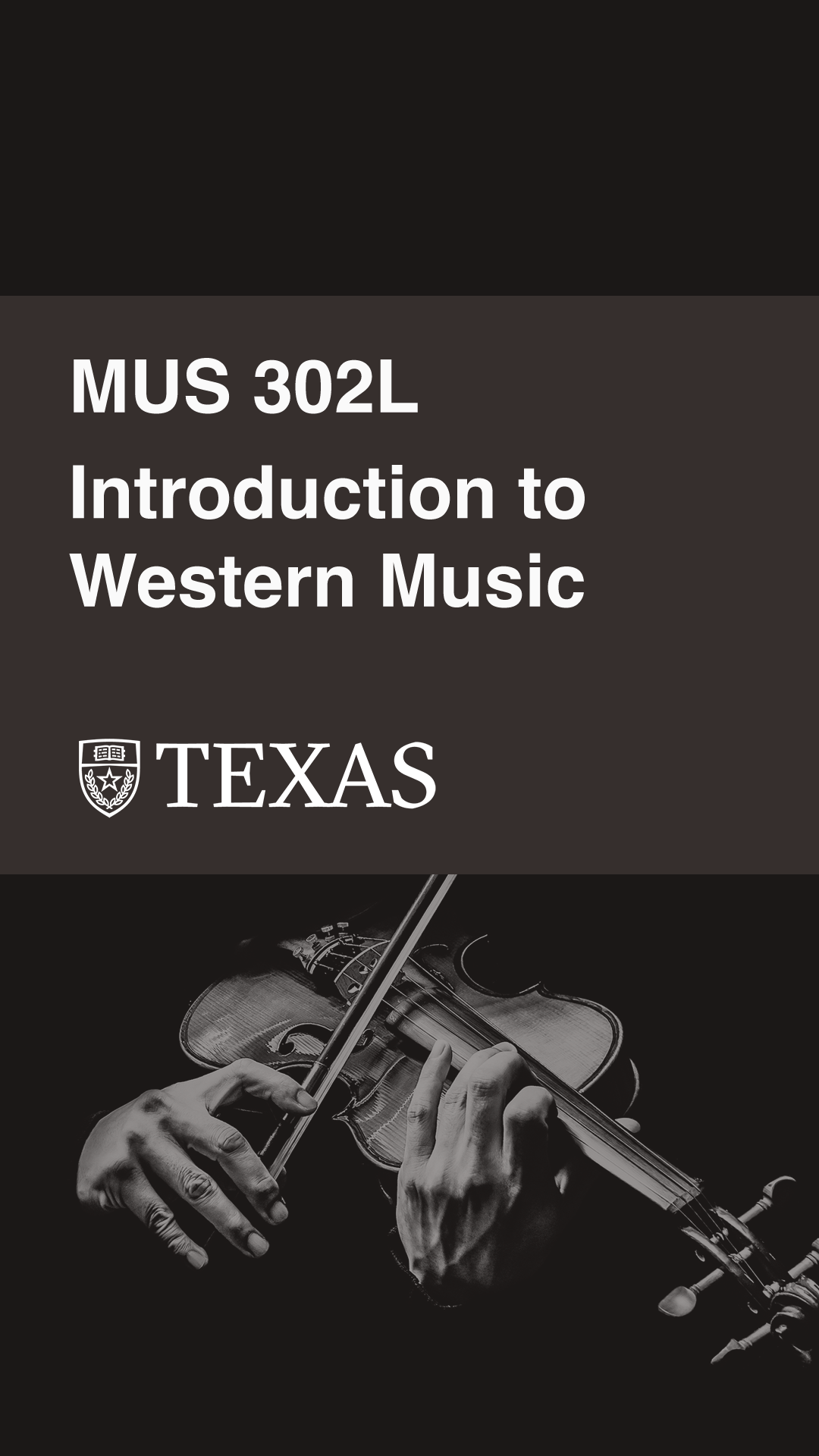
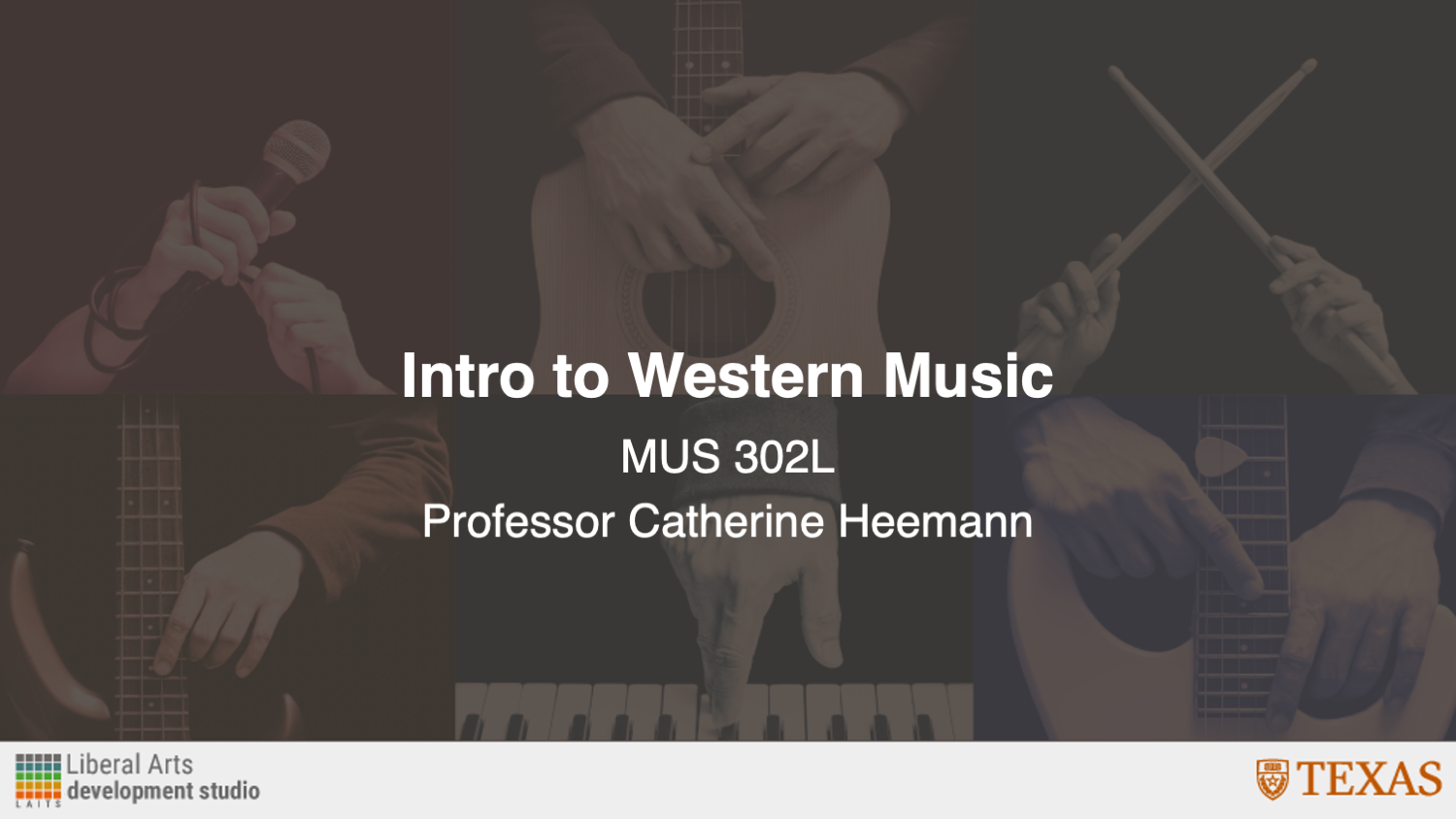
I decided to design graphics for MUS 302L, Intro to Western Music, which is a class I’m in currently. I wanted to focus on a darker mood with a brown theme.

Digital Backdrop
Vertical Monitor
Homepage Banner
Dashboard
iPad Overlay
Powerpoint Title
Powerpoint Content
Callout Button
Callout Button
Callout Button
Callout Button
Callout Button
Callout Button

Filed Under: Uncategorized

Tower Tools

March 3, 2026 By Shriya Atreya

https://www.canva.com/design/DAHC06eZpwg/tNn4psDpADqN9zmUEn6C1w/edit?utm_content=DAHC06eZpwg&utm_campaign=designshare&utm_medium=link2&utm_source=sharebutton

Filed Under: Uncategorized

2026 STA Presentation Poster

February 25, 2026 By Asha Rountree

2026 STA Presentation Poster


This goal of this project is to create a poster for the 2026 STA Presentation following an “art gallery” theme. In the project specifications, I was instructed to split the STAs into two posters while still thinking about how these posters would fit side-by-side cohesively.

This was a fun assignment, because I got to explore different ways to present the STAs within an art gallery format, emphasizing their unique poses and expressions.

★ Design Drafts: To get an idea of how I could lay out the posters, I created a few rough sketches on paper. The left sketch was more classical inspired (primarily focusing on sculptures), while the right ones have a more modern gallery look.

I received feedback to incorporate both sculptures and paintings, and to simplify the layout of sculptures into a 2-D view (my original left sketch used one-point perspective to add depth). Using this feedback, I created the following sketches on Illustrator:

I created drafts of columns to place in the background, and played around with the layout of the photo cutouts. I tried to group interesting poses together in scenes that could be interpreted through sculpture or painting.

On this iteration, I formalized the background a bit more (adding texture, patterns, ect), and made the choice to include the poster title on a plaque to align with the museum theme. I also decided to orient the posters horizontally instead of vertically to leave more room for standing statues.

★ Pivot to Modern Gallery: Next, I received feedback that the current artistic direction leaned a bit too much towards Greek-style architecture, and that LAITS wanted to emphasize a more modern gallery aesthetic. This involved removing the pillars (which left more room for frames), and including more wooden/warm accents.

For my first draft of the modern gallery, I experimented with the layout of a few frame assets Shanda provided me, and thought about how statues could be organized.

I received some feedback to add light fixtures, and to make the frames more organically structured with breathing room around the sides. I also adjusted the frames so that there are even pockets for statues to be placed. I also made the backgound a little darker to make the paintings/statues stand out more.

I’ve begun thinking about how the two posters will fit together and what paintings/photo cutouts will be used. I scoured free photo archives online to find fun and recognizable paintings to include, many of them from the impressionist era. Overall, I want the colors of the paintings, the poses, and expressions to feed harmonious. I also adjusted the height of the pedestals to make sure they are visible over the title plaque.

★ Pivot to a new background: I have received feedback that in order to fully bring attention to the paintings, we will remove the statues, change the wall and floor to lighter colored assets, add velvet ropes, and move the text to the wall. This edit in background will be accompanied by a re-ordering of the picture frames to better convey movement. I was given this reference to work off of:

My objective after this pivot was introduced was to finalize the poses and paintings I would use for each STA. This required a lot of iteration, as I wanted the STAs in group settings to seem dynamic and engaged with each other, so it seemed they all actually belonged in a painting together. It was also a challenge to fit the required number of STAs into the frames.

★ Coordination with other STAs:

With the addition of the new Spring 2026 STAs, I became a little confused with which STAs had photo cutouts I could use and how many STAs total were expected to be on each poster. It was also difficult for me to track which STAs I had already placed on the posters/which ones I still needed. Thankfully, Lila came in clutch by creating this handy Photo Tracking Spreadsheet:

This spreadsheet helped organize and track the cutout statuses of the STA photos. It also made it easy for other STAs, like Thomas, to help out with cutting out the STA photos. Not only was this spreadsheet useful for my poster, but for all graphics being created using the STA cutout photos.


This illustrates the importance of communicating with the art directors and managers of a project to come up with tools and systems to organize a project.

★ Final Poster:

Michelangelo's Sistine Chapel frescoes linked to the golden ratio - Los  Angeles Times
American Gothic Grant Wood reproduction, hand-painted in oil on canvas
Amazon.com: Doppelganger33 LTD Edvard Munch The Scream Old Art Painting  Reproduction Large Art Print Poster Wall Decor 18x24 inch: Posters & Prints
Mona Lisa - Wikipedia
Girl with a Pearl Earring - Wikipedia

For all of the paintings, I made sure to choose backgrounds that were colorful and engaging, but not too distracting, as the STAs are the center of attention. I ended up adjusting the lighting of some of the STAs with photoshop to ensure consistency across photos.

★ Project Status: Completed

★ Reflection: Working on a poster with so many assets was definitely a challenge. Although I had creative liberty in my designs, there were specific criteria to adhere to, so it was important to strike a balance. The following are a few lessons I learned:

1) Project scope flexibility: When I first started drafting the poster, I wanted to include grand archways and columns, reminiscent of an ancient art display. However, when the project scope changed to focus more on a modern gallery look, I realized I would have to pivot my creative direction. Later on, the art direction pivoted once more to further highlight the STAs. I learned that even if I’ve started fleshing out one idea, the outcome of the project ultimately depends on the client’s needs and scope, and it’s important to be able to adjust accordingly.

2) Consistency is key: I learned that In a poster with so many different paintings, poses, and people, It was important to retain an element of consistency. I ensured the sizing of the photos, sizing of frames, and the lighting on the photos remained consistent. I also replicated a few group poses across both posters so that the posters felt connected and cohesive.

3) Organizational tools make life easier: Lila’s spreadsheet really helped me track and choose STA photo cutouts for my poster. It shows how much of a difference something simple like a spreadsheet can make in the efficiency and clarity of a project (especially one handling lots of assets).


Filed Under: Fall 2025 – Spring 2026, Uncategorized

Frontera Scholars Collective Logo

February 18, 2026 By Kate Shih

Frontera Scholars Collective Logo

Client: Jonathan Cortez

Task: The Frontera Scholars Collective (FSC) would like a logo that will be the branding mark for their organization. They want something clean and polished, while also providing an exciting feel to the design.

Status: Complete


Inspiration

I started by looking at inspiration based off of want the client wanted the logo to look like. He wanted the logo to be a dragonfly with stained glass style wings. Additionally, the colors had to be blue and gold.


Sketches

I then made a couple options, creating different dragonflies and trying out different text placements.


More Iterations

After receiving some feedback, I fleshed out and colorized some of the options from my sketches.


Design Mock-ups

We then chose 3 logos from my 6 and made some mock-ups for the client.


Feedback

I got a lot of feedback from the client on these three logos. Overall, he wanted the design to be more detailed and realistic. He referenced this photo a lot as a guideline for the orientation and level of detail he wanted. He also gave some suggestions on making the tail shaped like the US-Mexican border and incorporating the name into the wings.


Revisions

I tried to implement most of the feedback I was given. However, I had to modify some suggestions a little bit because it just wouldn’t look good visually. The tail looked a little strange being so wiggly and the there was no easy way to shade the wings in a way that showcased the words nicely.

The initial logo, with the tail in the US-Mexican border shape

Because I didn’t love how this looked, I made another version with the border inside the pattern of the tail instead. For both versions, I also put the words inside the wings, just not shaded into them.

An alternate logo, with the US-Mexican border shape inside the tail.

I then had a meeting with the client to discuss these iterations. He ended up liking the second option more, but he wanted me to also add the words “UT Austin” somewhere on the design.


Final Designs

With all this in mind, I made 3 final designs.

“UT Austin” above the tail
“UT Austin” below the tail
The words separate from the graphic

Filed Under: Fall 2025 – Spring 2026, Uncategorized

  • « Previous Page
  • 1
  • 2
  • 3
  • 4
  • …
  • 92
  • Next Page »

link to LAITS home page

Video STA Home

© 2026 Liberal Arts Instructional Technology Services | Production Credits