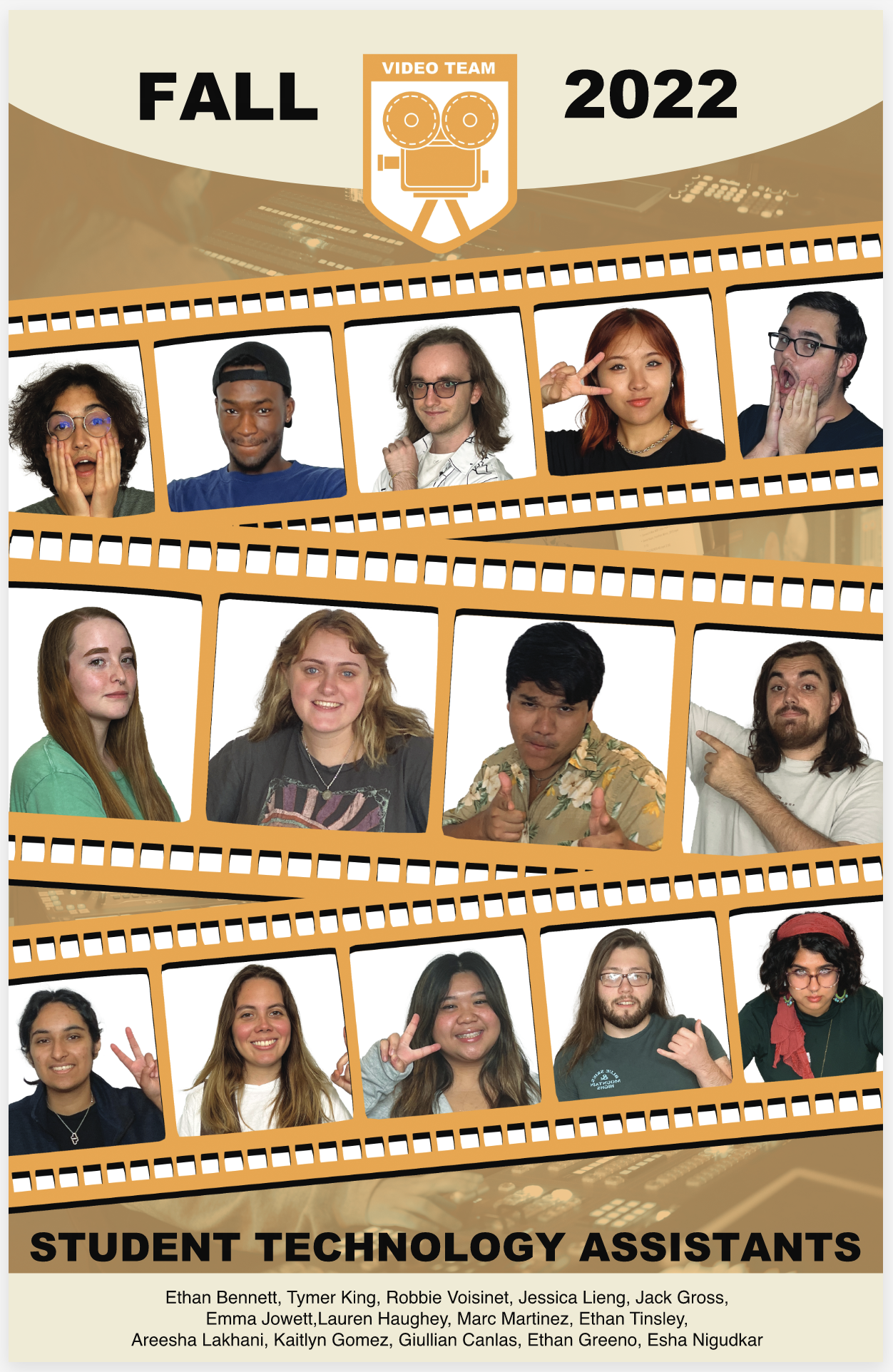
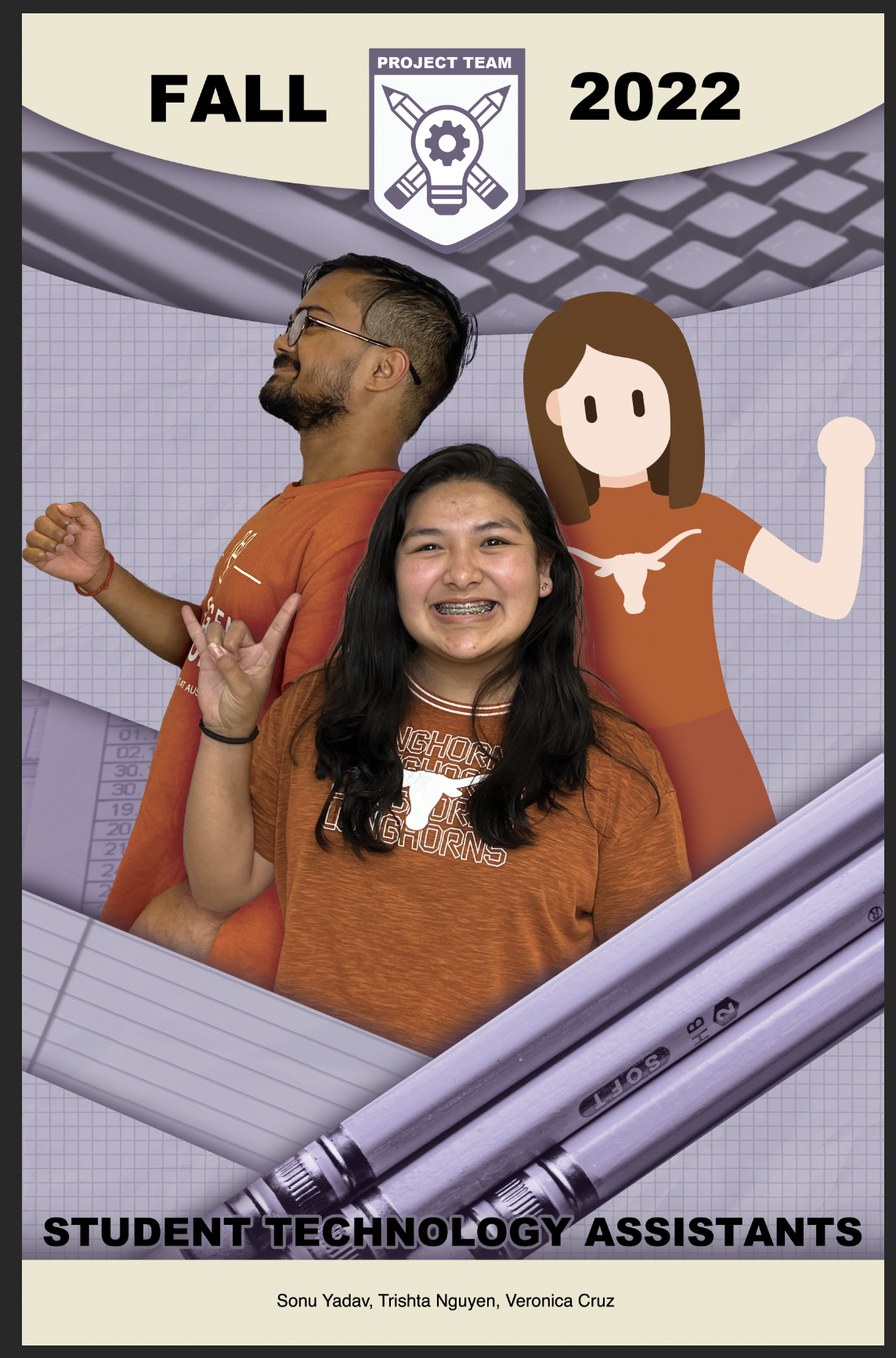
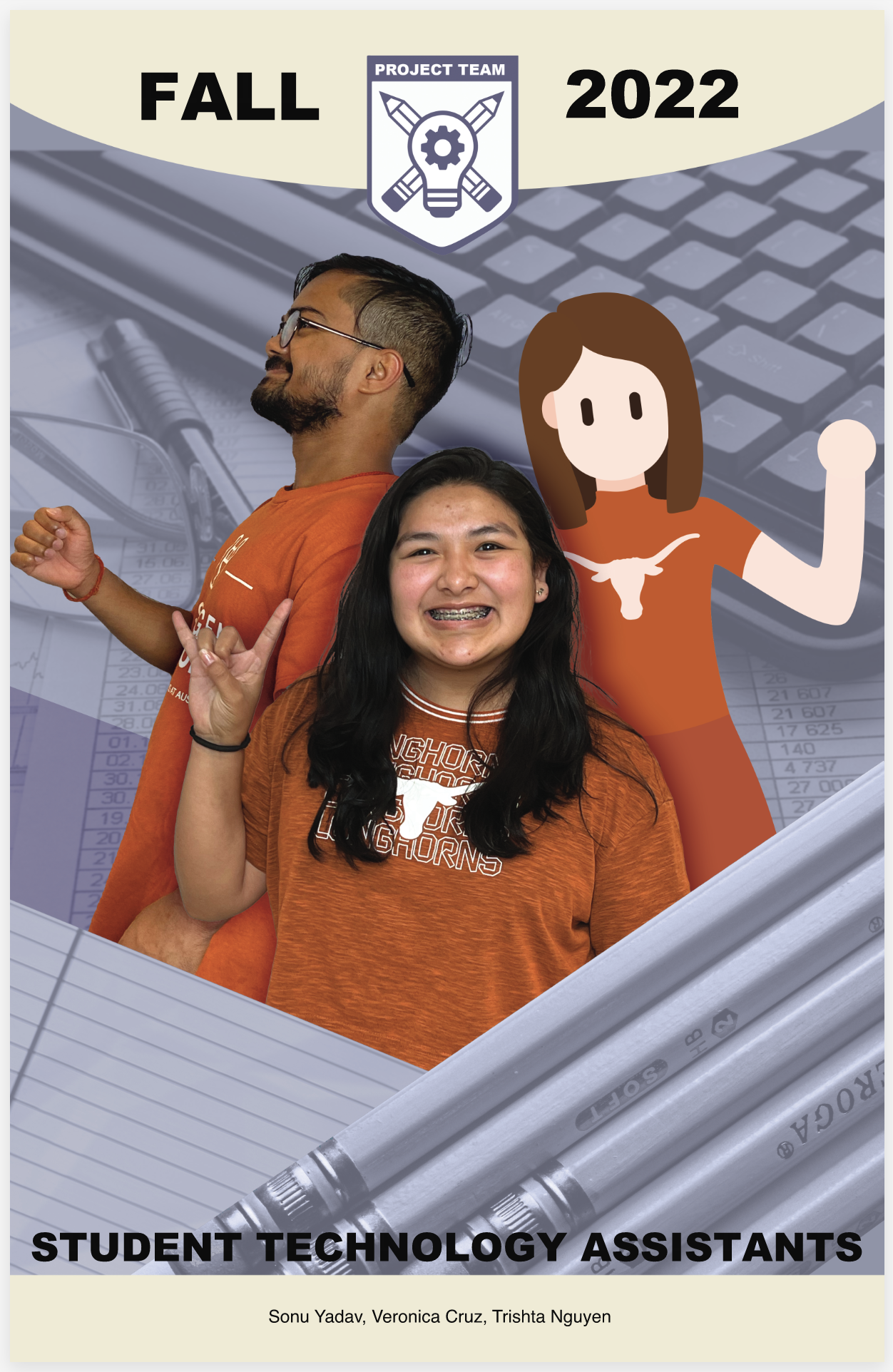
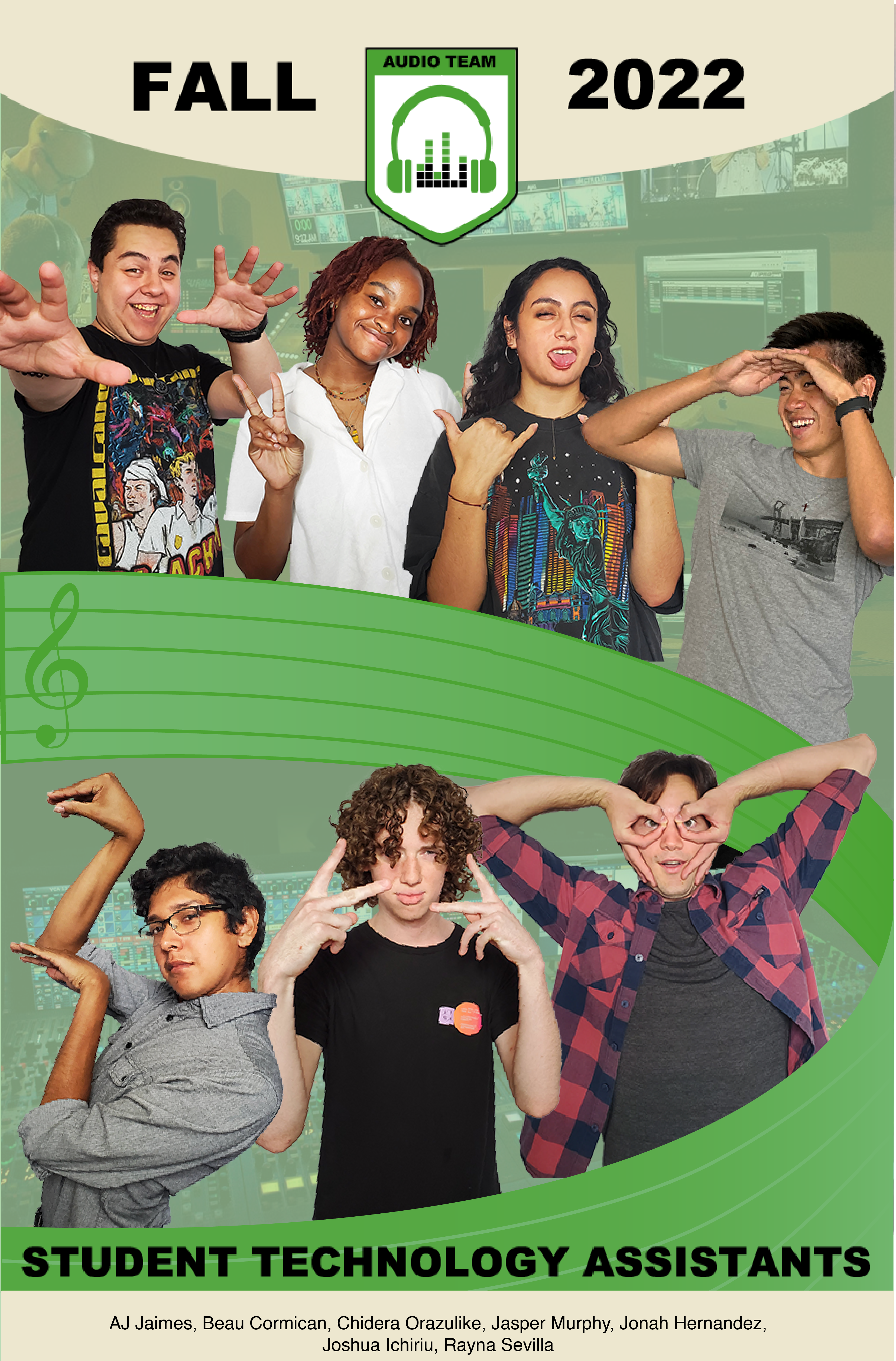
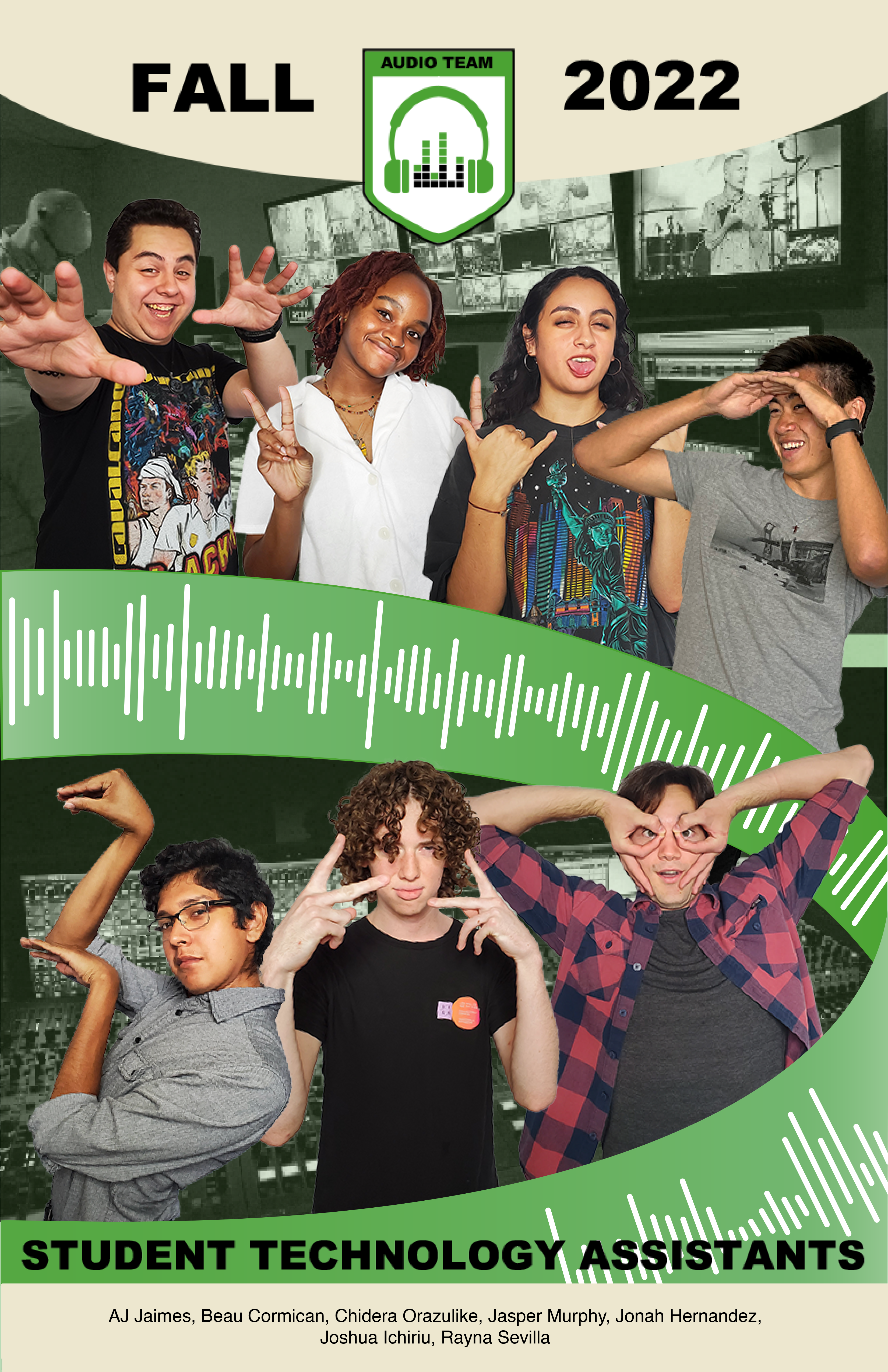
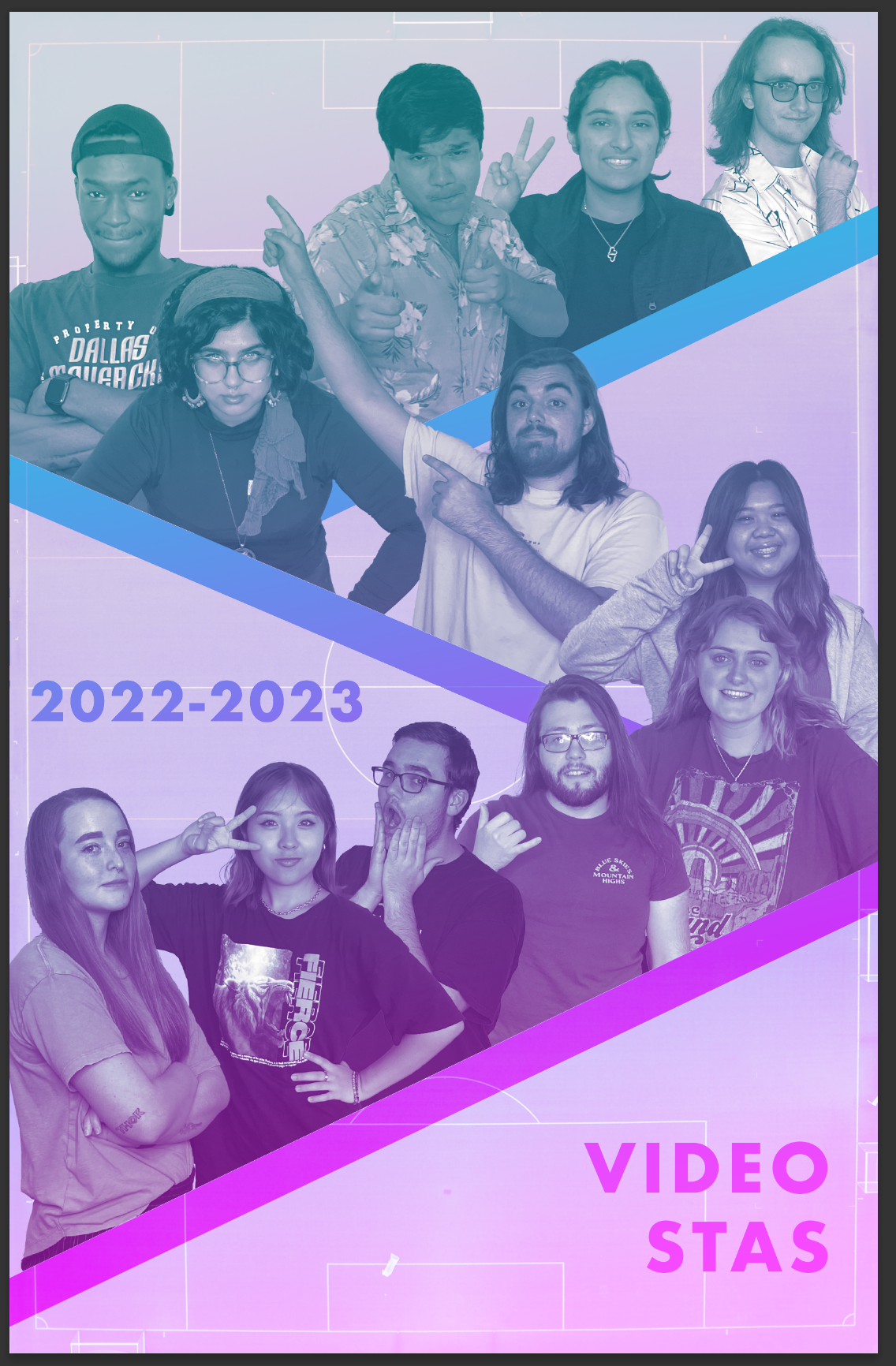
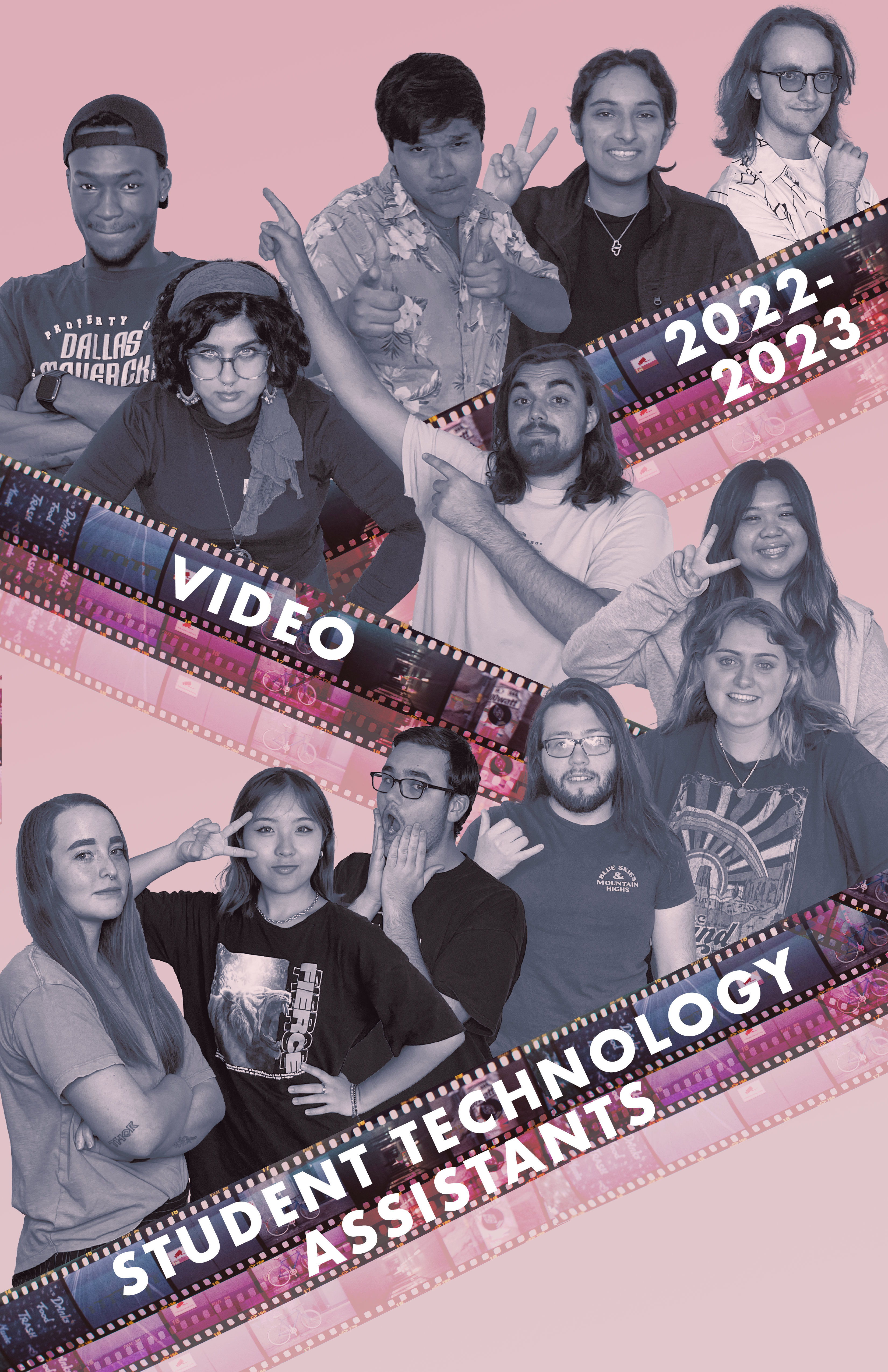
• We are STAs
    • Asha Rountree
    • Haley Ma
    • Kate Shih
    • Kyra Lee
    • Nicholas Peasley
    • Sasha Kenney
    • Shanda Horm
    • Shriya Atreya
    • Tomas Marulanda-Mesa
  • We were STAs
  • STA Presentation
    • STA Presentation 2017
    • STA Presentation 2016
  • Testimonials
  • Resources
  • Home

STA Blog

Week 11 and 12

September 13, 2022 By Luisa Matzner

STA Training

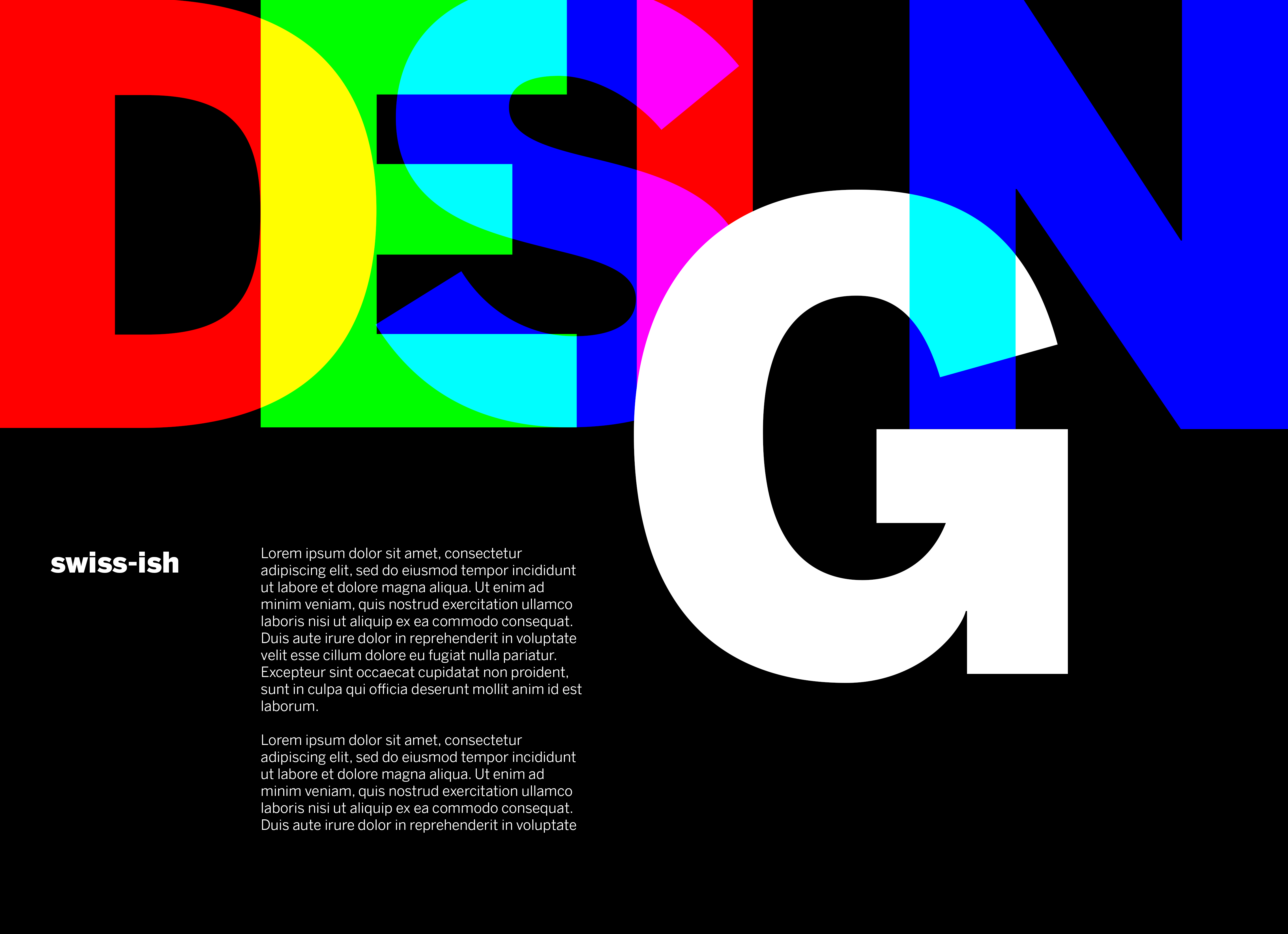
This week, since I haven’t had any major assignments, I’ve been working through my trainings. I finished the Design History basic training, making a poster inspired by New Typography and Bauhaus design. It was really fun to dive into a specific style and find which components make a design a certain style.

I’ve also been working on color theory training.

UTFC Greenscreen Slides

Module 5.1B Pronominal Verbs

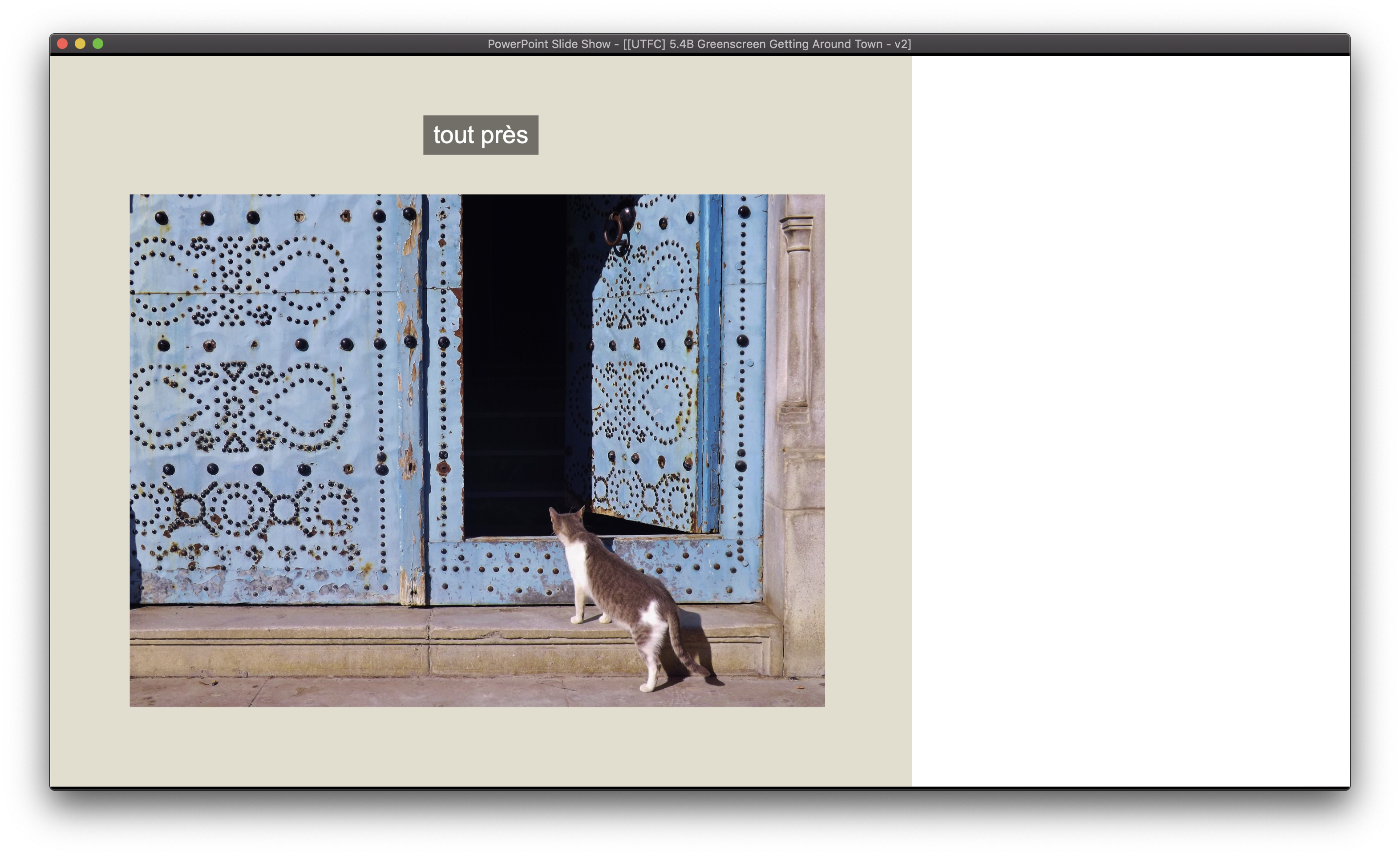
I also worked on UTFC Greenscreen slides, finding royalty-free images for the word lists provided. Here are some of the slides I’ve been working on.

UTFC Map of Paris

Minor changes made to a pre-existing map for UT French.

Filed Under: Fall 2022 - Spring 2023, Uncategorized

GOV310L

September 13, 2022 By De'sha Bass-McClellan

GOV310L PSD Assets

When creating an animation for After Effects, it is best to create all the scenes first in Photoshop or illustrator to create an easy transition to After Effects.


Scene 1:

Scene 2:

Scene 3:

Scene 4:

Scene 5:

Scene 6:

Scene 7:


Scene 8:


Scene 9:


Scene 10:

Scene 11:


GOV310L Final Intro

http://sta.laits.utexas.edu/wp-content/uploads/2022/09/GOV310L_Intro.mp4


Intro Process:

For this project, I found that is was extremely important to start with a plan. That reduces the amount of overall edits if you come up with an overall design layout. In addition, creating all the assets in photoshop first cut down the time spent organizing everything in After Effects.

Animation steps:

  1. Create an animation proposal for the assignment and share it with the client to highlight the scenes you will create. What the animation will be based off of. How long will it be and which graphics or elements will you include.
  2. Create the assets in Illustrator or Photoshop. If you are using vector graphics, Illustrator is the way to go. If you are using images, use photoshop.
    • Each scene will need it’s own psd or ai file
    • Share screenshots of the scenes to the client before you start the animation process.
  3. Create the After Effects file and import the different scenes. Create a main composition that you can add the scenes to and adjust the timing. Animate each scene individually in their own composition.

Filed Under: Fall 2022 - Spring 2023, Uncategorized, We are STAs

Week 8/8 – 1/10

August 15, 2022 By Leilani Cabello

This week I had an arranged of projects to do. I finished up the course graphics from my previous post and started on a new class. The course graphic was already made and I was mainly just recoloring a new class variation.

Here are some banners and backdrops for the UTFC project as well.

I also made some stinger or animation slide designs for a class! The main idea to convey was based on a new segment called “Think, Pair, Share” in which students will work with Google Forms during class. It was also encouraged to use a thinking bubble too!

This is what I came up with so far in terms of icons:

Filed Under: Uncategorized

Week 8/1 – 8/3

August 15, 2022 By Leilani Cabello

Even though this week was a bit slow for me, I was able to finish up the American Studies Banner, work on the UTFC project (like making backdrops & searching for stock images), and complete some extra training I had left. Here’s a final look at the AMS banner though!

Some backdrops for the UTFC project:

And the start of a new project for course graphics!

Filed Under: Uncategorized

Week 4

July 20, 2022 By Luisa Matzner

This week, I began drafting the graphics for NTR 306. The professors liked my first design direction, so I went from there. I iterated different background colors and photo effects to find something that both looked good and would work in the studio. I tried some green overlays, but ended up going with a warmer overlay.

Here are the latest drafts for the Canvas banner and TA monitor:

I also began training for the French textbook. I worked through making the backdrops and the Lingco banners. After finishing the Lingco banner, I got started on some of the banners that will eventually be used. Here is one of them:

That’s it for this week!

Filed Under: Fall 2022 - Spring 2023, Uncategorized

Farewell

May 25, 2022 By Hoa Truong

Working as an STA for the past two months has been one of the greatest experiences that I have had at UT so far. It has been my pleasure to be selected for this role and have the opportunity not only to work with talented staff but also to learn from them. My journey as an STA began with having some conversations with Keshav about our major and career, then learning new things such as making a blog banner, and a handbook webpage,… I am very excited about learning how to use Photoshop for the training.

https://jsfiddle.net/hoatruong283/s20qbgj6/33/

Even though there are some days that I feel I can do better, I am still glad that I realize that I need to learn more to improve myself to become better. The project that I have been enjoying working on so far is making the website for professor Monfils. I have the opportunity to discuss and work with Estella and Valerie. They have helped me a lot thanks to their feedback on my work. Having a weekly meeting on Friday to share with Suloni and Marianne is wonderful.

This summer I will be working as a software engineer intern in Sunnyvale, California and I am very thankful for all of the experience that I have learned from LAITS team. I am very thankful for this opportunity and I wish the LAITS team all the best.

Filed Under: Uncategorized

  • « Previous Page
  • 1
  • …
  • 19
  • 20
  • 21
  • 22
  • 23
  • …
  • 91
  • Next Page »

link to LAITS home page

Video STA Home

© 2026 Liberal Arts Instructional Technology Services | Production Credits