Tech Integration poster
I was tasked with making the STA Poster for the Tech Integration team! I’ve never edited people for a poster before, so this was a great chance for me to practice using InDesign or Photoshop.
I ended up choosing to use InDesign to work on this poster, which I later realized photoshop would’ve been more efficient. However, even solely using InDesign I was able to make a really cool poster that I still can’t believe I actually made.

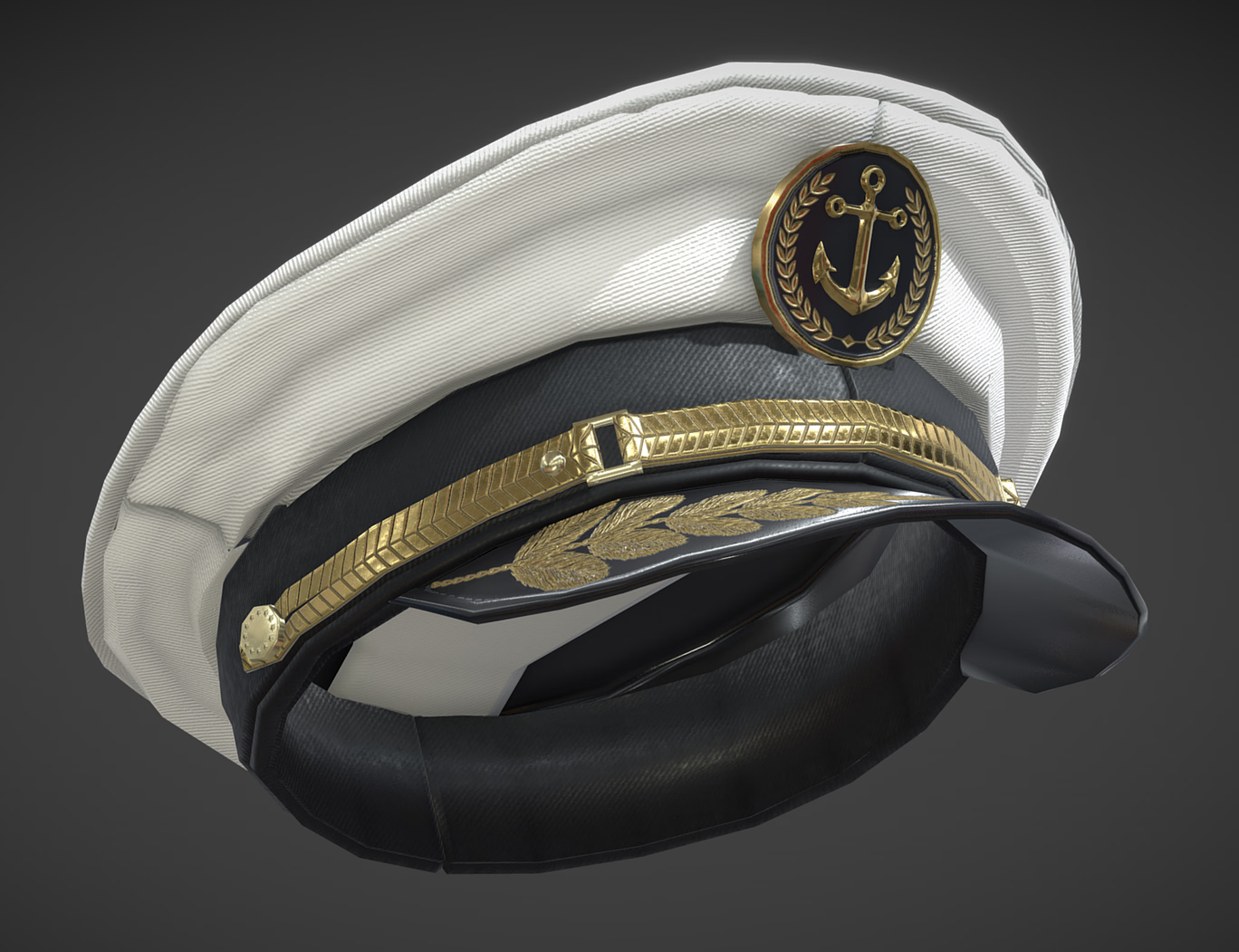
I was provided with these images as references.


Before getting the new Fall 2026 STA cut-outs, I began by using the older STA cutouts to understand the size and angle I needed to work with. I also searched for the font Battleship uses and mimmic the text effects, outlines, and colors of the text to make sure it’s as similar to the reference as I could make it.
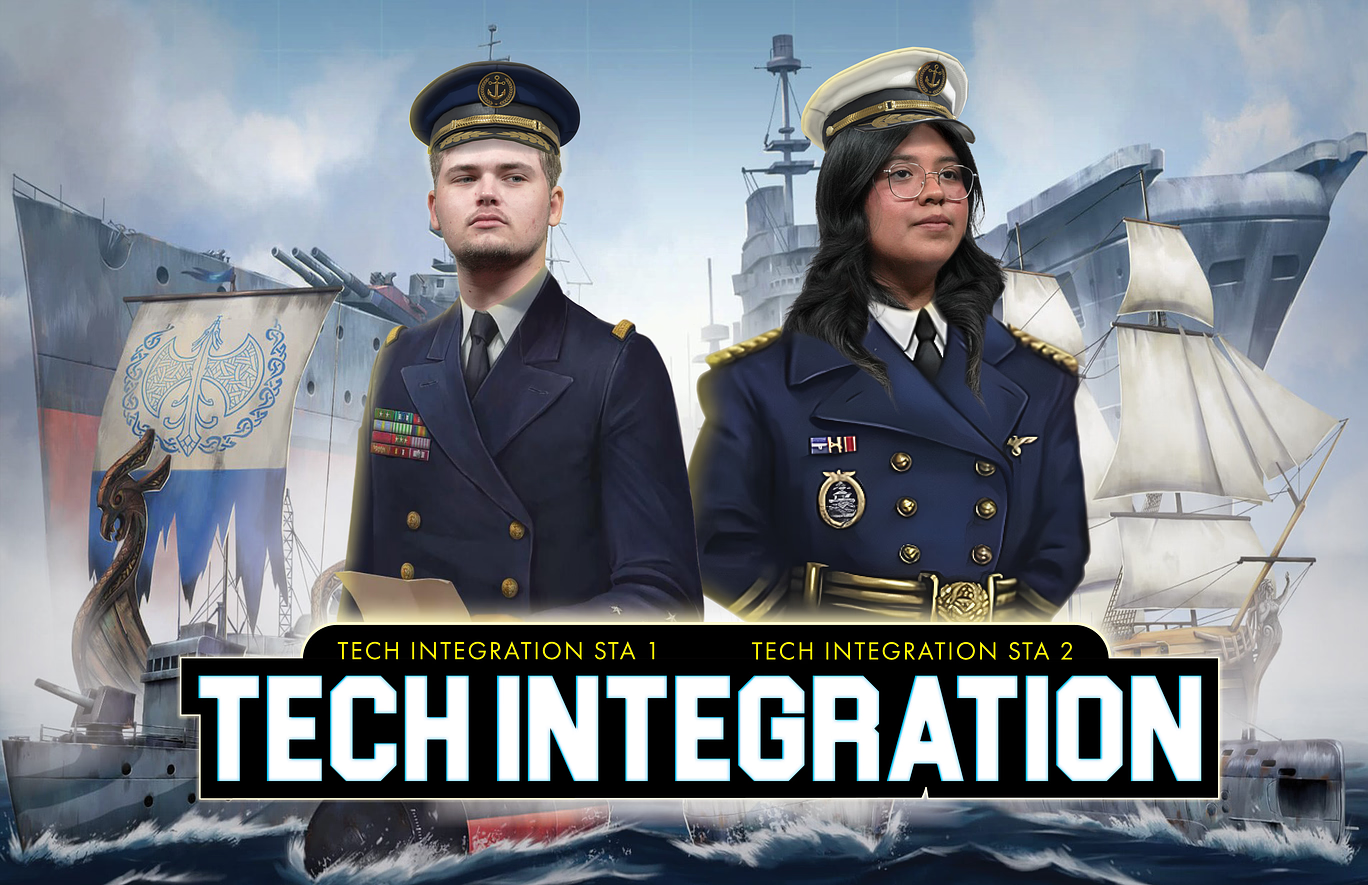

Once we got the new STA cut-outs, I placed the STAs in the right sizing and position, added their uniforms, hats, and extra effects as I saw fit stylistically! In order to make sure the hats look as natural as possible I had to use sketchfab.com to use the 3D feature to position the hat at the right angle to match what the STA’s heads are facing and downloading the image.
Overall this was a great opportunity for me to practice the tools of InDesign! Though next time, if I had to do this again, I’d want to next use photoshop for a different experience and to understand through experience which one is better for these kinds of projects.
────── ෆ˚⋆୨୧⋆˚ෆ ──────