Painting, Pixel Art, and Logo Animation
This week I worked on three different trainings. One was brush painting in Photoshop another was creating pixel art in Illustrator and the last was animating a logo in After Effects. I learned a lot of new things in all trainings and am looking forward to using these skills in the future!
Photoshop Painting
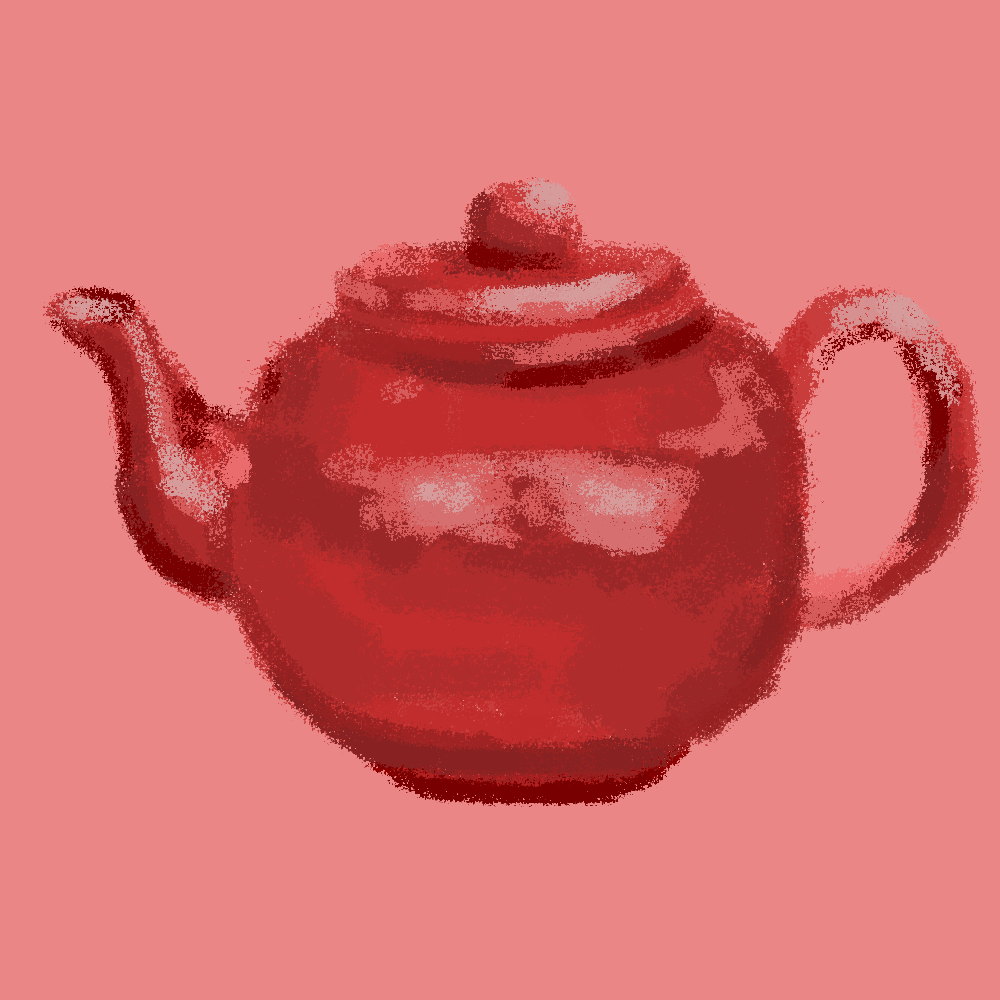
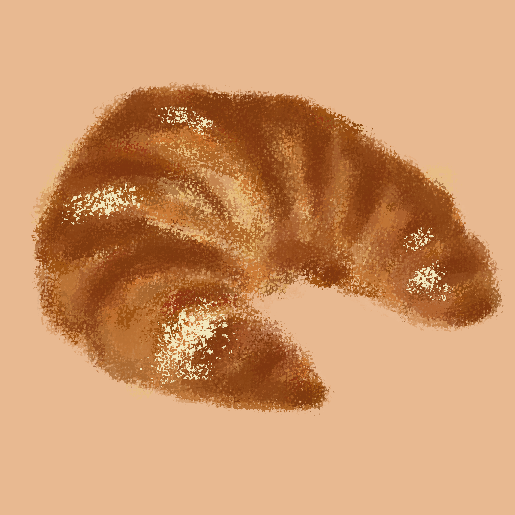
My task was to replicate a teapot design, then use a photo of my choice to create a new painting. I then animated it within the program to add a cuteness factor 🙂
Pixel Art
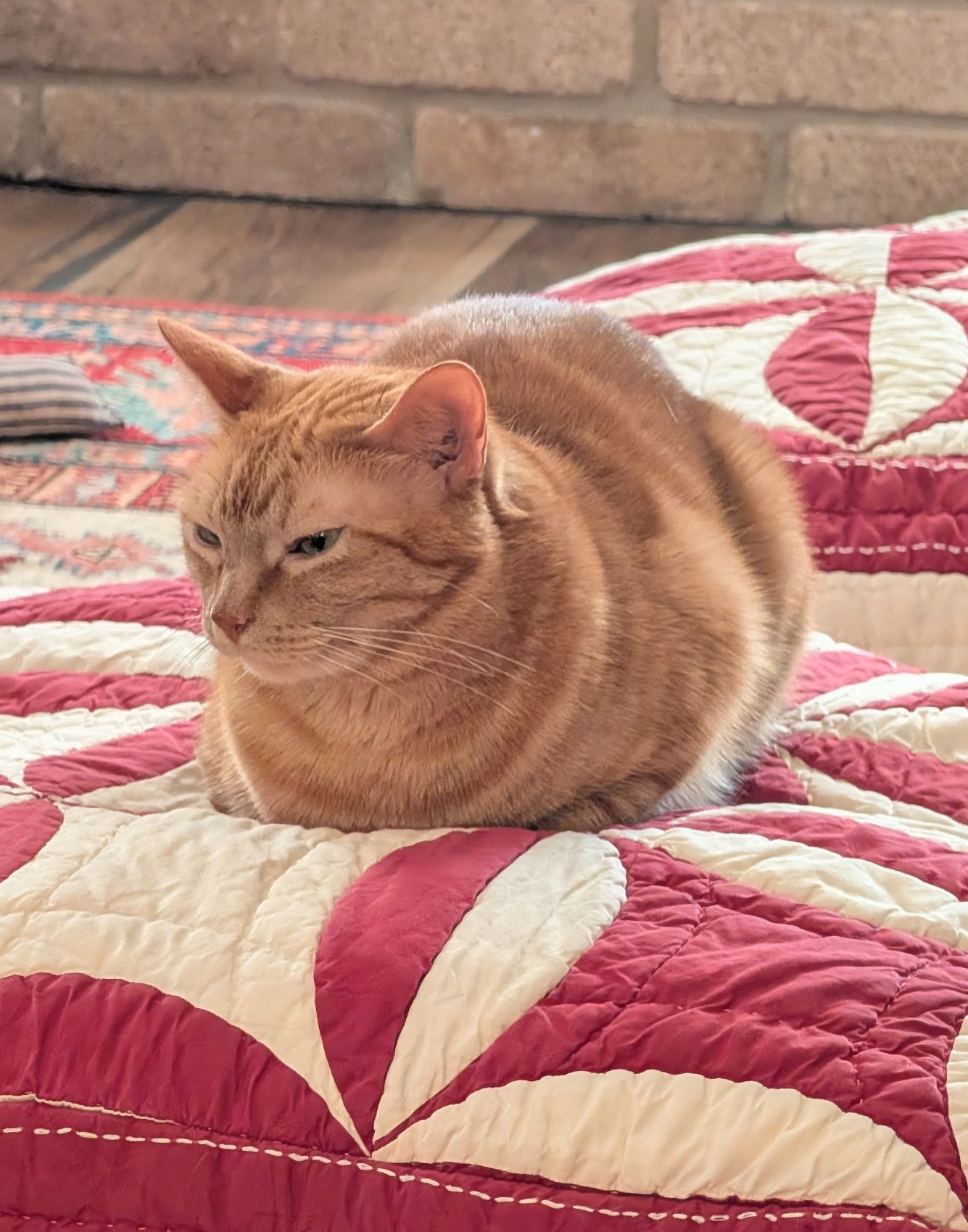
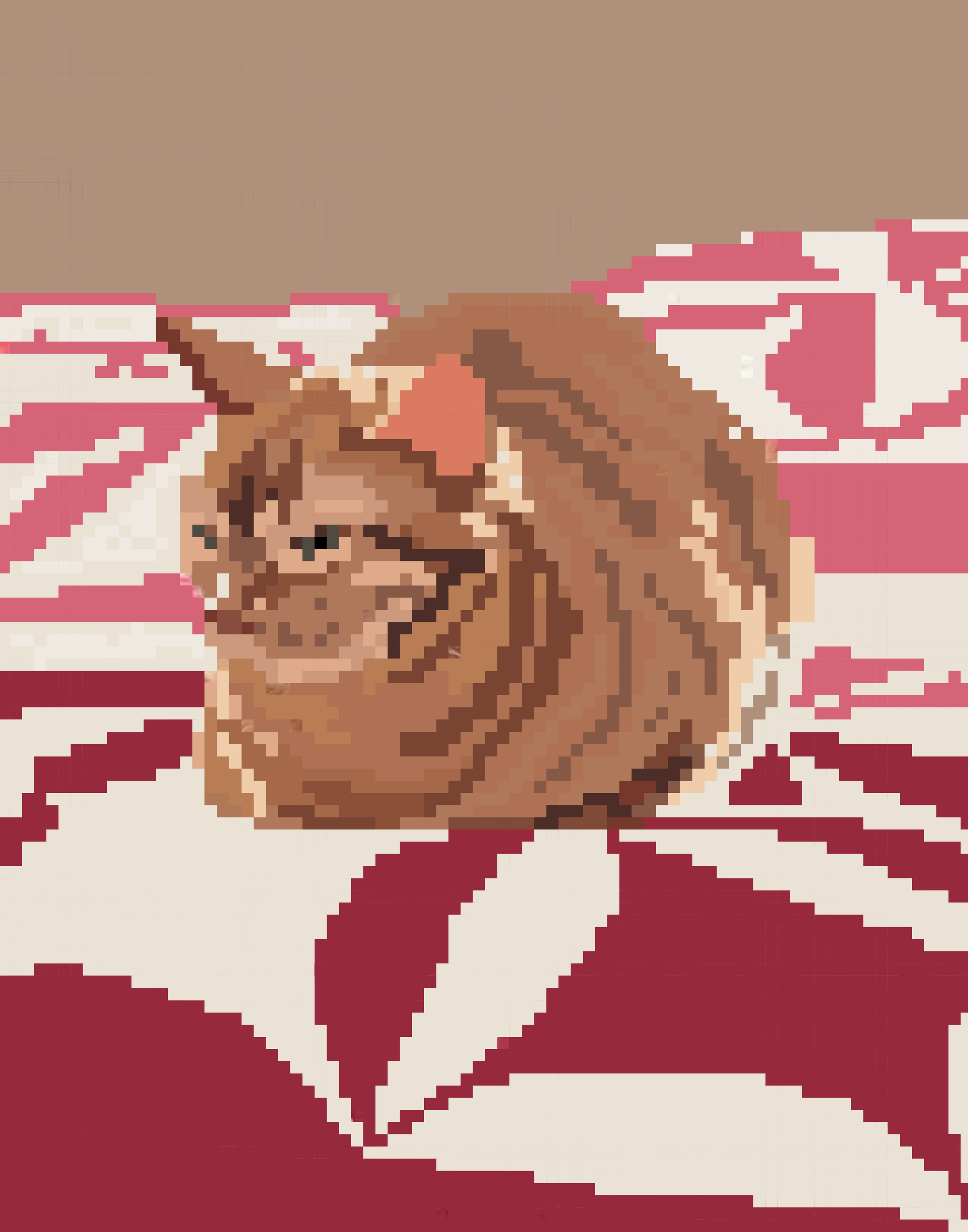
For this, I followed the pixel art tutorial on the KB. I chose a picture of my cat because I thought it would be challenging, but rewarding – and it was 😀
Logo Animation
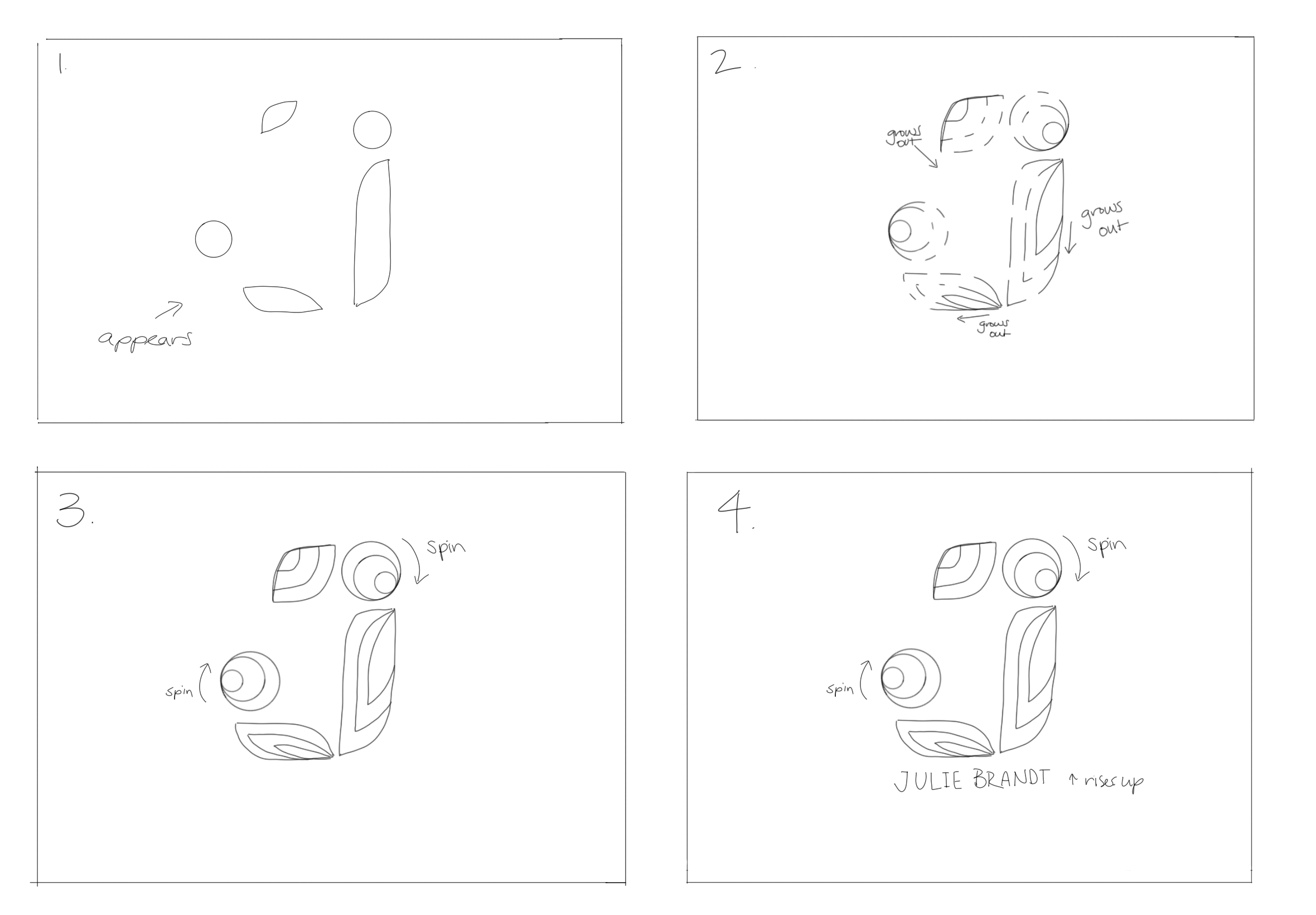
For this task, it involved more planning and iterating. I started with a story board which I ended up altering after hearing from Lila. Then, I had to separate my layers in Illustrator from my original logo. After watching a ton of videos of techniques and styles, I began working in After Effects.
Reflection
Overall, I had a fun productive week learning new skills in PS, AI, and AE. Hopefully there will be opportunities for me to uses these skills in other areas of my work.