More Fun with Cascade
Today, I did more of the intermediate Cascade training. I had fun making the AI icons!
Current Sta
Today, I did more of the intermediate Cascade training. I had fun making the AI icons!
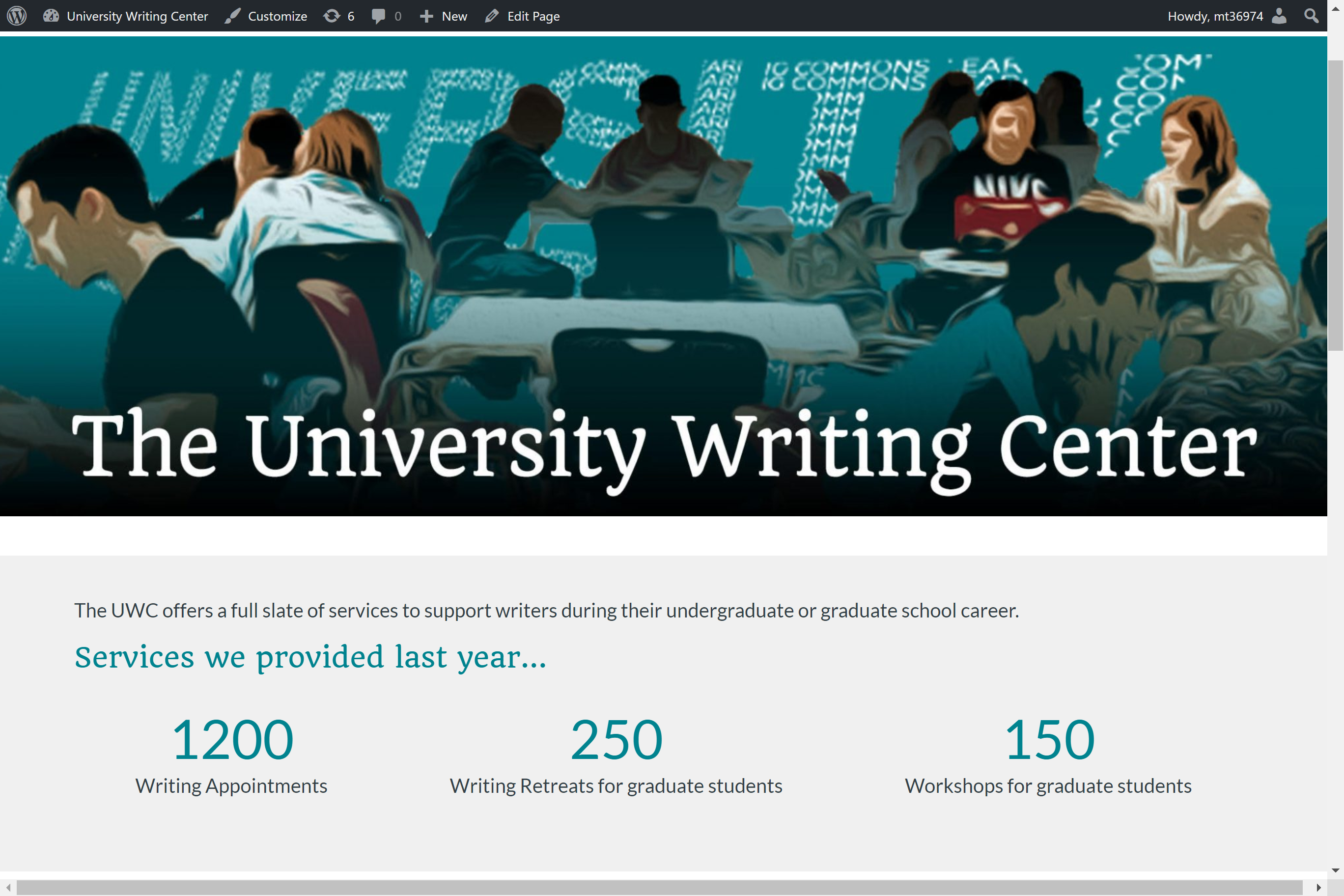
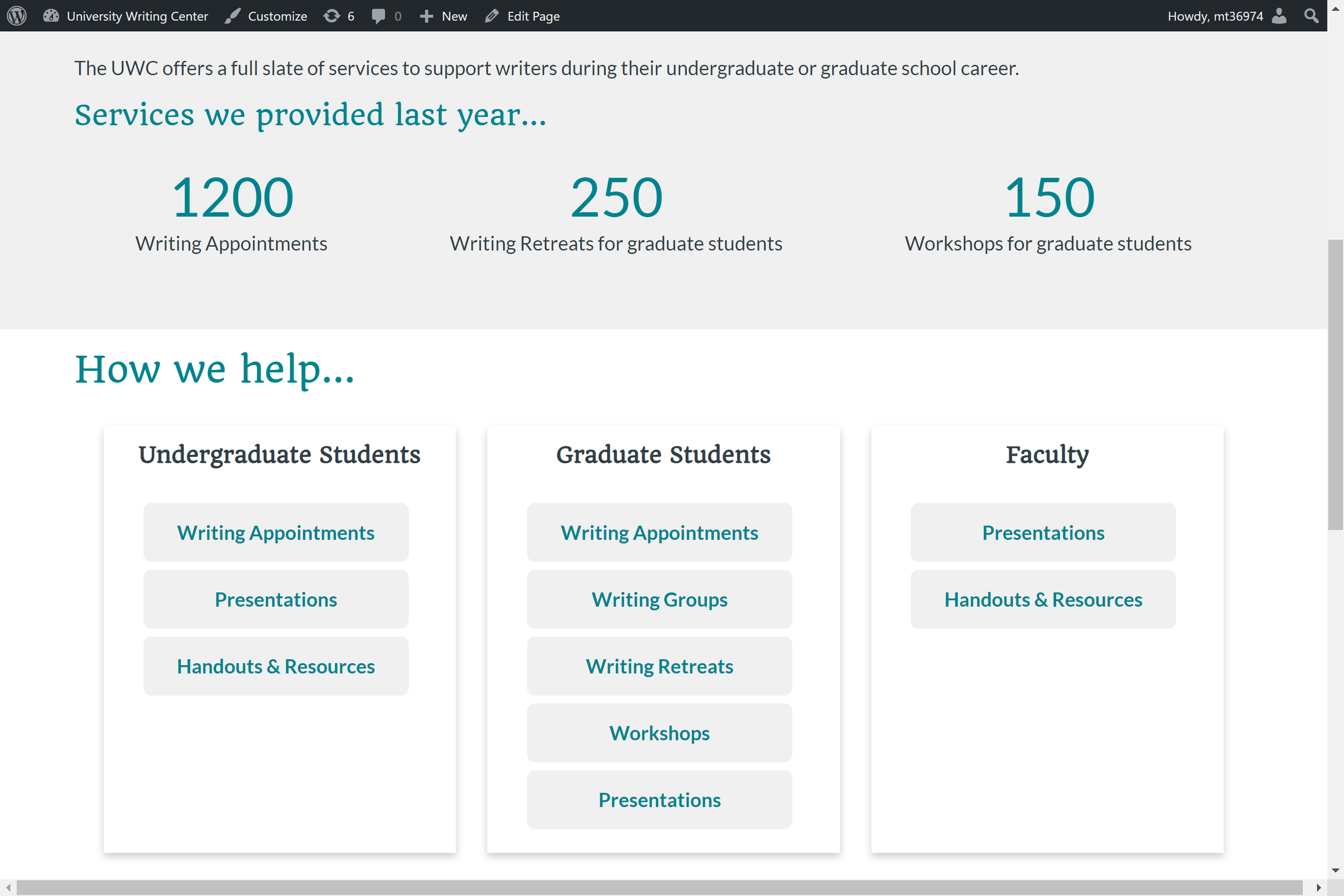
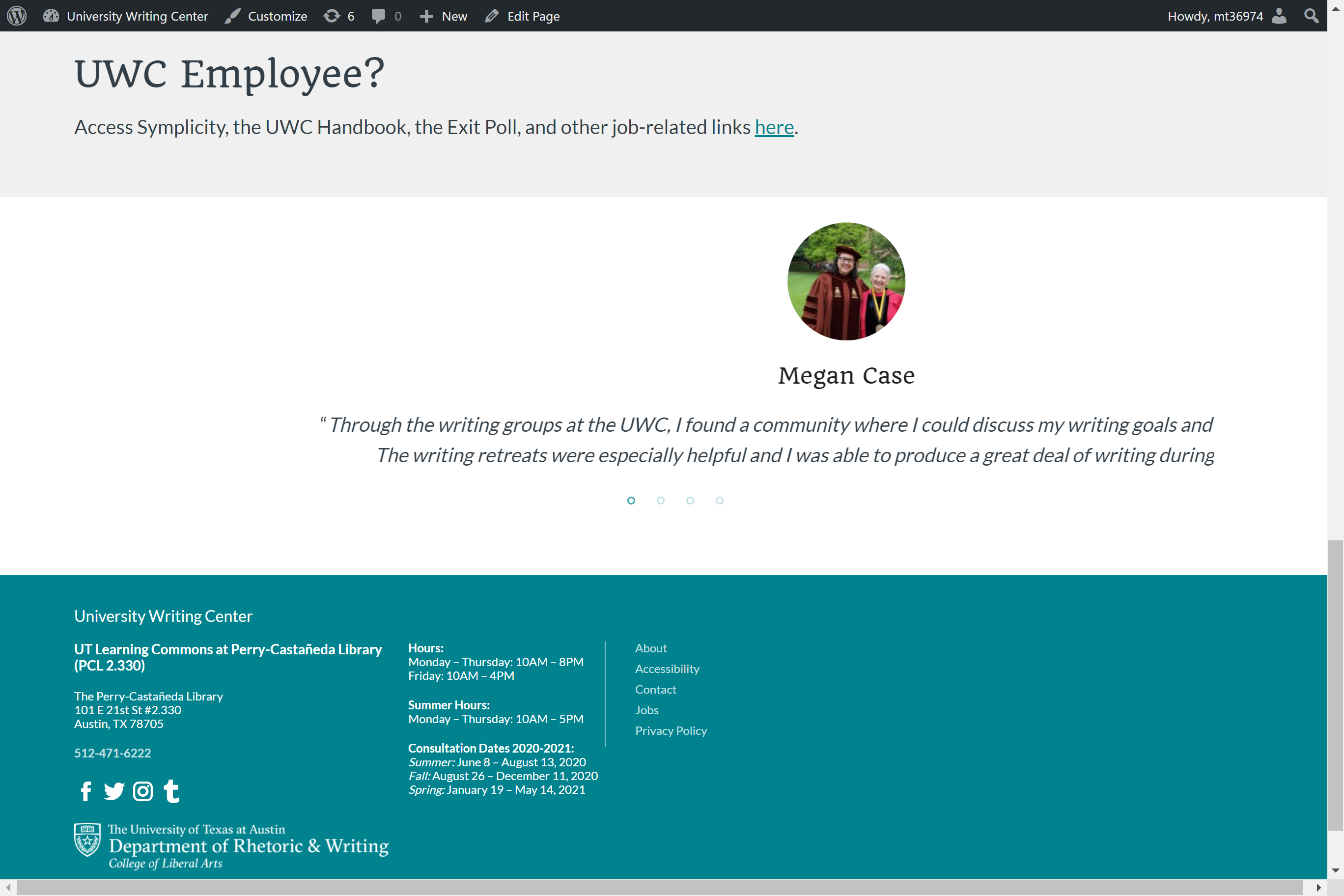
I am working on the home page design on WordPress for UWC. After my meeting with Stacy and the client, I have started working on creating an initial draft version of the page in WordPress. This is still a work in progress and needs more edits. In addition to the home page, I will need to work on an additional links section and alerts section that needs to appear across all the pages.
I’ve been working mostly on my Cascade site this past week, and here’s some progress. It’s been fun talking about Berlin (perhaps ad nauseam, but oh well). I’ve added some more advanced features, such as html/css tables, and in the “more info” page have made some custom buttons. I hope you enjoy perusing!

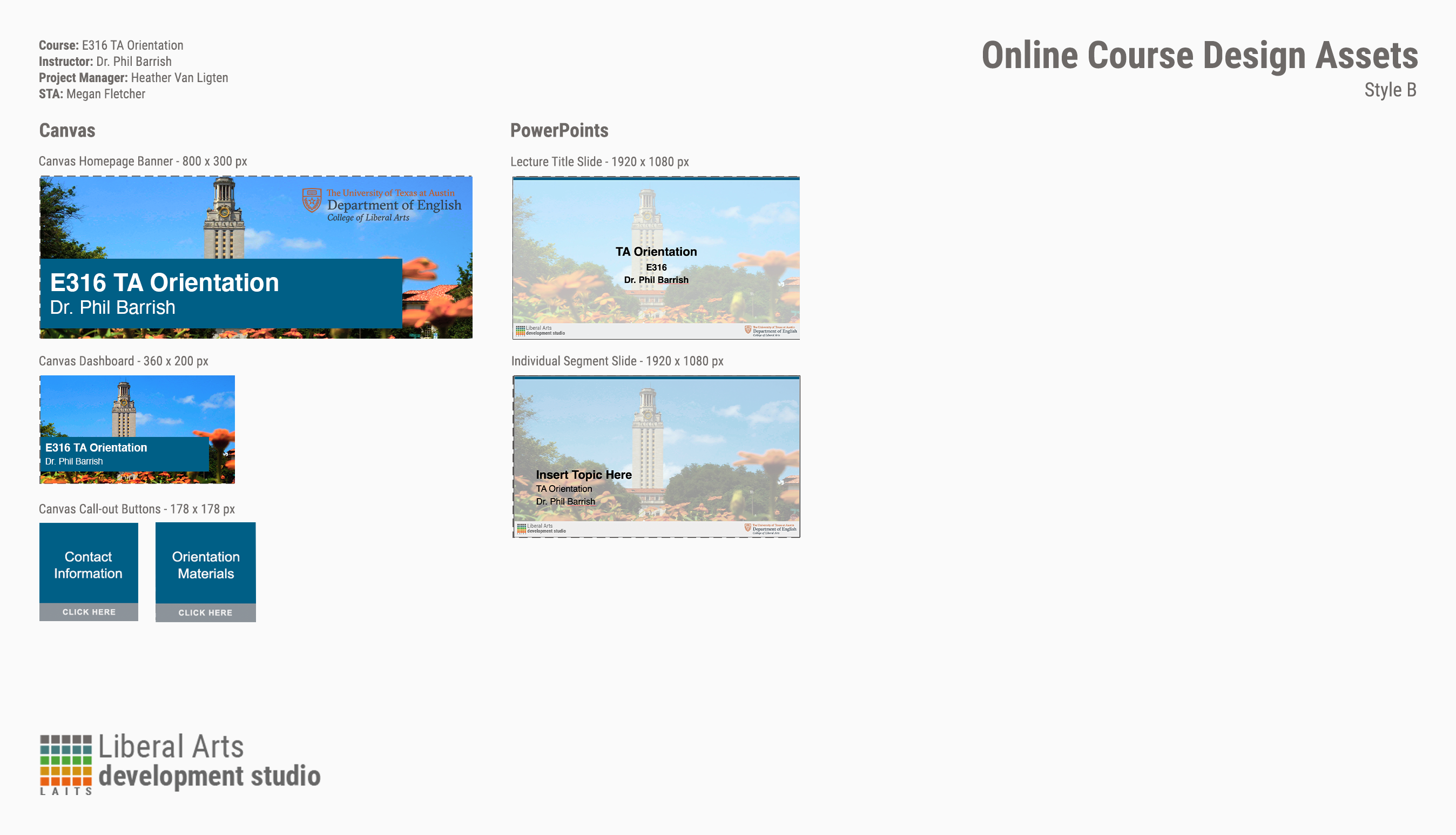
I know what you’re thinking: “E316 isn’t a course, Megan! There’s E316M, L, and N!” I hear you. You’re right. There is no E316. But! I’m still making graphics for it. Why? All the TAs for M, L, and N do orientation together.
That out of the way, these weren’t too bad and the client didn’t want the full menu of Canvas assets (why would they? It’s only a two-day orientation.) I picked a generic photo of the UT tower for the backgrounds with a nice, dark shade of blue from the brand color palette. The only issues I ran into were color-correcting the PPT title slide because my nice, dark shade of blue wasn’t being very… nice to the photo I picked.
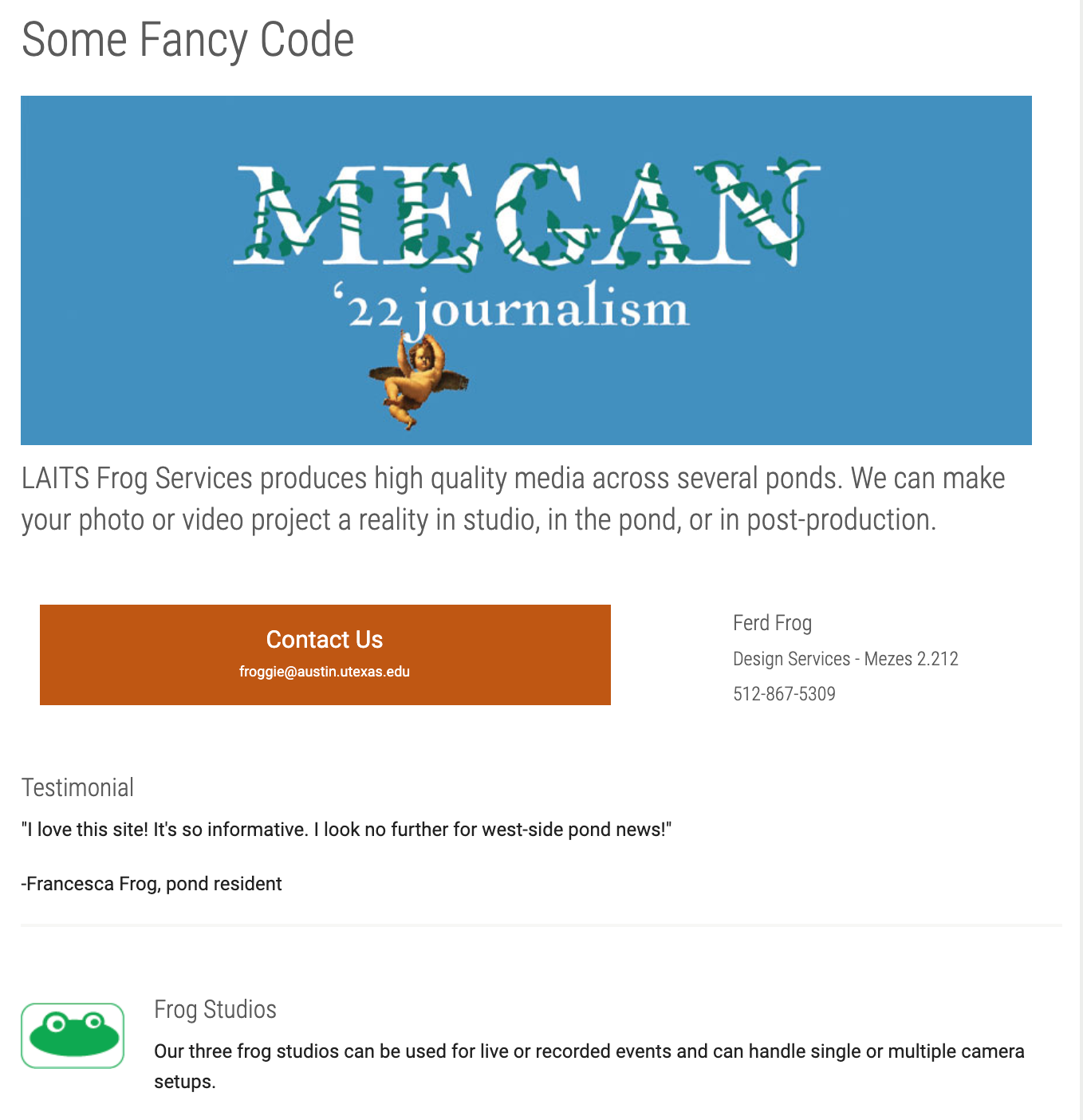
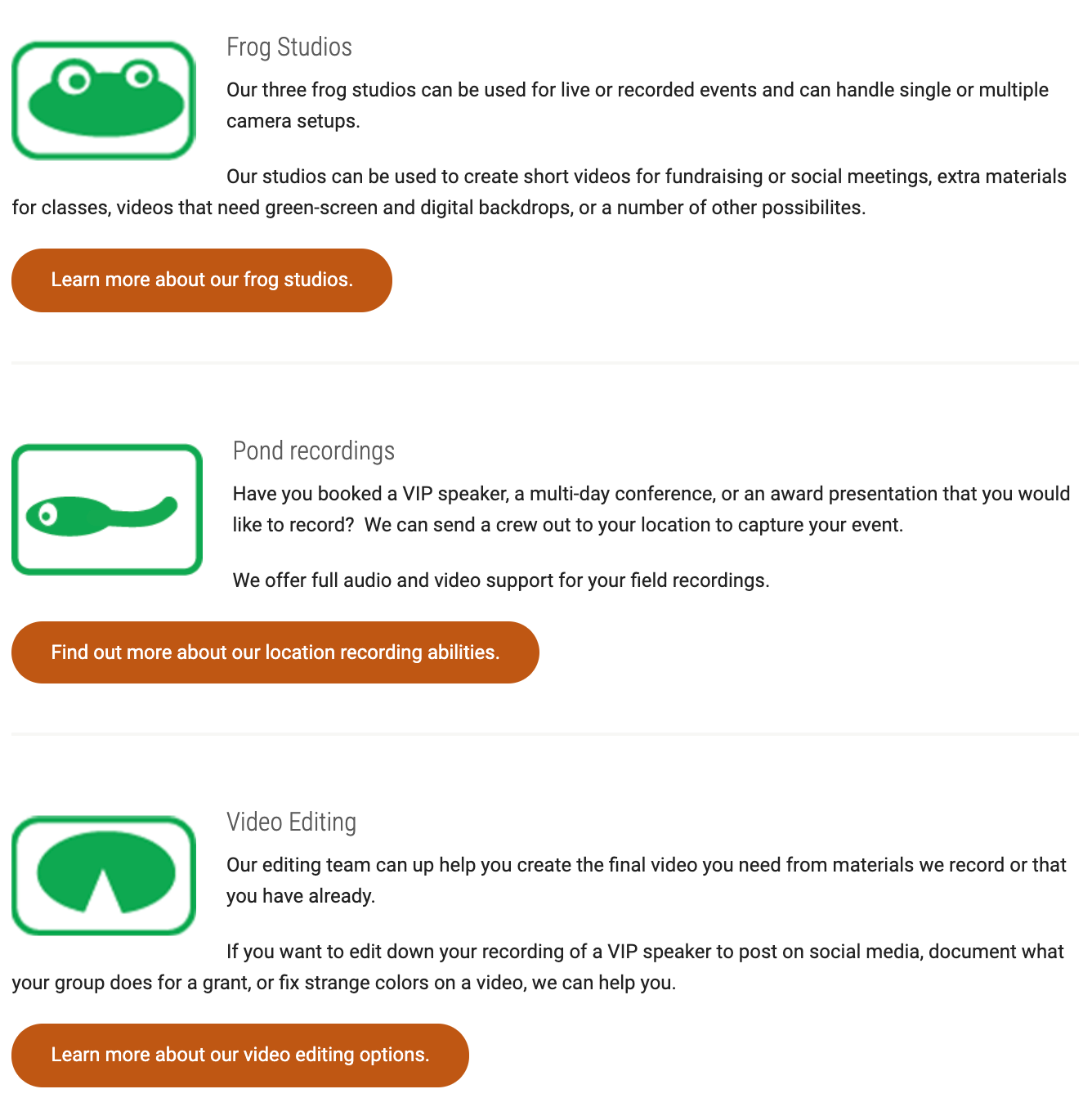
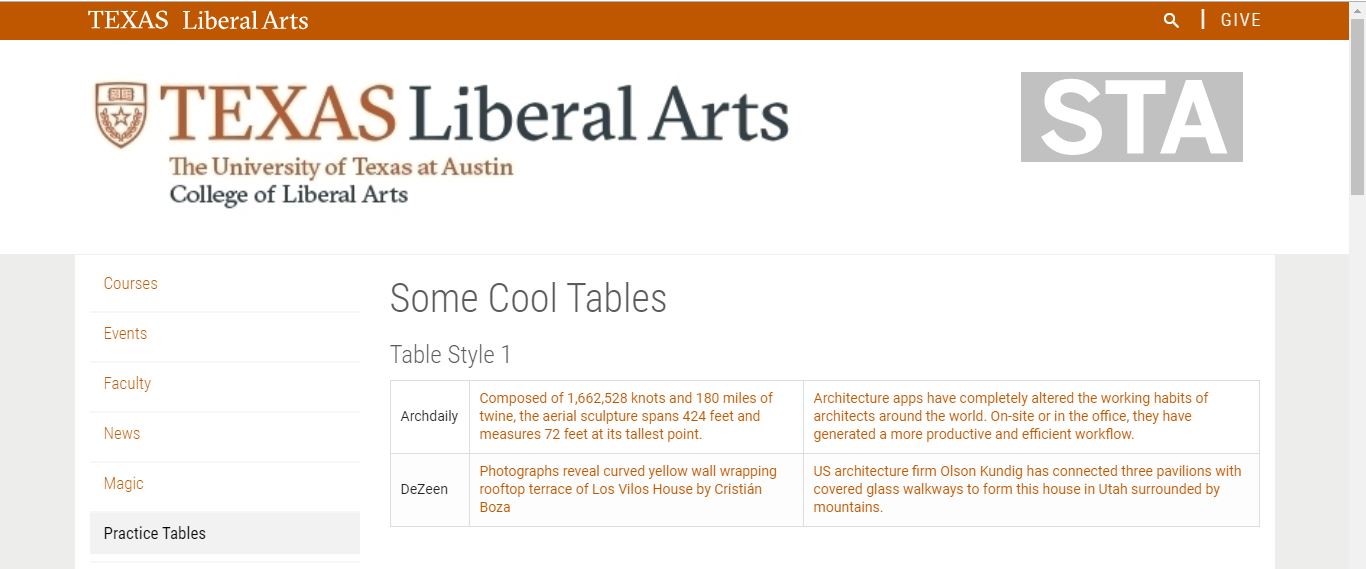
Today I started Cascade Training Part 2 and learned about creating and editing three different types of tables. This is some of the code for the first one:

This created Table 1, which has two rows of three columns. The cells have text only:
The next table I created had videos embedded in the cells, with two rows and two columns each:

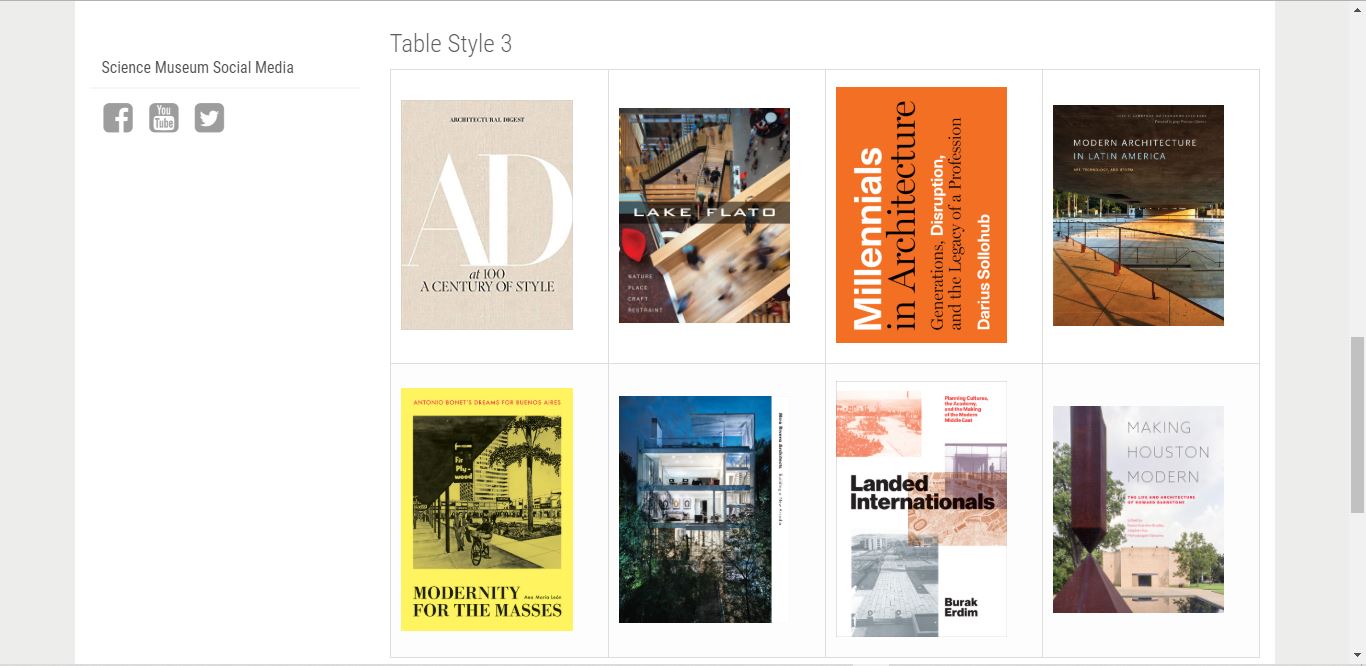
The last table contained images embedded in cells and containing URL links to other pages:
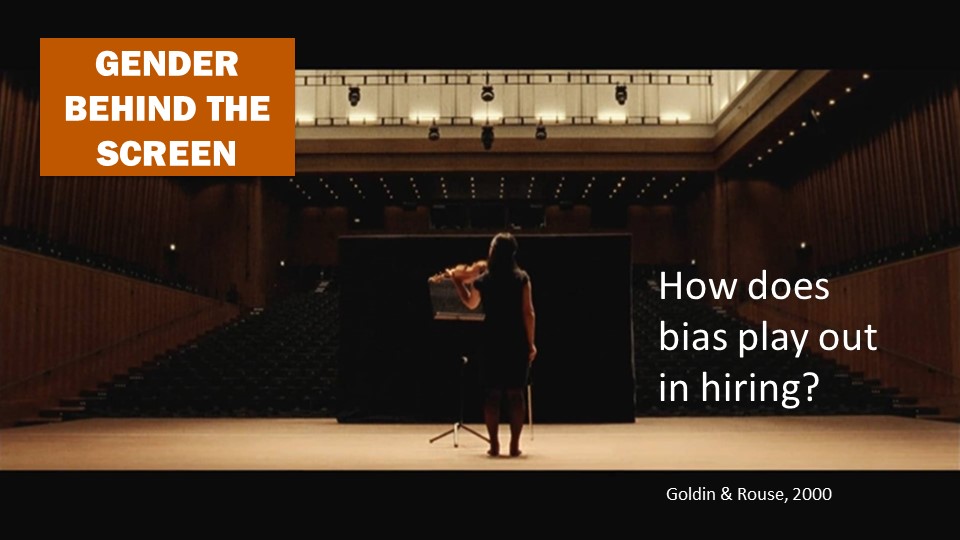
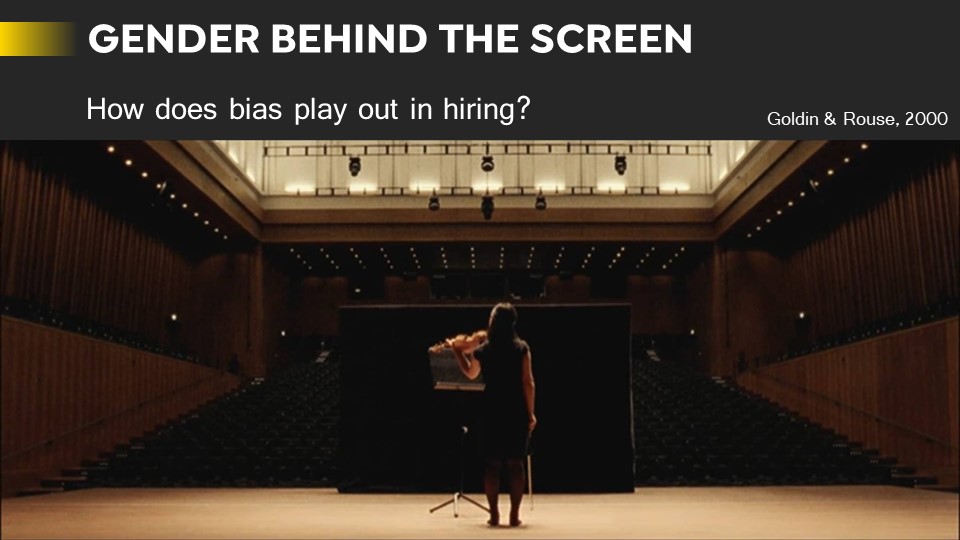
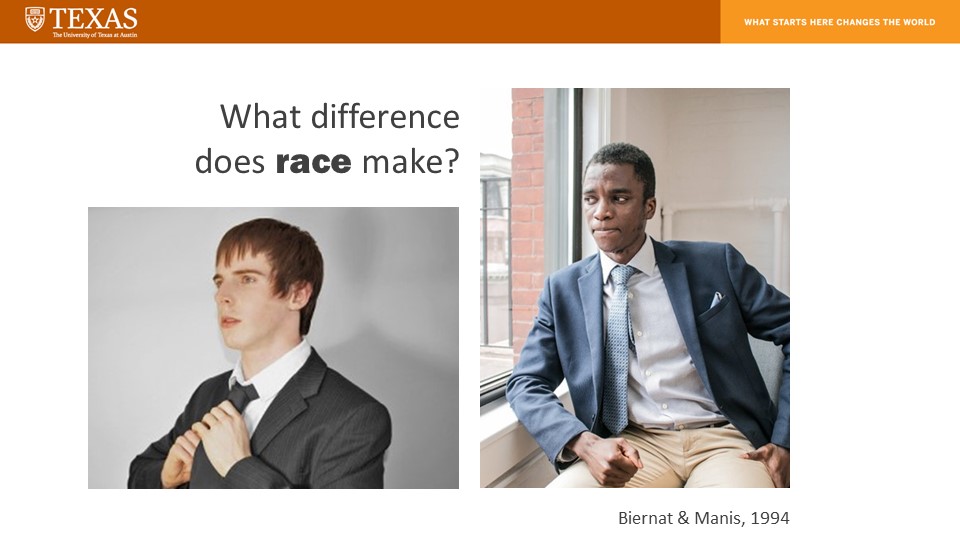
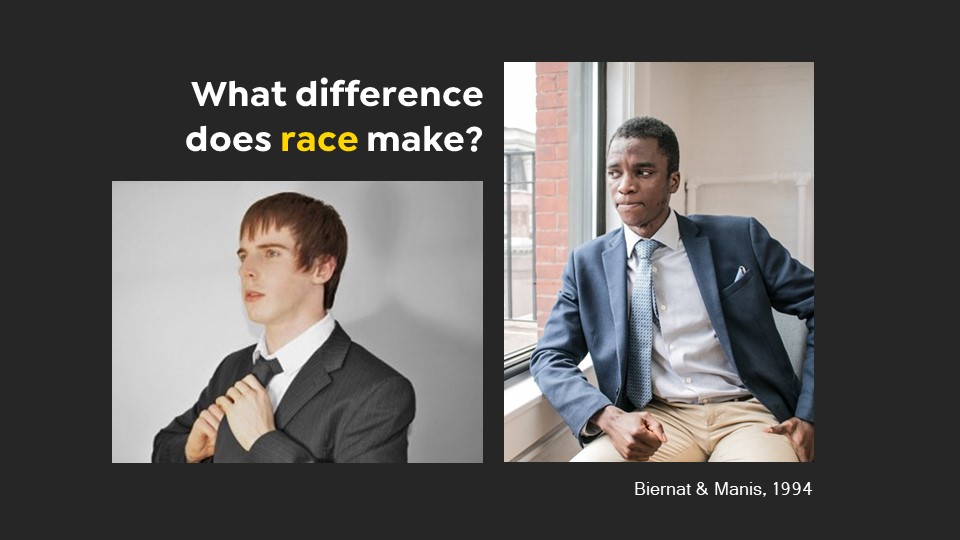
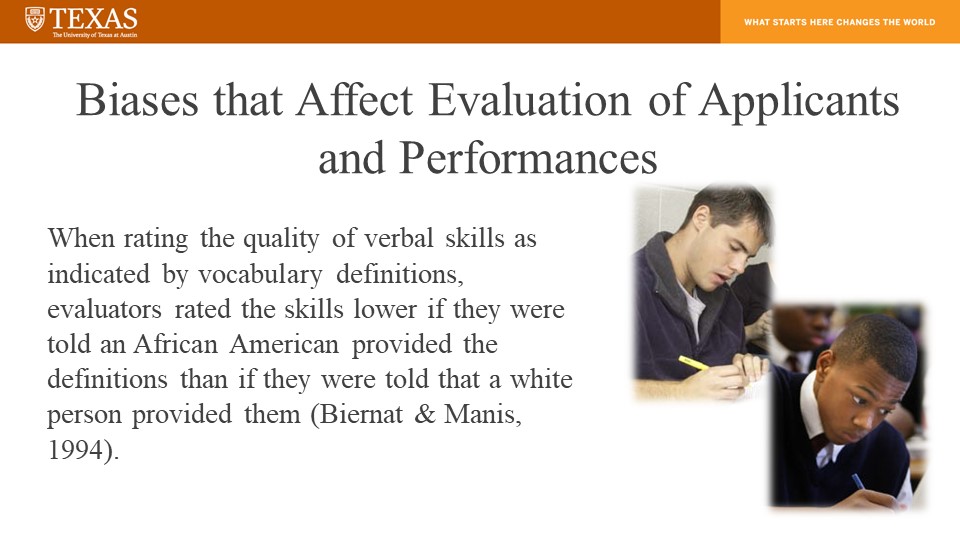
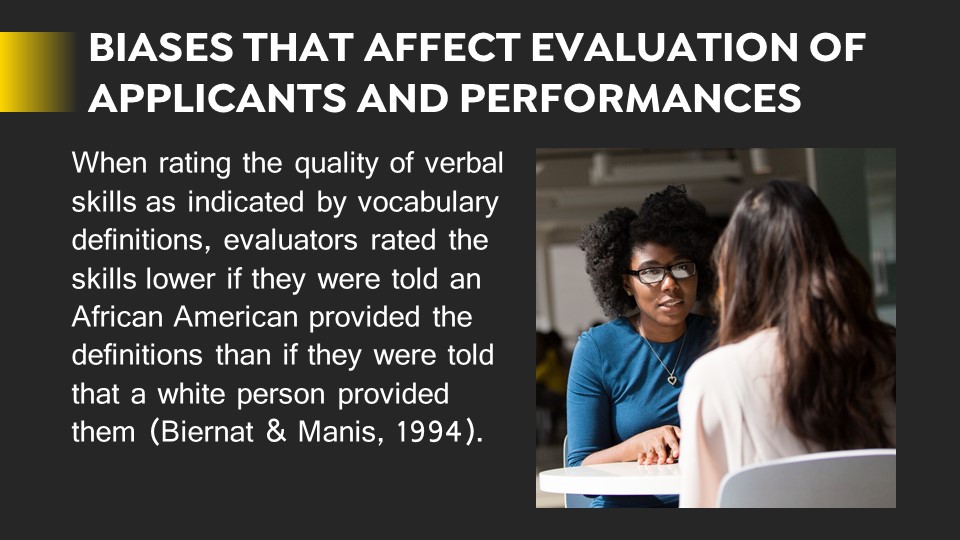
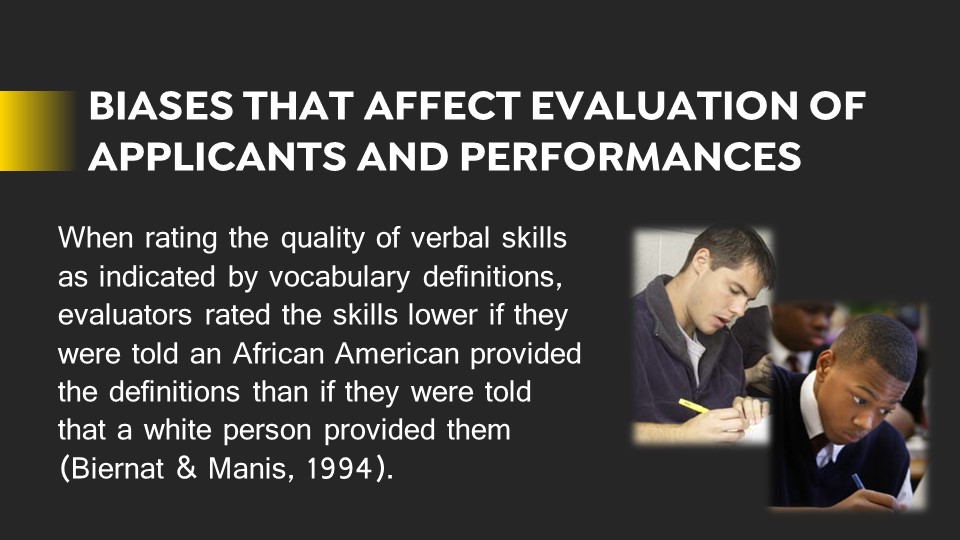
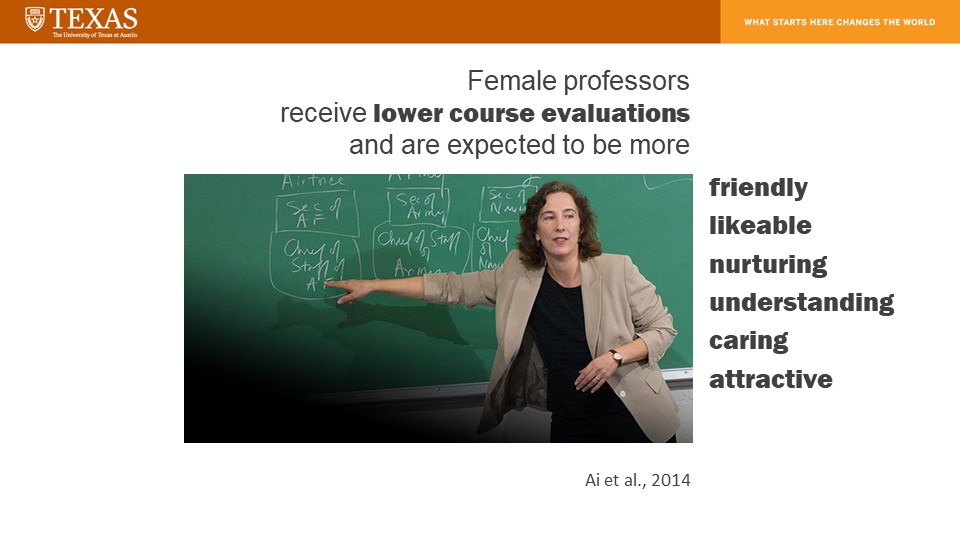
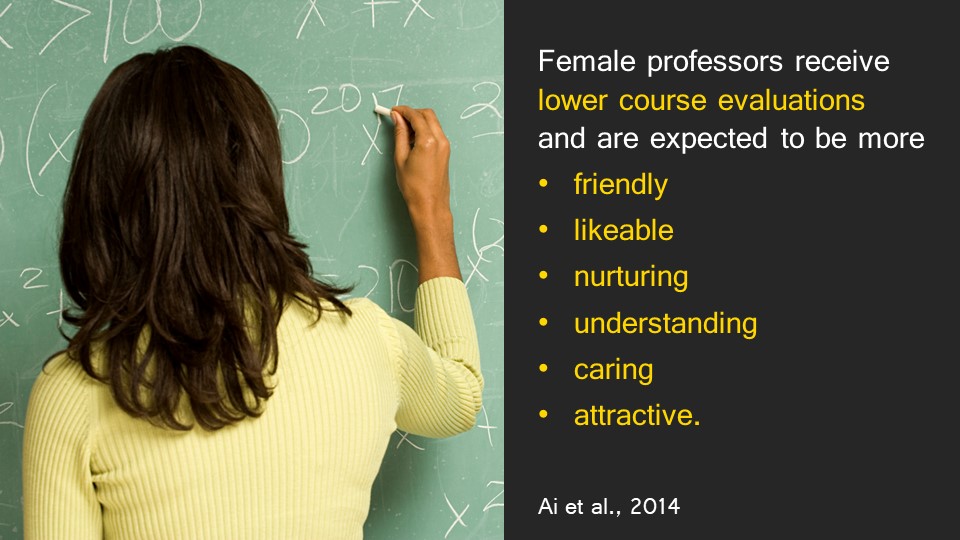
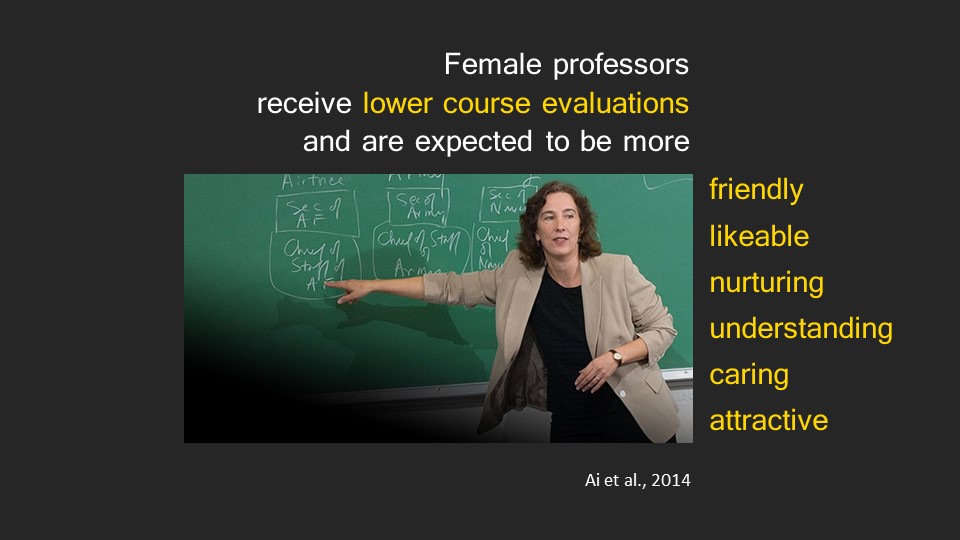
Today I made the final edits to my PPT redesign assignments and submitted two drafts for the client, in which one includes all original images and the other contains new images that I thought better communicated the content in the slides.
Here are the slides compared to the originals.