• We are STAs
    • Asha Rountree
    • Haley Ma
    • Isabella Melendez Gonzalez
    • Julie Brandt
    • Kate Shih
    • Kyra Lee
    • Nicholas Peasley
    • Sasha Kenney
    • Shanda Horm
    • Shriya Atreya
    • Tomas Marulanda-Mesa
    • Trisha Darure
  • We were STAs
  • STA Presentation
    • STA Presentation 2017
    • STA Presentation 2016
  • Testimonials
  • Resources
  • Home

STA Blog

Shriya – Week 3/1 – 3/9

March 22, 2024 By Shriya Atreya

SAVE THE DATE:

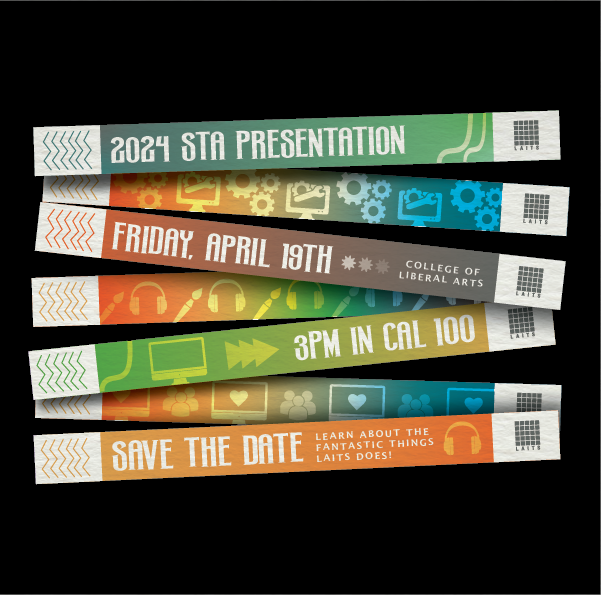
2024 STA PRESENTATION EMAIL INVITE FLYER


START: March 7, 2024

COMPLETED BY: March 14th, 2024


BRIEF:

This week I was tasked with creating the email flyer for the 2024 STA Presentation. For this flyer they wanted a concert/festival theme to match with the rest of the graphic assets.

IDEATION:

To start this poster I first wanted to outline my vision for what I wanted this 600px width graphic would look like. For this, I referred to a mix of both Last year’s SAVE THE DATE flyers and other concert festival graphics and posters.

From here I took the direction of a wristband style that would use the idea of concert wristbands to display the required information
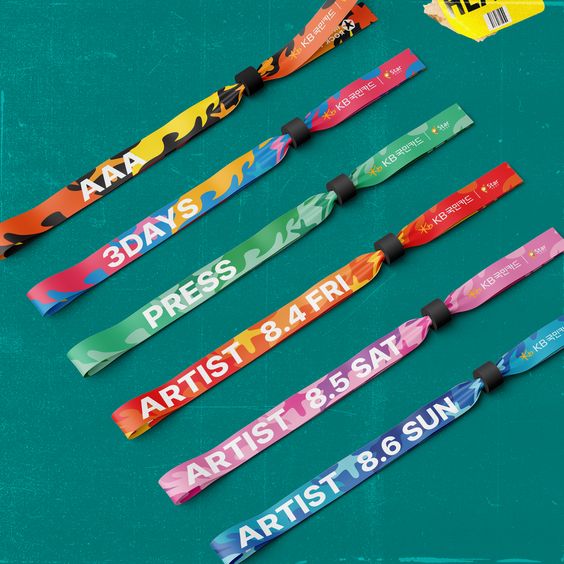
Inspiration Picture from the 2023 INCHEON PENTAPORT Rock Festival
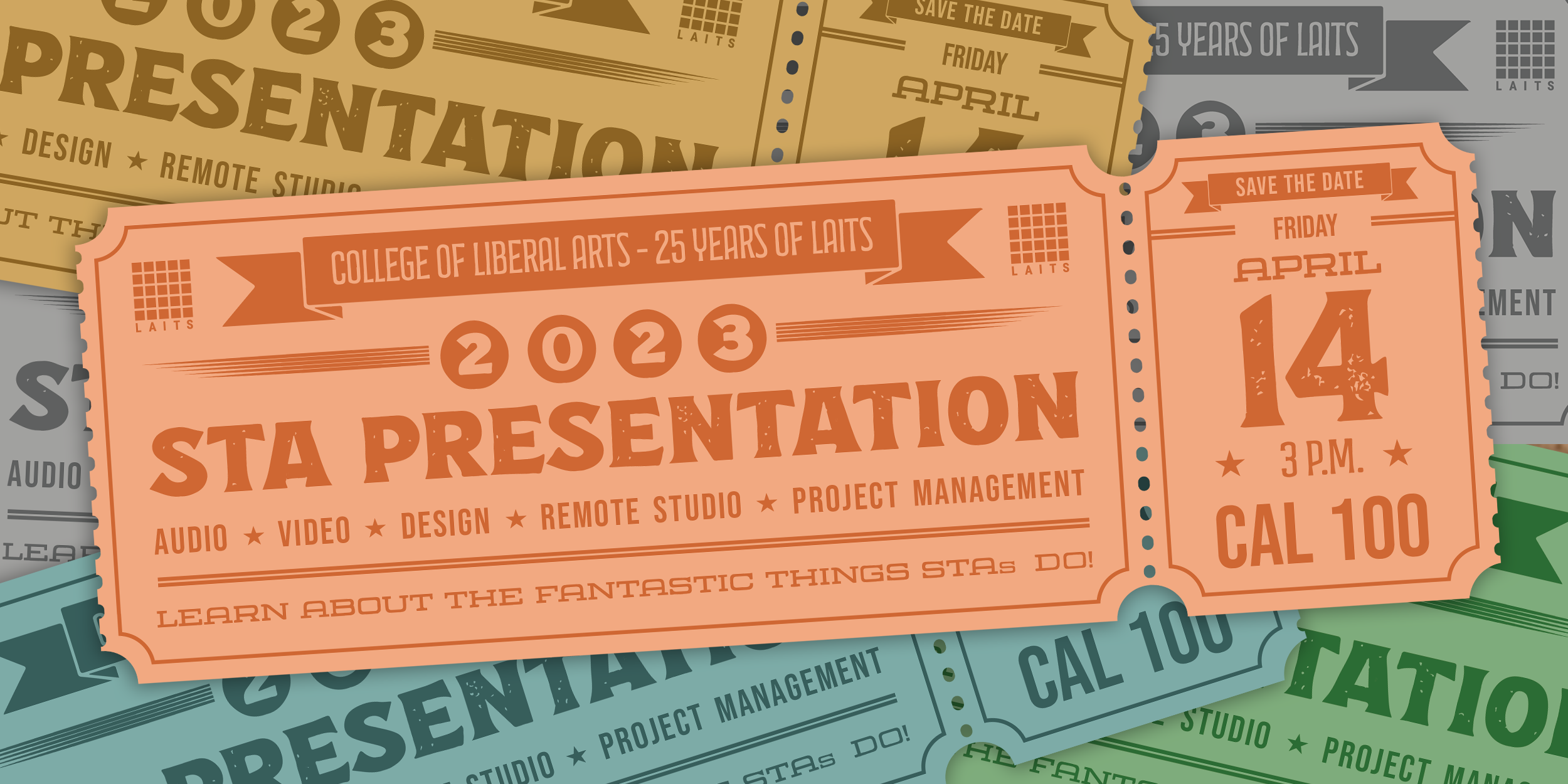
LAITS 2023 STA Presentation Email Flyer

DESIGN + ITERATION:

Through this process of design and iteration, I experimented with various elements to capture the essence of a concert/festival theme while drawing inspiration from the festival wristabnds and last year’s SAVE THE DATE flyers. Iterating on this concept, I refined the layout, color scheme, and typography to create a visually striking email flyer that resonates with the spirit of the event along with icons that represent the multiple different sections of LAITS.

FINAL PRODUCT:
WHAT I LEARNED:

This project challenged me to think creatively and adapt design principles to fit a specific theme and audience. By exploring different visual styles and experimenting with layout techniques, I gained valuable insights into effective communication through graphic design. Overall, this experience reinforced the importance of flexibility, iteration, and attention to detail in creating impactful design solutions.


 

Filed Under: Fall 2023 - Spring 2024, Uncategorized, We are STAs

week 3/18 – week 3/22

March 22, 2024 By Lila Mali

Back from Spring Break

My spring break was pretty low-stakes which I am very grateful for. I went to some SXSW events which was really fun. The ones I went to ranged a lot in subject matter like I got to see the creative careers expo which was heavily focused in tech innovation in the creative industry. I also attended some pop-ups and a filmmakers lunch where I met some really cool directors and film buffs.

Apart from SXSW, I got to hang out with friends and see my family which I think was the most refreshing part of my break. I’m back feeling refreshed and excited to get back on previous projects.

 

Small projects that are now complete

I was assigned to work on a new UTFC vocabulary sheet and got approval on it this week! While the vocabulary sheets can be rather tedious, it’s a nice breather project that I can just listen to music and spend time finding images. After finding images, we’re tasked with filling out a PowerPoint template with the approved images. After getting approval on the PowerPoint, we go to a seperate spreadsheet to put in the credential info of all the photos we found.

These assignments usually take a good amount of time but they’re pretty easy to figure out once you get used to them. Like I said, a good project to just zone out to!

I also worked on some STA cutouts this week to help with the STA roster poster. I look forward to how the finished posters will look!

Filed Under: Uncategorized

Week 6

March 21, 2024 By Raaga Srimadh

Week at a Glance

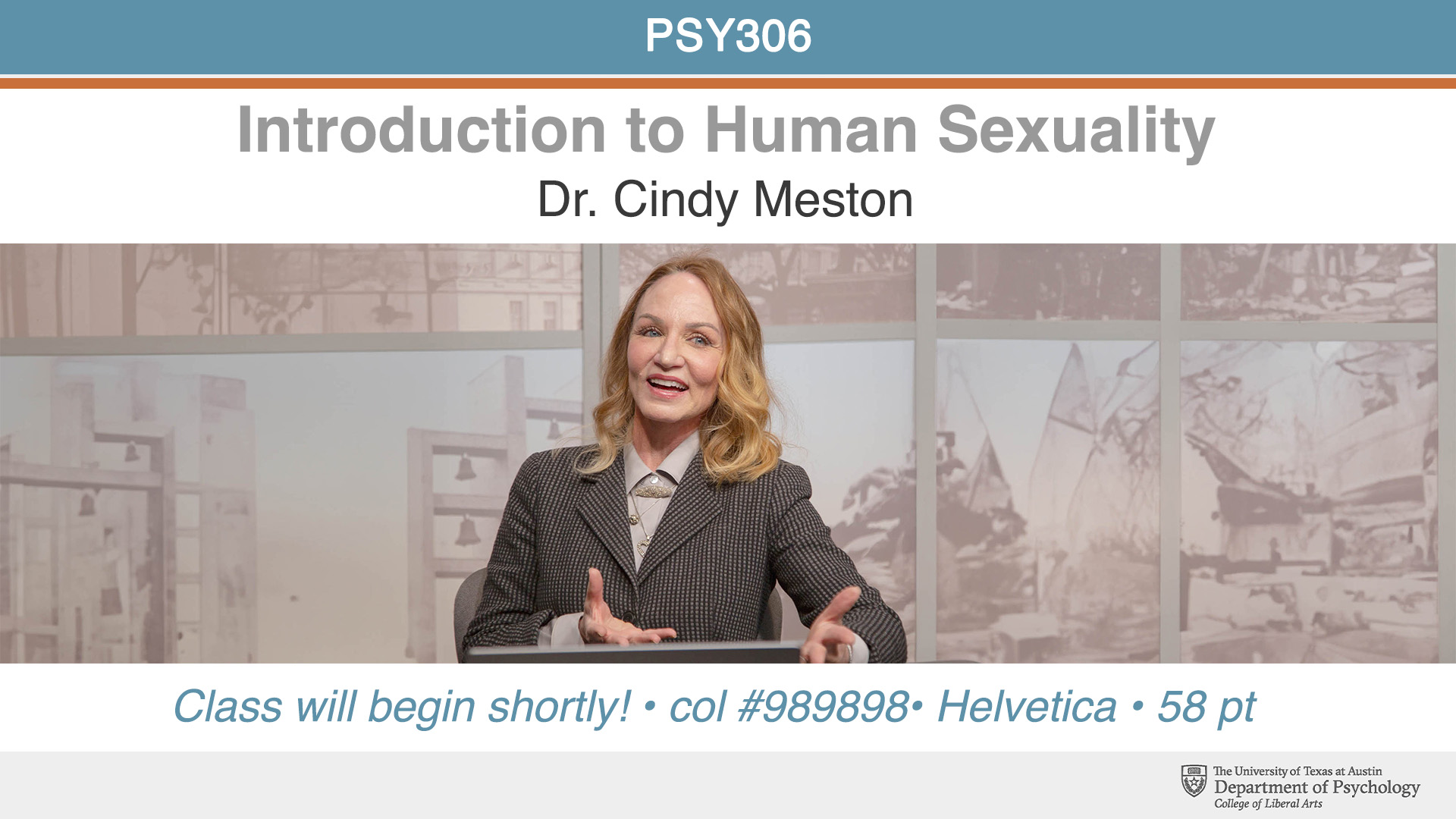
This week, I worked through the PSY306 – Introduction to Human Sexuality Course Graphics, finished How to Manipulate Shapes, and started working on the Color Theory training module.

PSY306 – Introduction to Human Sexuality

Programs: Photoshop
Mentor: De’sha Bass-McClellan

I was assigned to create a Canvas dashboard image and homepage banner, as well as the pre-roll image. I am currently still receiving feedback on these assets, but so far, this has been my progress:


Manipulating Shapes Training Module

Programs: Illustrator

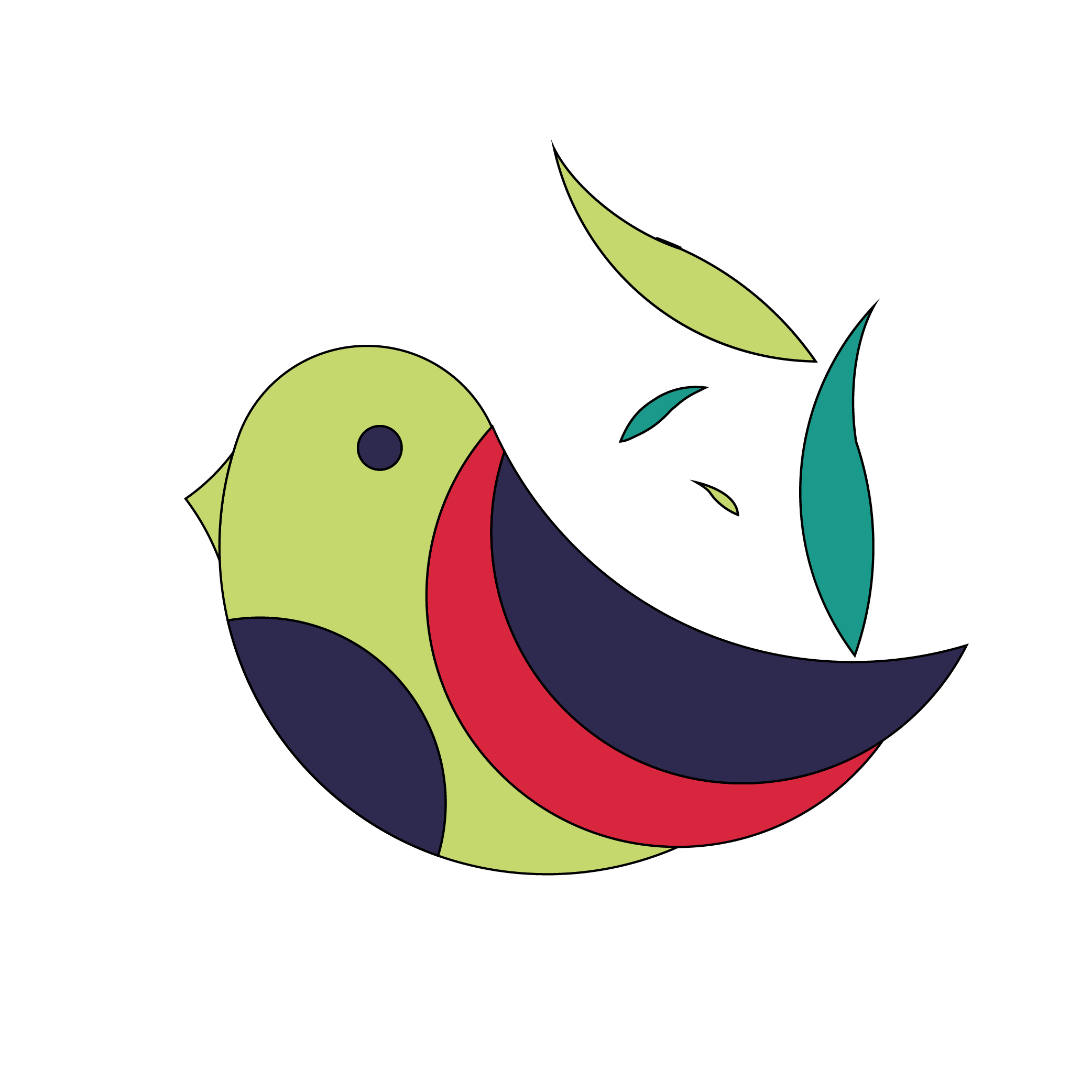
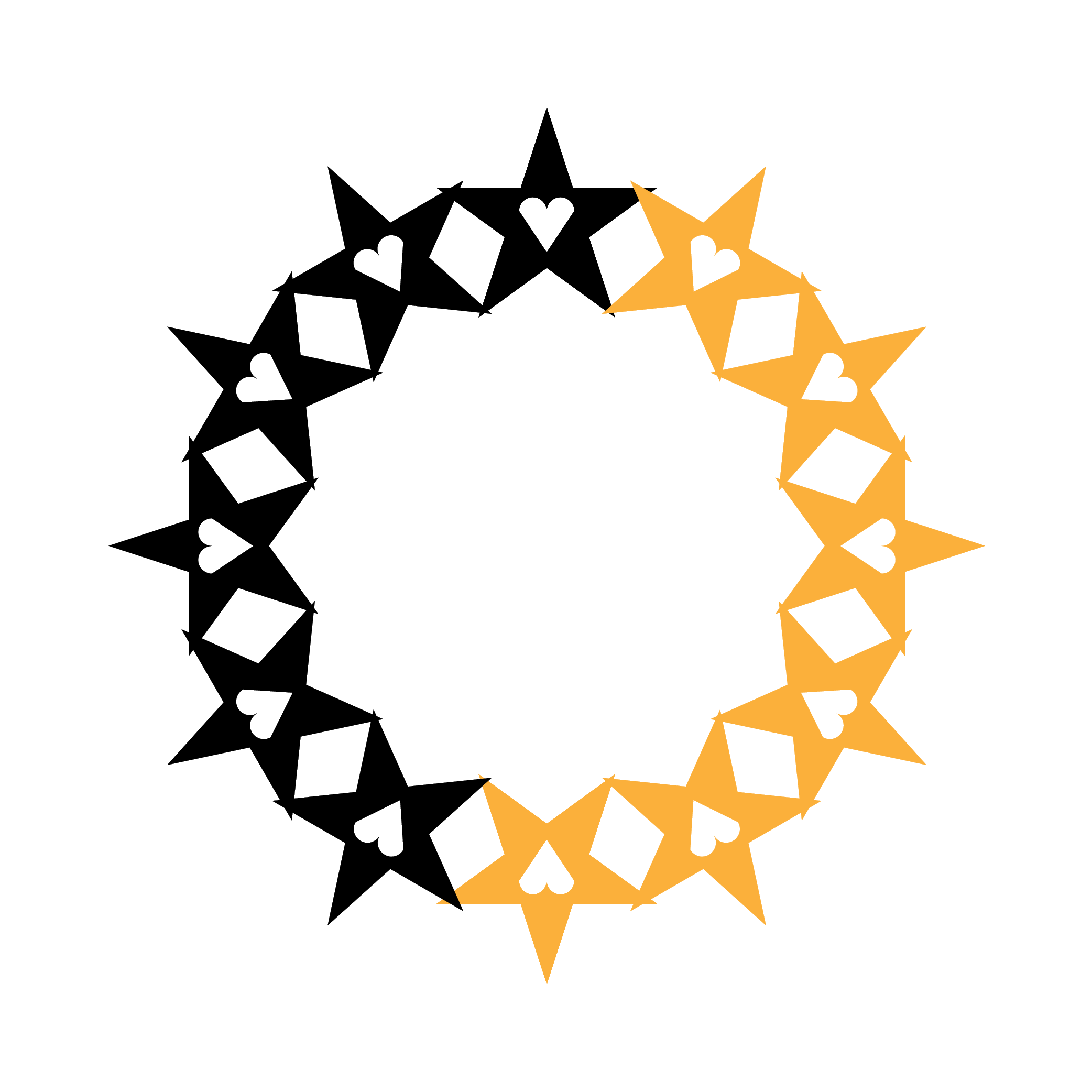
In this assignment I created shapes using the shape-builder tool, pathfinder tool, and rotate tool.


Color Theory Training Module

Programs: Photoshop

In this module, I was introduced to color theory, and selecting color based on context. For the assignment, I began creating a color wheel that is non-traditional and shows hues, shades, and tints.

Filed Under: Uncategorized

Project 0: The Kiowa Calendar Project

March 20, 2024 By Diya Nair

Project 0: The Kiowa Calendar Project

Project Started On: February 9th, 2024
Project Wrapped Up On: March 8th, 2024
Staff Guidance: Stacy
Link to Website: https://kiowacalendars.org/


Skills learnt: Github Large File Storage, Storage of assets on server, Using the Terminal beyond cd, mkdir, and pwd, .gitignore in github, a minor css fix, downloading thousands of images with 1 command, utilizing local servers (MAMP)

Introduction

The Kiowa Calendar Project aims to educate the public of the Kiowa Indians visual accounts of their history. The website collects and organizes entries from 15 Kiowa calendars that are currently held at museums. The website hosts about 3000 calendar images that were previously hosted on a 3rd party image hosting service.

Project Purpose: In order to eliminate dependency on 3rd party servers, LAITS decided to migrate all the 3000 images to a local server like GitHub Large File Storage.

 The Process: 3 main steps
When I started working on this project, I felt like I had to climb a tall mountain. However, looking back, each stage was equally exciting and challenging. These were the 3 processes involved in this project:

The Project Process had me asking these questions:
Q. How do I download Images who’s links are specified in a text file?
Q. How do I write a script that alters the location of the image in the csv file?
Q. How do I test the website to see if it has been deployed successfully?


1. Downloading all images using their links on the KiowaCalendar Website
– I was provided with a CSV file that contained all of the links to currently existing images on the website.
– I pulled the link section of the CSV file and converted it to a TXT file
– Now, manually downloading the images would have been extremely tedious and time consuming.
– So, after an hour’s research and Stacy’s guidance, I found that a single command in your terminal will help you download as many files you want to your local device as long as the links are in a .txt file.


                                        wget -i filename.txt  -O 

 Terminal window command to implement step


2. Writing Code that would append the CSV file to point to your local server
– Creating a git branch is important
– Earlier, the CSV file had a list of hyperlinks that was hosted on the 3rd party server.
– Since we are migrating it to a local server, we would want to change the path of where these files were stored.
– I utilized a python script to change the path of the files.


3. Deployment
– In this stage, we pushed all the changes we made into the github repository and merged it with the main branch


4. Testing & Debugging
– A day after the website was deployed, I found some bugs in the website. Some images were broken and there was a CSS styling issue which took away from the user experience.
– Over the last leg of this project journey, I worked on procuring the missing images and adding them to our image folder and fixing the CSS styling issue. It was one line of code!!!


Overall, this project was extremely insightful in helping me understand the various parts of the software development cycle! I’ve learned so much about standard practices in industry, utilizing git branches to work on different versions of the project, testing & debugging your code! I am also very grateful that the first project I worked on was being deployed live.

Filed Under: Fall 2023 - Spring 2024, Uncategorized, We are STAs

Week 9

March 20, 2024 By Lorena Chiles

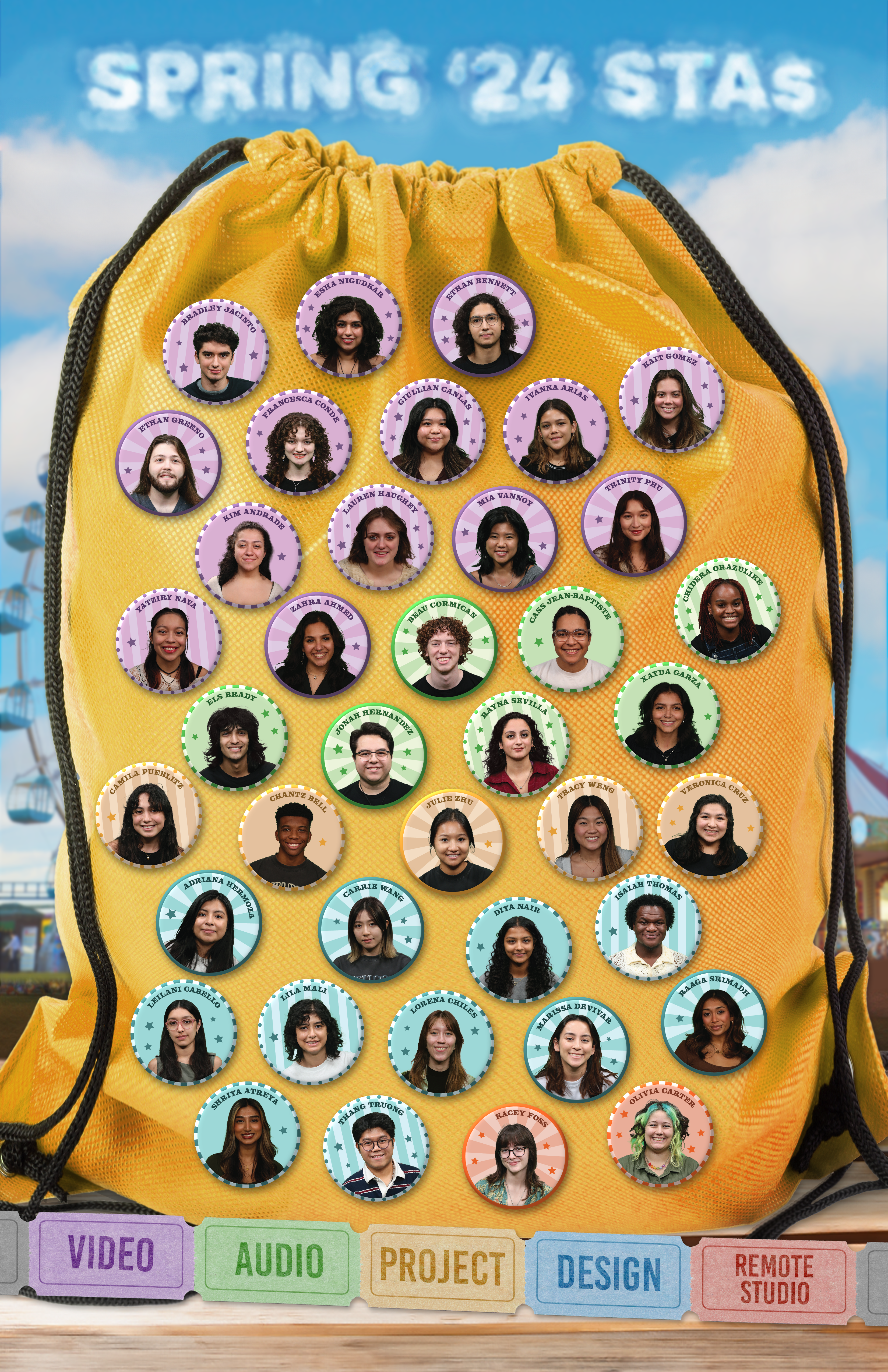
STA Roster Poster Spring 2024

Client/Prof: LAITS
Completion Status: Started on Jan 23
Staff Guidance: De’sha
Completed on: March 20

Since my last post we totally changed our approach to this project. We wanted to take a more physical-object post, so eventually a drawstring backpack with STA buttons at a carnival was chosen.


And that’s a wrap on the 2024 STA roster poster!

Filed Under: Uncategorized

Week 5

February 23, 2024 By Raaga Srimadh

Week at a Glance

This week, I worked through the UTFC banners I was assigned, the Shape and Pattern Training module, and How to Manipulate Shapes training module.

UTFC Banners

Programs: Illustrator
Mentor: De’sha Bass-McClellan

I was assigned to the 10.3 Gatineau/Ottawa border and 9.6 Les îles Sous le Vent dans l’archipel de la Société Lingco Banners. After review throughout the week, both were approved and completed in Basecamp.


9.6 Les îles Sous le Vent dans l’archipel de la Société 


10.3 Gatineau/Ottawa Border

Shapes and Pattern Training

In this module, I learned about the effect that shapes can have on conveying a certain meaning about the design. Following the KB training, I was introduced to geometric vs organic shapes, shape psychology, Gestalt theory, and visual hierarchy.

The first part of this assignment included creating shapes based on their “personality”.

Free and at peace. This shape has just come back from vacation.
Powerful and confident. This shape has just been promoted.
Energetic and active. This shape just wants to go to the gym.


Following an introduction to theme and personality, I worked on an assignment that related to visual hierarchy.


The tutorial also covered making a pattern and creating organic shapes using pathfinder and the curve tool.


How to Manipulate Shapes


In this training module I learned to transform shapes, and better take advantage of Ai tools that create complex shapes.


Filed Under: Uncategorized

  • « Previous Page
  • 1
  • …
  • 6
  • 7
  • 8
  • 9
  • 10
  • …
  • 92
  • Next Page »

link to LAITS home page

Video STA Home

© 2026 Liberal Arts Instructional Technology Services | Production Credits