KB Training – How to create Canvas buttons in Photoshop
I am working on transferring more Basecamp basic training to Knowledge Base, this is a draft for the buttons training:


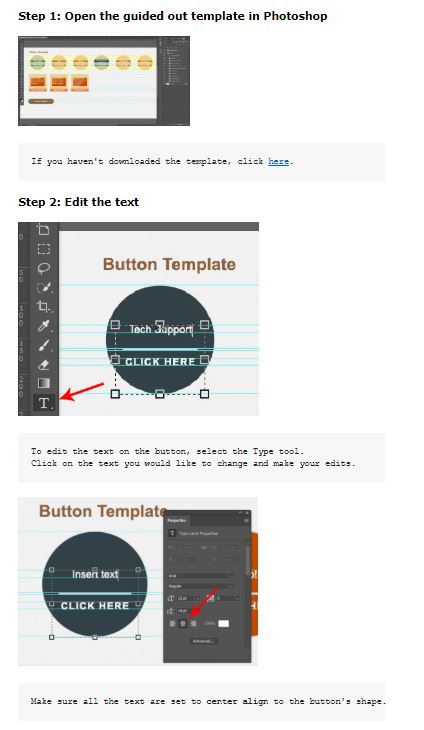
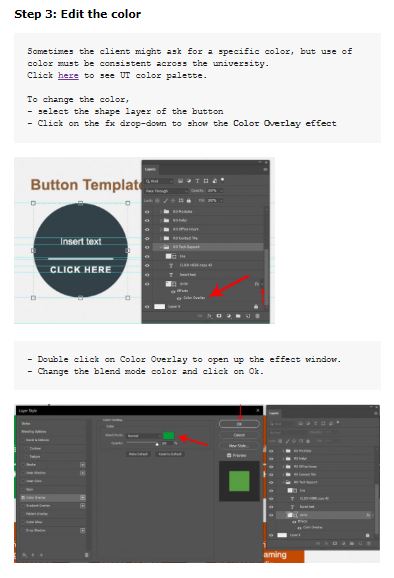
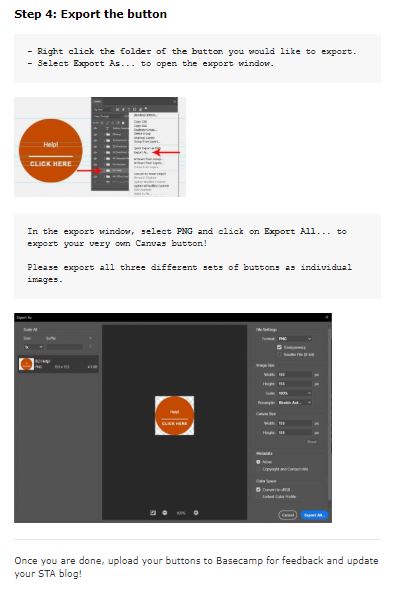
Link: https://sites.la.utexas.edu/kb/2020/06/04/psd-canvas-button/
I am working on transferring more Basecamp basic training to Knowledge Base, this is a draft for the buttons training:
Link: https://sites.la.utexas.edu/kb/2020/06/04/psd-canvas-button/
I’ve made several changes to the site since receiving the base code:
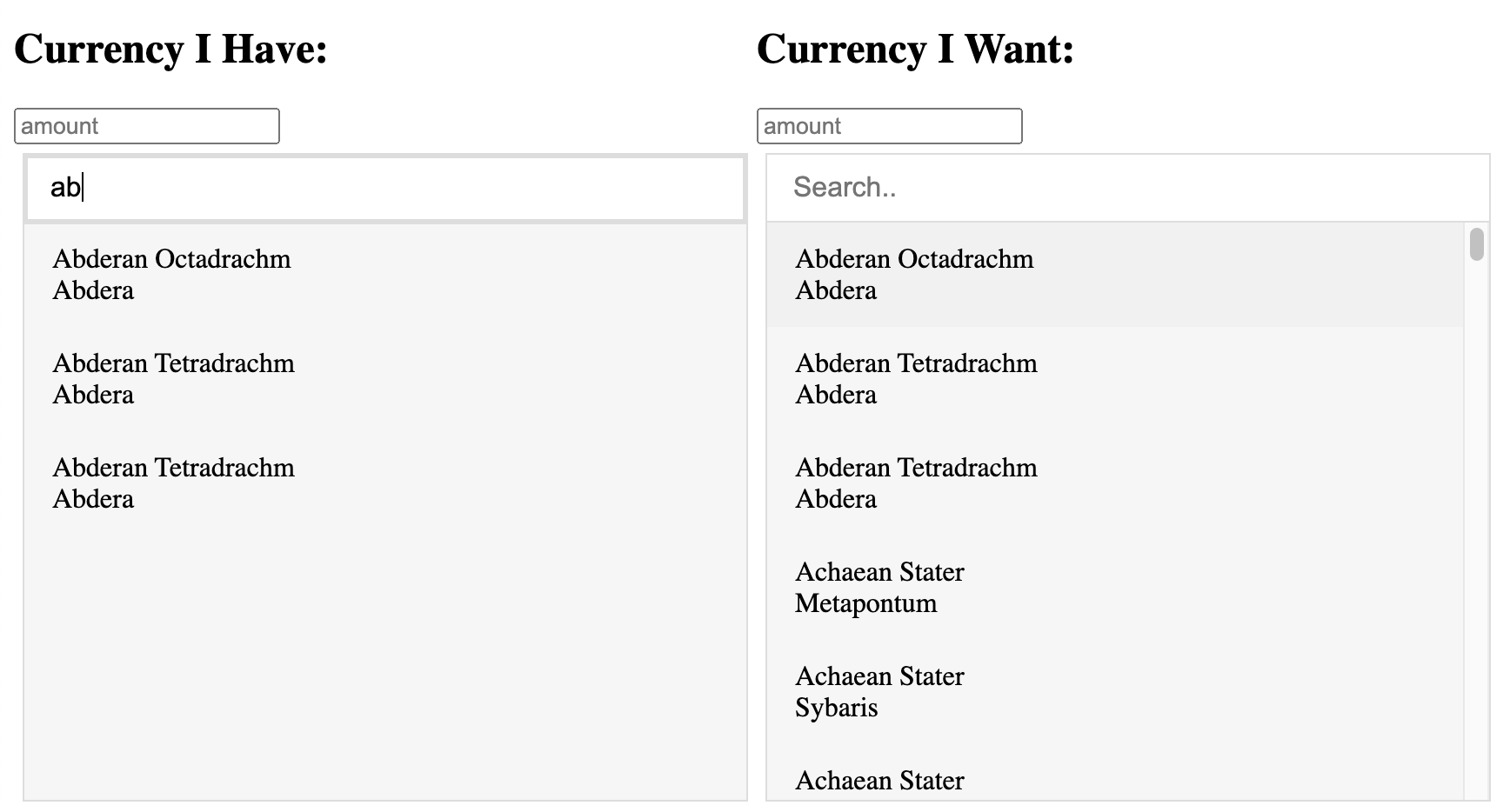

Next Steps:
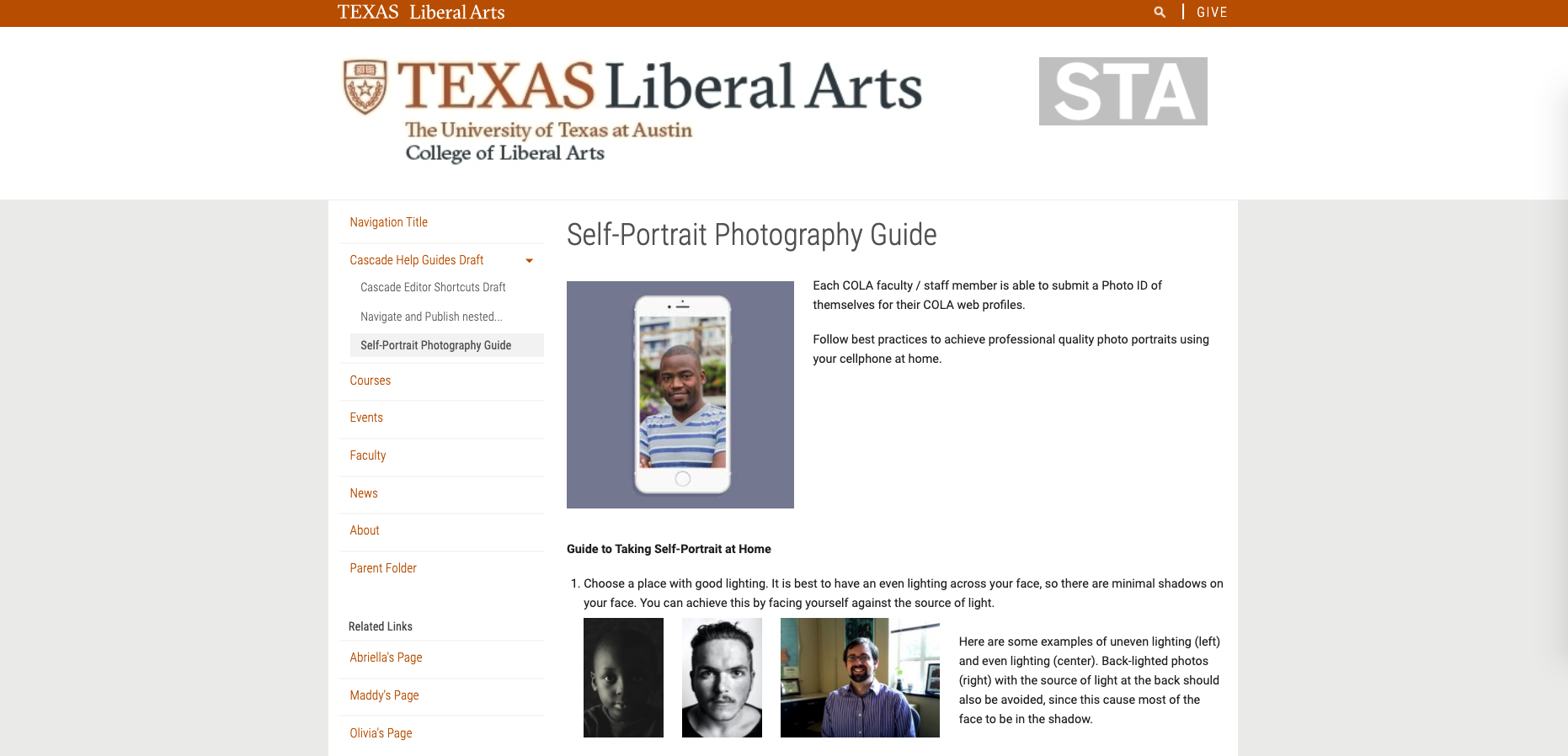
I’ve been working on putting together these instructions on taking a self-portrait at home, as a guide for the clients to submit quality photo IDs. After a few iterations (and a lot of waiting for Cascade to load, since it is a little slow on my computer), here’s my draft so far.
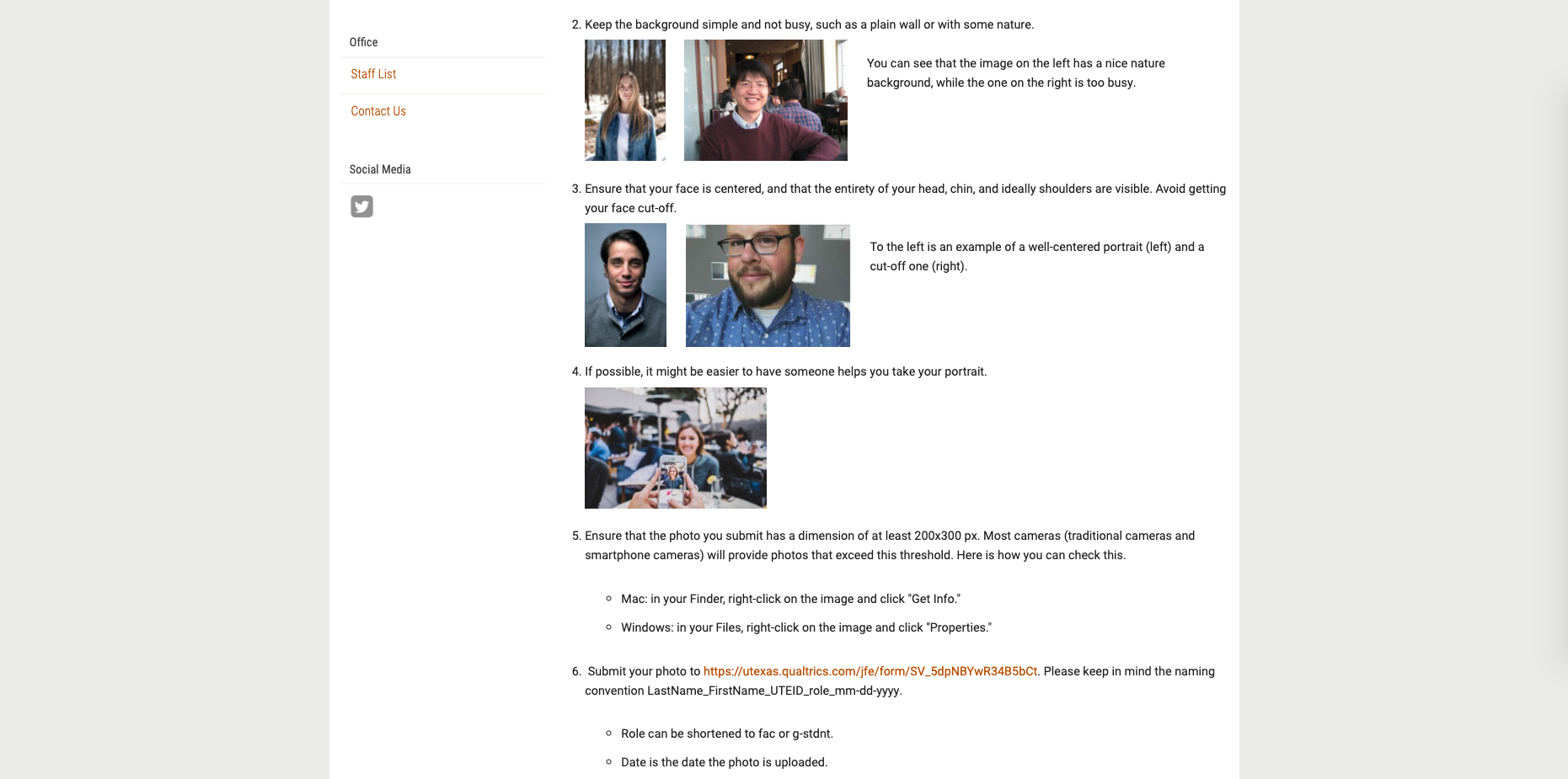
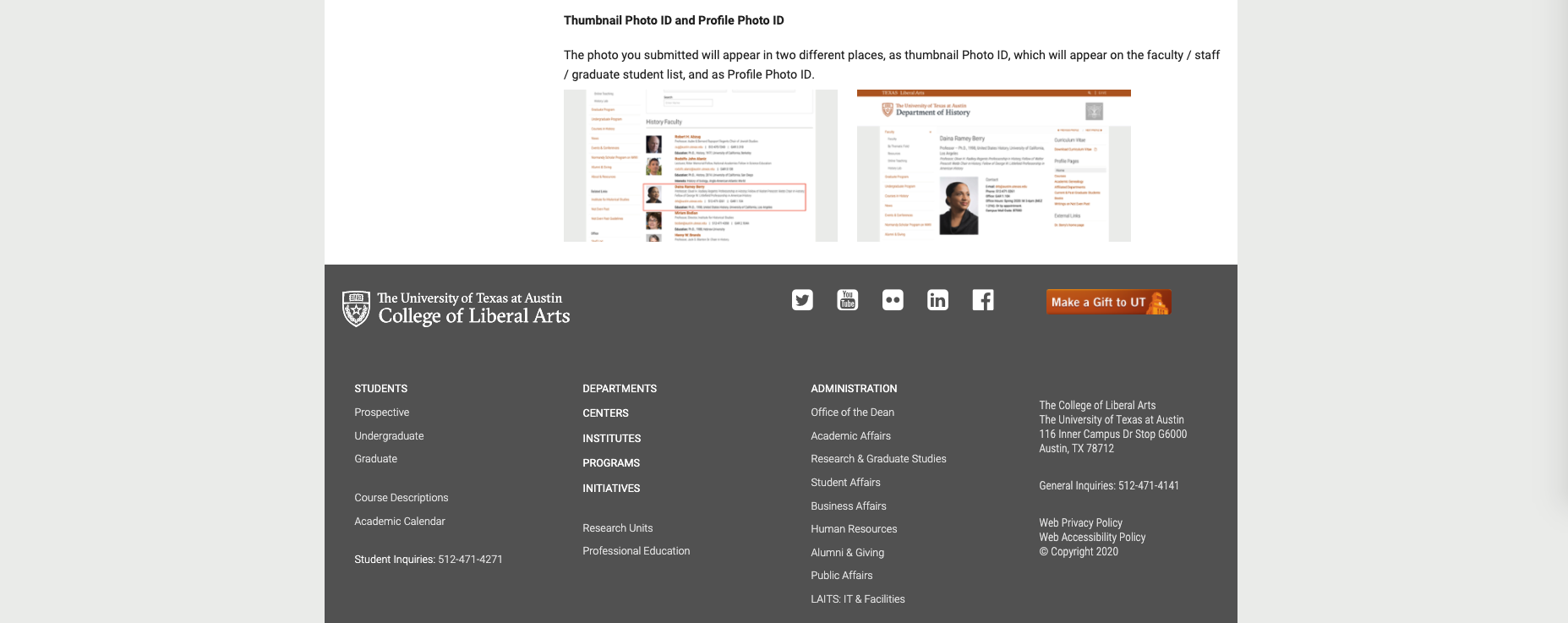
Next thing I’m gonna try is to add a little check-mark / cross mark for good / bad photos (Maddy’s idea, thank you Maddy!) to avoid having to label them as center, right, left, etc.
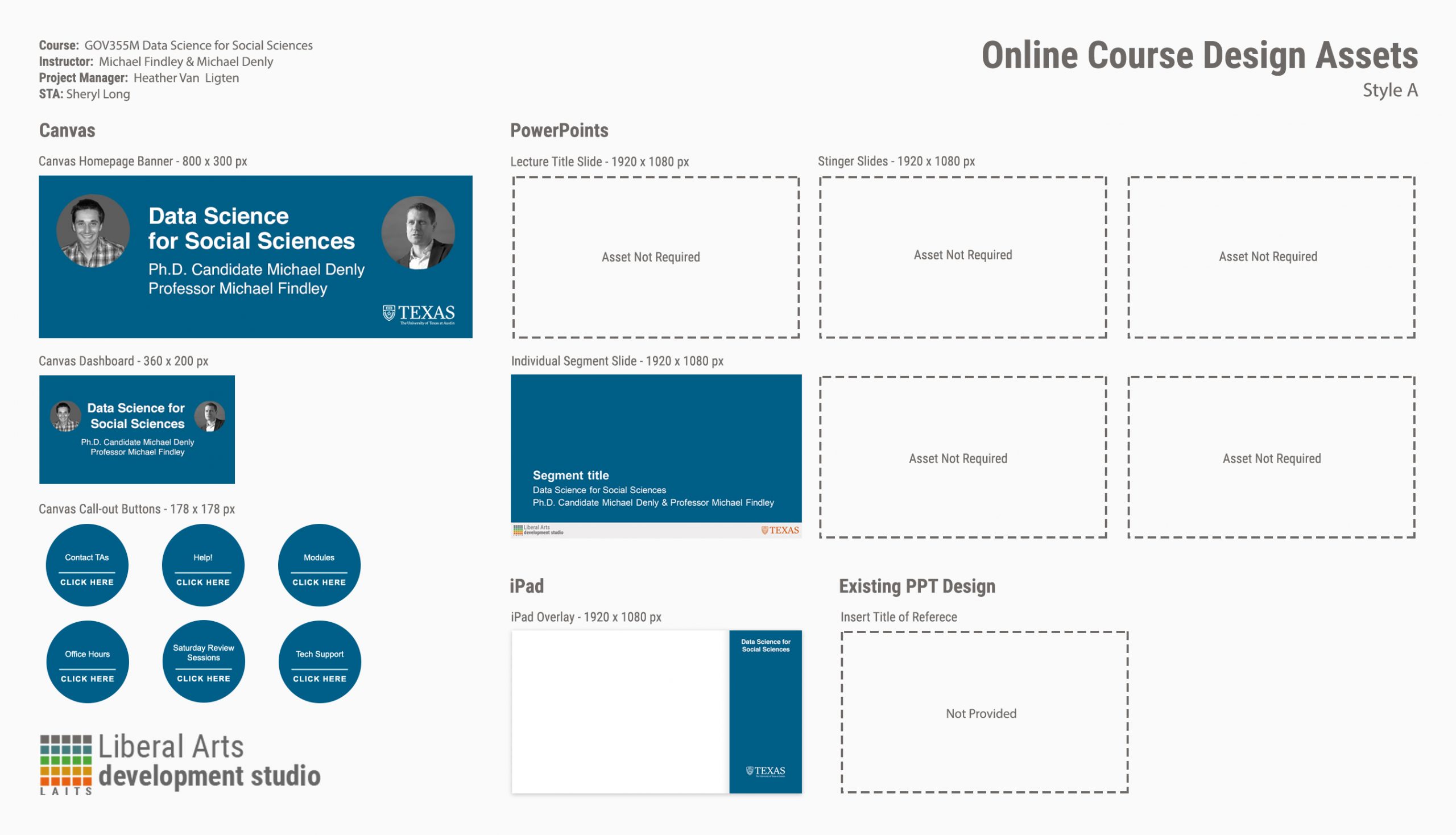
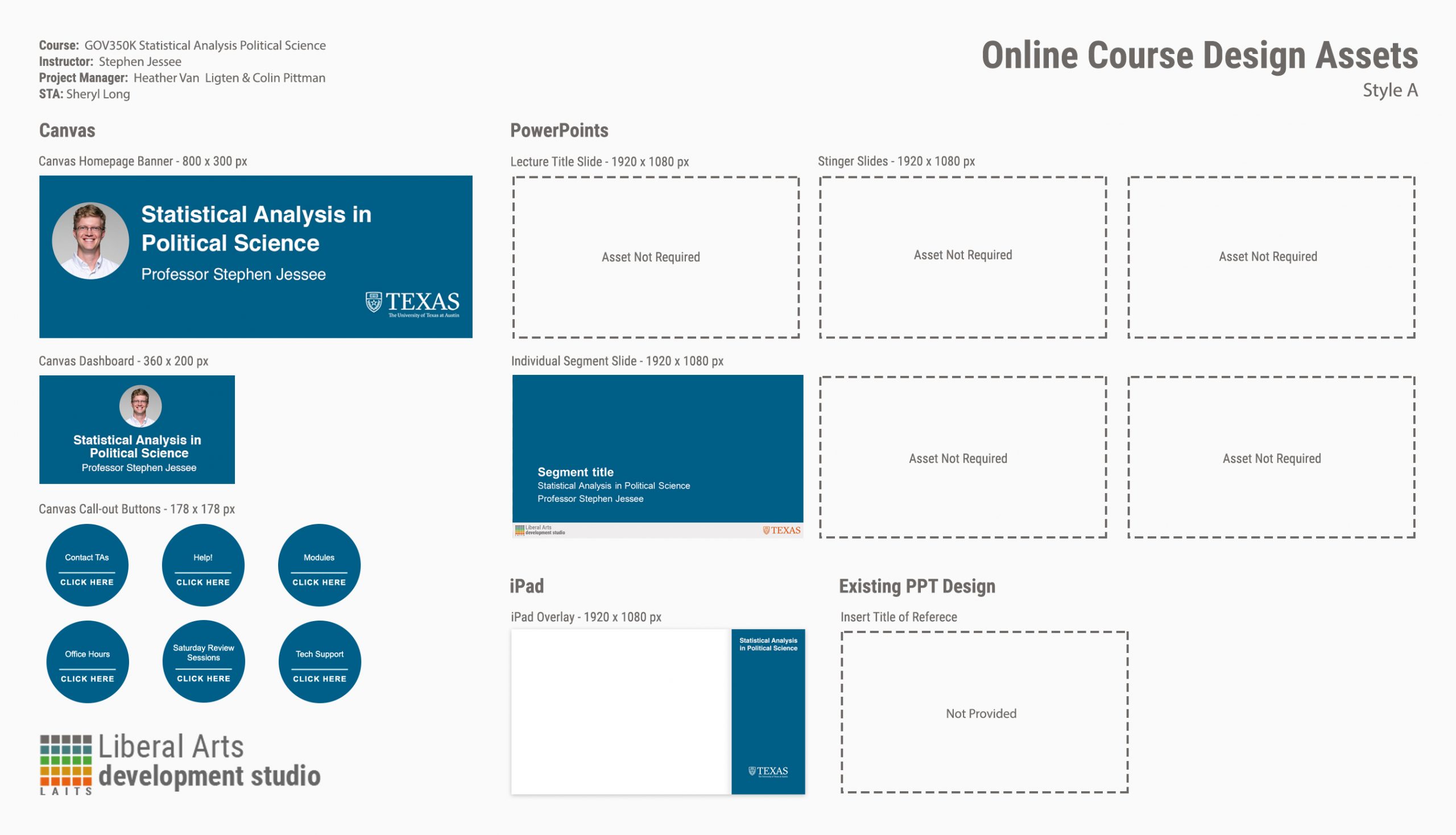
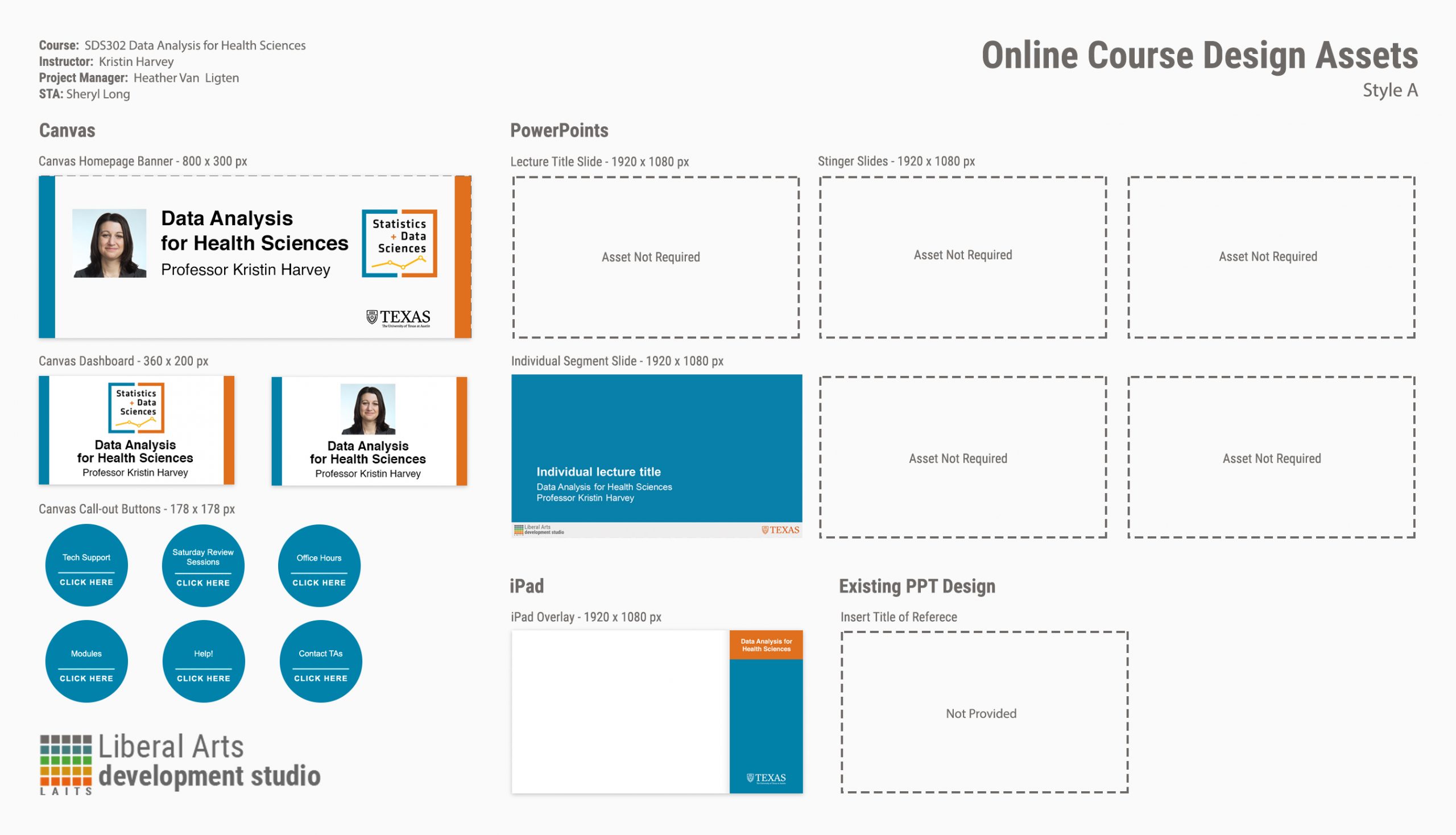
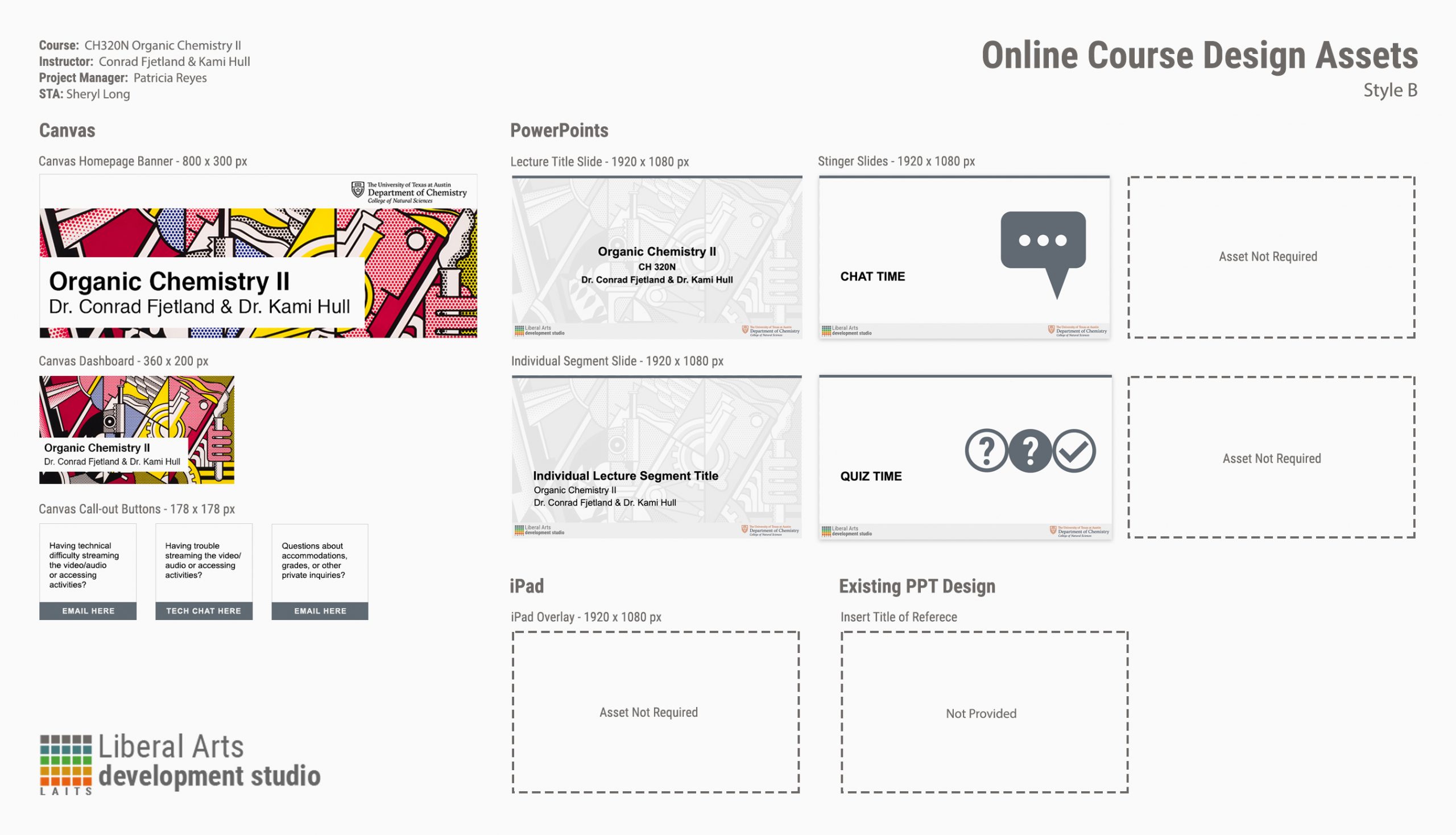
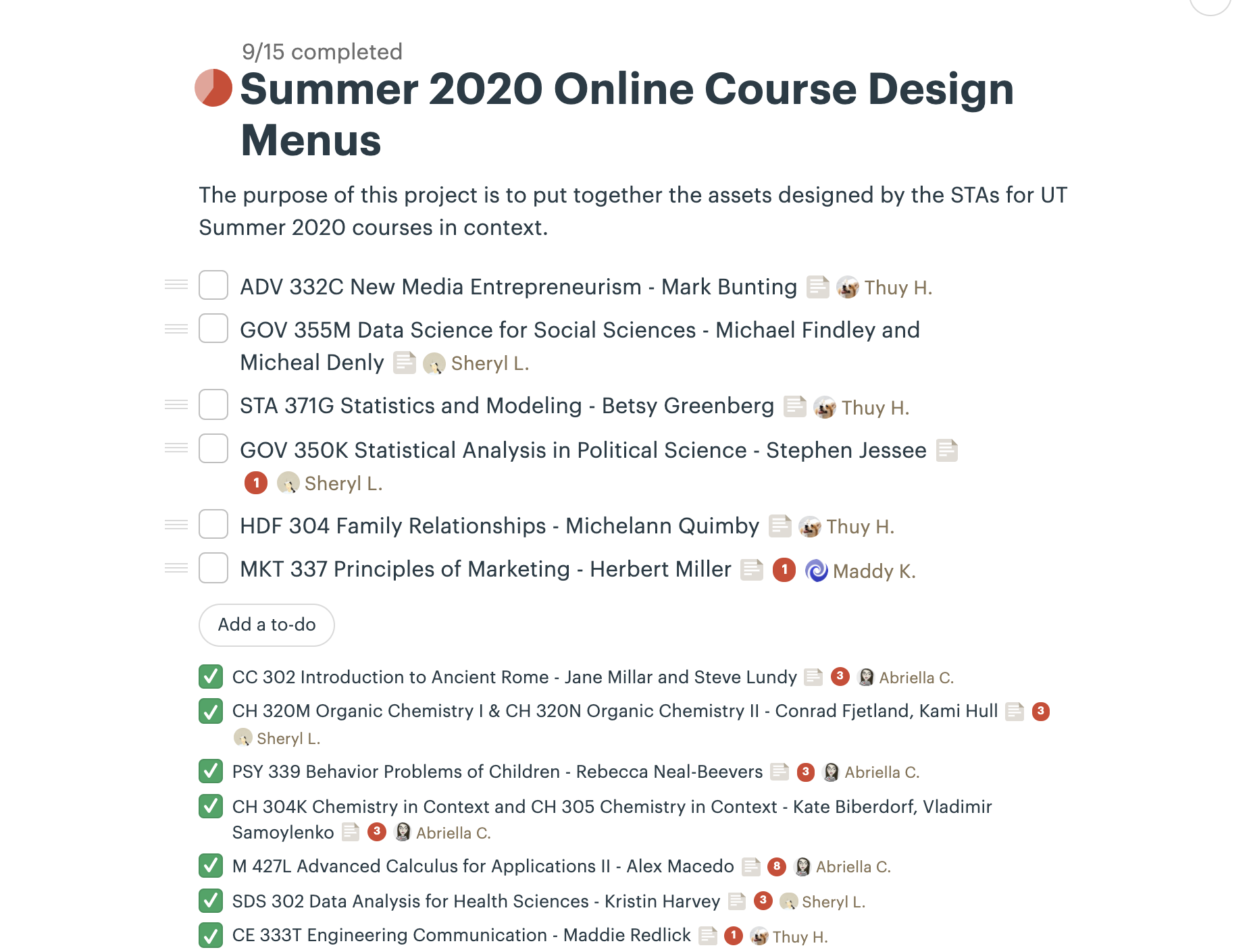
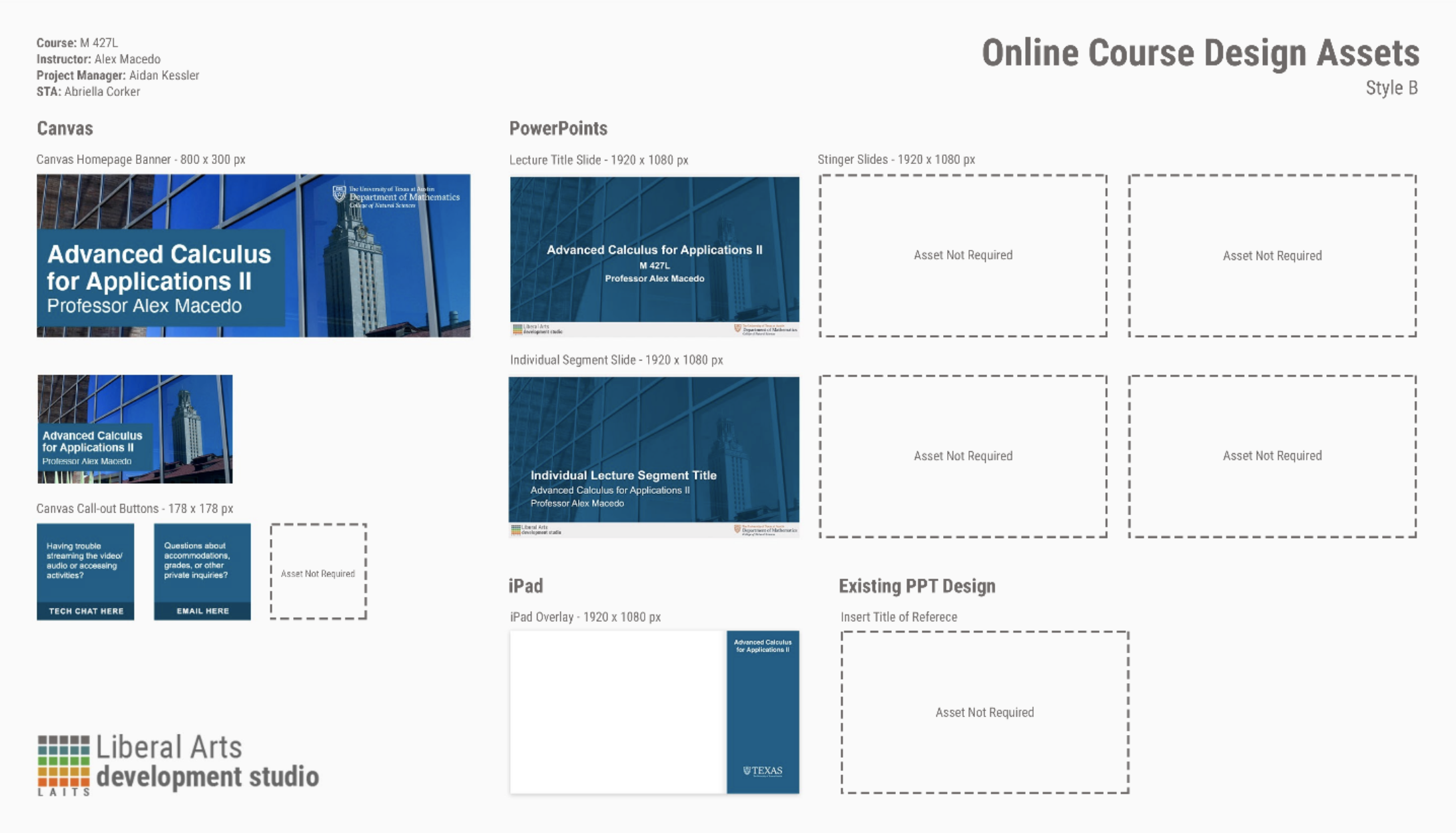
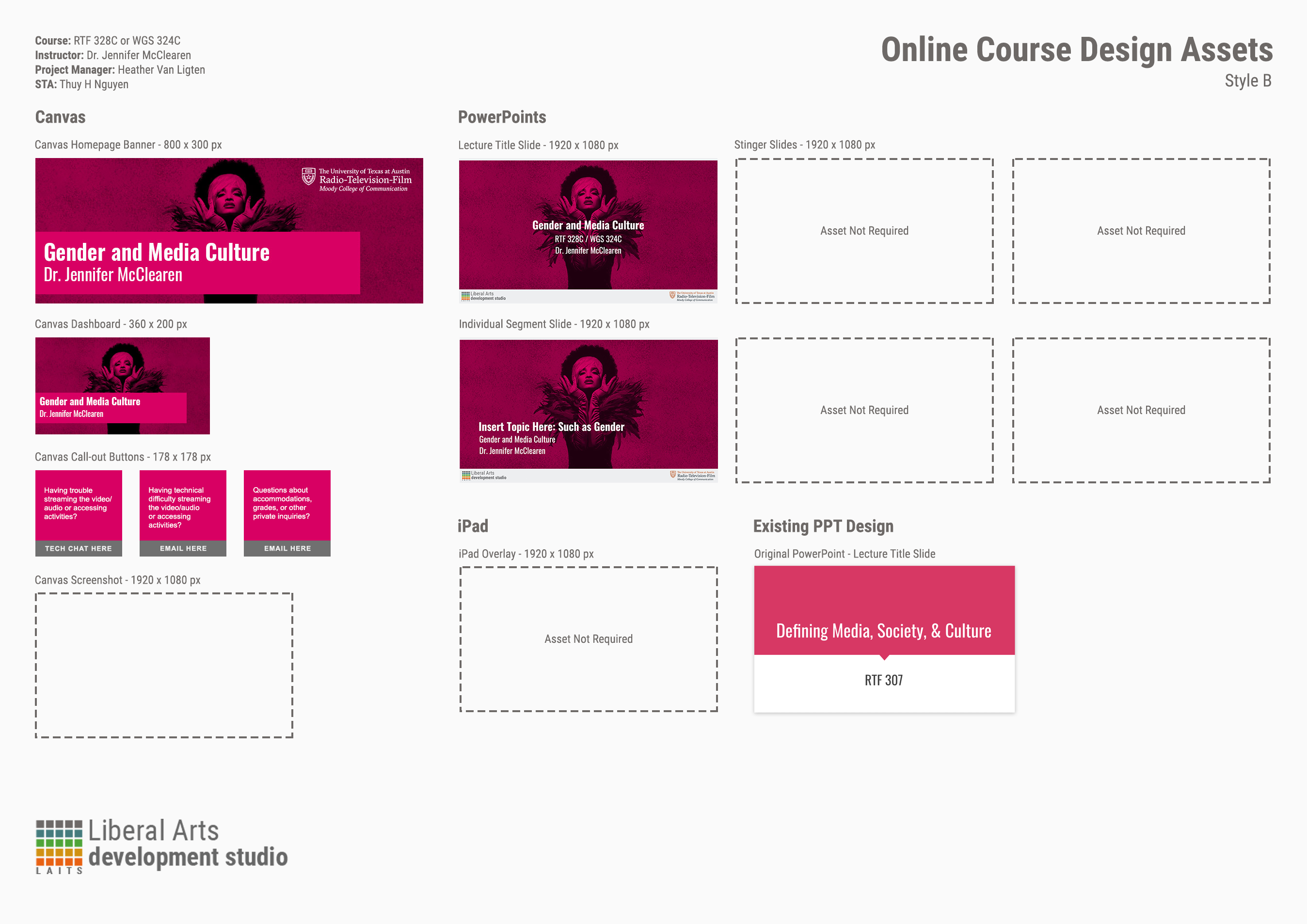
I started assigning out the Online Course Menus between Abriella, Sheryl, Maddy, and I. Abriella and Sheryl did a really good job making them (and making them fast).
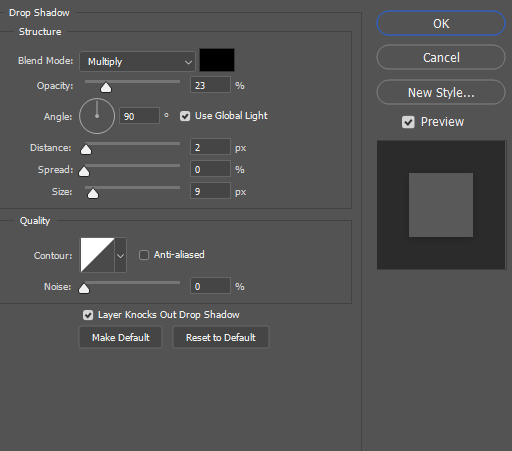
We ran into a problem with the white background. I sorta anticipated it, so I chose an off-white background for the template, but white-bg assets still seem very blended in with the menu background. Maddy gave a great solution of giving them a slight drop shadow. I think it turned out great!
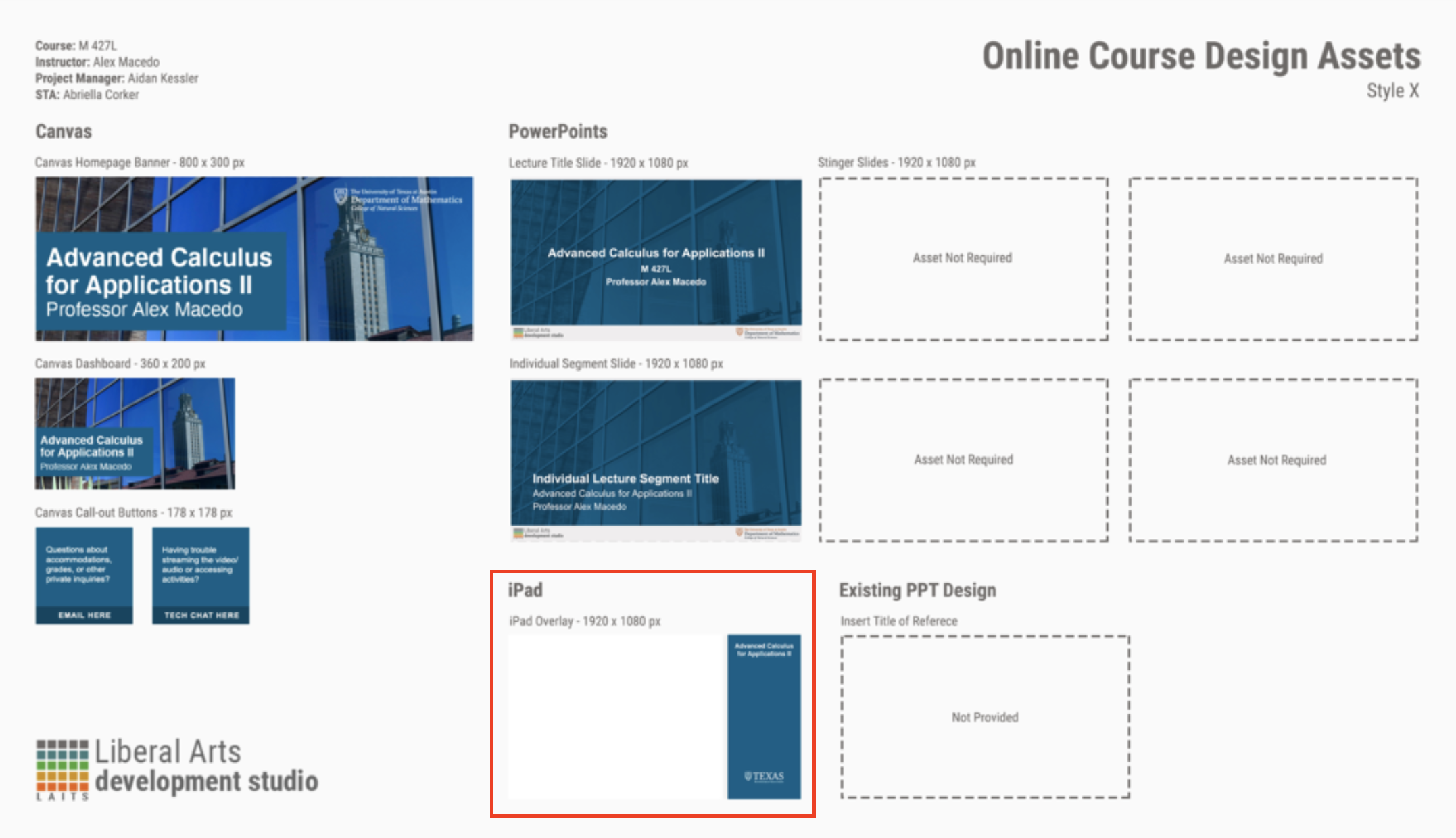
Suloni wanted to add another section for the Canvas overall screenshot, which will be provided by the PMs, so I added this. I tried making minimal changes to the existing elements for ease of editing, since both Abriella and Sheryl has done quite a few of them.

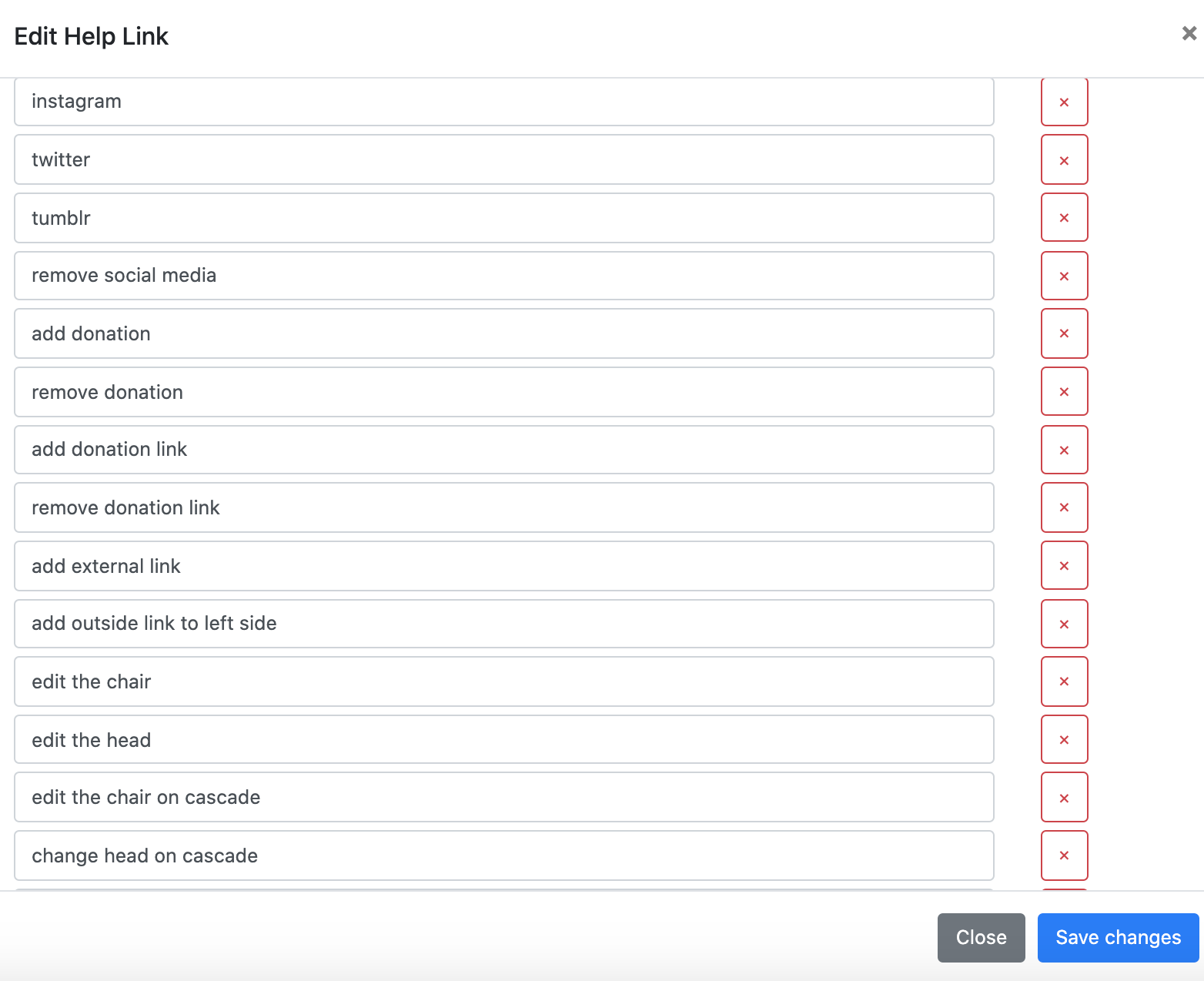
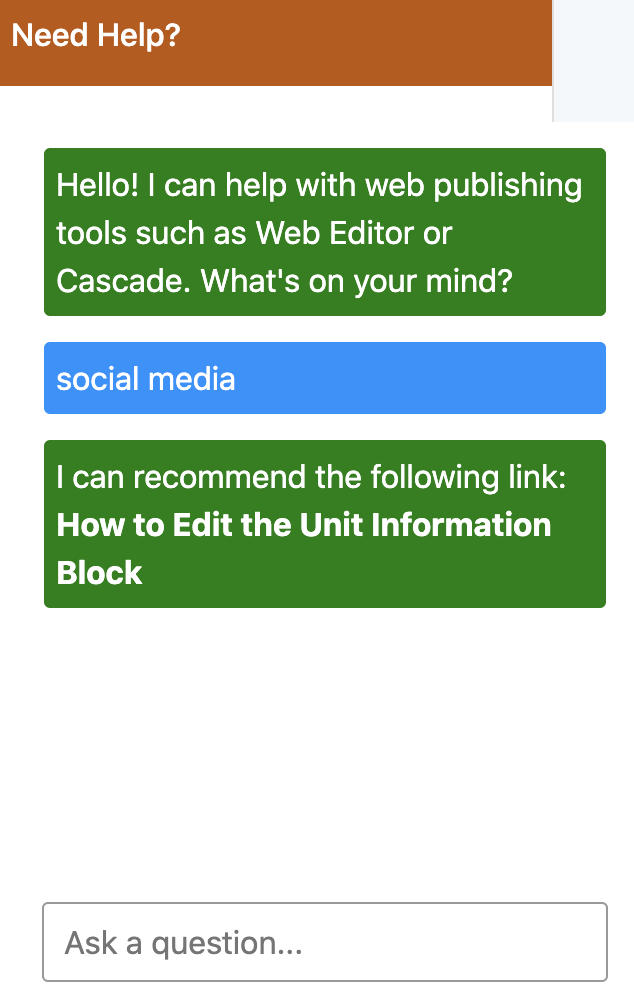
I recently had some time to help with a web support request on adding social media to the Germanics page. I went to the chatbot to see if it was directing people to the correct page for instructions on how to do this. I found out it wasn’t so I went in and added more phrasing to direct it better and it is now fixed.
These are some of the key phrasings I added to the chatbot:
This is the URL link that the chatbot will be giving to the user:

Now when I type in social media it gives the correct link to where documentation was written on this:
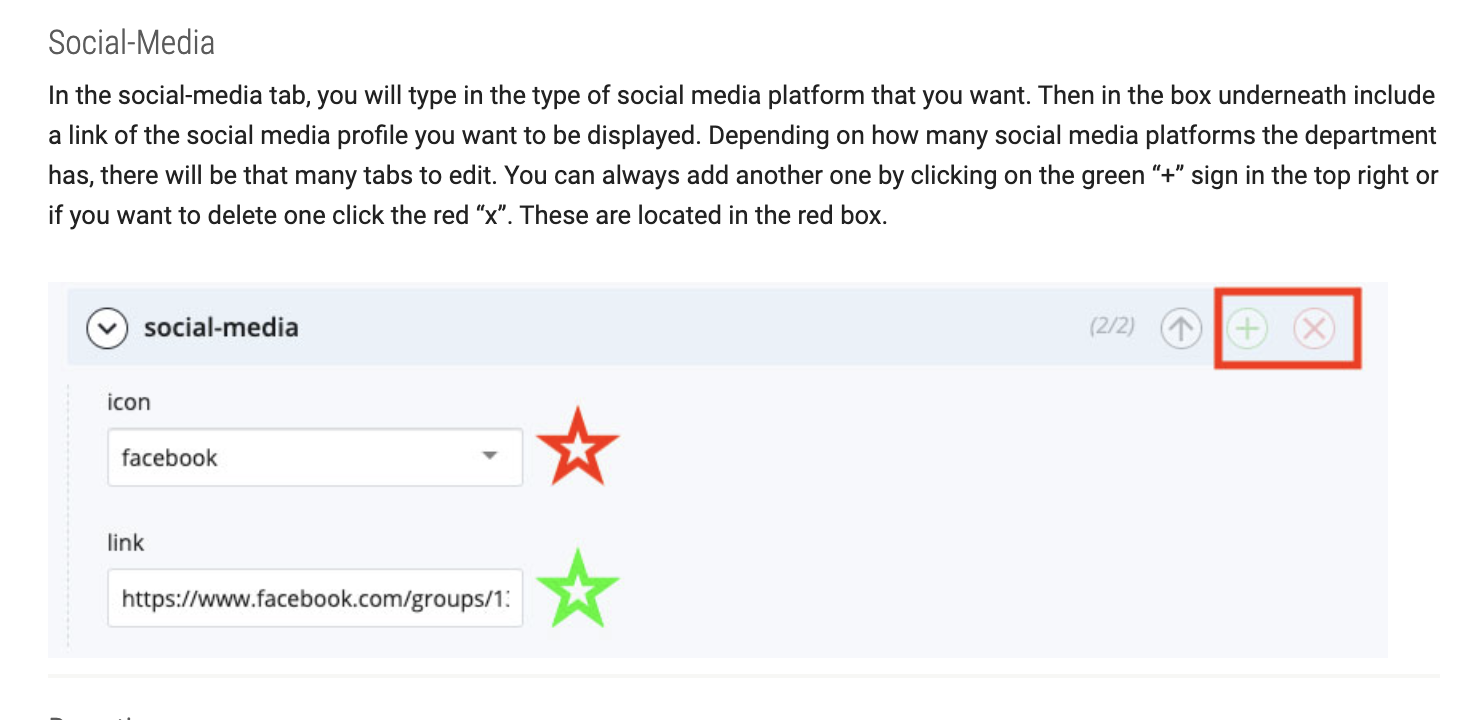
Here is a piece of the instructions I wanted the user to be shown:
STAs has been working on many summer course graphic requests, so to keep track of all the projects, Thuy designed a menu template to show all requested assets for each project. At the end we will have a master PDF file with all completed projects that can be presented to project managers or future clients.
These are some of the menus I worked on: