• We are STAs
    • Asha Rountree
    • Haley Ma
    • Kate Shih
    • Kyra Lee
    • Nicholas Peasley
    • Sasha Kenney
    • Shanda Horm
    • Shriya Atreya
    • Tomas Marulanda-Mesa
  • We were STAs
  • STA Presentation
    • STA Presentation 2017
    • STA Presentation 2016
  • Testimonials
  • Resources
  • Home

STA Blog

Current Sta

More ISPRII, Design Today, AE Training, and Texas Global

March 12, 2021 By Miguel Yapur

After Effects Training Planning

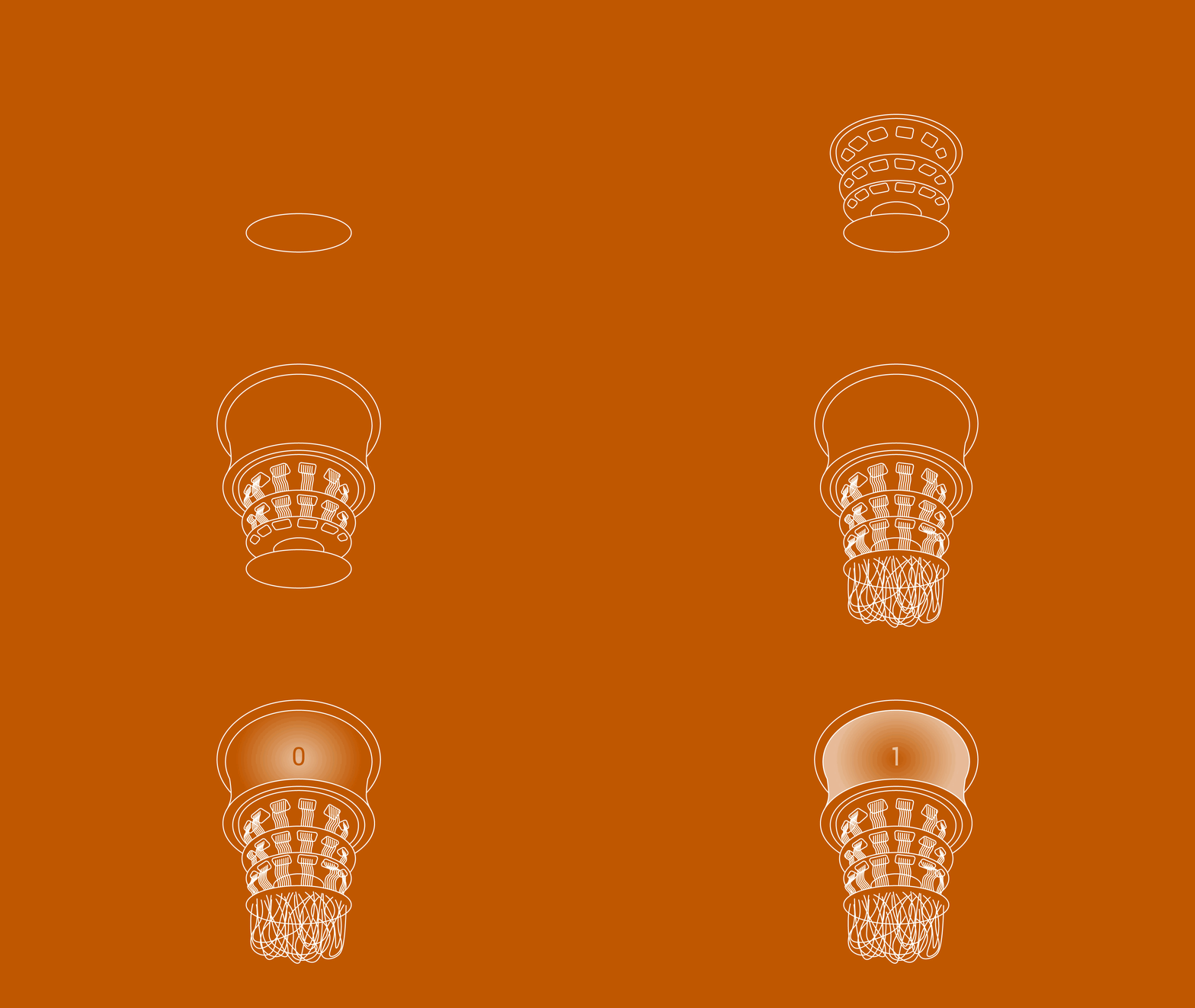
This week, I started working with Angie on planning new After Effects activities. My section is composed of creating a quick 5-second animation of a logo using masks, the pen tool, and imported assets from PSD or AI. As an example, I’ve been animating this logo:

I made a short story-board (which would be part of the training) showing how the logo would be animated:

Here’s a quick clip of what I have animated so far (frames 1 and 2):

http://sta.laits.utexas.edu/wp-content/uploads/2021/03/Adobe-After-Effects-2020-Untitled-Project.aep-_-2021-03-09-16-59-38.mp4


ISPRII

After some feedback from our client, I created new alternatives using different Serif fonts for the ISPRII logo:


Design Today Slideshow

The Design Today section for the Design History lesson is basically complete!

Filed Under: 2021 Spring - 2021 Summer, We are STAs

March 5, 2021 By Ingrid Alberding

This week, I helped with a Cascade help request, worked a bit on Figma, and made substantial progress on the shape KB.

I implemented a quick hover functionality on my Figma site.

As for the shape KB, I finished the rough draft and began working on the semi-final version. The draft is now up on the STA KB!


https://sta.laits.utexas.edu/blog/2021/03/05/37980-2/

Filed Under: 2021 Spring - 2021 Summer, We are STAs

Figma

March 3, 2021 By Megan Fletcher

Fun with Figma

This week, I finished up the Figma UI/UX training! The interface was pretty intuitive and I appreciate the component feature — it made my work a lot easier. I chose the portfolio site so that I could actually use it in the not-so-far future. Here’s my site:
Filed Under: 2021 Spring - 2021 Summer, We are STAs
More PSD Painting!

March 2, 2021 By Miguel Yapur

More PSD Painting!

As part of the PSD Painting basic training I’ve been doing, I set out to recreate a picture of my own choosing in order to keep improving my skills using the Wacom tablet-and-PSD workflow. Here are some progress shots of this:

Here are some thoughts on this activity based on feedback from Valerie:

  • What did you find challenging?
    • At first, the most challenging things on this training were
      • getting used to the hand-eye coordination of drawing with the Wacom tablet (as I had already mentioned)
      • finding the right brush for what I wanted the image to look like
      • making the initial sketched outlines of the pot
      • messing around with the color combination, especially when combining highlights and shadows
  • What did you enjoy?
    • I really enjoyed seeing the process as a whole step by step. It felt super rewarding looking at the different layers in the PSD file and track how I started off and how it ended up looking. This was the case both for the teapot and the oranges. Something I also enjoyed was looking up my own picture to recreate.
  • What would you do to improve this training?
    • On improvements for this training, I think I would only suggest going into more detail on different brushes or maybe even listing some websites where you can download custom brushes as I did. (Maybe also on how to install them into PSD!).
  • Is there anything you want to learn more about after this training?
    • I think the only thing I wanted to learn more about was how to better go back and forth between layers and how to know if what you’re drawing is looking good (but that’s simply based on feedback I guess).
  • What skills did you gain from this training and what applications might you use this for someday (within and/or beyond LAITS and the STA program)?
    • I definitely learned a couple of skills that I can list here:
      • color theory, mixing and matching to create new colors using brushes like the Wet Blender
      • gaining a better sense of proportions when sketching
      • getting used to the tablet-PSD workflow
      • a better understanding of light and shadows on objects

COLA Photo ID Editing

Additionally, I worked on retouching and editing two Photo ID’s for UT faculty which have been uploaded to the COLA website:


Filed Under: 2021 Spring - 2021 Summer, We are STAs

shapes & more shapes

February 26, 2021 By Ingrid Alberding

Hello!~

It seems like so long since I’ve worked, thanks to the winter storm last week. Although we were relatively fortunate — never lost power or had any damages, and just lost water for a day — it was a really turbulent time, so it feels nice to be back in relative normalcy and to be back at work.

Since I’ve only worked two days or 9 hours this week, I don’t have a lot to share. However, I wrapped up some IDs and am making significant progress in the shape KB. I’m aiming to have it done for review early next week. Here are a few photo IDs and the link to my shape KB draft. Right now the activity idea is to start with sketching different shapes based on different moods/vibes, and then move on to an introduction of patterns and shapes in AI. The last and biggest deliverable of this KB will be applying the knowledge and skills to a visual & text hierarchy.

Filed Under: 2021 Spring - 2021 Summer, We are STAs

Slideshows and Teapots and More

February 26, 2021 By Miguel Yapur

Lesson 1 Slideshows

This week, Poonum, Abriella and I finished gathering all assets and creating slideshows for the different eras/movements that we are covering for this lesson. Here are some snapshots of each era that I took care of:

Art Deco

Bauhaus

De Stijl

Info Visualization

Isotype

New Typography

Pop Art

Postmodernism

Swiss Design

We’ve been trying to embed these assets into a slideshow on a KB post but have been having trouble with Google Slides’ iframe format for embedding and the SlideShare plugin link. Hopefully we can figure something out with this!

Here’s how the KB draft for this lesson is looking:

Bezier Curves Activity Documentation

I’ve created a full documentation for the Bezier Curves tutorial I created for the Typography Lesson. Currently, I’m awaiting feedback from Maddy to make any revisions to this. I’m really satisfied with this tutorial, and hopefully, it gives STA’s without experience in AI a good idea of what these concepts are.

PSD Painting Basic Training

I believe this is the last basic training I was assigned to complete for my orientation checklist back in July! While painting with a Wacom tablet can seem a bit challenging at first, it’s really satisfying to see how good painting looks once one gets the hang of it. In this training, I sketched the outlines of a teapot and used the PSD brush and smudge tools to recreate the teapot.

Here are some snapshots of this process:


Filed Under: 2021 Spring - 2021 Summer, We are STAs

  • « Previous Page
  • 1
  • …
  • 86
  • 87
  • 88
  • 89
  • 90
  • …
  • 126
  • Next Page »

link to LAITS home page

Video STA Home

© 2025 Liberal Arts Instructional Technology Services | Production Credits