• We are STAs
    • Asha Rountree
    • Haley Ma
    • Kate Shih
    • Kyra Lee
    • Nicholas Peasley
    • Sasha Kenney
    • Shanda Horm
    • Shriya Atreya
    • Tomas Marulanda-Mesa
  • We were STAs
  • STA Presentation
    • STA Presentation 2017
    • STA Presentation 2016
  • Testimonials
  • Resources
  • Home

STA Blog

Current Sta

Welcome to the STA Blog!

September 5, 2025 By Asha Rountree

Hi Asha! Welcome to the STA Blog! This the page where your blog posts will published.

Toward the end of your STA Orientation, you’ll design and upload a banner to go at the top of this page.

Upload a Blog Banner


Step One: Design Your Banner in Photoshop

Use these Photoshop specs when you’re making your banner:

    • Your banner should be 780 pixels wide (the height doesn’t matter)
    • Must include your name, your major, and your expected graduation year
    • Your banner should reflect who you are (your personality, interests or major)
    • Make sure to save your banner for the web (i.e. File > Export > Save for Web (Legacy))
    • If you save your banner as a JPG, make sure sure the quality is high (i.e. at least 60)

Step Two: Save Your Banner

  • There are two places you can save your completed projects: UT Box and the LAITS server. You’ll be given a personal folder in both locations. For now, you only have to save your banner to UT Box, but you may have to access the server at some point in the future.

Accessing UT Box

    • If you haven’t already registered with Duo, follow the instructions here to set up an account.
    • Then log in to UT Box with your EID and password: http://utexas.box.com/
    • Go to the folder called Design-Coding-STAs, then the subfolder STA-folders
    • Find the folder with your name on it
    • Save your banner both as an image and an unmerged PSD

Accessing the LAITS server

    • Accessing the LAITS server from off-campus is slightly more complicated.
    • You’ll need to be registered with Duo if you aren’t already (you can register here).
    • Then you’ll need to connect to the UT VPN and the LAITS server. The videos below will walk you through how to do that:
      • Connect to the Server – PC
      • Connect to the Server – Mac
    • Then navigate to your STA volume folder and save
      • smb://file.laits.utexas.edu/sta/Asha Rountree
    • Save your banner both as an image and an unmerged PSD

Step Three: Upload Your Banner to the STA Blog

  • Log in the the STA Blog here. You should’ve received an email confirming your new WordPress account with your username and assigned password. If didn’t get it or you can’t log in, ask De’sha or another STA.
  • You’ll be able to change your password anytime by going to Users > Your Profile > Account Management > New Password.

Uploading media and banners in WP

  • Read these links before you upload your banner.
  • They will walk you through how to upload media to your blog.

How to Upload a Homepage Banner

Adding New Posts and Media

Make Your First Blog post


  • Reflect on the day. You blog posts will be a documented experience of your time as an STA with LAITS. They can include anything you want to share about the projects you’re working on, and the more media (screenshots, images, links, videos, gifs) you can use, the better.
  • For today, write a bit about about yourself and what you did during orientation.
  • If you haven’t already, upload your banner.

Things to Remember


Image Specs

  • You should never copy and paste images intoto your blog. Always upload images into the media section of blog first (Click on the add media button), then insert the image from the media folder to display on your blog.
  • Don’t use the thumbnail version of your images.
  • Use images that are 72 dpi
  • Screenshots are fine
  • Images that are 780 pix wide format nicely above or below text blocks

Always Categorize Your Posts

  • Always check the category “Fall 2025 – Spring 2026” on the blog posts you make this summer. This is the only category you need to check.
  • Make sure your posts are categorized correctly so that all of your work is documented in the correct semesters.

Commenting on Basecamp

Notification comments: etiquette, files, questions, feedback

Let us know when you’ve completed this task by adding a link to your blog to a comment in Basecamp.

Notes for all comments in Basecamp:

  • *Always address the person/people you are writing to by their names.
  • *Always use complete sentences.
  • *Always add links or paths to your design file in your STA folder.
  • *Make it easier for your collaborators and mentors to give you feedback on a design by adding screenshots to your comment.

Notify people in Basecamp by adding the @ symbol before their names (no spaces), otherwise they may not see your comment.

@ your STA mentor in your comments when you want to:

  • ask us questions about the mechanics of using the STA blog,
  • about the mechanics of photoshop,
  • to let us know that you have completed this task,
  • or that you would like a little feedback on on your banner design

Thank you & have fun!

Filed Under: Fall 2025 – Spring 2026

Summer 2025

September 4, 2025 By Nicholas Peasely

Summer 2025


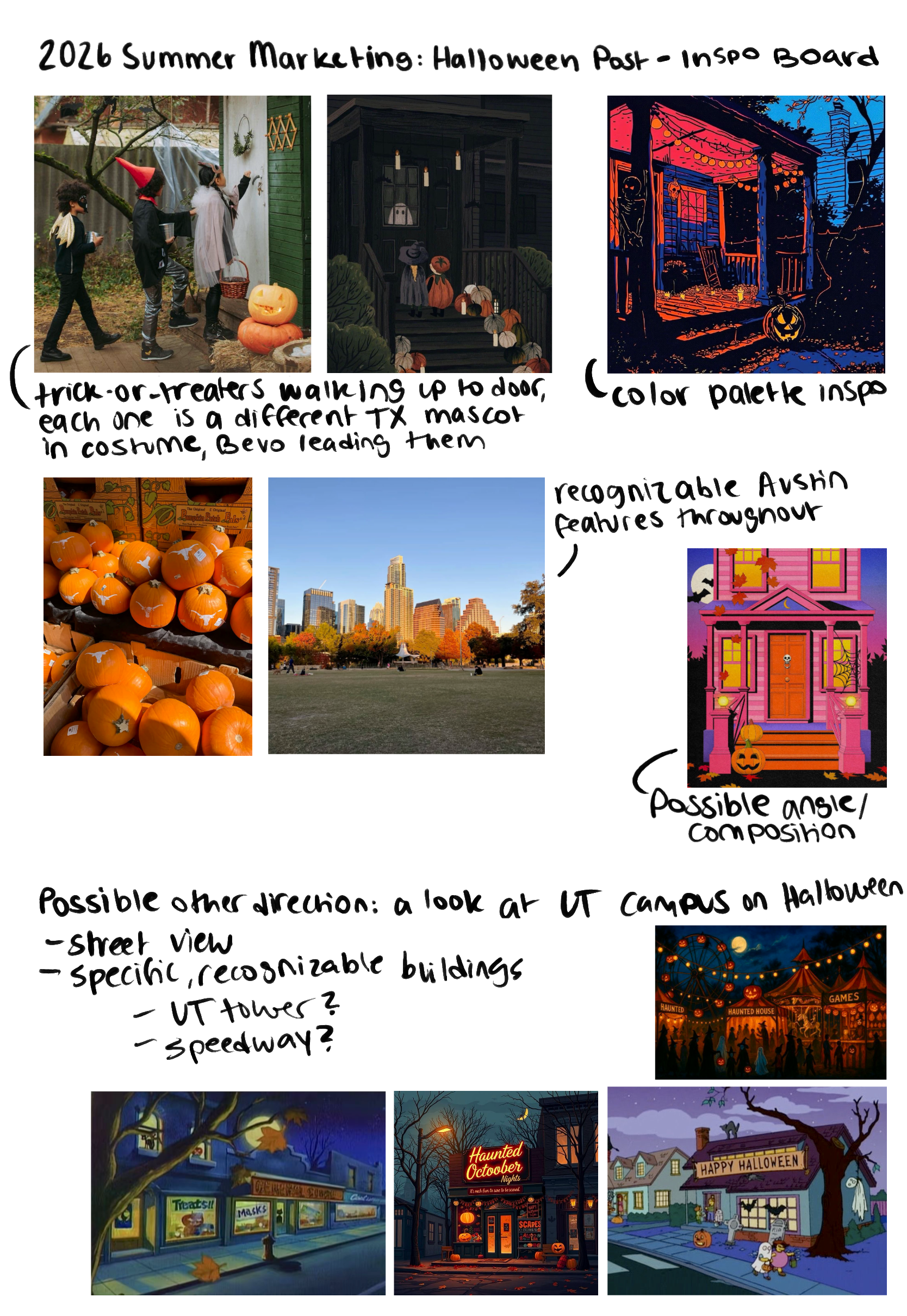
Summer Marketing

First Day of Classes

Juneteenth

Freshmen Orientation

Transfer Orientation


HIS 315L

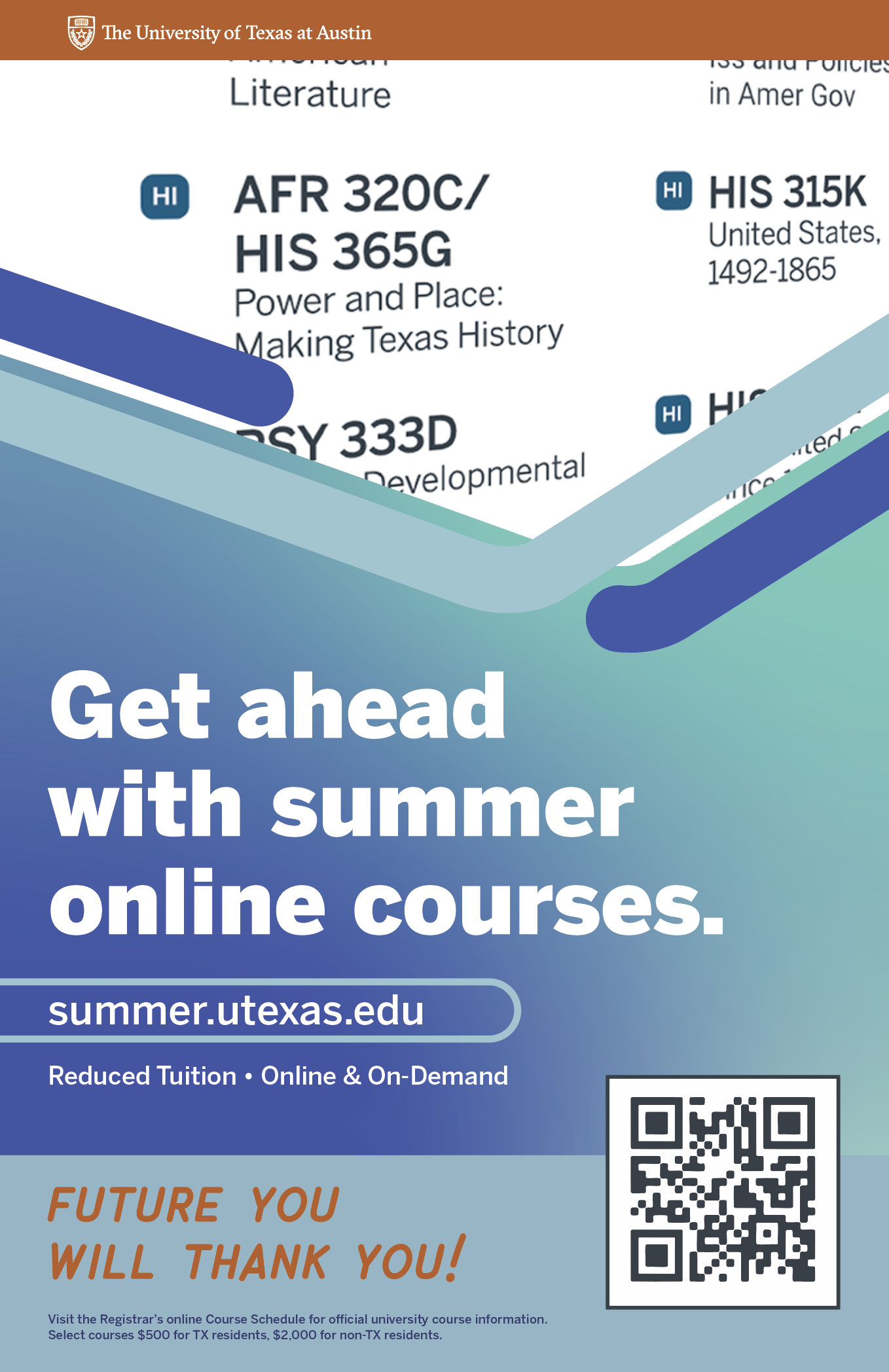
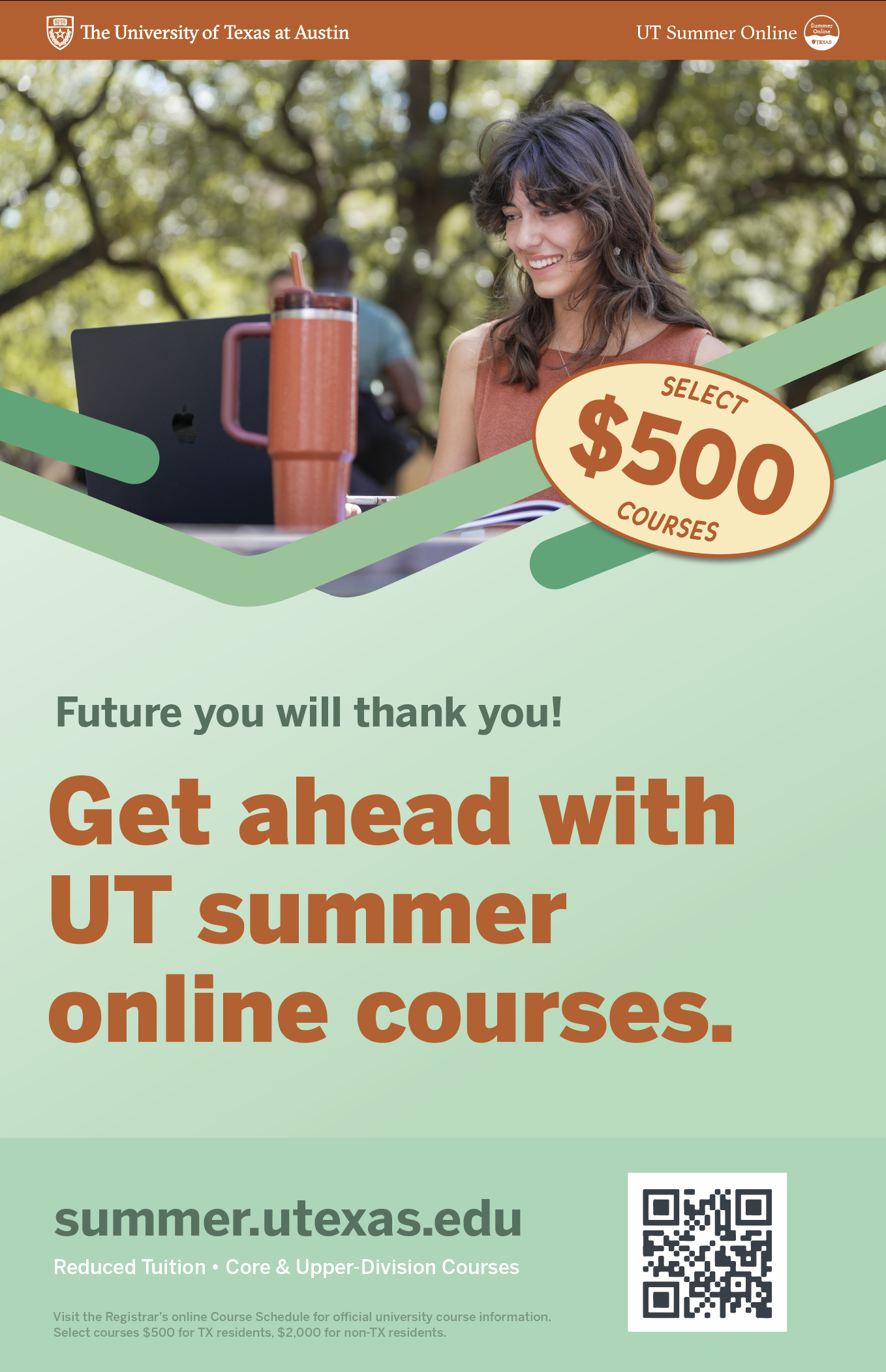
⋆。°✩ Full course package

⋆。°✩ Prof. wanted to show the continuities between the past and present

⋆。°✩ Original course imagery –>

v.1

v.2

Sepia, grid lines

Sepia, blurred transition

☆ B&W and color, grid lines ☆

v.3


Fall Postcard

Initial Drafts

⋆。°✩ Played around with the messaging, “my summer” vs “your summer”

⋆。°✩ Explored different imagery (graduation, on campus, talking with friends)

Exploring Layouts & Taglines

⋆。°✩ Collage allows for greater expression of summer (internships, staying on campus, traveling, etc.)

⋆。°✩ The vertical column layout was a lot more balanced and easier to read

⋆。°✩ Felt the original tagline didn’t align with our message and research. Needed to focus on the fact that students want to use summer to get ahead and complete course requirements

Final Tagline

⋆。°✩ After settling on a tagline, we’re now focussing on which text should be the main tagline, our organization or message?

Filed Under: Fall 2024 - Spring 2025, Uncategorized, We are STAs

Summer 2025

September 3, 2025 By Kyra Lee

Summer 2025!

This summer I traveled, hung out with friends, went to my first convention, and drew as much as possible!

Travel

In July, my brother, mom, and I flew to Arizona to visit family, including a new baby cousin! While here we went on a roadtrip around parts of Utah and Nevada. I burnt to a crisp in the sun, but the views were worth it.

Art

When I wasn’t traveling, I was left with a lot of free time, so I decided to draw everyday — a goal I’ve had for a while. I worked on some fundamental skills like form and perspective and am happy to say I am noticing some pretty significant improvements! I’m also studying figure drawing with Tom Fox’s book Anatomy for Artists: Drawing Form and Pose. Thinking about the body as fundamental 3D forms feels like I’ve unlocked a new part of my brain.

In addition to sketching for fun, I also did some more art commissions. In total, I did 15 overlay illustrations and 2 sticker sheets for a special edition set of the Lockwood & Co book series! It was a lot, but they were very fun to do and they pushed my illustration skills to the limit.

Filed Under: Fall 2024 - Spring 2025, We are STAs

SUMMER 2025

September 2, 2025 By Shanda Horm

SUMMER 2025

— Hecho En Texas —

This was the first project I worked on during the summer. I was tasked to create assets for a pressbook. It was a new type of project to me, but I found it similar to course graphics. (Still in progress during this time)

Logo Sketches:

Logo Vectorized:

Textbook Cover Iterations:

Section Banners:

— Course Graphics–

Canvas Homepage Banner and Dashboard for GOV310L:

Text edits to SOC302:

New graphics for ARH301 (Still in progress at this time):

Buttons:

Canvas Dashboard and Homepage:

Powerpoint Slides:

Ipad Overlay Options:

TA Backdrop:

— Roster Poster–

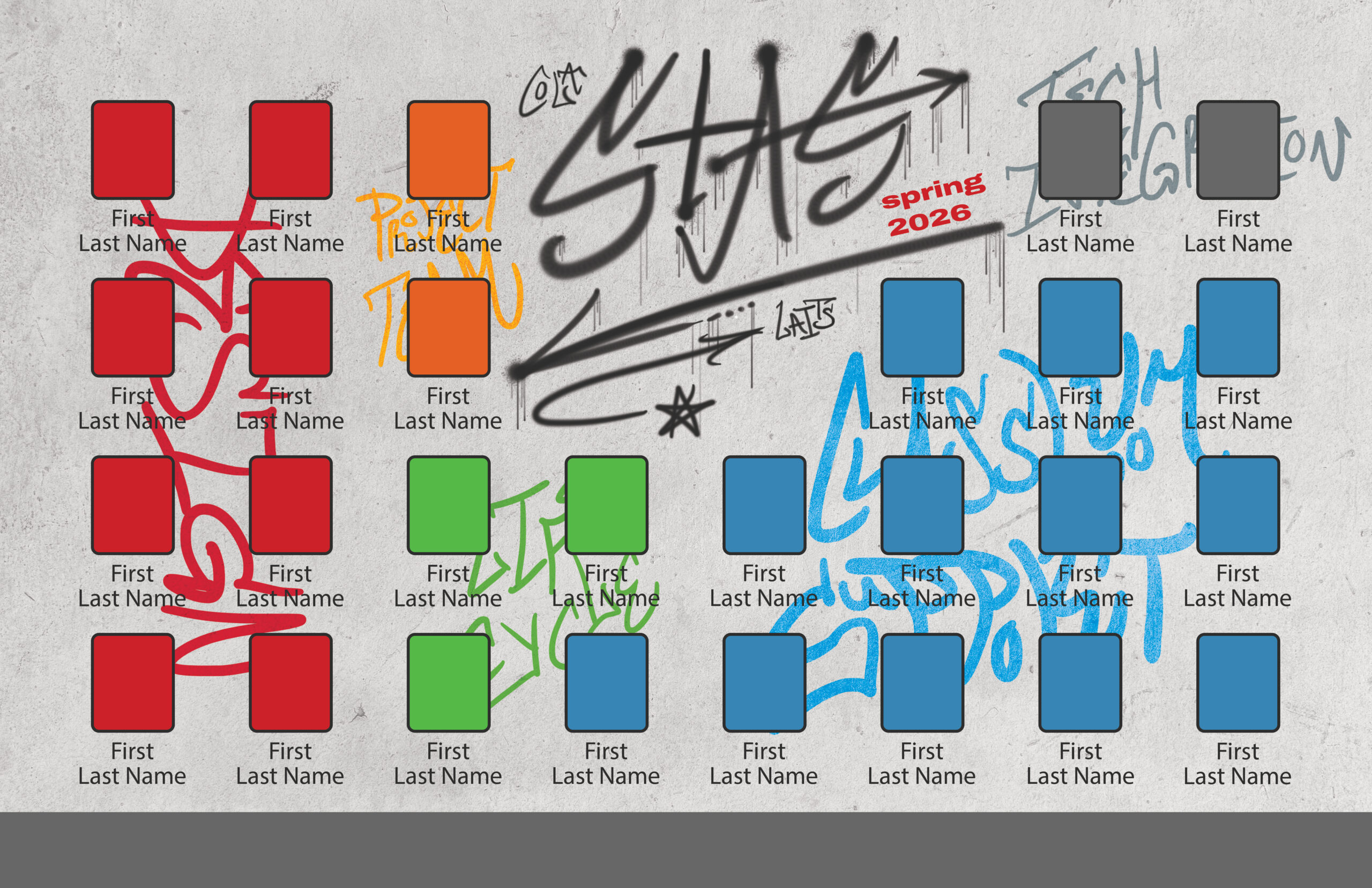
I was excited to be assigned another poster! The theme for my particular poster is Pop Art. Exploring different iterations was so fun- especially for the Keith Haring designs.

Comic Iterations:

Keith Haring Iterations:

Filed Under: Fall 2024 - Spring 2025, We are STAs

UT in Context Website Redesign

August 29, 2025 By Kate Shih

UT in Context Website Redesign: Sweatt v. Painter

UT In Context requested a redesign of their existing website (https://utincontext.la.utexas.edu/). By the time the project was handed to me, the site had already been modernized. What the client wanted me to do was to create pages that showcased their physical Sweatt v. Painter gallery in a digital manner.

The site originally looked like this:

I liked the idea of having a separate page for each wall; however, I felt that the navigation buttons laid out in the cardinal directions was a bit clunky. My main goals going forward were to make navigation intuitive and to lay out all the information in a visually appealing and non-overwhelming way.

My next step was to mock up the pages on Figma:

Interact with the mockup here!

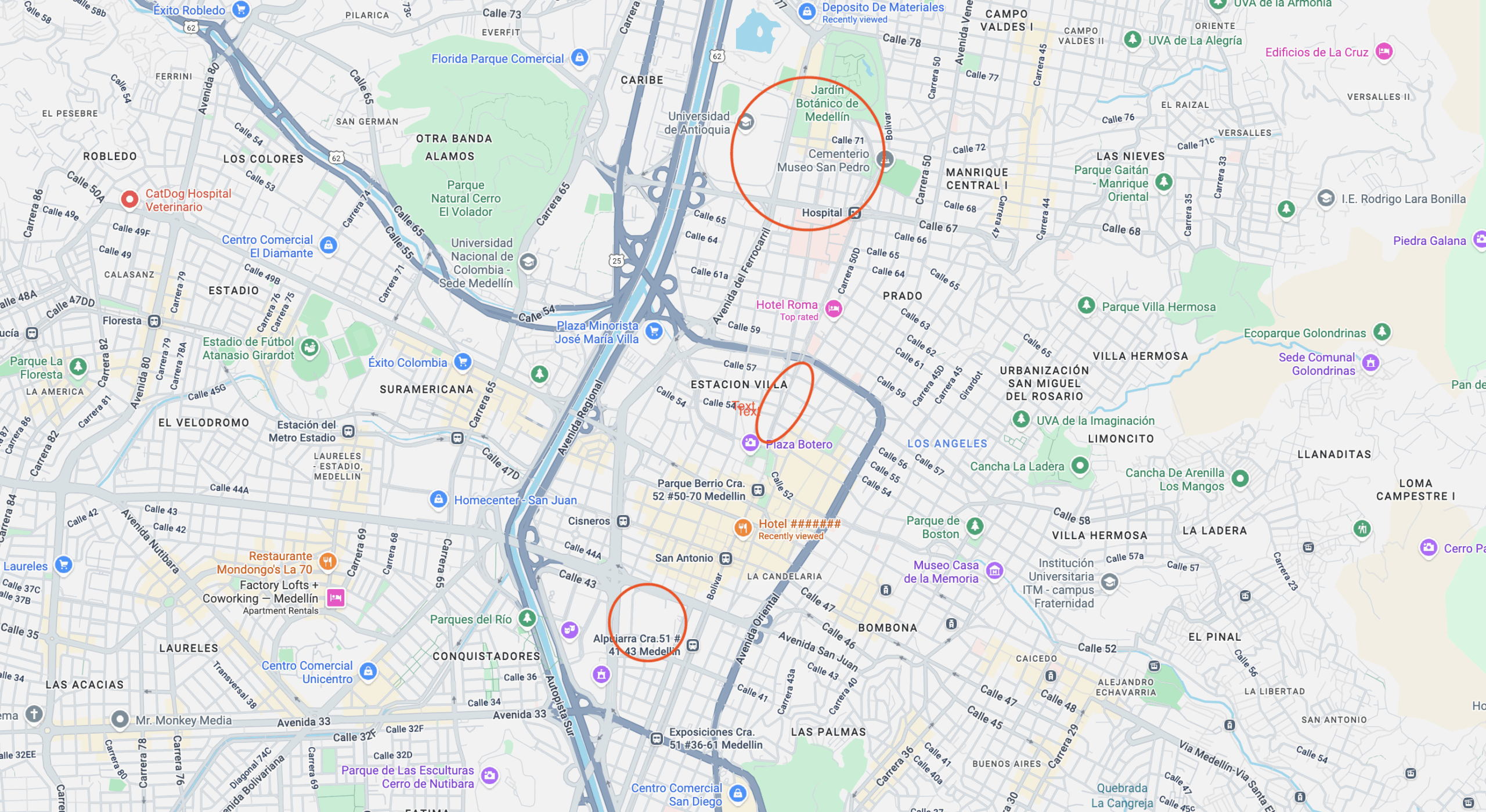
I then created a map to help guide visitors to the physical location:

Project status: Waiting for feedback

Filed Under: Uncategorized, We are STAs

Summer 2025

August 29, 2025 By Kate Shih

Summer 2025

This summer, I went home (California) and got the chance to work for local government. I helped them add new sections to their website, as well as created some marketing materials!

Check out what I did below:

I added a new section to their website catered towards the older population. This included revamping their 50+ Program’s web presence, as well has adding a resource hub.

Visit the live site here: https://www.losaltosca.gov/660/Aging-Adult-Resources

I also got the chance to do a bunch of graphic design work:

Aside from my local government work, I also did some work for LAITS, pursued some side projects, hiked by the ocean, and ate a lot of ice cream (dairy free, of course).

I also made a cat friend ฅ^•ﻌ•^ฅ

Filed Under: Uncategorized, We are STAs

  • « Previous Page
  • 1
  • …
  • 4
  • 5
  • 6
  • 7
  • 8
  • …
  • 126
  • Next Page »

link to LAITS home page

Video STA Home

© 2026 Liberal Arts Instructional Technology Services | Production Credits