• We are STAs
    • Asha Rountree
    • Haley Ma
    • Isabella Melendez Gonzalez
    • Kate Shih
    • Kyra Lee
    • Nicholas Peasley
    • Sasha Kenney
    • Shanda Horm
    • Shriya Atreya
    • Tomas Marulanda-Mesa
    • Trisha Darure
  • We were STAs
  • STA Presentation
    • STA Presentation 2017
    • STA Presentation 2016
  • Testimonials
  • Resources
  • Home

STA Blog

My first STA Blog Post

March 13, 2026 By Trisha Darure

This Week’s Progress

  • Got familiar with using STA platforms like BaseCamp, Harvest, Slack, and UT Box.
  • Learned how to design things in Adobe Illustrator.
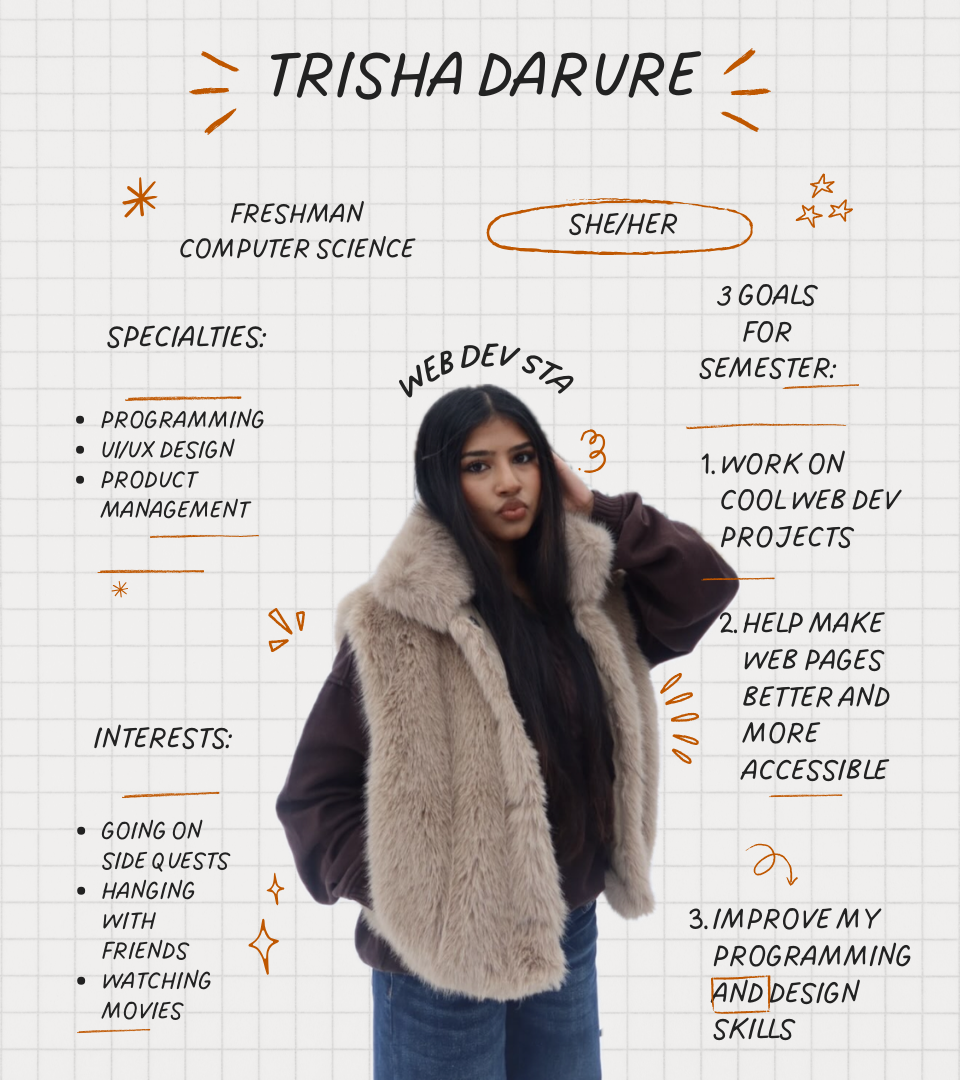
  • Created my homepage banner, an STA bio, and an avatar for the website.
  • Got to know other STA’s and visit the UT petting zoo with them!
  • Completed Tier 1: Course Graphics training

Homepage Banner

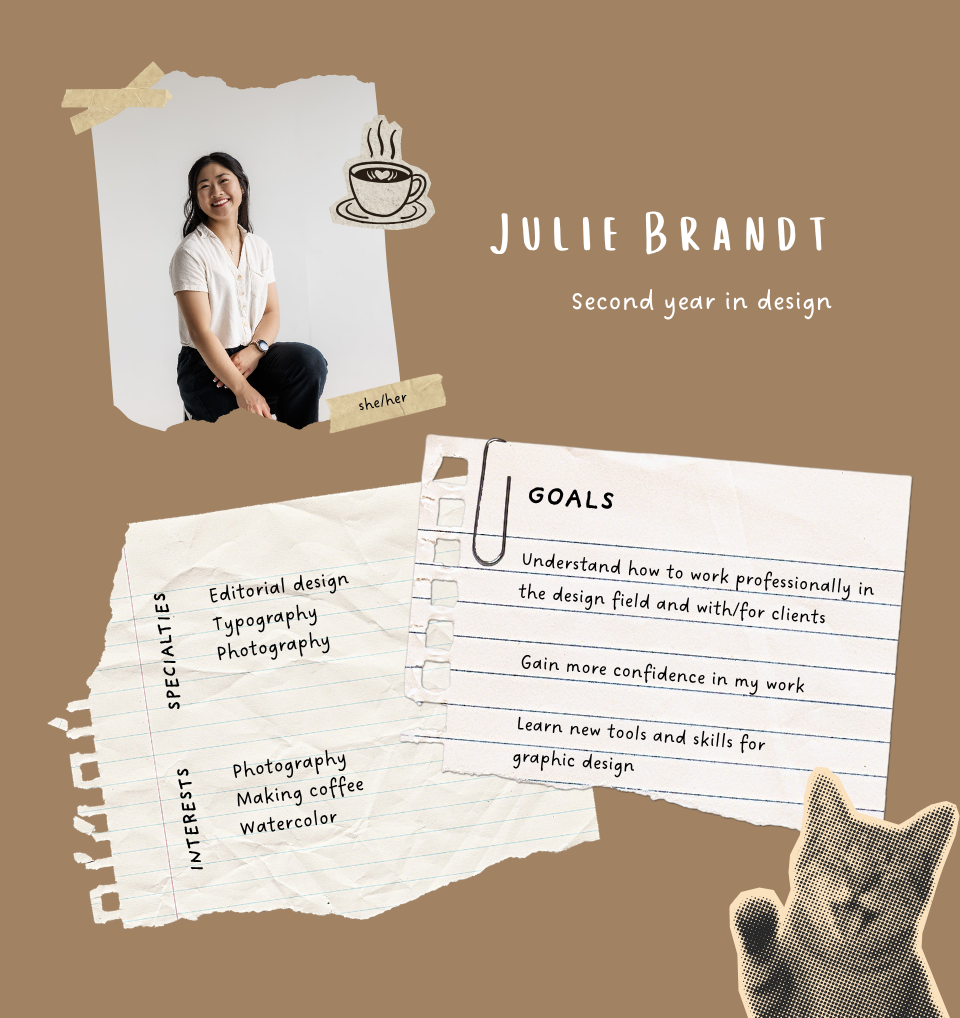
STA Bio

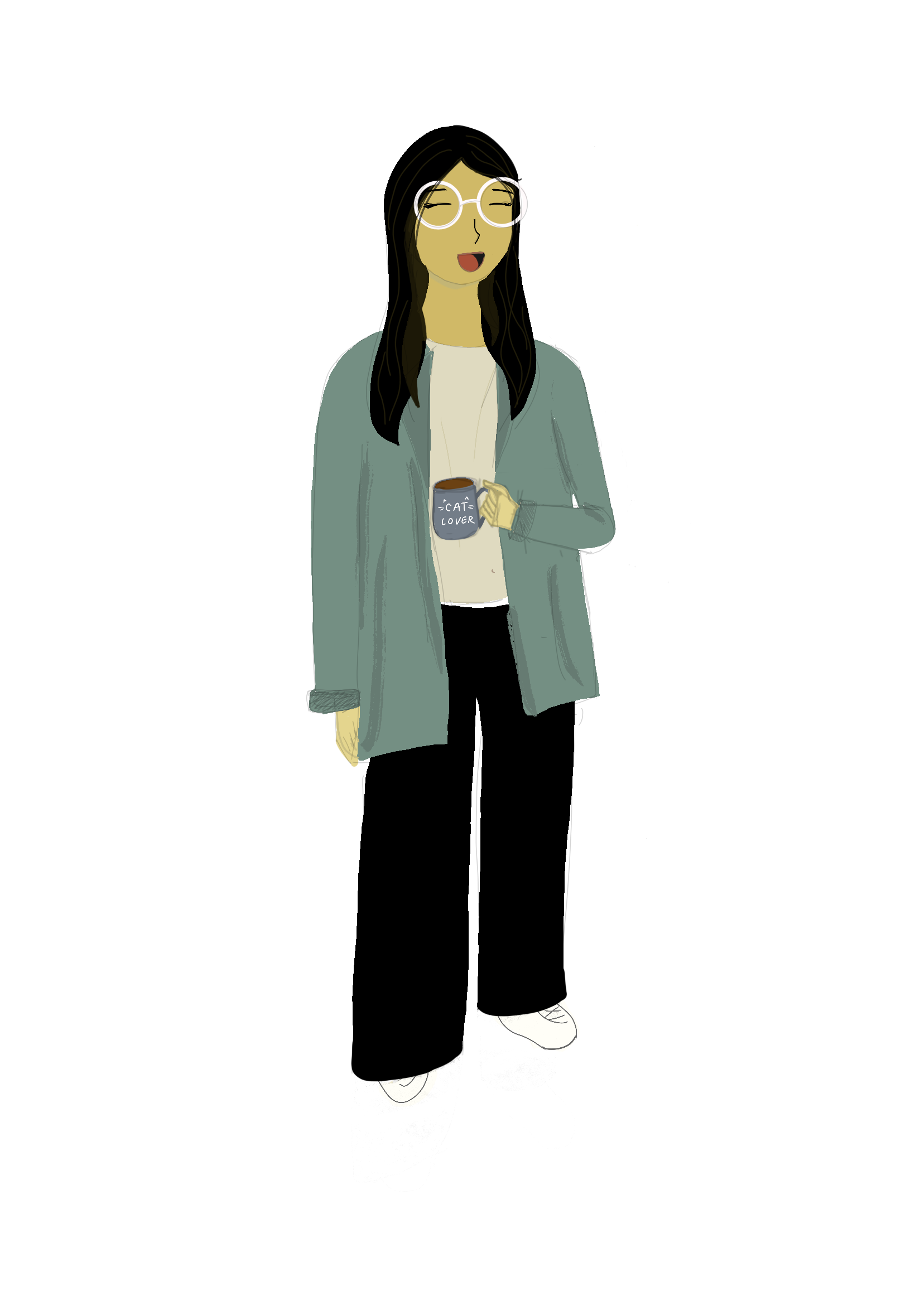
Avatar

Tier 1: Course Graphics Training

I made graphics for both a solid color style and image style.

Canvas Homepage Banner Solid Color Style
Canvas Homepage Banner Image Style
Canvas Dashboard Solid Color Style
Canvas Dashboard Image Style
Canvas Ipad Overlay Solid Color Style
Canvas Ipad Overlay Image Style
Canvas Powerpoint Background Title Solid Color Style
Canvas Powerpoint Background Title Image Style
Canvas Powerpoint Background General Solid Color Style
Canvas Powerpoint Background General Image Style
Canvas Callout Button

Filed Under: Fall 2025 – Spring 2026

2026 STA Presentation: PPT Template & Up Next Slides

March 6, 2026 By Sasha Kenney

2026 STA Presentation: PPT Template & Up Next Slides


Currently working on these projects for this semester’s STA Presentation!!

PPT TEMPLATE

Drafting

  • I began drafting the PPT template, channeling the art gallery theme.

Edits

  • We went back and forth a few times in order to make the template cohesive with the presentation poster.
  • I added white backgrounds in order to allow the images that will be placed in the frames later to pop.
  • We decided to return to the background used in the original draft, as well as make the branding smaller.
  • Changed the branding to dark brown so it doesn’t get lost, moved the frames down in order to leave space for titles, and added a few more variations.

STATUS: IN PROGRESS

UP NEXT SLIDES

Drafting

  • Keeping cohesive with the rest of the PPT Template.

Edits

  • Adding test headshot and text, as well as painting assets used in the poster to remain cohesive.

STATUS: IN PROGRESS

Filed Under: Fall 2025 – Spring 2026, We are STAs

Welcome to the STA Blog

March 5, 2026 By Trisha Darure

Hi Trisha! Welcome to the STA Blog! This the page where your blog posts will published.

Toward the end of your STA Orientation, you’ll design and upload a banner to go at the top of this page.

Upload a Blog Banner


Step One: Design Your Banner in Photoshop

Use these Photoshop specs when you’re making your banner:

    • Your banner should be 780 pixels wide (the height doesn’t matter)
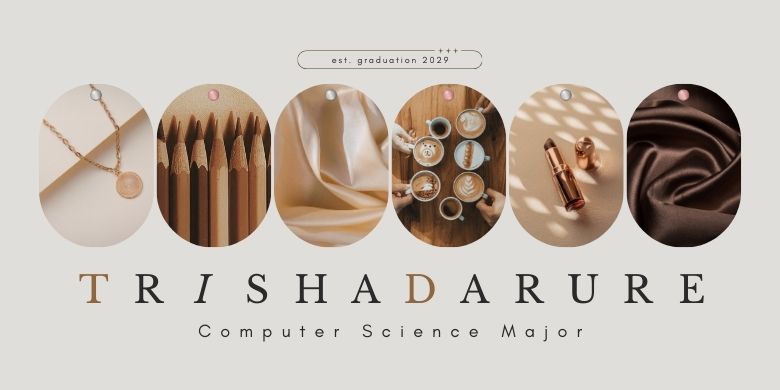
    • Must include your name, your major, and your expected graduation year
    • Your banner should reflect who you are (your personality, interests or major)
    • Make sure to save your banner for the web (i.e. File > Export > Save for Web (Legacy))
    • If you save your banner as a JPG, make sure sure the quality is high (i.e. at least 60)

Step Two: Save Your Banner

  • There are two places you can save your completed projects: UT Box and the LAITS server. You’ll be given a personal folder in both locations. For now, you only have to save your banner to UT Box, but you may have to access the server at some point in the future.

Accessing UT Box

    • If you haven’t already registered with Duo, follow the instructions here to set up an account.
    • Then log in to UT Box with your EID and password: http://utexas.box.com/
    • Go to the folder called Design-Coding-STAs, then the subfolder STA-folders
    • Find the folder with your name on it
    • Save your banner both as an image and an unmerged PSD

Accessing the LAITS server

    • Accessing the LAITS server from off-campus is slightly more complicated.
    • You’ll need to be registered with Duo if you aren’t already (you can register here).
    • Then you’ll need to connect to the UT VPN and the LAITS server. The videos below will walk you through how to do that:
      • Connect to the Server – PC
      • Connect to the Server – Mac
    • Then navigate to your STA volume folder and save
      • smb://file.laits.utexas.edu/sta/Trisha Darure
    • Save your banner both as an image and an unmerged PSD

Step Three: Upload Your Banner to the STA Blog

  • Log in the the STA Blog here. You should’ve received an email confirming your new WordPress account with your username and assigned password. If didn’t get it or you can’t log in, ask De’sha or another STA.
  • You’ll be able to change your password anytime by going to Users > Your Profile > Account Management > New Password.

Uploading media and banners in WP

  • Read these links before you upload your banner.
  • They will walk you through how to upload media to your blog.

How to Upload a Homepage Banner

Adding New Posts and Media

Make Your First Blog post


  • Reflect on the day. You blog posts will be a documented experience of your time as an STA with LAITS. They can include anything you want to share about the projects you’re working on, and the more media (screenshots, images, links, videos, gifs) you can use, the better.
  • For today, write a bit about about yourself and what you did during orientation.
  • If you haven’t already, upload your banner.

Things to Remember


Image Specs

  • You should never copy and paste images into to your blog. Always upload images into the media section of blog first (Click on the add media button), then insert the image from the media folder to display on your blog.
  • Don’t use the thumbnail version of your images.
  • Use images that are 72 dpi
  • Screenshots are fine
  • Images that are 780 pix wide format nicely above or below text blocks

Always Categorize Your Posts

  • Always check the category “Fall 2025 – Spring 2026” on the blog posts you make this summer. This is the only category you need to check.
  • Make sure your posts are categorized correctly so that all of your work is documented in the correct semesters.

Commenting on Basecamp

Notification comments: etiquette, files, questions, feedback

Let us know when you’ve completed this task by adding a link to your blog to a comment in Basecamp.

Notes for all comments in Basecamp:

  • *Always address the person/people you are writing to by their names.
  • *Always use complete sentences.
  • *Always add links or paths to your design file in your STA folder.
  • *Make it easier for your collaborators and mentors to give you feedback on a design by adding screenshots to your comment.

Notify people in Basecamp by adding the @ symbol before their names (no spaces), otherwise they may not see your comment.

@ your STA mentor in your comments when you want to:

  • ask us questions about the mechanics of using the STA blog,
  • about the mechanics of photoshop,
  • to let us know that you have completed this task,
  • or that you would like a little feedback on on your banner design

Thank you & have fun!

Filed Under: Fall 2025 – Spring 2026

My first STA Blog!

March 5, 2026 By Isabella Melendez Gonzalez

My day as an STA


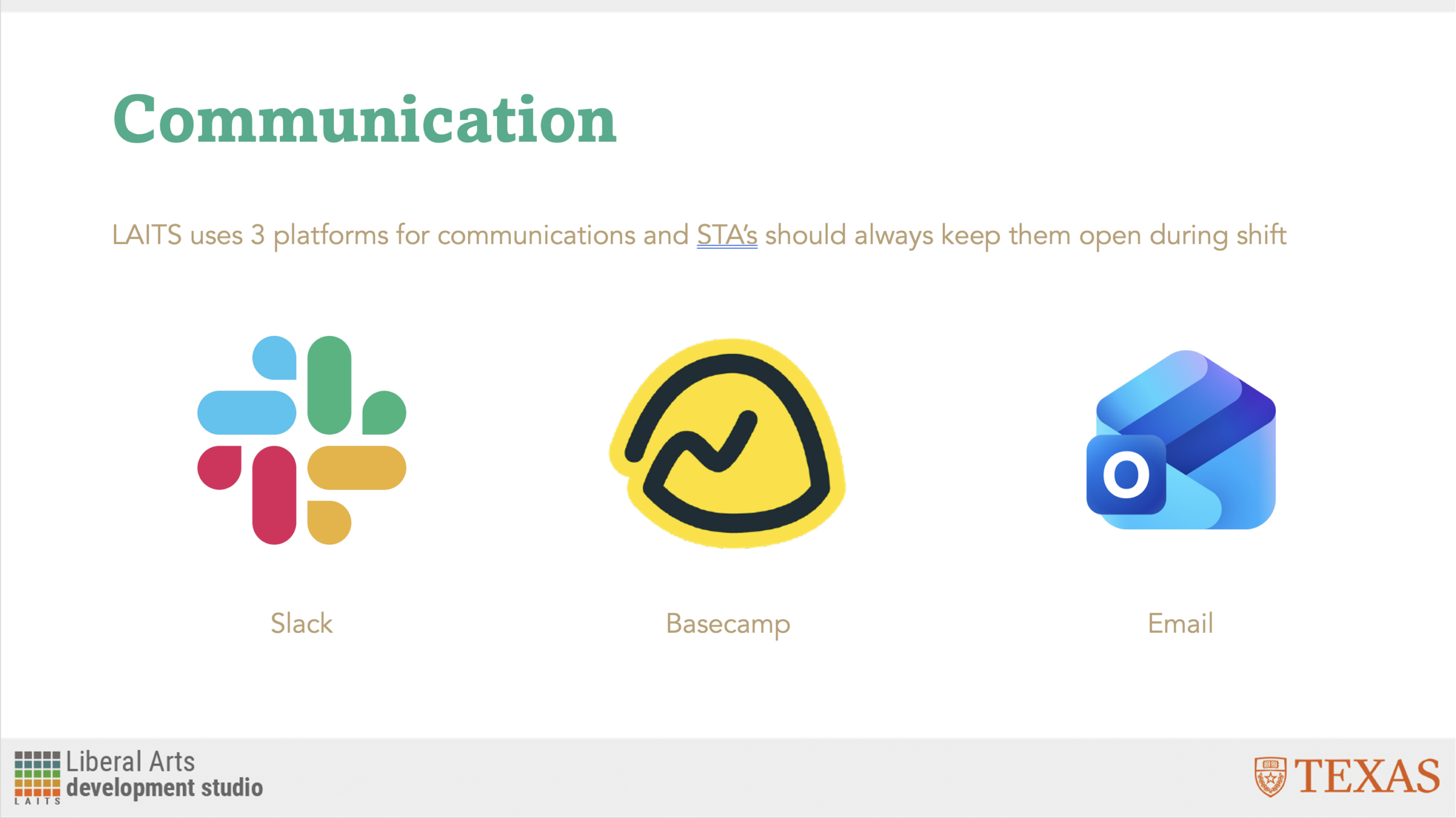
  • So far, I have spent a majority of my time getting used to all of the applications STAs use in their day-today! Making sure to message in Slack, constantly monitor my emails and Basecamp notifications, and setting timers in Harvest dependent on what I am currently working on.
  • Admittedly, I used to be the kind of person who would always close tabs and avoid multi-tasking, but this past week has led to to learn how to juggle multiple tasks and actually keep track of the tabs I have instead of resorting to deleting them
  • I am also a Windows user, so switching from that to Apple was a bit of a hurdle for me, but I adapted a lot quicker than I thought I would! I’m still trying to remember how the shortcuts work, but I am a lot more confident in handling a Macbook now

About Me


  • I have a Pomeranian named Kiki! She’s really fluffy and loves string cheese…
  • Here are some of my crochet projects! I lowkey freehanded that coffee mug

Filed Under: Fall 2025 – Spring 2026

Presentation Graphics

March 3, 2026 By Shanda Horm

STA 2026 PRESENTATION GRAPHICS

──────────────────────────────────────────────

My focus for most of February has been the graphics for the STA 2026 Presentation which I’m overseeing! This is the biggest project I’ve acted as art director for. While I keep track of the assignments I provided to other designers, I have my own task to work on: the walk-in animation.

— Walk-In Animation–

Progress as of 2/18/26

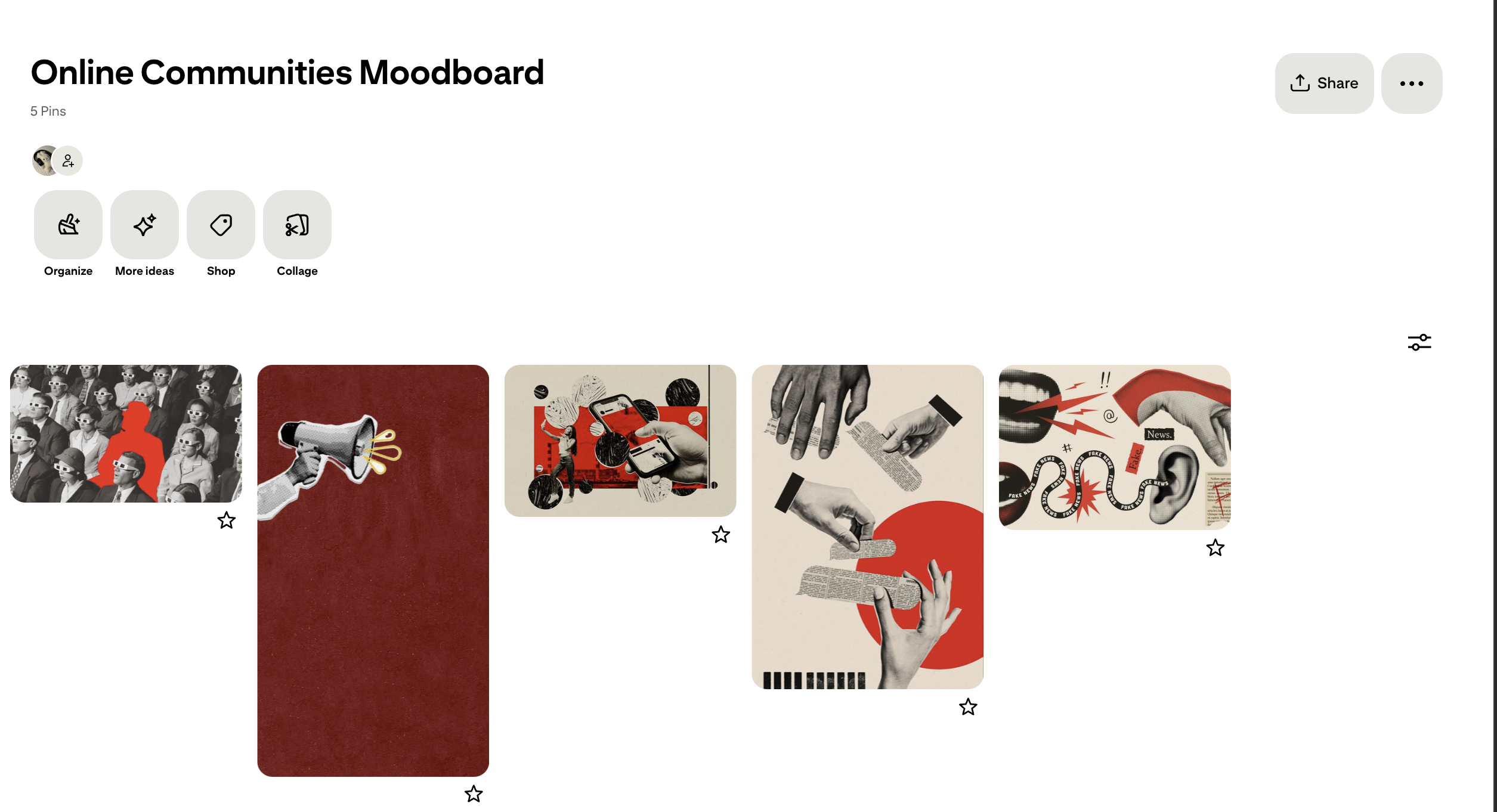
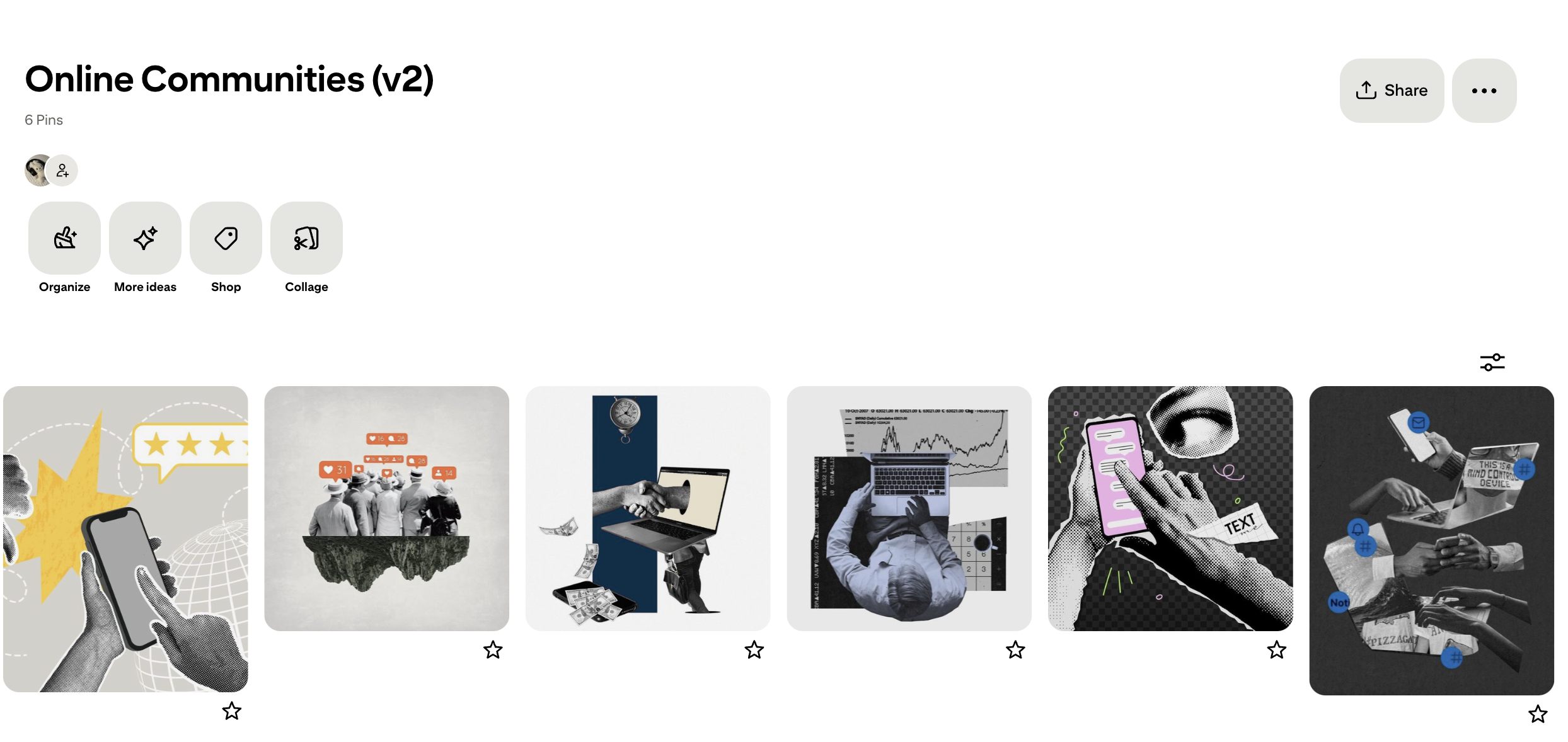
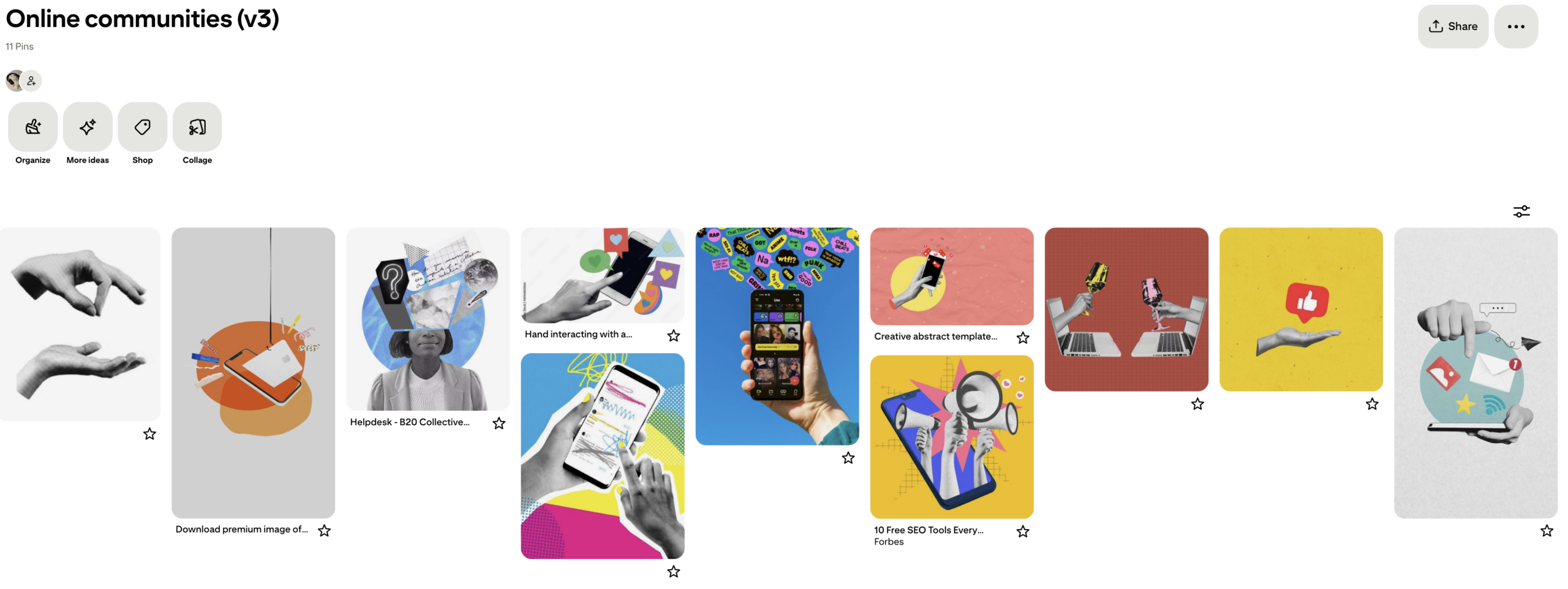
Initial Mood board

Initial Mock Up

Storyboard

Frames: First Iteration

Feedback: First Round

It was decided that the aesthetic for presentation graphics should pivot to a more modern gallery style. Some notes for me to keep in mind were unique frame layouts, warm wood flooring, spotlights, accent walls, and essentially anything that supported the modern gallery aesthetic. I was also suggested a layout that I could follow for the frames.

Wall Iteration

Progress as of 2/24/26

Light Fixtures

After a bit of back and forth and tweaking, the backgrounds for the paintings were settled! The next thing to add was light fixtures- suggested by De’sha. The first image is my first attempt at them. However, I was requested to see how it would look if the lights were at different angles- similar to one of our main references. So, I utilized the light assets Asha made for the presentation poster!

Pivot Pt. 2

After some discussion with Lila and De’sha, another pivot was decided! To draw more attention to the frames and STAs, there will be a shift to a white background to all assets. Additionally, instead of statues we will do red velvet rope. It was decided that the statues may distract from the STAs in the frames too much. Below is the main reference for the background for future iterations of presentation graphics.

These are the most recent drafts as of 03-03-26. After adjusting the lighting of some of the STAs, it will finally be time to animate!

Animation

Doing a seamless scrolling animation was a lot more tedious than I thought! Since the animation had 3 main moving parts (roof detailing, frames, and velvet rope), it was a bit difficult to line up the cut from the end back to the beginning without a weird jump. However, with some help from Lila and adjustments, I was able to achieve a parallax effect with little jitters!

Filed Under: Fall 2025 – Spring 2026, We are STAs

FEB 2026

March 3, 2026 By Haley Ma

Texas Politics Project (Feb Update)

────────────────────⊹ ࣪ ˖♡˖ ࣪ ⊹ ────────────────────

Onto the final stretch for the Texas Politics Project! I designed a presentation page comparing the original designs with my suggested design from the feedback I received. De’sha then let me know about tailoring the comparison a bit more and to organize the figma file with arrows for each change I made!

.

For presenting, I wanted to note:

Global changes: font, color palette, and spacing

Highlight the specific changes: navigation bar, home page, blog page, graph page

.

l

I then created the final presentation page documenting every change from the current website to now! I made sure to highlight global changes and areas I looked over last time like the drop down menu and navigation! It was quite therapeutic seeing the before and after too!

l

KB Website Redesign

────────────────────⊹ ࣪ ˖♡˖ ࣪ ⊹ ────────────────────

l

l

Another project I am working on is redesigning the KB website to have a modern and refreshed feel! So far I have creative freedom while designing so it is very fun trying all sorts of layouts and designs! Above is some sketches I had in mind before designing some low-fidelity wireframes.

l

l

While creating the low-fidelity wireframes, I decided to explore different layouts for the buttons that navigate to a training page! I wanted to implement some variety in the overall visual design of the home page so some brainstorming was needed before completing all the high-fidelity wireframes!

l

l

This is where I am currently at while designing the hi-fi wireframes! Designing the icons was my favorite part but now I’m deciding how much variation can actually be implemented! But I am excited to see the multiple drafts all come together!

Filed Under: Fall 2025 – Spring 2026, We are STAs

  • 1
  • 2
  • 3
  • …
  • 10
  • Next Page »

link to LAITS home page

Video STA Home

© 2026 Liberal Arts Instructional Technology Services | Production Credits