• We are STAs
    • Asha Rountree
    • Haley Ma
    • Kate Shih
    • Kyra Lee
    • Nicholas Peasley
    • Sasha Kenney
    • Shanda Horm
    • Shriya Atreya
    • Tomas Marulanda-Mesa
  • We were STAs
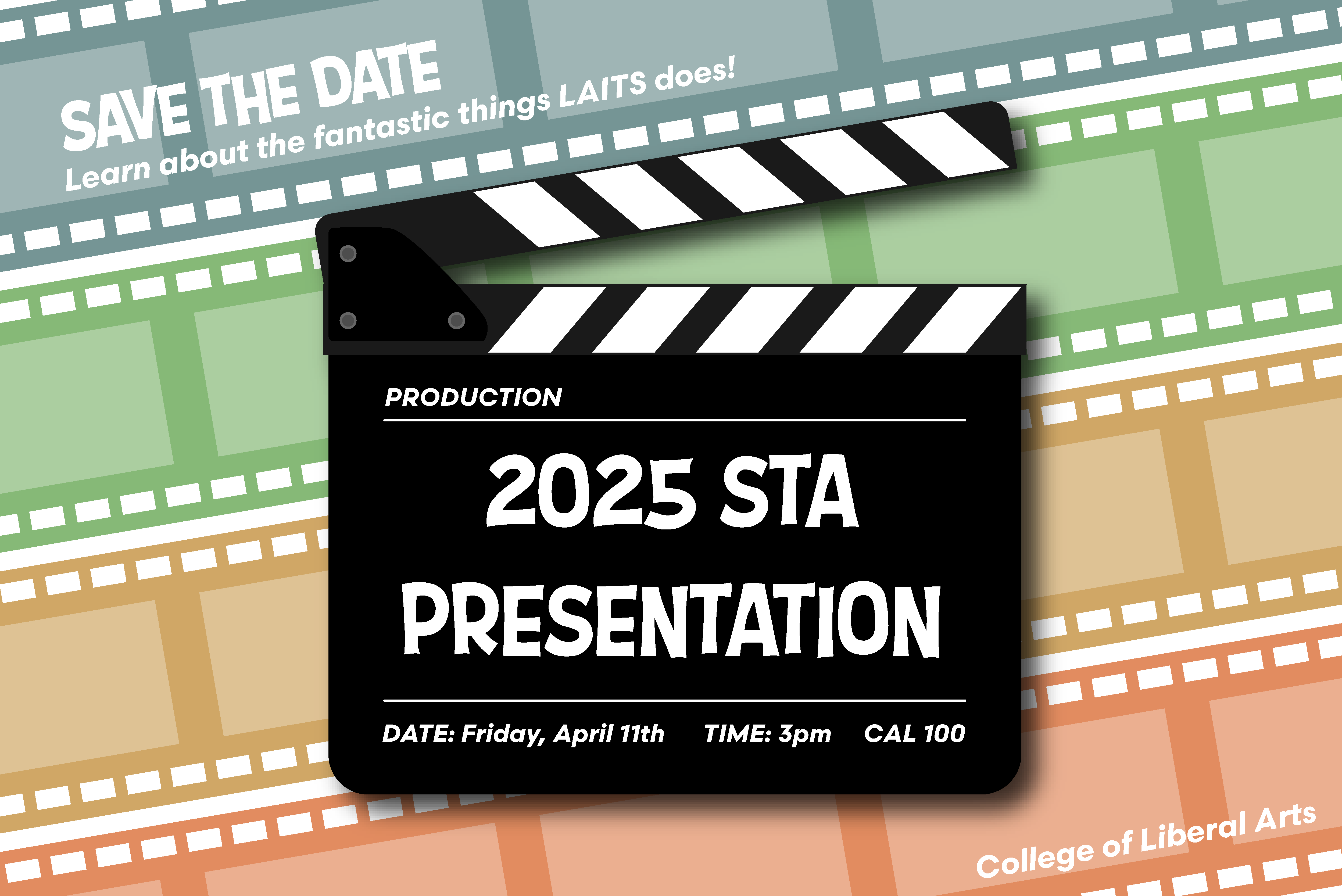
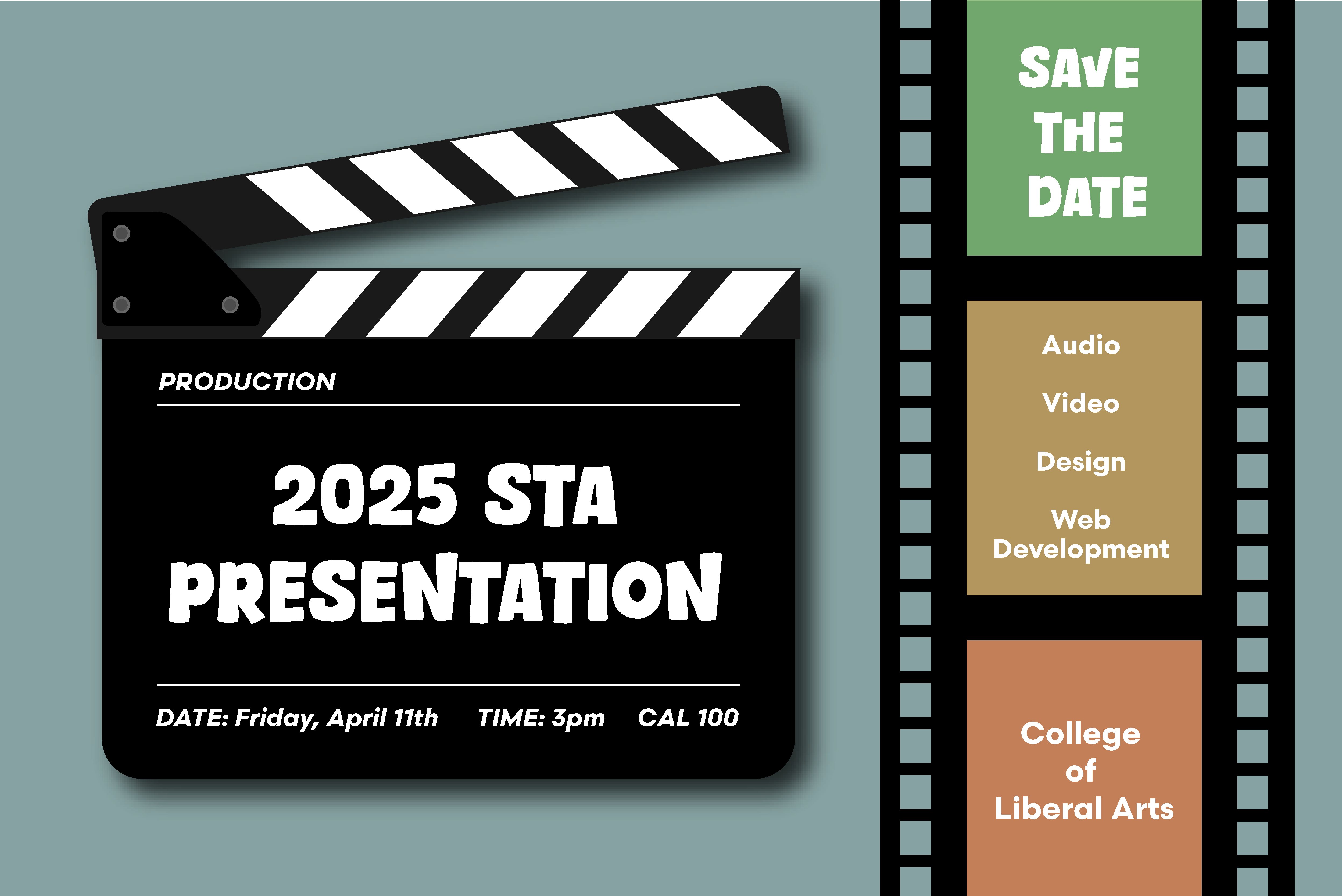
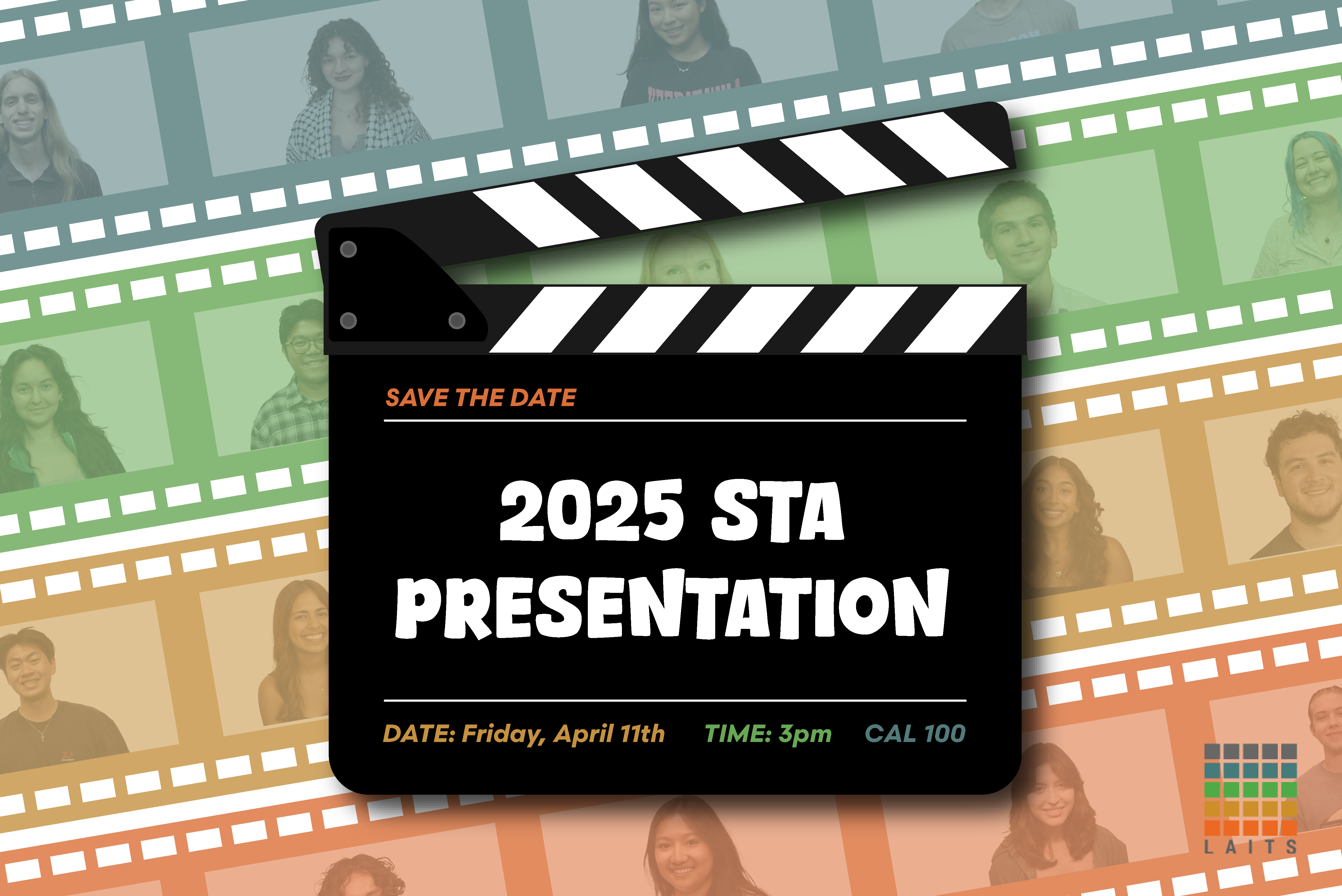
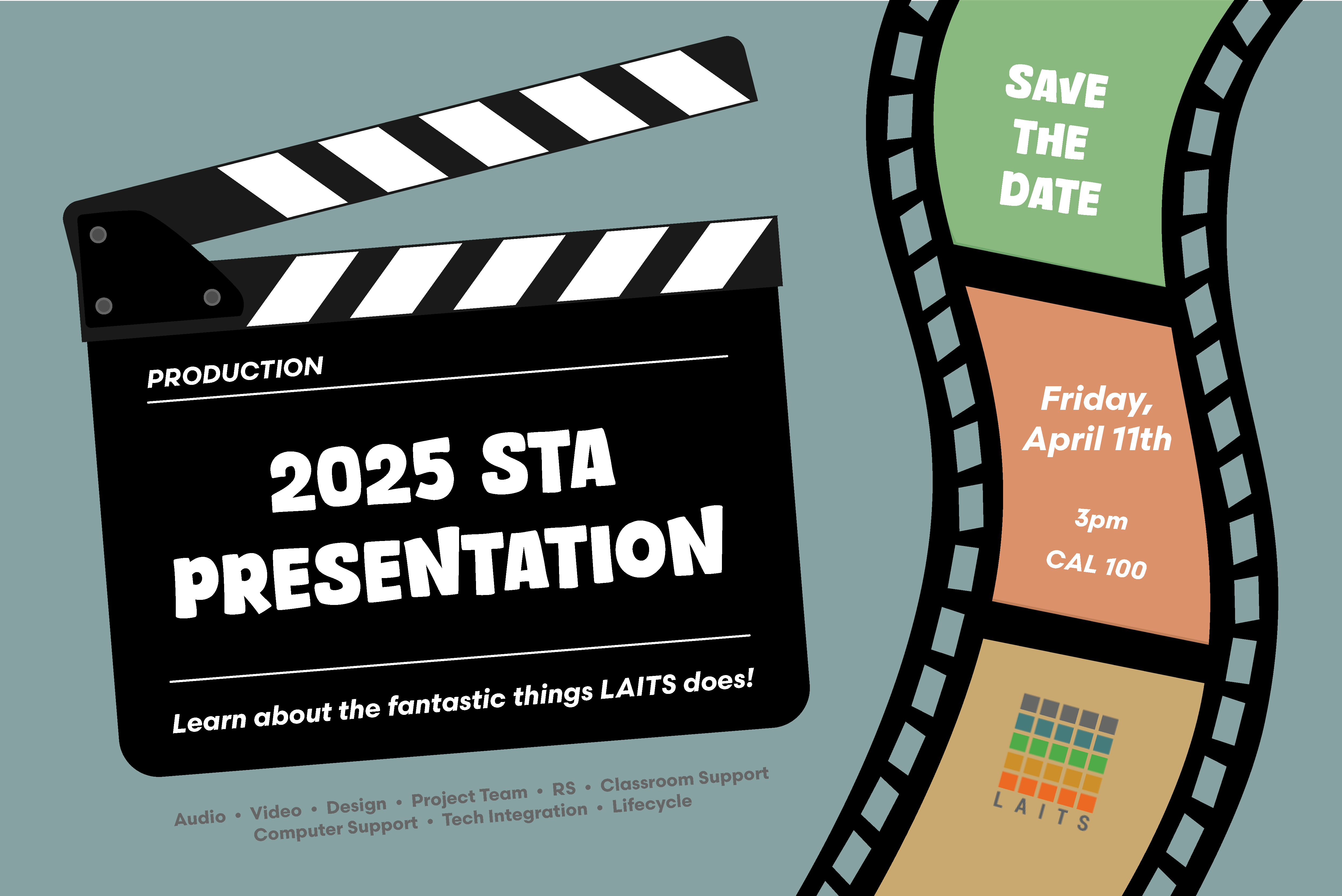
  • STA Presentation
    • STA Presentation 2017
    • STA Presentation 2016
  • Testimonials
  • Resources
  • Home

STA Blog

December Projects ❆

January 23, 2025 By Nicholas Peasely

December Projects ❆


Studio Course Graphics

This training walked me through the process of designing and curating my own graphics for a studio setting!

My vision…

⇢ Utilize the Museum that the students get to visit during the class

⇢ Incorporate the art style that is being studied in the class

⇢ Make the graphic monochromic

It took a few iterations to get to this point, but that’s part of the process! Originally I was pretty lost when creating this piece because I felt like every version looked really busy, especially for a backdrop. I then decided to tone it down and make the design a little more simpler!

My Steps ˚⋆。˚

✧ Make the base layer a dark blue color

✧ Found a high-quality photo of the museum interior and desaturated it

✧ Played around with the blending modes for visual interest

✧ For more depth, I decided to duplicate the museum layer, change the blending mode & opacity, and finally offset the layer from the original


Health and Society 301 Course Graphics


Summer Courses Instagram PFP

Final Version:

Notes

  • Had to Incorporate UT branding and “Summer Online”

  • Debated whether or not UT crest should be included

  • Tested out different color variations for a “summer feel”

Drafts:

Filed Under: Fall 2024 - Spring 2025, Uncategorized, We are STAs

Custom/Studio Course Graphics Training

November 22, 2024 By Kate Shih

Custom/Studio Course Graphics Training

Continuing with course graphics training, I completed a training for designing custom course and studio assets. I chose the course ARTH 3800: Twentieth Century Art to create course graphics for.

I created:

In-studio and video assets

Canvas assets

Powerpoint slides

Stinger animations


Moodboards/Inspiration

Here are some ideas I had at the start for directions I could go for the designs.


In-Studio Assets

Once I got my moodboards approved, I moved on to the studio assets. I tried to take inspiration from both my second and third moodboard (art through the years while implementing the bold, line driven style of modernism). I decided to give it a red overlap just to keep the entire graphic consistent, as there is a lot going on. Still, I was unsure of whether red was an appropriate color and whether or not it was still too busy.

First Drafts

Studio Mockups

After this, I received feedback to:

  • Make sure the professor is the main focus
  • Blur and mute the backdrop a little

Incorporating Feedback

Taking in account the feedback I was given, I applied a gaussian blur to the pictures in my backdrop and lowered the brightness in Photoshop.

Revised Studio Assets

Revised Studio Mockups


Storyboarding

After finalizing my studio graphics, I created a storyboard for the intro animation. I decided to give it the same layout as the wall monitor background and have the panels slide in from the top, bottom, and sides. After this, the background will fade out while the title of the course will fade in.


Canvas Graphics

After finalizing my studio graphics and storyboard, I moved on to creating Canvas graphics. I decided to reimplement the non-blurred version of the graphic because there is no longer a need to have a focus on the professor, and I felt that the clear version was less distracting for the Canvas graphics than it was for the the studio graphics.

Here were the first drafts of my Canvas graphics:

Homepage Banner

Dashboard Graphic

Canvas Buttons

iPad Overlay


Powerpoint Assets

I also made Powerpoint assets. These included a title slide and a content slide. For the title slide, I decided to use the same graphic from my monitor background, and for my content slide, I decided to keep it very simple to allow for easy comprehensibility.

Title Slide

Content Slide


Final Menu + Final Thoughts

Overall, this training was very useful in prepping me for designing custom studio graphics in the future. I was excited to design studio graphics for the first time because I haven’t worked in environment design very much. Overall, I enjoyed seeing what I could do creatively, while still following guidelines and requirements.

Filed Under: Fall 2024 - Spring 2025, Uncategorized, We are STAs

November Updates

November 18, 2024 By Thang Truong

November Updates

November went by so quickly. It has been half of the month. For this past month, I have done more work with Shiny App and Texas Politics project.

Shiny App Project

Advisor: Stacy Vlasits

Description: For this project, I continued to work on implementing features for the application built in Shiny App. The client requested two more features to be added: working with URL input and working with CSV files.

In tackling these two challenges, I isolate the function that handle the data uploads. The answer is that it is in page 2 and then, I looked at how to handle URL input and turn that into a table format. When I looked at the function that handles uploads of the data, I actually find a solution that works for both URL input and CSV input. I just need to dynamically change the extension accordingly to whatever the format of the file uploads. For example, the CSV would have csv extension and TSV would have tsv extension. Moreover, for handling URL string, I just need to extract the base of the string to get the extension.

A function like this solves both problem at the same time:

# Get file extension from either uploaded file or URL
ext <- if(!is.null(input$file1)){
tools::file_ext(input$file1$name)
}else if (!is.null(input$urlInput) && input$urlInput != “”){
# extract extension from URL
tools::file_ext(basename(input$urlInput))
}else{
“csv”
}

Texas Politics

Advisors: Chris Pittman

Description: For this project, I only get the overview of what the project is about. I did not start to look closely into the solutions. From the outset, it seems like the project involves a place for storing all of the updated elements including charts and blogs. Also, the project incorporates a change in the database with a boolean value “updated me” so that the blog, chart will be included into that place. The idea behind is that every year, there would be blogs, charts and other elements that get to be updated. Currently, there is one guy that have all these information but to streamline the process, we can leverage technology to keep track of all these information. It helps to onboard new people quickly to the updated part of the project.

Filed Under: Uncategorized

Course Graphics Training

November 13, 2024 By Kate Shih

Course Graphics Training

I began Course Graphics Training, starting with designing Style A/Style B graphics. For my course graphics, I chose to use the course “Intro to Design Thinking,” which was a class I took last semester.

For each style, I created:

Canvas dashboard/homepage graphics

Canvas buttons

Powerpoint resources

Stinger slides


Style A

First Drafts

For my Style A graphics, I decided on the green background because I felt it complimented the picture of the professor well. I created these graphics with the templates provided to me in the dropbox.

Canvas Graphics

Powerpoint Graphics/Templates

Canvas Buttons

After this, I received feedback to:

  • Change the bottom bottom bar of the Canvas graphics to an accent color that compliments the course and primary color

Incorporating Feedback

After receiving feedback, I decided to change the bottom bar to a darker blue to compliment the course and primary green.


Style B

First Drafts

Here were my first drafts for Style B. I decided on having a photo with a wall of sticky notes as the background photo because when I took the class last semester, our whiteboards often looked like that when we brainstorming/ideating our ideas.

Canvas Graphics

Powerpoint Graphics/Templates

Canvas Buttons

After this, I received feedback to:

  • Put “Intro to Design” in the first line of the Canvas Homepage graphic and “Thinking” on the bottom. Also, to shrink the green background box to match the length of the text.
  • I forgot to change the background of one of my Powerpoint slide templates, so to add the sticky note wall to Slide 2.

Incorporating Feedback

After receiving feedback, I shrunk the background box and changed the text formatting on the Canvas Homepage graphic. I also added the correct background to my Powerpoint slide template.


Stinger Animations

I also made Stinger Animations for this training—which I had never done before—so I was very excited to use Adobe After Effects for the first time! It wasn’t too challenging to use, and I look forward to using it more in the future.


Final Menus + Final Thoughts

Here are the final menus for my two sets of course graphics:

Style A

Style B

Overall, this training taught me how how to navigate the LAITS server and how to use the course graphics templates. It taught me how to pick appropriate colors for the graphics I’m creating and was my introduction to Adobe After Effects!

Filed Under: Fall 2024 - Spring 2025, Uncategorized, We are STAs

September and October

October 22, 2024 By Lila Mali

Been a while since I updated my blog so there’s a lot to go through! I’ll start with my first assignment.

ARH Custom Stinger Animation

This assignment was pretty fun as I was requested to make an animated stinger intro for a TA. The class’s style uses animated images which I don’t work with frequently but I think the style is very charming. Here’s the finished stinger. I really like how it turned out!

STA Posters!!

Our team was requested to make new STA team posters and to make it a special surprise, they were going to be inspired from real movie posters! This was an especially fun project as emulating movie posters is always very charming and I was given the task to make posters after The Breakfast Club and Clue.

The Breakfast Club was surprisingly challenging as the students in the poster were wearing very similar colors.

We eventually decided to change to a different poster type and change the colors of the students clothing.

My supervisors helped a lot with the coloring and changing the STA shirt colors but eventually it was good to send. Next was the Computer Support poster. Here are some of the iterations.

These were fun to do and I love the computer motif

GOV Intro

This was a pretty basic animation assignment. All I had to do was to reboot an existing intro with new assets. I ran into some issues but it came out well. Here’s how it looks.

CSMS Logo Animation

New CS Logo animation! These assignments are always pretty intimidating at first since the topics are hard to visualize, but I was given helpful reference images and a good dirstcion to go off of. Here are some of my initial concept sketches.

The client really liked the look of the graph logo and I got started on the animated intro. Here’s how it turned out.

I really like the graph animation and the client did as well!

Filed Under: Fall 2024 - Spring 2025, Uncategorized, We are STAs

My Summer

August 28, 2024 By Diya Nair

It’s finally back-to-school season, and the “How was your summer question” is at its peak on campus. This is the part where I say. “If I had a dollar for everytime someone has asked me about my summer…”, but I am not going there.

So, I have a prepared line that summarizes my summer in 5 words, India, Singapore, Internship, singing lessons, and yoga.

I visited my grandmother and my extended family in India. There was good food, beautiful scenery, and great conversations. I was also able to meet my friends in Singapore when I had a 1 day lay-over in the journey from The US to India. Reconnecting with my friends and learning more about their experiences in college was such a joy.

After returning to Texas from my trip, I interned at a Fiber Glass Manufacturing company. I was able to learn so much about the Electrical Engineering side of manufacturing. I used specialized software like AutoCAD Electrical to update existing drawings of the system and digitize drawings. As an engineering intern, I learned a great deal about design. And design affects every facet of your job. The design of your machine, the safety considerations and mechanisms, the accessibility of your design, the functionality of your machine. As I sit here writing my summer reflection, I can’t help but think that design is such an instrumental part of our life, and an important part of my job as an STA at UT Austin! As I design websites, I think about the accessibility of the website (thank you past STA’s for your training), the functionality of the website, and of course how secure is a website. These are considerations that govern how we make choices. What I learned from my engineering internship is that, design thinking is applicable everywhere –– from engineering to web-design to even our life.

Filed Under: Uncategorized

  • « Previous Page
  • 1
  • …
  • 3
  • 4
  • 5
  • 6
  • 7
  • …
  • 90
  • Next Page »

link to LAITS home page

Video STA Home

© 2025 Liberal Arts Instructional Technology Services | Production Credits