• We are STAs
    • Asha Rountree
    • Haley Ma
    • Kate Shih
    • Kyra Lee
    • Nicholas Peasley
    • Sasha Kenney
    • Shanda Horm
    • Shriya Atreya
    • Tomas Marulanda-Mesa
  • We were STAs
  • STA Presentation
    • STA Presentation 2017
    • STA Presentation 2016
  • Testimonials
  • Resources
  • Home

STA Blog

Week 6

October 13, 2022 By Carrie Wang

Week 6

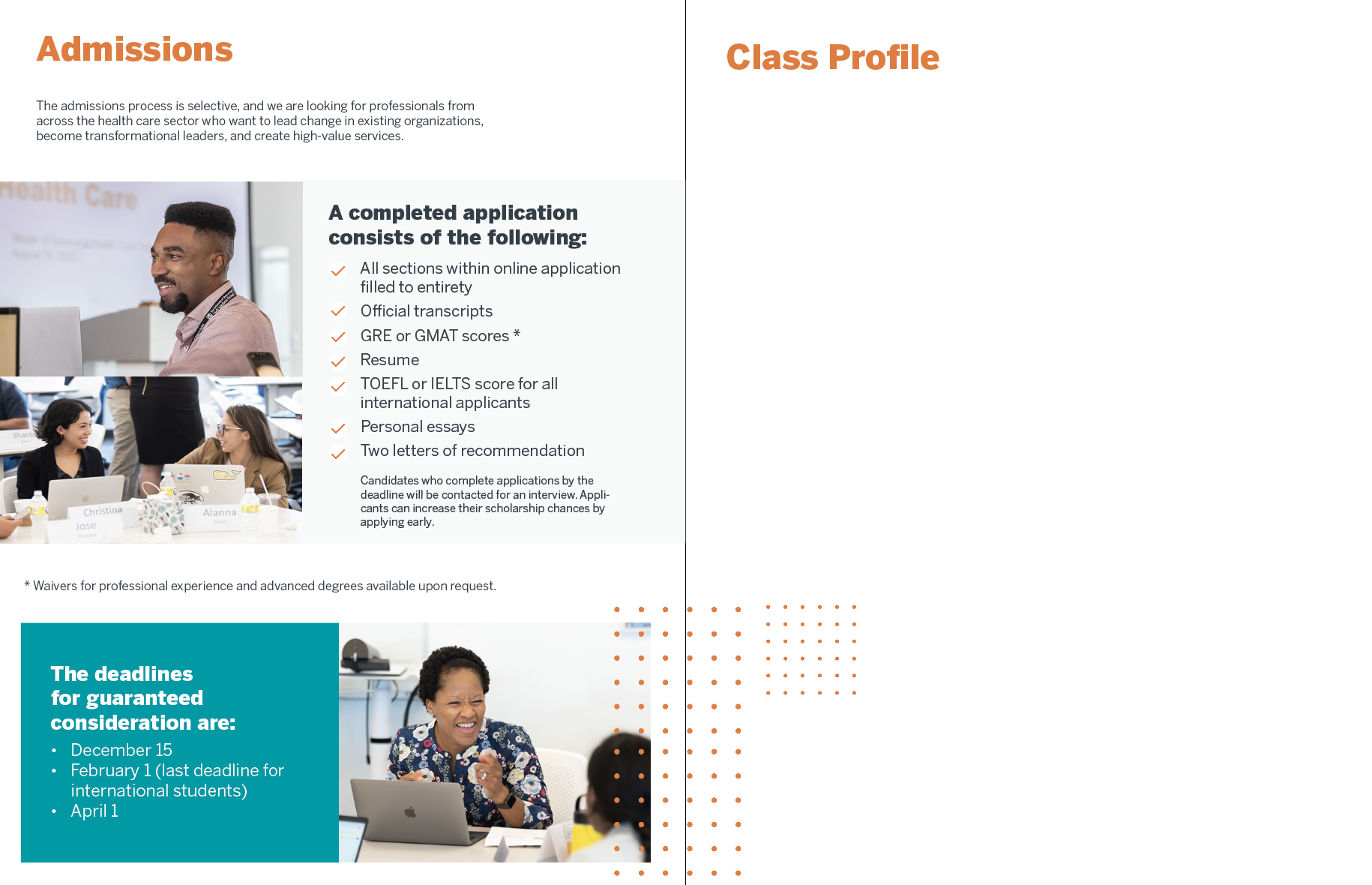
Project: STA Design Team Poster

Start: September 13th 2022

Complete: Oct 13th 2022

Staff Guidance: De’sha and Leilani

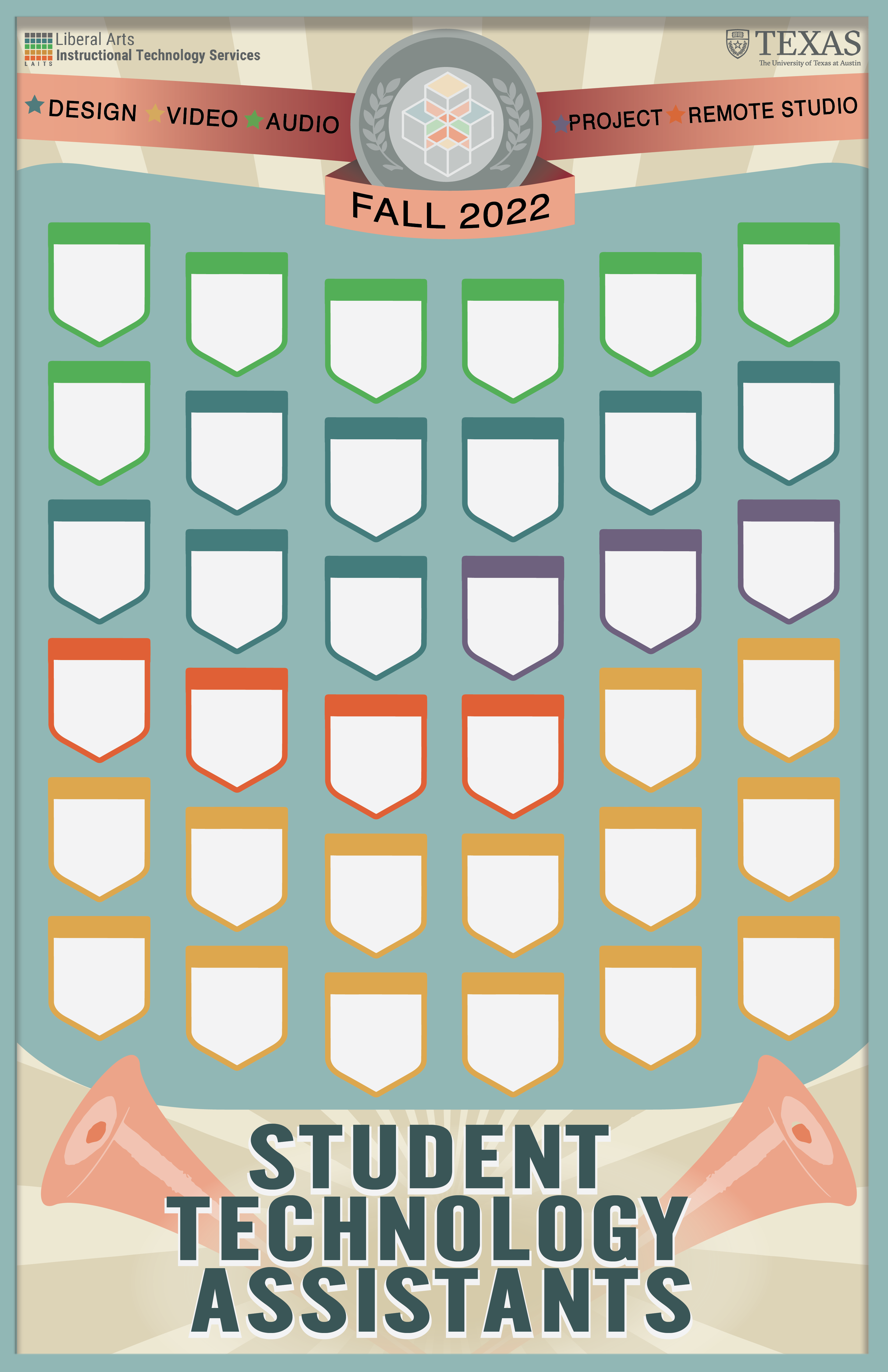
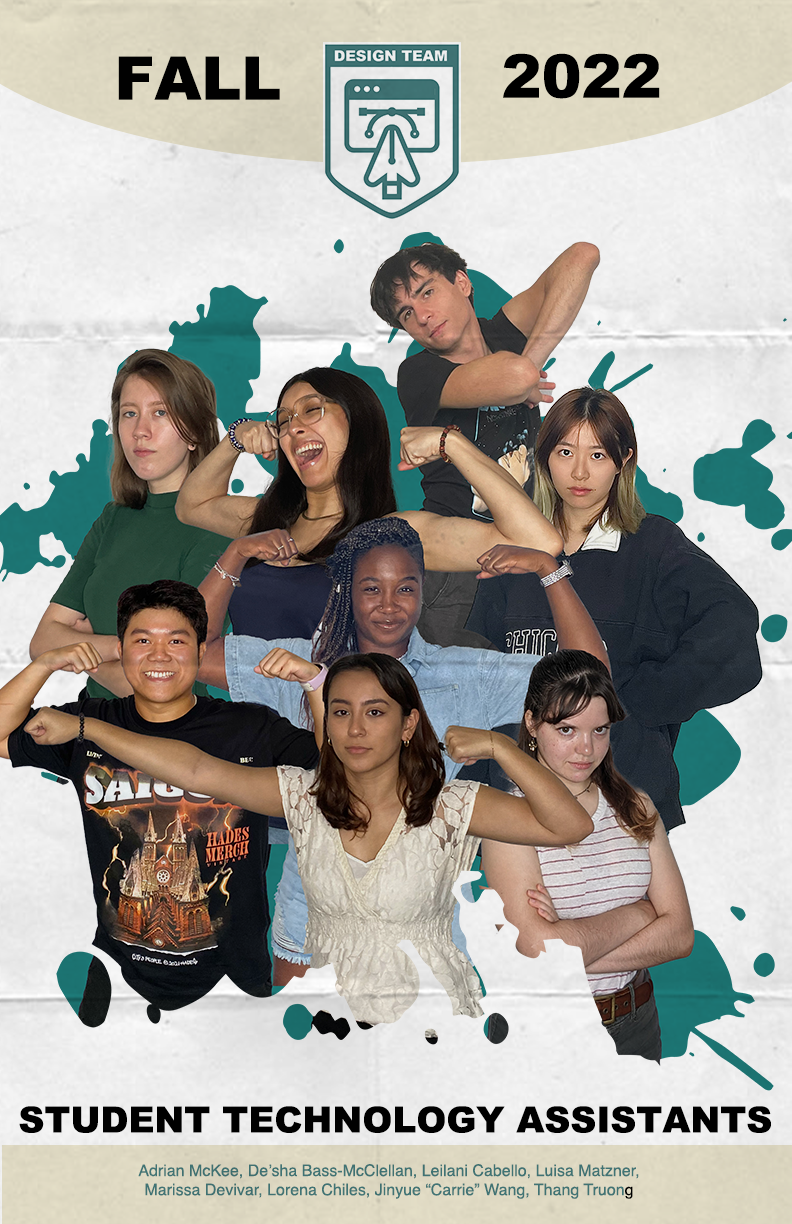
This time I changed the photos of Thang so that his portrait could make symmetry with Lorena and therefore create harmony in the poster. I also remove the paper texture since it may be low-quality after printing it. Regards to the consideration of printed poster, I learned what is dpi (dots per inch) and ppi (pixels per inch). The default dpi for web view is 72 but it’s better to have 300 dpi if we’re going to print it out. Once ensuring the poster is 300dpi and CMYK, I go to File > Save As > Photoshop PDF > “High Quality Print” & Save.

Here is the final version:


Project: History of Design

Start: Oct 12th 2022

Complete: Oct 12th 2022

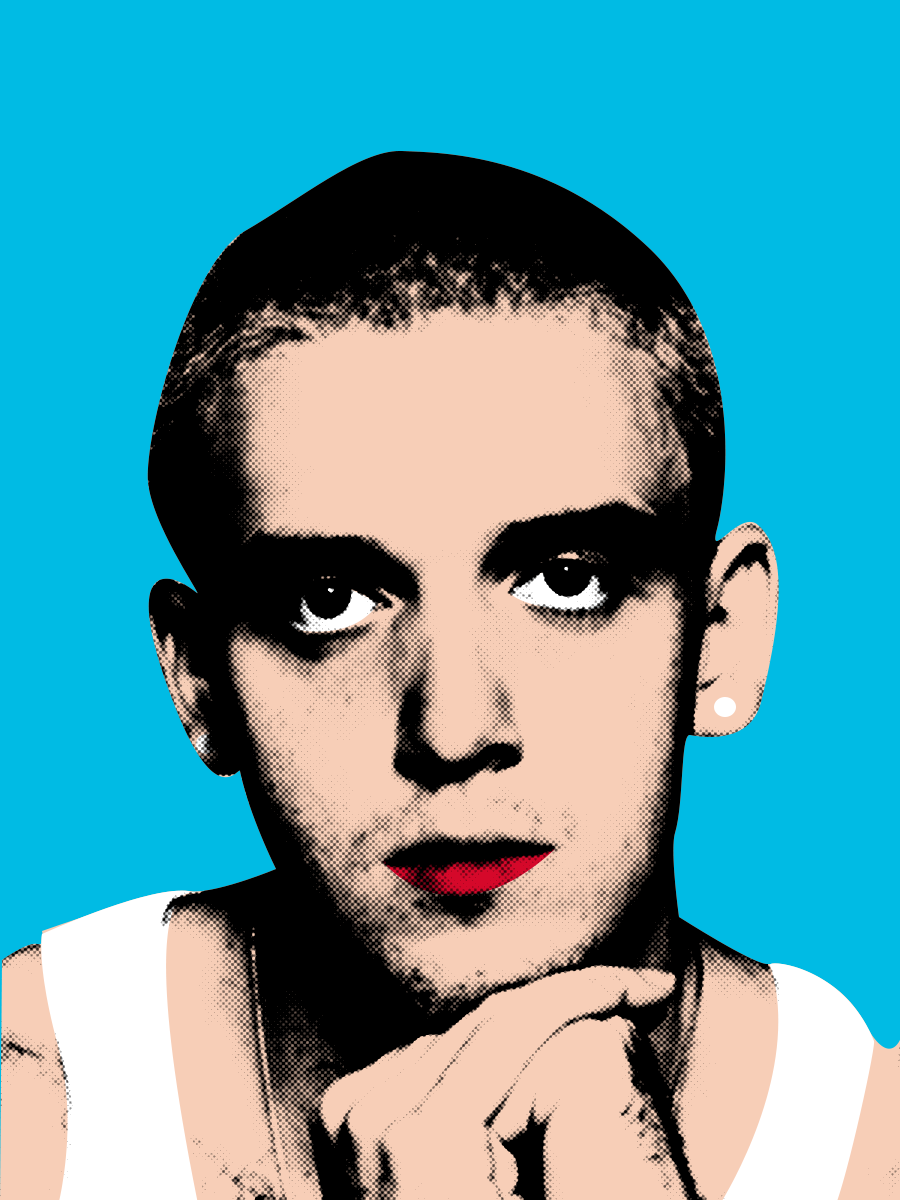
I chose to work on the Pop Art movement and made a celebrity portrait for it. I was attracted by the bright colors and the dots effect applied to it. Meanwhile, the contrasting color forges the irony and satire so the boundaries between art and culture are blurred. All of these elements attract people’s attention so it became an enthusiastic endorsement of the capitalist market!
I stayed with the classical style with it since I’d like to learn how to make the dot effect in photoshop (my most experience is in Illustrator so I’d like to change myself!). I think it’s a quite useful photo-processing tool in the future, especially for vintage style. The only way I know to make the dot effect is the color halftone under the pixelate section inside Filter. Now I explore Filter > Filter Gallery > Sketch > Halftone Pattern, which allows me the chose the dot color inherently instead of masking it later. It also leaves the white place white rather than filling in with small dots.
I also learn several shortcuts in photoshop:
Comd + Shift + U > Desaturate
Comd + Shift + L > Auto Tone (dark darker and white whiter)
Comd + J > Copy

 

Project: Create Pixel Art in Illustrator

Start: Oct 13th 2022

Complete: Oct 17th 2022

During this training, I learned several new tools in illustrator!
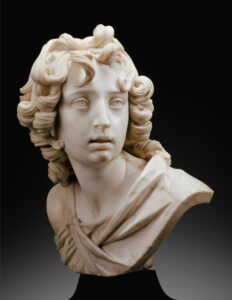
When I first glanced at the title of this training, I thought it was going to pixelate pictures using the low-resolution function in photoshop but I’m surprised to find out it’s actually created in Illustrator. The main tool I used is called “Rectangular Grid Tool” (create grid template for the picture) under the line tool and “live paint Bucket” (paint on each box inside the grid).
These tools may seem exclusive for pixel. There are other tools extremely useful in this training:
  • Customized Color Group. I knew I can save individual colors into the swatches but now I found out it’s pretty effective if I create a new swatch for them so I can switch between by only clicking left and right arrows on the keyboard when I apply “live Paint Bucket”
  • If you change the color in the swatch, all colors on the artboard would change automatically
  • Recolor Artwork. The function allows me to change the tone, saturation, and other colors to adjust as a whole group. Useful in future design!!
 

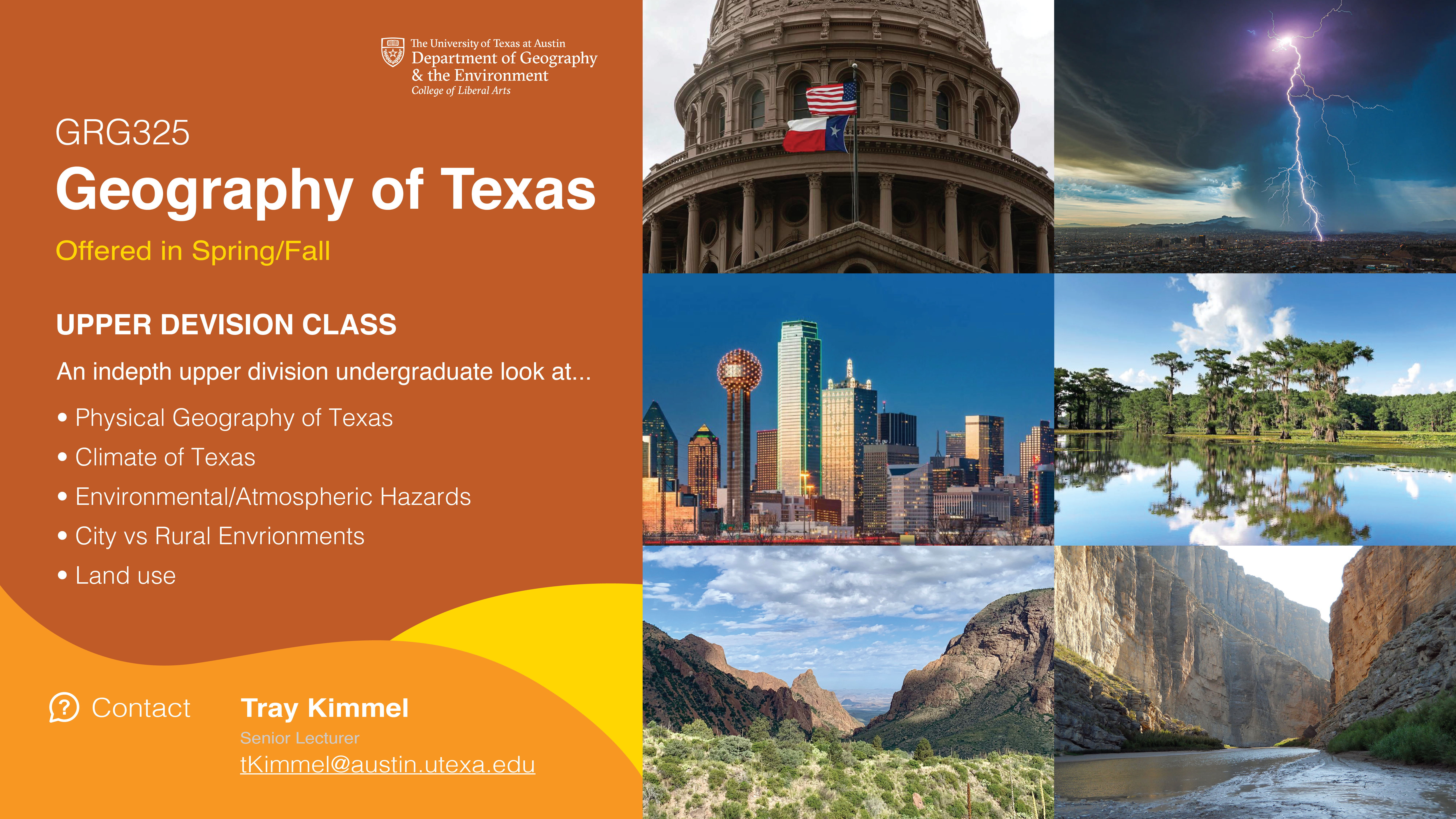
Project: 2022 GRG Flyer Promo

Start: Oct 17th 2022

To be Completed: Oct 21th 2022

Staff Guidance: Valerie

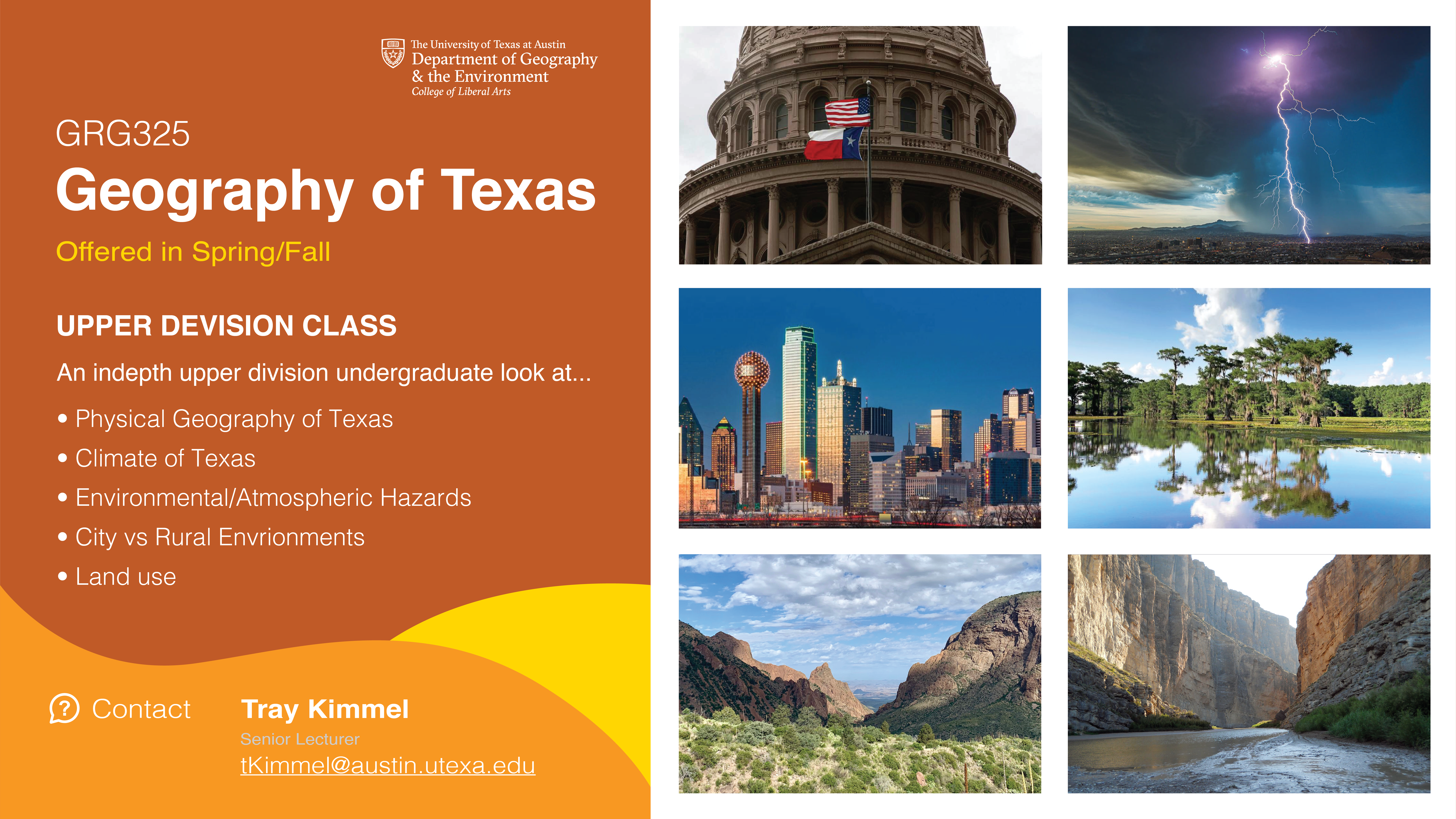
This week I started on a new project, which is to promote a class called GRG325 Geography of Texas for Department of Geography & the Environment. I created three versions of flyers in the first round but I’m still struggle with how to display six pictures aesthetically besides the promotion content.


Filed Under: Fall 2022 - Spring 2023

Week 10/4 – 10/11

October 11, 2022 By Leilani Cabello

Hello! My past week has been slow yet productive, here are some of the things I worked on!


Pixel Art Training Module

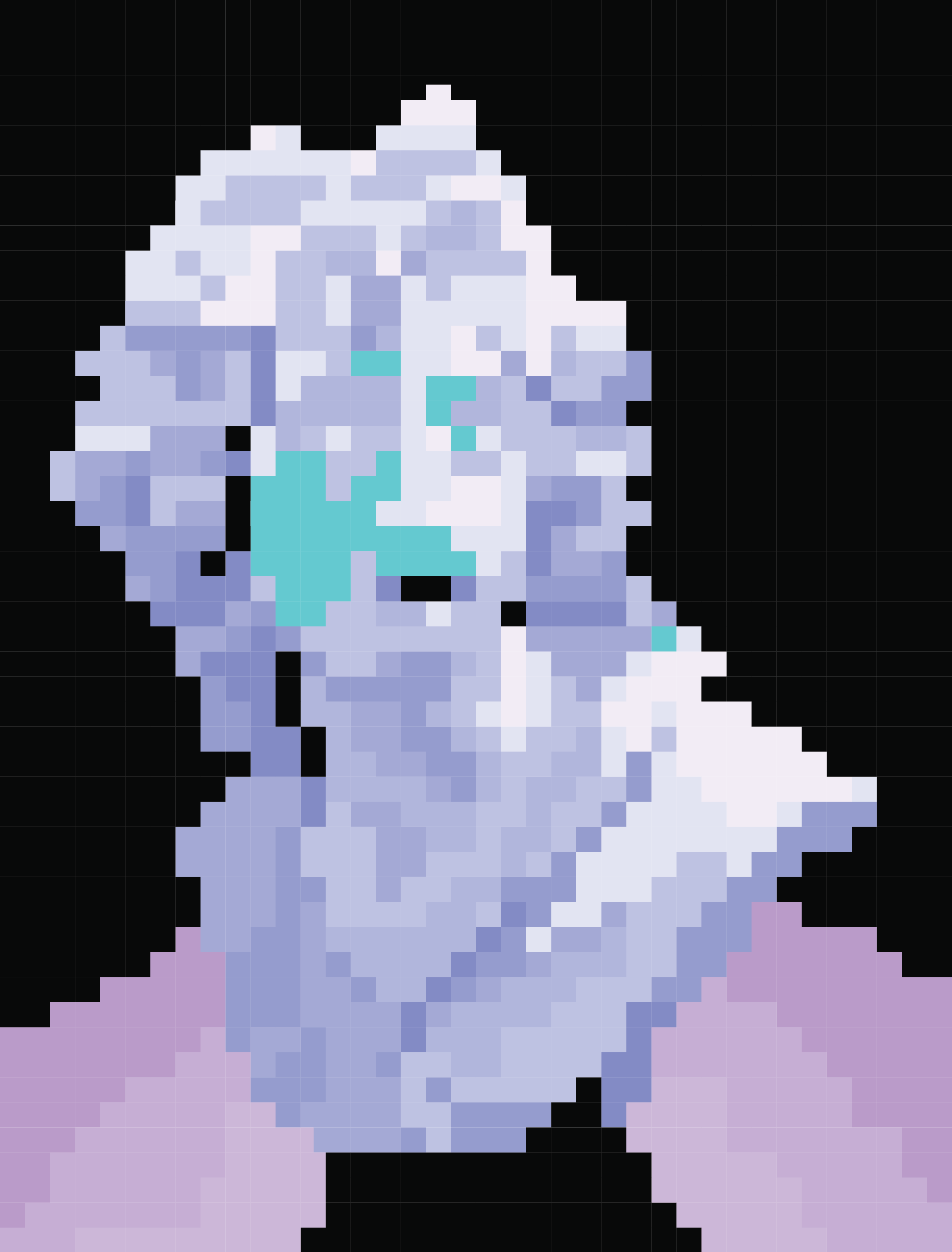
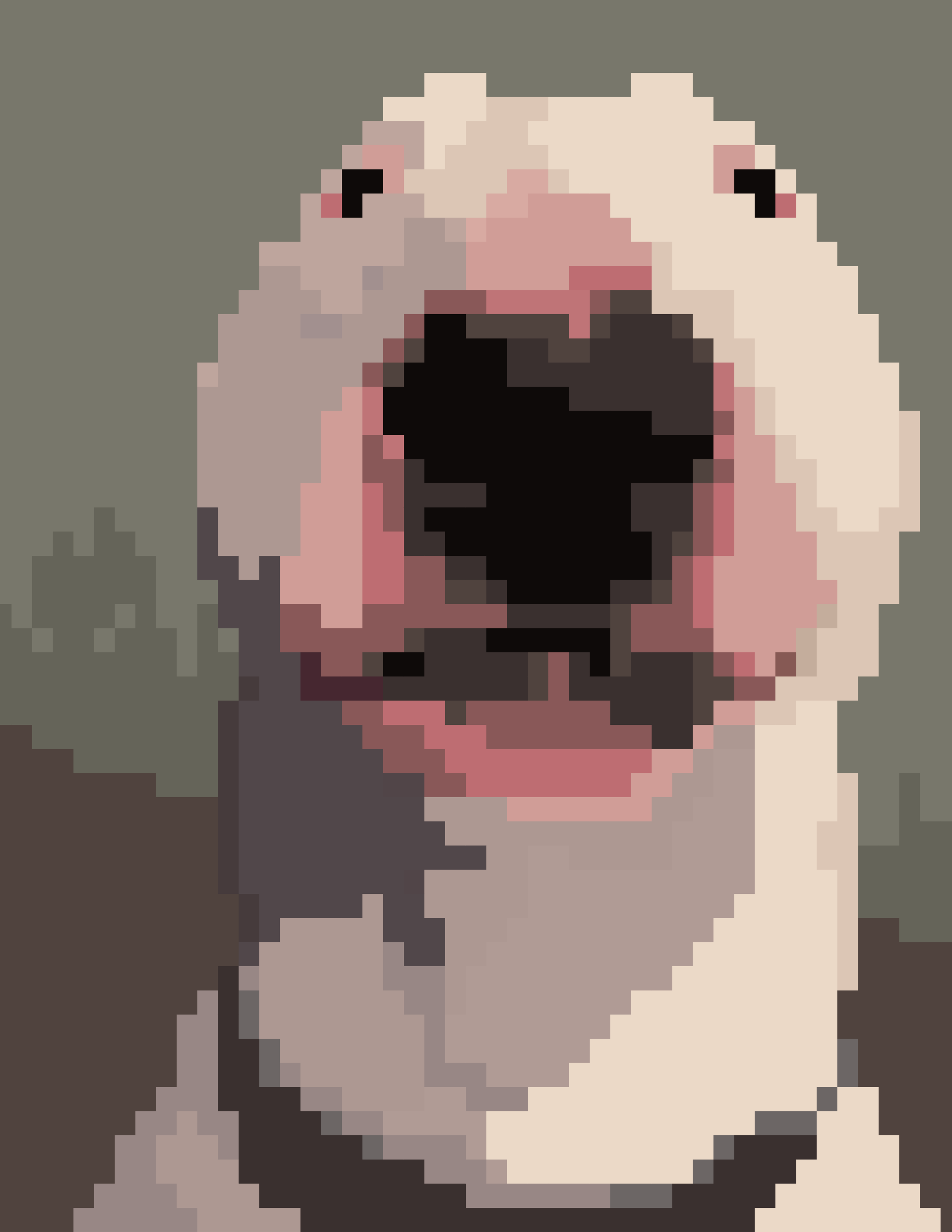
I was able to complete a training module on how to turn an image into pixelated art through Adobe Illustrator. Here is a before and after shot of a silly meme from the internet (it’s a bull terrier btw).


before:                                                                                after:


UTFC Green Screen

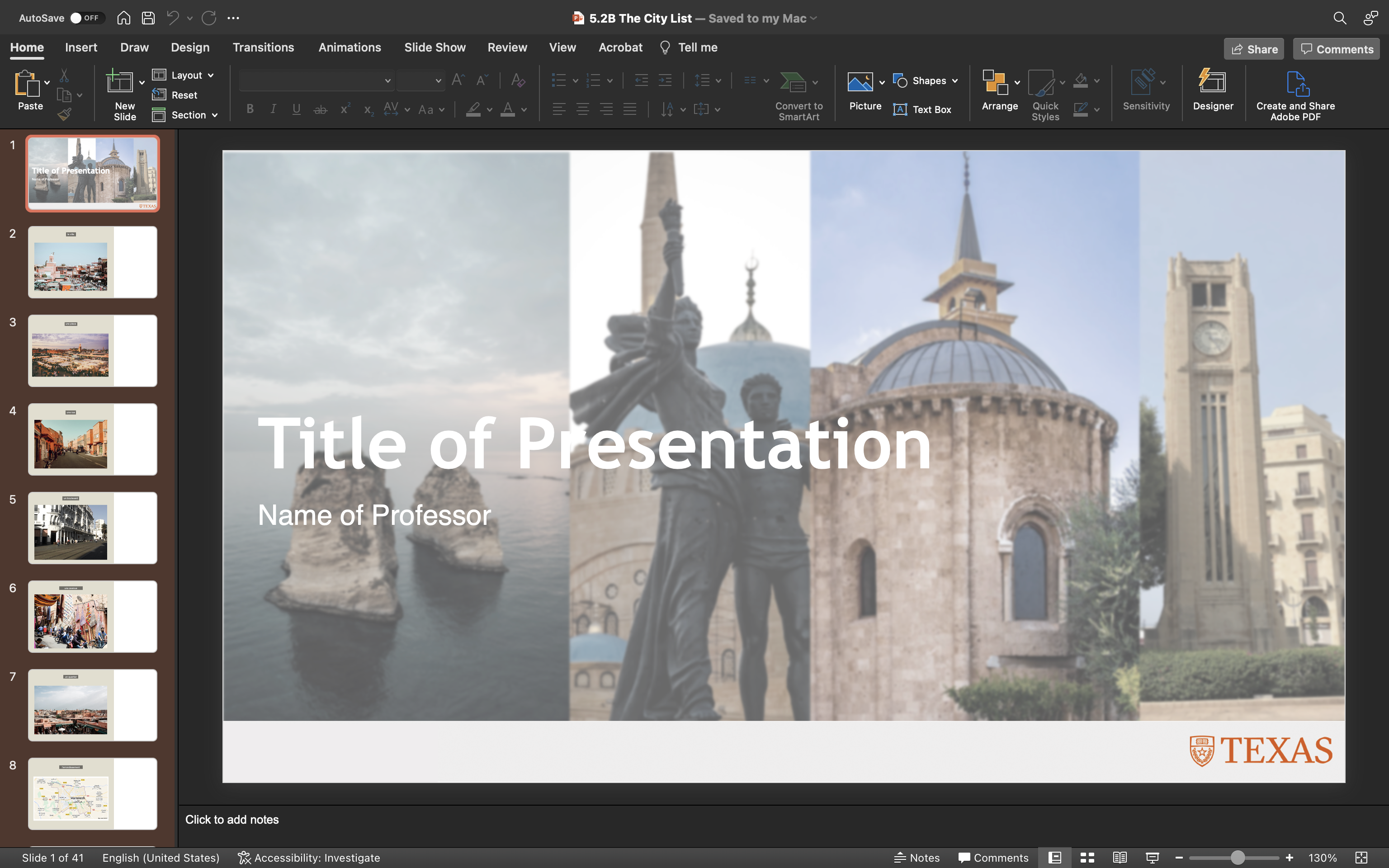
Aside from the training, I took a good amount of time attempting to find pictures of city elements in Marrakech, Morocco. The assignment was called “5.2B The City List” for the ongoing UTFC project.


STA Poster Timeline

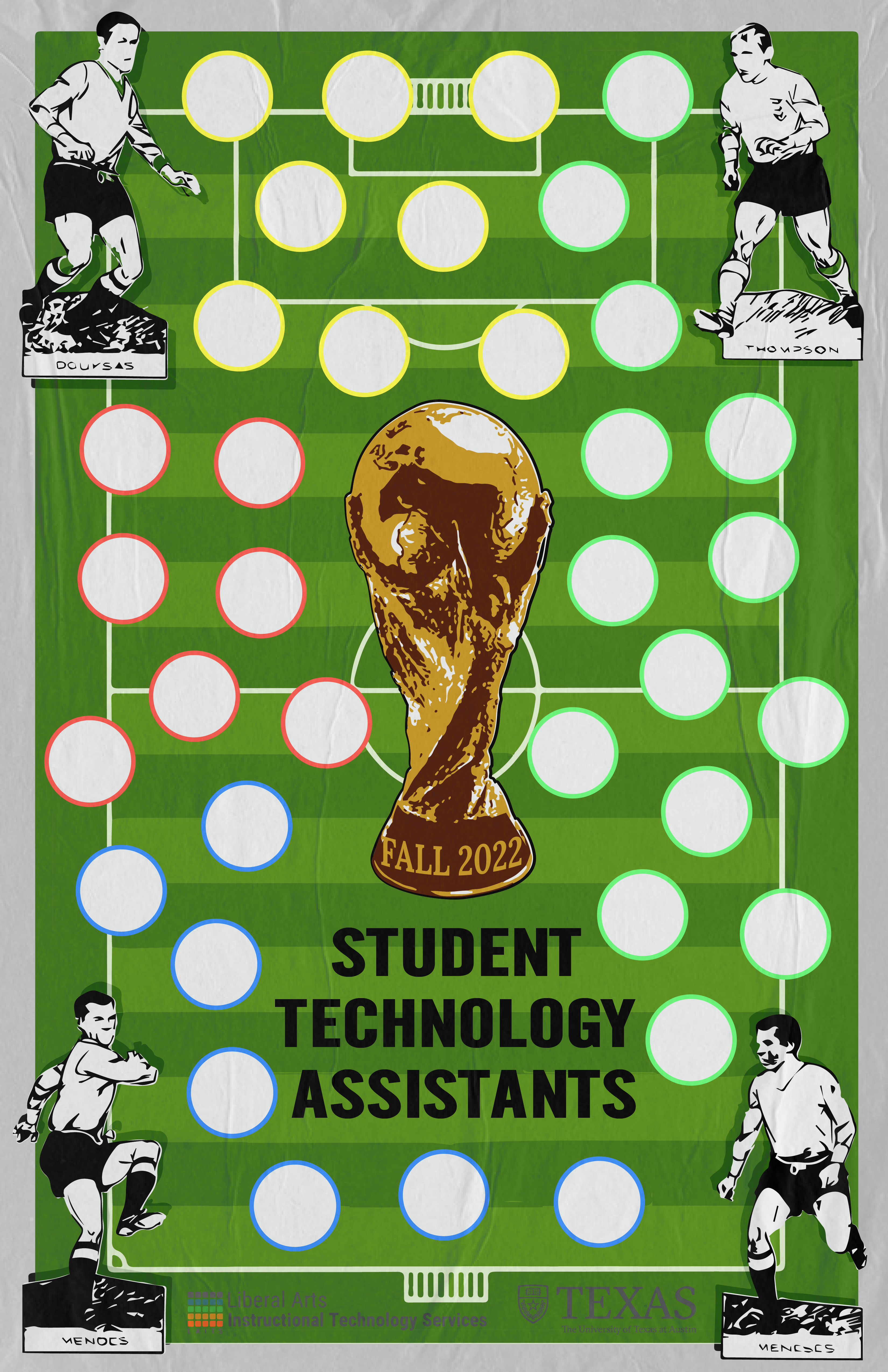
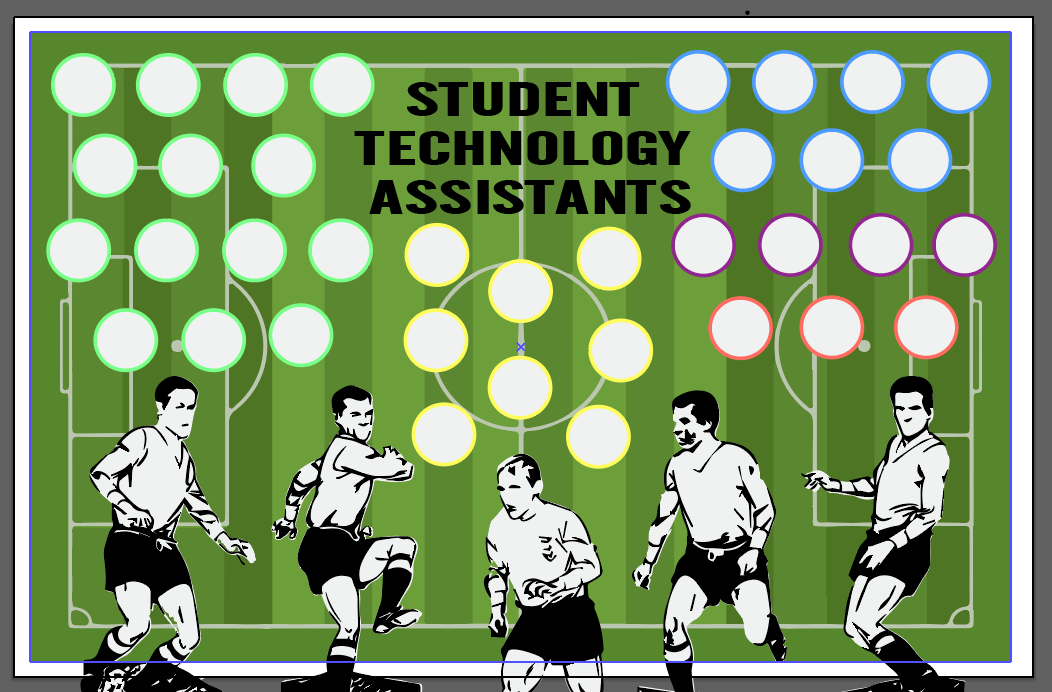
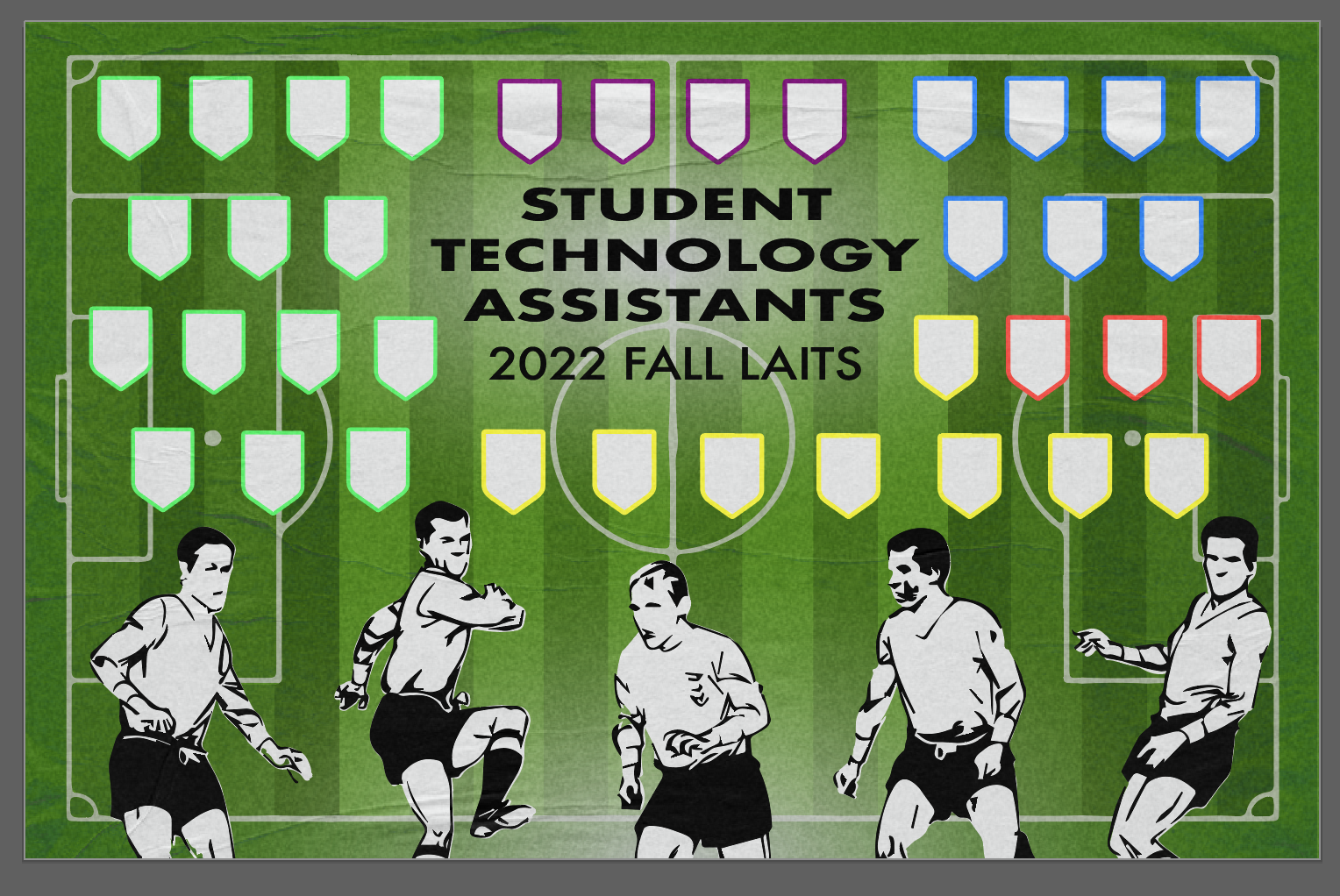
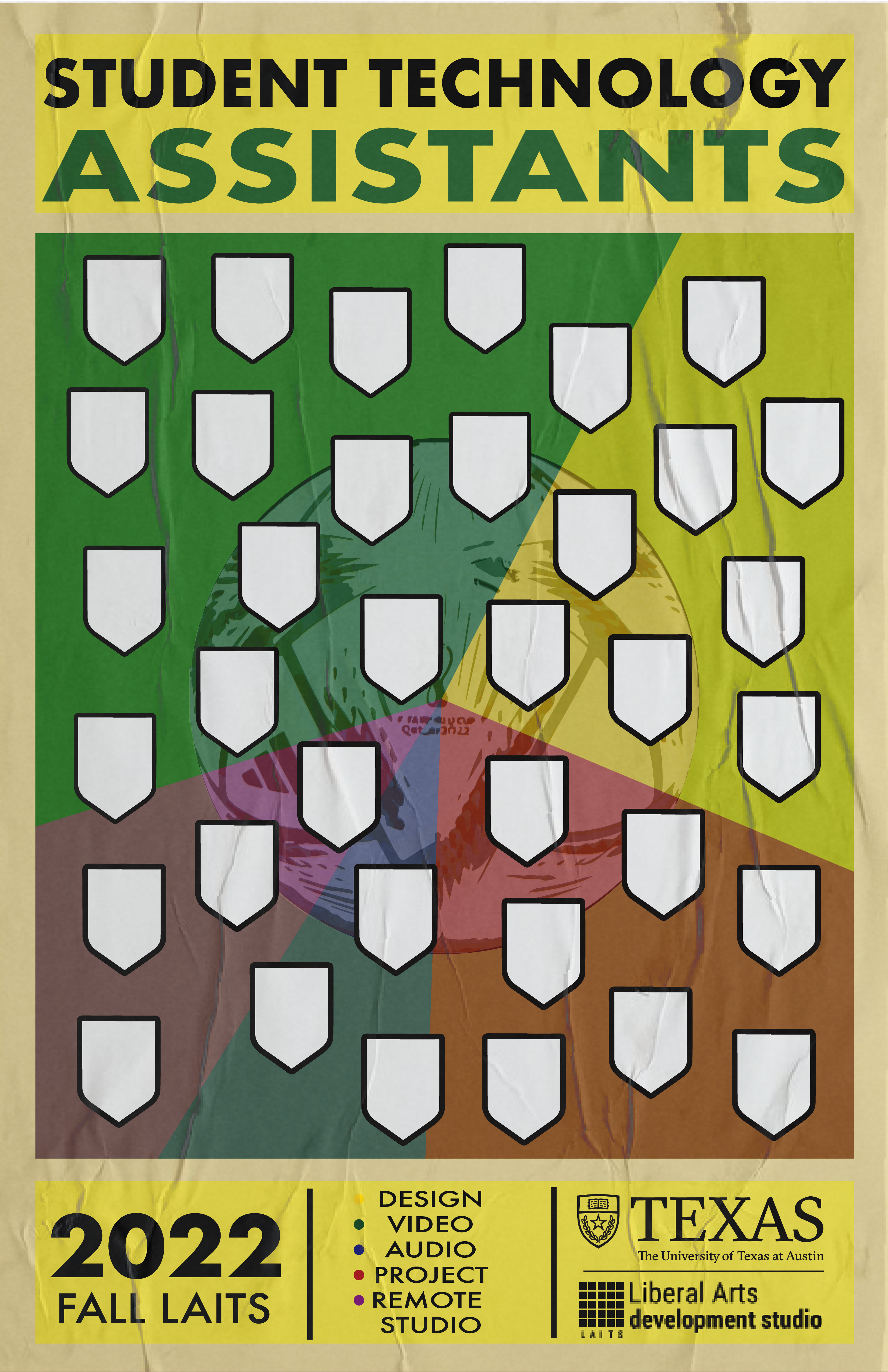
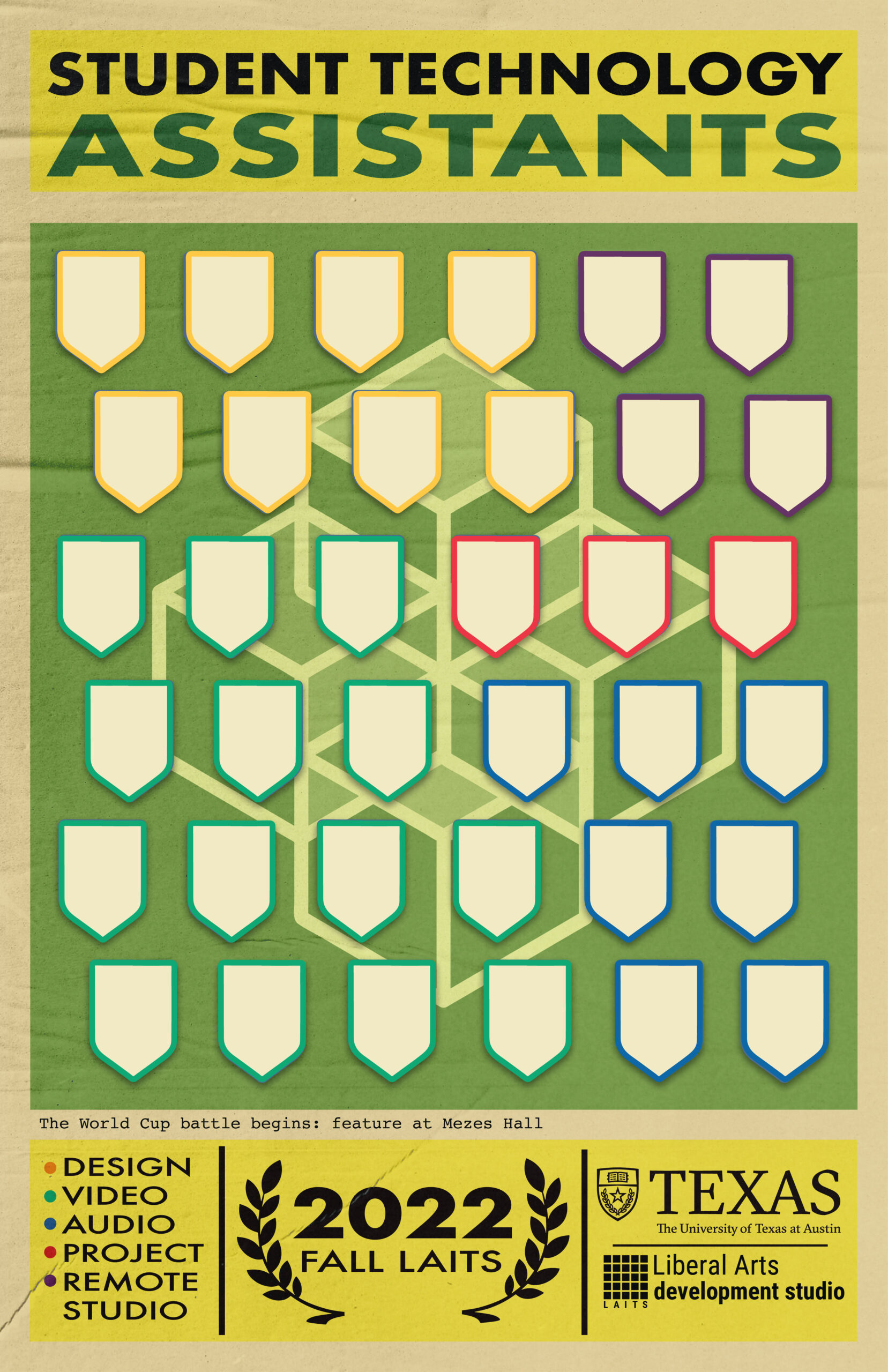
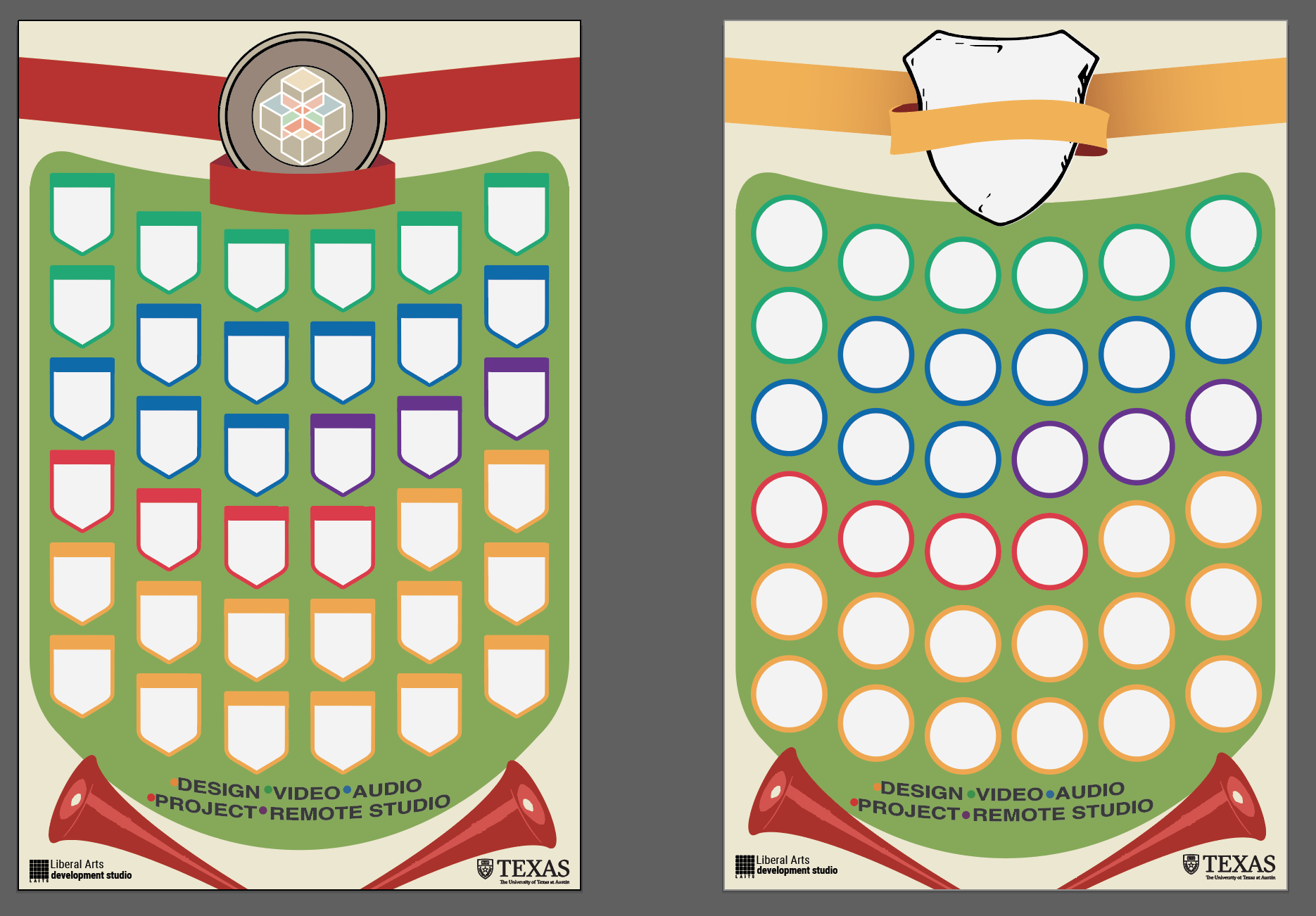
Lastly, I wanted to give a brief timeline of the steps I took to complete the STA poster for Fall 2022 that was showcased in my last blog post.


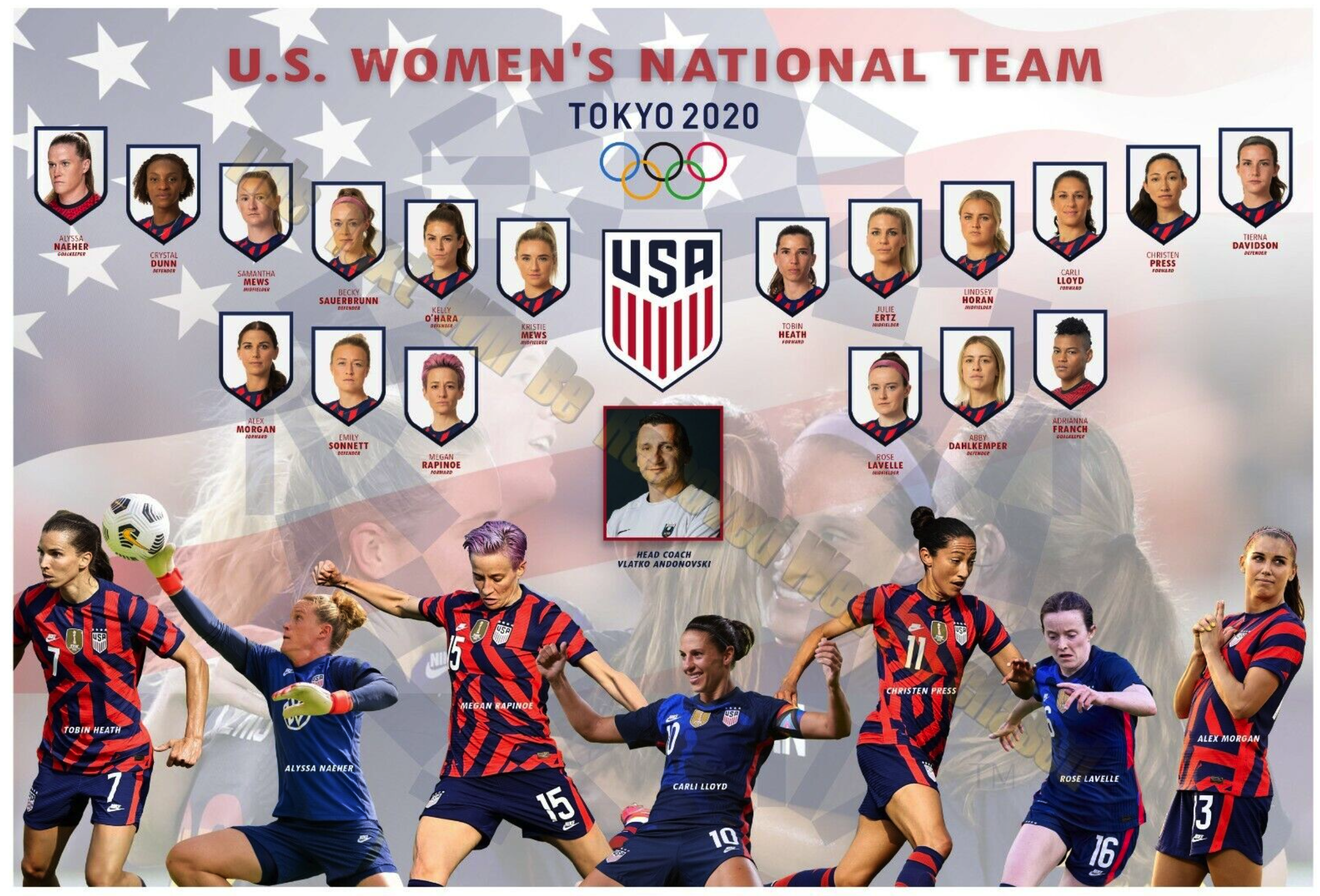
given inspiration:


found inspiration:


draft #1:


draft #1 expanded:


draft #3:


draft #3 expanded:


draft #4:


draft #4 expanded + inspiration:


final poster:


final poster in the flesh😎:

Filed Under: Fall 2022 - Spring 2023

The Brochure Continues

October 11, 2022 By Luisa Matzner

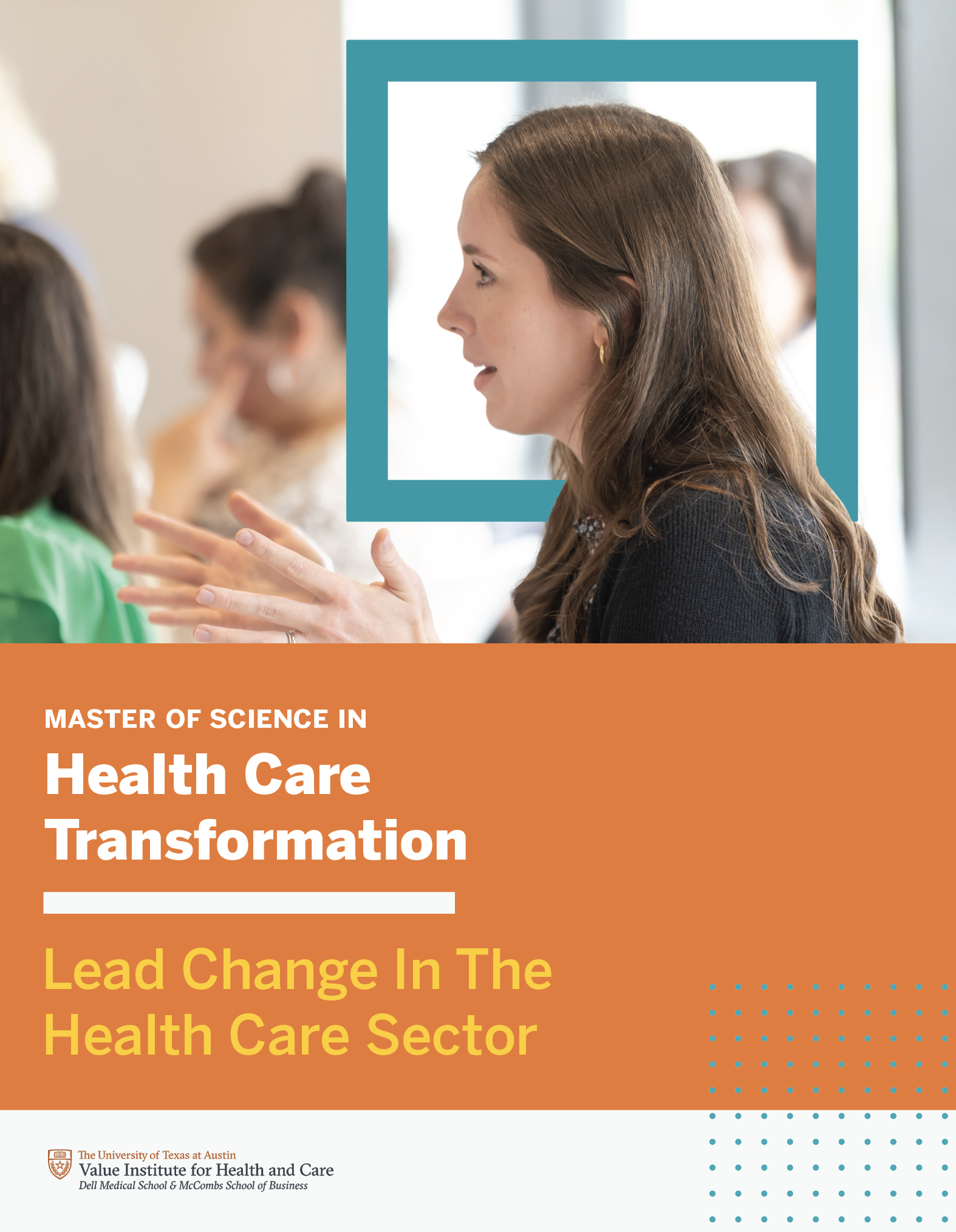
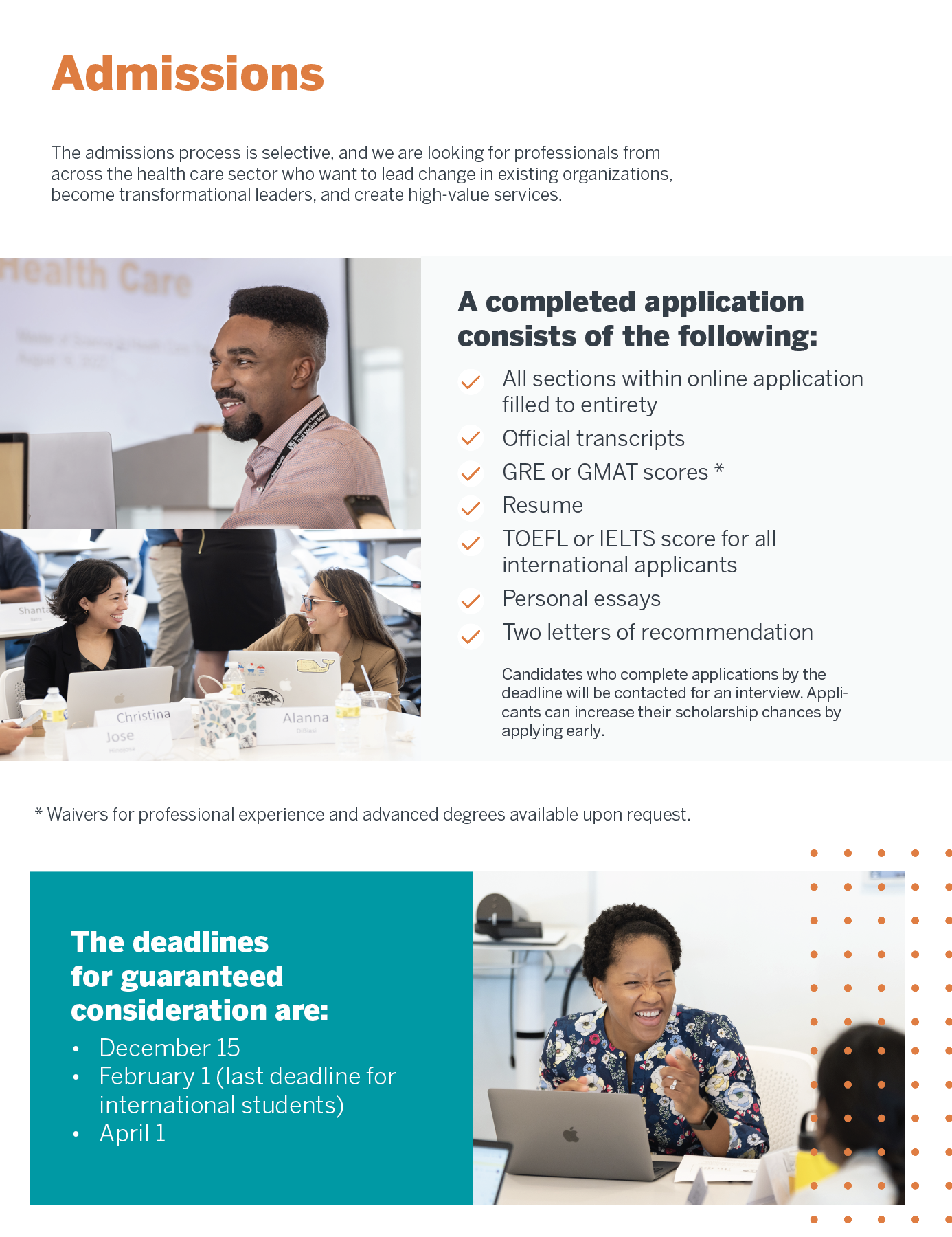
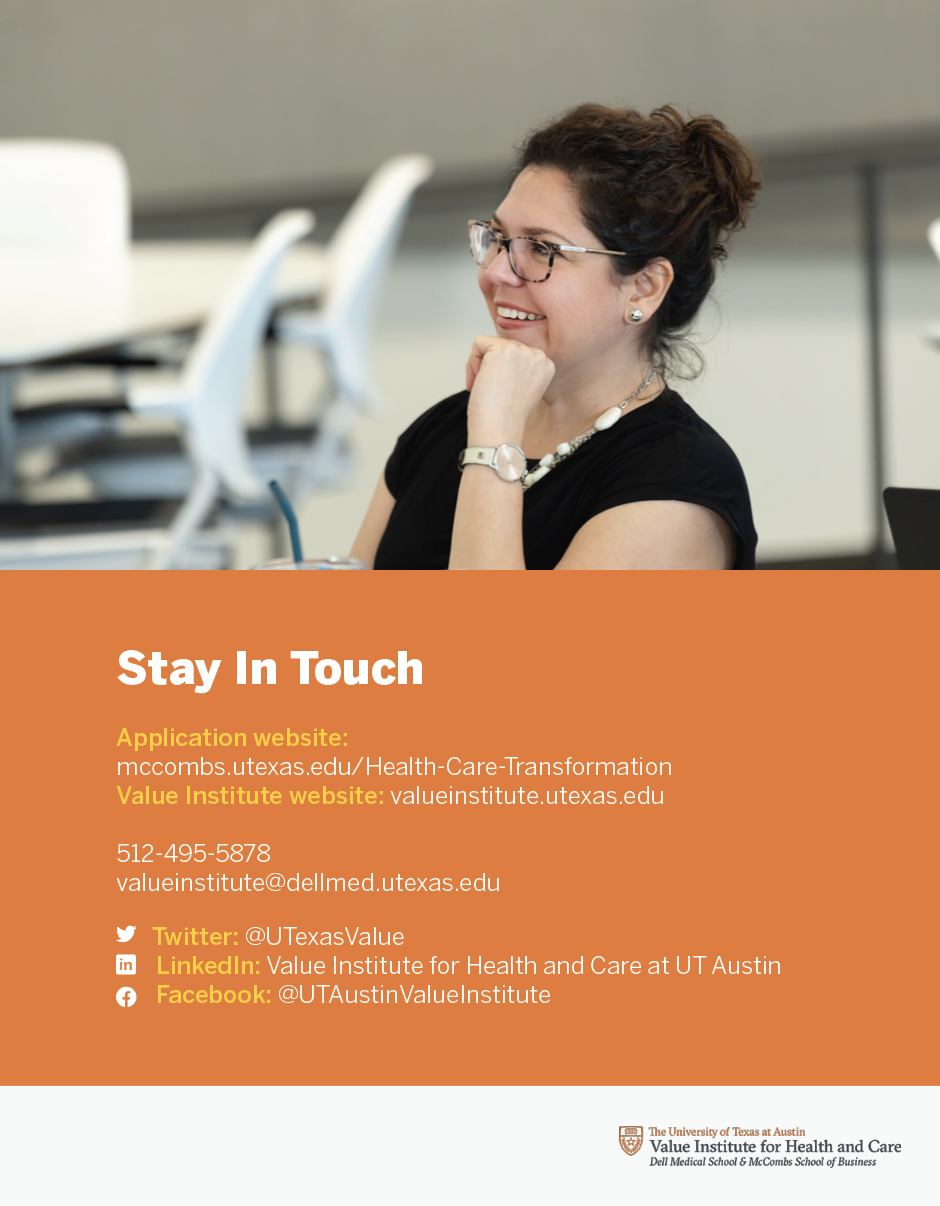
Value Institute Brochure

Thursday Update

I was able to get valuable feedback from Maddy on Wednesday, which has given me a lot to think about and edit. Here’s the first round of edits from the meeting, mainly consisting of layout experimentation. I’ve also been considering photo choice and seeing how to best optimize the images I’ve been given to work with.

Monday & Tuesday Update

I received another two rounds of feedback this week, and we’re nearing a finalized draft to send to the client. Main changes include how to incorporate which colors where, edits to the bespoke dot pattern, and final layout tweaks on some of the spreads.
I was cleaning out the desktop yesterday, and it really is wild how far the brochure has gone from the beginning. The changes seem so small and unnoticeable, but put them all together and you can really see the progress.


Filed Under: Fall 2022 - Spring 2023

XLIX

October 11, 2022 By Adrian McKee

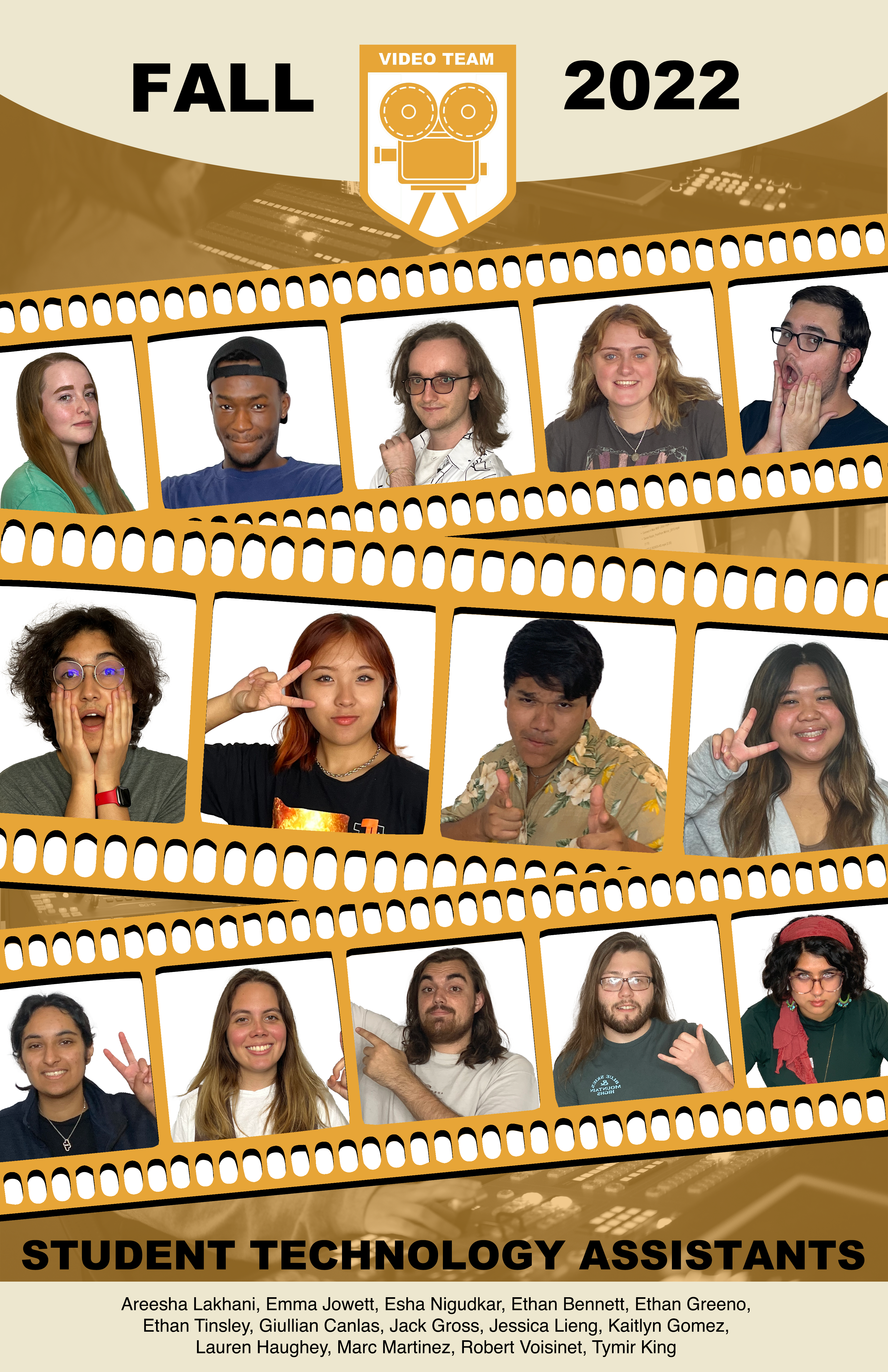
Fall 2022 STA Poster

The video STA poster has gone through a few tweaks, but nothing huge. Mostly, the color has changed.

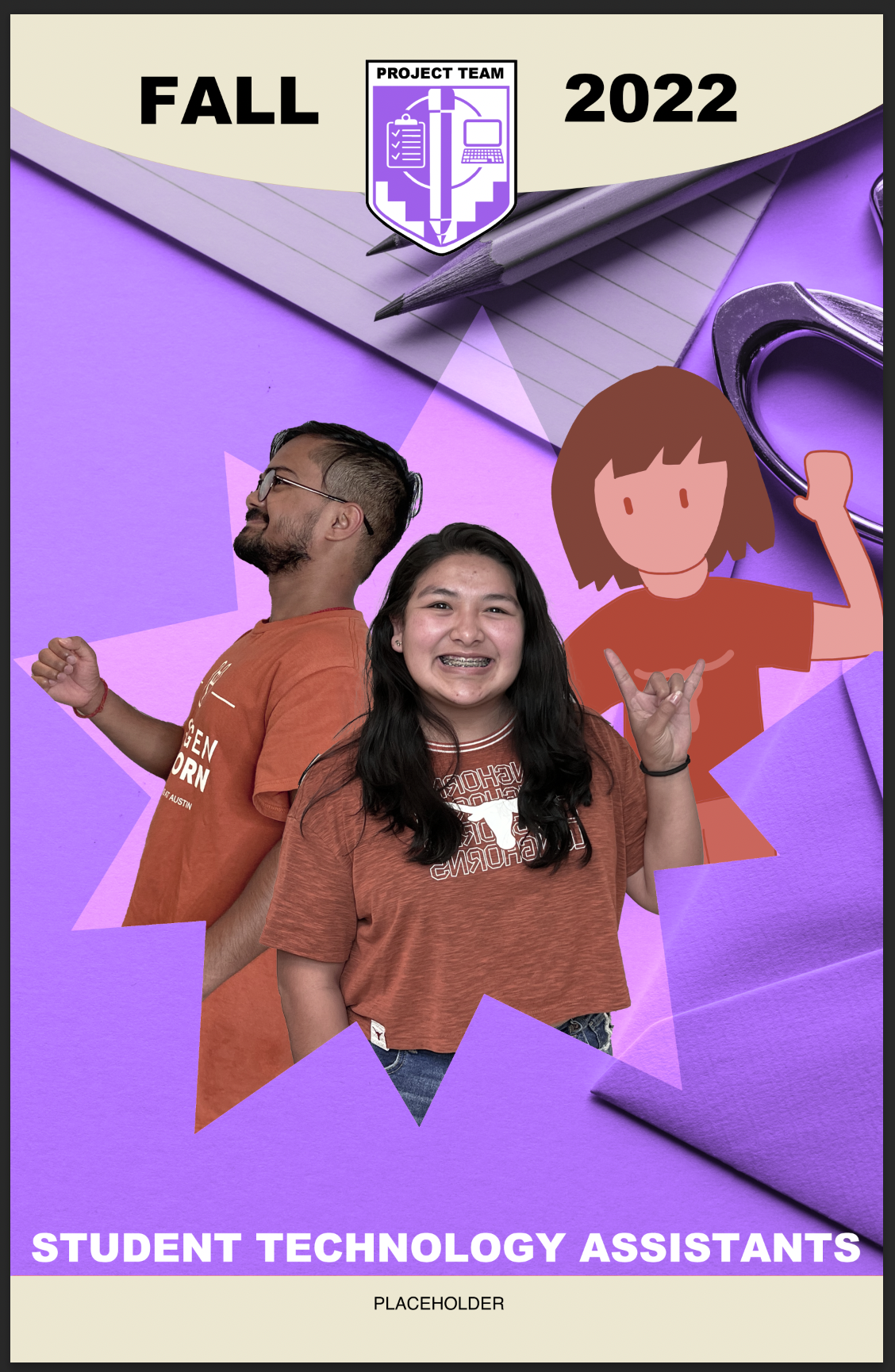
Meanwhile, I’ve started the project STA poster. This one was more unconventional, because one STA doesn’t have a photo available. My very first idea was… some sort of comic book pop-out effect?

I was told to tie in the team’s work/materials more, which I don’t know much about myself, but based on the logo it has something to do with paperwork and logistics, so I replaced the background with a stock photo. I also had forgotten the color shift, so… draft 2!

One big thing is that I need to redo the placeholder illustration. I was suggested to try vector graphics, which I’m not very good at, but I may be able to steal Lorena’s template.

Not a whole lot for one week, but the second poster has taken a bit of planning and communications. I also worked on more French slides, which I won’t note here yet, because most of it still needs to be redone.

Filed Under: Fall 2022 - Spring 2023

Week 5

October 10, 2022 By Carrie Wang

Week 5

Project: STA Design Team Poster

Start: September 13th 2022

To be Completed: September 29th 2022

Staff Guidance: De’sha and Leilani

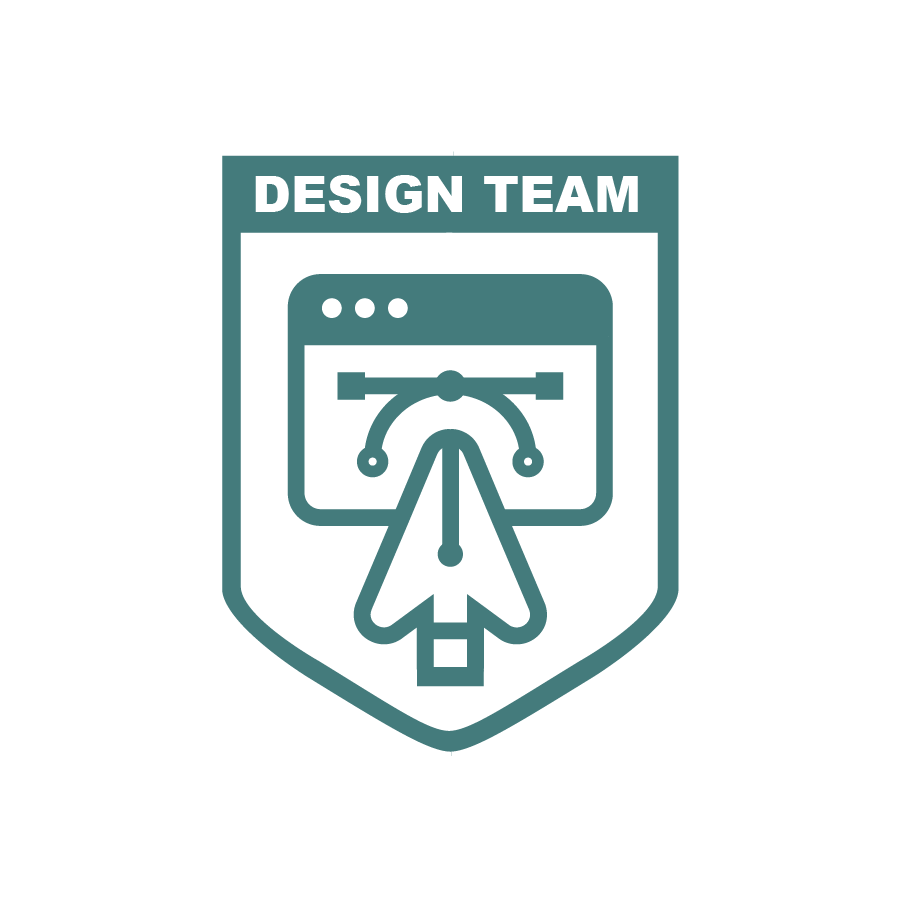
This week I tries my best to simplify the design of the crest. I decided to get rid of the global is the crest is able to be more clean and less crowded.
Leilani gave me more suggestions more the crest design and finally we have this crest with all same line weight. From De’sha: “we are highlighting how it is the creation of the websites that we view daily. This is shown with the web window and the cursor. The design element is highlighted with the pen tool and the curve tool. Which is an element graphic designs have to use often. With the cursor and the pen tool combined, it helps simplify the design and it also showcases how our department is a combination of both teams working together.”For the poster design, I tried to expand everyone’s bust and let them overlap with every other to enhance the connection.

Leilani suggestion me to put everyone is one splash so I did this quick mockup. We’ll find out a way to incorporate everyone well.

Project: CTX Retold

Start: Sep 27th 2022

To be Completed: Mid Oct 2022

Staff Guidance: Maddy

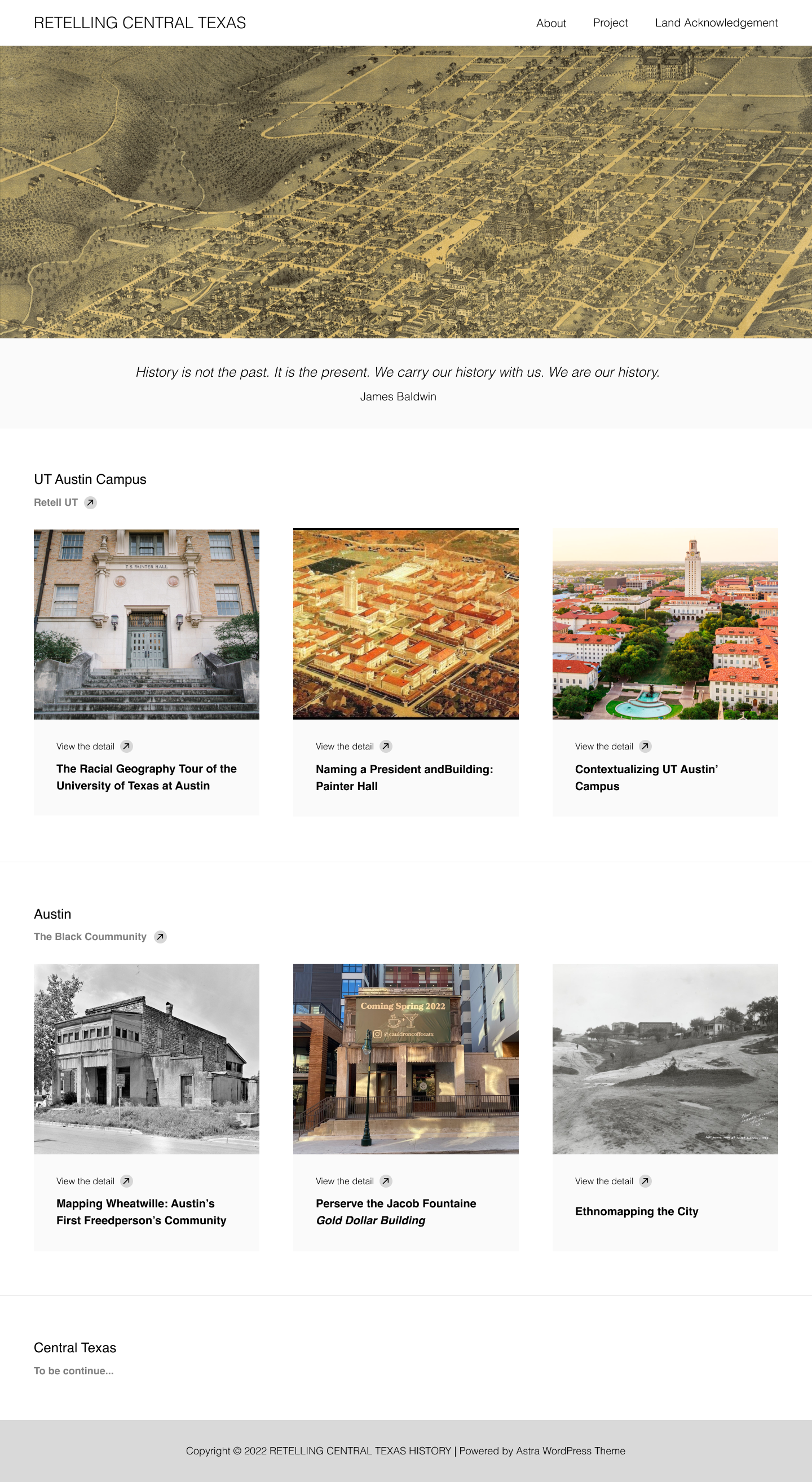
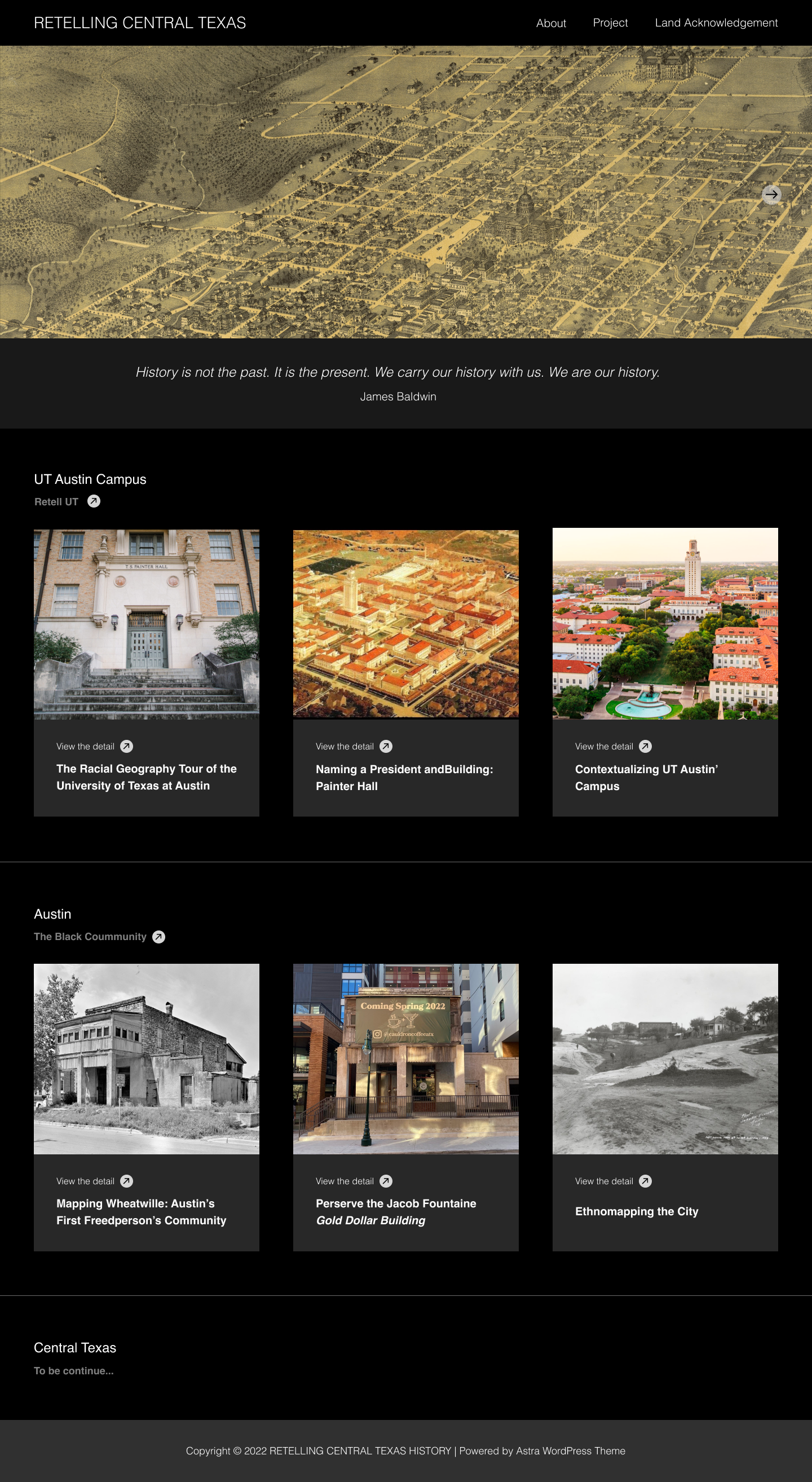
I developed the my wireframe in Figma according to eji.org. Here is the site in light mode and dark mode. I also update the fixed banner into a slider so there are more images can show on one single page. Figma presentation: https://www.figma.com/proto/cCH6gBareq60356Cxbvk6H/CTX-Retold?node-id=2%3A2&scaling=contain&page-id=0%3A1.


Filed Under: Fall 2022 - Spring 2023

Planning, Search, and Reasoning Under Uncertainty Logo Finalization

October 10, 2022 By De'sha Bass-McClellan

Planning, Search, and Reasoning Under Uncertainty Logo Finalization

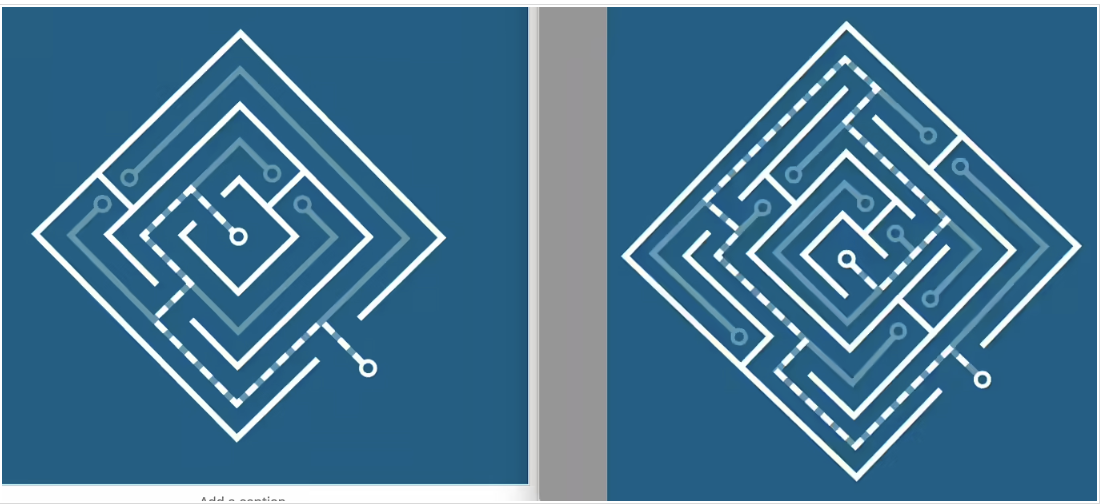
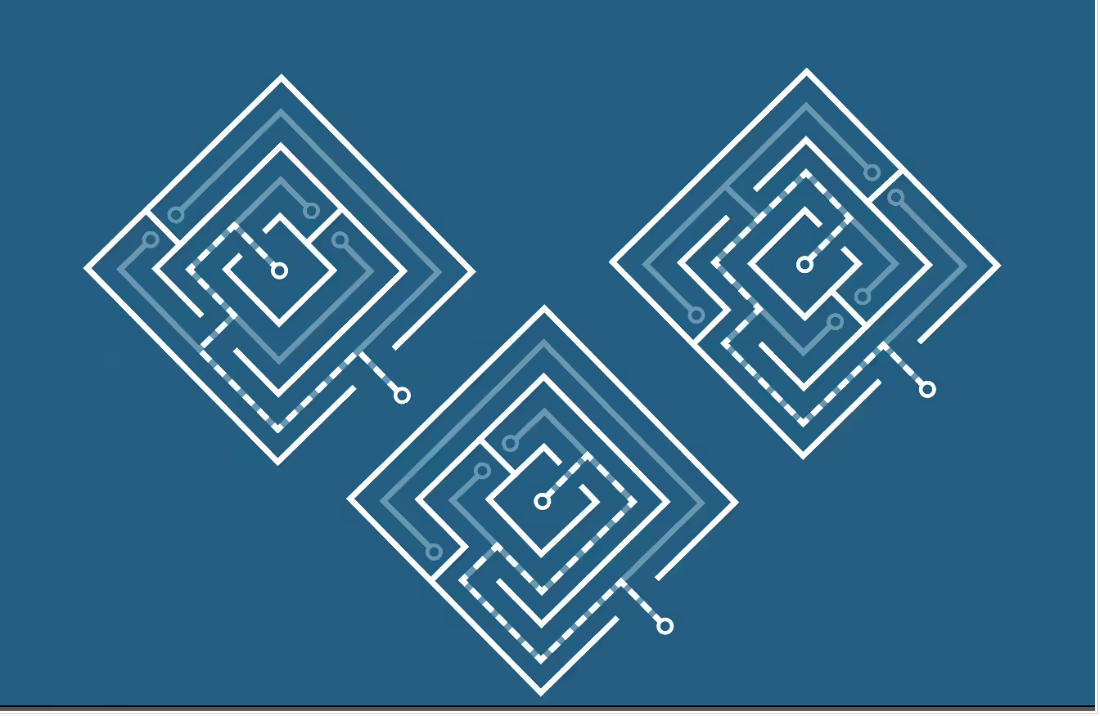
These were the two initial iterations of the logo design. The right one showcases the complexity of the course, but the left one is simpler and easier to read as a design. I felt that it was best to continue with the left logo and find elements that are within the right logo to incorporate to make it more complicated.

These are the various versions of the simplified logo with different path options to make it a more dynamic design. I personally felt the the top right was the best option.

Now, I’m trying to figure out which is the best layout in terms of readability. We want to make sure the viewer can see the path through the maze easily but it’s also a strong logo.

Filed Under: Fall 2022 - Spring 2023, We are STAs

  • « Previous Page
  • 1
  • …
  • 34
  • 35
  • 36
  • 37
  • 38
  • …
  • 50
  • Next Page »

link to LAITS home page

Video STA Home

© 2025 Liberal Arts Instructional Technology Services | Production Credits