• We are STAs
    • Asha Rountree
    • Haley Ma
    • Kate Shih
    • Kyra Lee
    • Nicholas Peasley
    • Sasha Kenney
    • Shanda Horm
    • Shriya Atreya
    • Tomas Marulanda-Mesa
  • We were STAs
  • STA Presentation
    • STA Presentation 2017
    • STA Presentation 2016
  • Testimonials
  • Resources
  • Home

STA Blog

April 24, 2023 By Isaiah Thomas

Hi Isaiah! 🙂 Welcome to the STA Blog! This the page where your blog posts will published.
You’ll need to design and upload a banner to go at the top of this page.

Upload a Blog Banner


Step One: Design Your Banner

Use these specs when you’re making your banner (can be Photoshop, Canva, etc):

  • Your banner should be 780 pixels wide (the height doesn’t matter)
    • Must include your name, your major, and your expected graduation year
    • Your banner should reflect who you are (your personality, interests or major)
    • If you save your banner as a JPG, make sure sure the quality is high (i.e. at least 60)

Step Two: Upload Your Banner to the STA Blog

  • Log in the the STA Blog here.  You should’ve received an email confirming your new WordPress account with your username and assigned password. If didn’t get it or you can’t log in, ask Suloni or another STA.
  • You’ll be able to change your password anytime by going to Users > Your Profile > Account Management > New Password.

Uploading media and banners in WP

  • Read these links before you upload your banner.
  • They will walk you through how to upload media to your blog.

How to Upload a Homepage Banner

Adding New Posts and Media

https://sta.laits.utexas.edu/blog/2023/04/24/48563-2/

Filed Under: Fall 2022 - Spring 2023, We are STAs

Week 24 – Thang Truong

April 21, 2023 By Thang Truong

Week 24

STA Training: Google Analytics

Started on: April 18, 2023

Completed on: April 21, 2023

Staff Guidance: Stacy

Description: For this project, I got to learn Google Analytics. Basically, it is a tool that can help with tracking the user that visits your website. It can give you a beautiful visual aid that displays different information about the user including the duration of their session and what types of activities they partake when they visit it.

Here are some lessons I learnt about Google Analytics.

1) It is easy to set up google analytics property with data stream in which it connects to a website. Just put a tag in the head of the HTML file. Then, the data collection method will be updated in GA with pretty graphs and everything like that.
2) There is Google Tag Manager that could potentially help with tracking with Google Analytics. The Google Tag Manager is a main hub for any tracking code that you want to add to your website including Google Ads Sense and Facebook Pixel.
3) The Google Analytics provide a very extensive tool for companies to know a lot about the users. They can even track different activities that the user perform from the website including whether they view search results, item list and promotions.


As an exercise of this project, I have worked on moving Google Analytics Account from LAITS to LAITS CMS in order to make it easy for a user group to access it.


STA Orientation:  Welcome  Isaiah Thomas

Started on: April 21, 2023

Completed on: April 21, 2023

Description: For this orientation, I got to introduce myself and the objectives of Web and Design STA. I also walked him through Github training to clone a repository onto his local machine.


Project Google Analytics

Started on: April 21, 2023

Staff Guidance: Stacy

Description: For this project, I needed to check if a website has google analytics or not. So I need to go to each website to install Site Kit and check if there is an existing Google Analytics Account associated with the website or not. If not, then the next step of this project is to actually create and link it to the website.


Filed Under: Fall 2022 - Spring 2023, We are STAs

AVAnnotate Styling

April 19, 2023 By Carrie Wang

AVAnnotate Styling

Start: April 17th, 2023

To be Completed: N/A

Client: Professor

Staff Guidance: Maddy

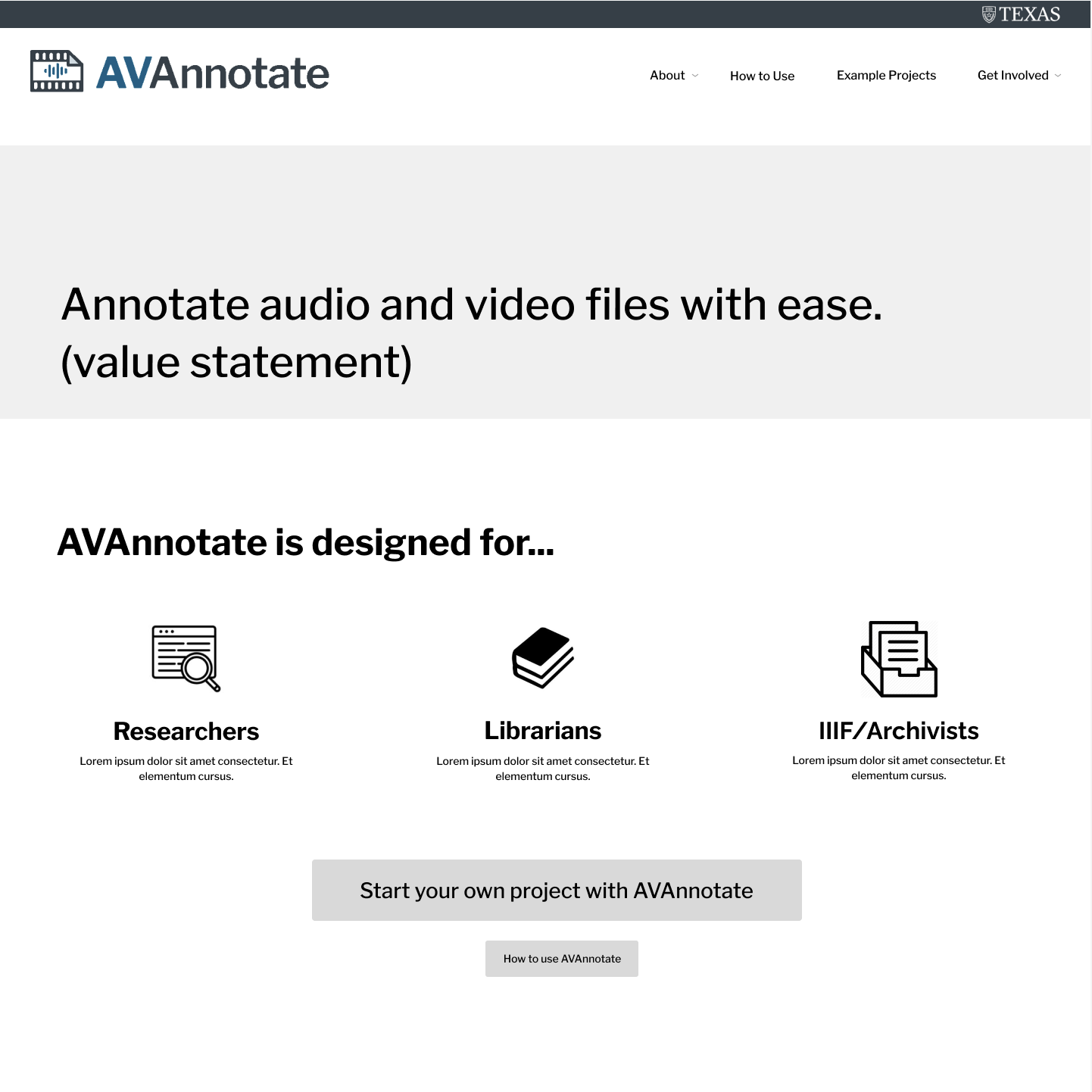
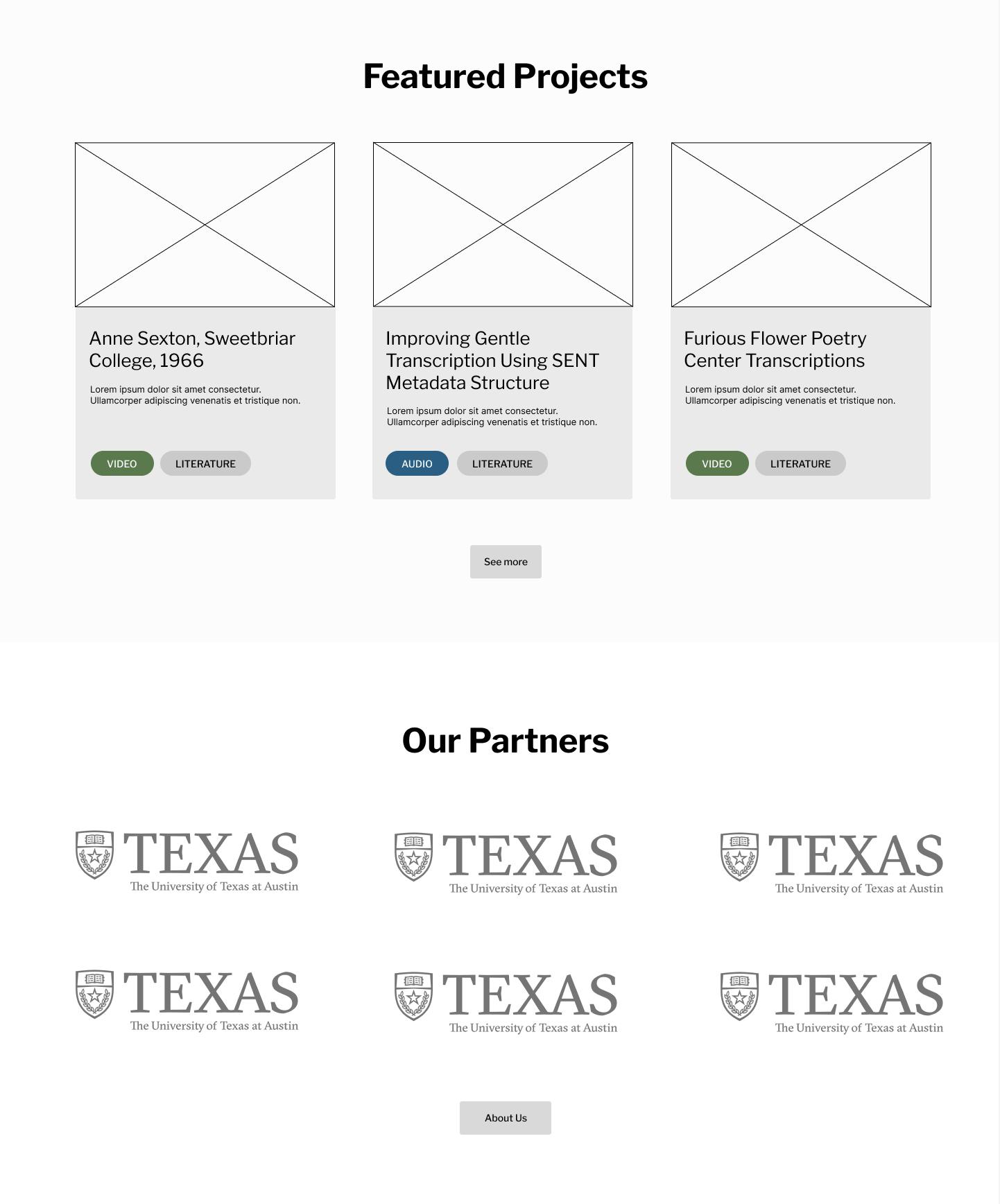
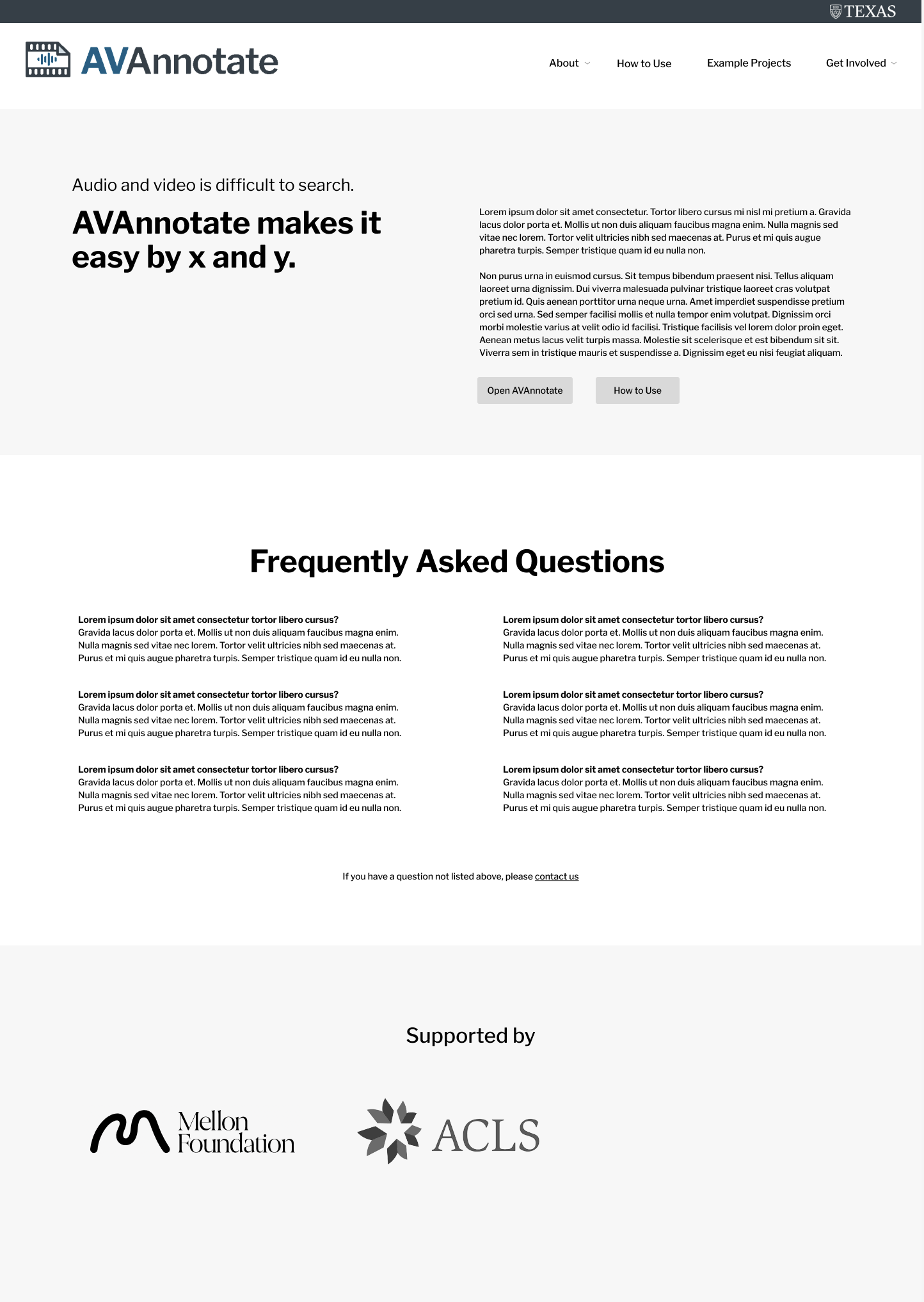
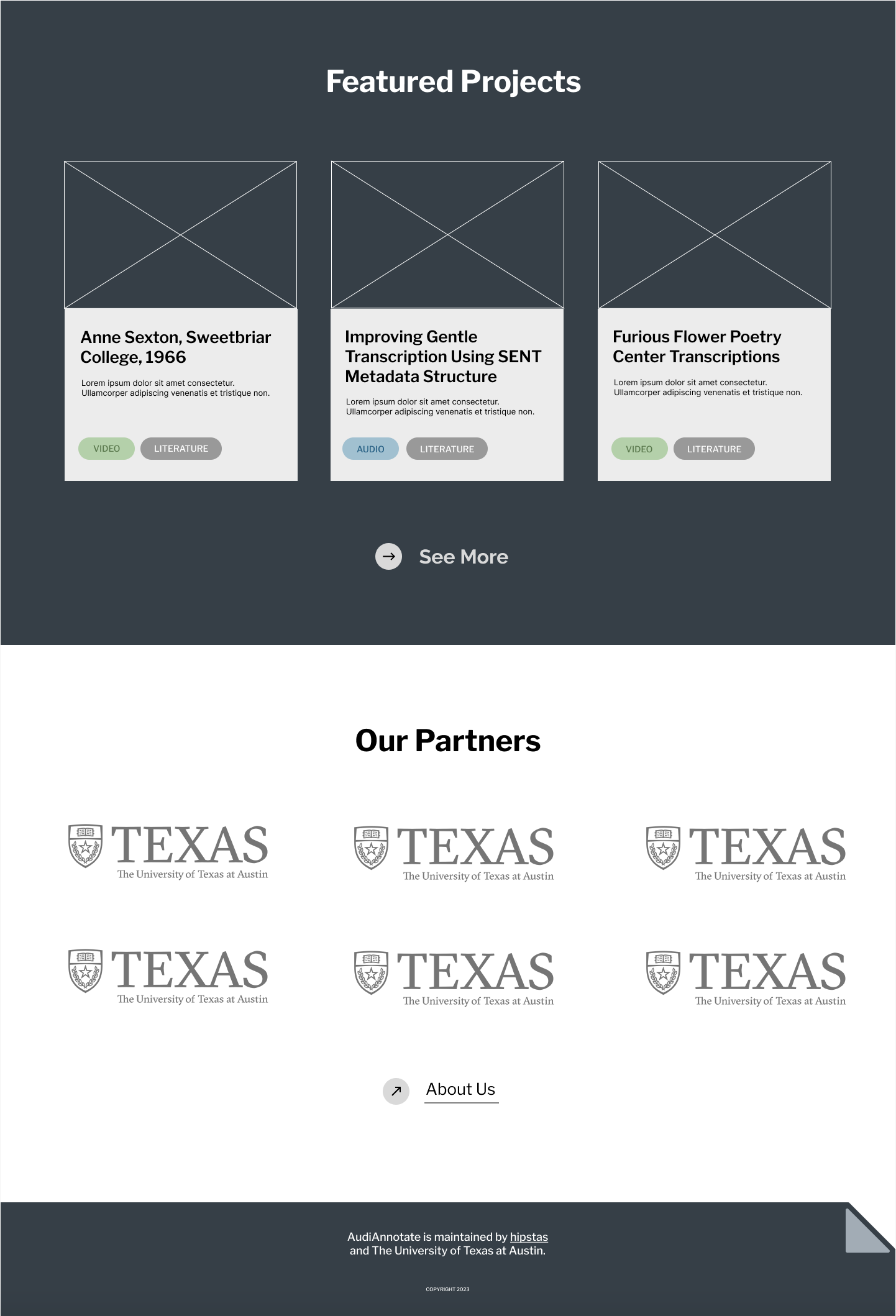
Description: This a Figma project that dedicate to a website that promote verbal annotation online. Maddy designed the mockup for the prompt and I’m asked to style it .

The original design:

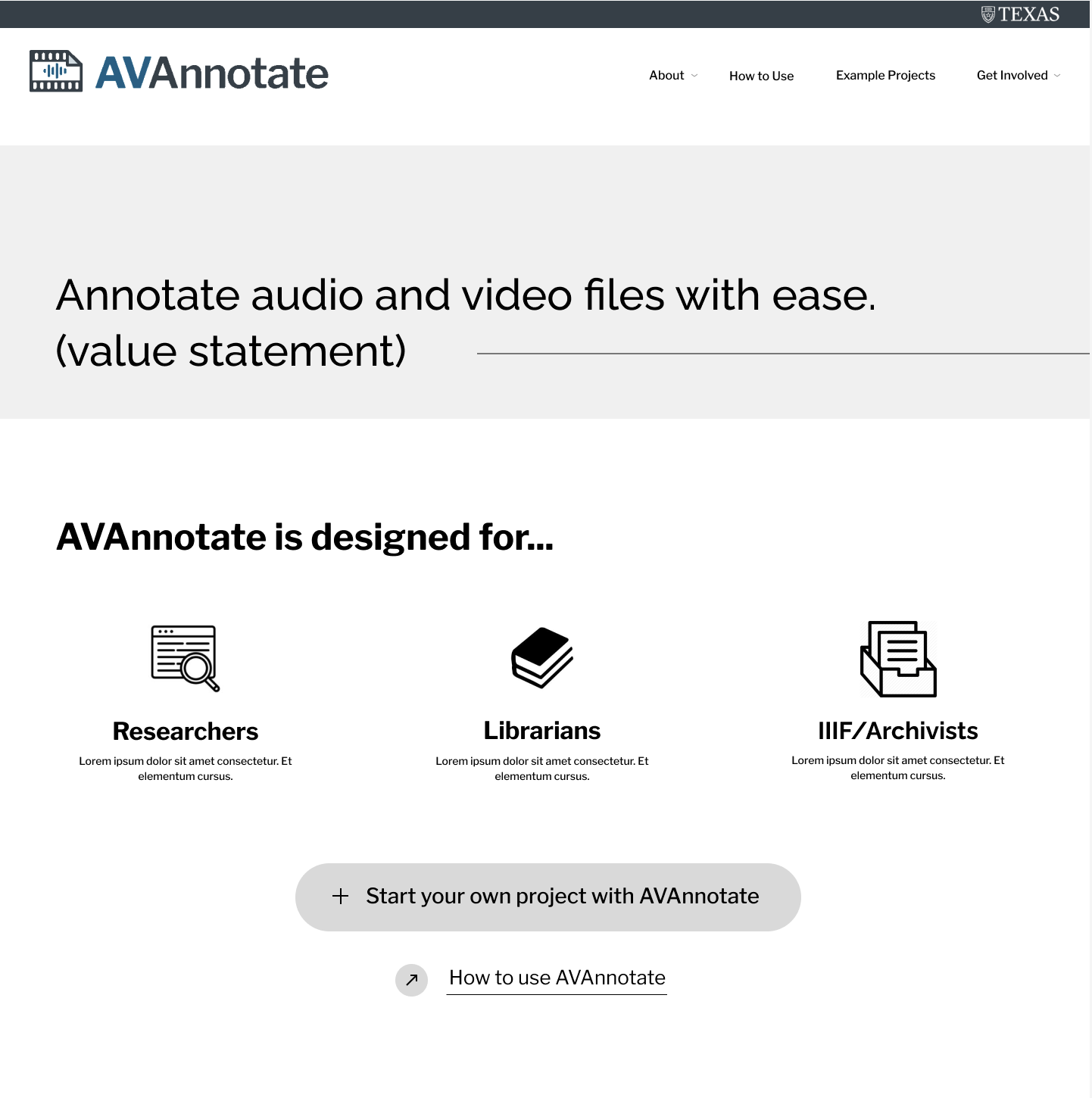
My Styling:

  • I mainly worked on the button tags and tags (the interactive media) to guide the audience.
  • I added the little icon in front of each button to indicate the function of the button or where it guide to.
  • I also add color block to differentiate each section in a more noticeable way.
  • I styled the button with two design: rounded one for the most “call for action” – build the project now; meanwhile, the one with underline is more non-noticeable and just “exist” there.
  • For tags, I lower the contrast, as well as keeping the color tones, between the tag and the typo to differentiate it from button.
  • I terms of Frequently Asked Questions, I made it stacked with a bigger typo since I believe people wouldn’t care about it until they actually meet a problem.

Filed Under: Fall 2022 - Spring 2023

Retractable Banner

April 19, 2023 By Carrie Wang

Retractable Banner

Start: April 17th, 2023

To be Completed: April 17th 2023

Client: IRG & GOV department.

Staff Guidance: Maddy

Description: Translate the document from JPG to PDF and update the logo/text as needed for the GOV department graduation Banner.

The logo of the IRG department is missing so I need to “recreate” it in Illustrator. I roughly traced the outline and adjust the handle to match the original logo. I also make it into grayscale so that it’s appropriate for the tone of the gradation banner.

Final Banner:


Filed Under: Fall 2022 - Spring 2023

STA Presentation

April 19, 2023 By Carrie Wang

STA presentation

Start: Mar 23th 2023

To be Completed: April 14th 2023

Staff Guidance: Maddy & Valerie

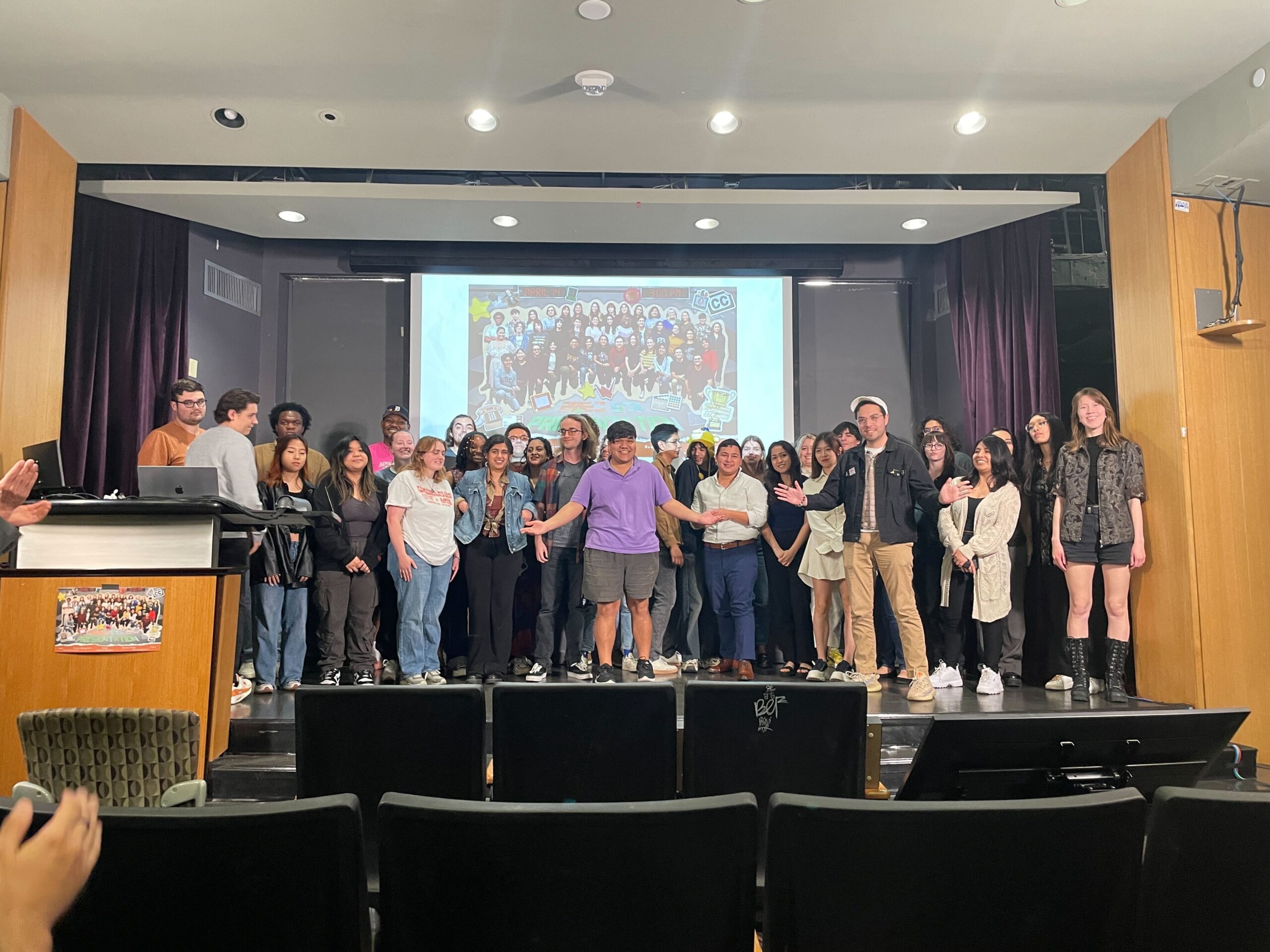
Description: Be the presenter of the annual STA presentation! Virtual Version to WATCH!

I’m presenting the precursor project and mainly focusing on the user journey behind the story. It lasted for 5 minutes and went well.  

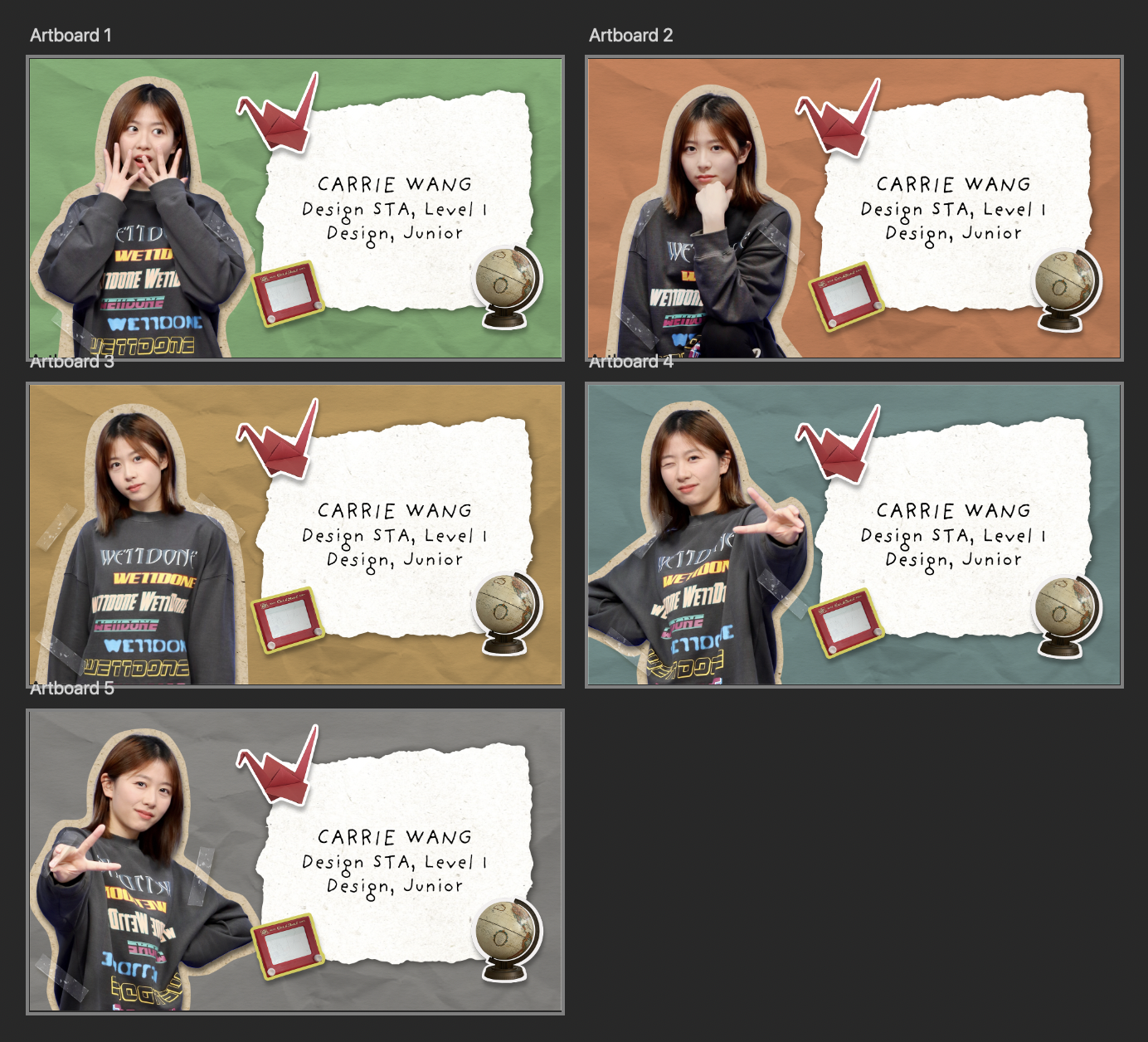
I was also working on some assets for the presentation, including but not limited to the lower thirds, check, announcement graphics, and STA presentation intro graphic. Here is one example I made for the presentation intro. We picked the “best” five portraits for the presenter, as well as three mascots to represent the team, and put them into five colored backgrounds (LAITS color).

Filed Under: Fall 2022 - Spring 2023

Week 4/13 – 4/19

April 19, 2023 By Leilani Cabello

UTFC Studio Testing

Project: Backdrop Color Testing
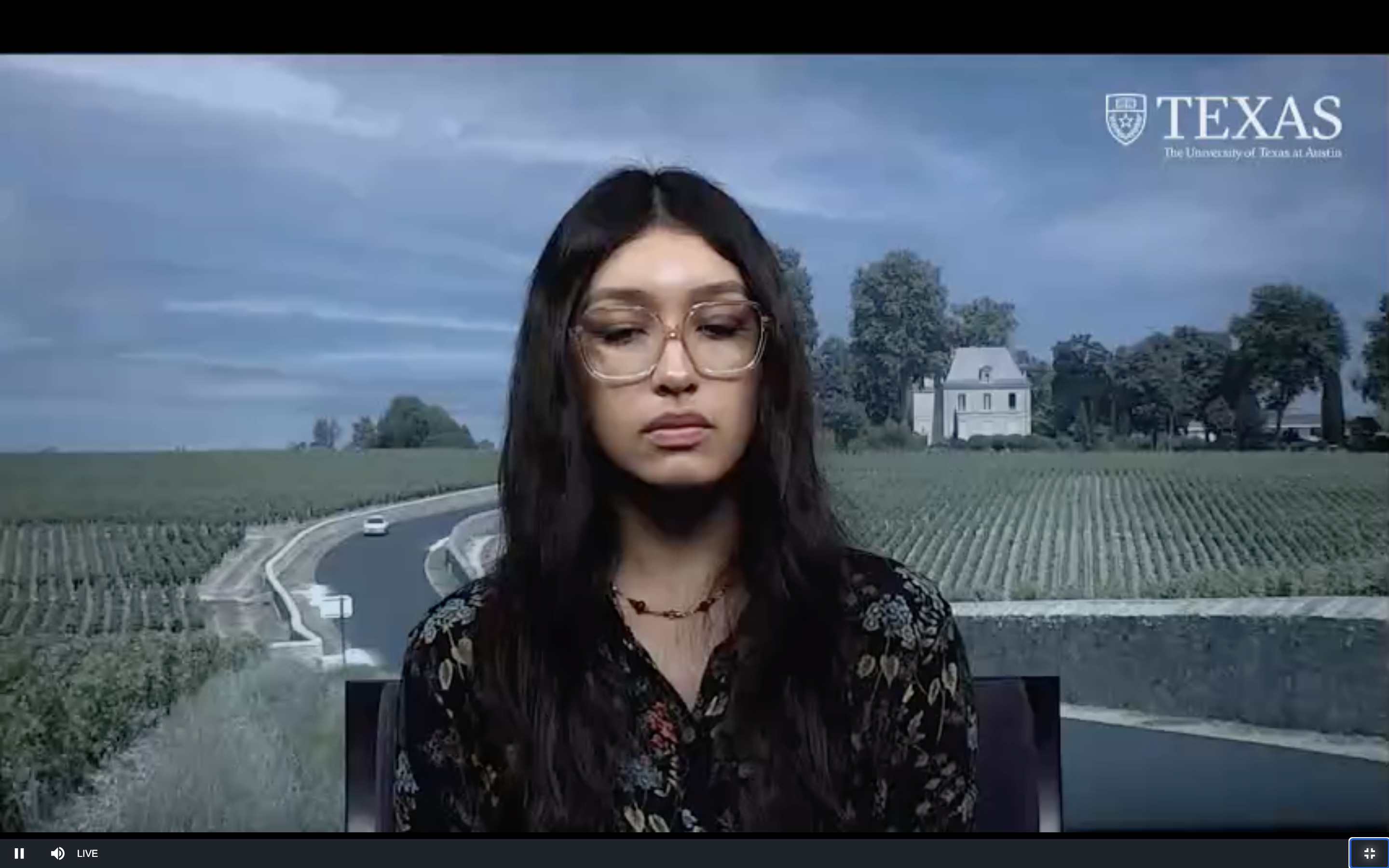
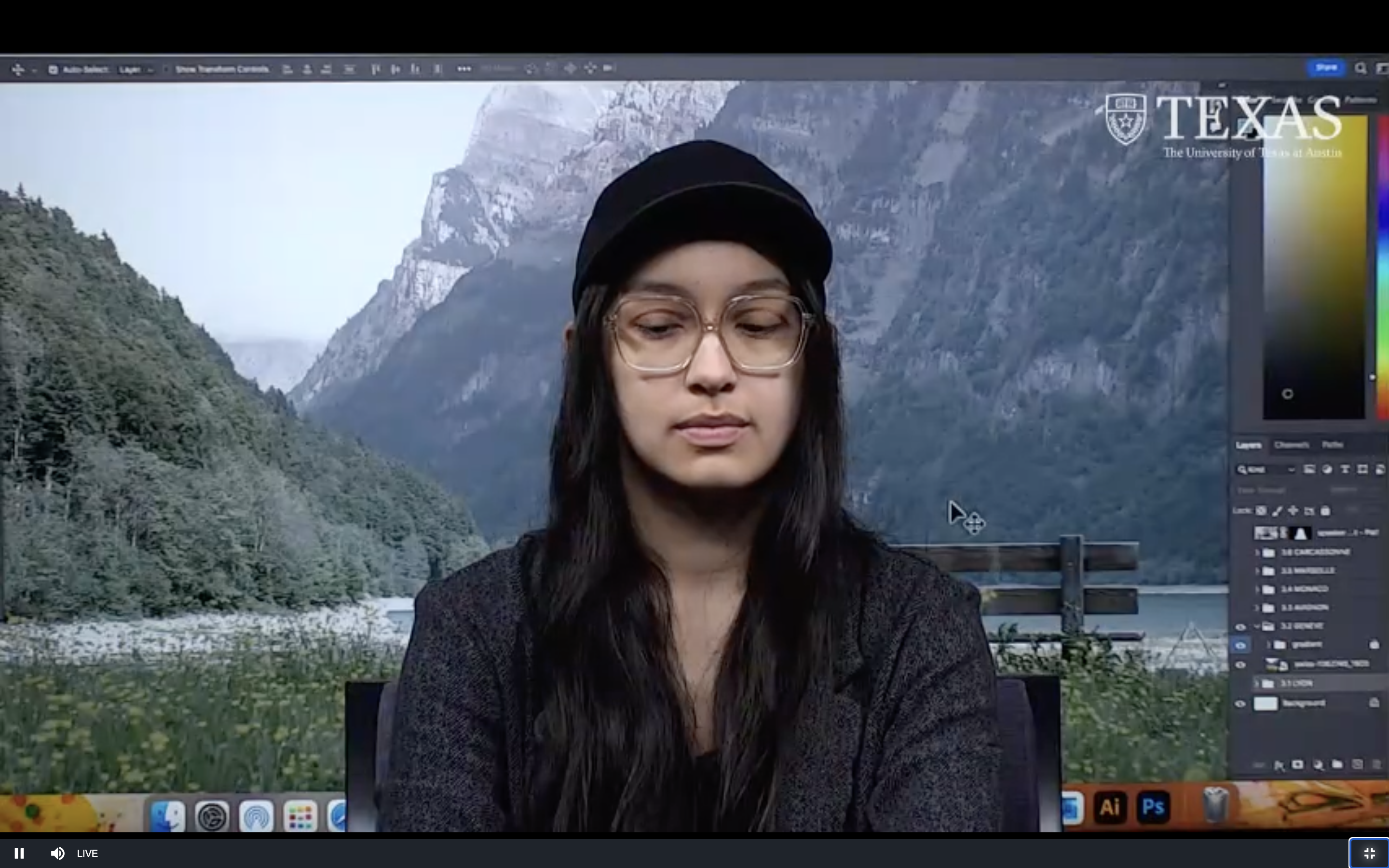
Notes: Since UTFC plans on recording its lectures this summer, I had the opportunity to go inside the recording studio to test backdrops for the lecturer. It was a cool and fun moment to get a hands-on experience with the other side of this assignment! I could see the backdrops in real time and edit them to the correct display such as altering contrast and saturation inside Photoshop.


UTFC Greenscreen Edits

Project: Greenscreen Image Sourcing
Due On: April 20th
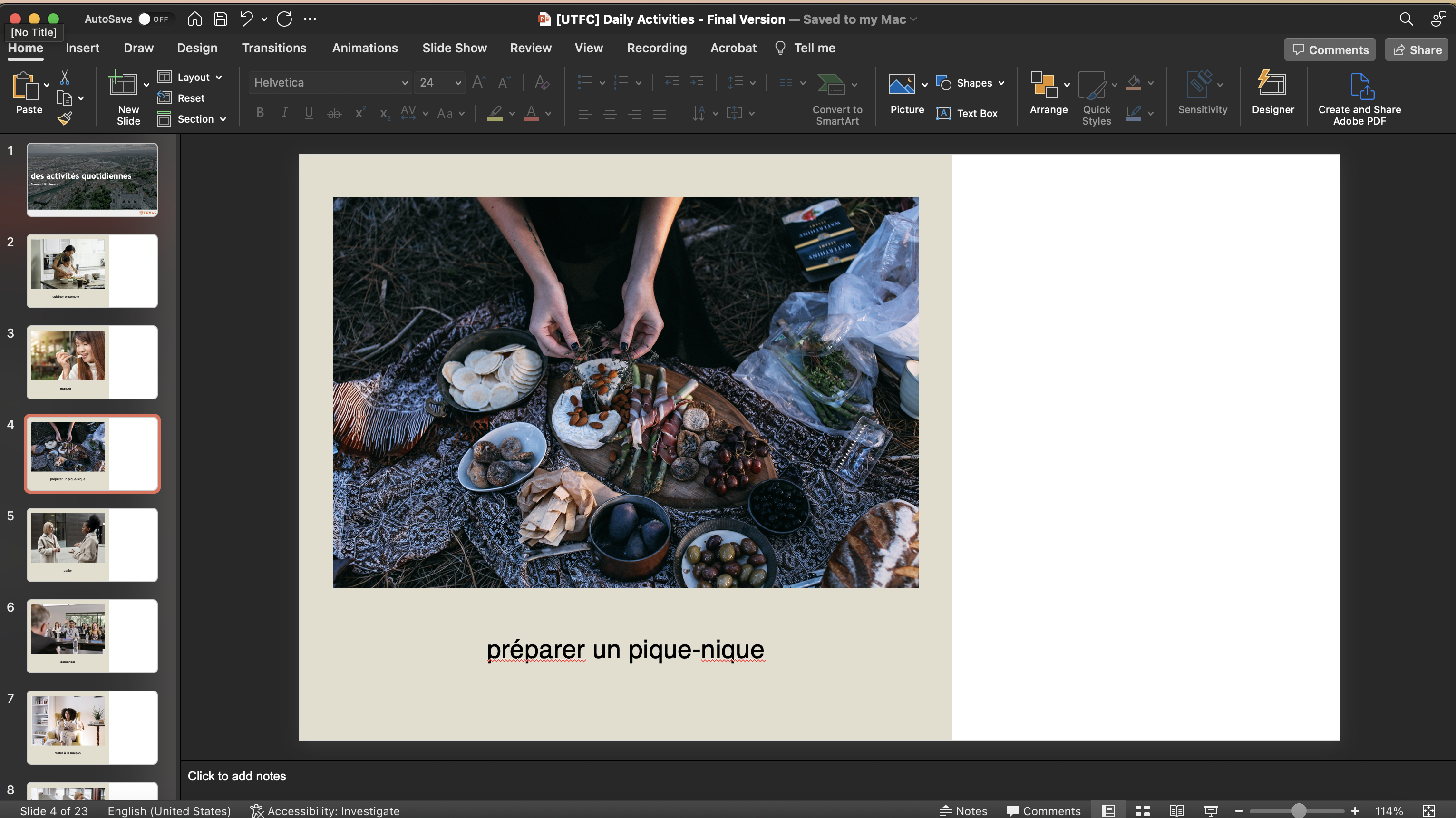
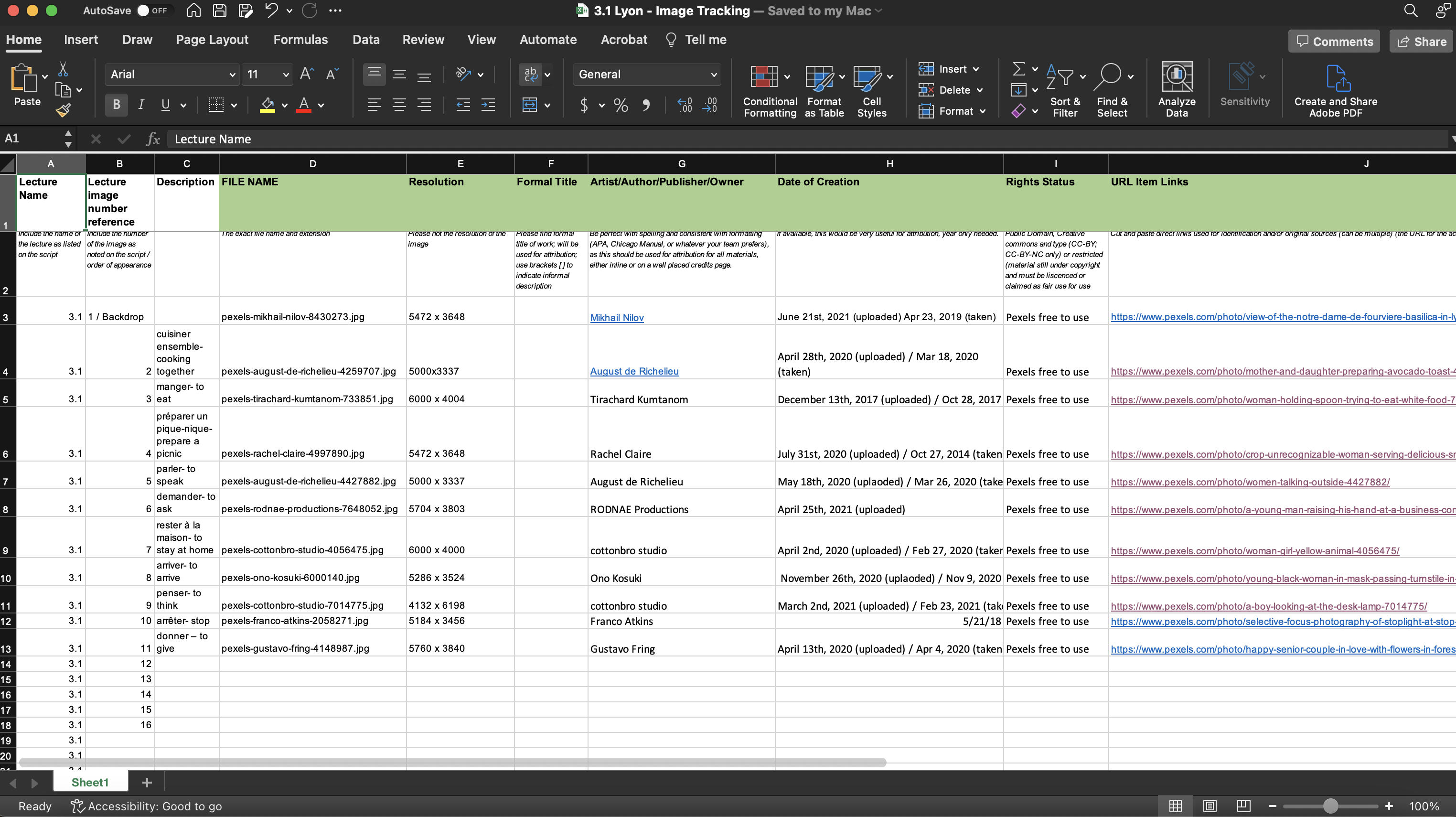
Notes: A handful of STAs were tasked with finding royalty-free images and uploading them into a PowerPoint. As a team, our responsibility is to insert the correct copyright info into a Spreadsheet our Art Director, Maddy, had made. Overall, I found the process therapeutic and gives a means to paying attention to detail when finding images.


UTFC Title Card Edits

Project: PowerPoint Title Card Replacement
Due On: April 19th
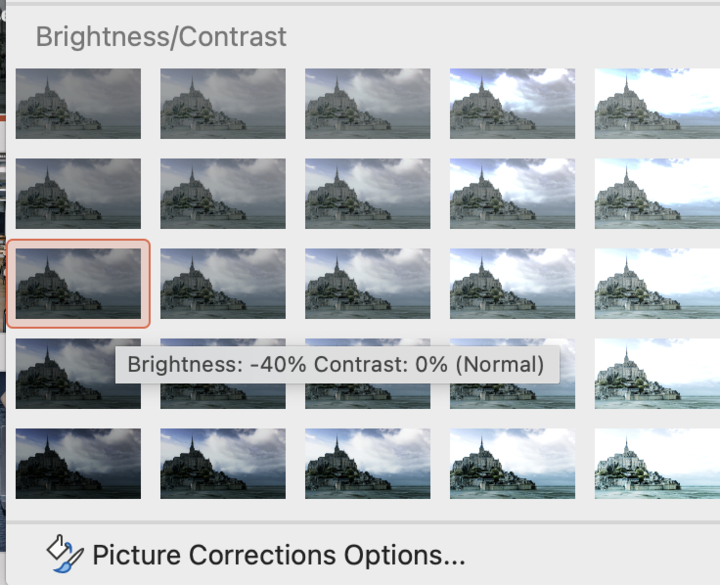
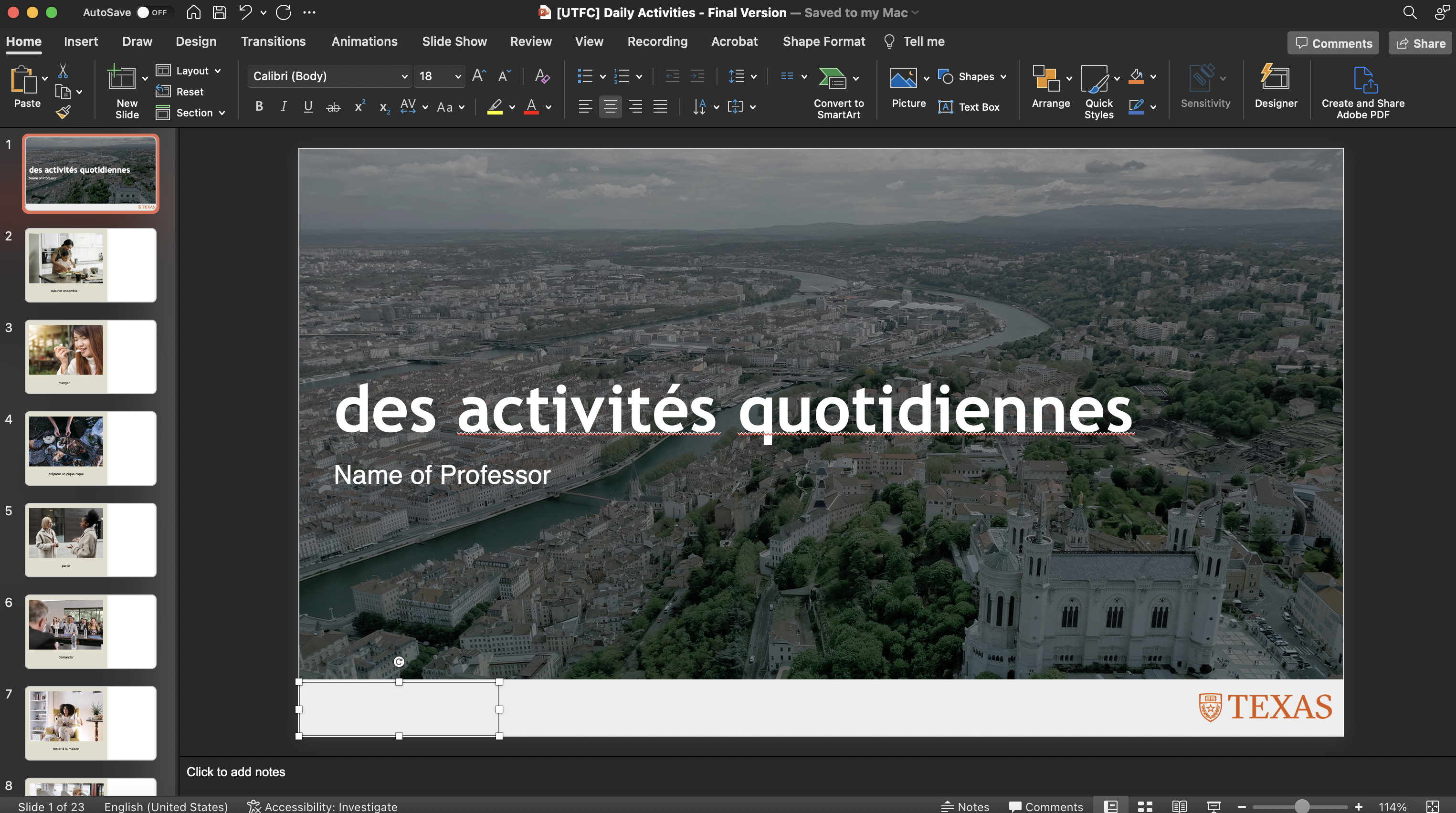
Notes: Since I had helped with studio backdrop testing for modules 3 and 4, I was responsible for updating the greenscreens title cards. For the title slide, to replace the background photo with the new backdrop photo, we had to the Corrections tab and select Brightness -40% while also covering the LAITS Studio logo.


Filed Under: Fall 2022 - Spring 2023, We are STAs

  • « Previous Page
  • 1
  • …
  • 9
  • 10
  • 11
  • 12
  • 13
  • …
  • 50
  • Next Page »

link to LAITS home page

Video STA Home

© 2025 Liberal Arts Instructional Technology Services | Production Credits