• We are STAs
    • Asha Rountree
    • Haley Ma
    • Kate Shih
    • Kyra Lee
    • Nicholas Peasley
    • Sasha Kenney
    • Shanda Horm
    • Shriya Atreya
    • Tomas Marulanda-Mesa
  • We were STAs
  • STA Presentation
    • STA Presentation 2017
    • STA Presentation 2016
  • Testimonials
  • Resources
  • Home

STA Blog

June 3, 2021 By Ingrid Alberding

This was the first week I’ve worked in months, and I’m so happy to be back! I really enjoy working here at LAITS and am looking forward to continuing to do so through the summer.

That said, this week was a pretty chill one. I worked on one small Cascade help request (adding a new user), and besides that I’ve been working on feedback for the KB, specifically Megan’s Web Accessibility training. Running through this, it’s been really helpful and I think will be a great training for future STAs to do.

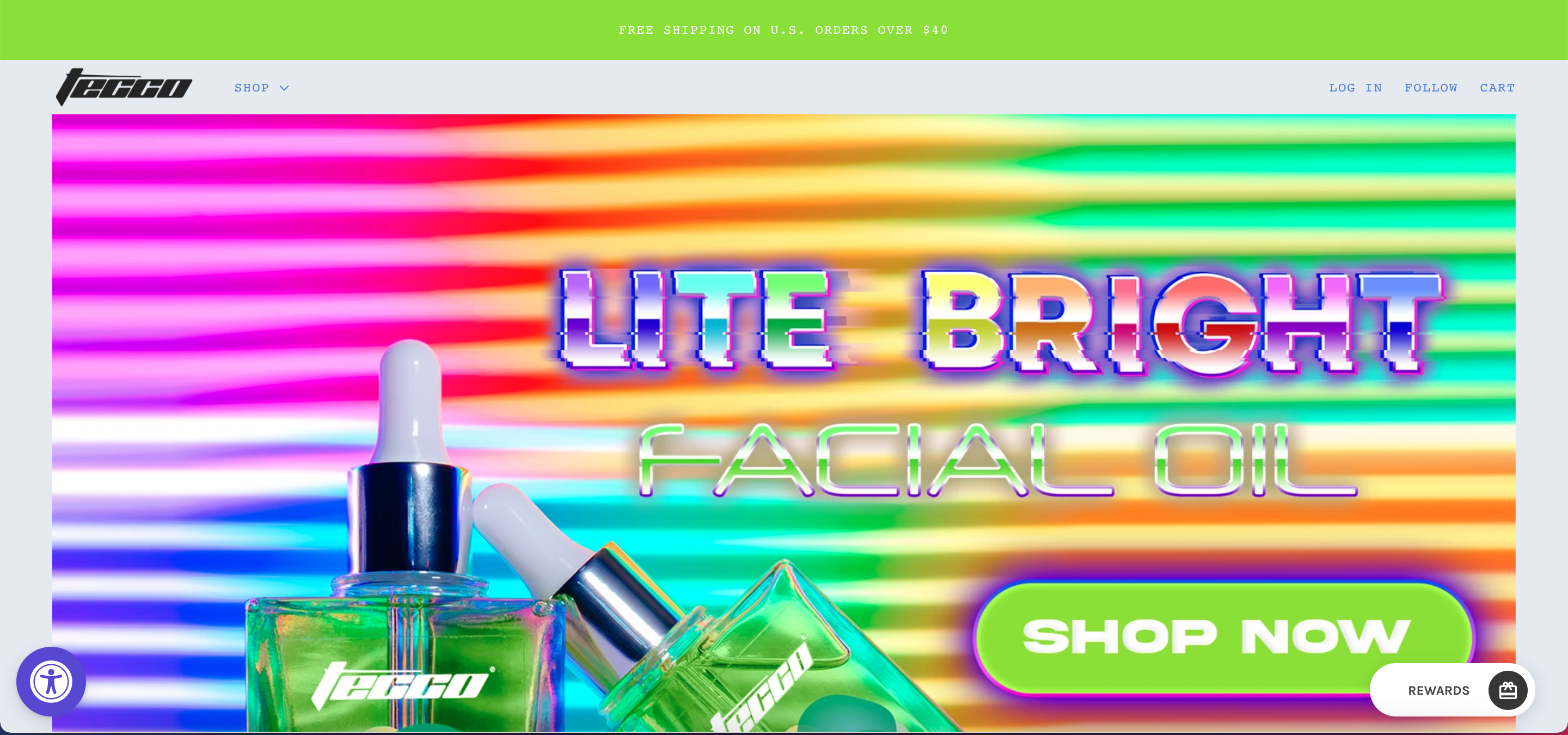
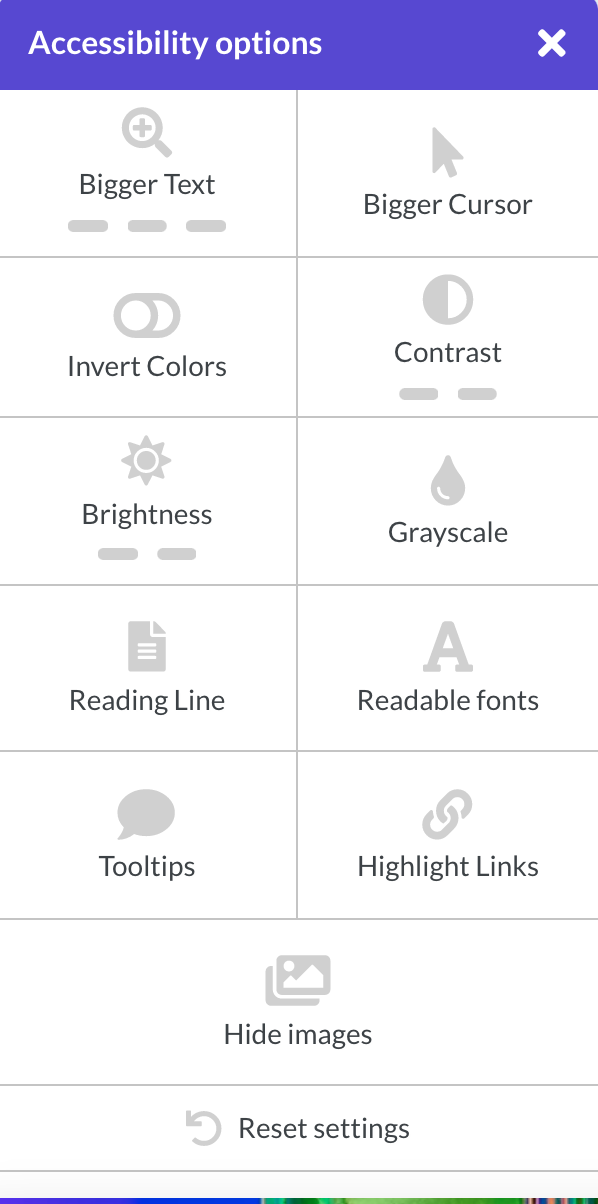
I learned that some sites even have accessibility plug-ins to customize site design, which although this may be inconvenient for certain sites, I think should be implemented more in web design.
https://sta.laits.utexas.edu/blog/2021/06/03/summer-21/

Filed Under: 2021 Spring - 2021 Summer, We are STAs

Updated Edits for Course Graphics

June 1, 2021 By Abriella Corker

UPDATED EDITS FOR COURSE GRAPHICS


I did some final edits for professors for the COM 302 and AMS 310 courses. Most of it was button editing for the specific organization of their course graphics. I also needed to turn a skill lab slide to the singular “skill” instead of “skills”.


Filed Under: 2021 Spring - 2021 Summer

Lecture Title Slide and Other Things

June 1, 2021 By Athena Zeng

Lecture Title Slide and Other Things

Hello! This past week, I worked on a few things like the Lecture Title Slide, additional buttons for HS 301, and the copyright free image guide on Cascade. The following are the additional style B buttons created for HS 301. 

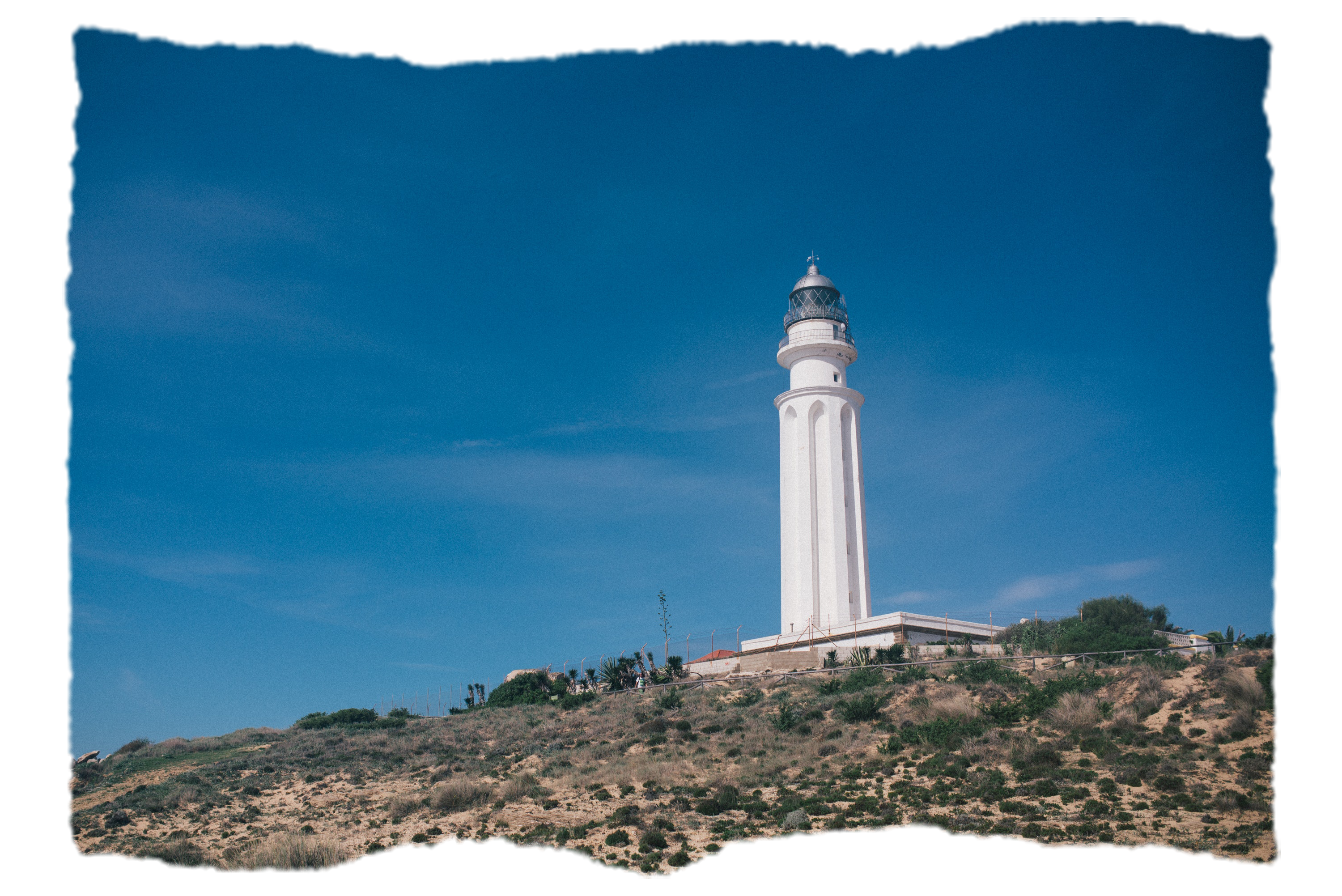
The Lecture Title Slide was a continuation of Bridget’s efforts from last summer. She created the style and theme, which involved a color scheme of mostly blue, neon yellow, and black hues for the stinger style slides. Using her files, I tried to understand how she created her designs (which were a mix of effects, masks, and stamps) and further clarified things with Maddy and Poonum. After mixing some more strokes, textures, and hue type effects, I created the cloud version below for the Close Reading Close-Up. The following copies are other textures I experimented with.


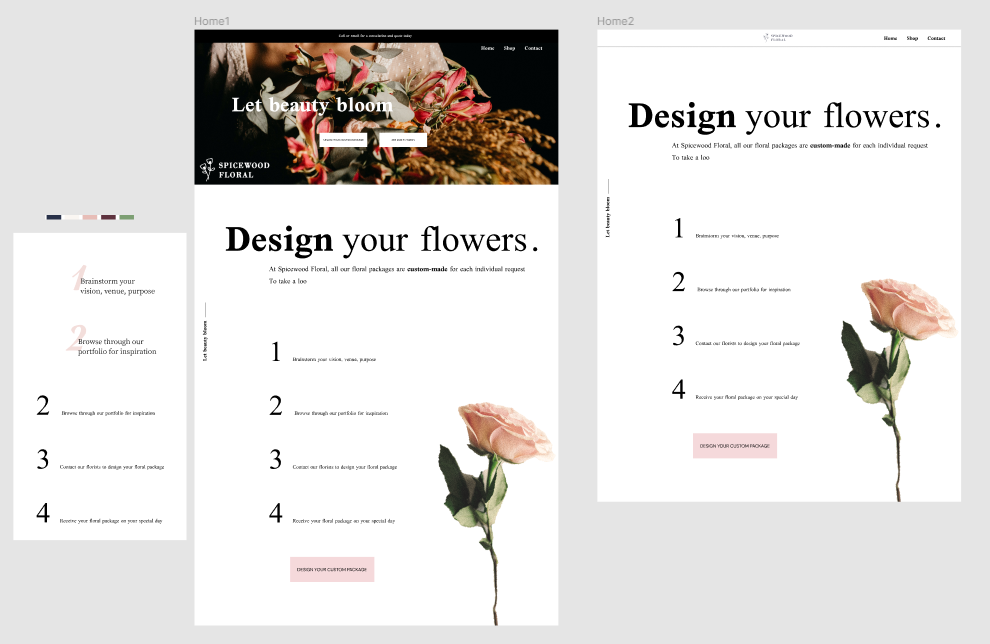
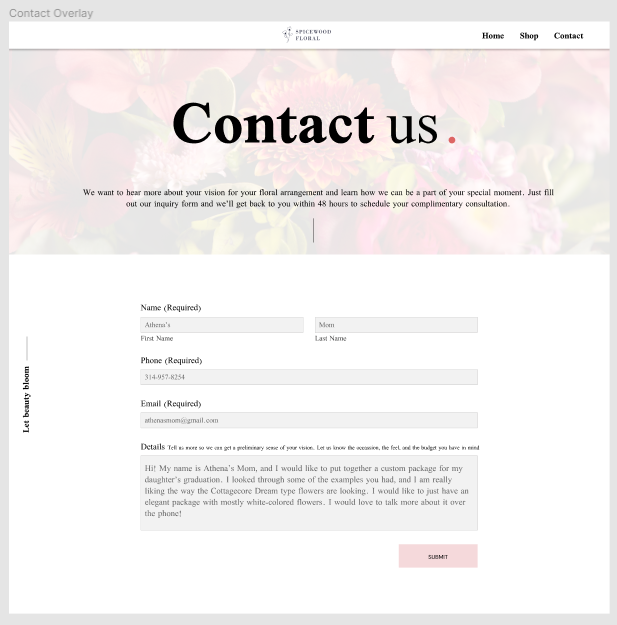
I also spent some time working on a Figma tutorial last week, for the UI/UX. I used some bold typography to make the page look more “high-end,” as the client brief specified, but I forgot about the color scheme in the brief. When I have some more time, I will make the edits regarding things like the amount of white space, alignment, grids, and color that Maddy pointed out in feedback.

I also helped with some photo IDs and recorded a few clips of myself for the orientation pre-roll. The photo IDs were pretty standard, except one was a little poorly lit and lower in quality, so I messed around with brightness levels and warmth to improve the balance of color. I haven’t made a post in a while, but those were most of the highlights! I also graduated!

Filed Under: 2021 Spring - 2021 Summer, Uncategorized

Textures KB

May 27, 2021 By Poonum Mehta

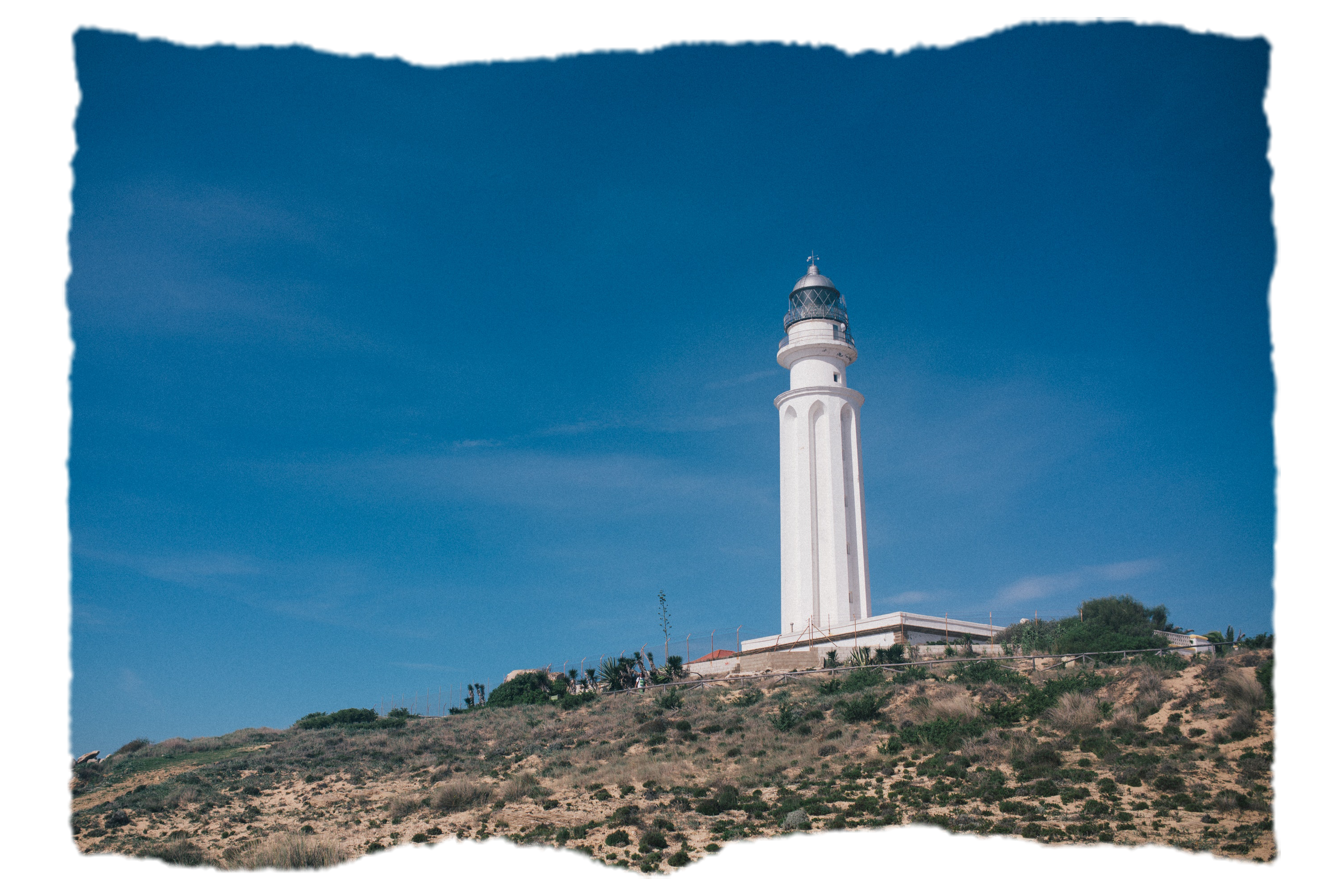
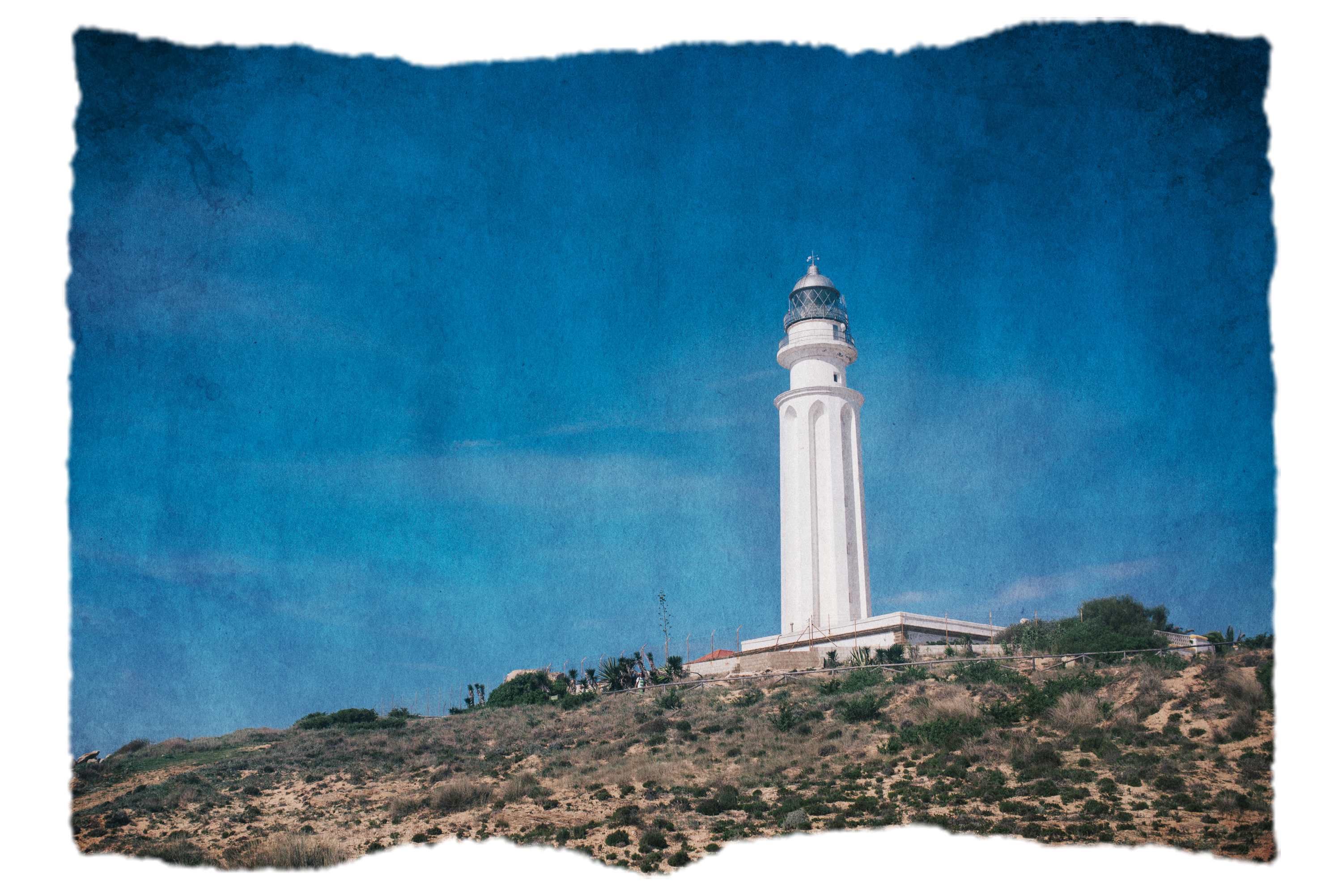
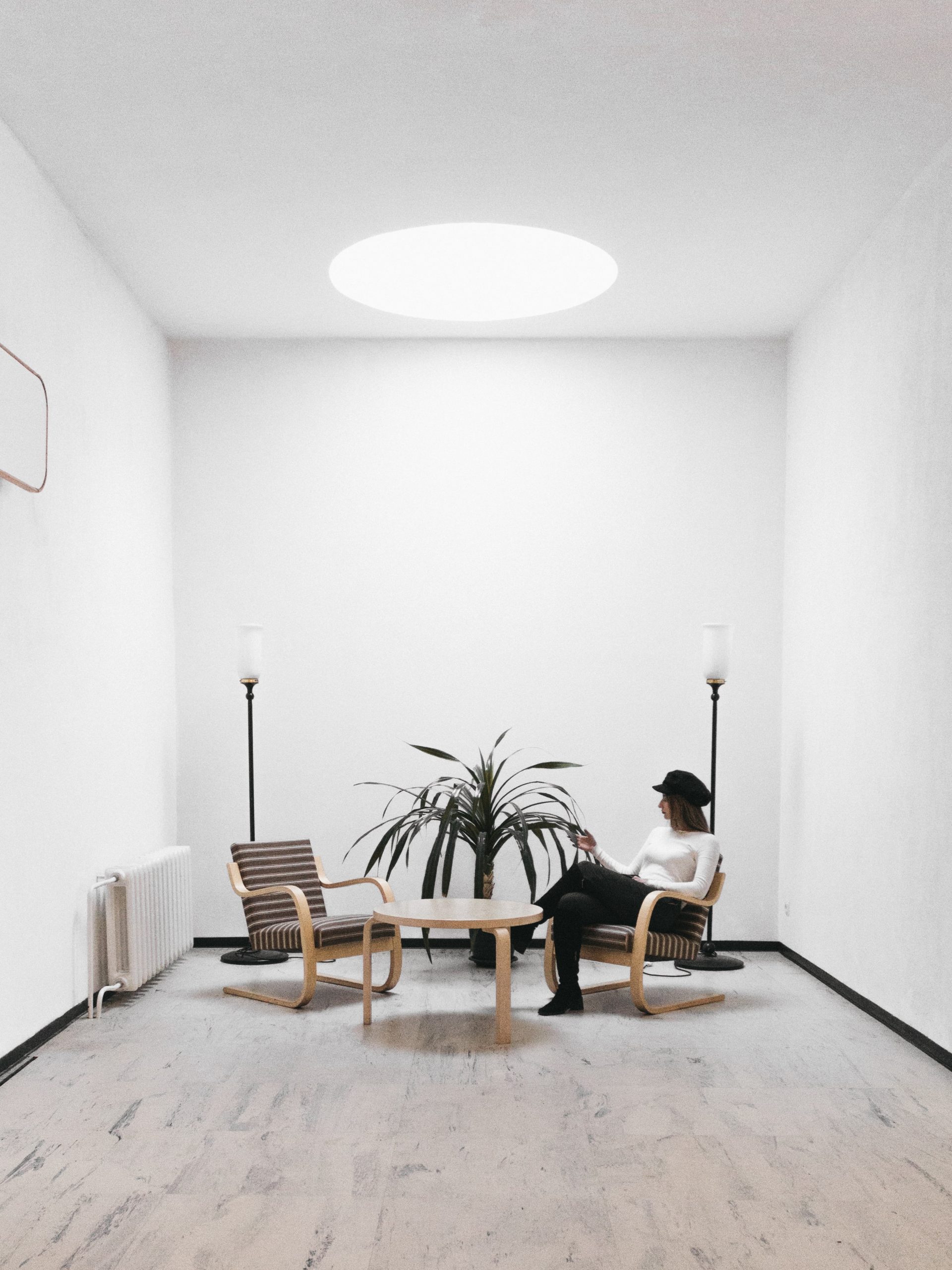
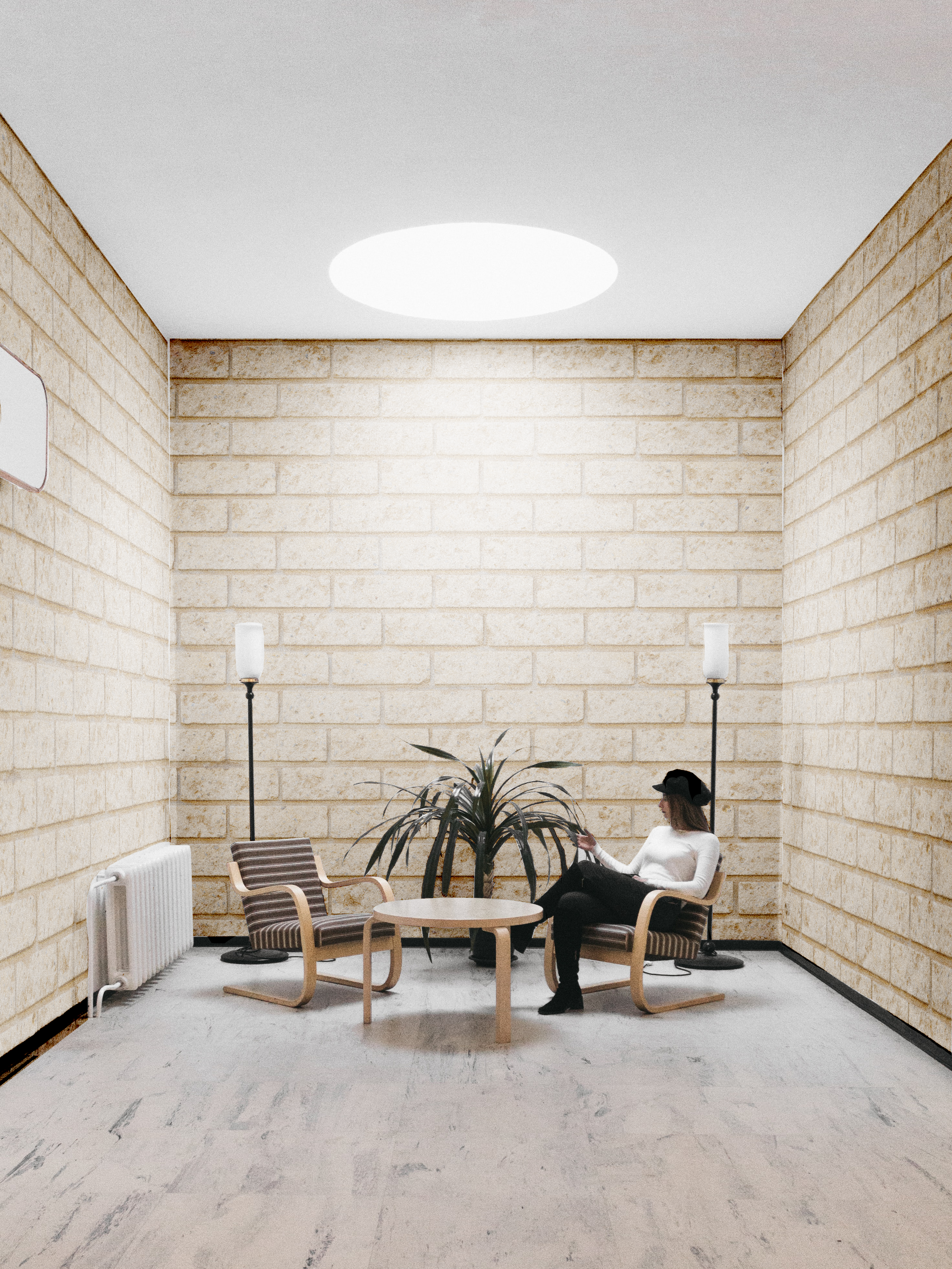
Hi blog, this week I’ve been working on a new training for the KB that will teach STAs how to work with texture overlays. The training goes through four processes that kinda built on each other. Below are the before/afters for each portion.

1: Textured Border

Before:

After:

Texture Overlay (with border!):

Before:

After:

Selective Texture Overlay:

Before:

After:

Finally, 3-D Selective Texture Overlay:

Before:

After:

I think for the final task of the training, I will ask STAs to create a textured portrait (of themselves ideally, or using a stock photo) that incorporates the skills gained in the training. Some cool examples Suloni showed me:

I’ll brainstorm some more next week!

Filed Under: 2021 Spring - 2021 Summer

Bye for now

May 26, 2021 By Megan Fletcher

Bye for now!

I’m logging off for the summer – catch me again in the fall!

Filed Under: 2021 Spring - 2021 Summer, We are STAs

Logo Animation

May 26, 2021 By Abriella Corker

Logo Animation


I was working on this logo animation training to test it out and provide feedback to the creator (Miguel). The motion of the logo needs to strengthen the word of the logo. I decided to use my last name and have it be the motion of opening a cork bottle of wine, my last name is CORKer — get it? Anyways it was simple in theory but the execution was a little hard because I needed to work on how to do a 360 degree turn and how to wave adjust the motions so they aren’t jumpy. As for things to improve on myself: I feel like it still is a bit too stiff. I would have liked to do a more flowy fill of the darker purple to imitate liquid swishing instead of a flat line. Maybe add like a texture to the darker purple that’s supposed to be liquid or like sparkles in the ‘wine’? I didn’t know how I should go about those things.


http://sta.laits.utexas.edu/wp-content/uploads/2021/05/background-Logo-Animation-Training-Corker.mp4


Here was all my feedback on the training following the questions Angie wrote up:

What I have reflected on so far:
Introduction:
  • Does the introduction of the KB tell the purpose of the assignment?

yes – but I think there could be clarification on the type of logo we are making. From our own name like personal branding, from our logo training, or a fake company?

  • Does the KB post clarify what software/applications you will be using?

yes

  • Does the KB post clarify what skills you will be learning/ show what final product you will be learning to create?

Doesn’t clarify skills at the beginning but it does show the final product

  • At an initial glance, is the structure of the KB training easy to follow? Is there too much text- too wordy? Are there not enough pictures?
Yes not too wordy. The videos are good enough. It would be cute to pull out maybe 3 gifs of strong examples before the youtube links or up at the top. By strong I mean ones where the motion of the graphic really matched the branding and purpose.
  • Is there anything noticeably missing from the KB post?
  • Not yet
  • What does the KB training ask me to do? How is it testing me to apply what I have learned?
It is asking me to use AI which I have used before for making a logo. It is asking me to animate which I’ve done with the course graphics training. This exercise is now having me combine the two. I’ve done PS to AE but haven’t down Ai to AE yet. I also have to consider how to tie motion to my logo in a way that strengths the cohesiveness of the design so that’s a good mental design decision making and brainstorming exercise.
  • Are there any specific steps that are difficult to follow along with?
Not understanding why my vectors are overlapping the way they are when they are being inserted.
  • Do I broadly understand the instructions?
Yes
  • (If applicable) Am I provided all the necessary resources to follow this training assignment?
To an extent, I am provided steps I need to set up and to export, the actual building up of it is a bit kind of just a figure it out for yourself as you go thing. It’s understandable though because there would be way too much to insert. I think some type of pre-made youtube playlist of quick animation tutorials might help or like a list format with a bit more than what the training has might help. Even just like a check out these youtube channels for more tutorials kinda thing would be a bit more helpful.
3. After completing the training, share your final results below for the STA author to critique. Try and also provide some reflections to the trainer on your experience taking the KB training.
  • Do I understand the purpose and application of this training?
Yes I did.
  • How long did it take to complete this training? Was this amount of time appropriate for the task?
It took me a while but that’s because I am awful at it but I can see other STAs doing this much faster, others doing it as slow as I did. I think it will mostly depend on our experience but it sits in the middle and is not lengthy in it’s parameters and what it is asking us to do.
  • Was I able to implement the new skill that I have learned AND/OR was I able to make the desired product?
Yes I implemented a new skill of 360 rotations and curving motions to be less jumpy. I made *almost* my desired product there are a few lil things I didn’t know how to do but I got pretty close.
  • Does my final product look like what the KB training is asking for? Does my final product need many changes based on feedback from the STA trainer?
Yes is looks like what is being asked. I don’t know Miguels feedback yet.
  • Is the difficulty of this training appropriate for its placement within the KB hierarchy? (Was this KB too hard/easy as an intro/required, supplemental, or optional training assignment?)
It is a good stepping stone between logo training and motion course graphics and some other advance one for the future. I would say intermediate.

Filed Under: 2021 Spring - 2021 Summer

  • « Previous Page
  • 1
  • …
  • 9
  • 10
  • 11
  • 12
  • 13
  • …
  • 39
  • Next Page »

link to LAITS home page

Video STA Home

© 2025 Liberal Arts Instructional Technology Services | Production Credits