I’ve been working mostly on my Cascade site this past week, and here’s some progress. It’s been fun talking about Berlin (perhaps ad nauseam, but oh well). I’ve added some more advanced features, such as html/css tables, and in the “more info” page have made some custom buttons. I hope you enjoy perusing!
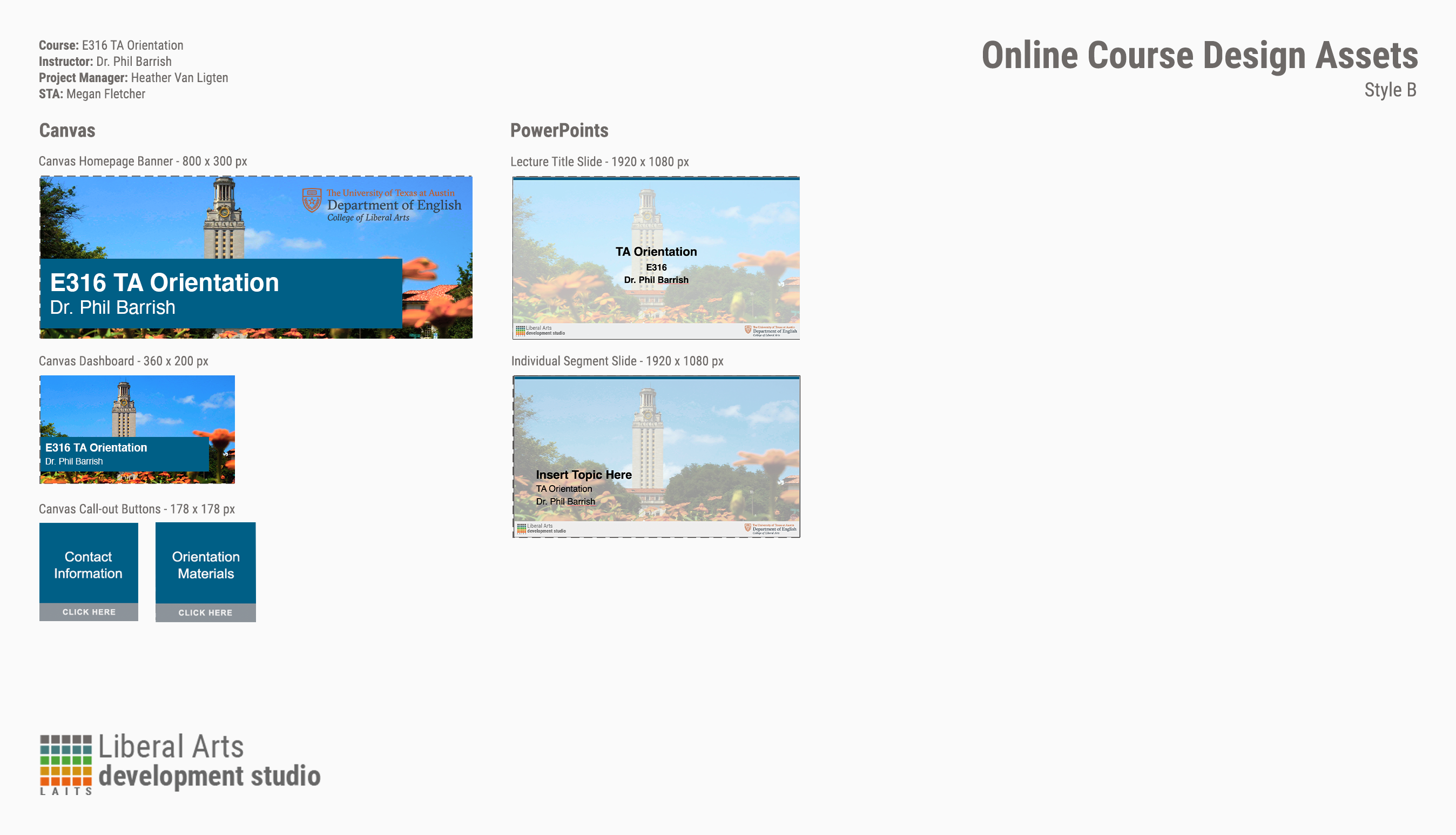
TA Orientation Assets
Making Assets for E316 TA Orientation
I know what you’re thinking: “E316 isn’t a course, Megan! There’s E316M, L, and N!” I hear you. You’re right. There is no E316. But! I’m still making graphics for it. Why? All the TAs for M, L, and N do orientation together.
That out of the way, these weren’t too bad and the client didn’t want the full menu of Canvas assets (why would they? It’s only a two-day orientation.) I picked a generic photo of the UT tower for the backgrounds with a nice, dark shade of blue from the brand color palette. The only issues I ran into were color-correcting the PPT title slide because my nice, dark shade of blue wasn’t being very… nice to the photo I picked.
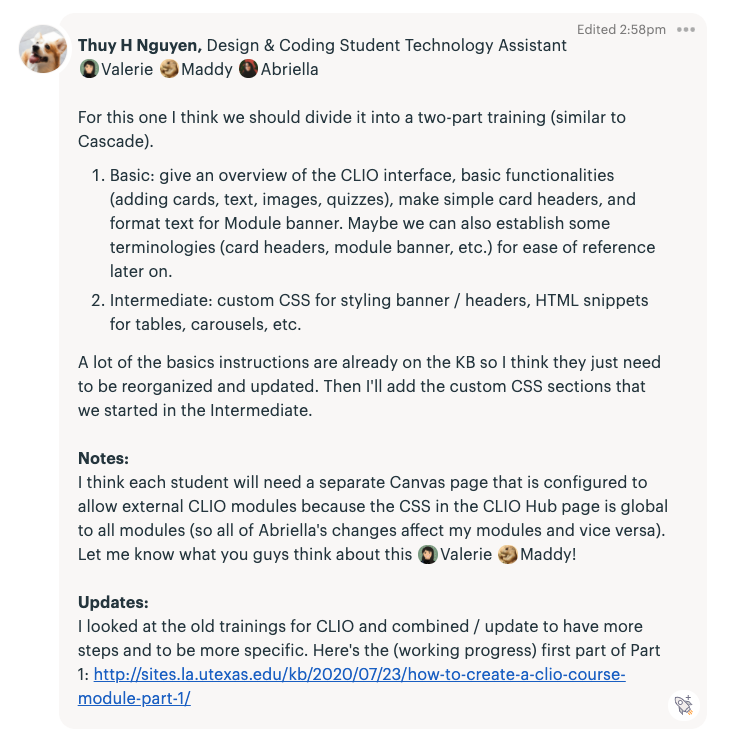
CLIO KB Edits
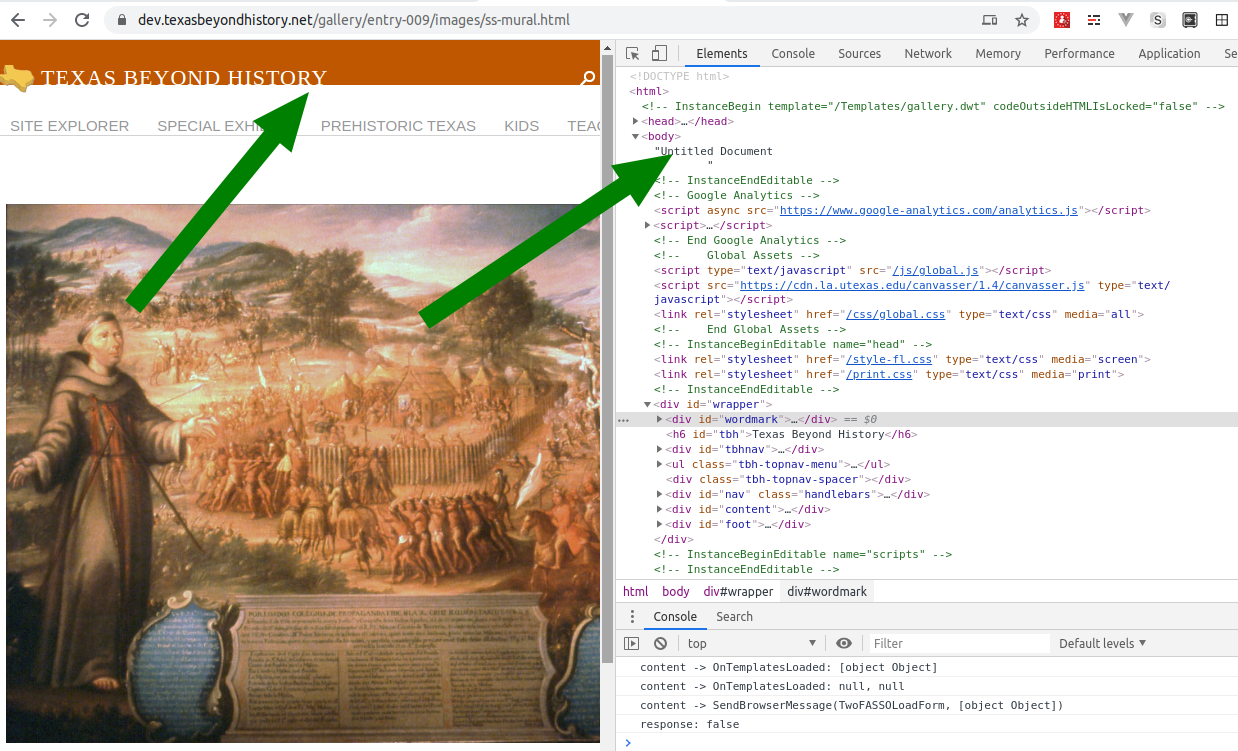
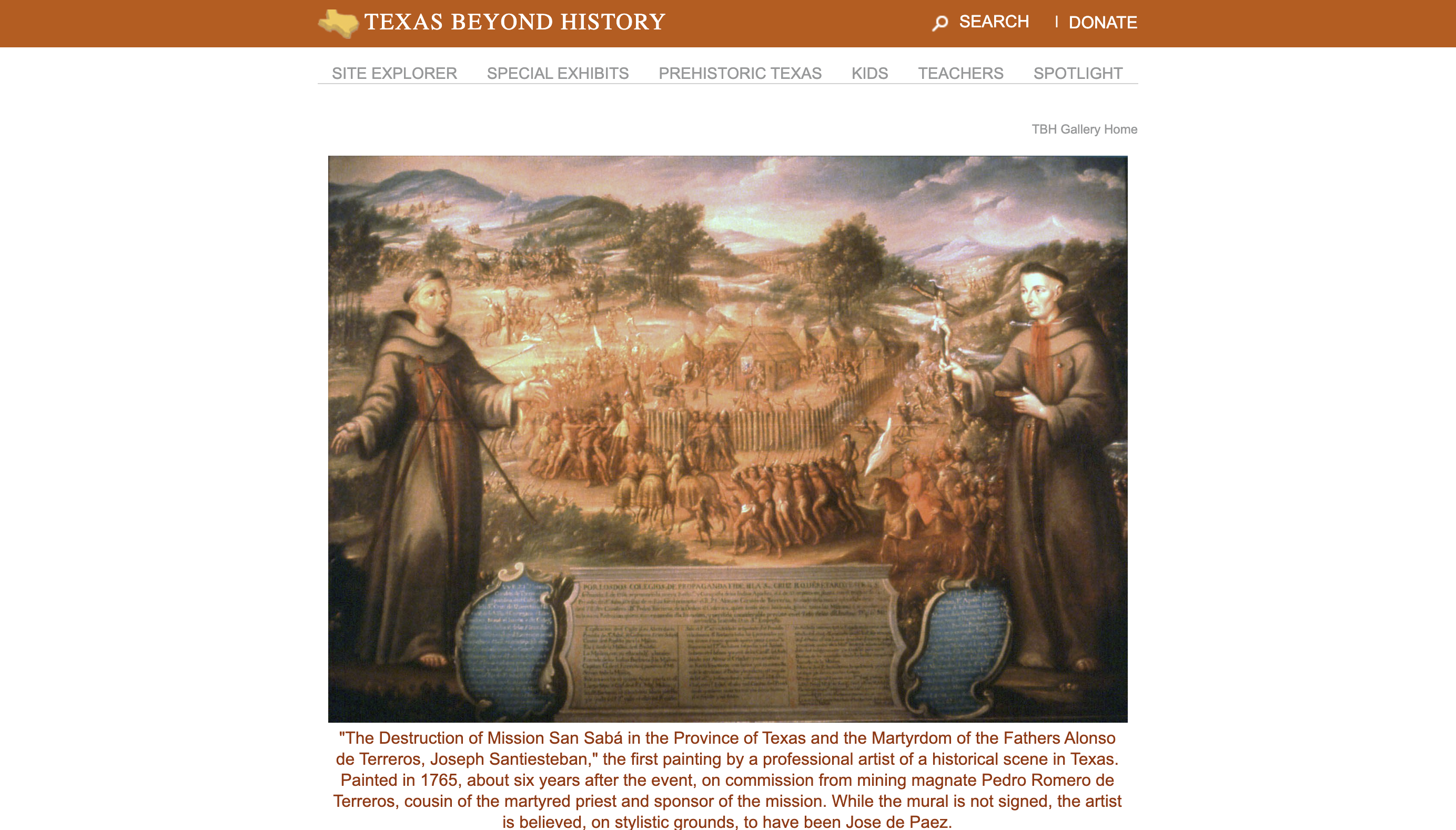
Texas Beyond History Updates
Kb Edits
KB EDITS IN PROGRESS
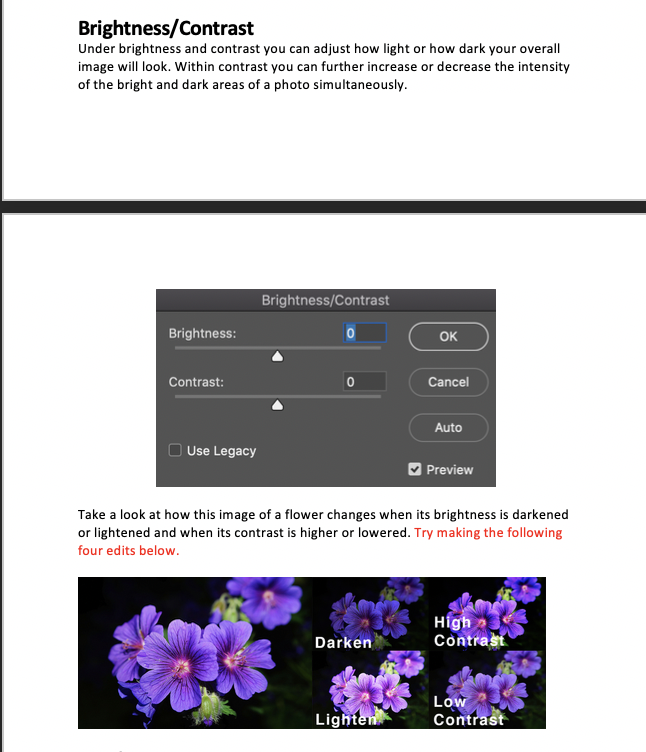
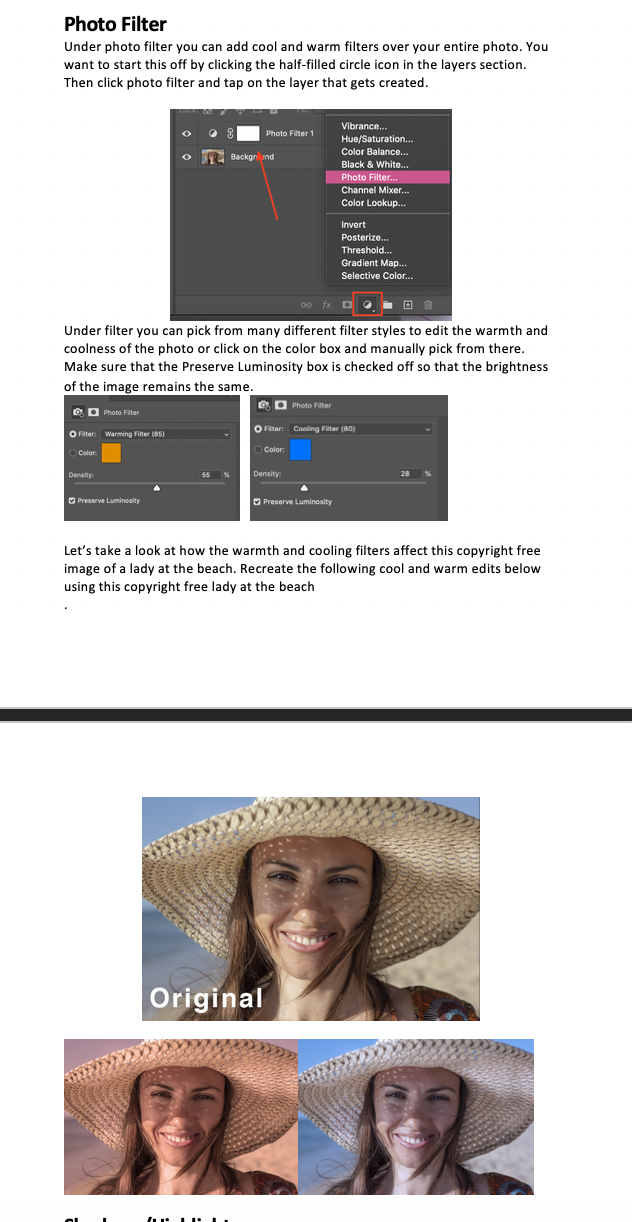
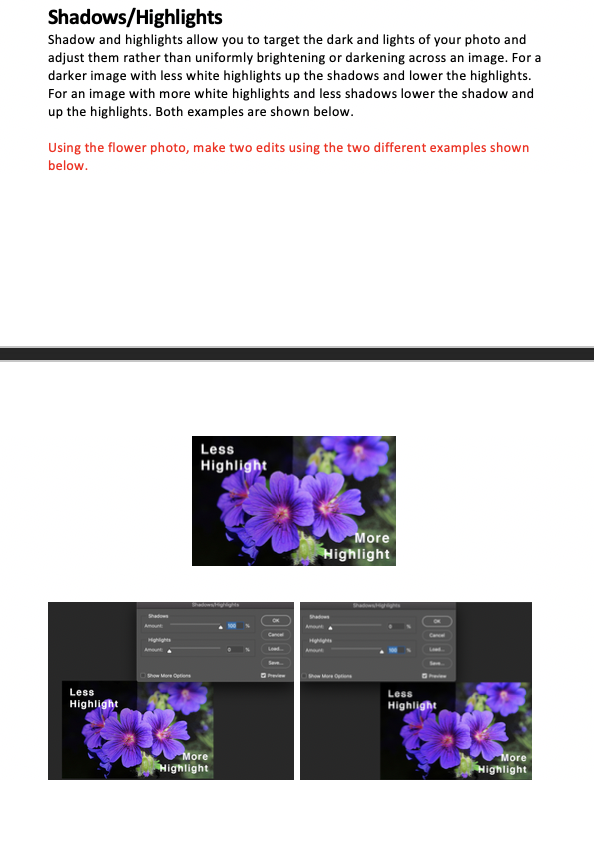
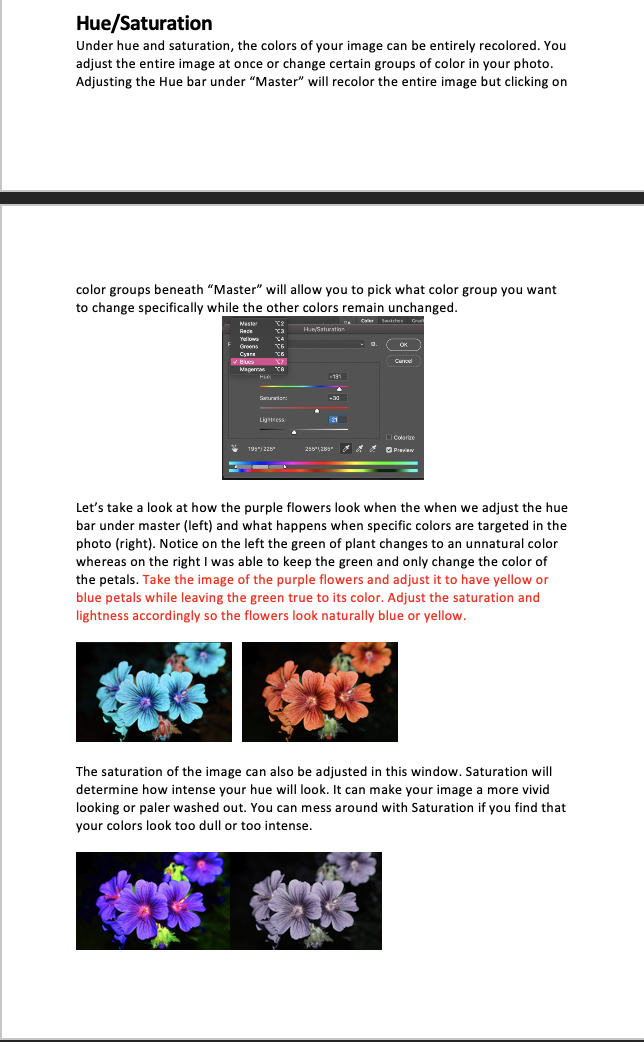
I have been working on the photoshop color correction KB. There is so much information that could be said about these things but I am trying to dilute it and add what is most important for basic skills so that this training isn’t information overload. Within each of these sections I try to add a line about how the STA should replicate my example below. That way there is a comparison they can try to make to see if they are doing it correctly. I still have an equal amount of sections to complete then revise the instructions to be better and incorporate feedback. Hopefully, it is helpful when completed.
Continuation of Cascade Site Training
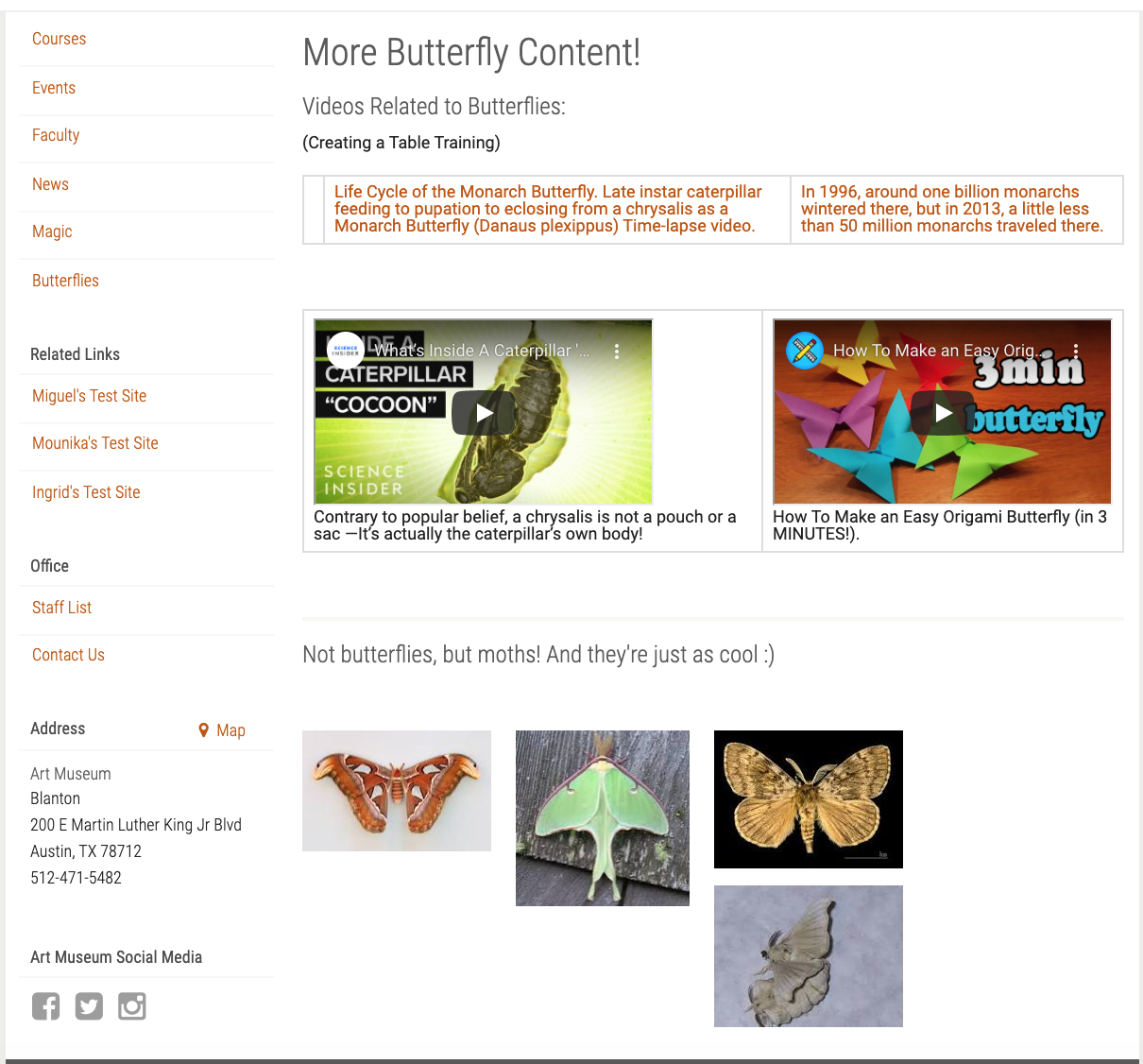
Today I finished Part 2 of Cascade Site training. I didn’t realize I was supposed to put the videos and table onto a new page so what I ended up doing was making it a hidden page. The access is through the “Butterflies” page where you click a link.
It should lead you to a new page titled “More Butterfly Content”. I was able to do this by applying what I learned when we made the “Abra” and “Cadabra” pages.
It was a lot of fun editing the lines in HTML! I’m excited to do more in the future 🙂
- « Previous Page
- 1
- …
- 9
- 10
- 11
- 12
- 13
- …
- 80
- Next Page »