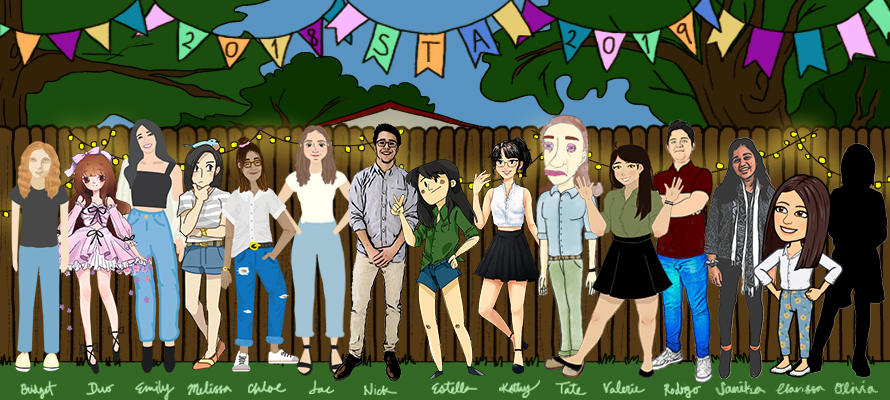
• We are STAs
    • Asha Rountree
    • Haley Ma
    • Kate Shih
    • Kyra Lee
    • Nicholas Peasley
    • Sasha Kenney
    • Shanda Horm
    • Shriya Atreya
    • Tomas Marulanda-Mesa
  • We were STAs
  • STA Presentation
    • STA Presentation 2017
    • STA Presentation 2016
  • Testimonials
  • Resources
  • Home

STA Blog

STA Work Blog

STAs: Student Technology Assistants

Who We Are
LAITS: IT and Facilities Director, Joe TenBarge initiated the Student Technology Assistant program in 2004. STAs are UT students who work on a variety of projects in collaboration with UT faculty and LAITS staff members. STAs assist College of Liberal Arts faculty members and administrative staff with print and web design. From building presentations, to creating audio/visual works, and producing online classes in the LAITS film studios, STAs are instrumental in helping COLA faculty realize their vision for multimedia projects that enhance their teaching and the students learning experience. By the end of their student careers, STAs have portfolios which demonstrate their accrued technical and design skills.


Prospective STAs:

Creative and technically inclined students are appointed as STAs for one year, with the possibility of being rehired as long as they study at the university. Applicants for the program are hired before both long semesters. Interested students may look for postings on Hire-A-Longhorn when positions are available. Positions will have Student Technology Assistant (illustrator or web designer) in the title of the job post.


Faculty and Staff:

Faculty & Staff with questions about services, please contact us.

https://liberalarts.utexas.edu/laits/contacts.php

  • Audio Services: Michael C Heidenreich, Director of Studio Operations & STA Program Coordinator
  • Video Services: Kelly Webster, Video Production Supervisor, Video STA Supervisor
  • Graphic Design & Web Design Services: Suloni Robertson, Art Director / Design & Coding STA Supervisor

v-lab interactive

February 18, 2019 By Valerie Tran

Today I worked on a v-lab interactive for the e-Anthro course! I asked Estella to help me out and clarify some things about the interactive-making process because I confused myself a bit, haha. I also used Emily’s guide to making an interactive to make sure the text and colors were aligned with the style guide for this project.

I looked through the list of interactives that Emily assigned me to update and decided to do the Lab 1, Section 2 interactives. After deciding which interactive I would work on, I took a screenshot of the original graphic/interactive that was from that lab and section.
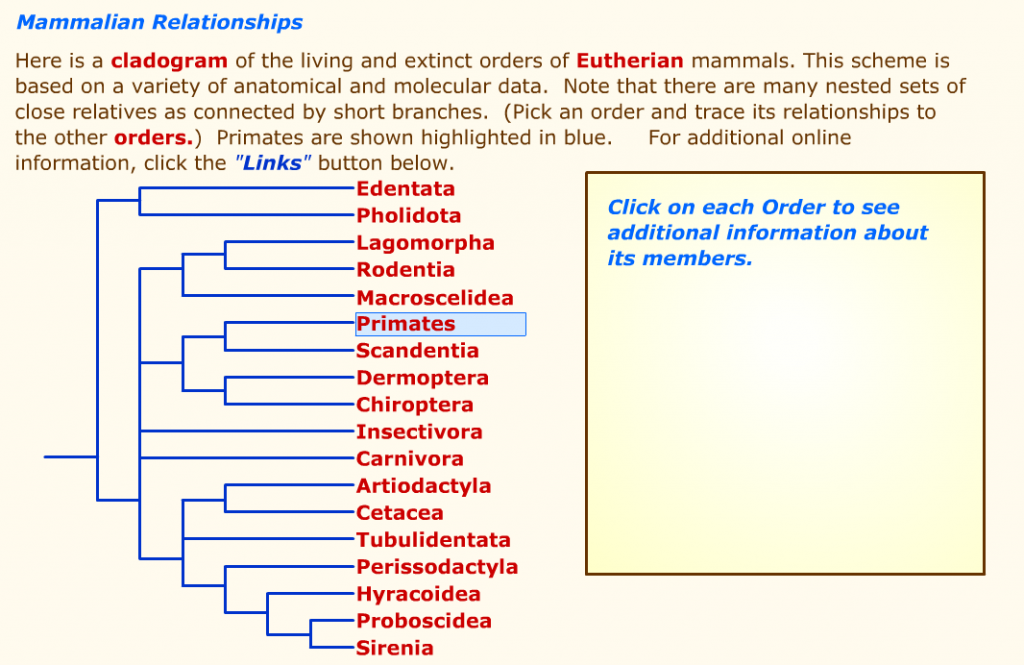
The original interactive from the course’s old site.

I then dragged the screenshot into Photoshop onto its own layer and lowered that layer’s opacity. Once I lowered the opacity, I created some guides to ensure that the content I create will be similar to the original (albeit with a more modern look).
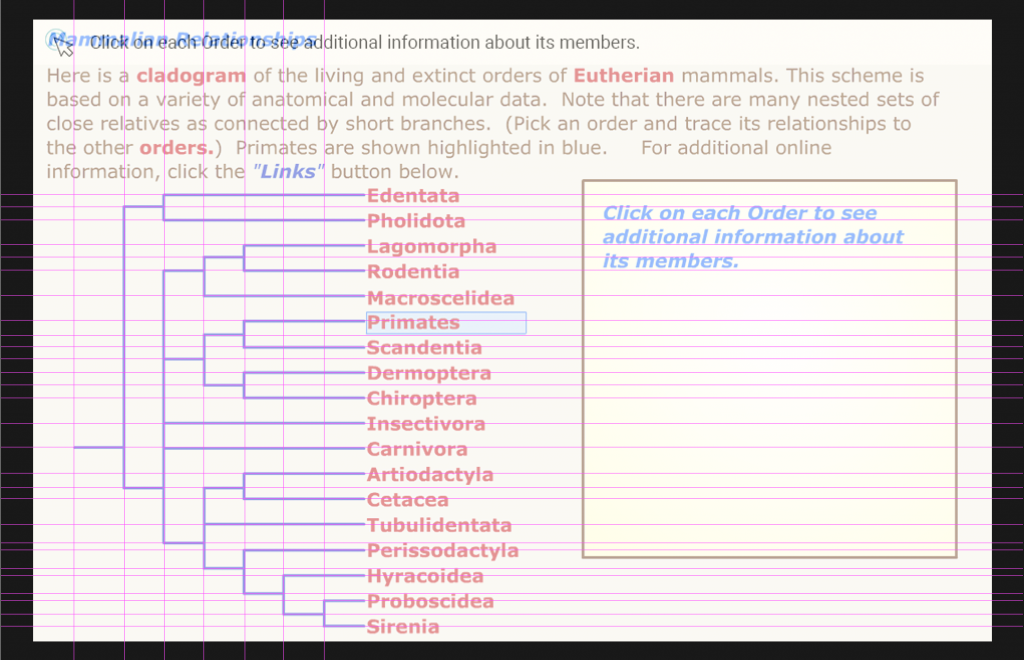
Transparent screenshot with proper guides.

After this, I added the instructions and texts. I followed the style guide/instructions that Emily made and set the text to Roboto, pt. 18 in #ffffff (black). The teal colored assets were accessed via UTBox and they were dragged into Phototshop and into their own layers. I then added the text that is a part of the interactive in Roboto pt. 18 in #7ec7ce (the teal color). I arranged the text so that everything was aligned and that all the text weren’t too snug.
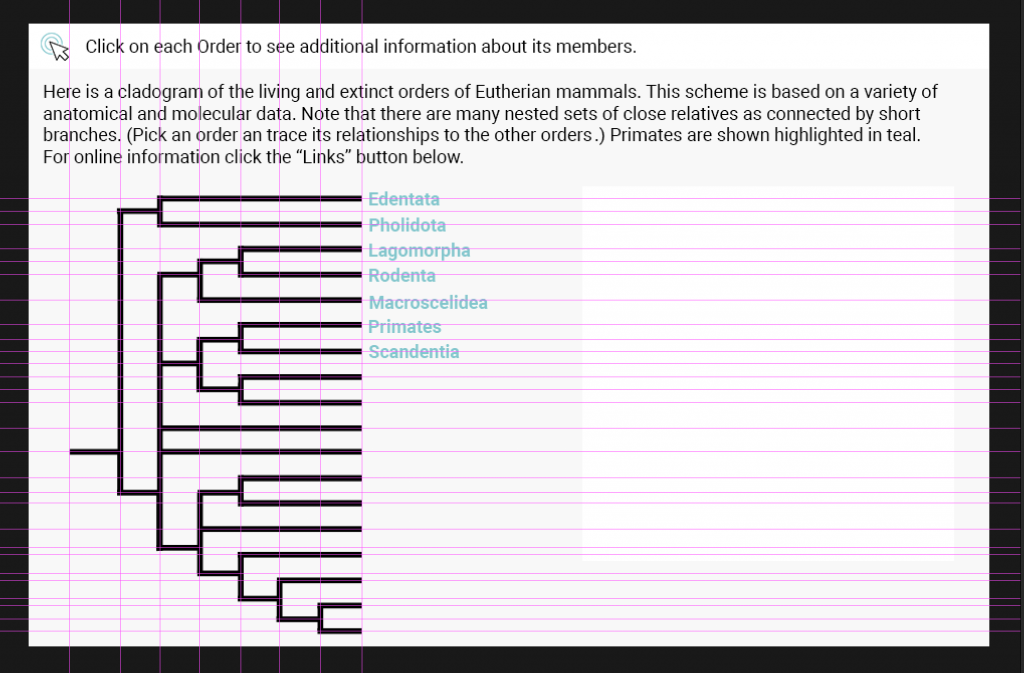
Progress so far

That’s all I did for this shift 🙂

Filed Under: 2018 Fall - 2019 Spring

Speaker search

February 15, 2019 By Clarissa Miranda

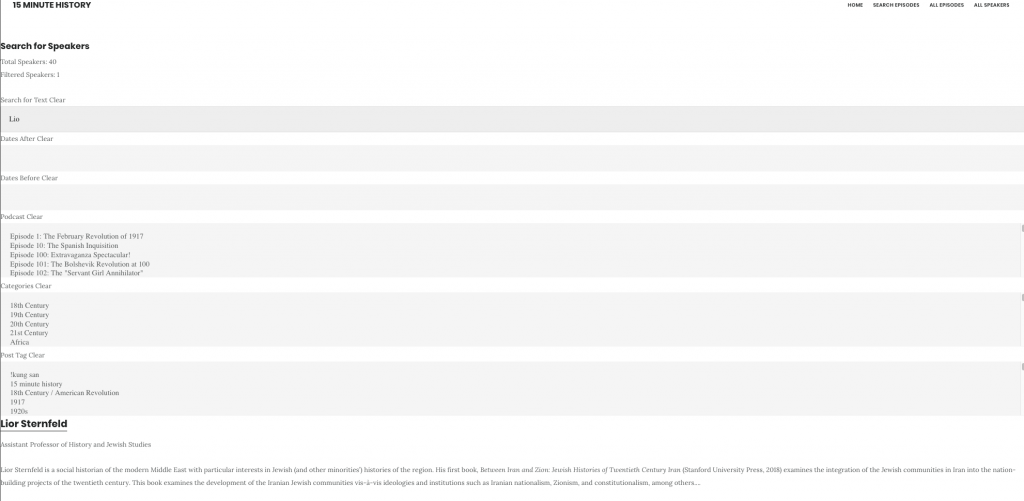
As the search according to episode from the podcast is done, today I worked on the speaker filtering. I was able to display the list of the speakers, missing guess episodes.

Search for speakers

The display categories are TBD, but those are some possibilities.

Now it is possible to filter by text in the description of the speaker, or its name.

Filtered by text “Lior”

Filed Under: 2018 Fall - 2019 Spring

Filter done

February 13, 2019 By Clarissa Miranda

Today, I was able to finish the display of the missing tags and the filtering of speakers, tags, and dates. Also the clear buttons work now.

Filter by speaker
Display and filter by tags
Filter by dates

Filed Under: 2018 Fall - 2019 Spring

Cascade Tutorial

February 12, 2019 By Sanika Bhave

Updating the Cascade Tutorial on Knowledge Base

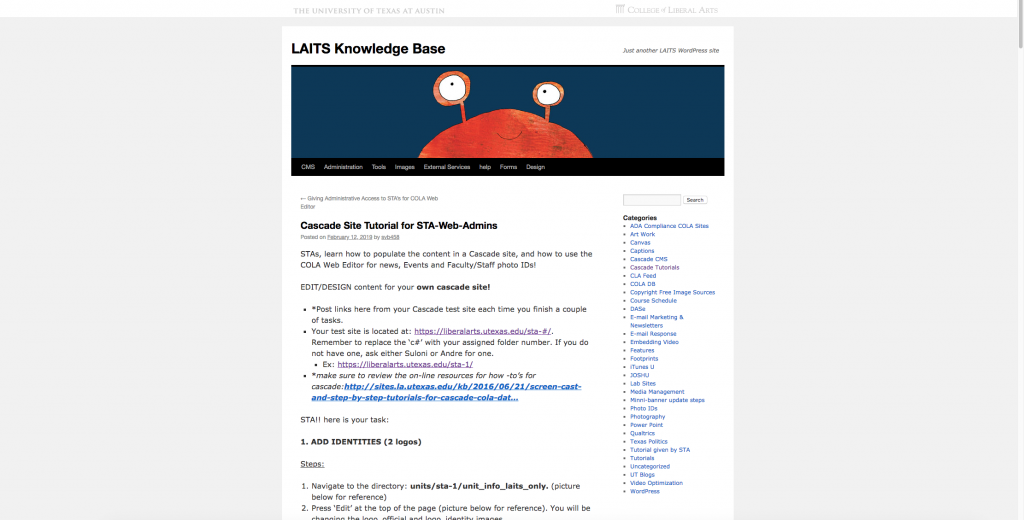
Suloni asked me to migrate the Cascade Tutorial for STA admins that was on UT Box to Knowledge Base. I migrated the Tutorial, updated some of the instructions & screenshots as that the databases & interfaces had changed since the last update.

My Tutorial

So if you ever find yourself having to learn Cascade as an STA, you’ll be using my site. :0

Filed Under: 2018 Fall - 2019 Spring, We are STAs

My Own Cascade Site!!

February 12, 2019 By Sanika Bhave

Ooh Artsy Cascade Site

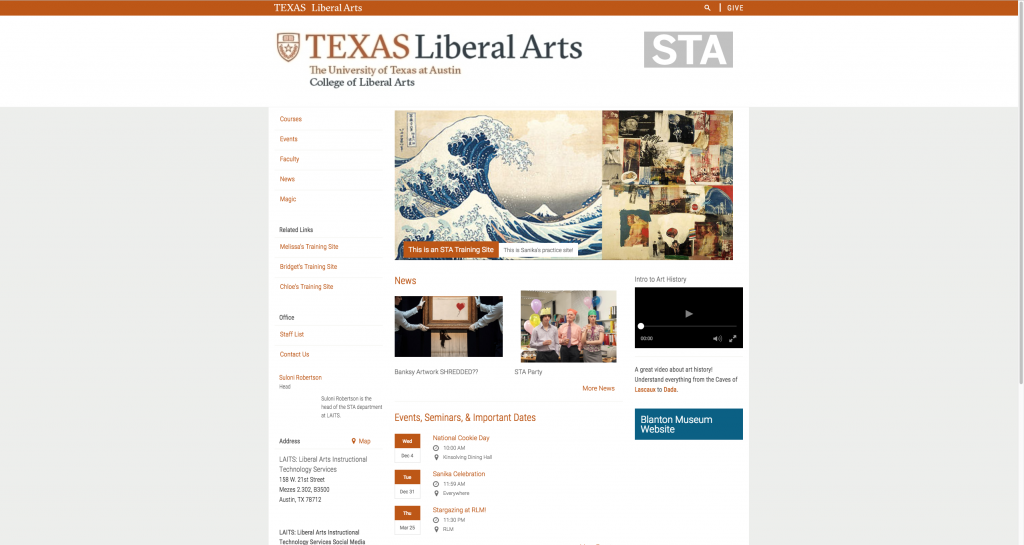
Suloni had me complete the Cascade training tutorials with the hopes that I’ll be able to finish some Cascade projects this semester. Here’s the finished result!! I overall thought it was super fun and turned out pretty cute.

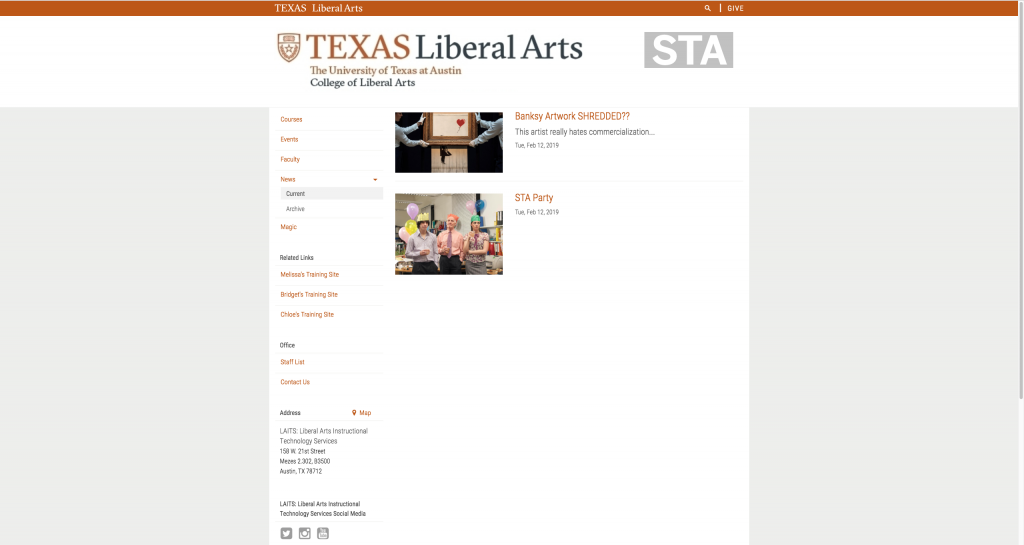
This is what the page looks like!! I tried to make it as ~artsy~ themed as possible.
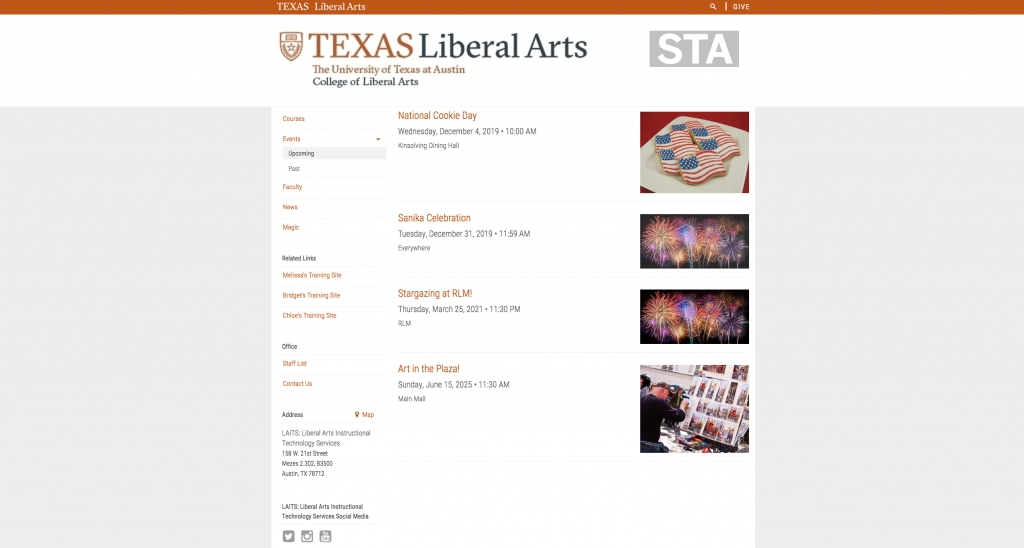
What the news feed looks like! Make sure you attend my events.
The news feed. Really looks like the STAs had a blast.
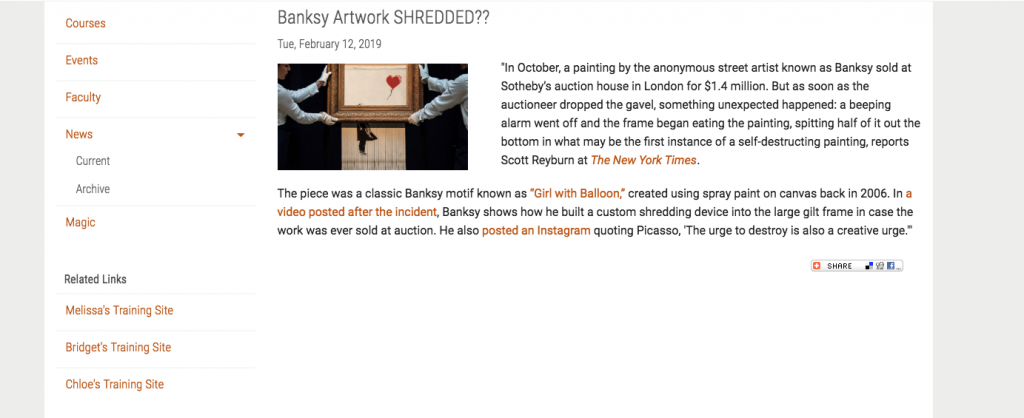
I just wanted to show of my Banksy writeup.

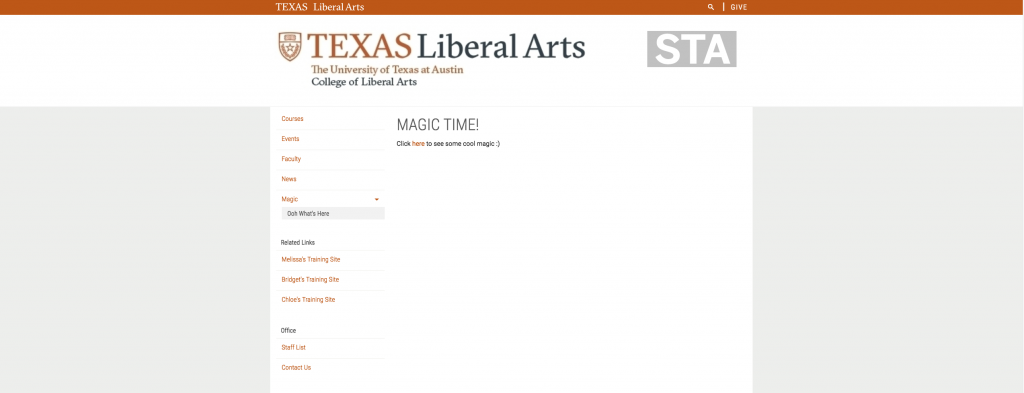
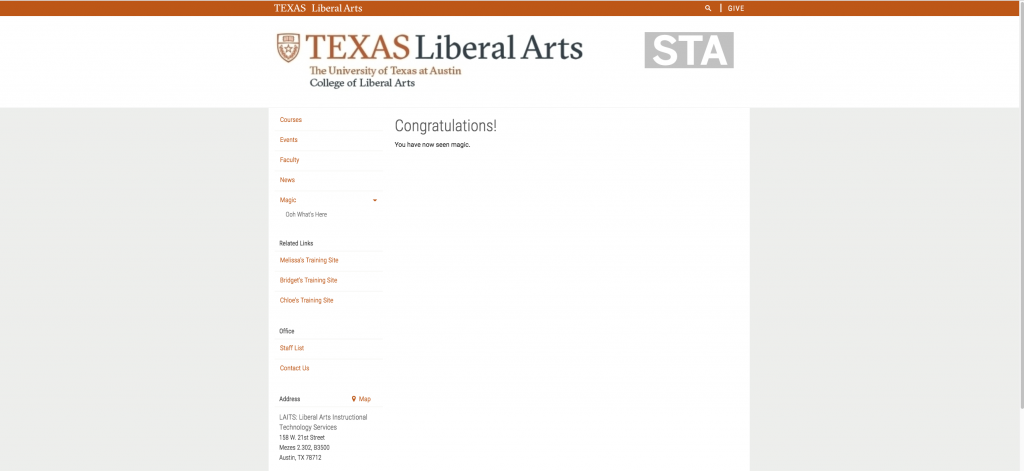
One of the tasks was to create an “invisible” page and to create a “magic trick” with it. Here’s some snapshots of what it looked like.

Another cool task was to enter in the LAITS address & then link the box to a Google Maps display of the location. Here’s the output.

There were some cool other things like add related links (fellow STA links are linked now :’)) and contact information (I had clickers drop a line to Leonardo da Vinci). Overall I really liked working with Cascade!! I’m excited for some more projects. 🙂

Filed Under: 2018 Fall - 2019 Spring, We are STAs

More Werk!

February 11, 2019 By Chloe Kim

I did like 30-40 photo id’s and have been working on an updated photo id instruction… It’s coming along! http://sites.la.utexas.edu/kb/

I have also worked on miscellaneous things. For an example, I updated the STA banner:

Filed Under: 2018 Fall - 2019 Spring

  • « Previous Page
  • 1
  • …
  • 23
  • 24
  • 25
  • 26
  • 27
  • …
  • 62
  • Next Page »

link to LAITS home page

Video STA Home

© 2025 Liberal Arts Instructional Technology Services | Production Credits