• We are STAs
    • Asha Rountree
    • Haley Ma
    • Kate Shih
    • Kyra Lee
    • Nicholas Peasley
    • Sasha Kenney
    • Shanda Horm
    • Shriya Atreya
    • Tomas Marulanda-Mesa
  • We were STAs
  • STA Presentation
    • STA Presentation 2017
    • STA Presentation 2016
  • Testimonials
  • Resources
  • Home

STA Blog

Current Sta

Study Tips video and ISPRII logo

January 21, 2021 By Miguel Yapur

Study Tips Video is done!

After some intense couple of weeks, I am very satisfied with what my team accomplished with the Study Tips video. All animated objects were created as independent, unique assets in Photoshop files that were then imported into After Effects. I was mostly involved in the scenes that show a laptop, a calendar, a whiteboard, and some pamphlets. Below are some clips of these scenes:

Here are also some clips of the After Effects interface, while working on the video editing:

http://sta.laits.utexas.edu/wp-content/uploads/2021/01/Adobe-After-Effects-2020-C__Users_Name_Documents_LAITS_Study-Tips-Animation_StudyTips-PamphletAnimation.aep-_-2021-01-12-11-35-36.mp4
http://sta.laits.utexas.edu/wp-content/uploads/2021/01/Adobe-After-Effects-2020-C__Users_Name_Documents_LAITS_Study-Tips-Animation_StudyTips-WhiteboardAnimation.aep-_-2021-01-12-10-51-39.mp4
http://sta.laits.utexas.edu/wp-content/uploads/2021/01/Adobe-After-Effects-2020-C__Users_Name_Documents_LAITS_Study-Tips-Animation_StudyTips-CalendarAnimation.aep-2021-01-11-13-29-24.mp4
http://sta.laits.utexas.edu/wp-content/uploads/2021/01/Adobe-After-Effects-2020-C__Users_Name_Documents_LAITS_Study-Tips-Animation_StudyTips-PamphletAnimation.aep-2021-01-11-13-24-41.mp4

ISPRII Logo Update

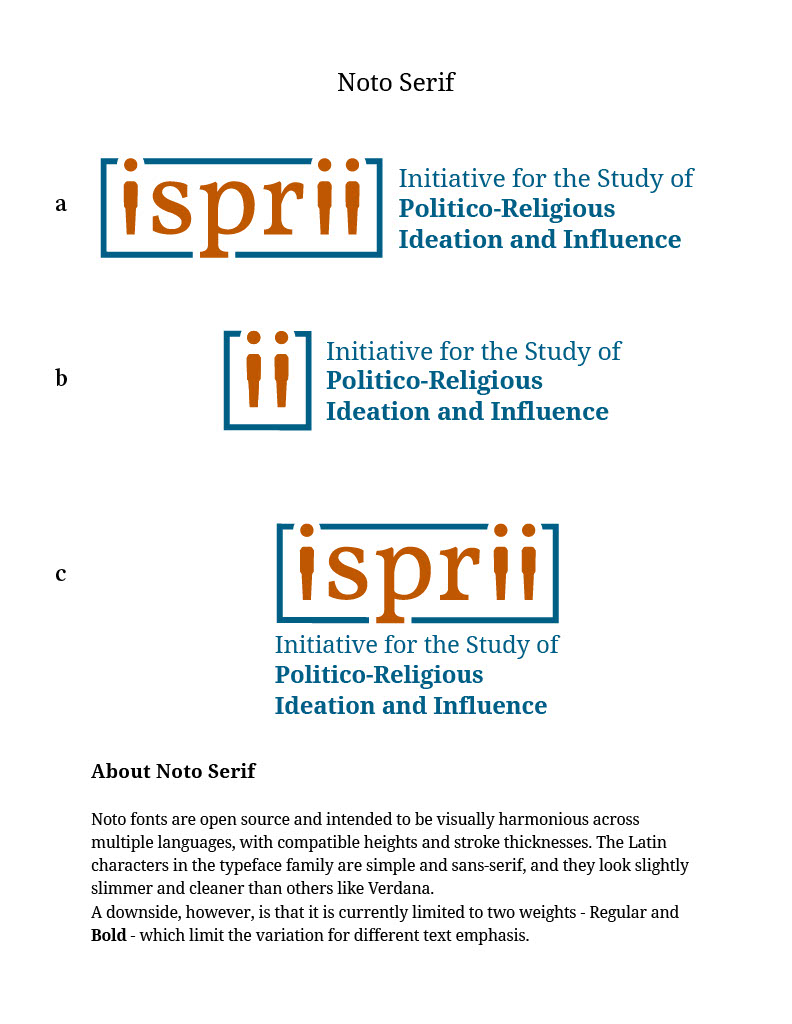
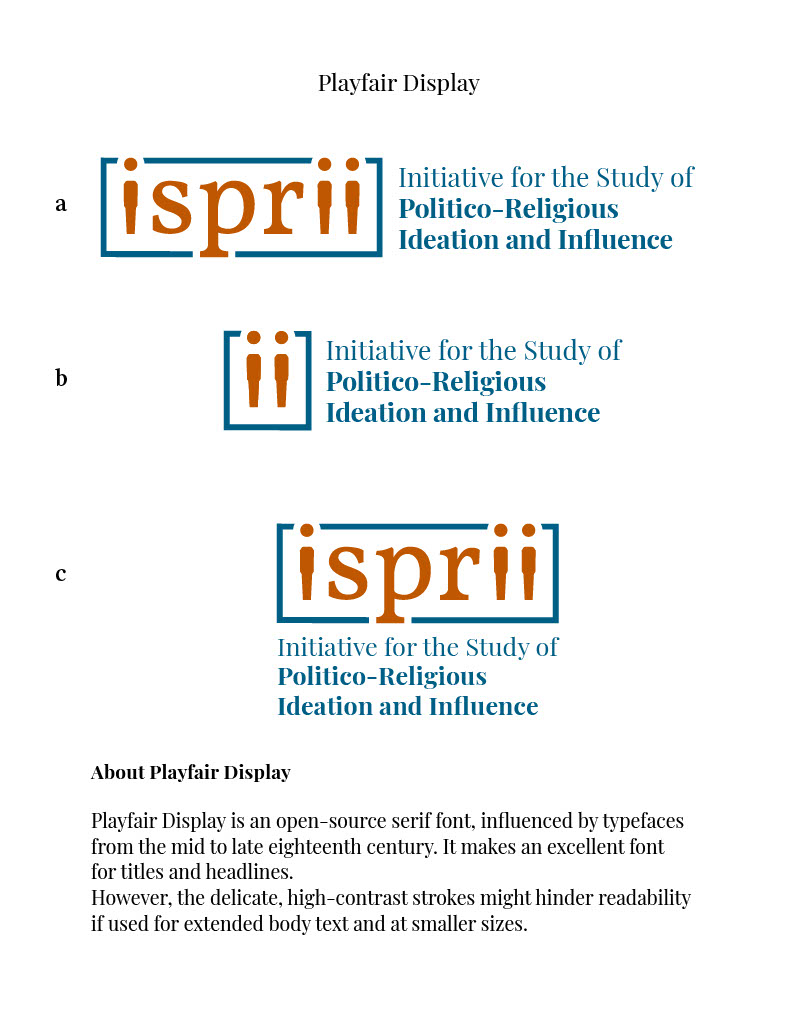
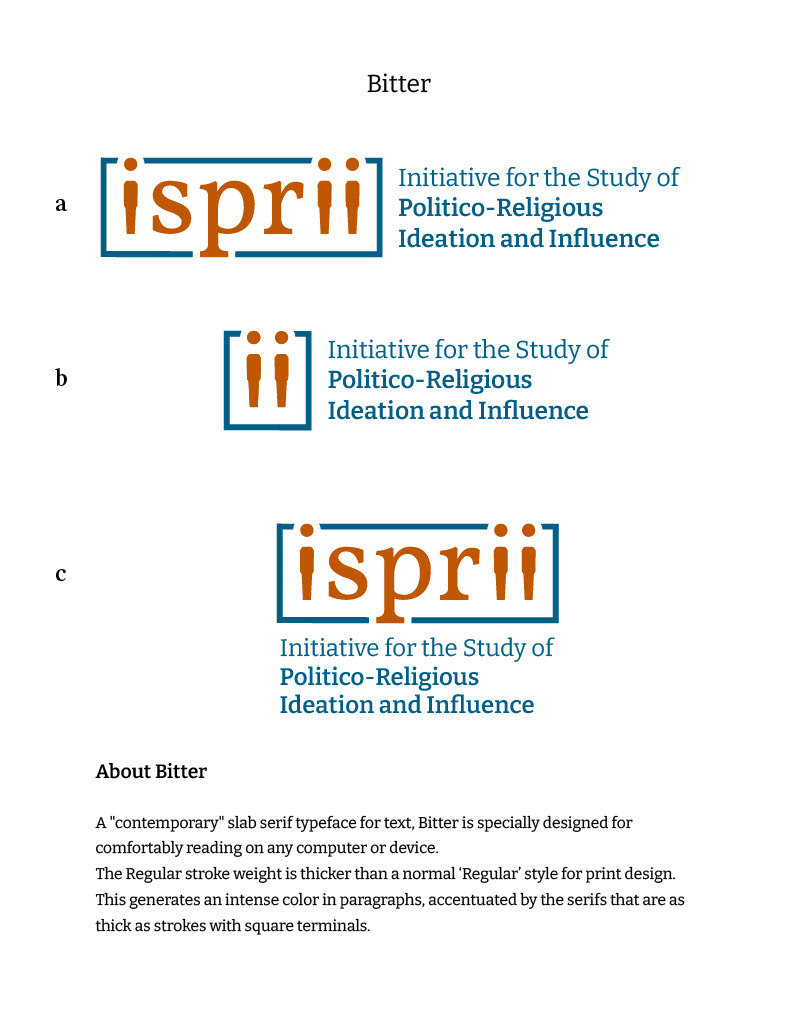
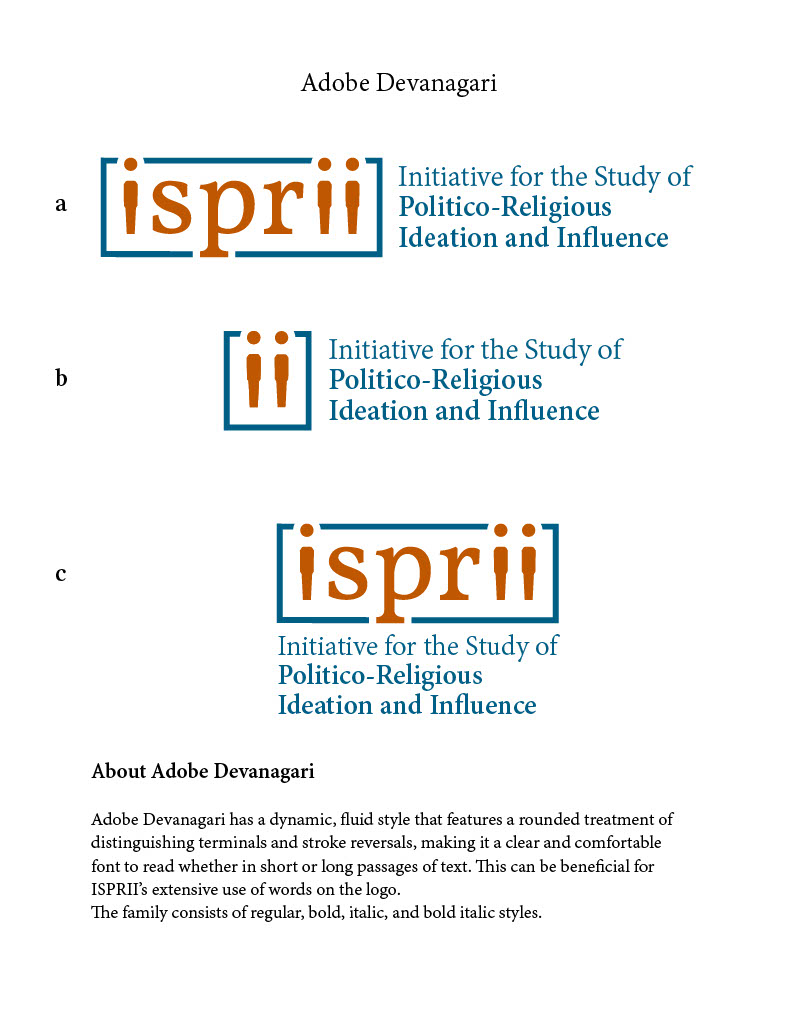
I’ve also been working on some more versions of the logo and wordmark for ISPRII, using two different fonts and working with the hierarchy of the phrases of the name of the organization to create a cohesive look.

Filed Under: 2021 Spring - 2021 Summer, We are STAs

Learning Google’s Material Design

January 21, 2021 By Thuy H Nguyen

Learning Google’s Material Design

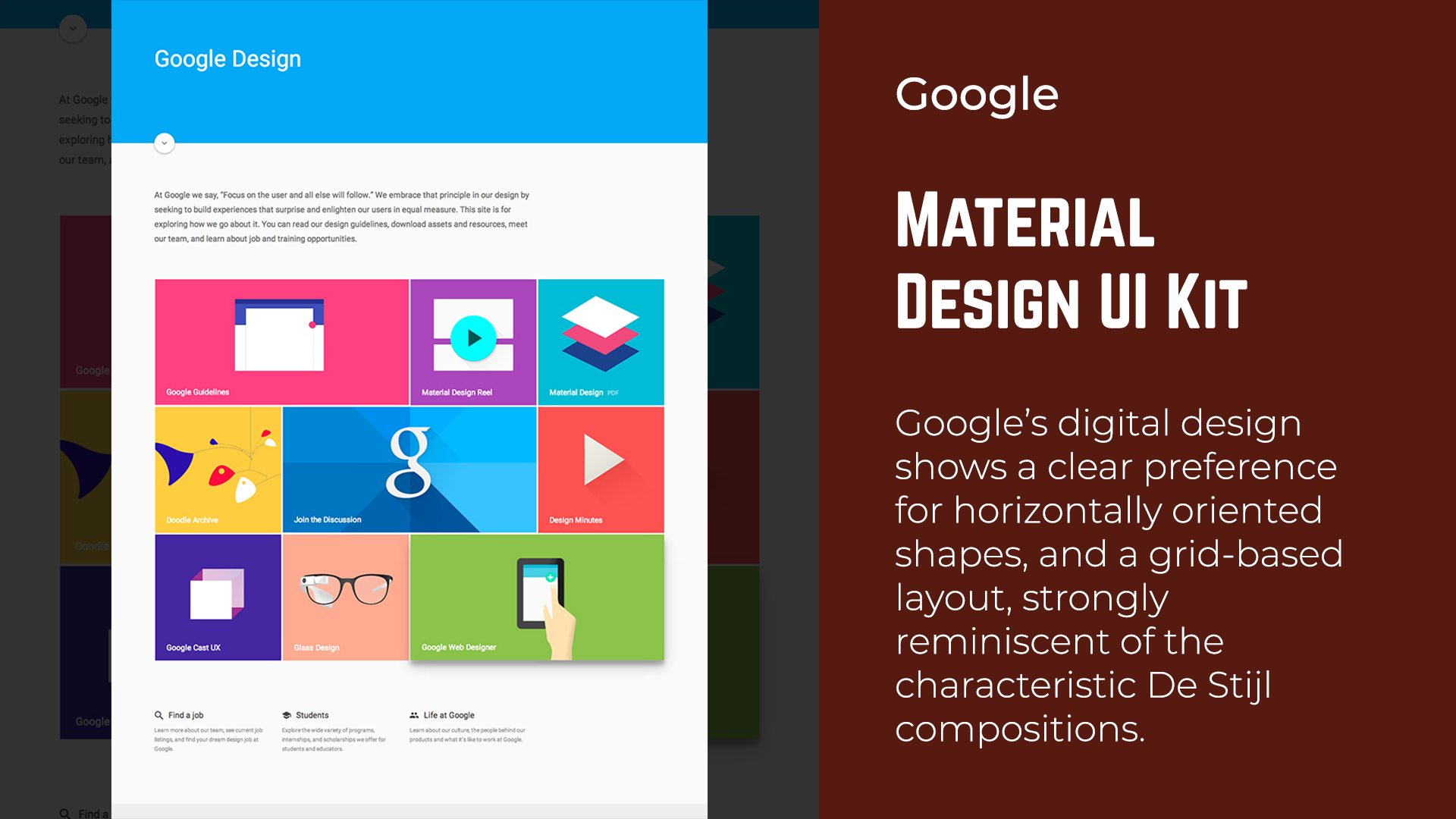
Since I have some downtime this week, I’ve asked Maddy and Valerie to learn Google’s Material Design CSS Framework. Overall, it’s pretty similar to Bootstrap, but I like how the overall look and feel is very different. Another thing that I really like is how they explain design principles, the knowledge of which I lack. Here are some screenshots from the blank HTML page I made and put random components in.

Filed Under: 2020 Summer | 2020 Fall, 2021 Spring - 2021 Summer, We are STAs

Catching Up and A Winter Break Conclusion

January 20, 2021 By Angie Huang

Catching Up and A Winter Break Conclusion


Hello 🙂 Again, it has been a while, but I’m happy to say that classes started yesterday- I’m excited to be back in Austin. There aren’t many projects that I can update on, as I didn’t leave much unfinished before the break. I have however gotten back to my PSD painting training assignment, which I had put to the side over winter break to prioritize the Study Tips and Wellness project.


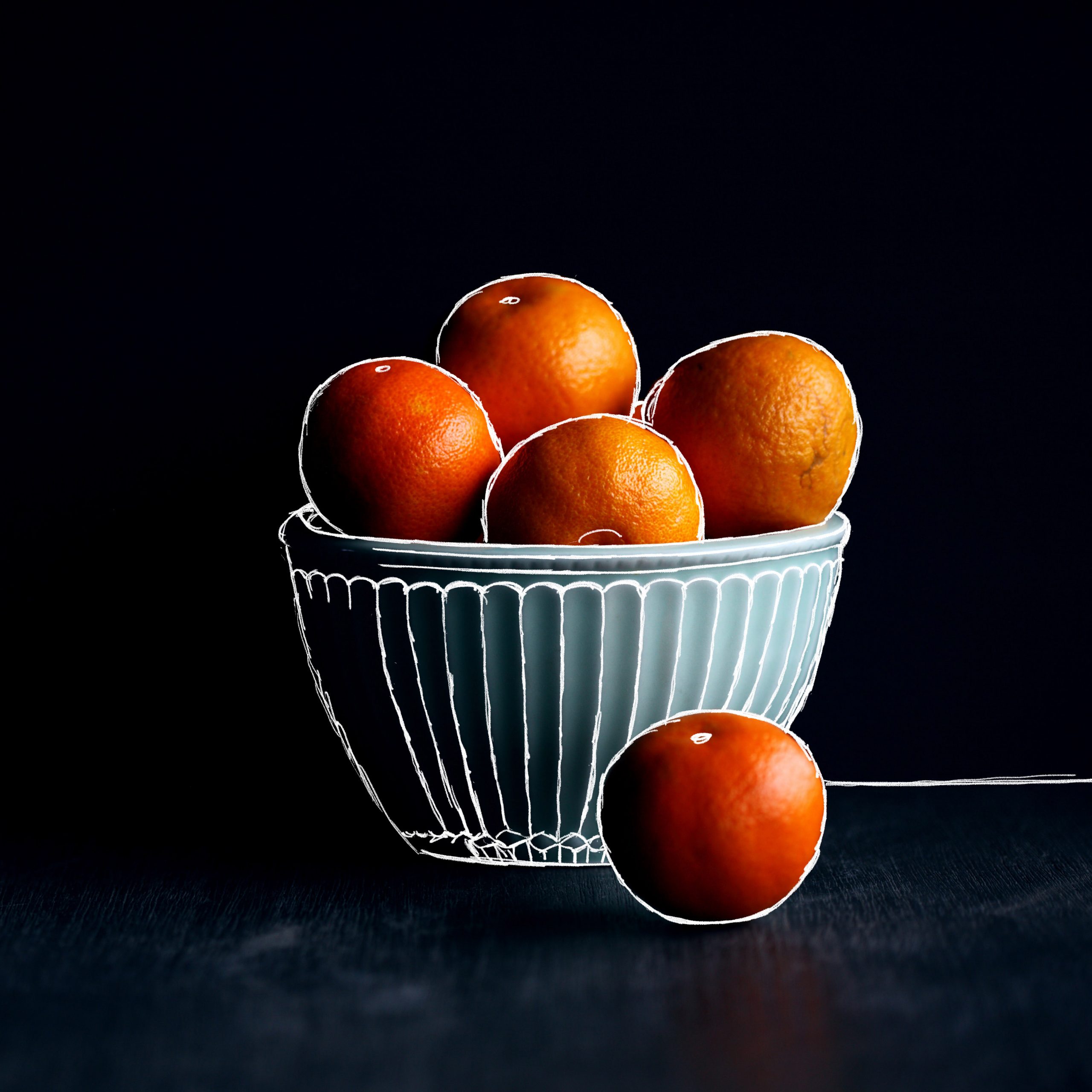
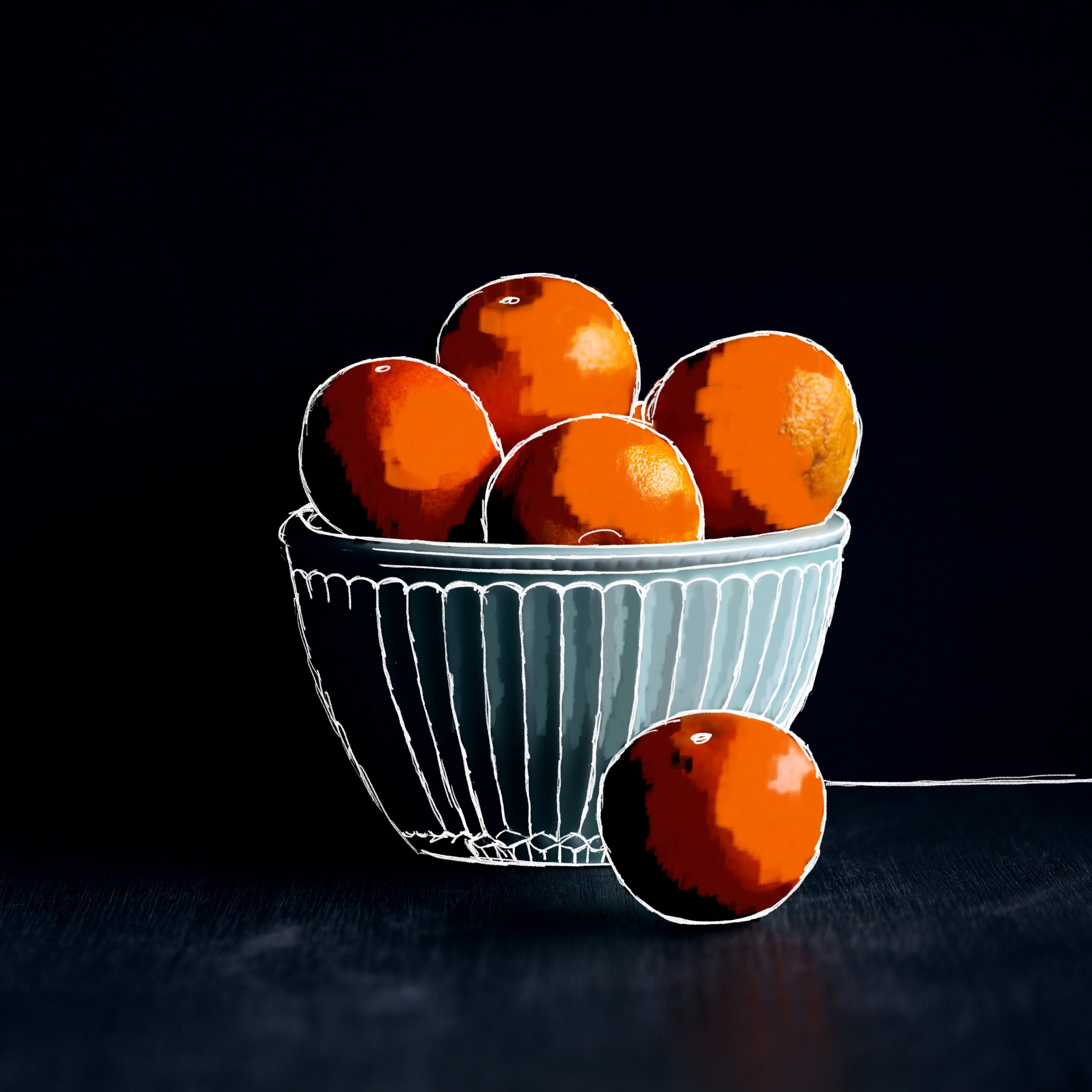
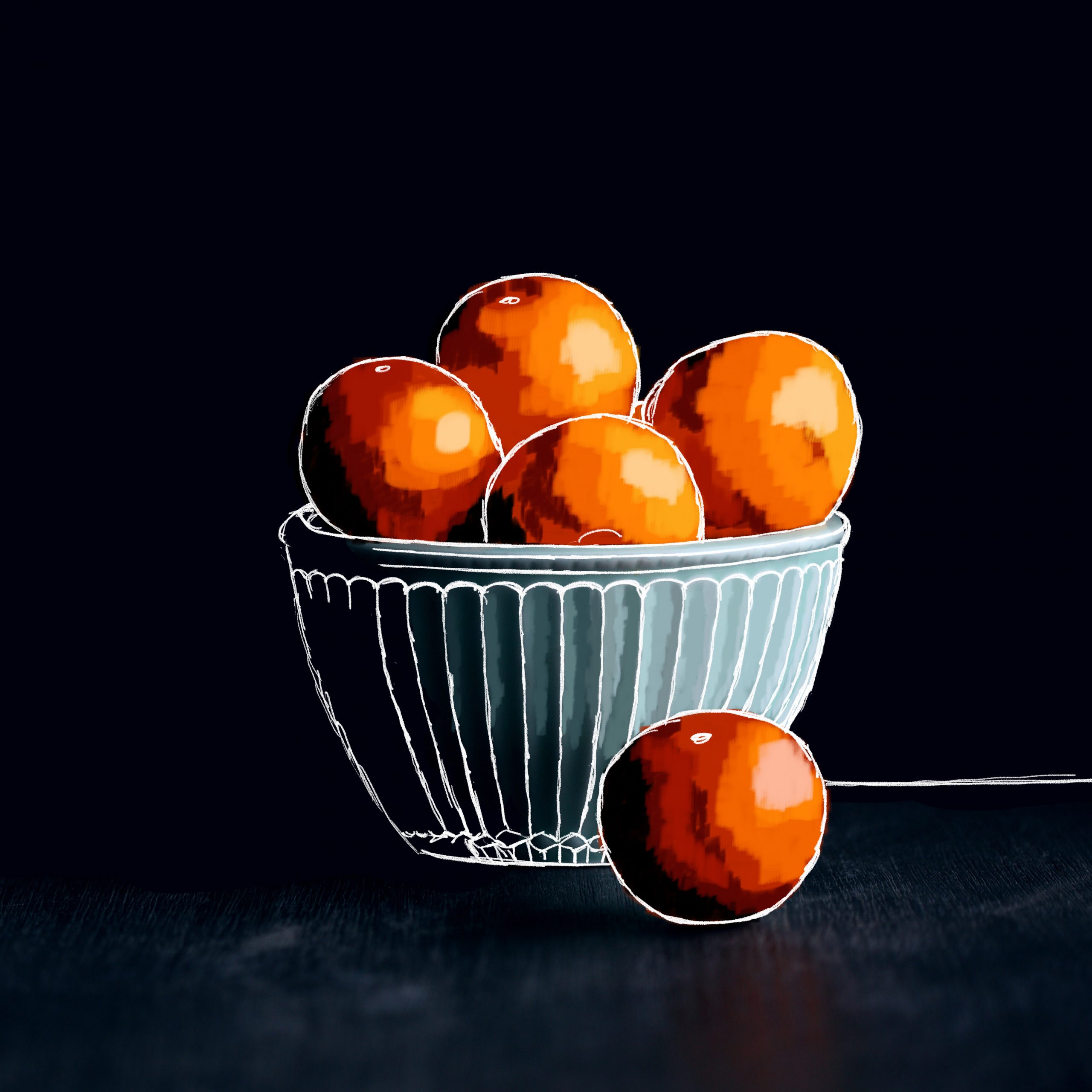
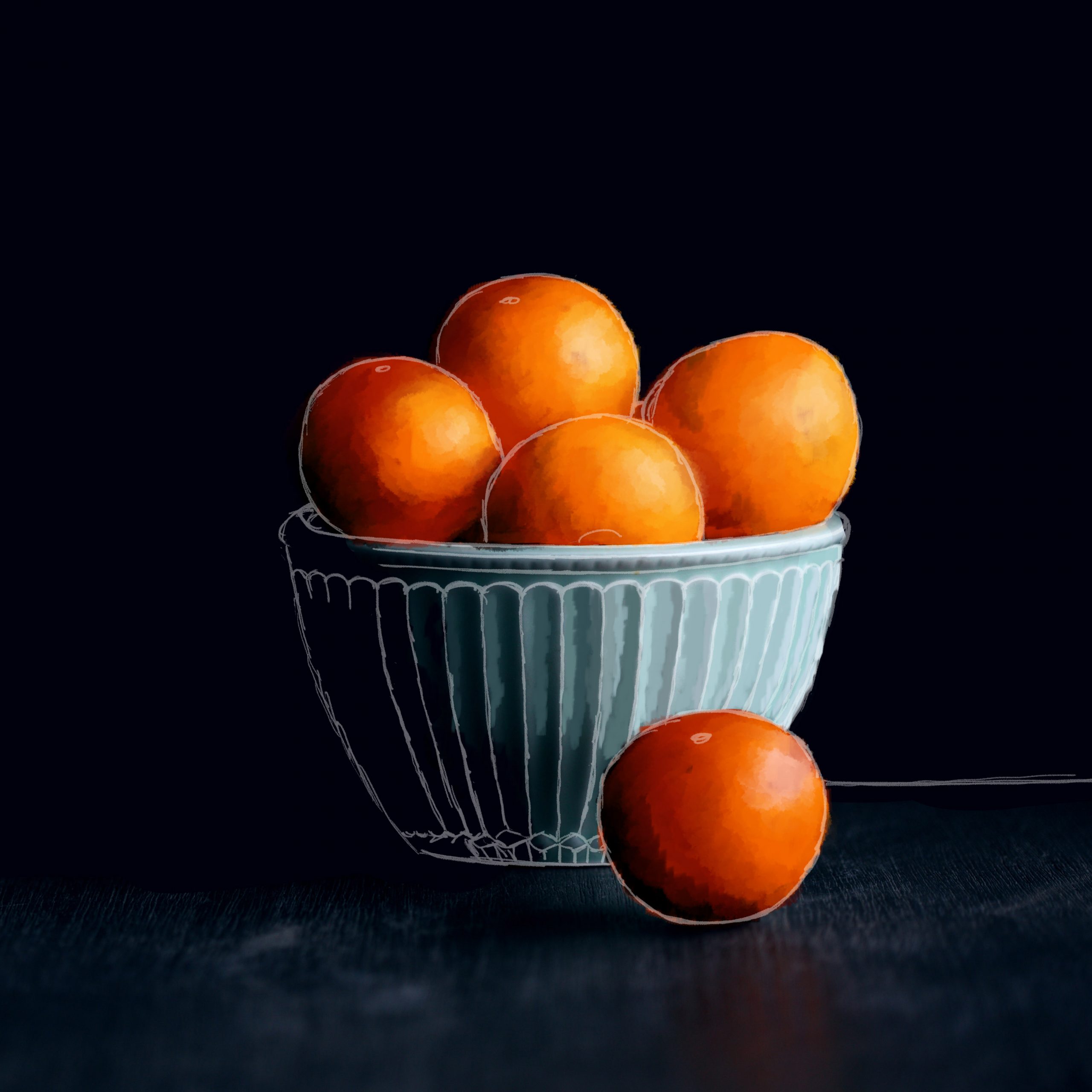
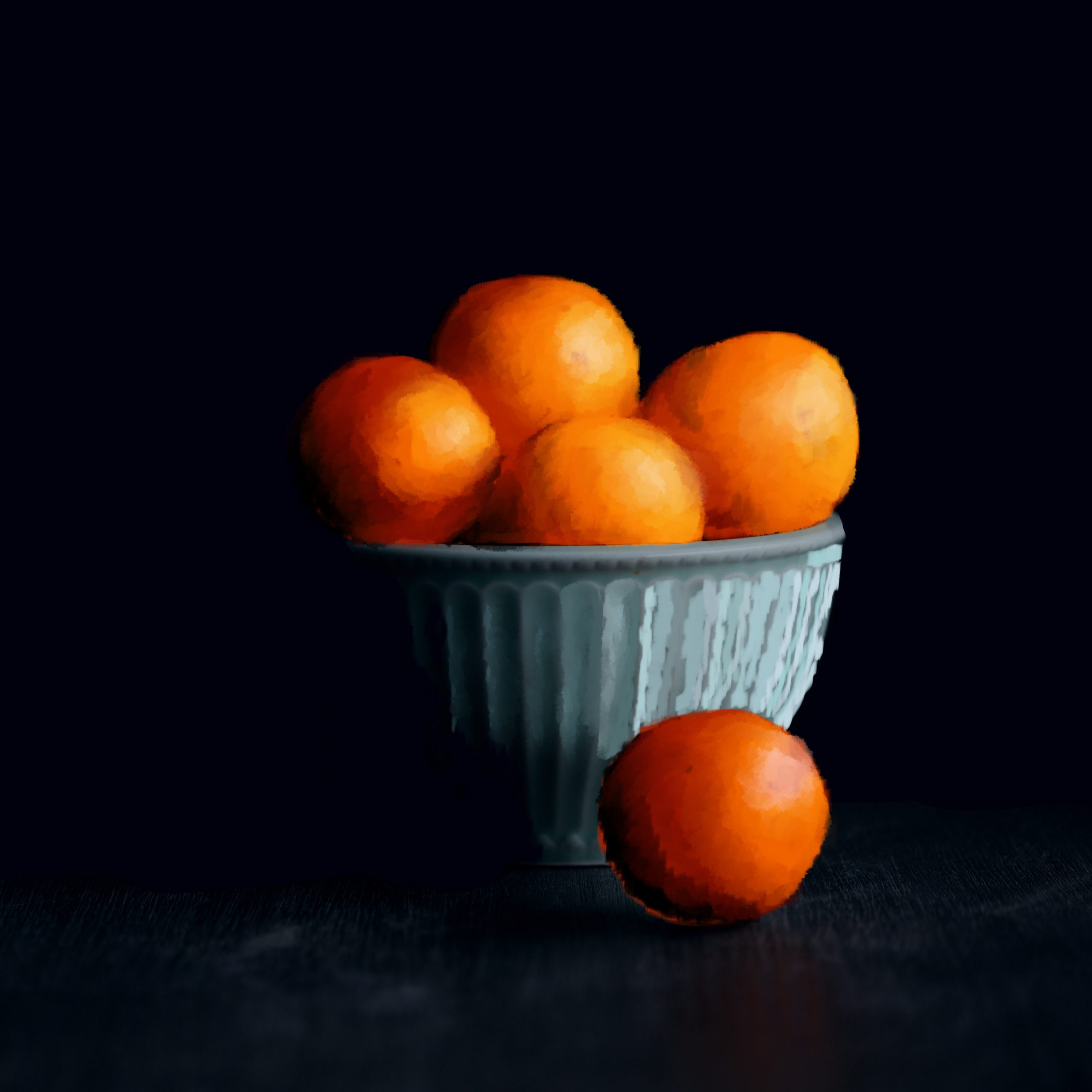
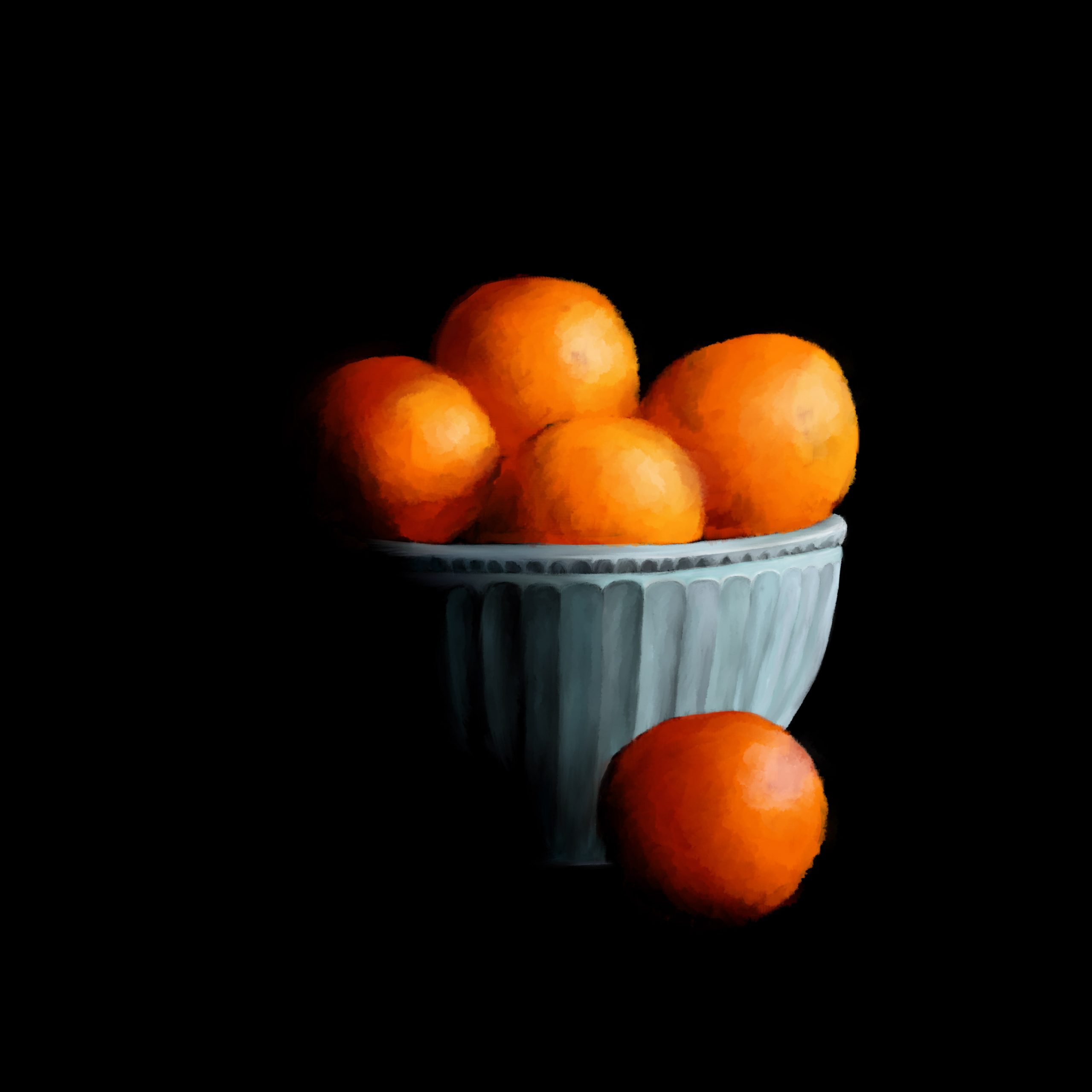
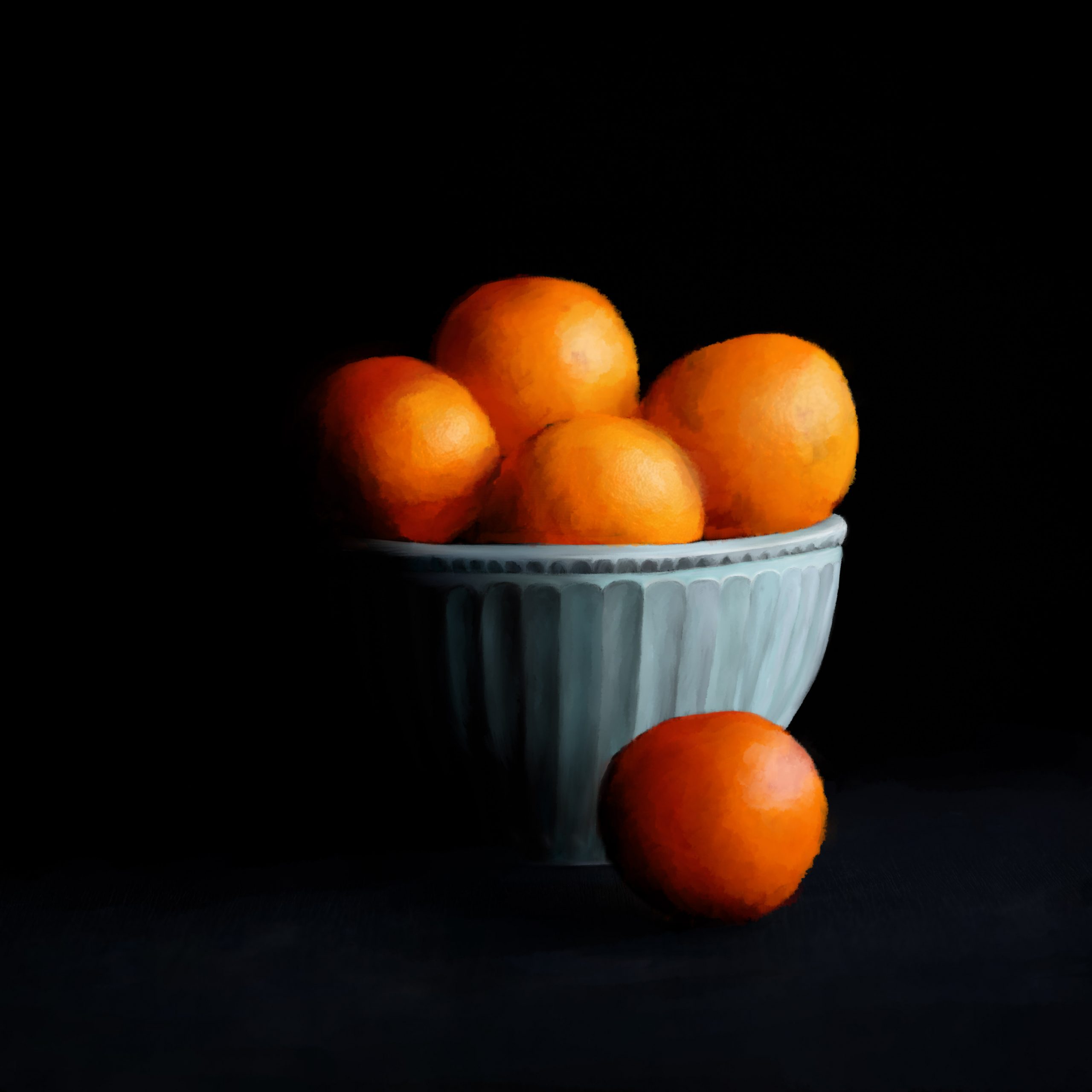
Fig Painting in Photoshop

And of course, Study and Wellness! Now that winter break is over, this project has been concluded and I’m so happy with what I was able to accomplish with the dream team (of Athena, Miguel, and Poonum). My last post here was the still assets of the lofi hookem scene. But now even better, here are the animated videos 🙂


sadly the files are too large to upload, so instead here are images that link to the mp4 files

Reflections

It’s a new year which means new projects in my future. Reflecting back on 2020, I’ve grown so much, especially in my experience in design. And I’m so grateful for the community I have met through LAITS and the STA program. My goals for the year are to update more so I have more to look back on, and to get out of my comfort zone. And this winter break project was a great headstart in that. Working in Photoshop for illustration was familiar and let me get into detailed work with ease. However, taking to animation on After Effects was a new, fresh and challenging experience. I’m so happy 🙂


Filed Under: 2021 Spring - 2021 Summer, We are STAs

AI Logo Training

January 20, 2021 By Poonum Mehta

This week I picked back up on a logo training I was working on before winter break in Illustrator. I wanted to create something I could use on my food blog (shameless plug chefpnut.com). I started our with a simple chef’s hat design:

Angie noted that having the wordmark within the logo would impede my ability to scale the design smaller and larger. She also pointed out that because my design is very line-based, color options were limited. I adjusted accordingly, making the utensils larger to create spaces for color blocks, and moving the wordmark below the logo. I also changed the font because new year new me. Here are the three vaiations of the logos: one black and white, one full logo, and one with initials for the wordmark.

I then positioned these logos onto some merchandise, and positioned those mockups onto a webpage:


This training was pretty fun! Logo creation requires more attention to detail than I thought, as you really need to make sure the design is adjustable for products of varying sizes and shapes. I sometimes feel like I’m in a rut with the way I tackle creative design projects, but maybe this is just my style? I really love line work and creating line work, and I always steer towards primary color blocks. Some self-reflection is in order, me thinks. I’m hoping to rebrand my cooking blog soon so once that’s done I’ll post an update here of the logo ~in action~ hehe


Filed Under: 2021 Spring - 2021 Summer, We are STAs

Hi Relena!

January 20, 2021 By Relena Lai

Welcome to the STA Blog! This the page where your blog posts will published.
Toward the end of your STA Orientation, you’ll design and upload a banner to go at the top of this page.

Upload a Blog Banner


Step One: Design Your Banner in Photoshop

Use these Photoshop specs when you’re making your banner:

    • Your banner should be 780 pixels wide (the height doesn’t matter)
    • Must include your name, your major, and your expected graduation year
    • Your banner should reflect who you are (your personality, interests or major)
    • Make sure to save your banner for the web (i.e. File > Export > Save for Web (Legacy))
    • If you save your banner as a JPG, make sure sure the quality is high (i.e. at least 60)

Step Two: Save Your Banner

  • There are two places you can save your completed projects: UT Box and the LAITS server. You’ll be given a personal folder in both locations. For now, you only have to save your banner to UT Box, but you may have to access the server at some point in the future.

Accessing UT Box

    • If you haven’t already registered with Duo, follow the instructions here to set up an account.
    • Then log in to UT Box with your EID and password: http://utexas.box.com/
    • Go to the folder called Design-Coding-STAs, then the subfolder STA-folders
    • Find the folder with your name on it
    • Save your banner both as an image and an unmerged PSD

Accessing the LAITS server

    • Accessing the LAITS server from off-campus is slightly more complicated.
    • You’ll need to be registered with Duo if you aren’t already (you can register here).
    • Then you’ll need to connect to the UT VPN and the LAITS server. The videos below will walk you through how to do that:
      • Connect to the Server – PC
      • Connect to the Server – Mac
    •  Then navigate to your STA volume folder and save
      • smb://file.laits.utexas.edu/sta/Ingrid Alberding
    • Save your banner both as an image and an unmerged PSD

Step Three: Upload Your Banner to the STA Blog

  • Log in the the STA Blog here. You should’ve received an email confirming your new WordPress account with your username and assigned password. If didn’t get it or you can’t log in, ask Suloni or another STA.

  • You’ll be able to change your password anytime by going to Users > Your Profile > Account Management > New Password.

Uploading media and banners in WP

  • Read these links before you upload your banner.
  • They will walk you through how to upload media to your blog.

How to Upload a Homepage Banner

Adding New Posts and Media


Make Your First Blog post


  • Reflect on the day. You blog posts will be a documented experience of your time as an STA with LAITS. They can include anything you want to share about the projects you’re working on, and the more media (screenshots, images, links, videos, gifs) you can use, the better.
  • For today, write a bit about about yourself and what you did during orientation.
  • If you haven’t already, upload your banner.

Things to Remember


Image Specs

  • You should never copy and paste images intoto your blog. Always upload images into the media section of blog first (Click on the add media button), then insert the image from the media folder to display on your blog.
  • Don’t use the thumbnail version of your images.
  • Use images that are 72 dpi
  • Screenshots are fine
  • Images that are 780 pix wide format nicely above or below text blocks

**Always Categorize Your Posts

  • Always check the category “2019 Fall-Winter | Spring-Summer 2020” on the blog posts you make this summer. This is the only category you need to check.
  • Make sure your posts are categorized correctly so that all of your work is documented in the correct semesters.

Commenting on Basecamp

Notification comments: etiquette, files, questions, feedback

Let us know when you’ve completed this task by adding a link to your blog to a comment in Basecamp.
Notes for all comments in Basecamp:
  • *Always address the person/people you are writing to by their names.
  • *Always use complete sentences.
  • *Always add links or paths to your design file in your STA folder.
  • *Make it easier for your collaborators and mentors to give you feedback on a design by adding screenshots to your comment.


Notify people in Basecamp by adding the @ symbol before their names (no spaces), otherwise they may not see your comment.

@ your STA mentor and Suloni in your comments when you want to:

  • ask us questions about the mechanics of using the STA blog,
  • about the mechanics of photoshop,
  • to let us know that you have completed this task,
  • or that you would like a little feedback on on your banner design 🙂

Thank you & have fun!

Filed Under: 2021 Spring - 2021 Summer, We are STAs

PSD Cutout

January 14, 2021 By Abriella Corker

PSD Cutout

This training was a little different because it focuses on making sure you are able to get fuzz, blurred, and complex edges when you are trying to isolate the object from its background. I picked photos with different levels of difficulty and tried different methods of isolating the object.

Filed Under: 2021 Spring - 2021 Summer, We are STAs

  • « Previous Page
  • 1
  • …
  • 90
  • 91
  • 92
  • 93
  • 94
  • …
  • 126
  • Next Page »

link to LAITS home page

Video STA Home

© 2025 Liberal Arts Instructional Technology Services | Production Credits