• We are STAs
    • Asha Rountree
    • Haley Ma
    • Kate Shih
    • Kyra Lee
    • Nicholas Peasley
    • Sasha Kenney
    • Shanda Horm
    • Shriya Atreya
    • Tomas Marulanda-Mesa
  • We were STAs
  • STA Presentation
    • STA Presentation 2017
    • STA Presentation 2016
  • Testimonials
  • Resources
  • Home

STA Blog

Current Sta

GOV310L Final Edits

September 20, 2022 By De'sha Bass-McClellan

GOV310L Final Edits

This week I had a minor edit to complete on the GOV310L intro. I just needed to change “Presidency” to “The Presidency” and “Courts” to “The Courts”.


http://sta.laits.utexas.edu/wp-content/uploads/2022/09/GOV310L_Intro-1.mp4

Filed Under: Fall 2022 - Spring 2023, We are STAs

Week 2

September 14, 2022 By Marissa Devivar

(9/14 – 9/15)

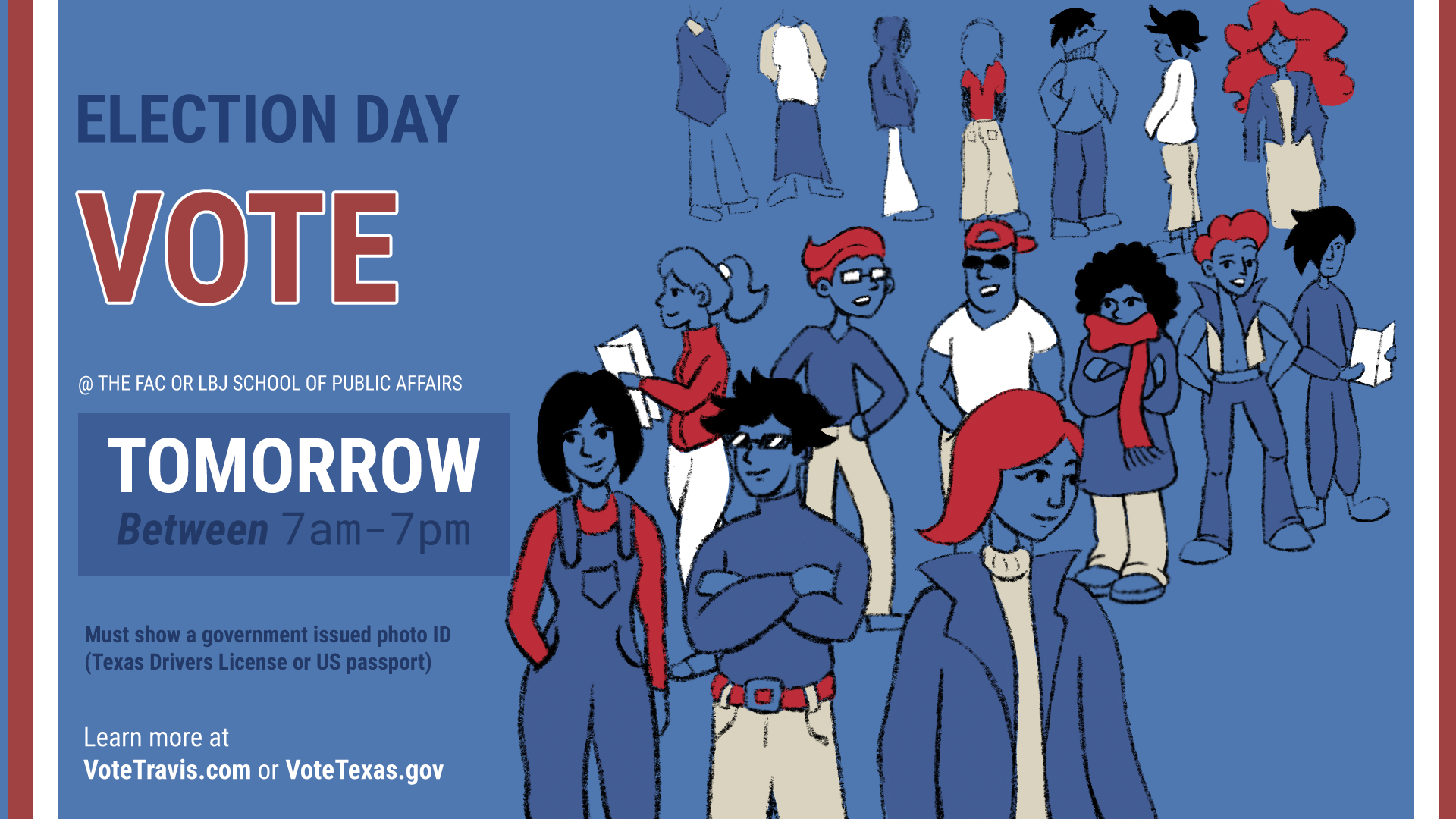
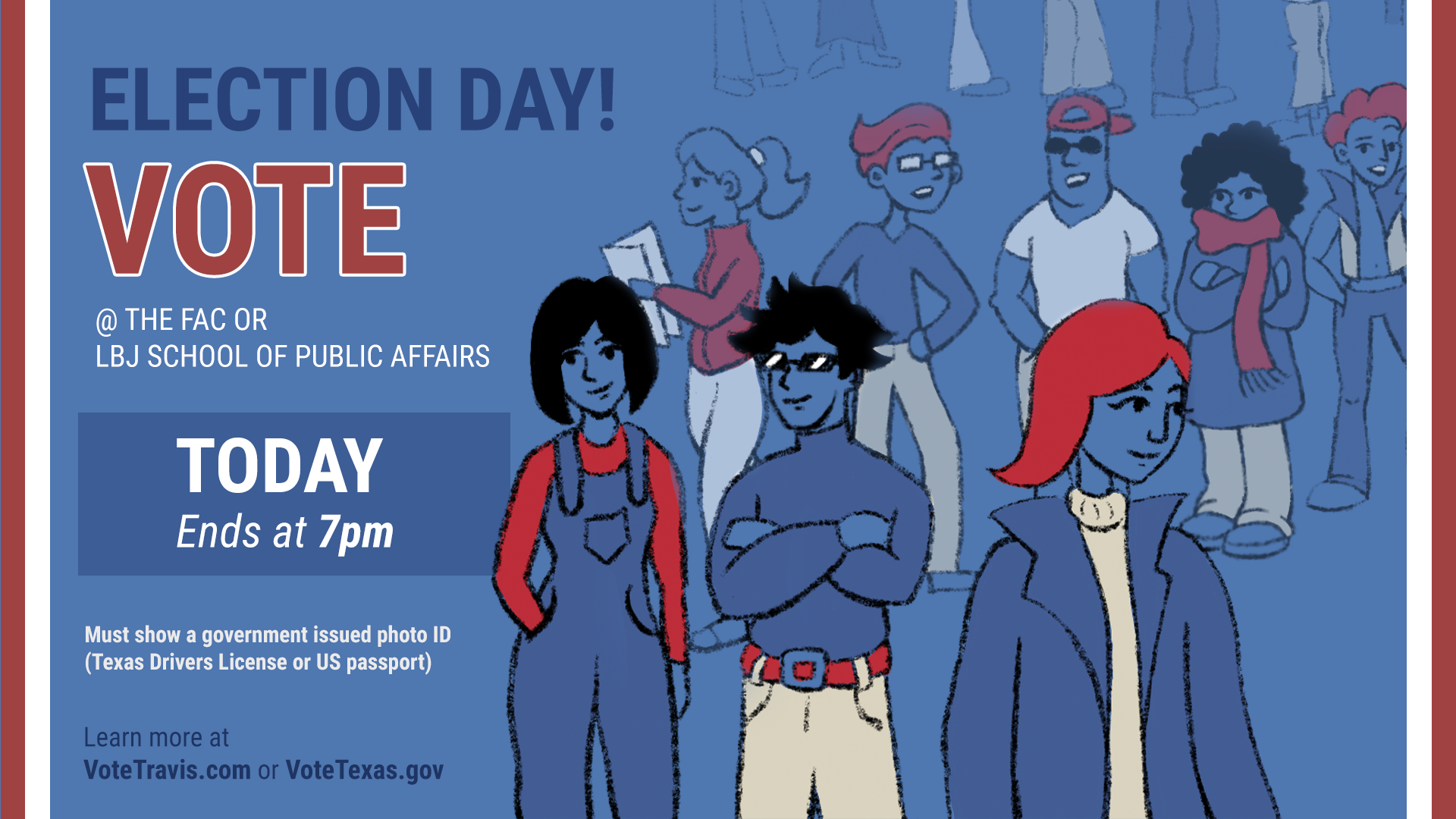
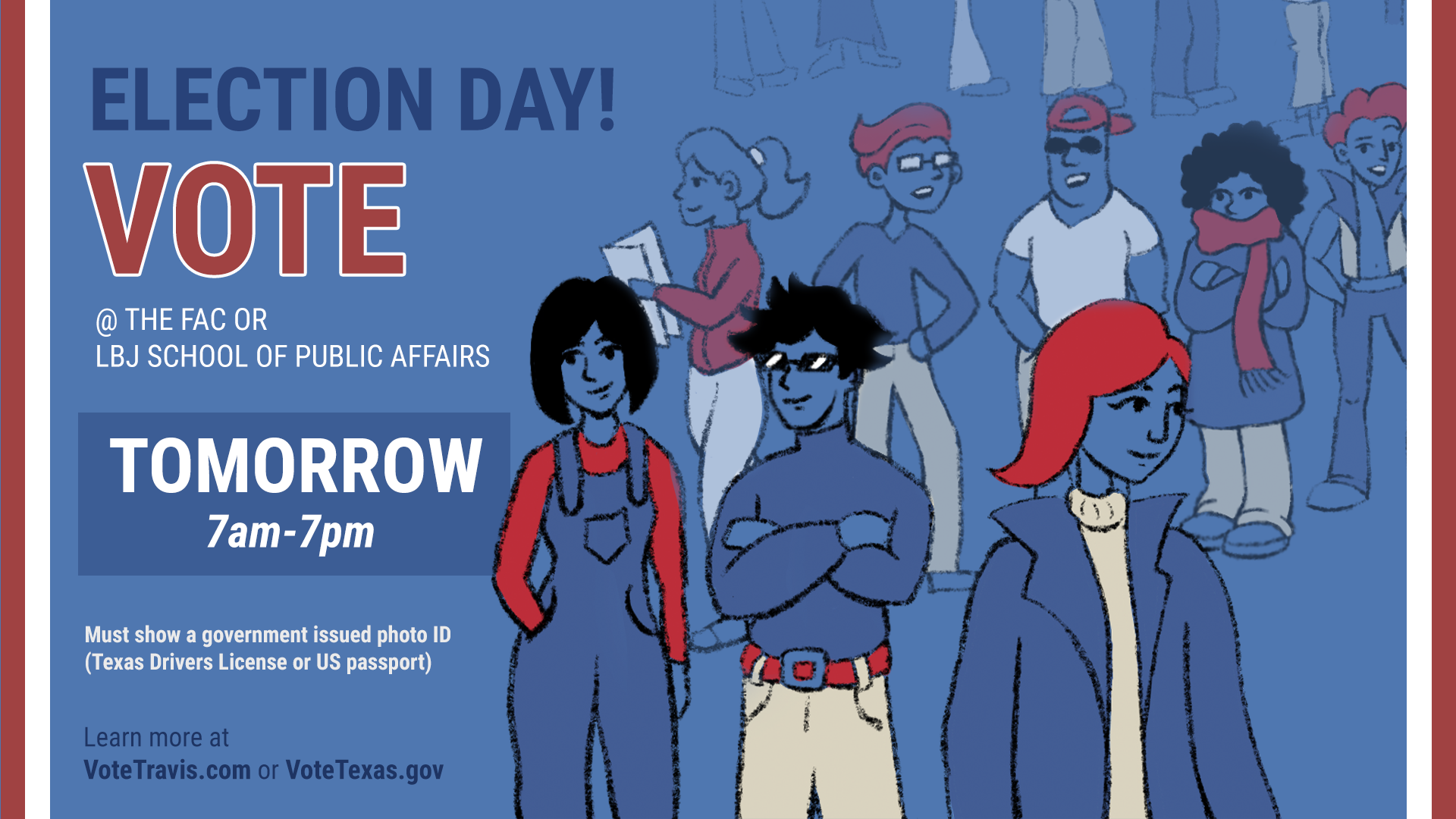
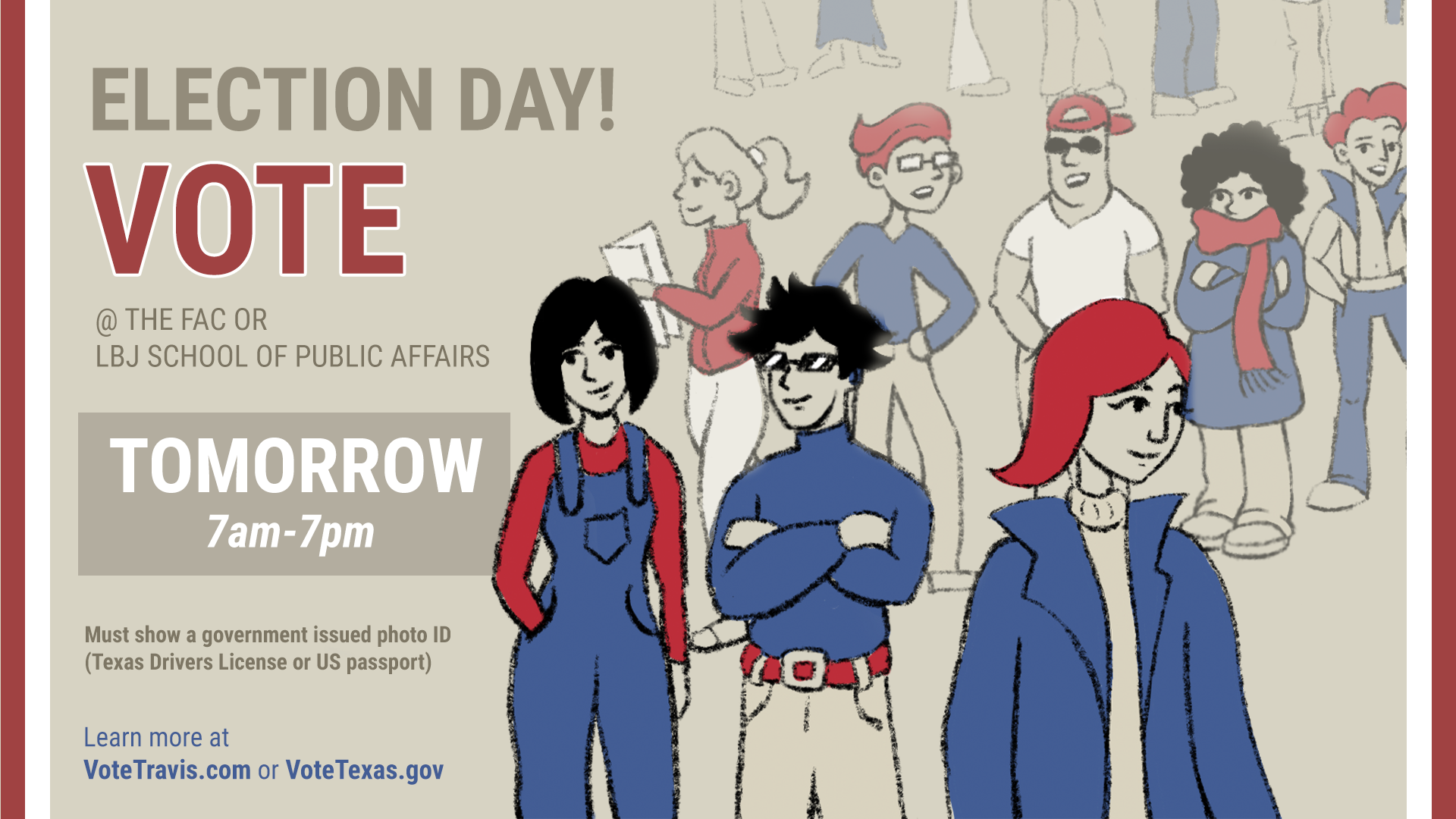
VOTING PSA GRAPHIC

I was asked to illustrate/redraw the preexisting icons on a Voting PSA to make them look more hand-drawn. Maddy and I worked on reconfiguring the composition so that the flow of the word placement was better. We also decided to replace the icon with one that more directly referenced voting. The overall color palette and font families stayed relatively the same.


Layout 1 & 2


Hand-drawn Illustration:

1st Layout with All Elements:


Voting Graphic PSA 2022 (final)


(9/9 – 9/12)

STA AVATAR & BANNER

For STA Orientation I had to create a banner for my blog page, as well as a head-to-toe avatar of myself for the STA group photo. I used Procreate (which I am gradually getting more comfortable with) to sketch and render my avatar. I used Adobe Illustrator to create the gradient background on my banner. I also sourced the font from Fontpair.co and used it for my name, major, and graduation date. I was thinking about adding more elements, however, it ended up distracting from my name and the gradient background that I worked through much trial and error to achieve:,) I am very satisfied with the results!

Filed Under: Fall 2022 - Spring 2023, We are STAs

MRI Animation

September 13, 2022 By De'sha Bass-McClellan

MRI Animation

project: “MRI” Animation
Client /Prof: N/A
completion status: Started August 7th
staff guidance: Valerie and Kayla
STA team members: N/A
description/plans:

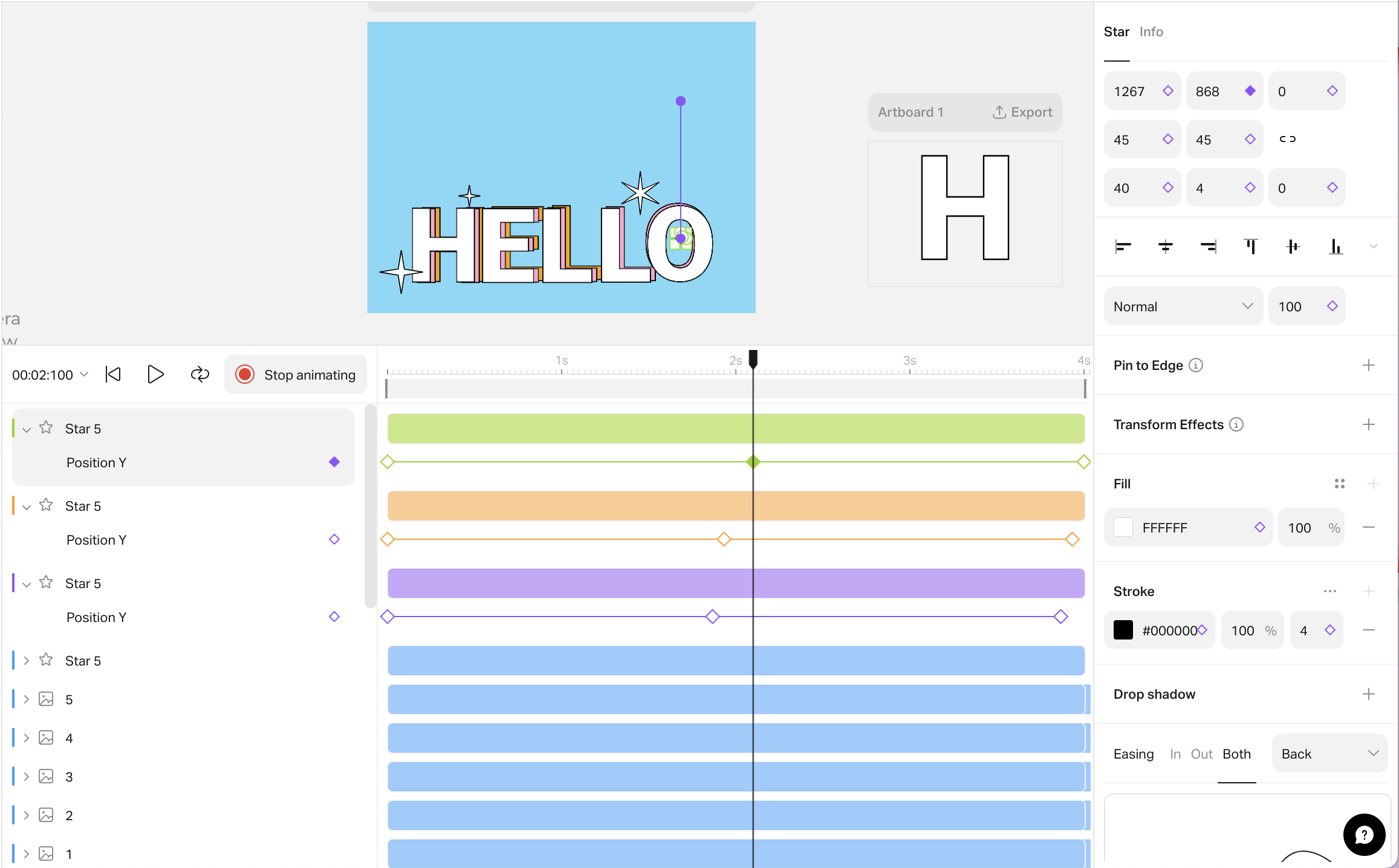
For this project, a professor wants an animation showing the magnetic field of an MRI machine. The final animation should be relatively simple, overlaid on top of a live action shot/photo, but some clean and simple stylistic embellishments would be nice.

To be completed: September 12th

This project had a really quick turnaround so I had to complete it in a timely fashion. I was given the image of an MRI machine and told to do a simple trim path animation.

After the first draft, I was instructed to make the lines more simultaneous and add in a glowing effect to the lines. Here is the final animation:

http://sta.laits.utexas.edu/wp-content/uploads/2022/09/MRI_Animation.mp4

Filed Under: Fall 2022 - Spring 2023, We are STAs

GOV310L

September 13, 2022 By De'sha Bass-McClellan

GOV310L PSD Assets

When creating an animation for After Effects, it is best to create all the scenes first in Photoshop or illustrator to create an easy transition to After Effects.


Scene 1:

Scene 2:

Scene 3:

Scene 4:

Scene 5:

Scene 6:

Scene 7:


Scene 8:


Scene 9:


Scene 10:

Scene 11:


GOV310L Final Intro

http://sta.laits.utexas.edu/wp-content/uploads/2022/09/GOV310L_Intro.mp4


Intro Process:

For this project, I found that is was extremely important to start with a plan. That reduces the amount of overall edits if you come up with an overall design layout. In addition, creating all the assets in photoshop first cut down the time spent organizing everything in After Effects.

Animation steps:

  1. Create an animation proposal for the assignment and share it with the client to highlight the scenes you will create. What the animation will be based off of. How long will it be and which graphics or elements will you include.
  2. Create the assets in Illustrator or Photoshop. If you are using vector graphics, Illustrator is the way to go. If you are using images, use photoshop.
    • Each scene will need it’s own psd or ai file
    • Share screenshots of the scenes to the client before you start the animation process.
  3. Create the After Effects file and import the different scenes. Create a main composition that you can add the scenes to and adjust the timing. Animate each scene individually in their own composition.

Filed Under: Fall 2022 - Spring 2023, Uncategorized, We are STAs

Orientation Day – A Week at LAITS

September 12, 2022 By Thang Truong

Howdy ya’ll,

This week, I have a lot fun getting to know everyone at LAITS and start to learn about all the software and past project relating to website development. I hope throughout my journey at LAITS, I can grow into my best version of myself and become better at my soft skills and hard skills.


Banner Design & Portrait Photo

I finished my banner and my portrait for LAITS. This is also my first time getting to draw in Procreate and export it as Photoshop file.

Project: Banner Design & Portrait Photo
Client /Prof: STAS
completion status: Started Sep 6 2022
description/plans: Design banner and my portrait photo.
To be completed: Sep 12, 2022

Filed Under: Fall 2022 - Spring 2023, We are STAs

STA Orientation PPT

September 8, 2022 By Marissa Devivar

Project: STA Orientation PPT
 I chose 5 rules from the STA Handbook and illustrated them using my own design. I sourced icons from The Noun Project and blocked them in with a color palate I generated using Coolors.co I also added some solid fill and outlined hexagons behind them to add more visual interest, otherwise, the slides seemed bare (even with the text).


Filed Under: Fall 2022 - Spring 2023, We are STAs

  • « Previous Page
  • 1
  • …
  • 55
  • 56
  • 57
  • 58
  • 59
  • …
  • 126
  • Next Page »

link to LAITS home page

Video STA Home

© 2025 Liberal Arts Instructional Technology Services | Production Credits