• We are STAs
    • Asha Rountree
    • Haley Ma
    • Kate Shih
    • Kyra Lee
    • Nicholas Peasley
    • Sasha Kenney
    • Shanda Horm
    • Shriya Atreya
    • Tomas Marulanda-Mesa
  • We were STAs
  • STA Presentation
    • STA Presentation 2017
    • STA Presentation 2016
  • Testimonials
  • Resources
  • Home

STA Blog

Current Sta

Week LXI

February 7, 2023 By Adrian McKee

Week LXI

Top secret!

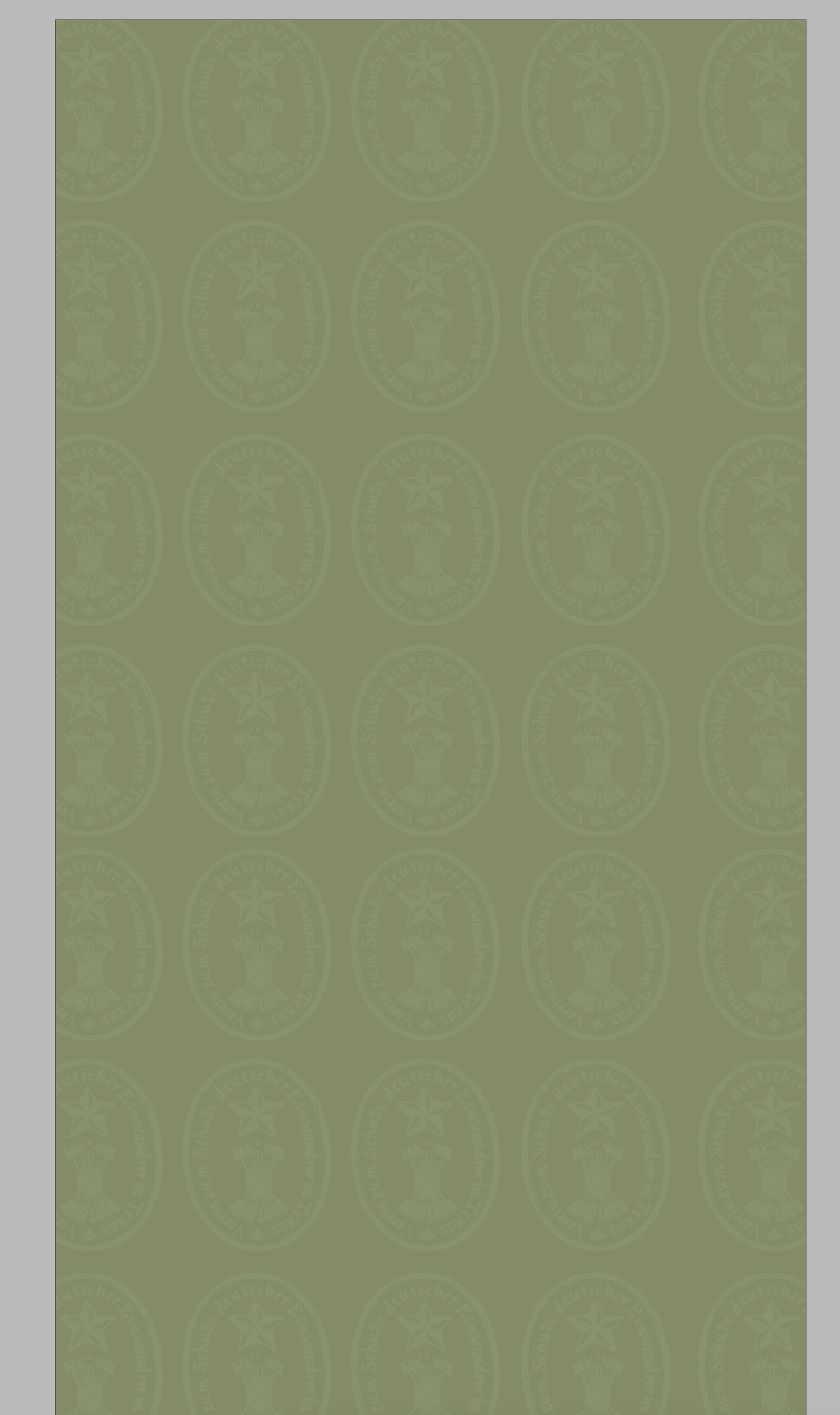
It was decided we could use a few more variants of this backdrop, which I made by variously rotating the gradient overlay and the pattern layer. As for swapping it out in After Effects, we all know how much Adobe likes to make simple actions intuitive and accessible, so it only took around an hour to figure out how to drag the files into the file panel and then alt-drag them into the layer panel.

http://sta.laits.utexas.edu/wp-content/uploads/2023/02/wave0fgrad180.mp4
http://sta.laits.utexas.edu/wp-content/uploads/2023/02/wave15grad90.mp4
http://sta.laits.utexas.edu/wp-content/uploads/2023/02/wave90fgrad180.mp4
http://sta.laits.utexas.edu/wp-content/uploads/2023/02/wave90grad0.mp4
http://sta.laits.utexas.edu/wp-content/uploads/2023/02/wave180grad90.mp4

TGDP Banner 5

Laying this out has still been pretty tricky. The blocks of text are pretty uneven, and chronology is important, so… This is one attempt at a zig-zag timeline, but it could use some more shapes to make that clear, maybe lines or arrows? And the background is still a placeholder.

Faculty Search Committee PPT Redesign

Project: Faculty Search Committee PPT Redesign
Client /Prof: Grayson Hunt
completion status: WIP
staff guidance: Maddy K
STA team members: Lorena
description/plans: TBA
To be completed: TBA

From what I understand, we are redesigning the powerpoint for a presentation about grad school demographic data, and by we I mean Lorena, because I have not done much besides take notes so far. I may eventually be reformatting the data below into some kind of charts and graphs but the best direction for that has not been entirely clear. Watch this space…

Filed Under: Fall 2022 - Spring 2023, We are STAs

Week 15

February 6, 2023 By Marissa Devivar

Week 15

NTR 306 Instapoll Stinger

Project: NTR 306 Instapoll stinger
Client /Prof: Hockett-Cooper, Leidy
Completion status: January 30, 2023
Staff guidance: Julie Phillips & Maddy
Description/plans: Creating a new Instapoll stinger for NTR 306 that incorporates the color and text associated with the class.


http://sta.laits.utexas.edu/wp-content/uploads/2023/02/NTR306_instapoll.mp4


UTFC Green Screen 8.1B (Meat, Seafood, & Dairy)

Project: UTFC Green Screen 8.1B
Completion status: February 2, 2023
Staff guidance: Yazz
Description/plans: I just had to make a few edits that Yazz gave after the winter break (deleting/changing out photos). We ended up having a freeze, so Yazz added the final edits and submitted it for approval.

.  

**We had a freeze the rest of the week so not much other work was done:(

Filed Under: Fall 2022 - Spring 2023, We are STAs

Week LX

January 30, 2023 By Adrian McKee

Week LX

Top secret!

I’ve gotten approval to share this, but the actual purpose is still classified. All that needs to be said is that it’s a studio backdrop. This is my first time making an animated one, so I finally understand what keyframes are.

http://sta.laits.utexas.edu/wp-content/uploads/2023/01/wave3.mp4

There’ll be a few more versions coming up, and you’ll see them all soon, I think?

TGDP Banner 5

Initially, I was trying to draft this in Photoshop, with placeholder blobs of text. That didn’t really work. The format here is pretty particular, with the length and hierarchy of various text blocks. This is where I got with actually making a vector draft:
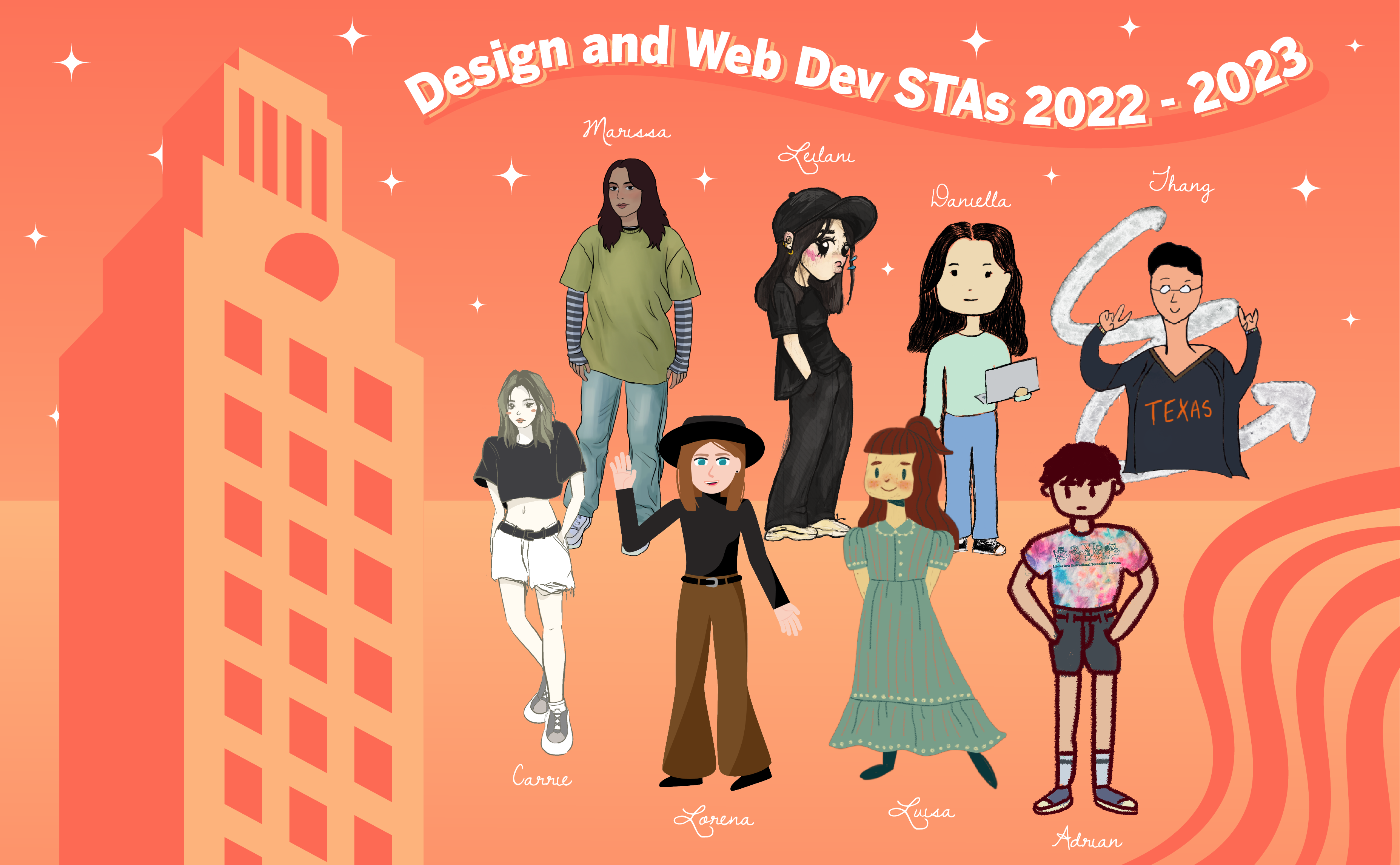
Some stuff could still be fine-tuned… especially the image layout. This was really just my best attempt to fit the text and images at all, without considering eye flow too much. There’s probably a better way to structure it, though the volume and assymetry of material leaves not that much wiggle room.

Filed Under: Fall 2022 - Spring 2023, We are STAs

Week 3

January 28, 2023 By Daniela Caballero

Week 3

Web Accessibility Standards


Started on: January 23, 2023

Completed on: January 26, 2023

STA Guidance: Valerie Tran

Description: Web Accessibility Standards


This week I completed a training on web accessibility standards. This training helped me learn the basics of how to design websites and create graphics to be more accessible to users. Three of the main concepts I gathered where that 1) text on a background picture or color needs to have enough contrast for the user to be able to see it. 2) Text and elements of an info graphic/webpage also have to be large enough for the user to see them and lastly, 3) Web pages must have a clear HTML hierarchy (this means usage of headers when the developer wants to highlight a main point) since component files of a the page might be used with other applications (such as text-to-speech) to provide accessibility. If the correct elements are not used, then the text-to-speech process might be inaccurate.


Part I: Infographics

The first part of this training involved an assignment in which I had to find two graphics online and tweak them to be more accessible to users. The first graphic I found was an infographic about mRNA vaccination. I used a tool that checks the contrast between a text color and a background color to identify that the contrast was very low on this graphic. I made some adjustments to the improve the contrast on Figma. First, I lightened the background and then darkened the color of all the text until the Coolors tools approved the contrast level. I was still have issues seeing the text so I also increased the font size and adjusted some of the pictures on the graphic. In order to do this I cut out sections of the images on I wanted to re-size, saved them as PNGs, placed a rectangle of the same color of the graphic to cover the image and then pasted the re-sized PNGs of it onto the rectangle.


Infographic 1 (original)infographic_1_original

Infographic 1 (edited)
infographic_1_edited


For the second infographic, I followed a similar process of identifying where the contrast failed to meet accessibility standards and adjusted in on Figma. Editing this graphic was slightly more challenging since there were elements (the yellow circular icons) that were originally on a different color background. I learned how to use the tools to create and cut out sections on Figma and how to delete parts on Mac Photo Preview.


Infographic 2 (original)

Infographic 2 (edited)


Intro to Websites PowerPoint


Started on: January 26, 2023

Completed on: January 27, 2023

STA Guidance: Valerie Tran

Description: Introduction to Websites


I created a PowerPoint after reading the LAITS Knowledge Base page about websites.

https://docs.google.com/presentation/d/12uCghpWPpzUcXcXhROjw6tTLO0SKP9itR1-mT0BvUh0/edit?usp=sharing

Filed Under: Fall 2022 - Spring 2023, We are STAs

Week 14

January 27, 2023 By Lorena Chiles

STA Poster Photo Editing

Client /Prof: LAITS
Completion Status: Jan 23
Staff Guidance: Maddy
STA Team Members: Adrian, Luisa, Marissa
Complete by: Jan 23

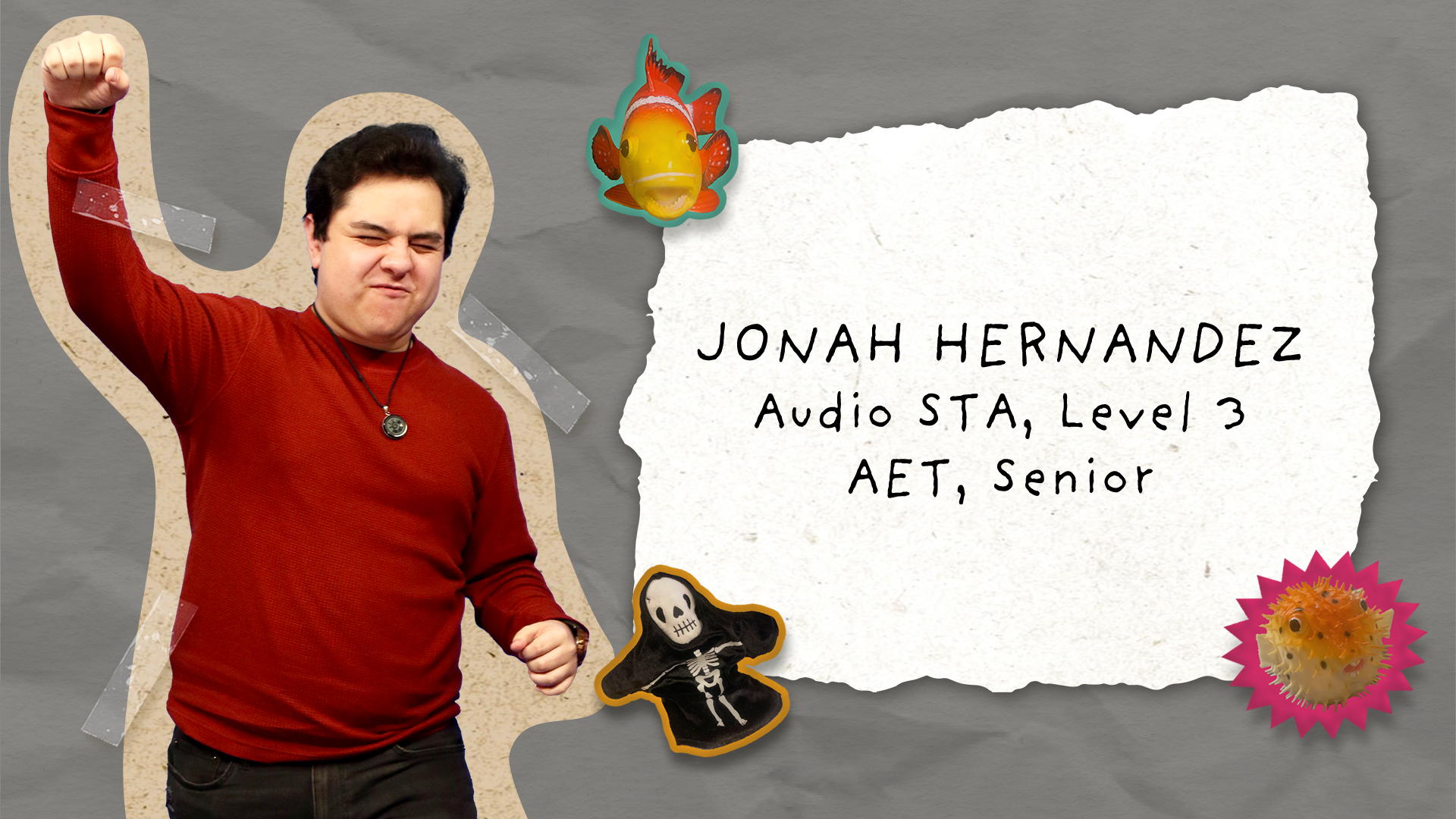
Started this week erasing backgrounds of STA photos to put on the STA Presentation poster! I did the Audio, Design, and Remote Studios teams, and helped a little on the Video team photos.


Advanced Training: Motion Graphics

Client /Prof: LAITS
Completion Status: Started on Jan 11
Staff Guidance: Valerie
Complete by: Jan 25

For the Advanced Training on Motion Graphics I animated mock course graphics. In part 1 of the training I fixed a broken After Effects file with malfunctioning effects, and in the second part I used the puppet and mesh tools in After Effects to make an animated title card for a course.

Part 1: https://utexas.box.com/s/l6ete0h3clp9sey5ydwuent0coc456xv
Part 2: https://utexas.box.com/s/2nkov9j3l7cb9p2mwjiapb2hx84jpy5y


Basic Training: 8-Bit Animation

Client /Prof: LAITS
Completion Status: Started on Jan 27
Staff Guidance: Valerie
Complete by: Jan 27 (?)

I circled back to a basic animation training because I had never done a Photoshop-based animation before, so this was interesting! I tried to animate some little stars sparkling, but it went a little wonky. I think if I were to spend more time on this project I would make my lines a little thicker and perhaps also play around with how to make this animation a smooth loop.

Filed Under: We are STAs

Week 14

January 25, 2023 By Marissa Devivar

Week 14

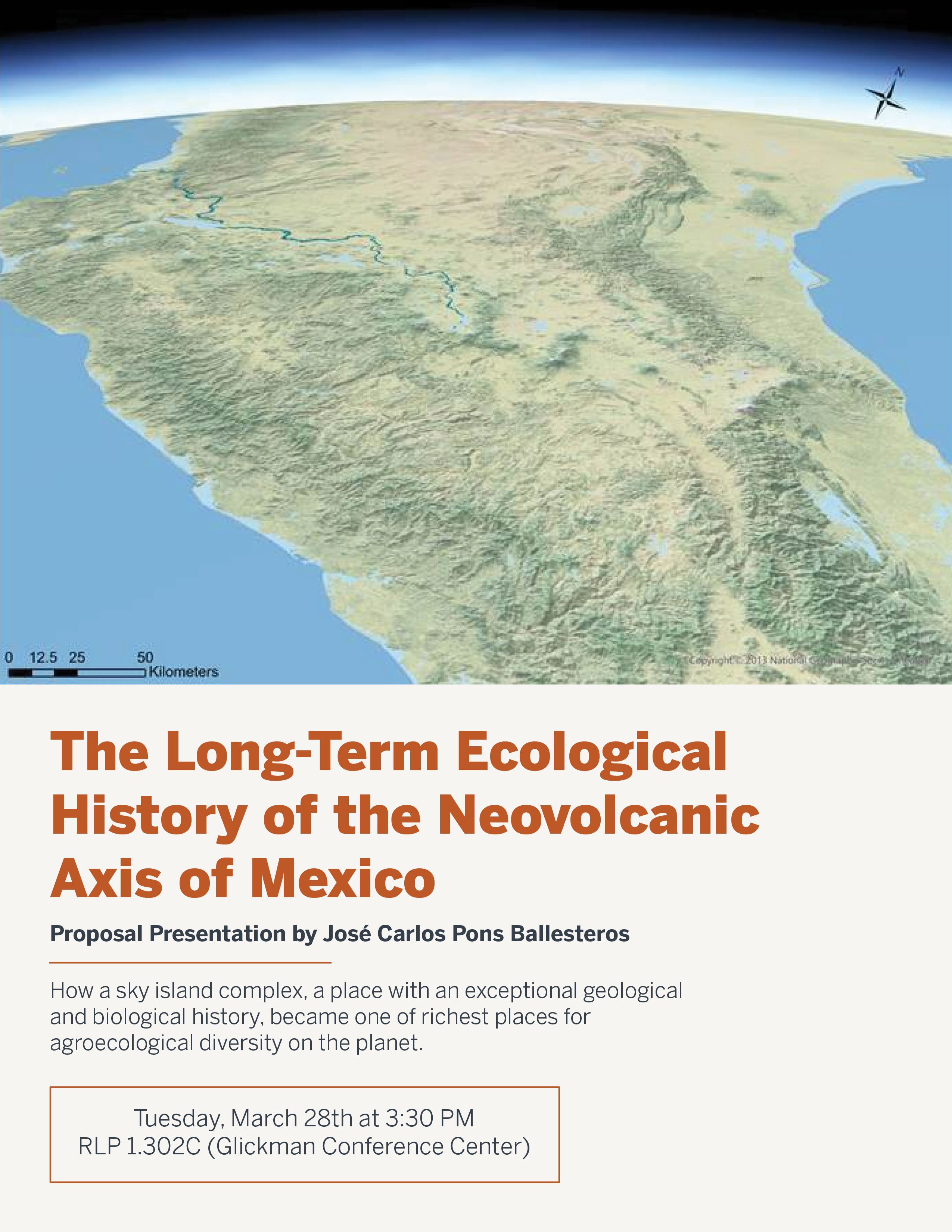
STA Presentation Poster

Client /Prof: LAITS
Started: January 17th, 2023
Staff/STA guidance: Maddy & Leilani

This week I mostly worked on banner iterations. Last week I did a couple of drafts of what the art style could look like — pulling inspiration from Juno and Leilani’s Pinterest board.

Also added STA names of each studio to Leilani’s draft.

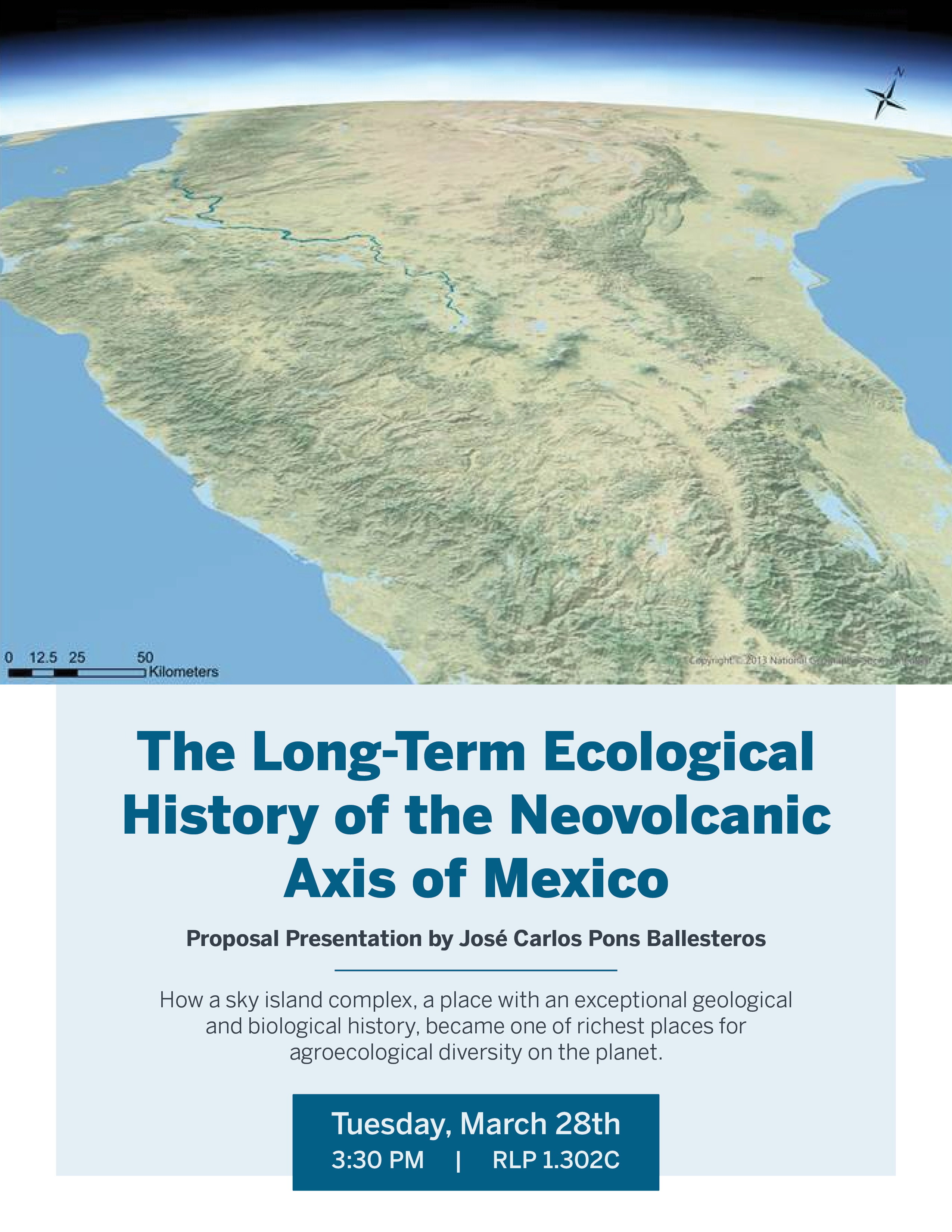
notes from Maddie: add crosshatching for shading & change event date/time


Edits after notes:


Filed Under: Fall 2022 - Spring 2023, We are STAs

  • « Previous Page
  • 1
  • …
  • 48
  • 49
  • 50
  • 51
  • 52
  • …
  • 126
  • Next Page »

link to LAITS home page

Video STA Home

© 2025 Liberal Arts Instructional Technology Services | Production Credits