• We are STAs
    • Asha Rountree
    • Haley Ma
    • Kate Shih
    • Kyra Lee
    • Nicholas Peasley
    • Sasha Kenney
    • Shanda Horm
    • Shriya Atreya
    • Tomas Marulanda-Mesa
  • We were STAs
  • STA Presentation
    • STA Presentation 2017
    • STA Presentation 2016
  • Testimonials
  • Resources
  • Home

STA Blog

Current Sta

Project 0: The Kiowa Calendar Project

March 20, 2024 By Diya Nair

Project 0: The Kiowa Calendar Project

Project Started On: February 9th, 2024
Project Wrapped Up On: March 8th, 2024
Staff Guidance: Stacy
Link to Website: https://kiowacalendars.org/


Skills learnt: Github Large File Storage, Storage of assets on server, Using the Terminal beyond cd, mkdir, and pwd, .gitignore in github, a minor css fix, downloading thousands of images with 1 command, utilizing local servers (MAMP)

Introduction

The Kiowa Calendar Project aims to educate the public of the Kiowa Indians visual accounts of their history. The website collects and organizes entries from 15 Kiowa calendars that are currently held at museums. The website hosts about 3000 calendar images that were previously hosted on a 3rd party image hosting service.

Project Purpose: In order to eliminate dependency on 3rd party servers, LAITS decided to migrate all the 3000 images to a local server like GitHub Large File Storage.

 The Process: 3 main steps
When I started working on this project, I felt like I had to climb a tall mountain. However, looking back, each stage was equally exciting and challenging. These were the 3 processes involved in this project:

The Project Process had me asking these questions:
Q. How do I download Images who’s links are specified in a text file?
Q. How do I write a script that alters the location of the image in the csv file?
Q. How do I test the website to see if it has been deployed successfully?


1. Downloading all images using their links on the KiowaCalendar Website
– I was provided with a CSV file that contained all of the links to currently existing images on the website.
– I pulled the link section of the CSV file and converted it to a TXT file
– Now, manually downloading the images would have been extremely tedious and time consuming.
– So, after an hour’s research and Stacy’s guidance, I found that a single command in your terminal will help you download as many files you want to your local device as long as the links are in a .txt file.


                                        wget -i filename.txt  -O 

 Terminal window command to implement step


2. Writing Code that would append the CSV file to point to your local server
– Creating a git branch is important
– Earlier, the CSV file had a list of hyperlinks that was hosted on the 3rd party server.
– Since we are migrating it to a local server, we would want to change the path of where these files were stored.
– I utilized a python script to change the path of the files.


3. Deployment
– In this stage, we pushed all the changes we made into the github repository and merged it with the main branch


4. Testing & Debugging
– A day after the website was deployed, I found some bugs in the website. Some images were broken and there was a CSS styling issue which took away from the user experience.
– Over the last leg of this project journey, I worked on procuring the missing images and adding them to our image folder and fixing the CSS styling issue. It was one line of code!!!


Overall, this project was extremely insightful in helping me understand the various parts of the software development cycle! I’ve learned so much about standard practices in industry, utilizing git branches to work on different versions of the project, testing & debugging your code! I am also very grateful that the first project I worked on was being deployed live.

Filed Under: Fall 2023 - Spring 2024, Uncategorized, We are STAs

Week 3/18-3/22

March 20, 2024 By Adriana Hermoza

GSD Course Promo Flyers – UGS 302

Start: March 18, 2024

To be Completed by: March 19, 2024

Staff Guidance: De’sha

Client: Germanic Studies

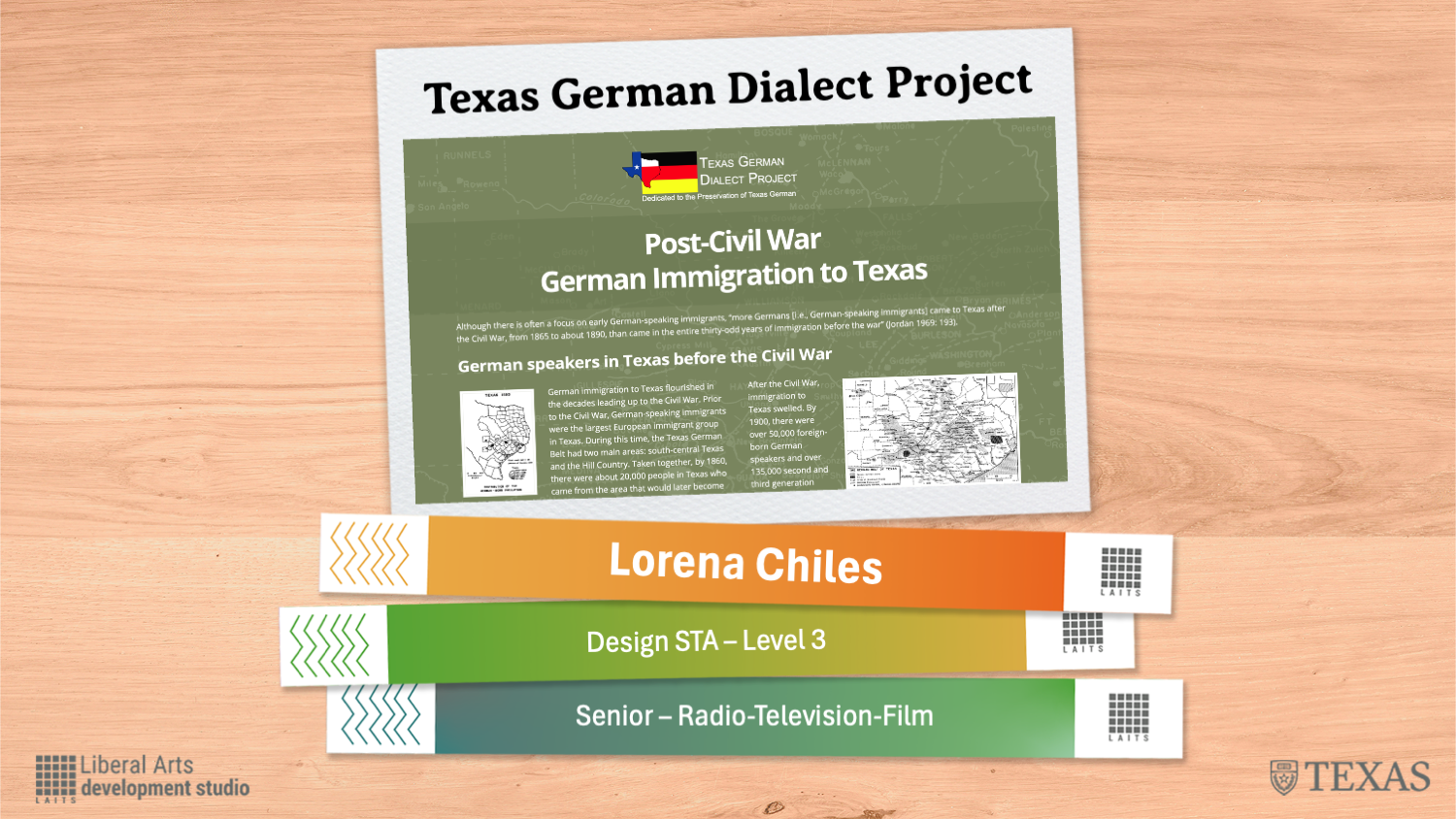
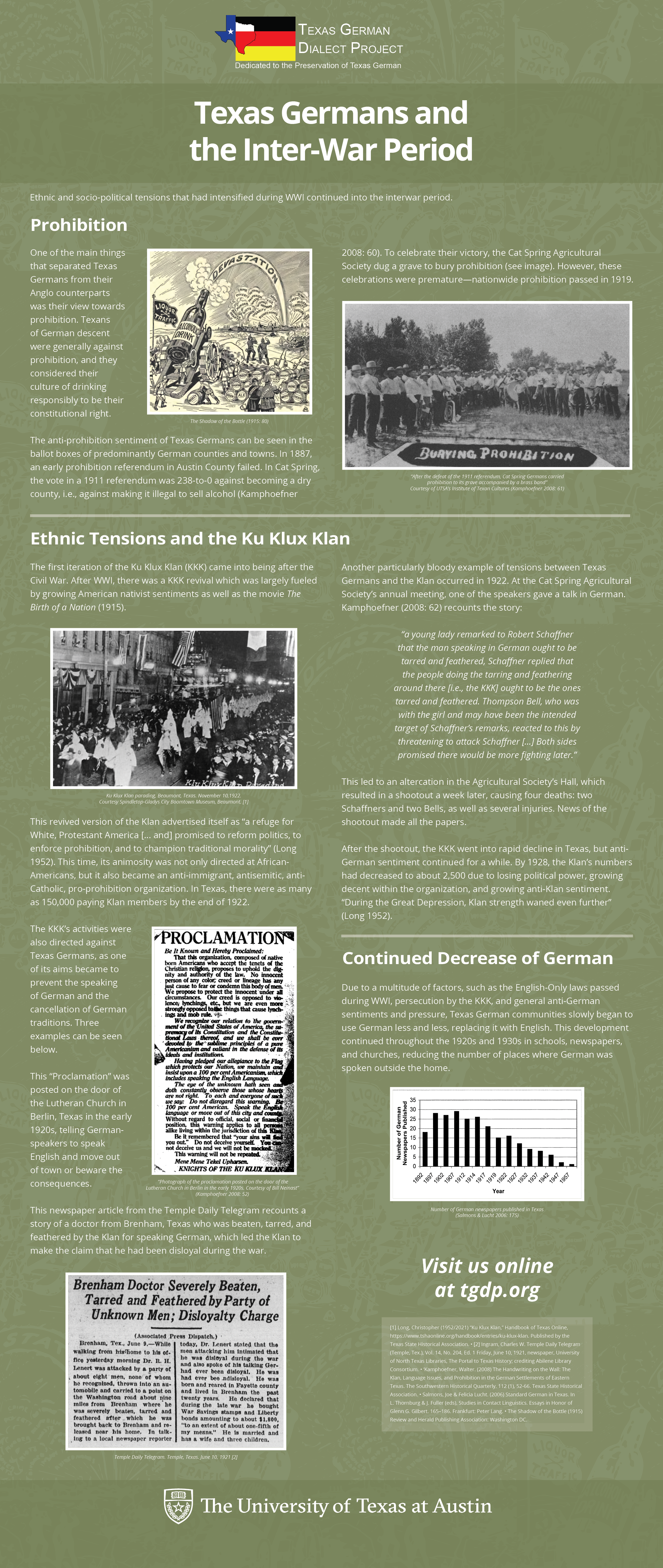
Description: The germanic studies requested for a batch of course posters using the given template. The client looked for one, concise, and simple flyer that contained an image relevant to the course UGS 302 Reel Horror: The Holocaust in Hollywood Film and Beyond. They also requested a screen add and provide the template for it.


For this course, no images were provided so I searched in Pixabay, Unsplash, and Pexels. In the end I found one in Unsplash and used it for the creation of the flyer and screen add, while adding the necessary information.

GSD Course Promo Flyers – GER 322E

Start: March 18, 2024

To be Completed by: March 19, 2024

Staff Guidance: De’sha

Client: Germanic Studies

Description: The germanic studies requested for a batch of course posters using the given templated. The client looked for one, concise, and simple flyer that contained an image relevant to the course GER 322E CONV/COMP Society, Digital Cultures and Literatures. They also requested a screen add and provide the template for it.


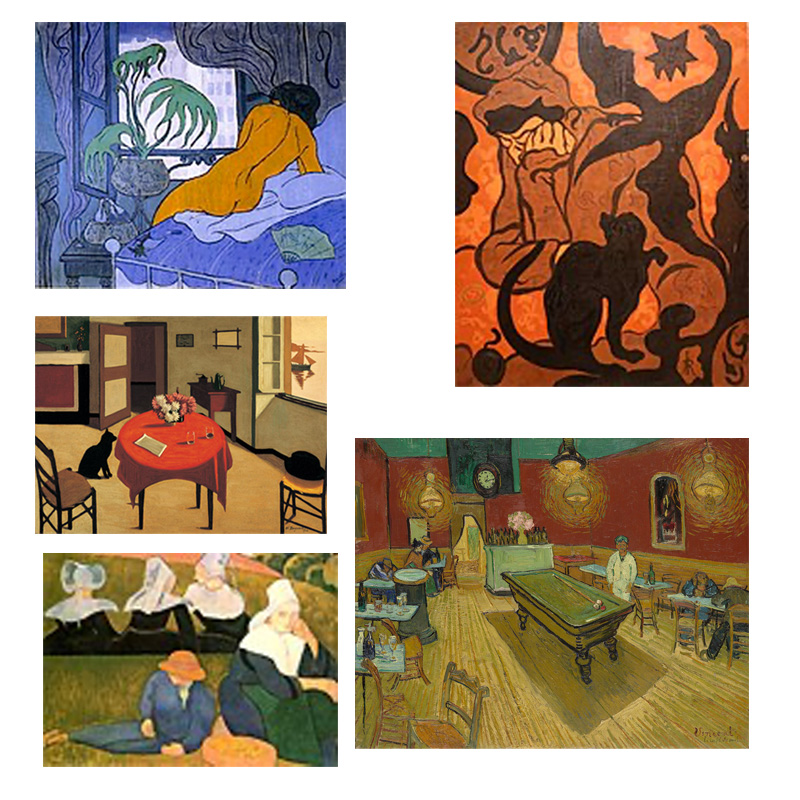
Along with the information provided for the course, some image assets were provided as well, but I opted to look for new images in Pixabay, Unsplash, and Pexel. I found a couple, but decided on two images.


Using Illustrator I combined both images as if they were blending together and created the flyer and screen ad for GER 322E.


GSD Course Promo Flyers – GER 397P

Start: March 18, 2024

To be Completed by: March 19, 2024

Staff Guidance: De’sha

Client: Germanic Studies

Description: The germanic studies requested for a batch of course posters using the given templated. The client wanted one, concise, and simple flyer that contained an image relevant to the course GER 397P  Replication in Applied Linguistics, some assets were provided. They also requested a screen add and provide the template for it.


Using the given templates, I started creating the first iteration of flyers with the given information and images. However, one problem I ran into was that the information was too long and left little to no space which lead the decrease in the title’s font size.


For the final iteration, I cut out some text and kept the most descriptive part that still gave ample information about the course and created the flyer and screen ad.

Filed Under: Fall 2023 - Spring 2024, We are STAs

Week 3/4 – 3/8 and 3/18 – 3/22

March 19, 2024 By Marissa Devivar

Summer Marketing in Action!


(more to come soon…)


Canvas Banner Ads:

        • Summer Marketing needed a graphic that was 125 x 125 pixels to accompany the Canvas Banner ads. Because the pixel space was limited, we decided to use the $500 sticker featured on other promotional assets.


FINAL:

Email:

        • These graphics will accompany promotion for the summer online courses in a CoLA email. The four versions below are based on the colors/designs from this year’s Spring Postcard and 11×17 posters.

Filed Under: Fall 2023 - Spring 2024, We are STAs

Week 2/26 – 3/1

March 7, 2024 By Adriana Hermoza

SDS 301 – Elementary Statistical Methods Course Graphics

Start: February 26, 2024

To be Completed by: N/A

Staff Guidance: De’sha & Hayley

Client: Dr. Sally Ragsdale

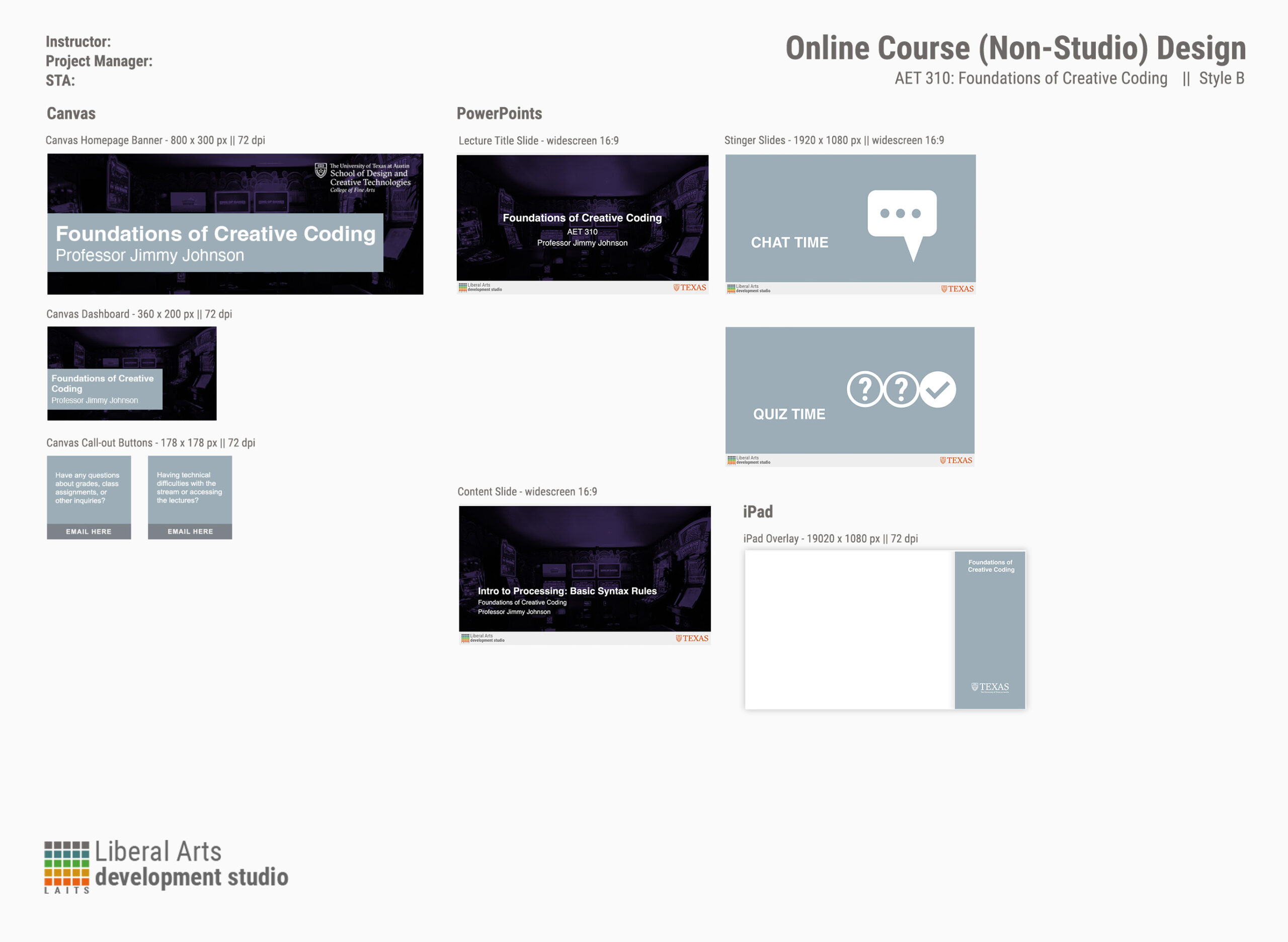
Description: The client requested for a new course graphic design in Style B. They asked for the Canvas graphics (Dashboard, Homepage Banner, and Buttons), and PPT slides (Course Title slide and Lecture Segment slide) with no PPT preference.


I started out by testing different designs with the given images and created the first iterations.


I choose to go with the scatterplot image because its dimensions fit the other graphics better than the line graph image. Afterward, I create the rest of the canvas and PPT slides with the chosen image.

Canvas Dashboard:

Canvas Homepage Banner:

Canvas Buttons:


PPT slides:


Design Menu:


Filed Under: Fall 2023 - Spring 2024, We are STAs

Week 2/19-2/23

March 6, 2024 By Adriana Hermoza

2024 Election Day Tomorrow/Election Day Today Voting PSA

Start: February 20, 2024

To be Completed by: February 29, 2024

Staff Guidance: De’sha

Description: For this year’s election, the client is looking for a new illustrations to be included in the Election Day Tomorrow and Election Day Today Voting PSA. They requested to follow the same pre-existing color palette, font families, and overall layout.


I started drawing some sketches and reused some from the previous voting PSAs to get a general idea of what the illustration would end up being.


Once I talked to De’sha, I proceeded to fully develop two designs by fully coloring it and adding dimension such as shadows.

After creating the illustrations, I started making the psa and getting the general layout/colors. For these iterations, however, I noted that the background color and letters were clashing making it difficult to read.


In my next iteration I address the previous issues by lowering the background tones and decreasing the illustrations’ opacity. I also tried out a slightly different layouts by showcasing two alignments of the text “POLLS ARE OPEN…”.


My last iteration consisted of minor adjustments, like all text being left aligned and making the VOTE sticker be the illustration for Tommorrow is Election Day voting PSA and the I VOTED sticker for Election Day Today voting PSA.

Elections Day Tomorrow

Election Day Today


PSY 333D – Introduction to Developmental Psychology Course Graphics

Start: February 19, 2024

To be Completed by: February 27, 2024

Staff Guidance: De’sha & Hayley Barnett

Client: Dr. Jessica Church-Lang

Description: The client requested for a new title card slide to replace the current title cards in an existing video. The professor has lectures with long titles that the existing title card had little space for. Thus, they asked for a new title card with enough space, similar color scheme, and with an additional logo/graphic, possibly from the intro video they provided.


I first decided to choose the purple background they provided to match the current graphics. Then I created the first iterations with two graphics found in the UT Box and positioned them to the left while leaving the right for the title. For the title, I left aligned it and centered.


The feedback I received consisted of:

  • longer titles might be too crowded
  • decreasing the icon size & moving it away from the edges
  • change the “Professor” to “Dr.”
  • using the blocks graphics

I created a couple more iterations with the feedback in mind, especially letting the title have more space for lectures with longer titles such as “Nature/Nurture, Active/Passive, Similar/Independent: Course Themes and Goals”.


The subsequent iterations were made from the left aligned text with the course title and professor’s name aligned with the block tower:


In the end, the client chose the layout with the title on top and the professor’s name at the bottom aligned with the blocks tower.


Filed Under: Fall 2023 - Spring 2024, We are STAs

WEEK 36

March 4, 2024 By Thang Truong

WEEK 36 + 37

Project: Shiny App

Started on: Feb 26, 2023

Ended on: Mar 4, 2023

Staff Guidance: Stacy

Description: 

  • Simply put: the slider works perfectly after I put the whole map with slider into a temporary HTML file.
  • The server is created and hosted with deployment and production site. https://cliomaps.development.la.utexas.edu/
  • If the server does not work, use this instead: https://clioviz.shinyapps.io/Cliomaps_2024_02_27/.
  • The server site only works if you are on campus. The client loves it.
  • Use this CSV file for testing out the app: https://raw.githubusercontent.com/BrianTruong23/amazon_predicting_project/master/Voyages_2024_01_24.csv


Project: Shiny App (Part 2)

Started on: Mar 4, 2023

Ended on: Mar 7, 2023

Staff Guidance: Stacy

Description: 

  • The client wants a new map to be hosted and developed in shiny app.
  • The process is very similar to the previous project when I need to display a fully functional map with sliders and zoom working properly.
  • Therefore, applying what I know from before, I can generate a temporary HTML file and display that on the website
  • Also, I just finished the functionality of downloading the map.


Project: Whisper AI

Started on:  Feb 19, 2023

Ended on:  Mar 4, 2023

Staff Guidance: Chris

Description: Finish the evaluation for Whisper AI 

Whisper AI 

  • The Whisper AI converts the audio file into a spectrogram to analyze and predict the corresponding text captions.
  • It takes a 30 second chunk of input, converts it into a log-Model spectrogram, analyzes the image and applies encoding-decoding architecture to predict the text caption based on those images. 

Some key insights: 

  • Lower HST produces much cleaner version of text (not including filter words as much as higher HST (from 0.2 to 0.5)) 
  • There are some variation of inference ability of each time: eg. truth work done instead of tooth work done. Therefore, a lot of words are predicted differently 
  • Even with the same threshold, there is variation in running the models from time to time. 
  • A lot of models do not capture the first intro sentence from the lady. 
  • 1.3 is the fastest and 0.1 is the slowest -> Might suggest that as the parameter increases, the time it takes is faster -> It means it does not need to re-process so many times. With 0.1, it means that it re-process every 0.1 sec after silence is detected -> suggesting more time to process

Link

Filed Under: Fall 2023 - Spring 2024, We are STAs

  • « Previous Page
  • 1
  • …
  • 22
  • 23
  • 24
  • 25
  • 26
  • …
  • 126
  • Next Page »

link to LAITS home page

Video STA Home

© 2026 Liberal Arts Instructional Technology Services | Production Credits