• We are STAs
    • Asha Rountree
    • Haley Ma
    • Kate Shih
    • Kyra Lee
    • Nicholas Peasley
    • Sasha Kenney
    • Shanda Horm
    • Shriya Atreya
    • Tomas Marulanda-Mesa
  • We were STAs
  • STA Presentation
    • STA Presentation 2017
    • STA Presentation 2016
  • Testimonials
  • Resources
  • Home

STA Blog

Training: Course + Studio Graphics

October 15, 2025 By Sasha Kenney

Training: Course + Studio Graphics

For this training, I was tasked to create a set of course and studio graphics for any course, real or imagined, at UT. I chose to come up with a course that I would like to take in an ideal world, and I called it ARH319: Queer Expression in the Visual Arts, taught by Prof Holly James Johnson.

My goal was to create a cohesive set of graphics that communicated the informative tone of the class while still keeping the energy a little playful. I feel like there is such a range of emotion conveyed in queer art throughout history, and I didn’t want the initial impression of this class to be too somber.


Tier 1: Course Graphics

I began with the course graphics that would appear on the canvas page and powerpoint backgrounds. Creating a range of options, some with solid color layouts, and some with online imagery usage, allowed for options to reference as I continued and options for the professor who would be using them.

Seen here are the solid color and online imagery compositions for the canvas dashboard and powerpoint background.


Tier 2: Studio Graphics

Next, I began to work on the studio graphics. For a digital backdrop, I began with this initial design (left) and after receiving feedback, redirected slightly to an option with dividers and less images (right).

Full Course + Studio Graphics Set:

Now I was able to complete a full set of course and studio graphics, with wall and vertical monitors, canvas aspects, powerpoint aspects, stingers, and an iPad overlay.

Final Thoughts:

I had a lot of fun with these trainings. There was just enough direction that I felt like I was able to easily follow along and complete each step while also having a say in what the final result would be. It was really cool to see every piece come together in a cohesive way. I feel like my intention and design direction is communicated efficiently.


Tier 3: Animated Course Graphics

For this part of training, I got to have my first taste of animation!! Which was super exciting for me, as I have never touched Adobe After Effects before. Here I was tasked to create animated stingers, a pre-roll animation, and an animated intro for the class.

Animated Stingers

Seen here are my animated stingers. These were pretty straightforward, and didn’t take me too long once I adjusted to the After Effects setup.

Pre-Roll Graphic

Next was the pre-roll graphic. This part took me a little bit longer because I had to first edit the file directly in Photoshop before touching After Effects. I had to make sure the translation between the two programs worked efficiently, but as soon as I figured that out, this part was very satisfying to see come to life.

Animated Intro

The last part of this tier was to create an animated intro for the class. This was the part that required the most planning, as I was tasked to come up with an exact vision for what I wanted it to look like via storyboard (seen below).

I really wanted each element to stand out in its own way, and try out various AE effects at the same time. This concept made that possible.

Final Thoughts:

This tier was a lot of fun. I learned a lot about After Effects and how many details go into even the shortest animation through that program. I feel very satisfied with how the results of each training tier align with each other to make this class feel like a real class here at UT.

Filed Under: Fall 2025 – Spring 2026

September 2025

October 9, 2025 By Shanda Horm

SEPTEMBER 2025

— Roster Poster Continued —

I continued to work on the Fall 2025 STA Roster Poster. Many many more iterations were pumped out. At this point, I was also considering having the poster be horizontal after getting the exact number of STAs for the Fall.

Keith Haring Style:

Comic Style:

A prevalent struggle I had while iterating was finding ways to make the comic style poster just as strong as the Keith Haring one. De’sha and I continued to discuss and explore ways to put them on even footing.

— Zapoteco Book Cover —

I was tasked with creating a illustrative book cover for the Zapoteco Pressbook. The client requested an illustration highlighting significant animals such as the Alcaraván bird depicted below. Due to time constraints, I had to shortcut the bird illustration by applying a filter in photoshop over the original image to give it a hand drawn effect. The left is my first draft and the right is my final.


Filed Under: Fall 2025 – Spring 2026, We are STAs

STA Roster Poster

October 9, 2025 By Tomas Marulanda-Mesa

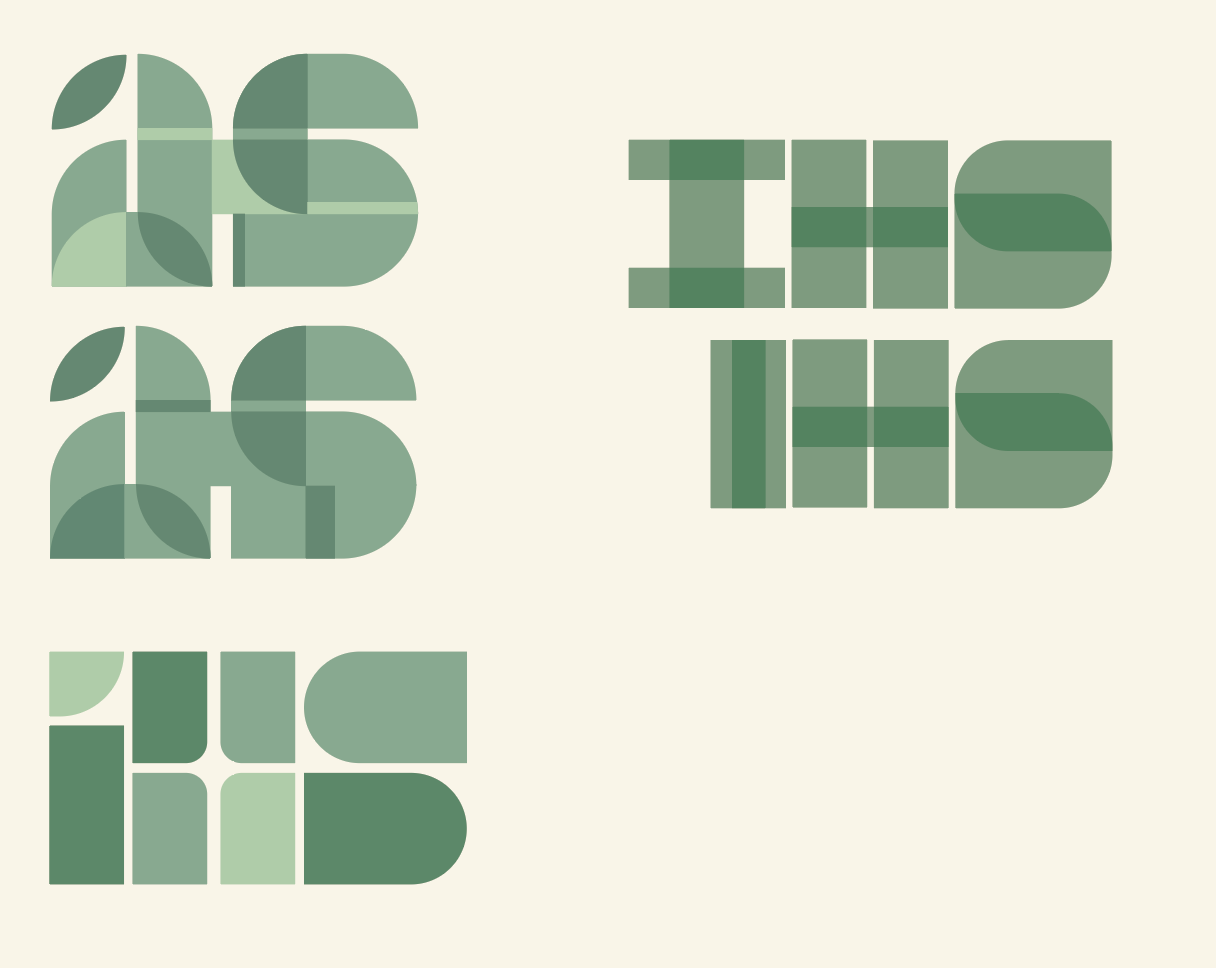
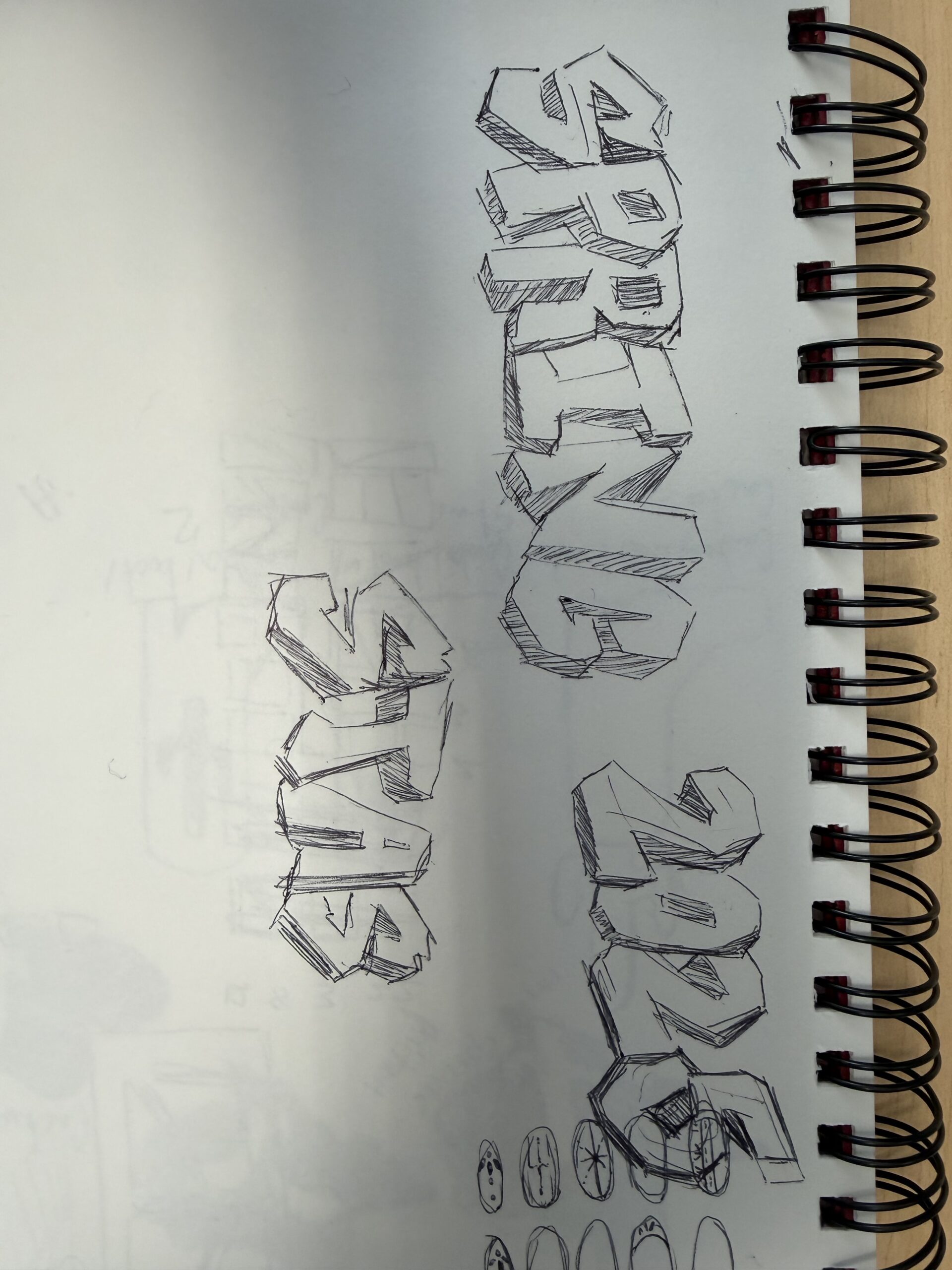
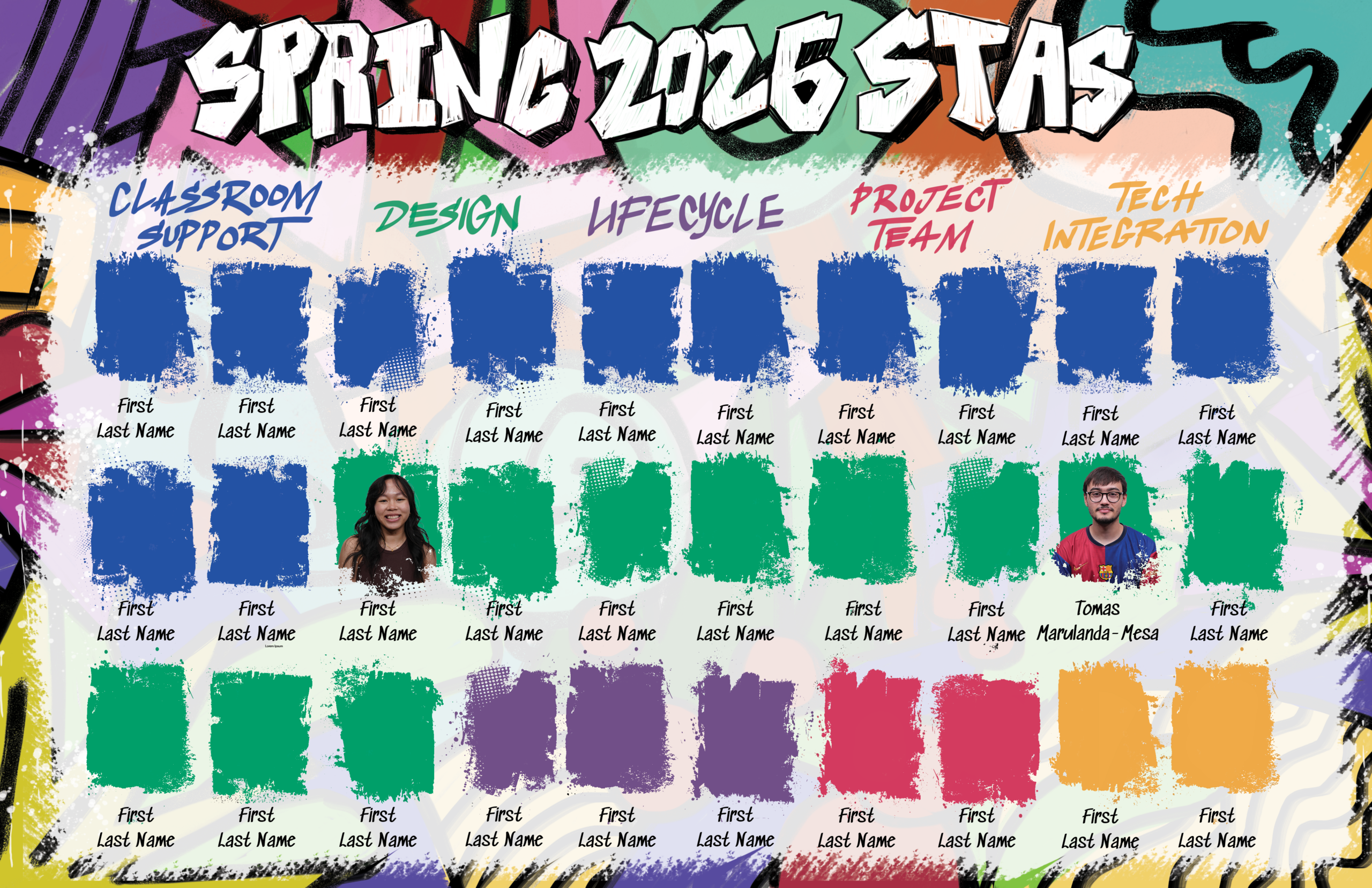
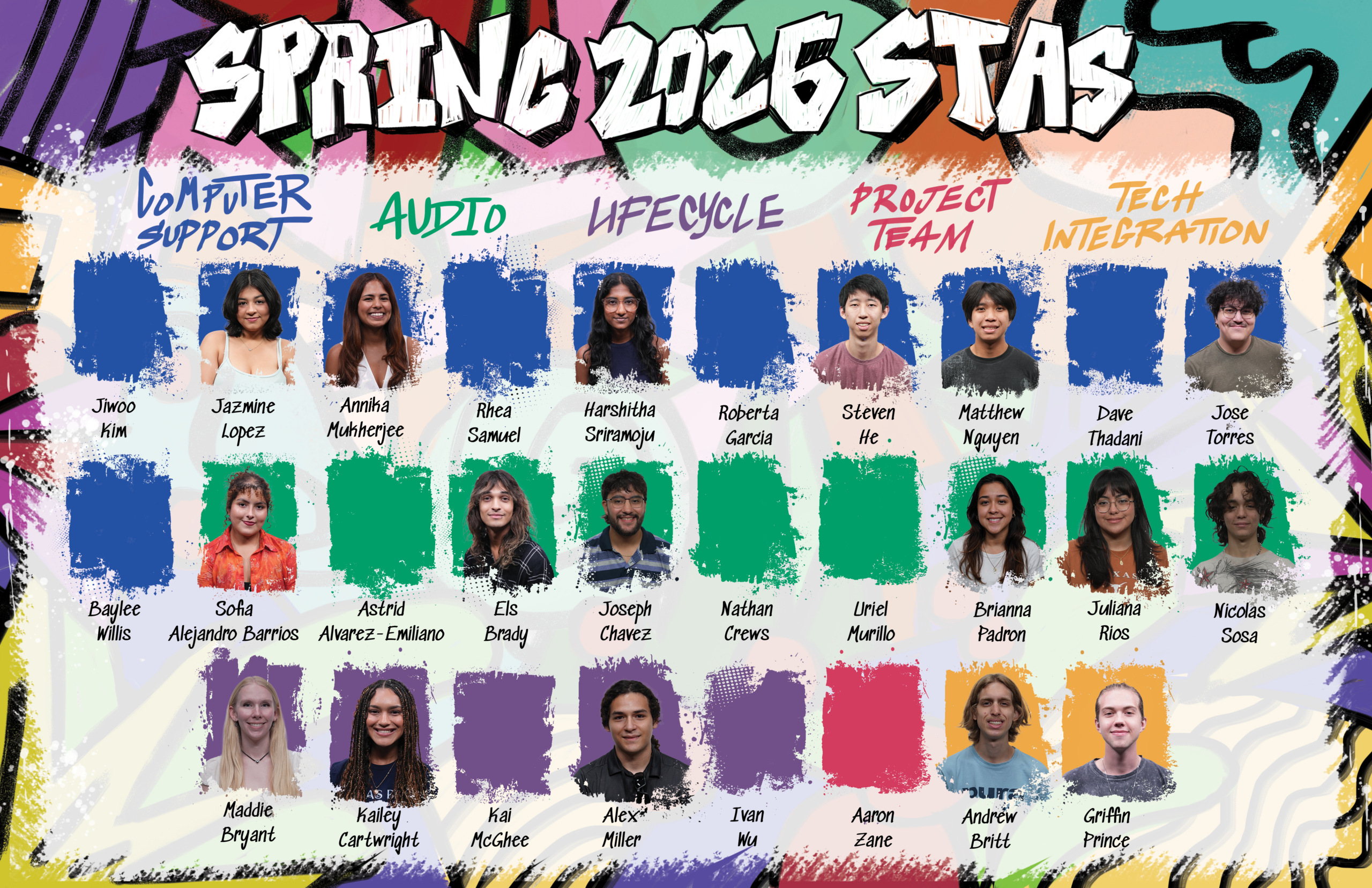
This week I worked on some concepts for the title of the Spring 2026 STA Roster Poster. Im trying to go for a more “quick tag” look on the title, however I’m not so sure yet on the readability aspect of it. I will probably also try a few bubbly looking ones to see how they read:

Filed Under: Fall 2025 – Spring 2026, We are STAs

Post Orientation + Training Thoughts/Deliverables

October 8, 2025 By Asha Rountree

Post Orientation + Training Thoughts/Deliverables


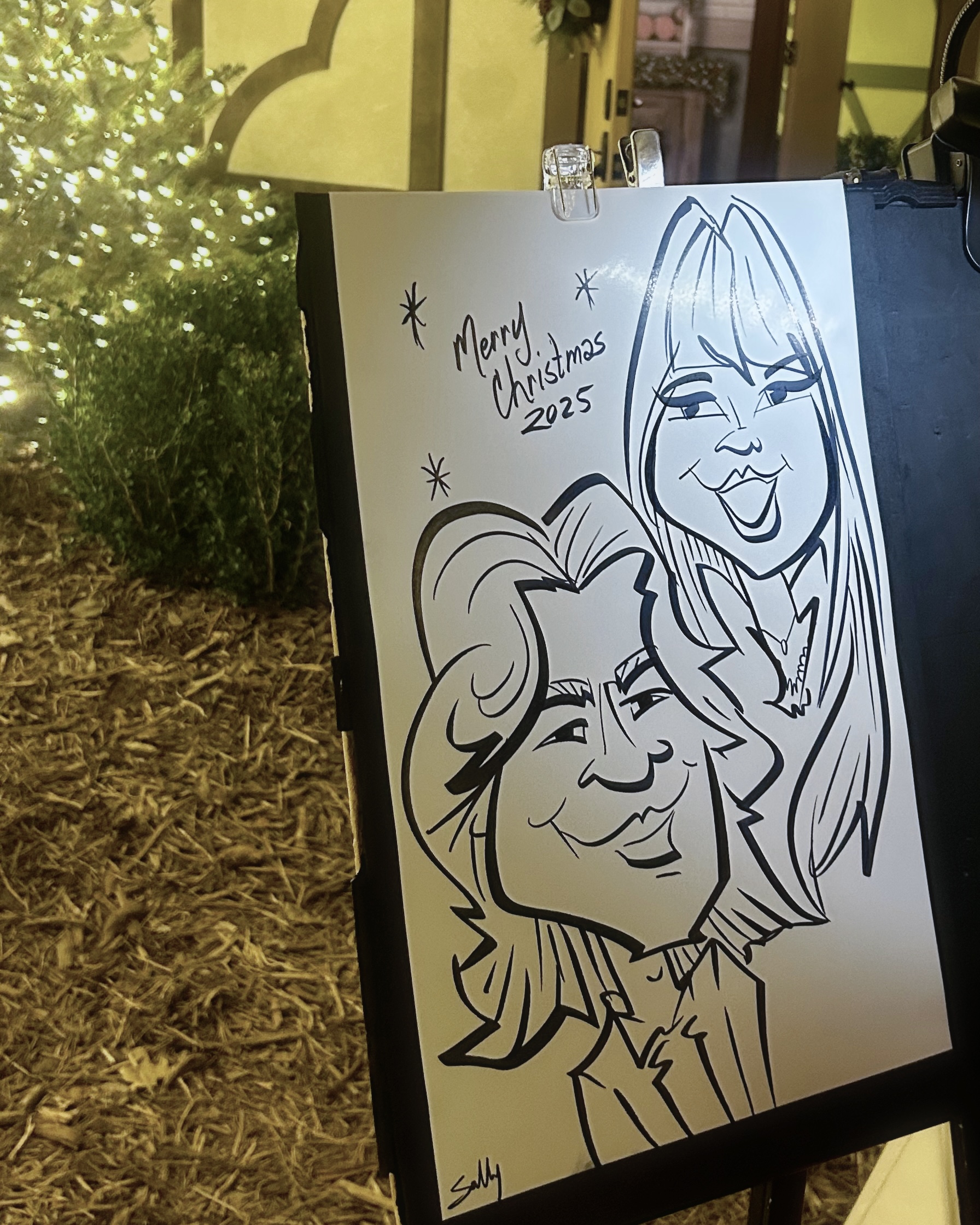
After spending the past few weeks working on completing the initial STA orientation and training tasks, I can say I’ve got a much better understanding of the different programs within the Adobe Creative Cloud. I had a lot of fun designing a bio for myself, especially playing around with image effects and patterns within Adobe Illustrator. I also enjoyed creating a caricature of myself on Procreate!

★ Orientation Graphics ★

★ Course Graphics Training ★

For this training, my main task was to create a comprehensive set of course graphics for a UT course. I chose to work on creating assets for LEB 320F Foundations of Business, Law/Ethics, taught by Professor David Quintanilla, as it is a course I am currently taking.

➜ Design Direction: My goal is to create a puzzle design that represents the intersection between law, business, and ethics, using distinct images from each field. Also, understanding law cases are about putting pieces of the puzzle together, so this imagery fits in multiple ways!

➜ Wall Monitor: Next, I iterated upon a wall monitor design.

Shown below is my first wall monitor design (left), and the design I created in response to initial feedback (right). After creating the first design, I was advised to add a more centralized component to draw attention to the presenter, and to follow a more collage-inspired concept.

After creating the second design, I received feedback that the central image was a bit distracting, and may take away attention from the presenter. To address this, I created a full collage with all images/cutouts equally emphasized. After playing around with color and texture, I arrived at my final wall monitor design:

This was my first time using Adobe Photoshop, so it took me a bit of time to get acquainted with all of the tools! However, I had a lot of fun, and definitely learned a lot, from using the background remover, overlaying textures, adding drop shadows, and more.

➜ Full Course Graphics Set: My next step was to use this main graphic/imagery to create a full set of course graphics, including a vertical monitor, Ipad overlay, canvas assets, and a powerpoint template.

➜ Reflection: I think this training helped me get over the hurdle of being intimidated of Adobe products and the vast amount of tools available within them. I learned that as long as you have a clear vision, and are willing to ask for help (thanks to Lila and Google), it doesn’t take too much for a design to come to life!

Filed Under: Fall 2025 – Spring 2026

Spring 2026 STA Roster Poster

October 2, 2025 By Tomas Marulanda-Mesa

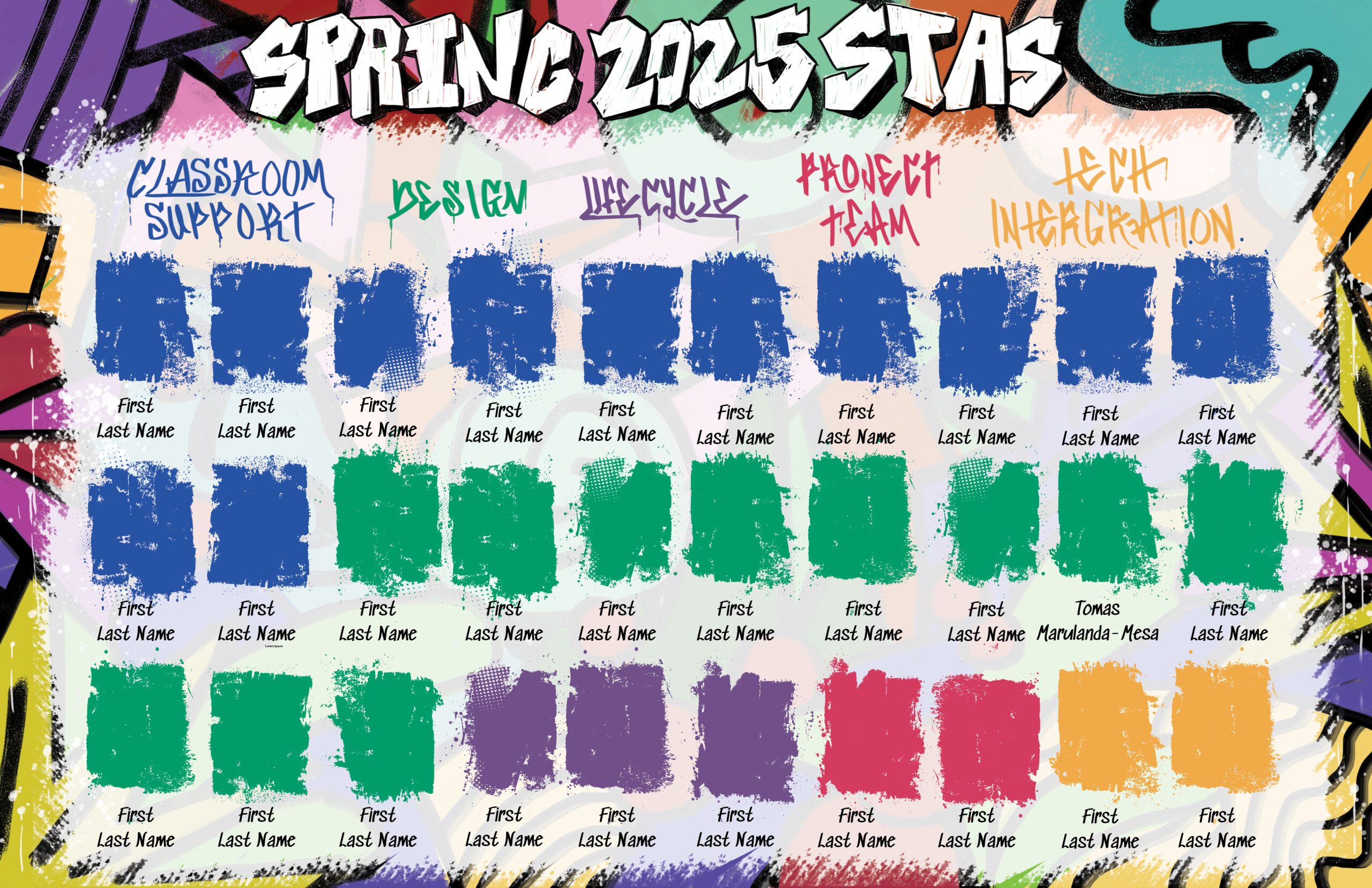
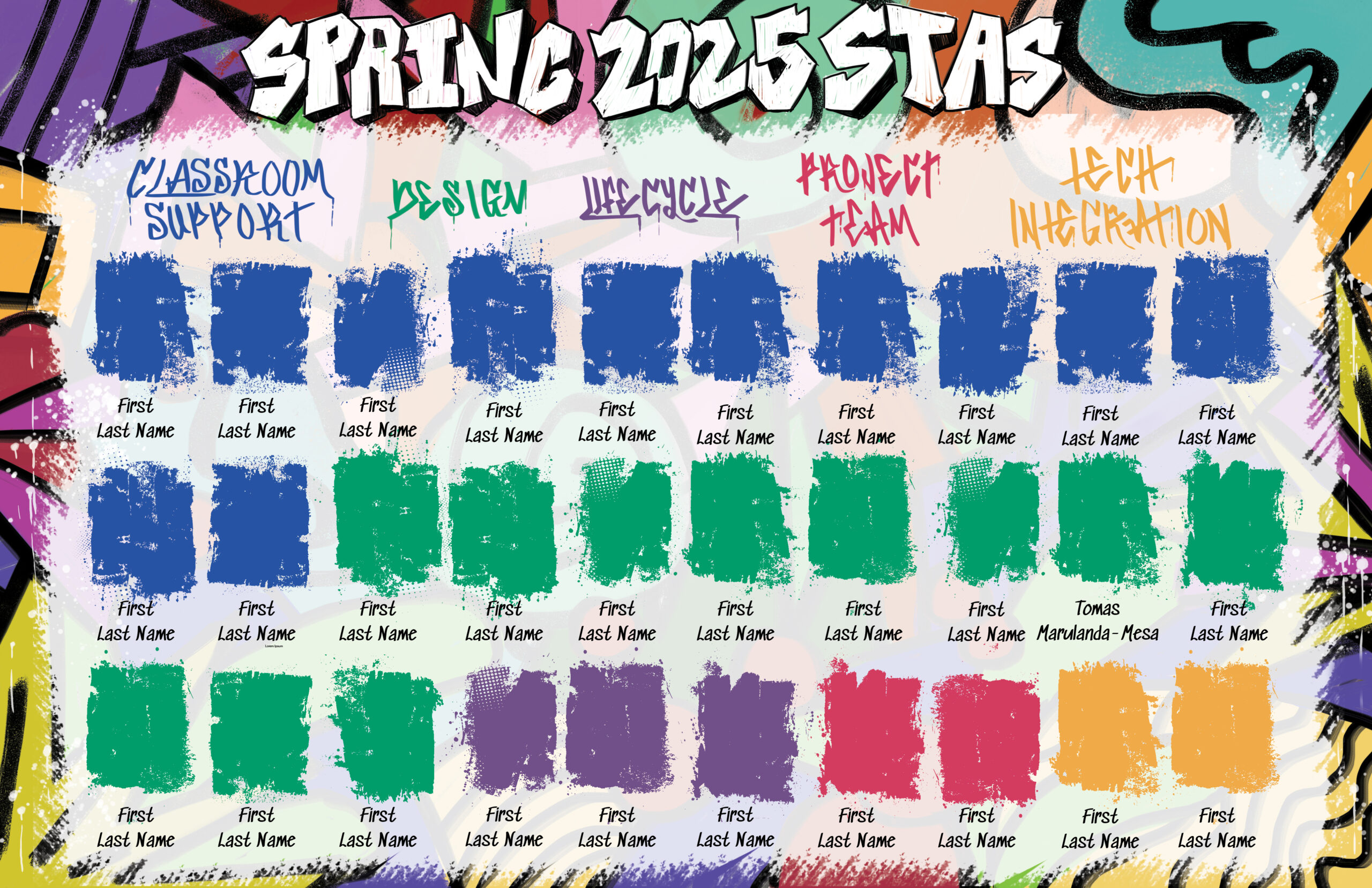
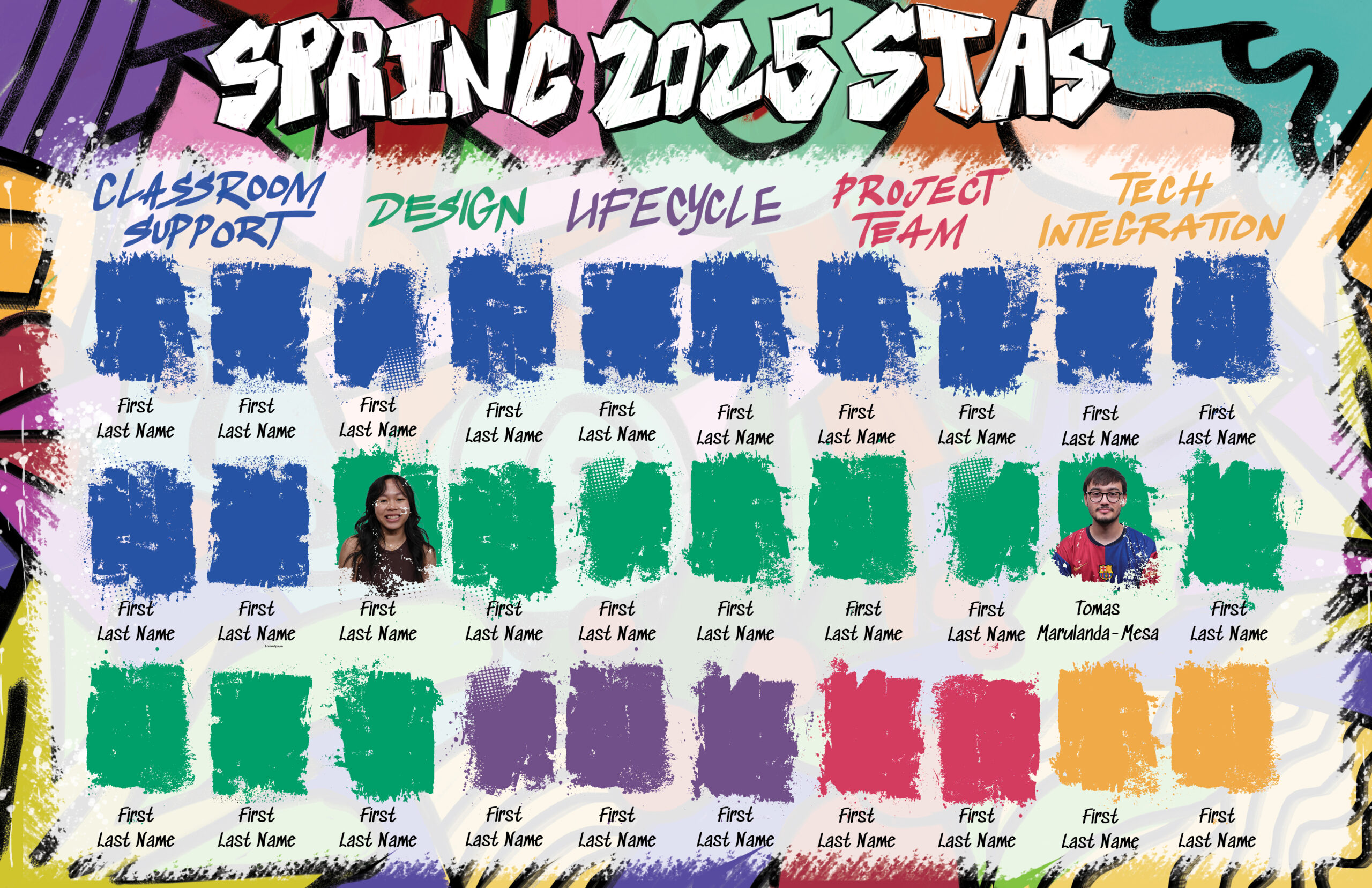
Spring 2026 STA Roster Poster Project Overview

For this project, I have to make the poster which displays STAs from the various departments within LAITS. With the theme being graffiti, Im choosing to go with a more traditional tag-like style in order to have the most readability and not distract too much from the STA’s headshots. Here are a few design styles which I am thinking about incorporating:

All three of these styles have a distinct look to them, but have the ability to be meshed with hard edged text and other assets, making them good for this particular project. As a very quick 5 minute idea, I am thinking of incorporating a graffiti design somewhere which says “LAITS STAs”:

Filed Under: Fall 2025 – Spring 2026, We are STAs

September 2025

October 2, 2025 By Kyra Lee

Title IX Resource Documents

Project Details

  • Recreate the documents in a updated and editable manner. They want a redesign of the existing PDFs that eye-catching, simple and clear to understand. They also want to ensure that they can easily change the information in the charts using adobe acrobat.
  • The client likes the original design but they are open to use explore new options that better represent the information. The title and the subtitles don’t change on the document when they make edits, only the resources themselves. Therefore, solid background colors would work best. 

Here are the original designs:

This is an alternative design that attempts to make the text more organized and readable.

And these are recreations of the original design with minor changes to the colors, addition of a gray branding bar at the bottom, and removal of the longhorn logo in the background of the wheel.

After ensuring the text is editable in Adobe Acrobat and getting feedback from my Art Director, we decided to stick with the original designs and sent them off to the client!

Updated STA Bio and Caricature!

Filed Under: Fall 2025 – Spring 2026, We are STAs

  • « Previous Page
  • 1
  • 2
  • 3
  • 4
  • 5
  • Next Page »

link to LAITS home page

Video STA Home

© 2025 Liberal Arts Instructional Technology Services | Production Credits