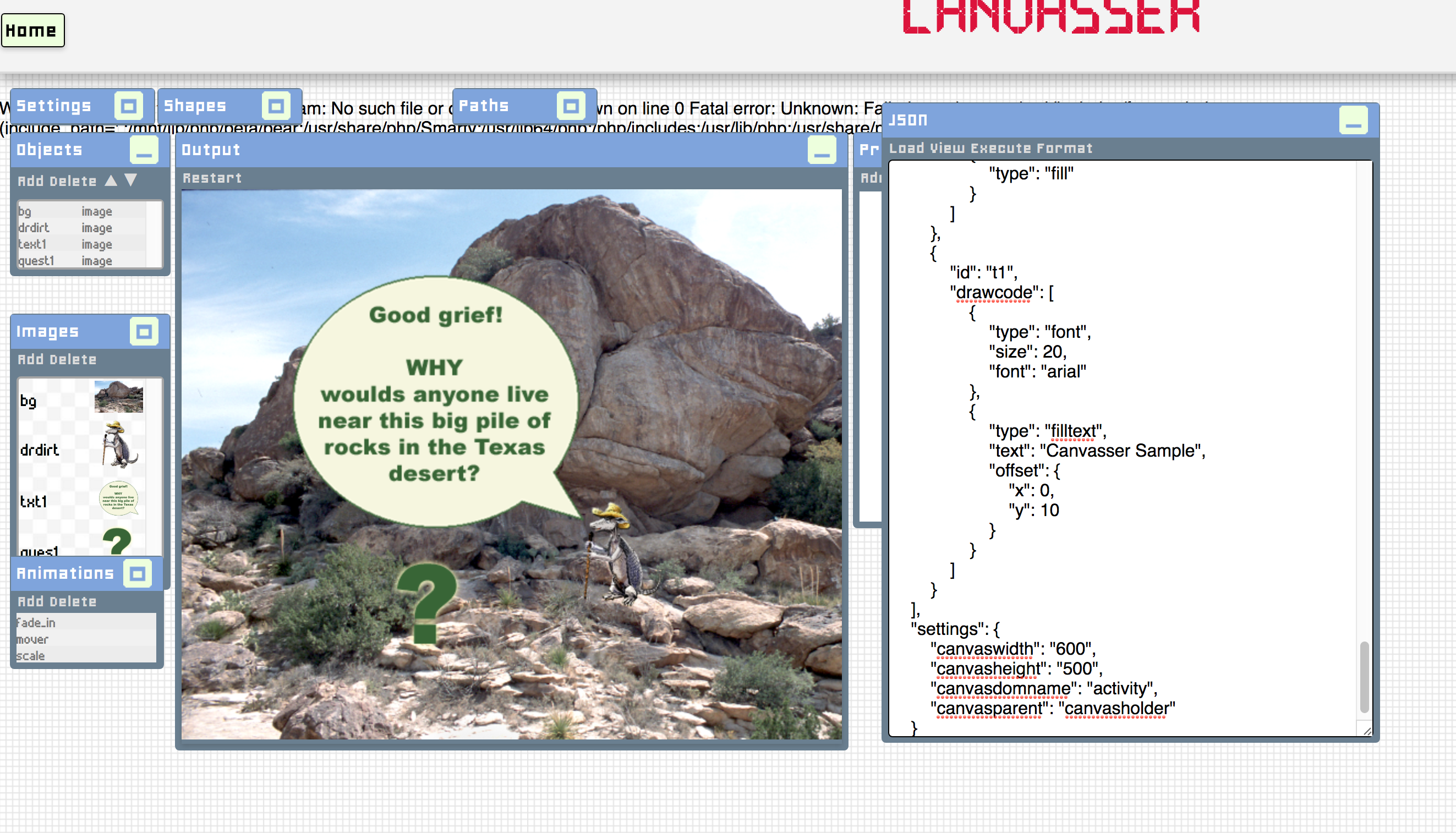
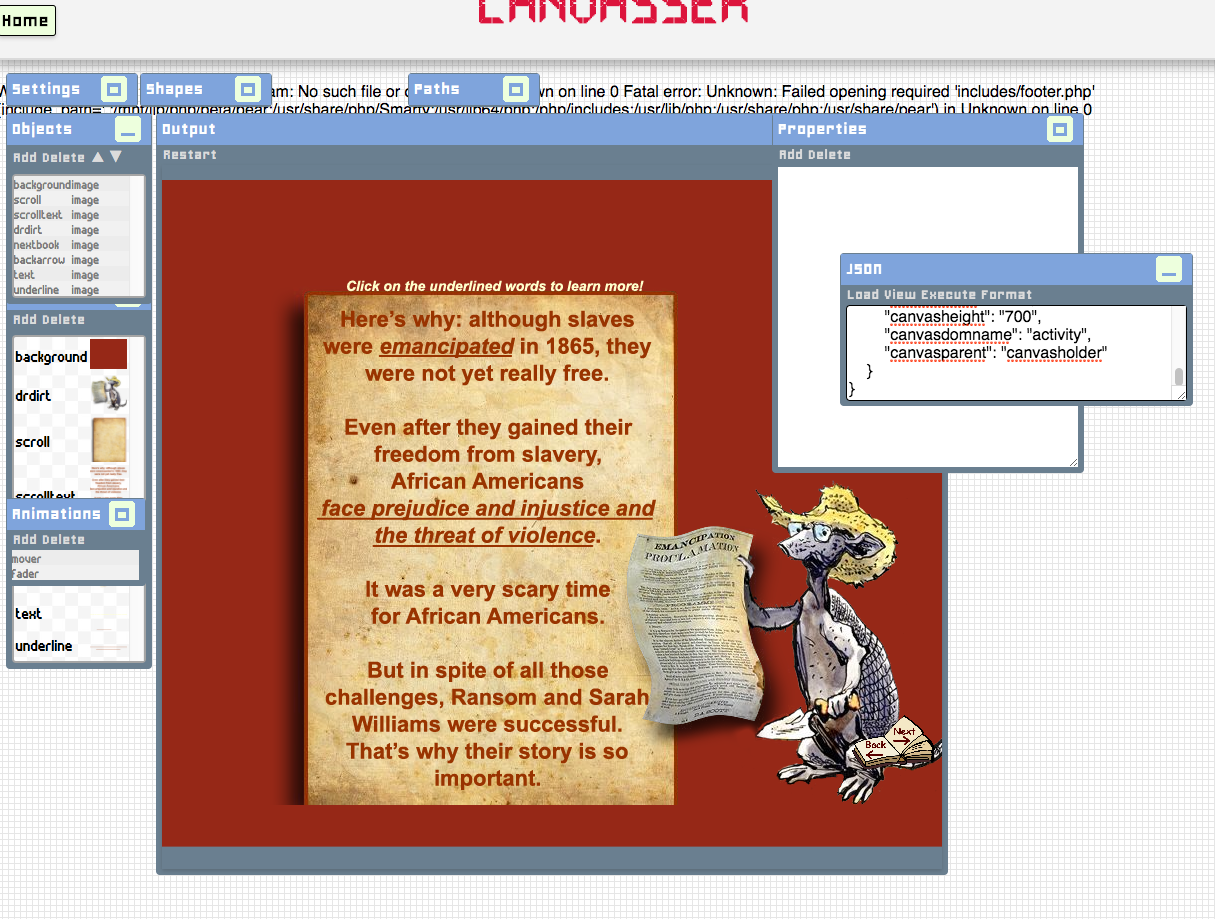
I made a couple info-graphics for a journalism class.
Drafting:
Different iterations:
These were the finals:
By Ryan Wade
This is the LAITS Portfolio page.
When I first began, there were only 6 boxes/two rows of projects, and only two of those had modal boxes pop ups.
I added 12 new projects/5 rows (1 row not pictured here).
Some code for some of the boxes
_______
I went to every website and found an icon/thumbnail for each.
For example:
From this image on Tex’s French Grammar,
I created a thumbnail image
And inserted it into the code
__________________________________
Then I had to make the modal boxes, for example:
They pop up when About is clicked in each project’s box. The banner image and about image had to be taken from the site or created using elements of the site.
Each modal box also contained a summary of the site’s description and an explanation of its purpose, which I took from a provided spreadsheet and edited.
I did this for 13 boxes, as 2 had already been finished.
Some code for the modal boxes.
_________
We wanted to change the top header image into a featured image. The featured project was Jazz Appreciation.
I mocked up a design for a header image:
These musicians and format are from a previous project I did for Jazz Appreciation.
We switched the color palette and changed/added some text.
Here is the final featured project design with guides and layers. Layers will be used as a template for future projects.
I was Team Lead for the Childrens’ Research project, during which we created templates (bifold, trifold, postcard, and newsletter) for the 11 Psychology department laboratories. This role involved client communication, getting templates made by other members of the team, creating Box folders to organize the project, and keeping track of the progress overall. I also taught basic InDesign processes for layout and picture placing to the other members so that they could create their templates.
In order, the first inside flap, the back, the front cover; the inner side/all main content
Screenshot of work with guides.
After having created a template and getting it approved, I created 11 replacement templates by placing the relevant images in to the layout.
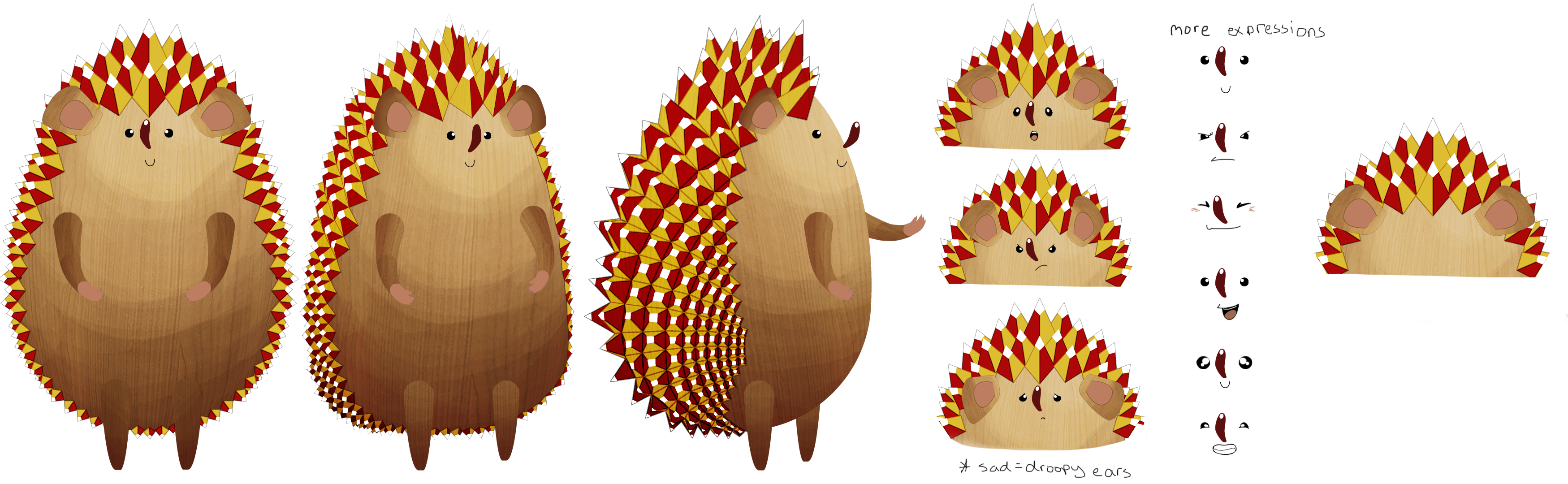
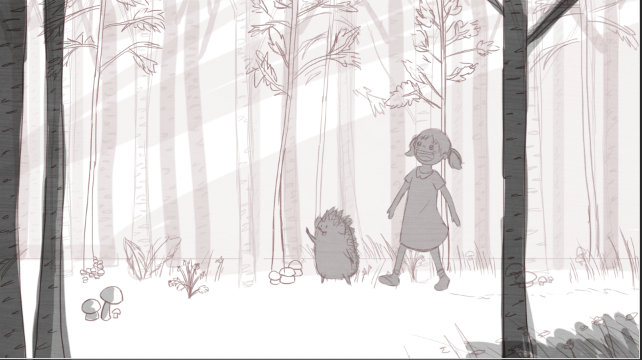
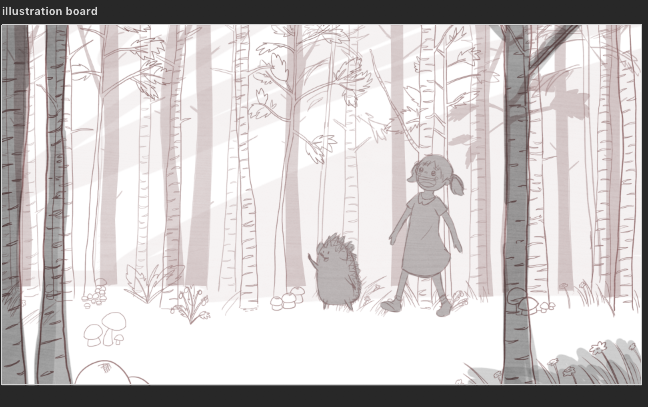
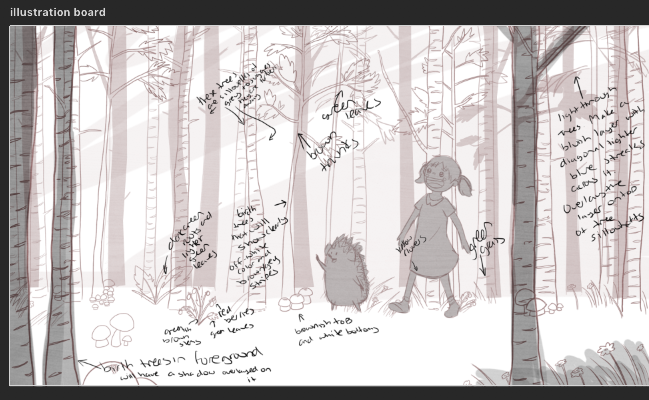
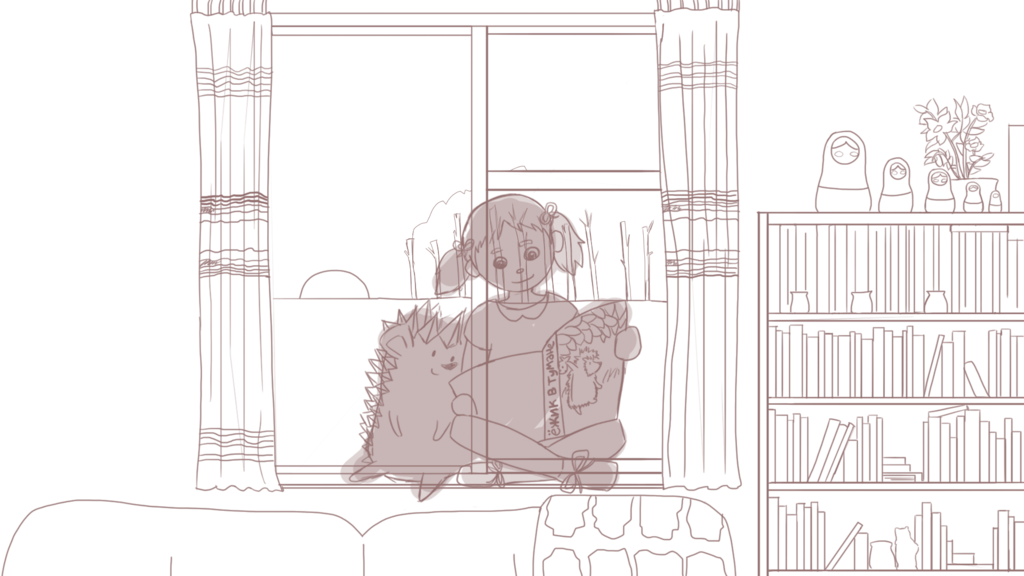
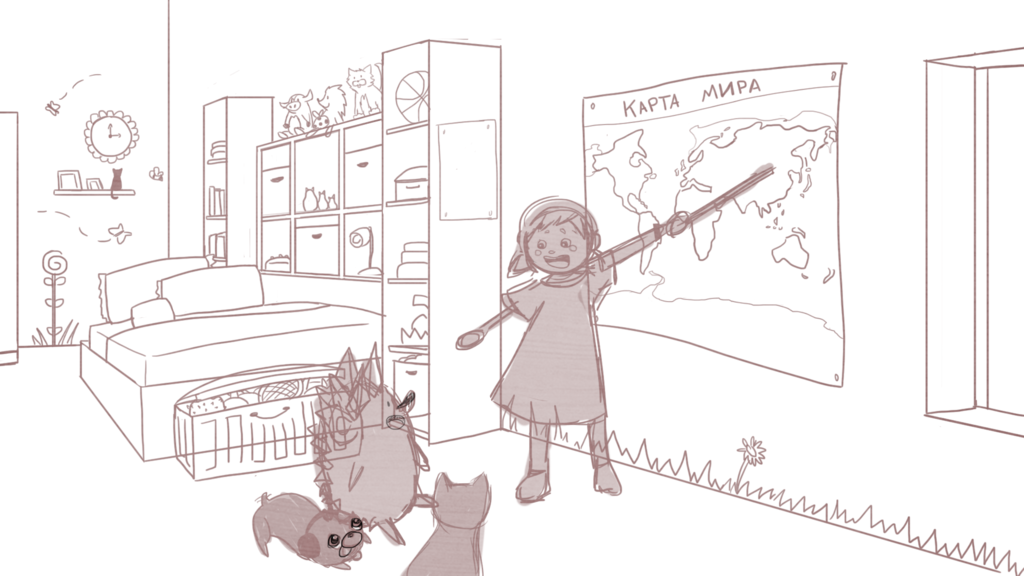
Request: Make a hedgehog for a Russian class. This hedgehog will be animated during the online videos so make the hedgehog animatable with separate layers for each limb.
Professor: Heather Rice
Process:
When first starting this project the plan was to have the style be of a 50’s cartoon animation. These were the different roughs I created:

Then the style changed and tried making a draft that looked like a russian doll

but this version would have been hard to animate and it looked more like a mouse than a hedgehog so i moved onto another draft.

Then I decided to try defining this last draft a bit more. I wanted to make the hedgehog look wooden so I added a wood texture. I got the inspiration to make his wooden spikes into triangles like the top of the St. Basil’s cathedral in russia.

So this is what I came up with

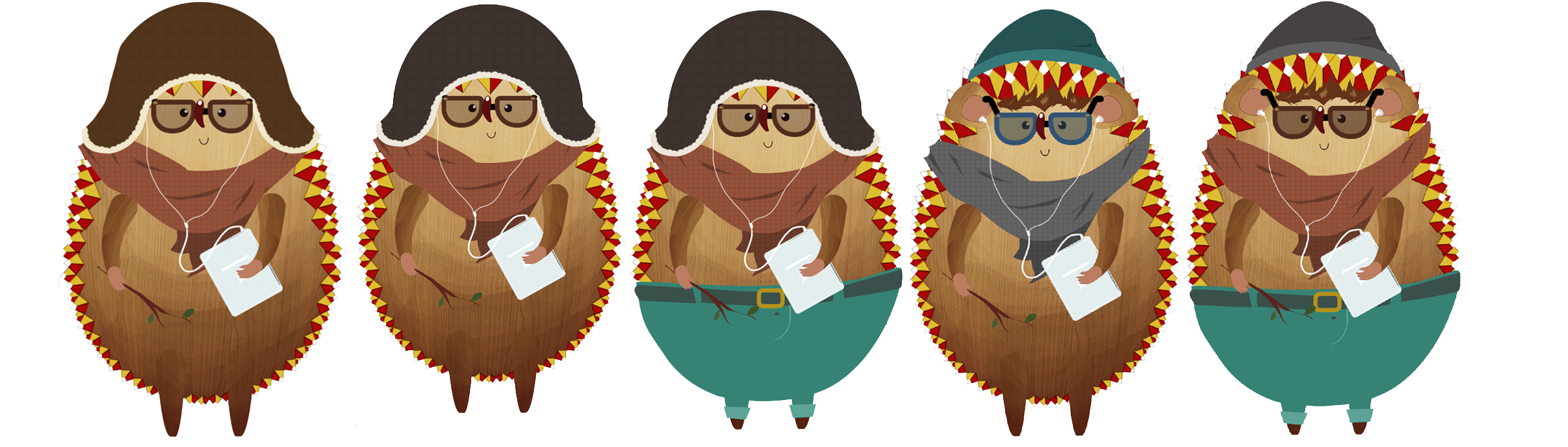
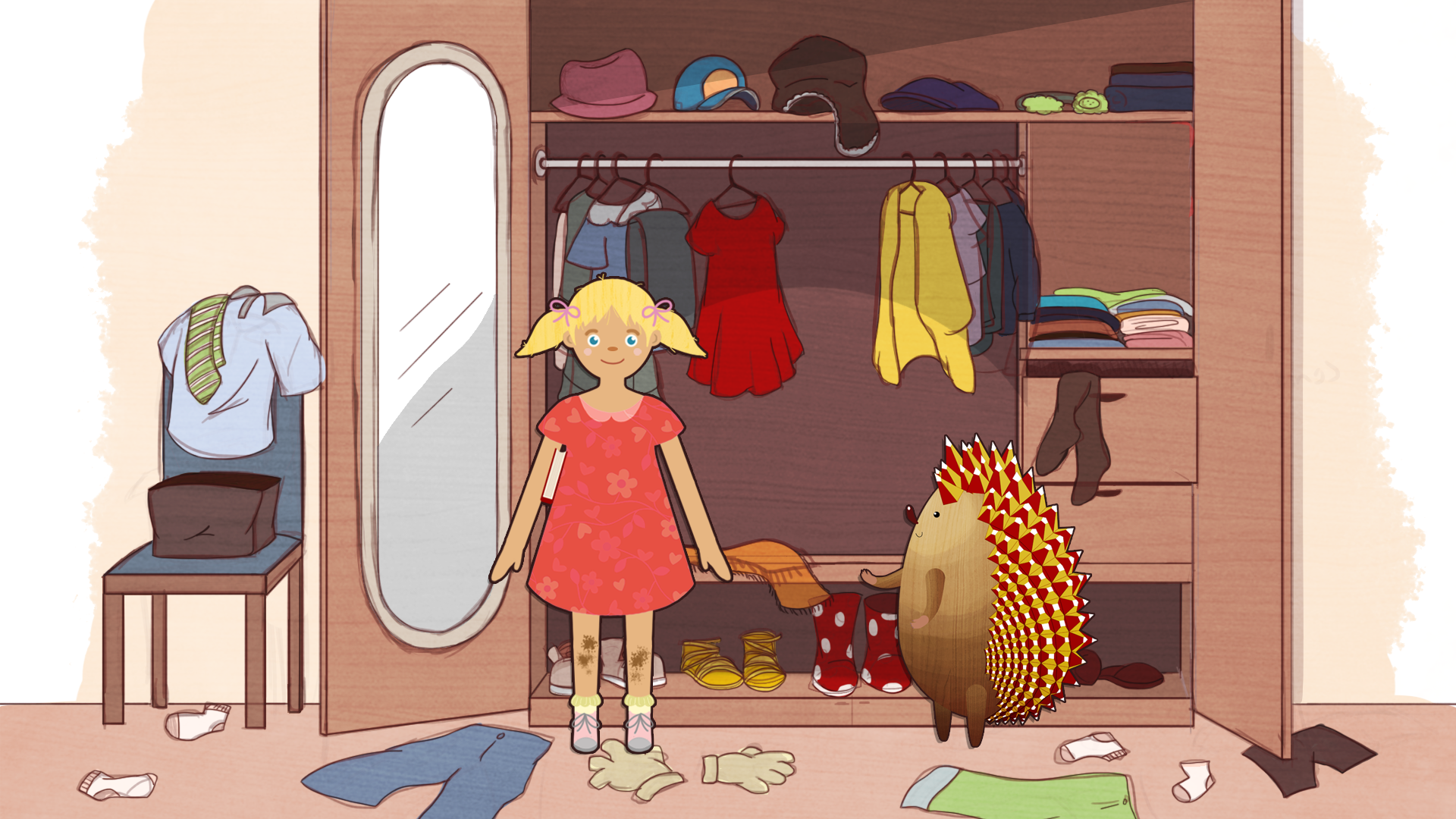
I added this version in a mockup with the professor and the powerpoint borders

I got the approval for this version of the hedgehog and now I’ll continue to refine this version.
By Rebecca Chen
Currently I am making some drafts on the different levels of the badges. I’m playing with adding more on to the badge to signify and upgrade in ability. I also got a new assignment to make a border with laurels to be put on each badge so there is cohesion between all badges, so I am working on that.