By Tate Gibson
1-30-19
- Project: WP Site Development: Podcast
- Client /Prof: Common goods service for professors and grad students
- Completion Status: Assigned on Jan 28 (Mon); working on mockups for Desktop, Tablet & mobile
- Staff Guidance: Web Designer: Stacy Vlasits, Art Director: Suloni
- STA Team Members: Olivia Wilczek
- Description/Plans: Design and help implement a web-based podcasting platform.
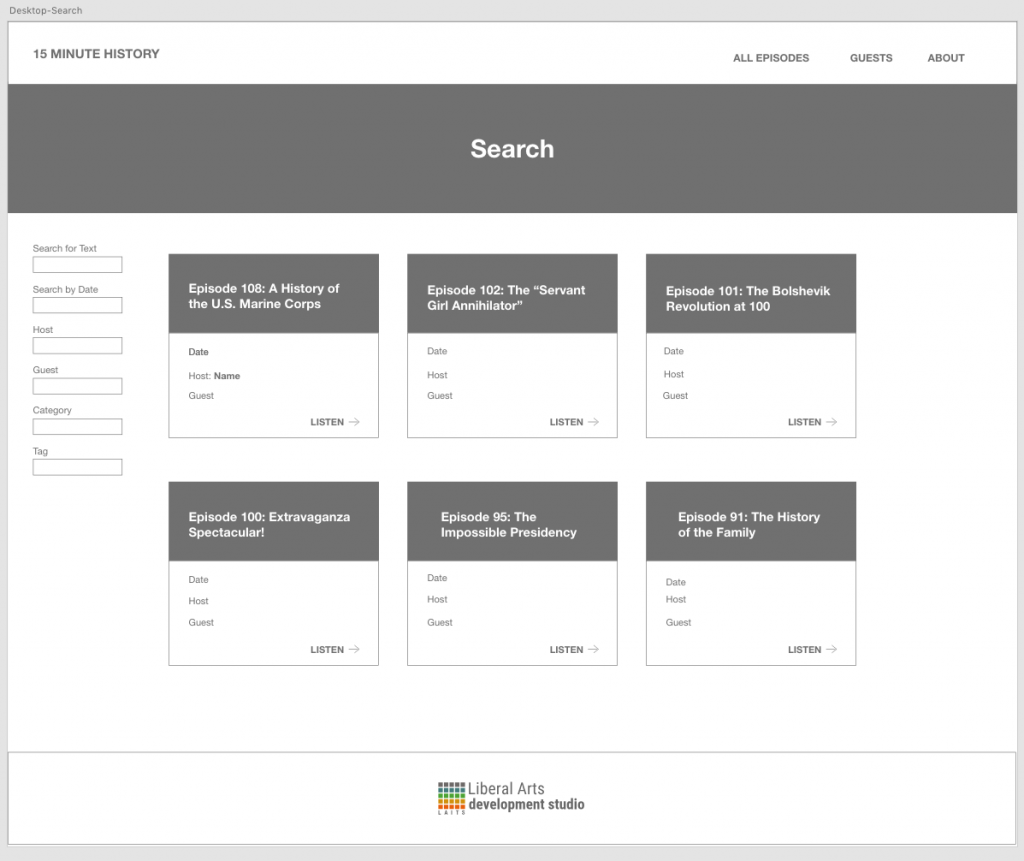
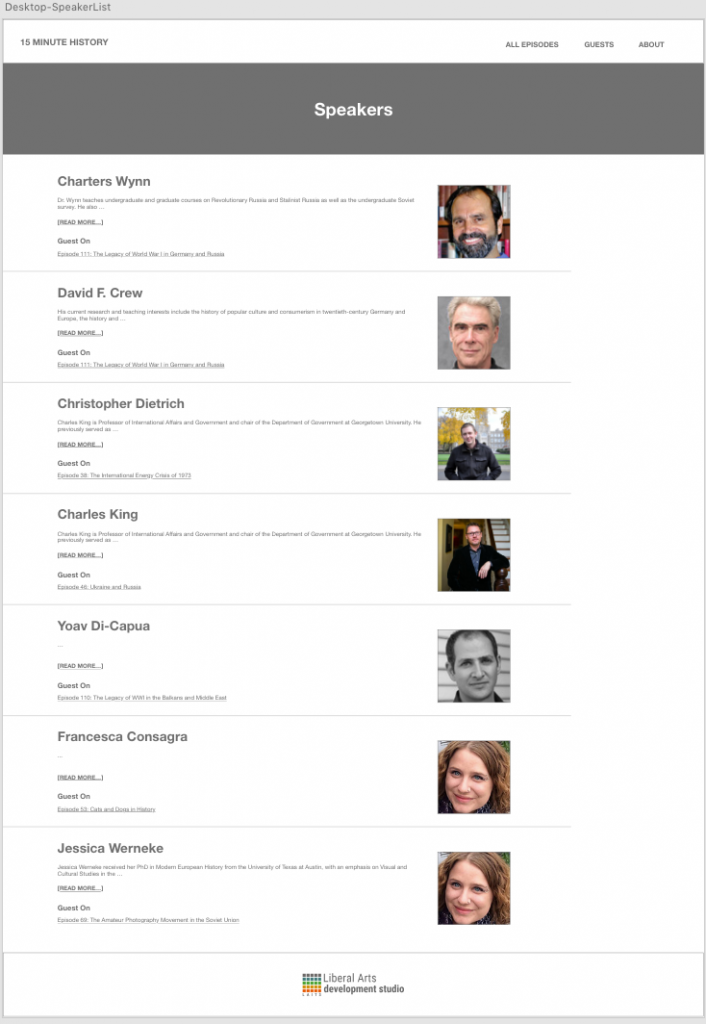
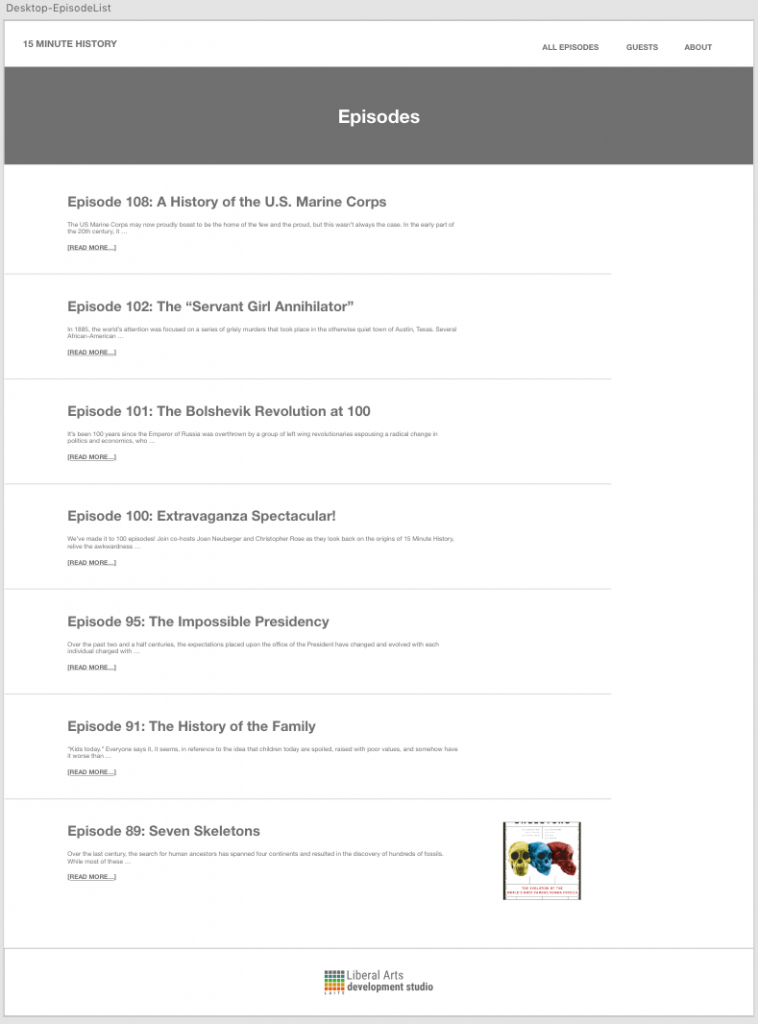
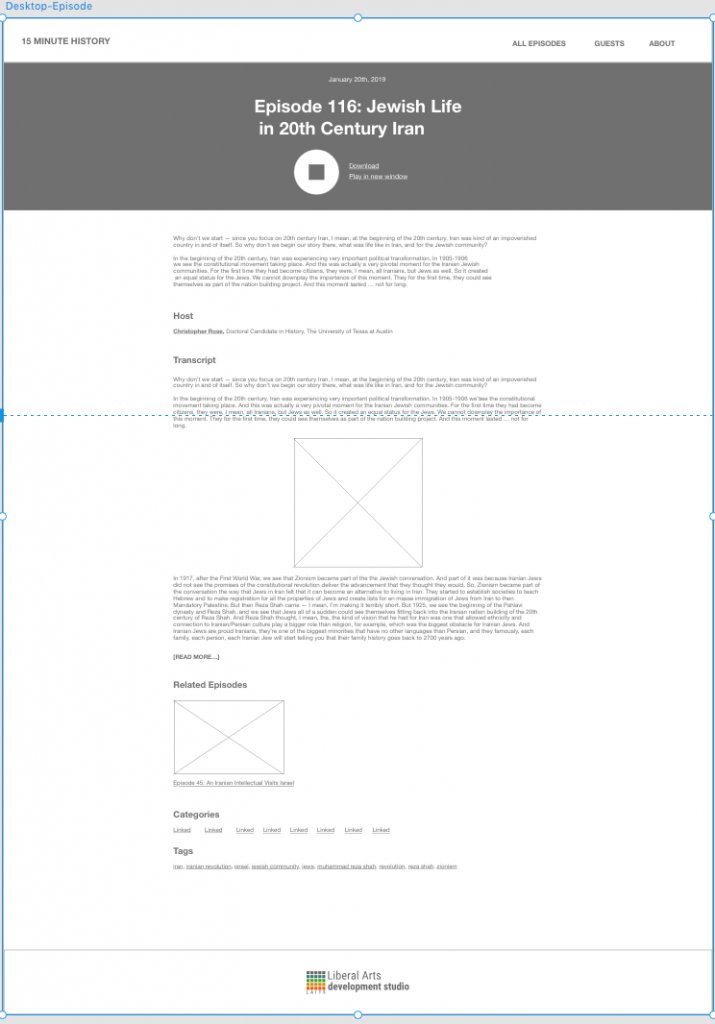
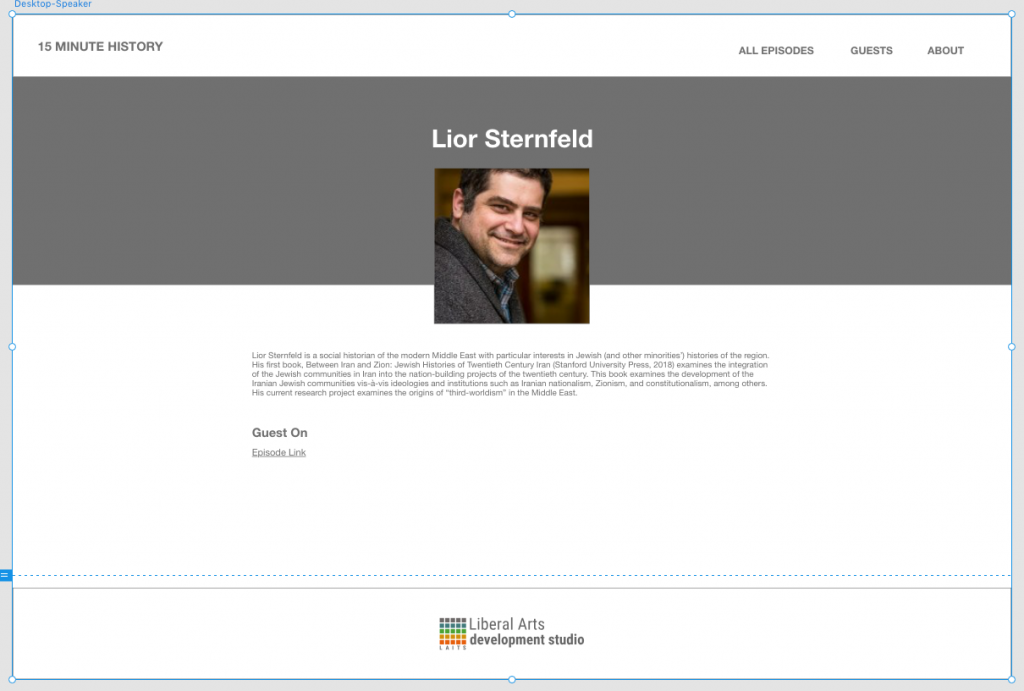
This week I was assigned to work on the WP pages for the Liberal Arts School Podcasts! My first task is to build desktop, tablet and mobile mockups for Stacy so we can decided on formatting and layout for the Podcast sites. He gave me an overview of the current site and explained how to add custom CSS to the WP pages. Suloni is giving me feedback on the mockups and I will create high-fidelity versions for her approval next week!
Design specs for Desktop – https://xd.adobe.com/spec/a1e924c4-a96f-469d-4877-d3802d98f03b-d7d8/


Design specs for Tablet/Mobile – https://xd.adobe.com/spec/b63f7b91-997c-4065-5b43-9c3e3a0867a3-c00e


Olivia Wilczek ~ STA Orientation 2019 Spring!
Welcome Olivia 🙂 i hope you have fun at your STA Orientation!
During the latter part of your STA Orientation, you’ll design and upload your banner to this blog.
FIRST STEP Photoshop: Design and make your banner
a. Use the photoshop specs for your blog banner that i placed in your STA folder, on our servers: path: sta/SanikaBhave folder: make-your-sta-blog-banner file: sta-blog-banner-specs.jpg
b. Save your un-merged files back to your STA folder: path: sta/VSanikaBhave folder: make-your-sta-blog-banner SECOND STEP On this Blog: Make your 1st text post and upload your banner:-) a. log-in: https://sta.laits.utexas.edu/wp-admin _
b. Publishing Help Documentation/Instructions You must read this WP sites “Publishing Help” before you upload your banner. Click on each of these links and read the STA publishing help: https://sta.laits.utexas.edu/wp-admin/admin.php?page=wp-help-documents&document=115 https://sta.laits.utexas.edu/wp-admin/admin.php?page=wp-help-documents&document=18881
NEXT STEP : Add a post
c. Blog post: Reflect on the day and write a bit about your about your-self & what you did during orientation & upload your banner.
ABOUT IMAGES: do not merely copy paste images in to your blog. Always upload images into the “Media” section of blog first, and then set the image from the media folder to display on your blog.
ABOUT CATEGORIES: Check the “2018 Fall – 2019 Spring” Category box for all the blog posts you make this semester and next semester so that all of your work is documented in the correct semesters.
LASTLY Comment on Basecamp: Let us know you’ve completed this task, via base camp. Upload a link to this blog, on your base camp to-do:https://3.basecamp.com/4001554/buckets/7892081/todos/1547763221
STA slides
My last post as an STA… :(
Last STA post!
It’s been amazing meeting everyone in the STA department, and this job was one of the most enjoyable and relaxing parts of my busy semester!
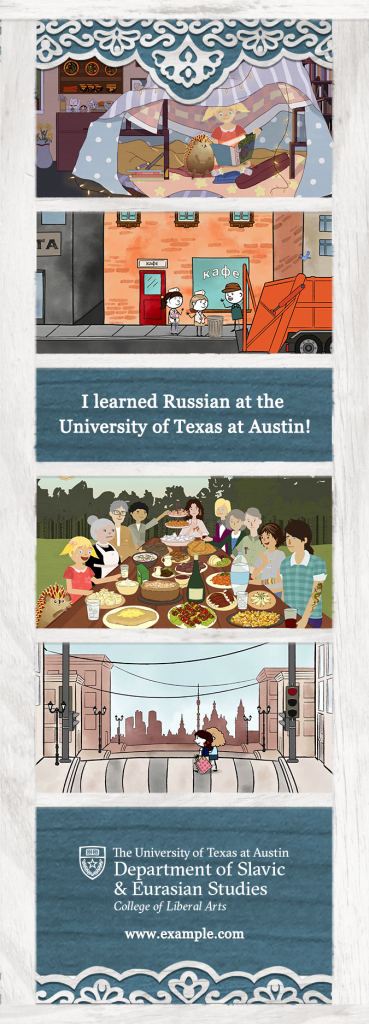
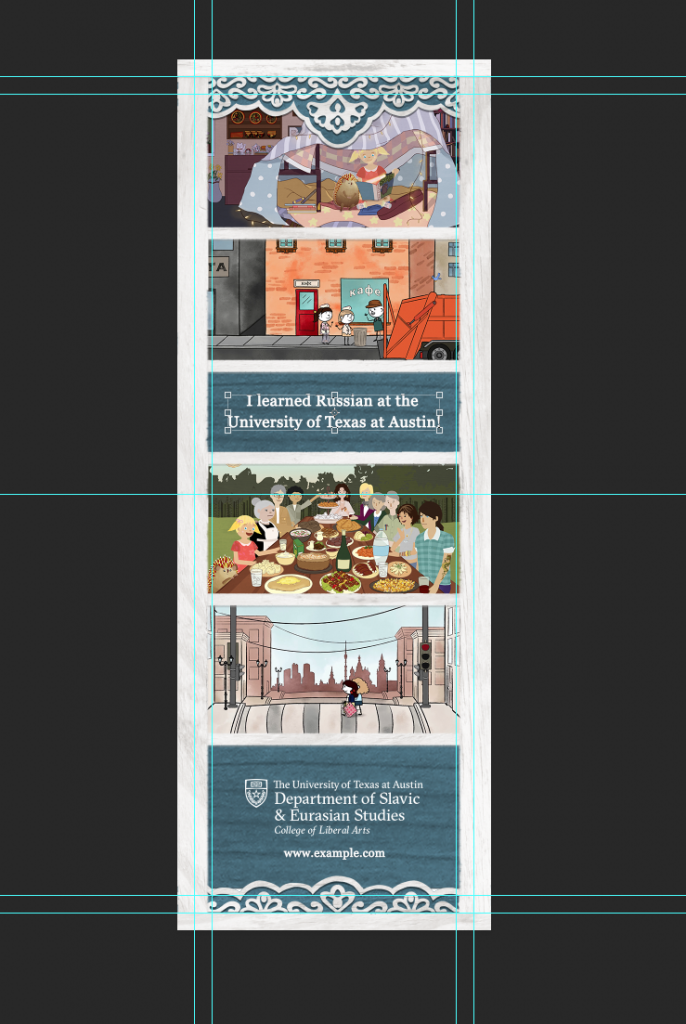
Thank you to Suloni for being the nicest and sweetest supervisor I could ever ask for; I know many times I had to change my schedule around but you were always very understanding. Thank you also to Tate who was the one who introduced me to the job! I’m super proud of the animations we’ve made for Russian and it was a real pleasure working with you. Your animations are so unique and yes, I’ll gladly go follow your social media haha.
As an animator my favorite part of the job was doing the animations, but I also learned a lot about design as an STA. I finished my job where I started – working on designs for the This is Democracy podcast.


I got the opportunity to make merchandise designs for Dr. Suri. I already planned to come back and visit after my internship ends in the spring, but now I have even more reason since I’ll have a mug waiting for me!
Thank you again to all the other STAs, everyone was super nice and enjoyable to work with. If you all are still here in the spring I’ll see you then!
LAITS Test Animated Logo
Yesterday I worked on creating a test logo for LAITS in After Effects. Part of what I wanted to achieve with this logo was to find a way to create a very hand drawn style without actually drawing everything frame by frame. So the jittery lines here were actually created using various effects and simple expressions in After Effects!
- « Previous Page
- 1
- …
- 42
- 43
- 44
- 45
- 46
- …
- 90
- Next Page »