I’m still trying to test out WPMaintenance but I don’t think I’ll be able to get far using Lando on my laptop. Will probably require an actual WordPress install to get anywhere meaningful with that. Hoping to get a test site or two shortly so that I can evaluate the current state of the codebase and get to work on improving it/adding more functionality.
Epic Similes
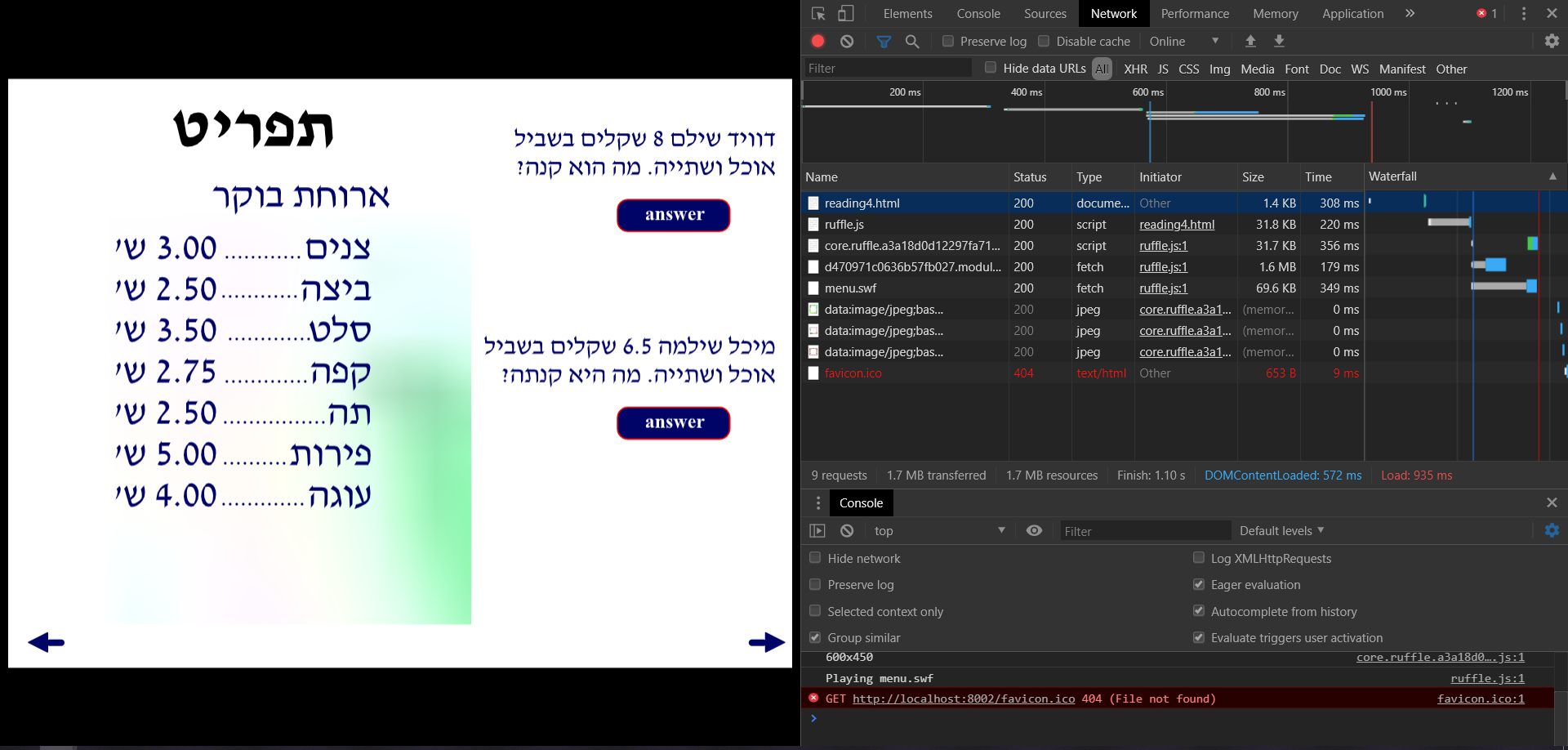
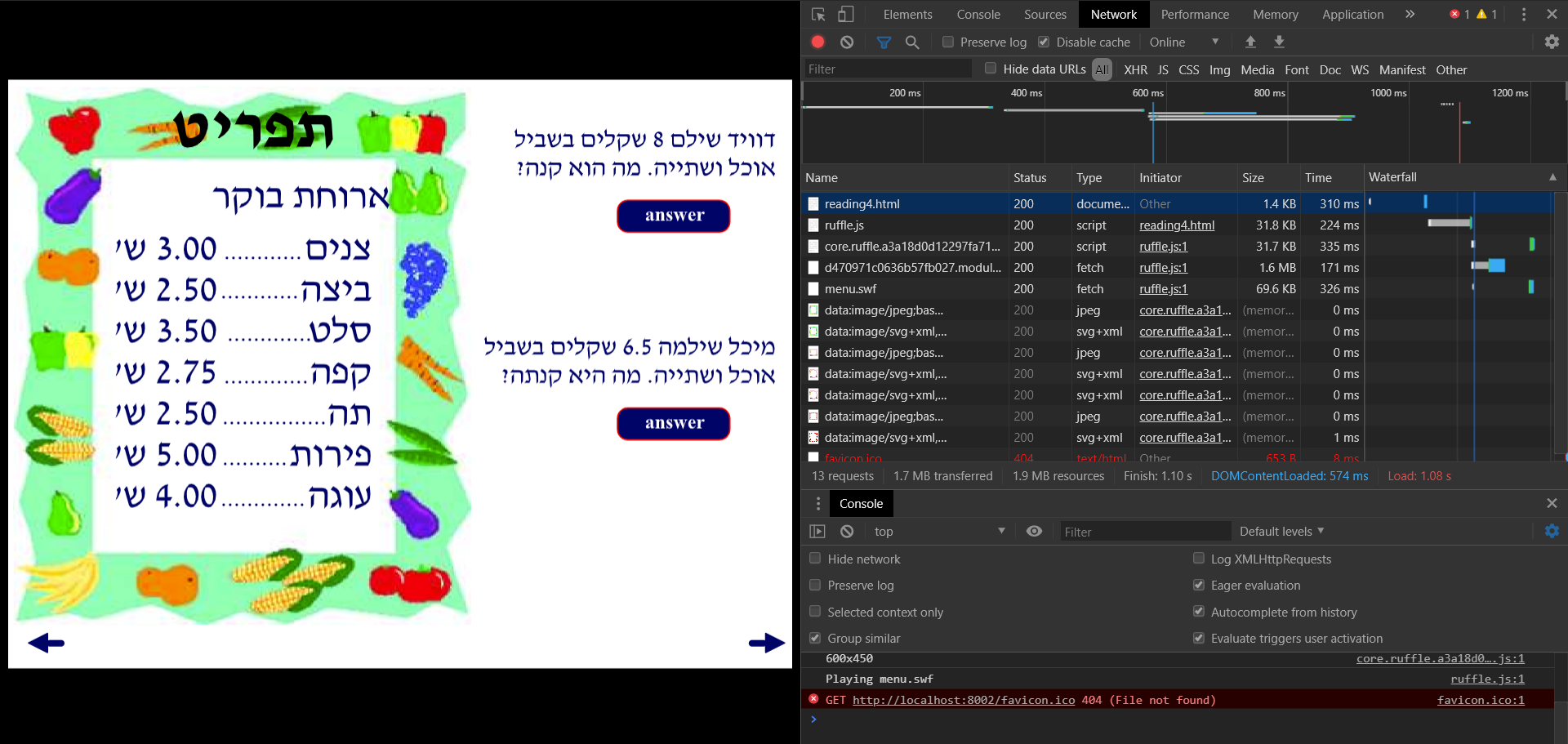
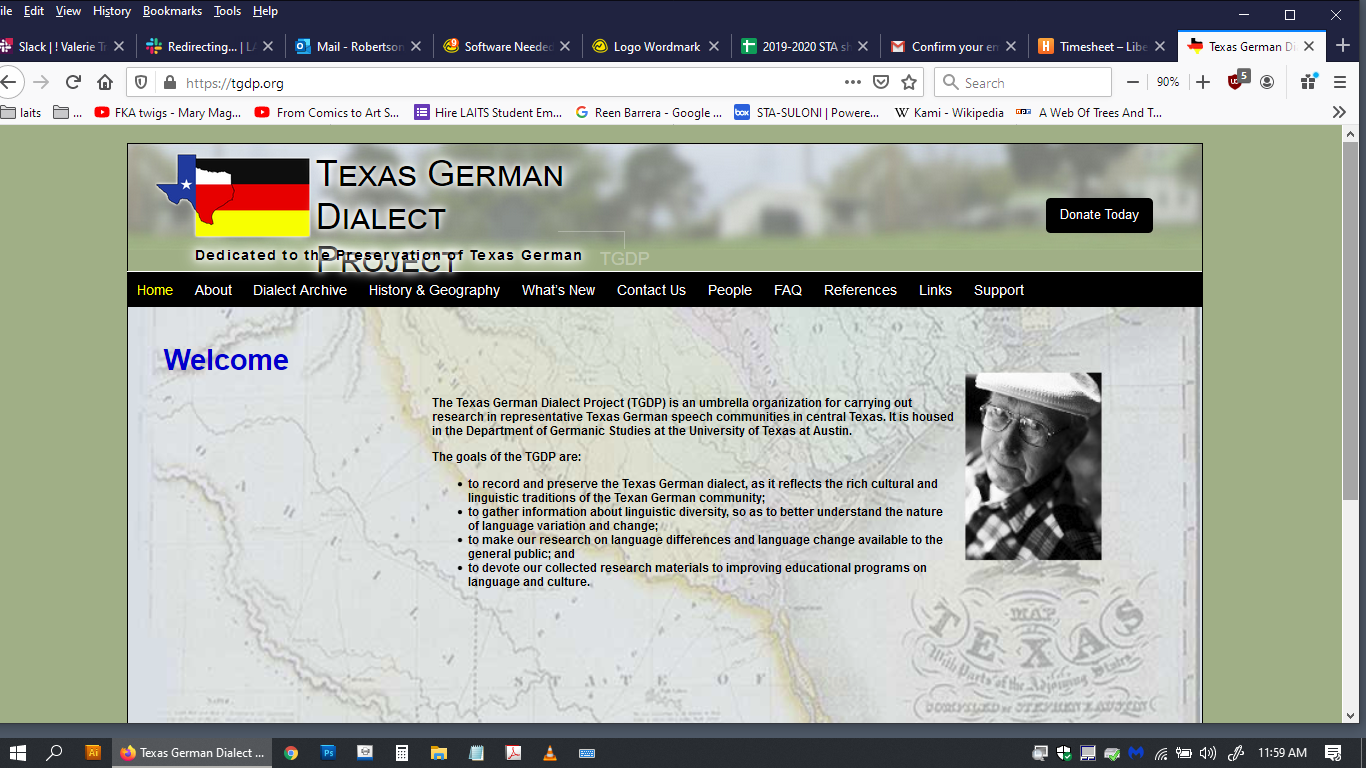
A new task I have been assigned is the Epic Similes project. For this, a spreadsheet of information concerning homeric similes is organized with a variety of attributes. A search interface and website has been established for this information, but it needs more structure and UI/UX. So far, I am working to understand the “handlebars” JavaScript code that creates table information at runtime. However, I have been able to make some small modifications to the appearance such as highlighting and sizing to some UI elements.
Before:
UPDATE:
A litte more work has been done, and along with it I’ve gained more understanding of the handlerbars api. Also, I had a meeting with Dr. Beck, and now that there is a clear plan on what is requested going forward, I can use the knowledge of this code base I have gained to begin to implement her requests. Looks like Maddy will help with the visual theme of the website.
First week
During my first week at work I created my blog banner, and completed the photo ID training. I will be starting my first assigned photo ID and other basic trainings such as the Cascade site training and AI logo training.
I look forward to working on my first project!
Nutrition Education Infographics
INFOGRAPHS
Project: Nutrition Education Infographics
Client: Marissa Duswalt Epstein – Lecturer and the Director of The University of Texas Nutrition Institute
Completion status: In progress
Description / plans: Create info graphs to be used in her nutrition handbook. The first assignment is to create an info graph based off of a design brief before starting on graphs for the handbook to establish a sense of style for the overall look in accordance with the styling of the handbook.
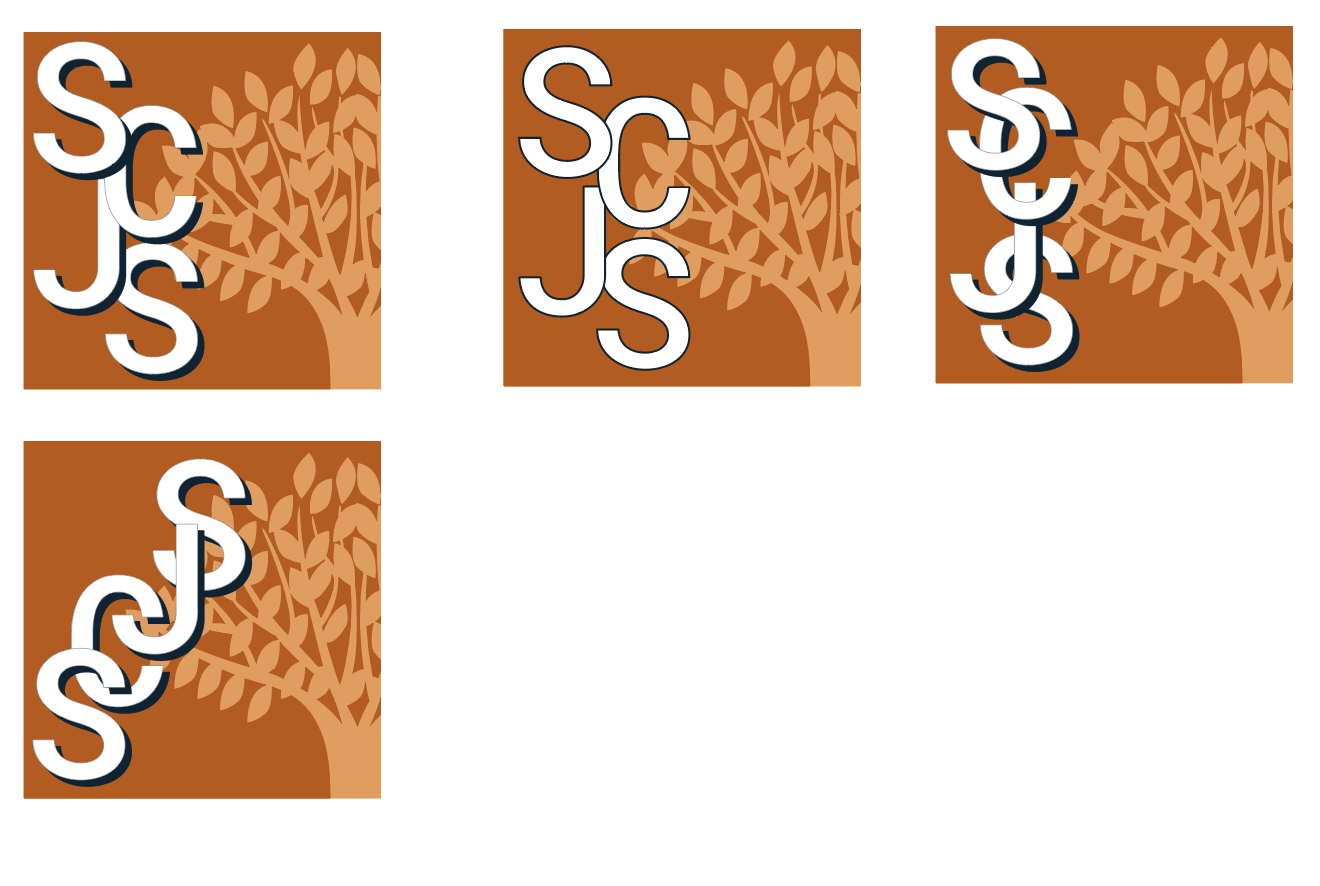
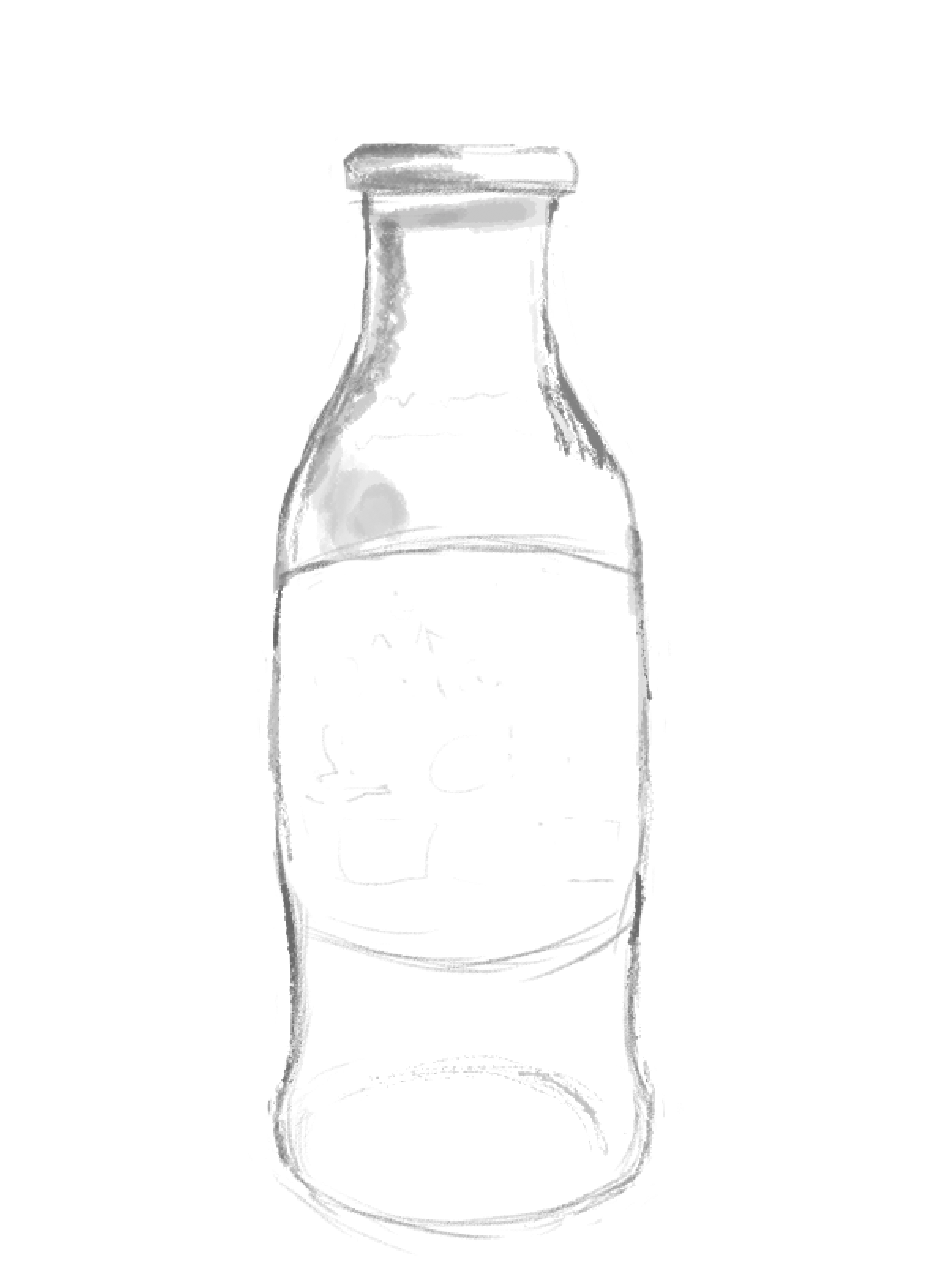
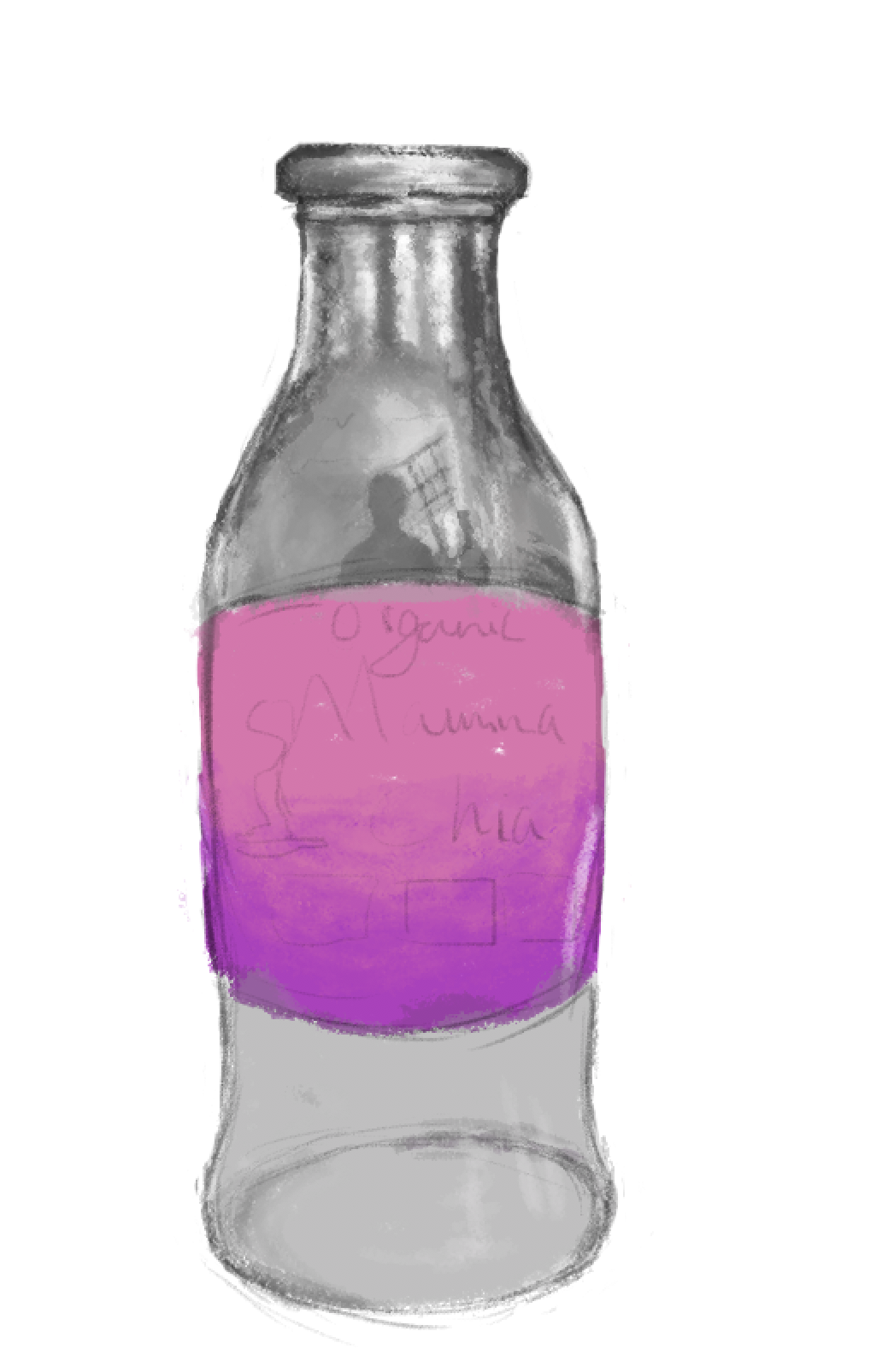
These are the rough sketches for the layout of the design brief. It is a comparison chart of calorie density to water content based on a certain volume of a type of food. I drew these out a Thuy then made edits on AI while I helped her make decisions on the type of edits to make within the file.
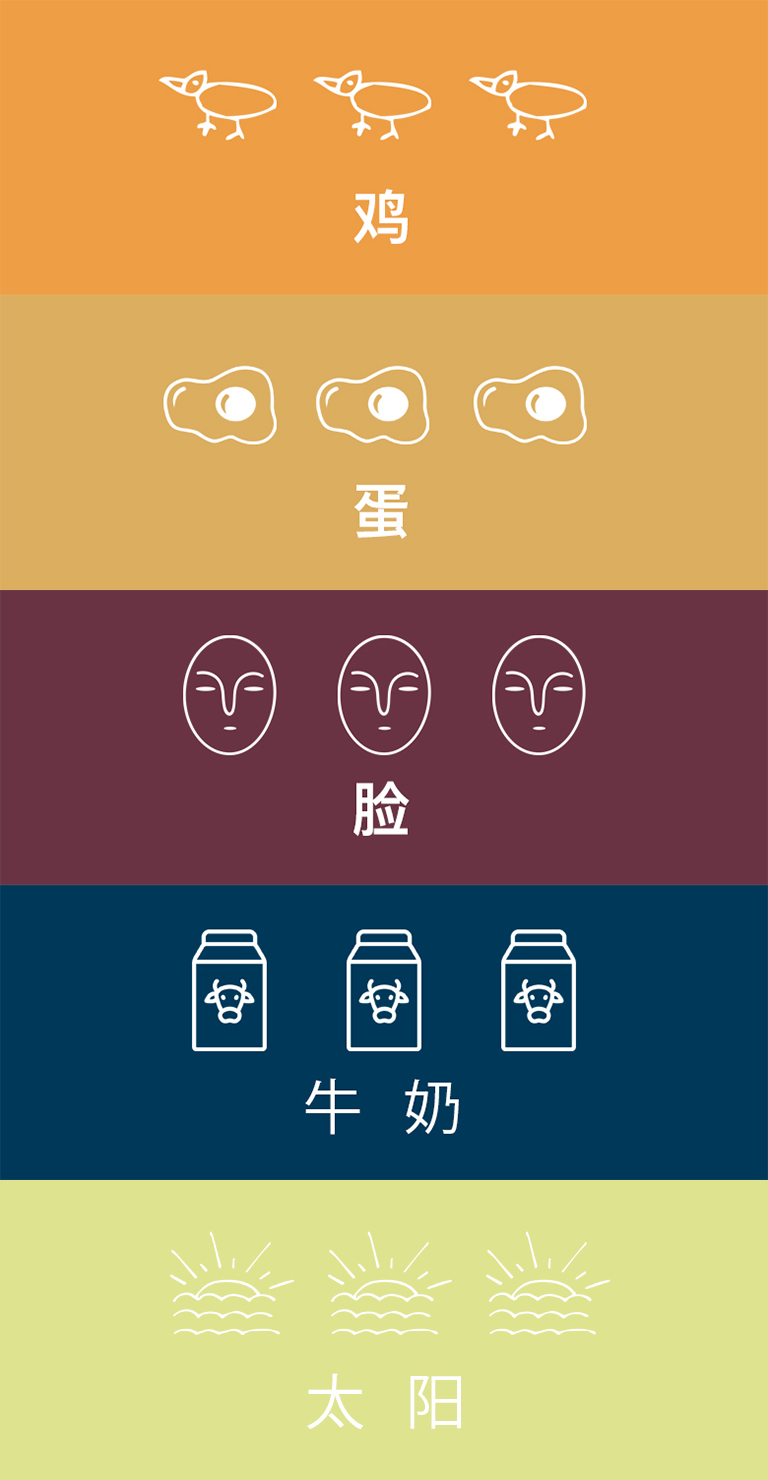
Here is the first graph that Thuy put together based off of my third sketch above. We are waiting for the client to provide feedback on what she thinks of the design. It is very simplistic to not distract from the information trying to be conveyed through the graph and the text that would be on the handbook. We based the look off of the design guidelines and the appearance of the handbook. Thuy added these icons to make the graph appear more visually appealing and less plain.

Sheryl Long 2020 Orientation
Upload a Blog Banner
Step One:
Design and Make Your Banner in Photoshop
- Use the Photoshop specs for your blog banner that I placed in your STA volume folder
- Left-click on the home screen,
- the press command + k to connect to server
- smb://file.laits.utexas.edu/sta/Sheryl Long/Orientation
- Save your unmerged files back to your STA volume folder
Step Two:
Log-in to the STA word press blog:
https://sta.laits.utexas.edu/wp-admin
Uploading media and banners in WP
- Read these links before you upload your banner.
- They will walk you through how to upload media to your blog.
https://sta.laits.utexas.edu/wp-admin/admin.php?page=wp-help-documents&document=115
https://sta.laits.utexas.edu/wp-admin/admin.php?page=wp-help-documents&document=18881
Make Your First Blog post
- Reflect on the day. You blog posts will be a documented experience of your time as an STA with LAITS. Include links, images, gifs–anything you want to share about the projects you’re working on.
- For today, write a bit about about yourself and what you did during orientation.
- If you haven’t already, upload your banner.
Things to Remember
Image Specs.
- You should never copy and paste images to your blog. Always upload images into the “Media” section of blog first, and then insert the image from the media folder to display on your blog.
- Don’t use the thumbnail version of your images.
- Use images that are 72 dpi
- Screen shots are fine
- Images that are 780 pix wide format nicely above or below text blocks
Always Categorize Your Posts
- Always check the category “2019 Fall-Winter | Spring-Summer 2020” for all the blog posts you make this semester and next semester so that all of your work is documented in the correct semesters.
Commenting on Basecamp
Notification comments: etiquette, files, questions, feedback
- *Always address the person(s) you are writing to by their names.
- *Always use complete sentences.
- *Always add links or paths to your design file residing in your STA folder
- *make things easier for your collaborators and mentors by adding a screenshots of the file you are asking for feedback on to your comment
“@” your STA mentor and Suloni in your comments when you want to:
- ask us questions you may have about the mechanics of using the STA blog,
- about the mechanics of photoshop,
- to let us know that you have completed this task,
- or that you would like a little feedback on on your banner design 🙂
Thank you & have fun!
Last Day Post
Last Day
Today is my last day as an STA! It’s been quite the journey and I’m so thankful to look back on this experience. The past year marks a truly transitional time in my life; leaving a corporate position, returning to school and discovering design as a future career path. I wouldn’t have made it this far without the influence and encouragement from Suloni and all of you guys. Thank you thank you for teaching me about graphic & web design! I will carry all of your lessons with me into graduate school and my pursuit to become a product designer.
It’s been a wonderful time working with you and I will truly miss everyone’s energy in my day to day.
Keep in touch! 🙂
Olivia
- « Previous Page
- 1
- …
- 34
- 35
- 36
- 37
- 38
- …
- 90
- Next Page »