• We are STAs
    • Asha Rountree
    • Haley Ma
    • Kate Shih
    • Kyra Lee
    • Nicholas Peasley
    • Sasha Kenney
    • Shanda Horm
    • Shriya Atreya
    • Tomas Marulanda-Mesa
  • We were STAs
  • STA Presentation
    • STA Presentation 2017
    • STA Presentation 2016
  • Testimonials
  • Resources
  • Home

STA Blog

Adriana Hermoza

Adriana Hermoza

Week 4 (9/11 – 9/15)

September 13, 2023 By Adriana Hermoza

This week I had my first two assignments! After finishing up with the Intro Training: Custom/Studio Course Graphics, I started on the graphic request for ANT 302 and GOV 310L. I also finished the Basic STA Skills training! Afterwards I’ll start on the Web Design training.


ANT 302 Stinger

Start: September 11, 2023

Completed: September 14, 2023

The course requested an additional stinger for an “In-Class Exercise” to which there wasn’t a custom stinger. I chose a stinger that the class didn’t use and created the stinger. I used the templated given and the same colors as the rest of them.

http://sta.laits.utexas.edu/wp-content/uploads/2023/09/ANT302-Stinger-In-Class-Exercise.mp4


GOV 310L PPT + Buttons

Start: September 12, 2023

Completed:

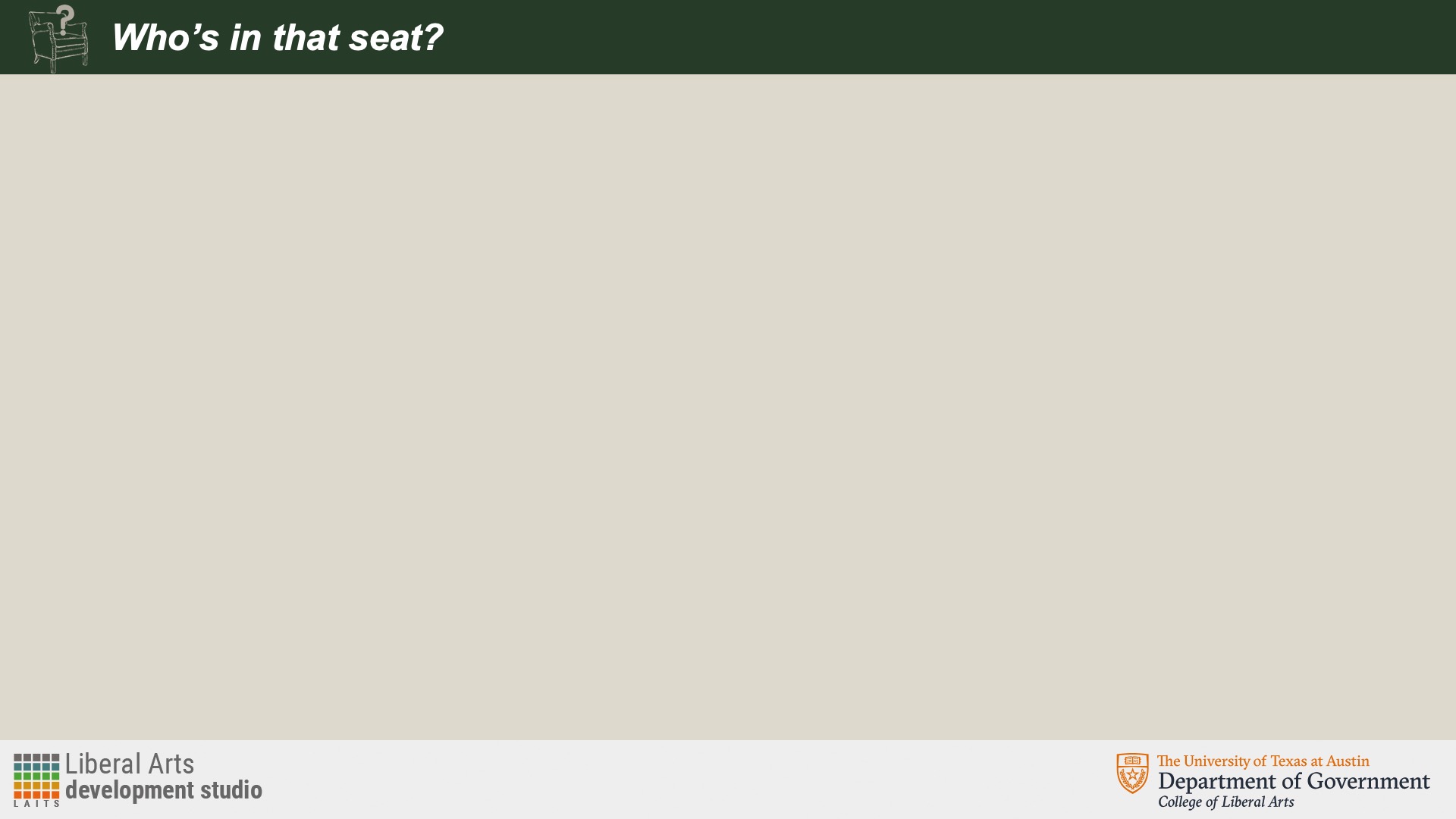
The request consisted of 2 extra PPT slides for the section in the lecture “Who’s in that seat?” where a representation of Congress or a political chair was requested as the image. I created two designs and went with the one that included both a background image and an image on top. I wanted to keep the ongoing designs and color to make look cohesive, but at the same make it be differentiated




Afterwards I saved all the standard buttons for the course and added them to the UT BOX folder.

 

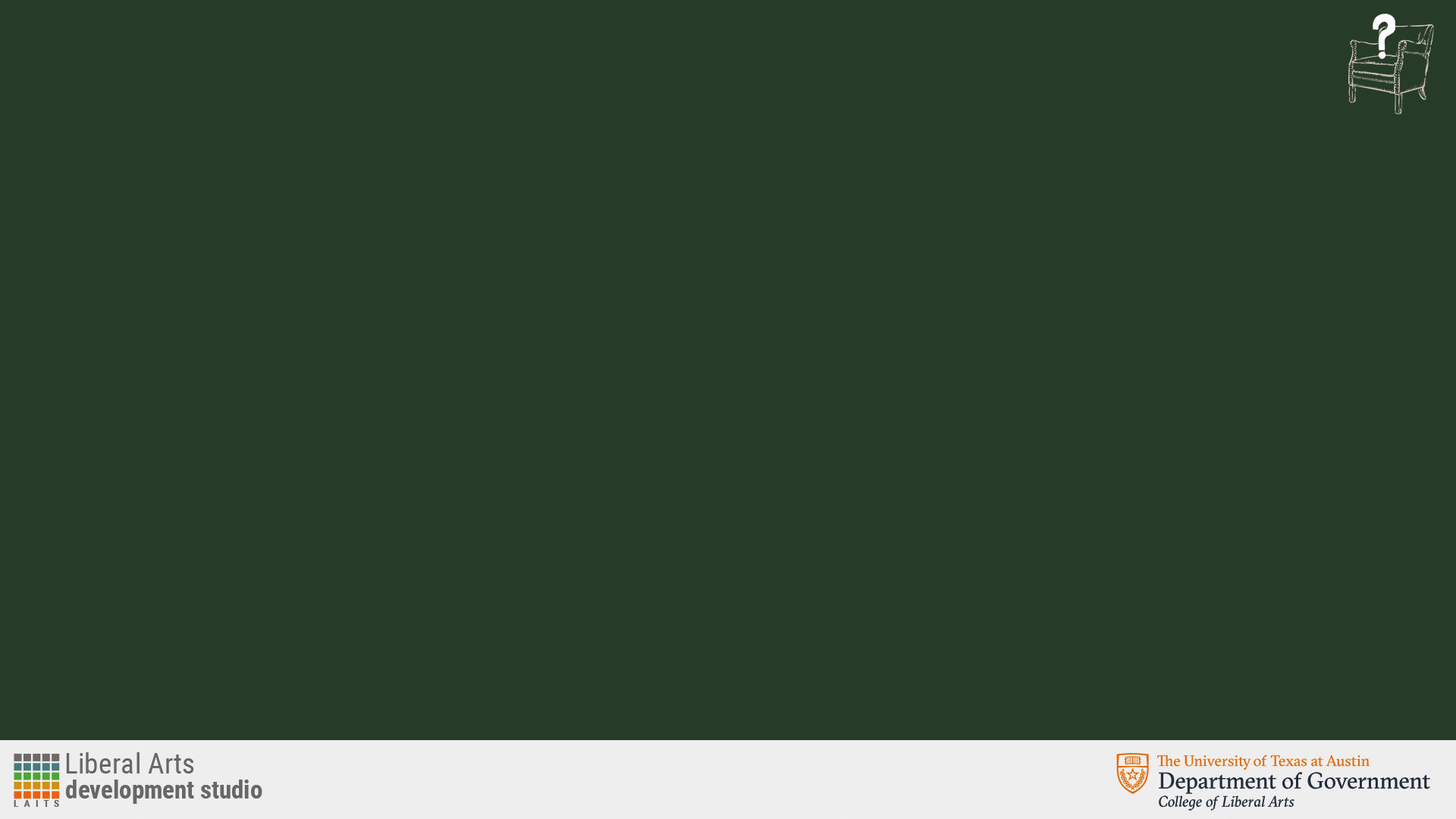
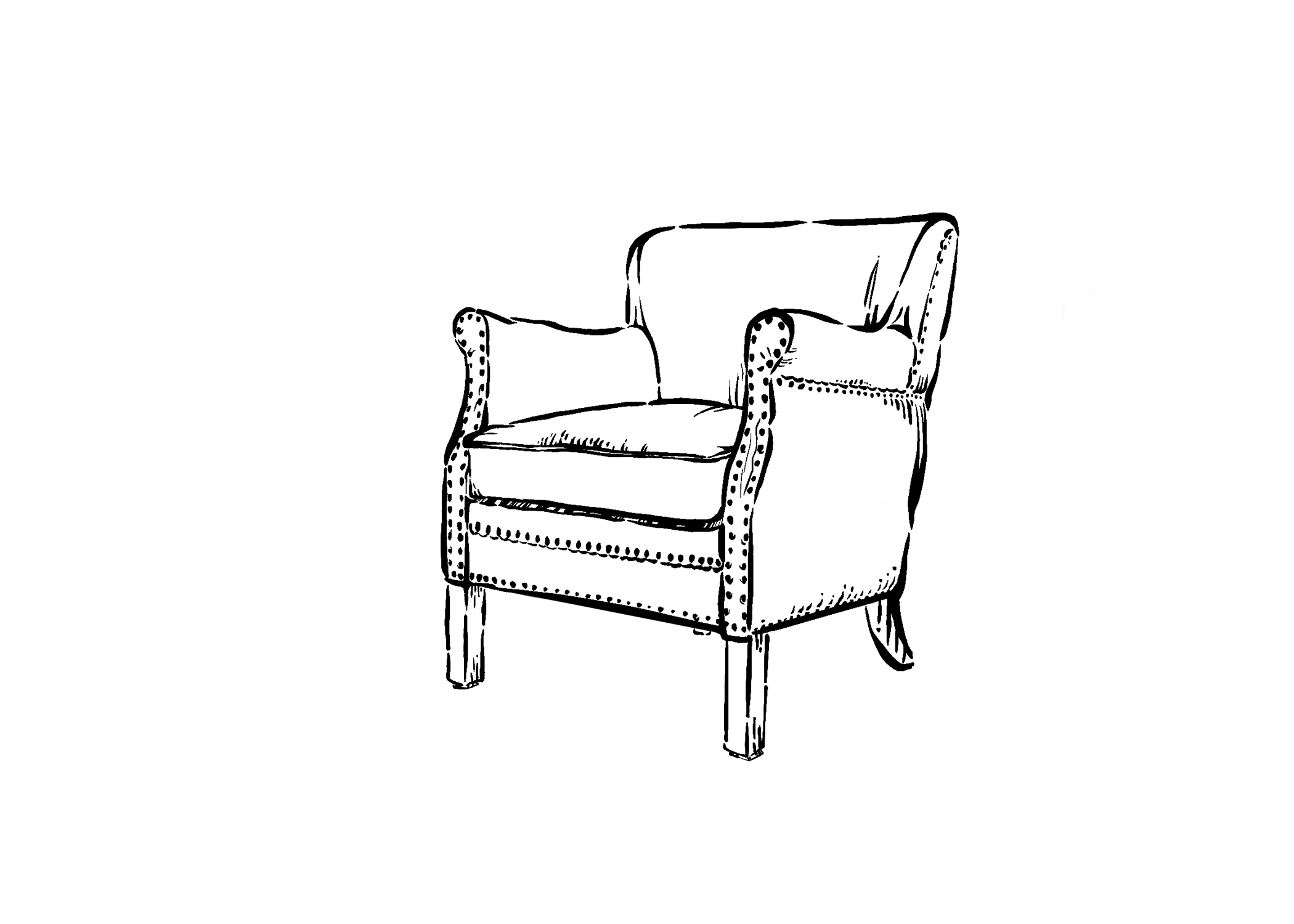
After getting some feedback from Anne and De’Sha on the direction of the slides, I hand-drew the chair in the same style as the first slide with the capitol. Along with the chair design, I also included the question mark “sitting” on the chair while increasing the font size of the title.

First rough drafts of the chair with the question mark.
  

Then, after getting feedback from De’Sha about the question mark, I created another one using vectors to make it look more smooth and place them in the PPT slide. I chose to go with a darker green for the background color per the client’s request to make it stand out and be different  the other slides. I additionally created the content slide along with the title slide.



After deciding to go with the vector question mark, I added the title as a one line title, but changed it to 2 lines and centered it to fill up more space efficiently.




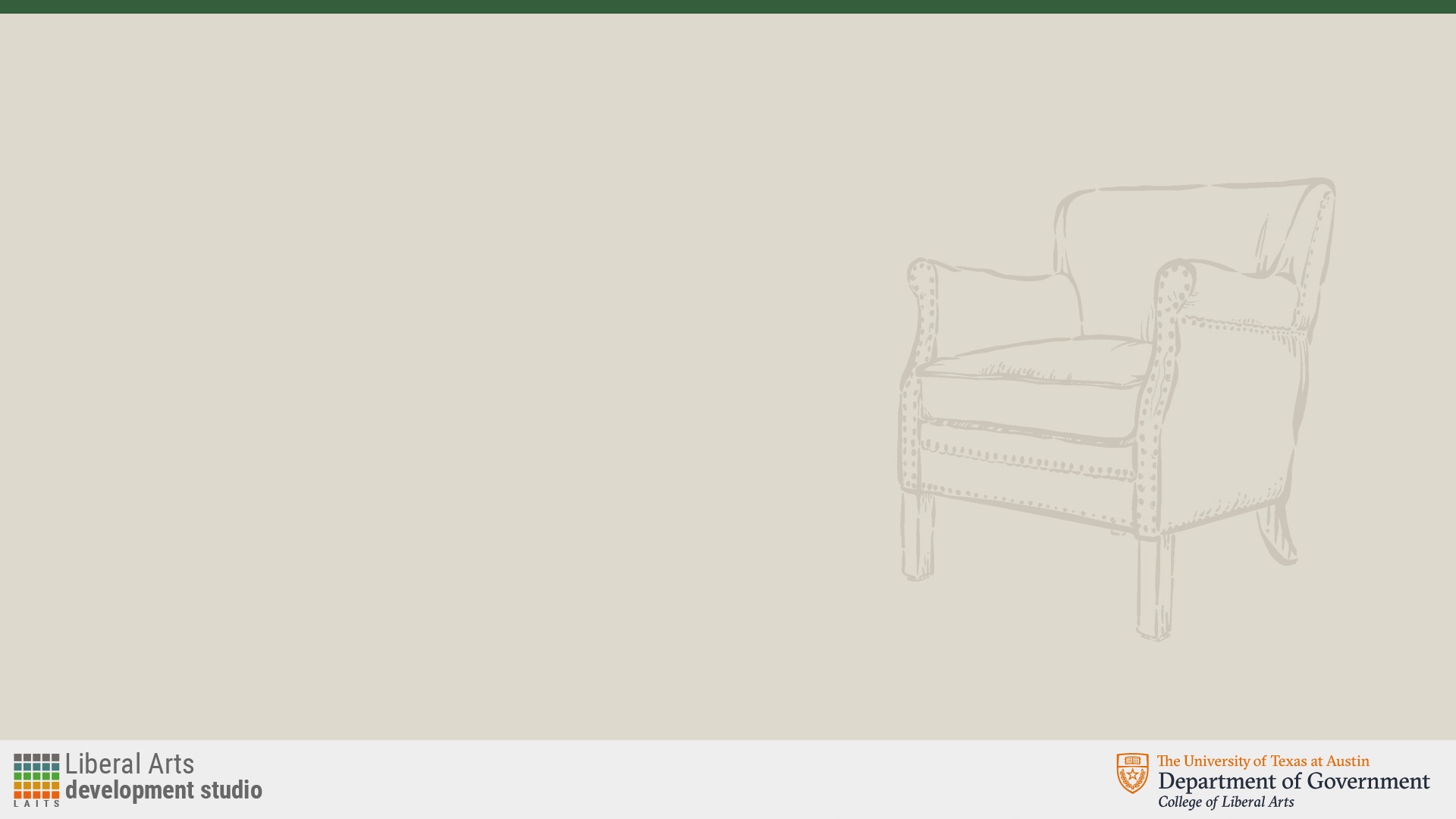
When it came to the content slide, there were more iterations where the background color, header strip, or layout changed. At first the background was dark green with the chair logo at the upper right corner, which was then changed to the lighter, tan background with a dark green top bar. For the latest iteration, the chair in the background was mirrored and moved to the upper left corner followed by the segment title while increasing the width of the top dark green bar.


Filed Under: Fall 2023 - Spring 2024

Week 3 (9/4 – 9/8)

September 11, 2023 By Adriana Hermoza

The majority of this week I focused on the training checklist, in particular the Custom/Studio Course Graphics and getting accustomed to the lab.


Custom/Studio Course Graphics

Start: August 30, 2023

Completed: September 11, 2023

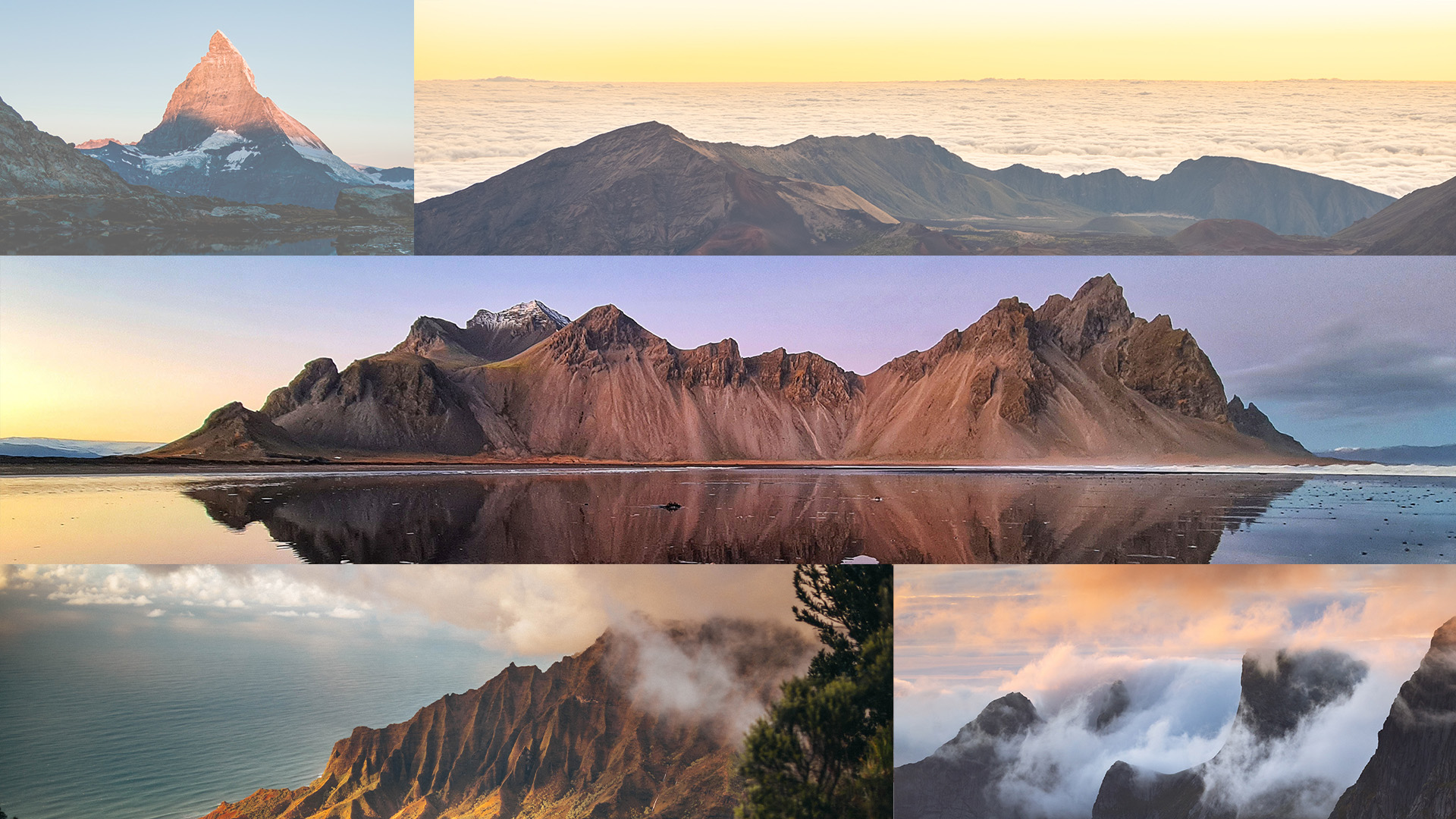
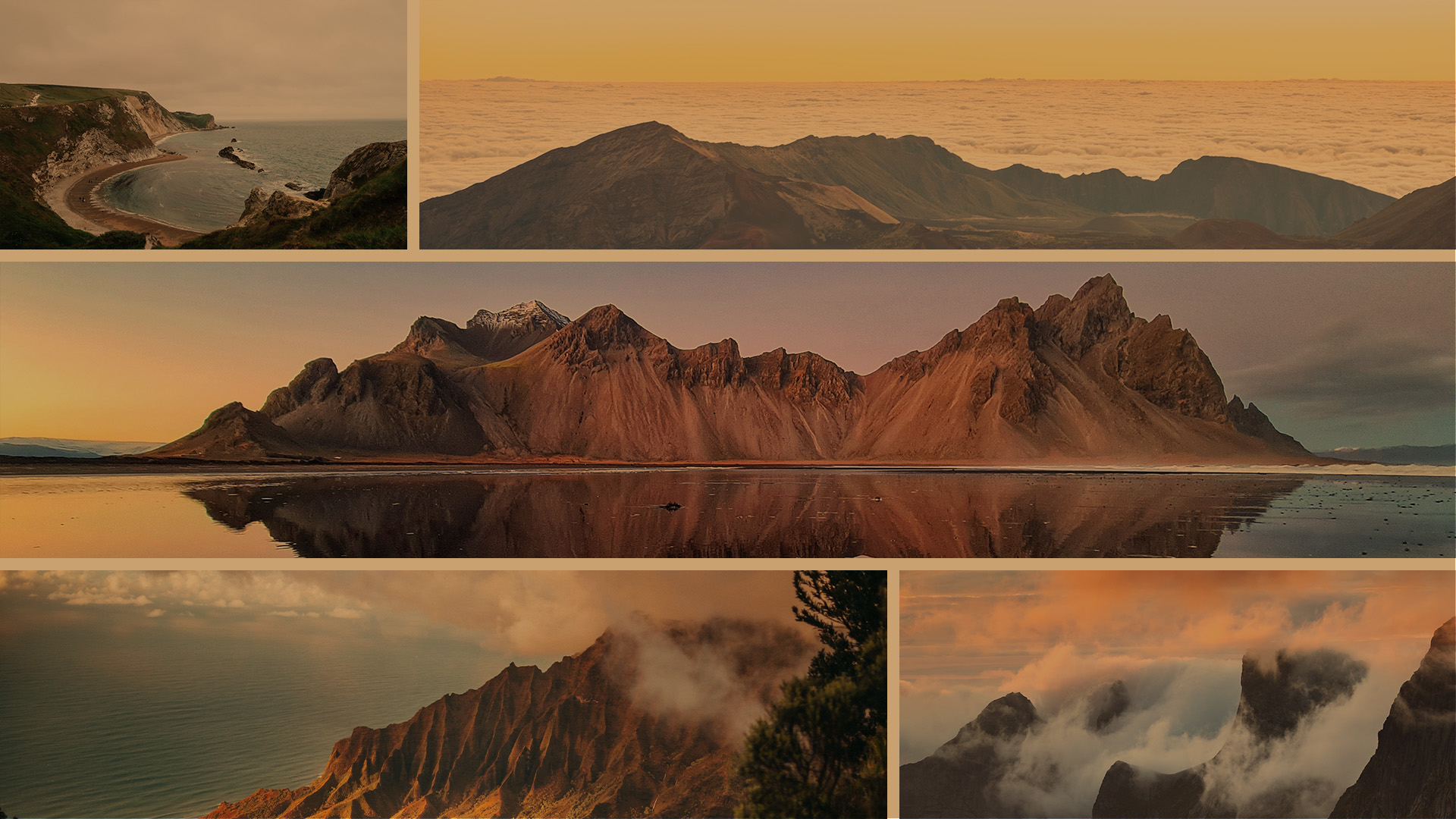
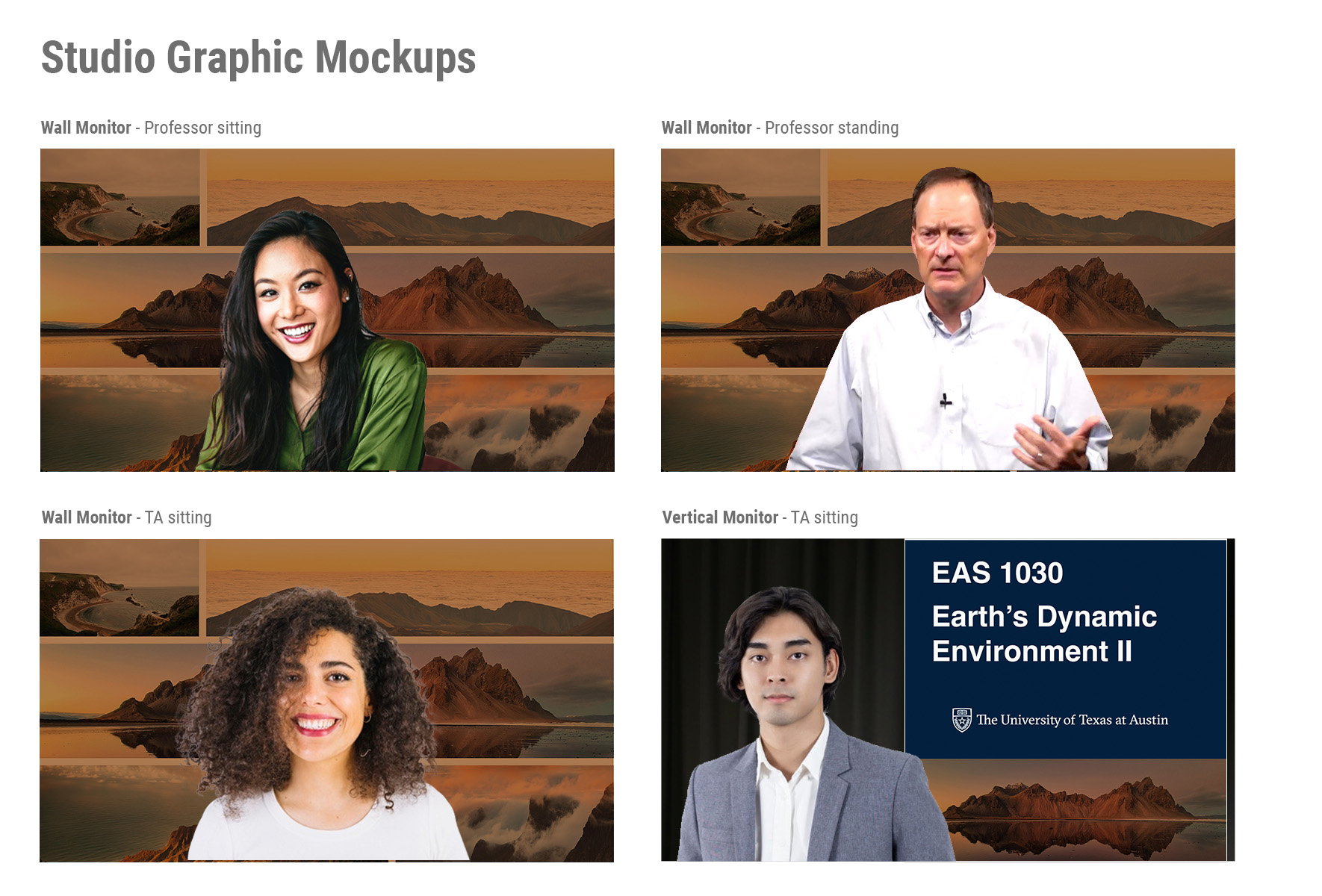
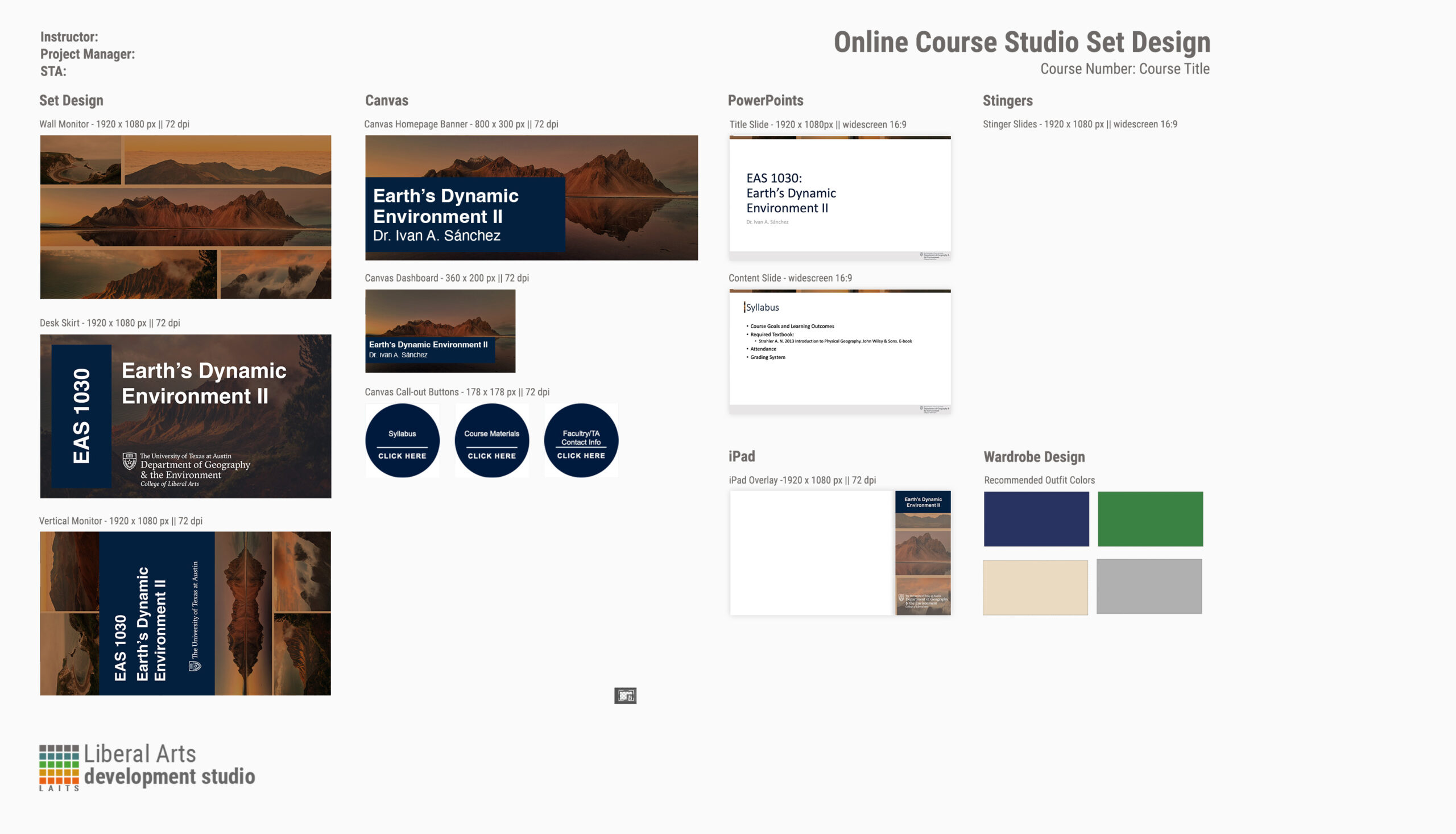
During this training I was tasked with creating custom course graphics for a class of my choosing. I chose the Earth’s Dynamic Environment II class and designed the studio layout, canvas, and ppts. I started by brainstorming ideas and trying out different styles and narrowed it down to two: solid picture and a photo grid. I decided to go with the photo grid as I was able to implement the use of complementary colors (blue and orange) while using the color the professor likes, burnt orange. Along the way I edited the designs to make it cohesive and simple to not draw too much attention from the speaker but still convey an idea of what the course will be about.

Here are the first few iterations of the photos and arrangement I created at the beginning.


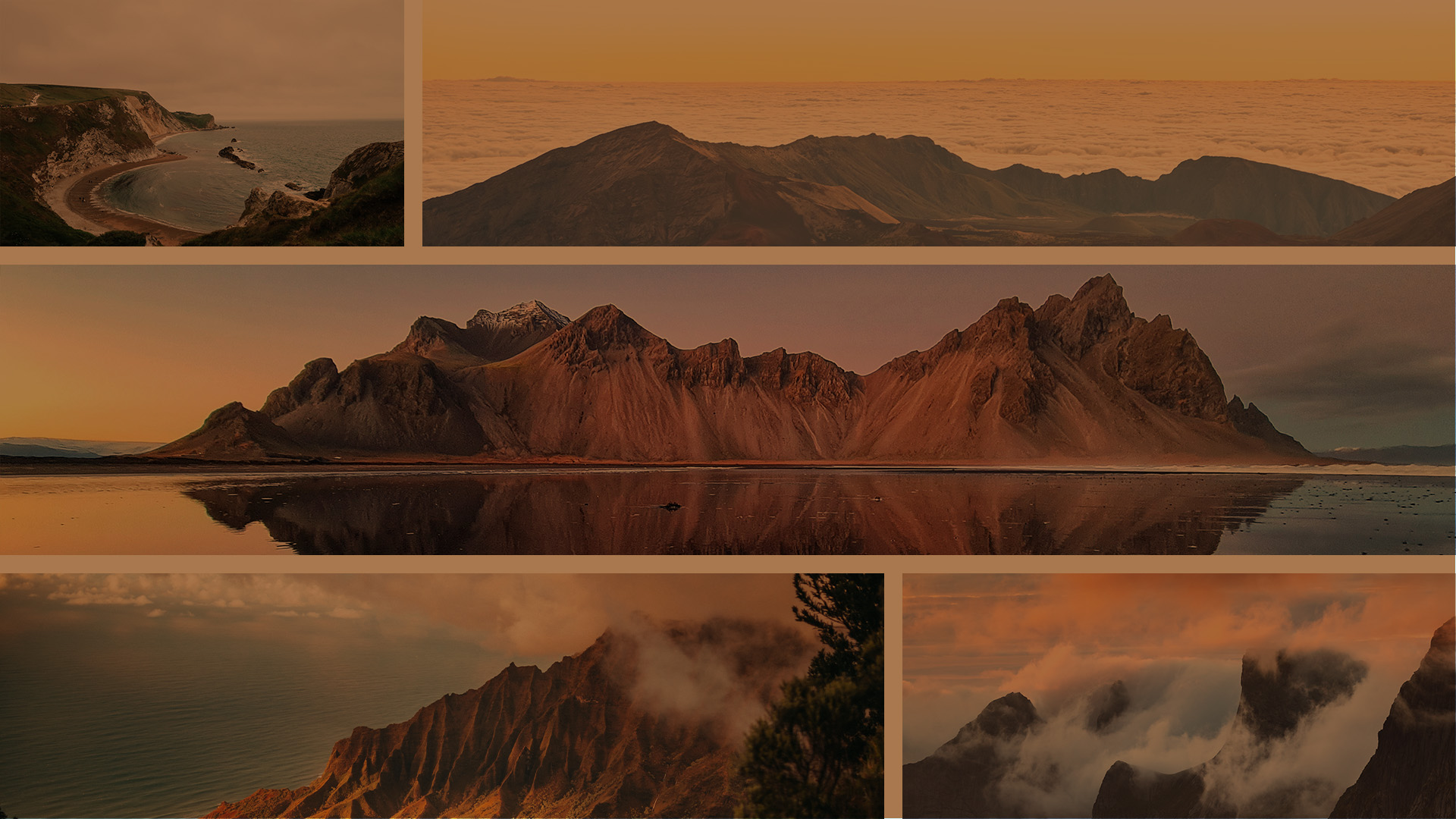
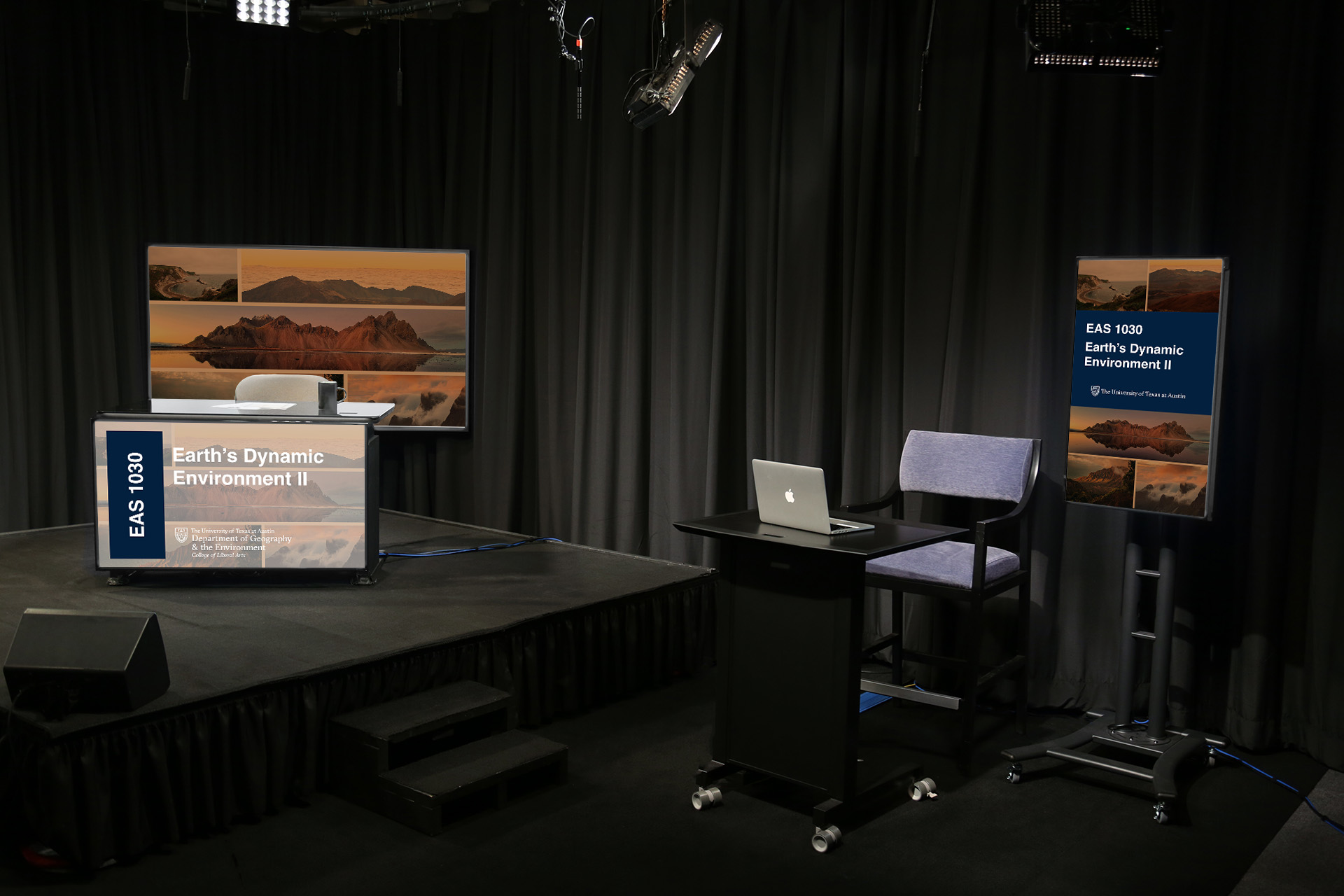
After adding space between the pictures and adding a dark orange hue I started creating the Desk, Vertical, and iPad Designs and finally tested it out with the studio templates.


I edited some of the layouts such as the Desk Skirt to make it darker and the more visible:

After finalizing all the designs, I created a Design Menu.

Filed Under: Fall 2023 - Spring 2024

Week 2 (8/28 – 9/1)

August 30, 2023 By Adriana Hermoza

This is my second week and I’ve been focusing on completing the tasks under Basic STA Skills, starting with learning the Intro Training: Style A & B Course graphics.


Style A&B Course Graphics

Start: August 28, 2023

Completed: August 29, 2023

In this task I had to learn about the two different styles A&B for course graphics. Though the lesson contained a lot of information, after going through each task I felt more confident in my abilities and learned little by little. I enjoyed the process of getting to know the different styles and how they vary depending on what a professor would like. It was also a bit challenging because it was my first time using multiple softwares like Photoshop and Adobe After Effects, but it was fun learning about them. Heres’s what I have done so far:

Style A

Canvas:


Ipad:


Stingers:

http://sta.laits.utexas.edu/wp-content/uploads/2023/08/ADV339K-styleA-ChatStinger.mp4


http://sta.laits.utexas.edu/wp-content/uploads/2023/08/ADV339K-styleA-QuizStinger.mp4


Style B:


Ipad:

Stingers:

http://sta.laits.utexas.edu/wp-content/uploads/2023/08/ADV339K-styleB-ChatStinger.mp4


http://sta.laits.utexas.edu/wp-content/uploads/2023/08/ADV339K-styleB-QuizStinger.mp4

Filed Under: Fall 2023 - Spring 2024, Uncategorized, We are STAs

My First Post!

August 21, 2023 By Adriana Hermoza

Hi y’all! I am very excited to have my first day/week as a Design STA! I am transferring from the Project Management Team where I worked with an awesome team to ensure all the projects are completed without a hitch. I am looking forward to meeting all my new coworkers and working along side y’all! As well as get more experienced in illustrator, photoshop, and Adobe in general!


This is what I’ve worked on so far for my first week!

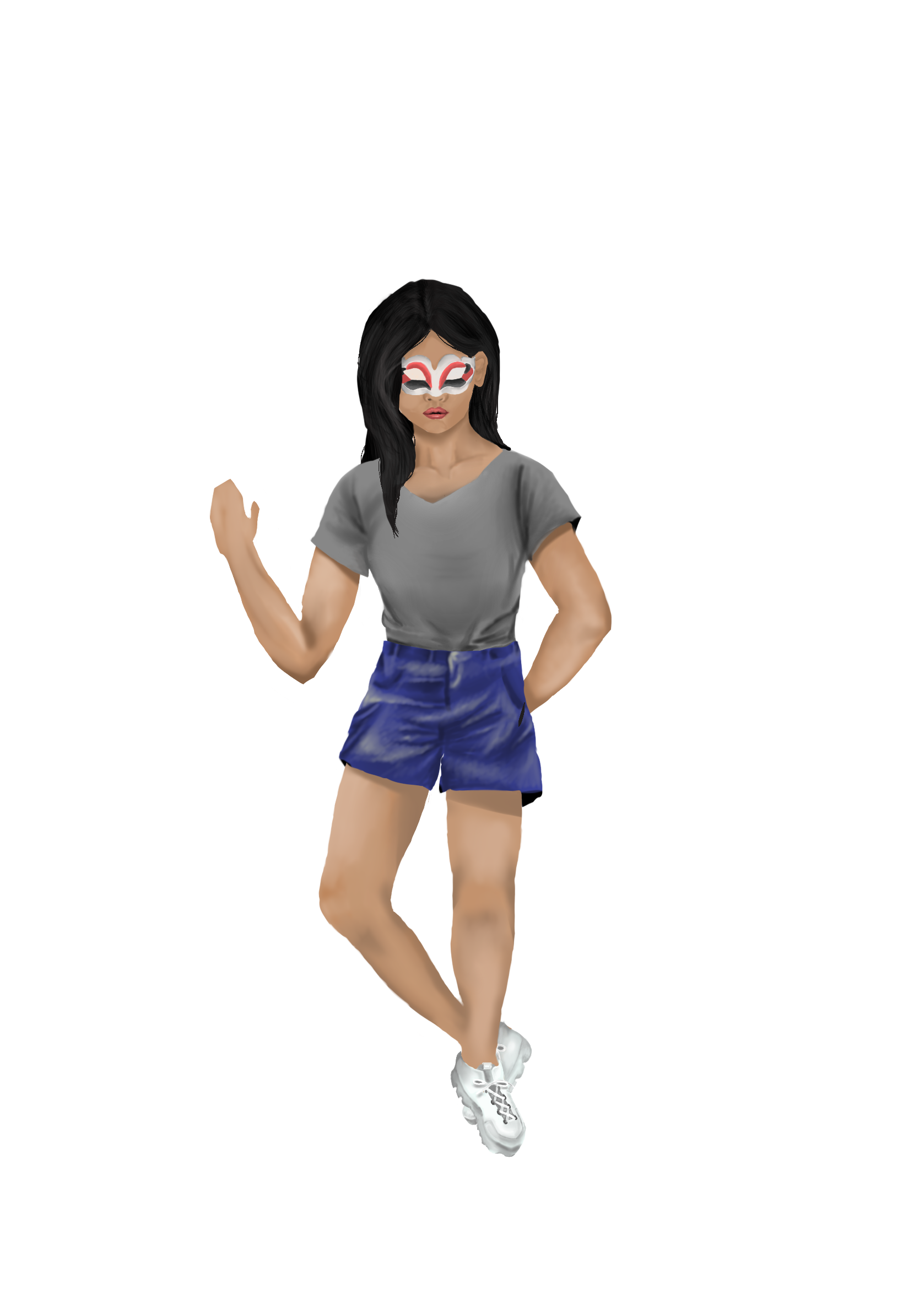
STA Self-Portrait

Start: August 22, 2023

Completed by: August 24, 2023

I haven’t drawn a person in a long time, so this assignment though a bit challenging, was very entertaining. Whenever I draw or paint a person I like to play around with shades, textures, and the different colors I can use. So with that said, the part that I enjoyed the most was painting the clothes and hair. Drawing clothing with shades, made me happy as I was getting back into drawing. I also chose this specific clothing because I find it to be the outfit that I usually wear the most.

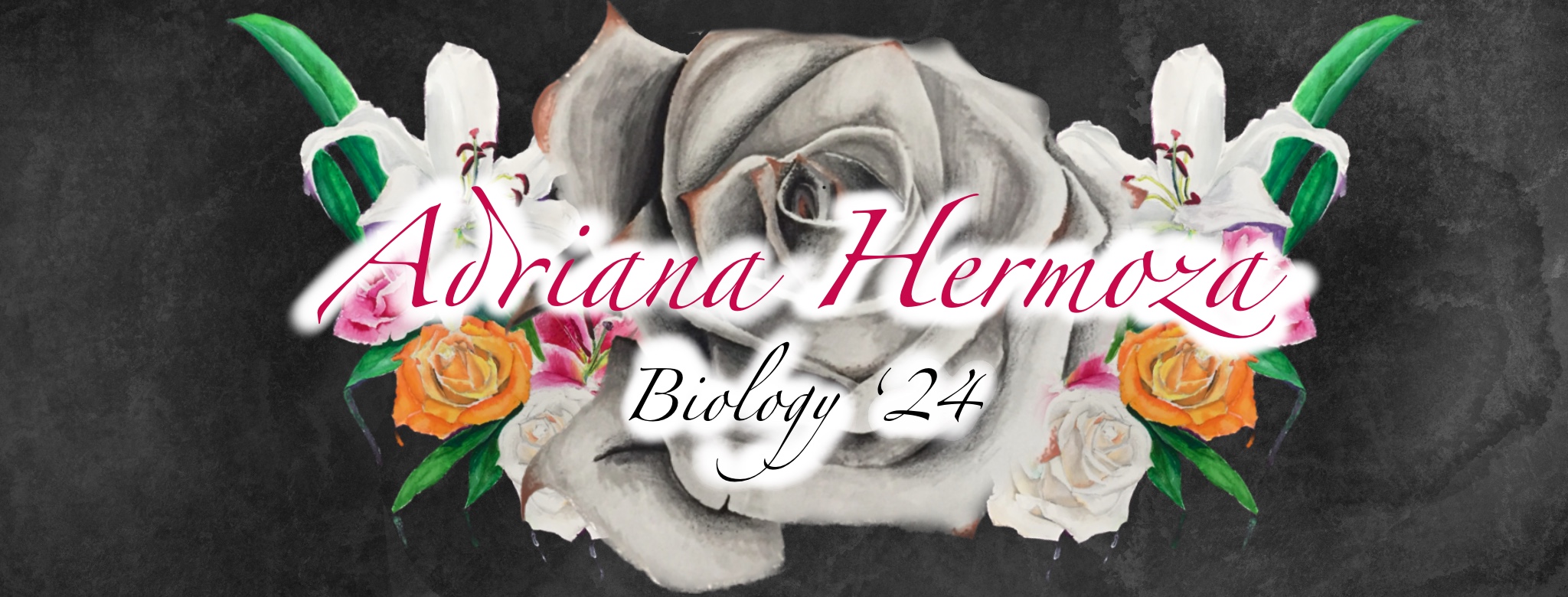
STA Banner

Start: August 21, 2023

Completed by: August 22, 2023

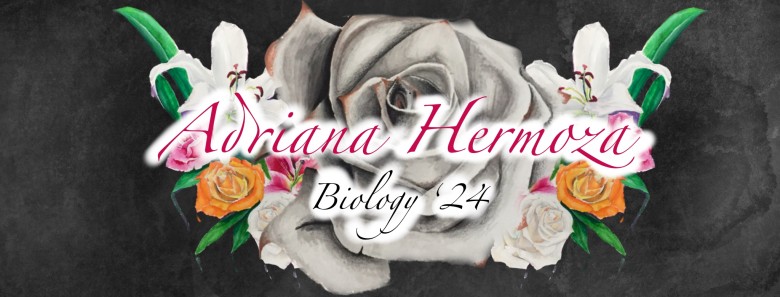
I have always been into painting flowers, specifically roses, so I took my past paintings of them and then used them to create my banner. I thought it really went with my aesthetic so arranged in them in the center and to make them pop, I made the background black and added a some texture. For the font, I decided to go with a cursive font and different colors for my name and major.


Here is what I worked on my first day:

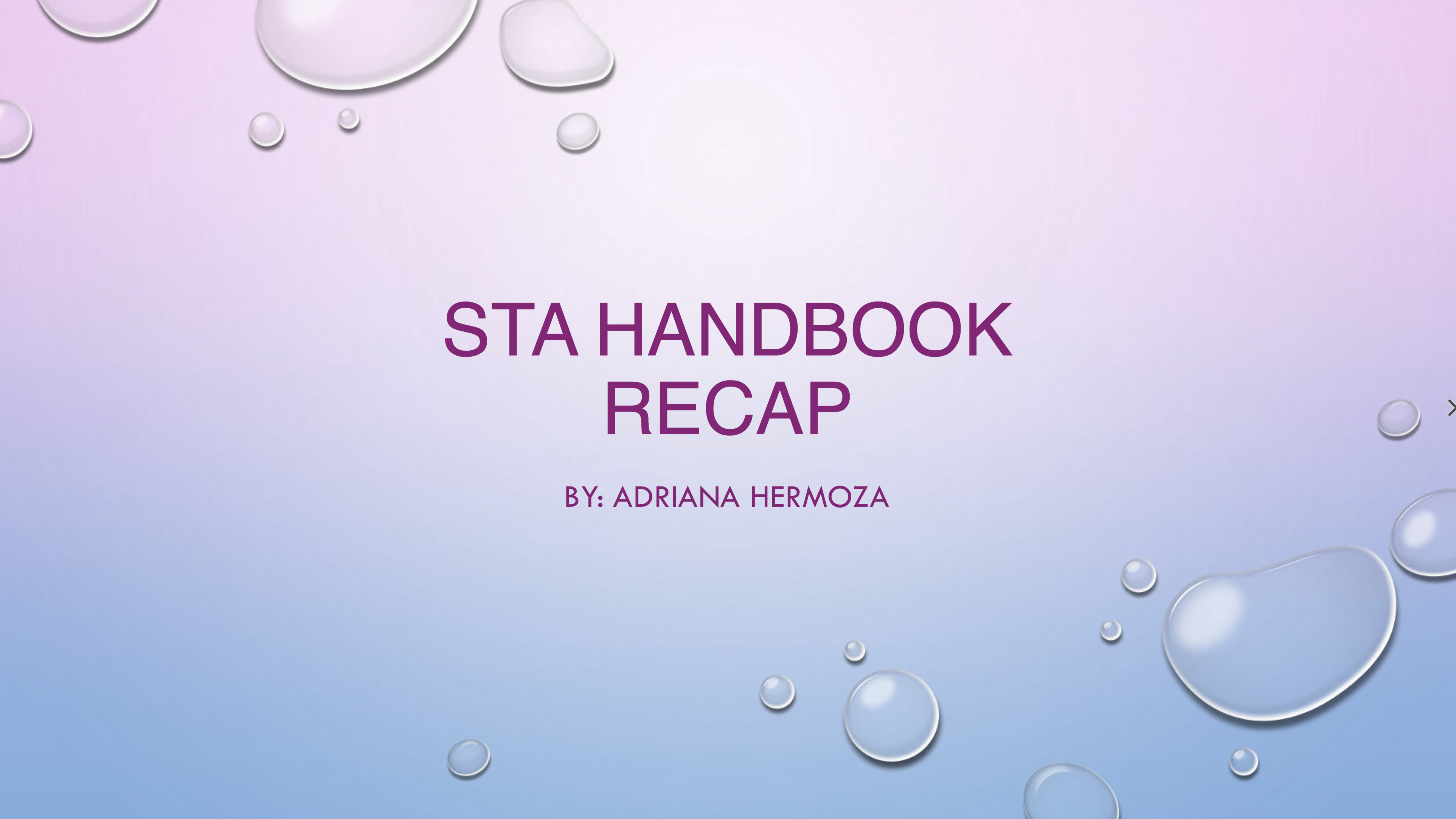
STA Handbook PPT

Start: August 21, 2023

Completed By: August 21, 2023

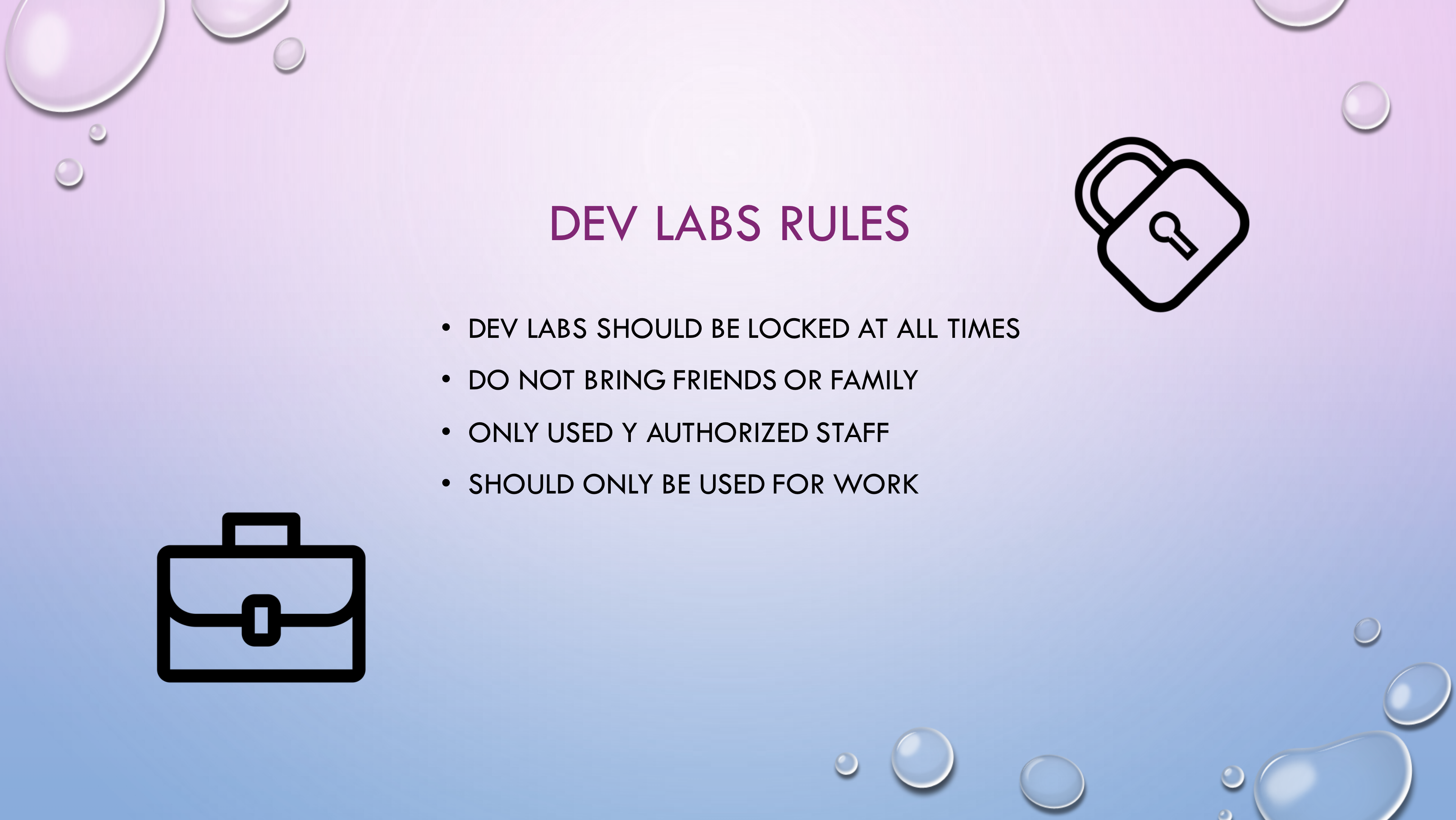
I started off the orientation by designing a powerpoint of 5 rules from the handbook. I decided I wanted cool, soft tone colors for my background so I went with blue and purple. Here’s is my work:


Filed Under: Fall 2023 - Spring 2024, We are STAs

Welcome to the STA Blog

August 15, 2023 By Adriana Hermoza

Hi Adriana! 🙂 Welcome to the STA Blog! This the page where your blog posts will published.

Toward the end of your STA Orientation, you’ll design and upload a banner to go at the top of this page.

Upload a Blog Banner


Step One: Design Your Banner in Photoshop

Use these Photoshop specs when you’re making your banner:

    • Your banner should be 780 pixels wide (the height doesn’t matter)
    • Must include your name, your major, and your expected graduation year
    • Your banner should reflect who you are (your personality, interests or major)
    • Make sure to save your banner for the web (i.e. File > Export > Save for Web (Legacy))
    • If you save your banner as a JPG, make sure sure the quality is high (i.e. at least 60)

Step Two: Save Your Banner

  • There are two places you can save your completed projects: UT Box and the LAITS server. You’ll be given a personal folder in both locations. For now, you only have to save your banner to UT Box, but you may have to access the server at some point in the future.

Accessing UT Box

    • If you haven’t already registered with Duo, follow the instructions here to set up an account.
    • Then log in to UT Box with your EID and password: http://utexas.box.com/
    • Go to the folder called Design-Coding-STAs, then the subfolder STA-folders
    • Find the folder with your name on it
    • Save your banner both as an image and an unmerged PSD

Accessing the LAITS server

    • Accessing the LAITS server from off-campus is slightly more complicated.
    • You’ll need to be registered with Duo if you aren’t already (you can register here).
    • Then you’ll need to connect to the UT VPN and the LAITS server. The videos below will walk you through how to do that:
      • Connect to the Server – PC
      • Connect to the Server – Mac
    •  Then navigate to your STA volume folder and save
      • smb://file.laits.utexas.edu/sta/Adriana Hermoza
    • Save your banner both as an image and an unmerged PSD

Step Three: Upload Your Banner to the STA Blog

  • Log in the the STA Blog here. You should’ve received an email confirming your new WordPress account with your username and assigned password. If didn’t get it or you can’t log in, ask Suloni or another STA.
  • You’ll be able to change your password anytime by going to Users > Your Profile > Account Management > New Password.

Uploading media and banners in WP

  • Read these links before you upload your banner.
  • They will walk you through how to upload media to your blog.

How to Upload a Homepage Banner

Adding New Posts and Media

Make Your First Blog post


  • Reflect on the day. You blog posts will be a documented experience of your time as an STA with LAITS. They can include anything you want to share about the projects you’re working on, and the more media (screenshots, images, links, videos, gifs) you can use, the better.
  • For today, write a bit about about yourself and what you did during orientation.
  • If you haven’t already, upload your banner.

Things to Remember


Image Specs

  • You should never copy and paste images intoto your blog. Always upload images into the media section of blog first (Click on the add media button), then insert the image from the media folder to display on your blog.
  • Don’t use the thumbnail version of your images.
  • Use images that are 72 dpi
  • Screenshots are fine
  • Images that are 780 pix wide format nicely above or below text blocks

Always Categorize Your Posts

  • Always check the category “Fall 2023 – Spring 2024” on the blog posts you make this summer. This is the only category you need to check.
  • Make sure your posts are categorized correctly so that all of your work is documented in the correct semesters.

Commenting on Basecamp

Notification comments: etiquette, files, questions, feedback

Let us know when you’ve completed this task by adding a link to your blog to a comment in Basecamp.
Notes for all comments in Basecamp:
  • *Always address the person/people you are writing to by their names.
  • *Always use complete sentences.
  • *Always add links or paths to your design file in your STA folder.
  • *Make it easier for your collaborators and mentors to give you feedback on a design by adding screenshots to your comment.


Notify people in Basecamp by adding the @ symbol before their names (no spaces), otherwise they may not see your comment.

@ your STA mentor in your comments when you want to:

  • ask us questions about the mechanics of using the STA blog,
  • about the mechanics of photoshop,
  • to let us know that you have completed this task,
  • or that you would like a little feedback on on your banner design 🙂

Thank you & have fun!

Filed Under: Fall 2023 - Spring 2024

  • « Previous Page
  • 1
  • 2
  • 3
  • 4

link to LAITS home page

Video STA Home

© 2025 Liberal Arts Instructional Technology Services | Production Credits