Today I focused on finishing up Tier 1 Course Graphics training where I used Illustrator and PowerPoint to make standard and custom assets for courses. At first things were slow to start as I figured out techniques and tools, but as I progressed through the training I started to catch on to a smooth work flow. I learned several new skills in Illustrator and PowerPoint such as creating art-boards and accessing the master slides menu. I will be using these skills in future projects as an STA and for personal use.
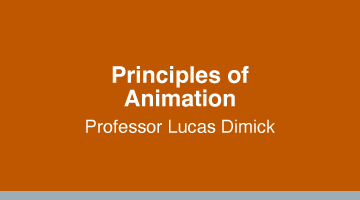
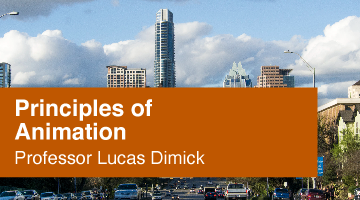
Overall, I’m most satisfied with my efficiency in completing this project. However after receiving feedback from my trainer, I feel that I sacrificed creativity. I chose to use my favorite class, Principles of Animation with Lucas Dimick. For the image options, I decided to take the safe route and went with a simple image of the Austin city buildings. I believe their placements look great, however it does not fit with the topic of the course. I believe I could’ve chosen images that relate more to the course, such as old animations like Mickey Mouse, or the storyboard of a bouncing ball.
I will take my mistakes as a lesson learned and use new learned knowledge on my next project. I’m still happy with the result of these assets and I’m excited to start working on the Tier II Course Graphics training.



Power Point Templates