• We are STAs
    • Asha Rountree
    • Haley Ma
    • Kate Shih
    • Kyra Lee
    • Nicholas Peasley
    • Sasha Kenney
    • Shanda Horm
    • Shriya Atreya
    • Tomas Marulanda-Mesa
  • We were STAs
  • STA Presentation
    • STA Presentation 2017
    • STA Presentation 2016
  • Testimonials
  • Resources
  • Home

STA Blog

Student Success Tool Logo

April 16, 2021 By Cristina Villarreal Núñez

Student Success Tool Logo

Last week I was assigned this new project to design a logo for the upcoming Student Success Tool that will soon be launched for UT professors to implement in their classes starting this Summer 2021. This tool “allows instructors to message individual students or groups of students that show inactivity in the course or assignments past a due date. Instructors can also message the entire class preemptively to alert them of upcoming due dates.”


Some of the requirements I was specifically told to include in the development of this logo were:

1. To project the concepts of reminders, check-ins, and communication.

2. To completely avoid any imagery that might associate this tool with grades or grade calculation.

3. To completely avoid longhorn imagery because we do not own the rights to it.


Brainstorming and Refined Ideas
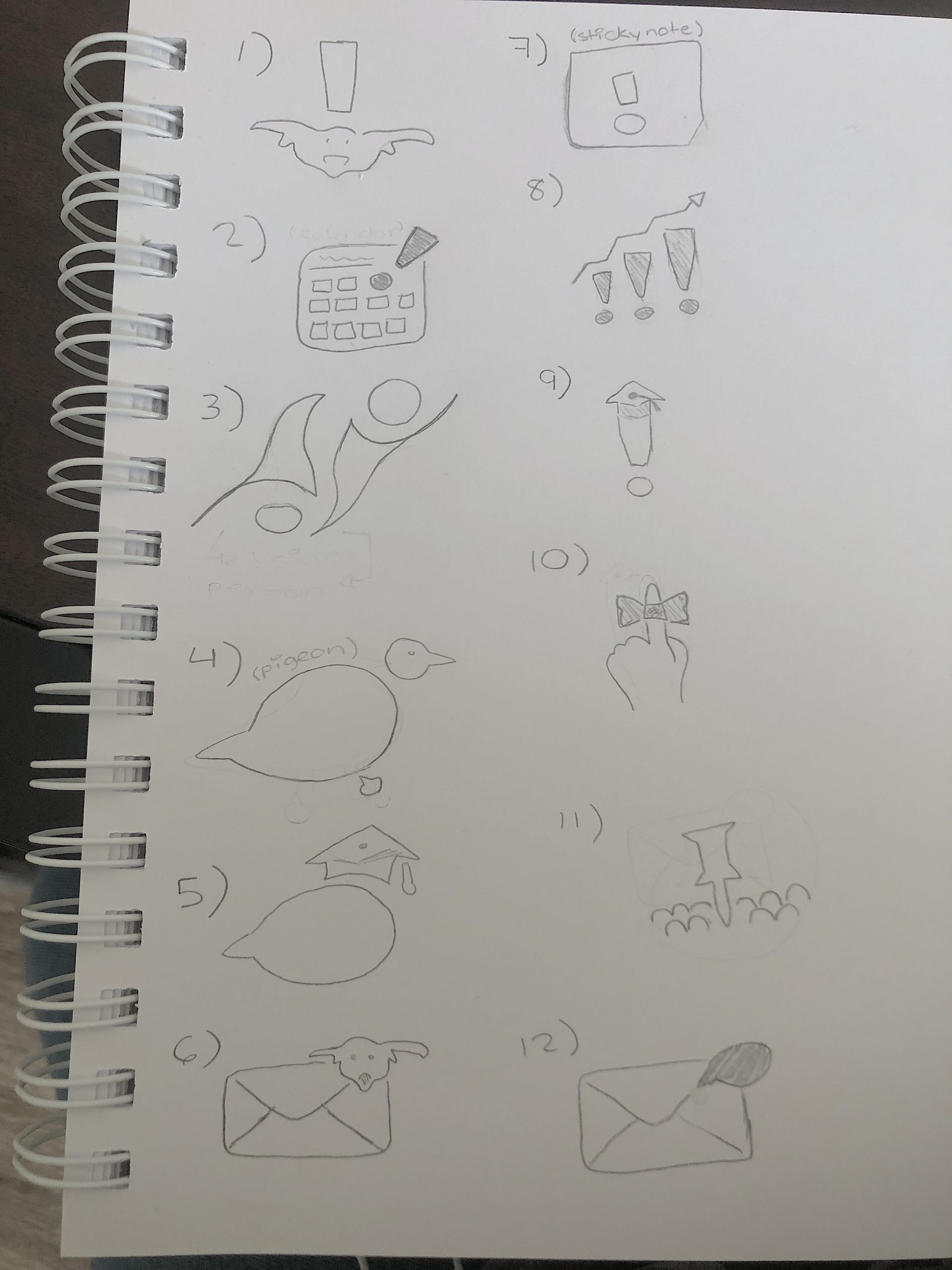


Afterwards, I had a meeting with Bridget, the person in the client position. We talked about some aspects of the requirements and went through my brainstormed ideas. We settled on 3 top ideas for this logo:


1. Is number 10 in my brainstorm, aka, the string ribbon reminder idea.

2. Is the calendar route idea, specifically referring to number 2B from my refined barnstorm ideas.

3. Is the target/bullseye idea, also known as idea 8G.


Initial Drafts

 

Drafts After Feedback

Note: I made a bunch of different drafts for all three of these logo directions after getting feedback. However, the ones you’ll see were the most successful versions.


String Ribbon Reminder Drafts

 

Calendar Reminder Drafts


Target Reminder Drafts

 

Nonetheless, after I made these I got feedback saying I should try doing something less line heavy and more shape based. To see those stay tuned and check out my upcoming post: Student Success Tool Logo Update…
Filed Under: 2021 Spring - 2021 Summer

Course graphics

April 16, 2021 By Megan Fletcher

This week: course graphics

It’s that time of the semester again. Last week, I got two course graphics assignments, one for a microeconomics course and the other for a rhetoric course (but it’s on coding, so…)


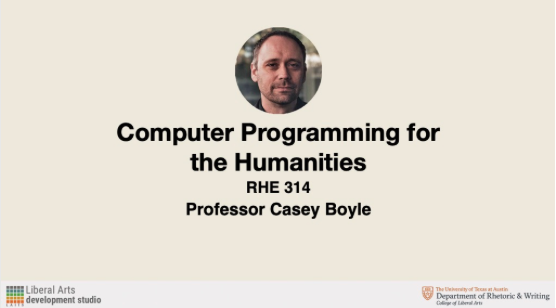
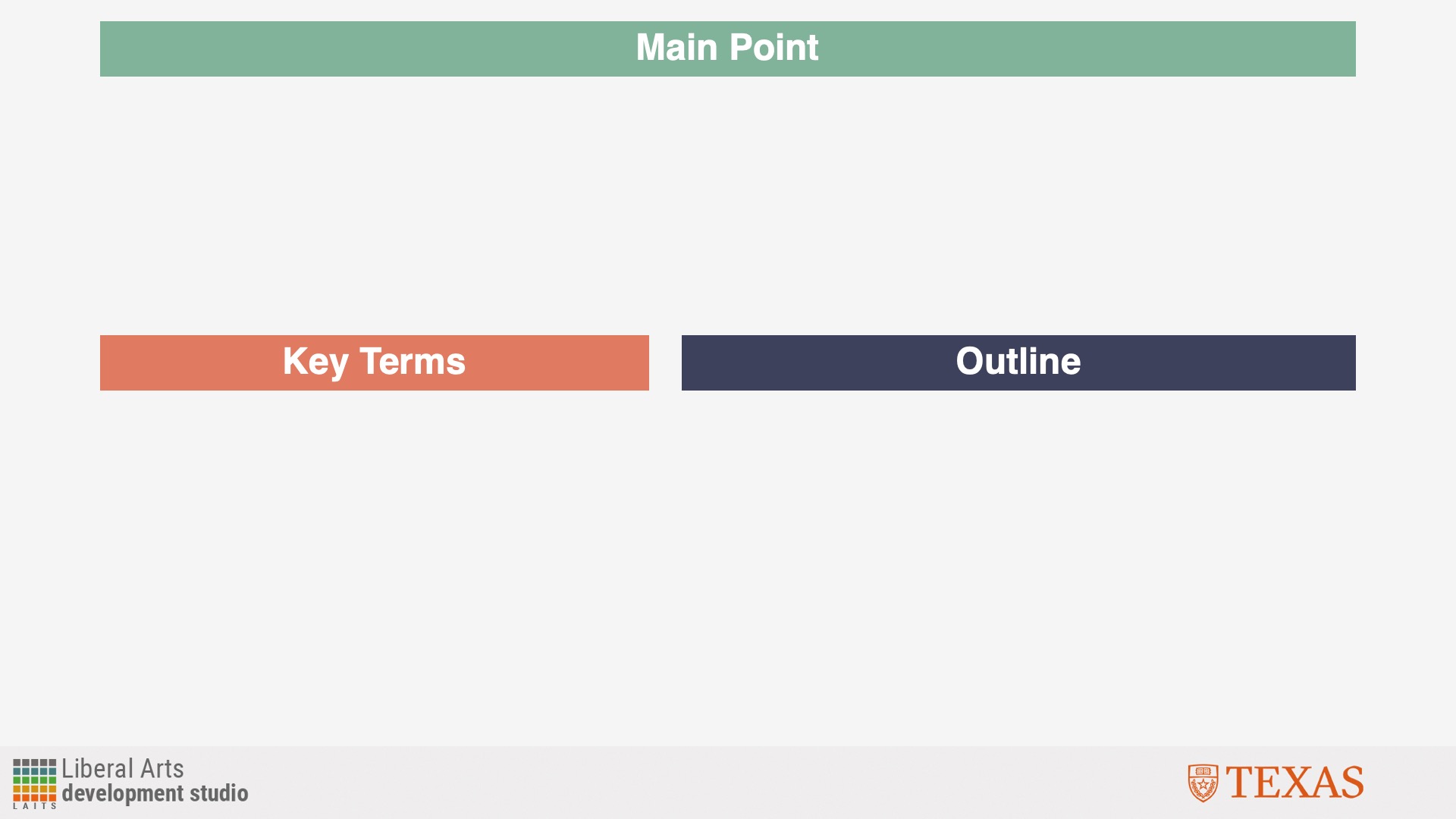
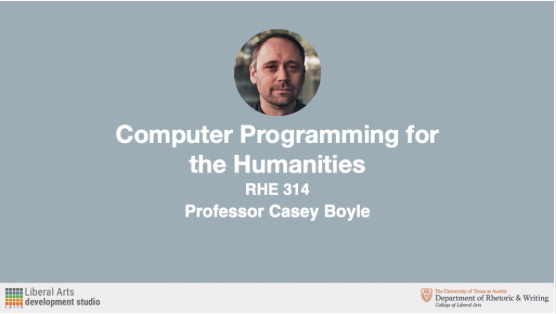
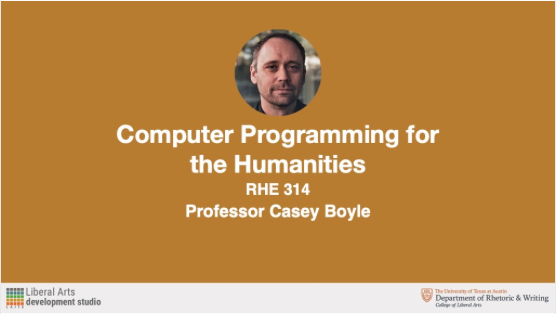
Each are pretty straightforward, but they also have their quirks. Like I detailed in last week’s blog post, I created a hybrid image with Photoshop cutouts and image edits for the microeconomics course. We ultimately didn’t use it — instead, we’re using one of the stock images I suggested previously. And for rhetoric, the professor needed not one, not two, but six (yes, six) presentation templates in Keynote, the default Mac presentation software.


I hadn’t used Keynote, but it was fairly simple (I daresay more user-friendly that PowerPoint.) I created a template using master slides, then picked a color scheme (the professor wants his presentations color-coded) using coolors.com before making the remaining five presentations.  I created the remaining graphics for that course today, like the callout buttons and the Canvas banner.


In other news, my car got dented from a hailstorm (hang in there, Camry!) and I got new blue light blocker glasses, which I highly recommend even as we’re starting to come out of the pandemic.

Filed Under: 2021 Spring - 2021 Summer, We are STAs

AMS 310 Course Graphics

April 16, 2021 By Abriella Corker

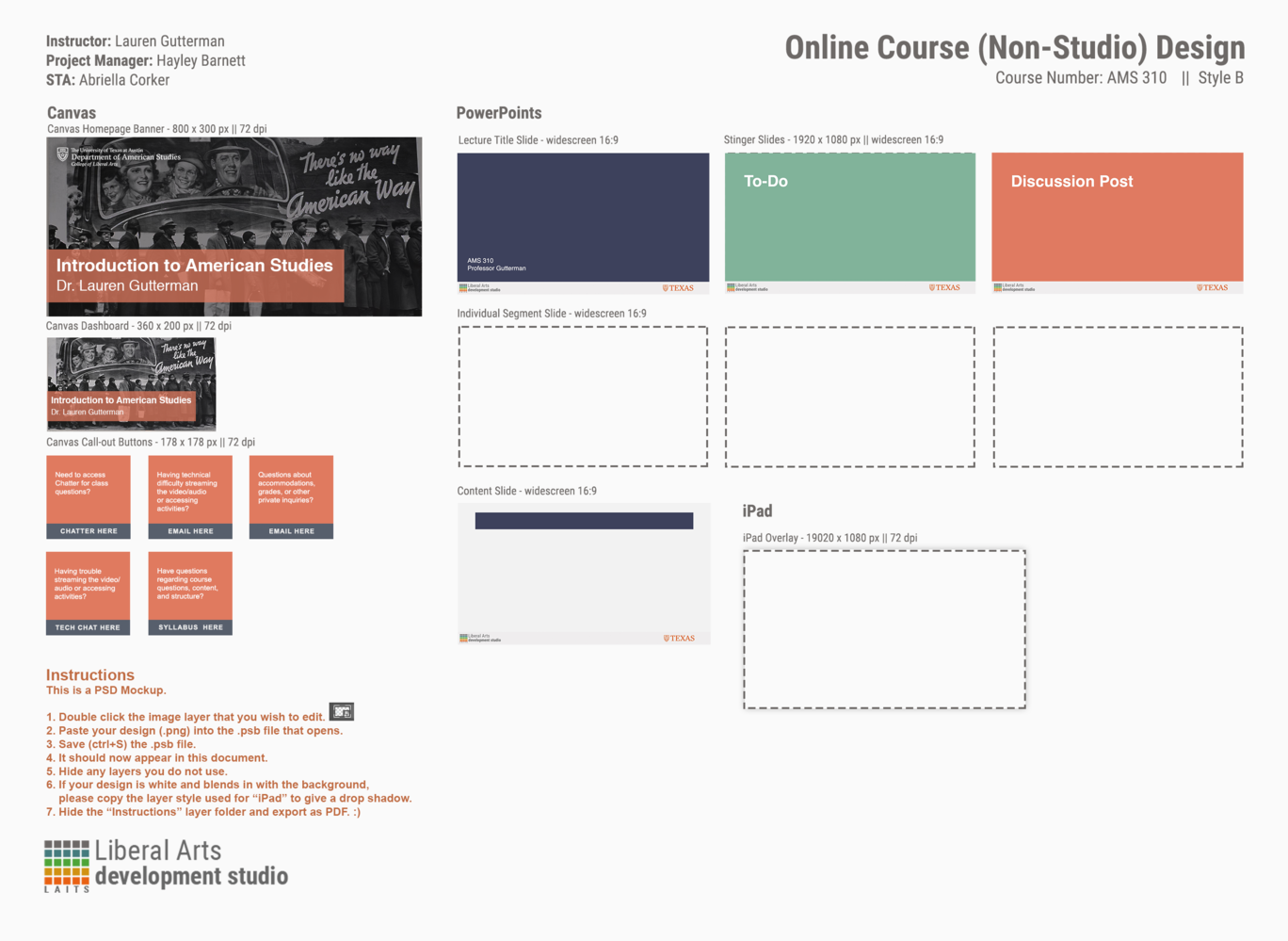
AMS 310 Course Graphics


These are the course graphics I made for the American Studies summer 2021 course. You have already seen the PowerPoint templates but I wanted to show what they look like again with the course graphics I also made for the canvas site. I also filled out the design template but a lot of stuff was empty because we made different custom edits and all. I think they turned out well and the client was pleased with all the graphics made for the course!


Filed Under: 2021 Spring - 2021 Summer

Update 4/16

April 16, 2021 By Miguel Yapur

GOV 365W Course Graphics

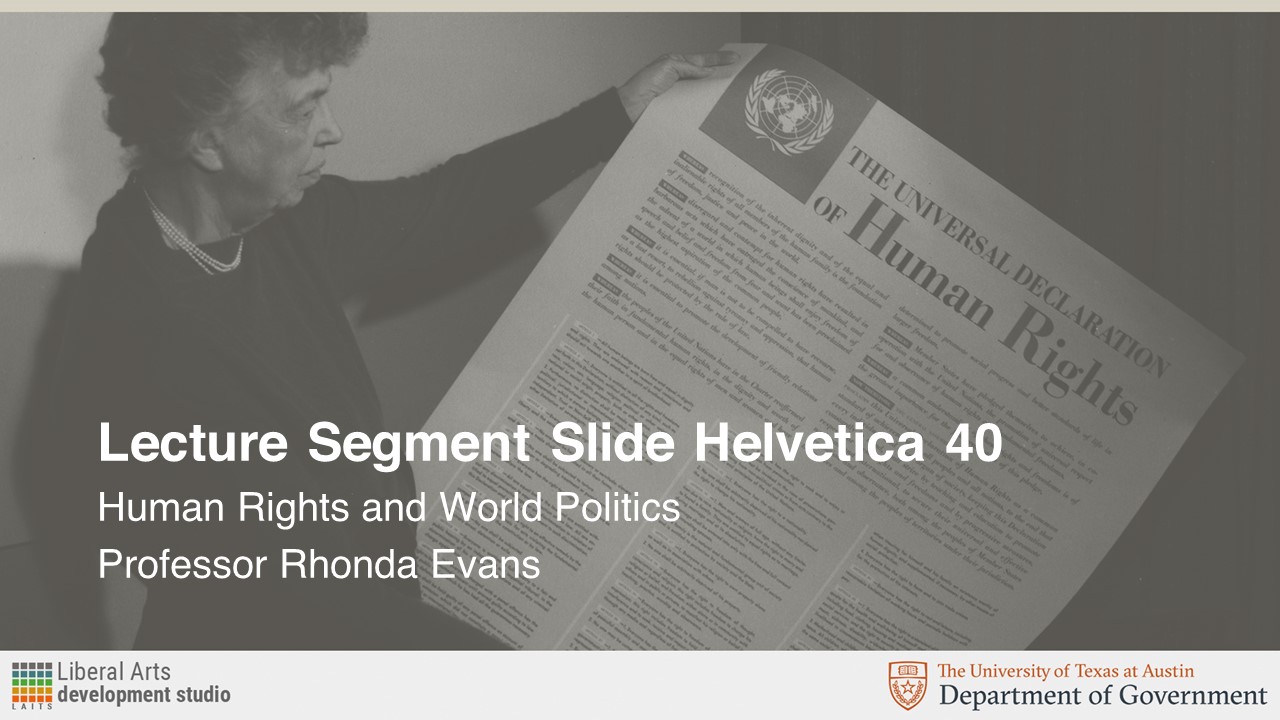
The professor for GOV 365W, Human Rights/World Politics, initially requested just two PPT mockups of using this image as the background:

The request called for this image to be overlayed in UT’s Sandstone color. These were the resulting Course Title Slide and Lecture Segment Slide assets:

Later on, the professor requested the following Canvas assets in Sandstone color as well:

Once I got feedback from the client, I was asked to provide them with versions of the Canvas homepage banner and Dashboard graphics in a shade of blue. The reason for this was that the professor feared there wasn’t enough contrast and wanted to “see something brighter, like a turquoise or blue.” Consequently, I chose three different shades of blue on UT’s secondary palette, and these were the results:

As a way to increase contrast, Maddy asked for the background to be kept in black and white and have only the text box be colored in:

I think these look really good and give more contrast between the image on the background and emphasizes the text box for the course on the front. I like the “blue 1” and turquoise options more since they give more of a pop than the “blue 2” version. As for legibility, I think the “blue 1” version is the easiest to read out of the three colors.

CSMS/MSDS Graphics for Animation

This week, I was given the description of five CS courses. The design brief asked for graphics that could be turned into short animations and followed the style guide of previous graphics made for these courses:

ALR: Automated Logical Reasoning (CSMS) – Graphics

Course Description:

A lot of things in a lot of areas of computer science like Artificial Intelligence, programming language, and Databases, boil down to automated logical reasoning. How do you automate logical reasoning and applications about that especially about program correctness?

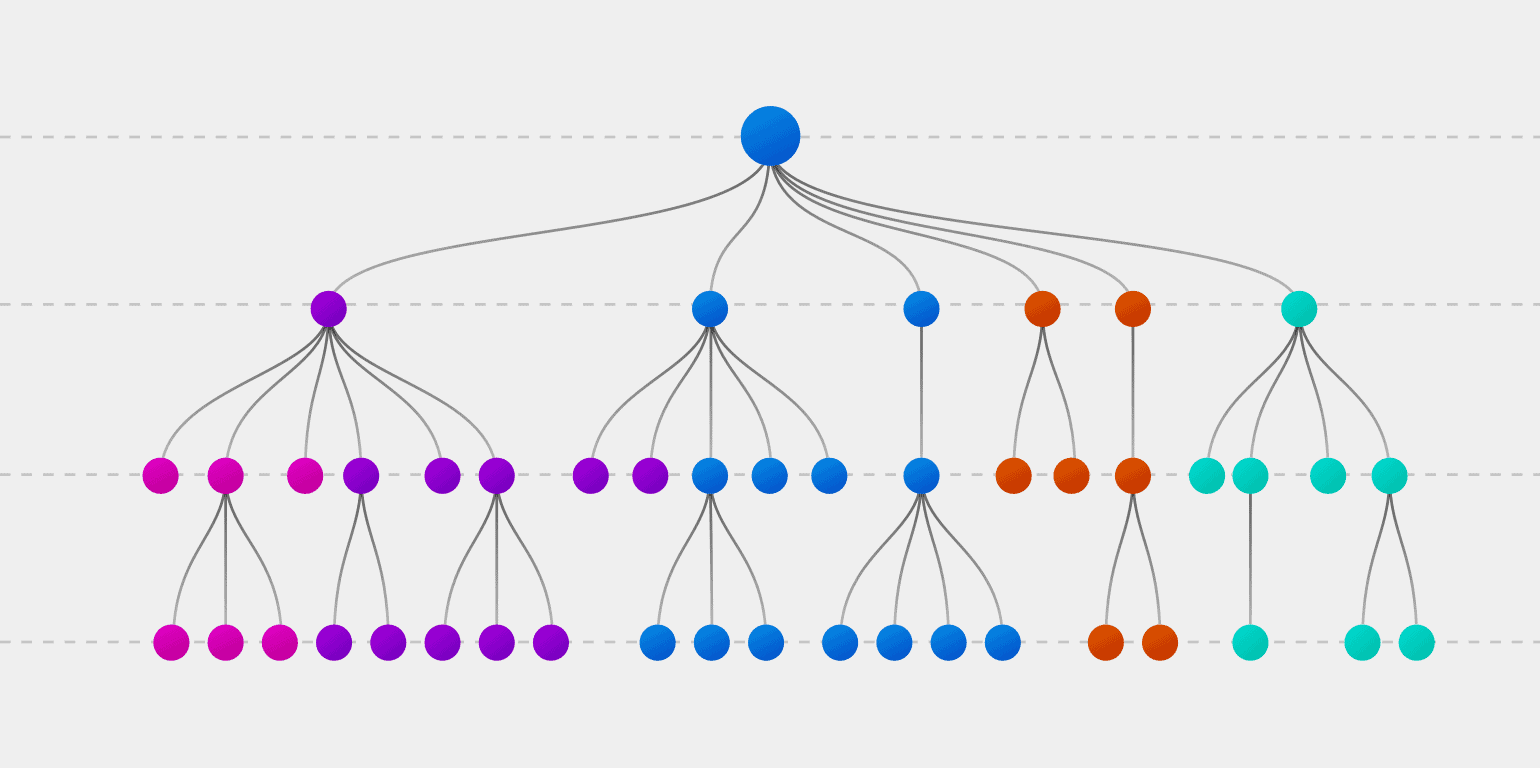
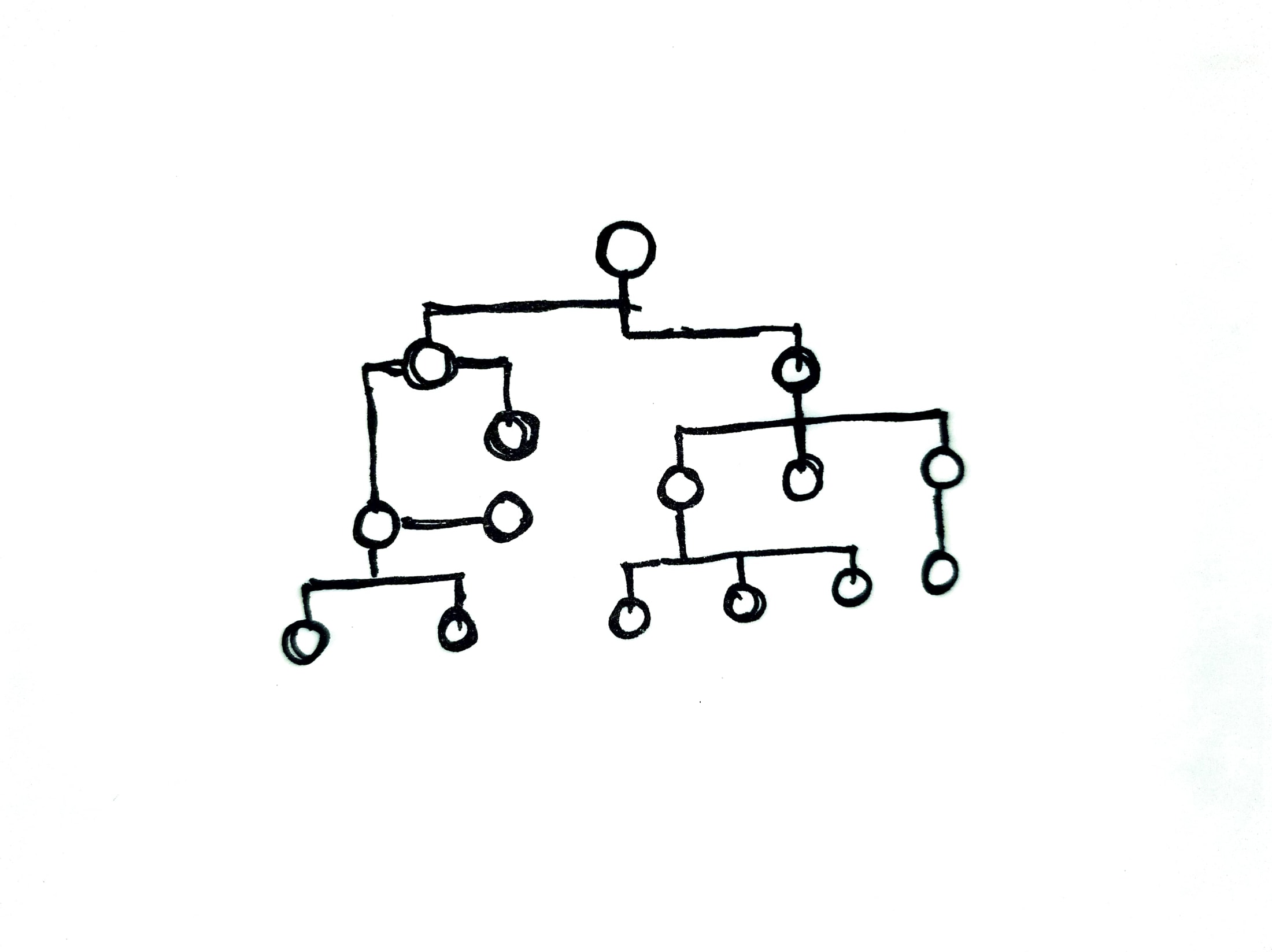
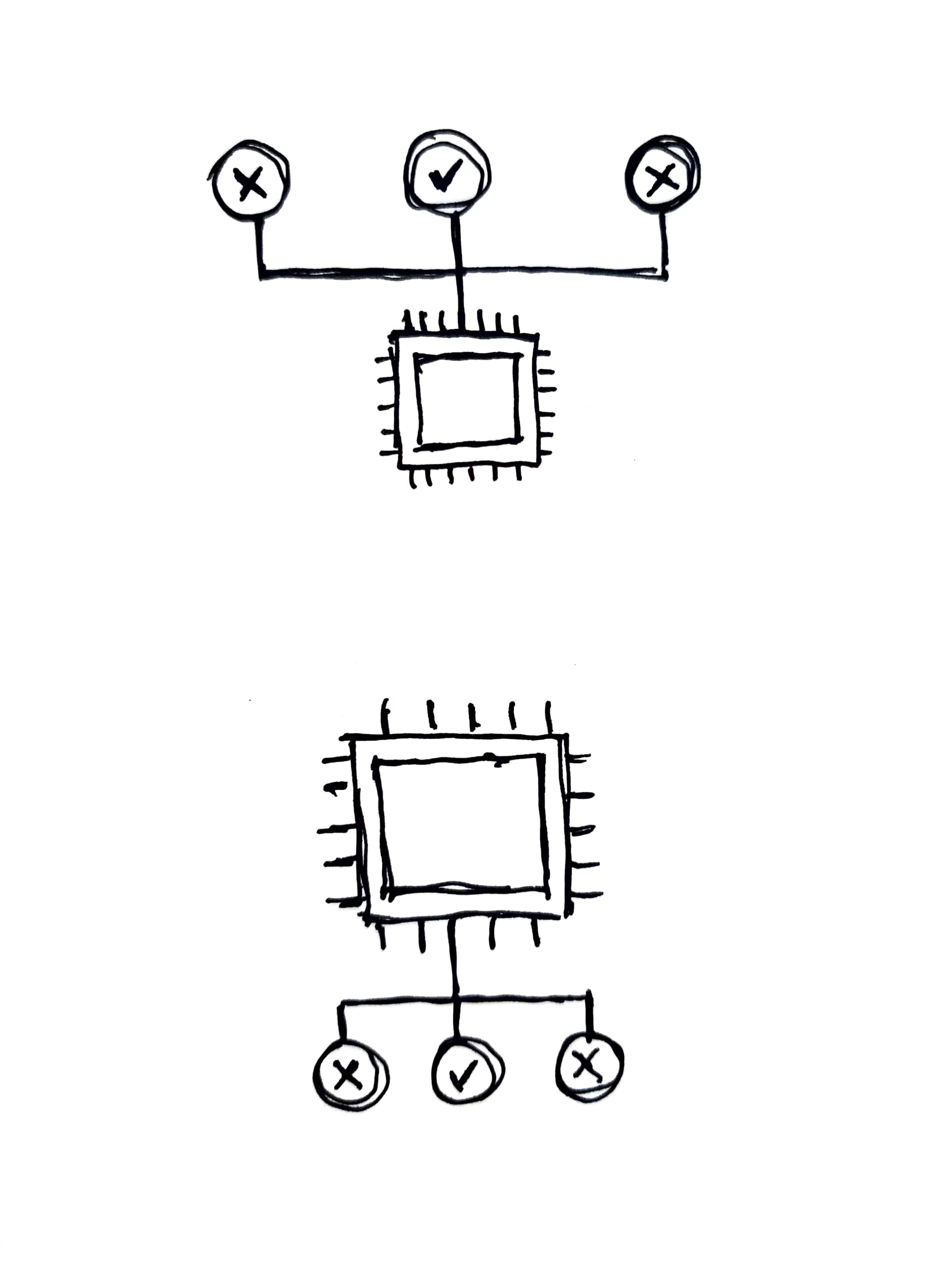
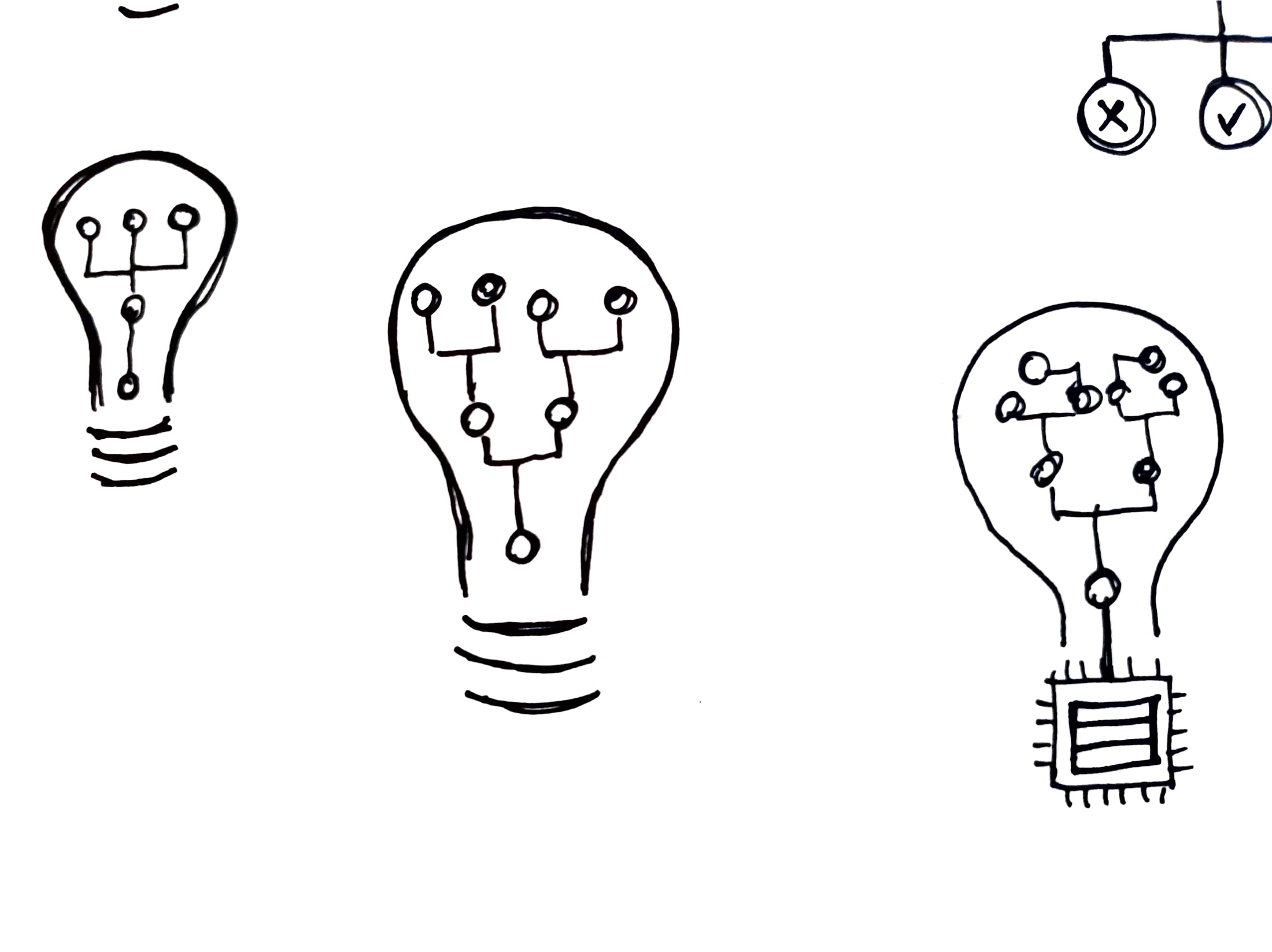
Maddy and Aidan initially liked the idea of a decision tree to reflect the logical reasoning behind computations. Initially, I came up with three different ideas:

1. Decision Tree

2. “Correct Decision”

3. Lightbulb: kind of a combination between the previous two options and also reminiscent of the lightbulb design used for the “Online Learning and Optimization: Algorithms and Analysis” course.

Based on feedback for these, we decided to move forward with the Decision Tree version.

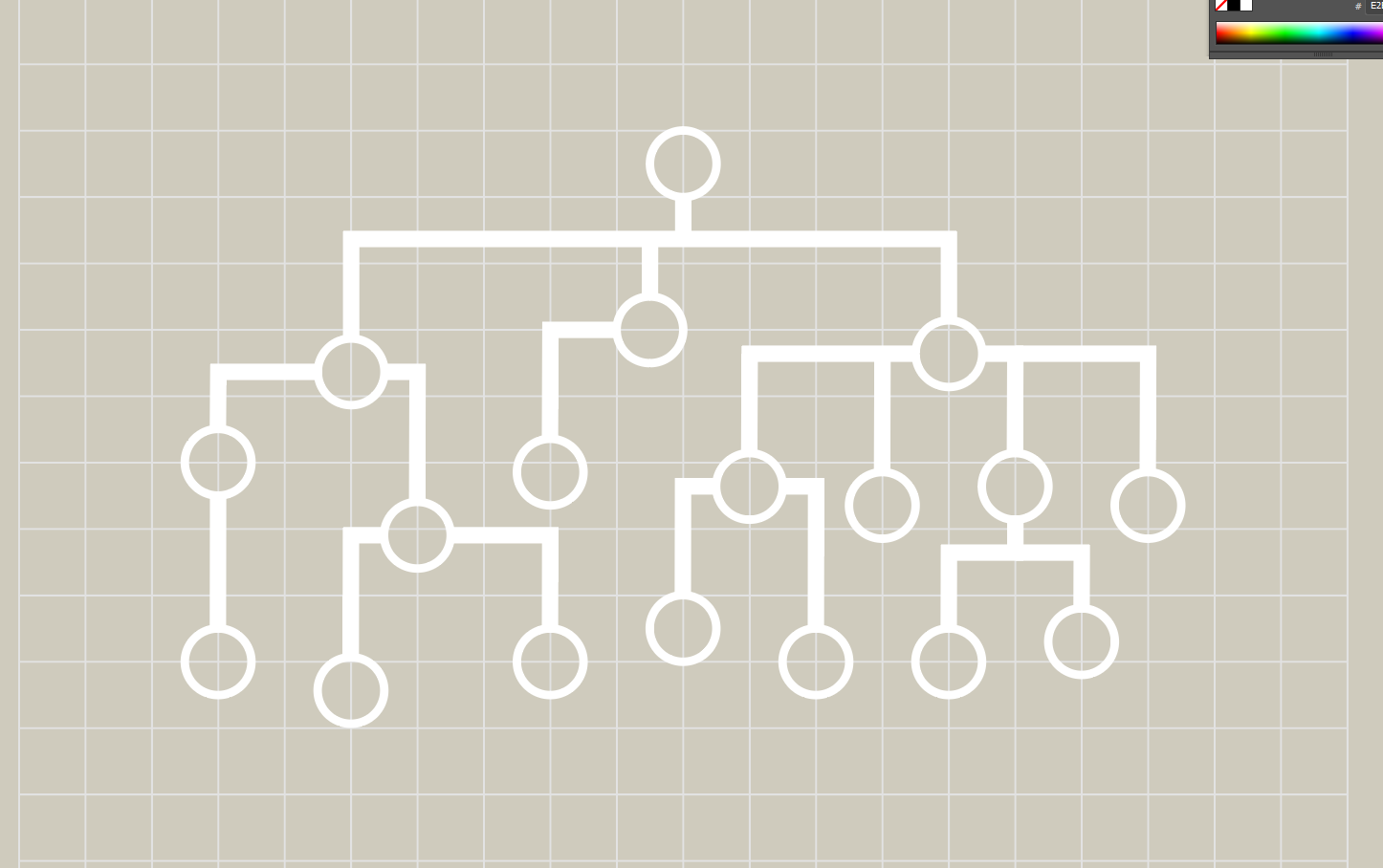
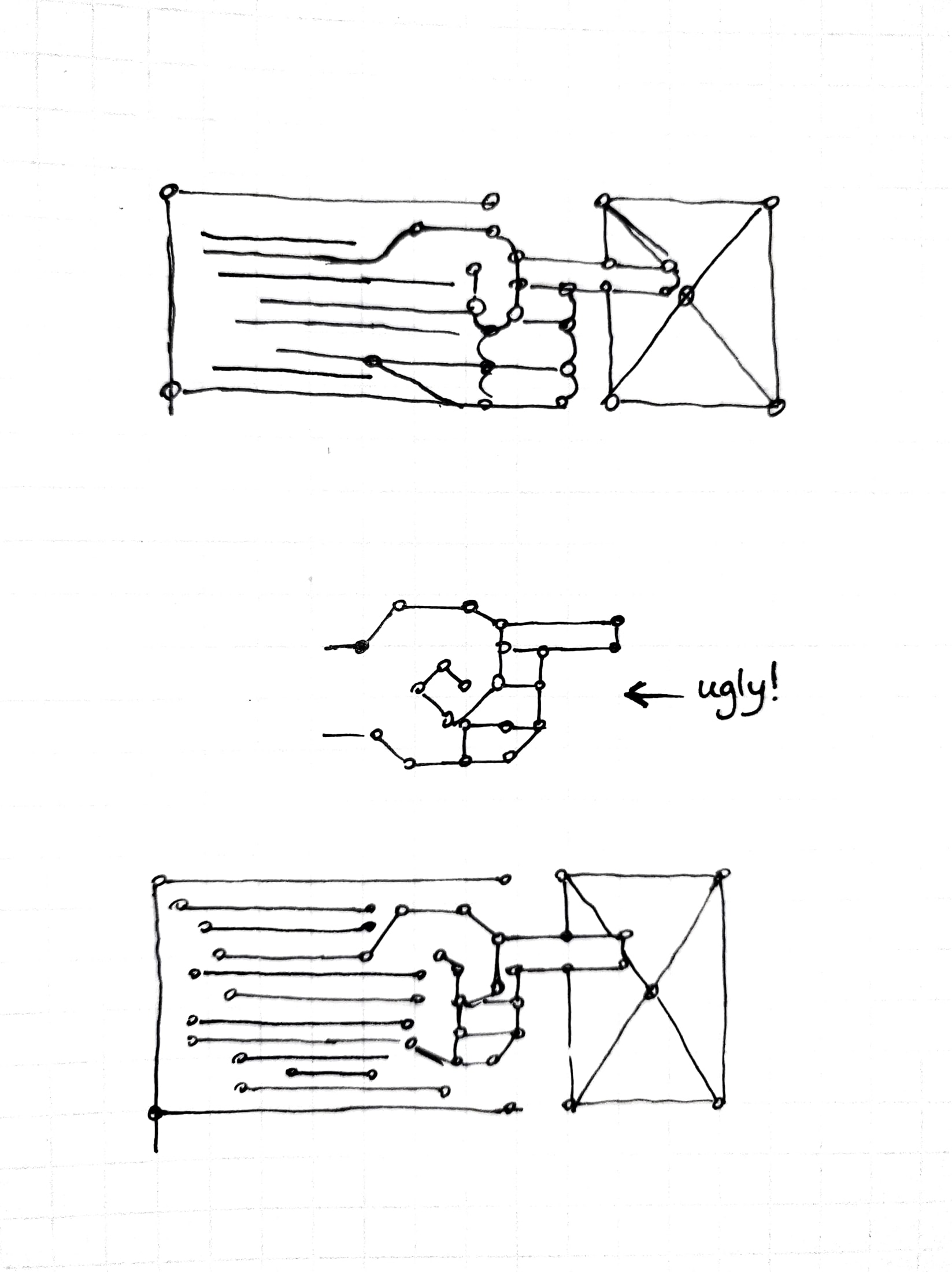
The first version used larger nodes and the lines had different stroke weights:

Maddy pointed out the question of keeping all line weights consistent or emphasizing the difference, like shown between these two images:

After some feedback from Aidan, we went ahead with consistent line weights and node sizes more proportional to a real-life PCB:

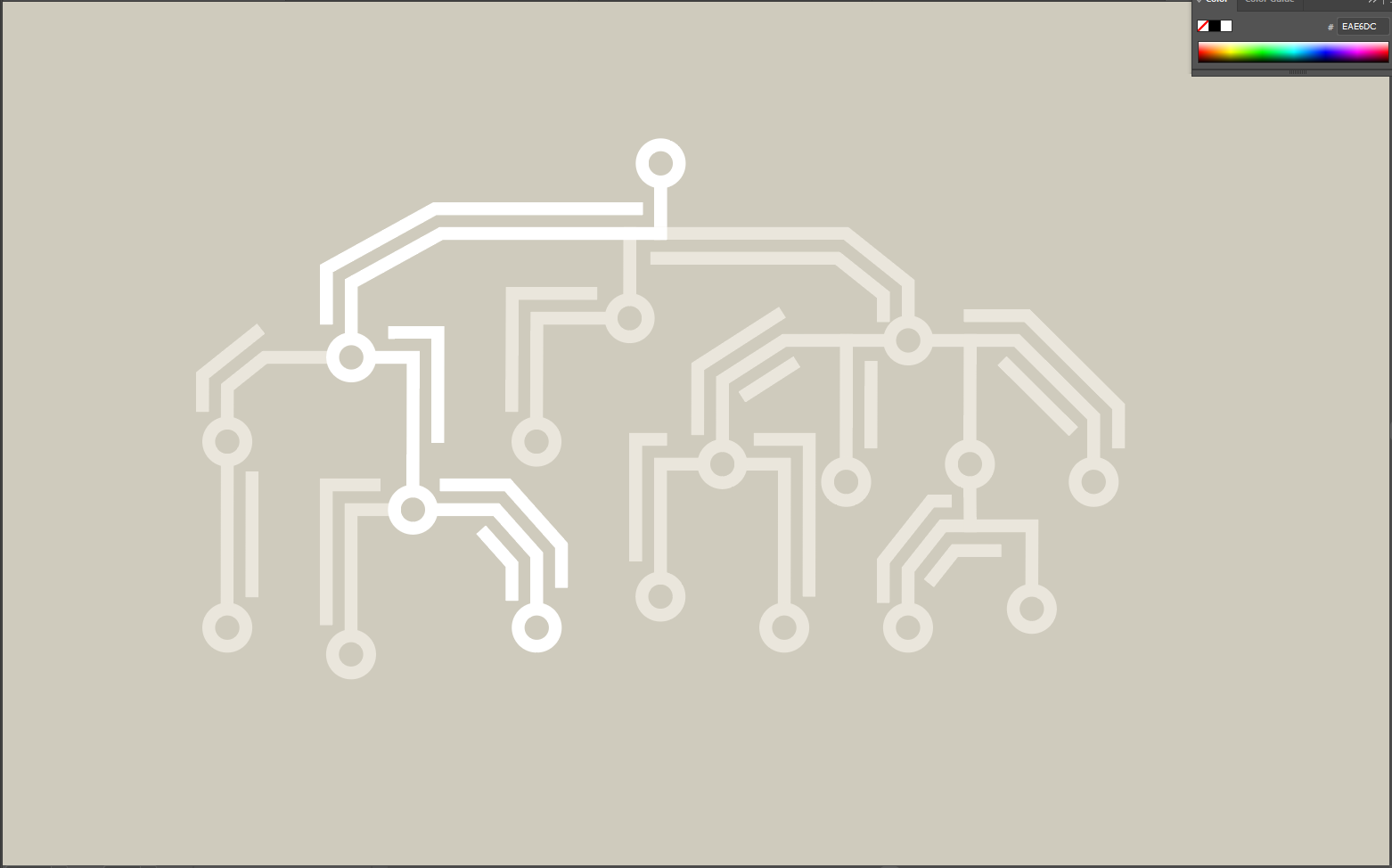
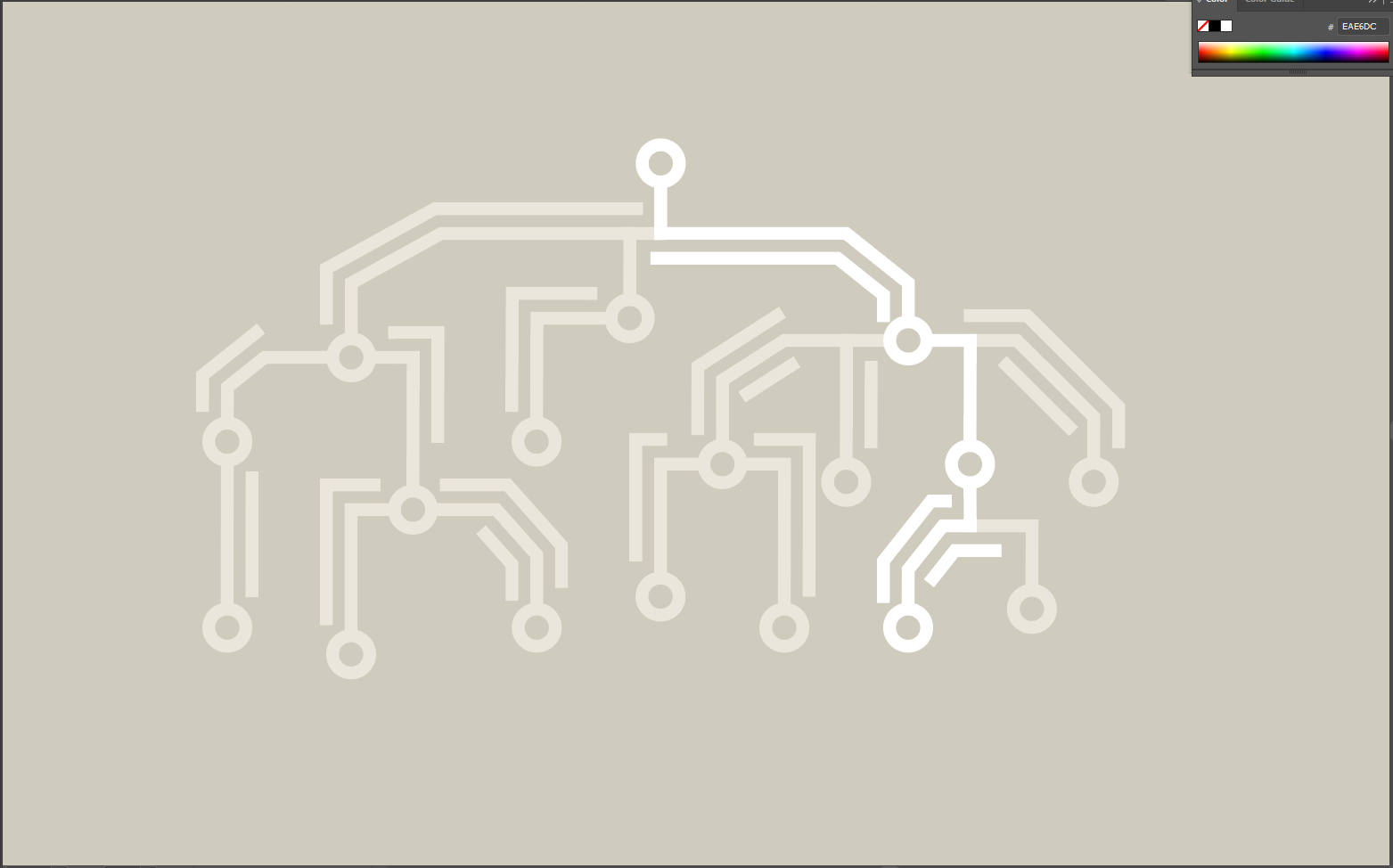
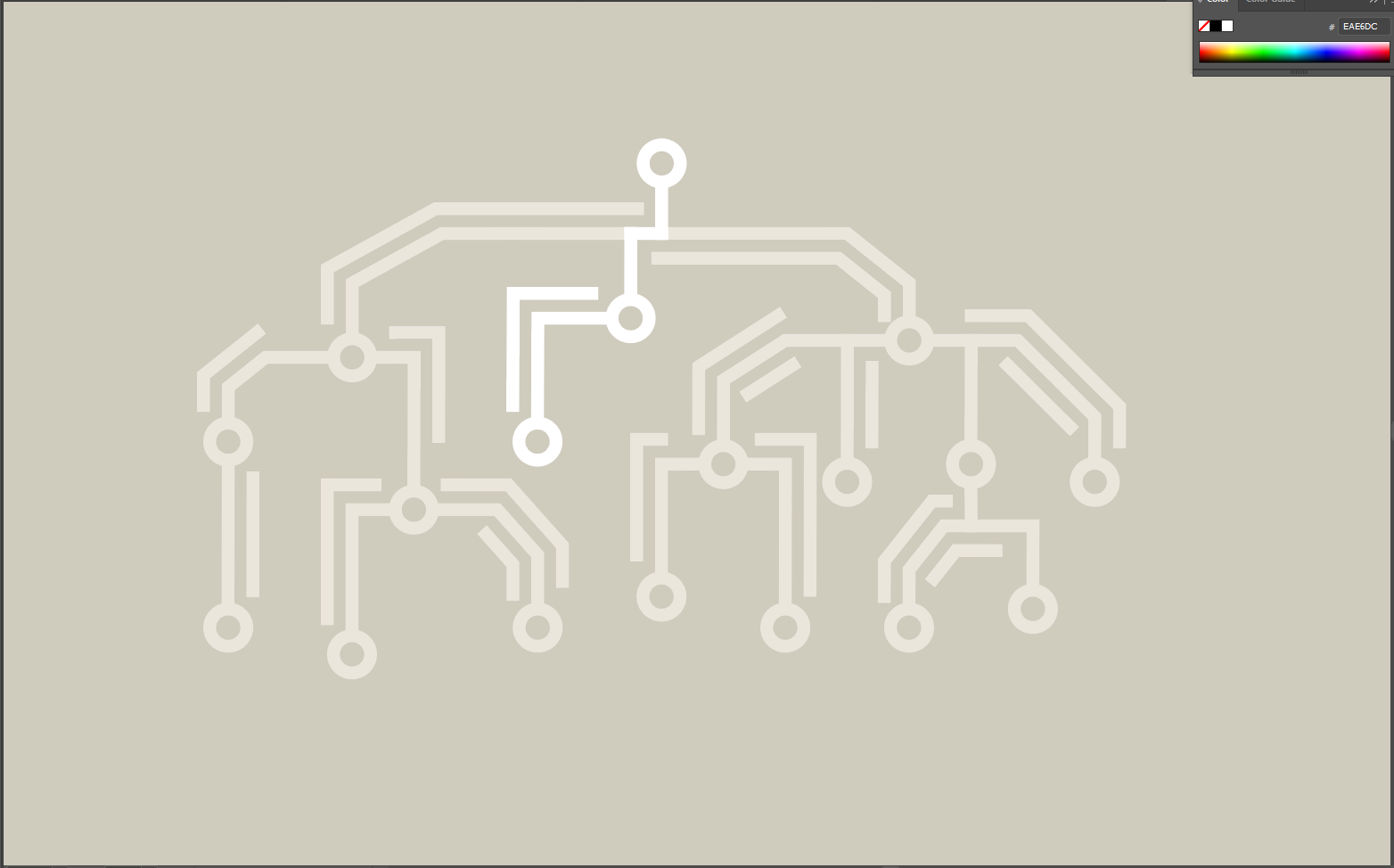
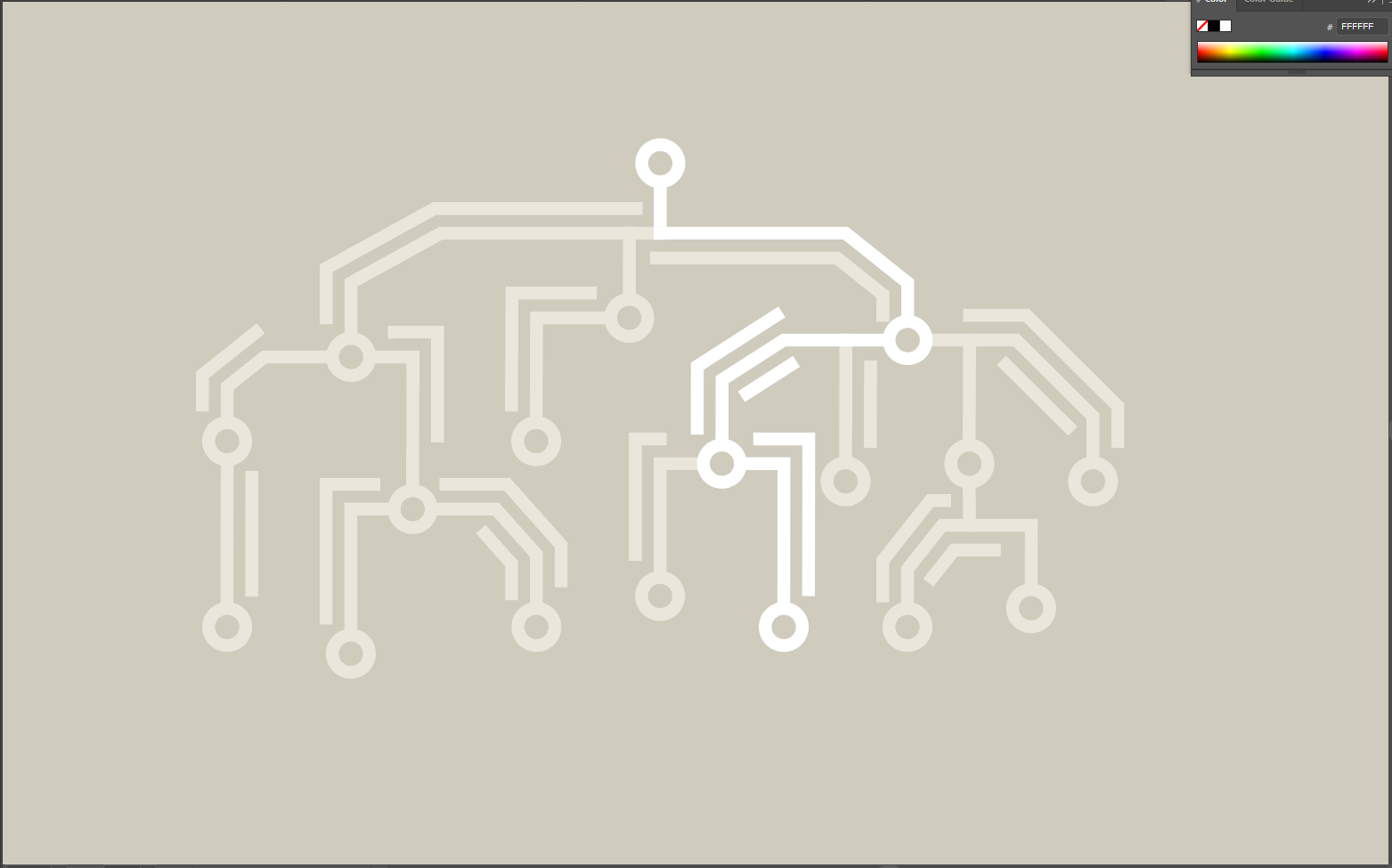
The resulting graphic started looking much better. Here are four images that depict “frames” of a possible way this graphic could be animated:

Later on, Maddy gave me some feedback and asked me to consider a grid layout and a more consistent path direction. This is what the graphic looks like at the moment:

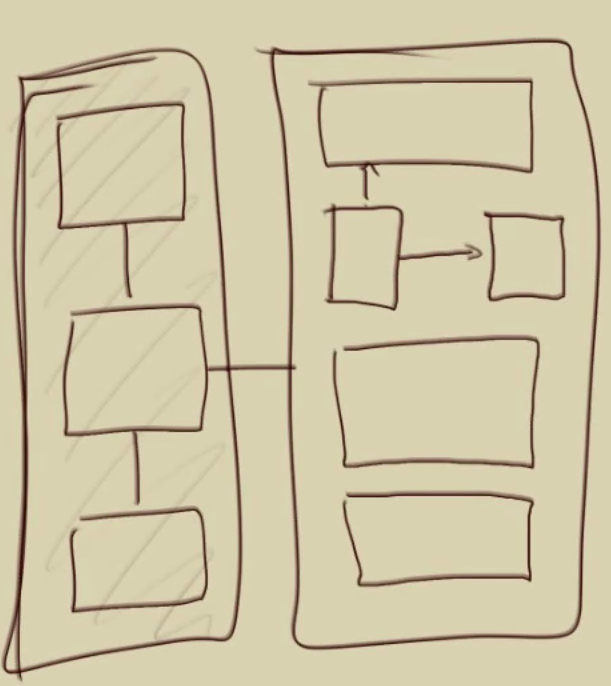
SIMPL (CSMS) – Graphics

Course Description:

Bridging the gap between high-level programming language structure & low-level implementation details.

Aidan’s first sketched proposal:

Initially, I came up with three different ideas:

1. Vertical bridge, 2. Multiple boxes and connections, 3. Abstract hand

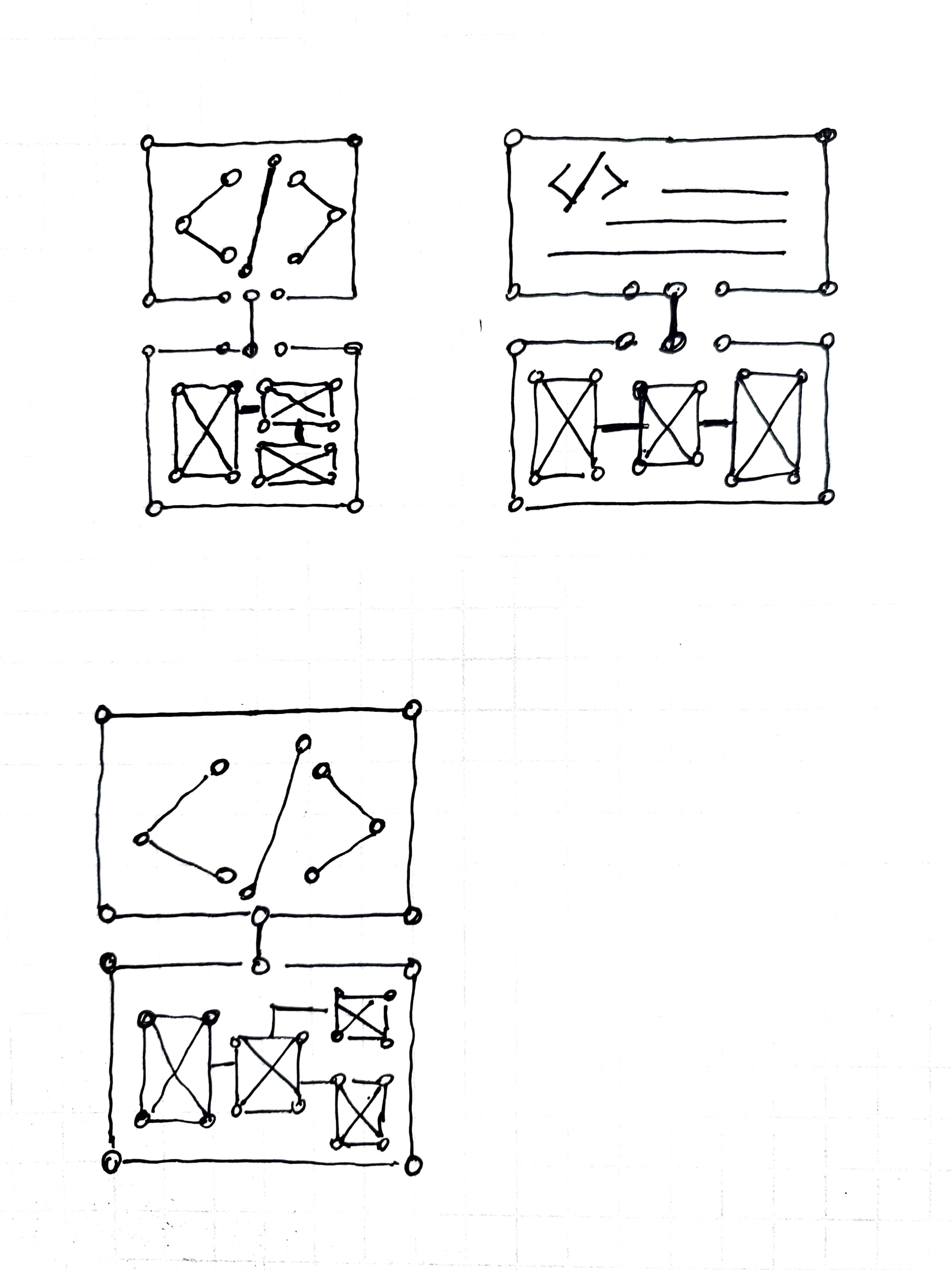
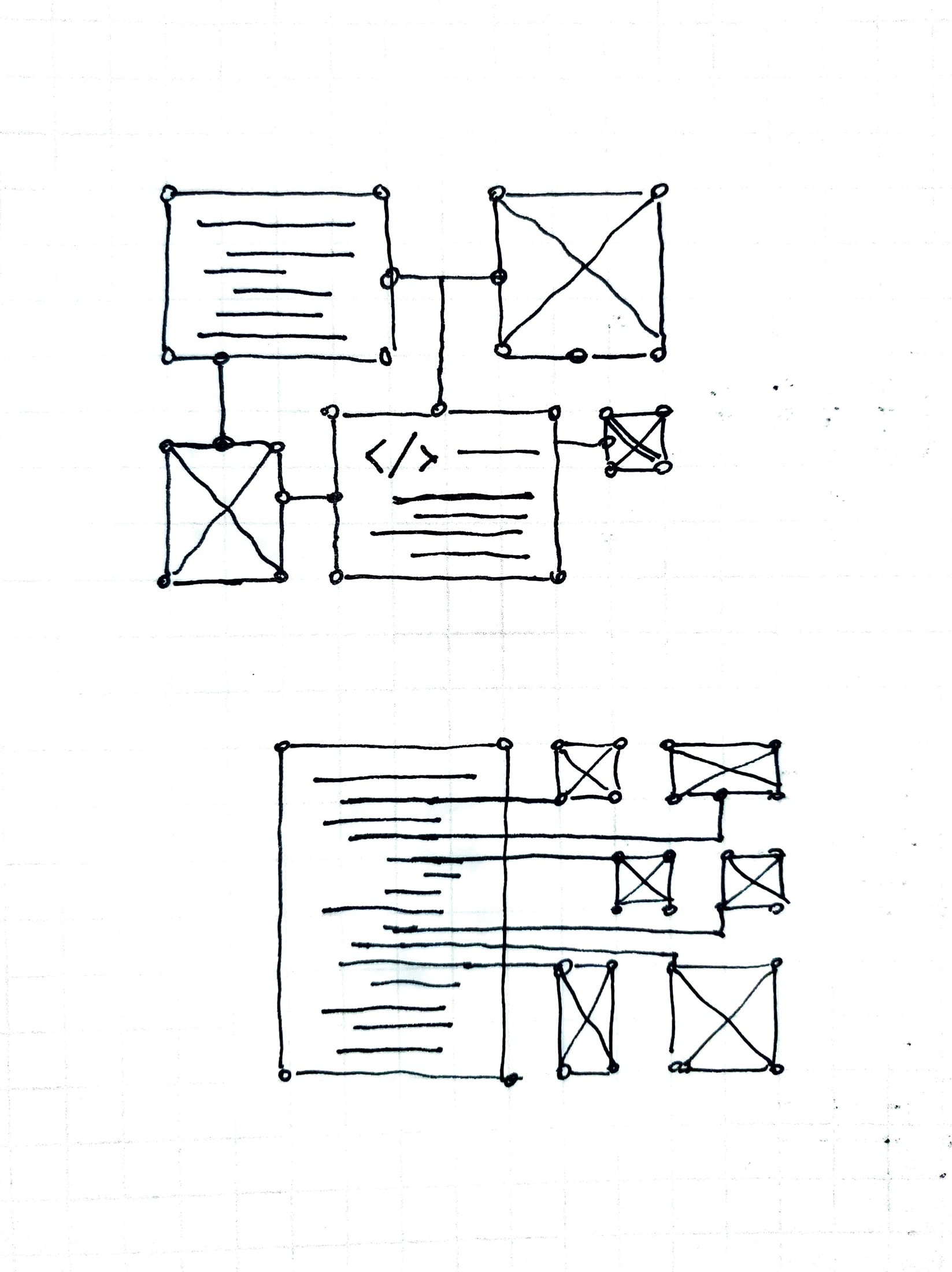
I wasn’t too convinced about these and asked Thuy for some input. She gave me some more details on the class description and gave me these graphics to work with:

Based on these, I met with Maddy and decided to try these shapes using the same style guide for nodes and paths outlining important shapes:

As for now, I’m looking to see if it would make sense for these to go together. These are some “frames” of what these would look like animated:

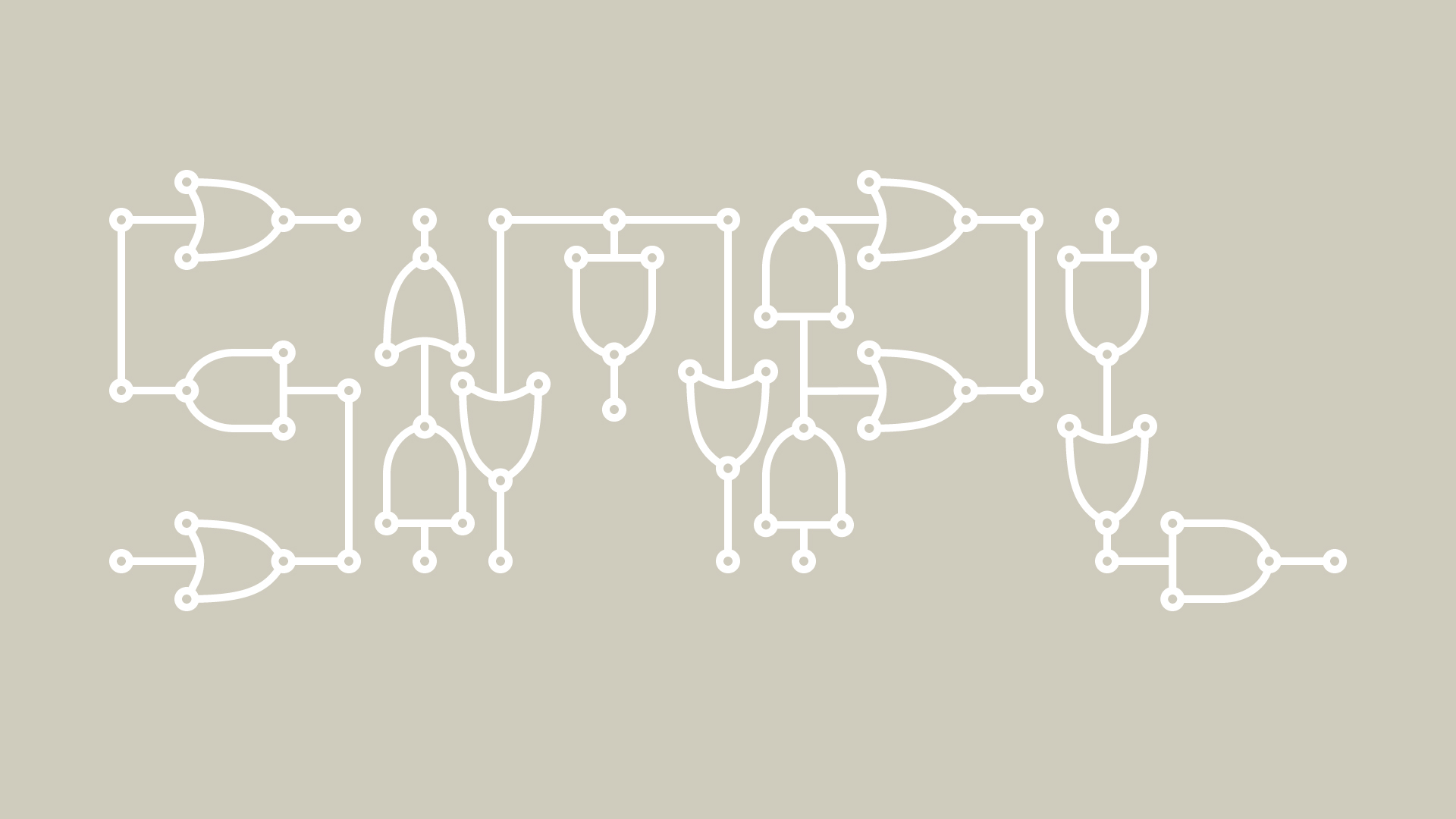
And another version of the digital circuit layout that spells out SIMPL:


Filed Under: 2021 Spring - 2021 Summer, We are STAs

ECO304L Animation Proof of Concept

April 15, 2021 By De'sha Bass-McClellan

ECO304L Animation : Proof of Concept

This week I have mainly been working on the ECO304L animation. I was instructed to create an animation, possibly a stop motion, that consisted on money origami folding into different shapes. Preferably the professor wanted the origami shapes to be different money currencies.

I created two proofs of concept. One is a stop motion and the other is completely animated.


http://sta.laits.utexas.edu/wp-content/uploads/2021/04/money_origami_animation.mp4


We decided to go with the second choice because I will be able to include different currencies and the design will match better with the complete course graphics.

Filed Under: 2021 Spring - 2021 Summer, We are STAs

Photo IDs

April 15, 2021 By De'sha Bass-McClellan

Photo IDs

I was given two photo IDs to complete. One of them was a little tricky to locate the correct image and fix the lighting, but overall they came out well.

Original:

Edits:

Original:

Edits:

Filed Under: 2021 Spring - 2021 Summer, Uncategorized, We are STAs

  • « Previous Page
  • 1
  • …

  • 16
  • 17
  • 18
  • 19
  • 20
  • …
  • 39
  • Next Page »

link to LAITS home page

Video STA Home

© 2025 Liberal Arts Instructional Technology Services | Production Credits