• We are STAs
    • Asha Rountree
    • Haley Ma
    • Kate Shih
    • Kyra Lee
    • Nicholas Peasley
    • Sasha Kenney
    • Shanda Horm
    • Shriya Atreya
    • Tomas Marulanda-Mesa
  • We were STAs
  • STA Presentation
    • STA Presentation 2017
    • STA Presentation 2016
  • Testimonials
  • Resources
  • Home

STA Blog

Color Correction Training!

September 23, 2020 By Poonum Mehta

I’ve just finished this color correction training, it’s pretty relaxing in contrast to all my other assignments (which I love but sometimes it’s fun to just click buttons and see what looks different).  The results:

Curves adjusted to impact contrast:

Levels adjusted to impact contrast:

Brightness/contrast adjusted to impact highlights/shadows:

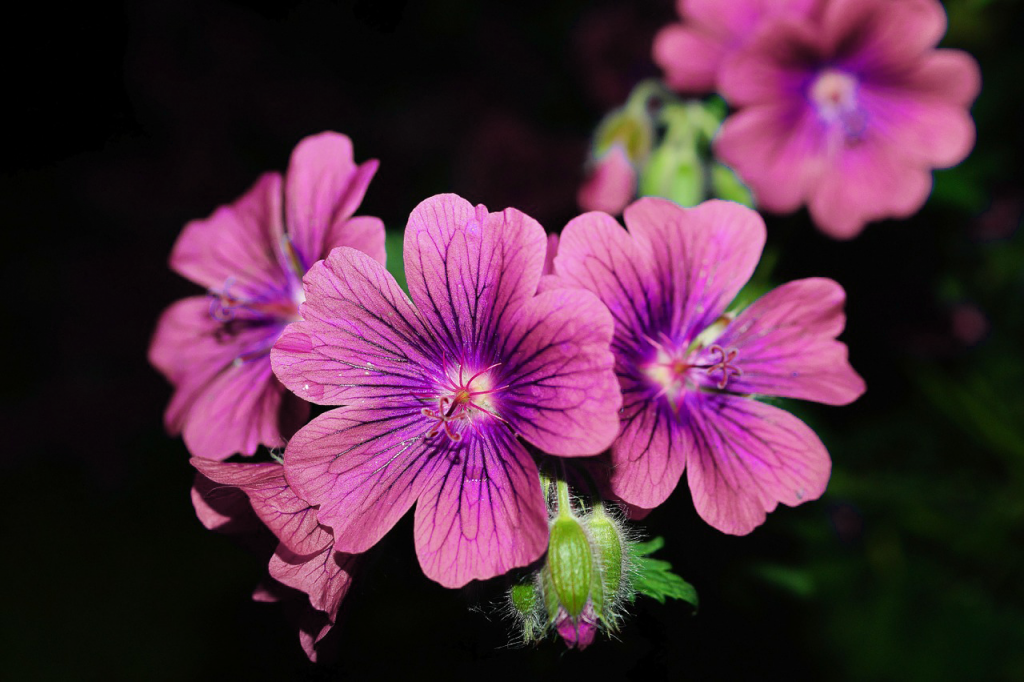
Used saturation to change the color of this flower:
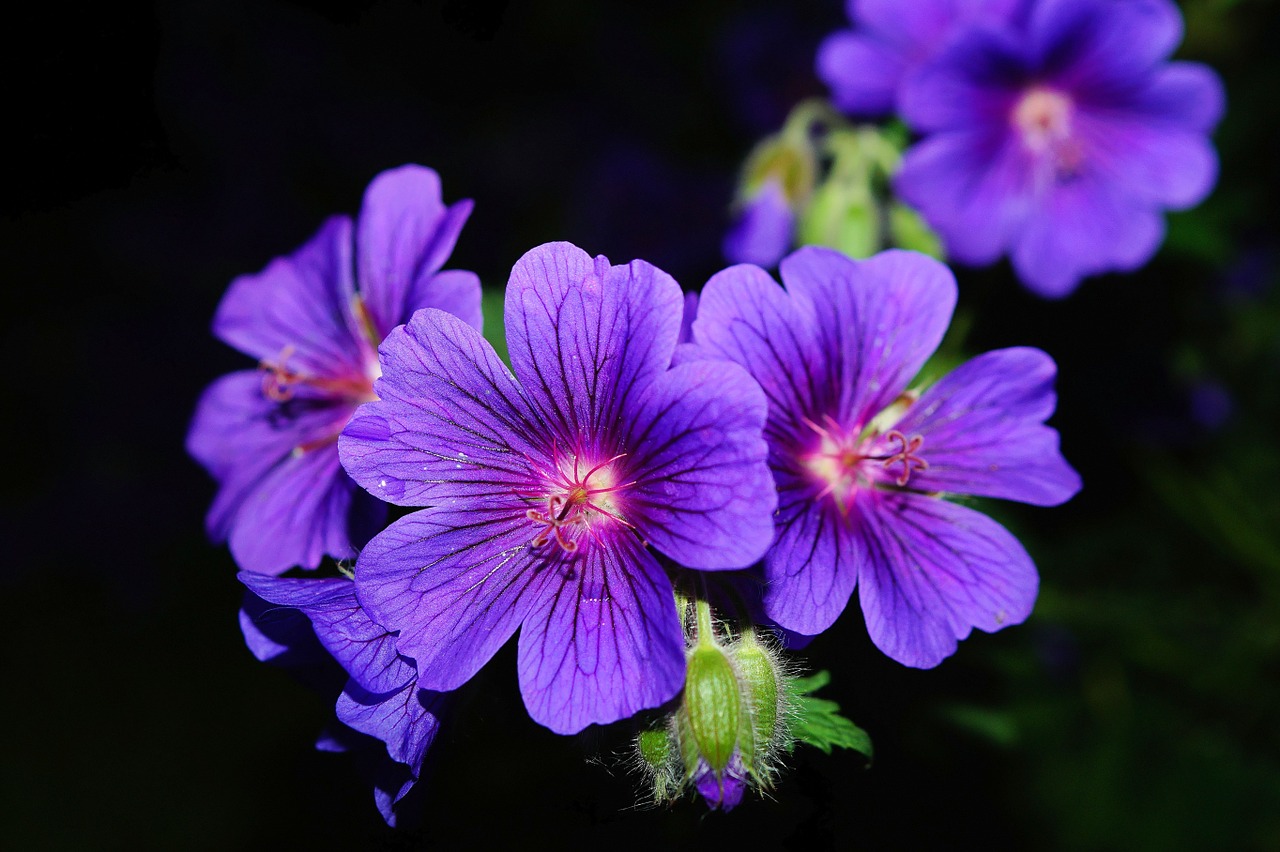
Used vibrance to make this image brighter without deep frying it (this was cool to learn!!):

Used color balance to give these photos cool and warm effects:

Used the selection tool and exposure droppers to give this photo more natural lighting:

Used warm and cool tone filters to transform this red panda:

Used highlights/shadows to brighten and darken this image:
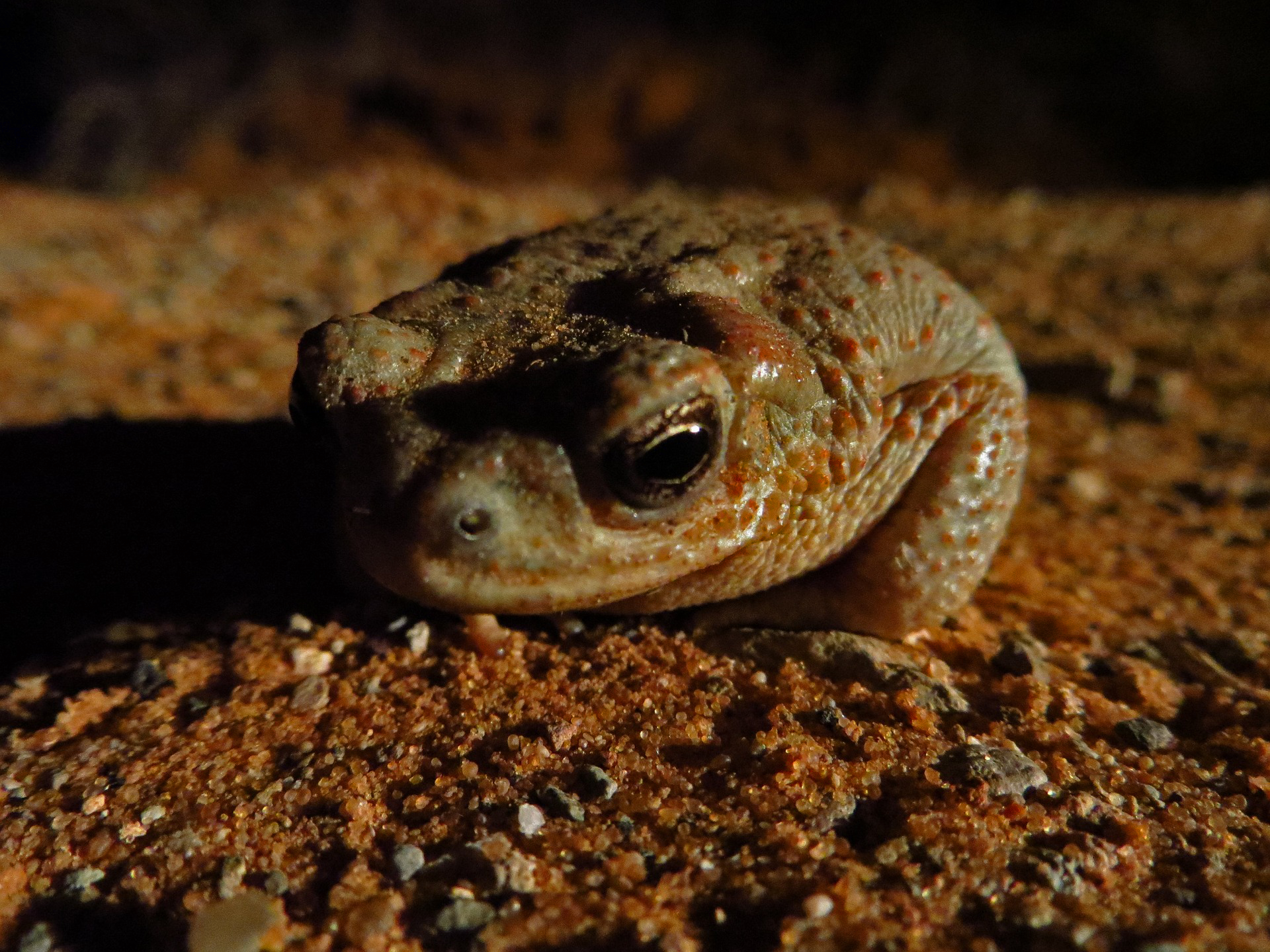
 

And finally, used the gradient tool to brighten part of this photo:

Filed Under: 2020 Summer | 2020 Fall

Basic Training: CLIO Module Training Pt.1 – The Planning Phase

September 22, 2020 By Cristina Villarreal Núñez

Basic Training: CLIO Module Training Pt.1

The Planning Phase

For part 1 of the CLIO training I am expected to design and create my very own CLIO course module. The overarching goals of this activity are as follows:

  • Gain full technical proficiency with this CMS
  • Be a UI/UX designer through the content management system of Clio & through editing code
  • Successfully teach a subject that interests you: Pedagogy
  • Become a CLIO Expert (enough to be able to train future STAs)

But before beginning the hands-on work following the KB, I had to propose a plan for my site. The threefold plan I designed was as follows:

  1. First off, I decided that the topic I would be teaching was “Easy Spanish Translations” (Not necessarily Spanish itself, but how to understand translations when you don’t speak the language.)
  2. Furthermore, to support my teaching points I decided to use:
    • Introductory videos (because they are more interactive than just written content) explaining how many words are simpler to translate because they have the same origin or similar spelling/phonetics. For instance:
      example → ejemplo | hello → hola | mother → madre
    • Quizzes (to implement trial and error learning)
      • Multiple choice
      • Fill in the blank
      • Matching words to pictures
        (trying to find the correct translations for movie titles like The Incredibles → Los Increibles)
  3. Finally, I decided the design look & feel of the module:
    • Use colorful banners to capture the user’s attention
    • Use pictures and icons
    • Upload explanatory videos

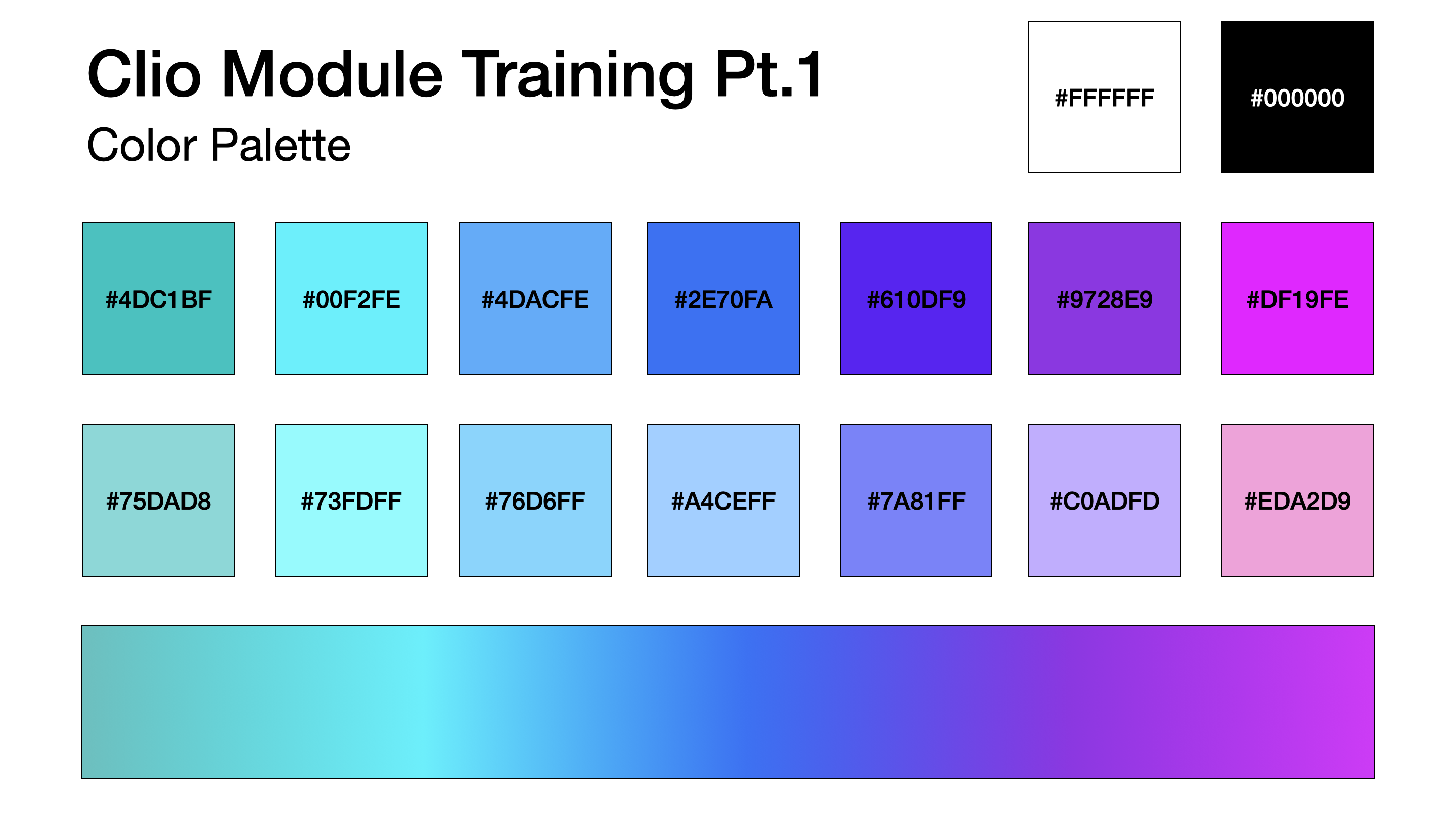
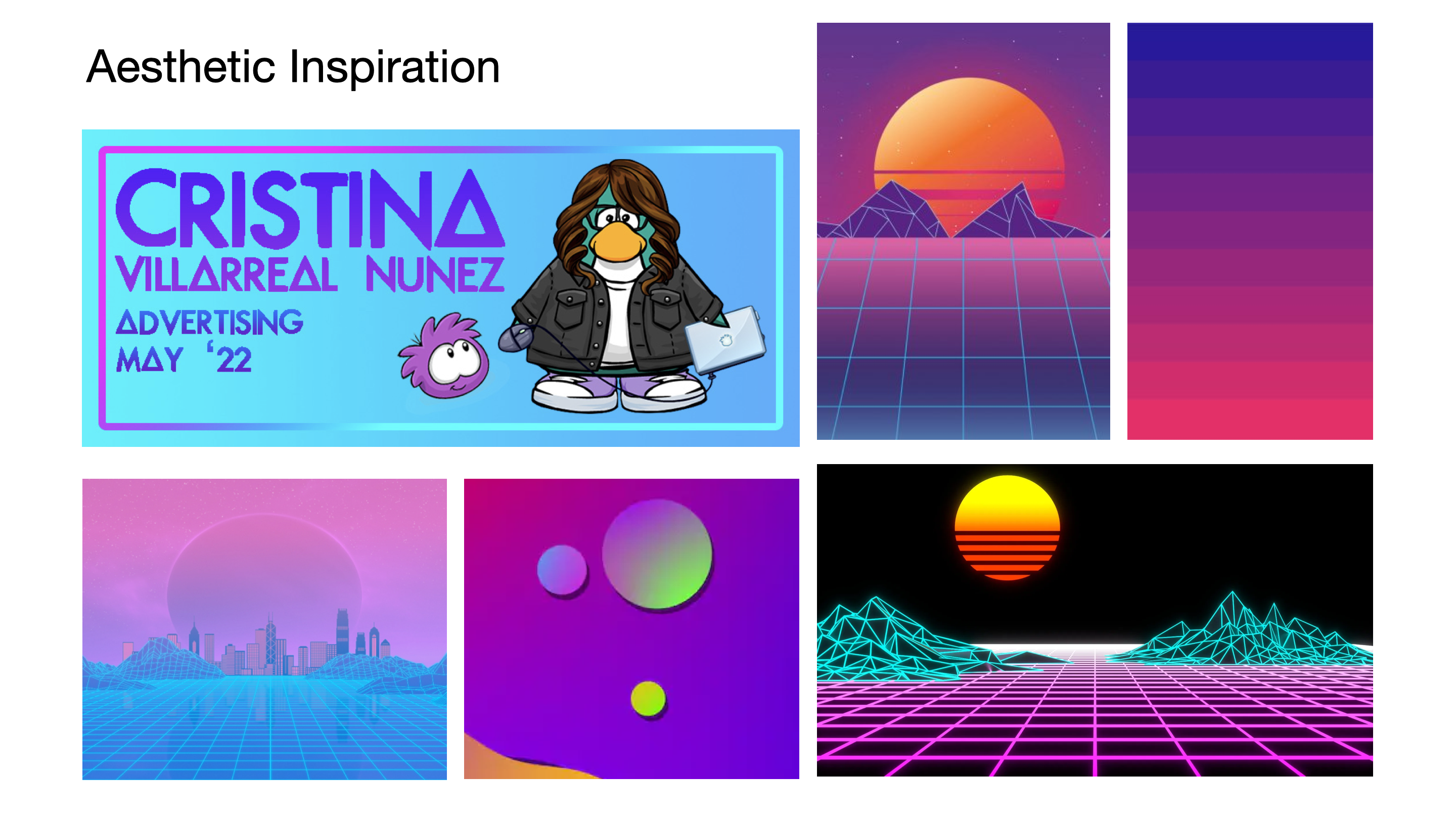
Forthwith, my plan was approved but I was asked to post some reference pictures and color palette that I might want to incorporate into my module. So I settled on a sort of retro-tech aesthetic with gradient tones. My example was as follows:

Eventually, when that was approved, I was instructed to get started on the KB training. More on that later! 🙂

Filed Under: 2020 Summer | 2020 Fall

Basic Training: InDesign Pt.1

September 22, 2020 By Cristina Villarreal Núñez

Basic Training: InDesign Pt.1

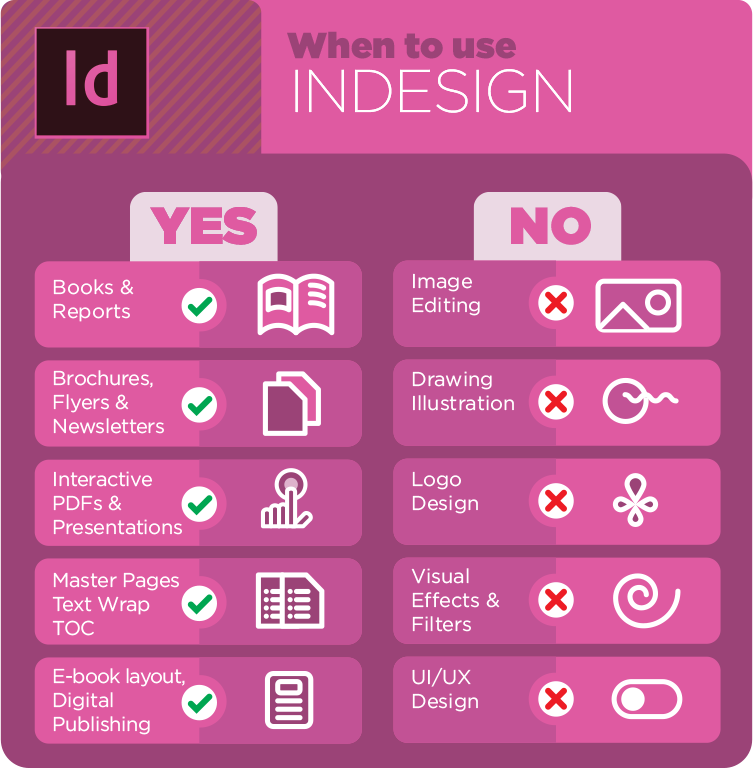
This assignment was designed for me lo learn about layout design, typesetting, and creating print documents using Adobe’s InDesign. Prior to this training I had never used this tool before, so I had no idea what the difference was with other Adobe tools. However, it was very interesting to learn what I was capable of doing with InDesign and actually get to working on it. There was this one specific graphic in the KB (the one that follows) that helped me understand this best.


I learned a lot whist working on this training and received a lot of great feedback from my STA peer-mentor. The following is the final product I was able to design! STA12_InDesign_Final

Filed Under: 2020 Summer | 2020 Fall

Online Course Graphics and Canvasser

September 21, 2020 By Angie Huang

Online Course Graphics and Canvasser

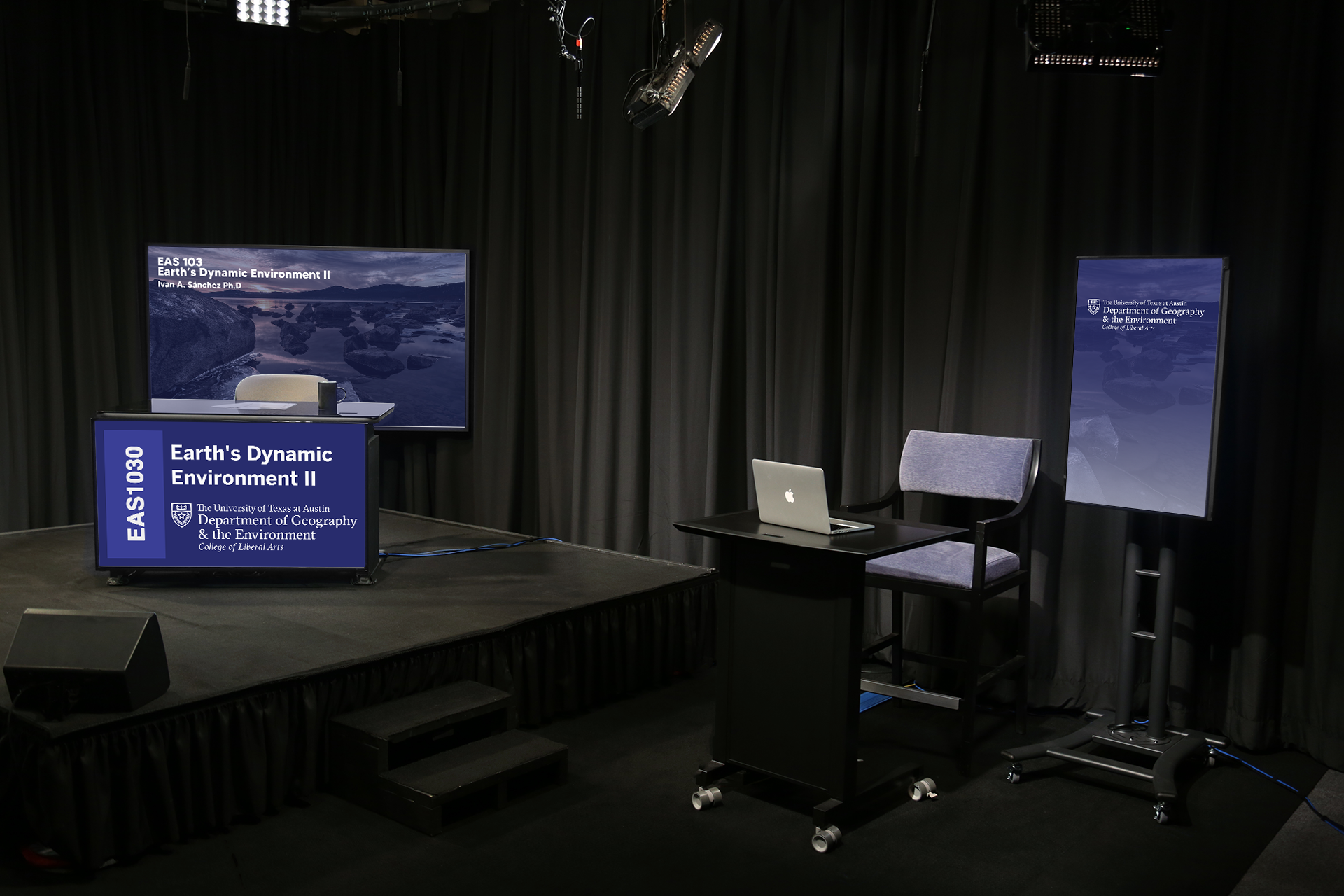
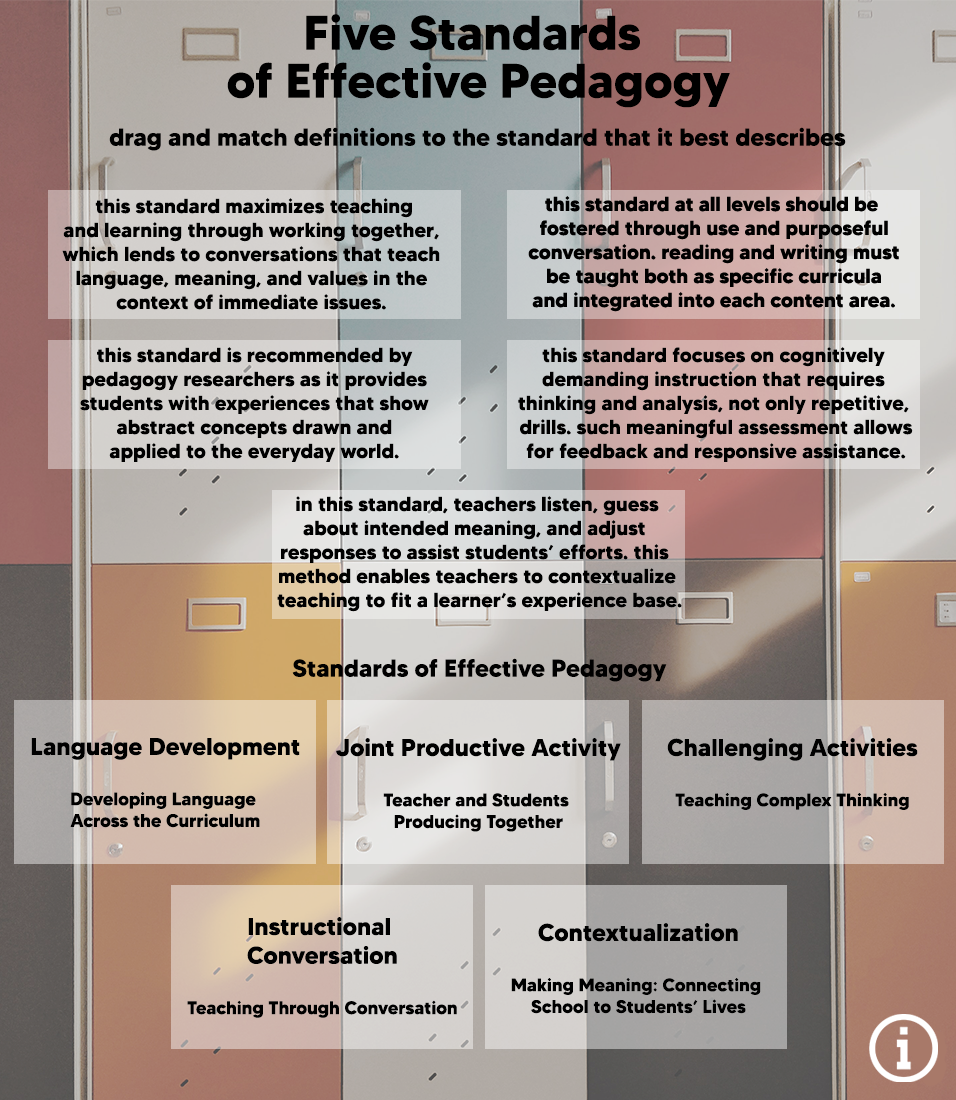
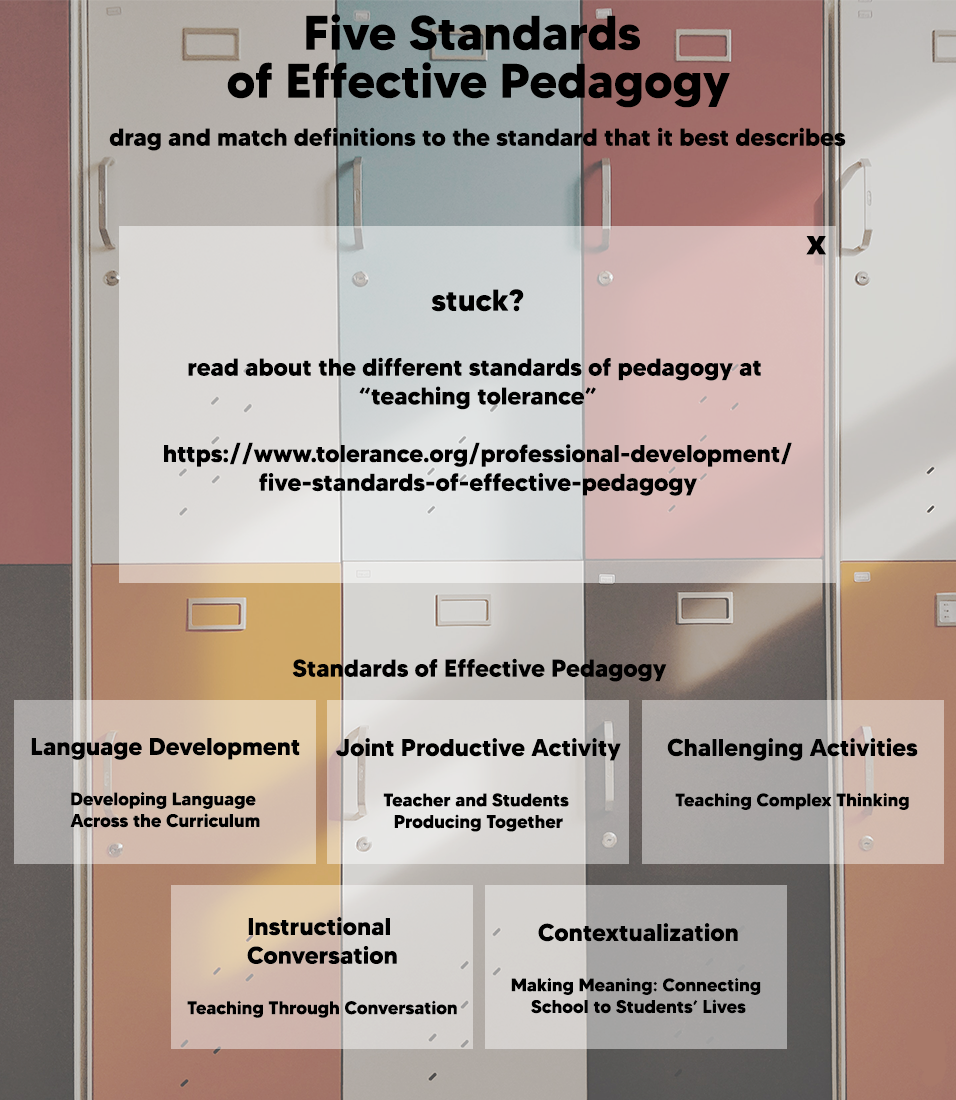
Here are visuals from my progress in-studio and online course graphic training and learning canvasser 🙂

Earth’s Dynamic Environment


Pedagogy Canvasser Assets~

Filed Under: 2020 Summer | 2020 Fall

CLIO and Design Menus

September 18, 2020 By Danielle Daynos

This week I worked on Photo IDs, CLIO Site, and Style A & B Training. For the training, I used ART331K class: Painting I as my example.

The next images are of the last things I needed to do for the CLIO Site training. Added the carousel and then made some changes that Thuy suggested that I should make. I really like how it turned out!

Filed Under: 2020 Summer | 2020 Fall

Canvas Graphics and CLIO

September 18, 2020 By Miguel Yapur

CANVAS Graphics

I made a variety of designs for the UT Search Committee Workshop’s Canvas website, here are some of the buttons I created for it:

CLIO Basic Training

I (almost) finished my basic training for my CLIO website. I’m feeling pretty good about it and Thuy’s been really helpful with helping out in the details.
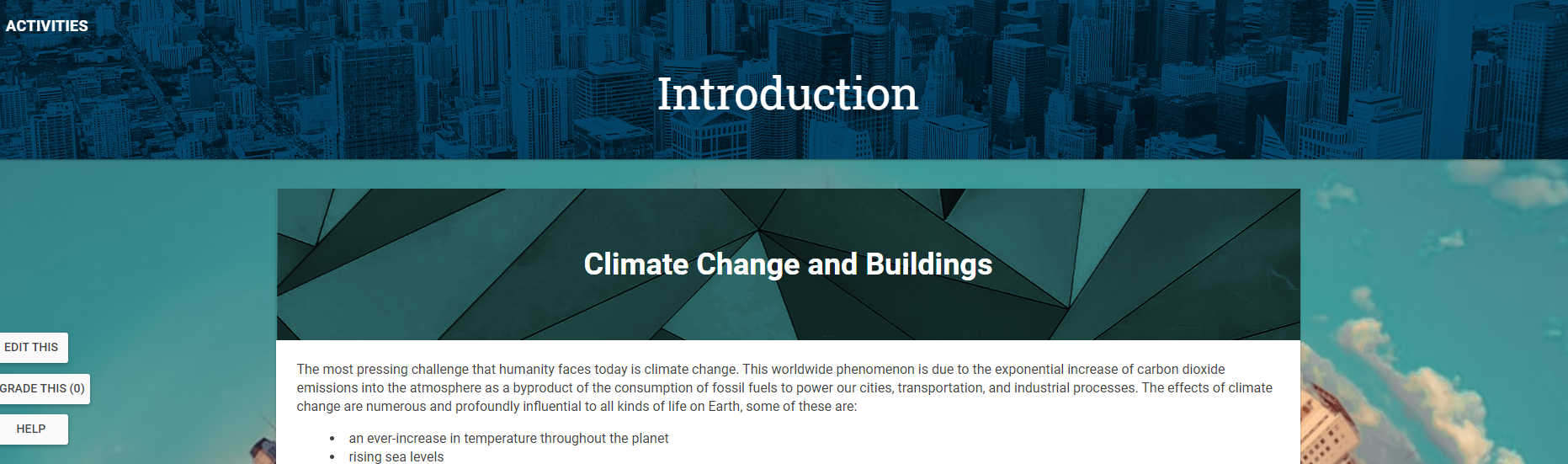
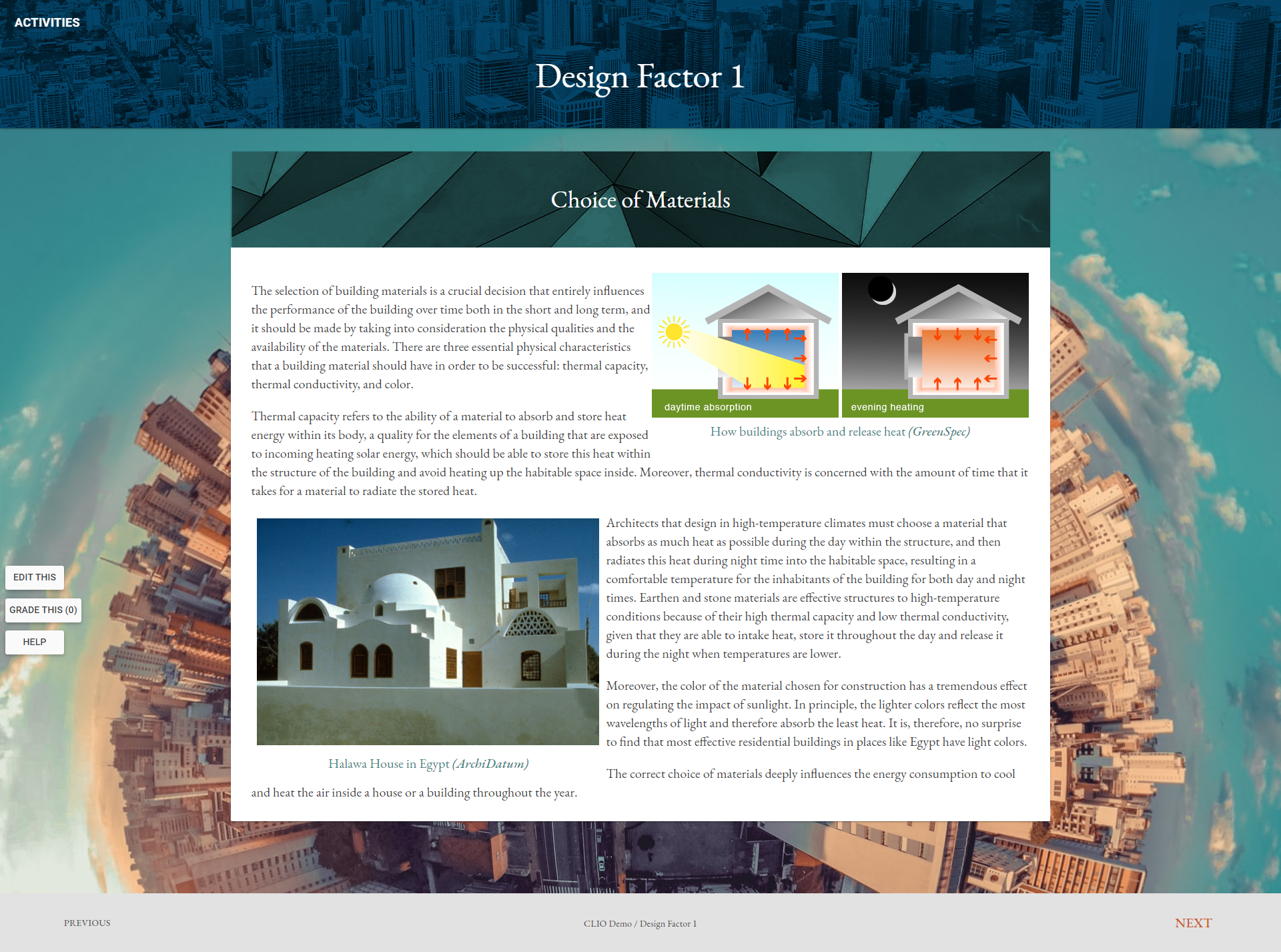
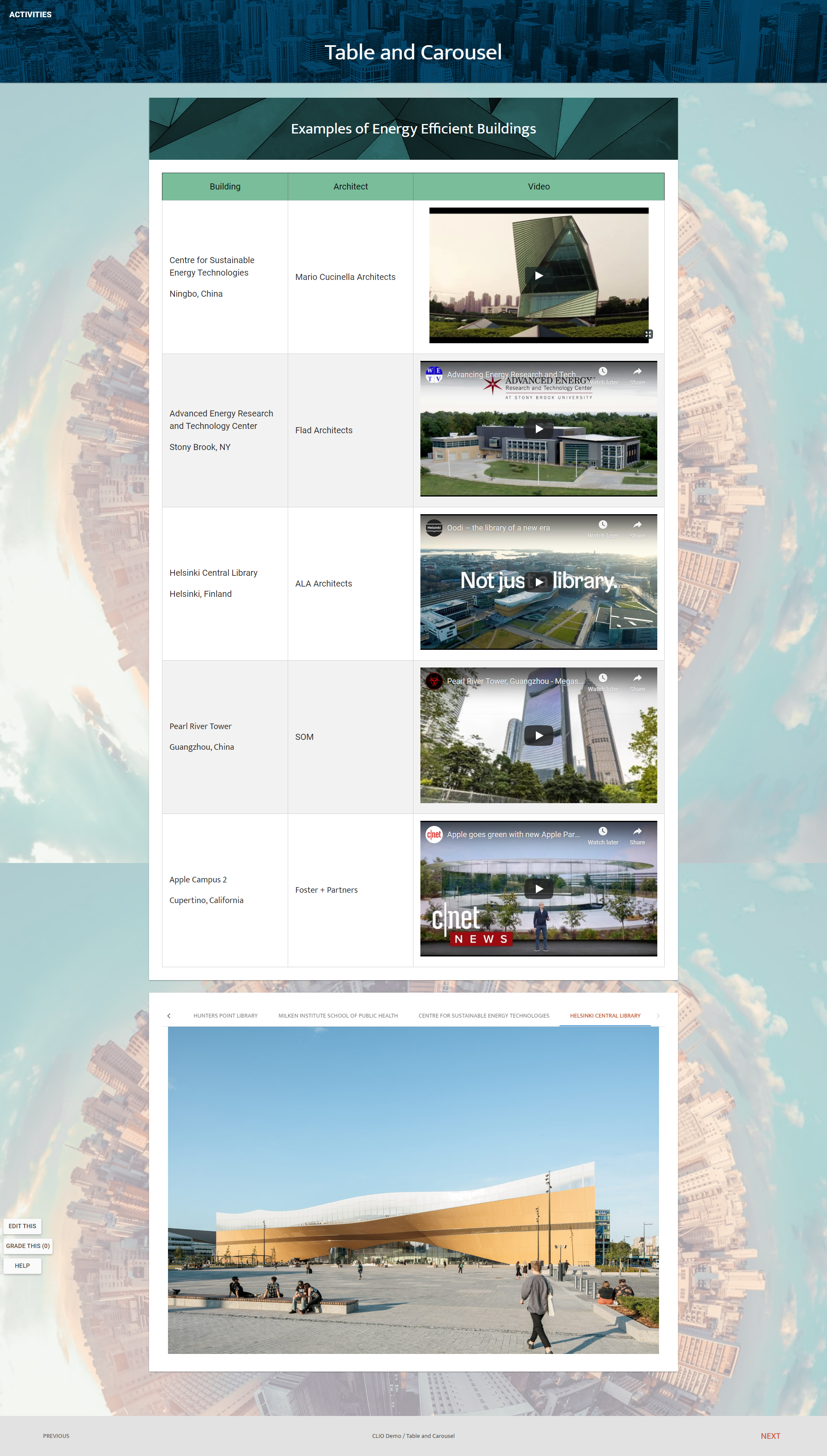
Here are some snapshots of it:


PSD Flashcards Basic Training

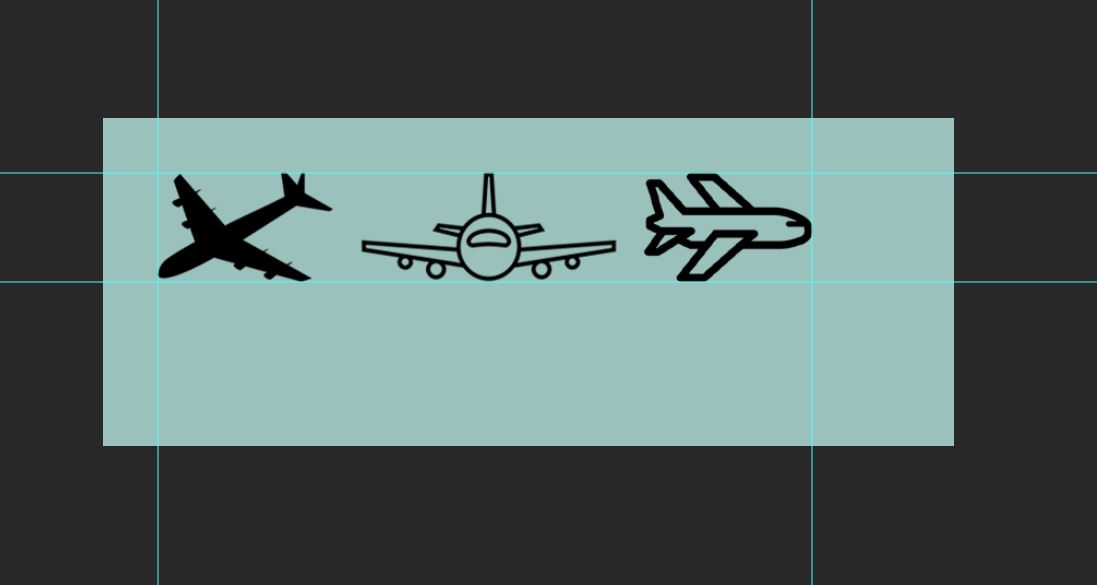
I just started this basic training. My theme for these flashcards is travel (on an airplane) and I’ve chosen the following pictures for them:

Here’s how the first flashcard is looking so far:


Photo Editing

Here are three pictures from STAs that I edited the background off:

Filed Under: 2020 Summer | 2020 Fall, Uncategorized, We are STAs

  • « Previous Page
  • 1
  • …
  • 28
  • 29
  • 30
  • 31
  • 32
  • …
  • 50
  • Next Page »

link to LAITS home page

Video STA Home

© 2025 Liberal Arts Instructional Technology Services | Production Credits